
Let's be honest - recording calls on Android is a pain these days. Google keeps making it harder, and every phone seems to work differently. I've wasted entire weekends trying apps that promised the world but delivered nothing but frustration. Sound familiar?
Since 2022, Google has taken steps to revise the data safety section in its Play Store, restricting third-party use of the accessibility API for call recording according to RingCentral. Whether you're dealing with important business calls or need to document conversations for personal reasons, I'll show you exactly what works and what doesn't in today's Android mess.
Table of Contents
Built-In Recording Features That Come With Your Phone
Third-Party Apps That Get the Job Done
Advanced Methods When Everything Else Fails
Legal Stuff You Can't Ignore
Protecting Your Recording Setup
Final Thoughts
TL;DR
Google's Phone app offers native recording in select regions, but most of us won't have access due to geographic restrictions. Samsung, OnePlus, and Xiaomi devices often include manufacturer-specific recording features that actually work better than Google's solution.
Third-party apps require specific permissions and work better on older Android versions. Android 10+ severely limits call recording capabilities due to privacy restrictions, making newer devices more challenging to work with.
Legal requirements vary dramatically by location - some areas require all parties to consent while others only need one-party awareness. Root access and alternative audio routing methods can bypass software limitations but come with significant risks and technical requirements.
Built-In Recording Features That Come With Your Phone
Look, before you go downloading sketchy apps, check if your phone already does this. Most people have no clue their device might already record calls - it's just hidden or locked down depending on where you live.
Samsung, OnePlus, and other brands often build this stuff in because they know Google's solution is basically useless for most of us. These built-in options are your best bet when they actually work.
Google's Phone App Recording (When It Actually Works)
Google's call recording is like that friend who's super helpful - when they show up. The problem? They barely show up. If you're lucky enough to live somewhere Google thinks deserves this feature, setup takes two minutes. If not, you're out of luck.
It's honestly ridiculous. Your buddy in another state gets a nice record button, while you're stuck figuring out workarounds. Thanks, Google.
Setting Up Google's Call Recording Feature
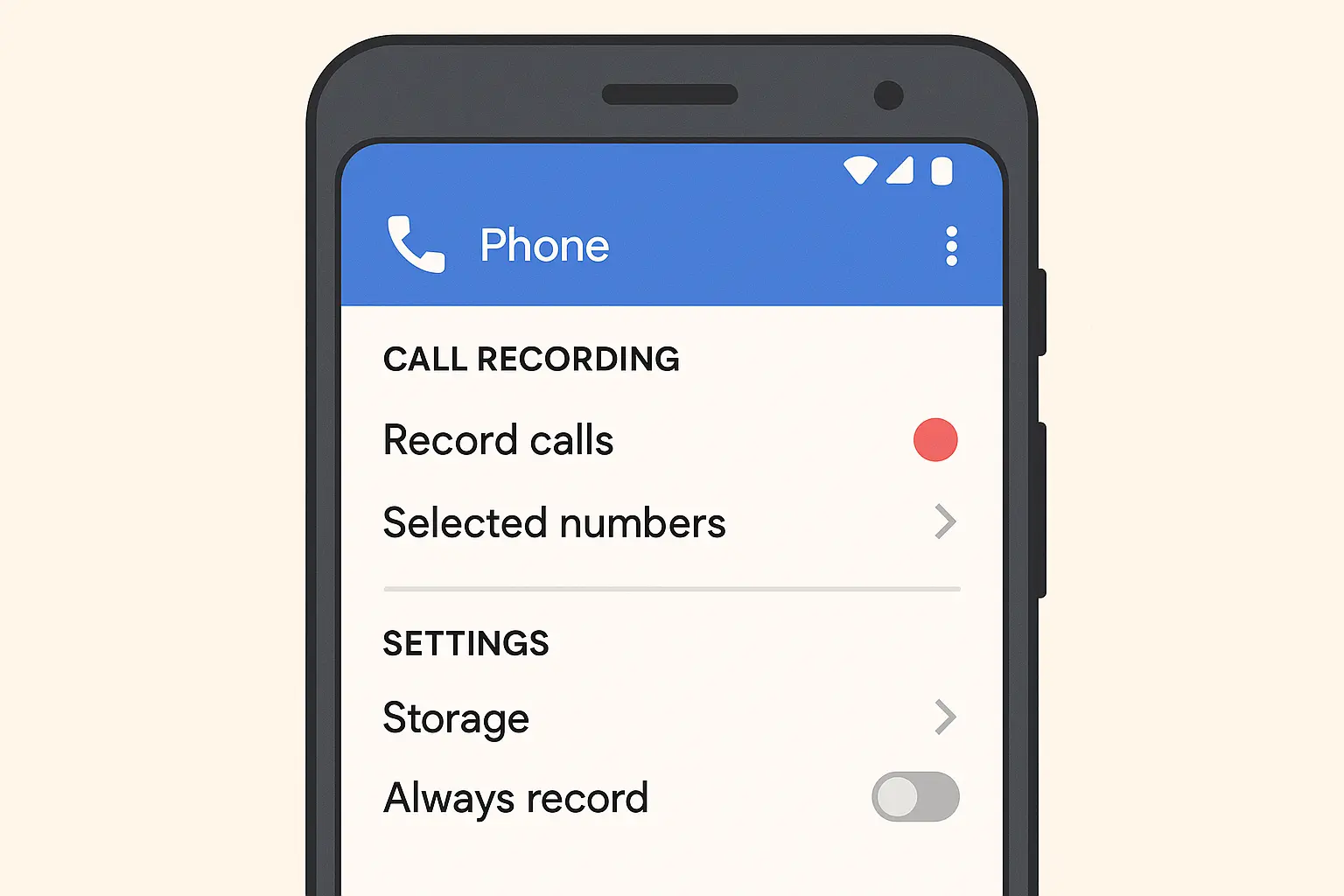
If you're one of the chosen few, here's how it works: Open your Phone app, hit those three dots, go to Settings, then Call Recording. Pick whether you want to record everyone or just specific people.
Sarah, a freelance journalist in Texas, got lucky with her Pixel 6. She just wanted to record interviews for her freelance work. Two taps in settings, and now she hits record whenever she needs it. She accessed the feature by opening her Phone app, tapping the three-dot menu, selecting Settings, then Call Recording. She chose "Selected numbers" to record only her interview sources, and now simply taps the Record button during important calls. Simple as that - if you can access it.
Why Your Region Might Block This Feature
Here's the thing - it's all about laws. Some places say "record away, it's your call too." Others demand everyone knows about it. Google decided it's easier to just block the feature entirely in stricter areas rather than deal with the hassle.
So while your friend across the country enjoys easy recording, you're reading blogs like this one trying to find alternatives. Understanding phone settings android can help you navigate these regional restrictions and optimize your device for recording capabilities when available.
Manufacturer Solutions That Actually Work
This is where things get better. Phone makers got tired of Google's restrictions and built their own solutions. Samsung just puts a record button right on your call screen. OnePlus and Xiaomi bake it into their custom Android versions.
These usually work regardless of where you live, though your carrier might still mess with you.
Manufacturer |
Recording Method |
Availability |
Audio Quality |
|---|---|---|---|
Samsung Galaxy |
Built-in call interface button |
Most regions (carrier dependent) |
High (both sides clear) |
OnePlus |
OxygenOS call recording settings |
Global (varies by model) |
High (system-level capture) |
Xiaomi |
MIUI call recording toggle |
Most regions |
High (dual-channel) |
Google Pixel |
Native Phone app (limited) |
Select regions only |
High (when available) |
Huawei |
Built-in call manager |
Global (EMUI/HarmonyOS) |
High (integrated capture) |
Samsung's Integrated Call Recording
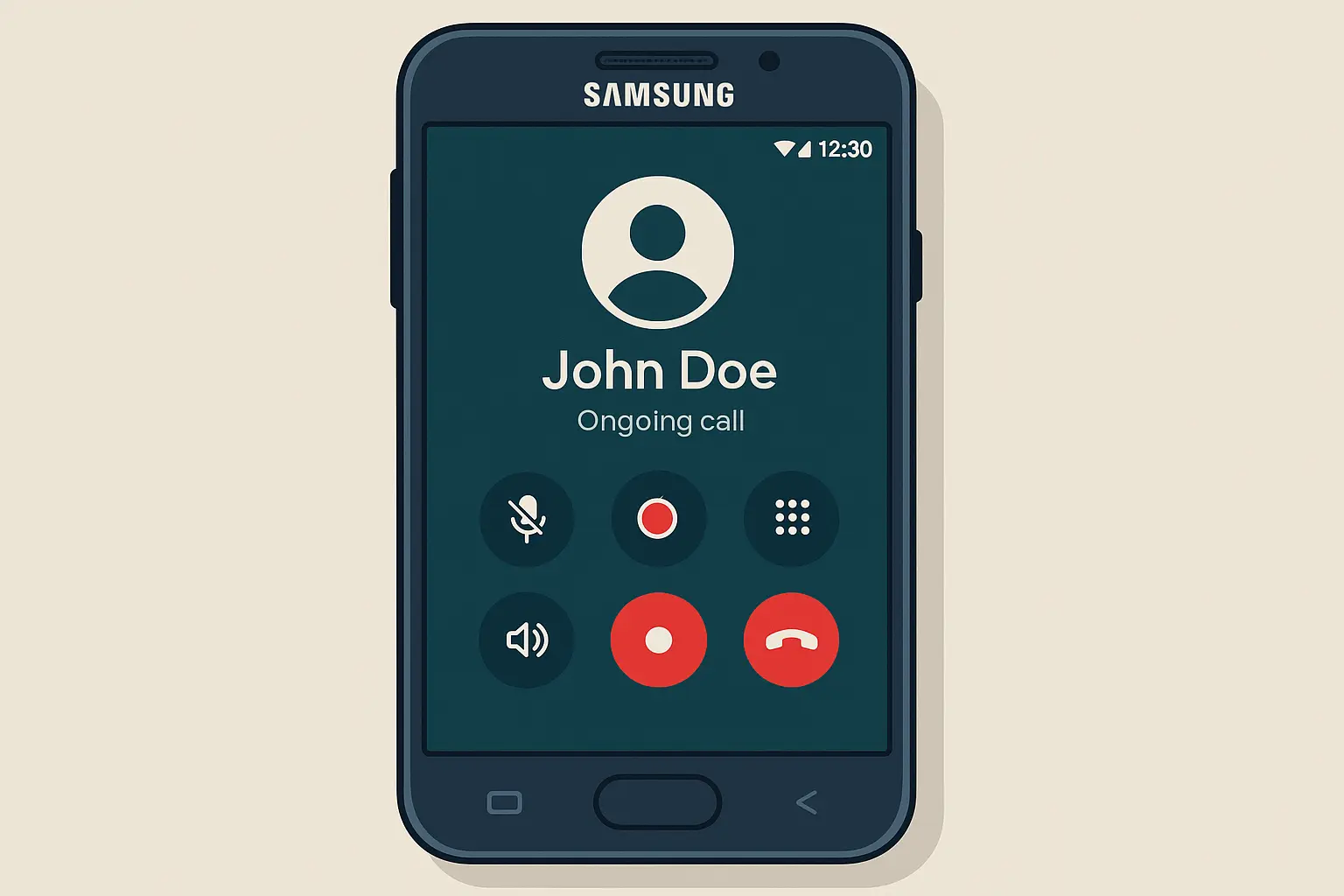
Samsung keeps it simple - when you're on a call, there's often a record button right there. Tap it, and you're recording. Files get saved automatically, organized by date and contact. No fuss, no extra apps.
The catch? Your specific Galaxy model and carrier have to play nice. But when it works, it's the easiest solution out there. This call recorder functionality works seamlessly with Samsung's native dialer, providing a user-friendly experience that doesn't require additional app installations.
OnePlus and Xiaomi's Custom Implementations
These guys built recording into their custom Android skins, which means better reliability than Google's mess. You'll find the options in your phone settings under calls, where you can set up automatic recording or pick specific contacts.
I've tested both, and they consistently beat trying to mess with third-party solutions. The recording options typically appear in your phone's call settings, where you can configure automatic recording for all calls or specific contacts.
Dealing With Carrier Blocks
Here's where things get annoying again. Your carrier can kill recording features even if your phone supports them. Some block it completely, others restrict it to certain plans.
Mark found this out the hard way with his Verizon Galaxy S23. The feature was there on unlocked models but disappeared on carrier versions. After contacting Verizon support three times, he learned that the carrier blocks recording on their firmware builds for "privacy compliance." He ended up buying an unlocked phone just to get recording back.
Third-Party Apps That Get the Job Done
When your phone's built-in options fail you, it's app time. Fair warning though - the app store is full of recording apps that promise everything and deliver disappointment. Most don't work on newer Android versions because Google keeps tightening the screws.
Success depends on your Android version, phone brand, and how many permissions you're willing to hand over.
Top Recording Apps Worth Trying
After testing way too many apps, only a few actually work consistently. Cube Call Recorder ACR leads the pack with cloud backup and transcription. Automatic Call Recorder keeps things simple and reliable.
Testing conducted by Android Authority involved making over 140 phone calls in total to test apps for call recording functionality - that should tell you how bad the situation is.
Cube Call Recorder ACR's Advanced Features
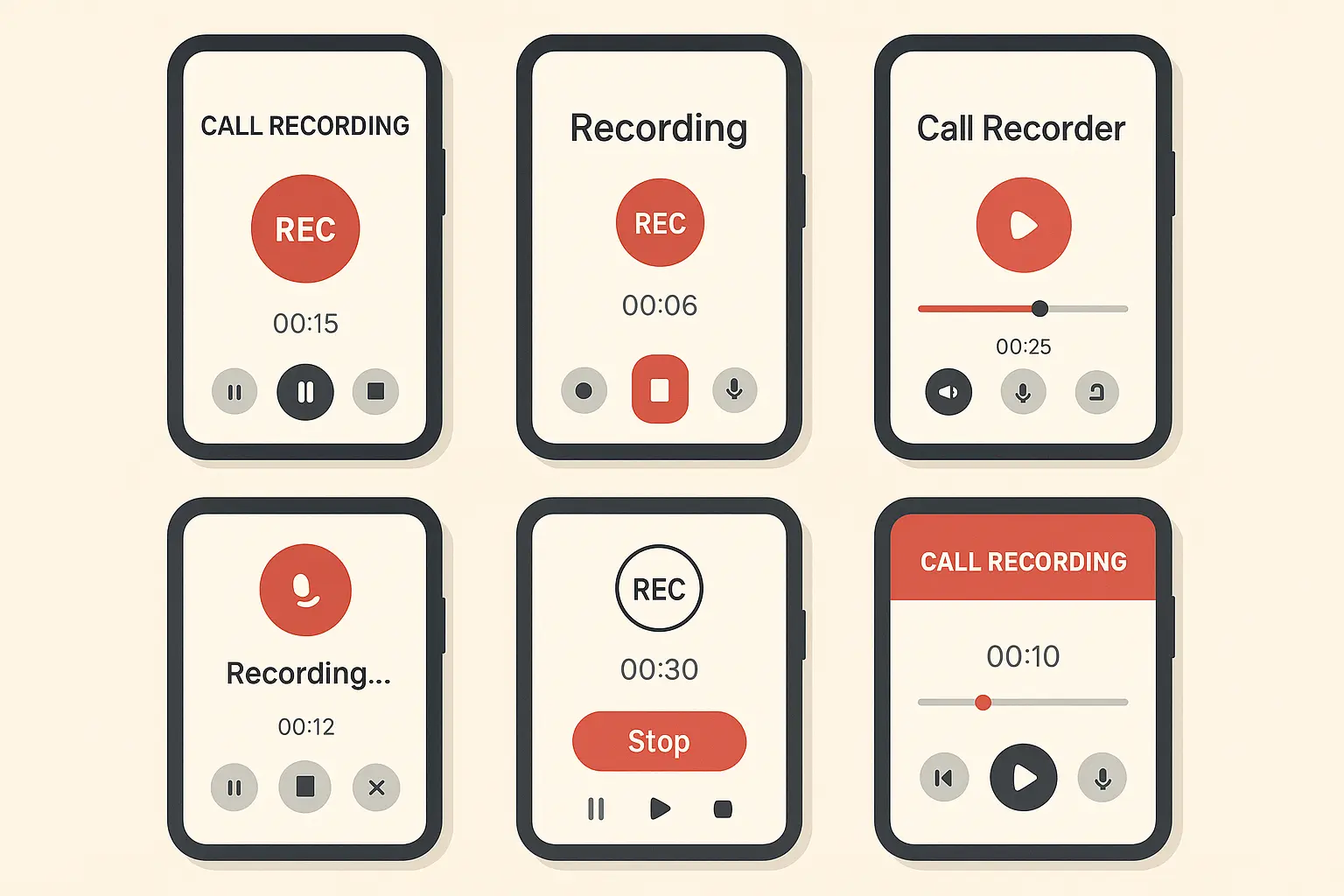
Cube ACR does everything - cloud backup, transcription, detailed management. It uses accessibility services to grab audio, which works better than basic microphone access but requires giving the app serious system permissions.
The cloud sync is nice if you record across multiple devices, but think about privacy before uploading sensitive calls to someone else's servers. This call recorder offers more functionality than most competitors, but the complexity can be overwhelming for users who just want basic recording capabilities.
Automatic Call Recorder's Simple Approach
Sometimes simple wins. Appliqato's app focuses on just recording calls without all the bells and whistles. You can set it to record automatically or pick specific contacts.
No fancy features, but it works more reliably across different phones. If you just need basic recording, this is often your best bet. I've found this call recorder android solution works well for users who prioritize reliability over advanced features.
Installation and Setup That Actually Works
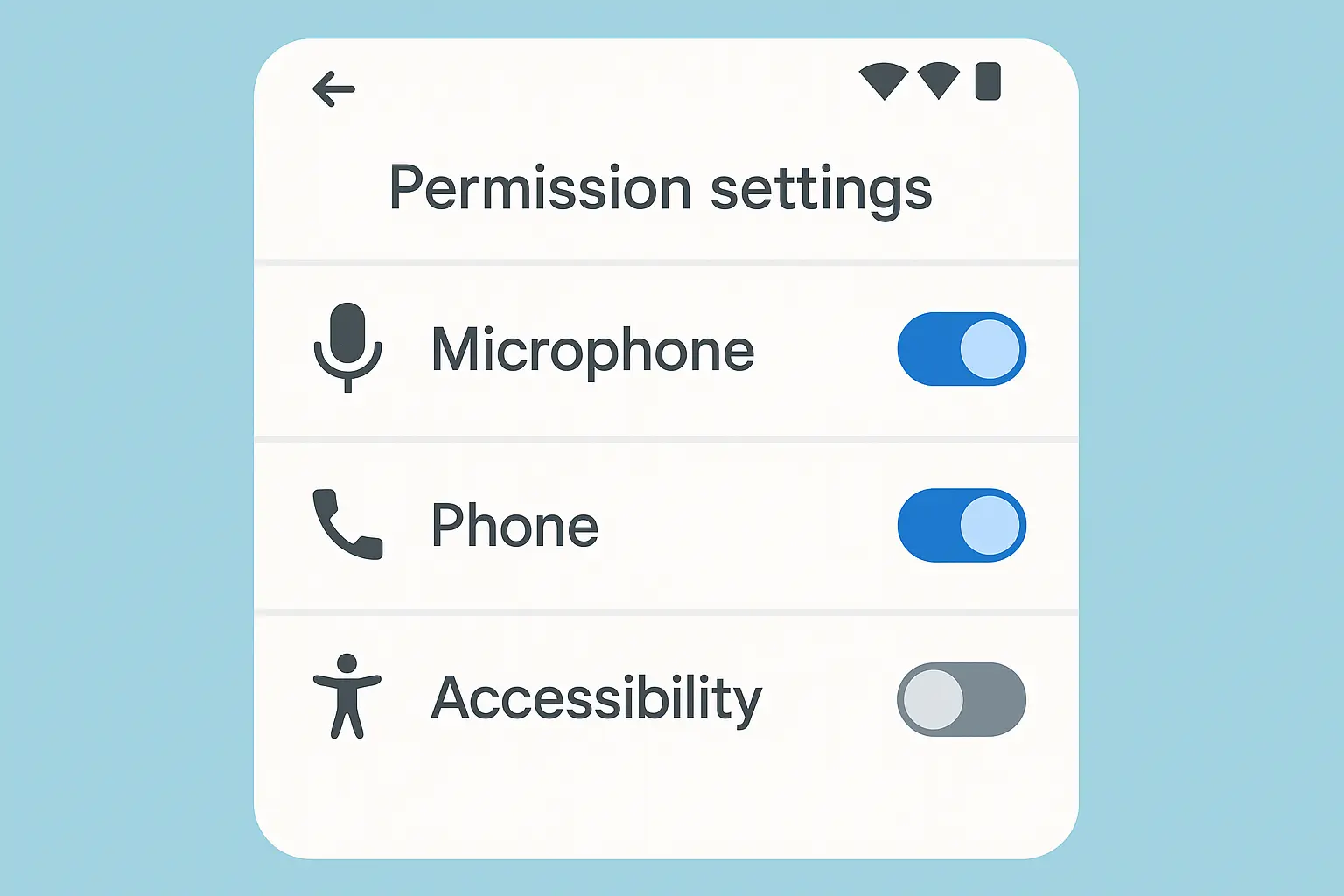
Getting these apps working isn't just downloading and opening them. You'll need to grant a bunch of permissions that'll make your security-conscious friends cringe. Each permission serves a purpose, but Android treats some of them as potential security risks.
Understanding these requirements upfront saves hours of troubleshooting later. Many users give up on how to record phone calls because they don't realize the extensive setup required for modern Android versions.
Essential Permissions You Must Grant
These apps need phone access to detect calls, microphone access to record audio, and storage permission to save files. The big one is accessibility service permission - Android warns you about this because it gives apps broad system access.
Here's your checklist before installing:
☐ Check your Android version (older works better)
☐ Make sure your phone maker allows third-party recording
☐ Turn off Wi-Fi calling (it breaks most apps)
☐ Have enough storage space
☐ Know your local recording laws
☐ Back up your call logs
Getting Settings Right
Configuration makes or breaks these apps. Choose MP3 for smaller files or WAV for better quality. Quality settings affect storage and battery life. Turn on notifications so you know when recording starts and stops.
Test everything with practice calls before you need it for something important. I recommend testing your phone call recorder setup with a few practice calls before relying on it for important conversations.
Advanced Methods When Everything Else Fails
When normal methods hit walls, desperate times call for desperate measures. These range from rooting your phone (nuclear option) to creative workarounds that bypass software limits entirely.
Each comes with serious trade-offs. Only go here if you absolutely need recording and understand the risks.
Root Access Solutions
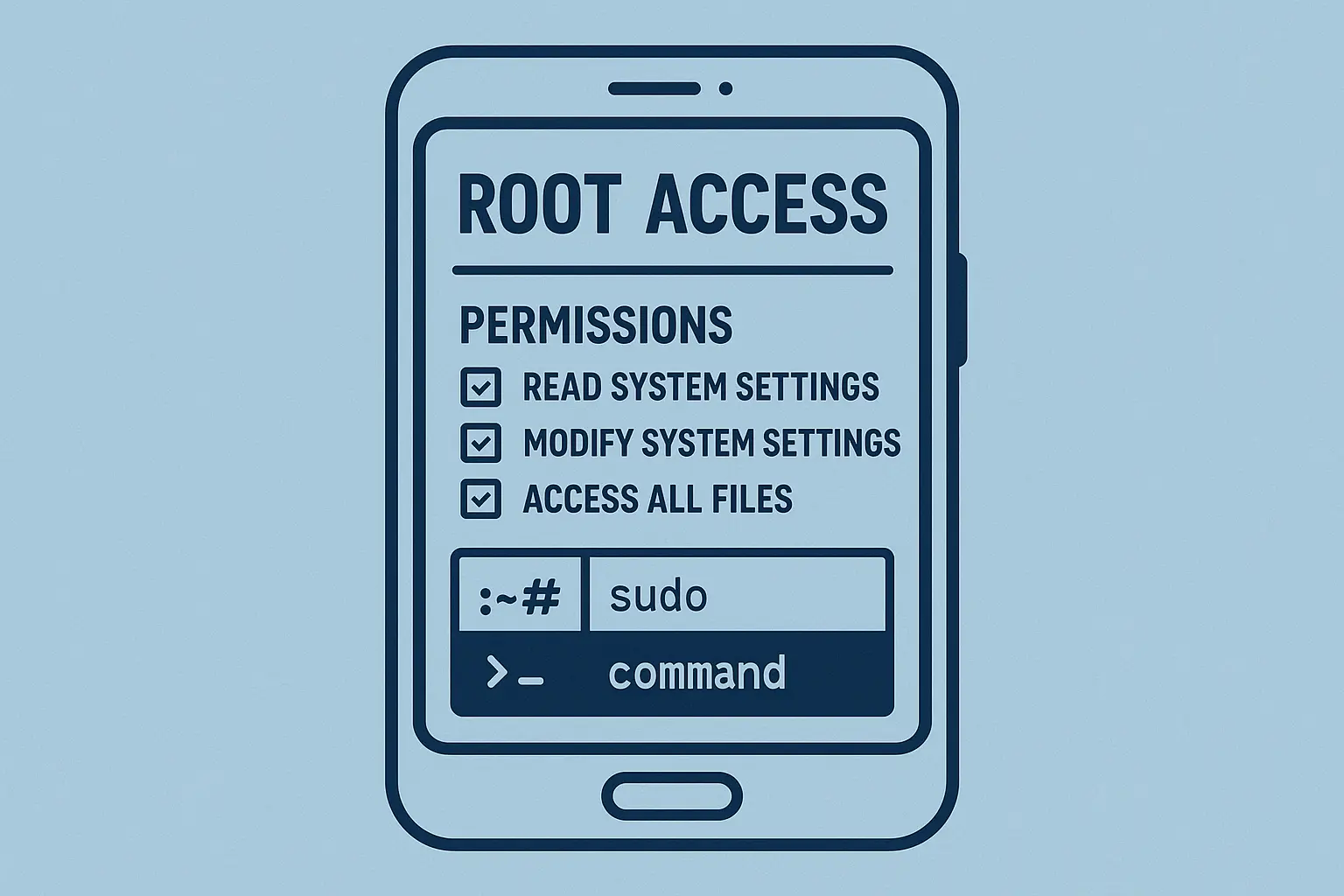
Rooting removes all the restrictions that limit call recording, but it's like performing surgery on your phone. Root-enabled apps can access system audio directly, giving much better recording than regular apps fighting Android's restrictions.
This path requires technical skills and accepting that you might brick your device or void your warranty.
Understanding the Risks
Rooting gives you admin access to Android's core system, removing safety barriers that protect against malicious software and user errors. You'll void your warranty, potentially break banking apps, and create security holes.
Only consider this if you're technically comfortable and have professional requirements that justify the risks. The risks often outweigh the benefits unless you have specific professional requirements that justify the security trade-offs.
Root-Enabled Apps That Work
Specialized apps for rooted devices bypass audio restrictions by tapping directly into the phone's audio pipeline. They work more effectively because they're not fighting Android's privacy restrictions.
Better functionality, but requires root access that most people can't or won't get. This call recorder approach represents the most technically demanding solution but offers the highest success rate when properly implemented.
Creative Workarounds
When software fails completely, hardware workarounds can still capture audio. These sacrifice convenience and quality for reliability, using external devices or alternative audio paths.
Not ideal, but they work when you're out of options. The key is understanding how to record a phone call using these alternative approaches when traditional methods fail.
Speakerphone Recording
Put your call on speaker and use any voice recording app to capture both sides. Works on any Android device regardless of restrictions, making it a reliable backup when other methods fail.
Downside is reduced privacy and potential audio quality issues from background noise and speaker distortion. Jennifer, a small business owner, needed to record a crucial contract negotiation call when her recording app suddenly stopped working. She placed her phone on speakerphone in a quiet room and used her tablet's voice recorder app positioned nearby. While the audio quality wasn't perfect, she captured the entire conversation and had the documentation she needed for the agreement.
Bluetooth and Headset Methods
Route calls through Bluetooth headsets or wired earphones to improve recording quality when using external methods. Audio separation often provides cleaner capture of both participants.
Requires extra hardware but can significantly improve results when software recording fails. The approach works well for users who regularly record phone calls and don't mind the additional equipment requirements.
Android Version Compatibility Issues
Each Android update makes recording harder. Google keeps adding privacy protections that block apps from capturing call audio. Understanding these limitations explains why apps that worked great on older phones fail completely after updates.
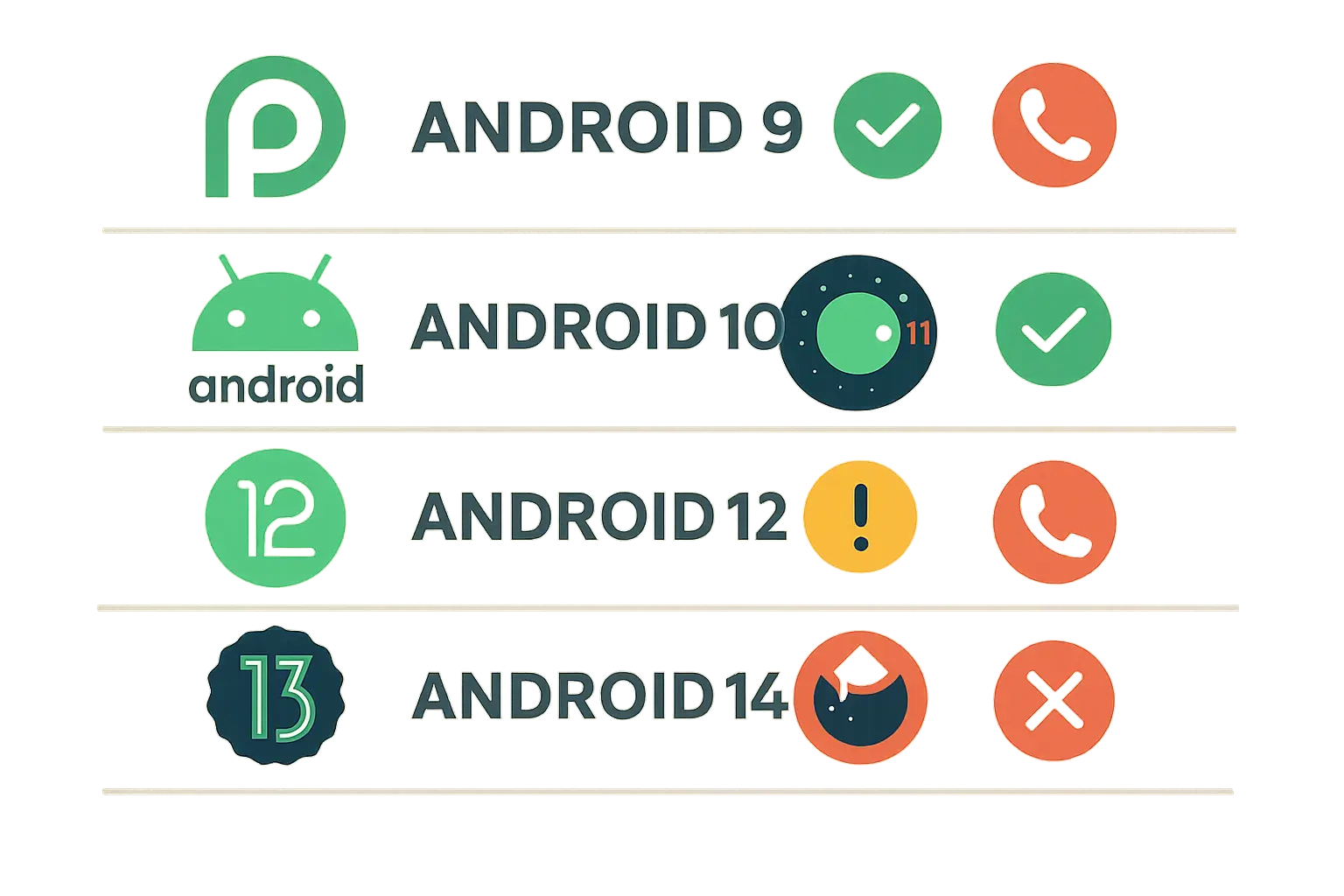
According to Android Authority, call recording worked well until Android 9, when Google turned it off for the first time, highlighting how recent Android versions have systematically eliminated recording capabilities that users previously relied upon.
Android 10+ Restrictions
Starting with Android 10, Google implemented stricter audio policies that broke most third-party recording apps. These privacy-focused restrictions protect user data but eliminate functionality many depend on for business or personal documentation needs.
This explains why apps that worked perfectly on Android 9 suddenly fail after system updates. The policies affect virtually all third-party recording applications, explaining why apps that worked flawlessly on Android 9 suddenly fail after system updates.
Why Older Versions Work Better
Devices running Android 9 and earlier provide much more reliable recording because they lack the restrictive policies Google added later. These older systems allow apps broader access to audio streams.
Users serious about recording often avoid updating specifically to maintain recording capabilities. It's a tough choice between security updates and recording functionality. The trade-off between security updates and recording functionality creates a difficult decision for users who record phone calls regularly.
Android Version |
Recording Capability |
Third-Party App Support |
Workaround Difficulty |
|---|---|---|---|
Android 8.0-9.0 |
Full native support |
Excellent (all methods work) |
Not needed |
Android 10 |
Limited restrictions |
Good (most apps work) |
Easy workarounds |
Android 11 |
Moderate restrictions |
Fair (some apps work) |
Moderate difficulty |
Android 12 |
Heavy restrictions |
Poor (few apps work) |
Difficult workarounds |
Android 13+ |
Severe restrictions |
Very poor (minimal options) |
Very difficult |
Legal Stuff You Can't Ignore
Recording laws are a mess that varies everywhere, with serious consequences if you get it wrong. Understanding consent requirements and disclosure rules isn't just following rules - it's avoiding fines, lawsuits, or criminal charges.
I've seen users get into real trouble assuming recording was always legal if they owned the phone. The legal framework affects whether you can record and how you must handle and store those recordings.
Consent Laws That Change Everywhere
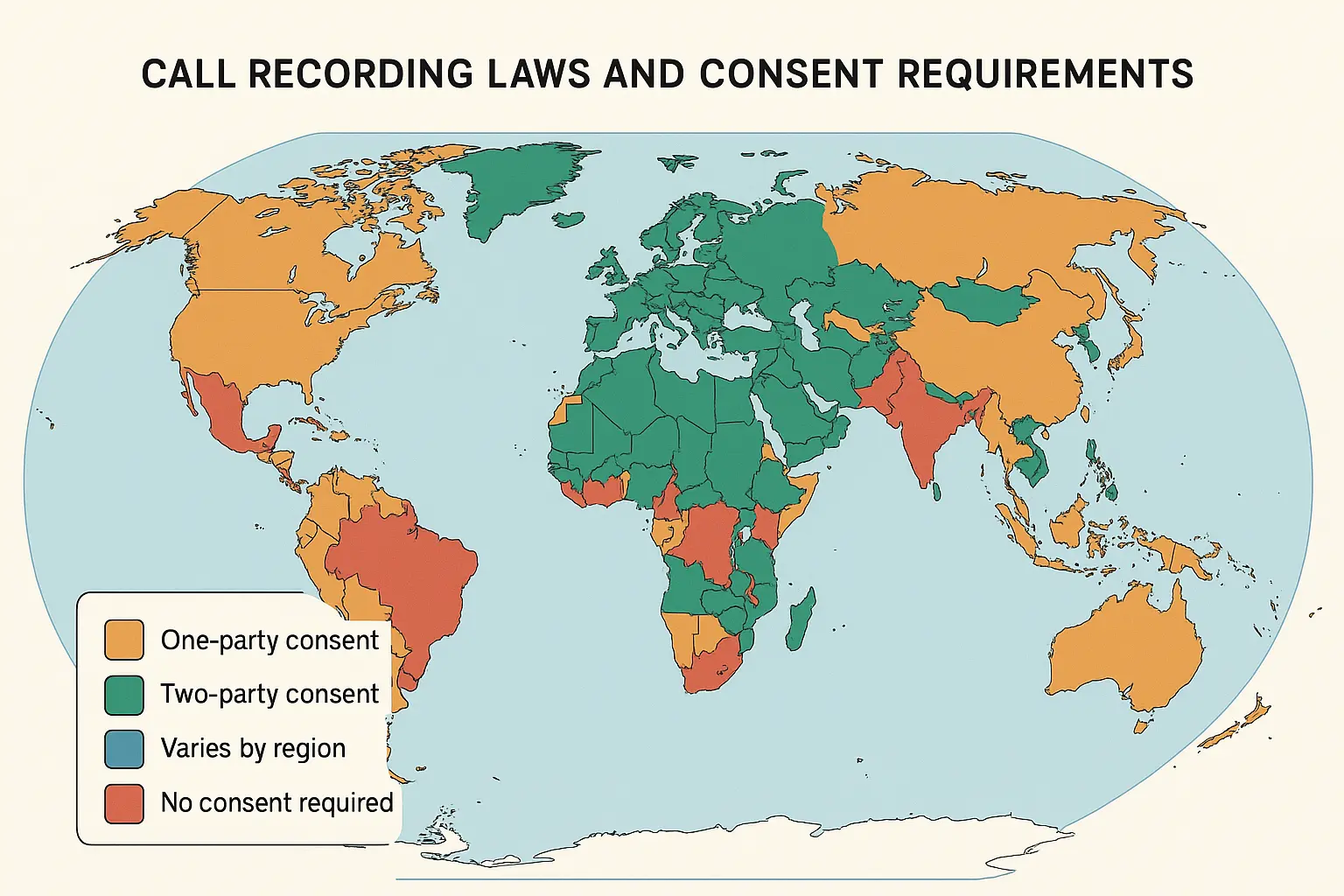
Legal requirements depend on your location and where other call participants are located. One-party consent means only you need to know about recording. Two-party consent means everyone must be informed and agree.
International calls add another layer when participants are under different legal frameworks. According to Asurion, most states require at least one person on the call to consent to the recording, while several states require everyone on the call to consent, demonstrating the varied legal landscape across different jurisdictions.
One-Party vs. Two-Party Consent
One-party consent lets you record as long as you're part of the call - no need to tell others. Two-party consent requires all participants to know and agree, often needing explicit verbal consent or automated announcements.
Sounds simple, but enforcement varies significantly even within the same legal framework. How to record phone calls legally depends entirely on which type of jurisdiction you're operating in.
International Complications
Cross-border calls introduce additional complexities when participants are under different privacy laws. European GDPR, Canadian privacy legislation, and other frameworks may impose stricter standards than your local laws, potentially requiring disclosure, consent, and specific data handling procedures.
When in doubt, follow the most restrictive applicable law for the safest approach. This conservative strategy protects you from inadvertent violations that could have serious consequences.
Ethical Recording Practices
Responsible recording goes beyond legal compliance to include ethical considerations about privacy and consent. Proper notification, secure storage, and clear retention policies protect everyone involved while building trust with people who know their conversations might be recorded.
Recent cases have highlighted recording's importance. According to Sinar Daily, "audio clips of phone calls between Zara and her mother emerged, in which Zara claimed she and a friend were victims of bullying by senior students", demonstrating how recorded conversations can serve as crucial evidence in serious situations.
Proper Notification Methods
Inform participants through verbal announcements at call start, automated messages for business lines, or clear consent documentation when required. Match the notification method to your situation - casual personal calls might need only verbal disclosure, while business recordings often require formal automated announcements.
Provide easy opt-out options to show respect for privacy preferences. This approach builds goodwill and reduces the likelihood of legal challenges to your recording practices.
Secure Storage and Protection
Protect recorded conversations with encryption for stored files, secure backups, and clear retention policies that automatically delete old recordings. Security measures should match content sensitivity - business calls with confidential information need stronger protection than casual personal conversations.
Compliance with relevant privacy regulations often mandates specific security standards and data handling procedures. TechRepublic notes that "In 2022, Google introduced policy changes that limited developers' access to Android accessibility settings", which prevented many apps from recording calls freely and required users to enable restricted settings that could put personal data at risk.
Legal Checklist:
☐ Research your local and state recording laws
☐ Determine if you're in a one-party or two-party consent jurisdiction
☐ Prepare standard disclosure language for recorded calls
☐ Establish secure storage procedures for sensitive recordings
☐ Create retention policies with automatic deletion schedules
☐ Document consent when required by law
☐ Review international laws if recording cross-border calls
Protecting Your Recording Setup
When you depend on your phone for important call recording, protecting that device becomes critical. Physical damage can corrupt recordings, interrupt important calls, or completely disable your setup when you need it most.
Professional protection ensures your recording system stays functional even in demanding environments where drops and impacts are common. I've seen too many users lose critical recordings because their device failed at the worst possible moment.
Rokform's rugged cases provide military-grade protection that's essential for professionals who can't afford device failures during critical recording situations. First responders, military personnel, and business professionals who rely on recorded communications trust Rokform's 6-foot drop protection and secure mounting systems to keep their devices operational when it matters most.
The patented RokLock™ system allows you to securely mount your Android device during extended recording sessions, whether you're in a vehicle conducting business calls or at a workstation managing important conversations. With Rokform's industrial-grade MAGMAX™ magnets, you can position your phone optimally for clear audio capture while ensuring it stays secure during critical recordings.
When your phone contains important recorded conversations, Rokform's polycarbonate protection shields against the drops and impacts that could damage your device and potentially corrupt valuable audio files. The investment in proper protection pays for itself the first time it prevents device damage that would otherwise interrupt your recording capabilities or destroy irreplaceable audio documentation.
Ready to protect your recording setup? Explore Rokform's Android cases and ensure your device stays protected when recording matters most.
Final Thoughts
Recording calls on Android has become a real pain as privacy restrictions tighten and manufacturers do their own thing. The days of simple, universal recording solutions are mostly gone, replaced by a complex mess of regional restrictions, version limitations, and technical workarounds that require careful navigation.
Your success depends on factors beyond your control - device manufacturer, Android version, location, and carrier policies all determine what options you have. Built-in solutions work best when available, but many will need third-party apps or advanced methods for reliable recording.
Legal considerations can't be overlooked since recording laws vary dramatically and carry serious consequences for violations. Understanding your local consent requirements and implementing proper disclosure protects both you and the people you're recording while keeping your recordings legally admissible.
While technical challenges are real, solutions exist for users willing to invest the time and effort. Whether you choose built-in features, third-party apps, or advanced workarounds, the key is understanding limitations and trade-offs in each approach. With proper setup and realistic expectations, you can establish a recording system that meets your specific needs while respecting privacy laws and technical constraints.
Remember that call recording technology keeps evolving, with manufacturers and app developers constantly adapting to new Android restrictions and user demands. What works today might not work after your next system update, so stay informed about changes and have backup methods ready to ensure you're never caught without recording capabilities when you need them most.
The frustration is real, but don't give up entirely. With persistence and the right approach for your situation, you can find a way to record calls that works reliably. Just stay within legal boundaries and respect others' privacy while doing so. How to record a phone call successfully requires patience, but the capability remains achievable for users who understand the current landscape.


 Your Privacy Choices