


Let's face it: trying to organize a meeting via email is painful. In today's fast-paced world, you really can't afford to waste hours playing "calendar Tetris" when 86% of the Fortune 500 companies are already using tools like Calendly to handle their external meetings.
I felt that pain personally a few months ago. I looked at my inbox and realized I had sent six emails just to lock down a single 30-minute call. Instead of doing actual deep work, I was acting like a glorified secretary for myself.
That ends today. We’re going to look at the software that stops the back-and-forth and actually helps you get business done. While this guide focuses on time management, it pairs perfectly with our list of the 25 best apps for jobs—because once you land the work, you need to manage the schedule without losing your mind. Let's look at your current setup and find the scheduling apps for businesses that will finally give you your day back.

Table of Contents
What to Look for Before You Buy
-
Top 25 Scheduling Apps for Businesses (Categorized)
Category I: General Meeting & Appointment Scheduling
Category II: Field Service & Dispatch
Category III: Employee Rostering & Shift Management
Category IV: Salon, Health & Wellness
Category V: Project & Task-Based Scheduling
Hardware Matters: The Rokform Connection
Final Thoughts
TL;DR
In a rush? Here is the gist. You need to pick a tool that fits your specific industry—field service is totally different from office work—and you absolutely need to protect the phone that runs your scheduling apps for businesses.
It has to play nice with others: If your scheduling app doesn't talk to your CRM or accounting software, you’re just giving yourself more data entry work.
If it’s hard to use, you lose business: A confusing booking link scares away leads. It has to be dead simple for your clients.
Mobile is non-negotiable: Business happens on the move. You need a great app, and your phone needs physical protection so you can actually use it in the field.
Let the robots do the work: Look for features that handle reminders and follow-ups automatically.
Don't forget the hardware: The best software in the world is useless if your phone smashes on a job site. Rugged protection is part of the ecosystem.
Considerations for Choosing Scheduling Apps
Before we get to the list, let's set some ground rules. A business owner needs to look at five things: Integration, ease of use (UX), mobile features, automation, and cost. This ensures you know why you're picking a tool, rather than just picking what's popular.
Integration Ecosystem
Two-way syncing is vital. You want to avoid "data silos" where info gets stuck in one app and doesn't update the others. That’s how double bookings happen. When your calendar talks to your CRM, you avoid the embarrassment of booking meetings with a client who just cancelled via email.
User Experience (UX) & Ease of Use
You have two users to think about: your team and your client. If the backend is clunky, your staff won't use it. If the booking page is confusing, clients will bail. If you need a user manual to figure out how to book a slot, the software has failed.
Mobile Functionality
Nobody is tied to a desk anymore. A mobile app isn't just a "nice to have"—it's a requirement for making changes and checking meeting info on the fly. To safely use these features while driving between sites, equipping your vehicle with the best phone mounts for cars allows for hands-free navigation and quick schedule checks.
Automation & AI
Modern apps should reduce your workload. Look for simple AI features like time slot suggestions and automated "set it and forget it" follow-up emails. These keep things moving without you having to lift a finger.
Scalability & Cost
Think about the future. Can the pricing and tech handle it if you jump from 50 to 500 appointments a month? You don't want your success to break the bank or crash the system.
Feature Category |
What to Look For |
Why It Matters |
|---|---|---|
Integration |
Bidirectional Sync (2-way) |
Updates all calendars instantly so you don't double-book yourself. |
UX/UI |
"3-Click" Booking Rules |
If a client takes more than 3 clicks to book, they usually give up. |
Mobile |
Native App (iOS/Android) |
Actual apps work better offline than mobile websites do. |
Automation |
Workflow Logic (If/Then) |
Automates follow-ups, saving you about 10 hours of admin work a week. |
Scalability |
Seat-based vs. Flat Pricing |
Make sure costs don't spiral out of control as you hire more people. |
Top 25 Scheduling Apps for Businesses (Categorized)
Here is the meat of the guide. I’ve broken these 25 apps into five categories so you can find the exact tool for your specific industry.
Category I: General Meeting & Appointment Scheduling
These are for consultants, sales teams, and professional services. They are built for external booking and coordinating meetings without the headache.
The "Email Tag" Scenario: Picture Sarah, a freelancer. Before using a tool, she’d email a client: "How about Tuesday at 2 PM or Wednesday at 4 PM?" By the time the client replies picking Tuesday, someone else has already taken that slot. Sarah then has to email back, apologize, and offer new times. It’s exhausting. With a tool like Calendly, she sends one link. The client sees real-time availability, books it, and it vanishes from the menu. No conflict, no apology emails.
1. Calendly
Calendly is pretty much the king of external booking. It has great features for sales teams (like round-robin scheduling) and is super easy for clients to use. Plus, it plays very nicely with Salesforce and HubSpot.
2. Acuity Scheduling
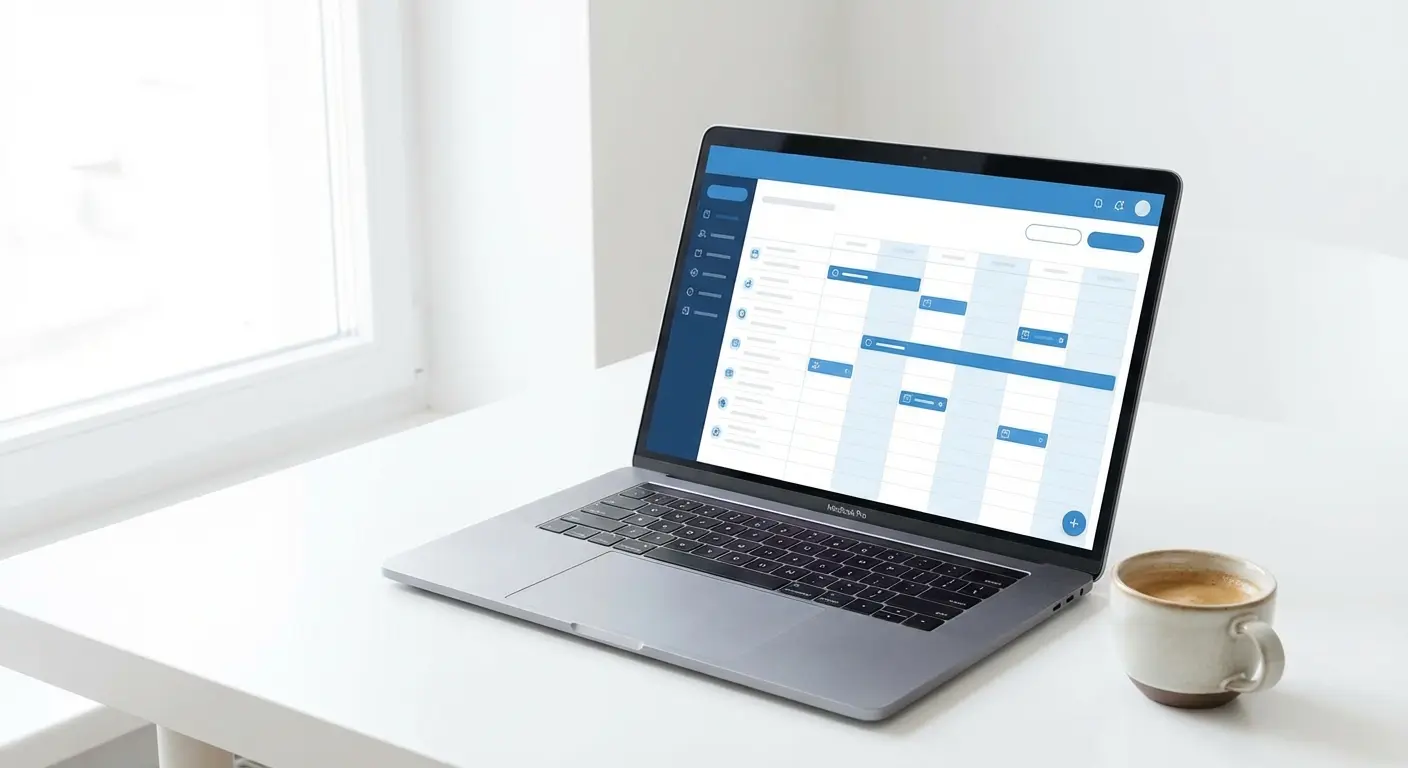
If you need to get paid the moment someone books, acuity scheduling is the way to go. It has customizable intake forms and is a lifesaver for service businesses that need a solid mobile app to run the show.
3. Google Calendar (Workspace)
If you are already paying for Google Workspace, you have this feature built-in. It’s simple, free (sort of), and great if you just need to organize meetings without signing up for another subscription.
4. Microsoft Bookings
The go-to for the Office 365 crowd. It feels corporate, reliable, and syncs instantly with Outlook. It handles the basics perfectly.
5. Doodle
Doodle is the answer to the "herding cats" problem. It’s best for polling a group to find a time that works for everyone, rather than for recurring client appointments.
Category II: Field Service & Dispatch
Now we're talking about HVAC, plumbing, and construction. These apps handle dispatching, GPS, and job details. Managing a fleet takes more than software; installing the best truck phone mount in every vehicle ensures your drivers can see their dispatch schedules safely while they drive.
6. Housecall Pro
Housecall Pro is the total package. Its mobile-first design gives techs everything they need on their phones, including automated "on my way" texts that customers love.
7. Jobber
Jobber is great because it's visual. It uses a drag-and-drop calendar and focuses heavily on quoting and invoicing. It’s easy to learn and integrates seamlessly with QuickBooks Online.
8. ServiceTitan
This is the heavy hitter for large fleets. It costs more, but it offers the deep data analytics and planning tools that big operations need.
Feature |
Jobber |
ServiceTitan |
Housecall Pro |
|---|---|---|---|
Best For |
Small to Mid-sized businesses (1-20 crews) |
Enterprise / Large Fleets (20+ trucks) |
Residential Service Pros |
Primary Strength |
Ease of Use & Visual Interface |
Deep Data Analytics & Reporting |
Mobile-First Technician Experience |
Pricing Model |
Tiered Monthly Subscription |
Custom Enterprise Pricing |
Tiered Monthly Subscription |
Learning Curve |
Low (Easy adoption) |
High (Requires training) |
Medium |
9. Workiz
Workiz has a cool "Voice" feature that records calls and attaches them to job schedules. This keeps dispatch and field techs on the same page regarding the details.
10. FieldEdge
FieldEdge connects the office and the field via a live dispatch board. If you live and die by QuickBooks, this is a strong contender because the integration is deep.
Category III: Employee Rostering & Shift Management
Retail, restaurants, and healthcare have their own nightmare: shift swaps and labor laws. These apps handle the chaos.

11. Deputy
Deputy uses AI to predict how many people you need and auto-schedules shifts. The best part? Staff can swap shifts on the app, saving managers from endless text threads.
12. When I Work
Clean, simple, and user-friendly. It includes a team chat feature and has a free option for smaller teams, which is great for startups.
13. Connecteam
Connecteam is for the "deskless" workforce. It covers training, HR, and scheduling all in one place, designed specifically for people who are on their feet all day.
14. Sling
Sling is all about controlling costs. It warns you about potential overtime before it happens, helping you stay on budget and compliant.
The "Saturday Night" Crisis: Imagine a restaurant at 4 PM on a Saturday. A server calls in sick. In the old days, the manager would spend an hour frantically calling people. With Deputy or Sling, the manager posts the open shift to the app. A notification goes out. Someone looking for extra cash claims it in 5 minutes. The schedule updates, and the manager never leaves the floor.
15. 7shifts
Built specifically for restaurants. It integrates with POS systems like Toast so you can match your labor to your sales data.
Category IV: Salon, Health & Wellness
Gyms, spas, and therapists need class scheduling and HIPAA compliance.
16. Mindbody
The industry standard for fitness studios. It helps new clients find you and scales easily from a single yoga studio to a huge franchise.
17. Vagaro
Vagaro is a marketplace and scheduler in one. It helps locals find your business and has a great mobile app for consumers, making it a strong rival to acuity scheduling in the wellness space.
18. Jane App
Jane App is for health professionals. It’s HIPAA compliant, handles charting, and has a friendly, human design that therapists love.
19. Fresha
Fresha is unique because it's subscription-free; you pay a commission on new bookings. It’s a low-risk way to start a new business.
20. GlossGenius
The "aesthetic" choice for beauty pros. The UI is stunning, and it lets you run your entire business from a smartphone.
Category V: Project & Task-Based Scheduling
Finally, tools for agencies and creative teams. These blend project management with scheduling to keep deadlines on track.

21. Asana
Asana’s "Timeline" view is basically a scheduling tool for project phases. It’s visual and connects tasks to calendars so everyone knows the deadline.
22. Monday.com
Highly customizable. You can set it up as a content calendar, a resource scheduler, or whatever else your project needs.
23. ClickUp
ClickUp tries to replace every other app you use. It has a massive feature set, including workload views, and the pricing is very aggressive.
24. Wrike
The enterprise choice. If you need strict Gantt charts and high-level security for complex corporate meetings and milestones, this is it.
25. Trello (with Power-Ups)
Trello uses "Power-Ups" to turn simple boards into robust schedules. It’s visual, simple, and a favorite for agile teams.
Feature |
Project Management Tools (Asana/Monday) |
Dedicated Schedulers (Calendly/Acuity) |
|---|---|---|
Primary Focus |
Managing tasks and deadlines over weeks/months. |
Managing specific time slots for meetings. |
Best User |
Internal teams working on big projects. |
External clients booking time with you. |
Scheduling Unit |
Phases, Milestones, Due Dates. |
Minutes, Hours, Time Blocks. |
Key Output |
Completed Project. |
Completed Meeting. |
The Hardware for Your Software: The Rokform Connection
Software is useless if your phone is broken. We need to talk about the device itself. Rokform is the bridge that keeps these apps usable when you're out in the real world.
For Field Service (Jobber/ServiceTitan)
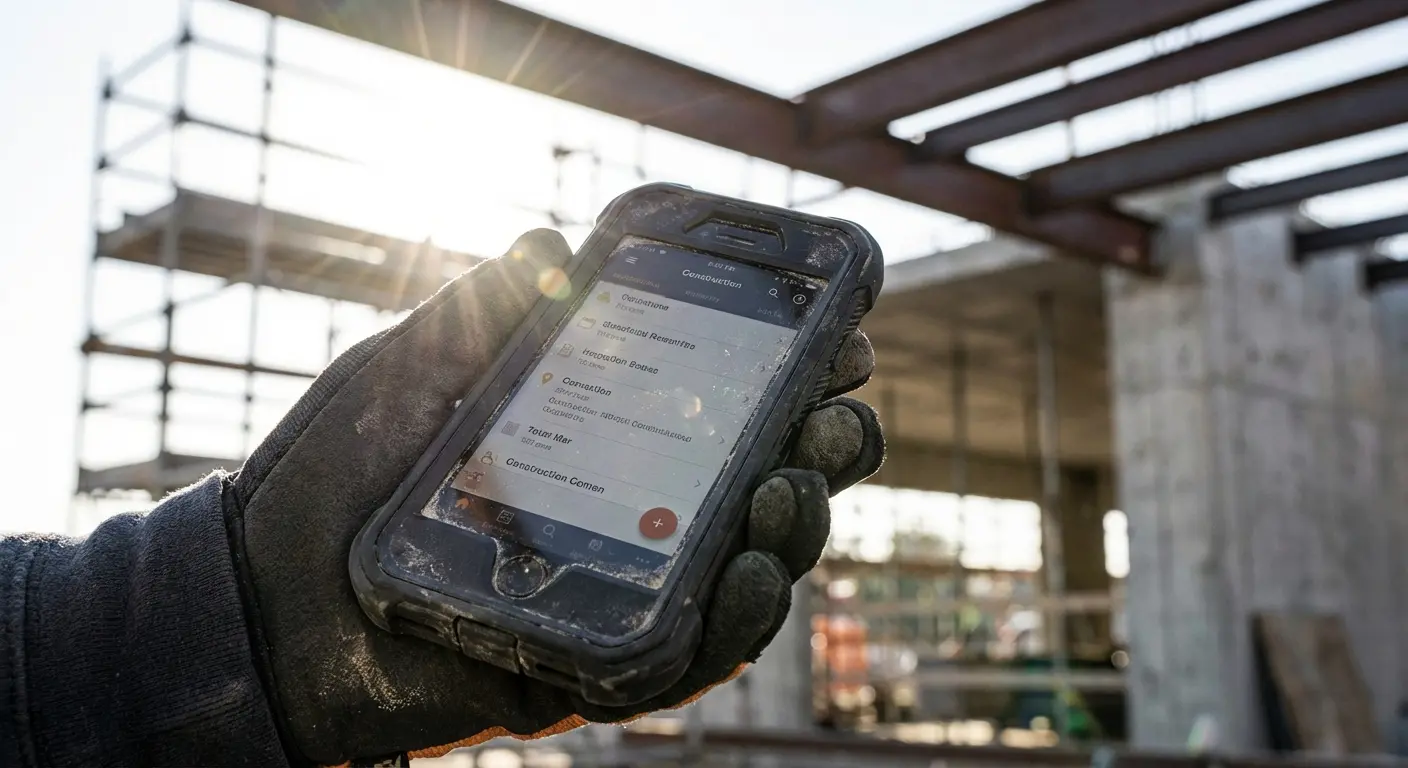
Construction workers and mechanics work in rough spots. Our Rugged Cases and MAGMAX™ magnets let them stick their phones to toolboxes or machinery. This keeps the schedule visible and the phone safe. In these environments, you need the most protective phone cases to ensure your device survives a drop onto concrete while you're checking job details.

For Mobile Professionals (Calendly/Teams)
Sales reps and consultants basically live in their cars. Our magnetic car mounts keep the phone secure on the dash for GPS and calendar checks, so you aren't fumbling with it while driving to meetings.

For Active Lifestyles (Golf/Fitness)
Personal trainers and business golfers need to stay connected. Using the G-ROK PRO Bluetooth speaker or cart mounts lets you check the schedule without slowing down. Even when you are out of the office, staying connected is key; integrating your phone with the best golf accessories every golfer needs, like cart mounts, ensures you never miss an update on the course.
The "Parking Lot" Drop: We've all been there—you're rushing from your truck to the job site, holding a coffee, a clipboard, and your phone. You fumble, and the phone hits the asphalt face down. Without protection, a shattered screen means you can't access Housecall Pro, you can't clock in, and you can't call the client. With a Rokform Rugged case, you just pick it up, dust it off, and keep moving. The schedule stays on track because the hardware survived.

Final Thoughts
You spend hours picking the right software to save time, so it makes zero sense to let a cracked screen or a dropped phone ruin your day. Whether you are dispatching a fleet of vans or managing a sales team from the road, your phone is your command center.
We build the gear that protects that investment. Check out our collection of rugged cases and mounts to ensure your business never stops moving. Don't let a hardware failure be the reason you miss meetings or lose access to your acuity scheduling dashboard.

