


I still remember that specific knot in my stomach every time I had to open my banking app. It wasn't even the number that scared me—it was the not knowing. That anxiety didn't go away until I finally started using tools that could pull all my messy financial life into one clean dashboard. Seeing everything in a single view didn't just organize my bills; it completely changed my relationship with money.

You need that same clarity. The right software does more than just math; it changes your habits. Finding the right budget app is often the only thing standing between financial stress and breathing room. In this guide, we’re diving into the best tools on the market to help you get your handle back on the wheel.
Table of Contents
We’ve organized this guide to help you cut through the noise. Below, you’ll find the criteria that actually matter, a breakdown of 25 apps ranging from hardcore debt-crushers to "set it and forget it" trackers, and some advice on keeping your financial data safe.
What to Look for in Apps for Budgeting
-
Top 25 Apps for Budgeting (Categorized)
Category A: The "Zero-Based" Heavy Hitters
Category B: Best Free Budgeting Apps
Category C: Couples & Families
Category D: Investing & Net Worth Tracking
Category E: Automated Savings & Behavioral Apps
Category F: Manual & Privacy Focused
Protecting Your Financial Command Center with Rokform
Final Thoughts
TL;DR
In a rush? Here is the gist. Success isn't about the fanciest features; it's about matching the app to your brain. You need to decide if you want automation (easier) or manual entry (better for discipline), and whether you're willing to pay a few bucks a month for better security and no ads. Also, since your phone is basically your bank branch now, keeping it safe with a solid case is actually a smart financial move.
Philosophy First: Pick a tool that matches your mindset. If you hate spreadsheets, don't pick a spreadsheet app.
Connectivity Choices: Decide between the time-saving magic of auto-syncing or the "pain of paying" awareness you get from manual entry.
Security is Key: Free is great, but paid subscriptions often buy you bank-level encryption and privacy.
Protect the Asset: Your phone holds the keys to your money; protecting it with a rugged case is just common sense.
Considerations When Choosing Apps for Budgeting
Don't just download every finance tool you see on Instagram. You need to figure out what makes a budget planner work for your life. The best tools are really behavior modification devices in disguise. Before you commit, think about these three things.
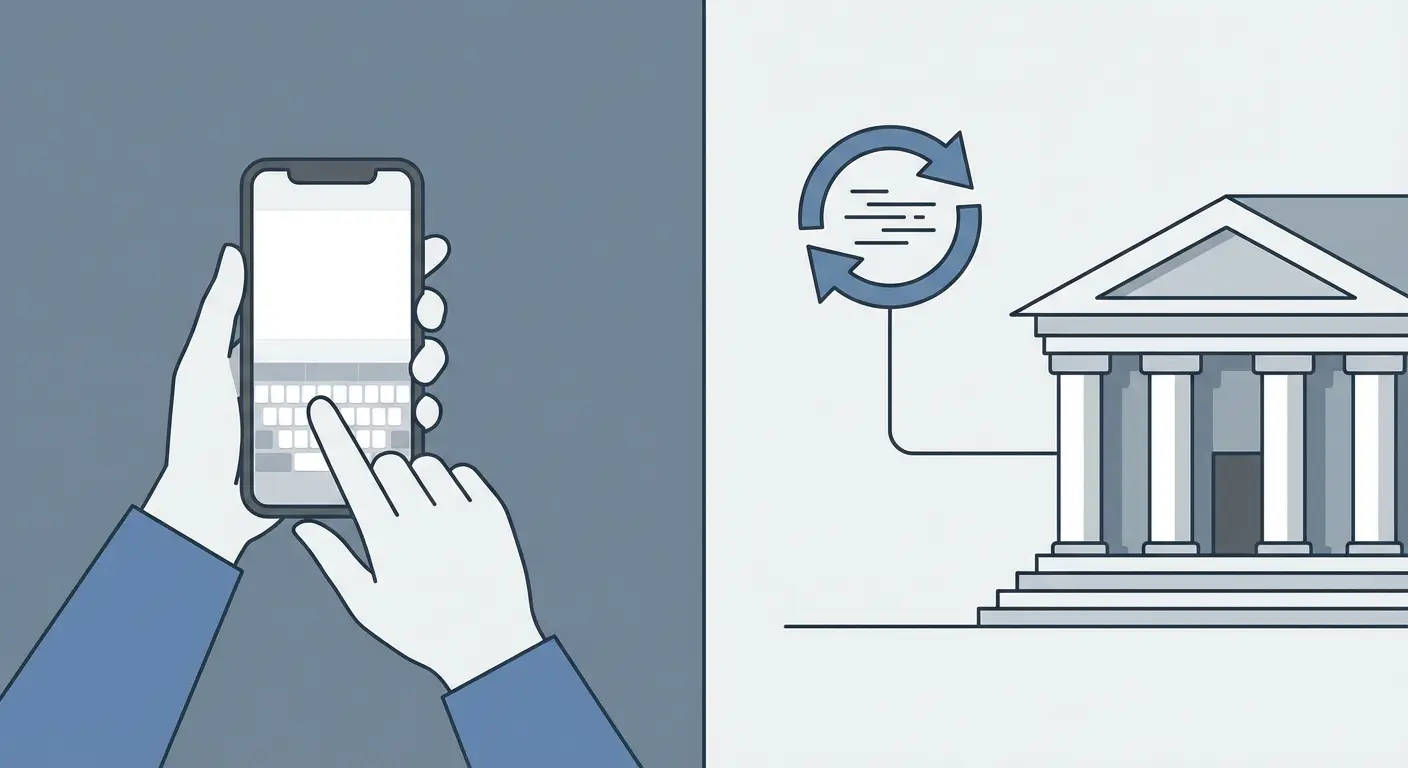
Connectivity (Sync vs. Manual)
How do you want the data to get in there? Automatic syncing links to your bank and pulls the numbers for you. It saves a ton of time. Manual entry means you type in every coffee and bill yourself. It’s annoying, but it forces you to feel every dollar leaving your pocket.
Feature |
Automatic Syncing |
Manual Entry |
|---|---|---|
Time Commitment |
Low (Set it and forget it) |
High (Requires daily input) |
Accuracy |
High (Exact bank data) |
Variable (You might make typos) |
Spending Awareness |
Low (Easy to ignore transactions) |
High (The effort curbs spending) |
Security Risk |
Moderate (Third-party credentials) |
Low (Data stays on device) |
Budgeting Methodology
Different apps believe in different things. Zero-Based Budgeting asks you to give every single dollar a job until you have $0 left to allocate. The Envelope System is the digital version of stuffing cash into labeled envelopes. The 50/30/20 Rule is more relaxed: needs, wants, and savings.
The Methodology Difference:
Let's say you take home $4,000 a month.
Under the 50/30/20 Rule: You broadly ensure $2,000 goes to needs, $1,200 to fun, and $800 to savings. It's flexible.
Under Zero-Based Budgeting: You assign that $4,000 down to the penny—$1,200 for rent, $400 for groceries, $150 for electricity—until the "Left to Budget" number is exactly $0.
Cost, UX, and Security
Are you okay with a free tool, or are you willing to pay for a premium experience? Paid versions usually get you AI insights, net worth tracking, and—crucially—no ads. Also, consistency is king, so the app has to be easy to look at. If the interface confuses you, you won't use it. Finally, look for bank-level encryption (256-bit). Just as you lock your front door, protecting your phone number and data is a critical step in maintaining your financial identity.
Top 25 Apps for Budgeting (Categorized)
We’ve broken this list down by category so you don't have to wade through 25 random descriptions. Find the group that sounds like you and start there.
Category A: The "Zero-Based" Heavy Hitters
These apps are for the control freaks (in a good way). They enforce a zero-based philosophy, meaning you have to be intentional with every dollar. If you are trying to crush debt or save aggressively, these are the best budget apps to start with.
1. YNAB (You Need A Budget)
YNAB has a cult following for a reason. It’s a powerhouse for debt reduction, focusing on four rules to help you "age your money" (stop living paycheck to paycheck). It connects to banks for real-time syncing. There is a learning curve, but the payoff is massive. It’s a paid subscription, but users swear it pays for itself.
2. EveryDollar
Created by the Dave Ramsey team, this is simple zero-based budgeting. You set your income, then allocate every dollar to rent, food, etc., until you hit $0. The manual version is free and great for beginners. Syncing requires the Premium version. Ideal if you're following the "Baby Steps."
3. Monarch Money
Built by the founders of the original Mint, Monarch is the modern successor. It’s a clean, ad-free experience with great dashboards. It handles syncing beautifully across multiple aggregators. This is the premium choice for families who want a holistic view of their wealth without the clutter.
4. Simplifi by Quicken
Simplifi is less about strict tables and more about "spending plans." It watches your recurring bills and subscriptions to tell you what is safe to spend today. It syncs automatically. Great for people who just want to know, "Can I afford dinner tonight?"
Category B: Best Free Budgeting Apps
You shouldn't have to spend money to save money. This section is for users who want effective tools without another monthly subscription fee.
5. Goodbudget
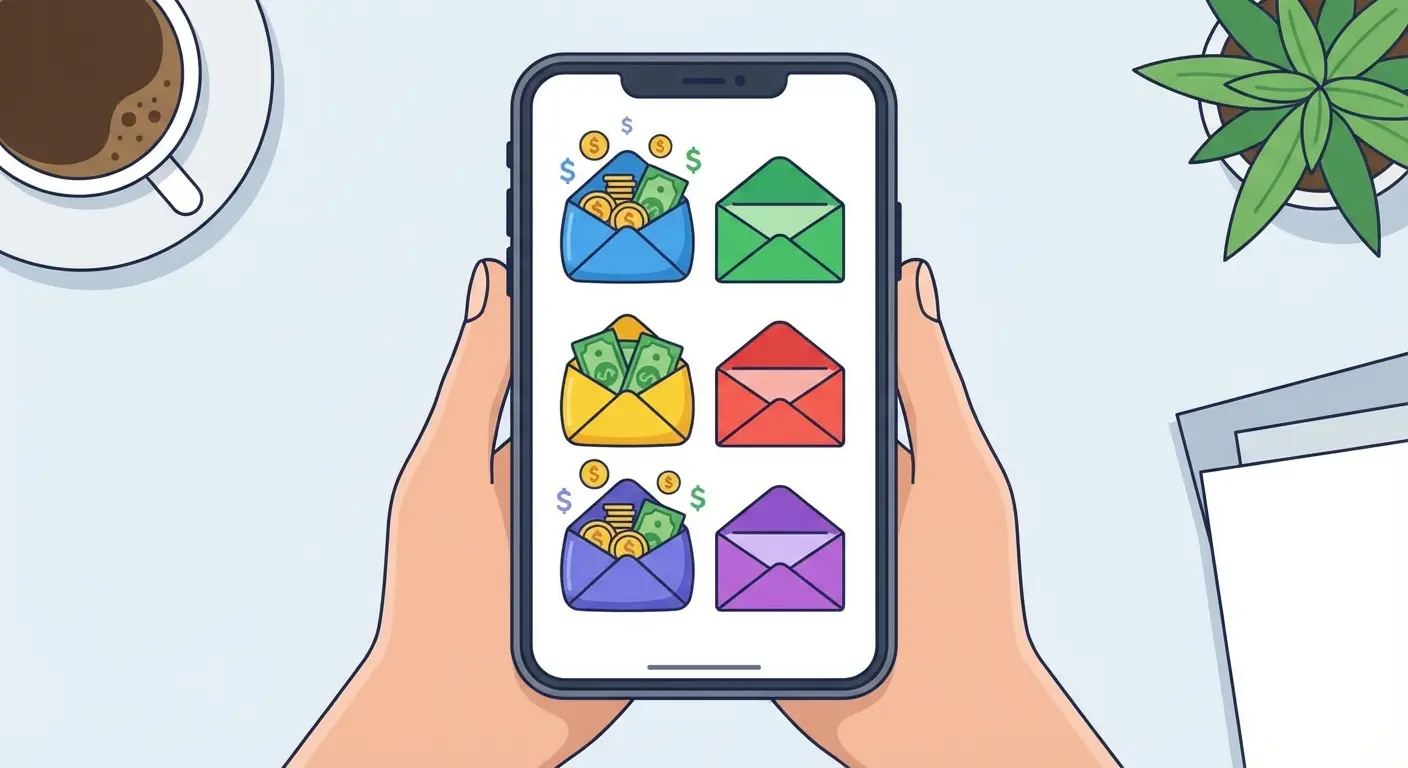
Goodbudget digitizes the old-school envelope system. You allocate a set amount to a "Groceries" envelope. When the green bar is empty, you stop spending. It relies mostly on manual entry, which is excellent for learning discipline. One of the best free budget app options out there.
6. PocketGuard
This app boils everything down to your "In My Pocket" number. It subtracts bills, goals, and necessities from your income to show you what is actually spendable cash. It syncs automatically. Perfect for preventing overspending on the fly.
7. Fudget
Think of Fudget as a digital notepad calculator. You input your paycheck, list your expenses, and see what's left. No syncing, no complex charts. It’s the best option for people who get overwhelmed by graphs and just want a simple list.
8. GnuCash
This is open-source accounting software for Android and desktop. It uses double-entry bookkeeping. It is completely free. Since it's big with Android users, you might want to check out our guide on the best budget Android phones to pair with it.
9. Daily Budget
This app breaks your budget down to a daily allowance. If your daily limit is $50 and you only spend $30, the extra $20 rolls over to tomorrow to reward you. It uses manual entry. A fun, low-stress way to gamify saving.
Category C: Couples & Families
Money is the #1 thing couples fight about. These apps are designed to facilitate transparency and stop the "who bought what?" arguments before they start.

10. Honeydue
Honeydue lets partners sync bank accounts to see a joint feed without actually merging funds. You can chat inside the app and tag each other on specific transactions ("What is this Amazon charge?"). Great for transparency.
11. Zeta
Zeta is built for modern relationships, offering a "Joint Cards" feature and shared envelope budgeting. It syncs automatically. It acts as a full-service banking and budget hybrid for couples who want to merge finances.
12. Greenlight
This is a debit card and app combo managed by parents for their kids. It teaches children how to budget their allowance, and it's funded by the parents. The top choice for teaching the next generation that money doesn't grow on trees.
App Feature |
Honeydue |
Zeta |
Greenlight |
FamZoo |
|---|---|---|---|---|
Primary Audience |
Couples |
Couples |
Kids/Teens |
Families |
Joint Accounts |
No (View Only) |
Yes |
N/A |
Virtual Bank |
Debit Card Included |
No |
Yes |
Yes |
Yes |
Best For |
Transparency |
Merging Finances |
Kids' Education |
Complex Rules |
13. FamZoo
Here, parents act as the "banker" and children manage virtual accounts for spending, saving, and charity. It uses prepaid cards or manual tracking. Highly customizable if you have complex family financial rules.
Category D: Investing & Net Worth Tracking
Once you've mastered the daily spending, you need to look at the big picture. These apps track assets, investments, and net worth—think of them as wealth trackers rather than grocery budgeters.

14. Empower (formerly Personal Capital)
Empower is primarily an investment tool that also tracks cash flow. It shines when analyzing your 401k fees and asset allocation. Excellent syncing with investment accounts. The best choice for high-net-worth individuals focused on growth.
15. Kubera
Kubera tracks everything: traditional bank accounts, crypto, NFTs, and even the value of your home or car. It syncs with banks and blockchains. The most modern tracker for diverse asset portfolios.
16. Lunch Money
A multicurrency app designed specifically for digital nomads. It handles crypto portfolios and foreign transaction fees effortlessly. If you're traveling frequently, be sure to equip yourself with the best travel accessories to keep your gear organized on the road. Best for tech-savvy travelers.
17. Tiller
Tiller feeds your daily spending data directly into Google Sheets or Excel. You build your own dashboard using their templates. It’s an automatic feed to spreadsheets. The ultimate tool for control freaks who love Excel.
Category E: Automated Savings & Behavioral Apps
Sometimes you need to trick yourself into saving. These apps use algorithms to move money in the background, so you save without feeling the pinch.
18. Acorns
You buy a coffee for $3.50. Acorns rounds it up to $4.00 and invests that extra $0.50 automatically. It’s "set it and forget it" investing. Best for effortless saving in the background.
The Power of Round-Ups:
If you make 3 transactions a day:
Morning Coffee: $4.25 (Invests $0.75)
Lunch Sandwich: $12.10 (Invests $0.90)
Grocery Run: $45.50 (Invests $0.50)
That’s $2.15 saved per day without thinking. Over a year, that's nearly $800 effortlessly moved into your savings.
19. Qapital
Qapital uses "Rules" to trigger savings. You can set it to save $5 every time it rains or $2 when you hit a step goal. It’s highly engaging for visual learners who like to gamify their life.

20. Oportun (formerly Digit)
An AI analyzes your checking account and moves small "safe" amounts of money into savings that it knows you won't miss. Good for people who struggle to save manually.
21. Rocket Money
Rocket Money scans your accounts for forgotten subscriptions and helps you cancel them or negotiate lower bills. Many consider this the best budget app for cleaning up wasteful monthly spending.
Category F: Manual & Privacy Focused
If you don't trust apps with your bank login, this category is for you. These apps keep your data offline and rely on you typing in the numbers.
22. Money Manager Expense & Budget
A purely visual expense tracker that creates instant pie charts based on what you input. It uses manual entry. Simple, visual, and secure.
23. Bluecoins
Bluecoins offers complex finance reports, net worth tracking, and budget planning, but all data is stored locally on your phone. A favorite among Android power users.
The "Pain of Paying" Effect:
When you use a manual app like Bluecoins, you have to unlock your phone, open the app, and type "$54.00 - Dinner." This extra friction makes the spending real. Many users find they spend 10-15% less simply because they don't want to go through the effort of logging a frivolous purchase.
24. Spendee
Spendee features a beautiful design that supports shared wallets and multiple currencies. It’s arguably the best-looking interface on the market.
25. Ivy Wallet
An open-source money manager for Android that prioritizes privacy above all else. No data leaves your device unless you back it up. Best for privacy advocates.
Don't Let a Broken Phone Ruin Your Streak
Think about it: your smartphone isn't just a phone anymore. It’s your bank branch, your financial advisor, and your budget planner all in one. If your phone smashes on the sidewalk, you lose immediate access to the tools keeping your financial life on track. Even the best budget app is useless if the screen it's running on is shattered.
Protecting the Investment
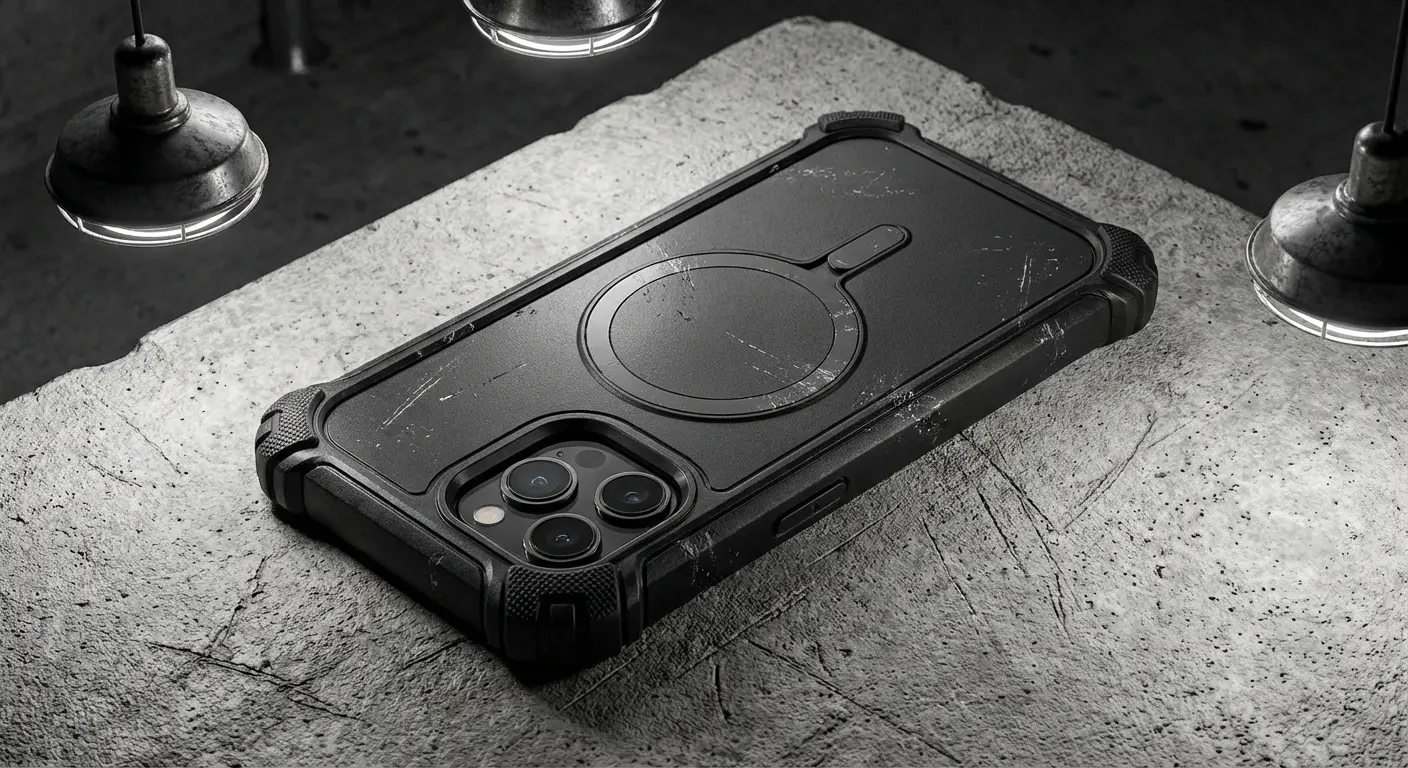
Smartphones are expensive assets. Slapping a Rokform Rugged or Crystal case on there ensures your device is shielded with military-grade protection. When you're carrying around a $1,000 device, it just makes sense to use a case that offers proven drop protection. A cracked screen is an unexpected expense that ruins your monthly budget; a Rokform case is a one-time investment that prevents that disaster.
Cost Comparison |
Rokform Case Investment |
Average Screen Repair |
|---|---|---|
Price |
~$60 - $70 |
$300 - $400+ |
Downtime |
None |
2-4 Hours or Days |
Data Risk |
None |
Potential Data Loss during repair |
Long Term Value |
Protects Resale Value |
Lowers Resale Value |
MagSafe Efficiency
Many top budget apps require regular check-ins. Rokform’s MagSafe® compatible cases allow you to keep your phone charged and mounted securely on your desk or in your car. Accessories like the Magnetic MagMax Sport Ring with Stand are perfect for propping up your phone to review your monthly budget hands-free. It makes it easy to review your finances or check your grocery list app without fumbling with cables or flimsy mounts.
Built for Real Life
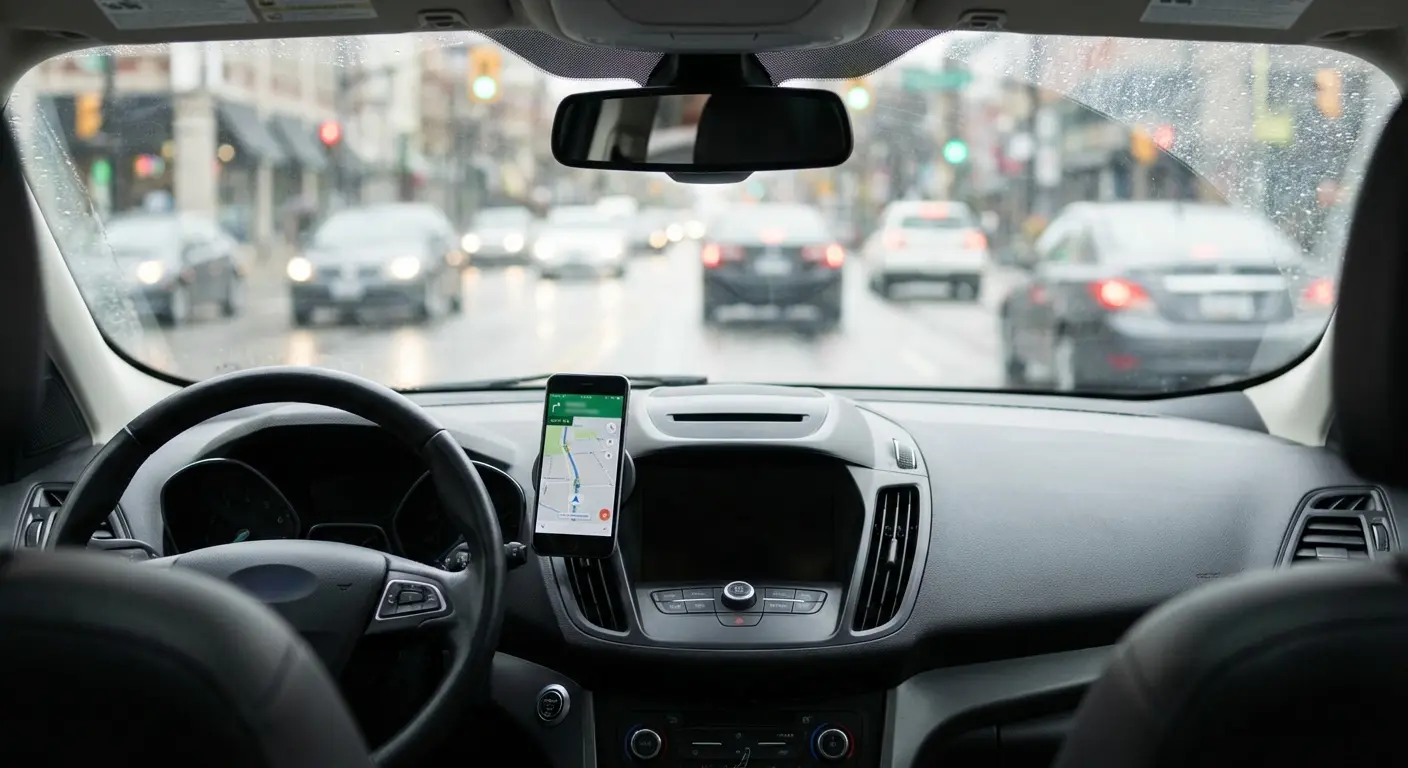
Just as a good app prepares you for financial emergencies, Rokform accessories—like their magnetic mounts for cars and motorcycles—prepare your device for the physical rigors of daily life. Whether you are using free tools or premium software, the hardware running them needs to be secure. By pairing the best financial software with Rokform’s industrial-strength protection, you ensure that your path to financial freedom isn't interrupted by a clumsy drop.
Final Thoughts
You’ve got the list. You know what to look for. But here's the truth: The best budget app is the one you actually use. Whether you stick with a simple free budgeting app or invest in a paid subscription like YNAB, the goal is the same: taking back control.
Pick the tool that fits how your brain works, protect the phone that runs it, and start telling your money where to go instead of wondering where it went. Managing budgets doesn't have to be a nightmare if you have the right gear. Download your app, secure your device, and start building the future you deserve.

