


The App Store charts are a mess. They update every hour, creating this revolving door of apps claiming to be the "next big thing." I remember staring at my Home Screen last week, realizing I had four different calendar apps installed and still managed to miss a lunch meeting. It’s paralyzing.
So, we cut through the hype to find the stuff that actually deserves a spot on your phone. This isn't a list of what's trending on TikTok right now; it’s a collection of tools that genuinely upgrade how your phone works. These are the best iPhone apps available today.
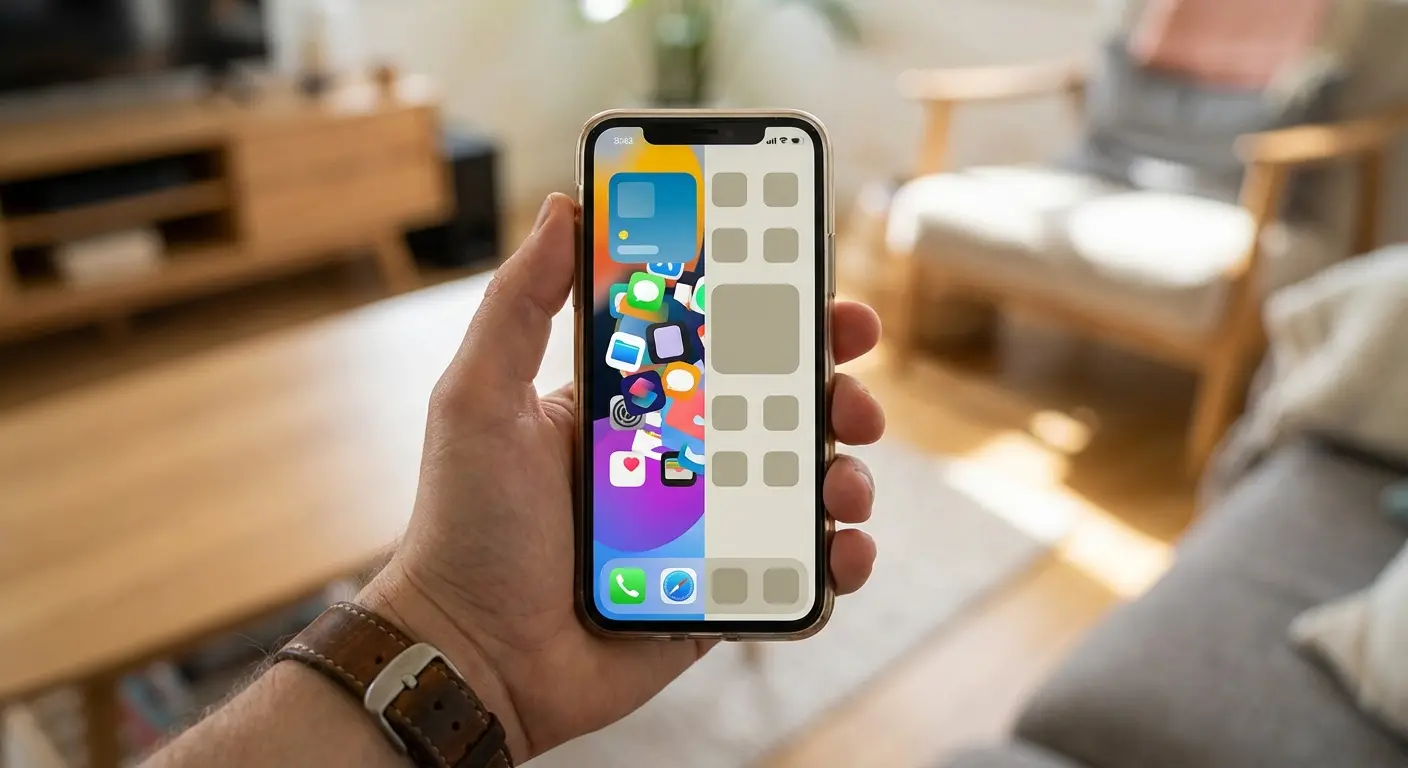
Table of Contents
We’ve broken this down by how you actually use your phone—from getting work done to staying fit and keeping your data locked down. We also touch on how to keep your phone in one piece while you're out using these apps.
The New Standard: What We Looked For
Get Stuff Done: Productivity & Organization
Health & Outdoors: Fitness, Wellness & Maps
Creative Tools: Photography & Video
Travel: Getting Around Without the Headache
Security: Protect Your Digital Life
Entertainment: The Good Stuff
Real World Protection: The Rokform Advantage
Wrap Up
TL;DR
If you’re in a rush, here is the gist. We looked for apps that actually use the cool tech inside your iPhone—like on-device AI and the Dynamic Island. We also talk about why you need a case that can take a beating if you plan on using these tools in the wild.
It needs to blend in: The best apps feel like they came with the phone. They use Widgets and the Dynamic Island properly.
Smart, not just "AI": We want apps that predict what we need, not just chatbots.
Privacy is a big deal: We prefer apps that do the math on your phone, not on a server somewhere else.
Protect the gear: High-utility apps usually mean you're active. You need hardware that can keep up.
The New Standard: What We Looked For
We stopped looking at basic utility a long time ago. In 2026, a "good" app needs to feel intelligent. We judged these contenders on a few simple things. First, Does it feel native? We want Dynamic Island support and seamless handoffs to the Apple Watch. Second, Is it actually smart? If the app isn't helping you sort tasks or edit photos automatically, it feels outdated.
Third, Privacy. We like apps that mind their own business and keep data on your device. Finally, Value. Is the subscription actually worth it? Here is how we view the landscape today vs. a few years ago.
What Matters |
Old Way (2020) |
New Standard (2026) |
|---|---|---|
Integration |
Just annoying notifications |
Dynamic Island & Live Activities |
Smarts |
You do all the typing |
It predicts what you want |
Privacy |
Sent to the cloud |
Processed right on your phone |
Control |
Touch screen only |
Siri Shortcuts & Action Button |
Get Stuff Done: Productivity & Organization
These are the tools that manage the chaos. We picked apps that help you capture ideas instantly and turn a mess into a plan. If you want to turn your phone into a mobile office, start here.
1. Things 3
For my money, this is still the king of task managers. Things 3 wins because it just feels "Apple." It organizes your life without feeling like a spreadsheet. The best part is how fast it is—you can capture a task via Siri or a widget in two seconds, so you don't forget it.
2. Notion
Notion is basically a second brain. It’s a workspace for notes, databases, and projects. The mobile app used to be clunky, but now it flies. Plus, the AI features are great for summarizing messy notes into something readable.
3. Fantastical
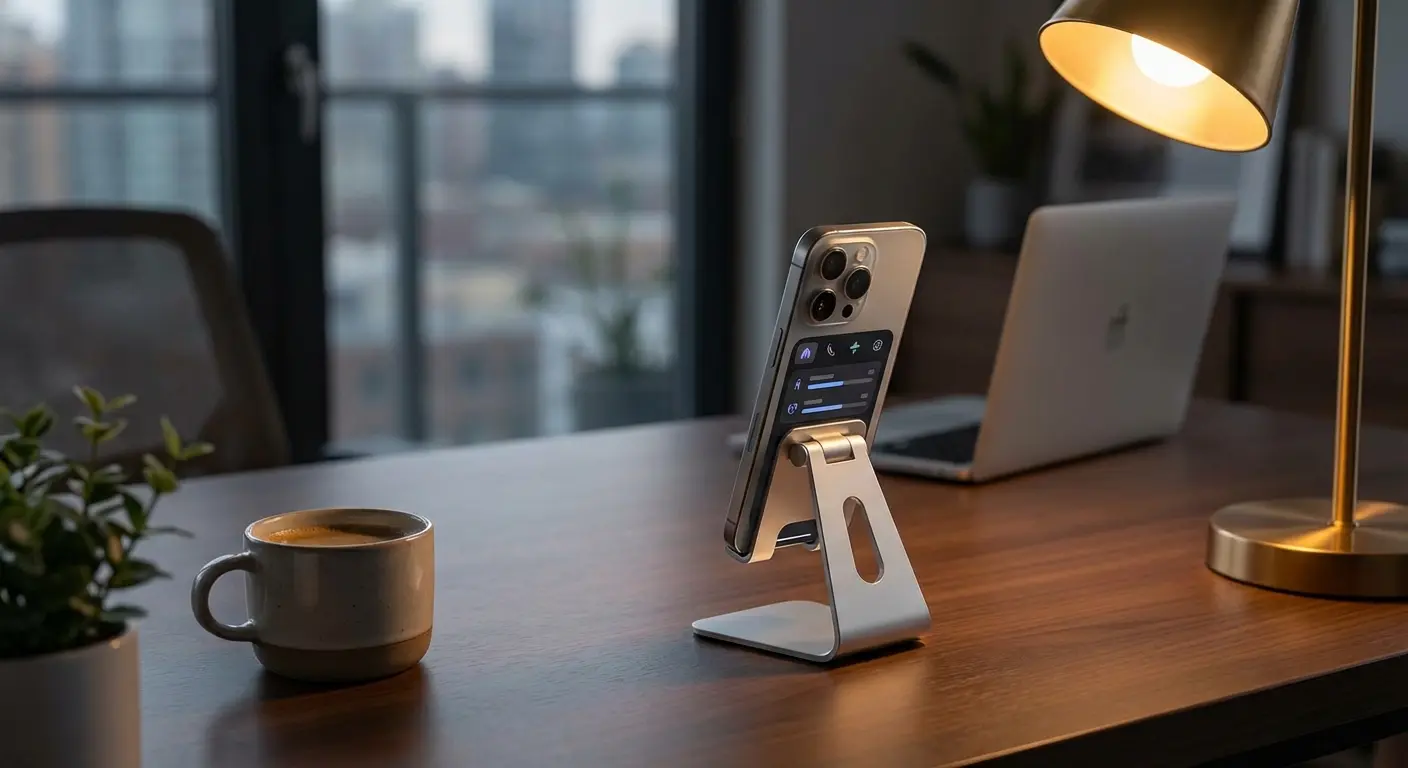
Fantastical is great because it understands how humans speak. You can just type "Lunch with Mike next Friday at noon," and it builds the event for you. No scrolling through wheels of dates and times. It also uses the Dynamic Island way better than Apple's default calendar.
The "Monday Morning" Panic: You get a Zoom invite while walking to your car. With the normal calendar, you're fumbling to copy-paste. With Fantastical, you copy the text, open the app, and it effectively says, "Want me to make this an event?" It saves you 30 seconds of sidewalk rage.
4. Spark Mail
Spark treats your inbox like a to-do list. It’s smart enough to know the difference between an email from your boss and a newsletter from a store you bought socks from three years ago. That filtering alone saves hours.
5. Craft
Craft is for people who care about how their docs look. It links notes together to create a personal wiki. It is arguably the best-looking writing app on iPhone. It makes writing feel less like work and more like design.
Health & Outdoors: Fitness, Wellness & Maps
Your iPhone is packed with sensors. These apps actually use them to help you get fit or stay found.
6. Strava
If you run or bike, you probably already know Strava. It tracks everything via GPS and gives you deep analytics on how you did. The sync with Apple Watch is flawless. While Strava is the leader, serious riders should also check out the best apps for cyclists for more niche tools.
7. AllTrails
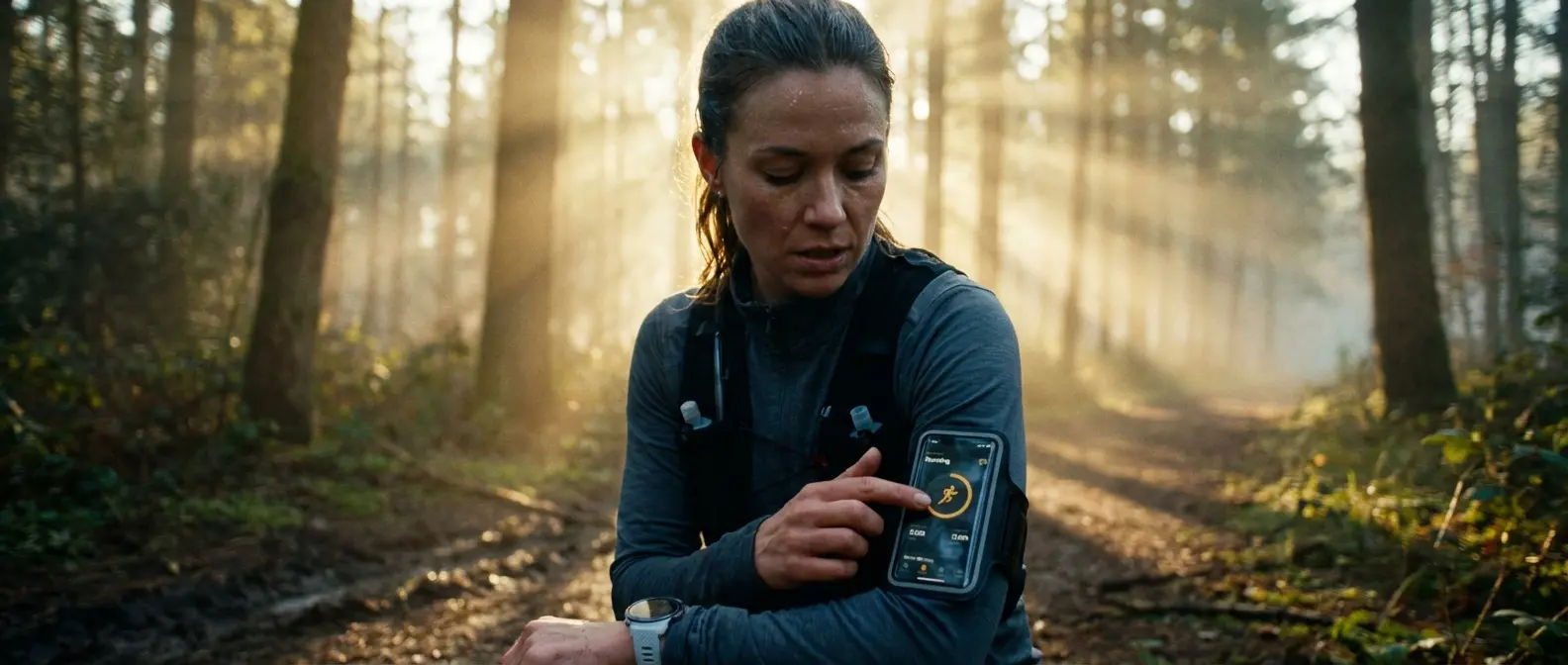
This is the ultimate database for hiking and biking trails. The offline maps feature is a lifesaver—literally—ensuring you don't get lost when the cell signal dies. For outdoor lovers, it’s worth every penny.
8. Gentler Streak
Gentler Streak is refreshing because it prioritizes rest. Instead of yelling at you to "close your rings" every day, it looks at your heart rate and sleep to tell you when to chill out. It’s about longevity, not burnout.
9. OnX Offroad
If you’re into off-roading or dirt biking, you need OnX. It highlights open trails and public land boundaries that Google Maps doesn't even know exist. It’s indispensable for motorsports.
10. 18Birdies
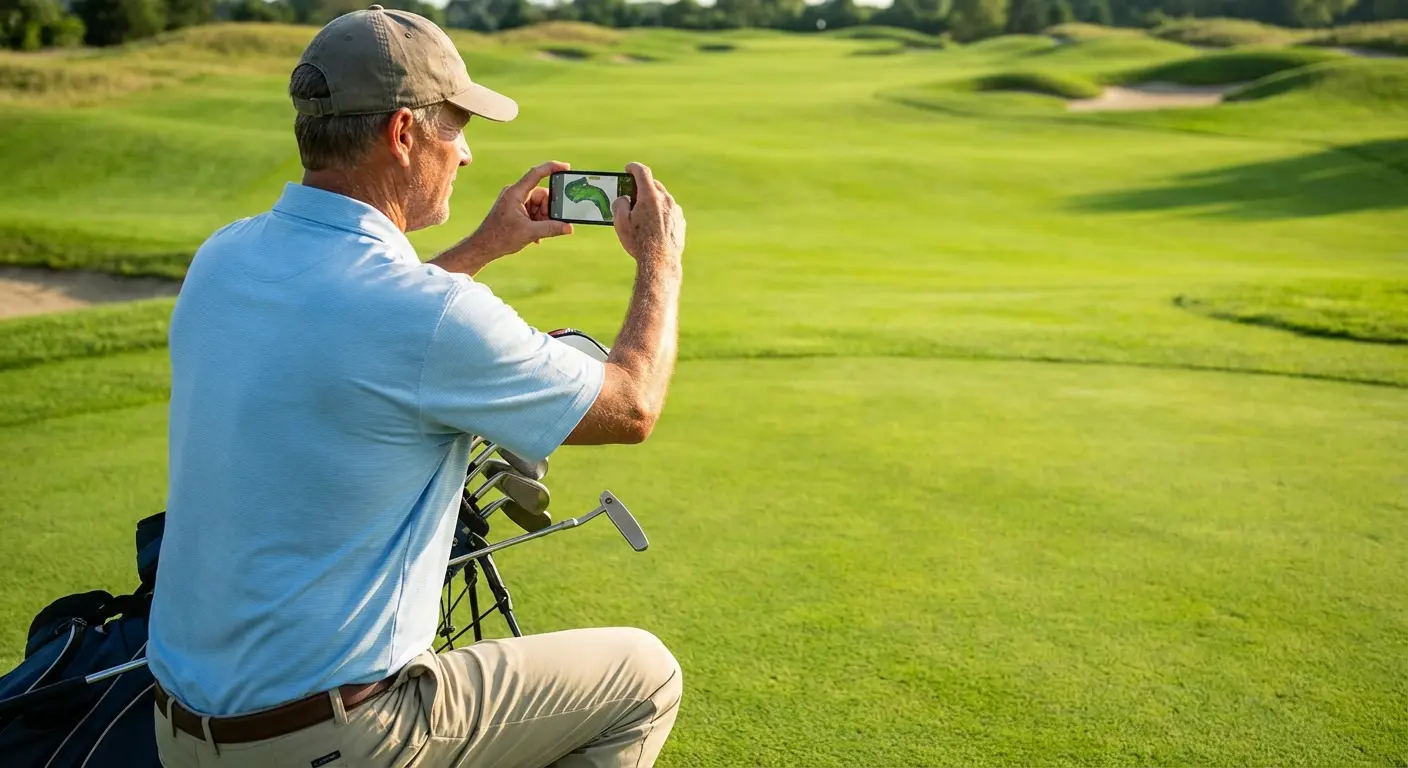
18Birdies is like having a caddie in your pocket. It uses AI to analyze your swing and suggests clubs based on wind and elevation. It turns the camera into a swing coach. If you want to lower your handicap, you might also want to look at the top 8 best GPS golf apps to see what fits your game.
Creative Tools: Photography & Video
The iPhone camera is a beast, but the stock app hides a lot of the power. These apps unlock the full potential of the sensor.
11. Halide Mark II
Halide gives you manual control over everything—shutter speed, ISO, focus peaking. It’s for people who want to shoot photos, not just take snapshots.
Feature |
Stock Camera App |
Halide Mark II |
|---|---|---|
File Format |
Standard / ProRAW |
ProRAW / RAW+ / Instant RAW |
Focus |
Tap to Focus |
Manual Focus Peaking (The pro way) |
Exposure |
Simple Slider |
Histogram & Zebra Stripes |
Macro |
Auto Switch |
You have total control |
12. Photomator
Photomator is a photo editor that feels like magic. It uses machine learning to upscale resolution or remove random people from the background of your vacation shots. It integrates right into your Photos library, so you don't have to import/export constantly. Check out the 6 best iOS apps for editing photos for more options.
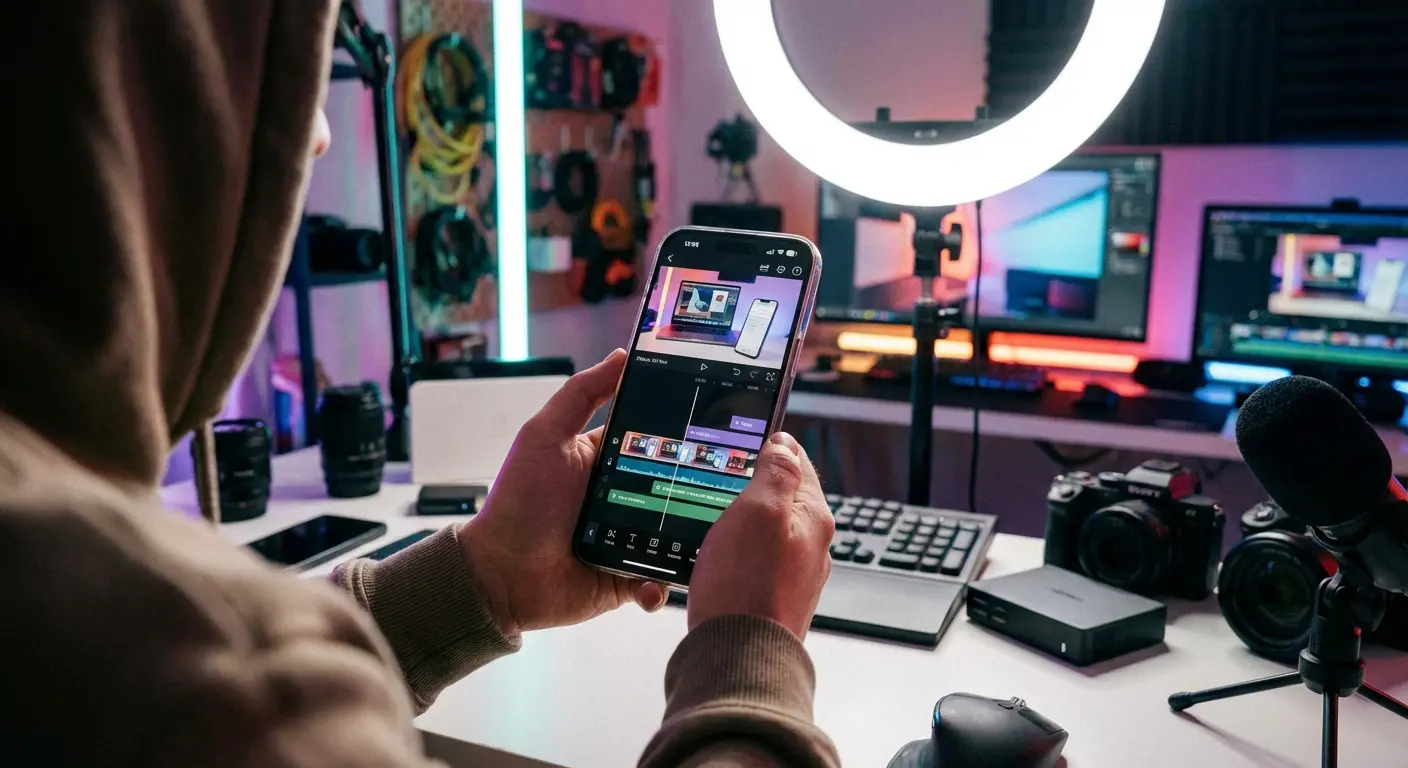
13. CapCut
CapCut is the king of social video. It has the trending templates, the auto-captions, and the transitions everyone is using on TikTok and Reels. It is the fastest bridge between shooting a video and posting it.
14. Procreate Pocket
Procreate Pocket is a powerhouse art app squeezed into your phone. It offers hundreds of brushes and layers. It proves you don't need an iPad to make professional-grade art.
15. DoubleTake by FiLMiC Pro
DoubleTake lets you record video from two cameras at once. You can capture your reaction and what you're looking at simultaneously. It’s a cool flex of the iPhone's processing power.
Travel: Getting Around Without the Headache
Moving through the world is stressful. These tools help you navigate airports and cities without losing your mind.
16. Flighty
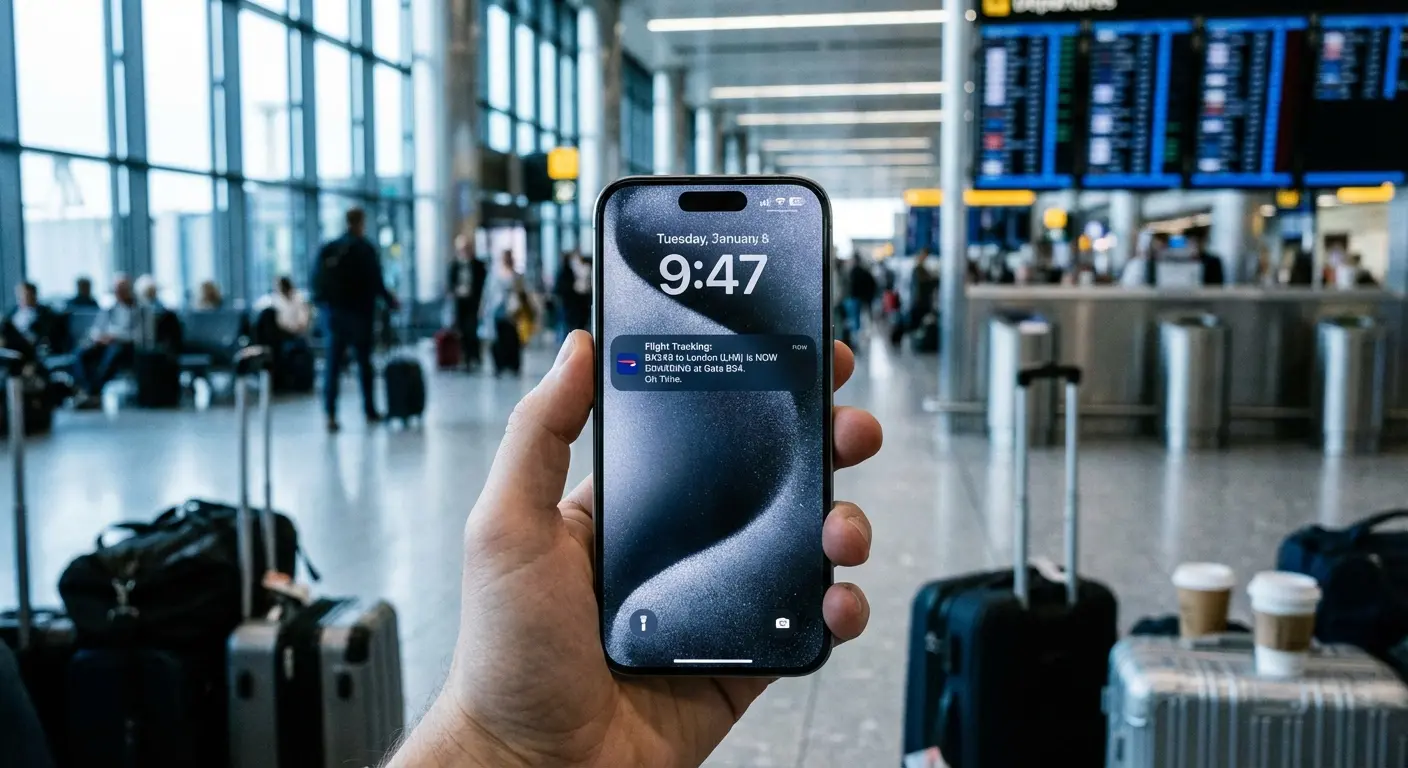
Flighty is hands down the best flight tracker. It often tells me my gate changed before the airline agent even knows. It keeps your flight status right on the lock screen, so you aren't constantly unlocking your phone.
17. Citymapper
Citymapper combines bus, subway, and train data into the fastest route. It beats Google Maps in big cities because it tells you exactly which subway exit to take so you save walking time.
18. Google Maps
Google Maps is still the daddy of navigation. Apple Maps has gotten better, but Google still wins on business hours and reviews. When comparing tools, it helps to review other GPS apps for iPhone, but Google is usually the baseline.
19. Translate Now
Translate Now uses AR to translate menus and signs via the camera. You just point your phone at a menu in a language you don't speak, and it translates it on the screen. It feels like sci-fi.
Security: Protect Your Digital Life
Keeping your data safe is non-negotiable. These apps make security convenient rather than a chore.
20. 1Password
Stop using the same password for everything. 1Password stores logins and credit cards securely. It works with FaceID, so you never actually have to type a password again.
The "Breach" Panic: If a service gets hacked, 1Password’s "Watchtower" feature flags it immediately. You click one button, go to the site, and change it. No panic required.
21. Carrot Weather
Carrot Weather combines accurate forecasting with a "personality" you can customize (from polite to abusive). It’s fun, but it also lets you build the exact weather dashboard you want.
22. DuckDuckGo Browser
If you're tired of ads following you around the internet, use DuckDuckGo. It has a "Fire Button" that instantly clears all tabs and data. It’s for when you want to browse without building a profile.

23. Scanner Pro
Scanner Pro turns your iPhone into a portable scanner. It flattens pages and removes shadows automatically. If you're on the road a lot, pair this with the best mileage tracker apps for a full mobile office setup.
Entertainment: The Good Stuff
When you're done working, these apps make downtime better.
24. Letterboxd
Letterboxd is social media for movie nerds. You can log what you watch, read reviews, and argue about whether the ending of that new thriller made any sense.
25. Overcast
Overcast is a podcast player that respects your time. It has "Smart Speed" which shortens silences without making people sound like chipmunks. It’s way better than the default Apple Podcasts app.

Real World Protection: The Rokform Advantage
We just listed 25 incredible tools. But here is the reality check: those apps are useless if your phone shatters on a hike or flies off your dashboard. This is where we come in. Our cases use high-impact polycarbonate to provide 360-degree protection, ensuring that a drop on the trail while using Strava doesn't ruin your run.
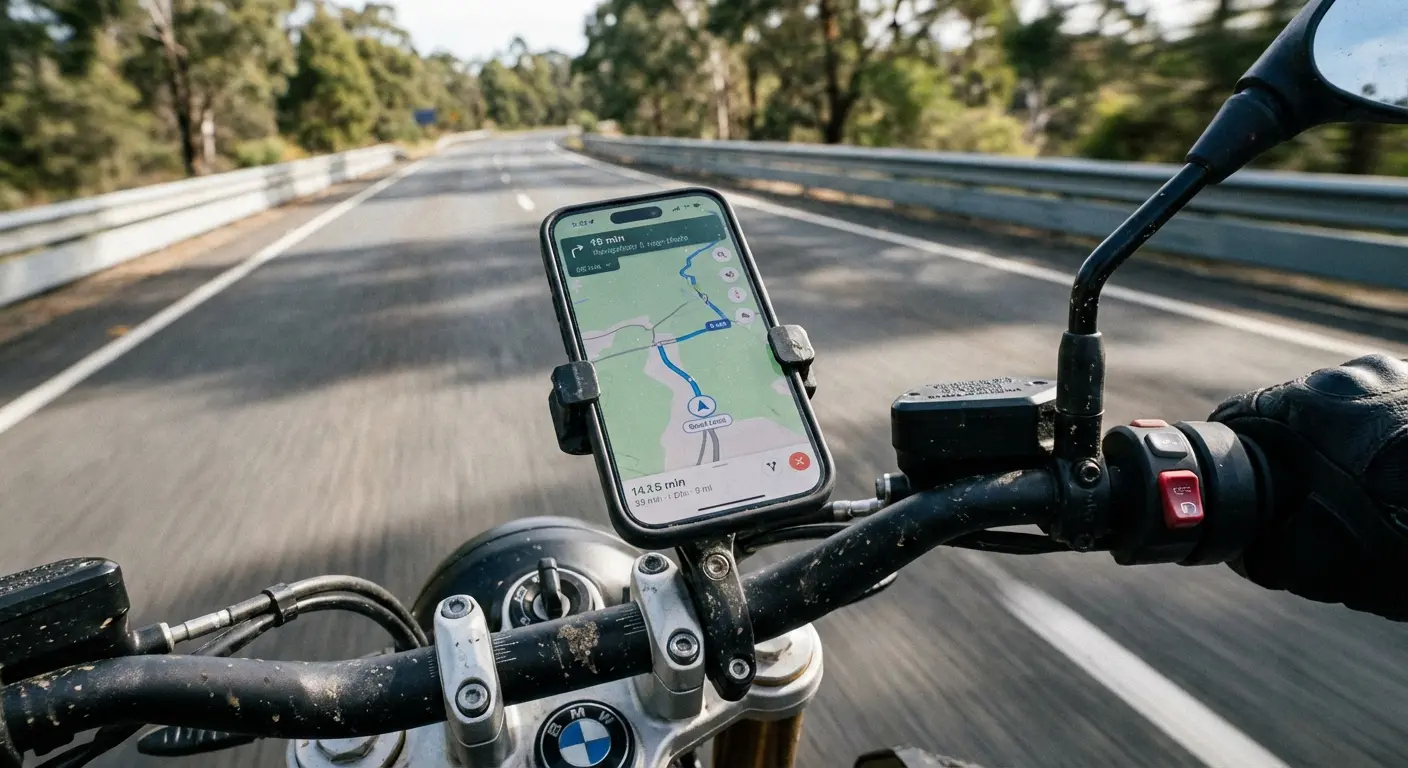
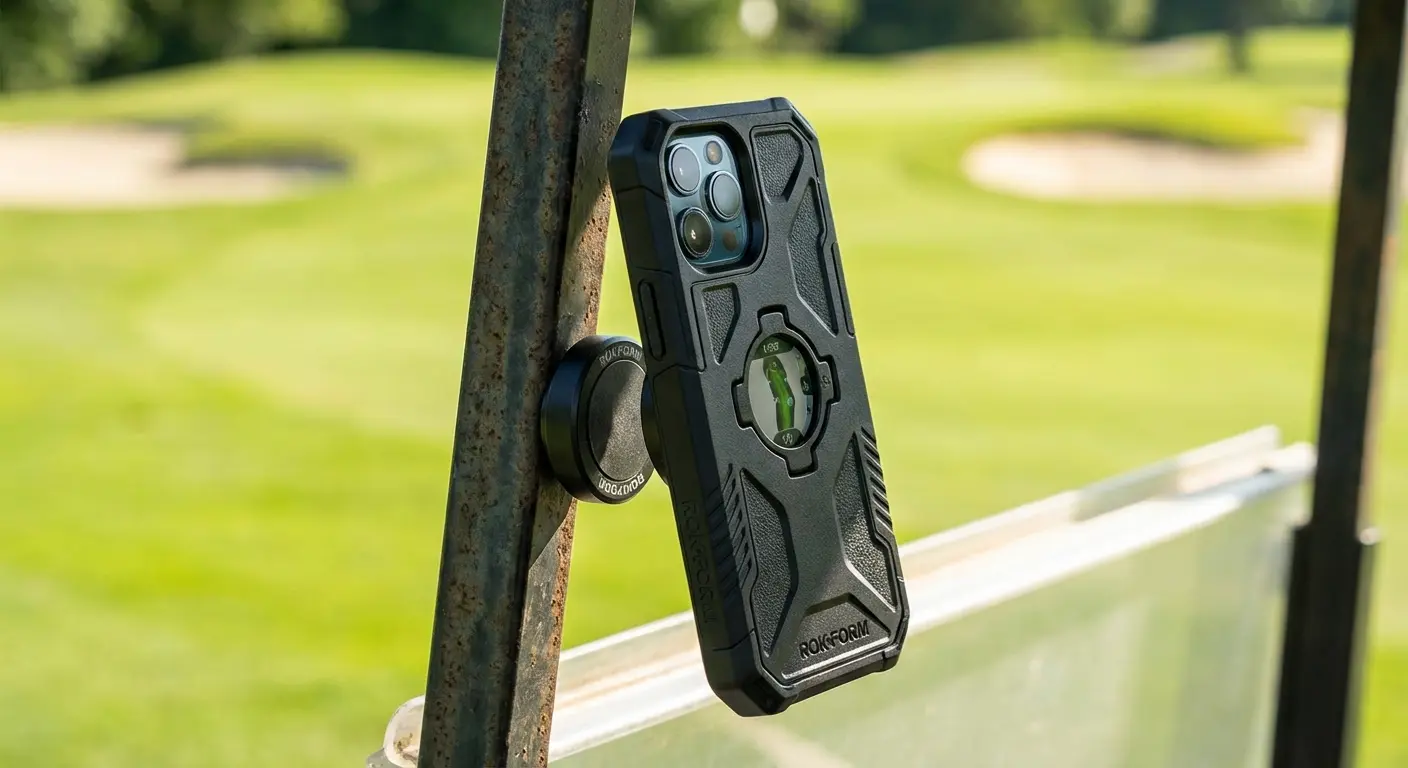
Plus, our magnetic ecosystem actually makes these apps easier to use. If you are using 18Birdies, you can stick your phone right to the golf cart cart. If you are navigating with Google Maps, our magnetic car mounts keep your phone rock steady. We make sure our stuff is MagSafe® compatible, so you don't have to choose between protection and convenience.
Activity |
The Risk |
The Rokform Fix |
|---|---|---|
Golfing |
Phone sliding off the seat |
MagSafe Mount for the cart |
Off-Roading |
Bouncing & drops |
Rugged Case + Dash Mount |
Hiking |
Smashing on rocks |
Crystal Case (6-sided protection) |
Cycling |
Phone flying off bars |
Bike Mount (It locks in tight) |
The "Trail Save": Picture this: You are three miles deep into a hike using AllTrails. You trip on a root, and your phone goes flying onto a granite slab. With a cheap silicone case, your screen—and your map home—is toast. With a Rokform Rugged case, the corners take the hit. You pick it up, dust it off, and keep moving.
Wrap Up
The iPhone isn't just a phone anymore; it’s a navigator, a trainer, and a studio. The software we highlighted today unlocks that potential, but you need the right hardware to make sure it survives the real world. Download the apps that make your life easier, and equip your phone with the protection it needs to keep up with you.

