Every parent knows that specific knot of anxiety that forms when the weekly screen time report pops up. I feel it, too. It’s easy to worry about passive consumption and wonder if all those hours on a tablet are actually doing any good. But if you look at where the world is heading, the perspective shifts a bit. STEM careers aren't just "growing"—they are becoming the baseline. Source.
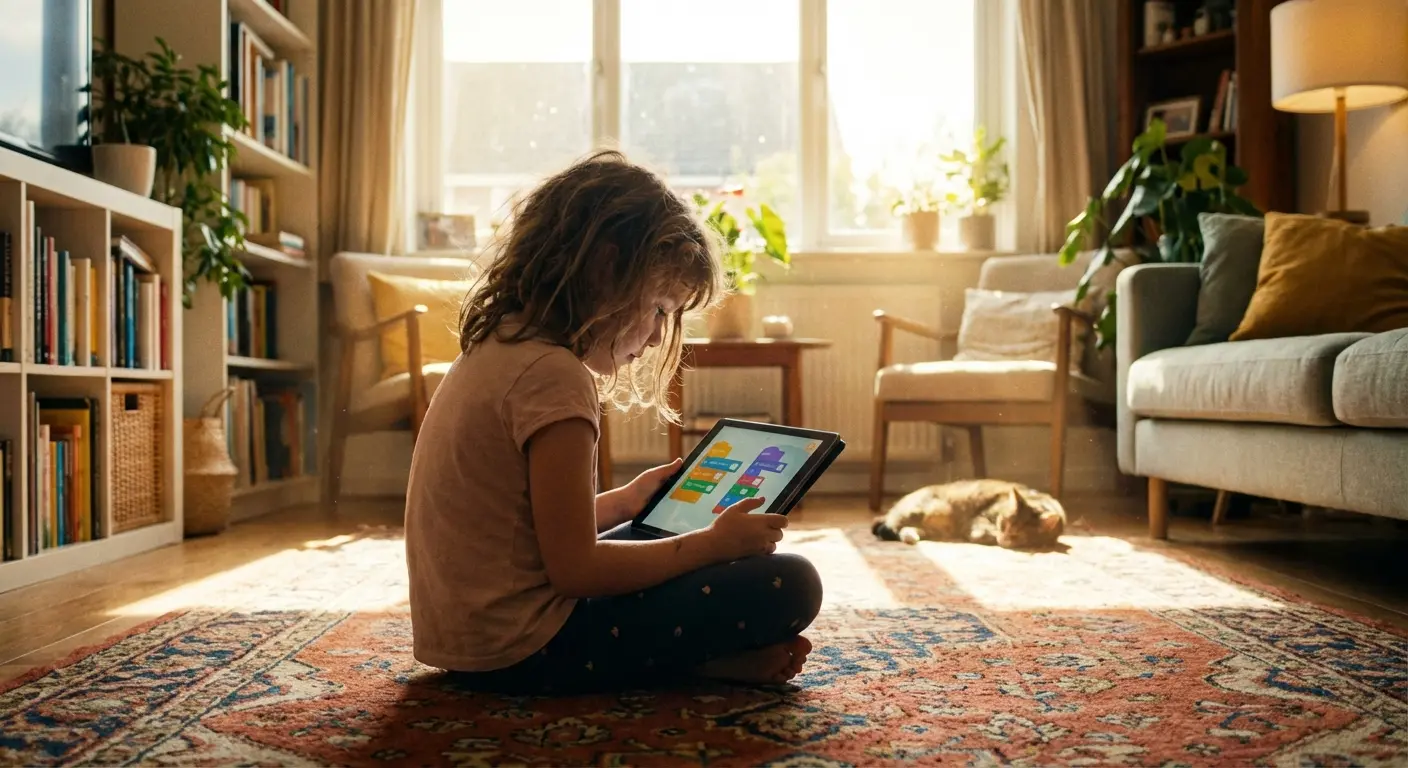
I remember watching my daughter staring at her tablet a few months ago. She wasn't just zoning out specifically; she was manipulating objects on the screen with a laser focus I rarely see during homework time. It clicked for me then. We all want to give our kids a leg up, and fluency in technology isn't optional anymore. The trick is ensuring the time they spend on devices is fueling their future rather than just killing time. A lot of parents ask us, "What are the best apps for kids to learn coding?" So, we put together this list to answer exactly that.
How to Use This Guide
Think of this post as a roadmap. We know you don't have time to read about high school Python courses if you have a toddler, so we’ve broken this down by age and stage. You can jump straight to the section that fits your kid. We cover everything from pre-readers to advanced tools, along with a few tips on how to keep the hardware (read: expensive tablets) safe while they learn.
How We Picked Them: Why we chose these specific apps (and why some didn't make the cut).
Pre-Readers (Ages 4-7): Logic and patterns for kids who can't read yet.
Block-Based Coding (Ages 8-12): Drag-and-drop game building.
The Real Deal (Ages 10-14): Moving to actual typing—Python, Swift, and JavaScript.
Robotics: Controlling physical objects with code.
High School & Advanced (Ages 14+): Career prep and professional languages.
Protecting the Gear: How Rokform keeps your devices in one piece during the chaos.
Age Group |
Stage |
The Goal |
Best Gear |
|---|---|---|---|
4–7 Years |
Pre-Reader |
Logic, Sequencing, Cause & Effect |
Tablet (iPad/Android) |
8–12 Years |
Elementary |
Creativity, Game Design, Loops |
Tablet or Laptop |
10–14 Years |
Middle School |
Syntax accuracy, Typing code |
Laptop or iPad with Keyboard |
14+ Years |
High School |
Career Prep, App Dev |
High-Performance Laptop |
TL;DR: The Key Takeaways
For the parents currently balancing work emails, school runs, and dinner prep—here is the quick-scan summary. The main thing? Match the app to where your kid is right now, keep it fun, and protect the hardware.
Match the Literacy Level: Pre-readers need pictures; teens need text. Don't rush them into typing code if they are still learning to spell.
Look for "Stealth Learning": The best apps hide the vegetables in the lasagna. If it feels like school, they’ll quit. If it feels like a game, they’ll learn.
Check the Platform: Make sure the app actually works on the device you own before you get them excited about it.
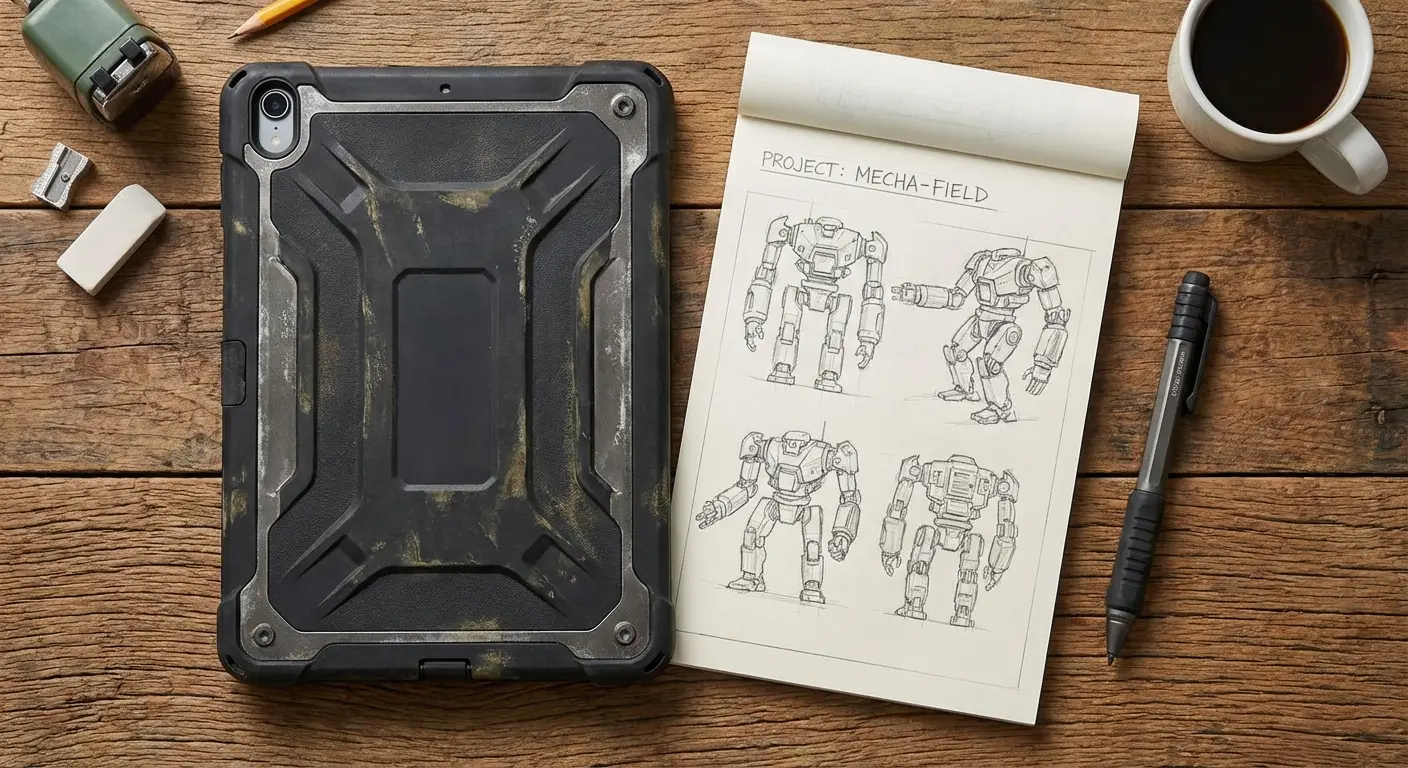
Safety First: Coding often involves moving around with tablets (especially with robotics). A good case is cheaper than a new screen.
Community Helps: Platforms like Scratch let kids see what others are building, which is a huge motivator.
How We Graded These Digital Classrooms
We didn't just throw a dart at the App Store top charts. We looked for apps that actually teach, rather than just distract. Here is the criteria we used to separate the good stuff from the digital junk food.
Age Appropriateness
There is a massive difference between visual symbols for a 5-year-old and Python scripts for a 15-year-old. Choosing a tool that challenges your child without making them want to throw the iPad across the room is critical. Also, before you download a dozen apps, make sure your hardware can handle it. Check out our guide on the best phones for kids to see if their current device is up to the task.
The "Chocolate-Covered Broccoli" Factor
If an app is too dry, kids quit. If it's all fluff, they don't learn anything. We looked for that sweet spot of "stealth learning."
CodeCombat is a perfect example of this. Your kid thinks they are playing a dungeon crawler RPG to defeat ogres. But to swing their sword, they have to type hero.attack(). They aren't trying to memorize Python syntax; they are just trying to win. The education is the mechanic, not the goal.
Curriculum Depth
We looked for apps that have legs. You want something that starts with basic loops but offers a pathway to complex projects. Apps that grow with your child are worth the download; one-off gimmicks usually aren't.
Cost vs. Value
Some of these are free, some are subscriptions. We evaluated whether the paid ones are actually worth your hard-earned money.
The Ultimate List of 25 Coding Platforms for Every Age
These are our top picks for 2026. If you’re still asking "what are the best apps for kids to learn coding?"—the answer is probably one of the ones below.
Category 1: Pre-Readers & Early Logic (Ages 4–7)
These apps are for the little ones who can't read yet. They use pictures and puzzles to teach the logic of coding without any of the boring text.
1. ScratchJr
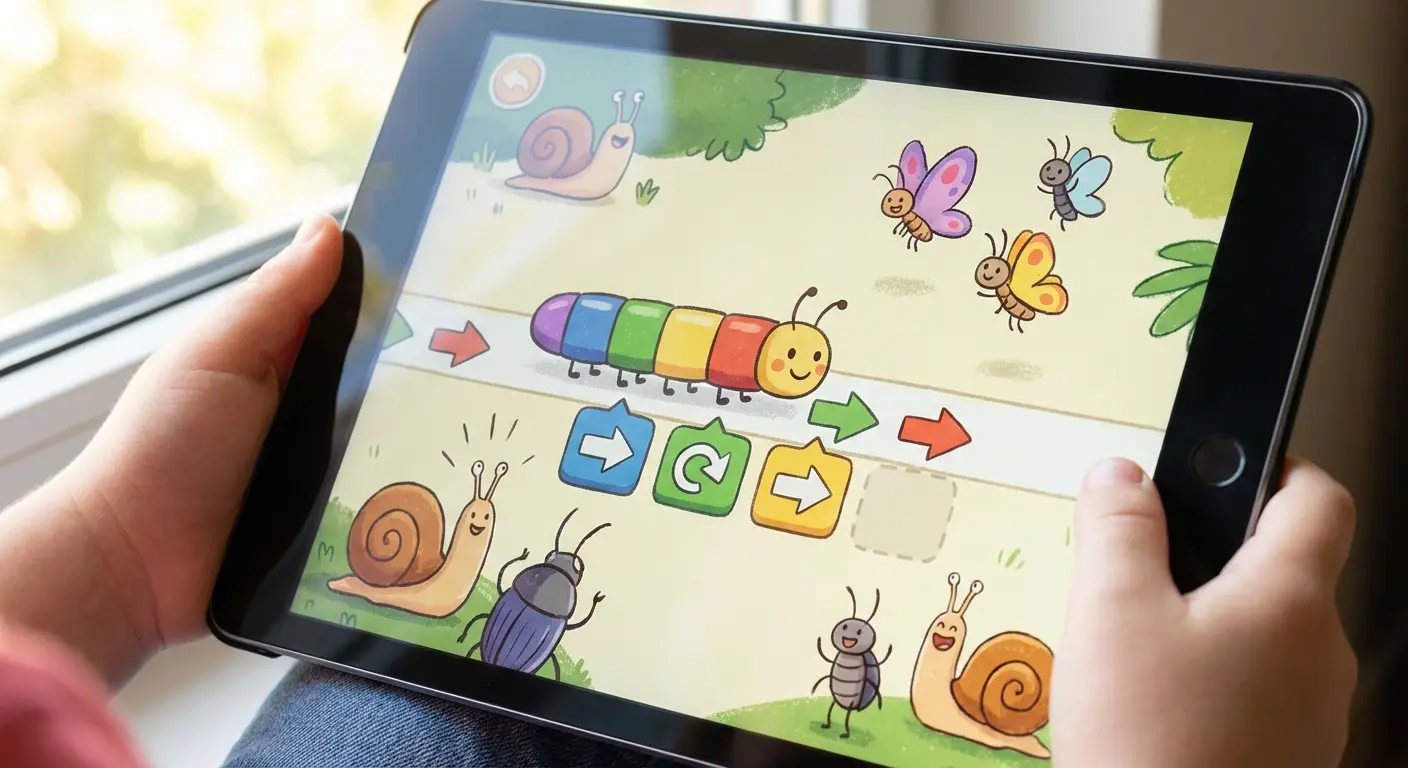
ScratchJr is basically the gold standard for toddlers. Kids snap graphical blocks together to make characters jump, dance, and move. It’s all about creativity and storytelling, making it a perfect first step.
2. Kodable
In Kodable, you guide fuzzy aliens through mazes. It’s used in a ton of schools because it scales really well—it starts with simple logic puzzles but eventually introduces JavaScript concepts.
3. Code Karts
Think Mario Kart, but you have to code the track. Kids place directional tiles to steer a car. It’s fast-paced and gives immediate feedback, which is great for kids with shorter attention spans.
4. Lightbot: Code Hour
This is a deceptively tricky puzzle game. You have to program a robot to light up tiles. It’s fantastic for teaching "debugging"—because when the robot crashes, your kid has to figure out which step went wrong.
5. Daisy the Dinosaur
A simple, drag-and-drop sandbox. You drag commands to make a dinosaur move. It’s short, sweet, and a great introduction to cause-and-effect.
Category 2: Block-Based Creative Coding (Ages 8–12)
This is the "Lego" phase of coding. Kids drag and drop blocks of code to build games and animations. It teaches the structure of programming without the frustration of typos.
App Name |
Best For |
Cool Feature |
Platform |
|---|---|---|---|
Scratch |
Creative Storytelling |
Huge Community |
Web / Tablet |
Tynker |
Guided Lessons |
Barbie & NASA themes |
Web / Mobile |
Hopscotch |
Mobile Game Design |
Made for Touchscreens |
iOS (iPad/iPhone) |
Minecraft Edu |
Engagement |
Coding in Minecraft |
PC / Console / iPad |
6. Scratch (MIT)
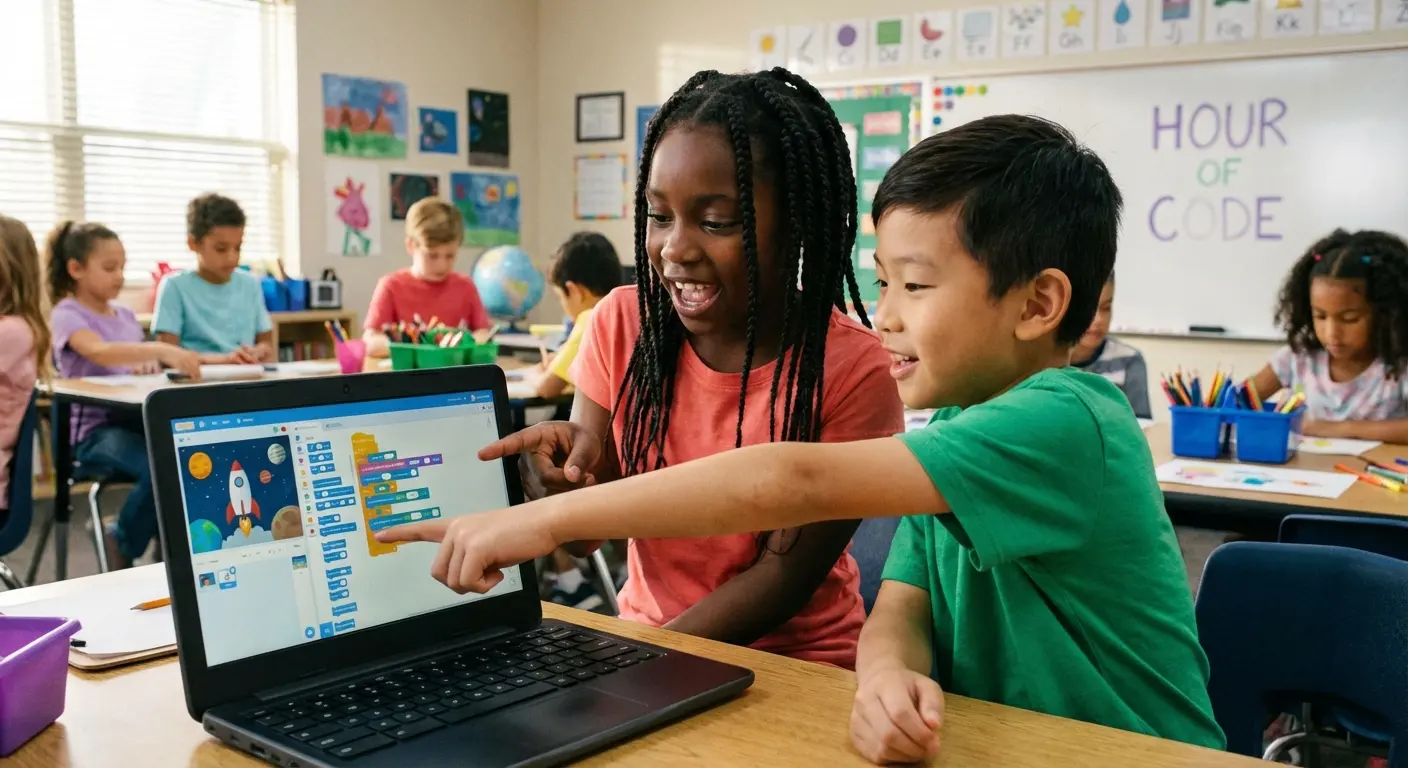
The big one. Scratch is a massive community where kids can build projects and "remix" (modify) other people's games. It’s like the YouTube of coding for kids.
7. Tynker
Tynker is a beast of an ecosystem. It has guided courses and partnerships with brands like Barbie and NASA. If you want something structured that feels like a class (but fun), this is it.
8. Hopscotch
Designed specifically for iPads, Hopscotch lets kids build games like Crossy Road. Since it’s so visual, precision helps. You might want to teach your child how to connect an Apple Pencil to the iPad so they can draw their own custom characters with better detail.
9. CodeSpark Academy
A word-free environment featuring "The Foos." It teaches complex concepts through visual puzzles. Great for kids who are smart visually but maybe struggle with reading heavy text.
10. Minecraft Education
If your kid is already obsessed with Minecraft, this is the way in. It uses a "Code Builder" to modify the game world. The barrier to entry is zero because they already love the game.
Category 3: Transition to Real Syntax (Ages 10–14)
This is the bridge. We are moving away from colorful blocks and starting to type real code like Python and Swift.
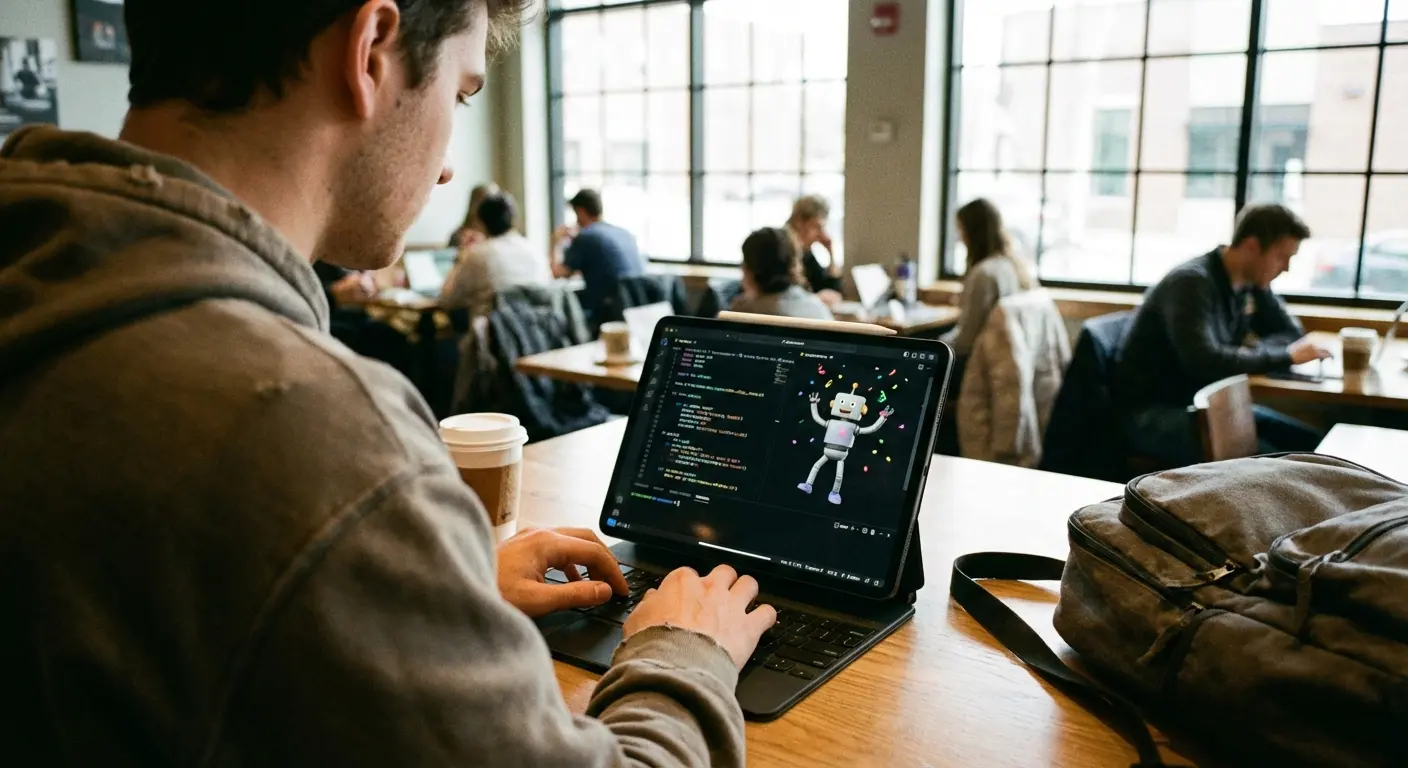
11. Swift Playgrounds
Apple’s own tool for teaching iOS development. You move a character through a 3D world using real Swift code. If you have an iPad, get this.
12. CodeCombat
As mentioned before, this is an RPG where code controls the action. It turns typing syntax into casting spells. It’s brilliant for keeping kids engaged.
13. Mimo
Think "Duolingo for coding." It uses bite-sized exercises for Python, HTML, and SQL. Perfect for fitting a little learning into a busy day.
14. Programming Hero
A space-themed app that teaches Python by having users build a game as they learn. It connects the "why" directly to the "how."
15. Code Kingdoms
Focuses on modding Minecraft and Roblox. It teaches Java and Lua, which are the languages used to build the games your kids are probably already playing.
Category 4: Robotics & Hardware Integration
For the kids who need to move. These apps control real-world objects, bridging the gap between the screen and the floor.
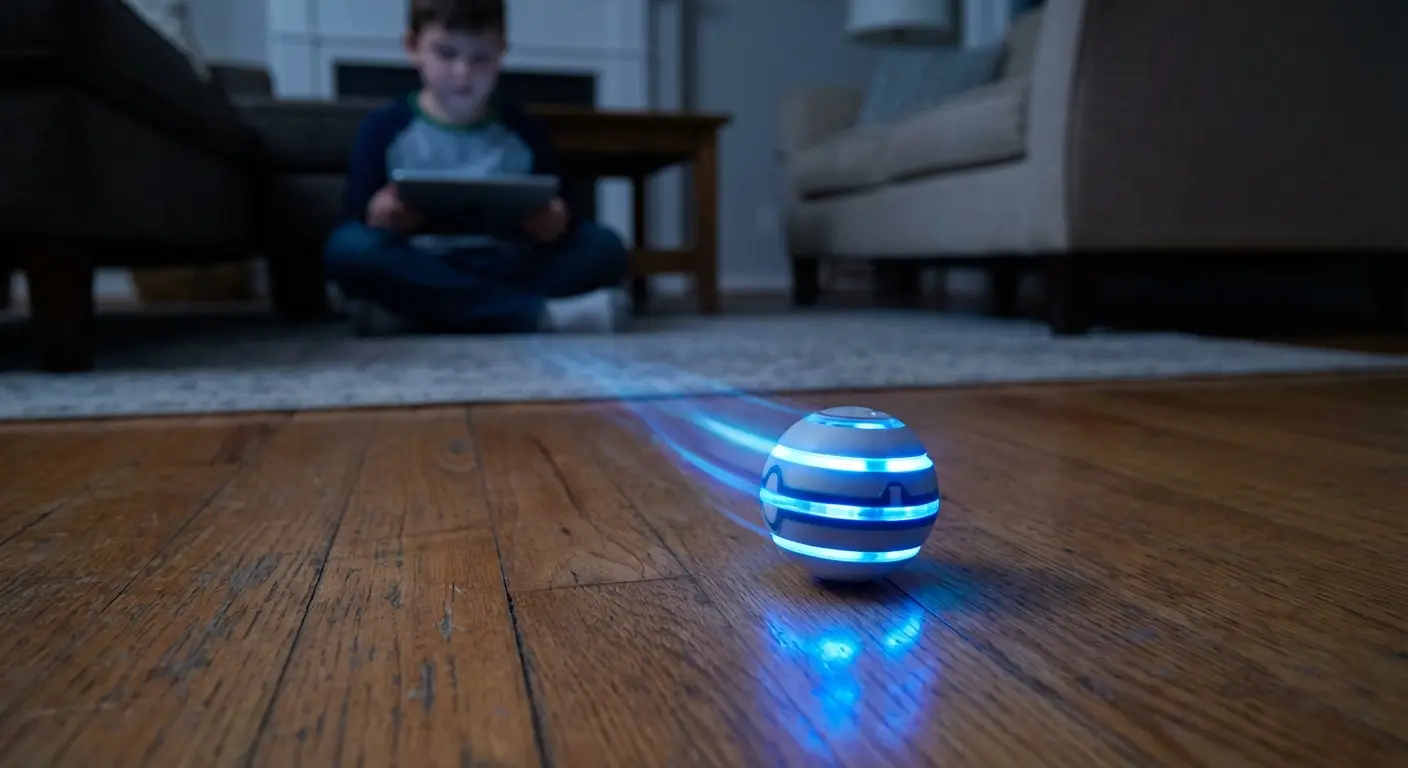
16. Sphero Edu
You control a robotic ball. You can draw paths or write JavaScript to make it move. Seeing a physical object obey your code is a huge "aha!" moment.
Pro-tip: Tape a marker to the Sphero and code it to draw shapes on a big piece of paper. It gets the kids crawling around, measuring angles, and debugging in the real world.
17. LEGO BOOST / SPIKE
It’s Lego, but alive. Kids build the robot and then code its behavior. It combines engineering with programming.
18. Wonder Workshop (Dash & Dot)
These robots are cute, responsive, and great for long-term learning. They have sensors and voice recording, so the coding possibilities are pretty deep.
19. Sam Labs
Focuses on wireless blocks and the "Internet of Things." It connects motors and sensors via Bluetooth to teach how software controls hardware.
20. Botley the Coding Robot
A mostly screen-free option. It’s great for younger kids to learn logic without staring at a tablet all day.
Category 5: Advanced & High School (Ages 14+)
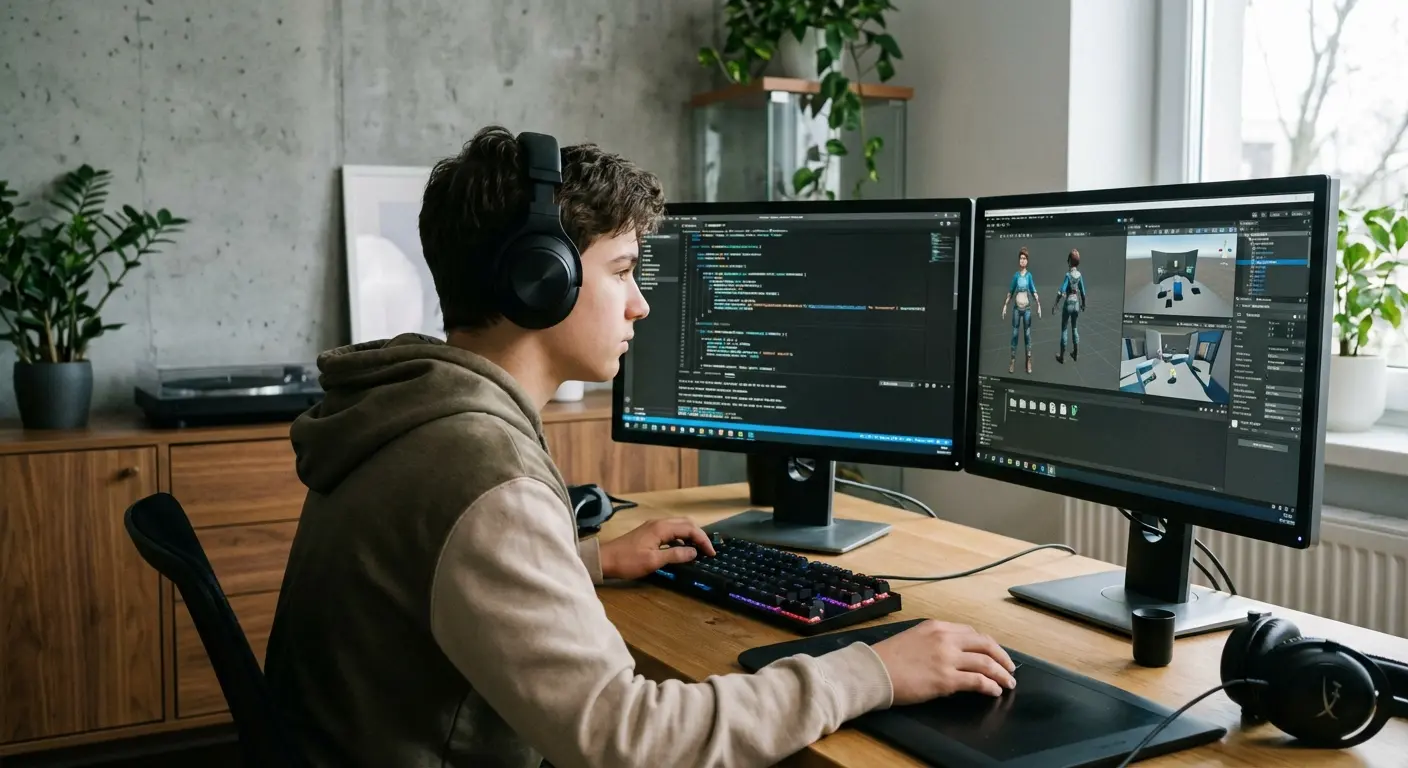
This is the serious stuff. These tools teach professional languages like C++, Java, and Python. If your teen is getting into this, they’ll likely be carrying their phone or laptop everywhere to code on the go. If you're upgrading their tech, check our guide on the best phone for teens to make sure they have the processing power they need.
Language |
Used For |
Difficulty |
Best Platform |
|---|---|---|---|
Python |
AI, Data Science |
Low (Easy to read) |
SoloLearn / Py |
JavaScript |
Websites |
Medium |
Encode / Mimo |
C# |
Video Games (Unity) |
High |
Unity Learn |
SQL |
Databases |
Medium |
Enki |
21. SoloLearn
A social platform with university-style courses. It has code challenges and a massive variety of languages. Great prep for a CS degree.
22. Enki
Uses daily workouts for data science and tech skills. It goes deep into SQL and analysis.
23. Encode
An interactive code editor for web dev. It runs right on your phone, so teens can practice HTML/CSS on the bus.
24. Py (Learn to Code)
Focuses on Python and AI logic. If your kid is interested in how ChatGPT works, this is a good place to start.
25. Unity Learn
The "End Game" for game dev. It teaches C# for professional game creation. This is the actual engine used to make real video games.
Protecting Your Investment While They Learn
You’re handing your child a powerful learning tool, but let's be honest—you’re also handing them a fragile piece of glass. Whether they’re using Sphero Edu to drive a robot off the kitchen table or carrying an iPad around the living room to record sounds for ScratchJr, gravity is the enemy.
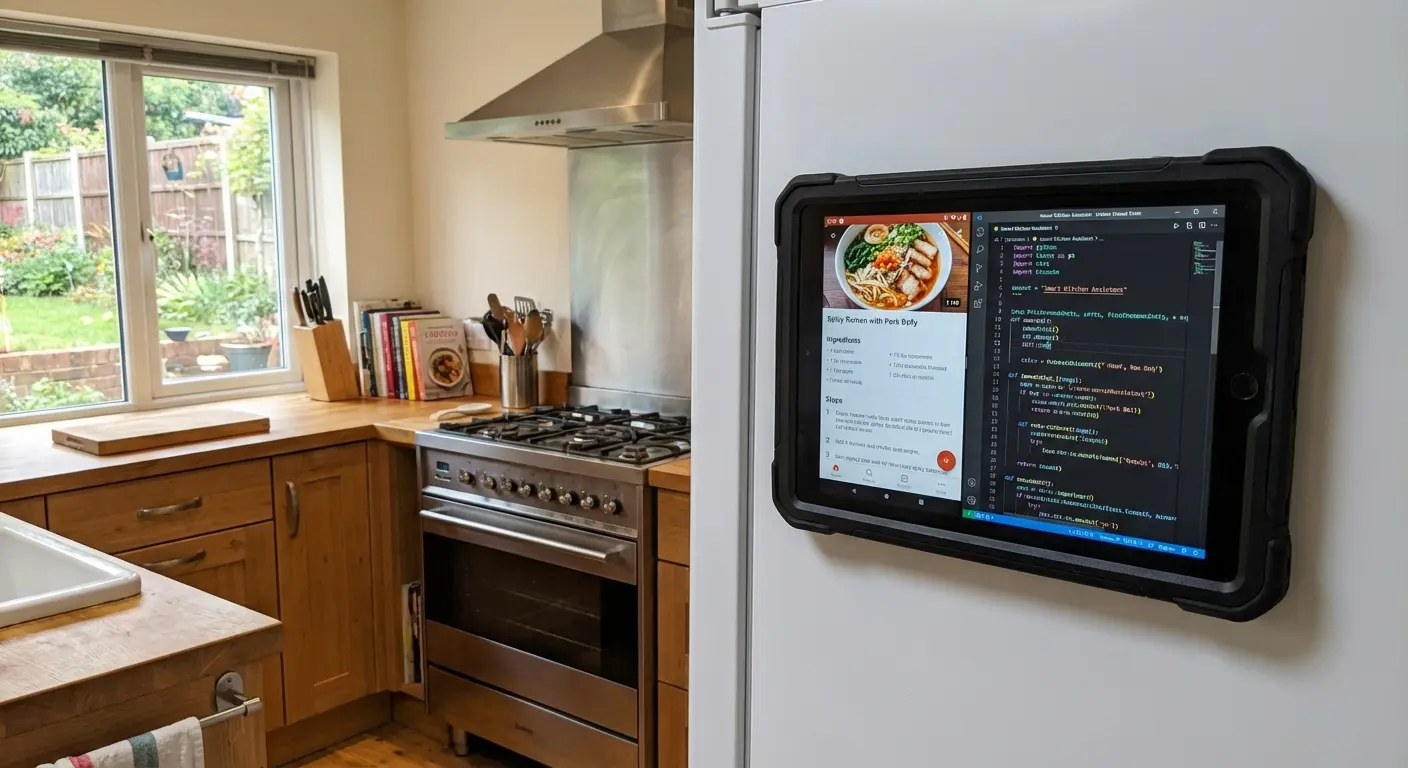
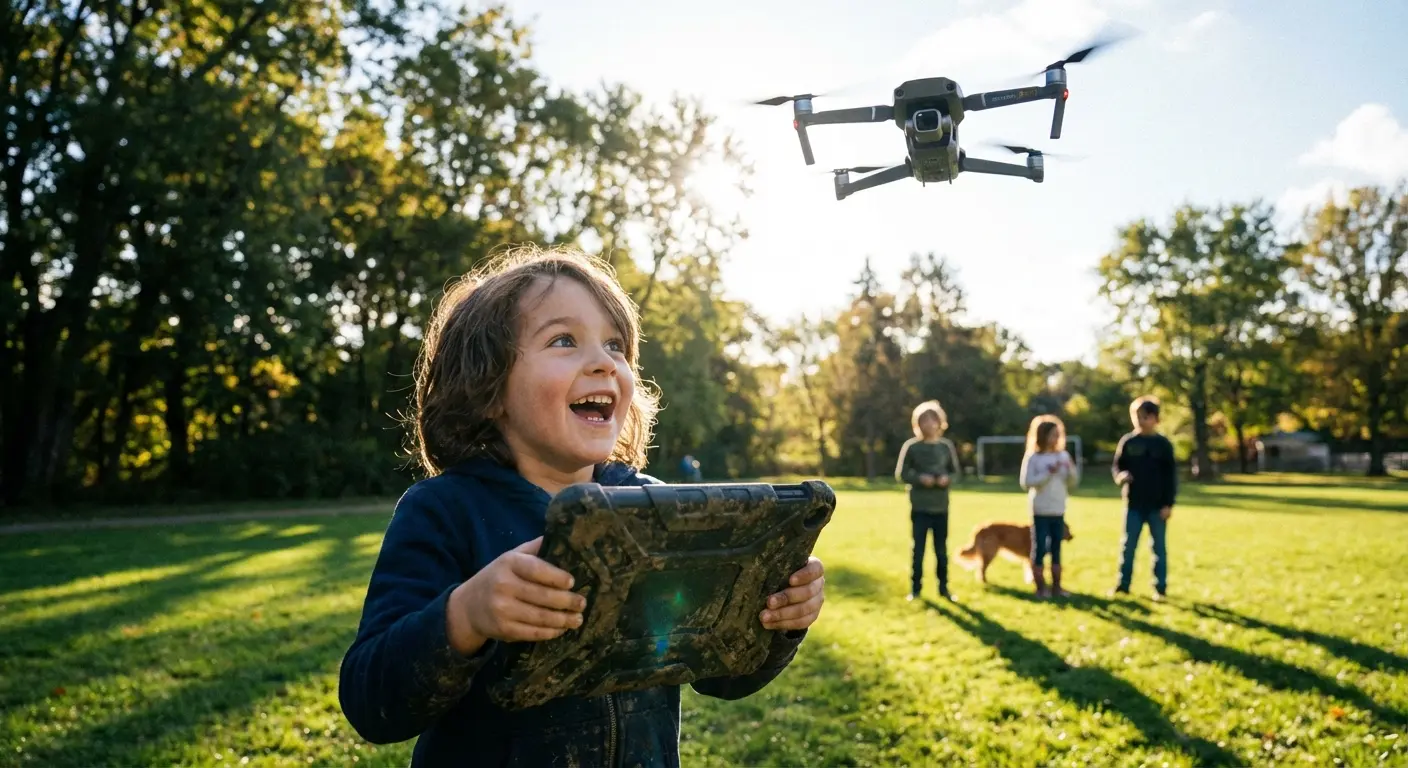
Picture this: Your kid finally gets their code to work, jumps up in excitement to show you, and knocks the tablet onto the tile floor. We’ve all heard that sickening crack sound. With a Rokform Rugged Case, that moment of panic doesn't happen. The military-grade protection absorbs the impact, so the lesson—and the device—survives.
We build our cases because we know kids are unpredictable. Our MAGMAX™ technology is also super handy for learning—it lets your child magnetically mount their tablet to a whiteboard or metal desk, creating an instant hands-free workstation. No more hunching over. If you want to avoid the nightmare of a shattered screen, take a minute to learn how to protect your phone screen from cracking so your child can focus on debugging their code, not explaining why their iPad is broken.
Building the Future (One Line at a Time)
The world is changing fast, and these 25 apps are the best way to get your child fluent in the language of the future. It isn't just about them becoming software engineers; it’s about them learning how to think, solve problems, and create. Pick the right tool, slap a Rokform case on the hardware, and let them explore.