


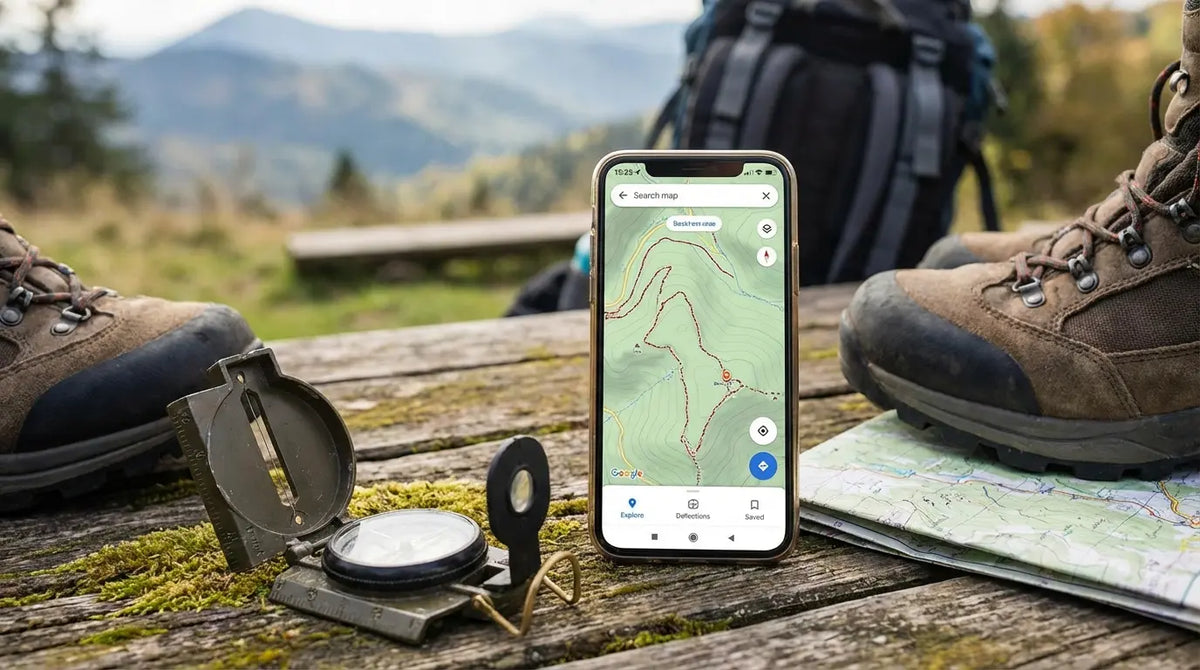
There was a time when using a phone on the trail was looked down on. But let’s be real—that time has passed. The Great Outdoors Magazine points out that modern phones are waterproof, reliable, and honestly, better than most old-school GPS units. We aren't just carrying them for summit selfies anymore; they’ve become a legitimate survival tool.
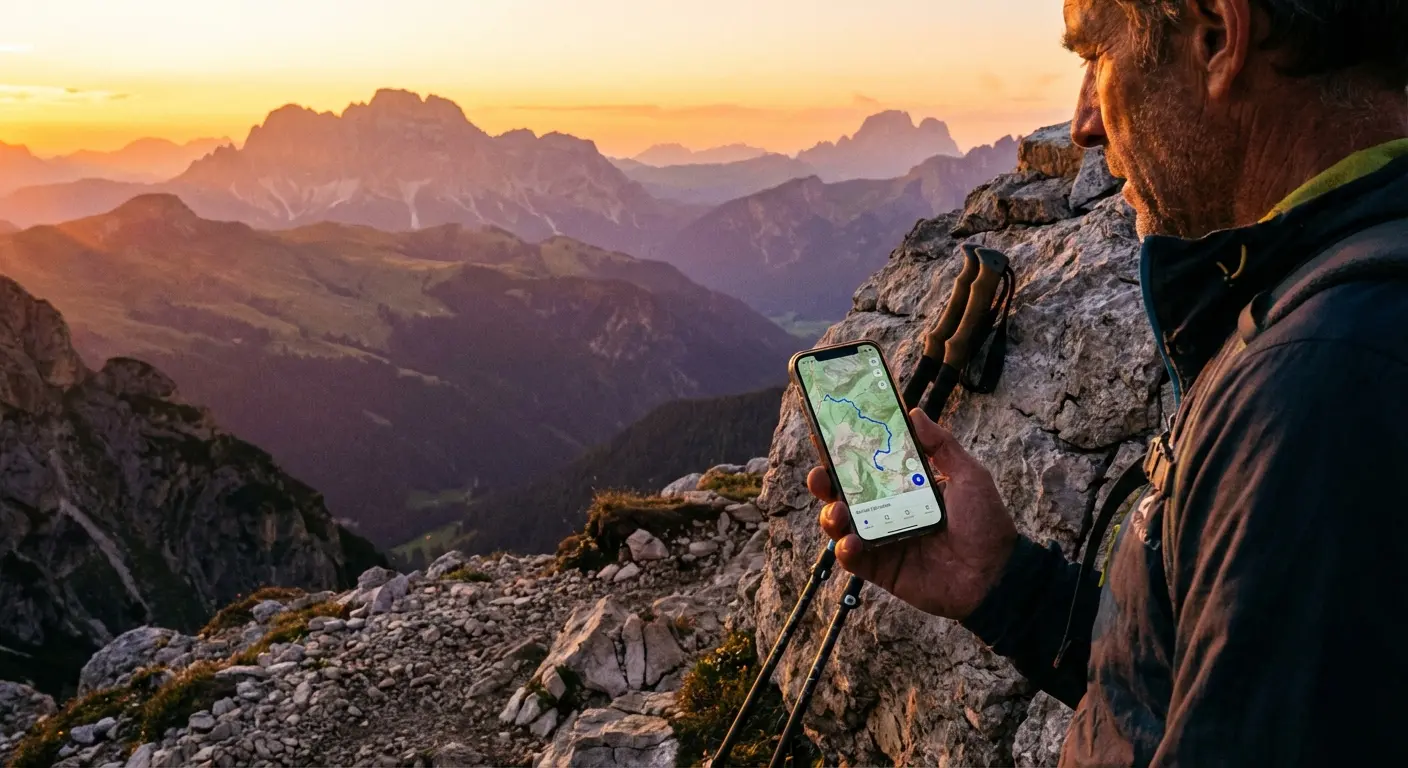
I still remember the moment my opinion flipped. I was standing at a fork in the trail a few years back, watching the sun drop behind the ridge. A sudden storm had turned my paper map into a ball of wet pulp. I pulled out my phone, praying for a bar of service that never appeared. That panic was a wake-up call. You can’t rely on luck out there. You need your tools downloaded, offline, and ready before you even lock the car door. Digital navigation isn't a luxury anymore; it’s your safety net.
Of course, a phone is only useful if it survives the hike. Knowing how to protect your phone from water and having a case that can take a beating is just as important as your boots. We put this guide together to help you cut through the noise and find the apps that actually work—including a few that might save your bacon if things go sideways.
Table of Contents
The "Too Long; Didn't Read" Version
What Actually Matters in a Hiking App
The 25 Best Apps (Categorized)
Gear Integration: Keeping Your Phone Safe
Final Thoughts
TL;DR
If you're just skimming for the highlights, here is the reality: If an app doesn't let you download maps for offline use, it’s useless for real hiking. Also, data sources matter. Crowdsourced stuff (like AllTrails) is awesome for checking recent conditions, but you want official topo data (like CalTopo or Gaia) when you need serious accuracy.
Also, GPS eats battery life for breakfast. You need apps that run efficiently in the background, and you need a backup power plan. Your software is only as good as your hardware—if your phone dies or breaks, the map is gone. Here is a quick breakdown of our top picks.
Category |
What it does best |
Top Pick |
Who it's for |
|---|---|---|---|
The Gold Standard |
General navigation |
AllTrails |
Day hikers & beginners |
Advanced |
Technical routing |
CalTopo |
Search & Rescue, off-trail |
Social |
Finding new spots |
Strava |
Fitness tracking & heatmaps |
Safety |
Emergency comms |
What3Words |
Pinpointing location for rescue |
Budget |
Free offline maps |
Organic Maps |
International travel & privacy |
1. What Actually Matters in a Hiking App
Before you go downloading every app with a mountain in the logo, you need to know what separates a toy from a tool. When you're picking a navigation app, you're balancing ease of use with data depth. A standard street map is dangerous in the mountains. Here is what you should actually be looking for.
Offline Capabilities
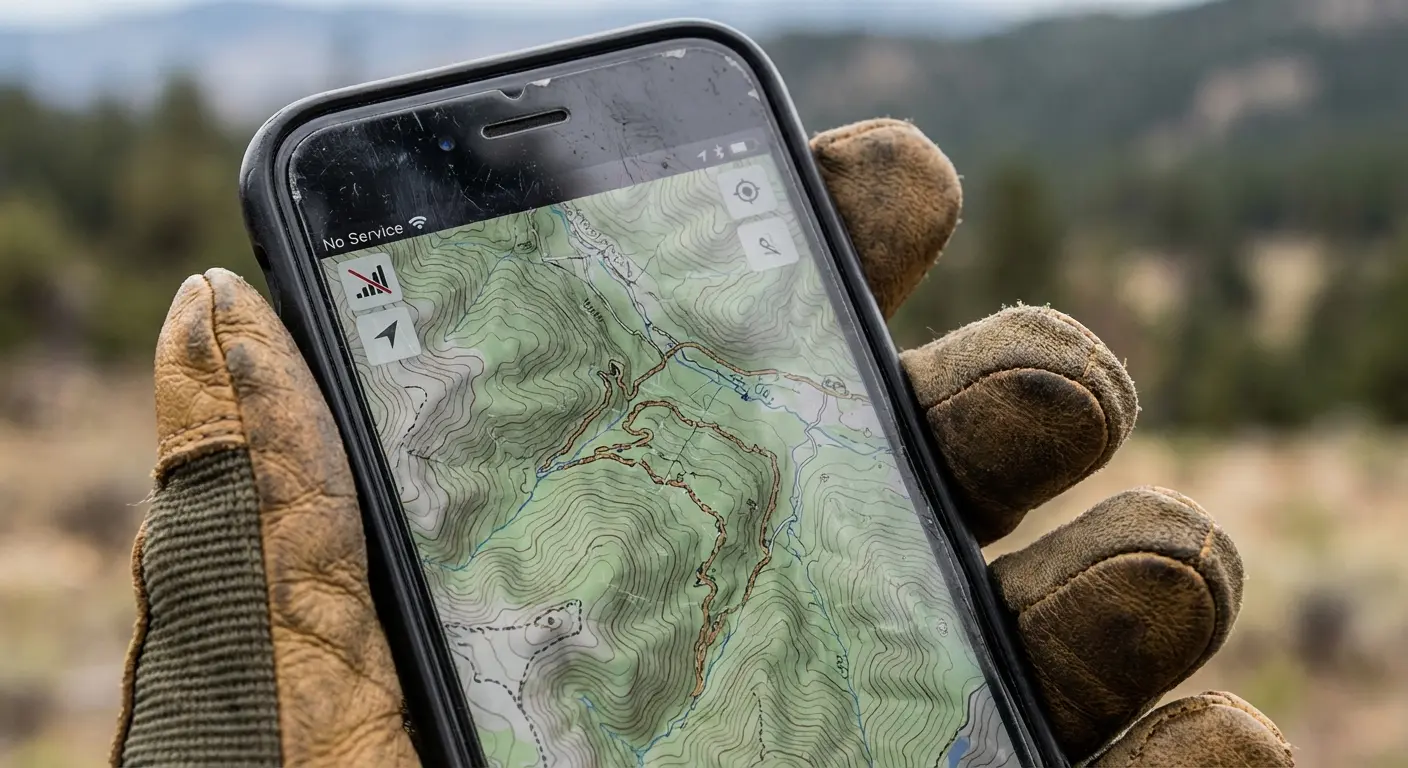
This is non-negotiable. Cell service is a ghost in the backcountry. A good hiking app must let you download maps and GPX files so they work when your phone is in Airplane Mode. If an app needs a data connection to load the map, delete it. It will fail you when you need it most.
Map Types & Topography
Google Maps is great for finding coffee, but it’s terrible for finding trails. You need topographic maps—the ones with the squiggly lines that show elevation. You need to see the shape of the terrain, not just a line on a flat background.
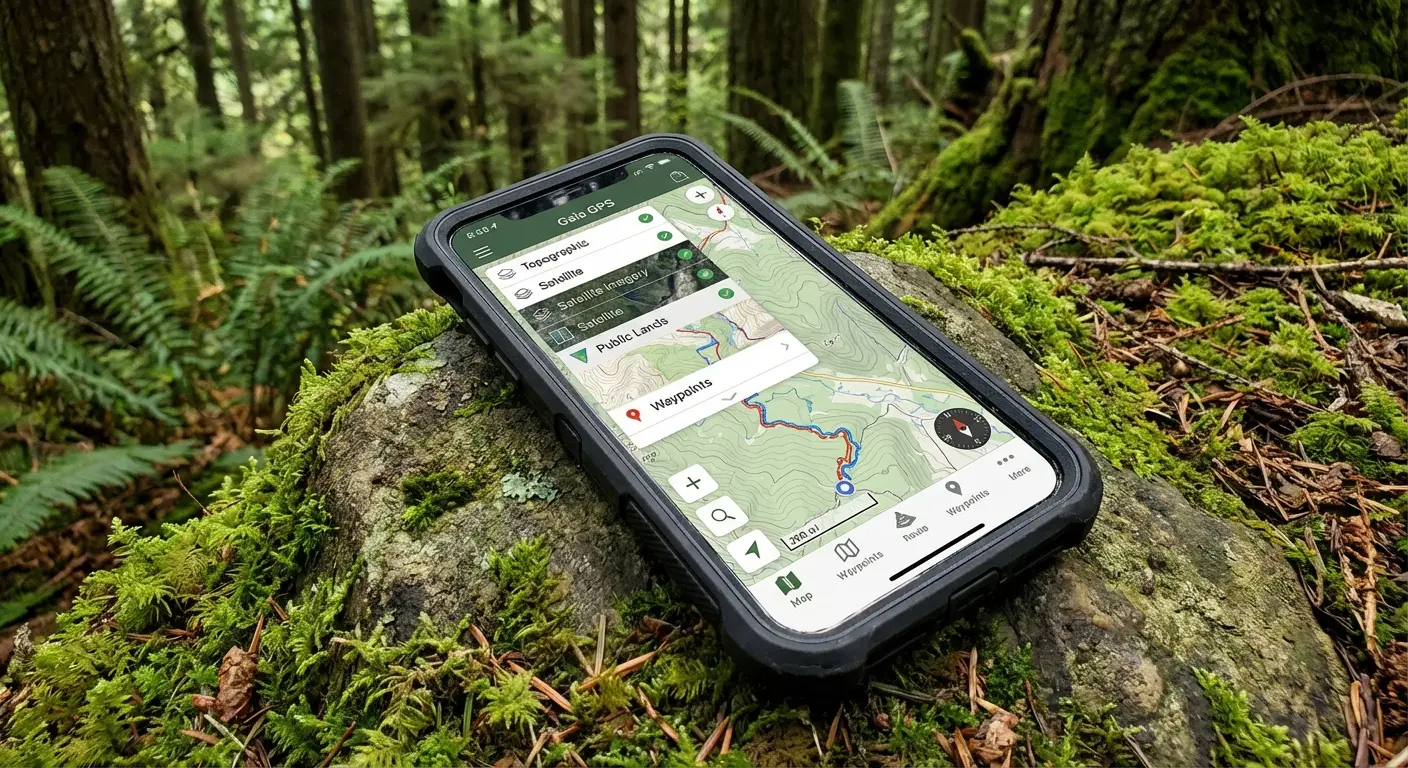
The Topo Difference: Imagine you're looking at a standard map of a forest. It looks like a flat patch of green. But switch to a Topographic layer in an app like Gaia GPS, and suddenly you see tight contour lines showing a 500-foot cliff right in the middle of that "green patch." That detail is the difference between a nice walk and getting stranded on a ledge.
Community vs. Official Data
Some apps run on user-generated content (great for knowing if a tree fell across the trail yesterday), while others use official government data (better for knowing exactly where the property line is). The sweet spot is usually a mix of both.
Battery Efficiency
GPS tracking drains batteries fast. The best apps are optimized to record your track in the background without killing your phone in two hours. Look for apps that let you turn off the screen while still doing the work.
Since GPS hits the battery hard, checking out a phone power banks guide to pick the right backup battery is just as important as the app itself.
Planning Features
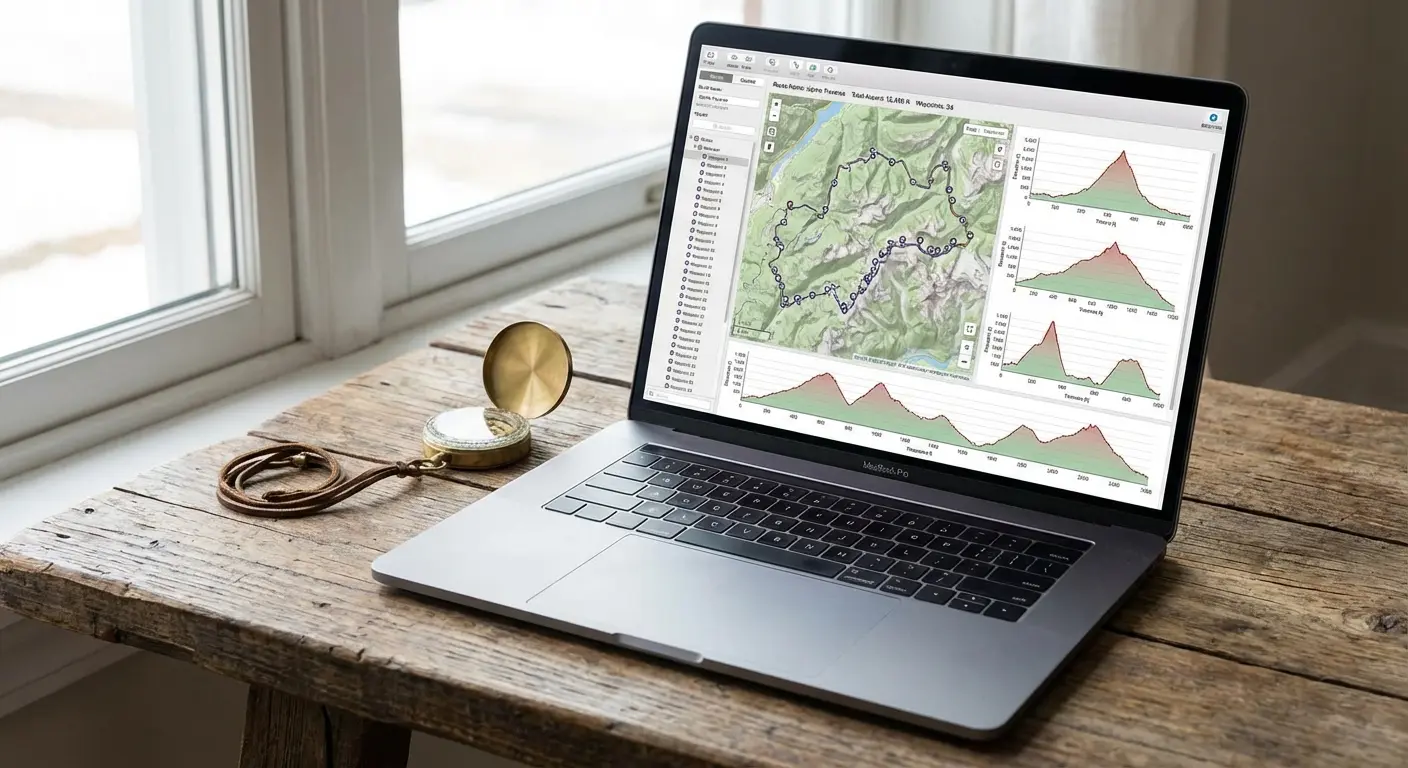
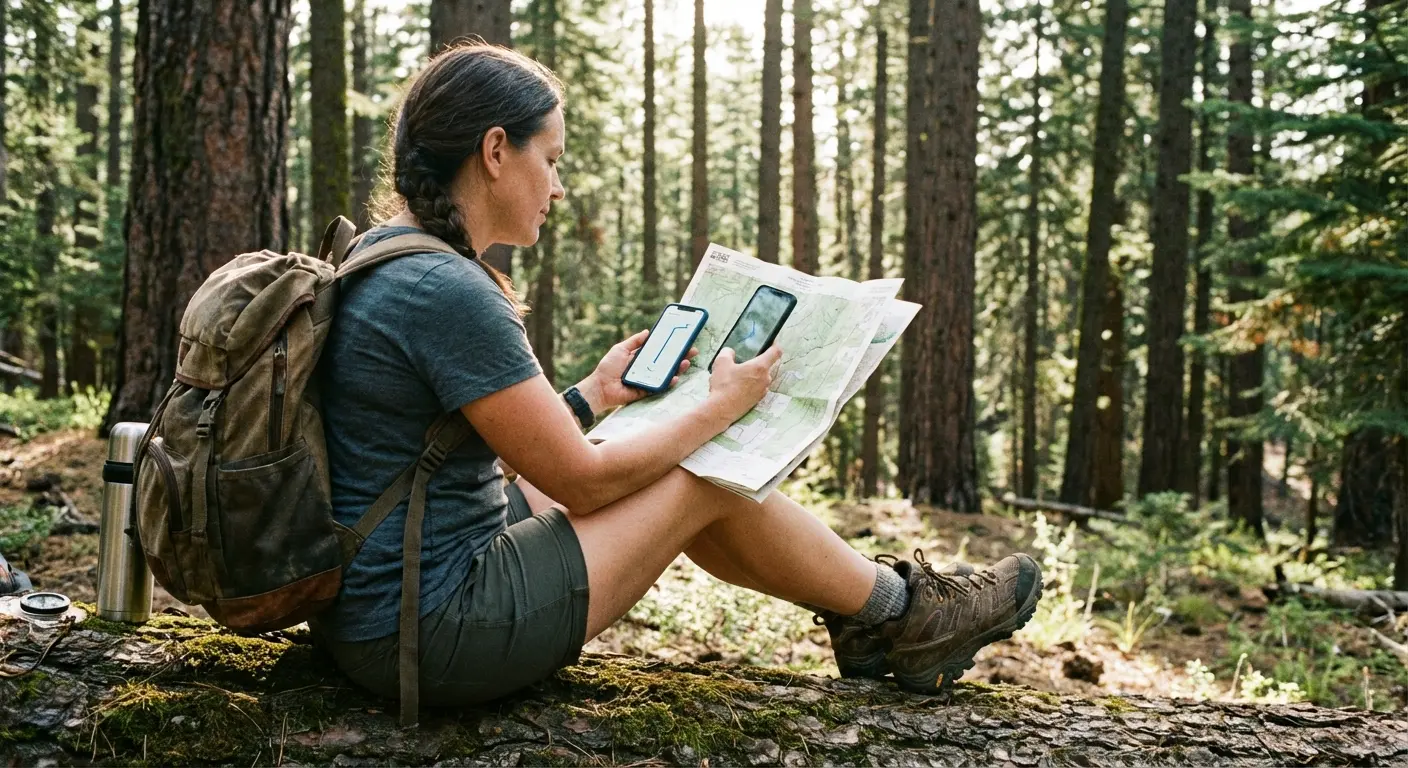
Can you draw your own route? Does it tell you the elevation gain before you start? Good planning tools let you build the trip on your laptop at home and sync it to your phone. It bridges the gap between dreaming up the hike and actually hiking it.
Cost vs. Value
Yes, there are free apps. But usually, the stuff that keeps you safe—like offline maps and detailed slope shading—sits behind a paywall. You have to decide if the subscription is worth it. Personally? I think a yearly subscription is cheaper than the cost of a rescue helicopter.
Feature |
Typical Free Version |
Typical Premium Subscription |
|---|---|---|
Offline Maps |
No, or very limited |
Unlimited Downloads |
Map Layers |
Standard / Satellite |
Topo, Weather, Public Land |
Printing |
No |
Yes (Custom PDFs) |
Live Tracking |
Basic Recording |
Live Sharing (Safety) |
2. The 25 Best Apps (Categorized)
We broke these down into categories because different hikers need different things. The app that works for a casual Sunday stroll might fail you on a three-day backpacking trip.
Category 1: The "Gold Standard" All-Rounders
1. AllTrails
The big one. Everyone knows it, and it has a massive database of over 400,000 trails. The real value here is the community—photos, reviews, and recent conditions. It’s perfect for finding a hike, but keep in mind you need the "AllTrails+" subscription to download maps for offline use. It’s great for sticking to the path, but less flexible if you want to go off-trail. Trail season also feeds my wildflower phone wallpapers collection.
2. Gaia GPS
This is the favorite for serious backpackers and overlanders. It lets you layer maps (like putting a US Forest Service map over a satellite image). Gaia is incredible if you want to create your own route rather than just following someone else’s. I once found a hidden waterfall just because Gaia showed a blue line that other apps missed. The learning curve is a bit steeper, but it’s worth it.
3. Komoot
Originally huge in Europe, Komoot is taking over globally. It excels at "Tour Planning." You just tap point A and point B, and it intelligently builds a route using known paths. It’s fantastic for multi-day treks where you want the software to figure out the logistics for you.
Smart Routing: If you're planning a 3-day trip, you don't need to manually trace every mile. Drop a pin at the start and end, and Komoot analyzes the terrain to suggest the most efficient hiking path, avoiding roads and favoring scenic trails.
4. Hiiker
Built specifically for the long haul. If you are hiking the Appalachian Trail or the PCT, this is your jam. It breaks massive trails into manageable sections with info on where to sleep and where to buy food. It’s less about day hikes and more about expedition planning.
5. onX Backcountry
This started in the hunting world, so it is incredible at showing you public vs. private land boundaries. It offers great 3D maps and detailed guidebook content. If you hike in areas where you aren't sure if you're trespassing or not, this is the one to get.
Category 2: Advanced Mapping & Technical Navigation
6. CalTopo
The holy grail of route planning. It offers powerful terrain analysis, including sun exposure and slope angle shading. It’s a pro-level tool often used by Search and Rescue teams. The interface looks a bit like it’s from 2005, but the power under the hood is unmatched.
7. Avenza Maps
Think of this as a digital map store. You download specific PDF maps (like official National Geographic or Park Service maps) and your GPS dot appears on them. It’s great for areas where digital map tiles are messy, but the official paper map is gold.
8. Topo Maps+
If you are deep in the Apple ecosystem, check this out. It focuses on high-res topo data and feels very native to the iPhone. It’s smooth, fast, and handles detailed waypoint management really well.
9. OsmAnd
Open-source and highly customizable. It works entirely offline and uses OpenStreetMap data. The interface is a bit clunky, but for international travel or areas where other maps fail, it’s a powerhouse.
10. FarOut (formerly Guthook)
The bible for thru-hikers. It features crowdsourced updates on the things that actually matter: "Is this creek dry?" or "Is this campsite full?" You buy guides per trail. In terms of community intelligence, it’s unbeatable.
Category 3: Social & Discovery
11. The Hiking Project
A crowd-sourced guide that was backed by REI. It offers high-quality photos and curated trails. It’s a great free option because the data is usually verified, meaning you don't get as much junk data as other open platforms.
12. Strava
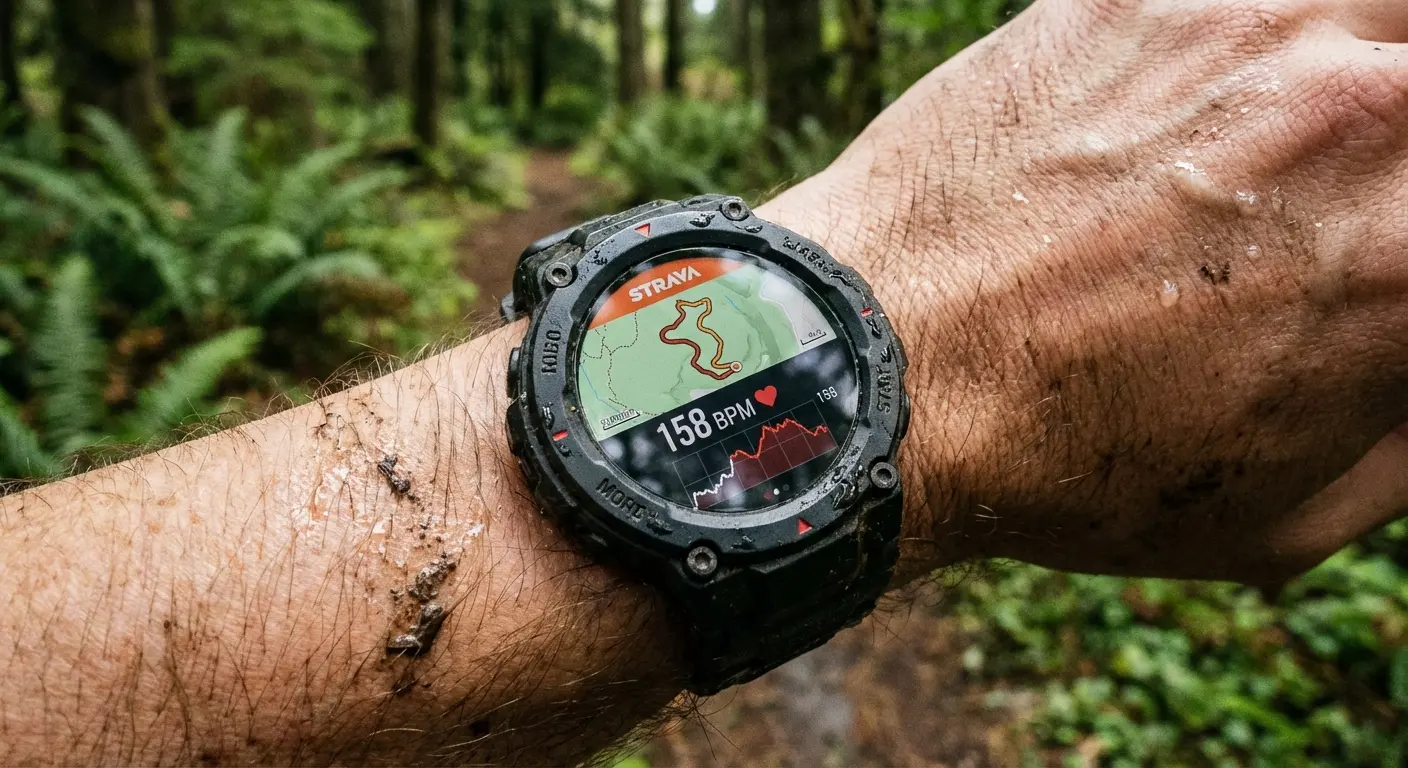
Known for running, but the "Heatmaps" feature is a secret weapon for hikers. It shows you where people actually walk, which is useful for finding unmarked trails. Plus, if you like competing for the fastest time up a mountain, this is the place to be.
13. Wikiloc
Massive globally. Excellent for niche trails that aren't on the big apps. Just be careful—since anyone can upload a route, accuracy varies. Always cross-reference with a real topo map. Also, check out some iPhone photography tips so you can contribute better photos to the community.
14. Yonder
Basically Instagram for hiking. It’s image-focused. Use it to find a cool-looking destination, but use Gaia or CalTopo to actually plan how to get there.
15. PeakVisor
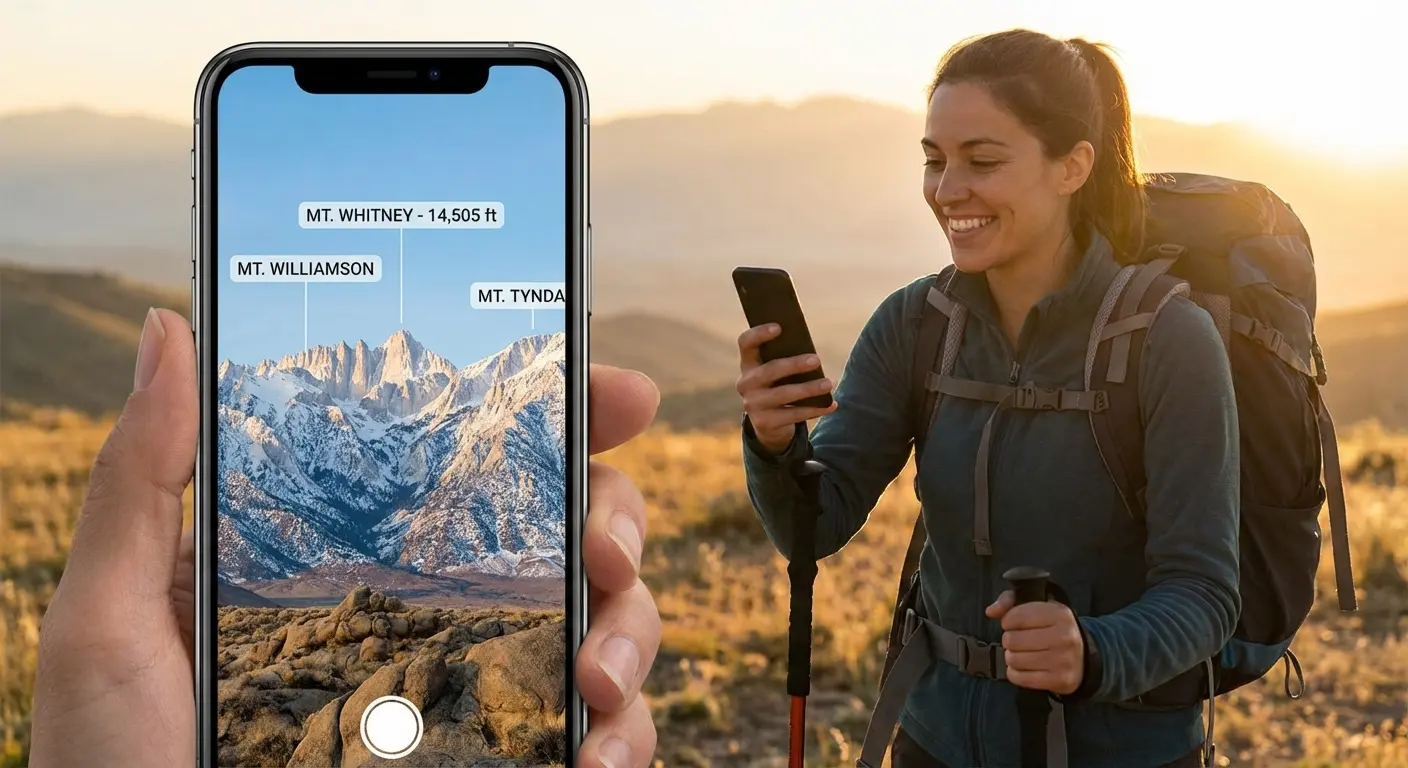
This is just cool tech. Point your camera at the horizon, and it uses Augmented Reality to label the mountain peaks for you. It helps you orient yourself in 3D space. It won't plan your route, but it helps you understand what you're looking at.
Category 4: Safety & Environment
16. Cairn
This app crowdsources cell coverage maps. It tells you exactly where on the trail you might find a signal. If you need to check in with family, Cairn helps you plan your "communication spots."
17. What3Words
This divides the world into 3x3 meter squares, giving each square a unique three-word address. If you get hurt, giving 911 your three words is way more precise than trying to describe a rock you're sitting next to.
The Emergency Scenario: You twisted your ankle off-trail. Telling 911 "I'm near the big oak tree" doesn't help. With What3Words, you tell them your location is "///filled.count.soap". They know exactly where you are, within 10 feet.
18. Spyglass
A heads-up display with a high-tech compass, star tracker, and sextant. It’s for the navigation nerds who want to use traditional tools in a digital format.
19. First Aid: American Red Cross
Offline access to first aid protocols. It doesn't plan the route, but it plans for the worst-case scenario. Snake bites, broken bones, heat exhaustion—have this on your phone.
20. Seek by iNaturalist
Shazam for nature. Point your camera at a plant or bug, and it identifies it. It adds a fun layer to the hike and helps you avoid poison ivy.
Category 5: Budget & Free Options
21. Google Maps (Offline Mode)
The standard. You can download "Offline Areas" before you leave home. It’s fine for driving to the trailhead, but it lacks topographic detail. Don't rely on it for deep wilderness hiking.
22. Maps.me
Free, offline maps based on OpenStreetMap. A favorite for international travelers. It often shows walking paths that Google misses entirely.
23. Organic Maps
A privacy-focused version of Maps.me. No ads, no tracking, and fast offline maps. It’s lightweight and easy on the battery. Probably the best truly free option right now.
Budget App |
Pros |
Cons |
|---|---|---|
Google Maps |
Familiar, traffic data |
No topo lines, kills battery |
Maps.me |
Great for travel |
Ads in free version, cluttered |
Organic Maps |
Privacy-focused, fast |
Search is a bit basic |
24. NPS App
The official app for US National Parks. Includes offline maps, tours, and alerts. If you are hiking in a National Park, download this. It has the most up-to-date info on closures.
25. Recreation.gov
The portal for booking campsites and permits. You can't hike famous routes like Angels Landing without it. It’s the bureaucratic side of hiking, but necessary.
3. Gear Integration: Securing Your Digital Guide
You’ve picked your app and planned a killer route. But here is the thing: relying on a phone in the wild introduces a physical risk. If you trip and smash your screen on a granite boulder, your map is gone. That’s where Rokform comes in.
Protection on the Trail
Trails are unforgiving. Whether you're scrambling over rocks or slipping in a creek, you need more than a cheap plastic shell. Rokform’s Rugged Cases are built with military-grade polycarbonate and offer 6-foot drop protection. It ensures that the device holding your topo maps stays intact even if it takes a tumble. Investing in the best cell phone case drop protection is crucial because a cracked screen makes reading topo lines pretty difficult.
Accessibility and Mounts
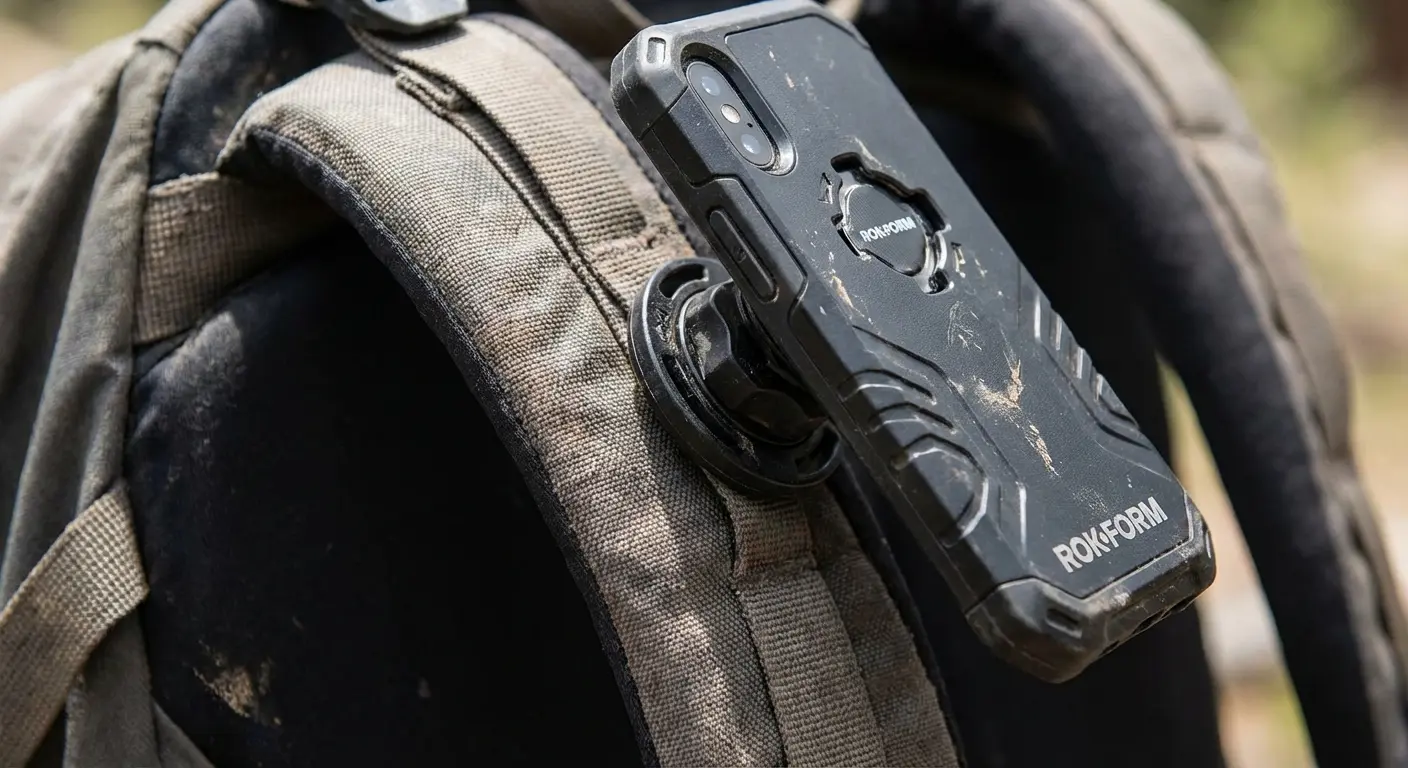
Constantly fishing your phone out of your pocket to check AllTrails is annoying, and that’s usually when you drop it. Rokform solves this with their RokLock™ twist-lock system. You can secure the phone directly to your backpack strap or belt. It keeps the map right there when you need it, hands-free.
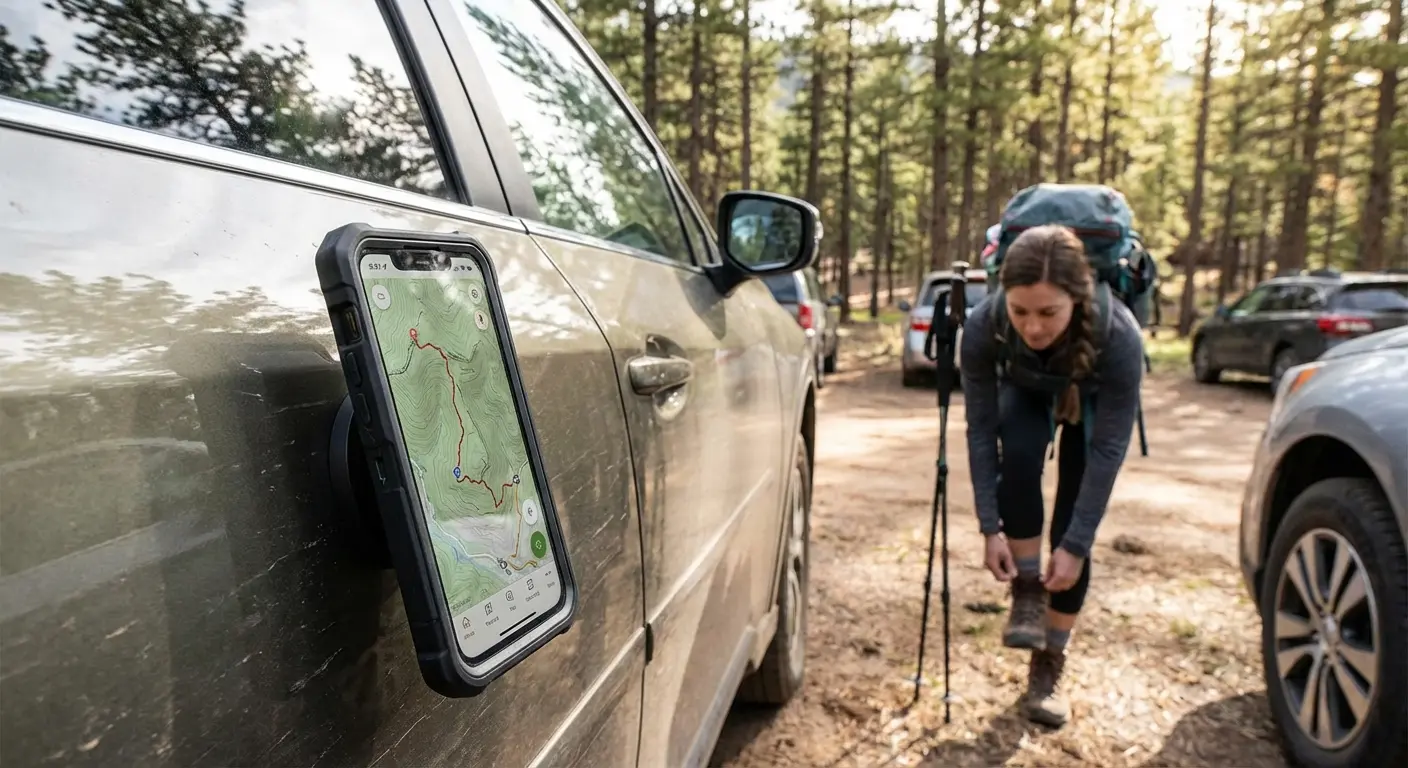
Plus, the MAGMAX™ magnets let you stick your phone to the side of your car while you're gearing up at the trailhead. If you’re wondering what is a magnetic phone case and why it helps, think of it as an extra hand while you're tying your boots.
Power Management
Using GPS drains battery fast. Rokform’s compatibility with MagSafe® means you can snap on a magnetic battery pack without taking the rugged case off. It keeps your navigation running for those long 15-mile days. Don't just plan the route—protect the tool that guides you. I also looked at AI route planning and where it actually helps.
Final Thoughts
Technology has changed how we explore, but the wilderness hasn't changed. It's still wild, and it doesn't care if your battery dies. The right apps give you the confidence to explore deeper, but they are just tools. Download the maps, charge the batteries, and protect your gear. The best view comes after the hardest climb, but you need to know exactly where you're going to get there.

