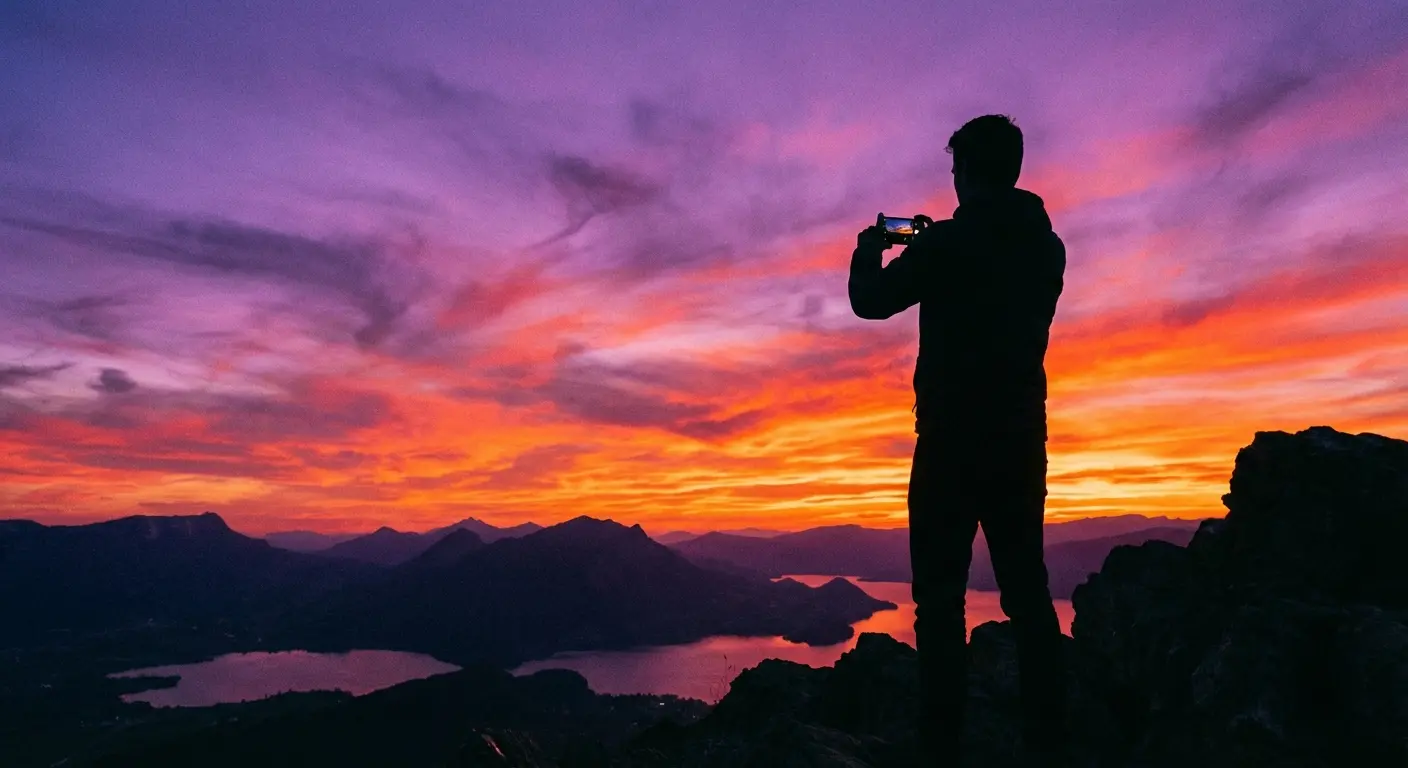
We’ve all been there: You’re standing in front of an incredible sunset, you snap the photo, and the result looks… boring. The iPhone hardware is amazing, but the default camera app plays it safe. It tries to make everything look "even," which often means killing the shadows and mood that made you want to take the picture in the first place.
If you want photos that actually look like what you see with your eyes, you need to bypass Apple’s brain and take the wheel yourself. We’ve rounded up the best camera apps for iPhone that let you ditch the safety net. And if you need help with the artistic side of things, check out our guide on iPhone photography tips to get your composition on point. Source
Table of Contents
The App Store is a mess. Searching for "camera" gives you thousands of results, half of which are just ad-farms. We did the digging for you. Below, we’ve broken down the tools that actually work, from hardcore manual controls to fun vintage throwbacks. We also threw in some advice on keeping your phone steady, because even the best app can’t fix shaky hands.
The Criteria: Why These Apps Made the Cut
-
Category A: Professional Manual Control (The DSLRs of Apps)
1. Halide Mark II
2. ProCamera
3. Camera+ 2
4. Moment - Pro Camera
5. Obscura 3
-
Category B: Videography & Filmmaking
6. Blackmagic Camera
7. Filmic Pro
8. Kino
9. DoubleTake by Filmic
10. ProTake - Mobile Cinema Camera
-
Category C: Editing-First & Filters
11. VSCO
12. Adobe Lightroom
13. Darkroom
14. Snapseed
15. Tezza
-
Category D: Long Exposure & Night Photography
16. Spectre Camera
17. Slow Shutter Cam
18. NightCap Camera
19. Reeheld
-
Category E: Retro & Vintage Vibes
20. Huji Cam
21. Dazz Cam
22. 1998 Cam
23. Hipstamatic X
-
Category F: The Problem Solvers
24. Focos
25. Lens Buddy
The Rokform Connection: Stabilize and Protect Your Gear
Final Thoughts
TL;DR
In a rush? Here’s the cheat sheet. If you want to upgrade your photos immediately without reading the whole breakdown, here is what matters:
Manual Control is Essential: To stop your photos from looking like generic smartphone snaps, you need to control ISO and shutter speed. Get Halide or ProCamera.
Shoot in RAW: JPEGs throw away data. Shooting in ProRAW keeps the details so you can fix lighting mistakes later.
Video is a Different Beast: For video, grab Blackmagic Camera. It’s free and ridiculously powerful.
Stability = Sharpness: You can't shoot long exposures (like light trails) with shaky hands. A magnetic mount beats carrying a tripod.
Protect the Glass: Pro shooting means leaning over railings and getting low to the ground. Don't smash your $1,200 phone—get a rugged case.
The Criteria: Why These Apps Made the Cut
We didn't just download the top 5 charts. We looked for apps that treat your phone like a camera, not a toy. Here is what we looked for when choosing the best iPhone camera app for this list.
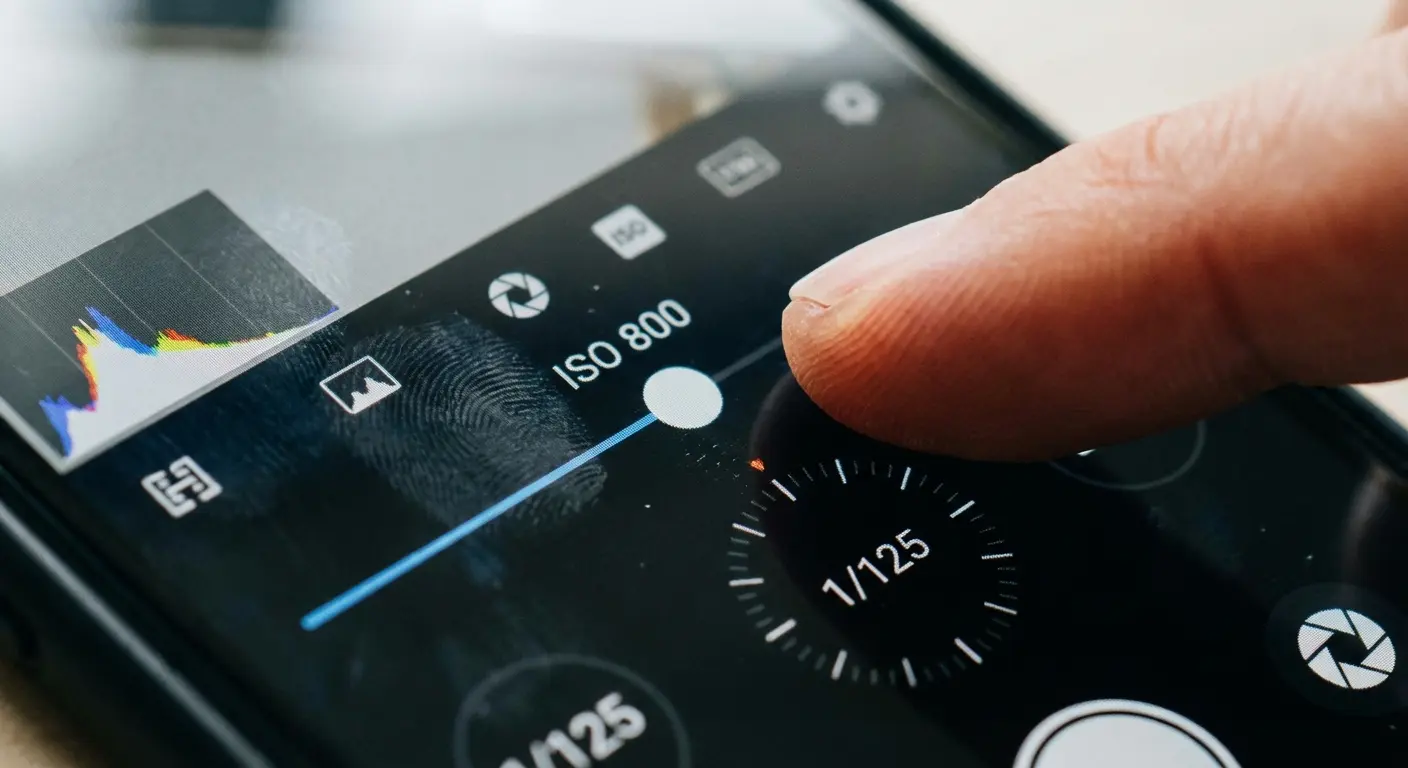
Manual Control (Taking the Keys Back)
Apple’s native camera thinks it knows best. Usually, it doesn't. We prioritized apps that let *you* decide how bright the image should be or where the focus should sit. This is non-negotiable for tricky lighting, like concerts or candlelit dinners where the iPhone usually tries to turn night into day.
RAW/ProRAW Support
If you edit your photos, you need data. Standard JPEGs are like a baked cake—you can't un-bake them to change the sugar. RAW files are the ingredients. Good apps capture RAW, giving you the power to rescue shadows or fix blown-out skies without the image falling apart.
Real World Example: You’re shooting a landscape at sunset. In a normal photo, the ground looks black, and the sun is a white blob. With ProRAW, the camera captures the information hidden in the dark and bright spots. When you edit it, you can actually bring back the details of the trees and the color of the sun.
Interface (Can You Use It One-Handed?)
A camera app is useless if you miss the moment because you were digging through menus. The best apps put the buttons where your thumb actually rests.
The "Pro" Price Tag
Good software costs money. We looked at whether these apps are worth the cash. Some are subscriptions (annoying, but common), and some are one-time purchases. We’ll let you know which is which.
Category A: Professional Manual Control
These are the heavy hitters. If you miss the feeling of a DSLR dial, or you just want to see exactly what your sensor is doing, start here.
App Name |
Best For |
The Cost |
Why We Like It |
|---|---|---|---|
Halide Mark II |
Photography Purists |
Sub or Lifetime |
Process Zero (No AI processing) |
ProCamera |
Hybrid Photo/Video |
One-time + In-app |
Great Adobe integration |
Camera+ 2 |
Beginners to Pro |
One-time Purchase |
Macro & Monuments Mode |
Moment |
Lens Users |
Paid App |
Works with anamorphic lenses |
Obscura 3 |
Design Lovers |
One-time Purchase |
The control wheel is satisfying |
1. Halide Mark II
Halide is widely considered the gold standard. The developers are obsessed with photography, and it shows. Their "Process Zero" feature is a game changer—it strips away all the AI sharpening and smoothing Apple adds, giving you a photo that looks natural, almost like film. It’s not cheap, but it’s the best.
2. ProCamera
This app has been around forever, and for good reason. It balances deep manual controls with high-end video features. If you use Adobe Lightroom on your computer, ProCamera syncs beautifully with it. It’s a workhorse.
3. Camera+ 2
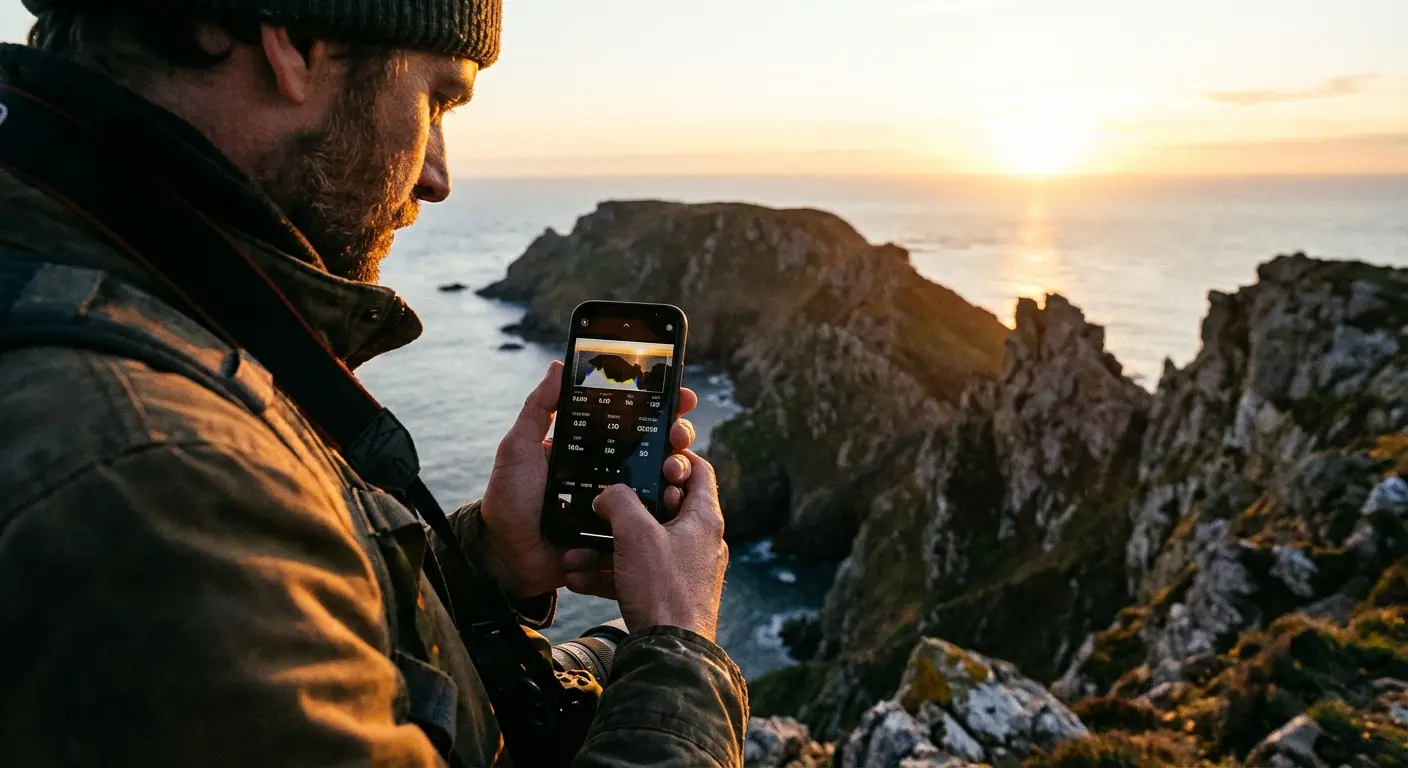
A great middle-ground. It’s approachable enough for beginners but has enough depth for pros. The "Monuments" mode is cool—it can remove tourists walking through your frame by taking multiple shots and stitching them together.
4. Moment - Pro Camera
If you buy add-on lenses (like Moment’s anamorphic lens), you need this app. It "de-squeezes" the footage so it looks normal. Even without the lenses, it’s a solid, rugged manual camera app.
5. Obscura 3
Obscura feels great to use. It has a tactile "Control Wheel" that makes dialing in settings feel precise rather than fiddly. It’s fast, looks great, and gets out of your way.
Category B: Videography & Filmmaking
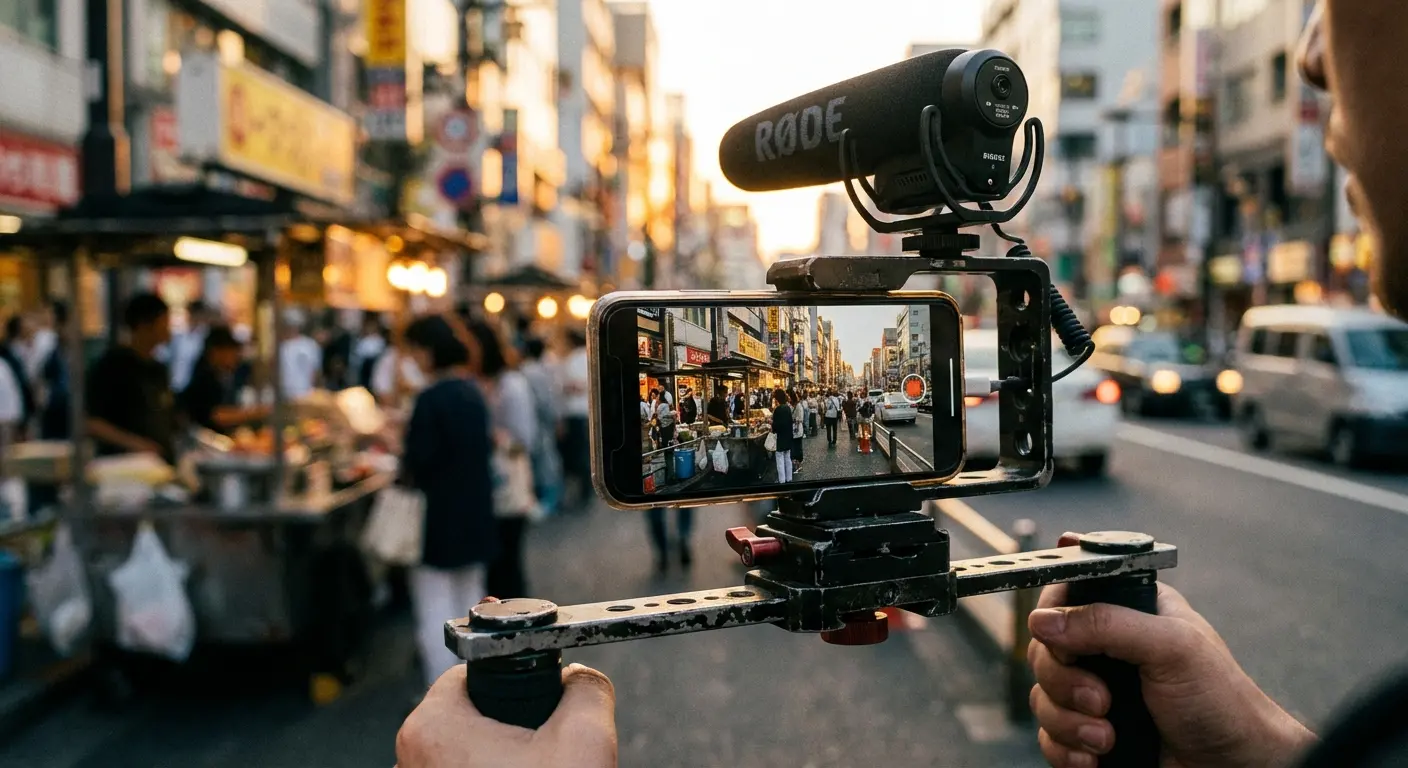
Video is where the native iPhone app really struggles to give you control. These apps let you set your frame rate, lock your exposure, and monitor audio levels so you don't ruin a take. Check out our top 6 smartphone video tips to pair with these apps.
6. Blackmagic Camera
Honestly, it’s shocking this app is free. It’s made by a cinema camera company, and the interface looks exactly like their $5,000 cameras. You get false color, focus peaking, and total control. If you shoot video, download this immediately.
7. Filmic Pro
This was the king of video apps for a long time (movies like Tangerine were shot on it). It’s incredibly powerful, but they recently switched to a pricey subscription model. It’s still excellent, but check if Blackmagic does what you need for free first.
8. Kino
From the guys who made Halide. Kino is designed to give you a "cinematic" look instantly. It uses "Instant Grade" LUTs (color presets) that bake the look into the video as you shoot. Great if you hate color grading on your computer later.
9. DoubleTake by Filmic
A super useful utility that records from two cameras at once. You can record your face (selfie cam) and what you’re looking at (rear cam) simultaneously as separate files.
The Solo Creator Hack: If you’re interviewing someone but don't have a camera person, put the phone on a tripod between you. DoubleTake will record you and the interviewee at the same time. It looks like a two-camera setup, but it’s just one iPhone.
10. ProTake - Mobile Cinema Camera
ProTake has a great "Auto" mode that acts like a smart assistant, and a "Pro" mode that mimics professional cinema gear. The visual feedback for manual focus is some of the best around.
Category C: Editing-First & Filters
Sometimes you just want the photo to look cool right now. These apps blur the line between shooting and editing. (For more editing options, read our guide on the best iOS apps for editing photos).
11. VSCO
The OG filter app. VSCO is still relevant because their film emulations (Kodak, Fuji, Ilford) are subtle and classy, not overcooked. The built-in camera is decent, but you're really here for the colors.
12. Adobe Lightroom
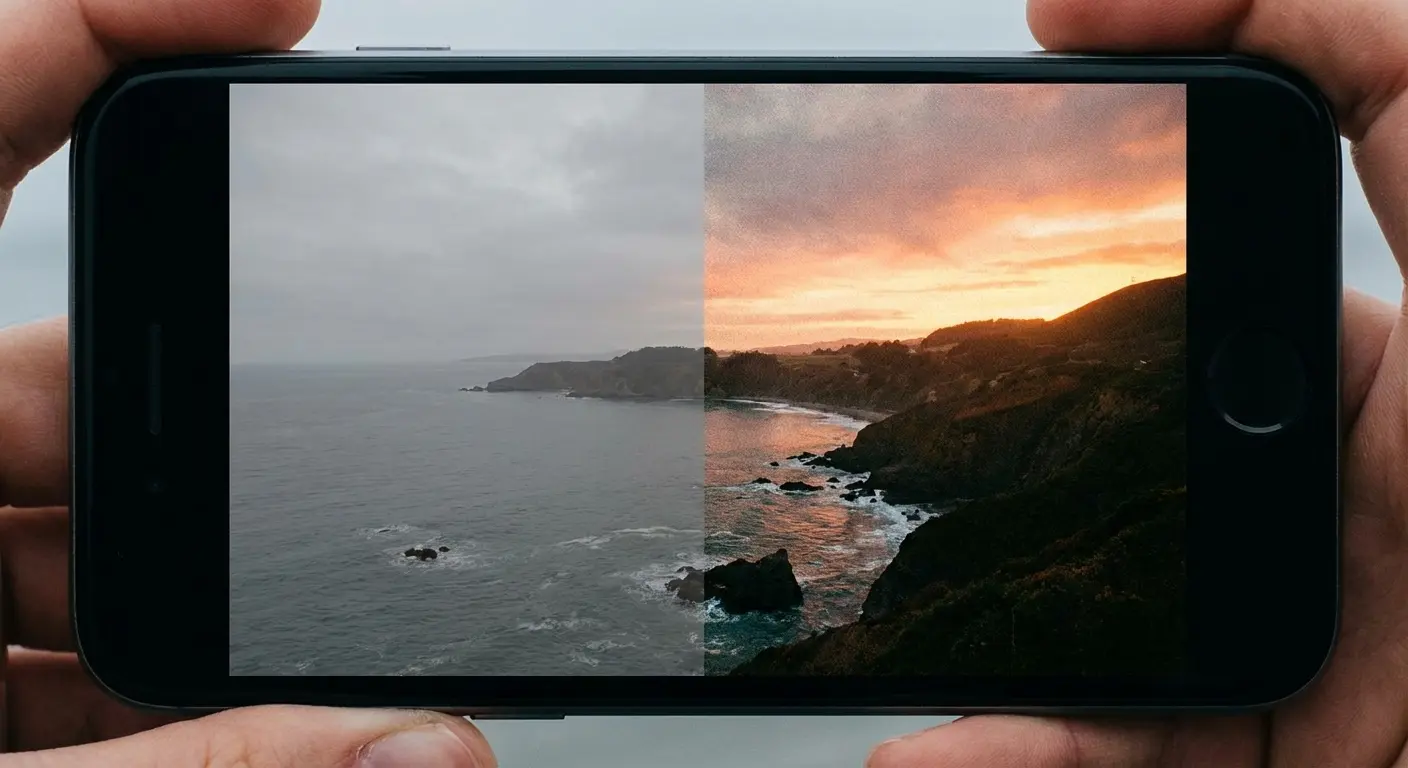
Everyone knows it as an editor, but the built-in camera is a hidden gem. It has an HDR mode that often beats Apple’s own processing. Plus, if you use the Creative Cloud, your photos appear on your desktop instantly.
13. Darkroom
Darkroom is technically an editor, but it’s so fast and integrated that it feels like part of the camera. It’s the best tool for managing a huge library of photos without going insane.
14. Snapseed
Google’s free editor. It’s ugly, but it’s powerful. It has "healing" brushes to remove pimples or trash from a shot, and selective edits to brighten just faces. Every photographer should have this installed.
15. Tezza
If you want that specific "Instagram Influencer" aesthetic—grainy, warm, vintage—Tezza is the shortcut. It’s less about technical perfection and more about the vibe.
Category D: Long Exposure & Night Photography
Taking photos in the dark usually results in a blurry mess. These apps use AI and math to fix that, letting you capture light trails and stars.
App Name |
What it does |
Tripod Needed? |
|---|---|---|
Spectre |
Makes water look silky / Erases crowds |
No (Handheld!) |
Slow Shutter |
Light trails & Motion blur |
Yes (Highly Recommended) |
NightCap |
Stars, Meteors, ISS |
Yes (Mandatory) |
Reeheld |
Long Exposure Landscapes |
No (Handheld) |
16. Spectre Camera
Spectre is magic. It lets you take long exposures (up to 9 seconds) handheld. It uses AI to stabilize the shot. Perfect for making waterfalls look smooth or making tourists "disappear" from a busy landmark.
17. Slow Shutter Cam
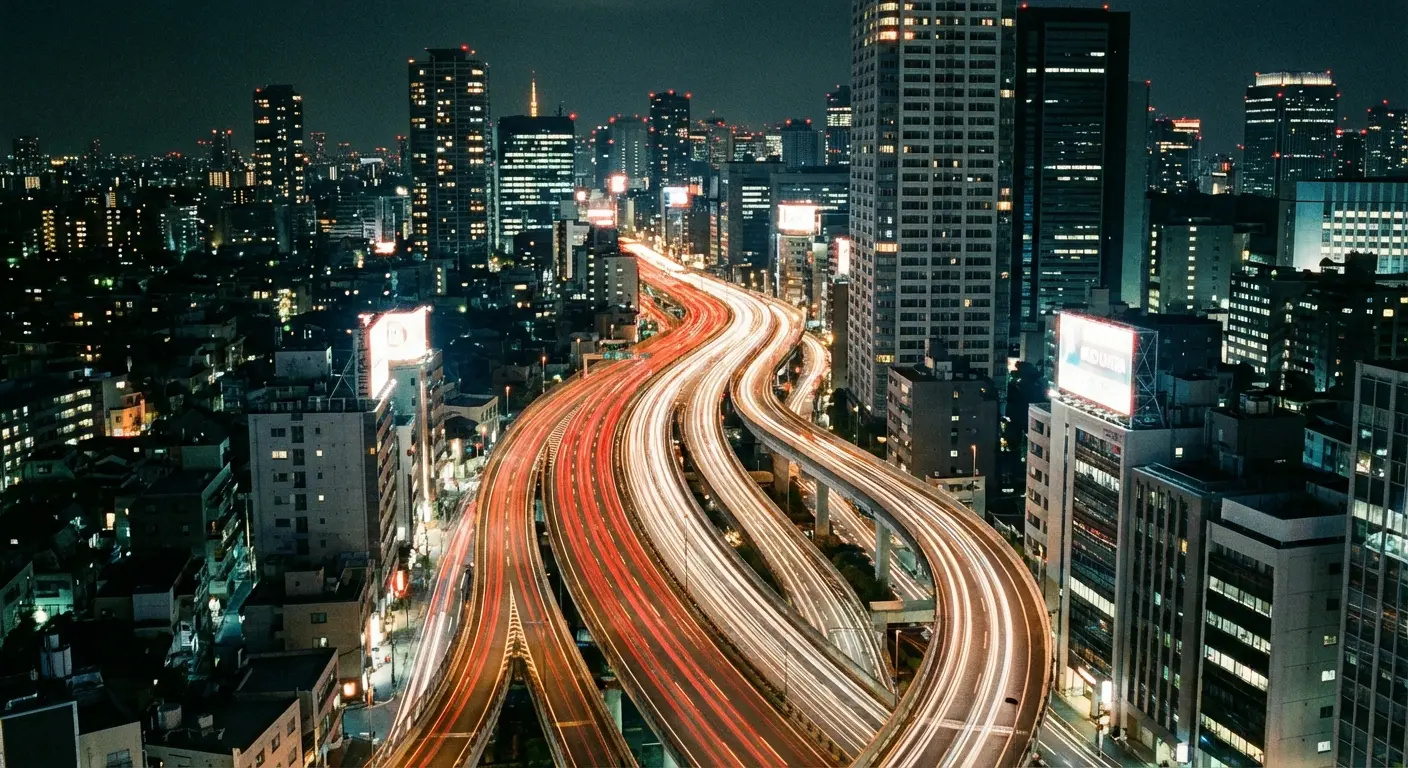
This simulates keeping the shutter open on a DSLR. It’s cheap and great for capturing car light trails on a highway at night. You’ll need to prop your phone up against something, though.
18. NightCap Camera
The interface looks like it’s from 2010, but it works. It has dedicated modes for photographing stars, the International Space Station, and meteors. If you like astronomy, get this.
19. Reeheld
Similar to Spectre, this focuses on helping you take long exposures of nature without lugging a tripod up a mountain. It’s a niche tool, but it does its job well.
Category E: Retro & Vintage Simulation
Because sometimes high-resolution perfection is boring. These apps bring back the fun of disposable cameras.
20. Huji Cam
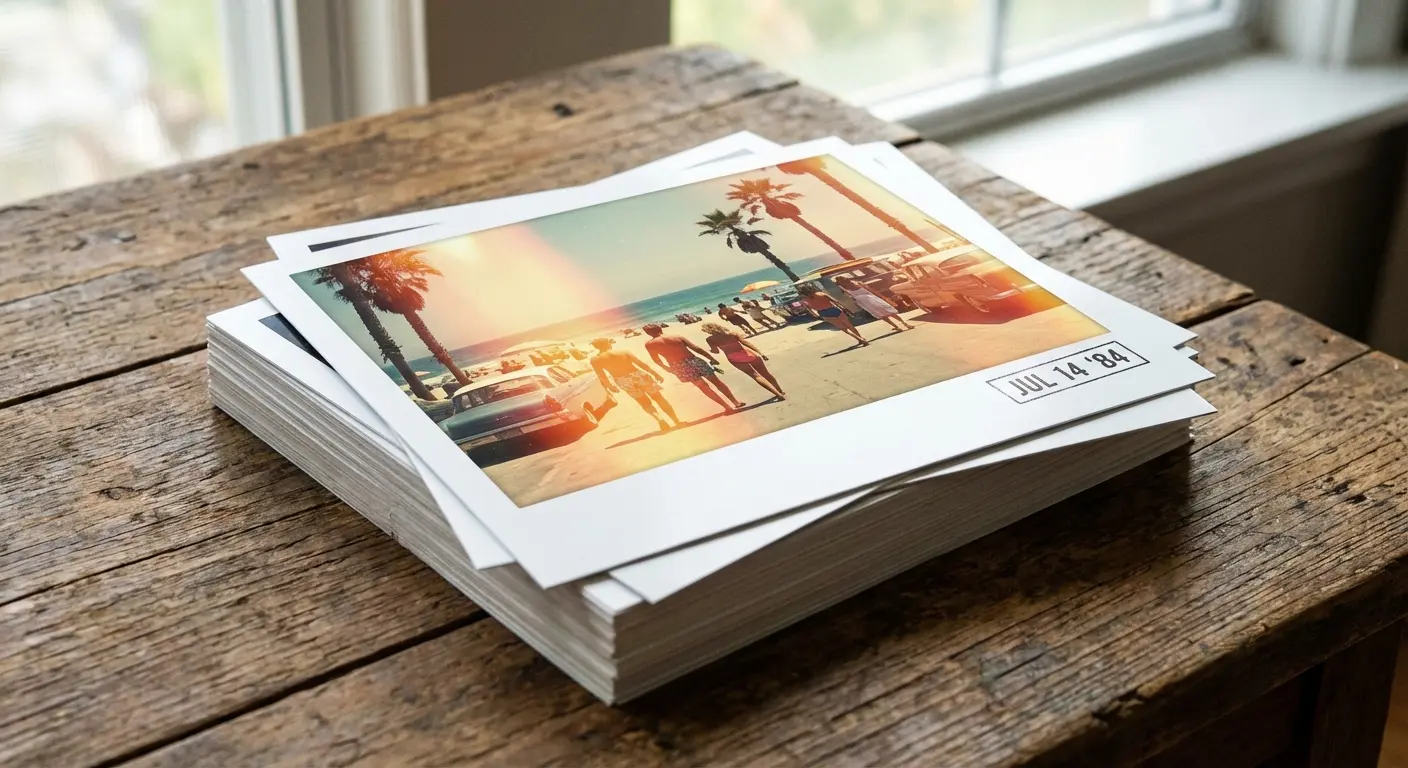
Remember 1998? Huji simulates a disposable camera. You get random light leaks, the date stamp in the corner, and you can’t edit the result. It’s pure nostalgia.
21. Dazz Cam
Dazz Cam mimics specific old cameras, from Polaroids to VHS camcorders. It changes the color science to match the old film stocks. It’s fun to play with.
22. 1998 Cam
Like Huji, but with more control. You get the vintage look, but you can actually edit the photo afterwards if the app messed it up.
23. Hipstamatic X
The app that started it all. It has a fun interface where you swap out virtual lenses and films. It’s a classic.
Category F: The Problem Solvers
These aren't daily drivers, but they solve specific, annoying problems.
24. Focos
Ever take a Portrait mode photo and realize the camera focused on the wrong person? Focos lets you change the focus point after you took the picture. It’s a lifesaver.
25. Lens Buddy
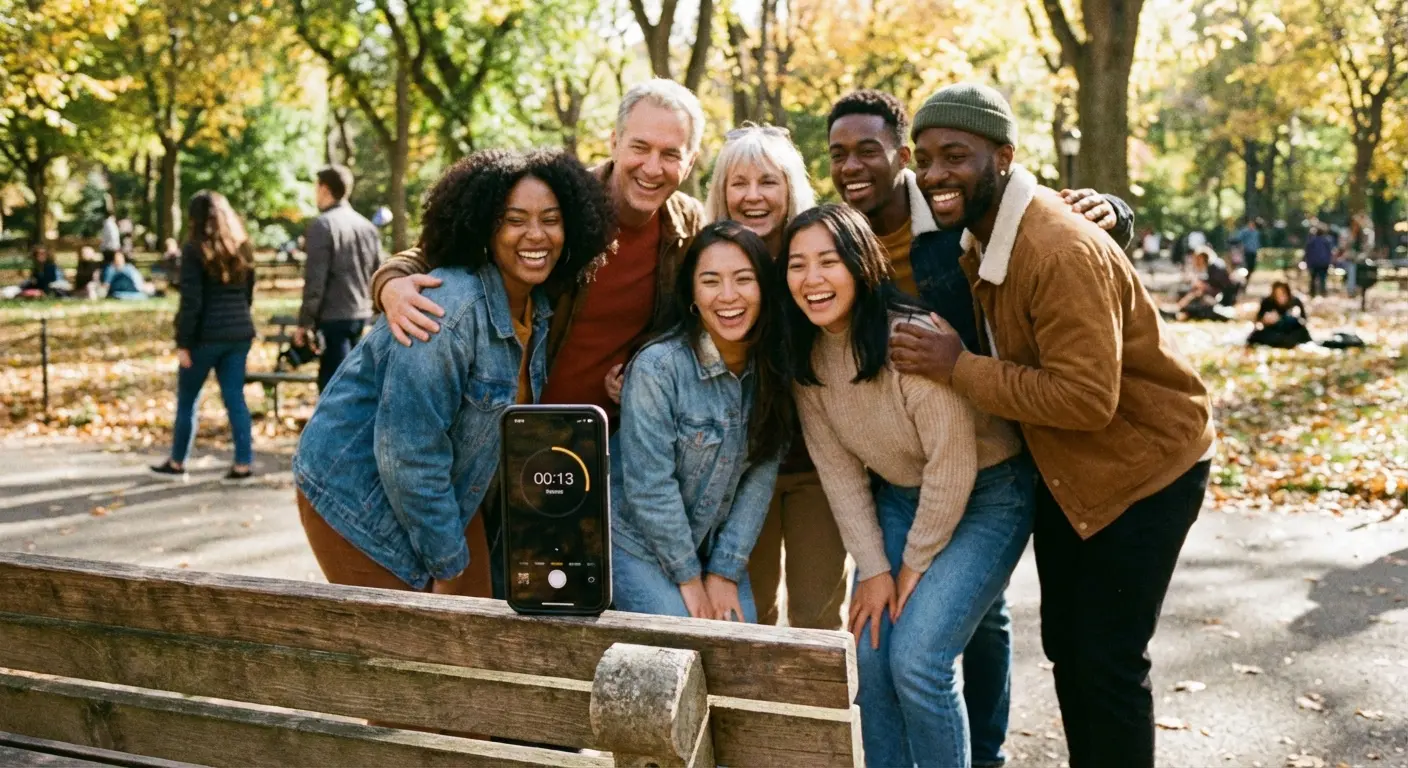
The ultimate app for solo travelers or group photos. It’s a hands-free timer that keeps taking photos at set intervals (e.g., every 3 seconds) so you can pose without running back and forth to the phone.
The Rokform Connection: Stabilize and Protect Your Gear
Here is the reality: You can have the best manual camera app in the world (like Halide), but if your hands are shaking, your photo will be blurry. And if you’re trying to get a cool angle by hanging your phone over a balcony, you’re risking a very expensive drop.
The Magnet Hack
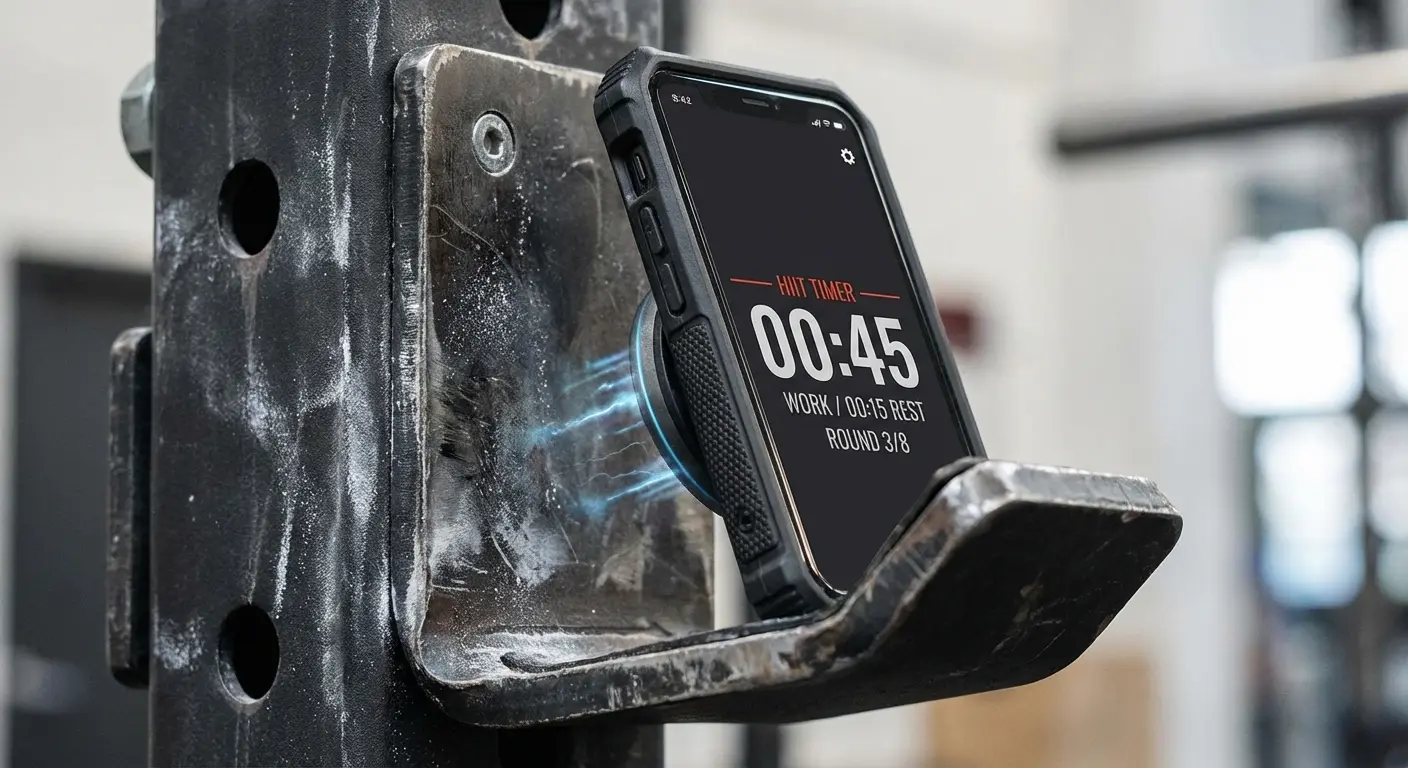
This is where our gear actually changes how you shoot. Our cases have industrial-strength MAGMAX™ magnets. This means you don't always need a tripod. You can literally stick your iPhone to a streetlamp, a gym rack, or the side of your car to get a rock-solid shot.
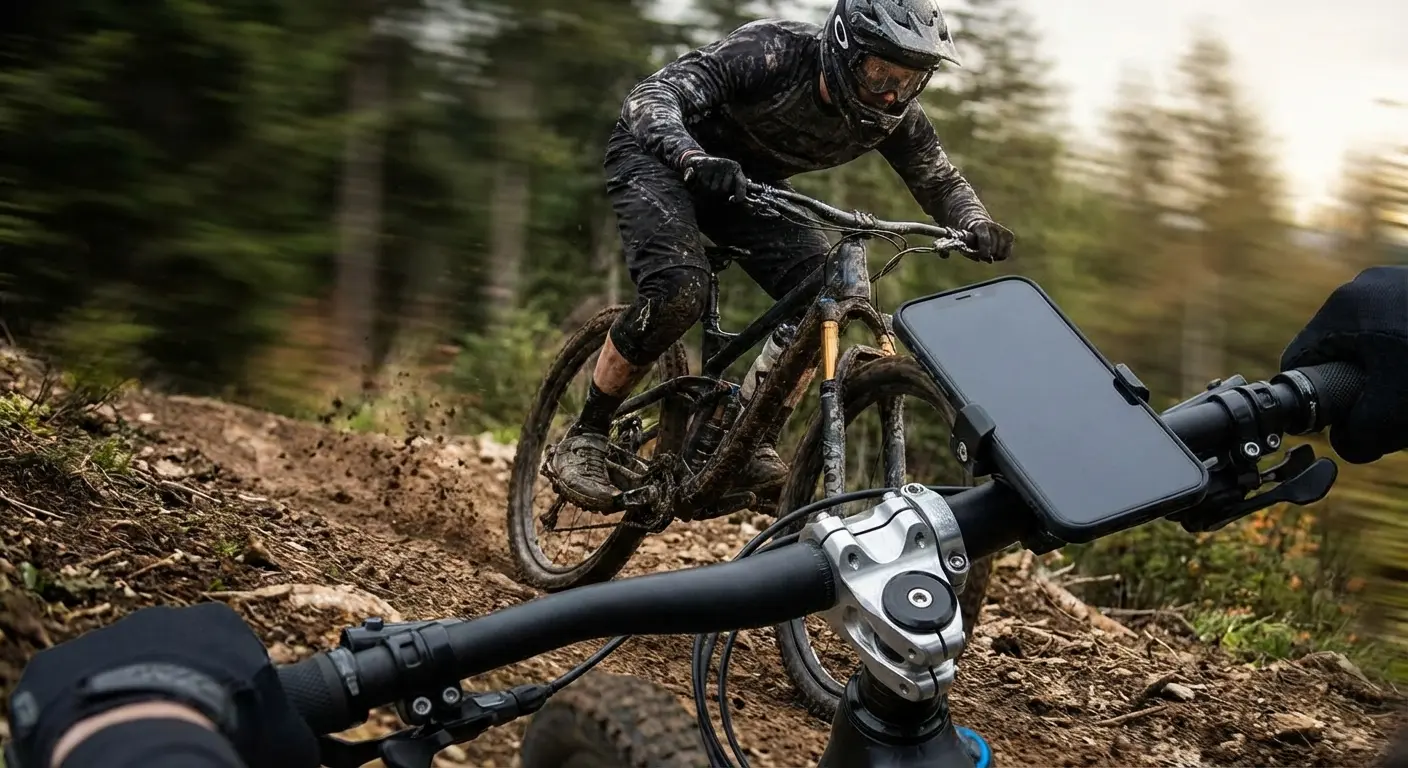
Trying to get a light trail photo with Slow Shutter Cam? Just stick the phone to a metal signpost. It won’t move. Need a steady vlog shot? Use our tripod mounts. And for the action sports crowd using Filmic Pro, our RokLock™ twist-lock system keeps the phone on your bike handlebars, even on a dirt trail.
Urban Photography Tip: Walking through the city at night? Forget the tripod. With a Rokform case, the city is your tripod. Stick your phone to a construction scaffolding beam or a railing. It holds the phone perfectly still for that 4-second exposure.
Protect the Goods
The iPhone 16 Pro Max is over $1,000. It’s an investment. Our cases are built to take a beating with 6-foot drop protection. We specifically design them to protect the camera bump, because a scratched lens ruins every photo you take from then on. (Read more on protecting your lens here).
Scenario |
The Fix |
Why it works |
|---|---|---|
Street / Urban |
MAGMAX™ Case |
Stick it to any metal surface for unique angles. |
Action / Biking |
RokLock™ Handlebar Mount |
Mechanical lock. The phone isn't going anywhere. |
Vlogging / Driving |
MagSafe® Dash Mount |
Stable footage for time-lapses while you drive. |
Final Thoughts
The gap between a "real" camera and an iPhone is getting smaller every year, but only if you use the right software. Whether you’re dialing in settings on Halide or capturing meteors with NightCap, these apps let you push the phone to its limit. Pair that with a Rokform case to keep things steady and safe, and you’ve got a professional rig right in your pocket. Now go shoot something cool.