


Let’s get real about the state of digital communication: it’s chaotic. Managing an inbox on Android isn't just about reading messages anymore; it’s about survival. You need a command center that actually fits how you work, not just a list of unread bold text. I’ve put together a massive list of 25 apps, ranging from the big tech giants everyone knows to privacy-obsessed vaults and new AI-powered tools. I’m also going to break down exactly what you should look for before you hit download, and—because I've learned this the hard way—how to protect the actual phone you're using to manage all this stress.
Table of Contents
This roadmap covers the four main things that actually matter when choosing an app, the five categories they fall into, the full list of 25, and the hardware you need to keep your mobile office running.
-
What to Look for in an Android Email App
Smart Automation & AI
Privacy & Real Security
Interface (UI) & Customization
Does it Play Nice with Others? (Integration)
The Titans: Standard & Reliable
Privacy Guardians: Security First
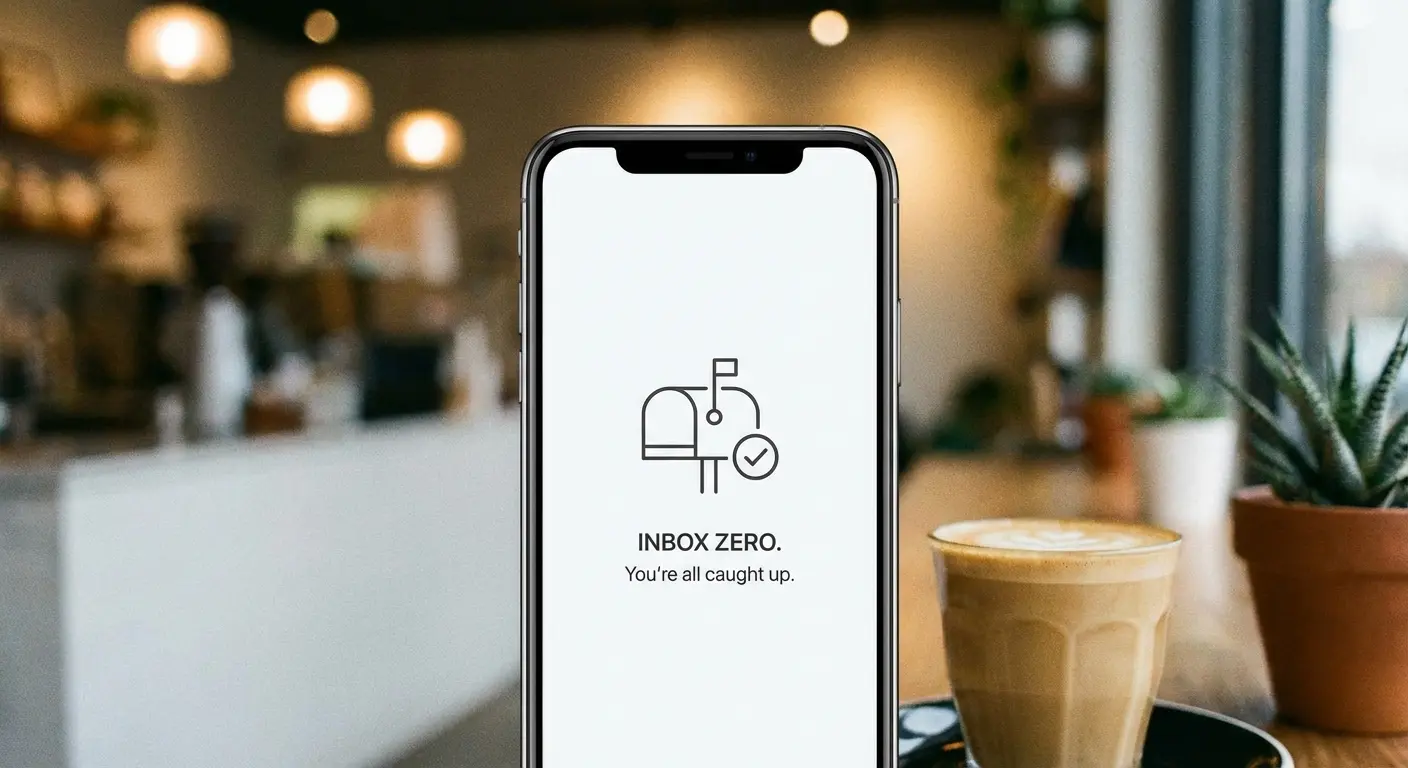
AI & Productivity: The "Inbox Zero" Tools
Open Source & Enthusiast
Professional & Niche Suites
The Rugged Reality of Mobile Productivity
Final Thoughts
TL;DR
If you don't have time to read the whole thing, here is the gist. We are seeing a huge shift toward AI, a desperate need for better privacy (like E2EE), and a reminder that software doesn't matter if you drop your phone on concrete.
AI is the New Standard: If your app can't draft a reply or summarize a 50-email thread, it's falling behind.
Privacy Matters: Know the difference between an app that scans your receipts for ads and one that uses zero-knowledge encryption.
Context is Key: The "best" app depends on you. Do you need corporate Exchange support, or do you want open-source code?
Protect the Hardware: Managing email on the go means your phone is exposed to the elements. Make sure it can handle a drop.
What to Look for in an Android Email App
Before we get to the list, we need to set some ground rules. The landscape has changed. By 2026, the standard for email apps for android has shifted from "message reader" to "productivity hub." I looked at four specific metrics: intelligence, security, look and feel, and ecosystem. Also, a quick tip: to make sure these apps actually work, double-check your phone settings on Android so your battery saver doesn't kill your push notifications.
A. Intelligent Automation & AI
Generative AI is basically non-negotiable now. It’s not just about spam filters anymore; it’s about having a virtual assistant. Think about the "Vacation Return" nightmare. You come back from a week off to 400 unread emails. In a standard app, you're clicking through them one by one. With an AI-enabled app like Spark or Outlook with Copilot, you can literally ask it to "Summarize all emails from the Project Alpha team" or "Draft a reply to all meeting requests saying I'm catching up." It turns two hours of stress into 15 minutes of triage.
B. Privacy & Security Protocols
Data tracking is aggressive these days. You need to know if an app blocks tracking pixels (those tiny invisible images that tell marketers when you opened an email), if it offers End-to-End Encryption (E2EE), or if their business model is just selling your data. I always check if an app processes data right on my phone or if it sends everything to a cloud server where it might be vulnerable.
Security Feature |
Standard Apps (Gmail/Yahoo) |
Privacy-Focused Apps (Proton/Tuta) |
|---|---|---|
Encryption Type |
Transport Layer (TLS) - Provider can scan data |
End-to-End (E2EE) - Zero Knowledge |
Business Model |
Ad-supported / Data scanning |
Subscription / Donation |
Tracking Pixels |
Often allowed |
Blocked by default |
Server Location |
Global / US-based |
Switzerland / Germany (GDPR strict) |
C. Unified Interface (UI) & Customization
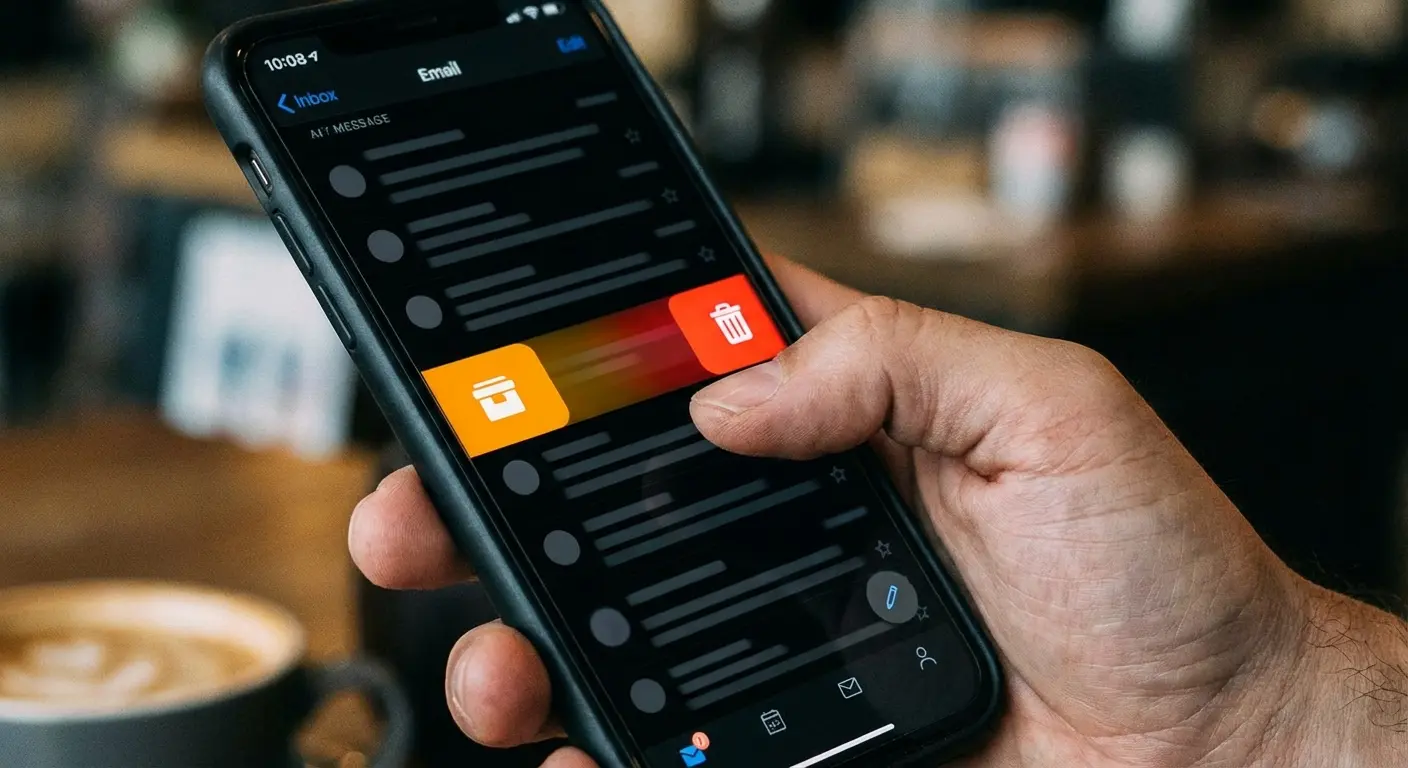
Android users usually want control. This is about swipe gestures, dark mode that actually looks good, and "Unified Inboxes" that blend your work and personal accounts seamlessly. You shouldn't have to jump between five different tabs just to see if your boss or your mom emailed you.
D. Ecosystem Integration
An email app doesn't exist in a vacuum. It needs to talk to your calendar, your to-do list, and your cloud storage. For business users, support for Exchange and POP3/IMAP is essential. We also looked at how well these apps connect with tools like the best apps for note taking to keep your workflow smooth.
Top 25 Email Apps for Android (Categorized)
Here is the core of the guide. I’ve broken these 25 contenders into five groups so you can find what fits your vibe. A quick Google search might give you a generic list of the 10 best email apps for android, but the reality of 2026 requires a deeper dive.
Category 1: The Titans (Standard & Reliable)
These are the household names. They are dependable, usually free, and deeply integrated into the massive ecosystems of Google and Microsoft. They are the safe bets.
1. Gmail
The default choice for most, and for good reason. It’s deeply baked into Google Workspace. With the new "Gemini" AI features for drafting and summarizing, plus a clean interface, it's hard to beat. I find the AI features top-tier, and while Google does scan for smart features, the security is generally tight.
2. Microsoft Outlook
A powerhouse for the corporate world. Outlook mashes up email, calendar, and contacts into one hub. With "Copilot" integration, the drafting assistance is excellent, and it has enterprise-grade security. The UI can feel a little cluttered with features, but it’s the industry standard for business for a reason.
3. Yahoo Mail
Yahoo is surprisingly resilient because it focuses on the visual stuff—subscriptions, receipts, and travel docs. It excels at categorizing shopping deals and offers a colorful, media-heavy interface. Just keep in mind it is ad-supported, so it might use a bit more data.
4. Samsung Email
If you have a Galaxy, this is pre-installed, and honestly, it's solid. It sticks to Samsung’s One UI design, which means everything is easy to reach with one hand. It pairs perfectly with the best Android widgets for your Galaxy S22 Ultra (or newer) to give you quick access right from the home screen.
5. AOL Mail
Yes, it still exists. It’s pivoted to a news-and-mail hybrid. It offers a simple, slightly dated interface that works for basic needs. It lacks the fancy AI stuff, but if you just want simple communication, it works.
Category 2: Privacy Guardians (Security First)
These are for the people who value data privacy above convenience. They prioritize encryption and anonymity. Think of this as the "Whistleblower" standard. If you are a journalist or a lawyer, standard encryption might not cut it. Using Proton Mail, you can send a password-protected email to someone using Gmail. They get a link, type in the password, and read the message on a secure server. The message never actually sits in their vulnerable inbox.
6. Proton Mail
Swiss-based with zero-knowledge encryption. Even Proton can't read your emails. It includes a calendar and VPN integration, setting the gold standard for privacy with a modern UI. No AI here by design—privacy comes first.
7. Tuta (formerly Tutanota)
This open-source option encrypts the subject line and the body. They focus on green energy and extreme privacy. The interface is utilitarian and fast—perfect for security purists, though integration is limited to Tuta services.
8. Canary Mail
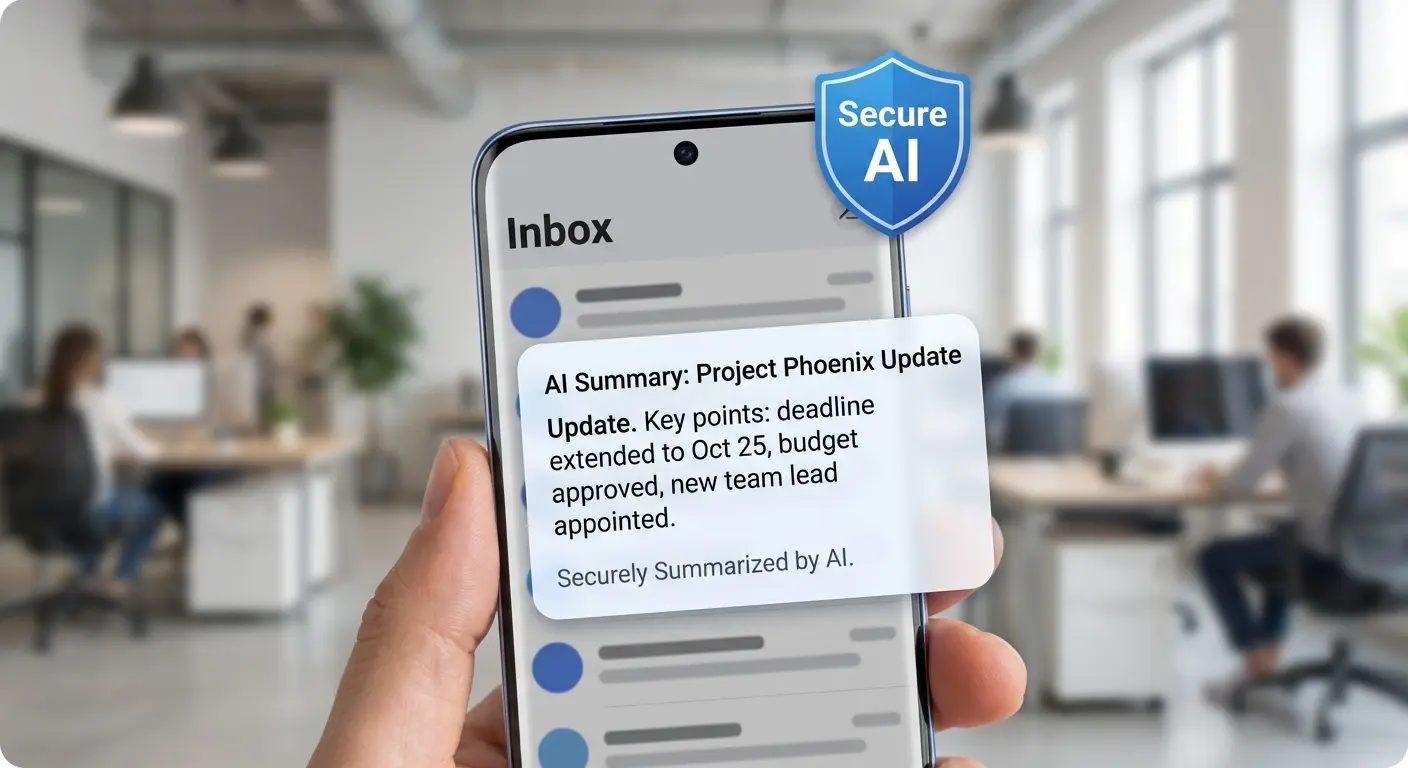
Canary focuses on "Secure AI." It offers PGP encryption but uses on-device AI to summarize emails. This keeps your data off the cloud while still giving you modern features. The AI is actually quite good—like Copilot, but private.
9. FairEmail
Open-source and privacy-oriented, FairEmail renders emails in a "safe view" to strip out tracking pixels and prevent phishing. It is highly customizable and dense with settings. No AI, but excellent privacy.
10. Posteo
A paid-only, green, and anonymous service. It relies on a web-app style or standard IMAP for Android, but it offers anonymous payment options and absolutely zero tracking or ads. A solid, private connection.
Category 3: AI & Productivity (The "Inbox Zero" Tools)
These apps are designed for people who get way too much mail. They use AI and unique workflows to turn your inbox into a to-do list or a chat stream.
11. Spark Mail
Famous for its "Smart Inbox," Spark categorizes mail automatically. The "Gatekeeper" feature blocks unwanted senders, and the AI handles drafting and summaries beautifully. It looks great and feels fast.
12. Superhuman
Built for speed. Superhuman uses a "Split Inbox" and keyboard shortcuts to help you fly through email. It is an expensive subscription, but fans swear by it. The interface is minimalist and text-based—pure utility.
13. Shortwave
Created by former Google engineers, Shortwave treats email like a to-do list. It has a built-in AI assistant that searches history and drafts content, all organized in a chat-like interface. Great for Google Workspace users.
14. Spike
Spike turns email into a chat interface, stripping away the stiff headers and signatures. It features "Magic Message" for tone switching and includes notes and tasks right in the chat bubbles. It makes email feel like texting.
15. HEY Email
A complete reimagining of email where you screen every single sender. It features "The Feed" for newsletters and "Paper Trail" for receipts. It forces you to use their specific workflow, but if you buy into it, it's peaceful.
16. Edison Mail
A pioneer in smart assistants. Edison lets you unsubscribe from junk with one tap and tracks packages automatically. It has a clean, iOS-style aesthetic. It’s very popular for its look and feel.
Category 4: Open Source & Enthusiast
These apps are for users who want full control, transparency, and no corporate algorithms messing with their feed.
17. Thunderbird for Android
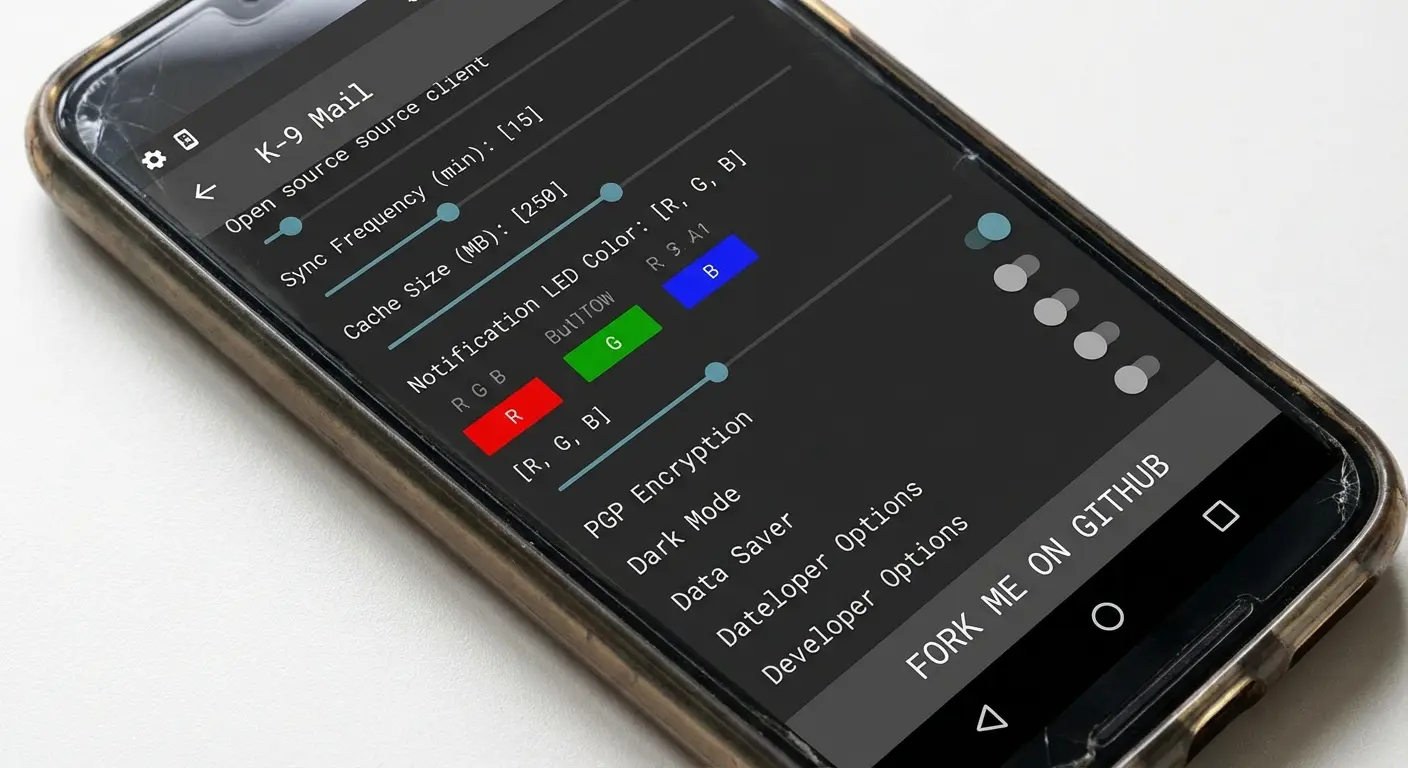
Formerly K-9 Mail, this is the big open-source client for 2026. It syncs settings with the desktop version of thunderbird, offering a no-nonsense interface and local data handling. It's vastly improved from the old K-9 days.
18. BlueMail
BlueMail features "Cluster" mode to group emails and "MagicSync" to backup settings. It includes "Gem AI" for summaries and is great if you love Dark Mode. The interface is very graphical and feature-rich.
19. Aqua Mail
The king of customization. Aqua Mail allows you to change every font, color, and gesture. It supports rich text editing and cloud backup, with no tracking. If you like to tinker with settings, this is the one.
20. MailDroid
An old-school client relying on pure IMAP/POP3 connections. It avoids middleman servers for high privacy. The interface is a bit dated, but it's functional and direct.
Category 5: Professional & Niche Suites
These apps cater to specific business needs, like deep Exchange integration or CRM connectivity.
21. Nine
The best app for Exchange ActiveSync, hands down. Nine "sandboxes" corporate data, meaning if your company wipes the app remotely, they don't wipe your whole phone. Essential for BYOD employees.
22. Zoho Mail
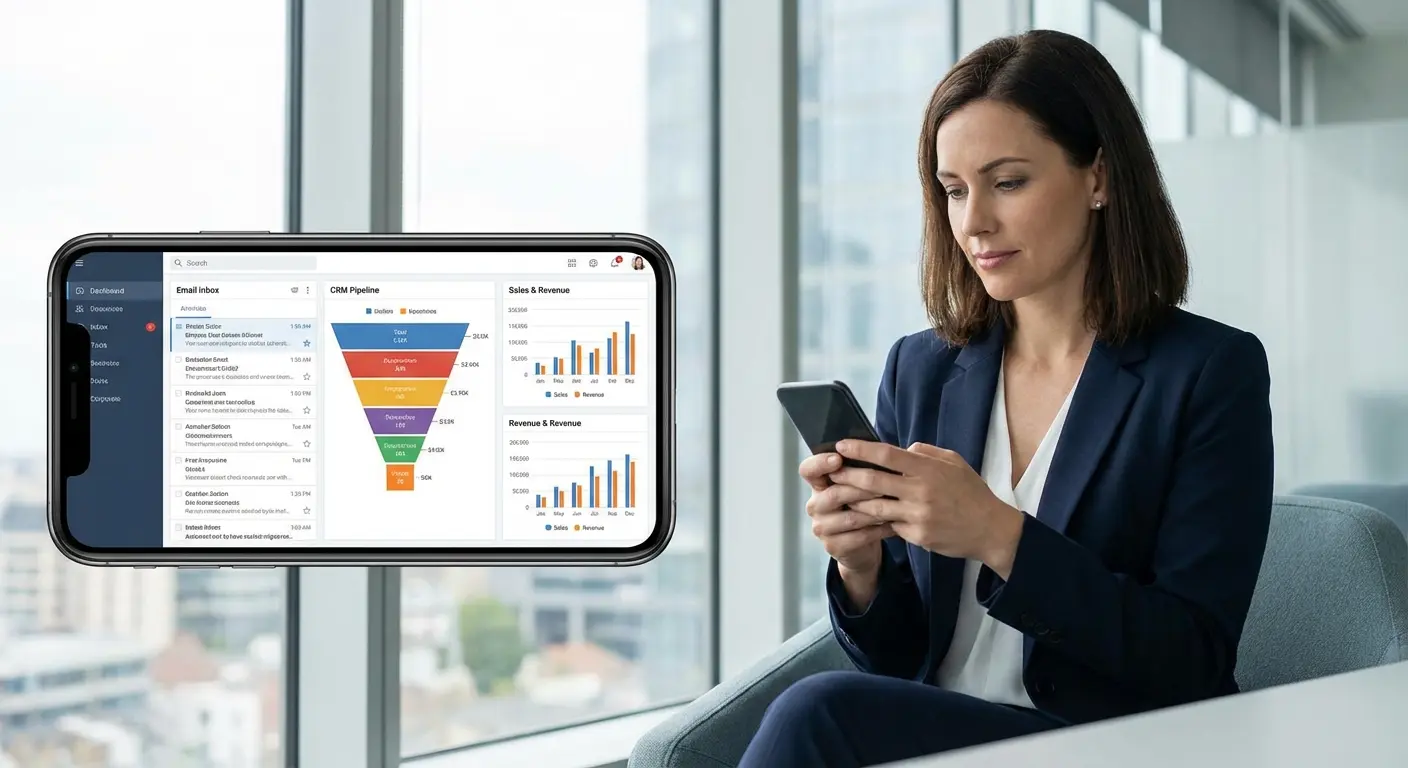
Part of the Zoho ecosystem. It includes streams for social-media-style interaction with colleagues and connects seamlessly with Zoho CRM. Ad-free and business secure.
23. Newton Mail
A subscription service known for "Read Receipts" and "Recap," which brings up conversations waiting for a reply. It integrates with Todoist and Evernote, offering a distraction-free experience.
24. TypeApp
Similar to BlueMail, TypeApp focuses on "People-centric" communication with a card-based interface. It has great support for WearOS, making it a solid choice if you check email on your watch.
25. Yandex Mail
A popular option internationally. Yandex offers offline mode and built-in translation AI. It features bright, customizable themes and integrates with Yandex Disk.
The Rugged Reality of Mobile Productivity
Okay, let's shift gears from software to the real world. You can't be productive if your phone is smashed. Even the smartest email apps for android are useless if your device takes a tumble and the screen shatters. This is where Rokform comes in—making sure your device actually survives the workday.
Secure Mounting for Hands-Free Viewing
Checking a schematic on Outlook or a map on Gmail often happens on the job, not at a desk. Rokform’s MAGMAX™ magnets and RokLock™ twist-lock system allow you to stick your phone to toolboxes, dashboards, or machinery. Think about a mechanic: they get a PDF manual via email. Instead of balancing the expensive phone on the engine block, they snap it onto the raised hood with the magnetic case. Hands-free, safe, and right where they need it. This works perfectly with the best phone mount for truck dashboards, too.

Protection for the "On-the-Go" Professional
A broken phone means you're disconnected. If you are using Nine or Superhuman to manage high-stakes deals, you can't afford downtime. The best Android phone cases from Rokform offer military-grade protection to save your screen and camera during drops.
Feature |
Standard "Slim" Case |
Rokform Rugged Case |
|---|---|---|
Drop Protection |
3-4 feet (Maybe) |
6 feet+ (Military Grade) |
Mounting |
None / Cheap Adhesive |
Integrated RokLock™ & MAGMAX™ |
Magnet Strength |
Weak |
Industrial Strength (N52 Neodymium) |
Corner Protection |
Minimal |
Reinforced Shock Absorption |
MagSafe® Compatibility
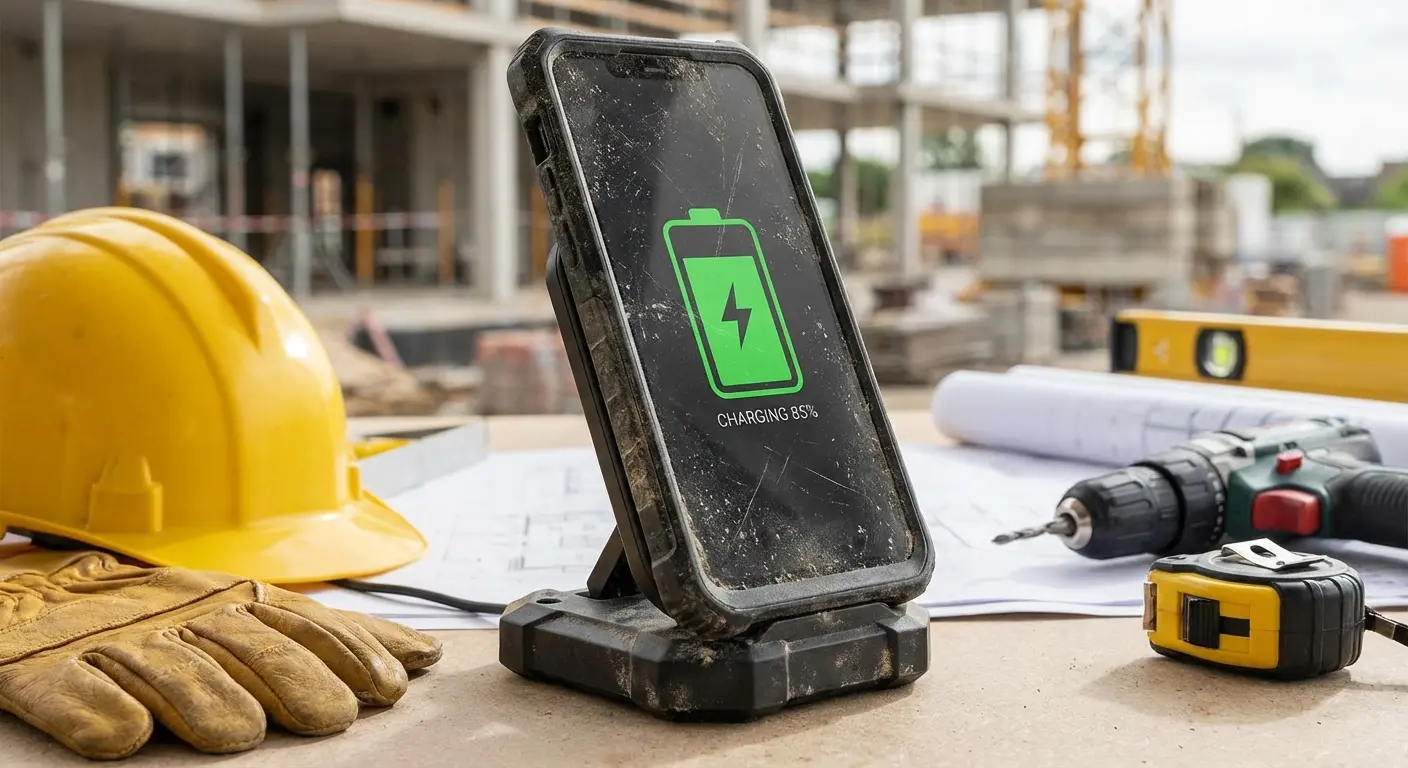
Power is essential. Rokform’s MagSafe® compatible cases allow you to use wireless charging stands, keeping your battery full while you blast through your inbox on Spark or Thunderbird. You don't want to run out of juice mid-draft.
Final Thoughts
At the end of the day, the right tool depends on your specific needs. Whether you want AI to write your emails for you, or you want a privacy vault that nobody can peek into, the combination of the right app and the right protection keeps you moving.
User Type |
Recommended App |
Recommended Hardware |
|---|---|---|
Corporate Executive |
Outlook / Nine |
Rokform Crystal Case (Sleek + Protective) |
Field Technician |
Gmail / Samsung Email |
Rokform Rugged Case (Max Protection) |
Privacy Advocate |
Proton / Tuta |
Rokform MagSafe Adapter (Versatility) |
Productivity Hacker |
Superhuman / Spark |
Rokform Sport Ring (Mobility) |
I read recently that unread emails are deleted in bulk 42x more often than old ones (Source). I felt this pain personally the other day standing in line for coffee. I was frantically swiping away "unread" notifications just to clear the clutter, and realized too late that I had trashed a contract revision I had been waiting all week for. That is the reality of mobile email—it is fast, chaotic, and unforgiving.
Finding the right app isn't just about reading messages; it is about regaining control. When you combine robust hardware with the best email apps for android, you create a mobile office that is truly unstoppable.

