


There is simply too much noise out there. I read a report recently about how analysts are tracking millions of data points just to figure out what we like to listen to. It’s exhausting just thinking about it.
I actually felt this burnout last week. I sat in my driveway for ten minutes—engine running, wasting gas—scrolling through three different apps just trying to pick a song for my commute. I wasn't even driving yet; I was just stuck. You probably know the feeling. You want high quality, but you also want the app to just know what you want to hear, and you need it to not cut out when you hit that one dead zone on the highway.

Finding the right tool cuts through that mess. We put together this list of the best music apps for android to help you stop scrolling and actually start listening.
Table of Contents
We broke this down so you can skip the fluff and jump to what you actually need. We’ll cover how we judged these apps, followed by the five main categories: The big streamers, the audiophile snobs (in a good way), the offline vaults, the radio lovers, and the techie niche stuff. We also threw in some tips on how to keep your phone mounted while you blast your tunes.
The 5 Rules of Engagement: How We Chose the Winners
Category A: The Mainstream Streaming Titans
Category B: Audiophile & Hi-Res Sanctuaries
Category C: The Local Offline Vaults
Category D: Radio & Discovery Engines
Category E: Cloud & Niche Specialists
Integrating Your Music with Your Lifestyle
Final Thoughts
TL;DR
If you don't have time to read the whole thing, here is the snapshot. We looked at the market to see which music apps are best for sharing playlists versus which ones you need if you care about bitrates and sound quality.
Audio Quality is King: By 2026 standards, if it’s not Lossless or Hi-Res, why bother? Standard compression sounds flat.
Offline Matters: The best apps can handle huge libraries without needing a cell signal.
Algorithm vs. Curation: Do you want a robot (Spotify) or a human (Tidal) picking your next song?
Hardware Integration: Your choice of app for music should decide your gear—from DACs to magnetic car mounts.
Ownership vs. Renting: Are you renting your music monthly, or do you actually own the files?
If you are hunting for free music apps or ready to pay for premium, use this cheat sheet to find your match:
User Type |
Priority |
Recommended App Category |
Top Pick |
|---|---|---|---|
The Socialite |
Playlists, Sharing, Connect Features |
Mainstream Streaming |
Spotify |
The Audiophile |
Bitrate, DAC Support, Hi-Res |
Hi-Res Sanctuaries |
Tidal / UAPP |
The Collector |
Local Files, Metadata, Ownership |
Local Offline Vaults |
Poweramp |
The Explorer |
Passive Listening, New Artists |
Radio & Discovery |
Pandora |
The Techie |
Home Server, Cloud Storage |
Cloud & Niche |
Plexamp |
The 5 Rules of Engagement: How We Chose the Winners
Before you download anything, you need to know what you’re actually looking for. We judged every app on this list against five specific things. Audio Quality came first, followed by how big the library is and how good the app is at guessing what you like.
We also looked at Offline Capabilities (for those dead zones), UI customization (for the tinkerers), and Ecosystem Integration (so it works with your other tech).
Audio Quality (Bitrate & Codec): We looked for Lossless, Hi-Res, and Dolby Atmos.
Library & Discovery: Does it have 100M+ songs? Is the algorithm smart or dumb?
Offline Capabilities: Does it crash when the internet cuts out?
User Interface (UI) & Customization: Dark mode is non-negotiable. We also looked for good EQ settings.
Ecosystem Integration: Does it work with Android Auto and Chromecast?
Speaking of integration, testing for Android Auto support is huge for us. You need to know how to connect Android Auto if you want a safe commute. If the app is a nightmare to use on a dashboard, we cut it from the list.
The "Bohemian Rhapsody" Test:
To test Audio Quality, we didn't just look at specs. We listened to Queen's "Bohemian Rhapsody." On a standard music apps stream (around 160kbps), those cymbal crashes sound "swishy" and muddy. On a Hi-Res app (24-bit/96kHz) like Tidal, you can actually hear the decay of the cymbal and the space between the vocal harmonies. If an app couldn't make that distinction, it didn't make the "Audiophile" cut.
Category A: The Mainstream Streaming Titans
These are the heavy hitters. Everyone knows them. These music streaming services are the all-rounders—they balance massive libraries with features that just work. These are for the average user who wants everything, everywhere, without a headache.
1. Spotify
Spotify is still the winner for social stuff. If you want to stalk what your friends are listening to or share a playlist in two seconds, this is it. The "Spotify Connect" feature is honestly brilliant; being able to control your desktop music from your phone is something you don't realize you need until you have it.
Audiophiles love to hate on the audio quality compared to Hi-Res competitors, but the AI DJ and discovery algorithms are just better than everyone else's. Whether you are on the free tier or paying for spotify premium, it just works.

2. YouTube Music
Google’s flagship music app uses all that data they have on you to give hyper-specific recommendations. The killer feature? Tapping one button to switch from the song audio to the music video instantly.
If you already pay for YouTube Premium to kill ads on videos, you get this for free, which makes it an insane value. The "Smart Downloads" feature is a lifesaver, too—it auto-downloads music it thinks you’ll like so you’re never stuck in silence. It works as a solid free music app if you can stomach the ads.
3. Apple Music
Believe it or not, Apple Music is actually excellent on Android. You get the huge catalog of 100 million songs, and unlike Spotify, they give you Lossless and Spatial Audio (Dolby Atmos) for free.
They also have a dedicated classical music app and the lyrics feature is beautiful. The UI is clean, though it’s a bit less customizable than native Android apps.
4. Amazon Music Unlimited
If your house is full of Alexa devices, this is the logical choice. It integrates perfectly for voice control. Plus, you get HD and Ultra HD audio, which sounds fantastic.
Prime members get a discount, so it’s budget-friendly. The interface feels a little cluttered compared to Spotify, but the sound quality makes up for it. It stands out among free music apps if you use the ad-supported tier, though Unlimited is where the real goods are.
5. Deezer
Deezer is famous for "Flow," which is basically an infinite mix of your favorites and new stuff that fits your mood. They’ve made High Fidelity sound standard now, so you don't have to compromise on quality.
It also has great lyrics support and song ID features built right in. It’s a robust free music app alternative if you want something different from the big three.
Service |
Max Audio Quality |
Free Tier Available? |
Unique Selling Point |
|---|---|---|---|
Spotify |
320kbps (AAC) |
Yes |
Best Social & Connect Features |
YouTube Music |
256kbps (AAC) |
Yes |
Video Switching & Google Bundle |
Apple Music |
24-bit/192kHz (ALAC) |
No |
Lossless & Spatial Audio Included |
Amazon Music |
24-bit/192kHz (FLAC) |
No (Unlimited) |
Alexa Integration & Prime Discount |
Deezer |
16-bit/44.1kHz (FLAC) |
Yes |
"Flow" Infinite Mix |
Category B: Audiophile & Hi-Res Sanctuaries
Now we shift gears to apps for people who obsess over bitrates, DACs, and frequency response. This section is for the purists who own expensive headphones and want to bypass Android's standard audio processing. To really hear the difference, you need one of the best Android phones with a good internal DAC or a USB-C dongle.
6. Tidal
Tidal started the high-fidelity wave and it's still a top pick. The HiFi Plus tier offers MQA (Master Quality Authenticated) tracks, which is basically studio-quality sound.
They focus heavily on paying artists fairly and having exclusive video content. It’s pricier than other music streaming services, but for pure sound fidelity, it’s hard to beat.
7. Qobuz
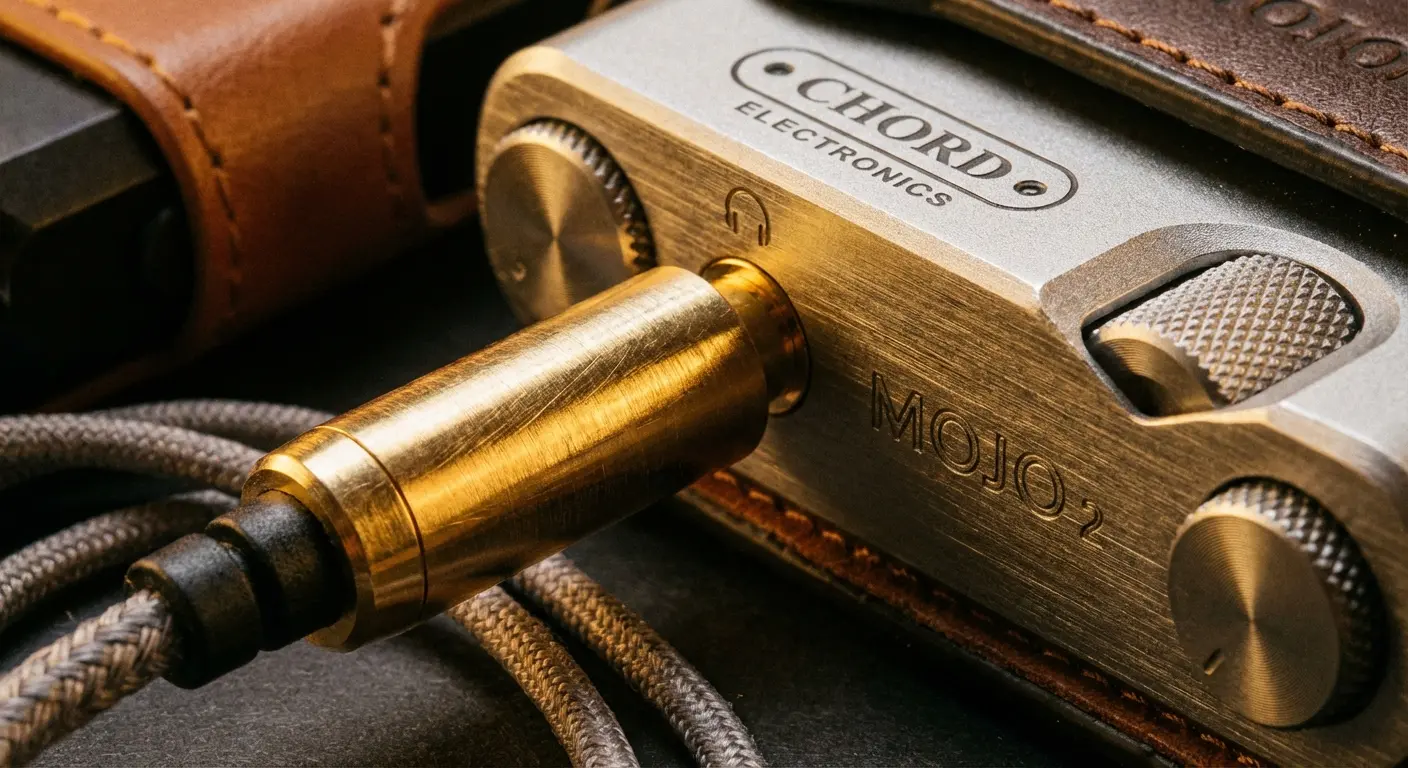
This is a French service that cares about two things: sound quality and editorial content. It streams up to 24-bit/192kHz FLAC files. No special decoders needed.
The library is a bit smaller than Spotify's, but it is beautifully curated, especially if you like Jazz and Classical. The liner notes are a nice touch that adds some depth to what you're hearing.
8. USB Audio Player PRO
This app is designed to bypass Android's audio limitations. It sends bit-perfect audio directly to an external DAC. If you use high-end headphones with a dongle, you essentially need this app.
It even supports Tidal and Qobuz integration inside the app, so you get the library of a streaming service with the engine of a pro player.
9. Neutron Music Player
Neutron is a complex beast. It has a 32/64-bit audio engine that is incredibly powerful. The UI looks very technical—honestly, it looks a bit dated—but the performance is undeniable.
It features a parametric equalizer that lets you tweak every single tiny aspect of the sound.
10. Poweramp
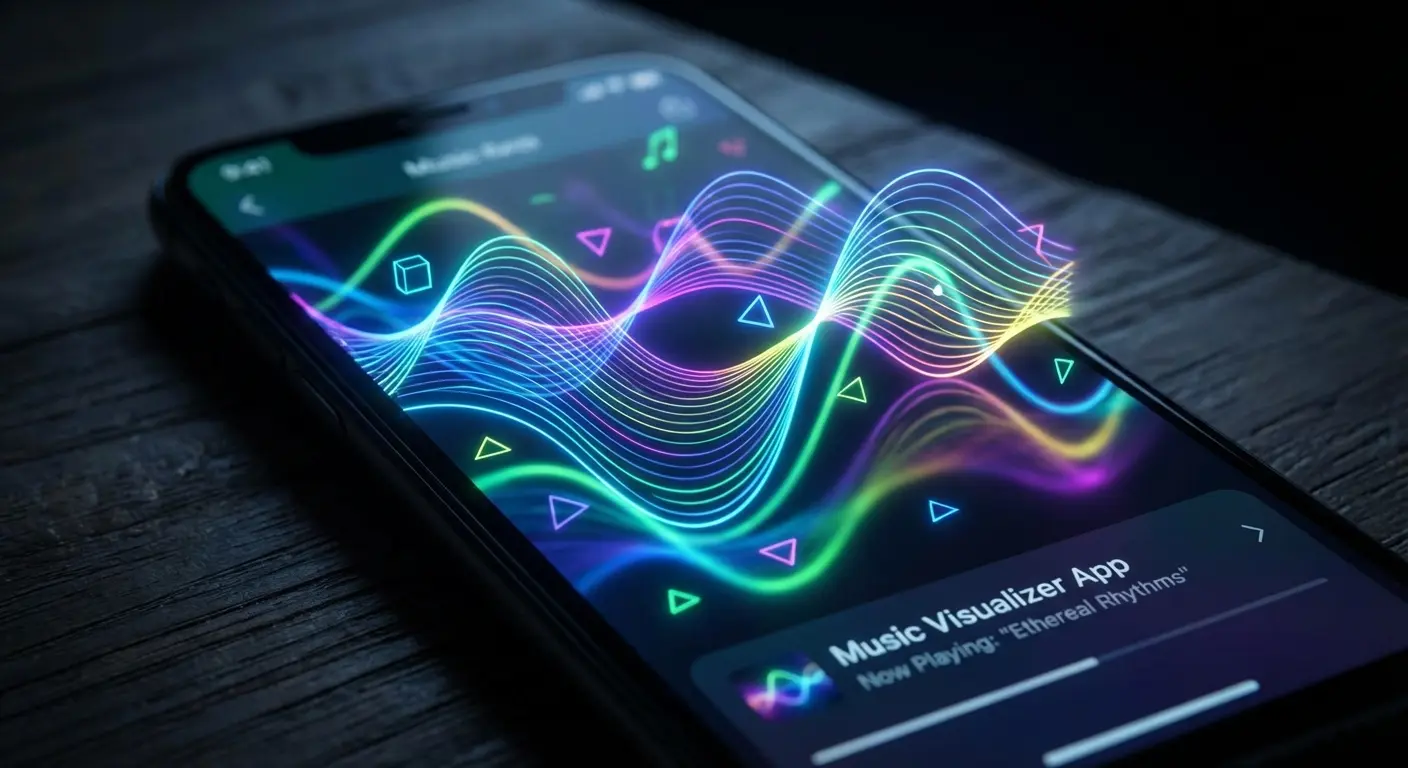
Poweramp is legendary in the Android world. It’s known for a powerful audio engine and those trippy visualizers. It is the gold standard for playing local files like FLAC, MP3, and WAV.
The internal 64-bit processing ensures your music sounds crisp, and you can skin the interface to look however you want.
Category C: The Local Offline Vaults
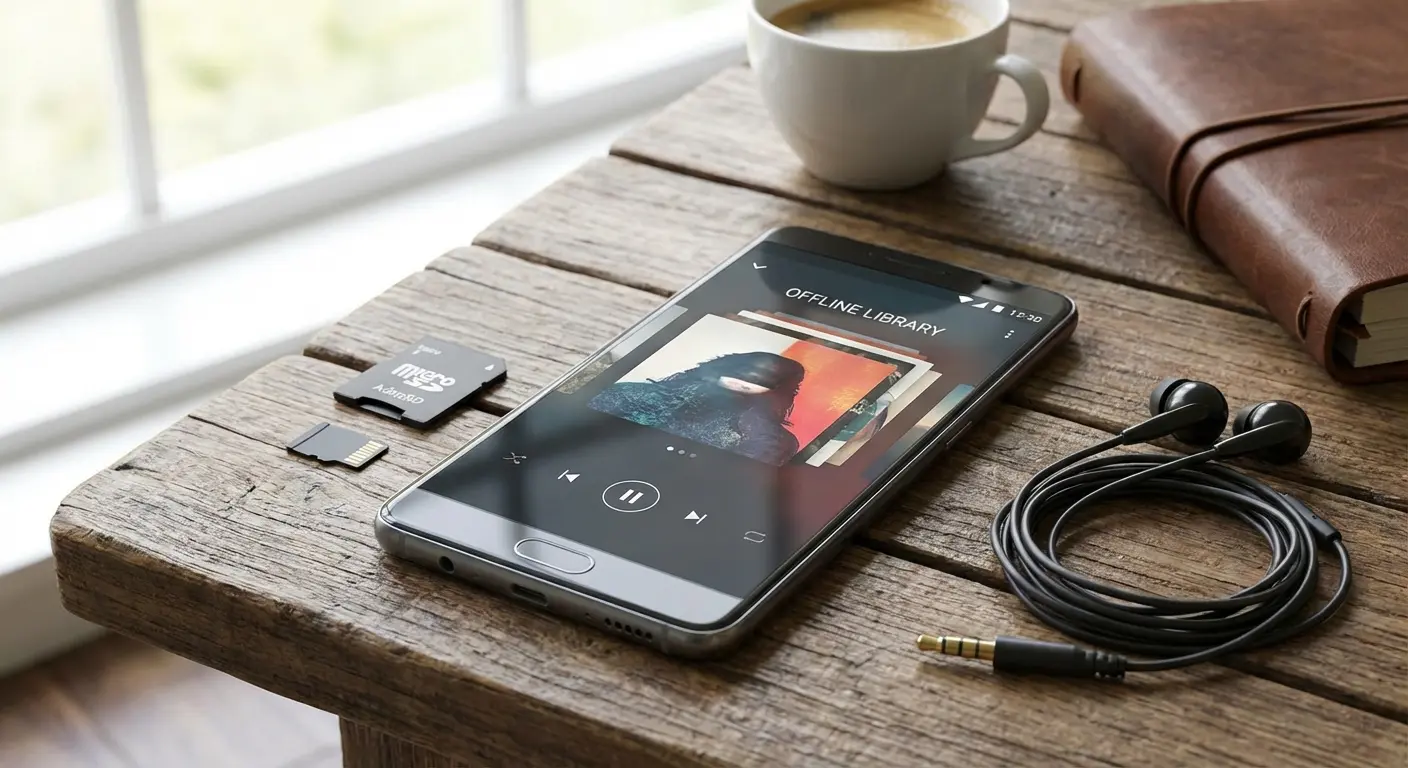
This category is for the people who actually own their music files and hate subscriptions. We’re focusing on free music apps and paid players that are great at organizing massive libraries stored on SD cards.
11. Musicolet
Musicolet is completely free and has zero ads. It’s lightweight and supports multiple queues, which is a rare feature.
It doesn’t even ask for internet permission, making it perfect for offline listening. The UI is simple and text-heavy, which is exactly what you want when managing a huge list of songs. It is arguably the best free music app for local file management.
12. BlackPlayer EX
BlackPlayer EX is known for being extremely customizable. You can change fonts, colors, and animations to your heart's content. It feels the most "Android-native" of the bunch.
The tag editing and playlist management are excellent, so your library stays organized.
13. Pulsar Music Player
Pulsar is a tiny, lightweight player that looks great and runs smoothly, even on older phones.
Despite its small size, it still has features like Chromecast support and Last.fm scrobbling.
The "Dead Zone" Dilemma:
Imagine you are driving through a remote canyon or taking a subway underground. Streaming apps will buffer and die. This is where apps like Musicolet or Pulsar shine. Because they read data directly from your phone's storage, the music never stops, no matter how bad your signal is.
14. AIMP
An old-school player ported from Windows, AIMP handles huge playlists and multiple formats with ease. It features a 29-band equalizer for fine-tuning your sound.
It is particularly good at organizing messy file directories.
15. GoneMAD Music Player
GoneMAD focuses on smart playlists to help you rediscover your own library. You can set it to play songs you haven't heard in 6 months, which keeps your rotation fresh.
It also offers over 250 customization options.
Category D: Radio & Discovery Engines
This section is for passive listening. Sometimes you don't want to pick a song; you just want to pick a mood.
16. Pandora
The Music Genome Project powers this, and it is still the best "set it and forget it" algorithm out there. You give a song a "thumbs up," and it builds a station around it.
The free tier has ads, but it's great value for passive listening, making it a staple among free music apps.
17. SoundCloud
SoundCloud is the home of indie artists, DJ sets, and unofficial remixes. You will find unique content here that you cannot find on Spotify or Apple Music.
The community aspect is cool—you can comment directly on the track timeline. It’s a vital free music app for the underground scene.
18. TuneIn Radio
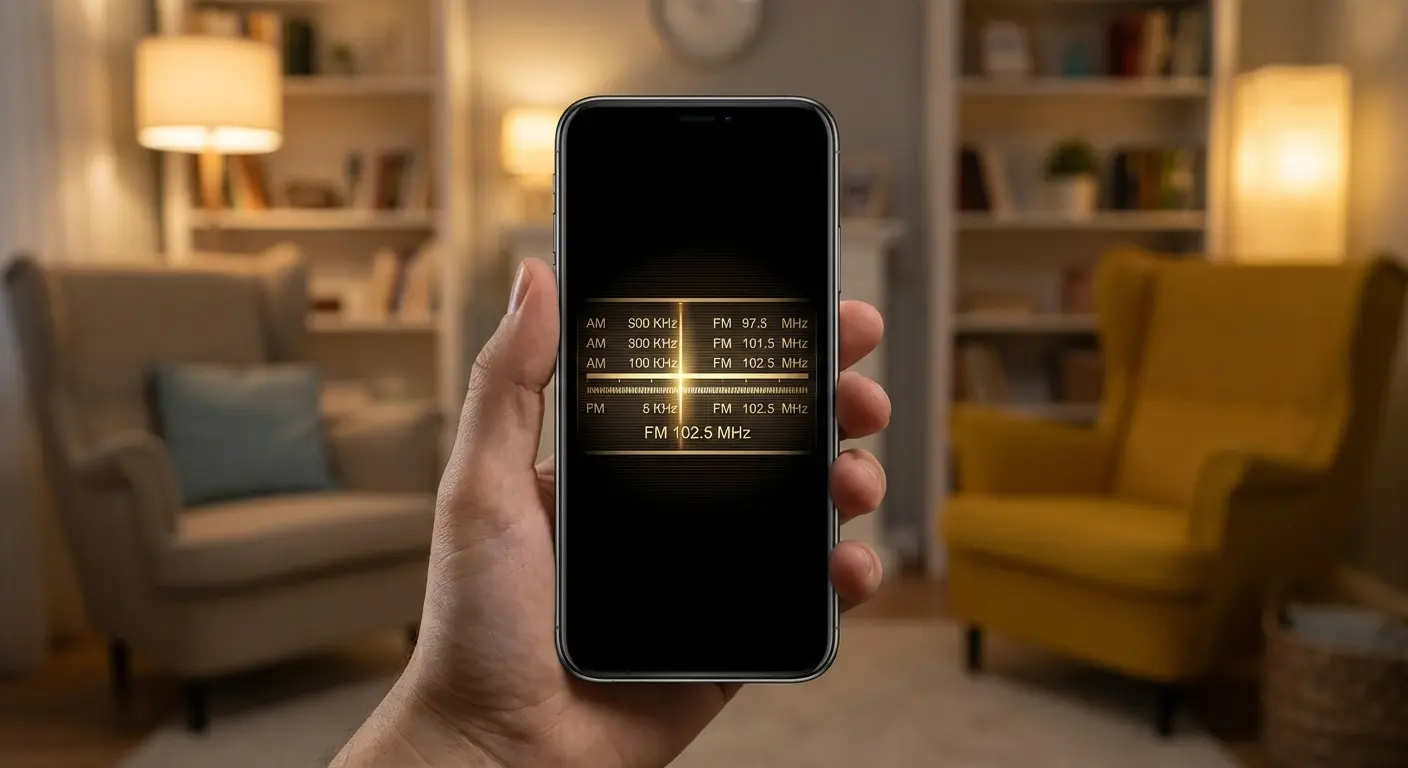
TuneIn is for live broadcast radio, news, and sports rather than on-demand tracks. It gives you access to over 100,000 global radio stations.
It is excellent for car listening via Android Auto when you want to catch a game or the news.
19. Bandcamp
Bandcamp is a store and player in one. You buy music directly from artists, making it the most ethical way to support musicians.
Once purchased, you can stream or download high-quality files for offline listening.
20. iHeartRadio
This is a mix of live radio stations and podcasts. It's a solid free option for catching Top 40 radio and talk shows. The interface is simple and looks like a radio dial.
Category E: Cloud & Niche Specialists
The final category is for specific needs, like streaming from your personal cloud storage or playing video formats as audio.
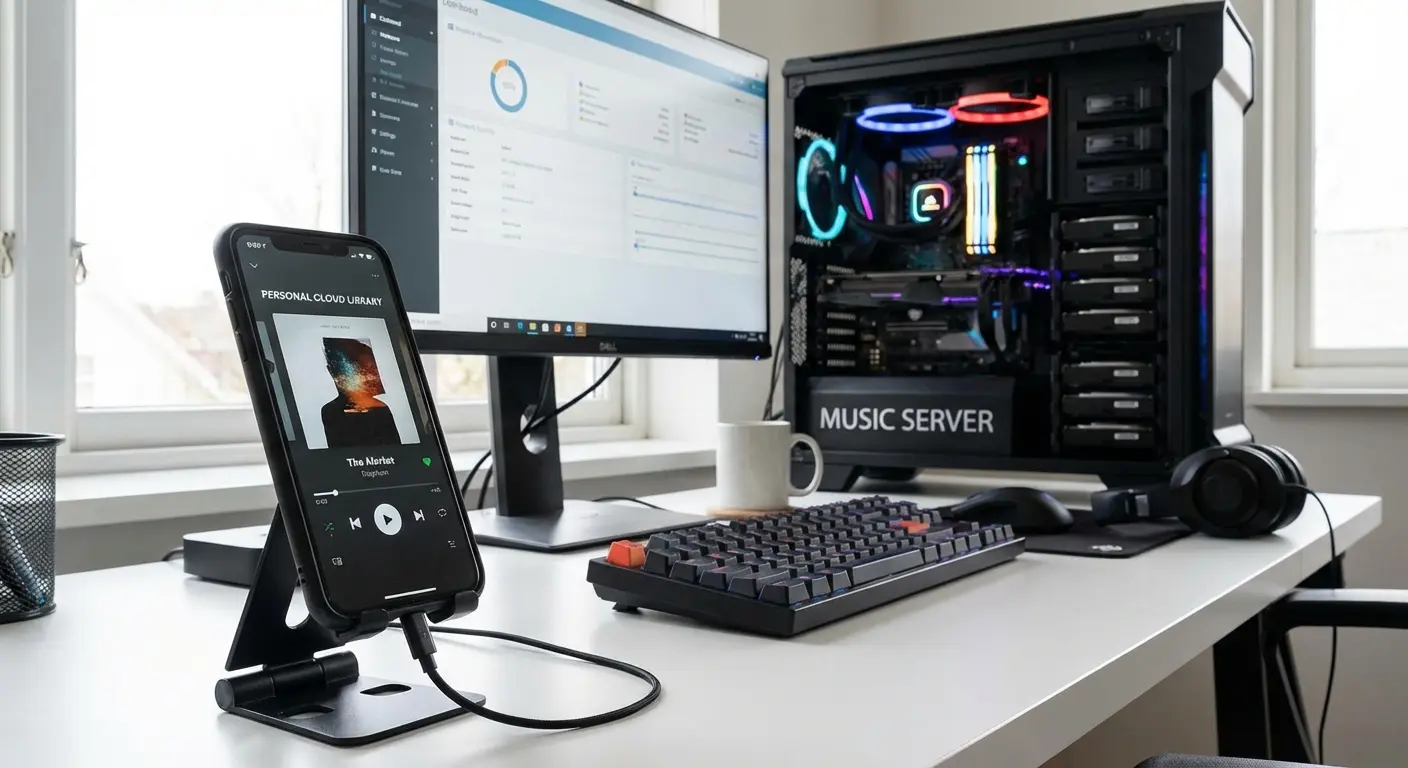
21. Plexamp
Plexamp requires a Plex Media Server, but it streams your home music collection to your phone anywhere in the world. It is essentially your own personal "Spotify" built from your own files.
The "Sonic Analysis" matches tracks by mood, and the visualizers are beautiful.
22. Audiomack
Audiomack is big for trending music, mixtapes, and hip-hop. It is a key player in free music apps, allowing offline playback for free (with ads).
It is great for finding breakout artists before they hit the mainstream.
23. VLC for Android
We all know the orange cone. The "play anything" video player also doubles as a robust audio player. If other apps can't play a specific file format, VLC can. It is completely free and open source.
24. CloudPlayer
CloudPlayer links to your Dropbox, OneDrive, or Google Drive to stream your uploaded music. It caches files so you don't burn through data. It also supports MagicPlay for casting.
The "Infinite Hard Drive" Trick:
If your phone only has 128GB of storage but you have 1TB of music, apps like CloudPlayer are the solution. By uploading your library to a Google Drive, CloudPlayer treats that cloud storage like a local folder. You can stream your entire history without taking up any space on your actual device.
25. Treble Music
Treble is a newer app focusing on downloading free music under Creative Commons licenses. It is good for users looking for legally free music without subscriptions.
The interface is simple and file-manager style, making it a straightforward free music app.
Integrating Your Music with Your Lifestyle
Having the best music apps for Android installed is only half the battle. Music moves with you—from the car to the golf course to the trail. This is where Rokform bridges the gap.
Whether you are streaming spotify premium on a road trip or blasting a playlist from Poweramp on the back nine, you need your device to be secure, visible, and powered.
-
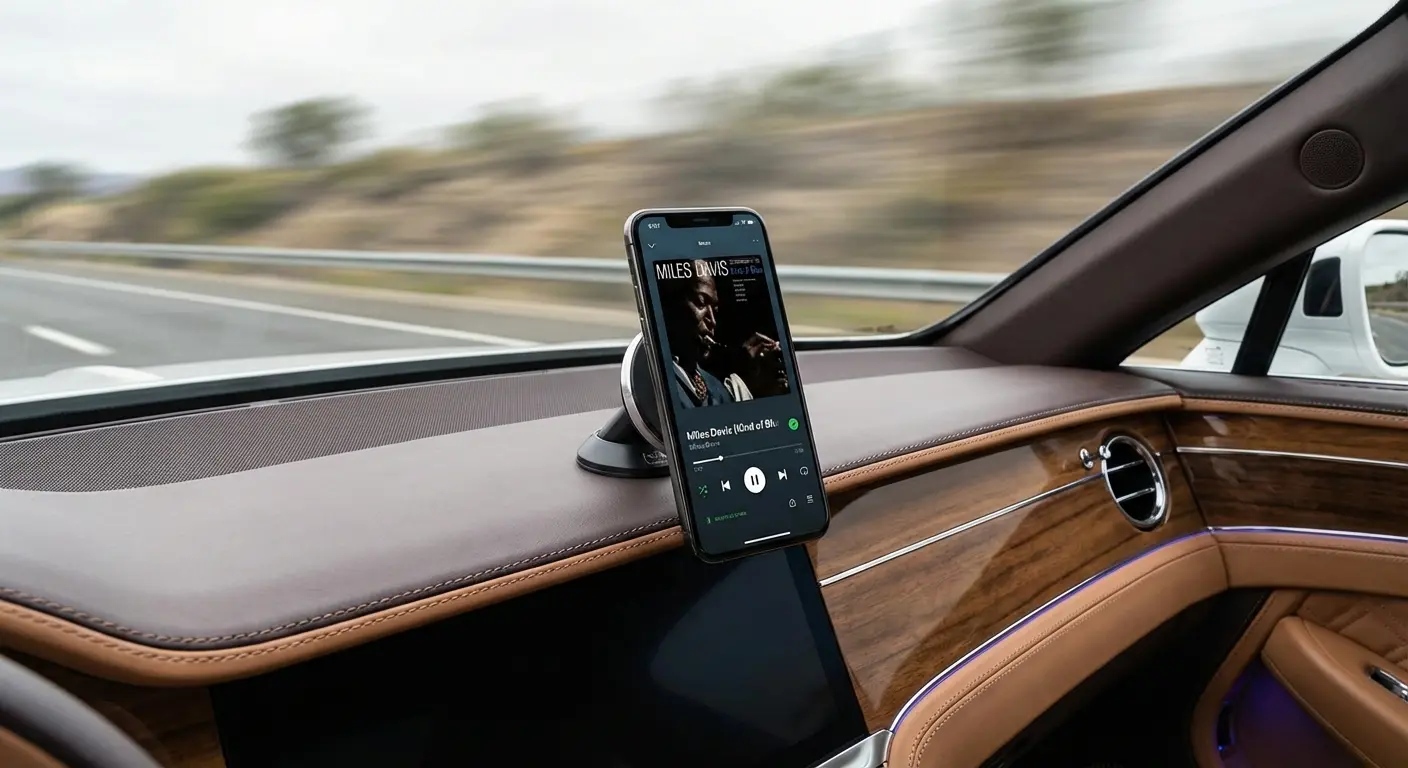
For the Road: Navigating music streaming services while driving requires safety. Our magnetic mounts allow you to snap your phone onto the dash for easy (and safe) access to your music. Ensure your drive is hands-free by equipping your vehicle with one of the best phone mounts for cars available.
-
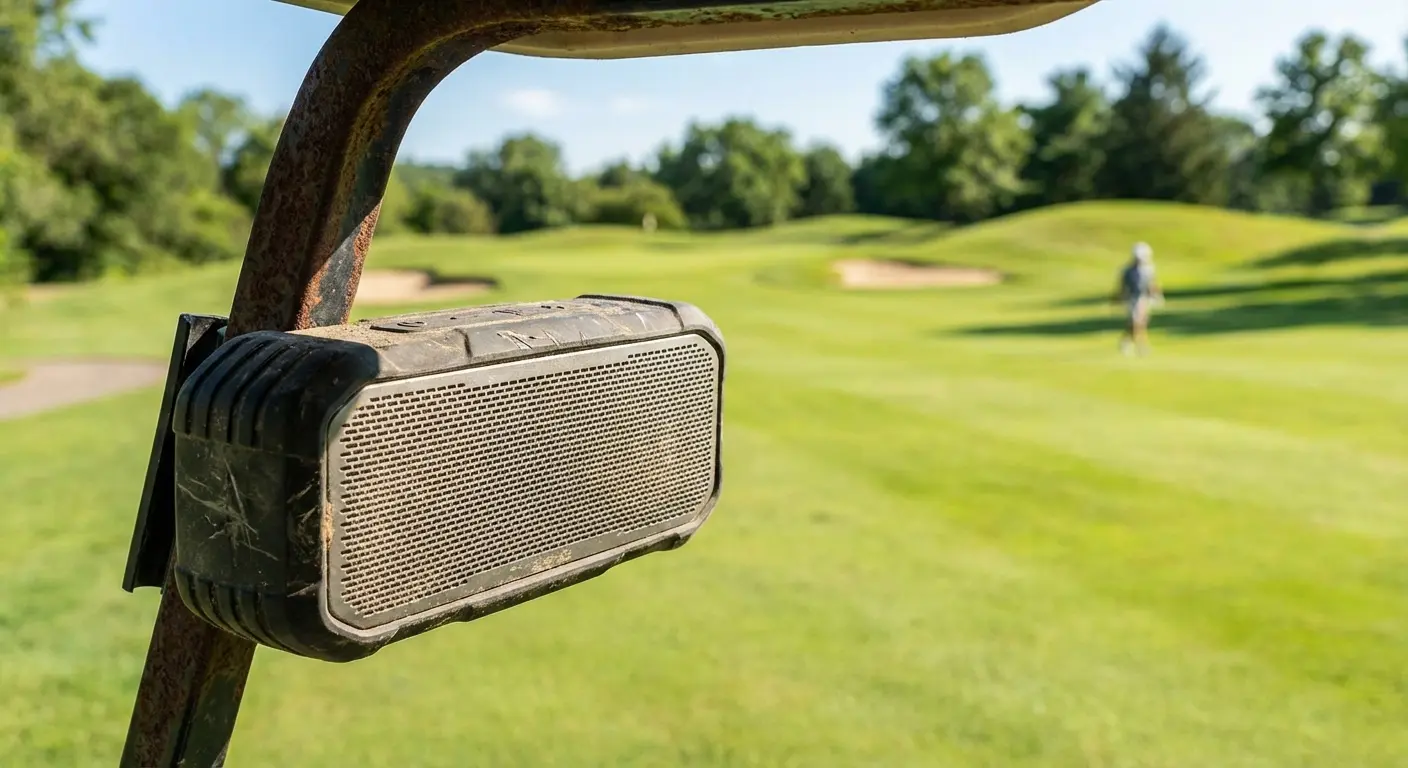
For the Outdoors: If you are using apps like spotify web or Pandora on the golf course, the G-ROK PRO Bluetooth Speaker is the ultimate companion. It features a 45 lb magnetic mount that sticks directly to the golf cart, instant pairing, and a 10+ hour battery life. See how our speaker stacks up in our G-ROK Speaker vs. Bushnell Wingman 2 golf speaker comparison.
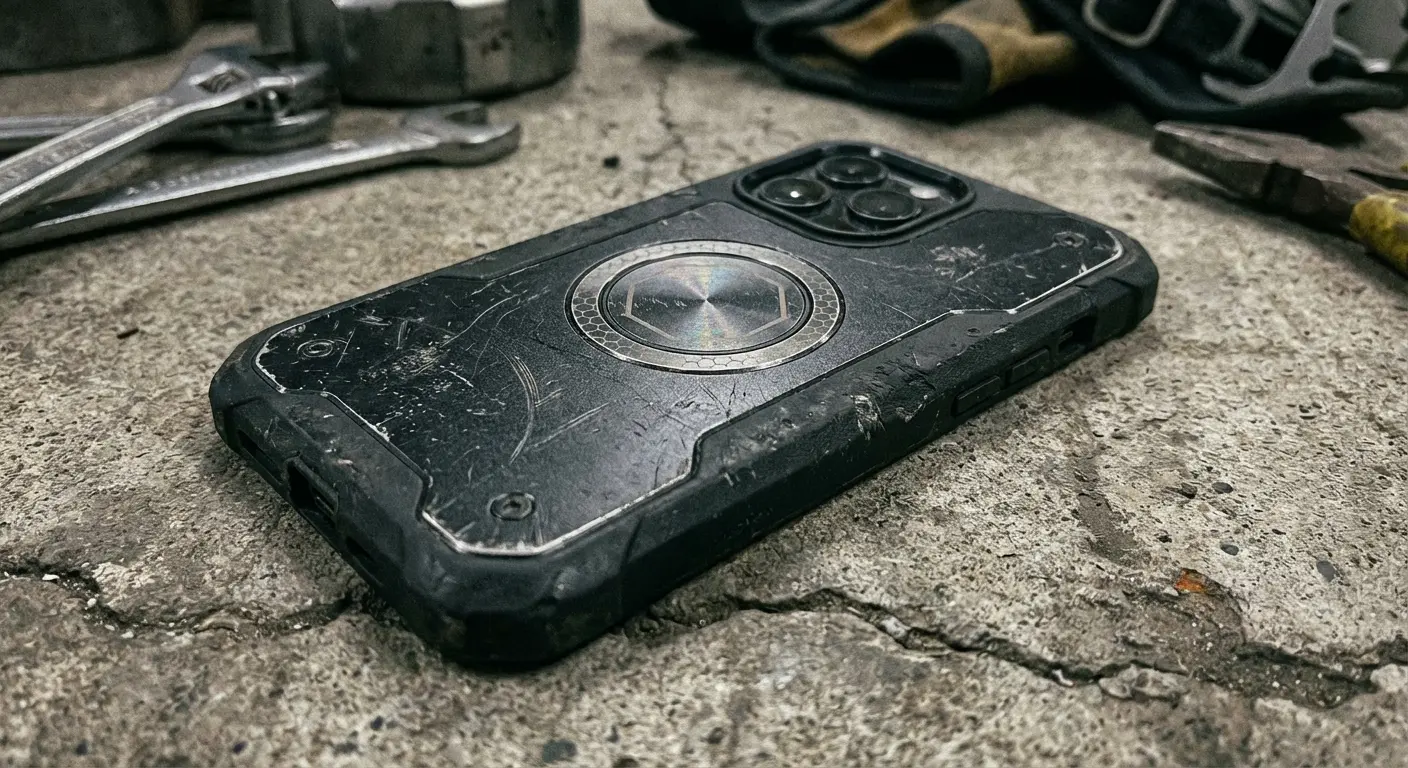
For Protection: High-end Android phones capable of Hi-Res audio are expensive. Our Rugged and Crystal cases use military-grade polycarbonate to protect your device from drops, while the integrated MAGMAX™ magnets ensure your phone stays put on any magnetic surface. Protect your investment with the best magnetic cases for Android devices.
Don't just listen to music; experience it anywhere without worrying about your device taking a tumble.
Activity |
Recommended App |
Essential Rokform Gear |
Why? |
|---|---|---|---|
Commuting |
YouTube Music / TuneIn |
Magnetic Dash Mount |
Keeps navigation and music controls at eye level. |
Golfing |
Spotify / Pandora |
G-ROK PRO Speaker |
Instantly mounts to the cart; loud enough for the outdoors. |
Cycling |
Poweramp / Musicolet |
Handlebar Mount |
Securely holds phone for offline playback; vibration dampening. |
Gym/Workout |
Apple Music |
MAGMAX™ Case |
Sticks to gym equipment for timer/music visibility. |
Final Thoughts
The "best" app isn't a universal truth; it's about what fits your daily rhythm. You might need the deep, algorithmic discovery of YouTube Music for your morning commute, but prefer the bit-perfect precision of USB Audio Player PRO when you're sitting in your favorite armchair at night.
The Android ecosystem is beautiful because it gives you that choice. I encourage you to download a few of these music apps, test the waters, and see which interface clicks with you. Just remember, the right software needs the right hardware to truly shine. Whether you choose one of the top music streaming services or a local player, make sure your setup actually works for you. Go find your sound.

