


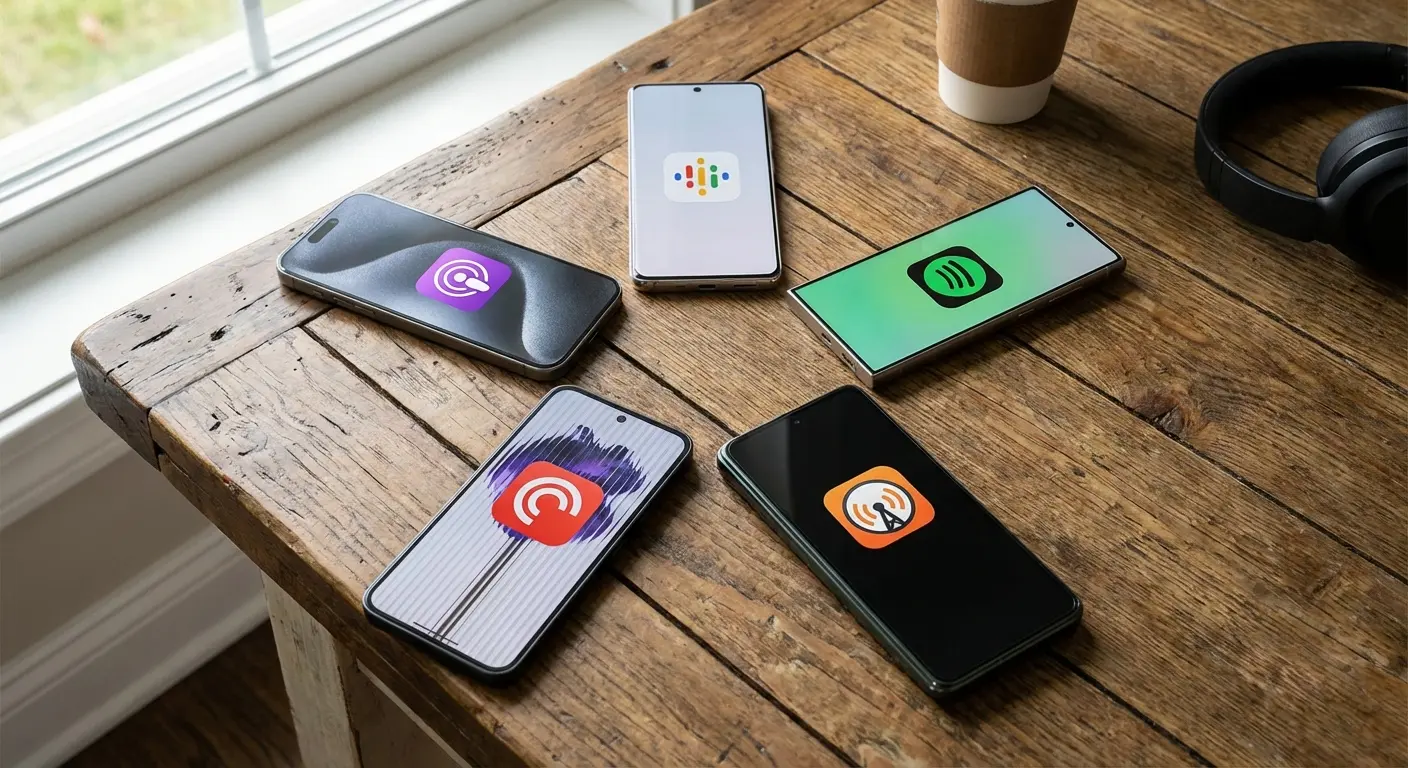
Big news as of March 2025: Pocket Casts has finally made its web player free for everyone, completely dropping the paywall according to Transistor.fm. I clearly remember sitting at my desk last year, annoyed that I couldn't just swap my morning news from my car stereo to my desktop without coughing up a premium fee. That headache is finally gone. It feels like a shift in the industry; developers are realizing we need flexibility, not barriers. We’re going to walk through the absolute best podcast apps for Android right now so you never have to settle for a clunky listening experience again. And hey, if you're upgrading your phone to run these apps, take a look at our latest Samsung cases to keep that new Galaxy safe while you listen.
Table of Contents
We’ve organized this guide so you can skip the fluff and get straight to the good stuff. Below is a breakdown of what to look for, followed by our list of the top 25 apps, categorized by how you actually listen.
What to Look for in an Android Podcast App
-
Top 25 Podcast Apps for Android (2026 Edition)
Category A: The Power User Standards
Category B: The Streaming Giants
Category C: Open Source & Privacy Focused
Category D: Discovery, Social, & AI
Category E: Radio & News Hybrids
Summary of Recommendations
The Rokform Connection: Better Listening on the Go
Final Thoughts
TL;DR
In a rush? Here’s the cheat sheet. These are the highlights if you just want to grab an app and go.
Best All-Rounder: Pocket Casts. It hits that sweet spot between beautiful design and nerdy power features like silence trimming. It’s hard to beat.
Best for Privacy: AntennaPod. It’s open-source, completely free, and doesn't track a single thing you do.
Best for Discovery: Snipd. It uses AI to help you find specific moments and take notes on the fly.
Best for Commuters: Look for apps with solid Android Auto support and big, easy-to-tap buttons.
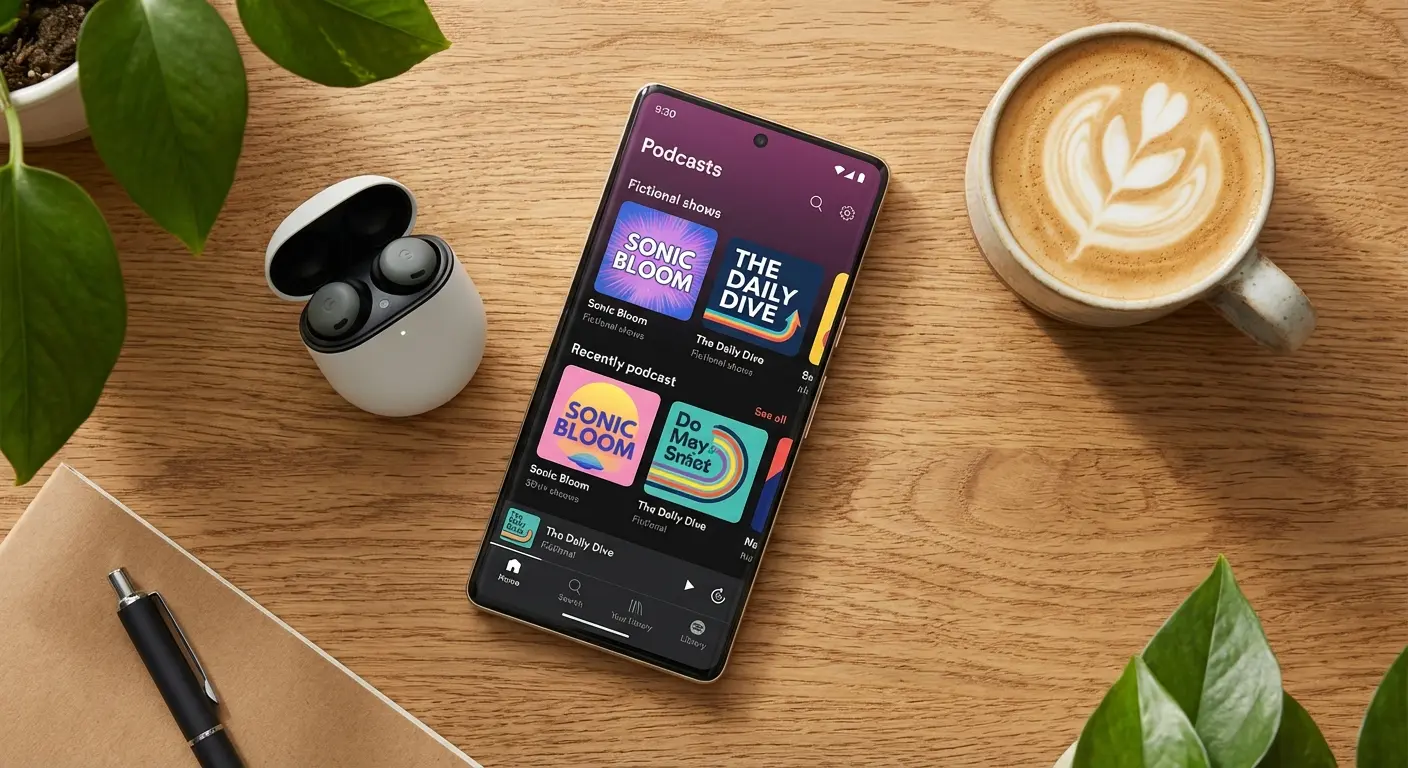
What to Look for in an Android Podcast App
Here’s the thing: the "best" app is totally subjective. It depends on your routine. In 2026, the gap between a basic player and a pro tool is massive. Before you download anything, think about how you actually listen. Do you care about custom themes, or do you just want a play button that works? Do you need "silence trimming" to speed through episodes, or do you listen at normal speed? You also need to decide if you want an app that feeds you new suggestions or one that just keeps your current library organized.
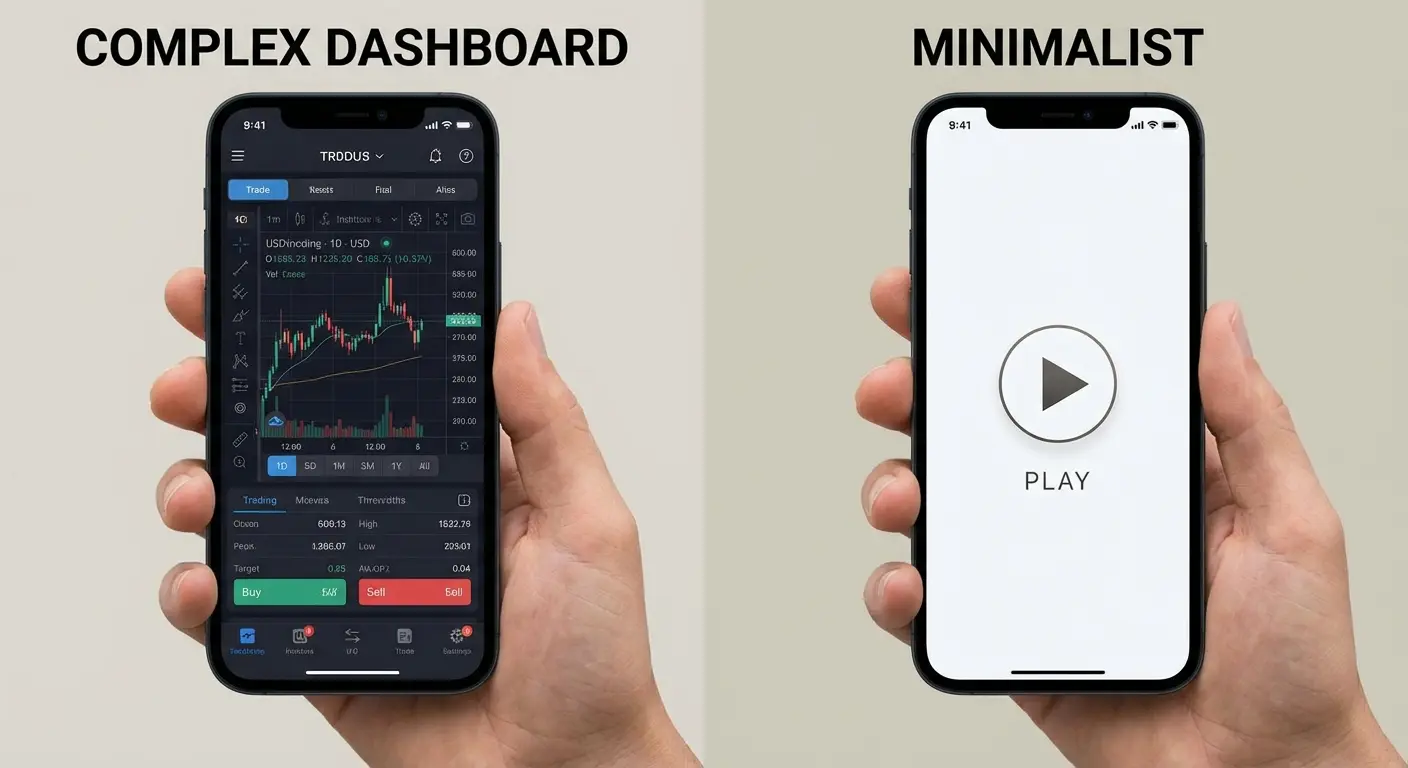
User Interface (UI) & Customization
Some people want a dashboard that looks like the cockpit of a spaceship; others want a clean, white screen. Customization matters if you stare at the screen a lot. But more importantly, the layout needs to make sense. You shouldn't have to dig through three sub-menus just to find your download queue.
Playback Features
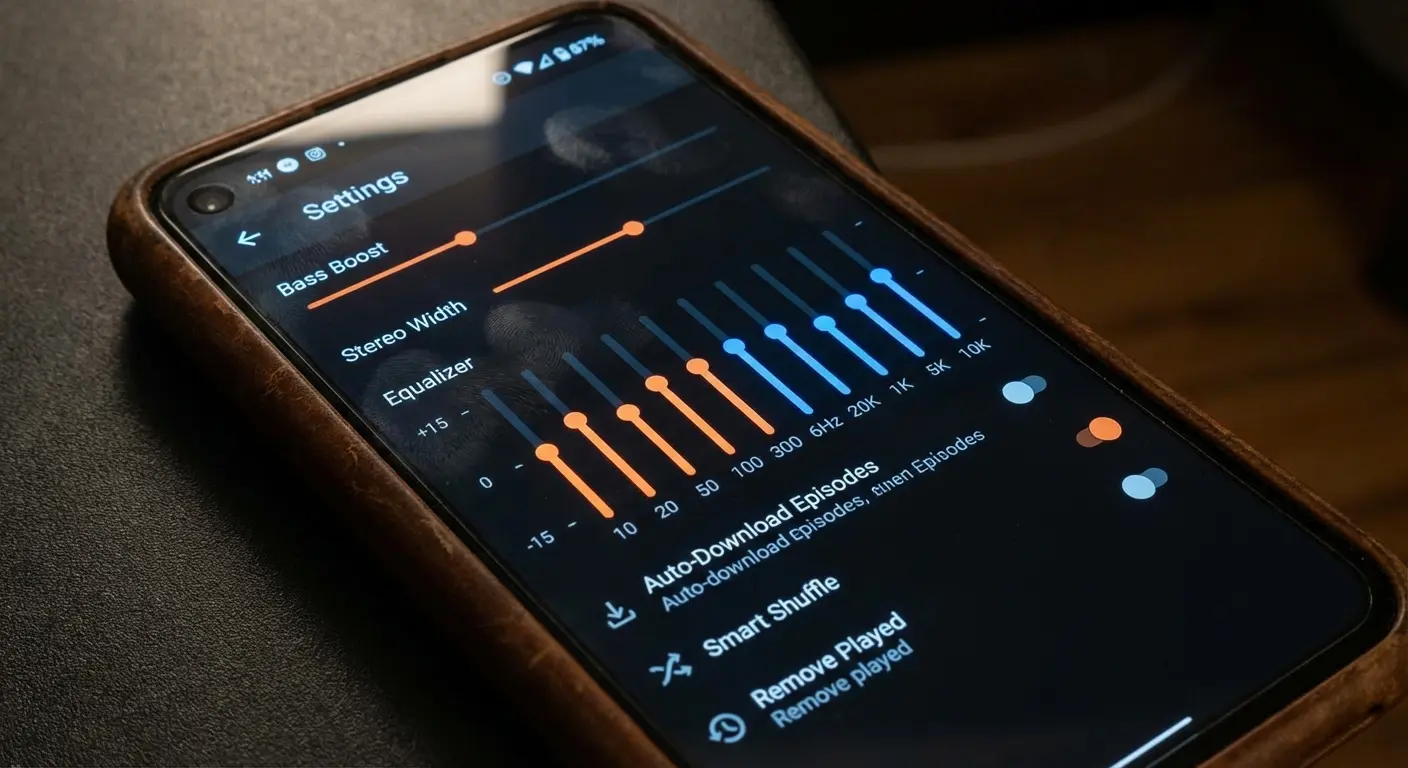
This is what separates the pros from the amateurs. Look for silence trimming—it skips the dead air between sentences and can save you minutes per episode. Variable playback speeds (0.5x to 3x) are a lifesaver for getting through long content, and volume boosting is great if you listen in loud environments.
The "Dead Air" Dilemma: Imagine you listen to a 2-hour interview every day. Hosts pause, think, or laugh. With "Silence Trimming" on, you might shave 15 minutes off that 2-hour runtime without missing a word. Over a week, that’s an hour of time saved—enough to squeeze in a whole extra episode.
Feature |
Basic Player |
Power User Player |
Why It Matters |
|---|---|---|---|
Playback Speed |
1x only or limited presets |
0.5x to 3x (slider) |
Crucial for speed-listening to news or slowing down complex topics. |
Silence Trimming |
Not available |
Adjustable levels |
Cuts the pauses to shorten runtime without making them sound like chipmunks. |
Volume Boost |
Standard volume |
Vocal enhancer/Boost |
Makes quiet recordings audible in noisy spots like the gym or car. |
Sleep Timer |
Basic countdown |
End of episode / Shake to extend |
Stops the app from playing all night if you drift off. |
Discovery vs. Library Management
Are you hunting for new content or trying to manage a backlog? Some apps use algorithms to constantly feed you new shows. Others focus entirely on organizing the 50 feeds you already follow into neat playlists.
Download & Offline Capabilities
A good app has to handle downloads automatically. You can't rely on streaming everywhere, especially if your commute hits dead zones. Being able to download episodes for offline listening is a basic requirement to save your data plan.
Cross-Platform Sync
If you bounce between a phone, tablet, and desktop, cloud syncing is vital. You want to pause an episode in the car and pick it up at the exact same second on your computer at work. It just makes life easier.
Cost
What's your budget? Plenty of excellent apps are free or ad-supported. However, some ask for a subscription to unlock premium stuff like cloud storage. You’ll have to decide if removing ads is worth the monthly coffee price.
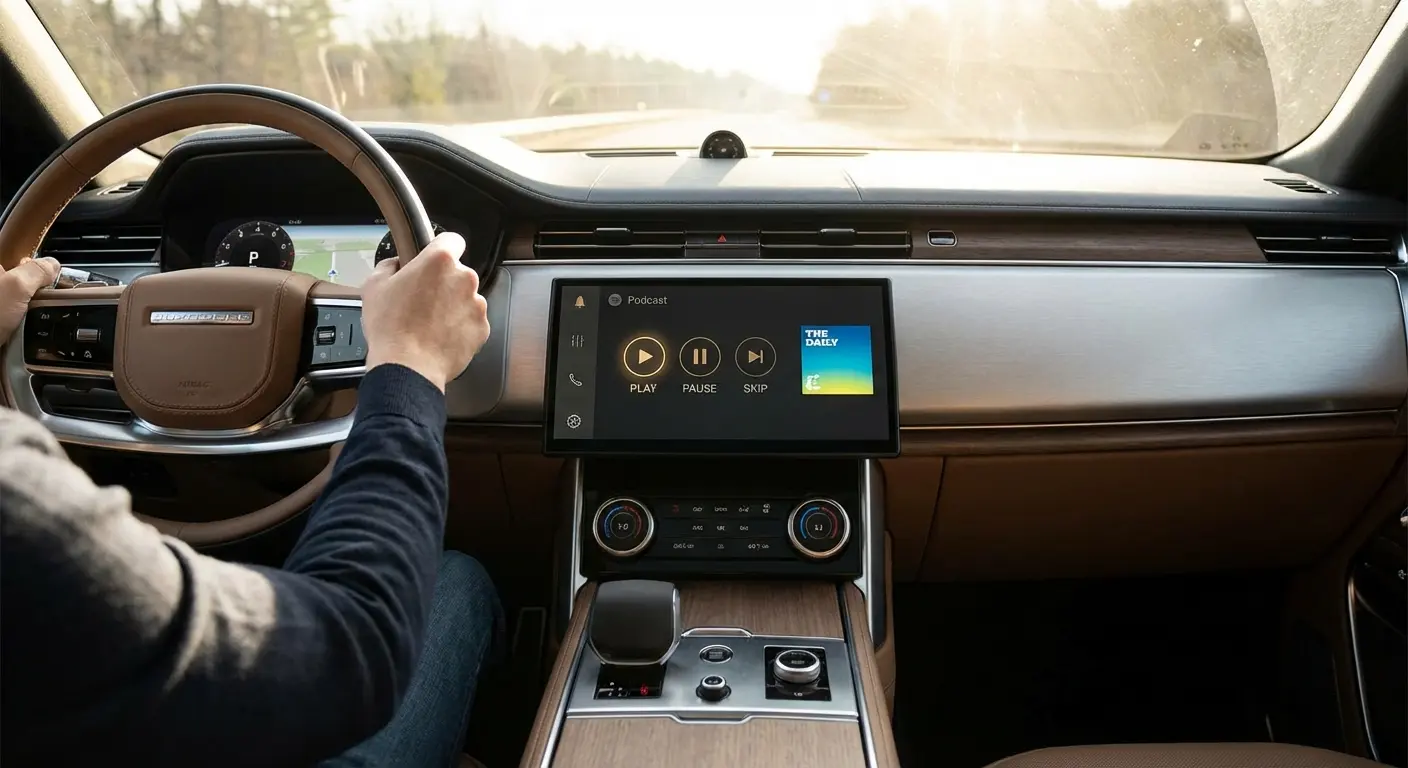
Android Auto Support
Safety first. The app you choose needs a simplified, distraction-free interface for the car. Android Auto support ensures you can control playback without taking your eyes off the road. If you're having trouble setting this up, check out our guide on how to connect Android Auto to get your system running smoothly.
Top 25 Podcast Apps for Android (2026 Edition)
We’ve tested and categorized the top 25 apps available this year to help you navigate the crowded market. We grouped them by user type, from power users to casual radio listeners, focusing on stability and features.
Category A: The Power User Standards
These are for people who want total control over their audio. They offer the most customization and granular settings.
1. Pocket Casts
Pocket Casts is often called the gold standard for a reason. It balances great design with serious features like cross-platform sync and audio effects. It plays nice with Sonos, Chromecast, and Android Auto, making it the best all-around choice if you want both style and substance. Ask any podcast nerd for a recommendation, and this is usually the one. We love how it handles massive playlists without lagging.
2. Podcast Addict
This is the ultimate tool for the control freak. Podcast Addict manages not just podcasts, but radio, audiobooks, and YouTube channels. It gets a perfect 10 for customization, making it arguably the best podcast player for Android, though the interface has a bit of a learning curve just because there are so many options.
The "Morning Commute" Playlist: With Podcast Addict, you can set up a custom "Priority" playlist. Tell the app to automatically download the latest NPR News, put it at the top, follow it with your favorite comedy show, and delete both immediately after playing. You just plug in your phone and drive—no fiddling with queues.
3. Podbean
Podbean is both a hosting platform and a player. It features "Intelligent Speed" to remove silence and offers cool community features like audio livestreams. It’s a solid free option, though it does tend to push its own hosted content a bit.
4. Player FM
Player FM focuses heavily on discovery and syncing. We love that it has a great web player that matches the Android app perfectly. The interface is modern, and it handles video podcasts better than most competitors.
5. Castbox
Castbox mixes a standard player with a social network. You can comment on specific timestamps in episodes, which is pretty fun. It also has excellent search functionality that uses audio transcription to find specific topics inside episodes.
6. Dogcatcher
Dogcatcher is a legacy app, but we still appreciate it for its stability. It lacks modern cloud sync, but it is a beast for downloading and managing offline files. It’s strictly for library management—no nonsense.
Category B: The Streaming Giants
These are the apps you probably already have on your phone. They’ve moved aggressively into the podcast space and win on convenience.
App |
Best For |
Exclusive Content? |
Music Integration |
|---|---|---|---|
YouTube Music |
Video Podcasts |
Yes (Google Ecosystem) |
High (Seamless switch) |
Spotify |
Discovery & Music |
Yes (High Volume) |
High (Mixed Feeds) |
Audible |
High-End Productions |
Yes (Audible Originals) |
Low (Audiobook focus) |
Amazon Music |
Alexa Users |
Yes (Wondery/Amazon) |
High (Prime Benefit) |
7. YouTube Music (The Google Podcast Successor)
Now that the standalone Google Podcasts app is dead, this is where Google wants you to be. It integrates video podcasts seamlessly and uses Google’s massive search algorithms. It’s the best option for video integration, even if power users (like us) miss the simplicity of the old app. The transition has been a mixed bag, but the search capabilities are undeniable.
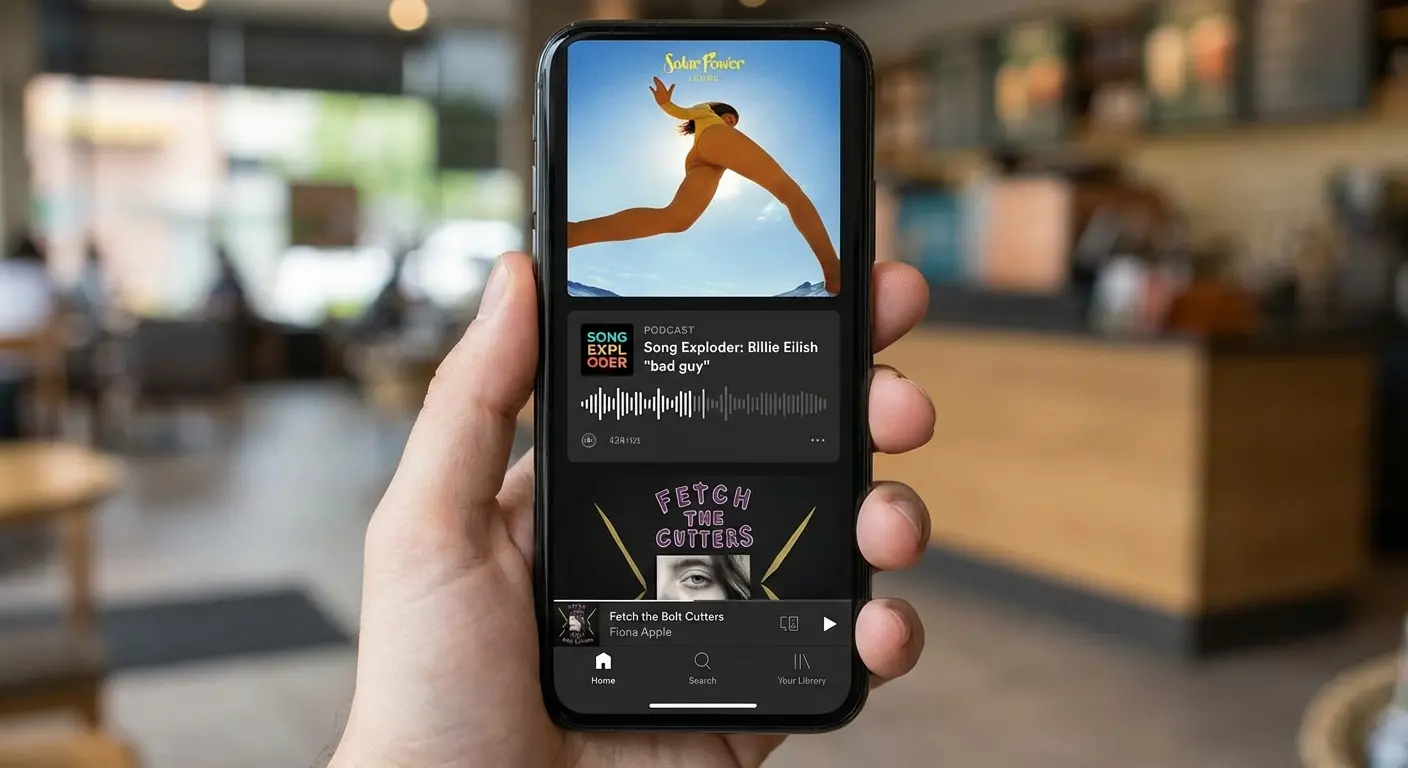
8. Spotify
Spotify is the market leader for exclusives. It mixes your music and podcasts into one feed, which is either convenient or annoying depending on who you ask. It’s unbeatable for discovery, but the UI can feel a bit cluttered.
9. Amazon Music
If you have Prime, you have this. It offers ad-free listening for many top podcasts and integrates deeply with Alexa. This is the best choice for voice control and people already deep in the Amazon ecosystem.
10. Audible
Known for audiobooks, Audible is also a major player in high-production original podcasts. It’s the home for "Prestige" content. However, we find it less effective as a general RSS feed manager for smaller, indie shows.
11. Deezer
Deezer is a music-first app that features curated "Shows" tabs. It’s very popular in Europe and a good alternative for casual listeners who want music and talk in one place without the Spotify clutter.
Category C: Open Source & Privacy Focused
These apps are for those who value privacy above all else. They offer a clean experience without tracking your data.
12. AntennaPod
AntennaPod is the definitive open-source option. No ads, no tracking, completely free. The UI is utilitarian, but it’s the best free app that respects your privacy and supports gpodder.net for syncing.
13. Podverse
Podverse is open source and supports "Wavelake" for crypto payments. It’s excellent for supporting creators directly and works across F-Droid, Android, iOS, and the web.
14. Tsacdop
Tsacdop is a beautifully designed, open-source player. It scores high on aesthetics. We find it simpler than AntennaPod but much prettier to look at.
15. Escapepod
Escapepod is a minimalist, lightweight app designed solely for listening. No discovery features here. This is perfect if you know exactly what you want to listen to and hate algorithmic suggestions.
Category D: Discovery, Social, & AI
These apps are changing how we find and consume content. They use tech to enhance the listening experience beyond just hitting play.
16. Snipd
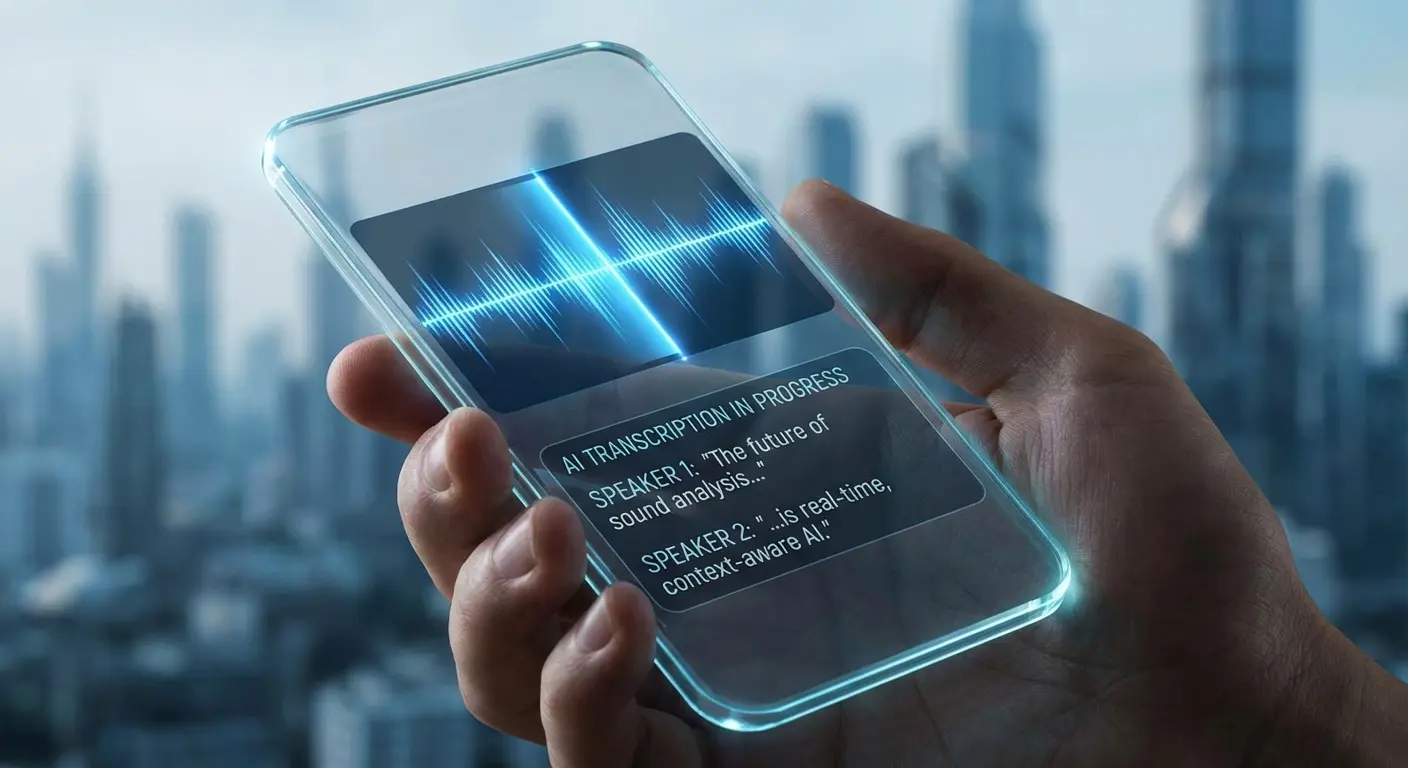
Snipd uses AI to transcribe episodes and allows you to "snip" highlights to save to your notes. We think this is the most innovative app for 2026, especially if you listen to educational podcasts and want to actually remember what you heard.
The Research Student: You’re listening to a 3-hour history podcast for a paper. The host mentions a specific date you need. Instead of scrambling for a pen, you tap your headphones three times. Snipd captures the last 30 seconds, transcribes it, and shoots it straight to your Notion or Obsidian notes.
17. Goodpods
Think of Goodpods as Instagram for podcasts. You follow friends and influencers to see what they’re listening to. It’s the number one app for social discovery if you’re stuck on what to play next.
18. Fountain
Fountain is a "Value for Value" app where you can earn Bitcoin by listening. You can also stream money to creators. It’s the best app for monetization and supporting the "Podcasting 2.0" movement.
19. Hark Audio
Hark Audio curates "mixtapes" of podcast clips. This is great for sampling shows before committing to an hour-long episode. It offers a unique discovery model based on clips rather than full feeds.
20. Laughable
Laughable focuses entirely on comedy. You follow comedians, and the app finds them on every podcast they appear on as a guest. Essential for comedy fans who want to track their favorite stand-ups.
Category E: Radio & News Hybrids
These are for listeners who want a mix of live radio and on-demand audio. They bridge the gap between traditional broadcasting and modern podcasting.
21. iHeartRadio
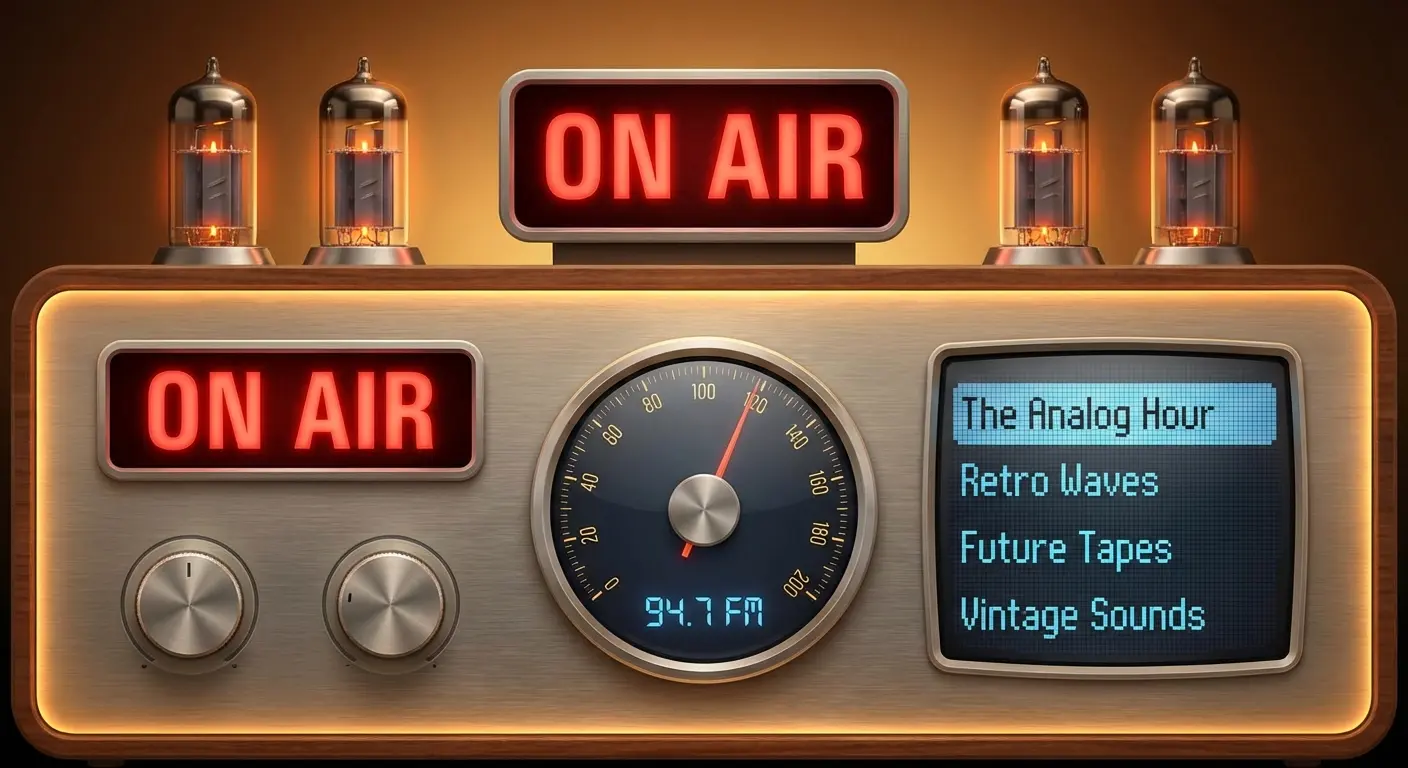
iHeartRadio combines a massive library of live radio stations with a huge podcast network. It’s the best choice if you like to switch between live FM radio and on-demand shows.
22. TuneIn Radio
TuneIn is similar to iHeart but focuses heavily on sports and news radio. Great for sports fans who want game commentary and sports podcasts in one hub.
23. Audacy
Audacy is the home for many major US radio stations and exclusive podcasts. We find that region-specific content is particularly strong here.
24. BBC Sounds
BBC Sounds offers high-quality dramas, news, and documentaries. It’s the best app for high-production audio dramas and world news from the BBC.
25. NPR One
NPR One provides a personalized flow of stories, podcasts, and local public radio news. It learns what you like and builds a custom radio station just for you.
Summary of Recommendations
We know 25 options is a lot, so here’s the bottom line. If you want the absolute best all-rounder, go with Pocket Casts; it handles large libraries beautifully and the web player is finally free. If you miss the simplicity of the old Google Podcasts app, try AntennaPod for a clean list feel. If you want to learn and take notes, use Snipd. Finally, if you’re a tinkerer who needs to control every variable, Podcast Addict is your best bet.
If you are a... |
We Recommend |
Why? |
|---|---|---|
Power User / Tinkerer |
Podcast Addict |
Unmatched customization and playlist rules. |
Design Lover |
Pocket Casts |
Beautiful UI, great cross-device sync, and free web player. |
Privacy Advocate |
AntennaPod |
Open-source, no tracking, completely free. |
Student / Researcher |
Snipd |
AI transcription and note-taking features are game-changers. |
Commuter |
Spotify / Amazon Music |
Large buttons and integration with music for easy driving. |
The Rokform Connection: Better Listening on the Go
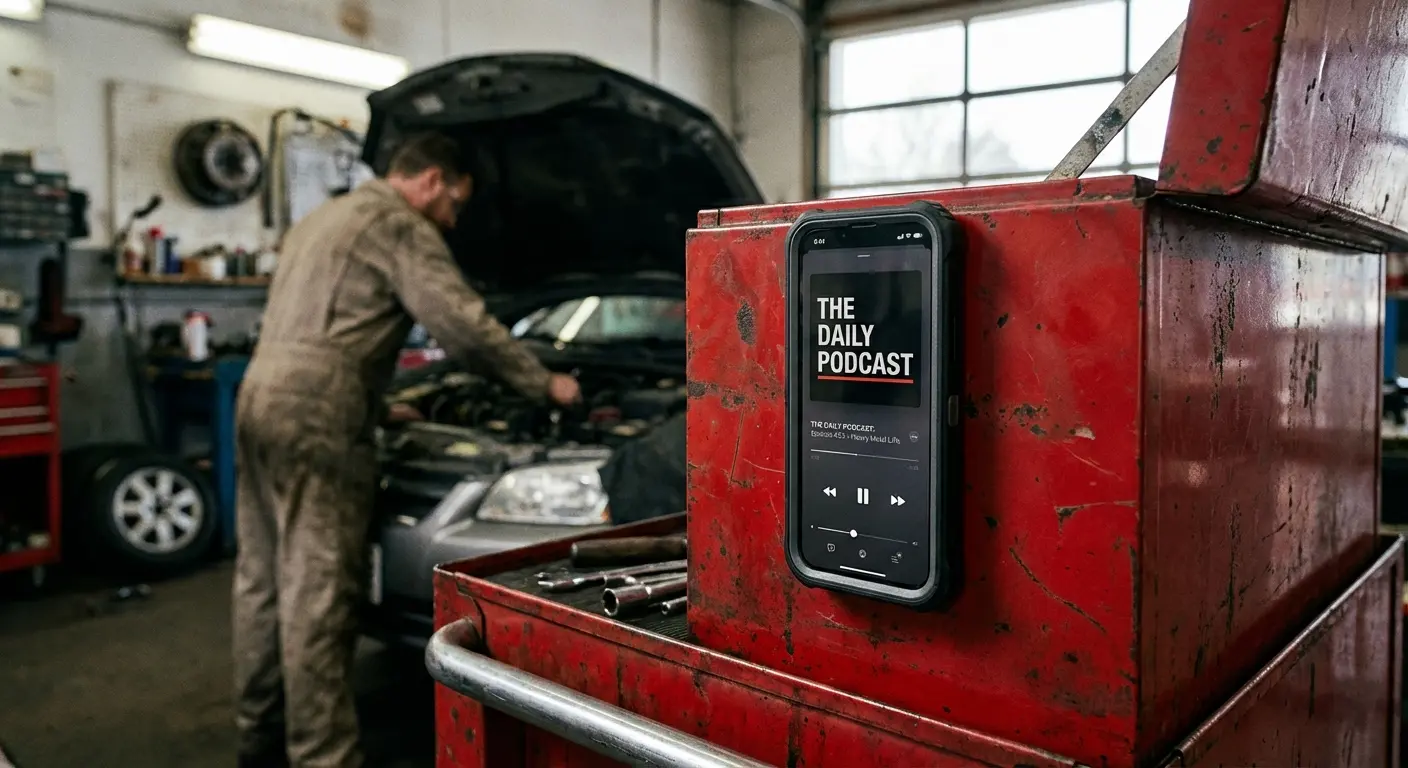
Finding the right app is only half the battle. In 2026, we listen everywhere—in the car, on the golf course, or while working with our hands. That creates a physical problem: where do you put your phone so you can control playback safely? This is where we come in. Our cases feature industrial-grade MAGMAX™ magnets, so you can stick your Android phone directly to a toolbox, fridge, or gym rack. To see which options fit your specific device, browse our guide on the best magnetic cases for Android. It keeps your podcast app front-and-center without needing a specialized stand. Also, trying to navigate an app while driving is dangerous. Our best dash phone mounts for Android and RokLock™ twist lock system ensure your phone stays at eye level for safe access. Don't just upgrade your app; upgrade how you use it.
Final Thoughts
You have the power to curate your own audio universe. Whether you choose a data-heavy dashboard or a minimalist open-source player, the right tool makes your commute or workout significantly better. We encourage you to try a few of these apps—start with Pocket Casts to see if that interface clicks with your brain. Many users find the flow intuitive, but maybe you'll prefer something else. Once you have the software sorted, make sure your hardware is up to the task with a mounting solution that keeps your hands free. Happy listening.

