


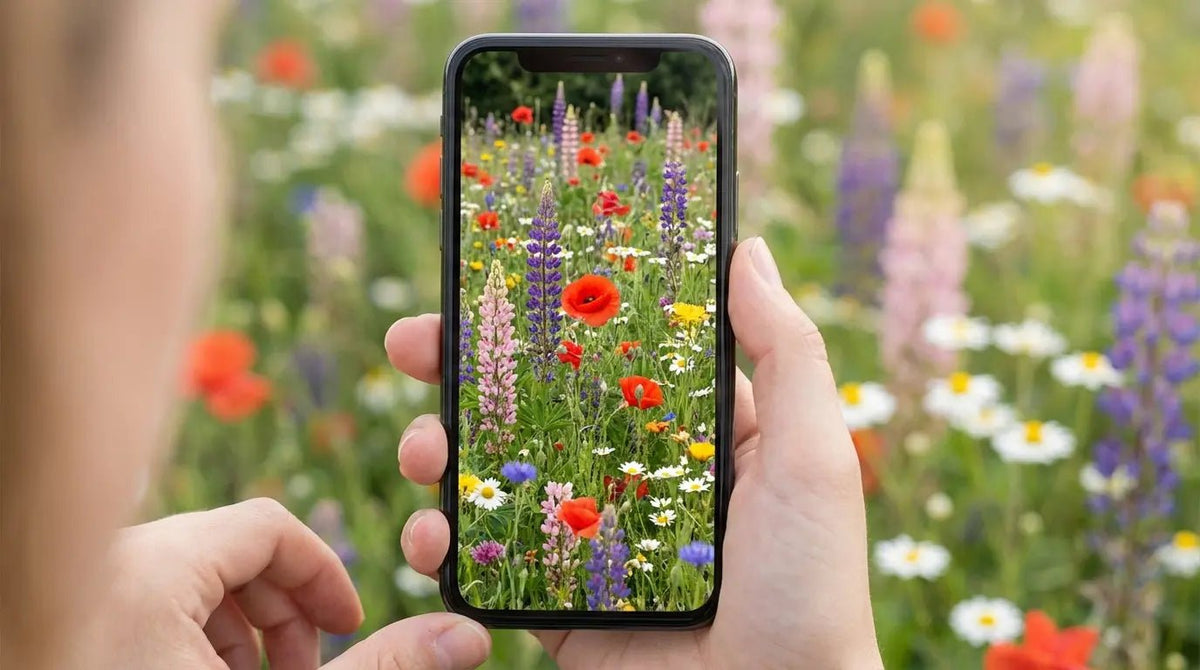
I read somewhere that we spend about FOUR hours A DAY on our phones. Honestly? Looking at my own screen time report this week, that number feels a little generous. Then it hit me: for a quarter of my waking life, I’m staring at a boring, default grey background. That feels like a missed opportunity.
If we’re going to be glued to these things, the view might as well be nice, right? Whether you want a mood booster or just something pretty to look at, this guide breaks down how to pick a wildflower background that actually works with your apps, plus a massive list of ideas to switch things up.
What We're Covering
We’re going to skip the fluff and get right into the good stuff: understanding why some wallpapers look trashy on high-res screens (and how to fix it), browsing 25 curated ideas ranging from moody dark modes to vintage sketches, and finally, how to keep that screen from shattering on the pavement.
The Tech Stuff: Why your lock screen and home screen need different vibes.
-
The Collection:
Deep Roots: Dark Mode & OLED Friendly
Up Close: Macro Photography
Wide Open Spaces: Meadow Vibes
Clean Lines: Minimalist & Vector
Old School: Vintage Botanical
Safety First: Keeping the aesthetic alive with the right protection.
TL;DR
In a rush? Here is the cheat sheet. Basically, you need to worry about where the clock sits, saving your battery, and not cracking your screen.
Mind the Gap: Pick wildflower background images with empty space at the top. If a flower is behind your clock, you can't read the time.
Save Battery: If you have a newer phone, "True Black" wallpapers actually turn off pixels and save juice.
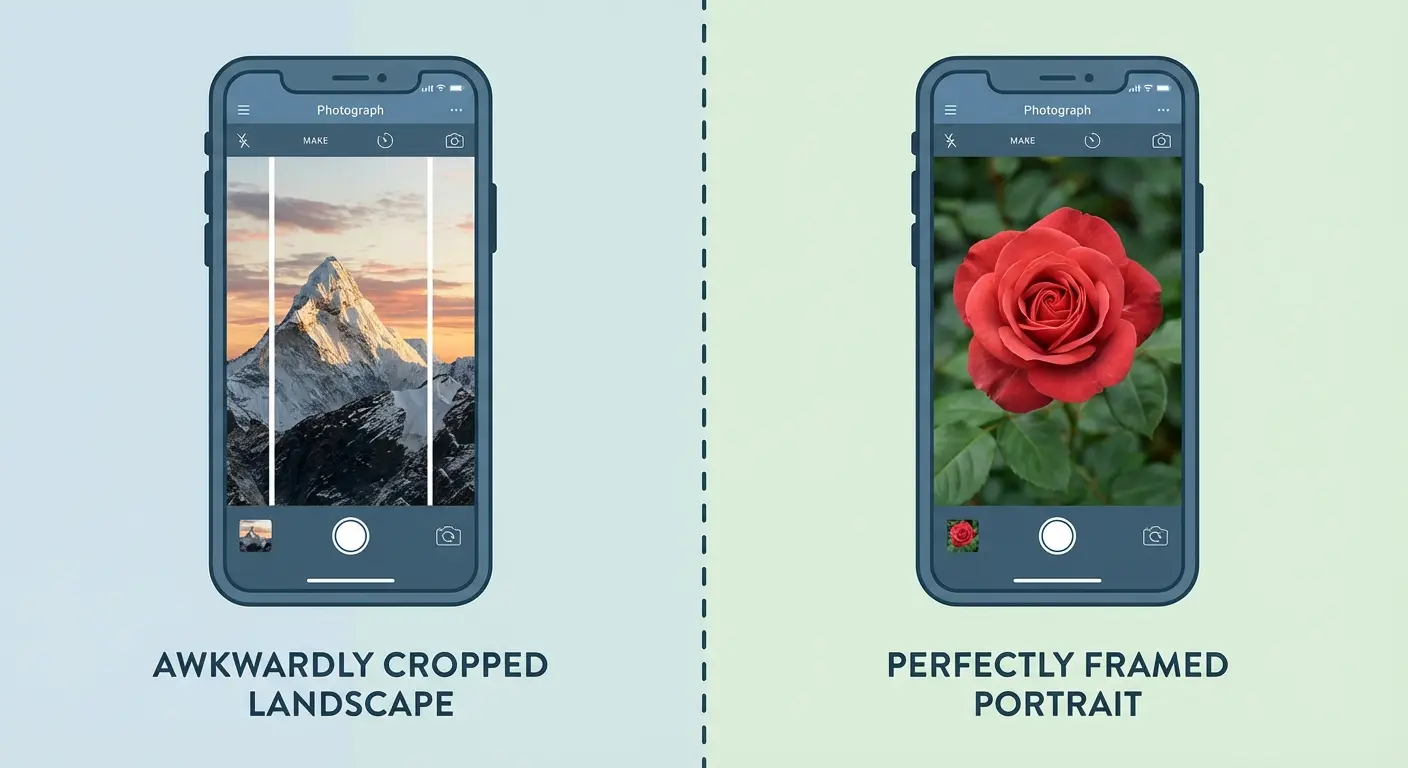
Go Vertical: Don't try to crop a landscape photo for a portrait screen. It gets grainy and weird.
Protect It: A cracked screen ruins the look instantly. Get a case that can take a hit.
Wait, Don't Download Yet (The Tech Specs)
I used to be the person who saved any pretty picture from Pinterest and slapped it on my lock screen. Then I’d unlock my phone and realize the time was covering the best part of the flower, or the resolution was so low it looked pixelated. To get the perfect floral phone background, you have to think about how your phone actually works.
By the way, if flowers aren't your thing, we have a whole guide on cute aesthetic wallpapers that might be more your speed.
Lock Screen vs. Home Screen
Think of your phone as having two modes. The Lock Screen is your billboard—it's where the drama happens. You need negative space at the top for the clock, but the rest can be detailed. The Home Screen is a workspace. If you put a busy wildflower background behind your apps, you won't be able to read the text labels.
I call this the "Busy Bee" mistake. You pick a gorgeous, detailed garden photo. It looks great in the gallery. But once you set it as your home screen, the white text of your "Messages" app disappears into a white daisy petal. Suddenly, you're squinting just to find your email. Pro tip: Use the detailed photo for your lock screen, and a blurred version (or a solid matching color) for the home screen.
Resolution and Aspect Ratio
Phones these days are tall and skinny. If you try to force a wide, horizontal photo into that vertical frame, you lose quality and the cropping gets awkward. I always look for high-res wildflower photos shot in portrait mode. It keeps everything crisp.
Trying to make a horizontal shot work? We have some tips on handling landscape phone wallpaper so it doesn't look stretched.
Here is a quick breakdown so you don't have to guess:
Device |
The Vibe (Ratio) |
Target Resolution |
Why Care? |
|---|---|---|---|
Modern iPhone (12-15) |
19.5:9 |
1170 x 2532 px |
Keeps it sharp edge-to-edge. |
Samsung Galaxy S Series |
20:9 |
1440 x 3200 px |
Tall screens need more vertical pixels. |
Older Phones |
16:9 |
1080 x 1920 px |
Standard HD. Don't crop wide photos here. |
OLED Screens: Dark Mode is Your Friend
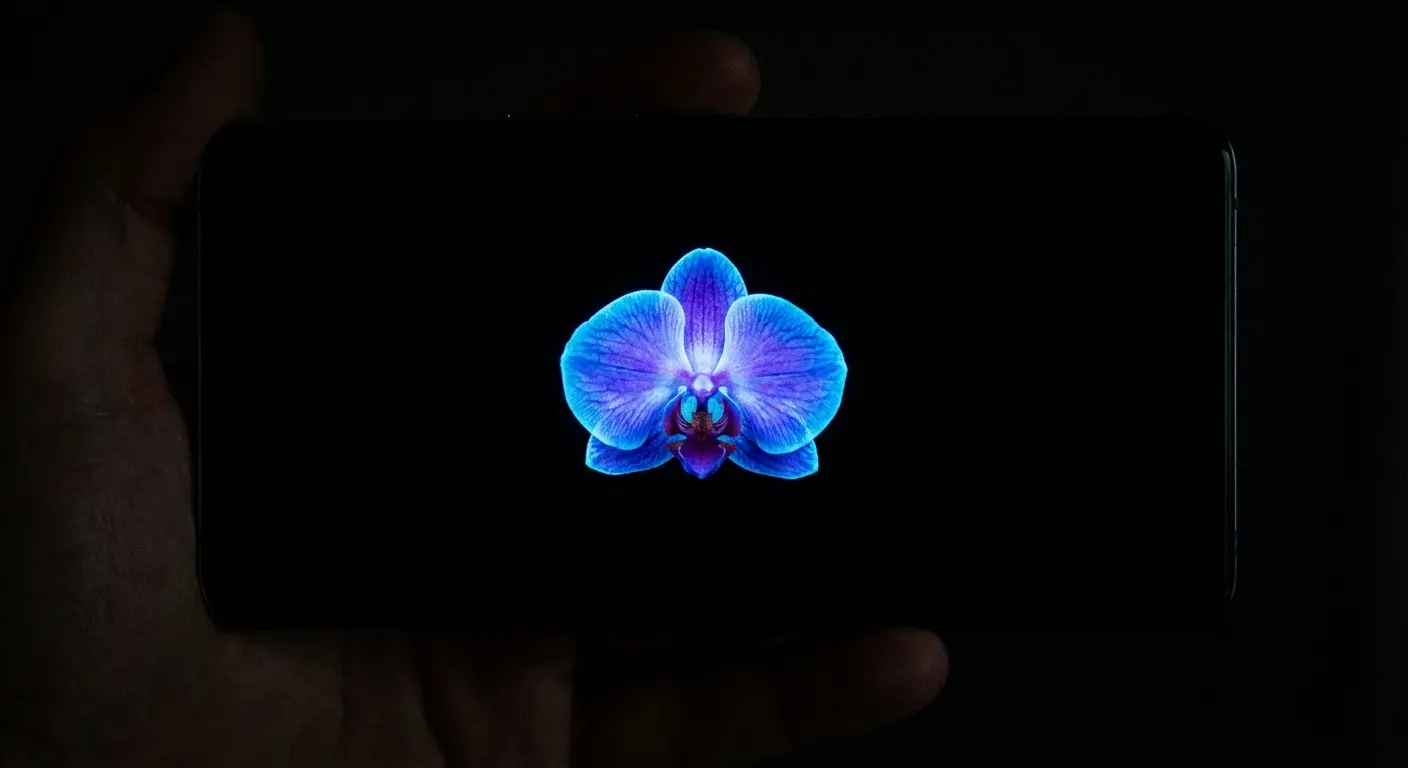
Most flagship phones now use OLED or AMOLED screens. The cool thing about this tech is that "black" pixels are actually just turned off. This means a wildflower phone wallpaper with a black background isn't just a style choice—it literally saves battery. Plus, neon-bright florals can be blinding when you check your phone at 2 AM. Earth tones are way easier on the eyes.
Matching Your Vibe
This last part is subjective, but it matters. Do you want a scientific, vintage look? Or a moody, "I live in a cottage" look? I find the best setups happen when you match the wallpaper colors to your phone case. It just makes the whole device feel like a cohesive accessory.
The Ultimate Wildflower Collection
I scoured the internet so you don't have to. Here are 25 wildflower phone wallpaper ideas for 2026, broken down by "vibe."
Category |
The Look |
Best For... |
Battery Life |
|---|---|---|---|
Deep Roots |
Moody, High Contrast |
Night owls |
Great (Low drain) |
Up Close |
Scientific, Texture |
Nature nerds |
Okay |
Wide Open Spaces |
Airy, Landscape |
Daydreamers |
High drain (Bright pixels) |
Clean Lines |
Modern, Simple |
Minimalists |
Varies |
Old School Cool |
Academic, Vintage |
Neutral lovers |
Good |
Deep Roots: Dark Mode & OLED Friendly
These are my favorites because they make colors pop and save battery. The high contrast looks amazing on modern screens.
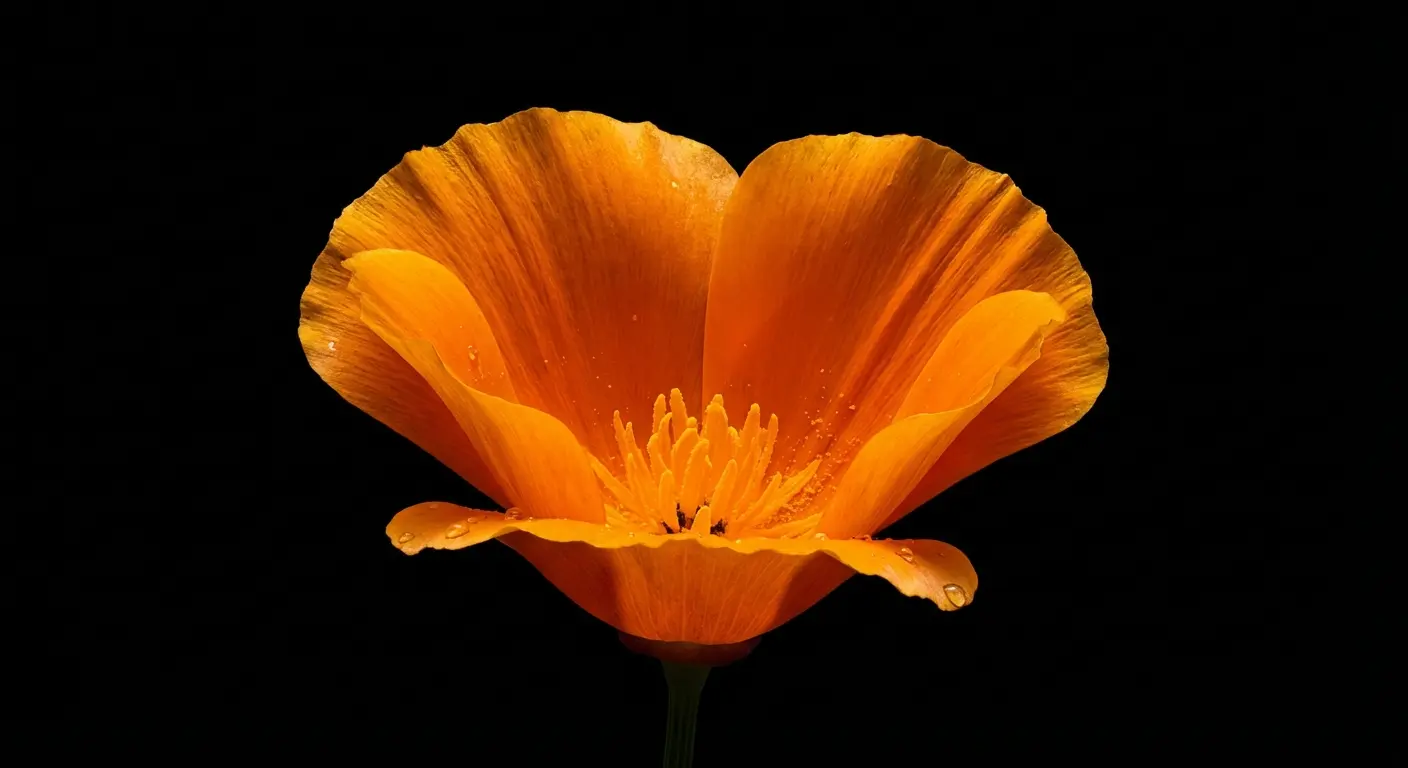
1. Midnight Poppy Solo
A bright orange California poppy against a pitch-black void. Perfect for lock screens because the black space at the top lets the clock shine.
2. Deep Forest Forget-Me-Nots
Tiny blue flowers popping out of dark shadows. Since the tones are dark and uniform, this actually works pretty well for home screens.
3. Neon Night Lupine
A bit of a cyberpunk vibe. A purple lupine with a slight UV tint. The vertical stalk fits the phone shape perfectly.
4. Shadowed Sunflower Macro
Extreme close-up of a sunflower center, fading to black at the edges. Lots of texture, but not too "busy."
5. Moonlight Daisy Field
Ideally for when you want a field, but not the brightness of a sunny day. Muted silvers and deep navies.
Up Close: Macro Photography & Texture
Turn your screen into a microscope. These wildflower backgrounds are all about the details you usually miss.
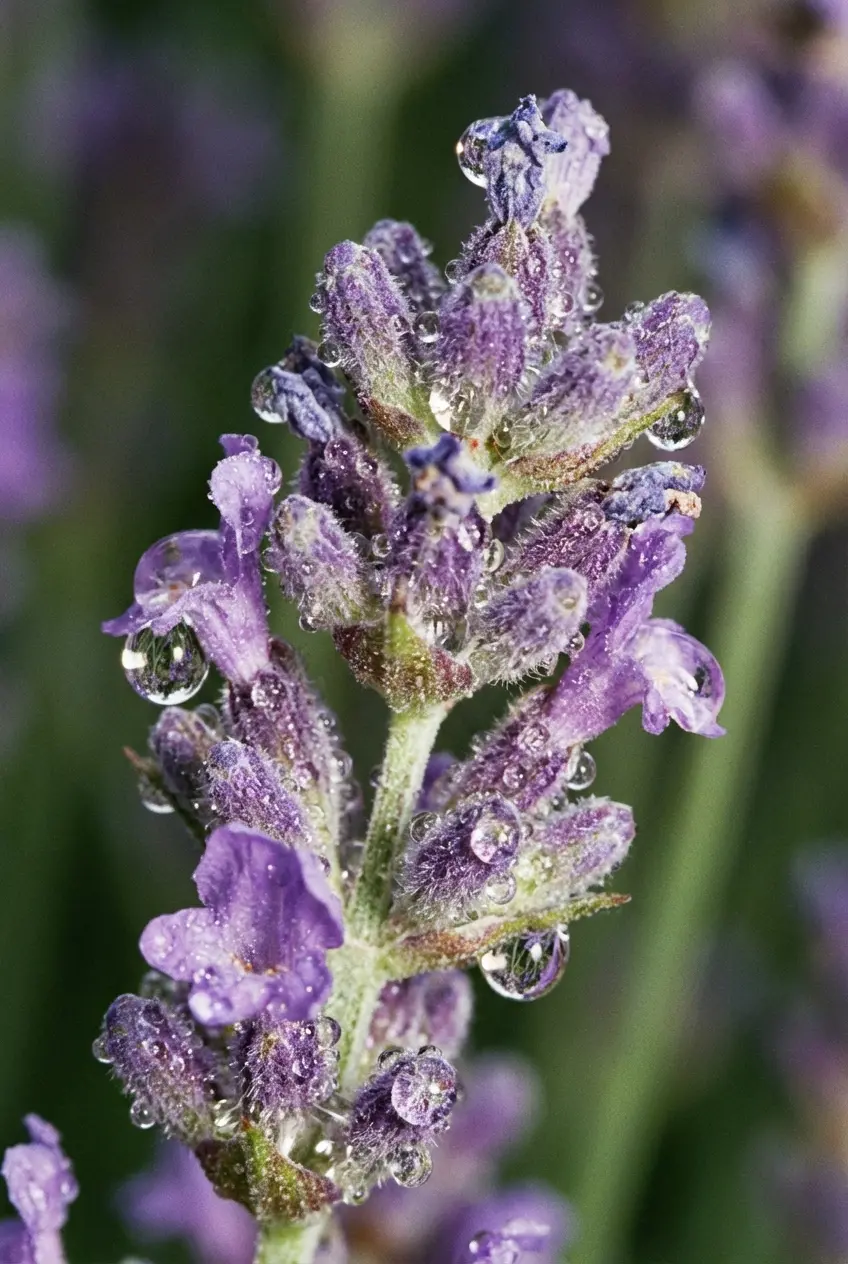
6. Morning Dew on Lavender
Water droplets on a lavender sprig. Simple, vertical, and very sharp.
7. Translucent Petal Veins
This looks like abstract art. A backlit petal showing all the veins. The color is uniform enough to sit behind app icons.
8. Bee’s Eye View (Coneflower)
The spiky orange center of a purple coneflower. This is a "look at my screen resolution" flex.
9. Frosty Winter Weed
A dried wildflower skeleton covered in frost. Monochromatic and clean—great for winter.
10. Rain-Soaked Bluebell
A drooping bluebell heavy with rain. The background blur keeps the clock readable.
Wide Open Spaces: The Meadow Look
If you want your phone to feel like a window to the outdoors, these are for you. Just remember, these can be busy, so they usually work best on the lock screen.
Need more seasonal vibes? Check out our spring phone wallpaper collection.
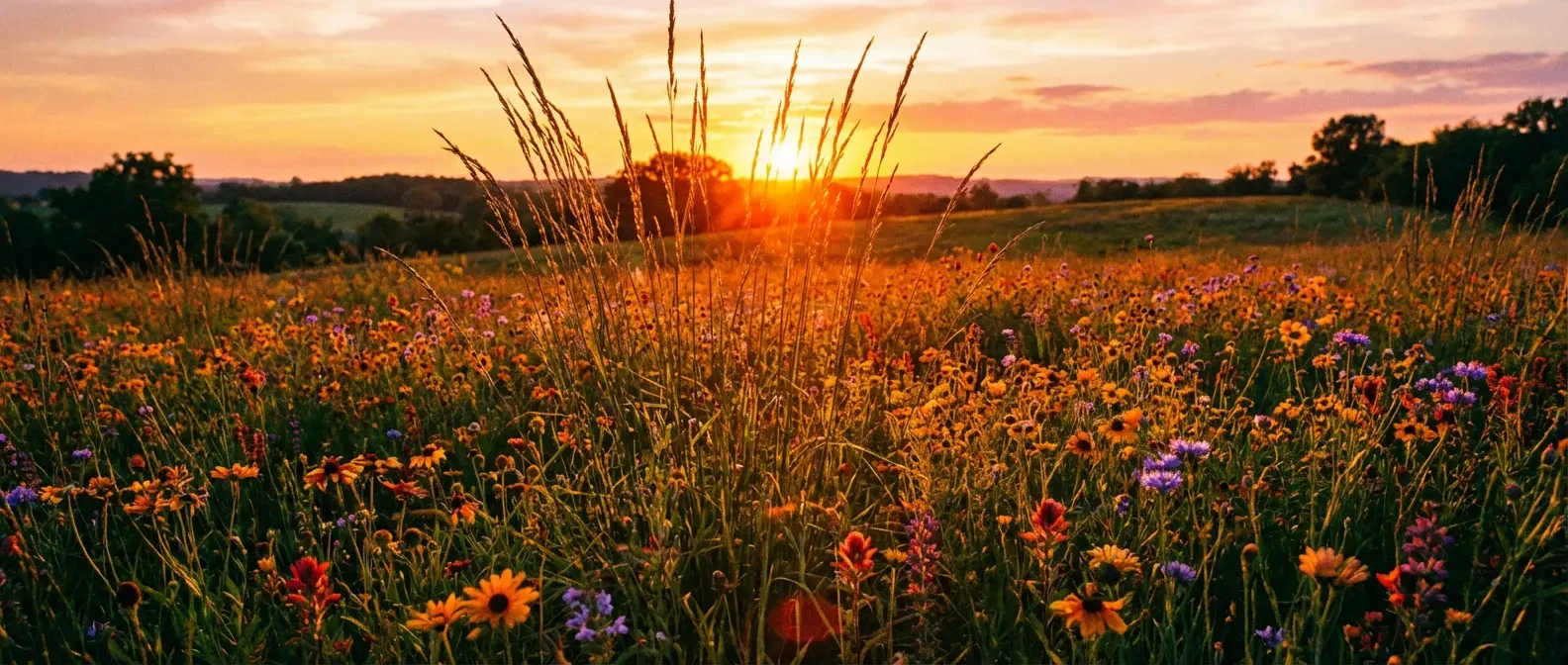
11. The Golden Hour Horizon
Sun setting behind tall grass. The sky gives you a perfect blank canvas for your clock widgets.
12. Alpine Mountain Bloom
Yellow/white flowers with a blurred mountain in the back. It screams "adventure."
13. Infinite Sunflower Rows
A perspective shot looking down a row of sunflowers. The lines draw your eye right up to the time.
14. Misty Morning Meadow
Low contrast, lots of fog. This is soft enough that it won't distract you from your notifications.
15. Desert Superbloom
A carpet of purple and yellow. You'll want high brightness for this one.
Clean Lines: Minimalist & Vector Art
Not everyone wants a photo. These are for the people who hate clutter and want a clean, graphic wildflower phone wallpaper.
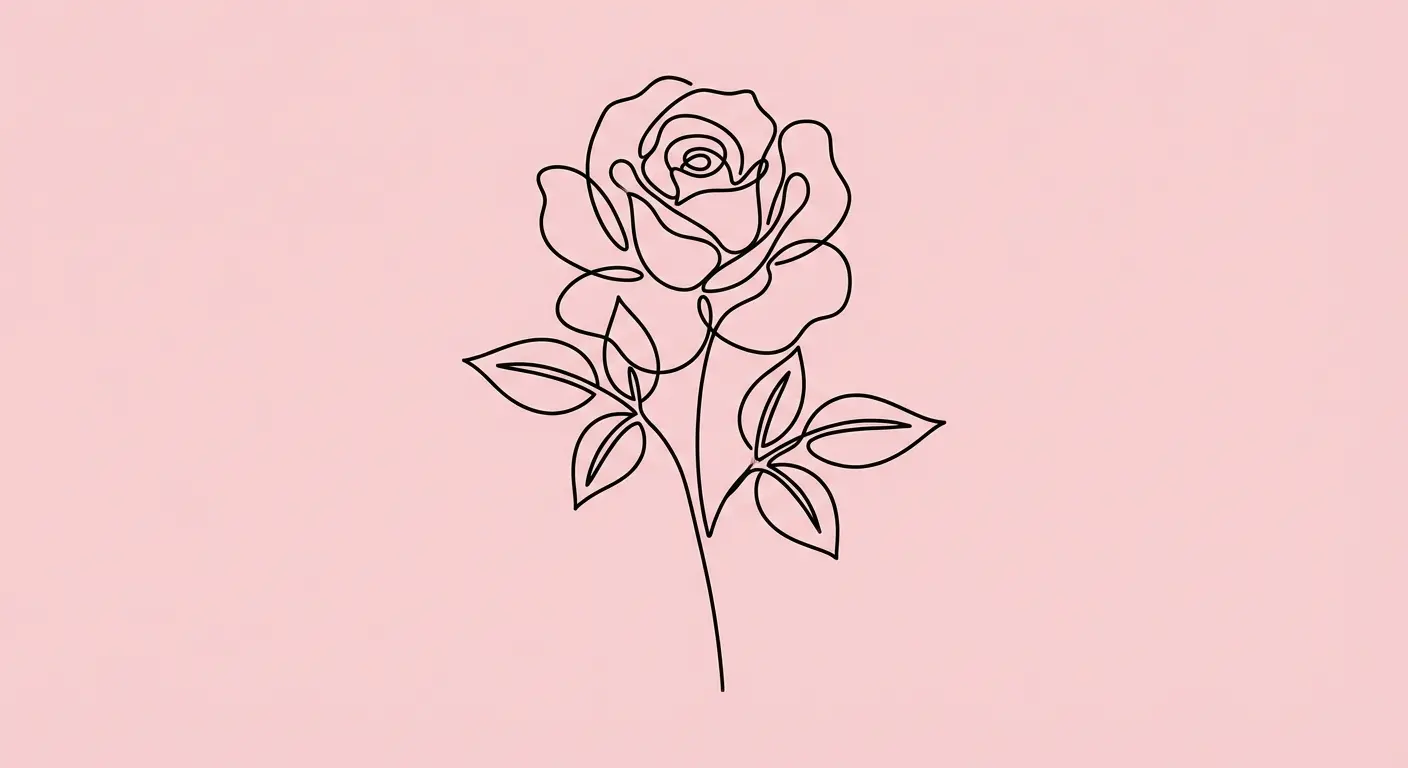
16. Single Line Rose
One continuous line drawing on a pastel pink background. Zero distraction.
17. Geometric Floral Pattern
Flowers deconstructed into triangles and circles. Feels more "tech" than "nature."
18. Watercolor Wash Poppies
Soft, bleeding paint on white paper. Looks great, but watch out for battery drain on OLEDs.
19. Flat Design Cactus Flower
2D vector art with a solid teal background. Solid color blocks make organizing app folders easy.
20. Negative Space Dandelion
A silhouette of a dandelion blowing seeds. Dynamic, but clean.
Old School Cool: Vintage Botanical
Think old science textbooks and pressed flowers. This wildflower background style looks awesome with leather cases.
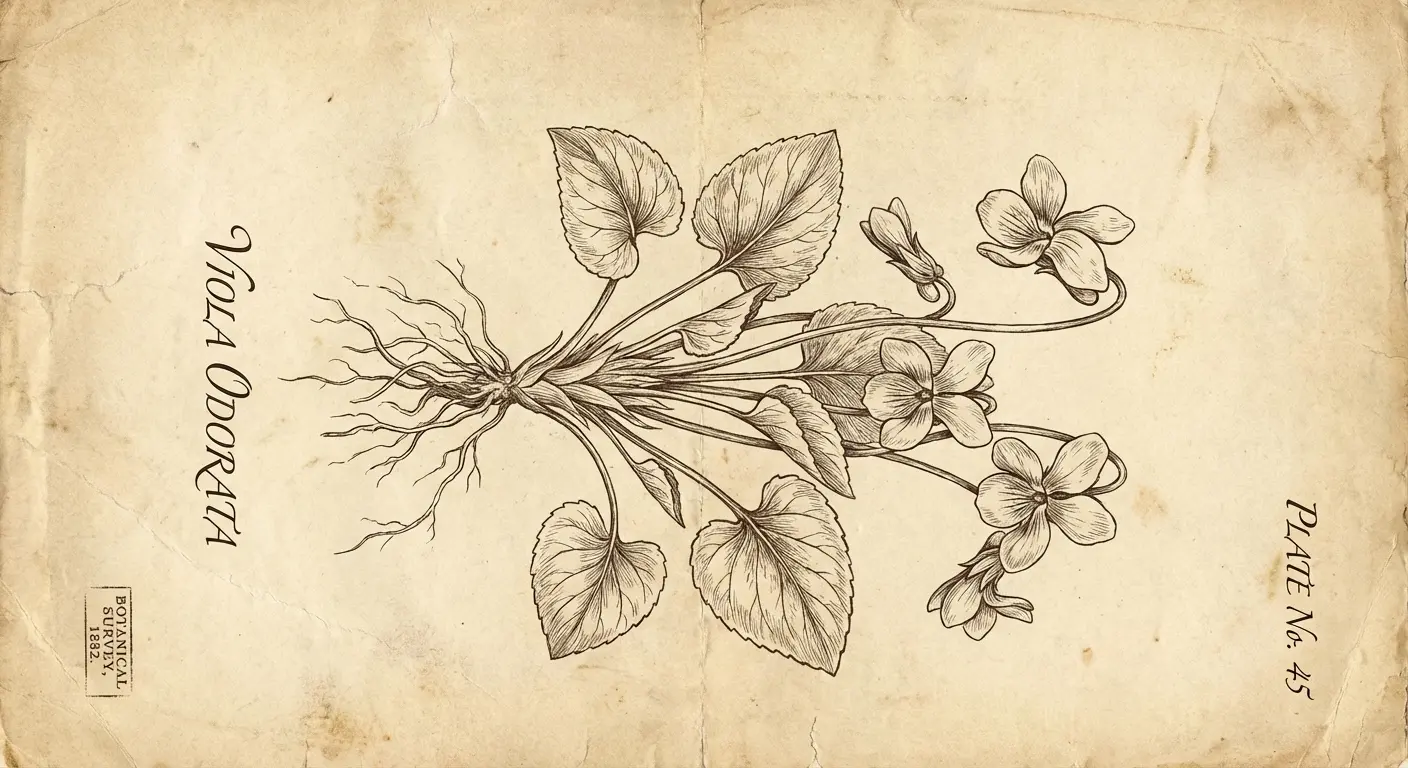
21. Aged Paper Field Guide
Violet specimen on beige parchment. The sepia tones are super easy on the eyes.
22. The Dark Academia Florals
Faded paintings on a charcoal background. Very moody, very sophisticated.
23. Pressed Flower Collage
High-res photo of real dried flowers. It adds a nice texture, like your phone is a shadow box.
24. Victorian Garden Etching
Black and white ink etching. Because it's monochromatic, it won't clash with your colorful apps.
25. Sepia Tone Ferns & Flora
Muted browns and greens. Professional, but with personality.
Protecting the Vibe
You spent all this time picking the perfect wildflower phone wallpaper to make your screen look good. But let's be real: a spiderweb crack across the display ruins the aesthetic instantly. If you dropped over $1,000 on a new iPhone or Samsung, you need to protect that investment.
Check out our list of the most protective phone cases that keep things safe without looking like a brick.
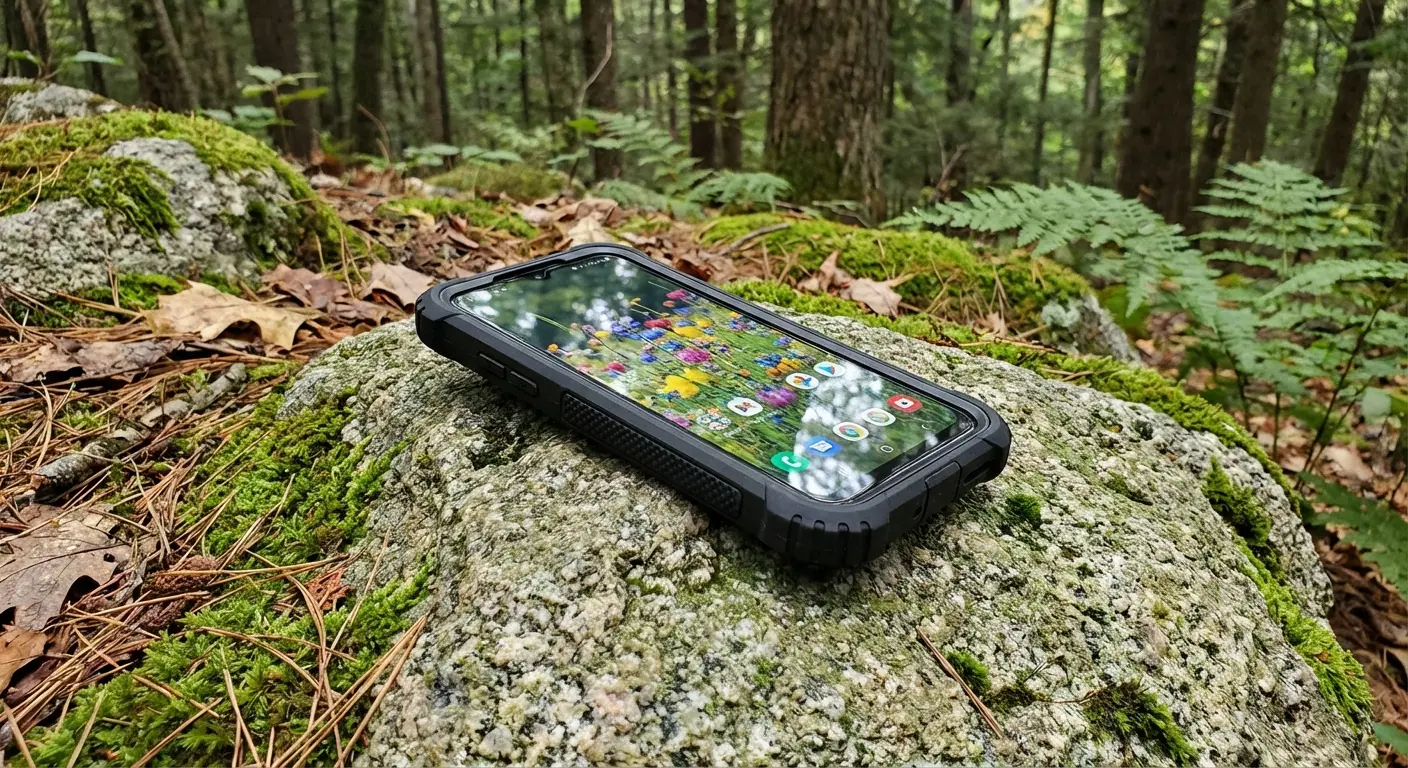
Picture this: You’re on a hike, trying to take your own wildflower photo. You lean over a rock, your grip slips, and the phone tumbles onto the granite. With a cheap plastic case, that screen is toast. With a rugged case, you just pick it up, dust it off, and keep shooting.
Why Rokform?
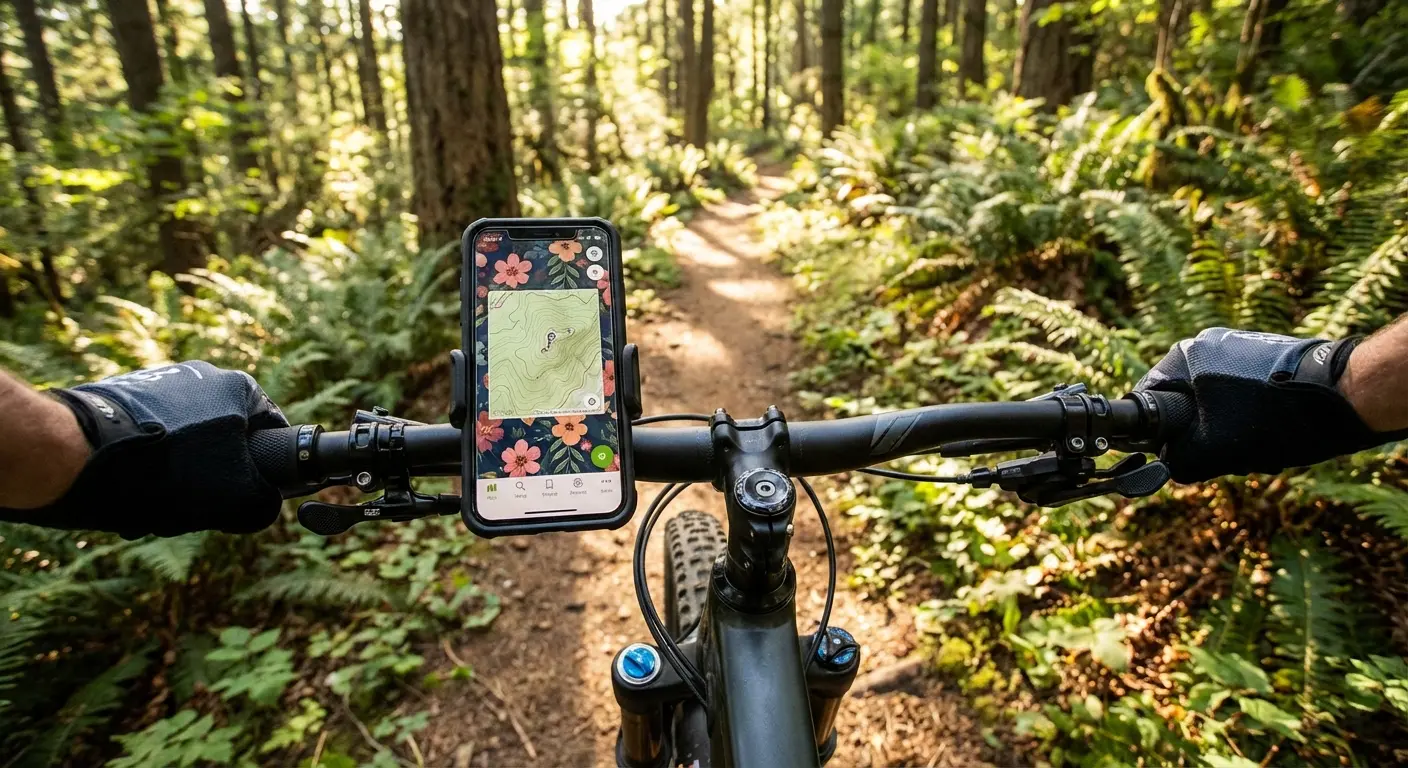
We build cases for people who actually do stuff. Whether you're hiking, biking, or just clumsy (it happens), Rokform cases use high-impact polycarbonate and reinforced corners to handle drops from 6 feet up. We want you to get that macro wildflower background shot without stressing about gravity.
Want to take better photos yourself? take a look at our iPhone photography tips.
Feature |
Standard "Fashion" Case |
Rokform Rugged Case |
The Benefit |
|---|---|---|---|
Drop Protection |
Minimal (maybe 3ft) |
Military Grade (6ft+) |
Saves your screen from concrete. |
Material |
Thin Plastic |
Polycarbonate & TPU |
Absorbs the shock so the glass doesn't have to. |
Mounting |
None |
Twist Lock & Magnetic |
Stick it to your bike, car, or golf cart. |
Magnet Strength |
Weak |
MAGMAX™ (Industrial) |
Stick your phone to a toolbox or gym rack. It stays. |
Magnets are a Game Changer
Beyond just not breaking, Rokform cases are genuinely useful. Our magnets are strong—like, really strong. You can stick your phone to the fridge while you cook, or a squat rack while you workout. Plus, we play nice with MagSafe®. You don't have to choose between protection and wireless charging. Snap it on, charge it up, and let that "Midnight Poppy" wallpaper shine in StandBy mode.
Final Thoughts
Changing your wallpaper is the easiest, cheapest way to make your phone feel new again. Whether you go for the "Dark Academia" vibe or the bright "Desert Superbloom," it’s a small change that makes checking your notifications a little less annoying. Just remember: the best display is an intact one. Grab a solid case, pick a cool image, and enjoy the view.

