


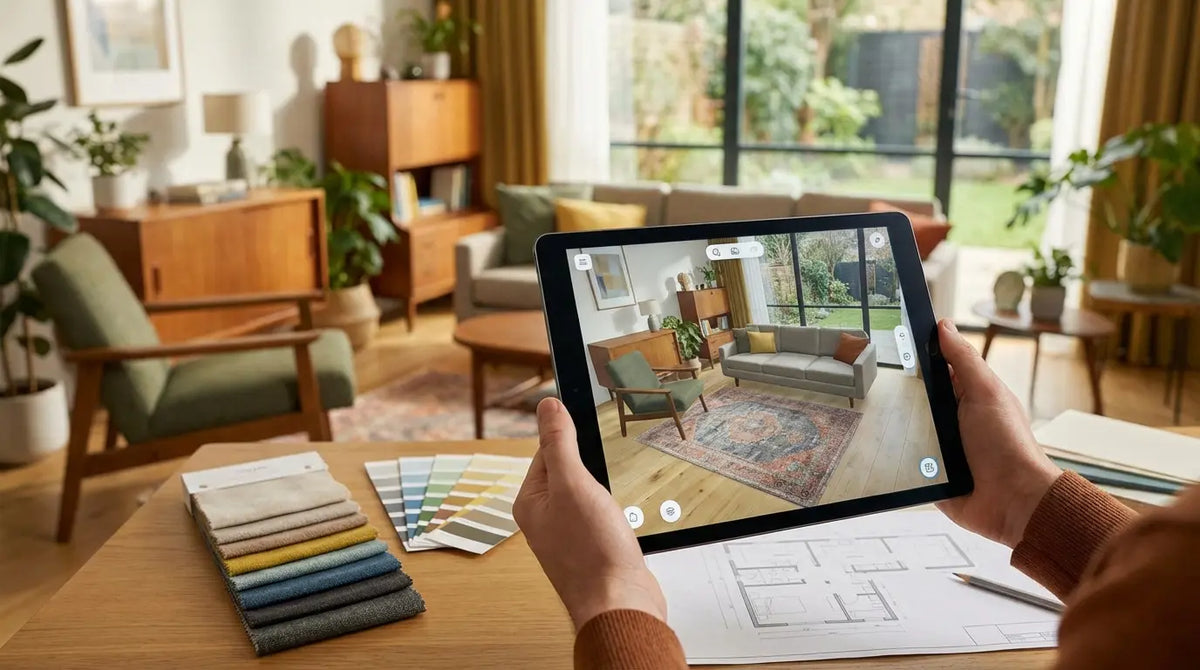
I’ve stood in the middle of a gutted living room, clutching five slightly different shades of "Eggshell" paint, feeling completely paralyzed. Will the sofa fit? Is that lamp too big? Is this going to look like a magazine cover or a garage sale disaster? It turns out, I wasn't alone in that panic. Design experts at House Beautiful note that "there are infinite factors to consider when renovating a house," which explains why our brains short-circuit when trying to juggle layouts, palettes, and budgets simultaneously.
The good news? You don't have to guess anymore. I’ve rounded up the tools that basically put a design studio in your pocket. Whether you’re looking for a specific interior design app to test out a new couch or a full suite of pro tools, this list has you covered.
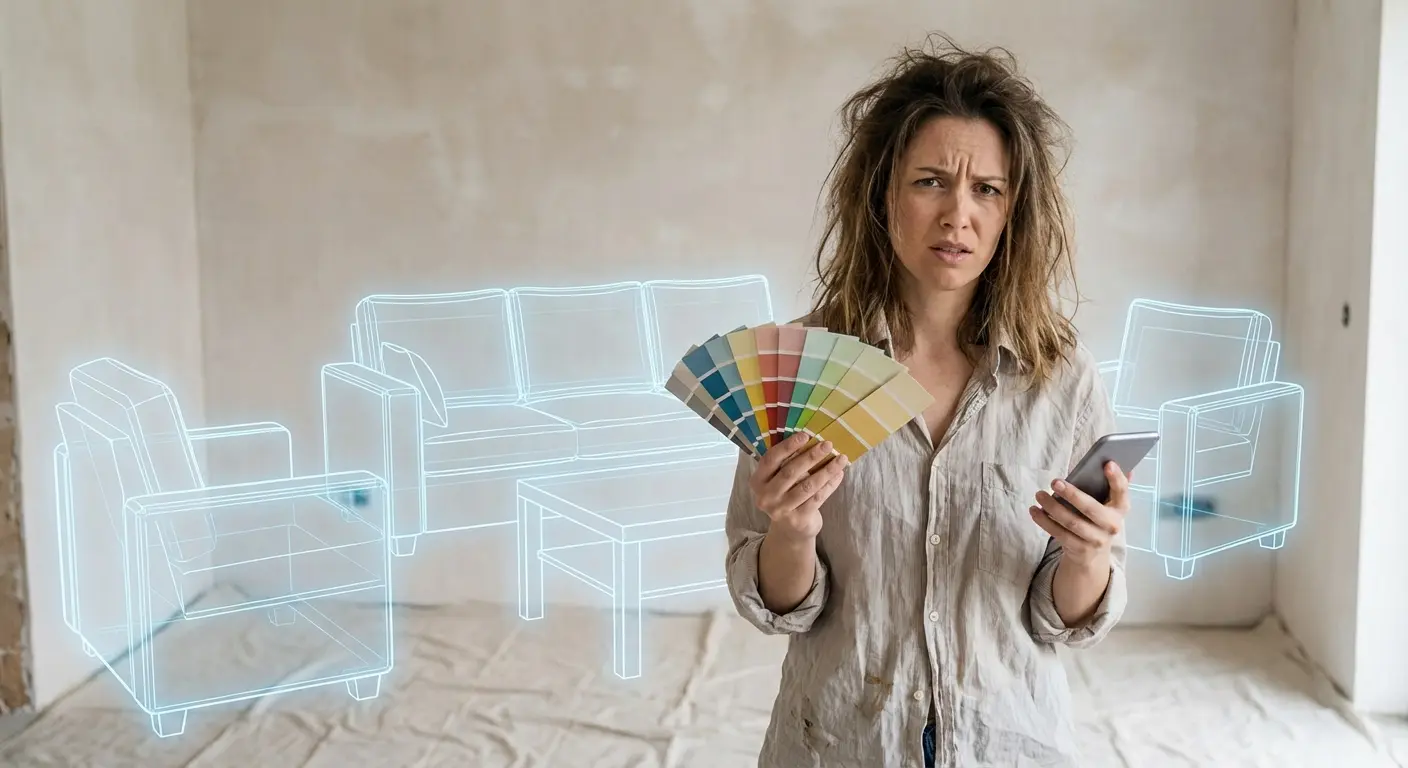
Table of Contents
We’re going to cover everything you need to survive the digital design landscape. We’ll start with what makes an app actually worth downloading, then move through the heavy hitters—floor planners, mood boards, AR tools, and the boring-but-essential measurement apps. Finally, we’ll talk about how to keep your phone from getting smashed on the job site.
How to Choose the Right Design Tool
All-in-One Floor Planners & 3D Modeling
Where to Find Inspiration & Mood Boarding
Augmented Reality (AR) & Visualization
Paint & Color Selection Tools
Measurement & Utility Essentials
Hybrid Design Services
The Best Way to Protect Your Tech on the Job Site
Final Thoughts
TL;DR
If you’re already holding a sledgehammer and just need the cliff notes, here is what you need to know before you download anything.
Know your limits: Don't download a pro CAD tool if you just want to see if a rug looks good. Stick to drag-and-drop unless you want a steep learning curve.
Visualize first: Prioritize apps with Augmented Reality (AR). Seeing the furniture in your actual room beats imagining it any day.
Measure twice, digitally: Use LIDAR-enabled apps to scan your room. It’s faster and often more accurate than wrestling with a tape measure.
Sync it up: Make sure the app works on your phone (for the site) and your desktop (for the details).
Protect your gear: Renovation zones eat phones for breakfast. Get a rugged case.
App Category |
Primary Function |
Best For |
Skill Level Required |
|---|---|---|---|
Floor Planners |
Layout & 3D Modeling |
Full renovations & remodeling |
Moderate to High |
AR Visualizers |
Virtual Furniture Placement |
Decorating & Shopping |
Low (Beginner Friendly) |
Color Tools |
Paint Matching & Palettes |
Painting & Wall Treatments |
Low |
Measurement Utils |
Digital Measuring & Leveling |
DIY Projects & Installations |
Low to Moderate |
How to Choose the Right Design Tool
Before you clog up your phone storage with every interior design app on the market, figure out where you are in the process. The "best" tool for dreaming up ideas is useless if you're trying to figure out where the plumbing goes. You have to weigh the learning curve against the payoff; some tools are simple but basic, while others can do everything but require a week of YouTube tutorials to learn.
Ask yourself: Do I need a 2D map for traffic flow? A 3D model to see the volume of the room? Or just AR to see if that chair fits in the corner? Also, keep an eye on the price tag—many home design apps are free for the basics but charge for the high-res renders.
Scenario: The DIY Decision
The Problem: Sarah wants to rearrange her living room. She downloads SketchUp but realizes she needs a degree in engineering just to move a virtual sofa.
The Solution: She switches to RoomPlanner. Ten minutes later, she sees her sectional blocks the hallway. Crisis averted, hours of frustration saved.
All-in-One Floor Planners & 3D Modeling
These are the heavy lifters. I use these when I need to visualize a full renovation, knock down walls, or see the layout before I spend a dime. They combine blueprints with 3D visuals to give you the full picture. A solid interior design app in this category is the best insurance against expensive mistakes. That same farmhouse energy works on a screen, and my cow phone wallpaper picks lean right into it.
1. Planner 5D
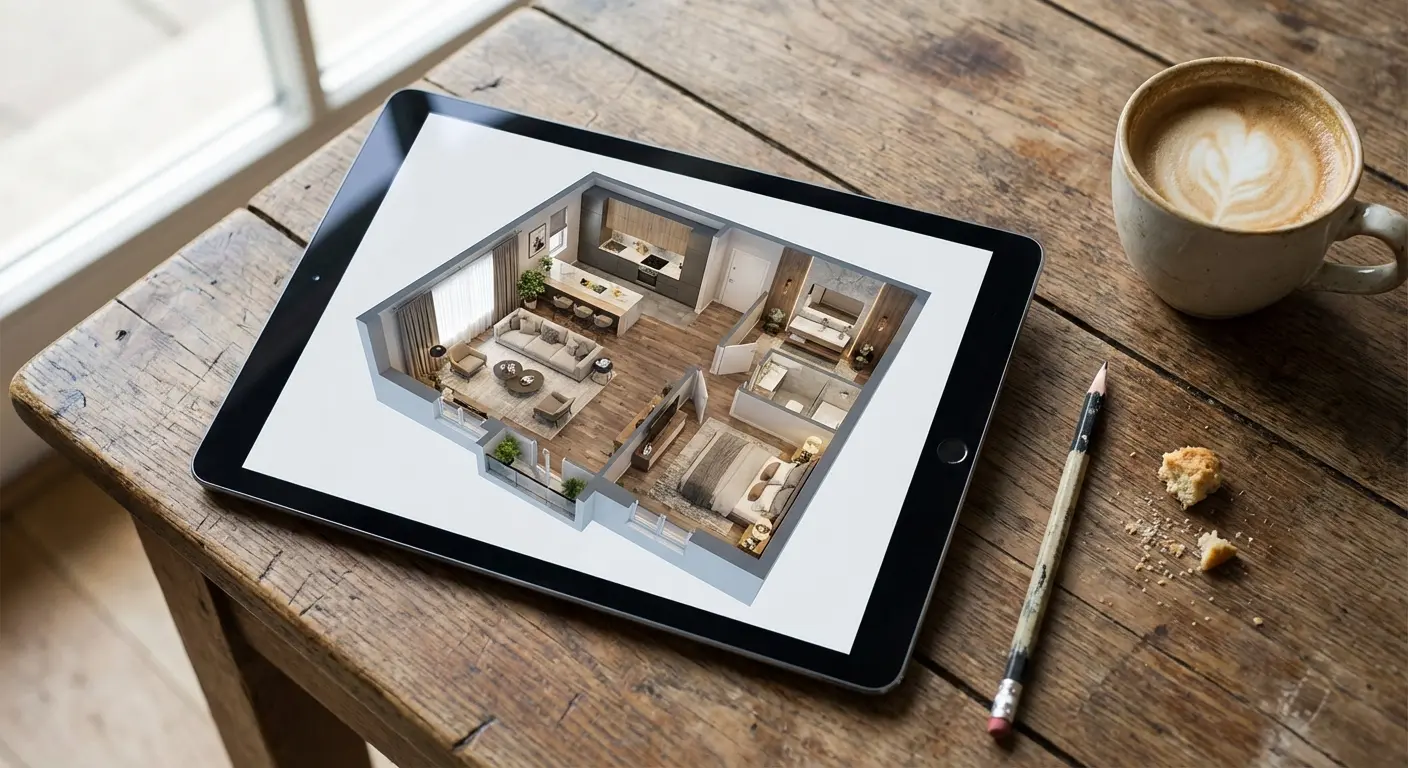
This is a powerhouse that lets you flip between 2D blueprints and 3D views. The killer feature? AI that converts a photo of your messy sketch into a digital file. It saves a ton of time. It’s great for whole-home design and has a decent free version, though you’ll want the subscription for the full furniture catalog.
2. RoomPlanner
If you practically live at IKEA, this is your app. It integrates with their catalog, so you can furnish rooms with real products and see the price tag tick up in real-time. It’s perfect for budget-conscious renovators who hate hidden costs.
Feature |
Planner 5D |
RoomPlanner |
SketchUp Go |
|---|---|---|---|
Best For |
Full Home Design |
IKEA Fans & Budgeting |
Custom Furniture & Pros |
Learning Curve |
Moderate |
Low |
High |
Platform |
Web, iOS, Android |
iOS, Android, Mac |
iPad, Web |
Key Feature |
AI Blueprint Upload |
Real-time Cost Estimation |
Push-Pull Modeling |
3. SketchUp Go (iPad)
This is the mobile version of the industry standard. It allows for "push-pull" modeling to build anything from scratch. It’s the best choice for custom cabinetry or weirdly shaped rooms. The learning curve is steep, but the freedom is unmatched. If you’re using this on-site, check out what's the best iPad case because dropping your tablet while modeling is a heartbreak you don't need.
4. Homestyler
Homestyler is great if you want your designs to look like photographs. The rendering quality is top-tier, and there’s a community aspect where you can see what others are doing. It’s the go-to for creating shareable, "look at what I made" images.
5. Floorplanner
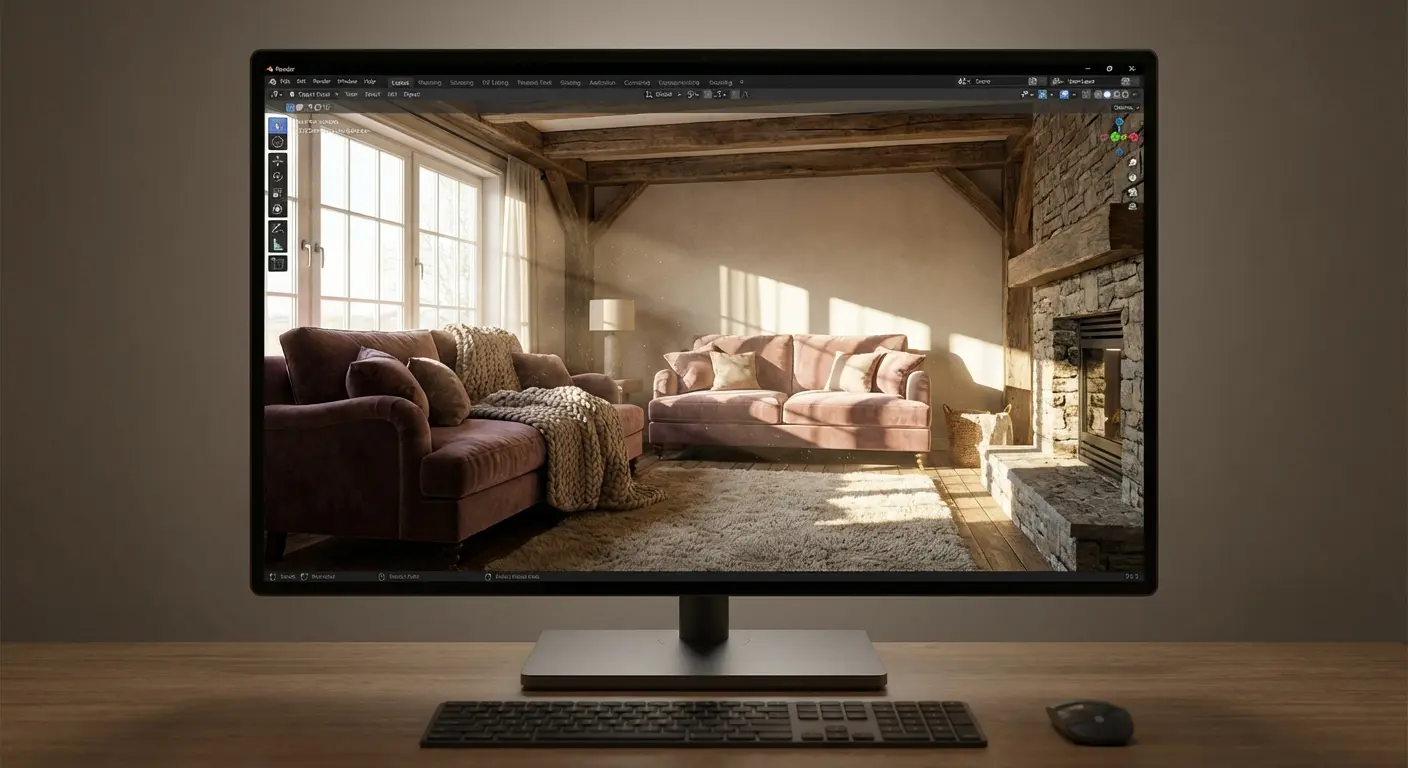
Browser-based and mobile-friendly, this is the standard for real estate agents for a reason: it’s fast. Great for quick 2D blueprints that you can pop into 3D. It’s free for casual use and reliable.
6. HomeByMe
If you shop at Pottery Barn or West Elm, use this. It integrates brand-name furniture, so your design isn't just "generic grey sofa," it’s the actual sofa you’re thinking of buying.
7. MagicPlan
This app feels like actual magic. You spin around the room with your camera, and it generates a dimensioned floor plan. For contractors or that initial "what are we working with" survey, it’s unbeatable.
Where to Find Inspiration & Mood Boarding
Every project starts with a vague idea. These apps help you corral those random thoughts, colors, and textures into something that makes sense. I rely on these to define the "vibe" before I make any expensive decisions.
8. Pinterest
The OG. It’s mandatory for gathering aesthetic preferences. If you aren't organizing your ideas onto boards here, you're making life harder than it needs to be.
9. Houzz
Think of this as Pinterest but for getting things done. It has a massive photo database, but the real win is that you can hire the professionals who designed the rooms directly through the app.
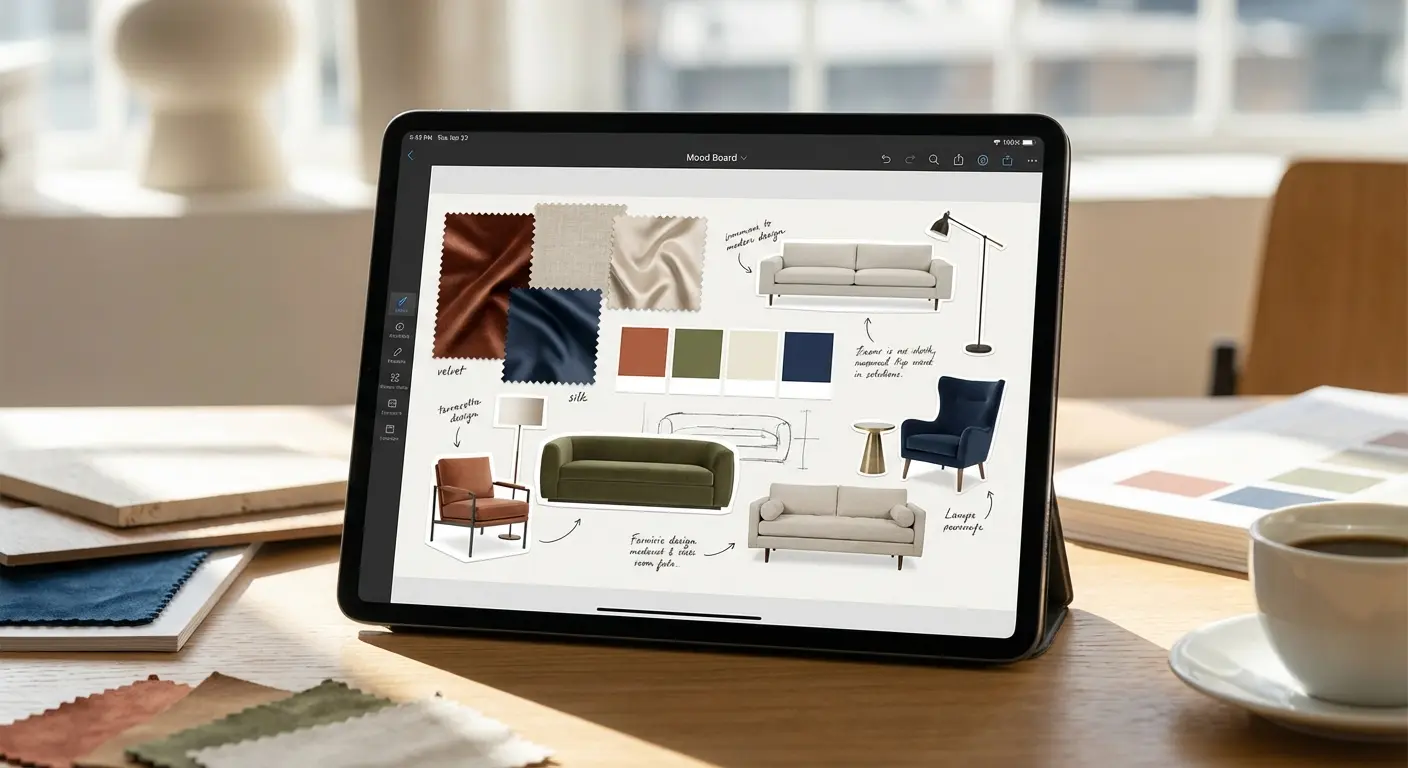
10. Morpholio Board
A digital mood board for the pros. You can layer images, sketches, and text to present a specific look. It’s less "scrapbook" and more "design presentation."
11. Instagram
You’re already on it, but use it intentionally. Follow design hashtags and save them to Collections. It’s the best way to spot what’s trending right now. By the way, if you want to capture your own ideas, reviewing some iPhone photography tips can help you take better reference photos of your space.
12. Milanote
For the Type-A personalities. Milanote is a visual workspace for sticky notes, images, and links. If you need to organize a whole renovation project in one place, this is it.
Augmented Reality (AR) & Visualization
"Try before you buy" is the biggest perk of modern tech. These apps use your camera to overlay products in your actual space, saving you from the hassle of returning a sofa that looked smaller online.
13. IKEA Kreativ
This tool scans your room, digitally erases your old furniture (which is incredibly satisfying), and lets you drop new IKEA items into the empty space. It’s the best "erase and replace" tech out there.
14. DecorMatters
Design meets gaming. You can use AR to place items and compete in design challenges. It’s fun for casual users who want to test styles without the pressure.
15. Chairish
Specializing in vintage and high-end decor, Chairish has a "View in Your Space" feature that is vital for one-of-a-kind pieces. You can't return a vintage rug easily, so check it here first.
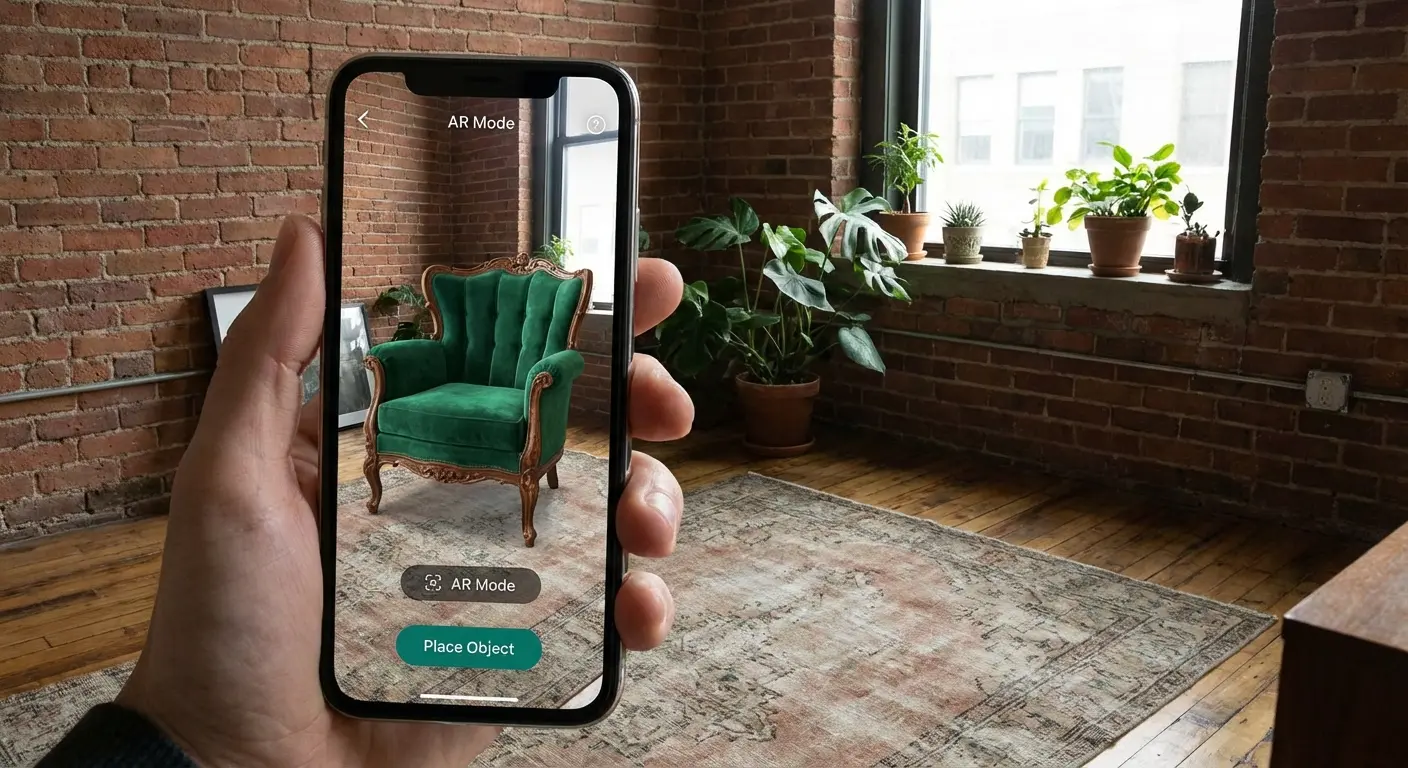
16. Wayfair
Wayfair's "View in Room 3D" is robust and backed by their massive inventory. Great for mass-market shopping where you just need to know if the table fits.
17. Amazon Shopping (Showroom)
The "View in your room" feature on Amazon is getting surprisingly good, especially for rugs. It’s quick, easy, and helps you make those Prime decisions with a little more confidence.
Scenario: The Armchair Squeeze
The Problem: Mark finds a leather recliner online. It looks perfect, but he has a tight corner next to a bookshelf. The dimensions on the website are confusing.
The Solution: He uses the Amazon AR feature to project the chair into the corner. He immediately sees the armrest would hit the bookshelf. Return avoided.
Paint & Color Selection Tools
Choosing paint is the worst. Colors look different in the can, on the swatch, and on your wall. These tools help you visualize the color without buying a dozen sample pots.
18. Sherwin-Williams ColorSnap
Match photos to paint colors and visualize them on your walls using AR. It’s accurate and essential if you want to stick to SW paints.
19. Benjamin Moore Color Portfolio
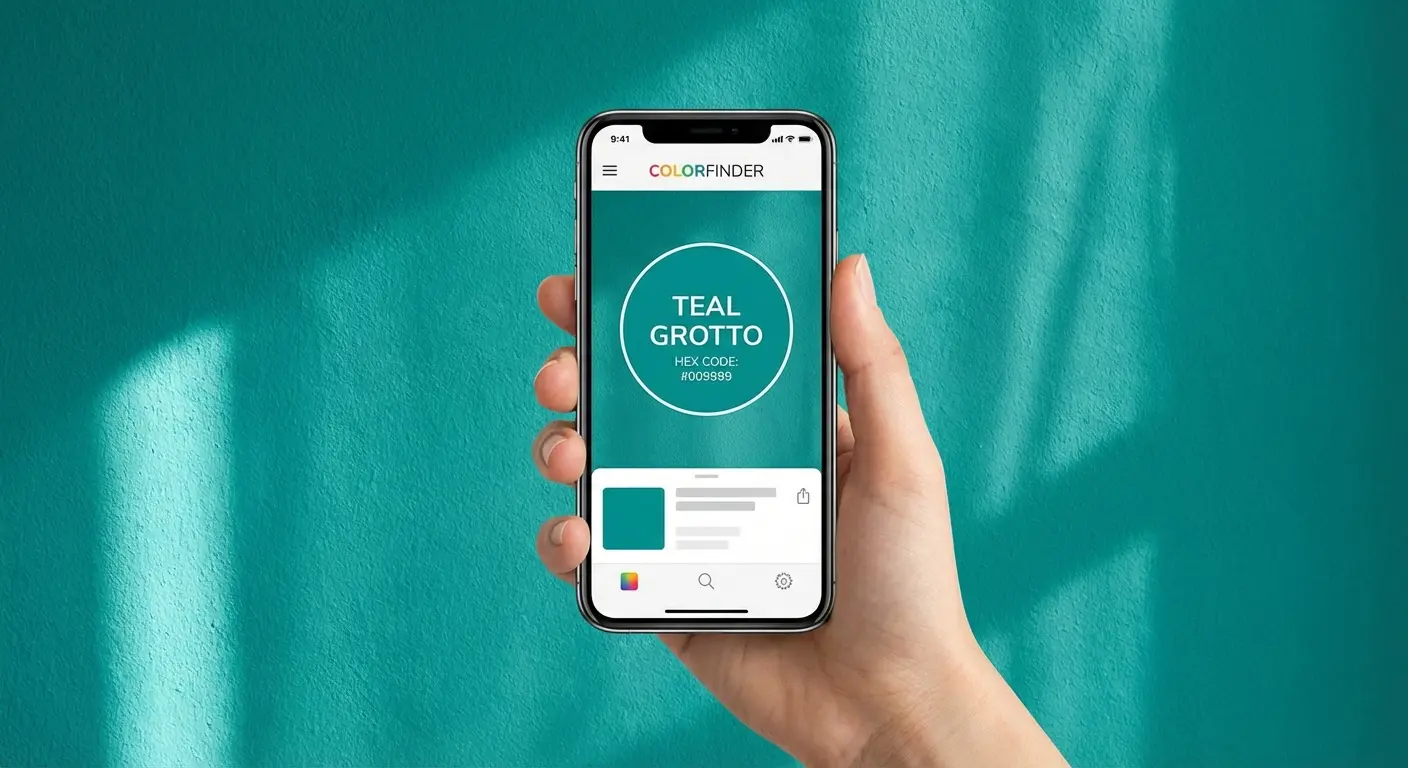
Similar to ColorSnap, but this integrates with their "ColorReader" device for precise matching. If you are super specific about your hues, this is the one.
20. Pantone Connect
The industry standard for color language. It helps you build palettes and cross-reference colors. It’s mostly for graphic designers and pros, but powerful if you know how to use it.
21. Dulux Visualizer
Simple: tap the screen, paint the wall. It works live via the camera and is very user-friendly for beginners.
Measurement & Utility Essentials
These are the digital tools in your belt. I find these indispensable for ensuring that the beautiful furniture I picked out actually fits through the front door.
App Name |
Main Utility |
Unique Advantage |
Price |
|---|---|---|---|
Photo Measures |
Annotation |
Draw dimensions directly on photos |
One-time fee |
RoomScan Pro |
Floor Planning |
Uses LIDAR for instant wall scanning |
Freemium |
Bubble Level |
Leveling |
Always in your pocket; no extra gear |
Free |
22. Photo Measures
Take a photo, draw the measurements right on it. Do this before you go to the store, and you will never have to drive back home to measure "just one more time."
23. RoomScan Pro
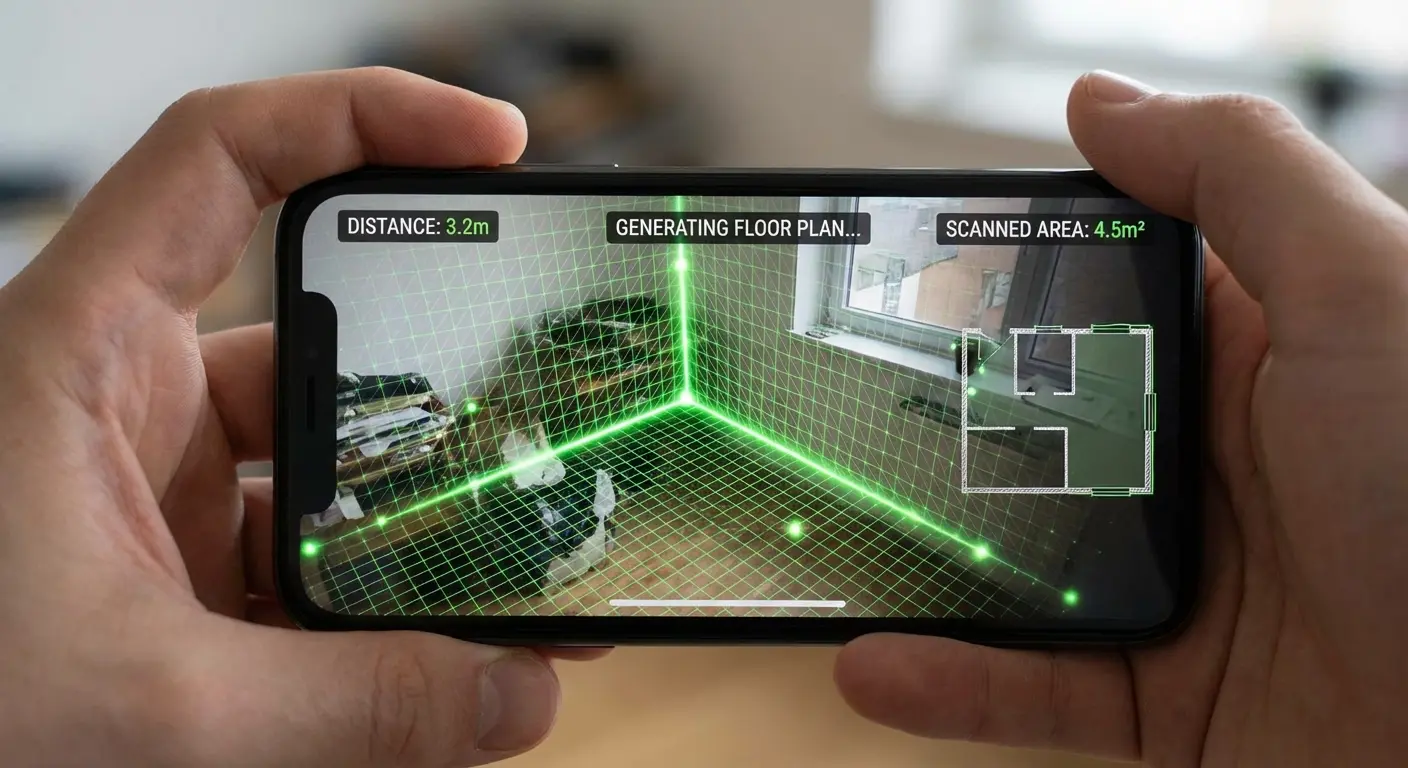
This uses the LIDAR scanner in newer iPhones to generate incredibly accurate floor plans just by touching the phone to the wall. Since you’ll be using this on a job site, keep in mind that these are often the best phone cases for construction workers because they offer extra grip while you're scanning.
24. Bubble Level (or iOS Measure)
It uses the phone's gyroscope to check if surfaces are level. It’s simple, usually built-in, and saves you from hunting for your physical level.
Scenario: The Forgotten Window Height
The Problem: Alex is at Home Depot buying blinds. He realizes he measured the width, but forgot the height. He lives 30 minutes away.
The Solution: He checks Photo Measures, where he’d drawn the dimensions on a photo three days ago. Problem solved.
Hybrid Design Services
Sometimes you just want someone else to do it. This category bridges the gap between an app and a human designer.
25. Havenly
You scan your room, upload inspiration, and get paired with a real human designer. It’s the best "do it for me" option if you want professional help without the full interior design firm price tag.

The Best Way to Protect Your Tech on the Job Site
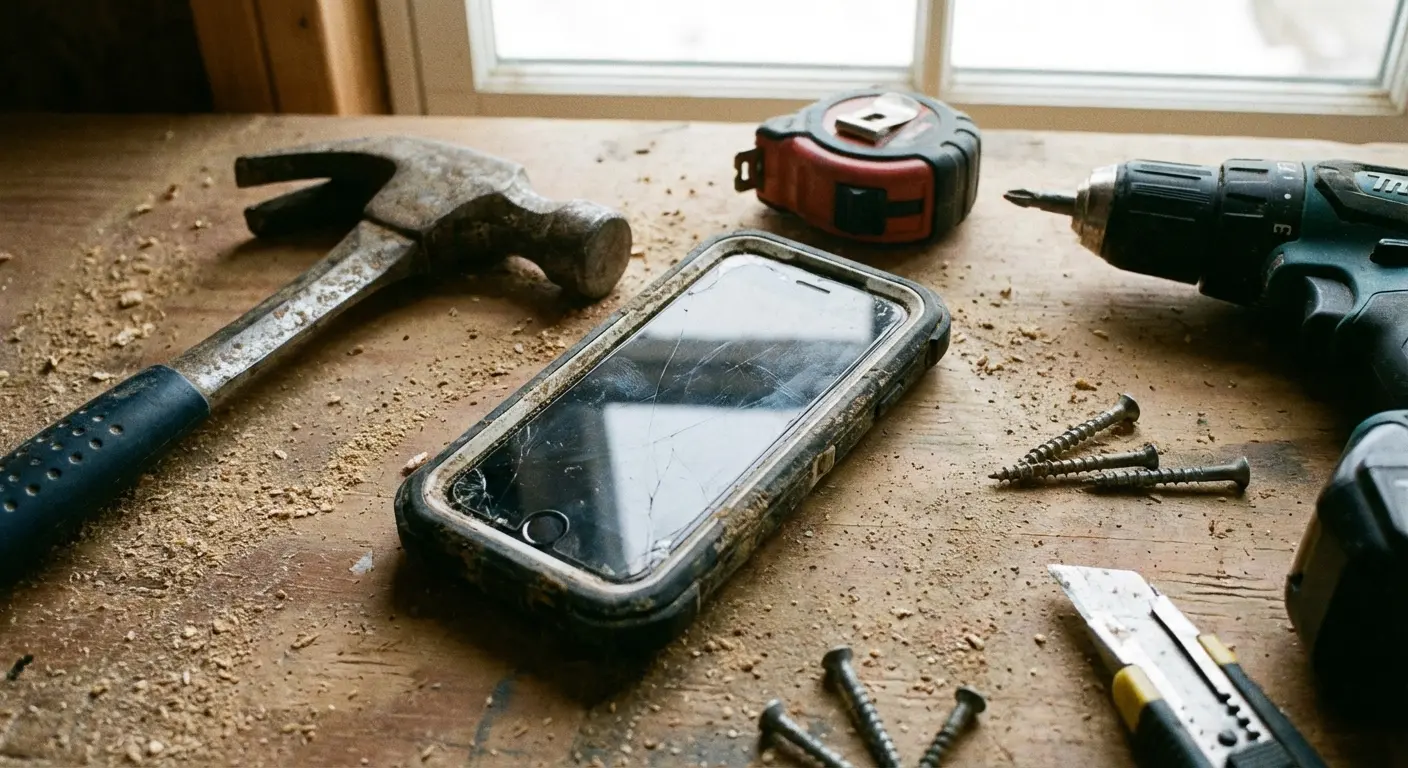
When I’m deep in a renovation project, my phone isn't just for texting; it’s my level, my tape measure, and my blueprint. But let's be real: a construction zone is a dangerous place for a glass rectangle. This is where Rokform comes in handy.

You need gear that can take a beating. Rokform cases feature MAGMAX™ technology, which is basically a super-strong magnet on the back of the case. If you’re wondering what is a magnetic phone case good for? Imagine sticking your phone directly to a metal corner bead, a fridge, or a steel beam. You can look at your MagicPlan or paint codes hands-free while you work.
Renovation is messy. Phones get dropped on concrete or knocked off ladders. Rokform cases are built with military-grade polycarbonate and offer 360-degree protection, ranking them among the most protective phone cases out there. Plus, they are MagSafe® compatible, so you can charge without stripping the armor off. You can even stick the G-ROK PRO speaker to a wall stud with its magnetic mount to keep the tunes going while you paint.
Final Thoughts
Renovating a home is a beast of a project, but you don't have to tackle it alone. By loading up with the best apps for interior design, you turn your smartphone into a partner that handles the math and the visualization for you. Just remember: while the software handles the creativity, your hardware needs protection from the dust and drops of the job site. Download your tools, armor up your phone, and start building the space you actually want to live in.

