


I recently stumbled onto the concept of "immersive reading"—basically, listening to the audiobook while following along in the physical book or Kindle. It sounds redundant, but I tried it last month while slogging through a dense biography that I’d been putting off for years. It was a game-changer. I actually retained what I read.
But here’s the thing: the method only works if the tech doesn't get in the way. If the app crashes, loses your place, or is a pain to navigate while driving, you’re going to quit. Source.
Finding the right audiobook apps for iphone isn't just about playing an MP3; it’s about finding an interface that fits your actual life, not just your screen.
Table of Contents
Considerations: How to Pick Your Player
The "Big Store" Ecosystems (Subscription & Retail)
The Library & Public Domain Gateways (Free Stuff)
The "Bring Your Own Book" (BYOB) Players
Niche, AI, and Summaries
The Rokform Connection: Securing Your Story
Final Thoughts
TL;DR
Ecosystem Matters: If you live on your Apple Watch or rely on CarPlay, don't pick a bare-bones app. You need good integration.
Ownership vs. Access: Know what you're paying for. Audible/Downpour means you buy the book; Libby/Hoopla means you're just borrowing it.
BYOB is Powerful: If you have a hard drive full of DRM-free files, skip the big stores and grab BookPlayer or Prologue.
Hardware Integration: A magnetic case is the unsung hero of audiobooks—stick your phone to the fridge or gym equipment so you can listen hands-free.
Finding the right application for audiobooks now saves you a headache (and a monthly subscription fee) later.
Considerations: How to Choose the Best Audiobook App
Before you hit download, think about how you actually listen. Are you a commuter? A gym rat? A data hoarder? The market is split into three camps: subscriptions, library loans, and dedicated players for files you already own.
I usually judge apps on a few specific things: exclusivity (who has the book?), cost, and the dreaded DRM (Digital Rights Management).
You also have to think about the "ecosystem." If an app plays nice with my Apple Watch and CarPlay, it wins points. If it has silence skipping (to shorten those long dramatic pauses) and a sleep timer that actually works, even better. Finding the best audiobook app usually just means finding the one that plays your specific file types without glitching.
There are dozens of audiobook apps out there, but here is the cheat sheet on features:
Feature Category |
What to Look For |
Why It Matters |
|---|---|---|
DRM (Digital Rights Management) |
DRM-Free vs. Locked |
DRM-free files (like Downpour) play anywhere. Locked files (Audible) trap you in their app. |
Playback Speed |
0.5x to 3.0x (with pitch correction) |
Essential for "speed listening." You want to go faster without the narrator sounding like a chipmunk. |
Syncing |
iCloud / Cross-Device Sync |
So you can switch from iPhone to iPad without spending five minutes finding your chapter. |
CarPlay Support |
Large buttons, simplified UI |
Critical for safety. You don't want to be squinting at a tiny screen on the highway. |
The "Big Store" Ecosystems (Subscription & Retail)
These are the heavy hitters. You come here when you want the new Stephen King novel on release day or a celebrity memoir narrated by the author. When you want the absolute best audiobook app for a seamless, premium experience, start here.
1. Audible
Audible is the 800-pound gorilla for a reason. The library is massive, and the "Audible Originals" are getting surprisingly good. I stick with it because the sync between my phone, watch, and car is flawless.
If you use CarPlay, just make sure you have one of the best car phone mounts setup. You want those playback controls right in your line of sight so you aren't fumbling around while merging.
Pro Tip: Don't waste credits on cheap books. Audible runs "2-for-1" sales or cash sales all the time where books drop to $5. I hoard my credits for the expensive 20-hour epics and use cash for the short stuff.
2. Apple Books
It’s already on your phone. You buy books one by one—no subscription needed. It’s the cleanest, most "Apple" experience, but it can get pricey if you devour books quickly since there’s no "all-you-can-eat" option.
3. Spotify
Spotify is trying hard to take over audiobooks. Premium users get about 15 hours of listening a month included. It’s perfect if you just want one app for music and books. However, as a heavy listener, I find the interface a bit cluttered compared to dedicated book apps.
If you’re already paying for music, this is one of the easiest audiobook apps to dip your toes into.
4. Audiobooks.com
Think of this as the primary alternative to Audible. Similar credit model, similar selection. They have a decent VIP rewards section and, if you really dislike Amazon, this is your best bet for a similar premium service.
5. Google Play Books
Surprisingly good on iPhone. You buy à la carte (no subscription), and it’s a lifesaver if you live a dual life with an iPhone in your pocket and an Android tablet at home.
6. Kobo Books
Rakuten’s Kobo ecosystem is generally cheaper than Audible. If you use a Kobo e-reader, this is the logical choice to keep your digital library under one roof.
7. Downpour
For the purists. Downpour sells DRM-free audiobooks. That means you actually *own* the file. You can back it up, move it to another app, or put it on an MP3 player. It's the ethical choice for data ownership.
8. Chirp
Chirp is dangerous for my wallet. No subscription, but they send daily emails with flash sales. I’ve picked up bestsellers for $3. If you have patience and wait for the deals, it’s the best budget option for owned books.
For bargain hunters, this is one of the essential audiobook apps to keep on your home screen.
The Library & Public Domain Gateways
These are the best free audiobook apps, period. They run on tax dollars and volunteers. I use these for 90% of my listening because, let's be honest, I don't need to own a murder mystery I'm only going to listen to once.
Feature |
Libby (OverDrive) |
Hoopla Digital |
|---|---|---|
How it works |
"One copy, one user." You have to wait in line like a real library. |
"Instant Borrow." No waitlists, ever. |
Selection |
Usually has the big new bestsellers. |
Great for backlist titles, comics, and niche stuff. |
The Catch |
Wait times can be weeks long. |
You only get a few "credits" (borrows) per month. |
9. Libby (by OverDrive)
If you have a library card, download this immediately. Libby allows you to borrow digital audiobooks for free. The interface is beautiful, and it supports CarPlay. It is widely considered the best free audiobook app on the market today.

10. Hoopla Digital
Hoopla is the savior of the impatient. Unlike Libby, there are no "hold" lists. If you see it, you can borrow it.
The Road Trip Save: I was literally packing the car for a 6-hour drive when I finished my book. The sequel was on a 3-week waitlist on Libby. I checked Hoopla, found it, and downloaded it instantly. Saved the trip.
11. LibriVox Audiobooks
This app connects to the LibriVox project—volunteers reading public domain books. Quality varies (some narrators are pro-level, others sound like they are recording in a bathroom), but it is completely free. Free narration is possible without a subscription, and I listed the apps that will read to you for free that do it.
If you love the classics, LibriVox audiobooks are an indispensable resource.
12. Palace Project
A non-profit app that tries to combine various library sources into one place. Good to have as a backup if your library supports it.
13. Loyal Books
Basically a prettier interface for LibriVox content. It makes browsing public domain stuff feel like shopping at a bookstore rather than digging through a file directory.
14. Project Gutenberg
The OG of free ebooks also has audio. It’s a mix of human-read and computer-generated stuff. I use it mostly for obscure classics I can't find anywhere else.
15. BorrowBox
Big in the UK and Australia. If your local library uses this instead of Libby, this is your main app.
16. Cloud Library
Another competitor to Libby. It works fine; it just depends on which vendor your local library signed a contract with.
The "Bring Your Own Book" (BYOB) Players
These apps don't sell anything. They just play files you already have. I use these for my DRM-free downloads from Downpour or Humble Bundle. These are the audiobook apps for the power users who like to organize their own folders.
17. Prologue
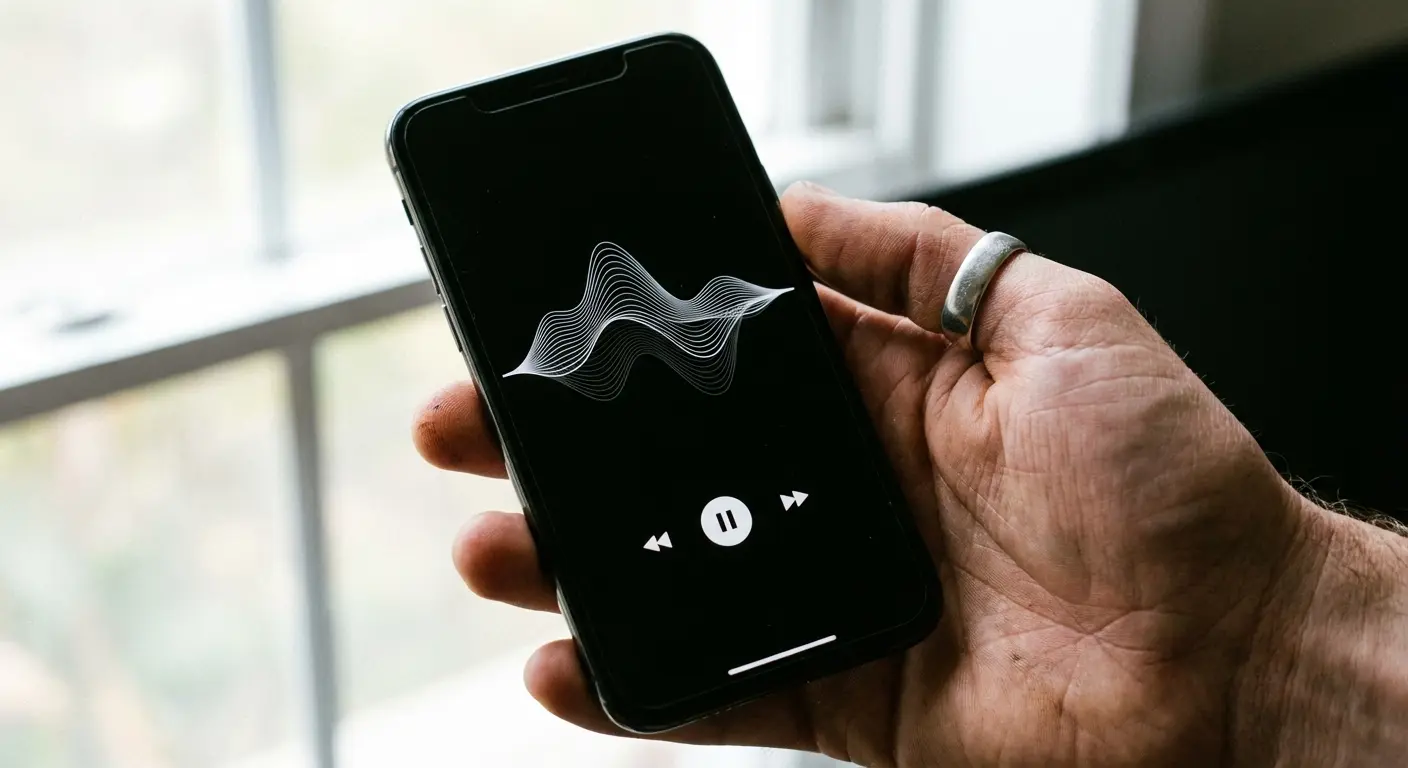
If you run a Plex server at home, get Prologue. It streams your personal audiobook collection to your iPhone. It feels like building your own private Spotify.
Because Prologue streams, it pairs perfectly with the benefits of bringing your phone on your bicycle rides. You can access your terabytes of books remotely while on a trail without filling up your phone storage.
The Self-Hosted Cloud: I have a hard drive at home full of old ripped CDs. Prologue lets me stream them anywhere in the world. It even remembers exactly where I left off.
18. BookPlayer
Minimalist, pretty, and gesture-based. It handles nested folders perfectly (Author > Series > Book). I love the "Auto Sleep Timer" that resets when you nudge the phone—great for falling asleep without losing your place.
For offline listening of your own files, this is arguably the best audiobook app available.
19. MP3 Audiobook Player
A workhorse. It plays almost any audio format you throw at it. It has intense customization for sound, including an equalizer. It’s not the prettiest, but it never crashes.
20. Bound
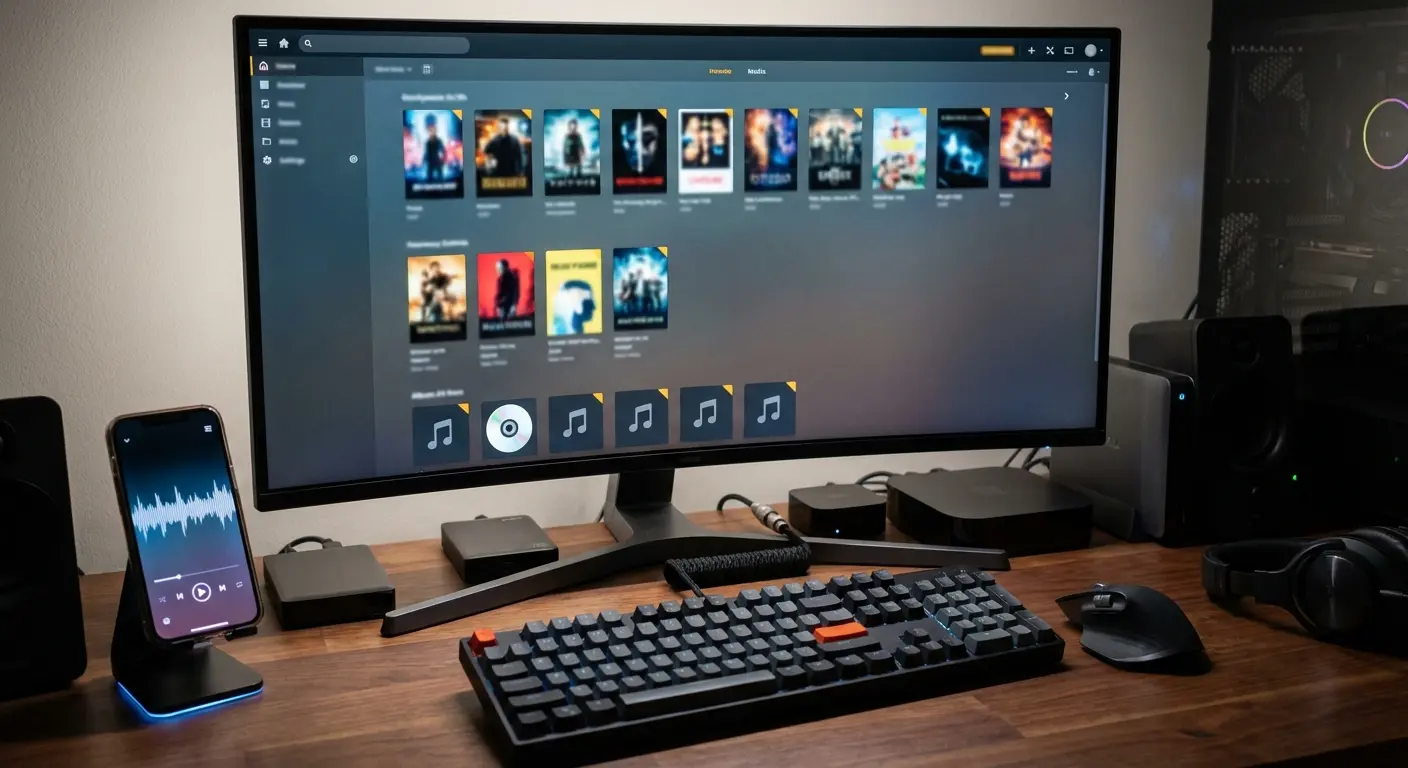
Connects directly to Dropbox, Google Drive, or OneDrive. If you keep your backups in the cloud rather than on a home server, Bound makes it easy to stream or download them.
21. Smart Audiobook Player
An Android legend that finally came to iOS. It’s for people who want to tweak every single setting, from rewind speeds to button layouts.
Niche, AI, and Summaries
Sometimes you don't want a 40-hour story; you just want the info.
App Name |
Primary Function |
Best Use Case |
|---|---|---|
Blinkist |
15-minute Summaries |
Vetting non-fiction to see if it's worth reading the whole thing. |
Speechify |
AI Text-to-Speech |
Turning PDFs and work emails into a podcast so you can multitask. |
Realm |
Audio Dramas |
Movies for your ears—sound effects, full casts, the works. |
22. Blinkist
Get the main concepts of a business book in 15 minutes. It’s not "reading," but it’s great for learning while you brush your teeth.
23. Speechify
This is cool tech. You scan a page or upload a PDF, and a high-quality AI voice reads it to you. It turns any text into an audiobook.
24. Realm
For sci-fi and fantasy fans. These aren't just narrations; they are full productions with sound design.
25. Headway
Similar to Blinkist but gamified. If you like keeping up a "streak" and seeing visual infographics along with your audio, check this out.
The Rokform Connection: Securing Your Story
Having the best audiobook app is useless if your phone slides off the dashboard in the middle of a chapter. I listen mostly when I'm doing something else—driving, working on the car, or at the gym. This is where Rokform actually improves the experience.
To keep your device safe during the chaos of a workout or commute, equipping it with one of the best magnetic cases for iPhone gives you mounting options you didn't know you needed.
The Commute
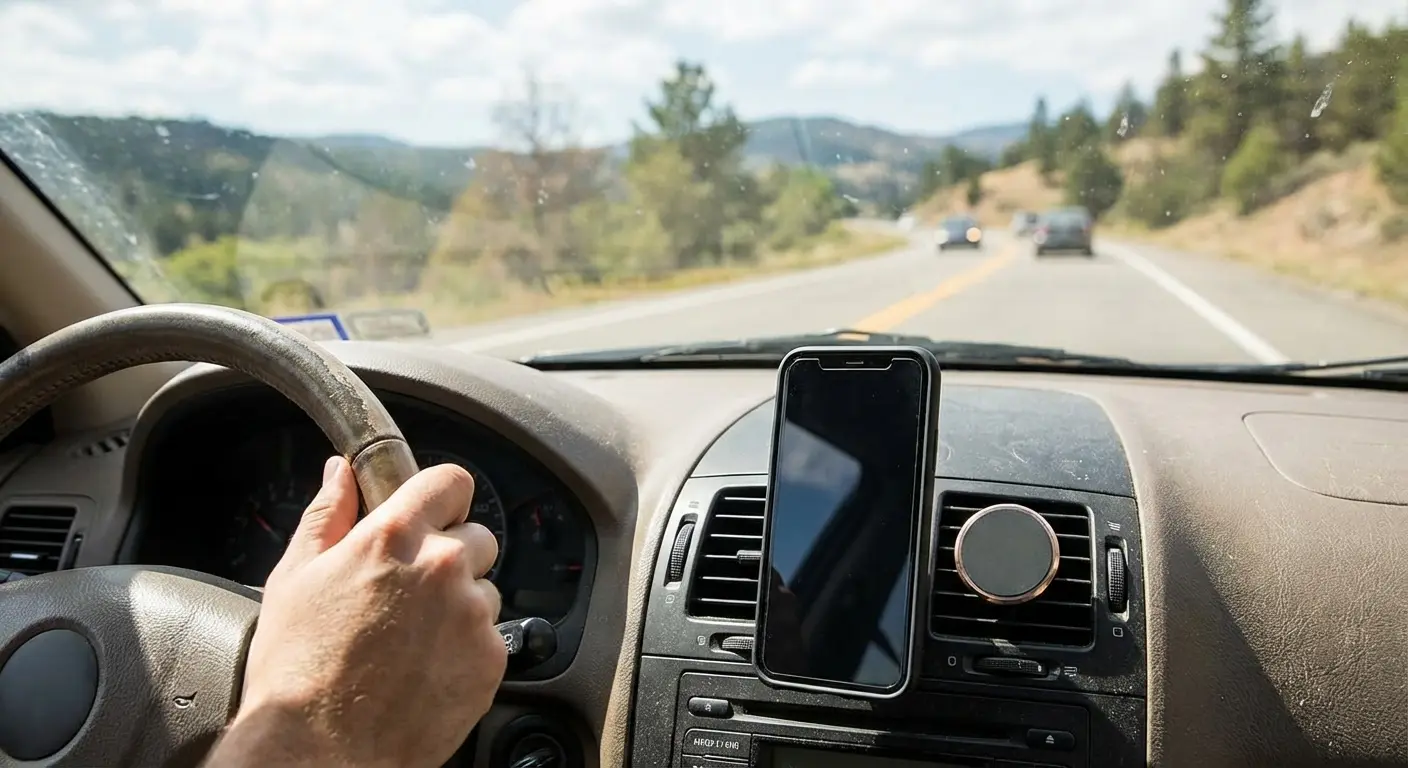
Most apps support CarPlay, but I still like my phone mounted and visible. Our Crystal or Rugged cases use the RokLock™ system and heavy-duty magnets. You can snap your iPhone onto a dash mount instantly. It stays put, so you can hit "rewind" safely when you zone out and miss a plot point.
Whether you drive a sedan or need the best phone mount for your truck, keeping the phone at eye level is just safer.
The Workshop & Gym
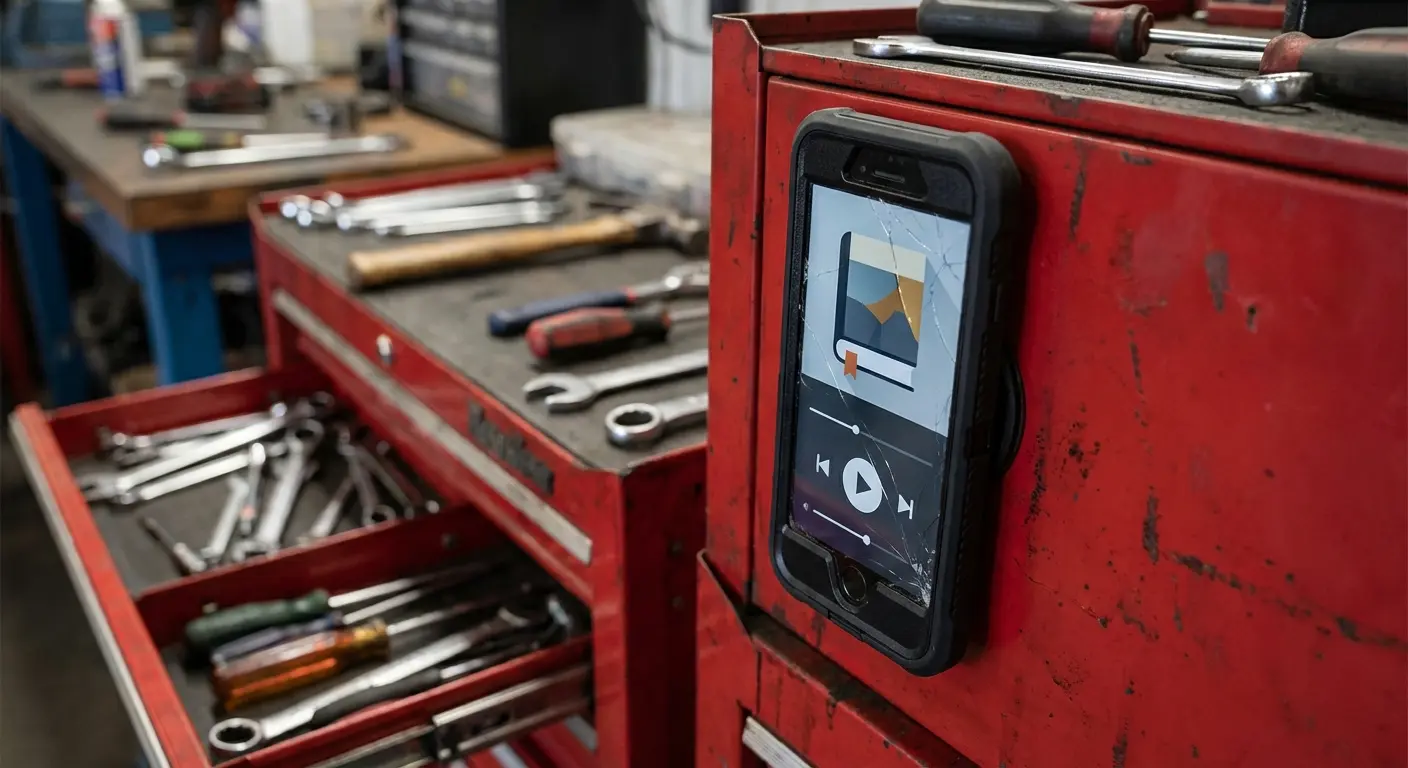
If I'm listening to a thriller on LibriVox while wrenching in the garage, I’m not putting my phone on a greasy workbench. With these cases, I just stick the iPhone directly to the tool chest or the car hood. Same goes for the gym—stick it to the squat rack. It keeps the screen visible and the phone off the floor.
Choosing the best phone case for the gym means hands-free listening without worrying about someone dropping a dumbbell on your screen.
Rugged Protection
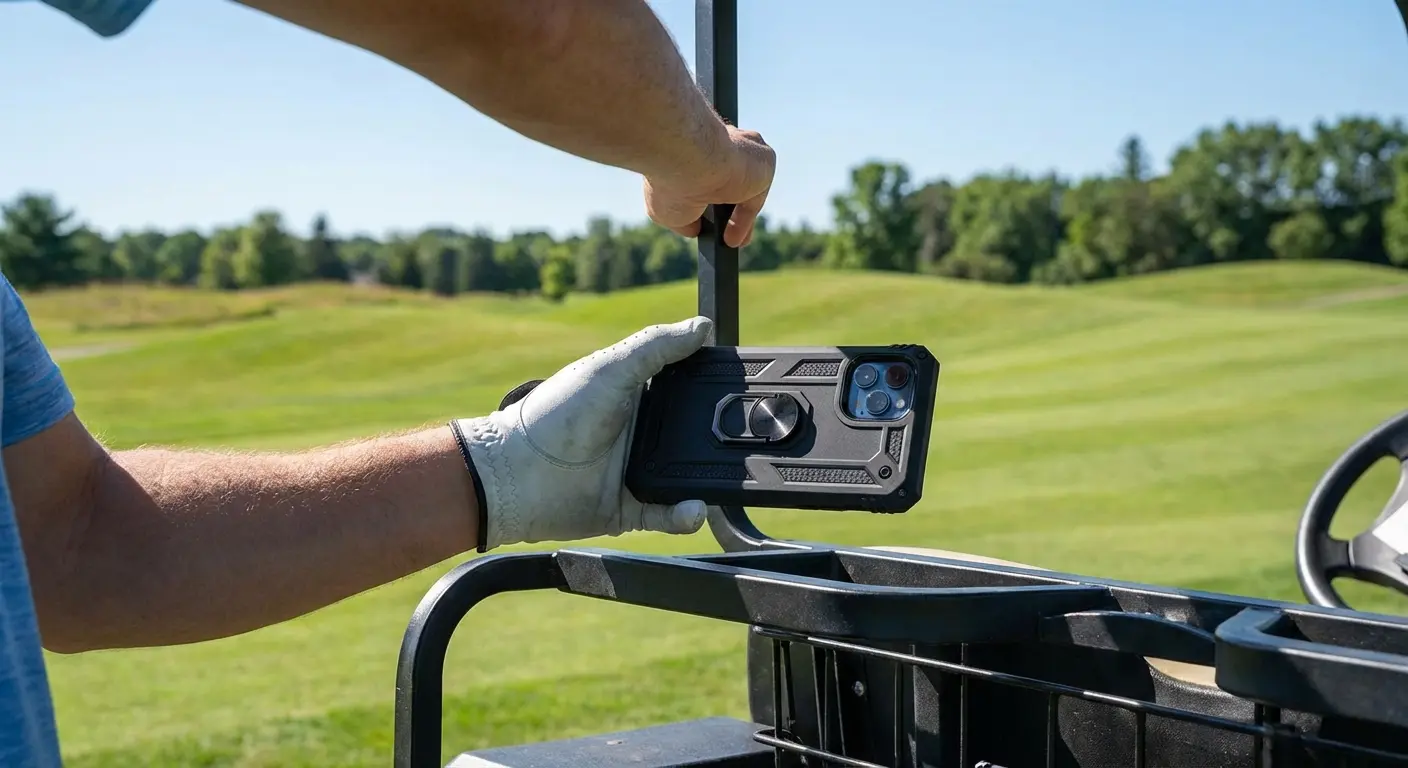
Whether you’re hiking with the Eagle 3 Series case or on the golf course, you need drop protection. If you’re listening to Chirp while navigating the fairway, the magnet keeps your phone secure on the cart frame.
Even if you are using the best free audiobook app, your phone is expensive. Protect it.
Final Thoughts
There is no single "best" app. It depends on your wallet and your files. I say grab Libby for the free stuff, maybe Audible for the exclusives, and BookPlayer if you have your own files.
And seriously, check out LibriVox if you haven't. It’s a bit rough around the edges, but exploring the classics via LibriVox audiobooks without spending a dime is a pretty great way to pass a commute. and nothing else

