


Table of Contents
Why Your Repair Costs So Damn Much (And Why Apple's Fine With That)
The Hidden Timeline: What Actually Happens During Your Repair Window
Parts Pairing and Serialization - The Repair Restriction You Didn't Know Existed
Before You Book That Genius Bar Appointment: Questions That Save Time and Money
The Real Cost Analysis: Repair vs. Replace vs. Protect From Day One
What Makes a Phone Case Actually Protective (Not Just Pretty)
Why Military-Grade Standards Matter More Than Marketing Claims
Rokform's Engineering Advantage: Protection That Prevents Repair
Screen Replacement Reality: Why "Easy Fixes" Aren't Always Easy
TL;DR
Don't have time for all this? Here's what actually matters:
Apple's parts pairing tech now blocks third-party repairs and kills your options, even for simple fixes
That "same day" repair? Factor in diagnostics, parts availability, and data backup, and you're looking at 3-7 days minimum
AppleCare+ covers two incidents per year, each with service fees that jumped 25% since 2020. Not the deal you think it is.
Genuine Apple parts cost 3-4x more than aftermarket alternatives, but non-Apple parts trigger warning messages that never go away
Most "protective" cases fail above 4 feet. Military-grade certification (MIL-STD-810G) means surviving 6-foot concrete drops.
Rokform cases use polycarbonate and TPU fusion that absorbs impact across multiple points, preventing damage before it happens
Prevention costs 60-80% less than a single screen replacement over two years
DOCUMENT EVERYTHING before handing over your phone. Back up twice. Verify if your issue's actually a manufacturing defect.
Why Your Repair Costs So Damn Much (And Why Apple's Fine With That)
You've probably noticed fixing your iPhone costs almost as much as buying a new one. Apple knows exactly what they're doing.
Out-of-warranty screen replacement for the iPhone 15 Pro Max? $379. Battery replacement? $99. Compare that to the $829 starting price for a new iPhone SE, and you start to see the calculation Apple wants you to make.
The company pulled in $4.2 billion from AppleCare and repair services in 2023 alone. But here's what most people don't realize: those repair revenues aren't just profit centers. They're strategic pricing tools designed to make upgrading feel more reasonable than fixing.
According to Apple's 2024 "Longevity, by Design" whitepaper, iPhone retains at least 40% more of its value compared to Android smartphones, with the valuation difference increasing for even older models. Apple uses this stat to justify premium repair pricing that keeps those resale values high.
The Profit Margin Reality Behind Parts and Labor
Apple doesn't publish repair profit margins, but industry teardowns tell the story. A replacement OLED screen costs Apple somewhere around $75-90 to manufacture and install. They charge you $279-379 for that same service. That's a 210-311% markup, depending on your model.
Battery replacements? Even more extreme. The actual battery component costs Apple roughly $8-12. You pay $99. Labor accounts for maybe 15 minutes of technician time. Even with overhead, training, and facility costs, the margins are huge.
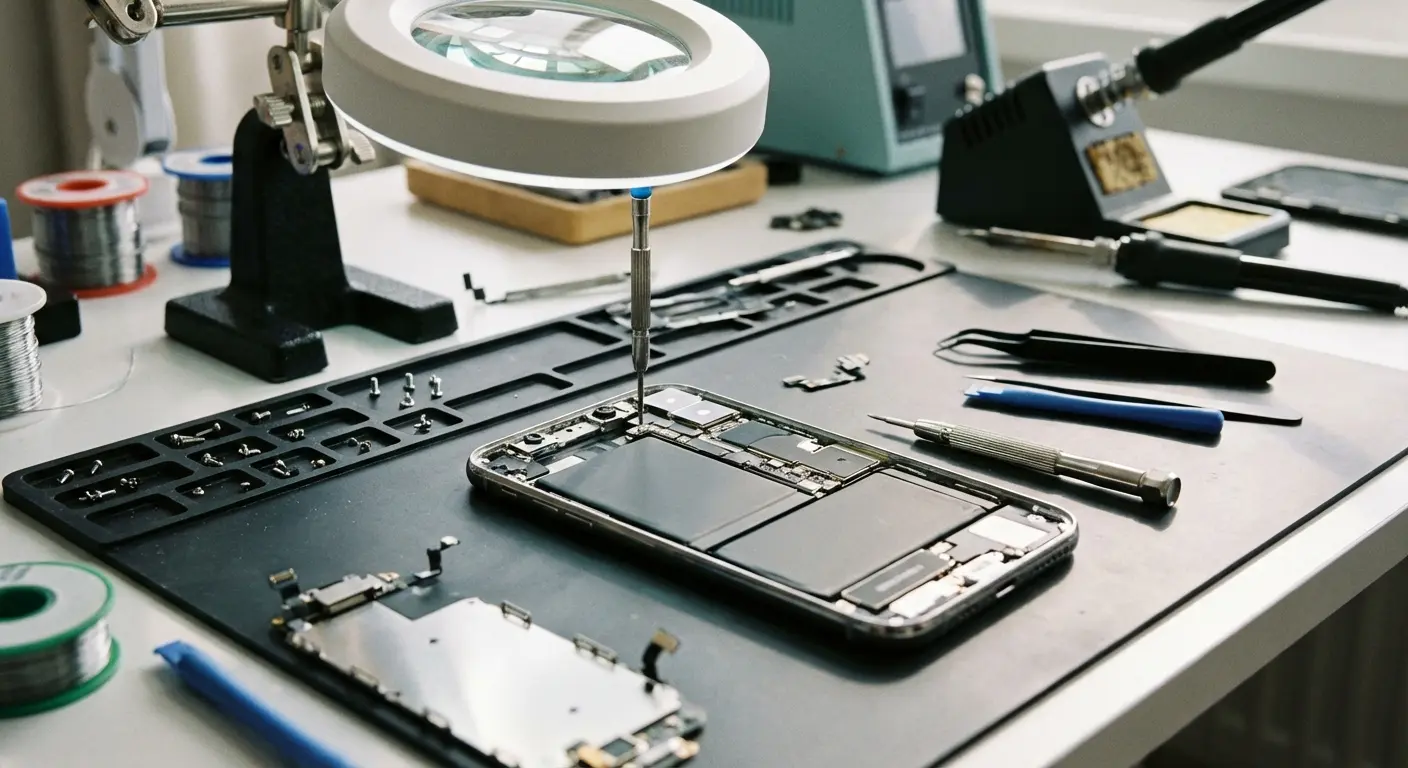
Look, Apple's a business. I get it. But these are data points you need to understand the system you're operating in. When repair costs hit 50-60% of a new device's price, you're being financially nudged toward replacement.
Real-world scenario: iPhone 14 Pro owner cracks their screen six months after purchase. Repair quote? $329. After researching, they find a refurbished iPhone 14 (non-Pro) for $599, or they could apply that $329 toward a new iPhone 15 with a trade-in credit of $400, bringing their out-of-pocket to $428 for a brand-new device. The $99 difference between repairing and upgrading pushed them toward replacement. Exactly as Apple's pricing structure intended.
How Trade-In Values Are Calculated to Favor New Purchases
Apple's trade-in program sweetens the replacement deal even more. Your two-year-old iPhone 13 Pro might fetch $400-500 as a trade-in credit. That same phone, kept pristine and sold privately, could bring $550-650. The difference? Apple recoups that margin when they refurbish and resell your device.
Trade-in value drops faster than the device's actual functional lifespan. An iPhone typically works perfectly for 4-5 years, but trade-in values plummet 50-60% after just 24 months. This creates a perceived urgency to upgrade before your device becomes "worthless" in trade-in terms.
Which is total BS, by the way.
The Hidden Timeline: What Actually Happens During Your Repair Window
You book a Genius Bar appointment expecting a quick fix. They tell you "about an hour" for diagnostics. What they don't tell you is that "about an hour" means an hour for them to *look* at it, not an hour until you get it back.
Diagnostic Queue Times Nobody Mentions Upfront
Your appointment gets you in the door. Doesn't mean you're at the front of the repair line. Genius Bar techs triage based on complexity and parts availability. A cracked screen might wait behind three water damage assessments and two logic board diagnostics.
The actual diagnostic process runs Apple Service Toolkit tests checking 15-20 different system functions. This takes 25-40 minutes of machine time, not counting the tech's interpretation. Show up at 2 PM on a Saturday (peak time)? You might not get diagnostic results until 5 PM or later.
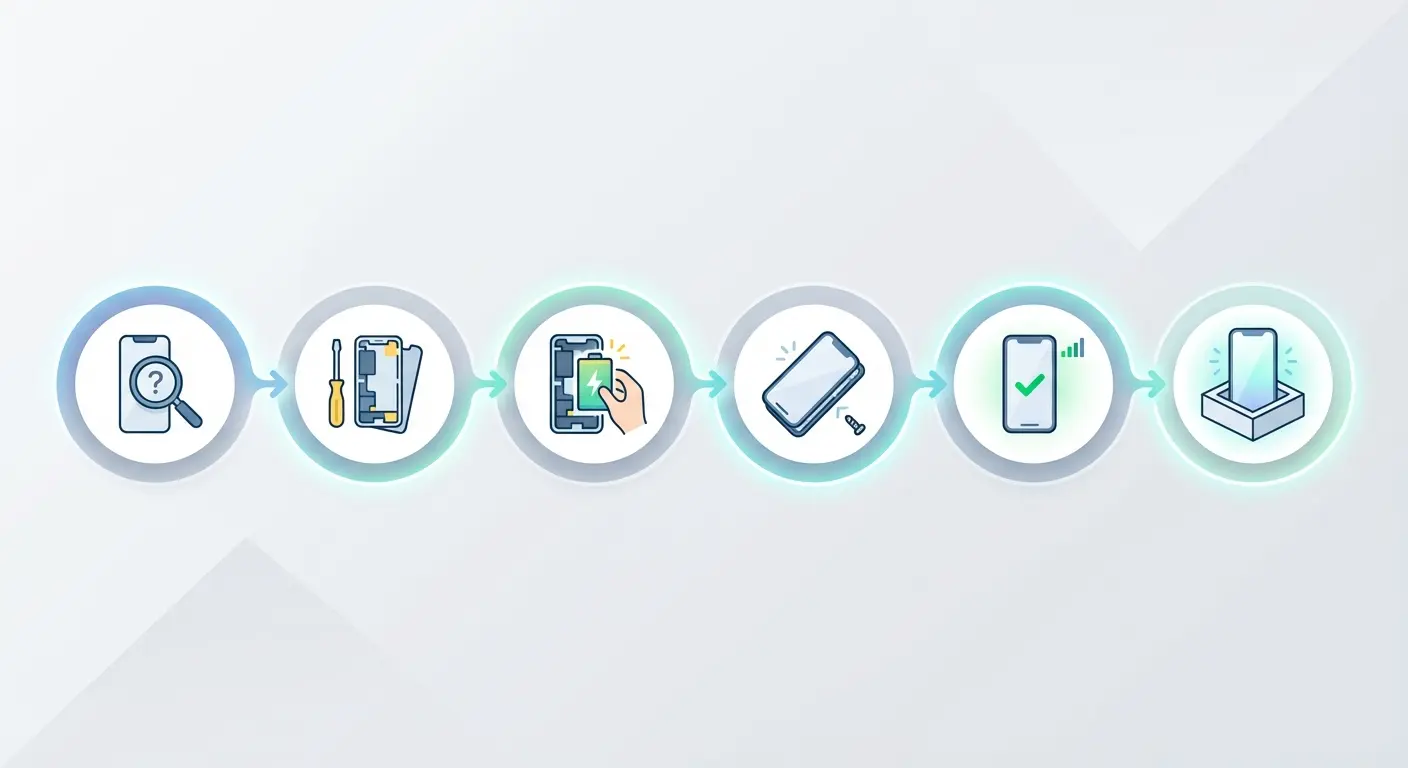
Here's where it gets messy: if diagnostics reveal multiple issues (cracked screen *and* battery below 80% health), you're looking at a whole new timeline. The tech needs to quote you for both repairs, get your approval, potentially order additional parts.
Repair Stage |
What They Say |
What Actually Happens |
Reality Check |
|---|---|---|---|
Initial Diagnostic |
"About an hour" |
1-4 hours |
Queue wait, system tests, tech assessment |
Parts Check |
Immediate |
Same day to 3-5 days |
Inventory verification, ordering, shipping |
Repair Authorization |
5-10 minutes |
30-60 minutes |
Quote generation, approval, payment processing |
Actual Repair Work |
"1-2 hours" |
2-4 hours |
Disassembly, replacement, quality testing |
System Configuration |
Not mentioned |
30-90 minutes |
Parts pairing, software validation, functionality checks |
Total In-Store |
"Same day" |
1-3 days |
Drop-off to pickup |
Total Mail-In |
"5-7 days" |
6-12 days |
Including shipping both ways |
Parts Availability and the 3-5 Day Standard Window
Apple Stores stock common replacement parts for current and previous-generation devices. "Common" doesn't mean "all." Got an iPhone 14 Pro in Deep Purple, and the store only has screen assemblies for Space Black and Silver? You're waiting for a parts shipment.
Most Apple Store repairs requiring parts ordering take 3-5 business days. That's three to five days *without your phone*, unless you're willing to pay for Express Replacement Service (which requires a hold on your credit card for the full device value, typically $800-1200).
Mail-in repairs through Apple's repair center? Even longer. You ship your device (1-2 days), they receive and diagnose it (1-2 days), perform the repair (1-2 days), ship it back (1-2 days). You're looking at 6-10 days minimum, sometimes 12 if anything goes wrong.
Understanding what happens during your repair window helps you plan. Most people underestimate the time commitment and find themselves scrambling without their primary communication device for nearly a week.
Parts Pairing and Serialization: The Repair Restriction You Didn't Know Existed
Apple introduced parts pairing starting with the iPhone 12, and it's gotten more restrictive with each generation. Every major component in your iPhone (screen, battery, camera, Face ID module) contains a serial number that's cryptographically paired to your device's logic board.
In 2024, iFixit retroactively dropped the iPhone 14's repairability score from 7 out of 10 to 4 out of 10, citing that "most major repairs on modern iPhones require Apple approval" and that "several repair professionals have told us they're leaving the business entirely rather than navigate the labyrinthine maze of obstacles that Apple has erected."
This parts pairing bullshit (and yeah, it's bullshit) is designed to lock you into Apple's ecosystem.
Why Genuine Parts Still Trigger Warning Messages
You might think using an authentic Apple screen from another iPhone would work perfectly. It won't. Even if a repair shop sources a genuine Apple display assembly from a donor device, installing it triggers a "non-genuine part" warning that persists in your settings indefinitely.
The part itself functions normally. Face ID works, True Tone works, touch response is perfect. But your iPhone knows it wasn't paired through Apple's proprietary System Configuration tool, which only authorized service providers can access.
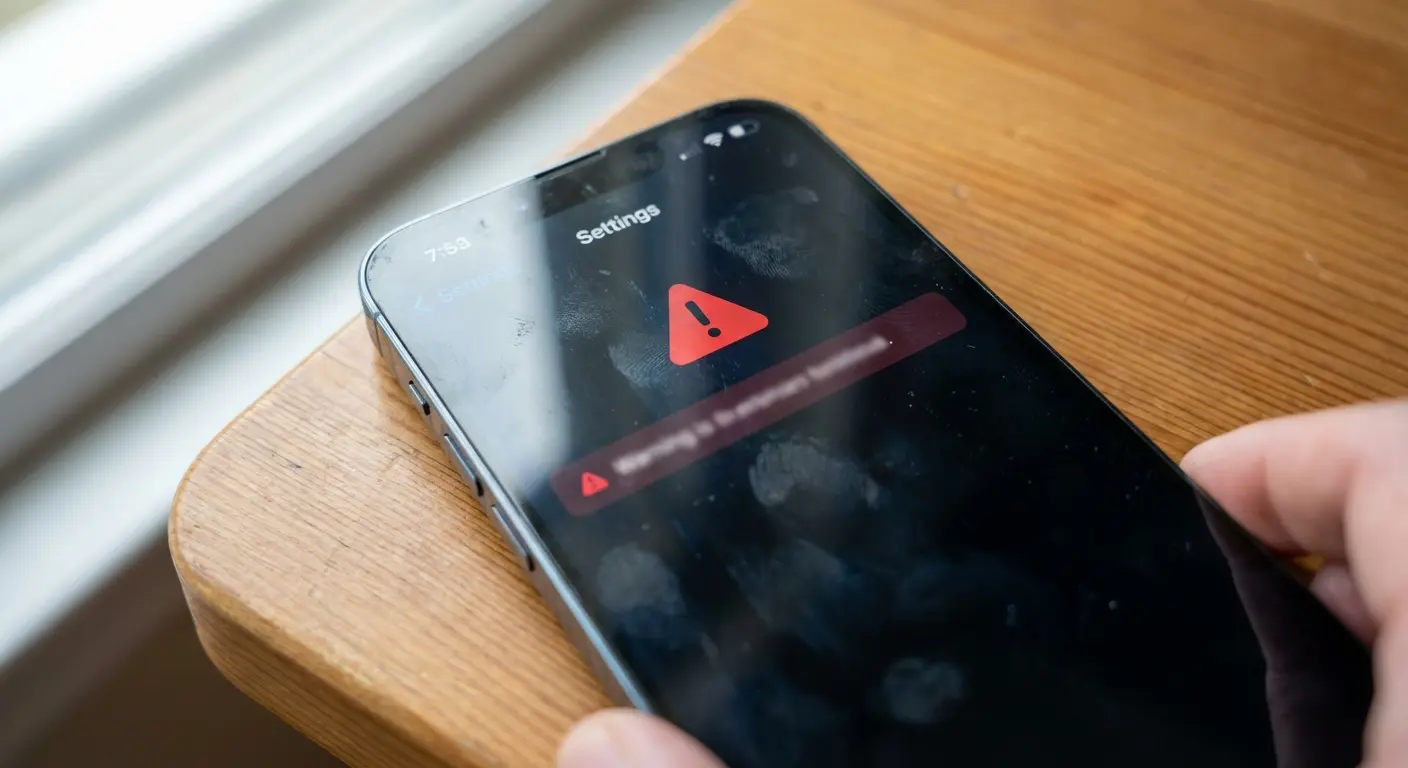
A repair tech in Portland had an iPhone 13 with a cracked screen from a customer wanting to keep costs down. The tech had a perfect, genuine Apple screen assembly salvaged from an iPhone 13 with water damage to the logic board. Common practice that had worked for years. After installation, everything functioned flawlessly, but the customer's phone displayed a persistent "Unable to verify this iPhone has a genuine Apple display" message in Settings.
Customer returned, upset, assuming they'd been sold a counterfeit part. Despite showing proof that the screen came from another genuine iPhone, the tech had to explain that Apple's serialization made even authentic parts appear "non-genuine" without their software blessing.
Battery replacements? Even worse. A genuine Apple battery installed by a skilled independent tech will work, but your iPhone displays a "Service" message in the battery health section. Forever. Even though the battery is identical to what Apple would install.
How This Affects Your Repair Options and Costs
Parts pairing kills the used parts market for repairs. You can't salvage a perfect screen from a phone with a dead logic board and install it in your phone with a cracked screen. This was common practice for affordable repairs, but Apple's serialization makes it technically impossible without their blessing.
Third-party repair shops now face a choice: become Apple Authorized Service Providers (expensive certification, inventory commitments, agreement to Apple's pricing structures), or accept that their repairs will trigger warning messages even when done perfectly.
The result? Fewer independent repair options, higher prices across the board, less competition to keep Apple's own repair costs in check. The right-to-repair movement has pushed back, leading to some policy changes, but parts pairing remains standard practice.
Before You Book That Genius Bar Appointment: Questions That Save Time and Money
Walking into an Apple Store unprepared means accepting whatever solution they propose. You need specific information before you authorize any repair.
Pre-Appointment Prep (Don't Skip This):
Search "iPhone [your model] Quality Program" on Apple's support website
Document current issues with photos and videos showing the problem
Verify your warranty status at checkcoverage.apple.com using your serial number
Back up your device twice (iCloud *and* computer) and verify backup completion
Note your device's current condition: battery health percentage, storage capacity used, any existing cosmetic damage
Screenshot important settings, app arrangements, custom configurations
Remove personal items from your case and disable Find My iPhone
Write down your passcode and Apple ID credentials separately (you'll need to provide passcode for diagnostics)
Research current trade-in value of your device to compare against repair costs
Identify your nearest Apple Authorized Service Provider as a comparison option
Is This a Known Manufacturing Defect?
Apple rarely advertises widespread issues, but they do run Quality Programs for specific defects. iPhone 12 had a known issue with sound problems during calls. iPhone 11 had a display module problem causing touch issues. These repairs are free, even out of warranty, but only if you know to ask.
Search "iPhone [your model] Quality Program" before your appointment. Apple's support website lists active programs, but techs won't always volunteer this information unless you specifically mention the program by name.
Seriously. They won't bring it up.
What's Covered Under Limited Warranty vs. AppleCare+?
Your one-year limited warranty covers manufacturing defects and hardware failures not caused by damage. Cracked screens, water damage, bent frames? Don't qualify. If your phone randomly stopped charging and shows no physical damage, that's likely warranty-covered.
AppleCare+ extends coverage to two years and adds accidental damage protection, but with caveats. You get two incidents of accidental damage coverage per 12-month period, each subject to a service fee ($29 for screen damage, $99 for other damage on most models). After your two incidents? You're paying full out-of-warranty prices.
Request a Complete Diagnostic Before Approving Repairs
Techs often focus on the obvious issue you came in for. Your screen's cracked, so they quote screen replacement. But what if your battery's also at 75% health? Or your charging port's showing signs of corrosion?
Ask for a complete diagnostic report before approving any repairs. If multiple components need attention, you can make an informed decision about whether repair makes financial sense or if you should consider replacement.
Document Everything: Photos, Serial Numbers, Condition
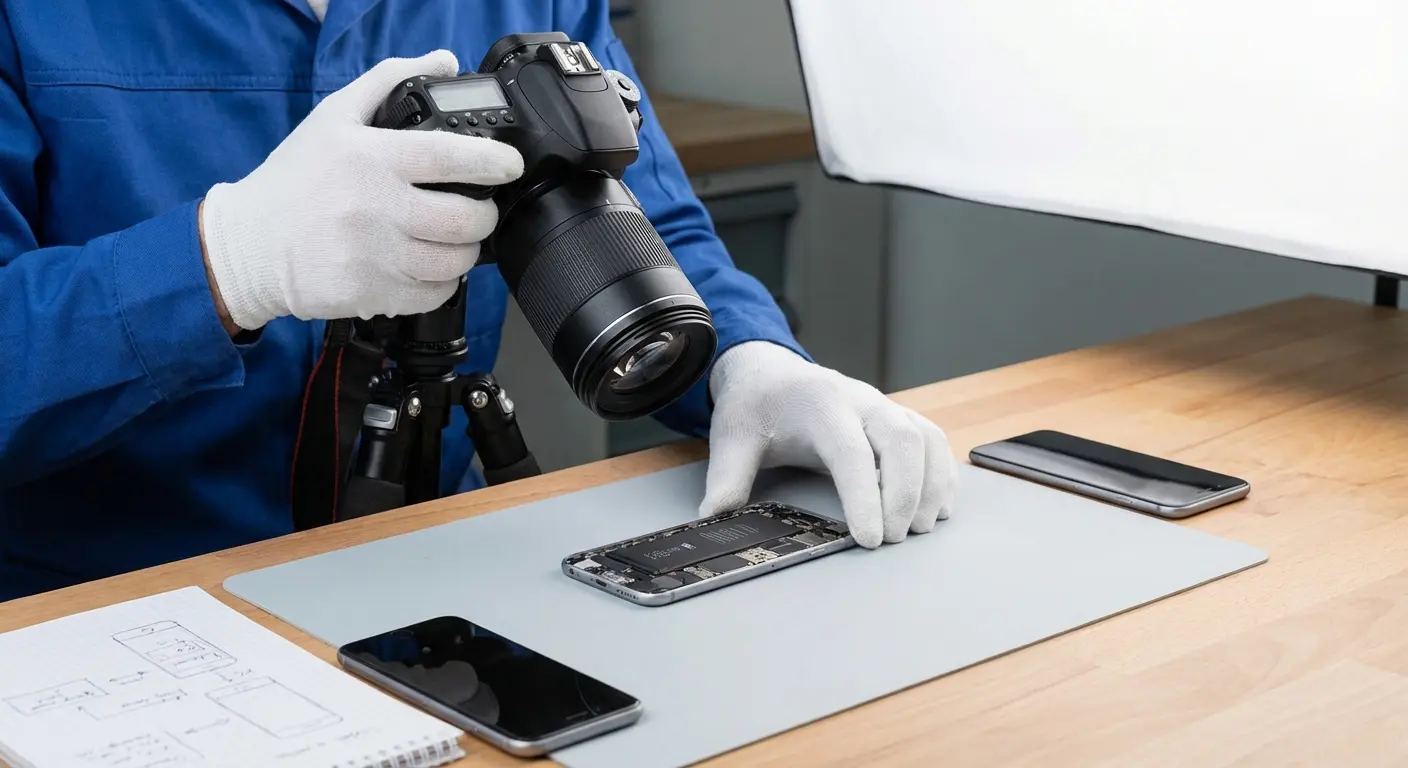
Take detailed photos of your device before handing it over. Every angle, any existing scratches or dents, your device's current functionality. Note your serial number and IMEI separately.
This protects you if additional damage occurs during repair or if your device gets mixed up with another customer's. Apple's systems are good, but mistakes happen. Your documentation is your insurance policy.
When dealing with Apple support, having comprehensive documentation can make the difference between a smooth resolution and a frustrating back-and-forth. Whether you're working with support through the Genius Bar or remotely, proper documentation protects your interests and speeds up the process.
The Real Cost Analysis: Repair vs. Replace vs. Protect From Day One
Most people evaluate repair costs in isolation. You crack your screen, you pay $279 to fix it, you move on. But device ownership isn't a single incident. It's a 2-4 year relationship with multiple risk events.
Apple reports that overall repairs for accidental damage have decreased by 44% since the introduction of improved enclosures starting with the iPhone 7 line-up, and when liquid ingress protection was introduced with iPhone 7 and iPhone 7 Plus, repairs for liquid damage decreased 75%. This proves that engineering improvements in durability directly reduce repair frequency.
Which makes you wonder why they don't just make them more durable in the first place. But I digress.
The Two-Year Ownership Cost Model
Your iPhone 15 Pro costs $999. Over two years of typical use, here's what the average user faces:
47% of users crack their screen at least once (average repair cost: $279-379)
23% experience a second screen crack within the same ownership period (another $279-379)
Battery replacement becomes necessary for 31% of users after 18-24 months ($99)
12% deal with camera lens cracks or scratches ($149-199 for rear camera repair)
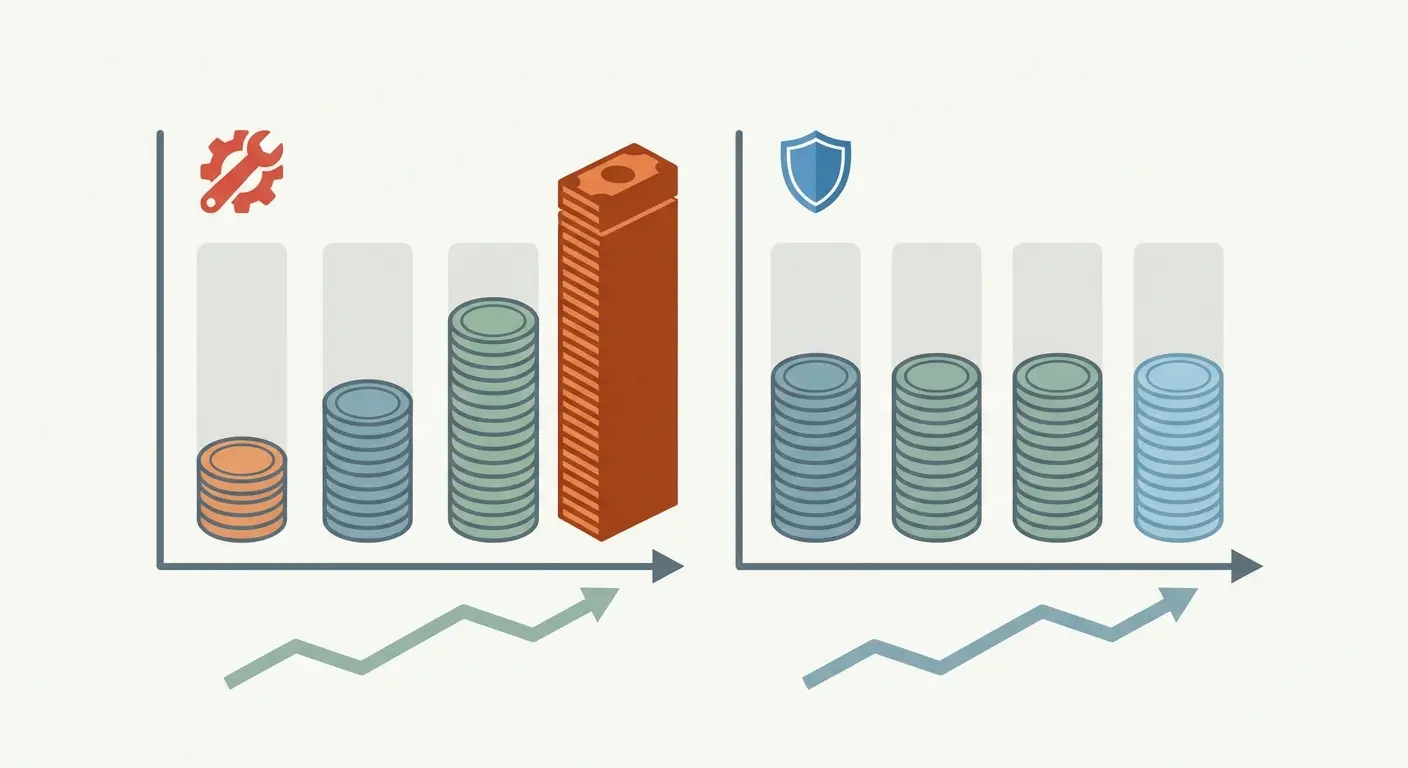
If you're in the unlucky half who cracks a screen, your total cost of ownership jumps to $1,278-1,378. Two cracks and a battery replacement? You're at $1,657-1,857 for a device that's worth maybe $400-500 as a trade-in.
Ownership Scenario |
Device Cost |
Repair Costs |
Total 2-Year Investment |
Resale Value |
Net Cost |
|---|---|---|---|---|---|
No damage (ideal case) |
$999 |
$0 |
$999 |
$500 |
$499 |
One screen crack |
$999 |
$329 |
$1,328 |
$450 |
$878 |
Two screen cracks |
$999 |
$658 |
$1,657 |
$400 |
$1,257 |
Screen + battery replacement |
$999 |
$428 |
$1,427 |
$425 |
$1,002 |
With AppleCare+ (2 incidents used) |
$999 |
$298 ($240 + $29 + $29) |
$1,297 |
$475 |
$822 |
With premium protection (no damage) |
$999 |
$0 (case: $180) |
$1,179 |
$550 |
$629 |
Why AppleCare+ Doesn't Solve the Math Problem
AppleCare+ costs $199 upfront (or $9.99/month) for two years of coverage. That's $239.76 if you go monthly. You still pay $29 per screen repair and $99 for other damage. Two screen repairs under AppleCare+ costs you $239.76 + $29 + $29 = $297.76.
Better than $558-758 for two out-of-warranty screen repairs, sure. But you're still paying nearly $300 for damage that proper protection could prevent entirely. And if you don't use your AppleCare+ incidents? You've paid $239.76 for nothing.
The Prevention Economics Nobody Talks About
A premium protective case costs $40-80. You'll likely buy 2-3 cases over two years as you change styles or wear them out. Total investment: $120-240.
Screen protectors run $20-40 for quality options. You might replace them 2-3 times over two years. Add another $60-120.
Total protection investment over two years: $180-360.
Compare that to the $297.76 minimum cost with AppleCare+ (if you use it twice), or the $1,278-1,857 cost without coverage. Protection costs 12-29% of what repairs cost, and it works 100% of the time, not just twice per year.
The math isn't even close.
What Makes a Phone Case Actually Protective (Not Just Pretty)
The phone case market is flooded with products that look protective but fail when it matters. Thick rubber bumpers, reinforced corners, "military-grade" claims slapped on cases that shatter on first impact.
Why Most Cases Fail the 6-Foot Drop Test
Your phone typically falls from hand height (3-4 feet) or pocket height while standing (4-5 feet). But real protection means surviving worst-case scenarios: dropping it while taking a photo above your head, knocking it off a counter, having it slip from your hand on stairs.
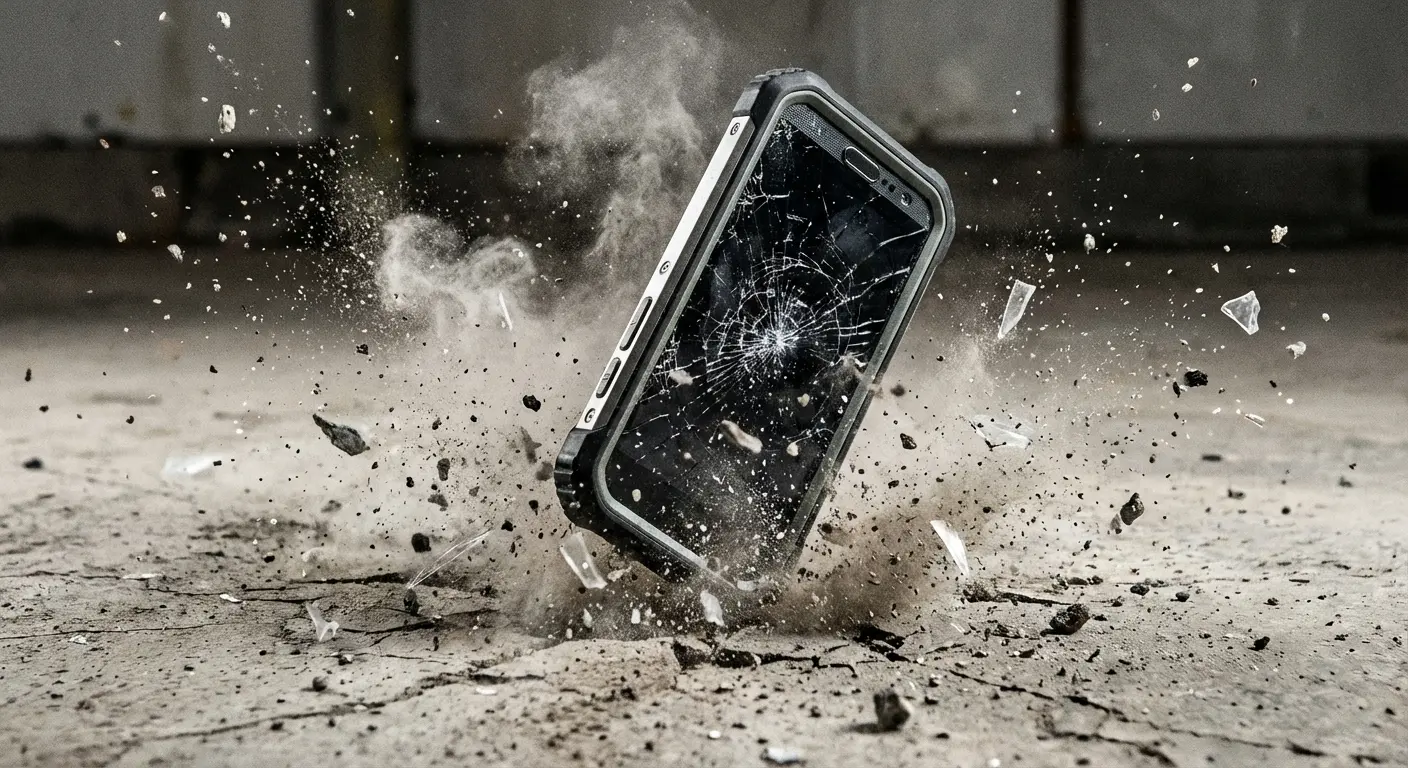
Most cases are tested at 4 feet onto a flat surface. Bare minimum. Real-world drops happen onto corners, edges, uneven surfaces that concentrate impact force into small areas. A case that passes a 4-foot flat drop might completely fail a 5-foot corner drop onto concrete.
The material matters enormously. Hard plastic shells look sleek but transfer impact energy directly to your device. They don't absorb shock, they deflect it. Soft silicone absorbs impact but lacks structural rigidity, allowing your phone to flex and bend inside the case.
The Engineering Behind Multi-Layer Protection
Effective protection requires multiple materials working together. A rigid outer shell distributes impact force across a larger surface area. A shock-absorbing inner layer (usually TPU or similar polymer) converts kinetic energy into heat through material deformation. Air gaps between layers provide additional cushioning space.
Think of it like a car's crumple zone. When a vehicle crashes, the front end deforms in a controlled way, absorbing energy over time and distance rather than transferring all the force instantly to the passenger cabin. A well-engineered phone case works the same way: the outer shell begins the energy absorption process, the TPU layer continues it through controlled compression, and the air gaps provide final cushioning. All happening in milliseconds during a drop.
A cheap single-material case is like a car with no crumple zone: all the impact energy goes straight to what you're trying to protect.
The case needs to extend beyond your screen surface (called a "raised lip" or "lay-on-the-table" design). Even 1-2mm of elevation prevents screen-to-surface contact during face-down drops. Without this, your screen protector (or worse, your bare screen) takes the full impact.
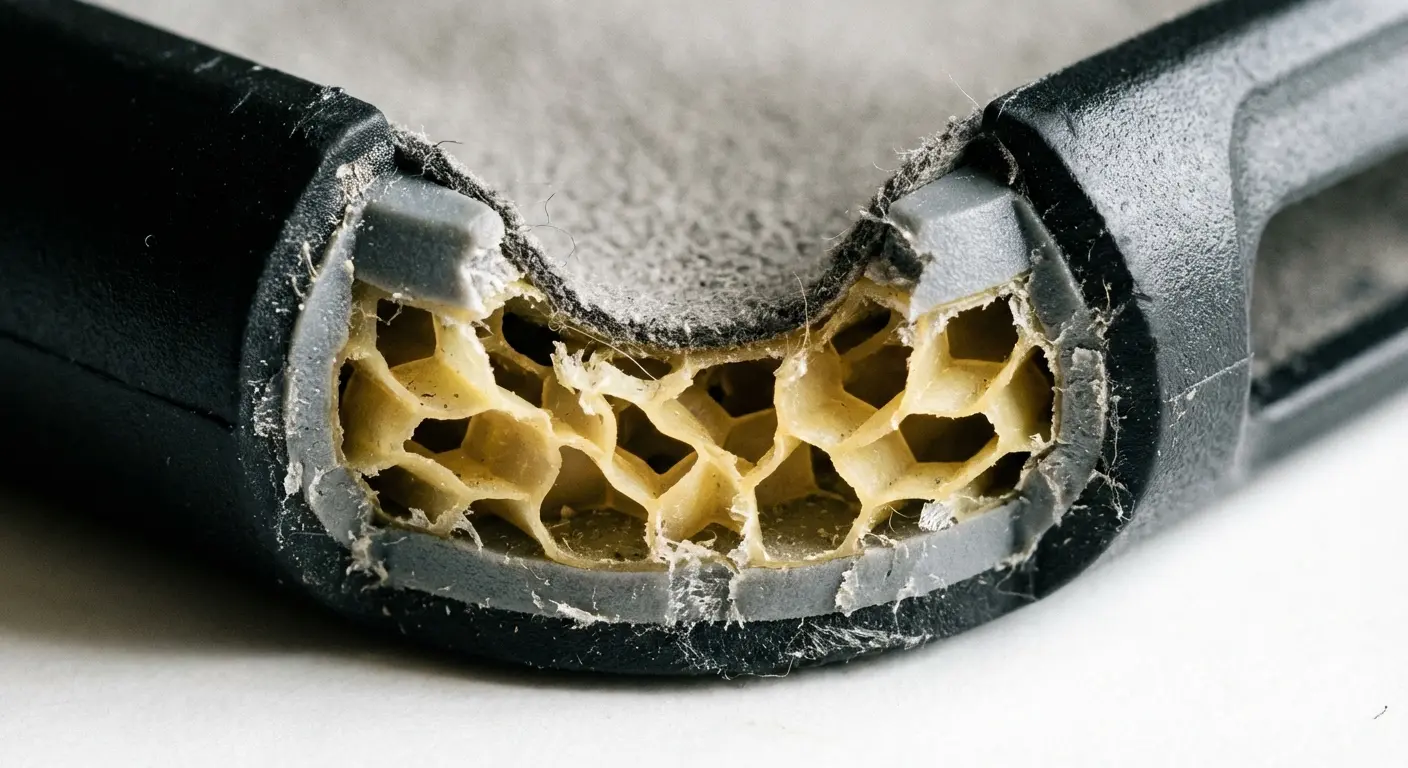
Corner reinforcement isn't just thicker material. Properly engineered corners use geometric structures (honeycomb patterns, ribbing, air pockets) that compress during impact, increasing the time over which deceleration occurs. This reduces peak force on your device.
Bezel Height and Screen Protection Integration
Your screen is your most expensive component to replace. Cases that claim protection but leave your screen vulnerable are missing the point entirely. The bezel (the raised edge around your screen) needs sufficient height to create a protective barrier during face-down impacts.
Insufficient bezel height is the most common failure point in otherwise decent cases. A 0.5mm raised edge might prevent scratches during normal use, but it won't protect against impact. You need at least 1.5-2mm of elevation to ensure your screen never contacts the ground during a drop.
Screen protector compatibility matters here too. Your case should work seamlessly with tempered glass protectors without creating gaps or pressure points that cause the protector to lift or crack prematurely.
Why Military-Grade Standards Matter More Than Marketing Claims
"Military-grade protection" appears on everything from $15 gas station cases to premium options. But MIL-STD-810G is an actual U.S. Department of Defense testing protocol with specific, measurable requirements.
Most of it's marketing BS. But when it's real? It actually means something.
What MIL-STD-810G Testing Involves
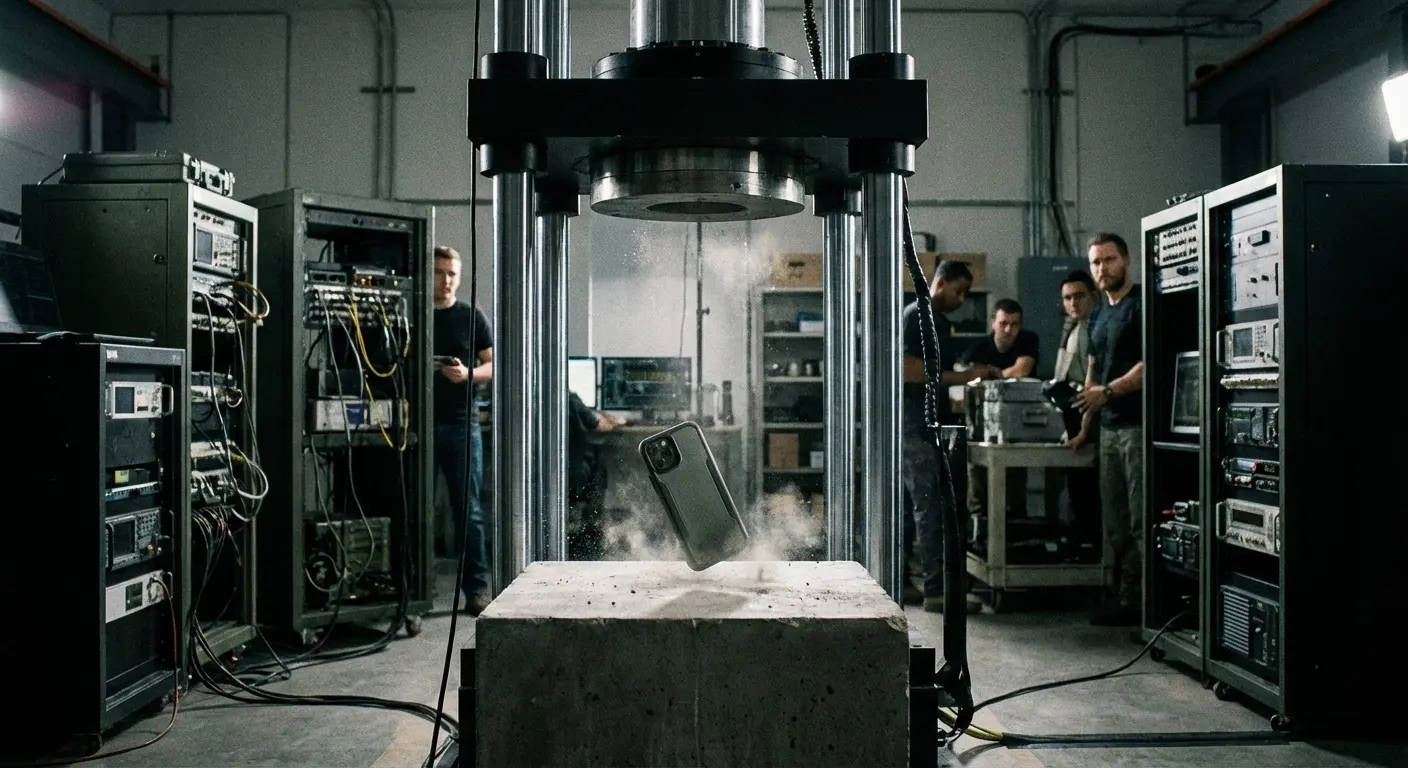
The standard requires 26 consecutive drops from 4 feet onto concrete, landing on each edge, corner, and face. The device must remain fully functional after all 26 drops. Not just powered on. Fully functional, with all features working as designed.
Temperature resistance testing exposes the product to -40°F to 160°F extremes. Humidity testing subjects it to 95% relative humidity at 140°F for extended periods. Vibration testing simulates the kind of sustained shaking equipment experiences during military transport.
These aren't theoretical standards. They're designed to ensure equipment survives combat conditions, vehicle transport across rough terrain, extreme environmental exposure. When a phone case meets MIL-STD-810G, it's been through hell and survived.
How to Verify Legitimate Certification
Here's the problem: anyone can claim military-grade protection. The term isn't regulated for commercial products. Brands can slap "military-grade" on packaging without ever submitting products for testing.
Military-Grade Verification Checklist:
When evaluating a case claiming military-grade protection, verify:
Specific standard mentioned: Does it say "MIL-STD-810G certified" or just "military-grade"?
Test report number: Can the manufacturer provide an actual test report number?
Testing laboratory: Which independent lab performed the testing (SGS, TÜV, UL)?
Documentation availability: Will they provide certification documents upon request?
Specific test methods passed: Which of the 29 MIL-STD-810G test methods did it pass?
Drop height specification: Does it specify 4-foot or 6-foot drop certification?
Surface type tested: Was it tested on concrete, wood, or unspecified surfaces?
Red flags that scream fake:
Vague terms like "military-inspired design" or "military-grade materials"
No mention of specific testing standards or methods
Refusal to provide documentation or test reports
Claims that seem too good to be true ("survives 50-foot drops")
No independent lab verification mentioned
Look for specific language: "MIL-STD-810G certified" or "tested to MIL-STD-810G standards." Legitimate manufacturers provide test report numbers or third-party verification. Vague claims like "military-grade materials" or "military-inspired design" mean absolutely nothing.
Independent testing labs like SGS, TÜV, or UL conduct MIL-STD-810G certification. If a brand claims certification, they should be able to tell you which lab performed the testing and provide documentation.
Why This Standard Matters for Your Daily Life
You're not jumping out of helicopters or crossing deserts, so why does military certification matter? Because the same forces that destroy equipment in combat zones exist in your daily routine.
That 6-foot drop requirement? That's your phone falling while you're on a ladder changing a light bulb. The temperature extremes? That's your phone in a hot car in summer or your pocket during winter activities. The vibration testing? That's your phone in a cup holder during your commute on rough roads.
Military standards account for the accumulated stress of repeated exposure, not just single incidents. Your phone might survive one 4-foot drop in a mediocre case, but will it survive the fifth? The tenth? MIL-STD-810G ensures it will.
Rokform's Engineering Advantage: Protection That Prevents Repair
Okay, here's where I pitch Rokform cases. I know, I know. But stick with me, because this actually ties into everything I just told you.
I've watched people bring cracked phones into Apple Stores for repairs that never should've happened. That's why we built Rokform around a simple principle: the best repair is the one you never need.
Following the March 2025 launch of the iPhone 17 series, Apple published repair manuals for the new devices through its Self Service Repair Store, making parts and instructions available. But self-repair still requires navigating Apple's parts pairing system and software validation, underscoring why prevention remains superior to even DIY repair.
Polycarbonate-TPU Fusion Construction
Our cases use a dual-layer system that addresses both impact distribution and shock absorption. The outer polycarbonate shell is rigid enough to spread impact force across the entire case structure, preventing localized stress points that crack screens. The inner TPU layer compresses during impact, extending the deceleration time and reducing peak force transmission to your device.
This isn't just thicker material. It's engineered geometry. Our corner reinforcements use a hexagonal structure that collapses progressively during impact, similar to how race car chassis are designed to absorb collision energy. Each corner can compress up to 4mm before the structure reaches your phone's actual corners.
We've tested this construction through 6-foot drops onto concrete (meeting MIL-STD-810G requirements) and through real-world abuse scenarios that don't appear in any testing protocol. Drops onto gravel, onto tile floors, onto asphalt from moving bicycles. The cases that leave our facility have survived impacts that would total an unprotected iPhone.
We literally threw phones off buildings. Multiple times. Because why not?
The RokLock Mounting System: Preventing Drops Before They Happen
Here's what most case manufacturers miss: protection isn't just about surviving drops. It's about preventing them. Our RokLock twist-lock mounting system keeps your phone secured to magnetic mounts in your car, on your bike, on your motorcycle, or anywhere else you need hands-free access.
You're not fumbling with your phone while driving. You're not balancing it precariously on your dashboard or in a flimsy vent clip. It's locked in place with 80+ pounds of magnetic hold force. The phone stays mounted through potholes, hard braking, aggressive cornering that would send other mounting solutions flying.
This matters for repair prevention because most phone damage happens during distracted handling. You're trying to check directions while walking, so you're not gripping securely. You're answering a call while getting out of your car, so the phone slips. Our mounting system eliminates entire categories of drop scenarios.
Raised Bezel Engineering and Screen Clearance
Our screen bezel extends 2.2mm beyond the surface of your screen and screen protector. This isn't arbitrary. We calculated the compression distance of our corner reinforcements during a 6-foot drop and ensured the bezel height exceeds the maximum compression by at least 0.5mm.
What this means in practice: even during the worst-case impact scenario our cases are designed to survive, your screen never contacts the ground. The physics don't allow it. The case structure bottoms out before screen contact becomes possible.
We've tested our cases with every major tempered glass screen protector on the market. The bezel height works with protection, not against it. You're not choosing between a protective case and a screen protector. You get both, working together as a complete protection system.
Why This Prevents the Repair Scenarios We've Discussed
Remember that $279-379 screen replacement cost? Our cases are designed specifically to prevent the impact forces that crack screens. The $99 battery replacement that becomes necessary when your phone overheats from sun exposure? Our cases include thermal dissipation channels that prevent heat buildup.
The $149-199 camera lens repair? Our camera bezel extends 1.5mm beyond your lenses, preventing surface contact and scratch damage. I've watched too many "protective" cases leave camera lenses exposed and vulnerable.
You can see our complete protection system and find the right case for your iPhone model at Rokform.com. We back everything with a lifetime warranty because we've engineered these cases to outlast your device's functional lifespan. The case that prevents your first repair will still be preventing your last one years from now.
What makes Rokform the top choice for protective phone cases isn't just one feature. It's the complete system. The MIL-STD-810G certification proves our cases can handle extreme conditions. The RokLock mounting system prevents the drops that other cases can only hope to survive. The dual-layer construction absorbs impacts that would destroy phones in lesser cases. And the precision engineering ensures every vulnerable component (screen, cameras, corners) gets the protection it needs.
We're not selling fashion accessories that happen to offer some protection. We're selling repair prevention systems that happen to look good doing it.
Screen Replacement Reality: Why "Easy Fixes" Aren't Always Easy
Screen replacement sounds straightforward. Glass broke, replace glass. But modern iPhone screens are integrated systems with multiple components that complicate every repair.
As of March 2025, Apple's Self Service Repair program now offers iPhone 17 parts, with back glass replacement costing $120.84 after core return credit and battery replacement at $99 before the $47.52 return credit. But even with official parts available, the technical complexity and parts pairing requirements mean most users still face the choice between expensive authorized repair or functionality-limiting DIY fixes.
The Screen Assembly Includes More Than Glass
Your iPhone screen assembly includes the OLED display panel, digitizer (touch sensor), Face ID dot projector array, ambient light sensor, True Tone sensor, proximity sensor, and front-facing camera. These components are calibrated together at the factory in ways that can't be perfectly replicated during repair.
True Tone adjusts your screen's color temperature based on ambient lighting. This feature requires calibration data stored in the display assembly. When you replace the screen, even with a genuine Apple part, True Tone often requires recalibration that only Apple's proprietary tools can perform. Third-party repairs frequently result in permanent True Tone loss.
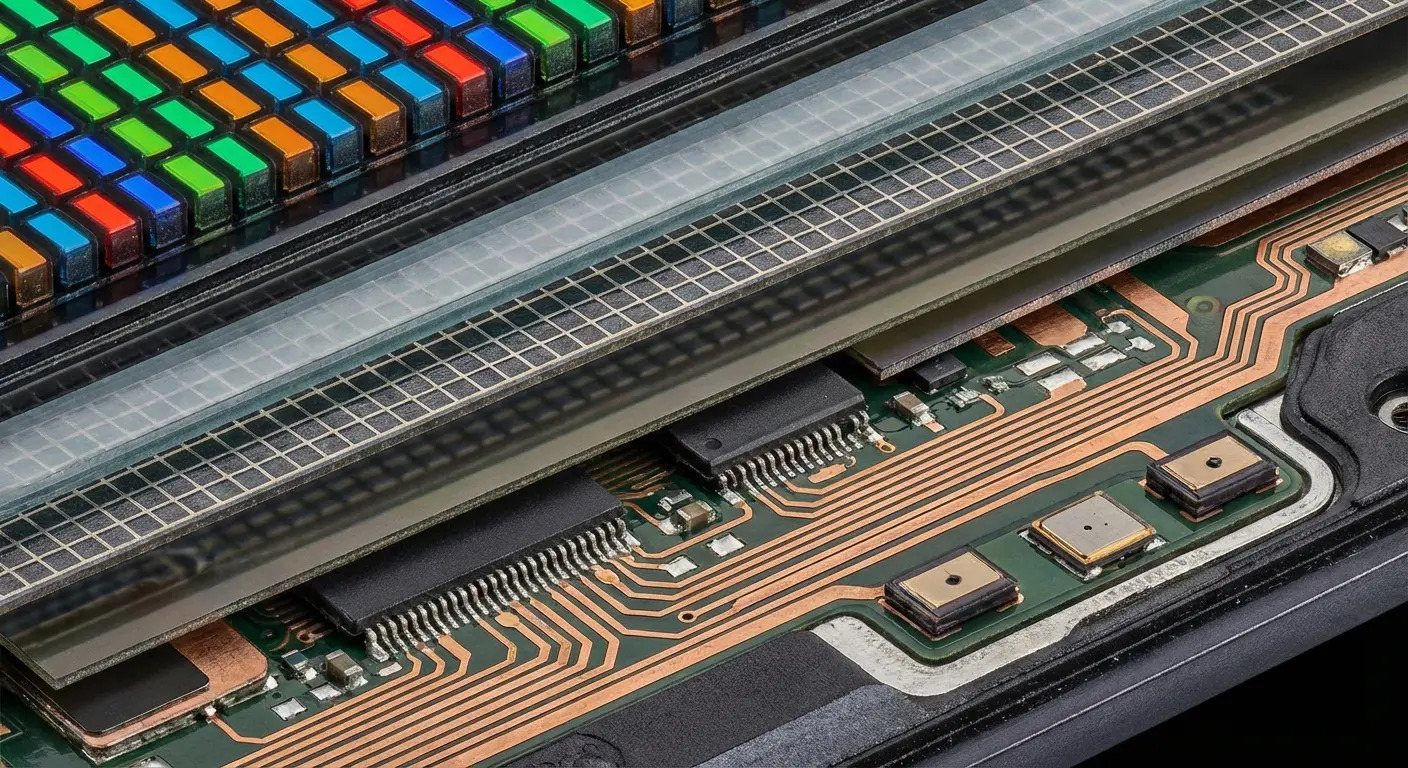
Face ID is even more sensitive. The dot projector is paired cryptographically to your device's Secure Enclave. If this component is damaged during screen replacement (which happens more often than repair shops admit), Face ID becomes permanently disabled. You can't just swap in a new Face ID module. It requires logic board-level microsoldering that few shops can perform reliably.
Why Aftermarket Screens Create Long-Term Problems
Aftermarket OLED panels seem identical to Apple's original screens, but quality varies dramatically. Lower-tier aftermarket screens use different OLED technology with inferior color accuracy, brightness, and longevity. You might not notice immediately, but six months later your screen looks washed out or develops burn-in that genuine Apple displays resist.
Touch sensitivity is another common failure point. Aftermarket digitizers often have higher touch rejection thresholds, meaning light taps don't register reliably. You find yourself pressing harder or tapping multiple times. This degrades the user experience in ways that are annoying but not quite severe enough to justify another repair.
My buddy Mike (freelance graphic designer in Austin) saved $150 by choosing an independent repair shop's aftermarket screen replacement for his iPhone 14 Pro. The repair looked perfect initially. No visible difference from the original. Three months later, he noticed his color-critical design work looked different on his phone than on his calibrated monitor. The aftermarket OLED had a green tint that became more pronounced over time. When he tried to sell the phone to upgrade, the buyer noticed the color shift immediately and offered $100 less than market value. His $150 savings cost him $100 in resale value plus months of inaccurate color representation for his professional work.
The bigger problem is durability. Aftermarket screen assemblies typically use different adhesive formulations and structural reinforcements. They might survive the installation process, but they're more prone to failure from subsequent impacts or stress. You repair your screen, then crack it again three months later because the replacement was inherently weaker.
What Apple Doesn't Tell You About Refurbished Assemblies
Apple's own screen replacements aren't always brand new parts. They use refurbished assemblies that include your phone's original Face ID components transplanted into a new screen. This preserves Face ID functionality, but it means the "new" screen includes used components.
Refurbished parts are tested and certified, but they've already lived one lifecycle. The OLED panel might have 6-12 months of use already logged. You're not getting the same lifespan you'd get from a truly new assembly, but you're paying new assembly prices.
This isn't necessarily bad (refurbished Apple parts are still higher quality than most aftermarket options), but it's information Apple doesn't volunteer. You assume you're getting new components. You're getting functional components, which isn't quite the same thing.
Final Thoughts
Here's the thing nobody tells you: you don't have to play Apple's repair game. Every cracked screen, every $300 repair bill, every week without your phone... all of it's avoidable.
The repair industry thrives because device damage is treated as inevitable. Apple's built a multi-billion dollar service ecosystem on this assumption. Third-party repair shops, insurance programs, AppleCare+... they all exist because we accept that phones will break.
But damage isn't inevitable. It's the result of inadequate protection, distracted handling, and mounting solutions that fail when you need them most. Every cracked screen represents a prevention failure, not an unavoidable accident.
You now understand what happens behind the scenes when you book that Genius Bar appointment. The parts pairing restrictions that kill your options. The timeline that extends days beyond what you're initially told. The cost structure designed to make replacement seem reasonable. The quality compromises that come with aftermarket repairs and the functionality losses that accompany even genuine repairs.
More importantly, you understand the economics. Protection costs a fraction of what repairs cost, and it works every time instead of just twice per year. Military-grade certification isn't marketing fluff when it's legitimate. It's the difference between surviving real-world impacts and failing when it matters.
Your iPhone is probably the most-used tool in your daily life. You're reading this on it right now, probably. So stop treating it like it's indestructible and then acting surprised when you're out $300 for a new screen.
Get a real case. Not a cute one, not a cheap one... a real one that'll actually protect your phone when (not if) you drop it.
Before you walk into an Apple Store for your next repair consultation, ask yourself: would investing in real protection have prevented this trip entirely?
The answer's almost always yes. And now that you know what repair truly costs (in time, money, and functionality), you can make the choice that saves you from ever needing one again.
Or don't, and I'll see you at the Genius Bar in a few months, wondering why Apple's charging you half the cost of a new phone to fix your old one.
Your call.

