I recently read a pretty staggering take that suggested your phone is basically a pocket AI studio now. That really hit home for me last week. I left my laptop charger at the office and ended up having to run an entire marketing campaign from the backseat of an Uber. At that moment, my Android wasn't just a backup device; it was the main event.
We aren't just talking about chatbots here. We are looking at the apps that actually change how you work, create, and learn. Whether you are hunting for the best artificial intelligence app to organize your chaotic schedule, curating a list of the best ai apps for android to get actual work done, or trying to render ai video while waiting for your coffee, this list covers the tools that turn a smartphone into a powerhouse.

Table of Contents
Below, we’ll break down the criteria for picking software that doesn't suck, and then dive into the top twenty-five tools actually worth the storage space. From personal assistants to video generators, we’ve got it covered. Finally, we’ll talk about how to keep your phone from melting while running these power-hungry programs.
Considerations for Choosing the Best AI Apps for Android
-
The 25 Best AI Apps for Android
Knowledge, Search & Personal Assistants
Visual Creativity & Video Generation
Writing & Productivity
Education & Learning
Audio, Speech & Transcription
Photography & Editing
Powering and Protecting Your AI Experience with Rokform
Final Thoughts
TL;DR
If you want the quick takeaways without the deep dive, here is the cheat sheet on the current Android AI landscape.
Feature Category |
Top Priority |
The Honest Truth |
|---|---|---|
Integration |
System-Level Access |
Apps that work over other apps (like Grammarly) save you from the copy-paste nightmare. |
Processing |
Hybrid (Cloud + Local) |
You need a balance. Local is private, but Cloud is powerful. |
Hardware |
Thermal Management |
AI gets hot. If your case traps heat, your phone will slow down. Period. |
Verification |
Citation Capabilities |
Tools like Perplexity cite sources. ChatGPT is creative, but it can still hallucinate facts. |
Integration Matters: The best apps feel like part of your OS, not just a standalone tool you have to open constantly.
Battery Demand: Local processing is great for privacy, but it eats battery. Cloud saves battery but needs a signal. Pick your poison.
Verification is Key: AI lies sometimes. Always check the facts, especially with generative text.
Hardware Protection: High-intensity AI tasks generate serious heat. You need a mounting and charging setup that can handle it.
Top Picks: Google Gemini, Perplexity AI, and ChatGPT are still the heavy hitters for general help.
Considerations for Choosing the Best AI Apps for Android
Before you fill your storage with every trending tool, you need to filter through the noise. I look for specific markers of quality that separate a gimmick from a daily driver. We’re looking at integration, power consumption, privacy, and—most importantly—accuracy.
While a lot of people are just looking for entertainment or the top 17 Android games to look for to push their device's performance, productivity apps require just as much horsepower. A poorly optimized AI tool can drain your battery faster than a high-end game, so choosing software that balances capability with efficiency is vital.
The 25 Best AI Apps for Android
We curated this list based on utility, innovation, and reliability. These cover every aspect of digital life, ensuring you have the right tool for the job.
Knowledge, Search & Personal Assistants
These are the tools that replace traditional search engines and basic organizers. They don't just find links; they give answers. To keep these handy, many users customize their home screens using the best Android widgets for your Galaxy S22 Ultra or similar devices, placing knowledge just a tap away.
1. Google Gemini
Gemini is the native heart of the modern Android experience. It takes the old Assistant and gives it a brain transplant. It’s multimodal, meaning it understands text, images, and voice simultaneously. You can use it to screen calls, summarize emails, and plan trips without ever app-switching.
2. Perplexity AI
Perplexity AI isn't just a chatbot; it's an answer engine. It browses the live web to provide up-to-date answers and, crucially, includes cited footnotes. I find this indispensable for research where being wrong isn't an option.
Imagine you are writing a report on current market trends. Instead of Googling ten different articles, ask perplexityai: "Summarize the top 3 trends in renewable energy for Q3 2024 with citations." It gives you the summary and the receipts (Bloomberg, Reuters, etc.), so you can verify the data instantly.
3. ChatGPT (OpenAI)
The industry standard is still a powerhouse on mobile. The Android app features Advanced Voice Mode for real-time conversation and vision capabilities that analyze photos you take. It sets the benchmark for reasoning and coding tasks on the go.
4. Microsoft Copilot
If you live in Excel or Outlook, Copilot is the logical choice. It’s powered by GPT-4 and plugs right into the Microsoft ecosystem. Plus, it gives you free image generation via DALL-E 3, which is a nice bonus.
5. Pi (Inflection AI)
Pi is a bit different. It focuses on emotional intelligence and supportive conversation. It remembers details about your life to offer advice or simply listen. It’s less of a data processor and more of a sounding board to help you get mental clarity.
Visual Creativity & Video Generation
This is where your phone really starts to feel like a supercomputer. We are talking about apps that generate video from text, design graphics, and create art. This is where the best ai video generators truly shine, allowing you to produce ai video content directly from your pocket.
App Name |
Best Used For |
The Heavy Lifting |
|---|---|---|
Runway |
Text-to-Video, Animation |
High (Cloud-based, needs strong Wi-Fi) |
Canva |
Social Media Graphics, Marketing |
Medium (Cloud-based) |
Midjourney |
High-Art Image Generation |
Low (Text commands via Discord) |
CapCut |
Short-form Video Editing (TikTok) |
Medium-High (Local rendering) |
Luma |
Realistic 3D/Physics Video |
High (Cloud-based) |
6. Runway
Runway is leading the pack in ai video generation. The Android companion app lets you generate videos from text prompts or animate static images. It requires a strong internet connection because the processing is intense, but the results are cinematic. If you need to create ai video assets on the fly, this is the one.
7. Canva
Canva’s "Magic Studio" democratizes design. You can generate images, expand backgrounds, and edit video clips just by typing what you want. You don't need a degree in graphic design to make professional social assets anymore.
8. Midjourney (via Discord)
Midjourney is still the gold standard for artistic images, even though you have to run it through Discord on Android. It’s a bit clunky to use chat commands, but the texture and lighting quality are honestly unmatched by other mobile generators.
9. CapCut
CapCut dominates the short-form video space for TikTok and Reels. It’s packed with AI, including auto-captions, avatars, and script-to-video generation. While the AI handles the edit, knowing the top 6 smartphone video tips for lighting and stability ensures your raw footage is actually good enough for the ai video algorithms to work with.
Using ai video features like auto-framing requires a steady hand or a solid mount, which we will touch on later.
10. Luma Dream Machine
Luma Dream Machine specializes in creating high-quality, realistic physics in generated video clips. It pushes the boundaries of mobile video creation, allowing for complex motion and realistic environments from your phone. It is a prime example of how ai video technology is evolving rapidly.
Writing & Productivity
These apps streamline your workflow, clean up your messy drafts, and organize your thoughts. Essential for keeping it professional when you're working remotely.
11. Grammarly
The Grammarly keyboard rewrites sentences for tone, clarity, and conciseness directly in whatever app you are using. It works across email, Slack, and social media. It's a lifesaver for business comms.
12. Notion
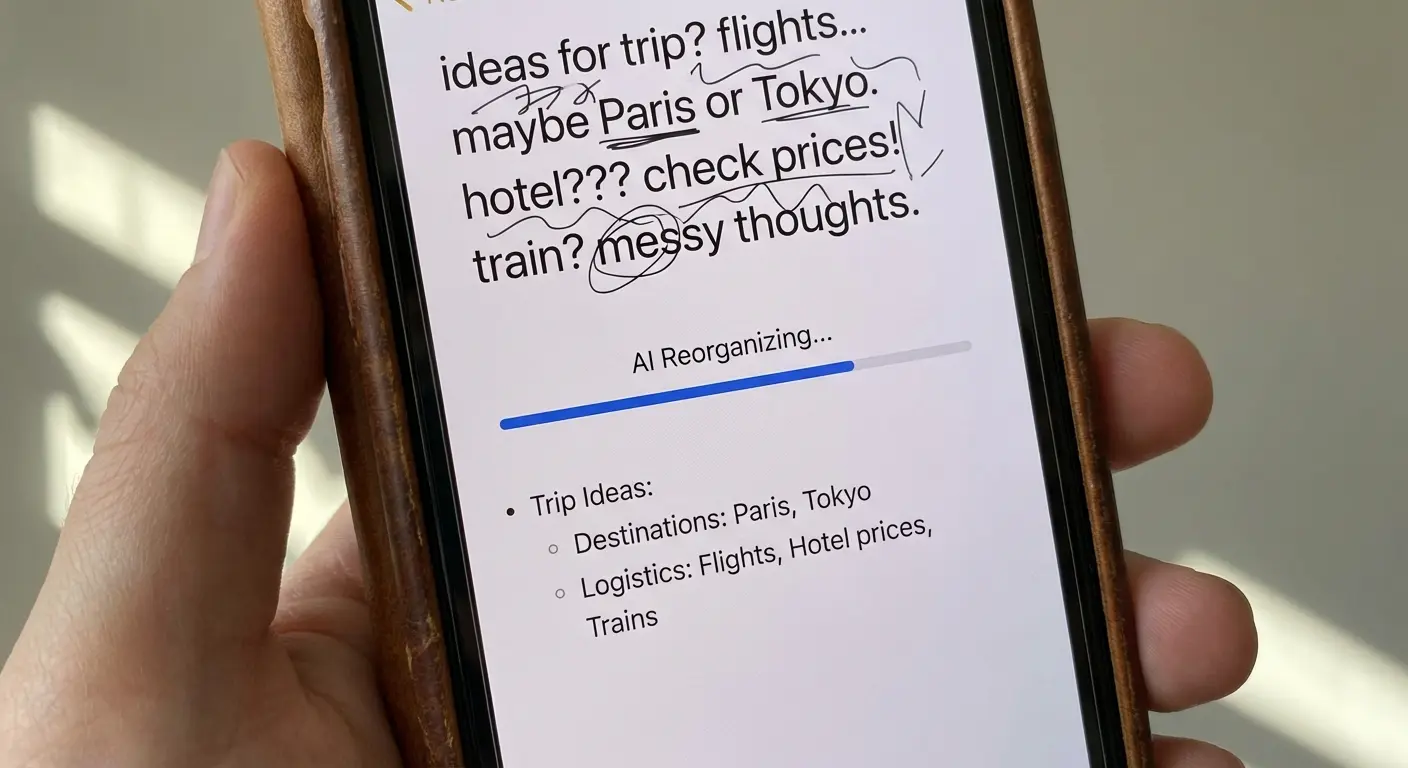
Notion AI transforms your notes into structured data. It summarizes messy meeting notes, generates action items, and drafts project pages. It excels at turning chaotic thoughts into organized plans.
13. Taskade
Taskade uses AI agents to perform tasks autonomously. It goes beyond text generation to actually research topics and add them to your to-do lists. It functions as a proactive productivity tool rather than a passive note-taker.
14. SwiftKey (Microsoft)
SwiftKey integrates Copilot directly into your keyboard. You can generate text or search the web without ever leaving your messaging app. It significantly enhances typing speed and prediction accuracy.
Education & Learning
These apps use AI to personalize the learning process. They adapt to your pace and provide instant feedback, making education feel less like a chore.
15. Duolingo
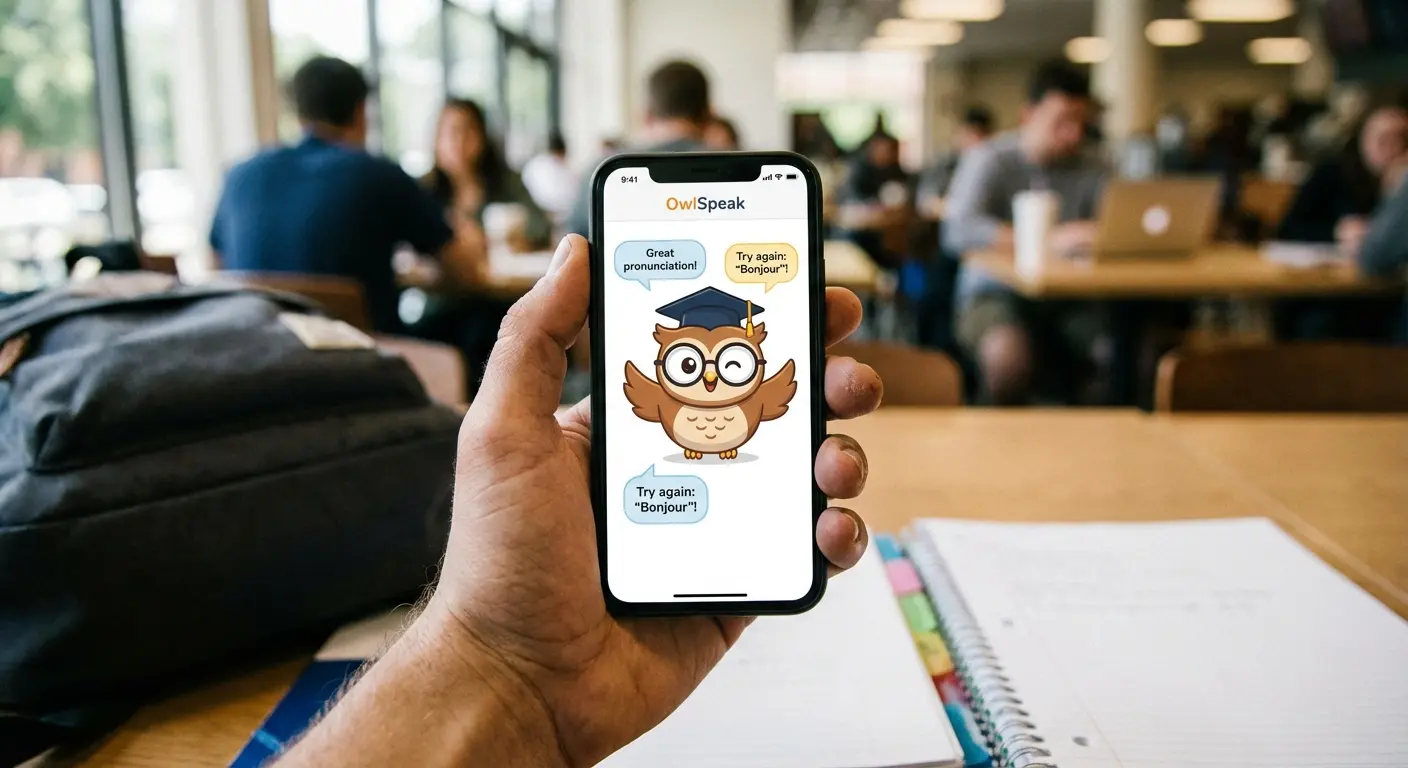
Duolingo Max uses AI to roleplay real-world conversations. It explains exactly why an answer was wrong, mimicking the feedback loop of a human tutor.
16. ELSA Speak
ELSA Speak acts as a pronunciation coach. It listens to your speech and provides precise phonetic feedback to help reduce accents. The voice recognition technology is highly accurate and tailored for language learners.
17. Socratic by Google
Socratic allows you to take a photo of a homework problem and receive step-by-step teaching instructions. It covers subjects like Math, Chemistry, and History. Incredible for visual learners who need immediate help.
18. Character.ai
Character.ai lets you interact with personas of historical figures, fictional characters, or language tutors. It offers infinite possibilities for roleplay-based learning and creative exploration.
Audio, Speech & Transcription
We selected these apps for their ability to process spoken word and music. They save time by converting audio to text (or vice versa) with high accuracy.
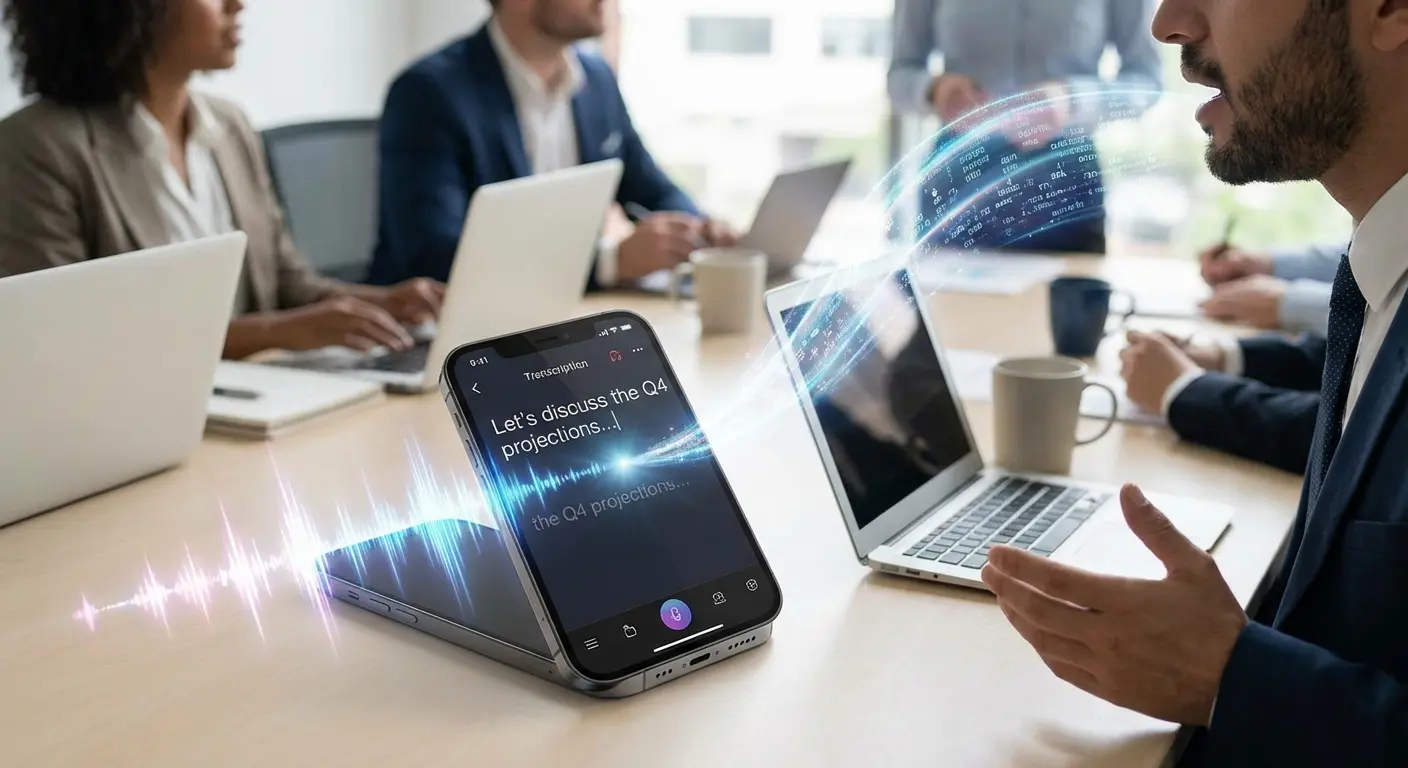
19. Otter.ai
Otter.ai joins your meetings to record audio and generate searchable transcripts. It identifies different speakers and saves hours of manual note-taking.
During a client lunch where taking notes is rude or difficult, place your phone on the table with Otter.ai running. The app will differentiate between you and the client. Later, you can ask the AI, "What were the client's three main concerns regarding the budget?" and it will extract those specific points from the hour-long conversation.
20. Speechify
Speechify converts text from PDFs, web pages, or books into high-quality audio. It uses celebrity voices to make listening engaging. Huge benefit for auditory learners or anyone with a long commute.
21. SoundHound
SoundHound goes beyond song identification. Its voice interface allows for complex queries about music history and lyrics. It provides a faster and more conversational experience than standard voice assistants when dealing with music.
Photography & Editing
These tools use generative tech to enhance and manipulate photos. They allow for professional-grade editing without the need for desktop software.
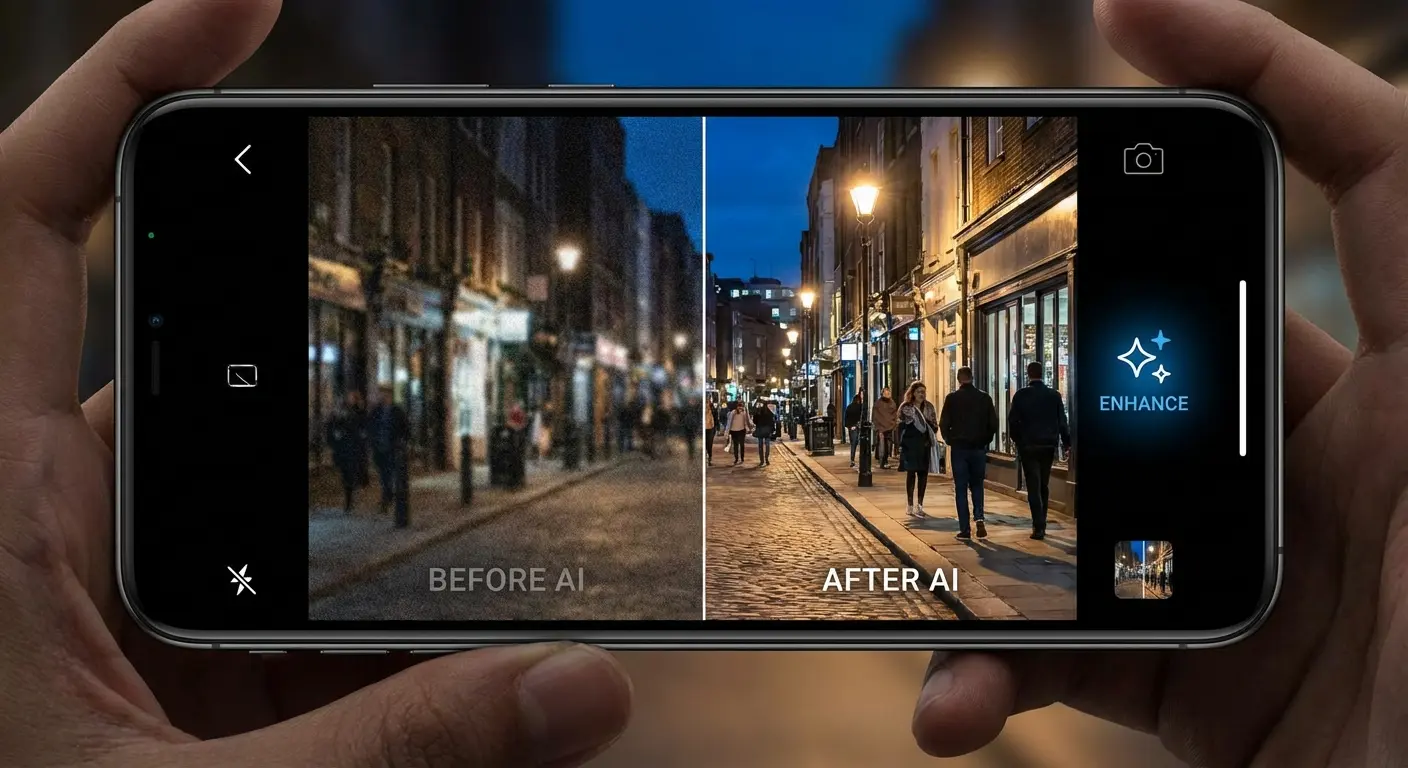
22. Google Photos
Google Photos features the "Magic Editor," which allows you to move subjects, change skies, or erase intruders. It comes pre-installed on most Androids and offers seamless cloud backup.
23. Adobe Lightroom
Lightroom uses AI to detect subjects and backgrounds separately. This allows for professional masking and lighting adjustments in seconds.
24. Lensa
Lensa is known for its "Magic Avatars" but also excels at facial retouching. It offers excellent tools for background replacement and portrait enhancement.
25. Photoroom
Photoroom is the standard for e-commerce photography. It instantly removes backgrounds and generates professional studio settings for products. Essential for online sellers.
Powering and Protecting Your AI Experience with Rokform
Here is the reality check: running these advanced applications pushes your phone to its absolute limits. Video generation and real-time processing are battery-intensive and generate a lot of heat. We bridge the gap between software potential and hardware reality.
When you are rendering ai video or running complex algorithms, your phone heats up. You need a system that keeps you operational.
Managing Battery Drain with Magnetic Charging
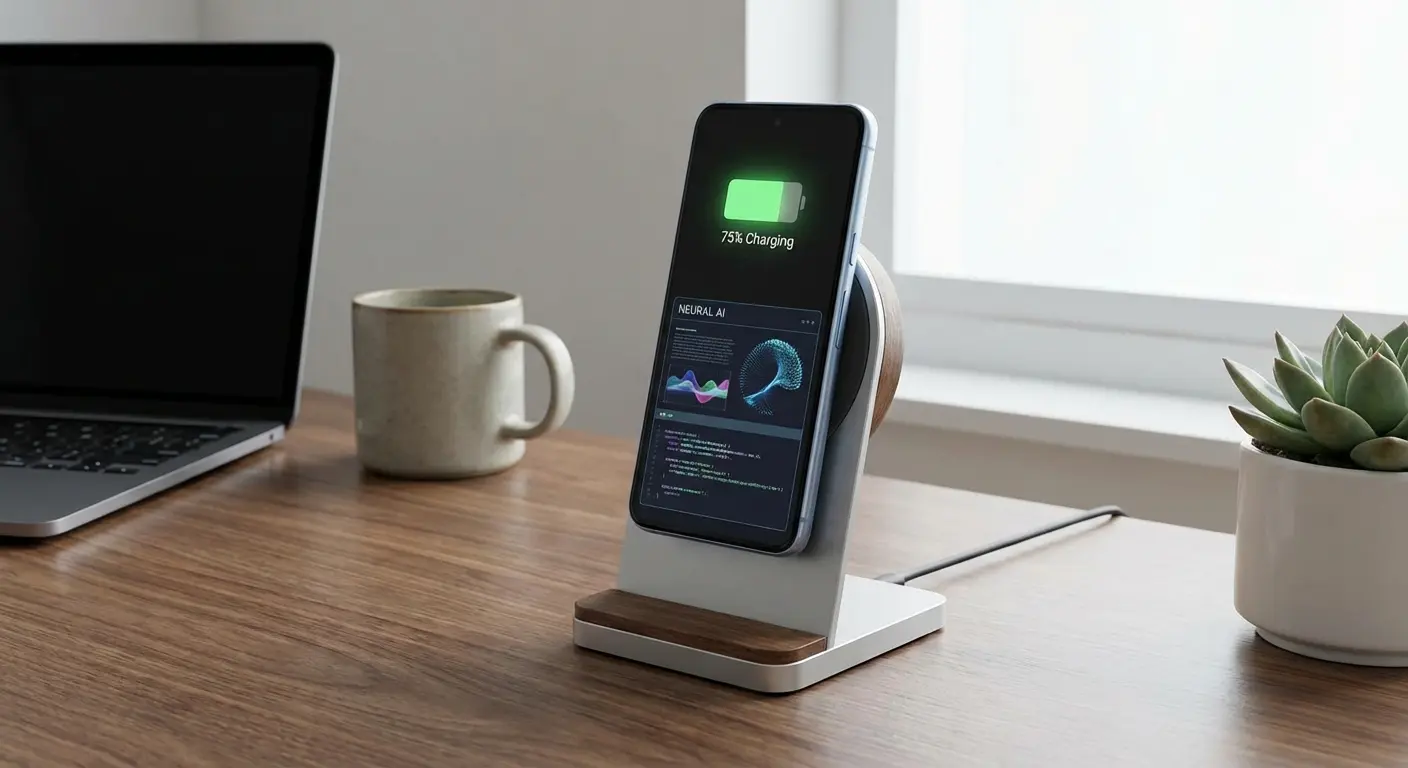
Apps like Perplexity and Runway chew through battery life. You cannot afford a dead phone when you are in the middle of a workflow. Understanding the pros and cons of wireless charging is crucial for power users; our Magnetic Wireless Charging Stand helps mitigate the heat and efficiency issues often associated with keeping your device visible and charged while running heavy tasks.
Securing Your Investment
You are likely using a high-end Android device to run these tools effectively. Whether you are filming with CapCut or navigating with Gemini, Rokform Rugged Cases provide military-grade protection. For those using the latest hardware, our magnetic Samsung Galaxy cases offer 6-foot drop protection and 360-degree shielding. Because if you drop your phone while generating art, the art stops.
Protection Feature |
Why AI Power Users Need It |
|---|---|
Neodymium Magnets |
Allows hands-free mounting for stable AI video generation or transcription. |
RokLock™ Twist Lock |
Secures device to bikes/cars for using AI navigation safely. |
Military-Grade Drop Test |
Protects the expensive processors required for on-device AI tasks. |
Magnetic Charging |
Mitigates the rapid battery drain caused by continuous generative AI usage. |
Versatility for Content Creators
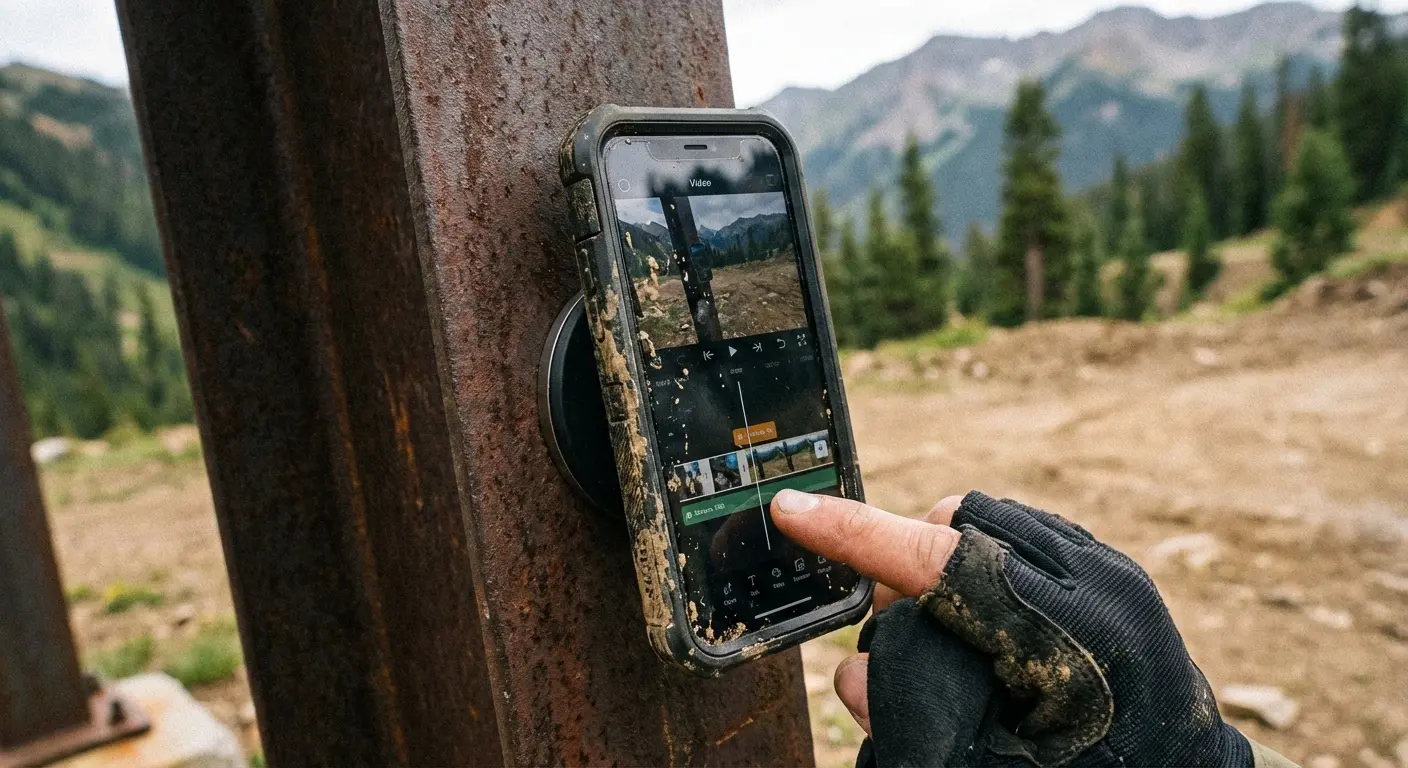
Stable footage is non-negotiable when using video generators. Our MAGMAX™ and RokLock™ systems allow you to stick your phone to magnetic surfaces or twist-lock it onto mounts. This gives you the hands-free stability you need to capture the perfect shot before letting the AI edit it.
Say you're a content creator filming a "Day in the Life" vlog to edit later in CapCut. Instead of carrying a bulky tripod, you use a Rokform case to magnetically stick your phone to a gym rack, a car dashboard, or a kitchen fridge. You get stable, hands-free angles instantly, giving the AI better raw footage to stabilize and edit. This is critical for high-quality ai video output.
Final Thoughts
The software on this list represents a massive leap forward in mobile productivity. But the best software still needs reliable hardware to function. By pairing these top-tier apps with the right protection and power solutions, you ensure your device is actually ready to perform when inspiration strikes.