


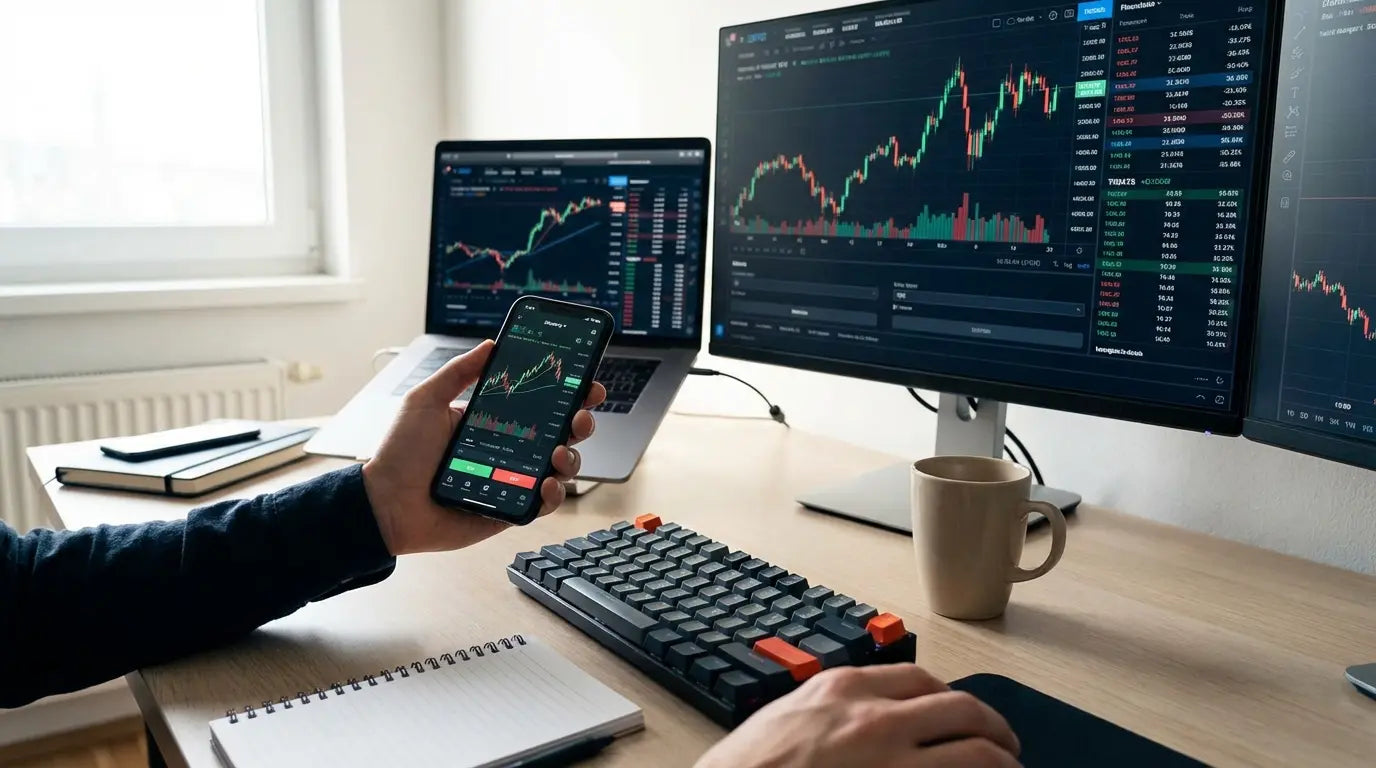
Let’s rip the band-aid off right now: the market doesn't care about your feelings. A massive study of day traders in Brazil showed that 97% of them lost money over a year. That stat is terrifying, but it's the reality. I still remember the first time I tried to scalp a momentum trade on a laggy interface. Watching a position bleed red because the "sell" button wouldn't register is a specific kind of panic you never forget. If you want to be in the 3% that actually makes it, you can't be fighting your own technology. You need software that works as hard as you do.
Finding the best apps for day trading isn't about finding the prettiest interface; it’s about finding tools that snap into action the millisecond you decide to move. A serious day trader knows that milliseconds equal dollars. We put this list together to make sure your toolkit is an asset, not a liability.
Every day trader wakes up to the same market, but we don't all enter the battlefield with the same weapons. The difference between a green week and a blown account often comes down to preparation and how much you trust your setup.
Table of Contents
TL;DR
Critical Considerations Before You Download
The Powerhouses: Advanced Stocks & Options
The Modern & Mobile-First Platforms
Forex & CFD Specialists
Crypto Trading Exchanges
Essential Support & Charting Tools
Matching the App to Your Trading Style
Protecting Your Mobile Trading Station
Final Thoughts
TL;DR
If you're in a rush, here is the snapshot. We stripped away the fluff to give you the core pillars of speed, costs, and hardware protection.
Speed is King: In day trading, execution speed prevents slippage. If it lags, you lose.
Watch the Fees: Zero-commission is standard for stocks now, but options and futures contracts will still eat you alive if you aren't careful.
Stay in Your Lane: Don't use a crypto exchange for forex, and don't use a casual investing app for complex iron condors.
Data is Power: You need Level 2 data and real-time charting. You need to see the market sentiment, not just the price tag.
Protect the Hardware: Your phone is your lifeline. Protecting it with military-grade cases and keeping it charged is just basic risk management.
If you are a day trader looking for answers, keep these five pillars in mind as you scroll through the options below.
Critical Considerations Before You Download
Before we get to the apps, let's establish some ground rules. There is a massive difference between a casual investing app and a professional day trader tool. Here is what you actually need to look for regarding speed, costs, and tech.
Execution Speed & Reliability
We are talking about the absolute necessity of zero lag. When you are day trading, seconds are the difference between profit and a bag-hold. You need an app that executes immediately. If the platform crashes during volatility, you are flying blind.
The Cost of Lag: Picture this: You're trading a volatile tech stock. You hit "sell" at $150.50 to lock in a win. But the app freezes for three seconds because volume is high. By the time the order actually goes through, the price is $150.10. On a 1,000-share position, that three-second hiccup just cost you $400. That's slippage, and it hurts.
Commission & Fee Structure
Fees kill high-volume traders. While many apps offer zero-commission stock trading, you have to scrutinize the spreads and contract fees for options. These small costs stack up fast when you are punching in dozens of trades a day.
Charting & Technical Analysis
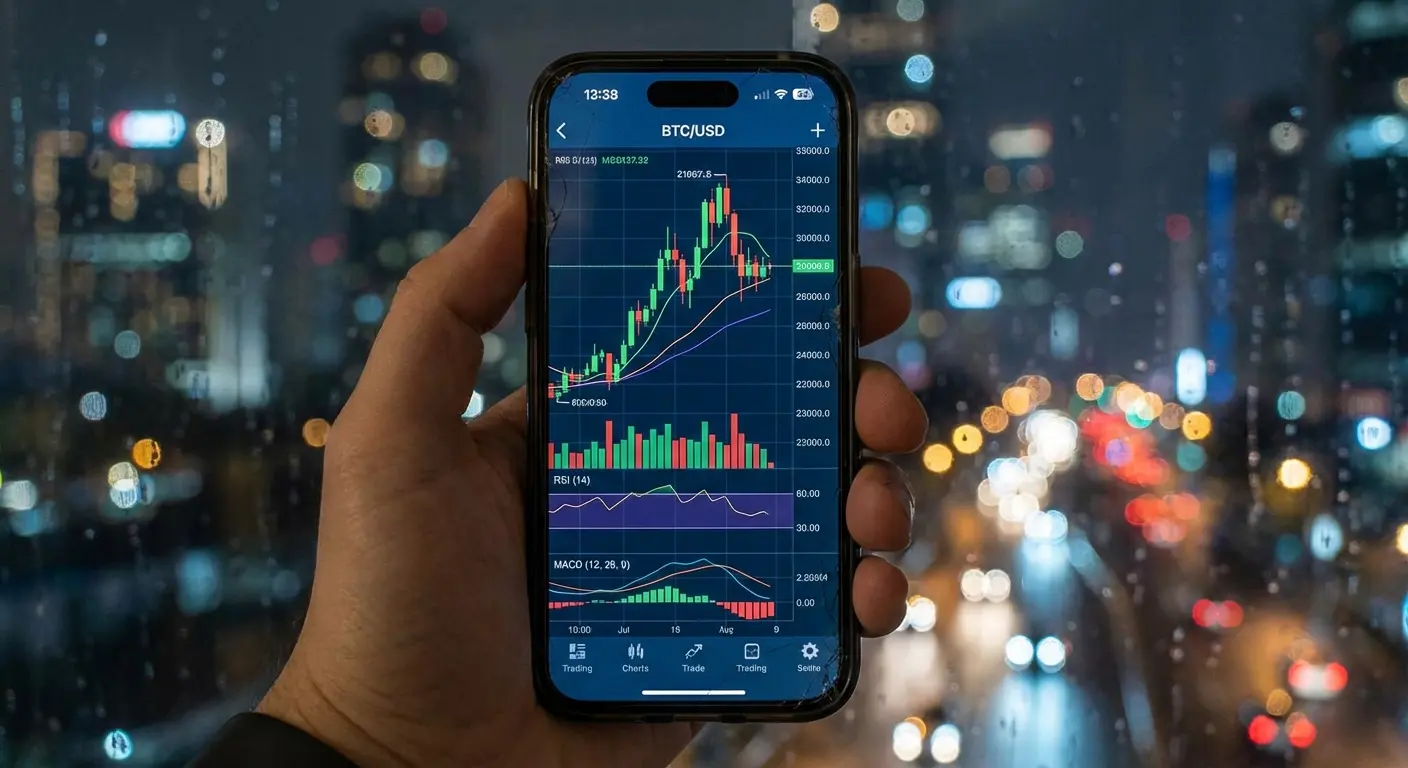
You can't trade what you can't see. You rely on patterns to make decisions. The best apps have to offer real-time streaming data, customizable candlestick charts, and indicators like RSI and MACD without making you squint.
Asset Class Availability
Know what you trade. Some apps specialize in stocks, while others focus on Forex, Crypto, or Futures. Ensure the platform actually supports your specific market before you fund the account.
Level 2 Data
You need to see the "order book." Level 2 data shows you the bid and ask depth, which is essential for understanding where the walls are and where the price is actually likely to go.
Mobile Usability
Since we are focusing on apps, the interface has to be intuitive on a small screen. You shouldn't have to sacrifice complex functionality just because you are on mobile. To see these charts clearly, having the right device helps, so checking which phone has the biggest screen can ensure you have the canvas size needed for technical analysis.
The Powerhouses: Advanced Stocks & Options
This category is for the heavy hitters. These apps are for professional-grade tools and complex strategies. These are the top five apps that offer the deepest analysis and fastest execution for serious stock and options traders.
App Name |
Best For |
Key Feature |
|---|---|---|
Thinkorswim |
Technical Analysis |
Unmatched charting & study tools |
Interactive Brokers |
Global Access |
Direct market access to 135+ markets |
Power E*TRADE |
Options Trading |
Visual risk/reward spectral analysis |
TradeStation |
Automation |
Matrix Ladder Trading & RadarScreen |
Lightspeed |
High Frequency |
Ultra-low latency execution |
If you identify as a professional day trader, these are likely the platforms you’ll gravitate toward.
1. Thinkorswim (by Charles Schwab)
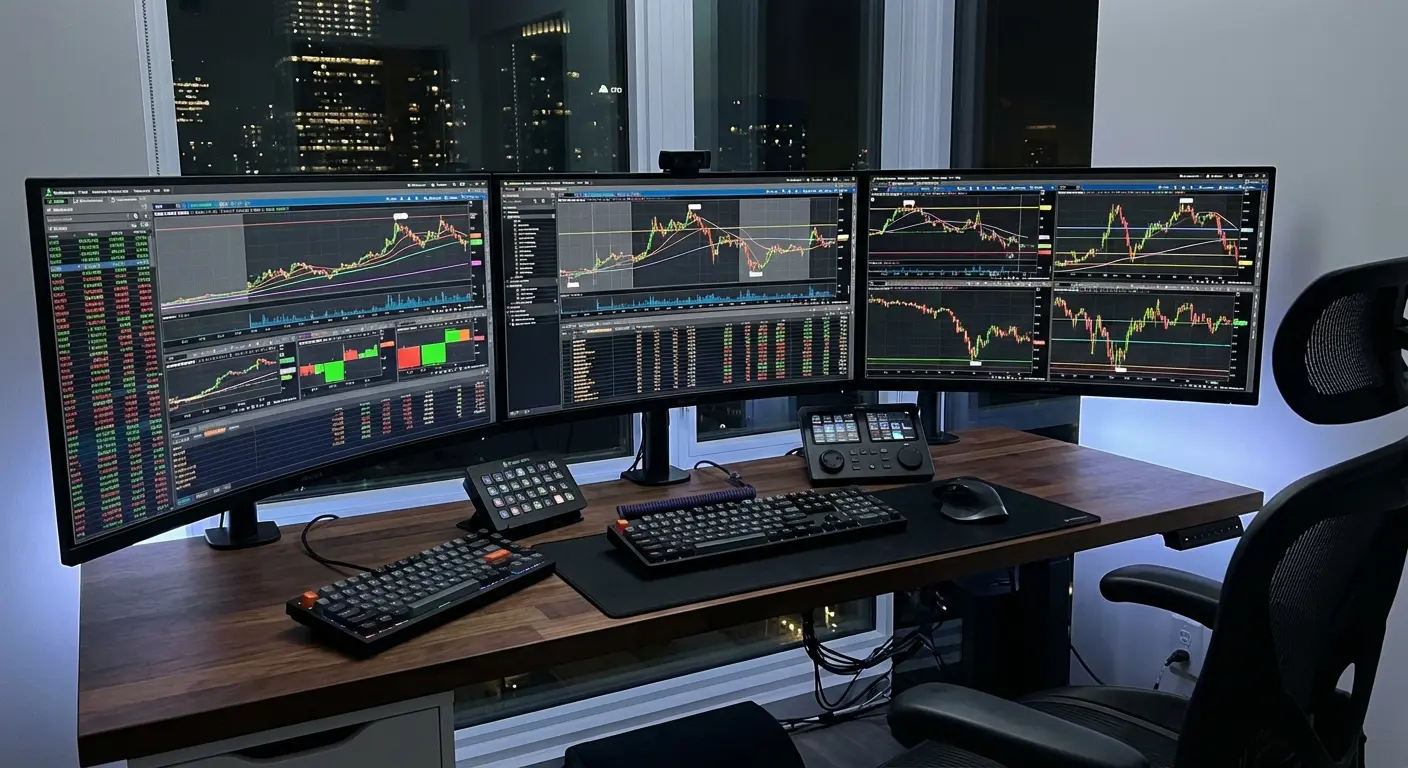
This is the gold standard. Thinkorswim offers hundreds of technical indicators and advanced options strategies. It has a steep learning curve—it looks like the cockpit of a fighter jet—but for technical analysis, it is unmatched. It also continues to integrate AI-driven market sentiment tools.
2. Interactive Brokers (IBKR Mobile)
A favorite for professionals. IBKR offers direct market access to global markets. It is ideal if you trade international stocks or futures. The interface prioritizes execution speed over aesthetics—it's not pretty, but it works exactly when you need it to.
3. Power E*TRADE
This platform was designed specifically for options. It features easy-to-read risk/reward charts and spectral analysis. It simplifies complex options chains better than most competitors, making it a winner for usability.
4. TradeStation
TradeStation's "Matrix" ladder trading and RadarScreen are legendary. This is excellent for traders who automate their strategies and need high execution speed.
5. Lightspeed
As the name implies, this is for high-frequency traders. Lightspeed is stripped down to ensure the fastest possible execution. It is not for beginners, but it gets high marks for raw speed.
The Modern & Mobile-First Platforms
These apps prioritize user experience and commission-free trading. They bridge the gap between casual and professional trading, focusing on accessibility and modern interfaces.
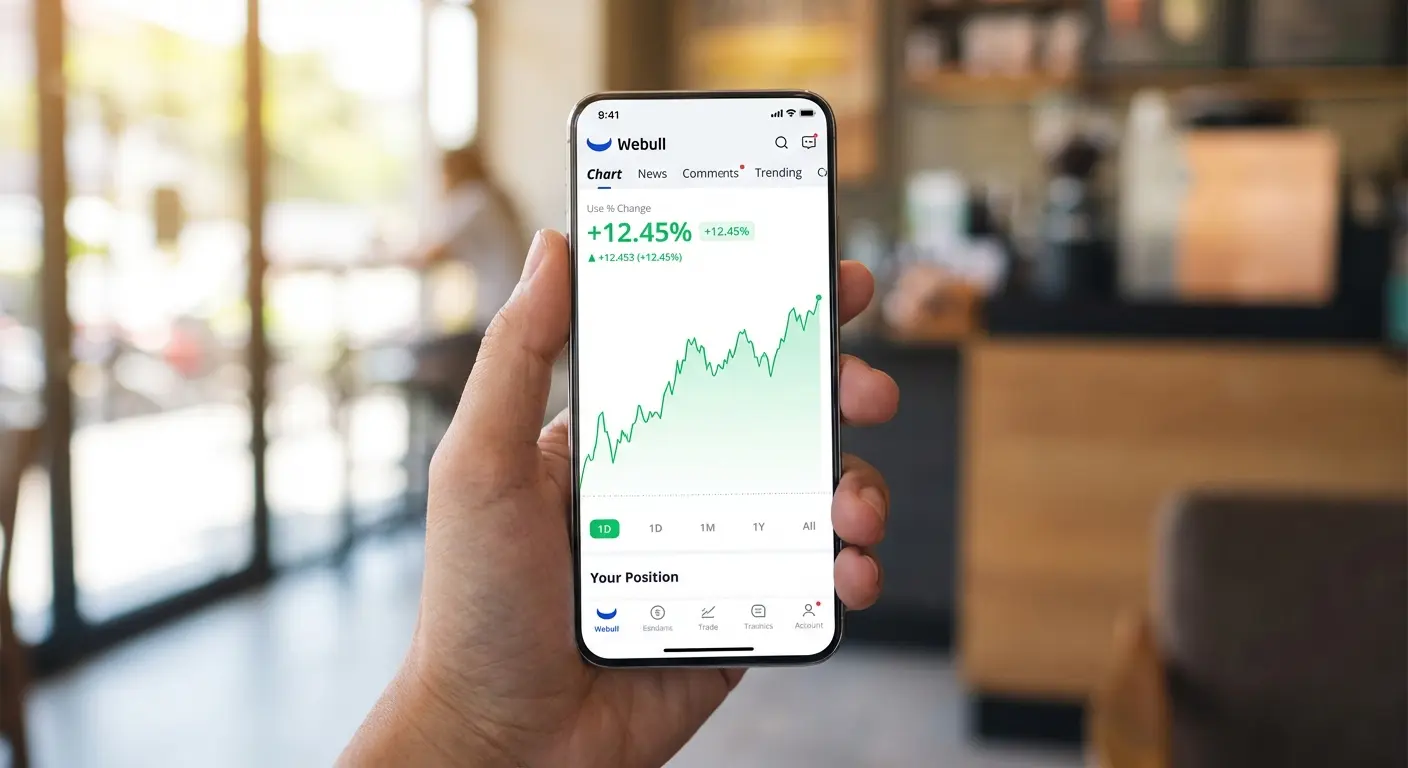
While some veterans scoff at these, the modern day trader knows that usability sometimes trumps complexity, especially when trading on the go.
6. Webull
Webull is fantastic for its pre-market and after-hours trading capabilities. It balances surprisingly good charting for a mobile-first app with a user-friendly interface.
7. Robinhood
The most accessible app for beginners. Robinhood features a simple interface and instant settlement for active accounts. It lacks deep technical tools, but the UI is so smooth it's hard to ignore.
8. SoFi Invest
The social aspect of SoFi is interesting. It allows you to see what others are buying. It is better for swing trading due to simpler charting, but it wins on simplicity.
9. Public
Public focuses on context. It offers AI-driven summaries of earnings calls. It focuses on community and data rather than pure chart technicals.
10. eToro
The "CopyTrader" feature is the draw here. This lets you automatically mimic the trades of successful investors. It’s great for social trading if you want to leverage someone else's expertise.
Forex & CFD Specialists
This is for the currency traders and global market participants. These five apps specialize in Forex and CFDs, emphasizing reliability and asset variety.
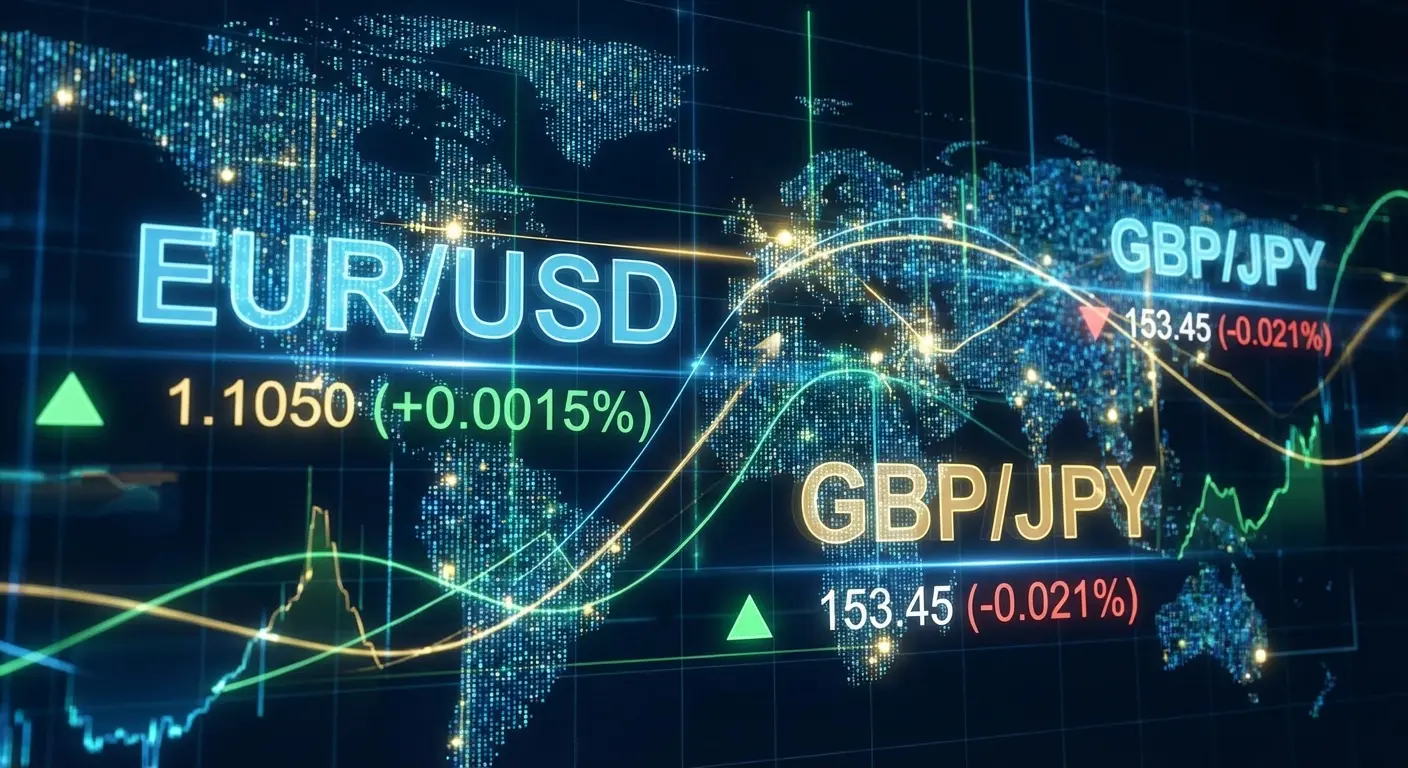
Leveraging Automation: A Forex trader using MetaTrader 5 can set up an "Expert Advisor" (bot) to monitor the EUR/USD pair overnight. While the trader sleeps, the app detects a breakout pattern, executes a buy order, and hits the take-profit target automatically. You wake up to profit from the London open without losing sleep.
11. MetaTrader 5
The industry standard. MetaTrader 5 is a multi-asset platform for Forex, stocks, and futures. It supports algorithmic trading and is the most customizable environment for serious Forex traders.
If you are a day trader focused on currency, you likely already know that metatrader5 is the engine running behind many successful strategies.
12. OANDA
OANDA offers transparent pricing and the ability to trade directly from the chart. It is highly regulated and integrates seamlessly with MetaTrader 5.
13. Forex.com
Their performance analytics tool is a hidden gem. It helps you analyze your trading history to find behavioral flaws in your own strategy.
14. IG Trading
IG offers a massive range of markets. It is excellent for spread betting and CFDs. It handles high data loads well and offers great asset variety.
15. Trading 212
Popular for its "AutoInvest" pies and fractional shares. This app is massive in Europe and offers an excellent interface for CFD trading with low costs.
Crypto Trading Exchanges
This category is for those dealing with 24/7 volatility. Here are five apps that offer the best security, liquidity, and speed for crypto trading.
Exchange App |
Best Feature |
Fee Structure Note |
|---|---|---|
Coinbase Advanced |
Top-tier Security |
Lower fees than standard Coinbase |
Kraken Pro |
Margin Options |
Competitive Maker/Taker schedule |
Binance |
Massive Liquidity |
Huge selection of Alt-coins |
Bybit |
Derivatives Speed |
Matching engine handles spikes well |
KuCoin |
"Gem" Discovery |
Access to new, volatile coins early |
The crypto day trader never sleeps, and neither do these exchanges.
16. Coinbase Advanced
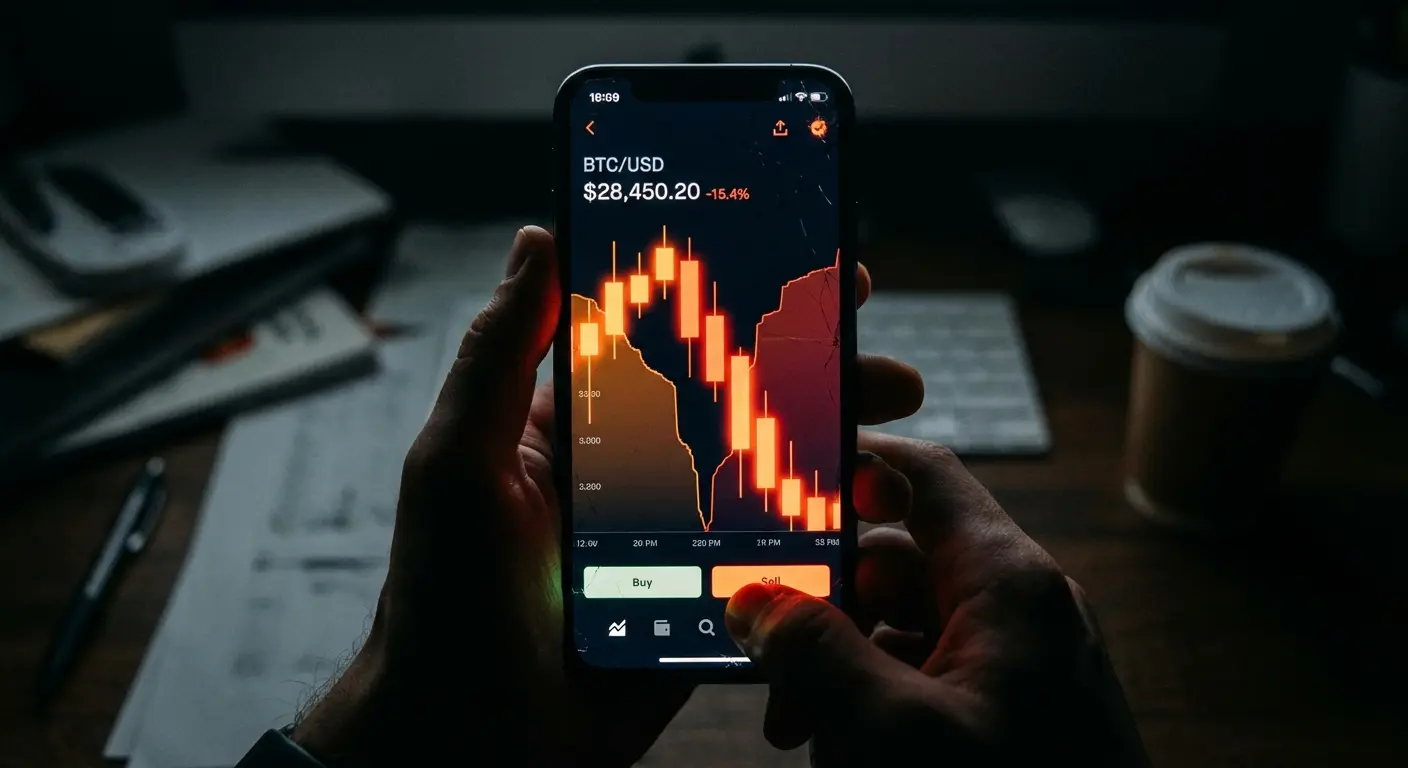
Don't confuse this with the standard app. Coinbase Advanced offers deep charting and lower fees. It gets high marks for security and is a trusted US-based exchange. Security is paramount; beyond app security, knowing how to protect your phone from being hacked is essential when carrying your portfolio in your pocket.
17. Kraken Pro
Kraken offers a customizable interface and solid margin trading options. Their maker/taker fee schedule is very competitive for high-volume traders.
18. Binance (and Binance.US)
The volume and liquidity here are immense. You can enter and exit large positions easily. Plus, the sheer number of alt-coins is hard to beat.
19. Bybit
A specialist in derivatives and perpetual contracts. Bybit is known for a matching engine that rarely overloads, meaning it works when the market is going crazy.
20. KuCoin
Great for access to "Gem" coins. This is for volatility traders looking for high reward potential before coins hit major exchanges.
Essential Support & Charting Tools
These apps support the trade even if they don't execute it. You need these tools for analysis, news, and sentiment.
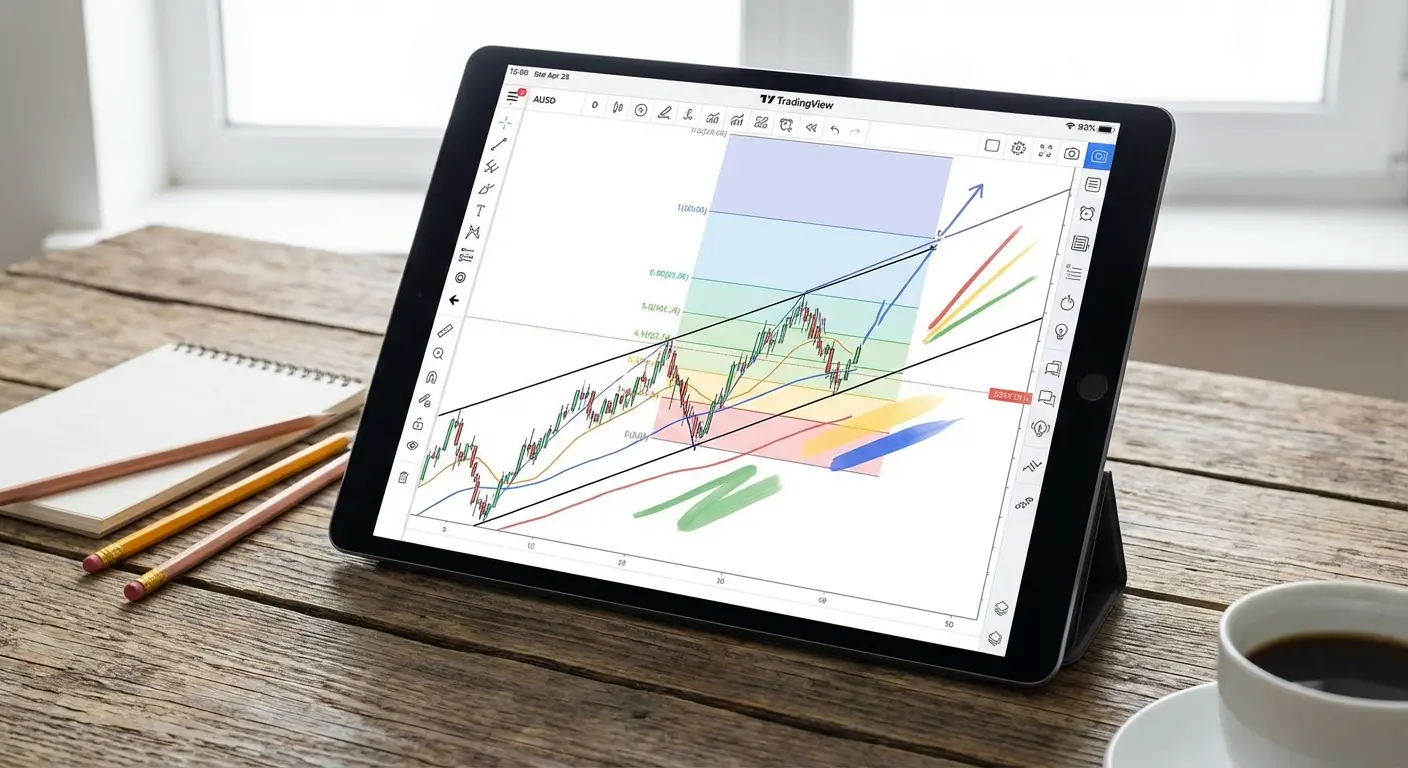
21. TradingView
Hands down the world's best charting platform. It is essential for mapping out trades before opening your broker app. If you aren't using this, you're missing out.
22. Bloomberg
The speed of breaking news here is unrivaled. It is expensive, but it provides the fastest news feed available, which is critical for data-driven trades.
23. StockTwits
Think of this as "Twitter for traders." It offers real-time sentiment analysis to help you understand what the crowd is thinking.
24. OptionStrat
This app visualizes options profit/loss over time. It is crucial for calculating how implied volatility (IV) crush will impact your position.
25. Benzinga Pro
The "squawk box" audio news feed is the killer feature. This lets you hear the news before it hits the headlines.
Matching the App to Your Trading Style
Now that we have the list, let's figure out where you fit. Are you an Algo-Trader, a Scalper, a Visual Learner, or a Crypto Native?
Your Persona |
Recommended App |
Why It Fits |
|---|---|---|
The Algo-Trader |
MetaTrader 5 |
Supports automated scripts (EAs) & backtesting. |
The Scalper |
Lightspeed / TradeStation |
Prioritizes execution speed over visuals. |
The Visual Learner |
TradingView + Webull |
Best mobile charting and clean interface. |
The Crypto Native |
Binance / Bybit |
Highest liquidity for 24/7 trading. |
Every day trader operates differently. Using a tool that fights your natural instincts is a recipe for disaster.
For the Algo-Trader
MetaTrader 5 is your best bet. Its ability to run automated scripts makes it indispensable for this style.

For the Scalper
Look at Lightspeed or TradeStation. When you take pennies out of the market in seconds, you cannot accept the slower execution of other apps.
For the Visual Learner
TradingView combined with Webull is the combo you want. This offers the best visual experience on mobile.
For the Crypto Native
Binance or Bybit are the go-to choices. Traditional brokers still lag way behind in crypto liquidity and asset selection.
Protecting Your Mobile Trading Station
Let's shift gears to hardware. Day trading is high-pressure, and your phone is your most valuable tool. Let's talk about how Rokform accessories address the physical pain points of the modern mobile day trader.
Military-Grade Protection for Your Asset
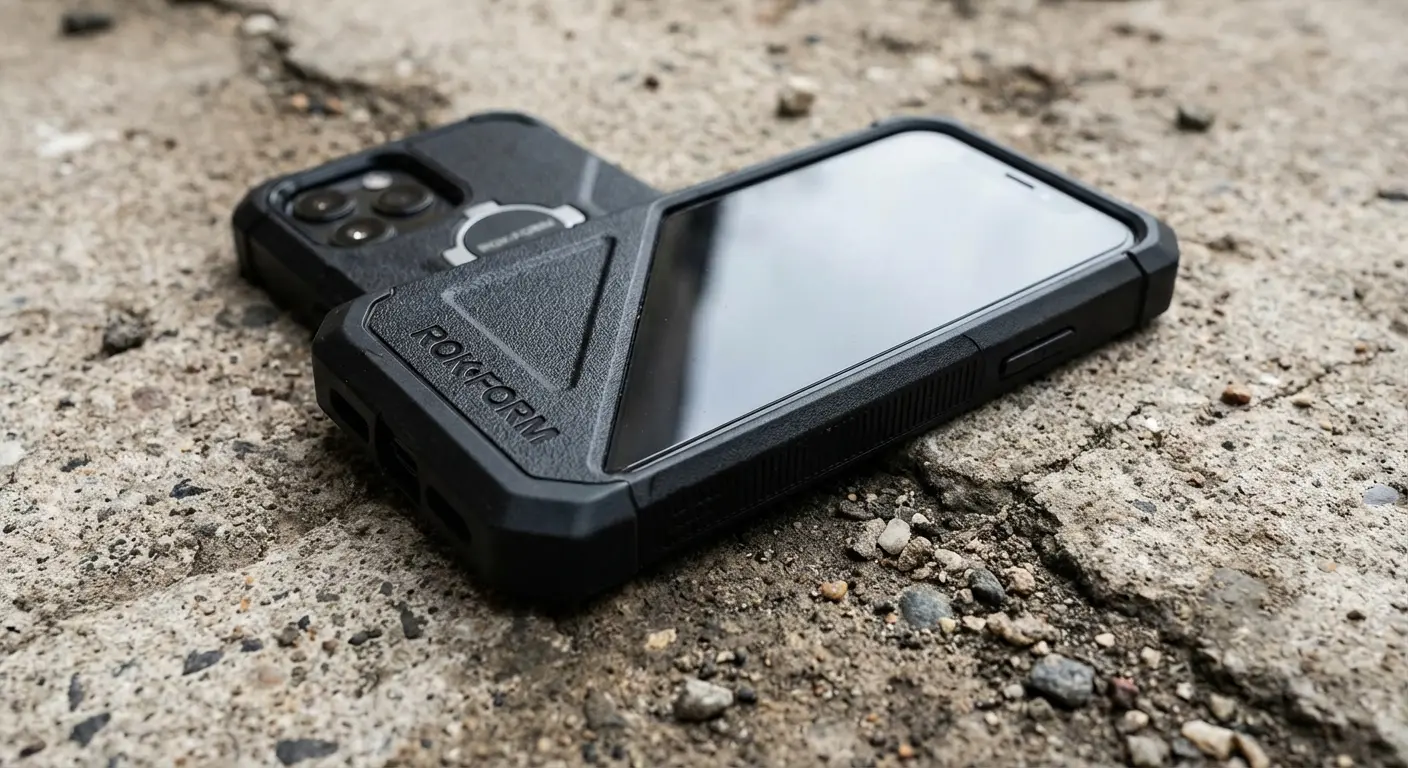
Hardware failure is a real risk. A cracked screen can literally cost you money if you can't close a trade. Rokform’s Rugged and Crystal cases use military-grade materials to protect your phone from drops, ensuring your access to the market is never severed. If you are looking for the most protective phone cases, Rokform offers solutions that ensure a drop doesn't result in a disconnected trade.
The Coffee Shop Disaster: You are monitoring an open position at a coffee shop. Someone bumps your table, and your phone slides off, hitting the concrete floor. With a standard case, a shattered screen means you are locked out of your account while the market tanks. With a Rokform Rugged case, you simply pick it up, verify the screen is intact, and close your trade without missing a beat.
Hands-Free Monitoring
The multi-screen setup is a game changer. With Rokform’s industrial-grade MAGMAX™ magnets, you can stick your phone to a toolbox or use the Magnetic Wireless Charging Stand on your desk. This keeps your mobile chart visible right next to your main monitor. Pairing your setup with the best wireless phone chargers keeps your battery topped off without fumbling with cables.

Power Management & On-the-Go Trading
Trading apps drain battery like crazy. The Rokform Wireless Charging Stand ensures you don't run out of juice. For traders on the move, motorcycle and car mounts keep your device secure and visible. For long sessions away from an outlet, utilizing a phone power banks guide ensures you never lose power during a critical market move.
Final Thoughts
The best apps for day trading are only as good as the device they run on. It's a connection between software and hardware.
In 2026, the best apps for day trading are powerful, but they rely entirely on the device in your hand. You have the list of the top software to execute your strategy, but don't neglect the hardware. Protect your connection to the market with the durability and utility of Rokform, because in this game, you cannot afford to be disconnected.

