


Access to over 150 global markets used to be a VIP club for institutional pros according to StockBrokers.com, but modern tech has put that power right in your pocket. I still have nightmares about standing in line for coffee a few years ago, watching a position I held start to tank on a delayed ticker. I was frantically trying to log into a clunky mobile interface that just refused to load. That panic cost me real money. It also taught me a hard lesson: your strategy is only as good as the tool you use to execute it. We put this guide together to make sure you never get stuck in that spot, breaking down the best apps for stock trading to match your specific financial goals.
Table of Contents
There is a lot of noise out there, so we cut through it to find the tools that actually fit how you trade. Here is your roadmap to the current mobile trading landscape, from what to look for to the specific apps that keep you connected.
TL;DR: The Quick Version
5 Pillars of a Top-Tier Platform
Category A: Best for Beginners (Mobile-First)
Category B: Best for Active Traders & Day Trading
Category C: Best for Long-Term Investors & Retirement
Category D: Best for Automated & Robo-Advising
Category E: Best Hybrid (Crypto & Forex Focus)
Category F: Niche & Professional Tools
Protecting Your Trading Station
Final Thoughts
TL;DR: Key Takeaways
In a rush? Here is the high-level view of what matters most when picking a broker. Matching the app to your experience level is huge, as is catching the fee structures that often hide behind "free" marketing.
Match the App to the Goal: Beginners should look for a clean interface and education (Robinhood, Public), while active traders need raw speed and data (Thinkorswim, Lightspeed).
Watch the Fees: Zero-commission is standard for stocks now, but keep an eye out for contract fees on options and expense ratios on funds.
Security is Non-Negotiable: Biometric security (FaceID/Fingerprint) and SIPC membership are the bare minimum for any app you trust with your bank account.
Automation Works: For passive wealth building, robo-advisors like Betterment and M1 Finance usually beat manual stock picking for the average person.
Hardware Matters: Your phone is your access point. Protecting it with magnetic mounting and rugged cases ensures you don't lose market access just because you dropped your device.
Trader Type |
Primary Goal |
Recommended App Category |
Top Pick |
|---|---|---|---|
The Learner |
Education & Ease of Use |
Category A |
Robinhood |
The Day Trader |
Speed & Technical Analysis |
Category B |
Thinkorswim |
The Saver |
Retirement & Stability |
Category C |
Fidelity |
The Passive Investor |
Automation & Hands-Off |
Category D |
M1 Finance |
The Hybrid |
Stocks + Crypto Access |
Category E |
Coinbase |
5 Pillars of a Top-Tier Trading Platform
Before you download anything, you need to know how we grade these things. We break down the five essential components—Cost, UX, Research, Assets, and Security—that determine whether an app is worth your time and money.
Cost Structure & Fees
You see "zero-commission" plastered everywhere, but you have to look deeper. While paying nothing for stock trades is the standard popularized by Robinhood, the real costs are often in the fine print. We look for contract fees on options, expense ratios on proprietary funds, and the interest rates charged if you trade on margin.
The "Free" Trade Trap: Imagine you buy 100 shares of a stock for "free." Great. But you also decide to buy 10 call option contracts. While the stock trade cost $0, the broker might charge $0.65 per contract, costing you $6.50 right off the bat. If you exercise those options later, assignment fees might kick in. Always calculate the total cost of your strategy, not just the stock purchase price.
User Experience (UX) & Interface
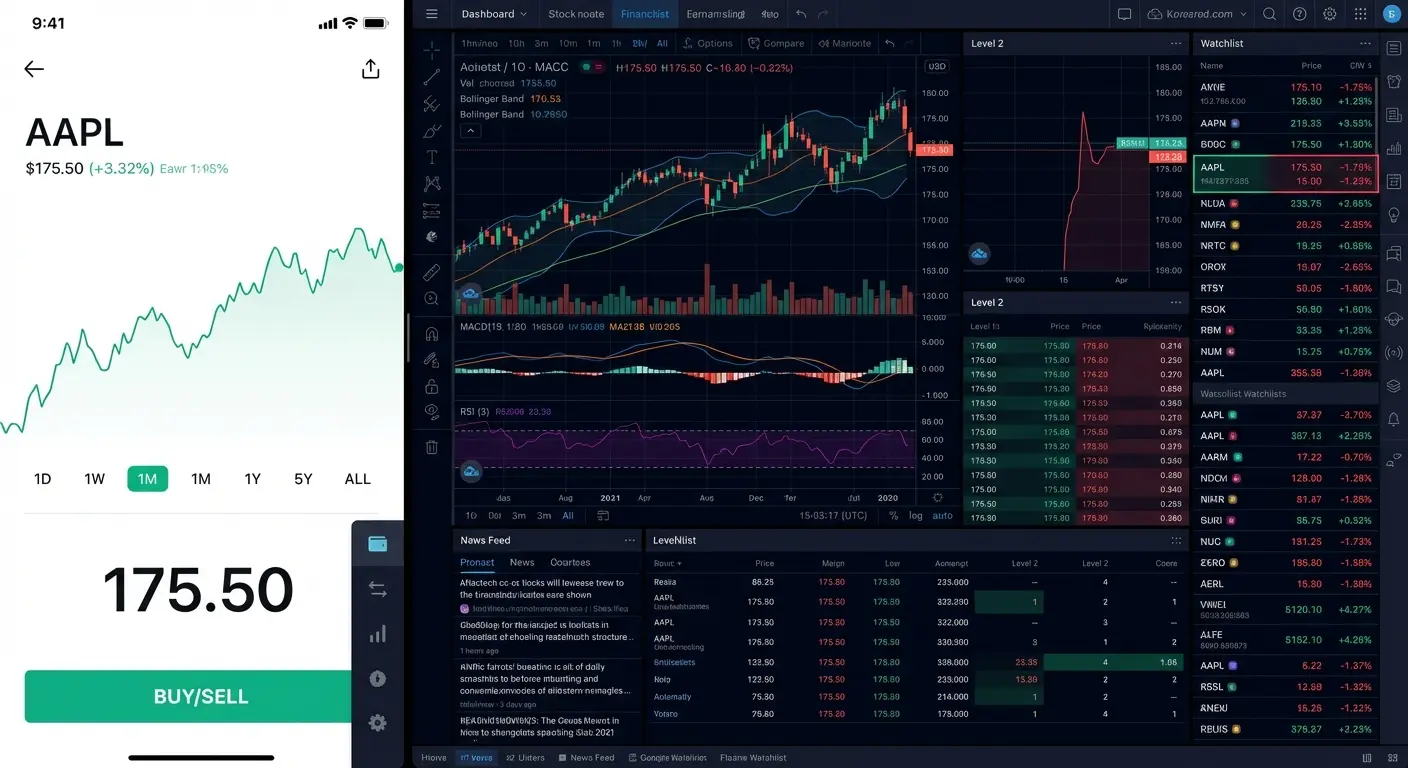
The interface has to match your vibe. If you are just starting, you need a clean design that makes buying easy without drowning you in charts. If you are an advanced trader, you need customizable dashboards and buttons that react instantly, where lag is simply not an option.
Research & Analytical Tools
You can't trade blindly. We check if an app provides real-time Level 2 market data and charting tools with indicators like RSI and MACD. Access to third-party research from firms like Morningstar or CFRA is vital for making decisions based on data rather than a gut feeling.
Asset Variety
A great app lets you diversify without jumping between platforms. We look for apps that support not just stocks, but also ETFs, mutual funds, options, futures, and increasingly, crypto. You want the ability to pivot your strategy as the market changes.
Security & Reliability
You need to know your money is safe. We ensure every broker listed is a member of SIPC and FINRA. In today's world, biometric security and two-factor authentication are requirements, not luxuries.
Category A: Best for Beginners & Mobile-First Experience
These apps are hand-picked for those new to the market. They prioritize ease of use, clean design, and educational resources to help you make those first trades with confidence.
1. Robinhood
This platform changed the game with its simple "swipe to trade" mechanic. Buying a fractional share of a high-priced stock like Berkshire Hathaway is as easy as typing in a dollar amount, like $5. Robinhood wins on UX and cost, though you might find the research tools a bit thin compared to the old-school brokers unless you pay for their Gold tier. For many, Robinhood is still the best gateway to the stock market, and the streamlined interface ensures you aren't bogged down by data you don't understand yet.
2. Acorns
This is the app for the passive investor. If you buy a coffee for $4.50, Acorns rounds up to $5.00 and automatically tosses that $0.50 into a diversified ETF portfolio. It works a lot like some of the best apps for budgeting by helping you manage small amounts of money without thinking about it. It gets high marks for automation, but don't expect active trading features here.
3. Public
Public mixes trading with a social feed. You can buy Apple stock and immediately post a comment about why you did it, which your followers can see. It’s strong on asset variety, including crypto and alternative assets, but it’s definitely more about the social context than deep technical analysis.

4. Stash
Stash is all about thematic investing. Instead of researching ticker symbols, you invest in concepts like "Clean Water" or "Internet Titans." It is excellent for beginners who want to invest based on values, though the subscription fees can be a little high relative to your balance if you are only investing small amounts.
5. SoFi Active Investing
SoFi takes a "super app" approach. You can trade stocks and then immediately check your student loan balance or savings account in the same dashboard. It offers great integration and low costs, but the charting tools are pretty basic, making it better for long-term holding.
6. Cash App Investing
This is the ultimate in simplicity. You can send money to a friend for dinner and buy $20 of Bitcoin or Tesla stock in the same minute. While the UX is incredibly simple, it lacks almost all advanced research tools and order types.
Category B: Best for Active Traders & Day Trading
Speed and complexity define this category. These platforms offer complex order types, deep technical analysis, and rapid execution for users who trade frequently.

7. Thinkorswim (by Schwab)
Thinkorswim is a beast for technical traders. You can overlay 400+ technical studies on a chart and execute a trade directly from the chart visualizer. It offers top-tier research and tools, but be warned: the interface can be overwhelming if you are a novice.
8. Interactive Brokers (IBKR Mobile)
IBKR offers unmatched global access. You can trade stocks on the Tokyo Stock Exchange or London Stock Exchange directly from the US app. It is the best for asset variety and low margin rates, though the interface prioritizes function over looking pretty.
9. TradeStation
TradeStation is known for its "Matrix" trading ease. You can see buy/sell walls visually and click one button to scalp a few cents off a trade. It offers excellent stability and execution speed, though fee structures can vary based on your plan.
10. Lightspeed
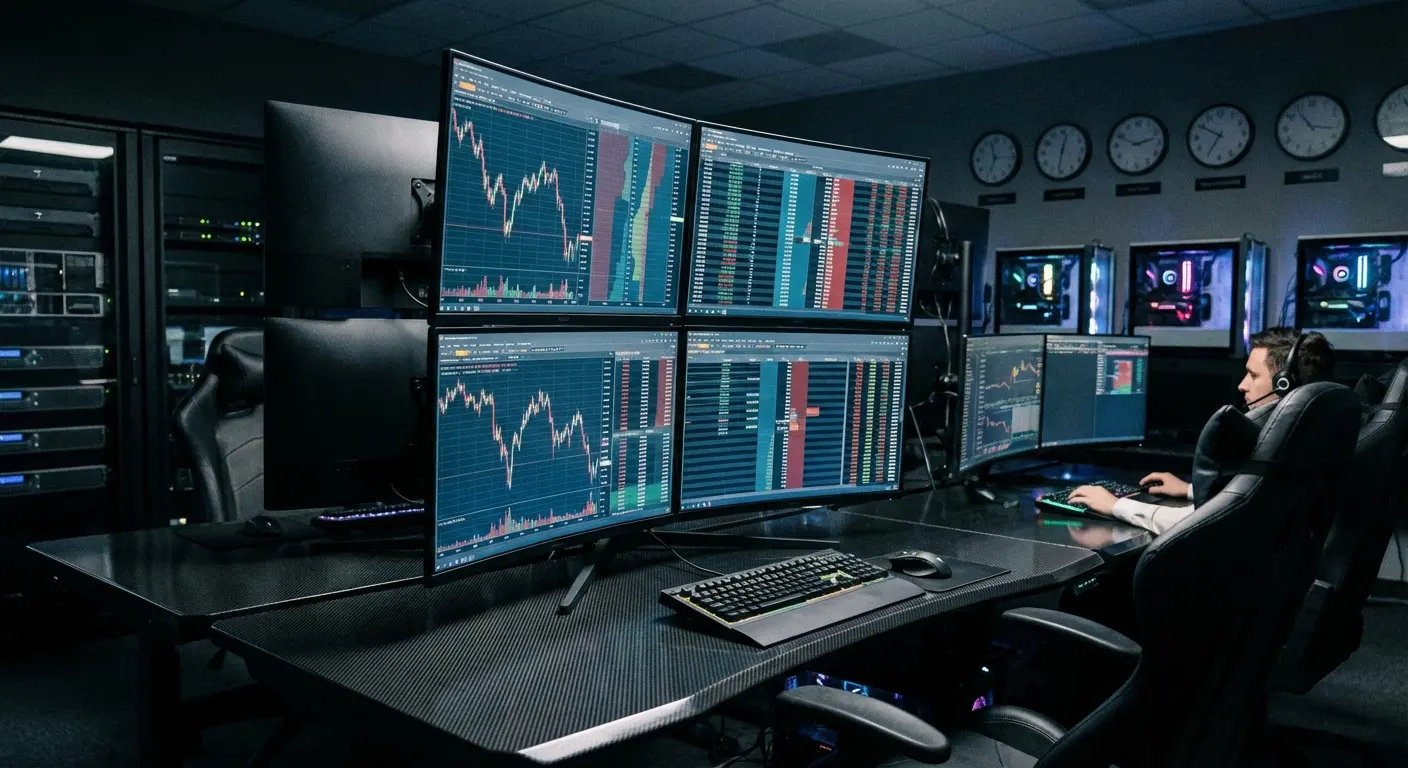
Lightspeed is built for exactly what the name suggests. Hotkeys are the focus here; you can map "Buy 1000 shares at Ask" to a single keyboard command. It is the best for pure execution speed, but it isn't free and high fees apply if you don't meet minimum volume thresholds.
The Hotkey Advantage: In a fast-moving market, clicking a mouse three times to confirm a trade takes about 2 seconds. In that time, the price might move $0.10 against you. With Lightspeed, pressing "Shift+B" can instantly buy at the Ask price, executing the trade in milliseconds and potentially saving you hundreds of dollars on large orders.
11. Tastytrade
This platform is optimized for derivatives. The interface visualizes "probability of profit" for options spreads, allowing you to drag and drop strike prices to see risk profiles. It provides the best UX specifically for options traders.
12. Webull
Webull sits somewhere between Robinhood and Thinkorswim. It offers extended trading hours and free Level 2 data promotions. It strikes an excellent balance of UX and advanced tools, making it a favorite for retail traders moving up from simpler apps.
Feature |
Thinkorswim |
Interactive Brokers |
Webull |
|---|---|---|---|
Best For |
Charting & Studies |
Global Market Access |
Intermediate Traders |
Level 2 Data |
Included |
Paid Subscription |
Often Free (Promo) |
Margin Rates |
Standard |
Very Low |
Standard |
Learning Curve |
Steep |
Steep |
Moderate |
Category C: Best for Long-Term Investors & Retirement
Stability and portfolio management are the priorities here. These platforms excel in research integration, trust, and tools for buy-and-hold strategies.
13. Fidelity Investments
Fidelity offers deep research integration. When viewing a stock, you get immediate access to reports from independent firms like Zacks and Argus. It offers high trust and reliability, though the app feels a little less "modern" than some fintech startups.
14. Charles Schwab
"Schwab Stock Slices" allows you to buy fractional shares of S&P 500 companies. It also integrates seamlessly with their banking products. You get excellent customer support and zero fees, making it a very safe choice.
15. Vanguard
Vanguard is the home of the index fund. It is best used for buying VOO or VTI ETFs and holding them for 20 years. While unbeatable for low expense ratios, the app UX is notoriously dated and not really meant for frequent trading.
16. J.P. Morgan Self-Directed Investing
This is integrated directly into the Chase Bank app. If you bank with Chase, you can move money instantly to buy stocks. It offers high convenience and security with tools that are adequate for buy-and-hold strategies.
17. E*TRADE
E*TRADE offers two apps: one for standard investing and "Power E*TRADE" for options. It is a versatile all-rounder with good educational content and a user-friendly interface that scales with your skill level.
Category D: Best for Automated & Robo-Advising
These apps are for "set it and forget it" investing. They use algorithms to manage portfolios, balance assets, and handle tax-loss harvesting automatically.
18. M1 Finance
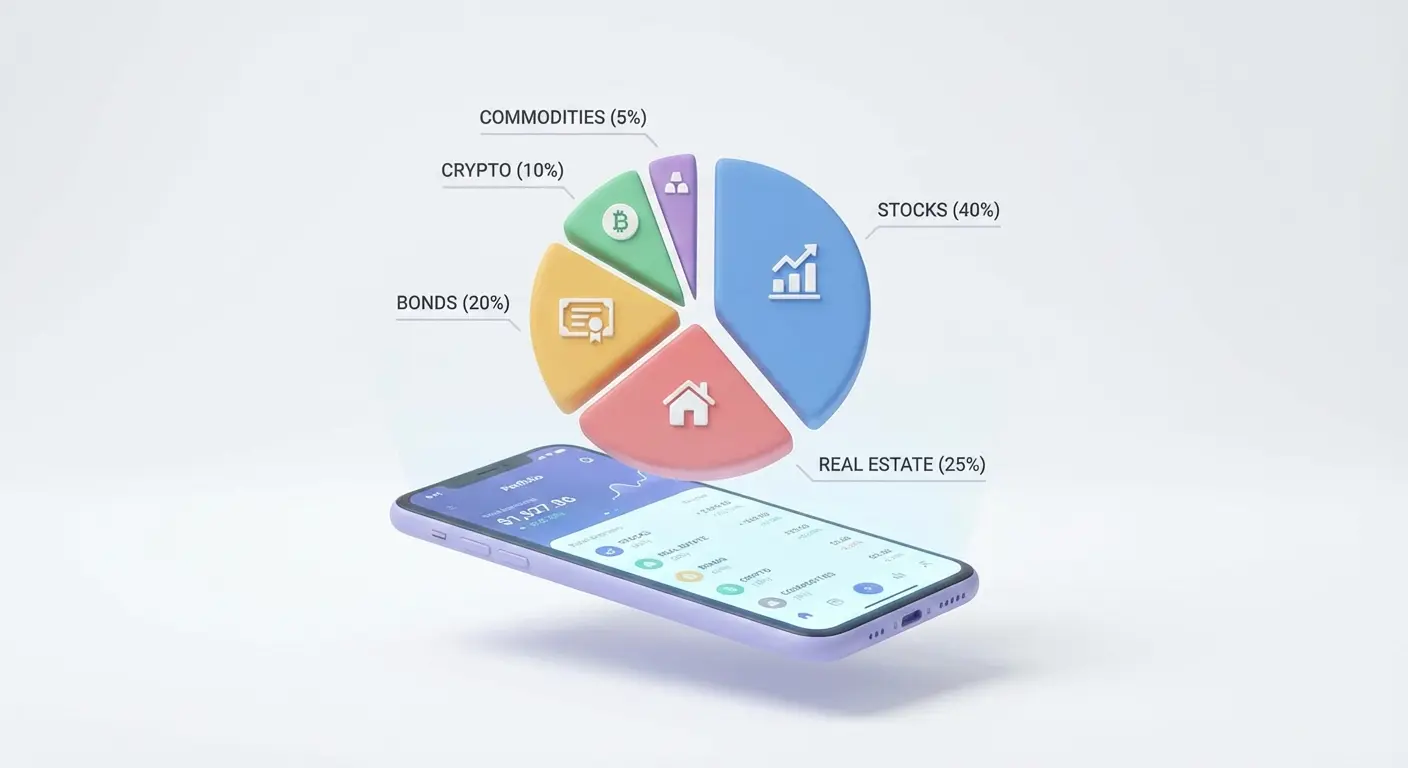
M1 Finance uses "Pies" to visualize your portfolio. You create a pie chart of assets, and when you deposit money, it automatically distributes it to maintain your set percentages. It is best for portfolio balancing, but not suitable for day trading due to limited trade windows.
The Auto-Rebalance: You set a portfolio goal of 50% Tech Stocks and 50% Bonds. Over a month, Tech surges, shifting your portfolio to 60/40. When you deposit your next $500 paycheck, M1 Finance automatically buys more Bonds and fewer Tech stocks to bring you back to your 50/50 target, buying low and selling high without you lifting a finger.
19. Betterment
Betterment focuses on goal-based investing. You tell the app "I want to buy a house in 5 years," and it adjusts your risk tolerance automatically. It offers excellent UX and tax-loss harvesting, though you cannot pick individual stocks.
20. Wealthfront
Wealthfront offers a "Self-Driving Money" feature that routes your paycheck to pay bills, save, and invest automatically. It provides high automation and low fees, but like Betterment, it doesn't allow individual stock picking.
Category E: Best Hybrid (Crypto & Forex Focus)
These platforms bridge the gap between traditional equities and alternative currencies. They offer unique features for traders mixing stocks with crypto or forex.
21. eToro
eToro is famous for CopyTrading. You can view the portfolio of a successful trader and click "Copy" to automatically mimic their every trade in real-time. It offers unique social features, though spreads can be higher than standard brokers.
22. Coinbase
While primarily crypto, Coinbase's expansion into institutional tools makes it key for traders holding digital assets alongside equities. It sets the gold standard for crypto UX, though fees are higher on the basic tier compared to hybrid options on Robinhood.

23. Kraken
Kraken offers deep liquidity for crypto-focused traders who use stablecoins as a bridge for other investments. It offers high security and advanced charting, making it essential for the modern hybrid portfolio.
Category F: Niche & Professional Tools
Specialized apps address specific trading needs. These tools are designed for futures trading and international accounts that don't fit into the standard categories.
24. NinjaTrader
NinjaTrader is the premier app for Futures trading. It allows for automated strategy development using C#. It offers professional-grade tools but is overkill for stock-only traders and requires a subscription for full features.
25. Firstrade
Firstrade offers extensive support for Chinese language and international accounts. It also offers zero commissions on options contracts, making it excellent for cost efficiency, though the interface is dated.
Feature |
NinjaTrader |
Firstrade |
|---|---|---|
Primary Focus |
Futures & Forex |
International Stocks & Options |
Commissions |
Low (per contract) |
$0 Stocks / $0 Options |
Platform Type |
Professional Desktop/Mobile |
Web/Mobile |
Best Audience |
Algorithmic Traders |
International Investors |
Protecting Your Trading Station
In 2026, the best apps for stock trading are powerful enough to run your entire financial life from the palm of your hand. But that mobility brings risk. Whether you are scalping options on Robinhood while at the gym, or monitoring a volatile crypto breakout on Coinbase while on a job site, your phone is the most valuable tool in your kit.
Security in Motion
Active traders can't afford downtime. If you drop your phone and shatter the screen during a market crash, you lose the ability to exit a position. We designed our Rugged and Crystal cases with high-impact polycarbonate and military-grade drop protection to ensure a slip of the hand doesn't result in a financial loss due to hardware failure. Investing in one of the most protective phone cases is essentially an insurance policy for your trading access.

The Multi-Screen Mobile Setup
Serious traders often use multiple screens. With our MAGMAX™ technology and RokLock™ twist-lock system, you can turn your environment into a mobile trading desk:
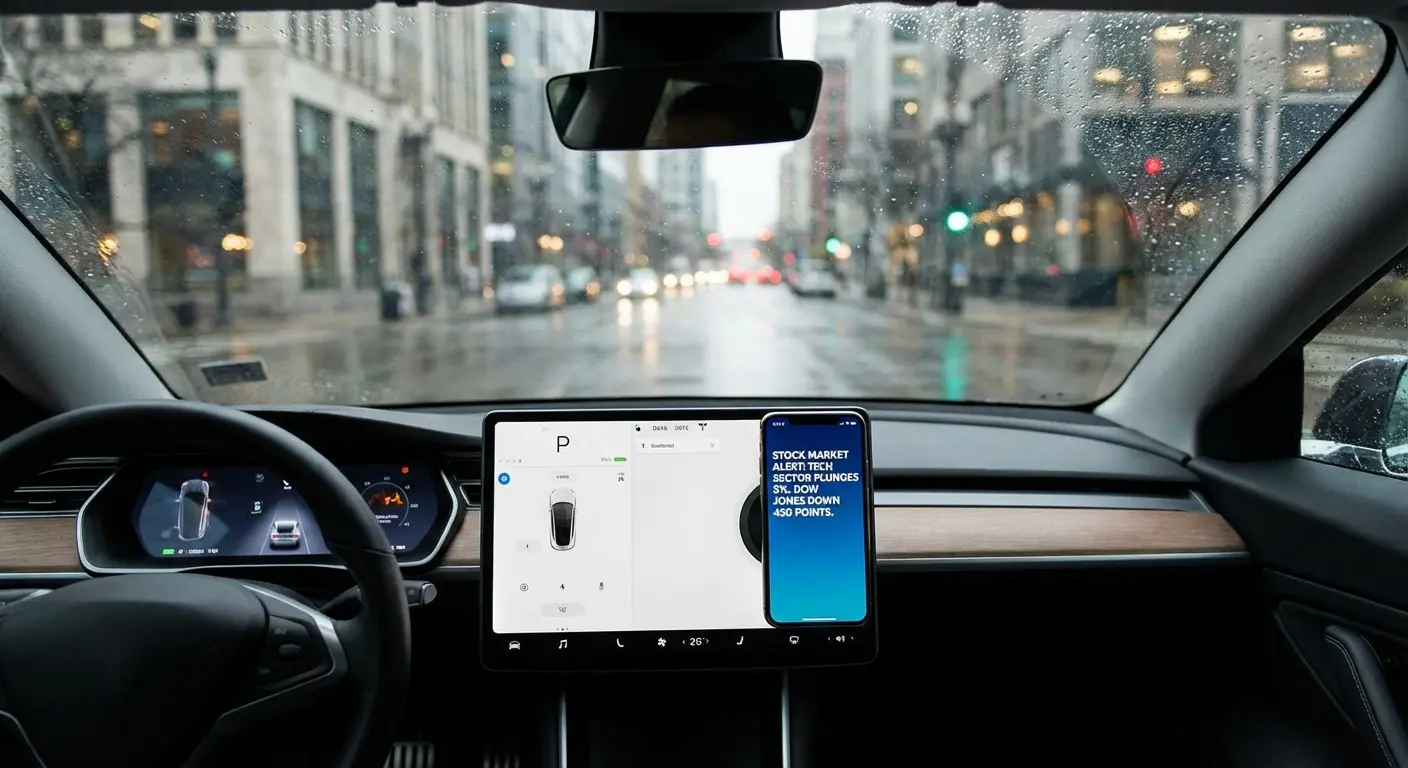
In the Car: Use a magnetic mount to keep your phone visible for news feeds or alerts while parked, ensuring you never miss an opening bell. Check out the best magnetic car phone mounts to keep your hands free and your eyes on the data.
At the Desk: Our magnetic stands allow you to prop up your phone alongside your monitor, dedicating your mobile screen to a specific app like Thinkorswim for a dedicated ticker feed. If you are wondering what is a magnetic phone case capable of doing for your workflow, it's about seamlessly mounting your device anywhere.
On the Go: Stick your phone to a toolbox, gym equipment, or golf cart to keep your hands free while you monitor your M1 Finance portfolio. It is one of the best travel accessories for the nomadic trader.
When you invest thousands in the market, it only makes sense to protect the device that controls it. [Shop Rokform Cases & Mounts Here] to ensure your access to the market is as durable as your portfolio strategy.
Final Thoughts
Finding the right app is really about being honest regarding your own trading style. You might want the raw speed of Lightspeed today, but find the passive ease of M1 Finance fits your lifestyle better next year. We put together this list of the best apps for stock trading to give you options that scale with your ambition. Whether you start with Robinhood or dive straight into Thinkorswim, take the time to test the interfaces, watch the fees, and secure your device. The market is waiting—make sure you have the right tools to meet it.

