


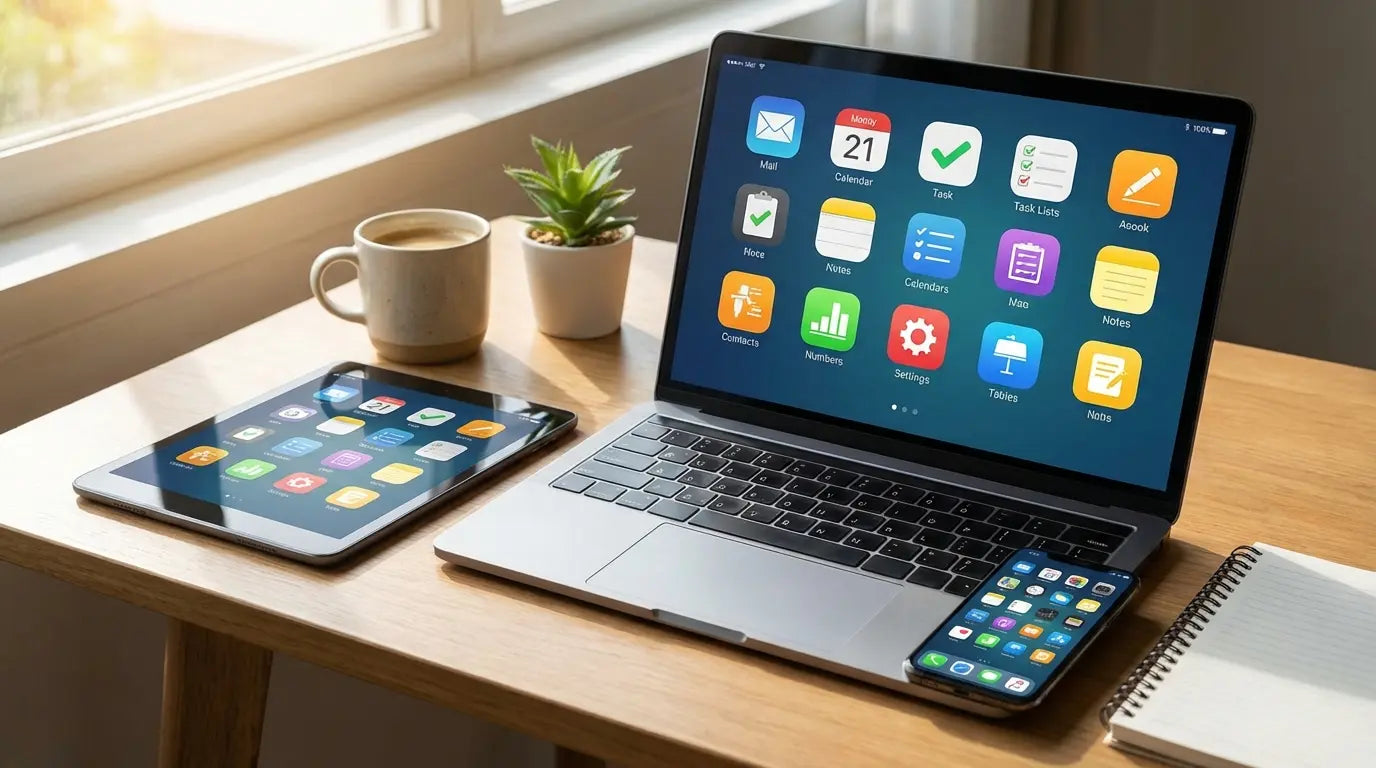
Look, I have a bit of a problem. I’m obsessed with productivity tools. Over the last year, I’ve tested about 57 different apps just to see if they could finally fix my focus. I tracked them, pushed them to their limits, and honestly? I abandoned most of them. It turns out that piling on more tools usually leads to less work getting done. You end up spending three hours tweaking a pretty dashboard instead of actually finishing the project.
But through all that trial and error, I found the ones that actually stick. You definitely don't need a corporate budget to build a killer workflow. The software world is full of amazing free resources if you know where to dig. I’ve cut through the noise to show you the best free apps for productivity that are actually worth your time.
You don't need to spend a dime to get your life organized. This list focuses on quality over quantity so you can stop scrolling through the App Store and start getting things done.
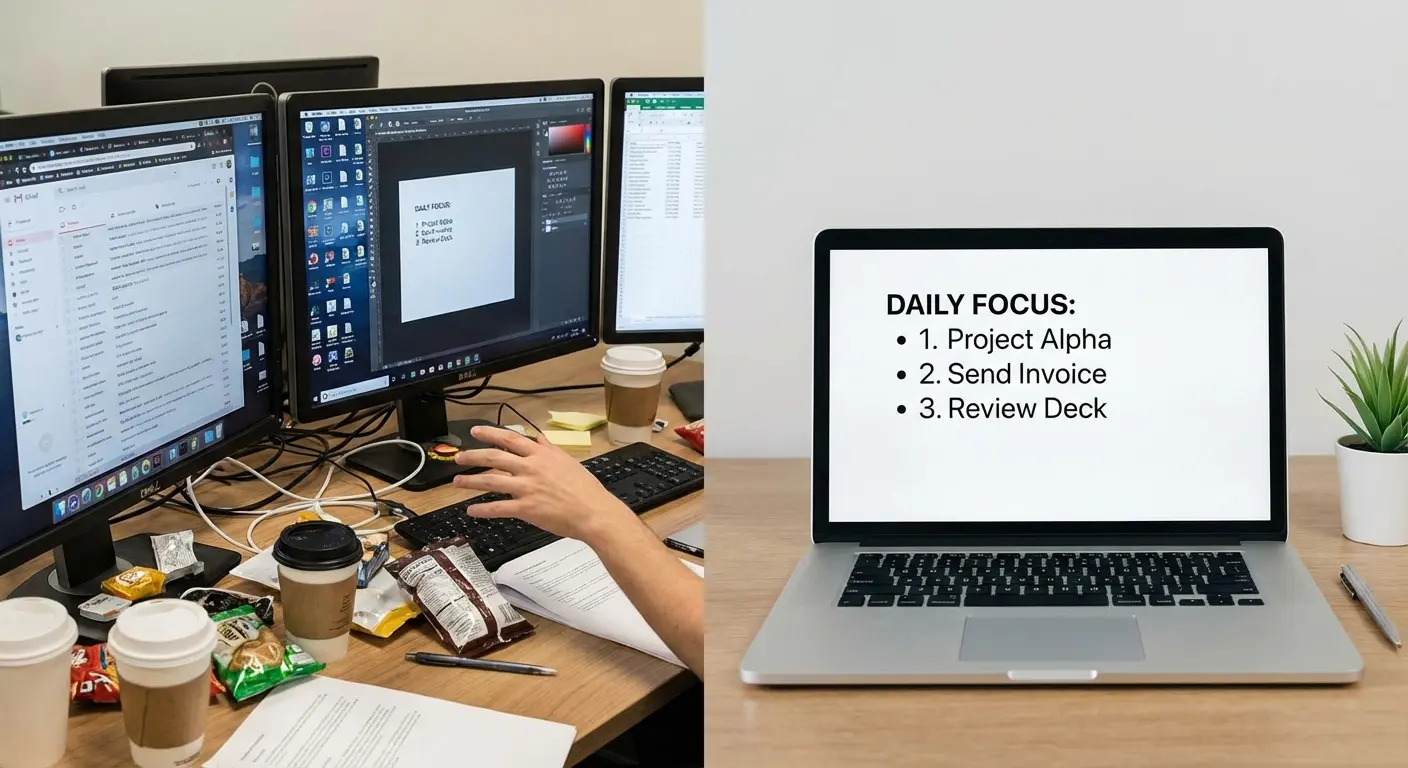
Table of Contents
Here’s what we’re covering. Feel free to jump straight to the section you need, whether you're drowning in emails or just need a better to-do list.
TL;DR
In a rush? Here is the short version. Productivity apps are only useful if they sync well and don't hide the good stuff behind a credit card wall. Also, digital tools are useless if your phone breaks, so physical protection matters.
Watch out for limits: Check if the free version caps you at 5 projects before you commit.
Sync is everything: If it doesn't update instantly from laptop to phone, ditch it.
For Tasks: Todoist and Microsoft To Do are the kings of personal organization.
For Focus: Forest and Toggl Track are great for visualizing where your time actually goes.
Hardware matters: A broken phone kills productivity. Protecting your device with Rokform ensures you stay online in tough environments.
How to Spot a "Fake" Free Tool
You have to be ruthless when picking software. "Free" often comes with a catch, and there is nothing worse than hitting a paywall three days into a deadline. I look for the "Freemium Barrier." Is the free version a complete tool, or just a glorified trial? If an app lets you add ten items and then asks for $10/month, delete it. Finding the best productivity tool means finding one that respects your workflow without demanding a subscription on day one.
Cross-platform sync is just as important. You probably work on a laptop but check things on your phone. If the app doesn't sync instantly, it breaks your flow. I also balance "ease of use" against "power." Some tools need a week of YouTube tutorials to learn; others work the second you open them. Know your patience level. Finally, offline mode is non-negotiable. You need free productivity apps that work when the Wi-Fi goes down and sync up the moment you reconnect.
Feature |
True Free Tool |
"Fake" Free Tool (Trial) |
|---|---|---|
Project Limits |
Unlimited or high cap (e.g., 10+ projects) |
Extremely low cap (e.g., 1-2 projects) |
Data Access |
Full history and export options |
History locked after 30 days |
Core Features |
Essential functions included |
The good stuff requires an upgrade |
Watermarks |
None or subtle branding |
Giant watermarks on your work |
Category A: Task Management & To-Do Lists
This is the foundation. These productivity apps range from simple grocery checklists to complex project boards. Whether you're planning a software launch or just trying to remember to buy milk, one of these will fit.
1. Todoist
Todoist is arguably the standard for personal organization among the best productivity apps. The killer feature here is "natural language processing." Sounds fancy, but it just means you don't have to fiddle with calendars. You type "Buy milk every Friday at 5 pm," and the app just understands it. It feels like magic.
Picture this: You're in a meeting and your boss asks for a report by Tuesday. Instead of opening a calendar and tapping through menus, you just type "Submit Report next Tuesday at 9am #Work" into Todoist. Done. It files it, dates it, and sets a reminder in about three seconds. The free version limits you to five active projects, but for most people, that's plenty.
2. Microsoft To Do
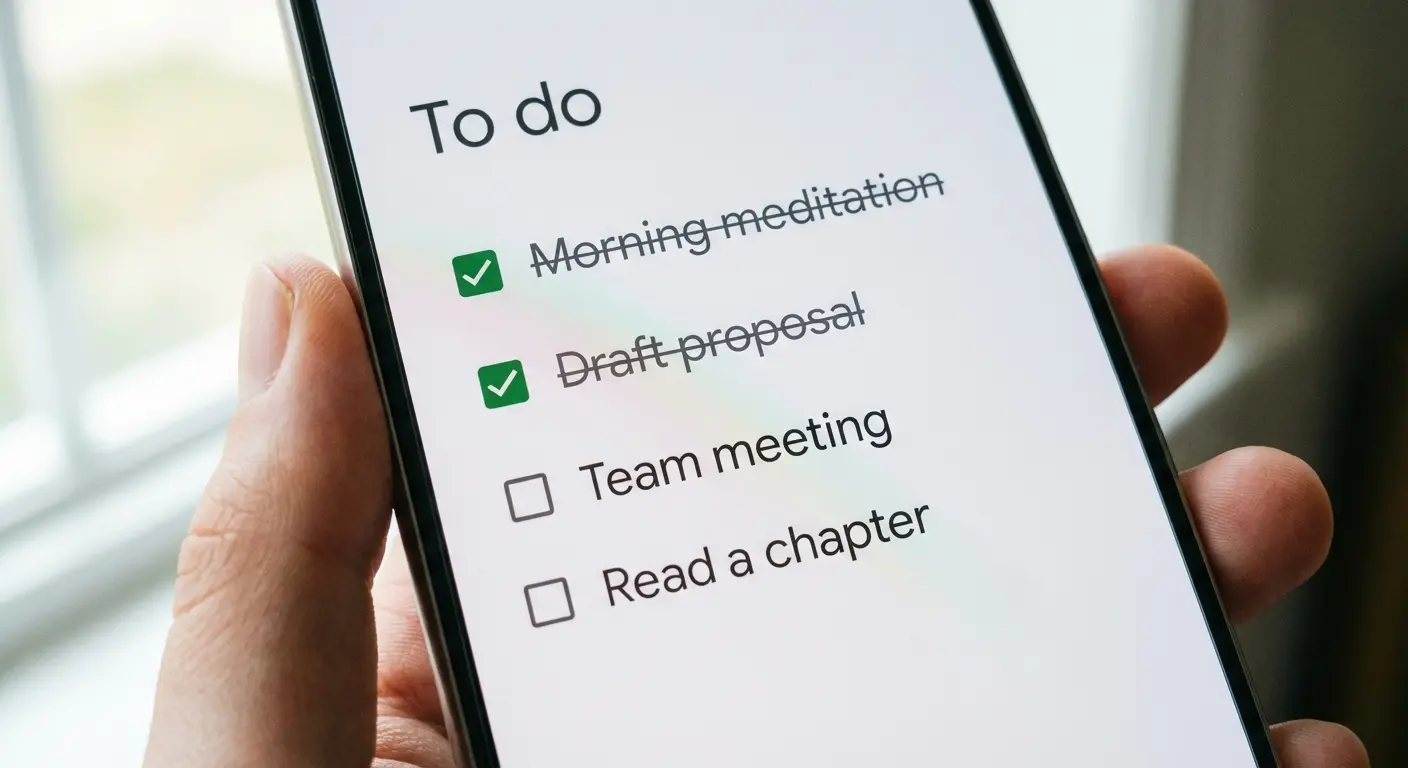
If you want something completely free with zero upsells, this is the one. Microsoft To Do is simple, integrates with Outlook, and looks good. I love the "My Day" view. It wipes the slate clean every morning, forcing you to pick what you actually want to do today. It stops that overwhelming feeling of staring at a massive backlog of overdue tasks.
3. TickTick
TickTick is a to-do list and a calendar in one. It also has a built-in Pomodoro timer, which is great if you like tracking your focus time. The mobile app is super smooth. The free version is generous, though some calendar widgets are paid. If you like dragging a task directly onto a calendar slot to block out time, TickTick is perfect.
4. Trello
Trello uses the Kanban method—boards, lists, and cards. It’s very visual. There is a weird satisfaction in dragging a card from "To Do" to "Done." The free tier gives you up to 10 boards per workspace, which is enough to manage a home renovation or a freelance client. If you're a visual thinker who hates linear lists, get Trello.
App |
Best For |
Vibe |
Free Tier Highlight |
|---|---|---|---|
Todoist |
Quick Capture |
Linear List |
Natural Language Input |
Microsoft To Do |
Office 365 Users |
Simple Checklist |
"My Day" Daily Reset |
TickTick |
Time Blocking |
Calendar/List Hybrid |
Built-in Pomodoro Timer |
Trello |
Visual Thinkers |
Kanban Boards |
10 Boards Included |
5. Asana
Asana is usually for big companies, but their free tier is shockingly good for individuals or small teams (up to 15 people). It handles complex projects better than simple list apps. If your work involves dependencies—like "Task B can't start until Task A is finished"—Asana handles that logic. It has a steeper learning curve, but it’s very powerful.
Category B: Note-Taking & Knowledge Management
A good note-taking app is like a second brain. These tools range from quick sticky notes to deep database systems. These productivity apps make sure you never lose a good idea again.
6. Notion
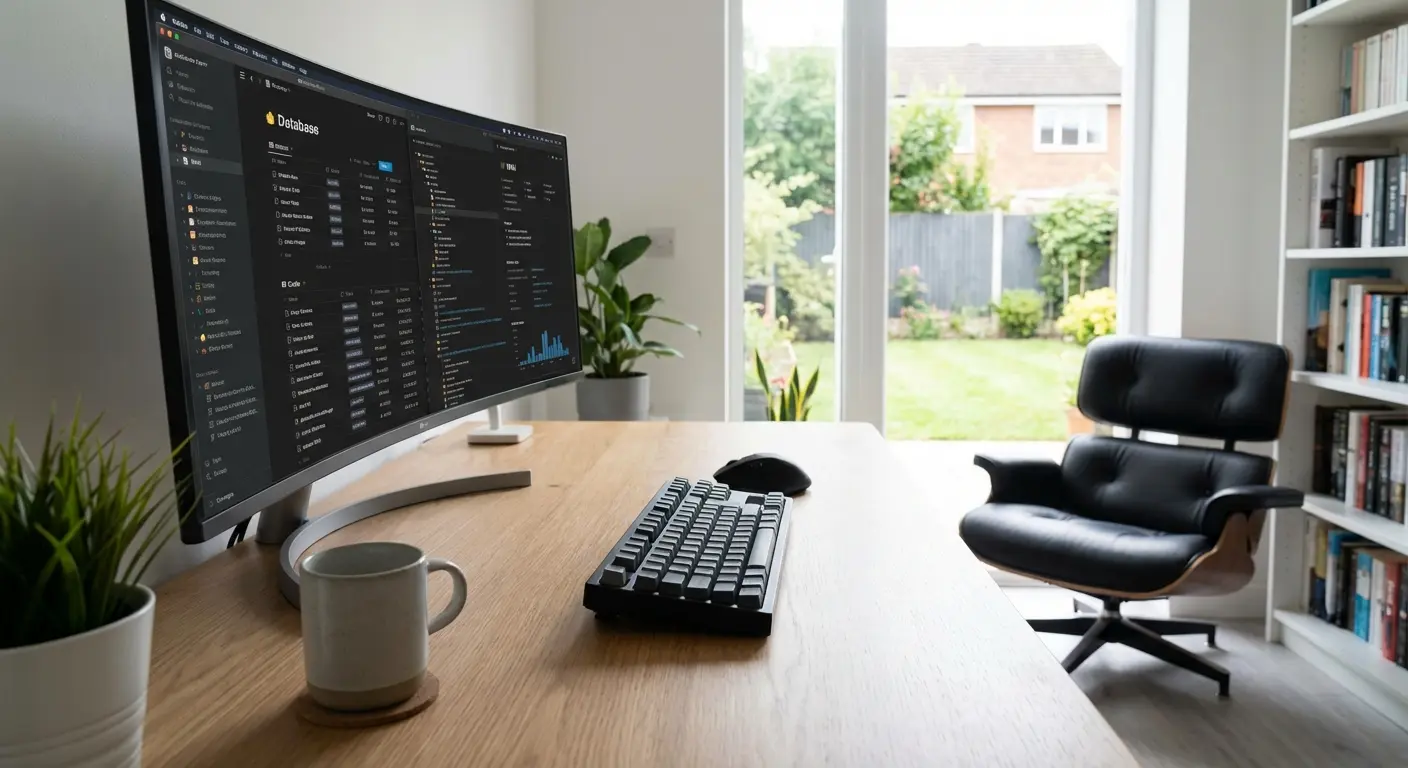
Notion is... everything. It's a wiki, a database, a calendar, and a journal. Think of it as a box of digital Legos. The personal plan is free with unlimited pages, which is a steal. Just be warned: you have to build your own system, which can be overwhelming if you just want to jot down a phone number.
7. Obsidian
Obsidian is for the heavy researchers. It stores notes as local files on your device and links them together like a personal Wikipedia. Your data lives on your hard drive, not in the cloud, which is great for privacy. It’s the best free option if you need to connect complex ideas over time.
8. Google Keep
Google Keep is a digital sticky-note app. It’s perfect for quick thoughts, voice notes, and photos. It loads instantly. I use it to capture fleeting ideas before they disappear. It also syncs with Google Docs, so you can drag your notes right into a document while you’re writing.
9. Joplin
Joplin is the open-source answer to Evernote. It supports encryption and lets you host your own notes. It is 100% free. If you're worried about a company reading your data or suddenly charging you money, Joplin is the safe bet. It isn't the prettiest app on the list, but it’s reliable and private.
10. OneNote
Microsoft’s digital notebook acts like a physical binder. You can type, draw, or paste images anywhere on the "paper"—it doesn't force you into straight lines. It’s completely free, though it can be a bit heavy on system resources. If you’re a student, OneNote is a powerhouse among productivity apps.
Category C: Time Management & Focus
Listing tasks is easy; finding the time to do them is the hard part. These tools help you analyze your habits and force you to focus. They are some of the best free productivity apps for reclaiming your schedule.
11. Toggl Track
Toggl Track is a simple timer. It helps you see where your day actually went versus where you thought it went. This is essential for freelancers who bill by the hour. The free version works for up to five users. You just hit the button and work.
If you're a gig worker or drive for a living, tracking your road time is just as vital. While Toggl handles the digital stuff, you might want to check out the best mileage tracker apps so you aren't losing money on your commute.
12. Clockify
Clockify stands out because it allows for unlimited users on its free plan. Most competitors charge per person. This makes it the best free option for teams. The browser extensions make it easy to start timers from anywhere on the web, so you don't have to keep switching tabs.
13. Forest
Forest gamifies your focus. You plant a virtual tree, and it grows as long as you stay in the app. If you leave to check Instagram, the tree dies. It sounds silly, but the guilt works. You don't want to kill your tree. The Chrome extension is free, and it’s a fun way to keep your hands off your phone.
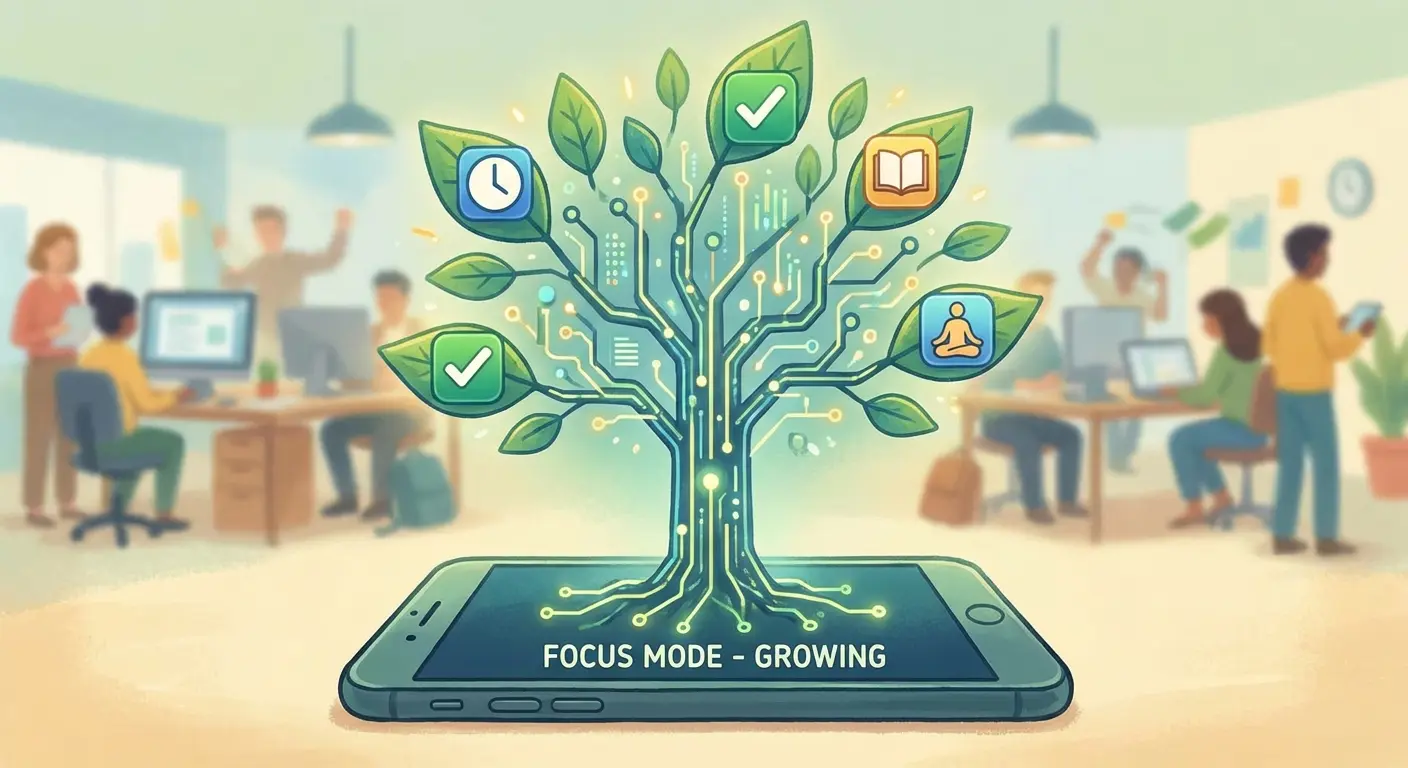
14. Pomofocus
Sometimes the best tool is the simplest one. Pomofocus is a web-based timer that requires no login. Open the URL, start your 25-minute session. Zero friction. It’s perfect for those moments when you just need to start working now.
Real-world example: You have a 2,000-word article to write. Instead of procrastinating, you open Pomofocus and hit "Start." The countdown creates immediate urgency. You write until the bell rings, then take a guilt-free break. Do that four times, and you're done without burning out.
15. RescueTime (Lite)
RescueTime runs in the background and tracks which websites you visit. It gives you a "productivity score" at the end of the day. It’s fully automated. It shows you the ugly truth about how much time you spend on social media, which is often the wake-up call you need. It’s one of the most revealing productivity apps you can install.
Category D: Communication & Collaboration
Productivity often involves other people. These tools are the standards for chatting and video calls without paying fees. They are the best productivity apps for keeping teams aligned.
16. Slack
Slack is the standard for work chat. It organizes conversations into channels so you can keep topics separate. The free version keeps a 90-day archive of messages. The history limit is annoying, sure, but it’s still essential for team work. It cuts down on internal email clutter significantly.

17. Discord
Originally for gamers, Discord is now a powerful community tool. Unlike Slack, the chat history is saved forever on the free plan. The voice channels are also much clearer than most other tools. It’s almost entirely free, with paid features being mostly cosmetic stuff like emojis.
18. Zoom
We all know Zoom. It remains the standard for video calls. The free tier hosts up to 100 people for 40 minutes. The time limit is a pain, but the connection reliability is why everyone uses it. It’s a staple for remote work.
19. Loom
Loom lets you send video messages instead of emails. You record your screen and voice to explain something. It saves hours of meeting time. The free plan limits the number of videos and caps them at 5 minutes, but that’s usually enough to explain a bug or a design concept.
For example: You see a glitch on your website. Explaining it in an email would take three paragraphs. Instead, you launch Loom, record your screen for 45 seconds while clicking the glitch, and send the link to the developer. They get it instantly.
20. Spark Mail
Spark Mail is an intelligent email app that sorts mail into "Personal," "Notifications," and "Newsletters." The "Smart Inbox" bubbles up the important stuff first so you don't miss anything real. It helps you clear the clutter quickly. It’s one of the most effective productivity apps for taming a wild inbox. Inbox management deserves its own comparison, so I ranked the email apps for Android too.
Category E: File Storage, Creation & Utilities
Let's wrap up with the utilities that hold everything together. These cover storage, design, passwords, and automation. Every best productivity tool needs a solid supporting cast.
21. Google Drive / Workspace
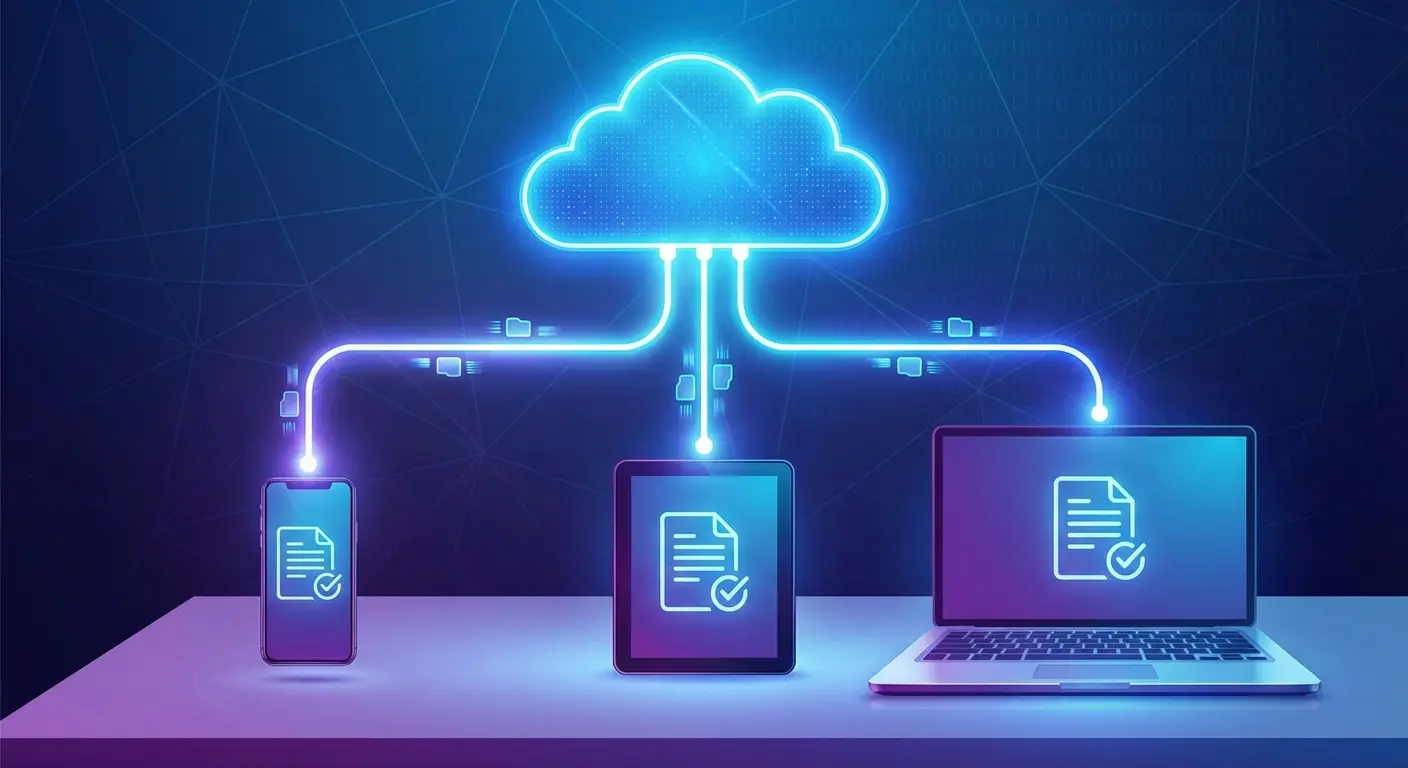
Google Drive offers cloud storage plus Docs, Sheets, and Slides. It’s the gold standard for real-time collaboration. The 15GB of free storage is generous. You can run your entire business or student life from this suite without installing anything.
However, relying solely on the cloud can get tricky if your phone is full. If you're constantly deleting apps to make room for offline files, check out our guide on the phone storage dilemma to see if you can squeeze more life out of your device.
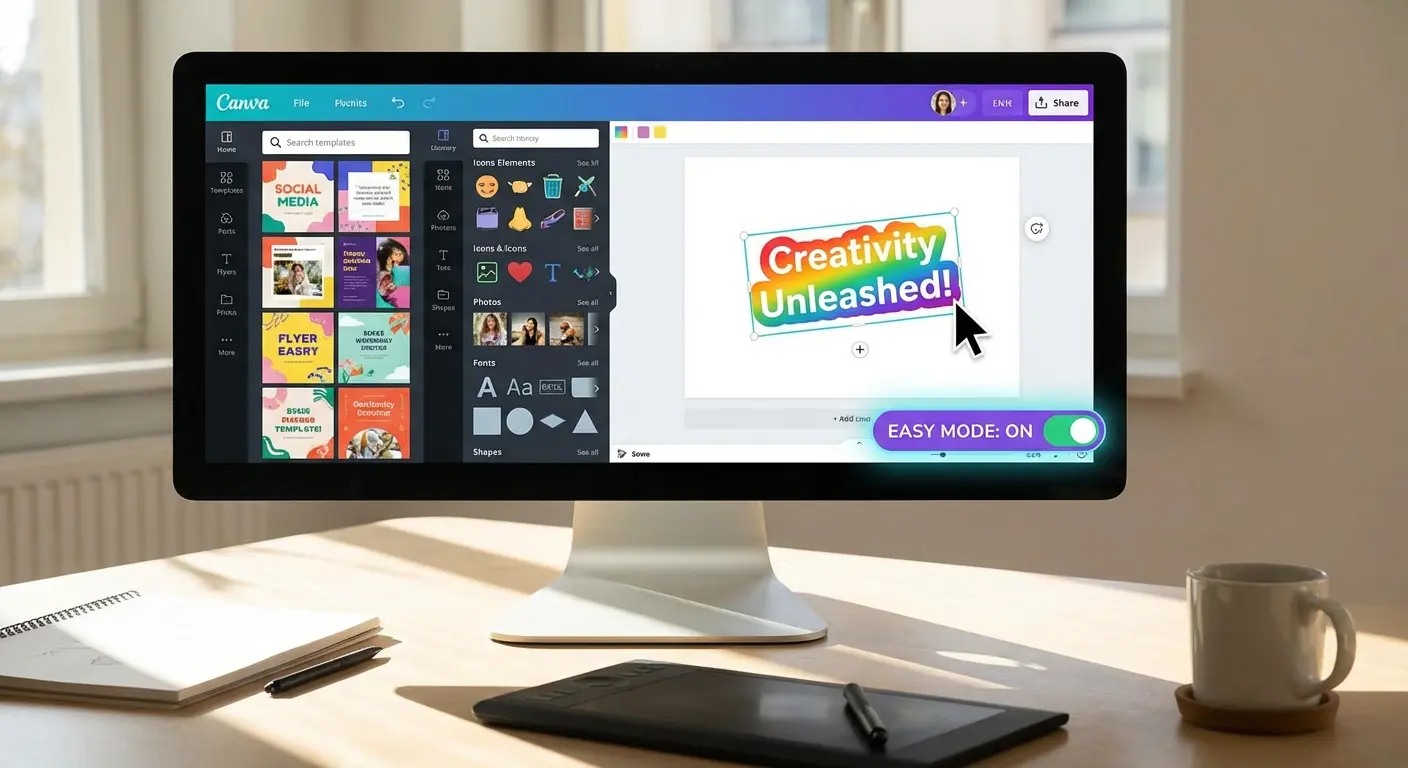
22. Canva
Canva makes graphic design easy for non-designers. You can create presentations and social posts in minutes. The free version offers thousands of templates. It saves you from staring at a blank screen wondering where to start.
23. Bitwarden
Productivity stops dead when you forget your password. Bitwarden is an open-source manager that fixes that. It offers unlimited passwords on unlimited devices for free. It’s secure, simple, and ensures you never waste time resetting a login again.
24. Pocket
Pocket is a "read it later" app. When you find an interesting article during work, save it to Pocket and close the tab. This stops you from getting distracted. It also strips out ads for a clean reading experience when you're ready to read it later.
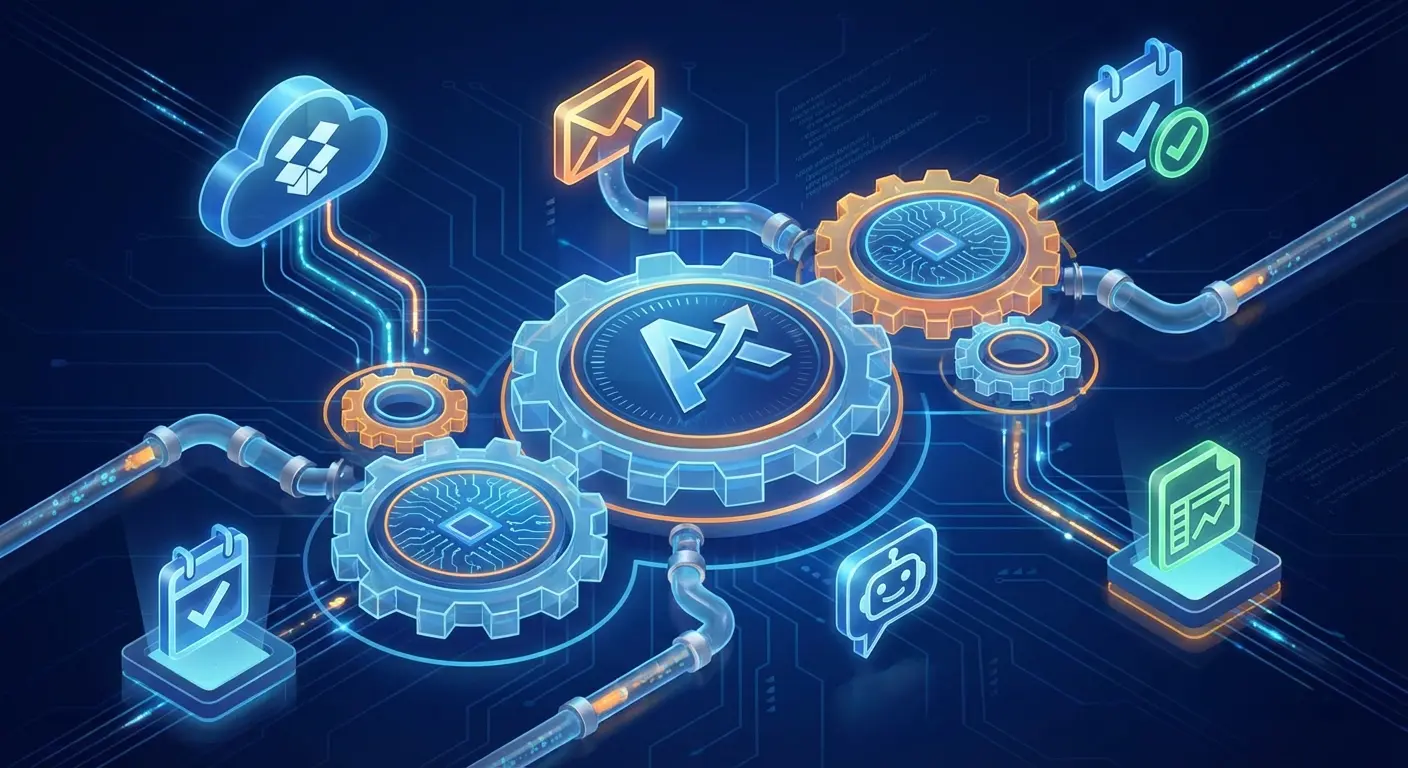
25. Zapier
Zapier connects your apps together. You can set it up so that when you get an email with an attachment, it automatically saves it to Google Drive. It’s the glue that holds your system together. The free plan allows for 100 tasks per month, which is enough to automate your most annoying repetitive tasks.
Tool |
Category |
Free Storage/Limit |
Key Benefit |
|---|---|---|---|
Google Drive |
Cloud Storage |
15GB |
Includes Docs/Sheets Suite |
Canva |
Design |
5GB Cloud Storage |
250,000+ Free Templates |
Bitwarden |
Security |
Unlimited Items |
Unlimited Devices Sync |
Zapier |
Automation |
100 Tasks/Month |
Connects Unrelated Apps |
Enhancing Productivity in the Real World
Software is great, but your hardware environment is just as critical. In 2026, we are working from cars, job sites, and the outdoors. This is where Rokform comes in. You can't use productivity apps like maps or field management software if your phone is smashed on the concrete.
Protection for Your Primary Tool
You need to protect your investment. Rokform cases use military-grade materials to protect your phone against drops. Whether you're using productivity apps on a construction site or just clumsy in the warehouse, the Rugged and Crystal cases ensure your device survives the daily grind.

Mounting for Efficiency
Mounting is also key. Rokform’s RokLock™ twist lock system and MAGMAX™ magnets let you stick your phone anywhere. When you're driving, use the Magnetic Wireless Charging Stand to keep navigation apps visible and charged without fumbling around.
If you spend a lot of time driving, a solid setup is crucial. Check out our guide on the best phone mounts for cars. And since these best productivity apps can drain your battery fast, take a look at the best wireless chargers to keep you powered up.
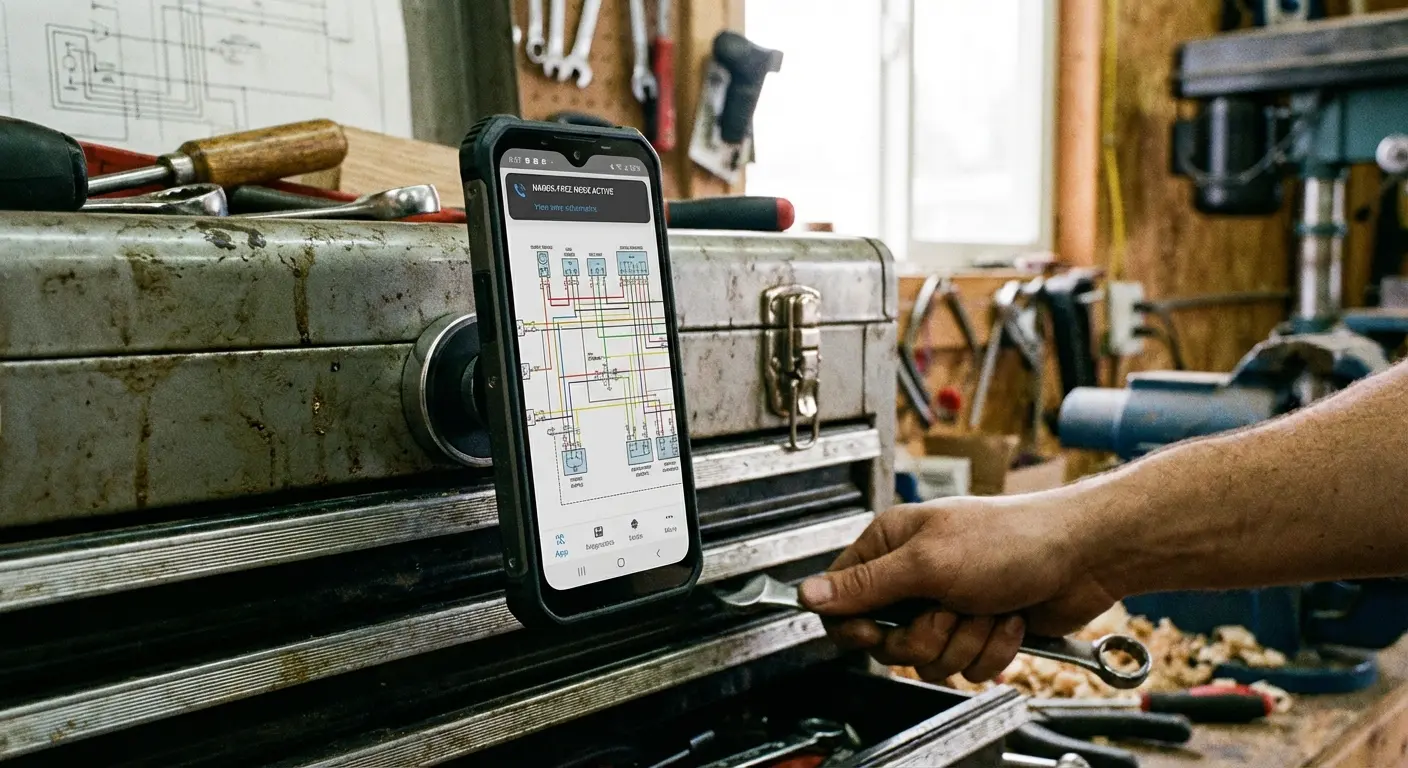
On the job, stick your phone to a toolbox, golf cart, or filing cabinet to keep your hands free. Plus, Rokform gear works with MagSafe, so you don't have to sacrifice protection for convenience.
Final Thoughts
Finding the right tools is always a bit of a trial-and-error process, but this list gives you a massive head start. You really don't need to pay a premium to get premium results. Start with one app from each category that fits your vibe, sync it up, and make sure your hardware is tough enough to keep up with you.
Also, productivity isn't just about work; it's about hobbies too. If you're a cyclist, for example, you can apply these same principles with the best apps for cyclists to track your performance.
If you're ready to protect the device that runs your life and houses your best productivity apps, check out the collection at Rokform. Whether you need software or hardware, the goal is the same: get more done with less friction.

