


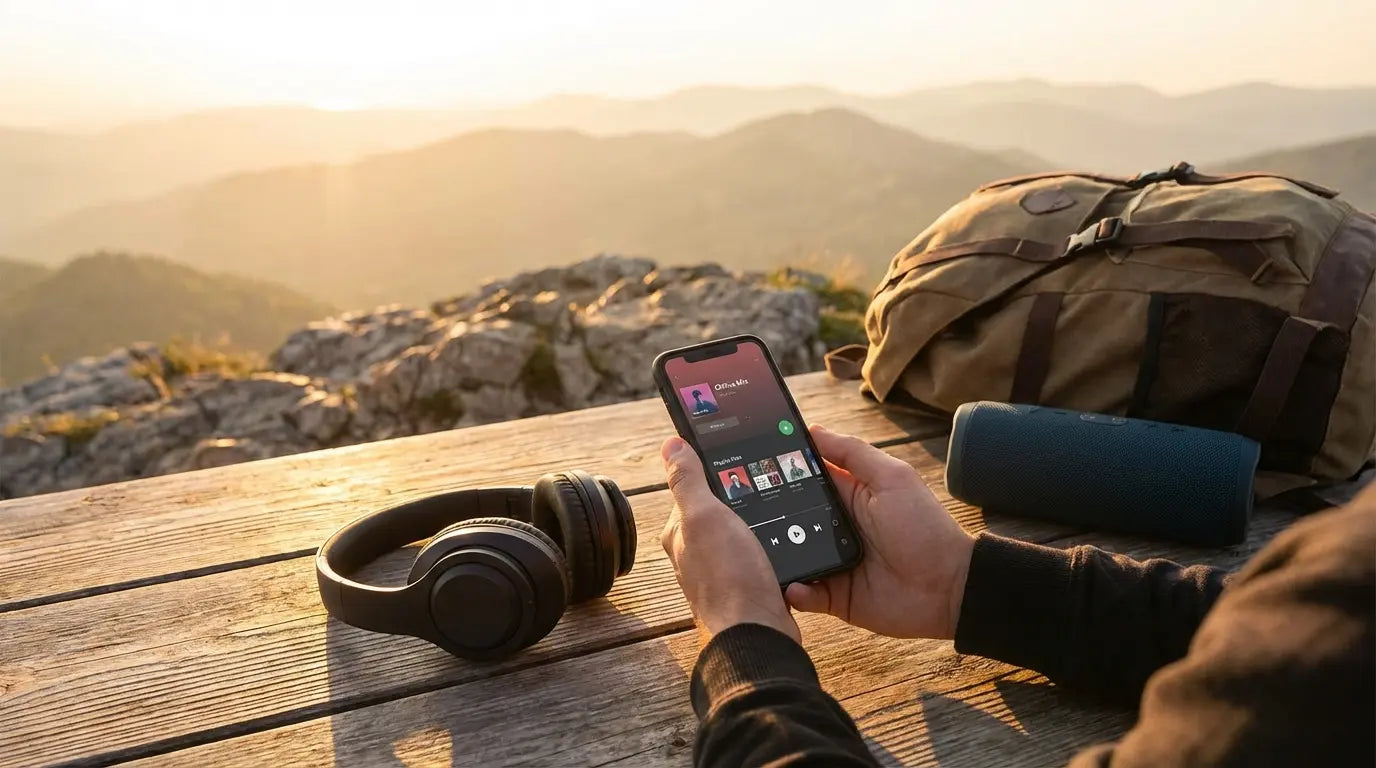
I’ve been there: sitting on a six-hour flight, staring at the seat back in front of me, and realizing with horror that I forgot to download my playlist. The silence was deafening. It turns out I’m not the only one willing to pay for the peace of mind that comes with uninterrupted tunes. In fact, 46% of total music streaming revenue comes from paid services, largely driven by people like us who just want premium features—mostly, the ability to listen offline.
You need a reliable way to keep the jams going when the signal vanishes. This guide covers the best apps to ensure your library is always ready, whether you're in a tunnel, on a plane, or out in the woods.
Table of Contents
Here is the roadmap for this post. We’ll look at what you need to look for before downloading, break down the top 25 options, and figure out which one fits your specific vibe.
What You Need to Know Before Hitting Download
The Heavy Hitters: Premium Streaming Services
The Best Options for Free Content and Discovery
Local File Players for Your Personal Library
Cloud and Locker Players
Radio and Podcasts for Offline Listening
Matching the App to Your Lifestyle
Securing Your Sound with Rokform
Final Thoughts
We want to make sure you find the right player for your situation. Whether you need tunes for a commute or a marathon, the right choice makes all the difference.
TL;DR: The Quick Version
In a rush? Here are the highlights. Essentially, you need to decide between renting your music or owning it, managing your storage space, and keeping your phone safe.
Know Your Source: Decide if you want to "rent" music via a subscription (Spotify, Apple Music) or play files you actually own (VLC, Poweramp).
Storage Matters: High-quality audio eats up space. Look for apps that handle cache well or support SD cards.
Go Local to Save Battery: Playing locally stored MP3s uses way less battery than constantly pinging a cell tower.
Hardware is Key: The best app in the world is useless if your phone slides off your dashboard. Secure car phone mounts are essential.
What You Need to Know Before Hitting Download
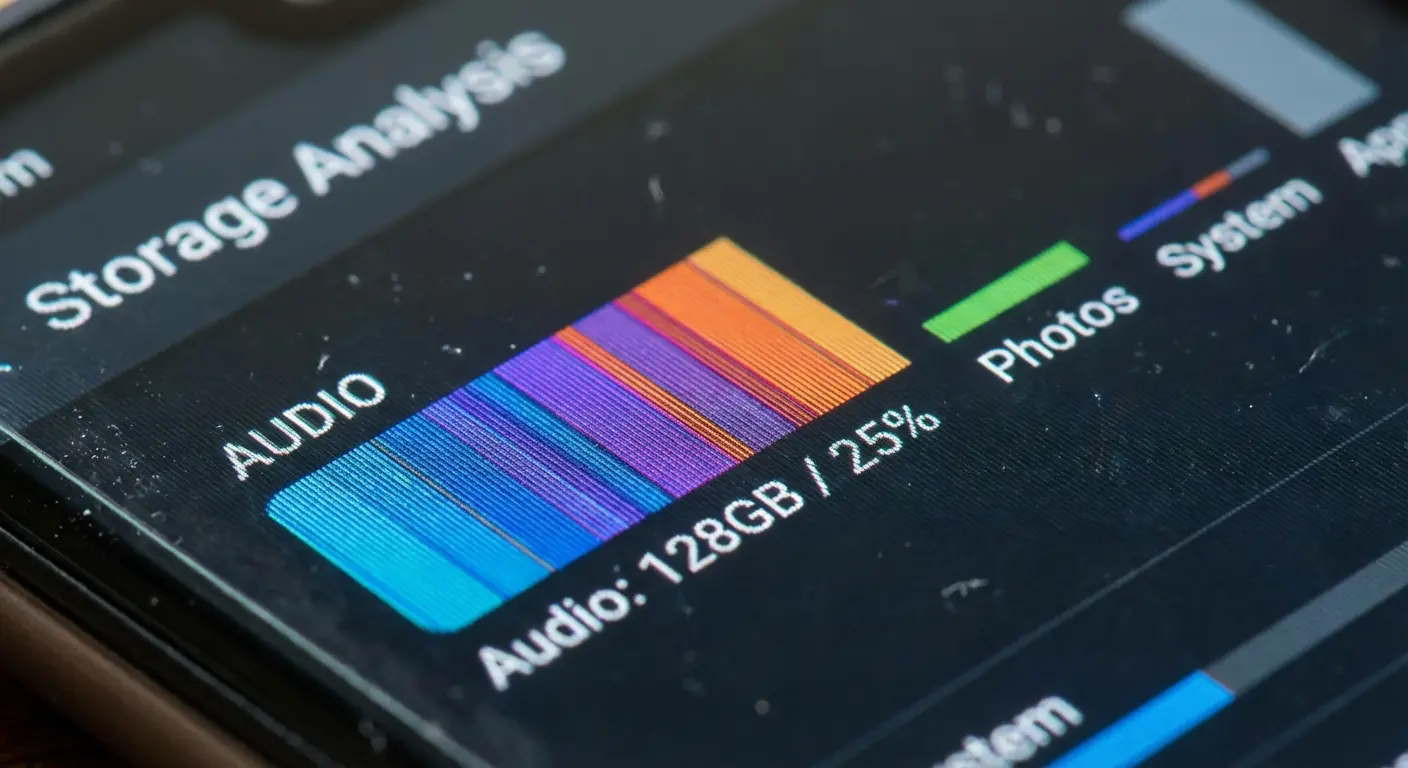
Before you fill your storage with random apps, it helps to understand that not all offline players work the same way. Some are streaming services that let you "borrow" the file for a while, and others are just robust players for files you've already transferred to your phone.
Source of Music: Streaming vs. Local
Think of streaming services like renting an apartment. You download the files within their app, but if you stop paying the monthly rent, the music disappears. Local players are like owning a house. They play files you own and have transferred to your device. Those files are yours forever, subscription or not.
Cost and Subscription Models
Most premium streamers run about $10 to $15 a month. That fee covers the licensing that lets you save songs for offline playback. Local file players are usually much cheaper—often a one-time fee of a few bucks or totally free with ads.
Audio Quality and Bitrate
Not all sound is created equal. Here is a quick breakdown of what you're actually hearing:
Audio Quality Level |
Format |
Bitrate |
File Size (Approx. per 3 min song) |
Best For |
|---|---|---|---|---|
Standard |
MP3 / AAC |
128 kbps |
3 MB |
Saving space; the gym or noisy commutes. |
High |
MP3 / Ogg Vorbis |
320 kbps |
7-8 MB |
The "Gold Standard" for most listeners. |
Lossless |
FLAC / ALAC |
Variable |
20-30 MB |
Audiophiles with wired headphones. |
Hi-Res |
FLAC / WAV |
24-bit/96kHz |
50-100 MB+ |
Archival quality; you'll need an external DAC/Amp to hear the difference. |
Platform Compatibility and Storage
Android generally wins here because of expandable SD card storage. If you plan to carry a massive library of FLAC files, make sure your phone can handle the weight. iPhone users generally have to rely on internal memory, which makes app storage management super important.
The Heavy Hitters: Premium Streaming Services
These are the giants. If you want access to millions of songs and are willing to pay for the convenience, this is your category. These apps provide the most seamless experience—you search, you click download, you listen. Simple.
Service |
Offline Limit |
Audio Quality (Max) |
The "Special Sauce" |
|---|---|---|---|
Spotify |
10,000 songs/device |
320 kbps (Ogg) |
Best discovery algorithms and "Smart Shuffle." |
Apple Music |
100,000 songs |
Lossless / Hi-Res |
Seamless integration if you're in the Apple ecosystem. |
Tidal |
Unlimited (Storage dependent) |
Hi-Res FLAC |
Highest fidelity audio for the purists. |
YouTube Music |
Smart Downloads (Auto) |
256 kbps (AAC) |
Access to remixes, covers, and video audio. |
1. Spotify
Spotify is the market leader for a reason. The interface just works, and the discovery algorithms are scary good. The best feature? "Smart Downloads." If you forget to update your offline playlist before leaving the house, Spotify can automatically download tracks based on what you’ve been listening to recently. It’s a lifesaver.
2. Apple Music
If you have an iPhone, this is the logical choice. It plays nice with Siri and your old iTunes library. Unlike Spotify, Apple Music gives you Lossless and Spatial Audio at no extra cost, which is a huge win if you care about sound quality.
3. YouTube Music
YouTube Music shines because it includes audio from video clips. That means you can find obscure covers, live sets, and remixes that aren't on standard platforms. The "Smart Downloads" here are aggressive, too—it’ll keep your "Offline Mixtape" updated with up to 500 songs without you lifting a finger.
4. Amazon Music Unlimited
If you have Prime, you get a discount, making this a solid deal. The app supports HD and Ultra HD audio, competing directly with Tidal and Apple. Plus, it works seamlessly with Alexa if you use voice controls in the car.
5. Tidal
Tidal is all about sound quality and paying artists better. If you own high-end headphones and a portable DAC, Tidal’s tracks provide a depth that standard MP3s just can't match. It’s the audiophile’s choice.
6. Deezer
Deezer often flies under the radar, but it has a killer feature called "Flow"—an infinite mix of your favorites and new recommendations. It supports HiFi audio and has a super clean interface that rivals the bigger names.
The Best Options for Free Content and Discovery
You don't always have to swipe a credit card to listen offline. These apps offer free or ad-supported offline playback. They are perfect for discovering new artists, finding mixtapes, or legally downloading music through reward systems.

7. Audiomack
Audiomack is the go-to spot for hip-hop, electronic, and reggae. Artists upload their music directly, and many tracks are available for free download within the app. It’s a fantastic resource for finding stuff before it hits mainstream radio.
8. Trebel
Trebel has a unique model: you "pay" for music by watching ads or interacting with brand partners. This lets you download songs legally and play them offline without a monthly fee. It’s great if you have more time than budget.
9. SoundCloud
While the full offline experience requires a subscription, the free version still offers a massive library of independent music. Many creators enable free downloads for their tracks. It remains the best place to find raw, uncut talent.
10. Pandora
Pandora is known for radio, but its offline capabilities have improved. Even free users can sometimes access offline listening sessions by engaging with video ads, unlocking temporary offline perks.
11. Spinrilla
If you love hip-hop mixtapes, you need Spinrilla. It focuses exclusively on mixtape culture, offering thousands of tapes for streaming and downloading. It’s basically the digital version of the street team handing out CDs.
Local File Players for Your Personal Library
For those who prefer to own their files, local players are the gold standard. These apps don't stream; they play the MP3, FLAC, and WAV files you've collected over the years. This is how you get maximum battery efficiency and zero data usage.
12. VLC for Mobile
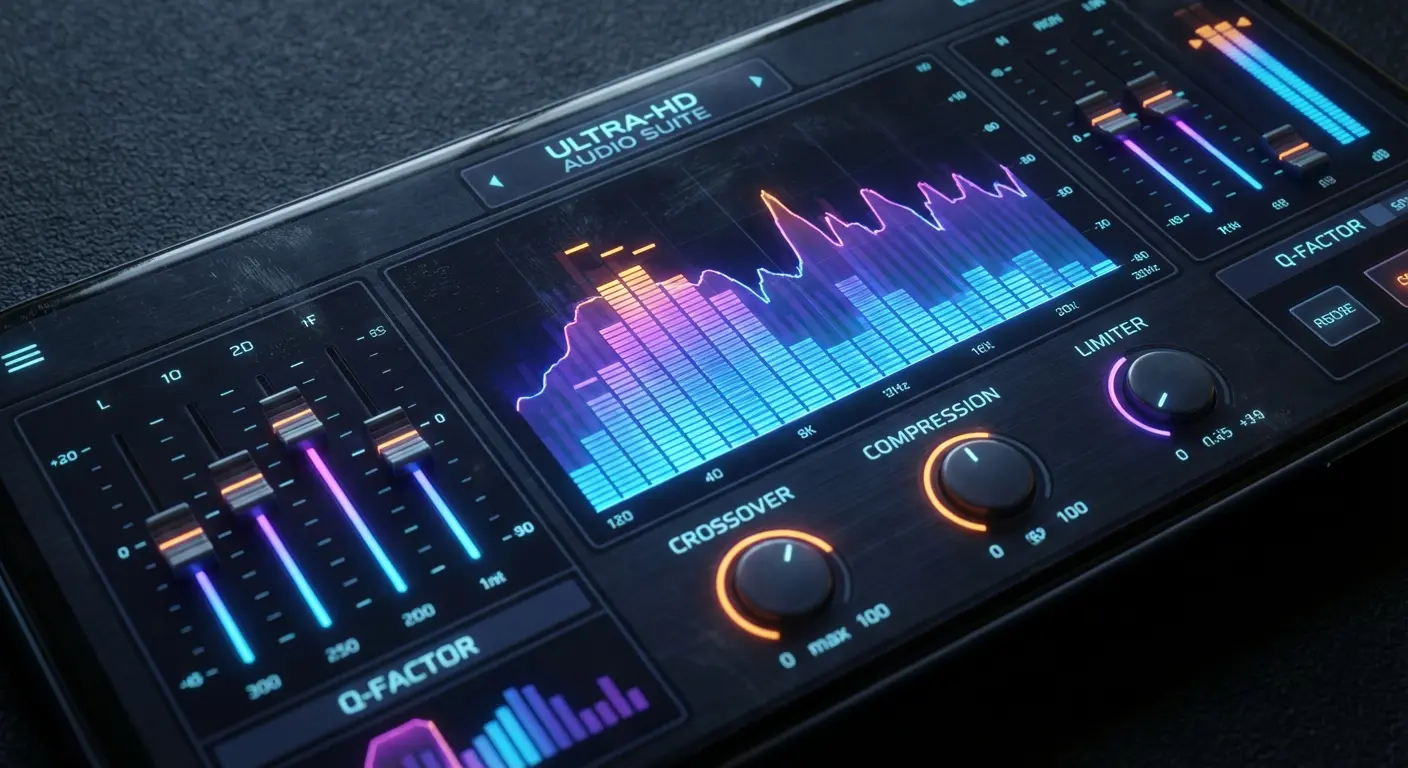
VLC is the Swiss Army knife of media players. It plays almost any file format you throw at it. The "Sharing via Wi-Fi" feature is brilliant—you just toggle a switch, type an IP address into your computer browser, and drag-and-drop your music folder directly to your phone. No cables required.
13. Poweramp (Android)
Poweramp is legendary in the Android community. It features a powerful 10-band equalizer and support for hi-res output. The interface is highly customizable with skins, making it a favorite for people who like to tinker.
14. Musicolet
Musicolet is unique because it is completely offline—it doesn't even have permission to access the internet. This makes it incredibly lightweight and fast. It supports multiple queues, so you can line up hours of music in advance.
15. AIMP
AIMP focuses on old-school playlist management. It supports smart playlists and bookmarks, which is great for audiobooks or long DJ sets.
16. Pulsar Music Player
Pulsar offers a gorgeous, intuitive interface with a tiny footprint. It manages to pack in gapless playback, lyrics display, and crossfade support without bloating the app size. Perfect for older phones.
17. BlackPlayer
BlackPlayer is for the minimalists. It uses a clean, tab-based interface that you can customize heavily. The free version is generous, but the paid version unlocks advanced audio settings.
18. Foobar2000
Foobar2000 brings the classic desktop experience to mobile. It’s not the prettiest app, but it is incredibly powerful. It supports advanced tagging and DSP effects, making it a tool for power users who prioritize function over form.
19. Vox (iOS)
Vox is one of the best FLAC players for iPhone. It can play hi-res audio files that the native Apple Music app often struggles with. It also links to a cloud locker service, bridging the gap between local storage and cloud backup.
Cloud and Locker Players
If your phone is low on storage but you have a massive library backed up on Google Drive or Dropbox, these apps are the solution. They let you stream or download from your own cloud.
20. CloudBeats
CloudBeats scans your cloud storage accounts and organizes your music files into a library view. You can download albums or playlists for offline use. It works with all the big cloud services.
21. Evermusic
Evermusic acts as both a music player and a file manager. It allows you to download music from the cloud for offline listening and includes an audio equalizer and bass booster.
22. pCloud
pCloud is primarily a storage service, but its built-in media player is excellent. You can mark any file as "Offline" to keep it on your device permanently.
Radio and Podcasts for Offline Listening
Music isn't the only thing you might want to save for a dead zone. Sometimes you need a podcast or a recorded radio show to get you through the miles.

23. TuneIn Radio
TuneIn allows Premium subscribers to record radio for offline listening. This is a rare feature that lets you capture live sports or music shows and play them back later. It’s like a DVR for radio.
24. Pocket Casts
Pocket Casts is widely regarded as the best podcast player. Its auto-download filters are powerful; you can set it to automatically download the latest episode of your favorite shows while on Wi-Fi, deleting them after you finish listening to save space.
25. iHeartRadio
iHeartRadio offers a feature called "Playlist Radio" for Plus and All Access users. You can save these playlists offline. It combines the feel of live radio with the control of a playlist.
Matching the App to Your Lifestyle
Choosing the right app depends entirely on how you plan to use it. Here’s a quick cheat sheet to match your vibe to the right player.
User Persona |
Primary Need |
Top Pick |
|---|---|---|
The Commuter |
Set-it-and-forget-it playlists; reliability. |
Spotify |
The Archivist |
Total control over metadata and file organization. |
Poweramp / Musicolet |
The Budget Listener |
Free music without subscription fees. |
Audiomack / Trebel |
The Audiophile |
Highest possible bitrate and EQ customization. |
Tidal / Vox |
The Commuter
You need reliability. Spotify or YouTube Music are your best bets because of their smart download features. You don't want to fiddle with files at 7 AM; you just want to hit play and zone out.
The Budget Audiophile
If you care about sound but not subscriptions, ripping your own CDs to FLAC and using VLC or Pulsar is the way to go. You get high-quality audio without the monthly bill.
The Archivist
You have terabytes of music on a hard drive. Poweramp or Foobar2000 gives you the tools to manage that library on mobile, respecting your folder structures and tags perfectly.
Securing Your Sound with Rokform
You’ve curated the perfect offline playlist, but that is only half the equation. If you are taking your music to the golf course, the canyon roads, or the trail, you need to ensure your device is secure. Rokform provides the hardware to bridge the gap between your digital library and the real world.
Magnetic Mounting for Active Listening
When using an offline interval timer or high-energy playlist at the gym, you don't want your phone on the dirty floor. With a Rokform case, you can magnetically snap your phone directly onto the squat rack or elliptical machine. This keeps your controls at eye level and your device safe from being stepped on. Check out how your phone case can amplify your workout.
Rugged Protection for the Outdoors
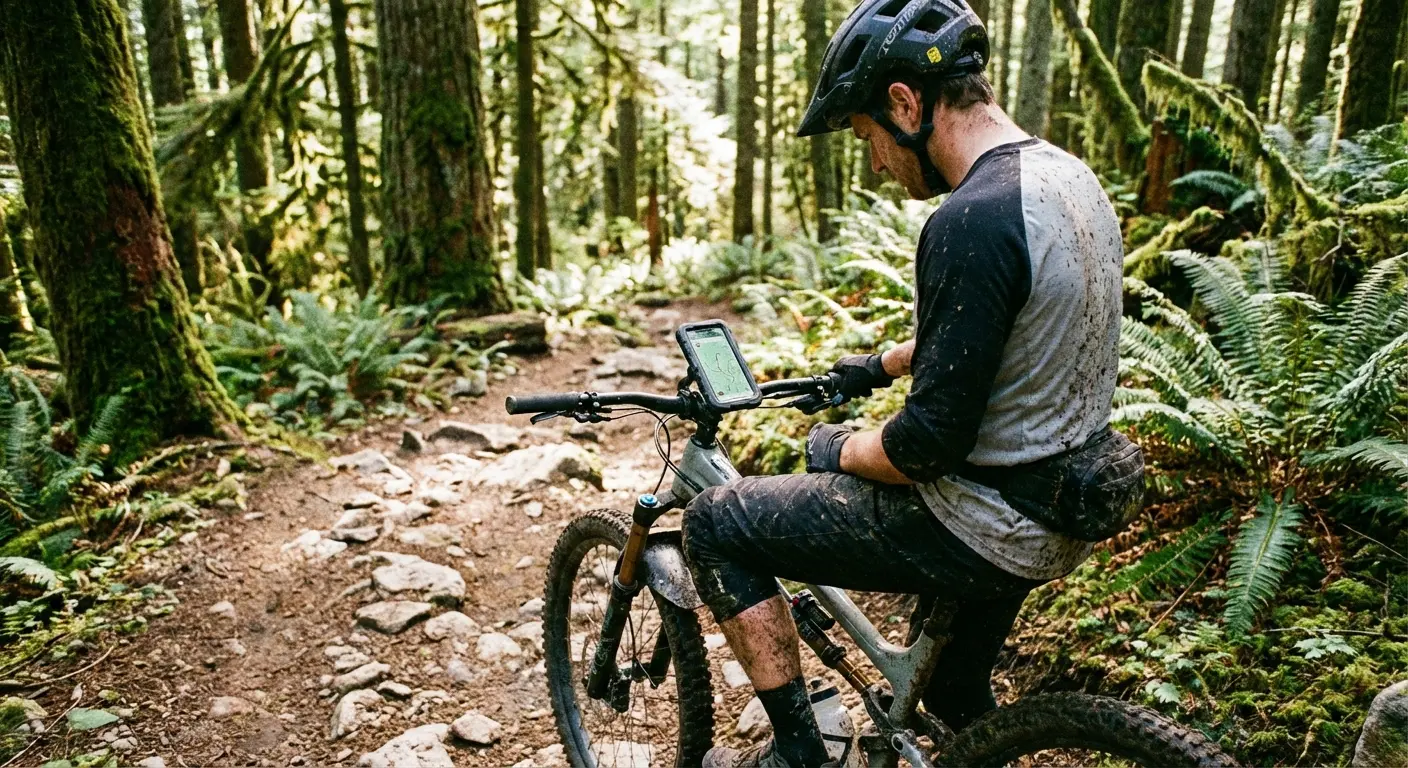
Whether you're hiking or biking, accidents happen. Ensure your device survives the fall with one of the most protective phone cases available. We build our cases to withstand the impacts that would shatter a standard device, ensuring your soundtrack continues even after a tumble.
The G-ROK Speaker for the Golf Course
For those long days on the green, you need audio that lasts as long as your game. The G-ROK is widely considered the best golf speaker for its instant magnetic mounting and rugged build. It pairs perfectly with your offline playlist, sticking directly to the cart frame.

Final Thoughts
We’ve covered everything from the top streaming giants to the niche local players that handle high-res files. Whether you are willing to pay for convenience or prefer to manage your own library, there is an app here for you. Download your favorites, equip your phone with the right protection, and enjoy the music without worrying about the signal. If you plan on taking your playlist to the trails, make sure to check out the benefits of bringing your phone on your bicycle rides to stay connected safely.
Remember, you don't always need to pay to play. Apps like Audiomack and Trebel provide free offline music legally, and even SoundCloud has gems available for zero dollars. Find the app that fits your life, download your favorites, and never let a dead zone kill your vibe again.

