


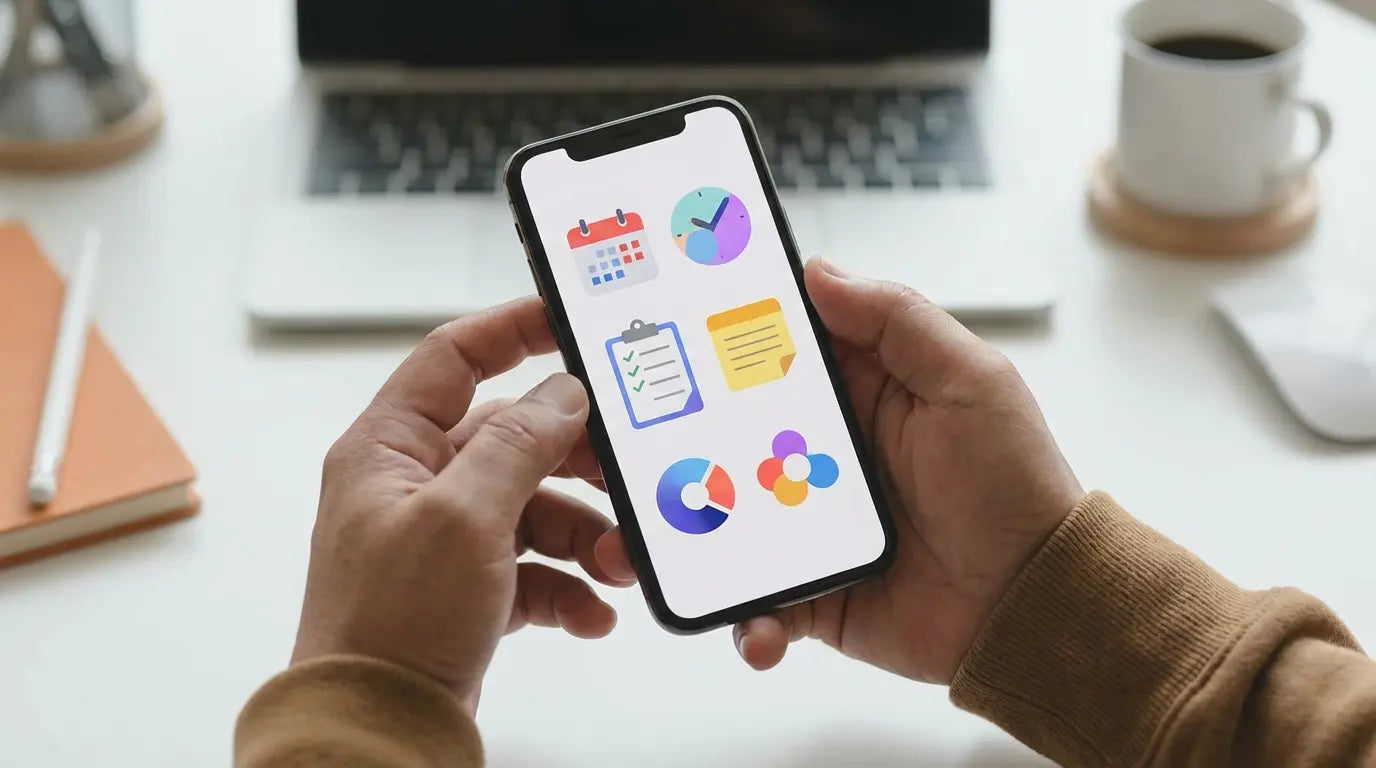
I’ll be the first to admit it: I have a love-hate relationship with my phone. Sometimes I look at my screen time stats and want to throw the thing into the ocean. But let's be real—our phones aren't inherently evil. They are just tools. If you aren't intentional with them, they become distraction machines. But if you set them up right? They become superpowers.
I’ve spent years testing countless tools—task managers, distraction blockers, note-takers—trying to find the ones that actually help rather than just adding more noise. Finding the best productivity apps for iphone is tough because the App Store is flooded with garbage. But the right software can genuinely turn your device into a serious asset.
You can read more about the technical side of this on Zapier, but I wanted to write a guide that cuts through the marketing speak. Here are the tools that actually work, focusing on AI that isn't a gimmick, apps that work offline, and tools that respect your privacy.
The Quick Version (TL;DR)
If you don't have time to read the whole thing, here is the gist. The best apps in 2026 are the ones that work with you, not just for you. They use AI to predict what you need, and they work even when you don't have cell service.
AI is standard now: If an app doesn't help you write or plan, it's outdated.
Offline is non-negotiable: You need to be able to work on a plane or in a subway tunnel.
Widgets matter: If I have to open the app to see my tasks, I’m already losing time.
Protect the hardware: Software doesn't matter if your screen is shattered. Good cases and mounts are part of the workflow.
Privacy: If an AI is reading your notes, end-to-end encryption is a must.
How I Picked These Apps
Before you go on a downloading spree, let's talk about standards. It’s 2026—we shouldn't settle for apps that just look pretty. I look for "Apple Intelligence" integration (does it summarize my meetings?) and deep ecosystem support (can I start on my phone and finish on my Mac?). To truly identify the best productivity apps for iphone, I looked for tools that reduce friction.
Criteria |
The Old Standard |
The 2026 Standard |
|---|---|---|
Connectivity |
Needs the internet |
Local-first (Works offline, syncs later) |
Smarts |
Manual entry only |
Predictive AI & Auto-summarization |
Integration |
Annoying notifications |
Interactive Widgets & Dynamic Island |
Security |
Basic HTTPS |
End-to-End Encryption (your eyes only) |
It’s About the Workflow
I prioritized apps that use AI to take work off your plate, like auto-scheduling tasks. I also looked for apps that use the native iOS features. If an app ignores the Dynamic Island or Interactive Widgets, it feels clunky. And frankly, if an app doesn't work offline, I don't use it. You can't rely on having 5G everywhere.
Category I: Getting Things Done (Tasks)
This is the bread and butter of productivity. Whether you need a simple grocery list or a massive project board, these are the heavy hitters.
1. Things 3
Cultured Code’s app is still the king of design. It just feels good to use. You can drag and drop your day around, and it works beautifully with Apple Shortcuts. If you want pure task management that never feels cluttered, this is it.
2. Todoist
The magic of Todoist is how it understands human speech. You can just type "Buy milk every Monday at 8 am," and it handles the scheduling instantly. No fiddling with date pickers. Its AI assistant can also break down big, scary tasks into small, manageable steps for you.
3. Notion
Notion is basically a second brain. It’s a workspace for wikis, project boards, and databases. It has a steeper learning curve, but once you set it up, it runs your life. Just keep in mind it generally needs an internet connection to be at its best.
4. Linear
If you work in software or product, you probably already know Linear. It’s built for speed. It syncs instantly, relies on keyboard shortcuts, and is designed for high-performers who want to track issues without the bloat. Android users have a parallel lineup in my productivity apps on Android guide.
5. Asana
For big teams, Asana is the powerhouse. It’s great for visualizing timelines and dependencies on the go. It’s less of a personal to-do list and more of a "let's manage the whole company" tool.
Category II: The Digital Brain (Notes)
Your brain is for having ideas, not holding them. You need a place to dump information. When building a digital brain, selecting one of the best apps for note taking is essential for actually remembering what you read.
6. Obsidian
Obsidian is for the data nerds (like me). It uses a "local-first" approach, meaning your files live on your phone, not a server. It links your thoughts together like a web. It’s fantastic for building a knowledge base over years.
Try this workflow: Read an article in Safari, highlight a quote, and use the "Share" sheet to blast it straight into your Obsidian "Daily Note." It links the idea so you never lose it in the digital void.
7. Apple Notes
Don't sleep on the default app. It is hands-down the fastest way to capture a thought. With the new AI summarization and handwriting features, it's a powerhouse that syncs instantly across all your Apple gear.
8. Bear
Bear is the beautiful middle ground between Apple Notes and Obsidian. It uses hashtags to organize everything, so you don't have to worry about folders. It’s fast, pretty, and supports markdown.
9. Evernote
The old guard is still here. Evernote is essentially a digital filing cabinet. It’s still the best at scanning receipts, PDFs, and images and making the text inside them searchable.
10. Craft
If you care about how your documents look, get Craft. It treats notes like professional documents or websites. It’s visually stunning and great for sharing ideas with others.
Category III: Focus & Time Management
Time is the one thing you can't get back. These apps help you protect it.
11. Fantastical
The name isn't an exaggeration. It combines your calendar and reminders into one view. It utilizes the Dynamic Island to show you exactly how much time you have left in a meeting, so you stop running late.
12. Toggl Track
Wondering where your day went? Toggl tells you. It’s a one-tap timer that tracks your work. If you're a freelancer, this is vital. Use this for time, and use separate apps for tracking expenses to make sure you're billing for every minute and dollar you deserve.
13. Opal
This app is aggressive, and that's why I love it. Opal blocks distracting apps (like Instagram or TikTok) so you literally cannot open them. It integrates with Screen Time to force you to focus.
The "Deep Work" Shield: Set Opal to lock your social apps from 9 AM to 11 AM. If you try to open them, Opal gently scolds you. It breaks that dopamine loop instantly.
14. Forest
If you need a gentler nudge, Forest gamifies focus. You plant a virtual tree, and if you leave the app to check Twitter, your tree dies. It sounds silly, but the guilt actually works.
15. Rise
Rise tracks your sleep debt and energy levels. Instead of telling you to work harder, it tells you when to work based on your biology. It’s productivity based on science, not hustle culture.
Category IV: Communication
Email and meetings are necessary evils. These tools make them less painful.
16. Spark Mail
Spark treats your inbox like a to-do list. The "Gatekeeper" feature is a game changer—it blocks cold emails and spam before they even hit your notification center.
17. Superhuman
It’s expensive, but it’s the fastest email experience on earth. Once you learn the keyboard shortcuts, you can fly through your inbox. Plus, the offline mode lets you triage email on a flight with zero lag.
18. Slack
You know it, you (probably) use it. The mobile app is solid, especially now that AI can summarize those 50-message threads you missed while you were actually working.
19. Otter.ai
Stop trying to type everything said in a meeting. Otter records and transcribes it in real-time. It even identifies who is speaking. It automates the boring part of meetings.
20. Zoom
The standard for video. The mobile app has gotten much better at background noise isolation, which is a lifesaver if you have to take a call from a coffee shop.
Category V: Utilities & Automation
The glue that holds the system together.
21. Apple Shortcuts
This is the most powerful app on your phone, period. You can chain apps together. I have a "Start Day" shortcut that turns on my office lights, reads my calendar, and opens my to-do list with one tap.
22. ChatGPT
It’s the ultimate brainstorming partner. The Voice Mode is surprisingly good—you can have a full conversation to hash out ideas while you're walking the dog.
23. 1Password
Security is productivity. If you're resetting passwords constantly, you're wasting time. 1Password stores everything and auto-fills it via FaceID. It just works.
24. Scanner Pro
This turns your camera into a legitimate PDF scanner. It cleans up the image, removes shadows, and uploads it to the cloud. If you want the best results, check out this guide on how to scan on iPhone to master the camera settings.
25. Drafts
Drafts is where text starts. Open the app, type immediately, and decide where to send it later. It removes the friction of thinking "Where should I save this?" before you write.
Hardware: The Physical Side of Productivity
We spend so much time talking about software that we forget about the actual device. The best apps in the world are useless if your phone is shattered or sliding around your car seat. This is where Rokform fits into my workflow. If you invest time configuring the best productivity apps for iphone, you should protect the investment.
Protection is Insurance
I'm not risking a $1,000+ device on a cheap case. A cracked screen halts your workday instantly. I use Rokform’s Rugged cases because they offer military-grade protection. Whether I'm at a job site or just clumsy in the kitchen, it’s the first line of defense to protect your phone screen from cracking.
Mounting: Hands-Free is Key
You need your hands free to actually work. I use the Magnetic Wireless Charging Stand to keep my phone at eye level on my desk—it basically turns my iPhone into a dashboard for my notifications. In the car, the MagSafe Swivel Dash Mount is essential for navigation. If you commute, grabbing one of the best magnetic car phone mounts keeps you safe and keeps your schedule visible.
Don't Run Out of Juice
Apps like Zoom and ChatGPT eat battery for breakfast. I combine my case with the G-ROK PRO power bank to make sure I don't go dark in the middle of a workday.
Final Thoughts
Building a productivity system isn't about downloading every app on this list. It's about picking the two or three that solve your specific problems. Audit your phone. Delete the junk. Equip your iPhone with the right protection and mounting gear, and turn it into the tool it was meant to be. Once you combine the best productivity apps for iphone with a solid physical setup, you stop fighting your phone and start getting things done.

