


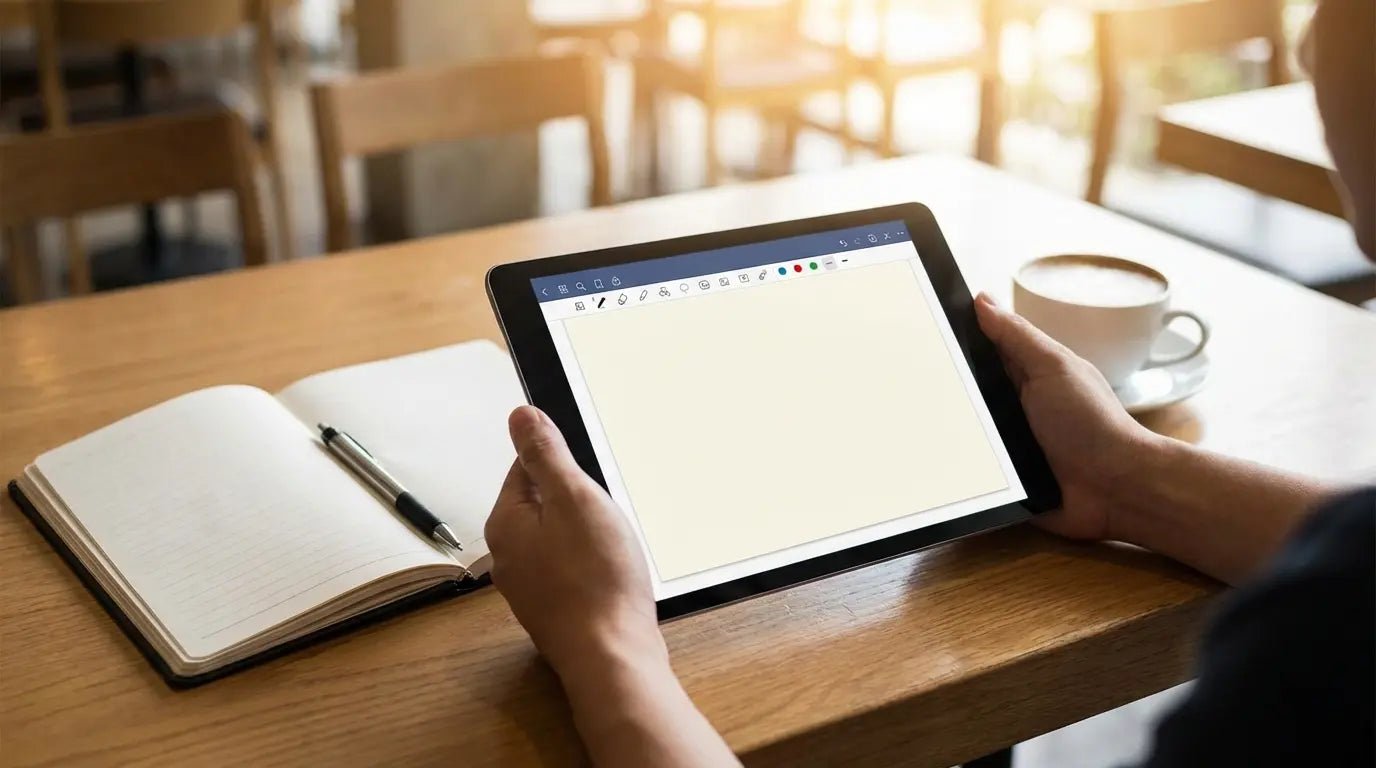
Zapier tested over 50 different note apps recently. Fifty. That is an absurd number of ways to write down a grocery list. I remember staring at my phone last week, completely paralyzed by choice, just trying to find a place to jot down a meeting agenda before I forgot it. It shouldn't be this hard.
You need a tool that handles your weird quirks and specific workflows without forcing you to change how your brain works. We’re going to cut through the marketing fluff and look at the software that actually deserves a spot on your home screen. Finding the best apps for note-taking isn't about features; it's about finding a tool you’ll actually use.
Table of Contents
We’ve broken this down by "personality type" rather than just features. Whether you’re a visual thinker, a data hoarder, or someone who just needs to write things down fast, there’s a category here for you.
How to Choose (Without Overthinking It)
The Handwriting Specialists (For the iPad Crowd)
The "Second Brain" (For the Organizers)
The All-Rounders (Standard & Reliable)
The Minimalists (Just Let Me Write)
Team Wikis (For the Office)
Hardware: Keeping Your Phone Secure with Rokform
Final Thoughts
TL;DR
In a rush? Here is the bottom line. Match the app to how you input data, and don't ignore the hardware side of things.
Input Style: Do you type fast (Markdown/Text) or do you think better with a pen (Stylus/OCR)? Pick your lane.
Librarian vs. Gardener: Do you like neat folders (Librarian), or do you like connecting random ideas together (Gardener)?
AI is Here: The best apps now use AI to clean up your mess. Let them.
The Ecosystem Trap: Apple Notes is great, but only if you never plan on buying a Windows PC or Android phone.
Hardware Matters: The best software in the world is useless if you drop your phone in a puddle or can't see the screen while working. Magnetic cases and mounts bridge the gap between digital capture and the physical world.
How to Choose (Without Overthinking It)
You can't just download the highest-rated app and expect it to fix a messy life. The "best" option depends entirely on how your brain processes information.
Before you commit to a subscription or a massive data migration, ask yourself these questions:
Typing vs. Handwriting
Are you a shortcut wizard who types 100 words per minute? Or do you retain information better when you physically write it out? Some apps are built for keyboards; others are built for the Apple Pencil. Don't mix them up.
Folders vs. Links
This is the big divide in the productivity world right now.
Librarian Style: You want a rigid hierarchy. Cabinet > Folder > Note. You want to know exactly where a file lives (e.g., Evernote, OneNote).
Gardener Style: You want to dump ideas in and connect them later. You prefer backlinking and "webs" of thought (e.g., Obsidian, Roam).
Feature |
Librarian Style (Folders) |
Gardener Style (Links) |
|---|---|---|
How it looks |
Like a filing cabinet. |
Like a spiderweb. |
Best For |
Archiving receipts, contracts, and distinct projects. |
Connecting ideas, research, and creative writing. |
App Examples |
Evernote, OneNote, Apple Notes. |
Obsidian, Roam Research, Logseq. |
The "Real World" Factor
Does the app need to work offline? Does it need to sync between a PC and an iPhone? If you work on a construction site or out in the field, cloud-only apps might let you down when the signal drops.
The Handwriting Specialists
If you own an iPad and an Apple Pencil, these are the apps that make that investment worth it. They focus on digital ink and turning your scribbles into searchable text.
1. Goodnotes 6
This is usually the first stop for iPad users. Goodnotes 6 feels like a stack of beautiful digital notebooks. It recently added some AI features to help with spellcheck, but the main draw is the writing engine—it just feels right.
Verdict: The gold standard for digital journaling and students.
If you are carrying an iPad around for work, the rugged iPad case vs other cases debate is one you need to pay attention to. You can't take good notes on a shattered screen.
2. Notability
Notability has a superpower: Audio Sync. If you are recording a lecture or a meeting while writing, the app links your ink to the audio timestamp. Later, you can tap a word you wrote, and it plays back exactly what was being said at that moment.
Verdict: A lifesaver for students and journalists who zone out during long meetings.
3. Nebo
Nebo doesn't just treat handwriting like a picture; it treats it like data. You can write a paragraph by hand, and it can instantly convert it to typed text with impressive accuracy.
Verdict: Best for people who like to write by hand but need to email typed summaries later.
4. Noteful
A lighter, faster alternative to the big names. It supports layers, which is great if you need to draw over a PDF (like a blueprint) without ruining the original file.
Verdict: Great for technical drawings and architects.
5. Apple Notes (iPadOS Version)
Don't sleep on the default app. With the "Smart Script" updates, Apple Notes now smooths out your handwriting in real-time, making your messy scrawl actually legible.
Verdict: The best free option, assuming you are in the Apple ecosystem.
The "Second Brain" & Networked Thought
These apps are for the deep thinkers. If you are writing a thesis, managing a massive project, or just want to link ideas together, look here.
6. Obsidian
Obsidian has a cult following for a reason. It stores everything as local text files on your device (great for privacy) but links them together in a massive 3D graph. It’s highly customizable, which is both its biggest strength and its biggest weakness.
Verdict: The power-user’s choice. Be prepared to tinker with settings.
7. Notion
Notion isn't just a note app; it's an "everything" app. You can build wikis, project trackers, and databases. It’s powerful, but it requires setup. You can easily spend more time designing your Notion dashboard than actually doing work.
Verdict: Best for teams and people who want to organize their entire life in one place.
8. Roam Research
The app that started the "networked thought" trend. It’s built around a daily note and linking topics dynamically. It’s expensive, but for academics, it’s often worth it.
Verdict: Excellent for heavy research.
9. Logseq
Think of this as the open-source, privacy-focused cousin of Roam. It’s an "outliner," meaning it works in bullet points rather than paragraphs.
Verdict: Great for developers and people who think in bullet points.
10. Mem
Mem is betting everything on AI. The idea is that you shouldn't have to organize anything. You just dump info in, and Mem surfaces it when you need it.
Verdict: Best for messy thinkers who hate organizing folders manually.
The All-Rounders (Standard & Reliable)
These are the workhorses. They handle images, web clippings, and text equally well.
11. Microsoft OneNote
OneNote is like a digital binder with an "infinite canvas." You can click anywhere on the page and start typing. It’s not the prettiest app, but it is incredibly functional, especially in a corporate setting.
Verdict: The best corporate option, especially if you get it free with Office 365.
12. Evernote
The original. Evernote has had its ups and downs, but it’s still the king of "web clipping" and document storage. Its search is powerful enough to read text inside images and PDFs.
Verdict: Still the best digital filing cabinet for receipts and bills.
13. UpNote
UpNote is what Evernote used to be: fast, clean, and reliable. It offers a lifetime license (no subscription), which is a rarity these days.
Verdict: The best value for money if you just want standard notes.
14. Zoho Notebook
Zoho uses a visual "Card" concept. Notes look like literal sticky notes or index cards. It’s very aesthetic.
Verdict: Great for visual thinkers who hate lists.
15. Google Keep
It’s basically digital Post-It notes. Perfect for grocery lists or quick reminders, but don't try to write a novel in it.
Verdict: Best for quick capture and ephemeral notes.
The Minimalist & Markdown Focused
Sometimes you just want the screen to shut up so you can write. These apps strip away the toolbars and buttons.
16. Bear
Bear is beautiful, but it's Apple-only. It uses hashtags for organization instead of folders, which feels very modern once you get used to it.
Verdict: The most aesthetically pleasing place to write on an iPhone/Mac.
17. Simplenote
The name says it all. Plain text. No bold, no italics, no images. Just text that syncs instantly.
Verdict: Perfect for older devices or slow internet.
18. Drafts
Drafts opens straight to a blank page with the keyboard up. You type first, and *then* decide where to send the text (email, message, another note app).
Verdict: The ultimate quick-capture tool for iOS.
19. Standard Notes
This is for the privacy paranoid (in a good way). Everything is end-to-end encrypted. Not even the developers can read your notes.
Verdict: Essential for lawyers, journalists, or privacy advocates.
20. iA Writer
Famous for its "Focus Mode," which dims everything except the sentence you are currently writing. It forces you to keep moving forward.
Verdict: Best for long-form writing and drafting articles.
The Collaborative & Team Wikis
If you need to share notes with a team, personal apps won't cut it.
21. Microsoft Loop
Microsoft’s answer to Notion. The cool part is that "Loop components" can be shared in a Teams chat or email and updated in real-time across all apps.
Verdict: Best for teams heavily invested in the Microsoft ecosystem.
22. Slite
Designed for company handbooks. It uses AI to answer team questions based on your docs, so you don't have to keep answering "what is the wifi password?"
Verdict: Great for remote startups.
23. Dropbox Paper
A clean, white interface that handles media beautifully. It feels more like a creative canvas than a document.
Verdict: Good for creative agencies sharing mood boards.
24. Coda
Half document, half spreadsheet. You can build mini-apps inside your notes to track inventory or project status.
Verdict: Best for product management teams.
25. Milanote
A visual board for creatives. You place notes, images, and arrows on a canvas like a detective solving a crime in a movie.
Verdict: The best app for designers and filmmakers.
Stabilizing Your Workflow with Rokform
You can pick the perfect software, but note-taking happens in the real world—on the golf course, in the garage, or during a commute. If your phone is sliding off the table or you can't see the screen, the app doesn't matter.
The Physical Side of Productivity
We see it all the time: someone investing hours into organizing their Notion dashboard, only to drop their phone on concrete while trying to check a grocery list. Or a mechanic trying to reference a PDF manual with greasy hands, balancing their phone on a car engine.
The Rokform Solution
This is where we come in. We bridge the gap between digital tools and physical work. Our ecosystem of cases and mounts ensures your device is actually usable when you need it.
Magnetic Utility (MAGMAX™): Our cases have industrial-grade magnets built in. This isn't a gimmick; it's a workflow changer. You can stick your phone to a toolbox, a refrigerator, or a gym rack. Suddenly, your note app is a heads-up display.
The "Hands-Free" Scenario:
Imagine you're working on a car and need to reference torque specs you saved in OneNote. Instead of wiping your hands every two minutes to pick up your phone, you just stick your Rokform case directly to the raised hood. Your notes are at eye level, and your hands are free to work.
Whether you use the best magnetic car phone mounts or just the magnet in the case, keeping your data visible is half the battle.
Protection is Productivity: If you break your phone, you lose your "second brain." Our Rugged and Crystal cases use high-impact polycarbonate to protect your data from gravity. If you work in demanding environments, researching the most protective phone cases is essentially an insurance policy for your digital life.
-
The Ecosystem for Every Lifestyle:
For Golfers: Use the G-ROK PRO speaker and magnetic mounts to secure your phone to the cart. Input your score or check your swing notes without digging through cup holders. Check out our list of golf accessories to see how tech can actually help your game.
-
For Commuters: The MagSafe® Wireless Charging Stand keeps your phone at the perfect viewing angle on your desk, turning it into a dedicated "note screen" while you work on your computer. (Not sure how it works? Read our guide on what MagSafe is).
For Adventurers: With our RokLock™ twist lock system, your phone stays secure on motorcycles or bikes. If inspiration strikes on the trail, your device is right there.
Final Thoughts
Finding the right tool is about reducing friction. Whether you need the structure of a librarian or the chaotic freedom of a gardener, one of these apps will fit your style. Don't get stuck in analysis paralysis. Pick one, get a case that lets you mount your phone where you can see it, and start capturing your ideas before they disappear.
Ready to upgrade your physical workflow? Check out the Rokform shop to find the setup that fits your life.

