To find the real winners here, you have to do more than just download a few apps—you have to stress-test them. We ran over 20 different apps through the wringer to weed out the ones that crash, glitch, or just sound bad. I know the struggle personally; I once lost a career-defining idea for a campaign because I couldn't fumble through my phone fast enough to hit "record." That moment of panic—staring at a screen while the idea evaporated—was a wake-up call. The tool you use matters just as much as the idea itself.
We’re going to look at the software—specifically the best voice memo apps for iPhone—that ensures you never lose a moment like that again.

Table of Contents
We organized this guide to help you skip the technical jargon and get straight to the tools that fit your life. Below, you'll find a breakdown of what actually matters in a recording app, followed by our top 25 picks—ranging from simple "quick-capture" buttons to full-blown production suites. Finally, we’ll cover how to keep your phone steady so your audio doesn't sound like a fumble in the dark.
The Modern Standard: What to Look For
The Quick-Draw Essentials
AI Transcription & Meeting Assistants
Professional Audio & Journalism Tools
The Student & Note-Taker Suite
Musicians & Creative Production
Stabilizing Your Sound with Rokform
Final Thoughts
TL;DR
If you don't have time to read the deep dive, here is the short version for 2026. The big shift this year is AI integration and the absolute need for high-quality audio formats. While the default voice memo app is fine, upgrading your toolkit can completely change your workflow.
Quality is King: Look for apps that support lossless formats (WAV or FLAC) and let you tweak sample rates. If it sounds like a tin can, delete it.
AI isn't a Gimmick: The best apps now transcribe on-device, tell you who is speaking, and summarize the conversation for you.
Speed Kills (In a Good Way): The time it takes to go from a locked screen to "recording" is the only metric that matters for capturing ideas.
Environment Matters: Even the best software fails if your phone is sliding across the table. Magnetic mounting is a lifesaver for consistent sound.
Cloud Syncing: Make sure your app backs up to iCloud, Dropbox, or Google Drive automatically. This is vital depending on which iPhone has the most storage available on your specific model.
Feature Category |
The "Must-Have" |
Best For... |
|---|---|---|
Speed |
1-Tap Widget or Watch Complication |
Ideas, Reminders, Drivers |
Transcription |
Speaker ID & Search |
Meetings, Interviews, Lectures |
Fidelity |
WAV/FLAC 24-bit Support |
Podcasters, Musicians, Sound Design |
Organization |
Audio-to-Text Syncing |
Students, Researchers |
Editing |
Non-Destructive Multi-track |
Producers, Radio Journalists |
The Modern Standard: What to Look For
Before you download anything, realize that the baseline for an iPhone sound recorder has moved way beyond a simple red button. We look for intelligent processing—apps that actually do something with the audio rather than just storing it. You need tools that handle high bitrates without making the file sound crunchy, and visual waveforms so you can see if you're peaking.
The interface has to be fast—every second of lag is a second of audio lost. Also, in 2026, if a voice memo app doesn't offer decent speech-to-text or features like the ability to record a phone call legally and clearly, it’s probably not worth the space on your phone.
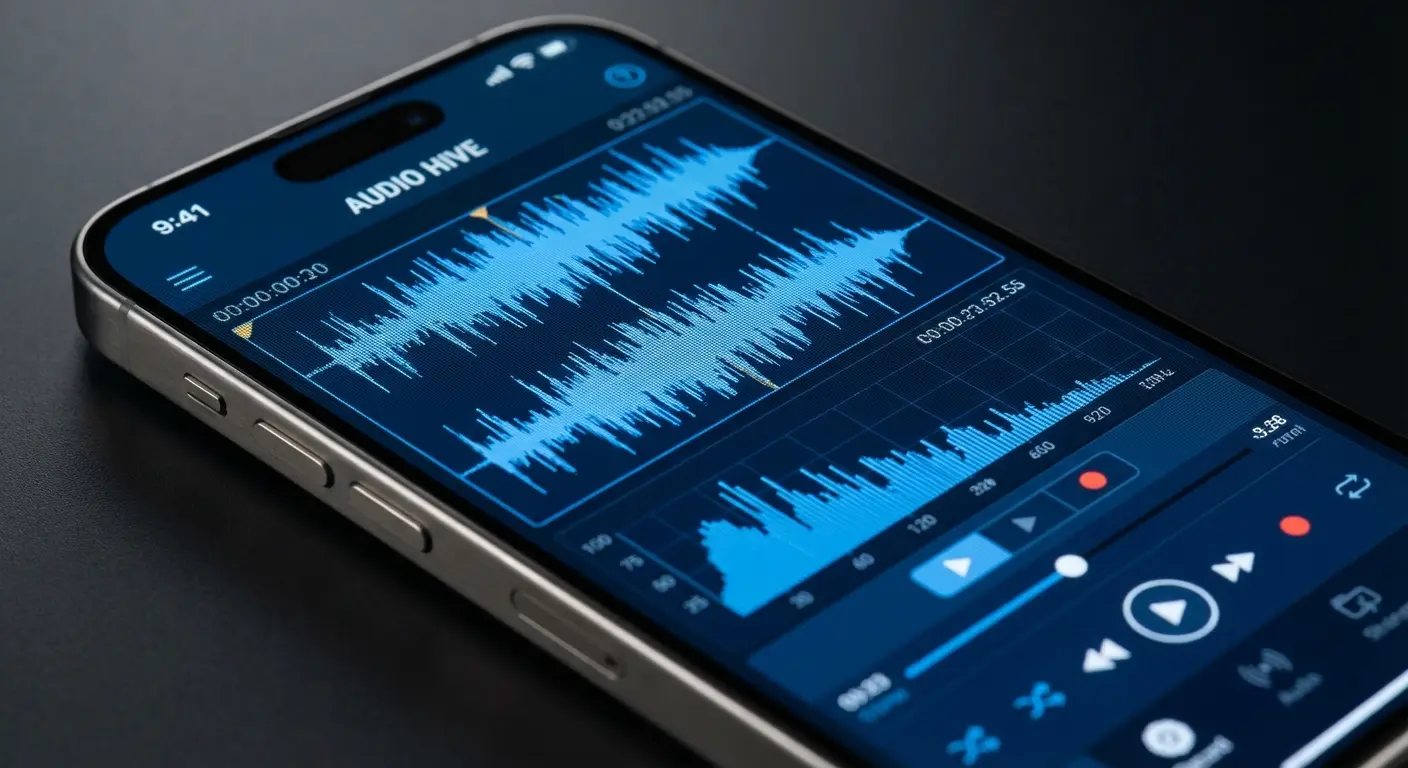
The "Parking Lot" Test:
When testing these apps, we used a simple metric: How long does it take to record a thought while walking to the car?
The Fail: Any app that requires FaceID, finding a folder, and hitting a tiny "+" button (Total time: 8 seconds).
The Pass: An app with a lock-screen widget or Apple Watch complication that starts recording in under 1.5 seconds.
If an app fails the Parking Lot Test, we consider it an "Archive Tool," not a "Capture Tool."
The Top 25 Voice Memo Apps for iPhone (2026 Edition)
We’ve broken the market leaders down into five groups to match your actual workflow. Whether you're layering tracks for a demo, syncing audio to class notes, or need a transcript of a board meeting, there is a specialized tool here for you. These voice memo apps take the humble microphone in your pocket and turn it into a powerhouse.
The Quick-Draw Essentials (Native & Quick Capture)
If you value speed above all else, start here. These apps minimize friction, letting you capture fleeting thoughts, grocery lists, or reminders the instant they pop into your head. This is especially useful for drivers using magnetic car phone mounts to keep hands free while triggering a voice memo via Siri.

1. Apple Voice Memos
Don't sleep on the default app. It comes pre-installed, but Apple has seriously upgraded it with "Enhance Recording" features and better folders. It offers solid lossless options and syncs instantly across iCloud. For most people who just want zero setup time, this is still the king.
2. Just Press Record
The name says it all. Speed is the priority here, offering the best one-tap recording on the market. It’s perfect for capturing ideas via Apple Watch while you're on the move. It even includes built-in transcription and syncs to iCloud Drive so your files are safe instantly.
3. Say&Go
Designed for the busy executive, this app is great for short clips because it automatically emails your recordings to your inbox. It’s the ideal tool for offloading 10-second reminders or tasks that you need to deal with later without opening the app again.
4. Google Keep
You might think of this as a notes app, but it's a beast for grocery lists and short memos because it instantly transcribes audio into a checklist. It keeps the original audio file attached to the text, all color-coded for easy organization.
5. Drafts
This is the ultimate routing tool for productivity nerds. It lets you dictate long memos and instantly send the text or audio to other apps, emails, or servers. It has a steeper learning curve, but once you set it up, nothing else is faster.
App Name |
Primary Strength |
Watch App? |
Cloud Sync |
|---|---|---|---|
Apple Voice Memos |
It's already there |
Yes |
iCloud |
Just Press Record |
Fastest Startup |
Yes |
iCloud Drive |
Say&Go |
Auto-Emailing |
Yes |
Email/Evernote |
Google Keep |
Visual Lists |
Yes |
Google Drive |
Drafts |
Text Routing |
Yes |
iCloud/Various |
AI Transcription & Meeting Assistants
If you're a journalist or business pro, you need tools that turn speech into text. These apps use AI to figure out who is talking, generate summaries, and turn long, boring meetings into searchable data. It turns a standard voice memo into a database.
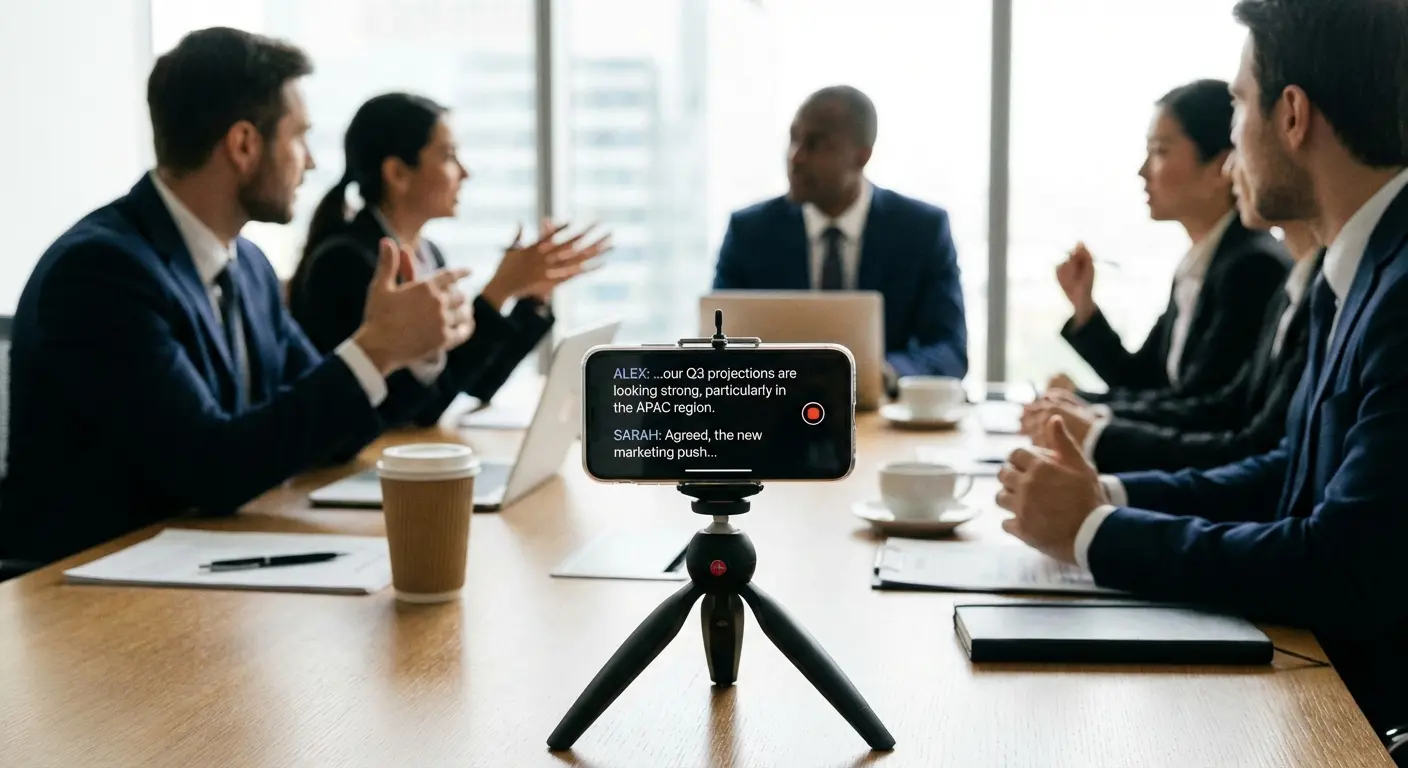
6. Otter.ai
A heavyweight in the industry, Otter records audio while generating real-time transcripts. It’s subscription-heavy, but the ability to search through text to find that *one specific thing* your boss said makes it indispensable for corporate life.
7. Rev Voice Recorder
Rev bridges the gap between AI and human precision. It offers a great recording engine with the option to pay for 99% accurate human transcription. It’s the go-to choice for legal or medical pros who can't afford the funny errors AI sometimes makes.
8. Notta
Think of Notta as a dedicated meeting assistant. It focuses on pulling out action items and summaries from live recordings. The interface is modern and makes reviewing long discussions (and finding out what you actually need to do) much easier.
9. Cockatoo
If you deal with messy audio or heavy accents, Cockatoo is tuned to handle background noise better than most. It uses a pay-per-use model, which is perfect if you have a difficult recording that other apps just can't figure out.
10. Transcribe - Speech to Text
This is a versatile tool that supports a ton of languages and lets you import video files for transcription, not just audio. It’s a great organizational tool if you're trying to pull text from various different sources.
Real World Scenario: The "Ctrl+F" for Life
Imagine you are in a 2-hour strategy meeting. The CEO mentions "Q3 Budget Cuts" at some point, but you didn't write down the number.
Without AI: You scrub through a 2-hour WAV file, listening to random 10-second chunks hoping to get lucky.
With Otter.ai: You type "Budget" into the search bar. The app jumps to minute 43:12, highlights the text, and plays the audio: "We need to cut the Q3 budget by 12%." Problem solved in 5 seconds.
Professional Audio & Journalism Tools
Podcasters, broadcasters, and radio producers need total control over their audio. These apps are basically pocket-sized studios, offering non-destructive editing and high-fidelity formats. This is where a voice memo becomes a broadcast-ready file.
11. Ferrite Recording Studio
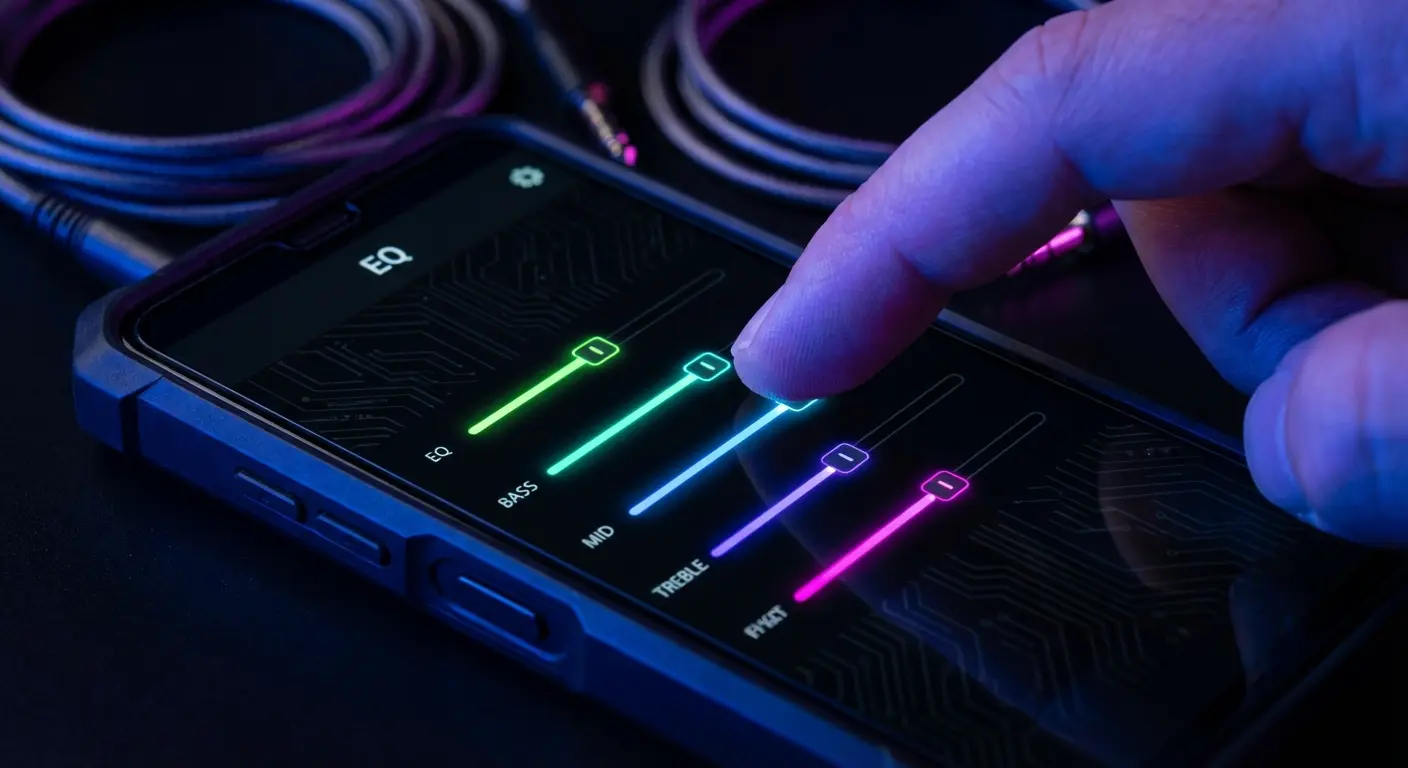
Ferrite is essentially a full Digital Audio Workstation (DAW) for your phone. It offers multi-track editing, automation, and EQ. It has a learning curve, but it lets you edit and produce a professional podcast entirely on iOS.
12. ShurePlus MOTIV
Designed for Shure microphones, this app works as a fantastic standalone recorder for audiophiles. It gives you granular control over gain, stereo width, and bit depth, ensuring you catch the cleanest possible source audio.
13. Hindenburg Field Recorder
Made for broadcast workflows, Hindenburg lets radio journalists set markers and flags *during* the recording for easy editing later. It focuses on non-destructive editing, so your original field recordings stay safe no matter how much you chop them up.
14. Dolby On
For content creators who aren't audio engineers, Dolby On features a "magic button" that automatically applies EQ, compression, and noise reduction. It instantly makes voice recordings sound studio-ready without you having to touch a single dial.
15. TwistedWave Audio Editor
Adapted from the browser version, TwistedWave allows for very precise waveform editing on mobile. It supports FTP and various cloud exports, making it a strong choice if you need to perform precise cuts and fades before uploading files to a server.
The Student & Note-Taker Suite
These apps are lifesavers for lecture halls. They link audio recordings directly to written or typed notes, letting you review specific parts of a class just by tapping a word. This mirrors features found in the best apps for note-taking, but with a heavier focus on the audio.

16. Notability
The gold standard for students. Notability records audio while you handwrite notes, syncing the two perfectly. Tapping a specific word in your notes plays back the audio recorded at that exact moment. It makes studying infinitely more efficient.
17. GoodNotes 6
Similar to Notability, GoodNotes has integrated audio features into its massive notebook ecosystem. It offers excellent folder structures, and newer versions are using AI to summarize the audio and text content to help you study.
18. AudioNote 2
A veteran in the space, AudioNote provides a functional way to link typed or drawn notes to an audio timeline. It highlights your notes during playback, giving you a visual guide to the audio that helps with retention.
19. Glean
Designed to help with learning disabilities and retention, Glean lets you import slides and record audio against them. It uses a slide-based organization method that keeps visual context linked to the spoken explanation.
20. Notebook by Zoho
Zoho uses a visual "note card" system where audio cards live alongside photo and text cards. It’s generally more affordable than the big competitors and offers a unique, highly visual way to organize information.
App |
Best Feature |
Input Method |
Ideal User |
|---|---|---|---|
Notability |
Tap-to-Hear Playback |
Handwriting |
Visual Learners |
GoodNotes 6 |
Folder Organization |
Handwriting |
Organized Students |
AudioNote 2 |
Highlighted Playback |
Typing/Drawing |
Journalists/Students |
Glean |
Slide Importing |
Audio + Slides |
Visual Presenters |
Zoho Notebook |
Card Interface |
Mixed Media |
Creative Planners |
Musicians & Creative Production
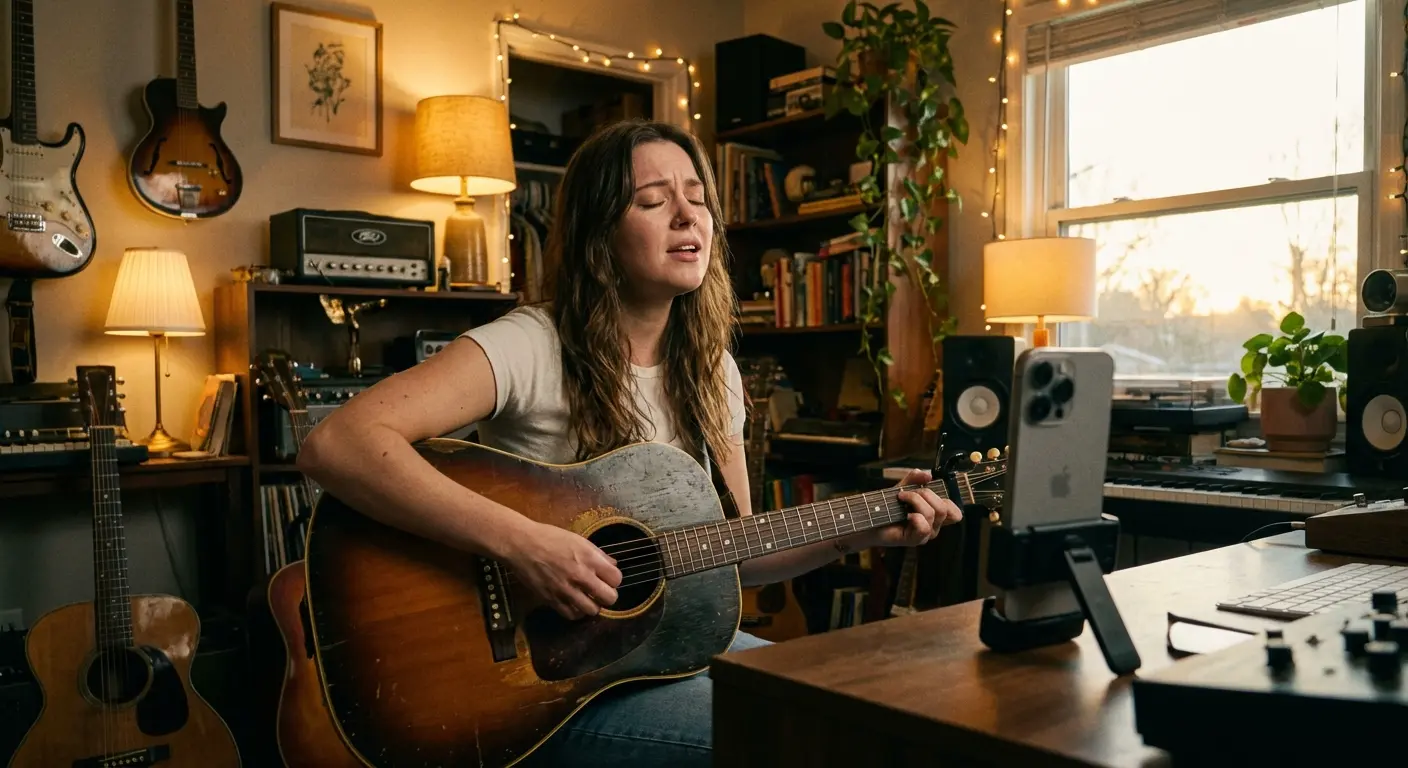
Songwriters and producers need apps that handle multi-tracking. These tools let you layer vocals over instruments and catch melodies before they fade away, turning a simple hummed voice memo into a working demo.
21. BandLab
A cloud-based music platform that lets you record vocal ideas and layer instruments over them later. It has a built-in social network for musicians, making it easy to share drafts and collaborate with others straight from the app.
22. Spire: Music Recorder
Created by iZotope, Spire allows for multi-track recording with an intuitive visualizer that helps set levels automatically. It includes professional processing like limiters and compressors, so your demos sound polished right out of the gate.
23. FL Studio Mobile
This is a full music production suite. You can record a melody and immediately build a beat around it using built-in synths. It’s complex, but it offers the most robust set of tools for producing complete tracks on a phone.
24. Take Creative Vocal Recorder
Designed for sketching musical ideas, this app provides a backing track click or beat and basic vocal processing. It features a simple 3-track interface that is perfect for songwriters who need to lay down a hook quickly without getting bogged down in menus.
25. Topline
Made by Abbey Road Studios, Topline is designed to catch vocal hooks over imported instrumental tracks. It offers reliable, crash-free architecture and fast import/export features, making it ideal for professional studio sessions.
The 4-Track Pocket Demo:
Using an app like Spire or BandLab transforms your phone into a studio.
Track 1: Record a rhythmic tapping on a table or a beatbox loop.
Track 2: Hum the bassline over the playback of Track 1.
Track 3: Record the main vocal melody.
Track 4: Add harmony.
In under 3 minutes, you have a harmonized demo to send to your bandmates, rather than a single, messy voice memo where all the parts are jumbled together.
Stabilize Your Sound with Rokform
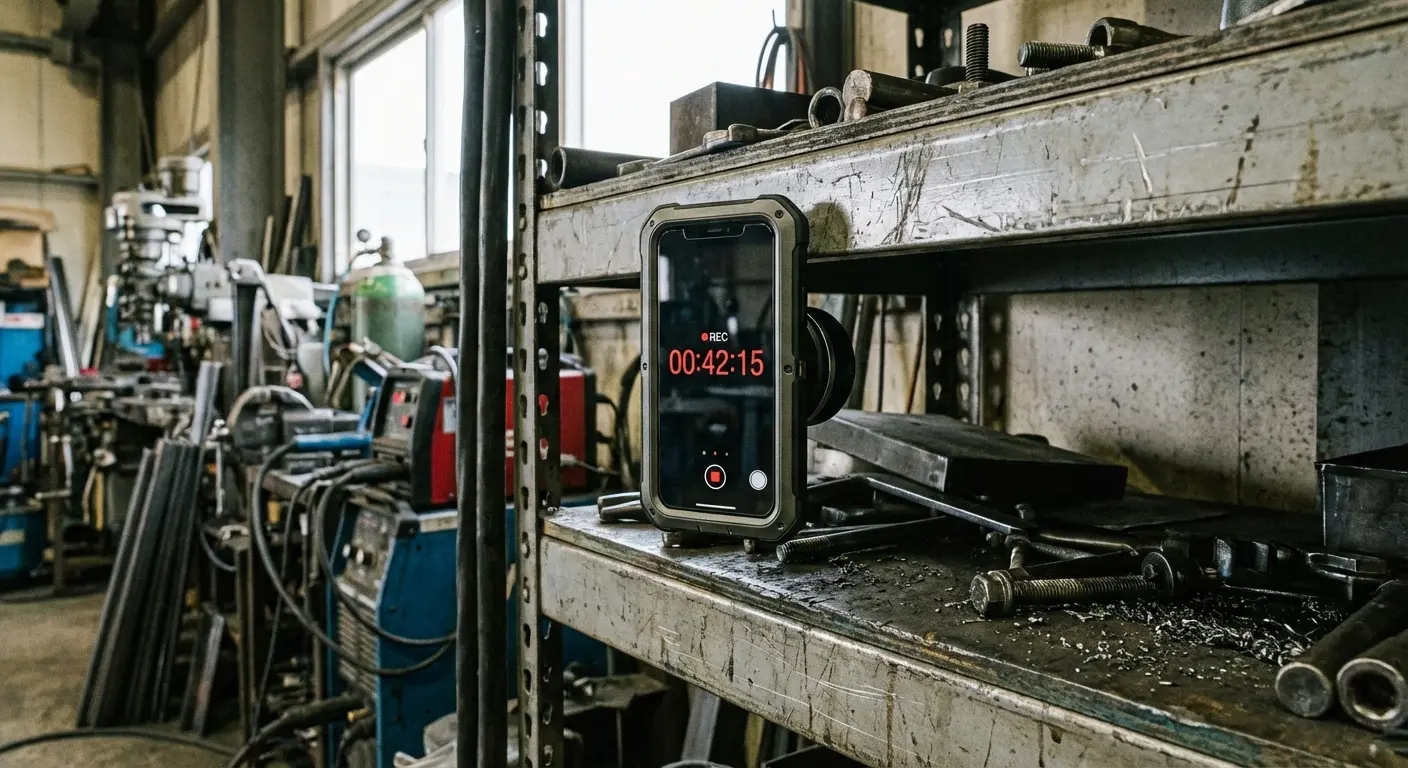
The environment you record in matters just as much as the app you choose, and handling noise is the quickest way to ruin a good take. Whether you're a student in a lecture hall or a mechanic logging diagnostics, you need a way to position your phone securely to eliminate the sound of fingers fumbling against the case.
We designed our cases with MAGMAX™ technology to solve this exact problem. It lets you magnetically mount your iPhone to whiteboards, gym equipment, or industrial frames for perfectly stationary recording. It works on the same principle as tripod phone mounts for content creators, ensuring your voice memo is free of handling noise. Plus, our rugged cases offer military-grade protection, so if you drop your device while chasing a soundbite, your hardware stays safe.
Final Thoughts
We’ve moved past the era where a voice memo was just a static file sitting in a forgotten folder. The tools available in 2026 let you transcribe, edit, and produce professional-grade audio right from your pocket.
My advice? Download two or three of the apps listed above that fit your specific category and test them in the real world. Once you pair the right software with the right hardware protection, you'll find that capturing high-quality audio just becomes a seamless part of your day.