


Table of Contents
Why Your Audio Sounds Like Garbage
Codecs Matter More Than Your Mic
The USB-C Adapter Trap
The Latency Problem
Apps That Won't Use Your Bluetooth Mic
How to Not Waste Your Money
Protect Your Phone While You're Recording
TL;DR
Your Android phone handles Bluetooth audio differently than iPhones, sometimes way worse. The codec matters more than the mic (seriously). Cheap USB-C adapters will destroy your audio. Apps don't always use your Bluetooth mic even when it's connected. Latency will make your lips not match your words. Test everything before you record anything important.
Also, protect your phone because you're going to drop it while juggling all this equipment.
Why Your Audio Sounds Like Garbage
I watched someone spend $180 on a wireless mic that sounded worse than their phone. The reviews were glowing. The specs looked perfect. And it sounded like they were talking through a tin can.
The problem wasn't the mic.
You've probably seen those YouTube videos where creators show off their wireless Bluetooth mics with crystal-clear audio comparisons. You buy the same model, pair it with your Android, hit record, and immediately realize something's off. The audio sounds compressed, distant, or weirdly processed. Sometimes there's this hollow quality you can't quite place.
You check your settings, restart your phone, re-pair the device. Nothing changes.
Yeah, it's infuriating.
The wireless microphone market has exploded with options designed for mobile creators. According to Digital Camera World's comprehensive wireless microphone guide, these mics "are designed to work with cameras and phones" and offer "a dependable and stable connection with no dropouts." But here's what they don't tell you: they test these things on cameras and iPhones mostly. What works on an iPhone doesn't always work the same on Android because of how each system handles Bluetooth audio.
What the reviews skip: Android isn't a single operating system with consistent audio handling. It's a framework that Samsung, Google, OnePlus, Xiaomi, and dozens of other manufacturers modify and optimize differently. Your Pixel 9 processes Bluetooth audio differently than a Galaxy S25, which handles it differently than a OnePlus 13.
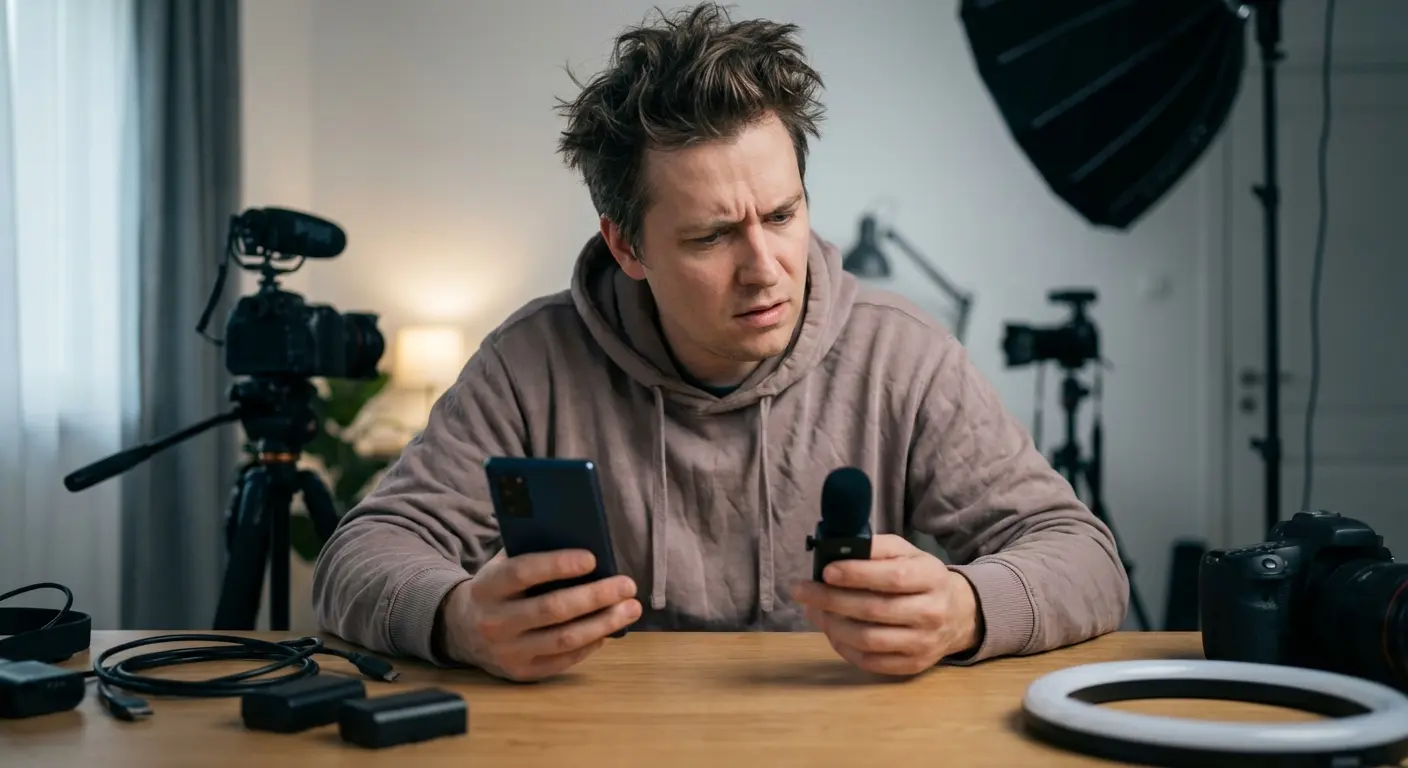
Each manufacturer implements their own audio processing pipeline. Some prioritize noise cancellation algorithms that aggressively filter incoming signals. Others boost certain frequency ranges to compensate for speaker limitations. Your recording app never even sees the original audio. The phone's already messed with it.
The Bluetooth profiles your phone supports matter more than you'd think. Most phones default to HSP (Headset Profile) or HFP (Hands-Free Profile) when they detect a microphone. Both of these limit audio to narrow-band speech quality. Think phone call quality, not recording quality. Your expensive Bluetooth mic might support A2DP (Advanced Audio Distribution Profile) for high-quality stereo, but if your phone doesn't recognize it as an A2DP source, you're stuck with compressed audio.
We're not talking about minor quality differences here. HSP/HFP caps your audio at 8kHz or 16kHz sampling rates. Professional recording starts at 44.1kHz.
You're losing more than half your audio information before you even start editing.
Last month I watched someone on Reddit lose their mind because their new Rode mic sounded like trash on their S23. Turns out the phone locked into HFP mode automatically. He spent two hours troubleshooting before someone told him to check developer options. The mic was fine. The phone just decided to use the worst possible connection.
Only by manually forcing a different Bluetooth audio profile through developer settings could he unlock the microphone's actual capabilities. This is why understanding your Bluetooth mic setup goes beyond just pairing devices. You need to verify the connection quality at the profile level.
Codecs Matter More Than Your Mic
Your microphone doesn't transmit raw audio over Bluetooth. It can't. Bluetooth doesn't have the bandwidth for uncompressed audio, so every wireless mic compresses your voice using a codec before sending it to your phone.
The codec your devices negotiate (god, that sounds technical) determines your ceiling for audio quality. You could be using a $300 microphone with a pristine capsule and excellent preamp circuitry, but if your phone and mic settle on the SBC codec (the Bluetooth standard fallback), you're getting audio quality roughly equivalent to a 128kbps MP3.
Android fragmentation screws you here. Codec support varies wildly across devices and manufacturers.
Understanding codec compatibility is really critical when you're using your phone on the job, where audio quality can make or break professional content creation.
Okay, here's the codec breakdown. Yes, it's a lot. No, you don't need to memorize it. Just find your phone's best option and look for mics that support it:
Codec |
Max Bitrate |
Latency (roughly) |
Android Support |
When it's actually useful |
Why you probably can't use it |
|---|---|---|---|---|---|
SBC |
328 kbps |
150-200ms |
Universal (all devices) |
Compatibility fallback |
Audible compression, limited dynamic range |
AAC |
250 kbps |
100-150ms |
Most modern Android phones |
General content creation |
Implementation varies by manufacturer |
aptX |
352 kbps |
80-120ms |
Qualcomm Snapdragon devices |
Low-latency recording |
Not available on Exynos, Tensor, MediaTek processors |
aptX HD |
576 kbps |
80-120ms |
Select Snapdragon devices |
High-quality content |
Limited device support |
aptX LL |
352 kbps |
40ms |
Rare on phones |
Real-time monitoring |
Very limited availability |
LDAC |
990 kbps |
150-200ms |
Android 8.0+ (implementation varies) |
Maximum audio quality |
Higher latency, inconsistent manufacturer support |
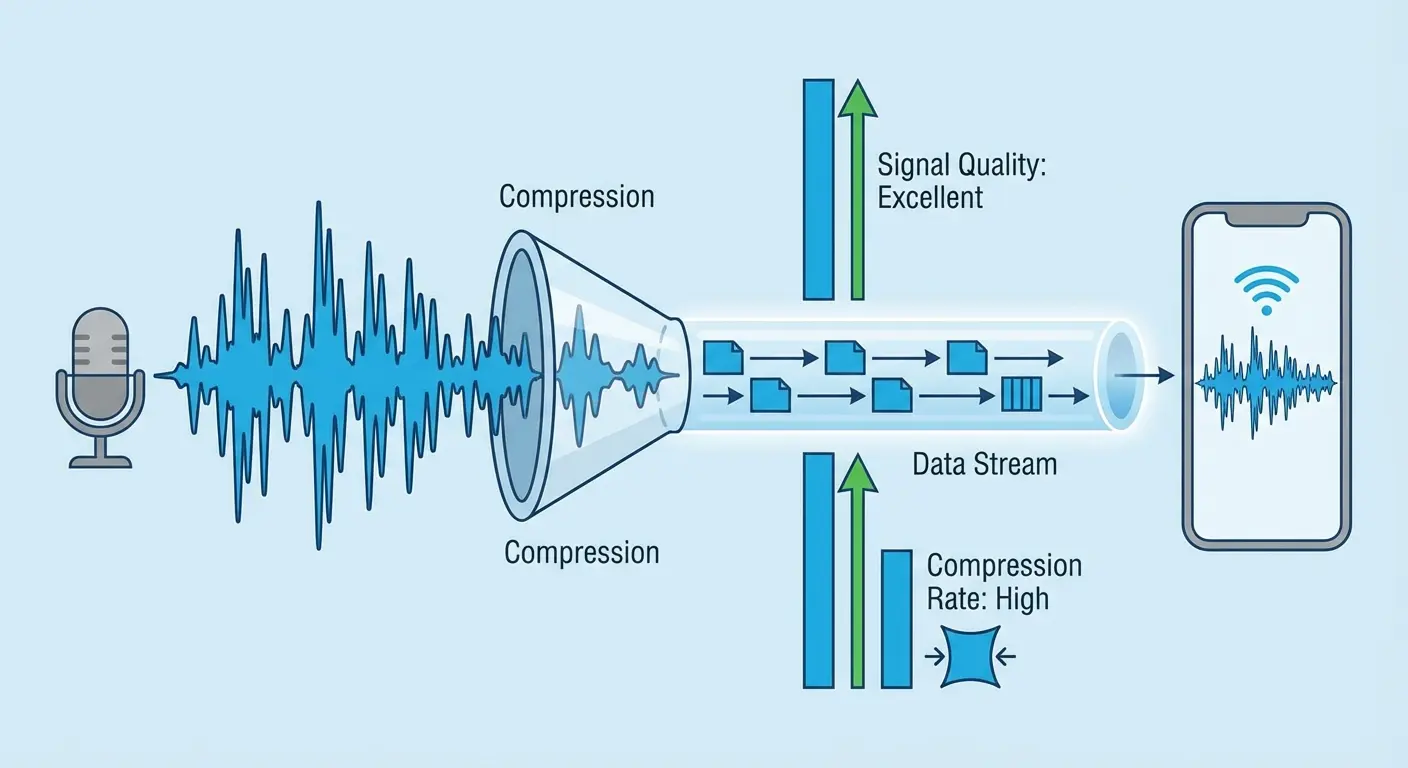
SBC (Subband Codec) ships with every Bluetooth device as the mandatory baseline. It works universally, which is why devices fall back to it when nothing else matches. It also sounds noticeably worse than every other option, with audible compression artifacts and limited dynamic range.
AAC (Advanced Audio Coding) delivers better quality than SBC and works well on devices with hardware AAC encoding (which most modern Android phones have). The catch? Android's AAC implementation varies by manufacturer. Some phones handle it efficiently. Others introduce latency or process it poorly, resulting in audio that's technically higher bitrate but doesn't sound better.
aptX and aptX HD (Qualcomm's proprietary codecs) offer lower latency and better quality than SBC or AAC. If your phone has a Qualcomm Snapdragon processor, you probably have aptX support. If you're using a Samsung Exynos, Google Tensor, or MediaTek processor, you might not. Your Bluetooth mic might advertise aptX support, but if your phone doesn't have it, you'll never use it.
LDAC (Sony's high-resolution codec) can transmit up to 990kbps. Nearly three times the bitrate of standard aptX. It's been part of Android since version 8.0, but manufacturer implementation is inconsistent. Some phones support it fully. Others enable it only for audio outputs, not inputs.
The negotiation happens automatically when you pair devices, and you usually can't force a codec without developer options enabled. Your phone and mic compare their supported codec lists and pick the "best" match based on their internal priority rankings, which might not align with your quality expectations.
You can check which codec you're using (it's often not what you assume). Go to Settings > About Phone, tap Build Number seven times to enable Developer Options, then go to Developer Options > Bluetooth Audio Codec. This shows you the active codec for connected devices. If you see SBC when you expected aptX or LDAC, you've found your quality bottleneck.
Before you buy anything:
Figure out what processor your phone has (Settings > About Phone)
Enable Developer Options (tap Build Number 7 times, yeah it's dumb)
Check Bluetooth Audio Codec to see what you actually support
Don't trust "HD audio" marketing. Look for actual codec names
Cross-reference microphone specs with your phone's supported codecs
Make sure the mic lists your best-supported codec, not just "HD audio"
Read reviews from users with your phone model or processor type
Confirm return policy allows at least 14 days for testing
The USB-C Adapter Trap
Not everyone goes fully wireless. Some of you are using wired lavalier mics with USB-C adapters, or you're running your Bluetooth mic's wired backup mode through a dongle when battery runs low.
Those adapters aren't just passive cables. Most USB-C to 3.5mm adapters contain a tiny DAC (digital-to-analog converter) and amplifier circuit. Your phone sends digital audio to the adapter, which converts it to an analog signal your wired mic can use.
The quality of that conversion varies dramatically.
Cheap adapters use bottom-tier DAC chips that introduce noise, limit frequency response, and add distortion. You're degrading your signal before it reaches your recording app.
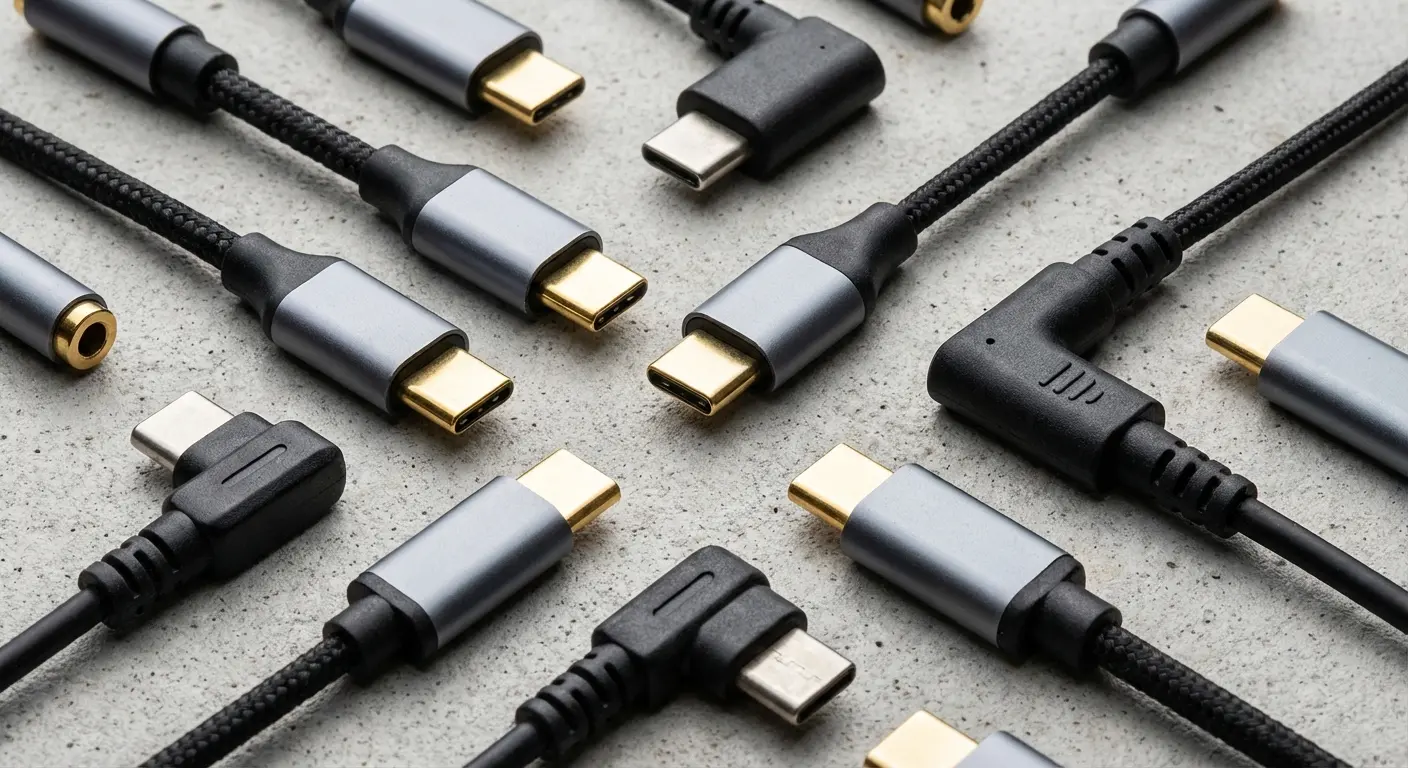
Some phones (older models or budget devices) support analog audio through USB-C using a specific pin configuration. These can work with passive adapters that don't have built-in DACs. Most newer phones don't support this, requiring active adapters with processing circuits.
Here's the confusing part: you often can't tell which type you're buying unless you read detailed specs or reviews. Product listings rarely specify whether an adapter is passive or active, and both look identical.
I made this mistake myself. Bought a $40 lav mic, grabbed an $8 USB-C adapter from Amazon, and got this constant high-pitched whine through the whole recording. The adapter's DAC was complete garbage. Had to spend another $25 on a decent one with a Cirrus Logic chip. The noise disappeared entirely, and the frequency response improved compared to my phone's internal audio processing.
Active adapters with quality DAC chips (like those using Cirrus Logic or ESS Sabre components) can actually improve your audio quality compared to some phones' internal audio processing. Budget active adapters might make it worse.
If you're using a hybrid setup (Bluetooth mic with wired backup option), you need to test both connection methods separately. I've seen setups where the Bluetooth connection sounds better than the wired connection through a cheap adapter, which defeats the entire purpose of having a wired backup.
The adapter's impedance matching matters for microphones, though manufacturers rarely publish these specs for mobile accessories. Mismatched impedance causes signal loss, frequency response changes, and reduced dynamic range. Your mic might be outputting a strong signal that your adapter can't properly handle.
The Latency Problem
Latency is the delay between when you speak into your microphone and when your phone processes that audio. For Bluetooth mics, this delay happens in several places: the mic's analog-to-digital conversion, Bluetooth transmission, codec processing, your phone's audio pipeline, and finally your recording app's buffer.
Each step adds milliseconds.
They compound.
Gaming gets all the attention when people discuss Bluetooth latency, but content creators deal with worse consequences. When you're recording video with a Bluetooth mic, even 100-150ms of latency creates noticeable lip-sync issues. Your mouth moves before the audio arrives, and viewers immediately notice the disconnect.
Android's audio latency varies by device. Google has worked to reduce it with each Android version, but manufacturer modifications and hardware differences mean you might experience anywhere from 50ms to 200ms+ of round-trip latency depending on your phone model.
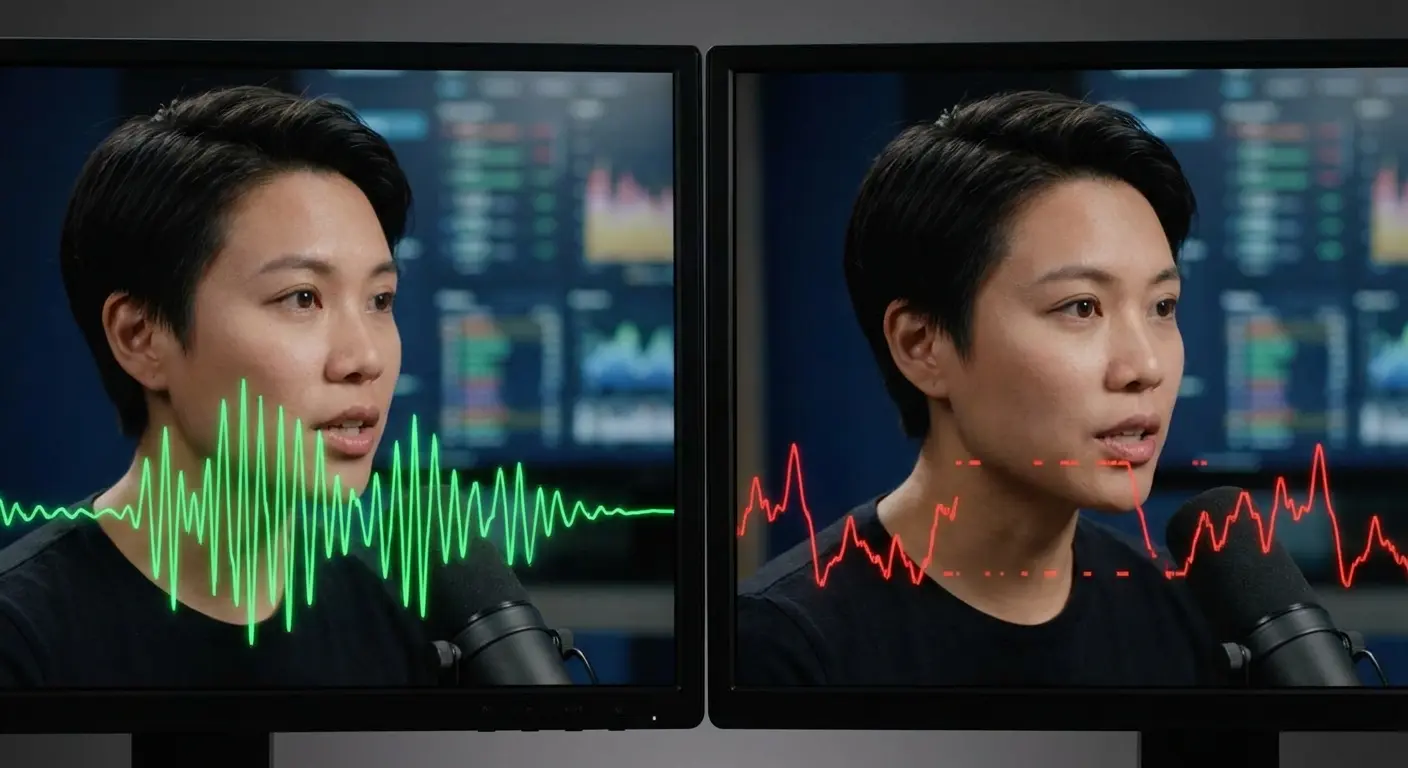
You won't notice this latency while recording (unless you're monitoring in real-time). You won't catch it until you're editing and realize nothing syncs.
Real-time monitoring makes latency immediately obvious. If you're wearing headphones connected to your phone while recording with a wireless mic, your voice comes back at you half a second late. It's disorienting as hell. Most people turn off monitoring entirely, which means you're recording blind without hearing what your mic captures.
aptX Low Latency (aptX LL) reduces this delay to around 40ms, which is barely perceptible. The problem? Both your phone AND your microphone need to support aptX LL, not just regular aptX. It's far less common than standard aptX, especially on microphones marketed for content creation rather than gaming. aptX LL is basically impossible to find on content creation mics, which is idiotic.
Some apps introduce their own latency on top of your hardware delays. Android's audio API allows apps to request different buffer sizes for recording. Smaller buffers mean lower latency but require more processing power and can cause audio dropouts on slower phones. Larger buffers are more stable but add delay.
You can't easily control this as a user. Different recording apps make different choices about buffer sizes, which is why the same Bluetooth mic might feel more responsive in one app compared to another.
So what do you actually do about this? Record your audio and video as separate files. Use your Bluetooth mic connected to a dedicated audio recording app, and record video with your camera app or a separate device. Sync them in post-production using audio waveforms or a clapperboard.
If you're recording talking-head video with SBC codec, you're looking at 180-250ms of latency. Your lips will be hilariously out of sync. With AAC, it's better but still noticeable (120-180ms). aptX gets you down to 100-140ms, which is tolerable for audio- only but still feels off if you're monitoring in real-time. aptX LL is the only one that actually works for live applications (40-60ms), but good luck finding both a phone and mic that support it.
Apps That Won't Use Your Bluetooth Mic
You've paired your Bluetooth mic. Your phone recognizes it. The codec looks good in developer settings. You open your favorite recording app, hit record, and it's still using your phone's internal microphone.
Android's audio routing doesn't automatically prioritize external microphones the way you'd expect. Apps need to explicitly request and select Bluetooth audio inputs, and not all of them do this correctly.
Some apps default to the "primary" microphone (your phone's built-in mic) unless you manually change the input source in settings. Others don't provide any input selection option at all, assuming the system will handle routing automatically. When that assumption fails, you're stuck recording with the wrong mic.
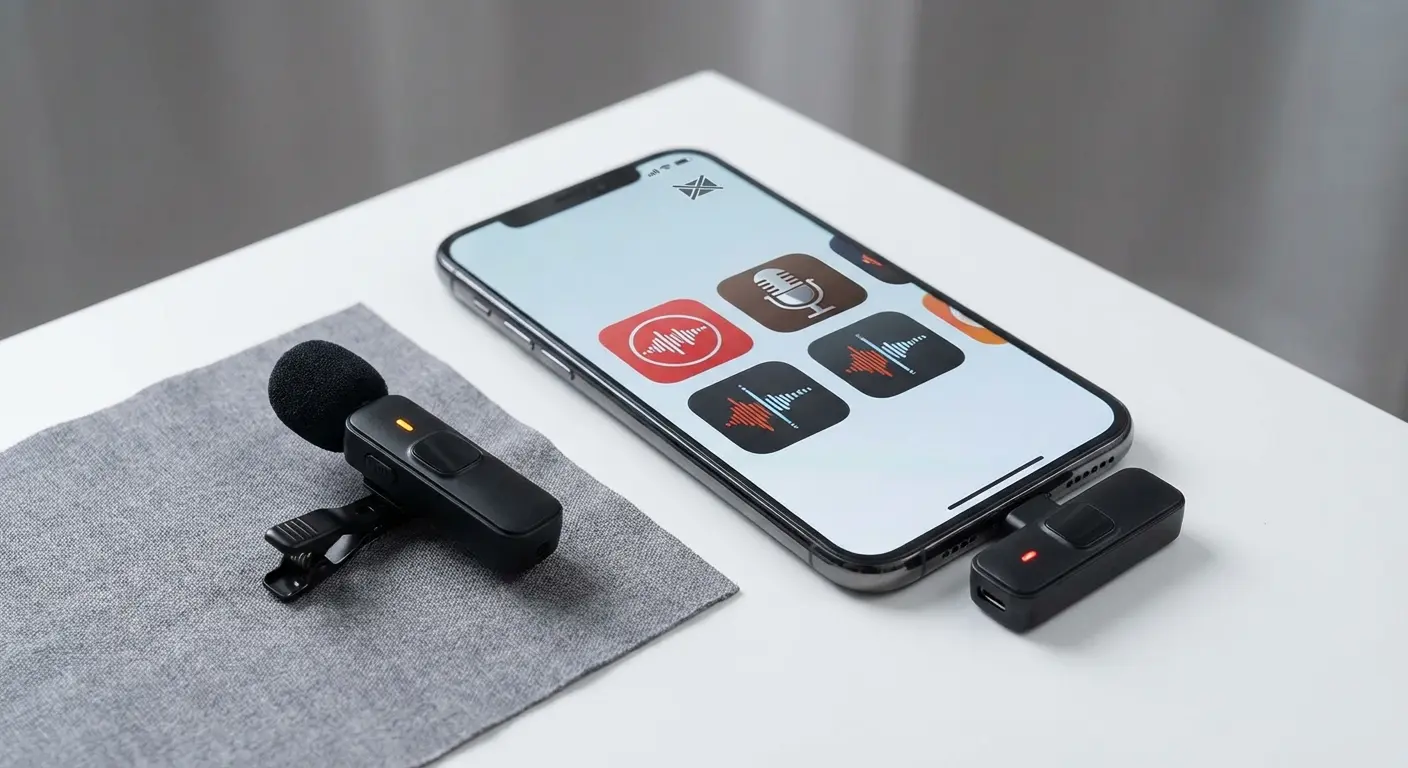
The Android audio API has evolved across versions. Apps built using older APIs might not properly detect or utilize Bluetooth mics on newer Android versions. Apps that haven't been updated in a while are prone to this issue.
Permissions add another layer of complexity. Android requires apps to request microphone permission, but Bluetooth microphones also involve Bluetooth permissions. Some apps request one but not the other, or request them in ways that don't grant full access to Bluetooth audio devices.
You might grant an app microphone permission and assume it can access all microphones. It can't necessarily access your Bluetooth mic without additional Bluetooth-related permissions, especially on Android 12 and newer, which introduced more granular Bluetooth permissions (BLUETOOTH_CONNECT specifically).
Popular social media platforms present unique challenges for Bluetooth microphone users. According to Engadget's mobile microphone testing guide, many wireless lavalier systems "usually sound great, offer hands-free flexibility and premium models come with extra features that will streamline your creative process." But here's what they found: testing has to include "repeated recording in treated, non-treated and outdoor environments" because app compatibility varies dramatically. What works flawlessly in a dedicated recording app may fail completely in Instagram or TikTok.
Popular apps like Instagram, TikTok, and Snapchat have inconsistent Bluetooth mic support. These apps prioritize speed and simplicity, often locking you into their default audio sources. You might get your Bluetooth mic working in one app but not another, even though they're both recording video with audio.
Professional recording apps (Dolby On, RecForge II, FL Studio Mobile) generally handle Bluetooth inputs better because they're designed with external audio equipment in mind. They provide explicit input selection menus and properly request all necessary permissions.
Test this before you record anything important: make a 10-second test recording in your chosen app and immediately play it back with headphones. Make sure you're capturing audio from your Bluetooth mic and not your phone's mic. Check the audio quality. Listen for dropouts, distortion, or unexpected processing.
A fitness instructor planned to record workout tutorials using a clip-on Bluetooth mic while demonstrating exercises. They tested their setup in a professional recording app, and everything worked perfectly. Clear audio, no dropouts, proper codec connection.
Confident in their equipment, they opened Instagram to record their first Reel. After filming a complete 60-second routine, they discovered during playback that Instagram had used the phone's built-in microphone the entire time, capturing mostly room echo and muffled instructions. The app never requested BLUETOOTH_CONNECT permission and had no settings menu to manually select an audio input source. They had to switch to recording in a different app and importing the video to Instagram afterward, adding an extra step to their workflow that product reviews never mentioned.
I've seen too many people record entire podcast episodes or video shoots only to discover during editing that their app was using the wrong input source the entire time. A 10-second test prevents hours of wasted work.
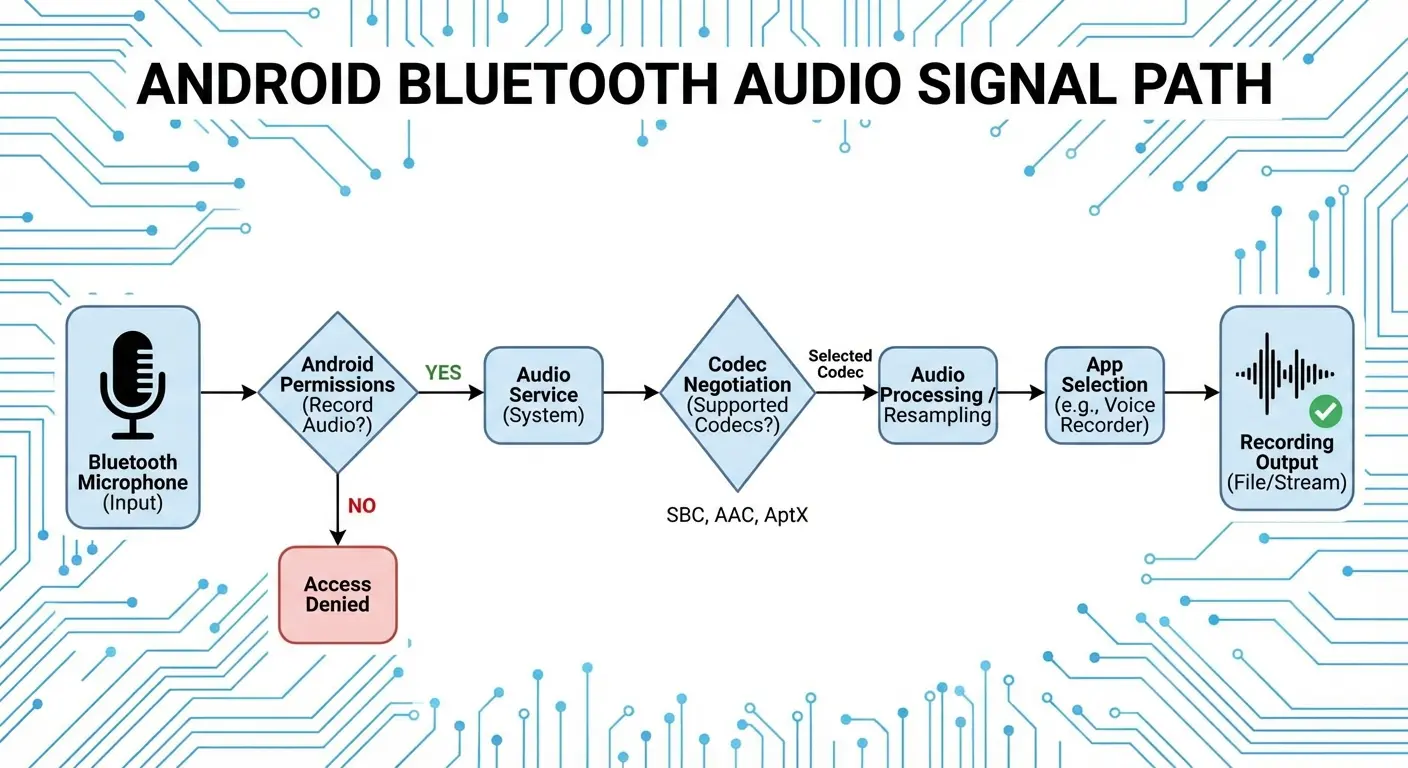
Some apps also apply their own audio processing that conflicts with your microphone's built-in processing. Noise reduction, echo cancellation, and automatic gain control might be running both in your mic's firmware and in your app's audio pipeline. When both your mic and your app are processing audio, you get weird artifacts, unnatural sound, and unpredictable results.
You usually can't disable app-level processing on consumer apps. Professional recording apps often let you record "raw" audio without additional processing, which gives you more control but requires you to trust your microphone's built-in processing or handle everything in post-production.
Before any important recording session, do this 5-minute check:
Pair your Bluetooth mic and verify connection in phone settings
Open your recording app and check app permissions (Settings > Apps > [App Name] > Permissions)
Make sure both "Microphone" and "Nearby devices" (or "Bluetooth") permissions are granted
Record a 10-second test clip saying "Testing Bluetooth microphone, one, two, three"
Immediately play back the test with headphones (not phone speaker)
Confirm you hear your voice clearly without hollow/distant quality
Check for any dropouts, crackling, or unexpected background noise
If quality seems off, check Developer Options to verify active codec
Test the same mic in a different recording app to isolate the issue
Document which apps work reliably with your mic model
How to Not Waste Your Money
Microphone marketing loves universal compatibility claims. "Works with all smartphones!" sounds great until you're troubleshooting why it sounds terrible on your Android device.
Start with your phone's codec support. You've already checked this in developer options (if not, go back and do it now). Make a list of which codecs your phone supports: AAC, aptX, aptX HD, LDAC, or just SBC.
Now look for microphones that explicitly support the best codec your phone offers. If your phone supports LDAC, prioritize mics with LDAC support. If you've got aptX HD, find mics that list it in their specs.
Don't assume "HD audio" or "high-quality Bluetooth" means anything. These are marketing terms without technical definitions. Look for actual codec names in the specifications.
Battery life matters more for Bluetooth mics than wired options (obviously), but pay attention to how manufacturers rate it. "8 hours of battery life" might mean 8 hours of standby time, not 8 hours of active recording. Look for "talk time" or "recording time" specs instead.
Charging method affects your workflow. USB-C charging means you can use the same cable as your Android phone. Micro-USB is increasingly outdated but still common on budget mics. Some mics use proprietary charging cradles, which means one more thing to carry and potentially lose.
Physical controls on the mic itself (mute buttons, gain adjustment, power switches) are more useful than app-based controls. You don't want to pull out your phone and open an app just to mute yourself between takes.
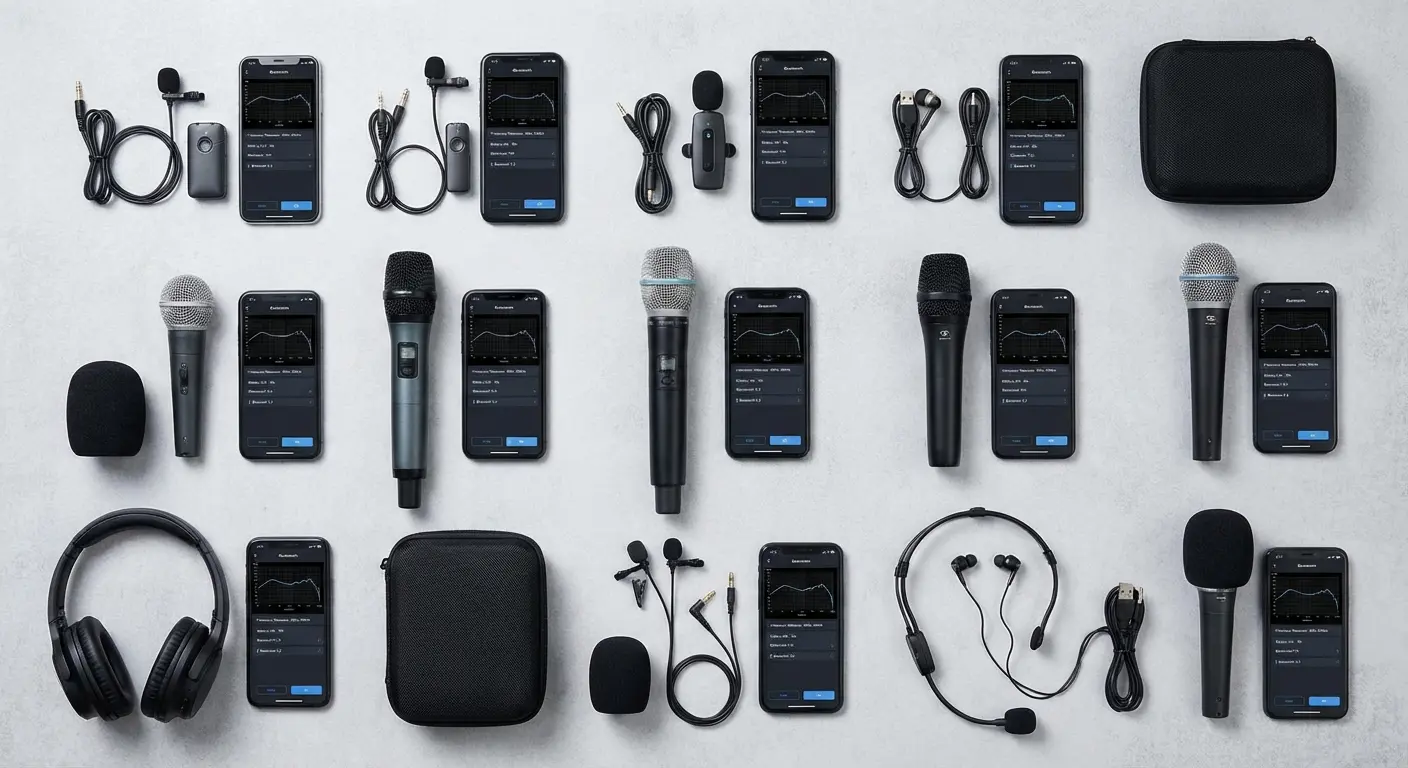
Clip-on lavalier styles work well for solo recording and interviews. Handheld mics give you more presence and control for presenting or podcasting. Headset-style mics keep your hands free but look less professional on camera. Pick based on your primary use case, not what looks coolest in product photos.
Range specs are almost always exaggerated. "100-foot range" assumes perfect conditions with no obstacles. In real-world use with your phone in your pocket and the mic clipped to your shirt, expect maybe half the advertised range before you start getting dropouts.
Read reviews from Android users. Many reviews are written by iPhone users or don't specify which platform was tested. Look for mentions of your phone model or at least your manufacturer (Samsung, Google, OnePlus, etc.).
Return policies matter more for Bluetooth mics than most tech purchases. You need to test the mic with your phone, your apps, and your recording environment. Amazon's return window gives you time to do real-world testing. Some manufacturers offer trial periods or satisfaction guarantees.
Watch for mics that require companion apps to function. Some Bluetooth mics won't work at all without installing the manufacturer's app first, which adds another compatibility variable and potential point of failure. Others offer optional apps for firmware updates and settings but work fine without them.
For what it's worth, I'm using a Pixel 8 with a Rode Wireless Go II. I checked that my phone supports aptX, made sure the mic does too, and I record in RecForge II because it actually lets me select audio inputs. It's not perfect, but it works.
The Rode Wireless Go II is popular, but it's hit-or-miss depending on your phone. DJI Mic works great on iPhones and can be inconsistent on Android. I've had good luck with the Hollyland Lark 150. The Comica BoomX-D2 is cheap and actually works if your phone supports aptX.
Finding the right Bluetooth mic for your Android phone means matching specs to what your device actually supports. Not just buying whatever gets the most YouTube recommendations.
Protect Your Phone While You're Recording
One more thing nobody mentions: you're going to drop your phone while doing this.
You're holding a mic, adjusting settings, checking your framing, and trying to monitor audio all at once. I've dropped my phone twice while recording. Once while repositioning a Rode Wireless Go, once while trying to plug in a USB-C adapter.
One hand holds the mic. The other hand is tapping your screen to start recording, adjust settings, or check your shot. Your phone is balanced precariously or wedged into a makeshift stand. You're focused on your content, not on protecting your device.
Drops happen. I've watched countless creators fumble their phones while adjusting wireless mics or repositioning for better shots. The moment you add external equipment to your mobile setup, your phone becomes harder to handle securely.
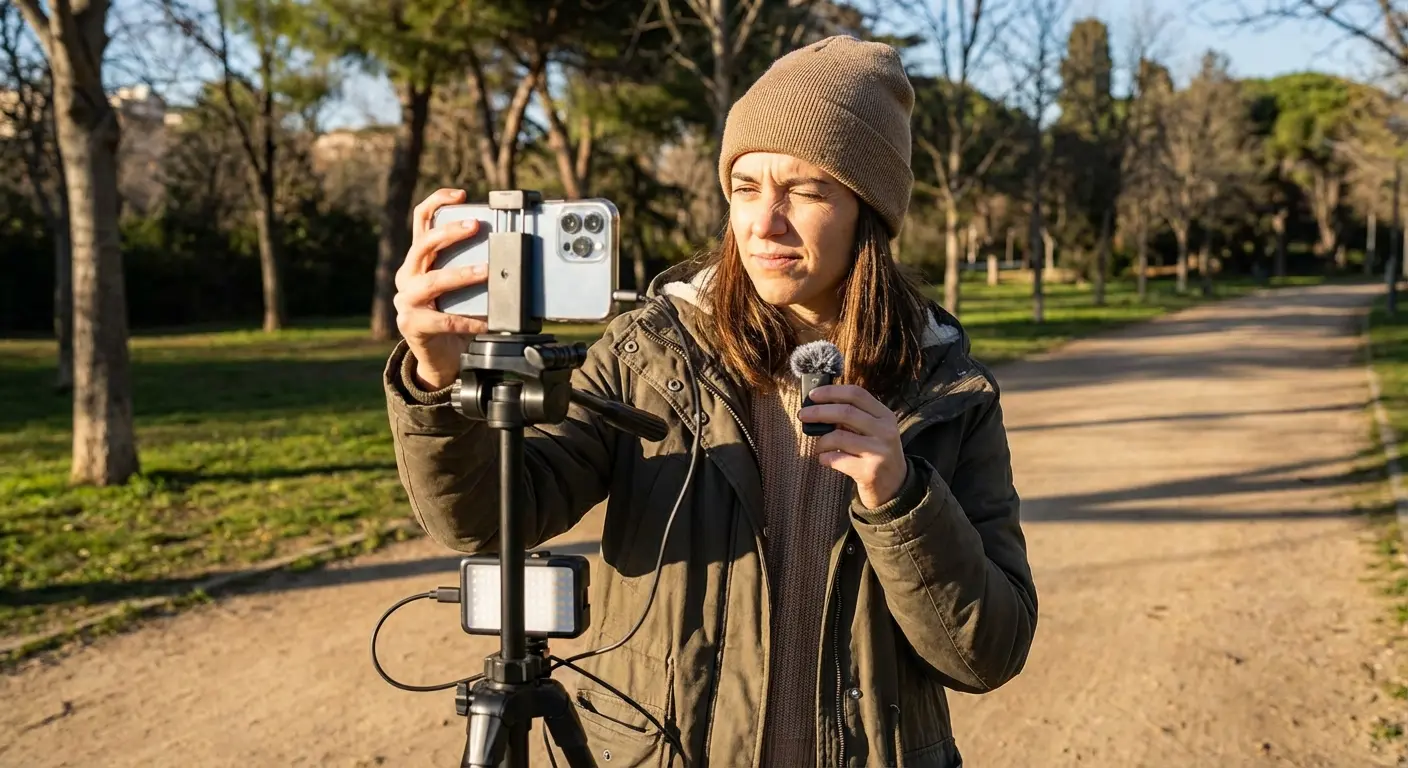
Mounting solutions matter, but most phone mounts aren't designed for content creation. You need something that holds your phone securely enough to handle position adjustments without worrying about it falling, but releases quickly when you need to check something on screen.
Get a case that can take a hit. I use Rokform cases because the magnetic mounts mean I can lock my phone to a tripod or car mount and actually trust it to stay there when I'm adjusting equipment. The magnets are strong enough that I can reposition my whole setup without my phone sliding around. When you're adjusting your Bluetooth mic or repositioning your setup, your phone stays exactly where you mounted it. The magnetic connection is strong enough that you can adjust your tripod angle without your phone shifting, but releases cleanly when you need to grab it for settings changes.
For creators recording outdoors or in active environments (think product demos, sports content, or on-location interviews), having your phone secured to your mount means you can focus on your audio quality and framing instead of constantly checking whether your phone is about to slide out of its holder.
The rugged case also matters because when you're managing a Bluetooth mic, your phone, and whatever you're recording, you're not being careful. You're focused on the content, not on babying your device. Check them out at rokform.com if you're tired of your phone falling out of friction-grip mounts.
Look, Here's the Reality
Bluetooth mics on Android are a pain in the ass. They're not plug-and-play. They're not universal. And half the reviews you read are from iPhone users who don't deal with this codec/app compatibility nightmare.
But once you know what to check (codecs, app permissions, latency, adapter quality), you can actually make this work. You just have to do the homework that the YouTube reviews skip.
Check your phone's codec support before you buy anything. Test your apps with 10-second clips before you commit to hour-long recordings. Accept that latency exists and work around it instead of pretending it doesn't.
Android audio is fragmented and messy, but that also means you have options. You can dig into developer settings, try different apps, and build something that actually works for your setup instead of being locked into whatever Apple decides you need.
Your audio matters more than your video quality. Viewers will tolerate mediocre video before they'll tolerate bad audio.
Fix it properly.

