


Table of Contents
Your Phone Can Run AI But Can't Handle Two Speakers
Bluetooth's Dirty Little Secret (It Was Never Built for This)
Native Android Solutions That Actually Work
Samsung Figured This Out in 2017 While Everyone Else Napped
Other Brands' Half-Baked Attempts You've Never Heard Of
Third-Party Apps That Technically Work (If You Hate Yourself)
When Your Speakers Are Smarter Than Your Phone
Setting Up Outdoor Audio Without Losing Your Mind
Fixing Connection Problems Without Throwing Your Phone in a Lake
TL;DR
Android treats multi-speaker output like you're asking it to solve world hunger
Samsung's Dual Audio works great if you have a Galaxy; everyone else is screwed
Apps like AmpMe need multiple phones running the same software (yeah, really)
Speaker brands like JBL bypass your phone with their own pairing tech and it actually works
Your Phone Can Run AI But Can't Handle Two Speakers
Your phone can run ChatGPT, track your sleep patterns, and identify songs in three seconds. But connecting two Bluetooth speakers? Nope. Too complicated. Makes total sense, Google.
Look, I've tried this at three different barbecues and wanted to throw my phone in the pool each time. Android's Bluetooth stack treats audio output as a singular resource, which is a fancy way of saying it refuses to believe you might want sound coming from two places at once. This isn't a bug they're planning to fix. Google designed Android's Bluetooth implementation around single-device audio output because back when they built this thing, nobody was trying to create a distributed sound system at their cookout.
The assumption was simple: you're either using headphones or a speaker. Pick one.
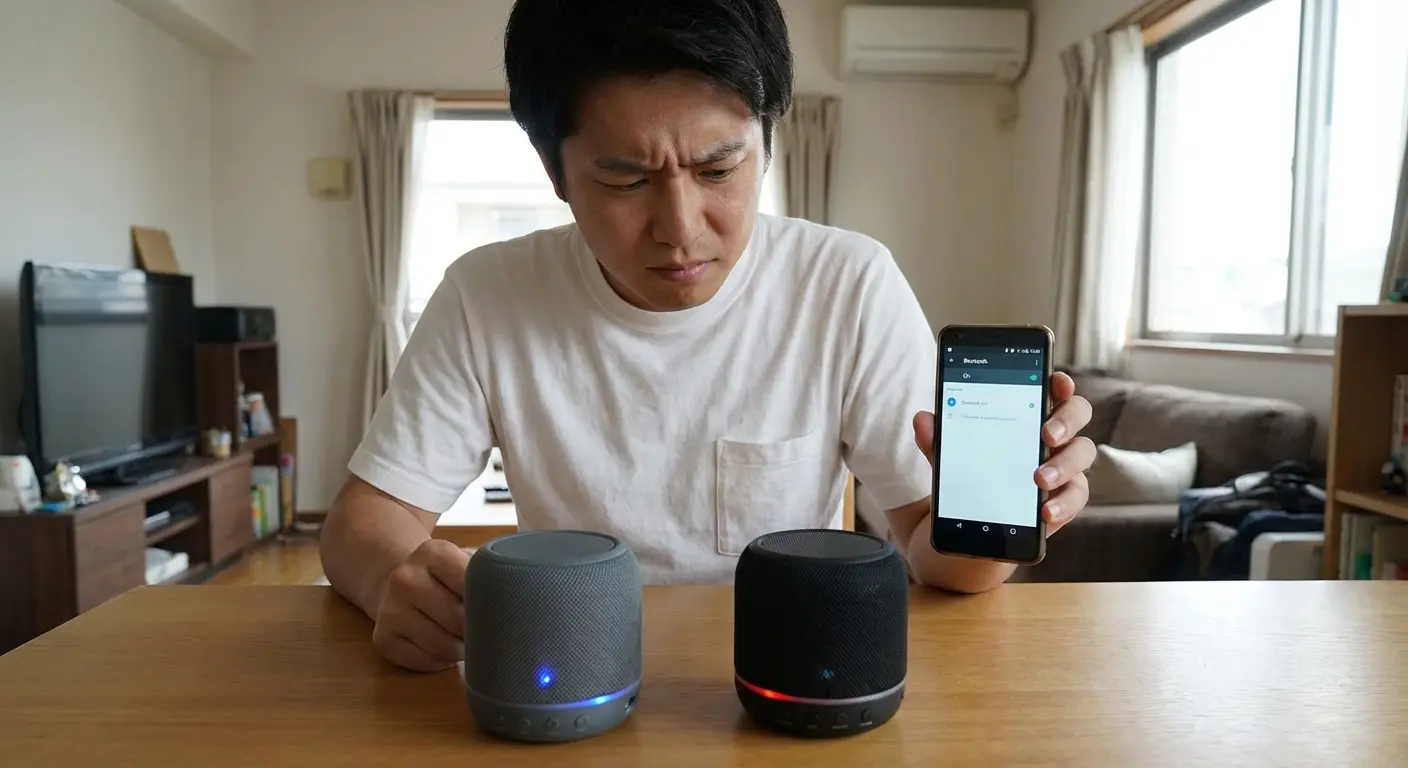
Here's the thing though. This was an intentional design choice, not an oversight. Which is its own kind of screwup, honestly. The technical reality is that your phone was built for a different use case, and hardware manufacturers saw an opportunity where Google saw... nothing worth their time, apparently.
According to Android's official documentation on combined audio device routing, for Android versions 11 and below, the audio framework had limited support for multiple audio devices of the same type connected simultaneously. The default audio routing rules didn't allow users to select multiple devices of the same type for a given use case. Translation: they knew people wanted this and said "nah."
Actually, scratch that. Things are finally changing. In September 2025, Google rolled out Audio Share functionality to Pixel devices via a Google Play Services update (SlashGear), bringing Auracast and Bluetooth LE broadcasting capabilities that let you share audio across multiple Bluetooth devices. But here's the catch: it only works on Pixel 8 and newer devices (and they specifically excluded the 8a and 9a models because... reasons?).
The Bluetooth specification itself supports multiple simultaneous connections. Bluetooth 5.0 can theoretically handle connections to multiple devices. Your phone maintains connections to your smartwatch, wireless earbuds, and fitness tracker without breaking a sweat. The limitation isn't in the radio. It's in how Android routes audio streams. Most Android builds treat audio output as a singular resource. When you hit play, the system asks: "Where should this go?" It expects one answer.
Splitting that stream requires either manufacturer intervention at the OS level or creative workarounds that operate outside Android's standard audio pipeline.
Bluetooth's Dirty Little Secret (It Was Never Built for This)
Bluetooth wasn't conceived as a broadcast technology. The protocol establishes point-to-point connections with specific handshake requirements and latency expectations. When you connect a speaker, your phone negotiates codec support, buffer sizes, and synchronization timing for that specific device.
Adding a second speaker means duplicating that audio stream and maintaining sync across two independent connections. Even minor timing differences (we're talking 50-100 milliseconds) create the echo effect that makes multi-speaker setups sound worse than a single source.
Picture this: you're at a backyard barbecue. You connect one Bluetooth speaker to your phone and put it on the patio table. Sounds fine. Then you connect a second speaker and place it 20 feet away near the grill. If your phone sends audio to the first speaker, then processes and sends the same audio to the second speaker 75 milliseconds later, everyone standing between the two speakers hears the vocals twice. Once from each speaker with a slight delay that creates this unsettling echo effect that makes conversation impossible.
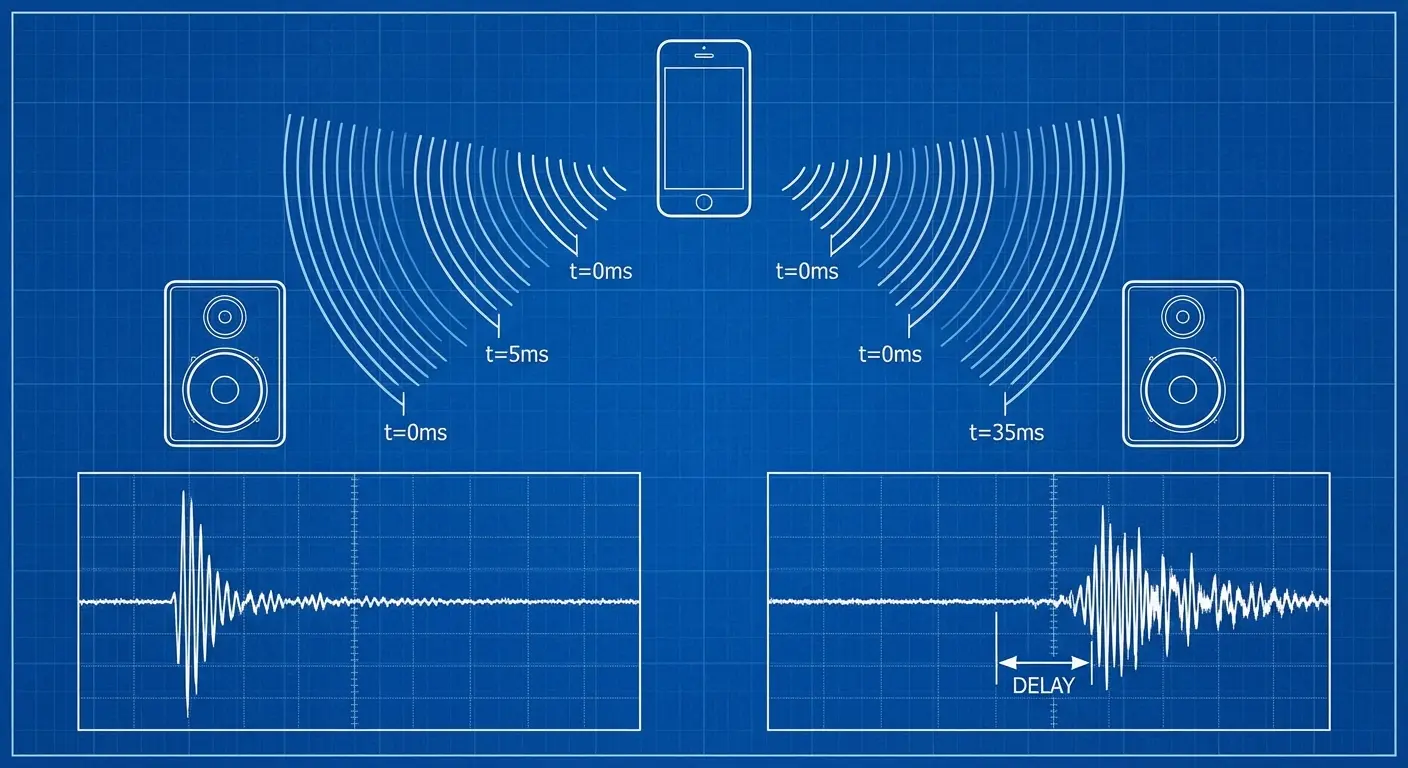
Classic Bluetooth (pre-5.0) handles this poorly because each connection operates independently. Your phone sends audio to Speaker A, then sends the same audio to Speaker B, but those transmissions don't happen simultaneously.
The processing delay compounds, and suddenly you're hearing vocals twice with a slight offset that your brain can't ignore. This is why solutions feel more like workarounds than actual features. The latency issue becomes crucial for troubleshooting later, and understanding these protocol-level limitations helps you figure out which solutions are worth trying versus which ones are destined to fail.
Bluetooth 5.0 introduced improvements, but the spec doesn't mandate multi-stream audio. Manufacturers can implement it, but Android doesn't require them to. That's why you'll find the feature on some devices and not others, even when they're running identical Android versions.
Bluetooth Version |
Multi-Device Audio Support |
Typical Latency Range |
Android Implementation Status |
|---|---|---|---|
Bluetooth 4.2 and earlier |
Not natively supported |
150-250ms per device |
No multi-speaker routing |
Bluetooth 5.0 |
Technically capable |
100-150ms per device |
Manufacturer-dependent |
Bluetooth 5.2+ with LE Audio |
Native multi-stream support |
40-80ms (synchronized) |
Limited to specific devices (Pixel 8+, Samsung S23+) |
Native Android Solutions That Actually Work
Some Android devices ship with manufacturer-added features that Google didn't include in stock Android. These aren't hacks or workarounds. They're legitimate OS-level implementations that treat multi-speaker output as a standard feature. You'll find these features buried in Bluetooth settings, often under names that don't clearly indicate what the hell they actually do.
The implementation varies wildly between manufacturers, which means the steps to enable dual audio on a Samsung device won't match what you'd do on an LG or Sony phone.
Before you go digging through settings, here's what you need to check:
Your Android version (Settings > About Phone > Android Version)
Your phone manufacturer and model
Navigate to Settings > Connections > Bluetooth (or Settings > Connected Devices)
Look for "Advanced," "Additional Settings," or a three-dot menu in Bluetooth settings
Search for terms like "Dual Audio," "Audio Sharing," "Multi-Device," or "Media Audio Sync"
If nothing appears, check your manufacturer's support documentation for your specific model
Verify both speakers support the same Bluetooth profile (usually A2DP)
Stock Android (the version Google ships on Pixel devices) doesn't include multi-speaker support. If you're running a Pixel, you're working with the baseline implementation that prioritizes simplicity over flexibility. That's not a criticism. Wait, actually, it is a criticism. They had years to add this.
The good news? If your manufacturer added the feature, enabling it usually takes less than a minute once you know where to look.
Samsung Figured This Out in 2017 While Everyone Else Napped
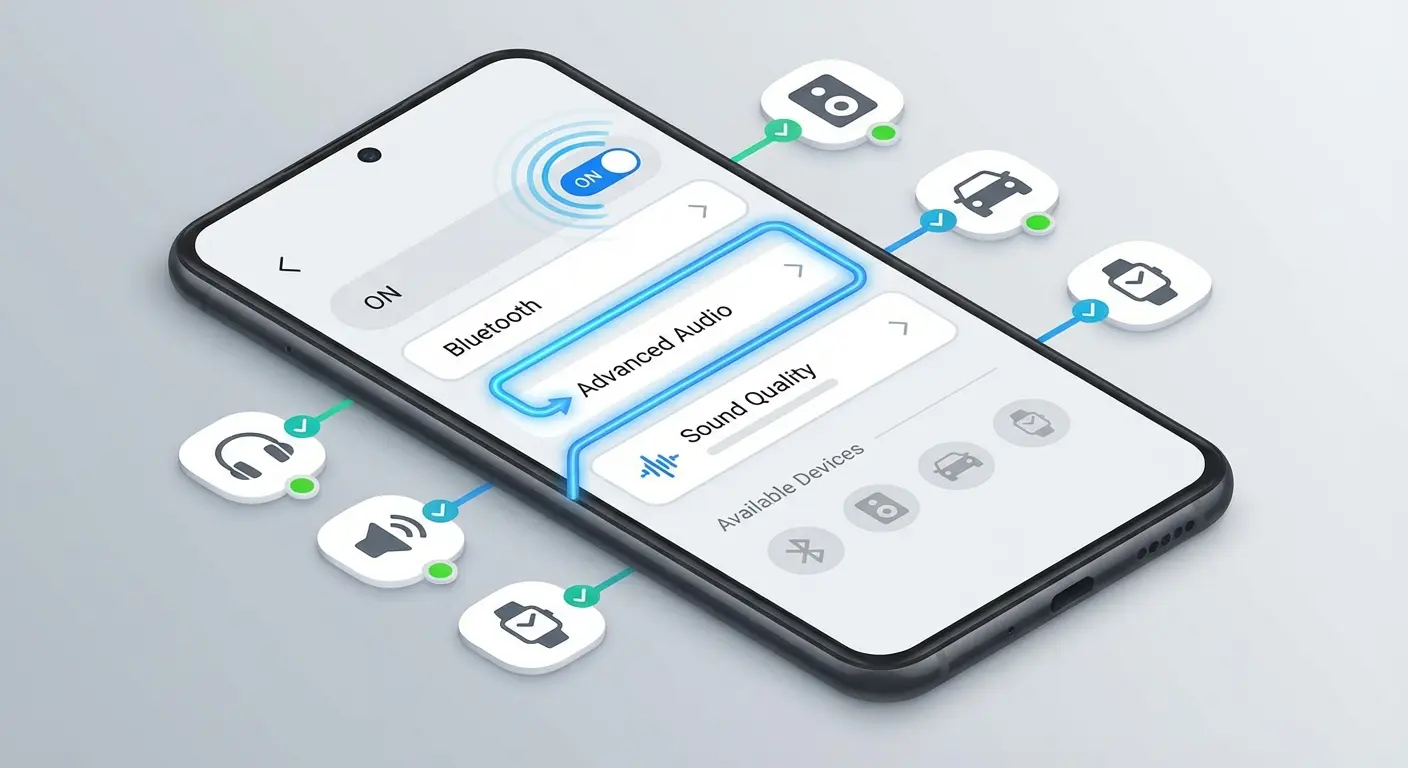
Samsung introduced Dual Audio with the Galaxy S8. Actually, scratch that. I just remembered the Galaxy S9 had this feature too, not just the S8. Point is, Samsung's had this figured out since 2017 while Google's still acting like it's a feature request from 2030.
You'll find it in Settings > Connections > Bluetooth > Advanced, though Samsung loves reorganizing menus with each One UI update, so good luck finding it without wanting to scream.
Once enabled, Bluetooth dual audio lets you connect two Bluetooth devices and split audio between them. You can send the same audio to both speakers or route different audio to each device. That second option is useful if you want music on one speaker and podcast audio on another, though honestly, who does that?
The feature works reliably within its constraints. You're limited to two devices, and both need to support the same Bluetooth profile. Audio quality can degrade slightly since your phone is managing two simultaneous transmissions, but for most use cases (outdoor gatherings, multi-room background music), the quality loss is negligible.
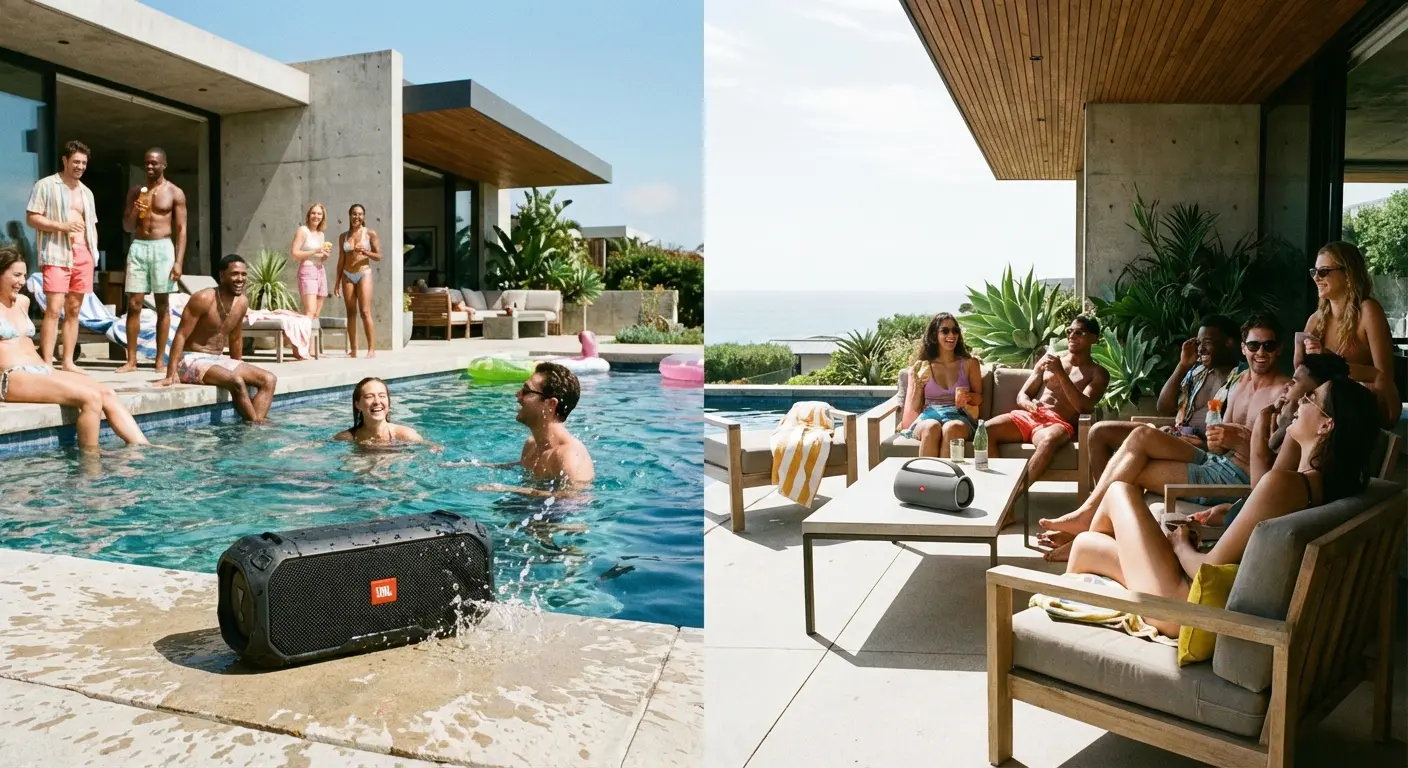
Last summer, my friend hosted a pool party with a Galaxy S23. She enabled Dual Audio, connected a waterproof speaker floating in the pool and another speaker mounted on the patio overhang 30 feet away. Both speakers played the same playlist simultaneously, providing even audio coverage across the entire pool area without requiring either speaker to be cranked up to distortion levels. The setup took about 45 seconds once Dual Audio was enabled, and people could move freely between the pool and patio without losing audio quality.
Other manufacturers didn't adopt similar features for a few reasons. Some wanted to differentiate through proprietary ecosystems, encouraging users to buy multiple speakers from the same brand. Others likely calculated that the development cost didn't justify the relatively small percentage of users who'd use multi-speaker output regularly.
The fragmentation means you can't rely on finding this feature when you switch phones. A feature you used daily on your Samsung might disappear when you move to a different manufacturer, even if you're upgrading to a newer device.
Other Brands' Half-Baked Attempts You've Never Heard Of
Beyond Samsung's Dual Audio, several manufacturers built their own solutions that operate differently from standard Bluetooth pairing. These features often hide in proprietary apps rather than system settings, which explains why you might own a compatible device without knowing the capability exists.
LG's Music Flow required their dedicated app and only worked with LG speakers. Sony's Music Center app does something similar for Sony audio products. Motorola experimented with a feature called Moto Stream that let you connect up to four speakers, but it never made it past a few device generations and they just... abandoned it.
Manufacturer |
Feature Name |
Max Speakers |
Requires Proprietary App |
Cross-Brand Compatible |
Current Status |
|---|---|---|---|---|---|
Samsung |
Dual Audio |
2 |
No (built into Settings) |
No |
Active (Android 8.0+) |
LG |
Music Flow |
Multiple |
Yes |
No |
Discontinued (2023) |
Sony |
Music Center |
Multiple |
Yes |
Limited to Sony ecosystem |
Active |
Motorola |
Moto Stream |
4 |
No |
No |
Discontinued (2019) |
Xiaomi |
Dual Bluetooth Audio |
2 |
No (built into MIUI) |
No |
Active (MIUI 12+) |
Audio Share (Auracast) |
Multiple |
No (via Play Services) |
Yes (LE Audio devices) |
Active (Pixel 8+ only) |
The pattern here is clear: manufacturers build solutions that work within their product ecosystems but don't play well with competitors' hardware. That's frustrating when you want to pair a JBL speaker with a Sony soundbar, but it makes business sense for companies trying to build brand loyalty.
You'll have better luck with these manufacturer-specific solutions if you're already invested in a single brand's ecosystem. If you own multiple Sony speakers and a Sony phone, their app-based solution might work perfectly. But the moment you introduce hardware from different manufacturers, you're back to fighting Android's baseline limitations.
Third-Party Apps That Technically Work (If You Hate Yourself)
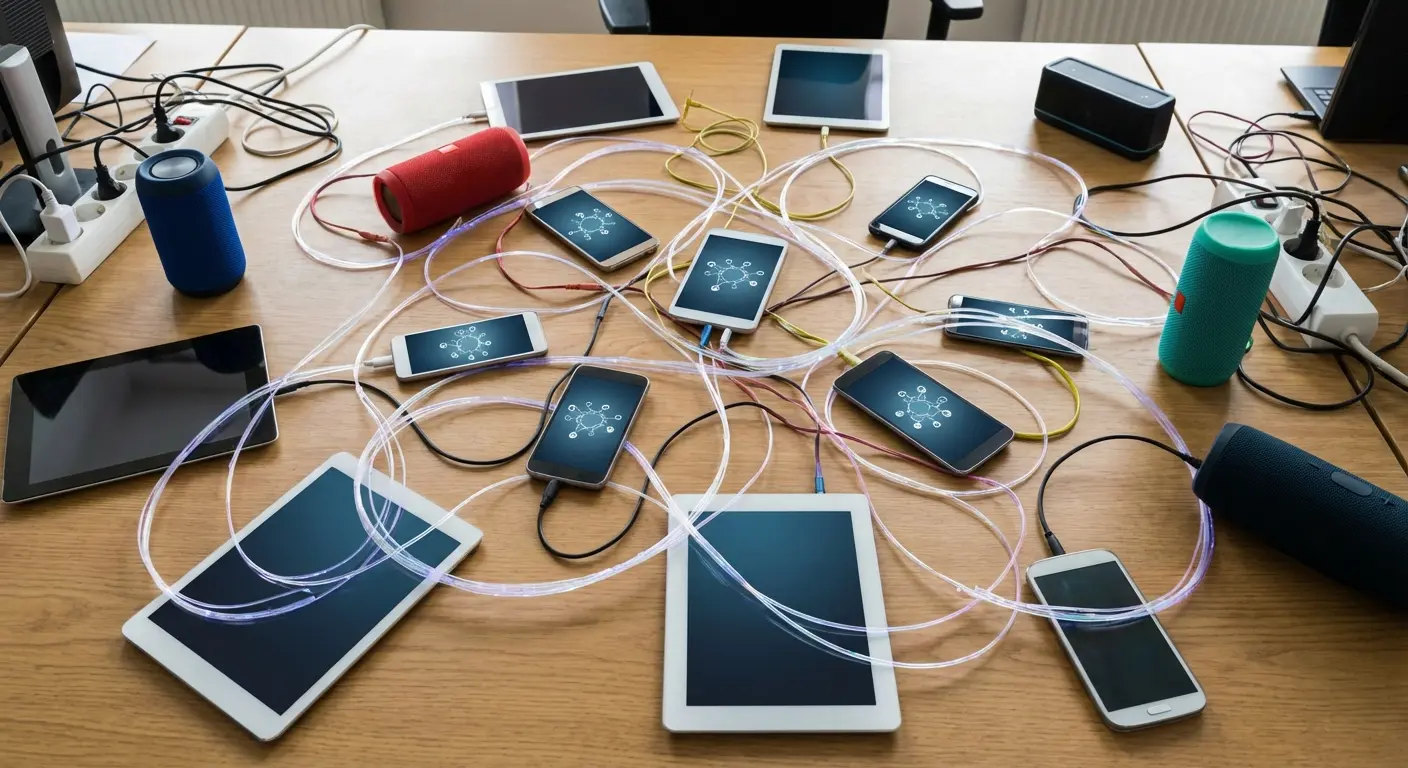
Apps like AmpMe, SoundSeeder, and Bluetooth Audio Widget attempt to solve multi-speaker pairing through software alone. They work by creating a synchronized playback network where each speaker receives the same audio stream with timing adjustments to minimize echo.
The catch? Every speaker needs to be connected to a device running the app. You can't just connect two Bluetooth speakers to your phone. You need two phones (or tablets) running the software, with one acting as the host and others as clients.
I'll be honest. I bought the AmpMe subscription before realizing I'd need to rope three friends into installing it too. Felt like an idiot. Canceled it the same day.
Latency becomes a bigger issue with app-based solutions. The audio travels from the source to your phone, through the app's processing layer, out to the network, and finally to each speaker. Each step introduces delay, and even sophisticated buffering can't always compensate perfectly.
Before you download one of these apps, here's what you need to know:
Compatibility Requirements:
Check minimum Android version
Confirm if it requires multiple devices (spoiler: it does)
Verify it works with your existing speakers
See if it only supports specific speaker brands
Cost Structure:
Free tier limitations (usually crippling)
Subscription price per month
Whether there's a one-time purchase option
Maximum devices allowed on free tier
Performance Expectations:
Reported latency range in milliseconds
WiFi requirements
Battery impact (usually high)
User rating on Play Store
Deal-Breakers:
Account creation requirements
Ad presence
Data collection practices
Last update date
Battery drain is another consideration. Streaming audio to multiple devices while running synchronization algorithms in the background will kill your phone's battery faster than standard Bluetooth playback.
If you're outdoors without easy charging access, that's a real limitation. Some apps require subscriptions for full functionality. AmpMe, for instance, limits the number of devices you can connect on the free tier. You're solving a hardware limitation by introducing a software dependency with ongoing costs, which feels backwards when you've already invested in the speakers themselves.
When Your Speakers Are Smarter Than Your Phone
True Wireless Stereo (TWS) and Party Mode features shift the pairing logic from your phone to the speakers themselves. Instead of your Android device managing multiple connections, you pair one speaker to your phone, then that speaker communicates with additional speakers directly.
This approach bypasses Android's limitations entirely. Your phone only sees one Bluetooth connection, so there's no OS-level restriction to work around.
The speakers handle synchronization between themselves using their own protocols, which often results in better audio sync than phone-mediated solutions.
Google's recent Audio Share rollout demonstrates the industry's movement toward broadcast-based solutions. Android Central reports that the feature, powered by Auracast and Bluetooth LE, became widely available in September 2025 through Google Play Services version 25.38 or newer for Android 16, though it remains exclusive to Pixel 8 series and newer devices (excluding the Pixel 8a and Pixel 9a). The technology enables public broadcasts at sports stadiums, churches, and other venues, allowing anyone with compatible earbuds to tune in.
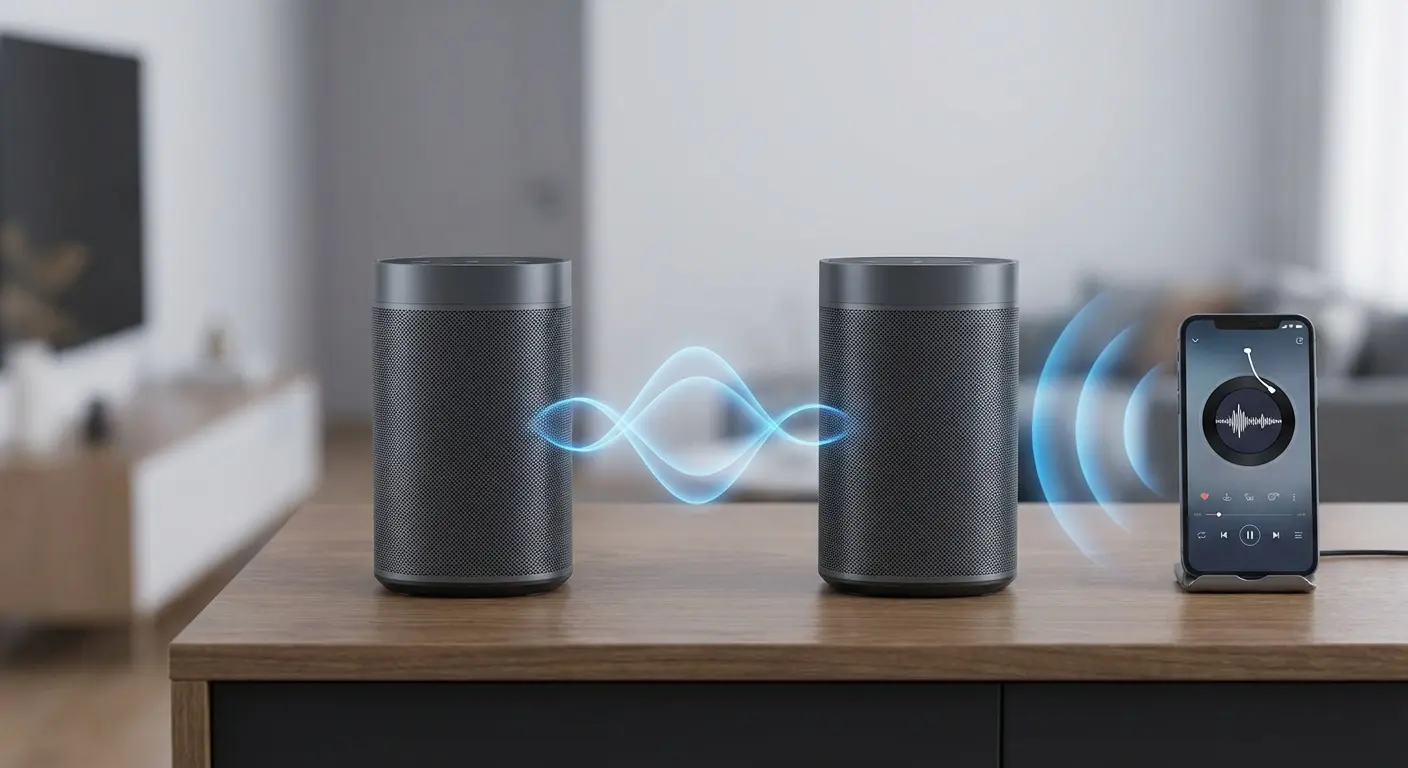
JBL's Connect+ and PartyBoost features exemplify this approach. You can link over 100 compatible JBL speakers, which is perfect if you're throwing a rave at an airport hangar or have completely lost your mind. The first speaker pairs with your phone normally, then you activate the pairing mode and press the corresponding button on additional speakers to join the network.
Bose's SimpleSync does something similar for their ecosystem. Ultimate Ears offers PartyUp for their Boom and Megaboom lines. The implementation details vary, but the core concept remains consistent: speakers talk to each other, not through your phone.
Last month at Yosemite, my buddy Jake brought three JBL Flip 6 speakers and we spent 20 minutes getting them to sync while mosquitoes ate us alive. But once they connected, the setup worked flawlessly. The first speaker paired to his Android phone via standard Bluetooth. Then, by pressing the PartyBoost button on each of the other two speakers, they automatically connected to the primary speaker and synchronized playback. His phone only maintained one Bluetooth connection, so it worked identically whether you're using a Pixel, Samsung, OnePlus, or any other Android device. The speakers positioned at different corners of the campsite provided even audio coverage without requiring the phone to manage multiple connections or process separate audio streams.
The limitation is ecosystem lock-in again. JBL speakers won't pair with Bose speakers using these features. You're choosing a brand and committing to it if you want seamless multi-speaker functionality. That's less flexible than a universal Android-level solution would be, but it's more reliable than what Google provides natively.
Setting Up Outdoor Audio Without Losing Your Mind
Outdoor environments expose the weaknesses of single-speaker setups. Sound disperses quickly without walls to contain it, and wind carries audio away from your listening position. You need more coverage area, which typically means either buying a much larger (and more expensive) speaker or connecting multiple Bluetooth speakers strategically.
Golf courses, beaches, campsites, and backyard gatherings all present similar challenges. You want audio that reaches everyone in the space without being obnoxiously loud at the source. Multiple Bluetooth speakers distributed across the area solve this more effectively than cranking up a single unit.
Speaker placement matters more than you'd think. Positioning two speakers 15-20 feet apart in stereo configuration creates a much wider soundstage than stacking them next to each other.
You get better coverage with less volume, which means longer battery life and less distortion.

Weather resistance becomes critical for outdoor use. Not every Bluetooth speaker handles moisture, dust, or temperature extremes equally well. You need hardware that matches the environment, which often means looking beyond the cheapest options or the speakers with the most features.
Portability affects your setup options too. Speakers designed for outdoor use typically include mounting options, carabiner clips, or rugged housings that survive being tossed in a bag. If you're hauling gear to a golf course or beach, you want speakers that won't become a logistics problem.
Quick disclosure: Rokform's GRok Golf Speaker does exactly this, and yeah, this post is connected to them. But I'm recommending it because it actually solves the problem without the usual Bluetooth nonsense. You can connect multiple Bluetooth speakers via Bluetooth directly from your phone. You get true wireless stereo without fighting Android's limitations or installing third-party apps. The speakers handle the pairing logic, so it works reliably across any Android device. Plus, they're designed for the exact environments where single-speaker setups fall short: weather-resistant, portable, and built to handle the abuse of outdoor activities.
Fixing Connection Problems Without Throwing Your Phone in a Lake
Connection issues with multi-speaker setups usually stem from one of three sources: codec mismatches, interference from other Bluetooth devices, or speakers entering pairing mode incorrectly.
Codec problems occur when your phone and speakers don't agree on which audio format to use. Android defaults to SBC (a basic codec with decent compatibility), but some speakers prefer AAC or aptX. If one speaker supports a codec your phone wants to use and the other doesn't, the connection can fail or audio quality suffers.
The codec compatibility issue is more common than most users realize. User reports on Android Central forums indicate that successful dual Bluetooth connections require newer hardware: specifically Android 10 or higher, Bluetooth 5 peripherals, and compatible PCs or devices. And even with all requirements met, users might experience delay with one device when attempting stereo sound.
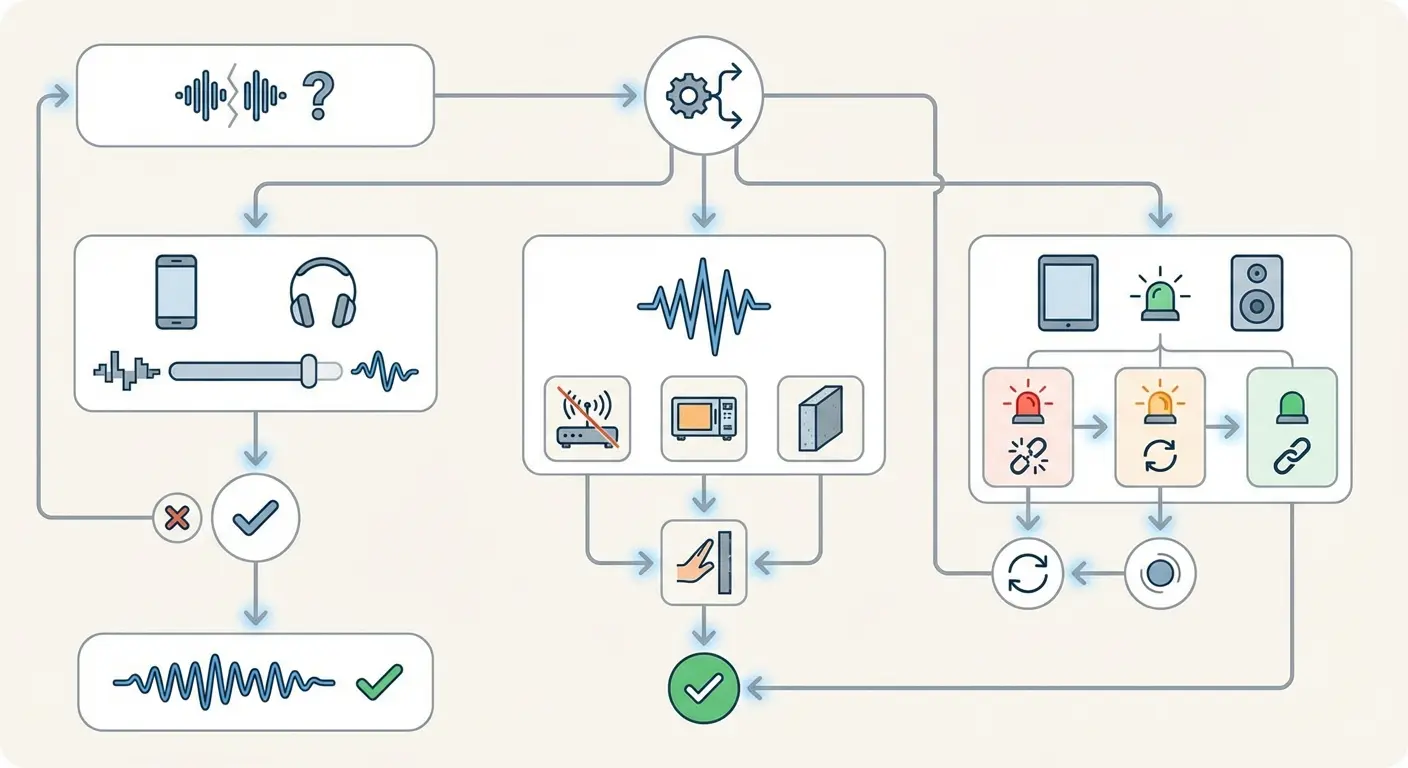
You can force codec selection on some Android devices through Developer Options. Enable Developer Options by tapping Build Number seven times in About Phone, then look for Bluetooth Audio Codec settings. Forcing SBC across all connections often resolves compatibility issues, though you'll sacrifice some audio quality depending on what codecs your speakers support natively.
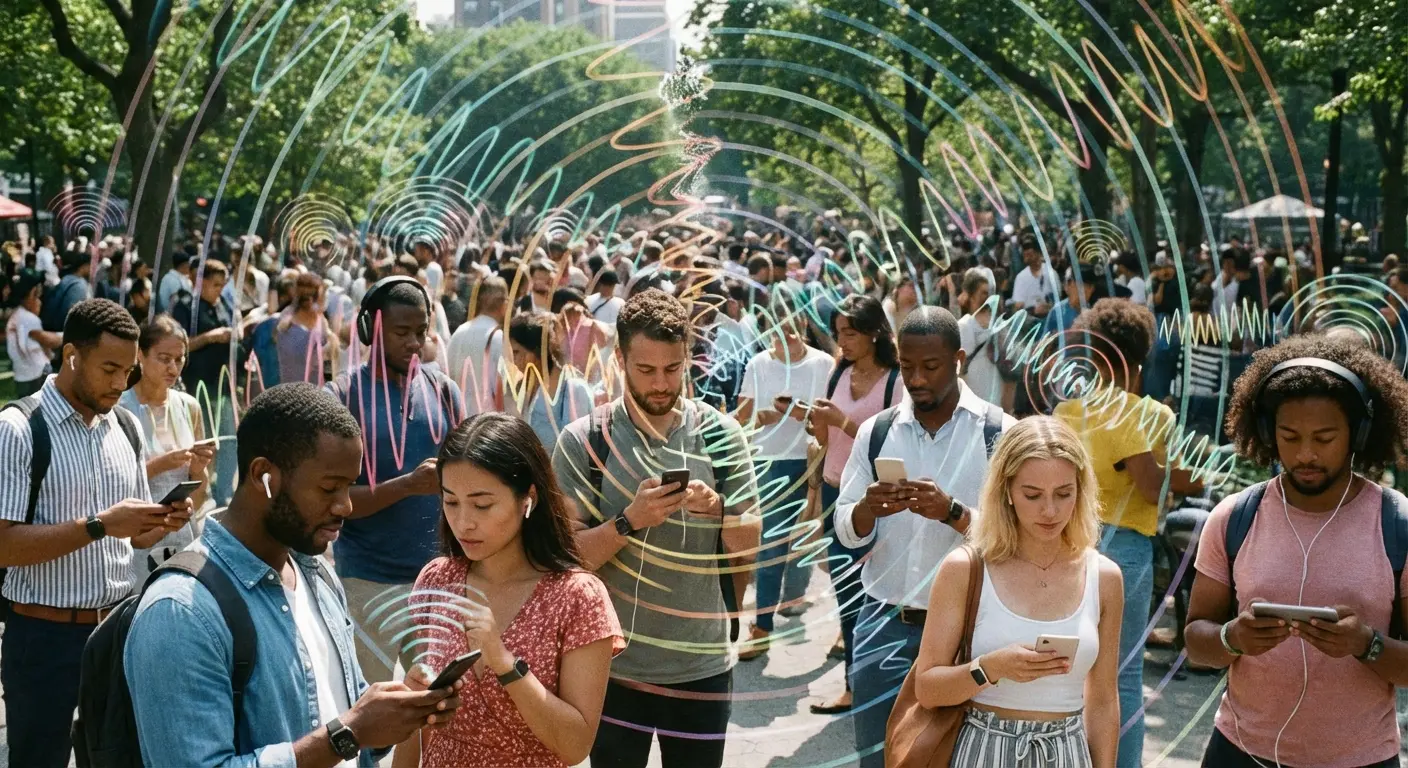
Interference is harder to diagnose but common in crowded environments. Bluetooth operates in the 2.4GHz frequency range, sharing space with WiFi, microwaves, and other wireless devices.
If you're at a beach or park with dozens of other people streaming audio, their Bluetooth signals can interfere with yours. Moving away from dense crowds or switching your phone's WiFi to 5GHz (if it's connecting to a hotspot) can reduce interference.
Speaker pairing modes are finicky. Most speakers require you to press and hold specific button combinations to enter TWS or Party Mode, and the timing matters. If you release too early or wait too long between pairing the first and second speaker, the connection fails. Check your speaker's manual for the exact sequence, and follow it precisely.
Clearing your phone's Bluetooth cache sometimes resolves persistent issues. Go to Settings > Apps > Show System Apps > Bluetooth > Storage > Clear Cache. This doesn't unpair your devices, but it resets the Bluetooth stack's temporary data, which can fix corruption issues that prevent new connections.
Battery levels affect connection stability more than you'd expect. Speakers with low batteries often fail to maintain stable Bluetooth connections, especially when trying to pair with other speakers simultaneously. Charge everything to at least 50% before troubleshooting connection issues.
Final Thoughts
Look, this shouldn't be hard in 2025. The tech exists. The Bluetooth specification supports it. Users clearly want it. Google just doesn't care enough to bake it into Android properly.
Samsung figured it out in 2017. Speaker manufacturers like JBL and Bose built their own solutions that work better than anything your phone can do. Meanwhile, stock Android users are stuck downloading apps that require multiple devices and drain your battery while introducing latency issues that make the whole experience worse than just using one speaker.
The fragmentation across Android manufacturers means you can't rely on finding multi-speaker support when you need it. Samsung users have Dual Audio, but switching to a different brand might mean losing that functionality. Third-party apps fill some gaps, but they introduce complexity and dependencies that feel excessive for what should be a straightforward feature.
Speaker-based pairing modes offer the most reliable path forward. They work across any Android device, handle synchronization better than software solutions, and don't require you to install apps or enable developer options. You're investing in the speakers themselves rather than hoping your next phone supports the feature you need.
The outdoor use case makes the most compelling argument for multi-speaker setups. Single speakers struggle to provide adequate coverage in open spaces, and distributed audio creates better listening experiences without requiring excessive volume. If you're spending time on golf courses, at beaches, or in backyards, the upgrade from one speaker to two (properly paired) changes how you experience audio outdoors.
Speaker-to-speaker pairing eliminates the phone-side restrictions and often delivers better synchronization than any phone-based solution could manage. You're not fighting Android's limitations anymore. You're choosing speakers that solve the problem at the hardware level, which is probably how it should have worked from the beginning.

