


Blue light screen protectors are everywhere now. Target, Best Buy, Amazon, your friend's Instagram ads. Everyone's selling them, and everyone's buying them, all because we're terrified that our phones are slowly destroying our eyes. But here's the part nobody wants to hear: the American Academy of Ophthalmology straight-up doesn't recommend blue light-blocking glasses because of the lack of scientific evidence that blue light is damaging to the eyes. Yeah, you read that right. The entire industry is built on a problem that major ophthalmology organizations say doesn't exist. And yet the fear-based marketing keeps working. So when people ask "do blue light screen protectors work," the answer is way more complicated than the ads want you to believe.
Table of Contents
The Blue Light Panic (Or: How We All Got Convinced Our Phones Are Killing Us)
What Blue Light Actually Does to Your Eyes (Spoiler: Not Much)
The Sleep Thing Everyone Misunderstands
Your Eye Strain Isn't Blue Light (It's Because You Forgot How to Blink)
Screen Protectors vs. Software Solutions: Which Makes Sense?
What Actually Protects Your Eyes During Screen Time
When a Screen Protector Makes Sense (And When It's Just Extra Plastic)
TL;DR
Most blue light comes from the sun, not your phone (we're talking 100x more)
Scientific research doesn't support claims that blue light from screens causes permanent eye damage
Your eye strain is probably from not blinking enough and staring at the same distance for hours
Blue light screen protectors create a permanent yellow tint that messes with color accuracy
Software filters (Night Shift, Night Mode) do the same thing without the permanent color distortion
Sleep problems from screens? That's more about doomscrolling at midnight than blue light wavelengths
My take: if you're buying a screen protector, get one that protects from drops, not imaginary blue light damage
The Blue Light Panic (Or: How We All Got Convinced Our Phones Are Killing Us)
I spent three weeks researching this article, and I'm kind of annoyed about what I found.
The advertisements are everywhere. Your eyes are under attack. Blue light from your phone is destroying your retinas. You need protection, and you need it now. The messaging is urgent, persuasive, and honestly pretty effective.
The problem? The medical community isn't buying it.
While blue light screen protectors have become a multi-million dollar industry, the research supporting their necessity is pretty thin. There's this weird gap between what consumers are being sold and what doctors actually recommend. Whether blue light screen protectors "work" depends entirely on what you're expecting them to do, and whether those expectations have anything to do with reality.
Take my friend Sarah. She does graphic design and dropped $45 on a blue light screen protector after some article scared her about retina damage. Forty-five dollars, by the way. For a piece of plastic with a yellow tint. Three months later? Same afternoon headaches, same eye fatigue, same everything. Finally goes to the eye doctor. Turns out her prescription was two years out of date and her monitor was positioned like she was trying to develop neck problems. The screen protector did absolutely nothing except make her color work harder.
The marketing has been brilliant, I'll give them that. Companies have successfully convinced millions of people that their phones emit dangerous levels of blue light, that this light causes irreversible damage, and that a thin film of treated plastic stands between you and vision loss. It's kind of genius, honestly, in a depressing late-stage-capitalism sort of way. But when you look at the actual science, the story becomes way less alarming and way messier than that.
What Blue Light Actually Does to Your Eyes (Spoiler: Not Much)
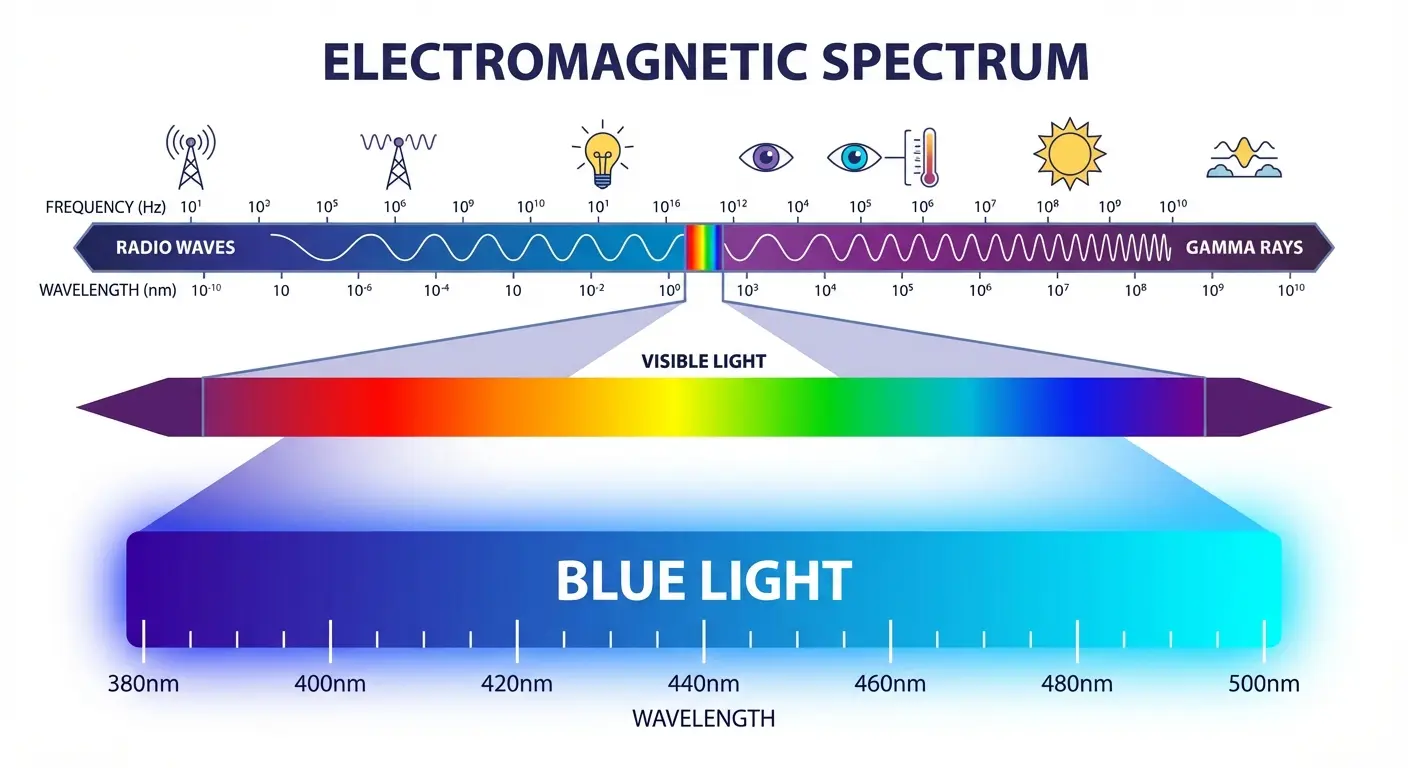
Okay, so what actually is blue light? It sits on the electromagnetic spectrum between 380-500 nanometers. These shorter wavelengths carry more energy than other visible light, which sounds scary until you understand the context. Yes, blue light is "high-energy visible light," but the intensity matters way more than the wavelength alone.
Your phone screen emits roughly 10-15 lumens of blue light. Your computer monitor? Maybe 15-25 lumens. Now step outside on a cloudy day, and you're exposed to over 1,000 lumens. Direct sunlight delivers more than 10,000 lumens of blue light.
Let that sink in for a second.
Your phone emits roughly 1/100th the blue light of a cloudy day. One one-hundredth. That's kind of ridiculous.
The fear around blue light and macular degeneration comes from lab studies. Researchers took isolated retinal cells (just cells in a dish, not actual eyes) and blasted them with intense blue light for hours. Yeah, the cells got damaged. But here's what those studies conveniently left out: your actual eyes have protection that cells in a petri dish don't.
Understanding the Wavelength Details
Not all blue light wavelengths affect your body the same way. Research shows that blue light in the 435-440 nm range is linked to oxidative stress and potential long-term visual effects, while the 480-500 nm range is linked to melatonin suppression and delayed sleep onset. Understanding these specific ranges matters because effective screen protectors should target these precise bands rather than filtering all blue light like some kind of blanket solution.
Here's the thing though: most products on the market use vague "blue light blocking" claims without saying which wavelengths they actually filter. When a manufacturer says their screen protector blocks "blue light," are they targeting the 435-440 nm range? The 480-500 nm range? Or are they just adding a yellow tint and calling it protection?
The intensity comparison gets even more obvious when you see the numbers:
Light Source |
Blue Light Intensity |
Exposure Context |
|---|---|---|
Smartphone screen |
10-15 lumens |
Typical indoor use at 12-18 inches |
Computer monitor |
15-25 lumens |
Office work at 20-26 inches |
Cloudy day outdoors |
1,000+ lumens |
Brief exposure walking to car |
Direct sunlight |
10,000+ lumens |
Outdoor activities |
Indoor LED lighting |
50-100 lumens |
Ambient room lighting |
If blue light at screen intensities caused retinal damage, we'd see an epidemic of vision problems that just doesn't exist in the data. Ophthalmologists aren't reporting increased rates of macular degeneration that lines up with smartphone adoption. The feared connection between screens and permanent eye damage is still hypothetical.
Your Eyes Already Do This
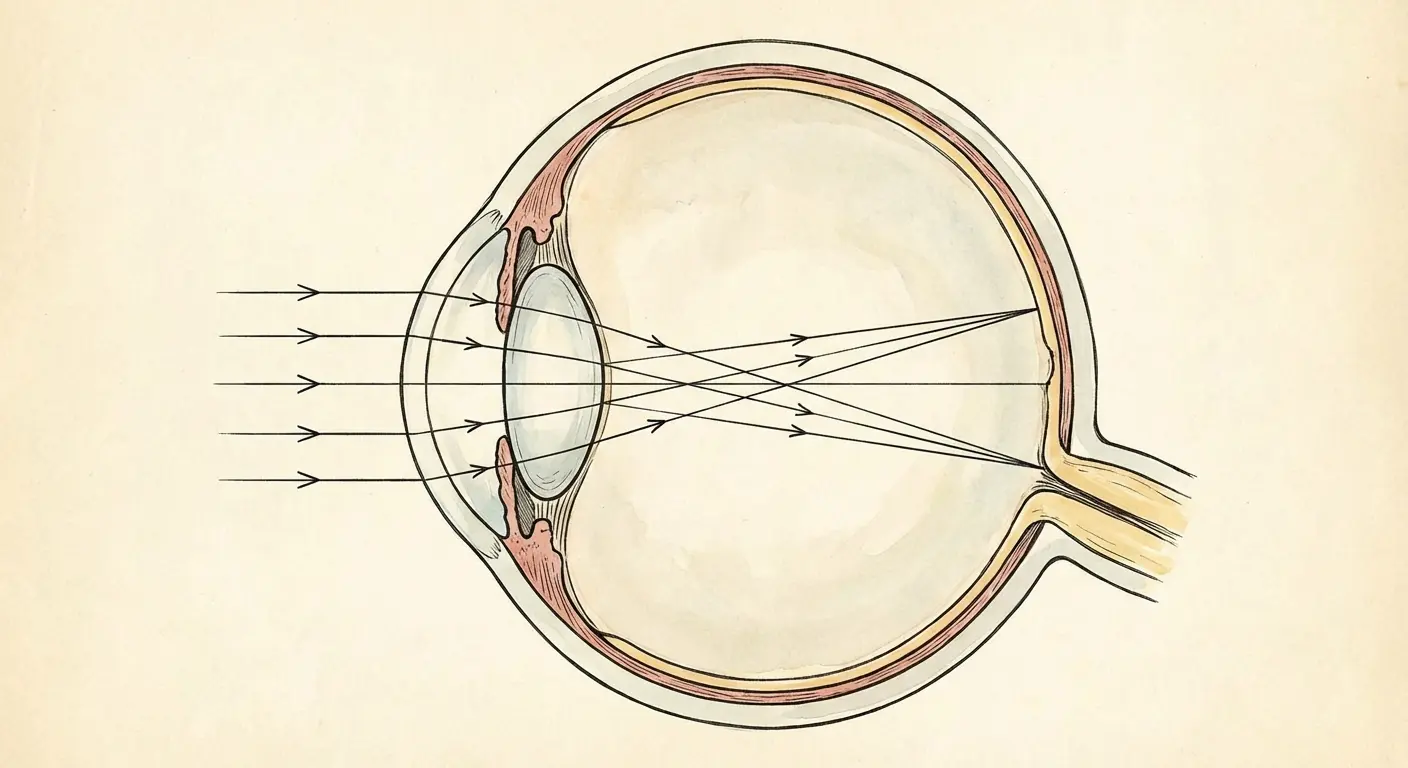
Here's something cool: your eyes already filter blue light. They've been doing it since before smartphones existed, since before electricity existed, actually. Your cornea and lens absorb most UV radiation and a chunk of blue light before it even reaches your retina. Why? Because we evolved under the sun, which blasts us with way more blue light than any screen ever could.
When you add a blue light screen protector to your phone, you're basically creating a backup system for a threat that your eyes already handle pretty well. If your natural eye structures already filter a good portion of blue light, and your screen emits minimal blue light to begin with, how much additional protection does that screen protector actually provide?
Look, I'm not saying blue light does nothing. It does something. But your phone screen? It's putting out so little blue light compared to, say, walking outside for five minutes that the whole conversation feels kind of absurd.
The Sleep Thing Everyone Misunderstands
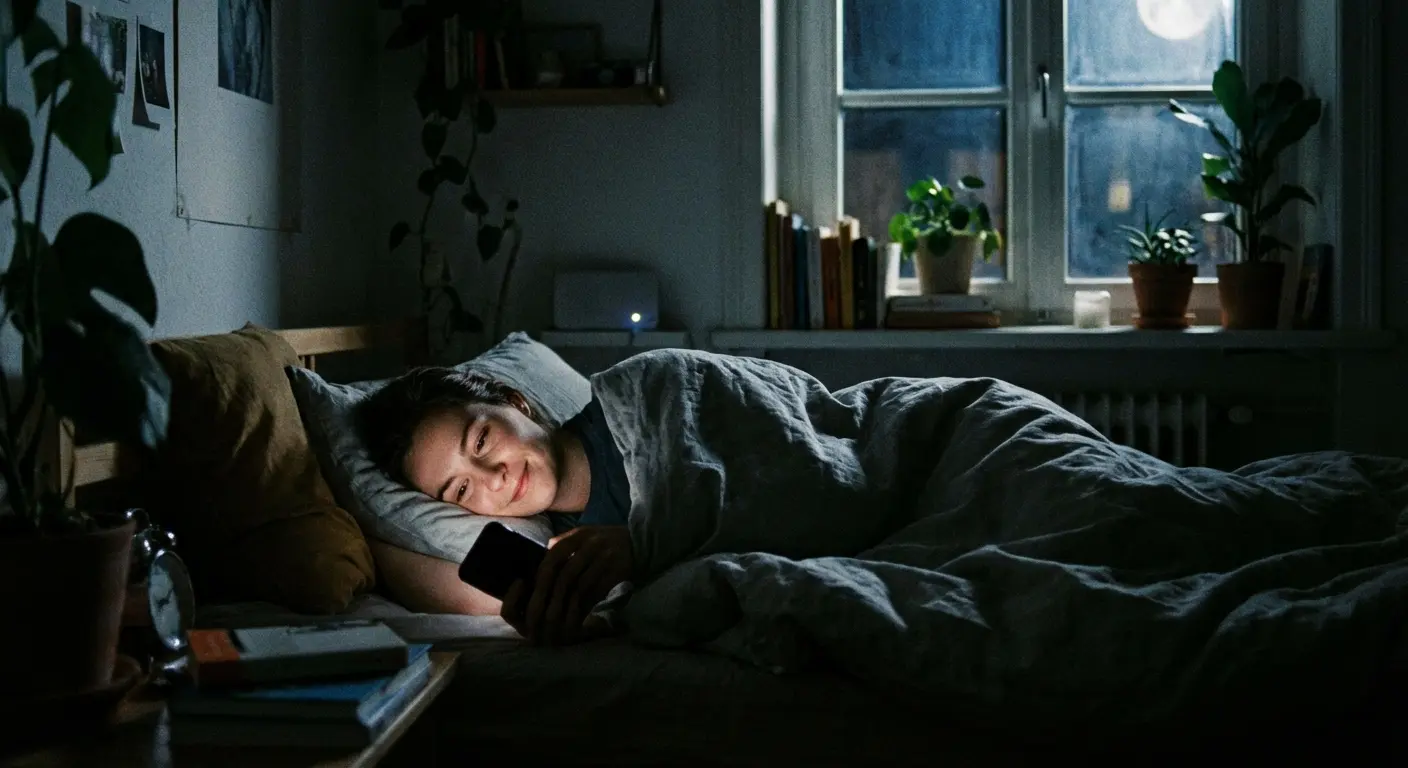
Blue light does suppress melatonin production. This part is actually true. Exposure to blue wavelengths, particularly in the 480-500 nm range, signals to your brain that it's daytime, which delays the release of melatonin and can mess with your sleep cycle.
But here's what gets left out: blue light is just one piece of this puzzle. And honestly? What you're reading on your phone probably matters more than what wavelength of light is coming off it.
While blue light does affect sleep, blue light screen protectors are designed to filter out the blue light frequencies that are known to disrupt our sleep patterns, but they're just one variable in a complex equation. Scrolling through work emails or anxiety-inducing news feeds at 11 PM keeps your brain in an activated state regardless of the light wavelength. Your brain doesn't care that the light is slightly warmer when you're processing information that triggers stress responses or emotional reactions.
A screen protector that blocks 50% of blue light won't help if you're reading stressful content 10 minutes before bed. Yeah, blue light suppresses melatonin. You know what else keeps you awake? Reading Twitter arguments at 11 PM. Somehow the screen protector companies don't mention that.
Melatonin Suppression: Real Effect, Overstated Impact
Studies confirm that blue light suppresses melatonin more effectively than other wavelengths. But the effect requires specific conditions: direct exposure, enough intensity, and timing within about two hours of your intended sleep time.
A blue light screen protector that blocks 40% of blue light might delay melatonin onset by 15-20 minutes. Dimming your screen brightness does basically the same thing. Using Night Mode provides similar benefits. Putting your phone down 30 minutes earlier has a way bigger impact than any filtering technology.
I'm not dismissing the sleep-blue light connection. I'm just saying it's more complicated than "blue light bad, screen protector good." If you're struggling with sleep, addressing when you use your phone, what you're looking at, and how long before bed matters way more than a screen protector alone.
Reading an engaging thriller on an e-ink device (which emits zero blue light) can be just as sleep-disrupting as scrolling Instagram because the content keeps your brain active. The story matters. The emotional engagement matters. Blue light is part of it, sure. But it's like blaming your headache on the color of the walls when you've been staring at a screen for 8 hours without blinking.
Your Eye Strain Isn't Blue Light (It's Because You Forgot How to Blink)
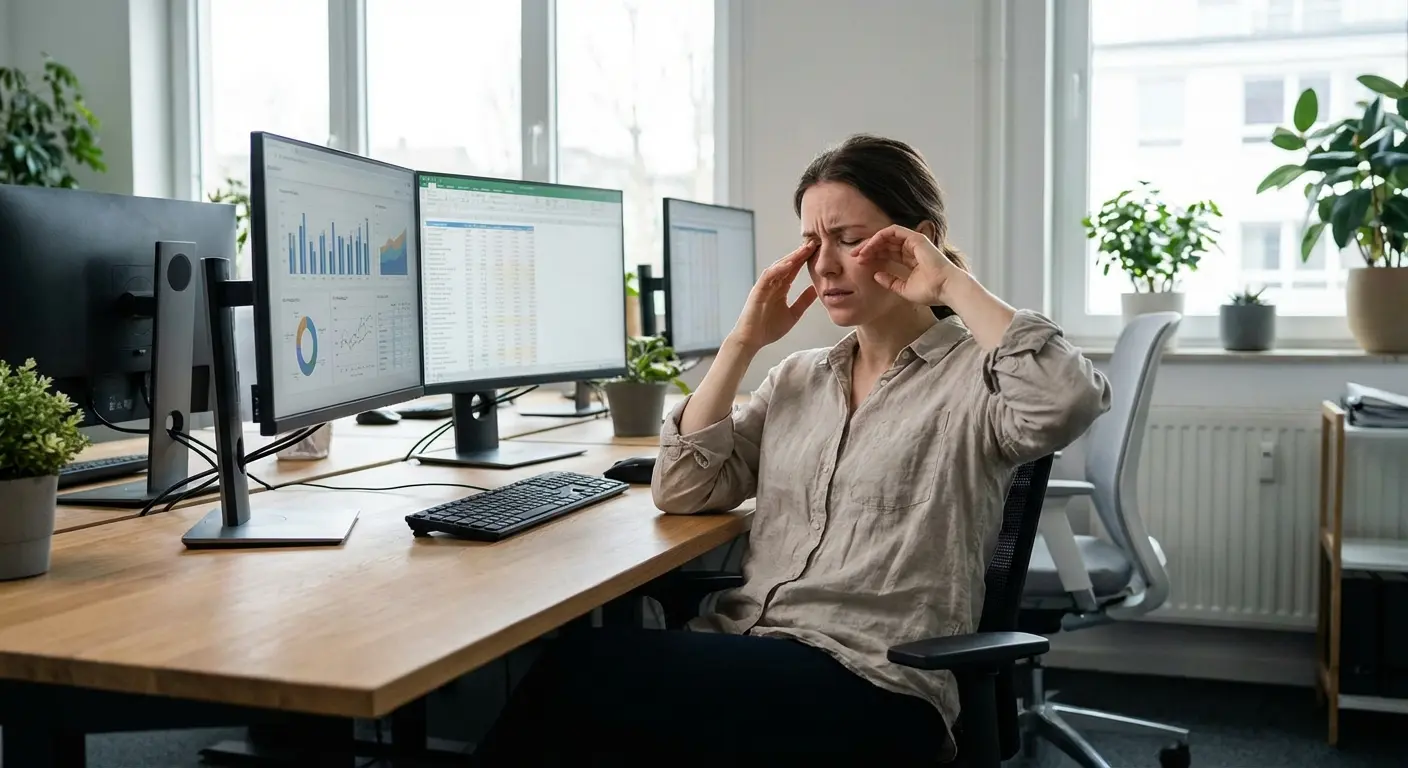
You finish a workday staring at your computer, and your eyes feel dry, tired, and irritated. Your head might ache. Your vision might blur slightly when you look up. These symptoms are real and uncomfortable, but they're not caused by blue light.
Digital eye strain (also called computer vision syndrome) comes from three main things: you're not blinking enough, you're staring at the same distance for hours, and your setup is probably terrible. Blue light doesn't cause any of these problems.
The evidence against blue light as the main problem keeps piling up. Research released in February 2021 involving 120 eye-strain-symptomatic computer users found no significant difference in eye strain symptom scores between those wearing blue light blocking glasses and those wearing clear placebo glasses after a 2-hour computer task. Both groups thought they were wearing blue blockers, but the actual presence of blue light filtering made no measurable difference.
Ouch.
This double-blind study pretty strongly suggests that the relief some people report from blue light products might be placebo effect. Plot twist: the blue light blocker that "totally helped" your eye strain might've just been you believing it would help. The mind is powerful, and expectations shape experiences. That should make you think twice before spending $45 on a piece of yellow plastic.
The Blink Rate Problem
You normally blink 15-20 times per minute. When you're staring at a screen? That drops to 5-7 times. You're blinking one-third as much as you should. And no, you probably didn't notice until I just told you.
Each blink spreads tear film across your eye surface, providing moisture and clearing debris. When you blink less, your eyes dry out. The burning, gritty sensation many people blame on blue light exposure? That's dryness from not blinking enough.
No screen protector fixes this. The solution involves conscious blinking exercises, artificial tears, and regular breaks. You need to retrain your blink response during screen time.
Try these during extended screen sessions:
Set a blink reminder: Every 20 minutes, do 10 deliberate, complete blinks (fully close eyes for one second each)
Post visual cues: Stick a small note on your monitor that just says "BLINK"
Use the 10-10-10 rule: Every 10 minutes, blink 10 times slowly while counting to 10
Keep artificial tears nearby: Use preservative-free lubricating drops every 2-3 hours during heavy screen use
Adjust screen position: Put your monitor slightly below eye level to reduce exposed eye surface area
Check humidity: Use a desk humidifier if you work in dry environments (below 30% humidity)
These actually target what's causing your discomfort. A blue light filter doesn't make you blink more.
Why Your Eyes Actually Hurt
Your eyes focus through something called accommodation. The ciliary muscles adjust your lens shape to focus on objects at different distances. When you read a book, use your phone, or work at a computer, these muscles contract to focus on nearby stuff.
Staring at a screen 12-18 inches away for hours keeps these muscles contracted. They get tired, causing that aching sensation around your eyes and the difficulty refoc
Staring at a screen 12-18 inches away for hours keeps these muscles contracted. They get tired, causing that aching sensation around your eyes and the difficulty refocusing when you look up. This happened to office workers long before digital screens existed. Accountants hunched over ledgers, editors reviewing manuscripts, anyone doing sustained close-up work got this same fatigue.
The 20-20-20 rule fixes this directly: every 20 minutes, look at something 20 feet away for 20 seconds. This forces your ciliary muscles to relax, giving them a brief recovery. It's simple, free, and way more effective than any screen protector for reducing this type of strain.
Blue light doesn't make your focusing muscles tired. Distance and duration do. You could filter 100% of blue light from your screen and still get accommodation fatigue if you don't give your eyes distance breaks.
When Anti-Glare Actually Helps
Glare from overhead lighting or windows creates real discomfort and forces your eyes to work harder to see screen content. Reflections on your screen reduce contrast, making text harder to read and images harder to see clearly. Your eyes strain to compensate.
Anti-glare or matte screen protectors reduce reflections and diffuse light, fixing an actual problem with a targeted solution. I've seen the difference in offices with terrible lighting. Workers with anti-glare screens report way less eye fatigue than those with glossy displays.
Some premium screen protectors combine anti-glare properties with minimal blue light filtering, which might be a reasonable middle ground if you want both. But prioritize the feature that fixes a real problem (glare) over one that addresses a debated concern (blue light).
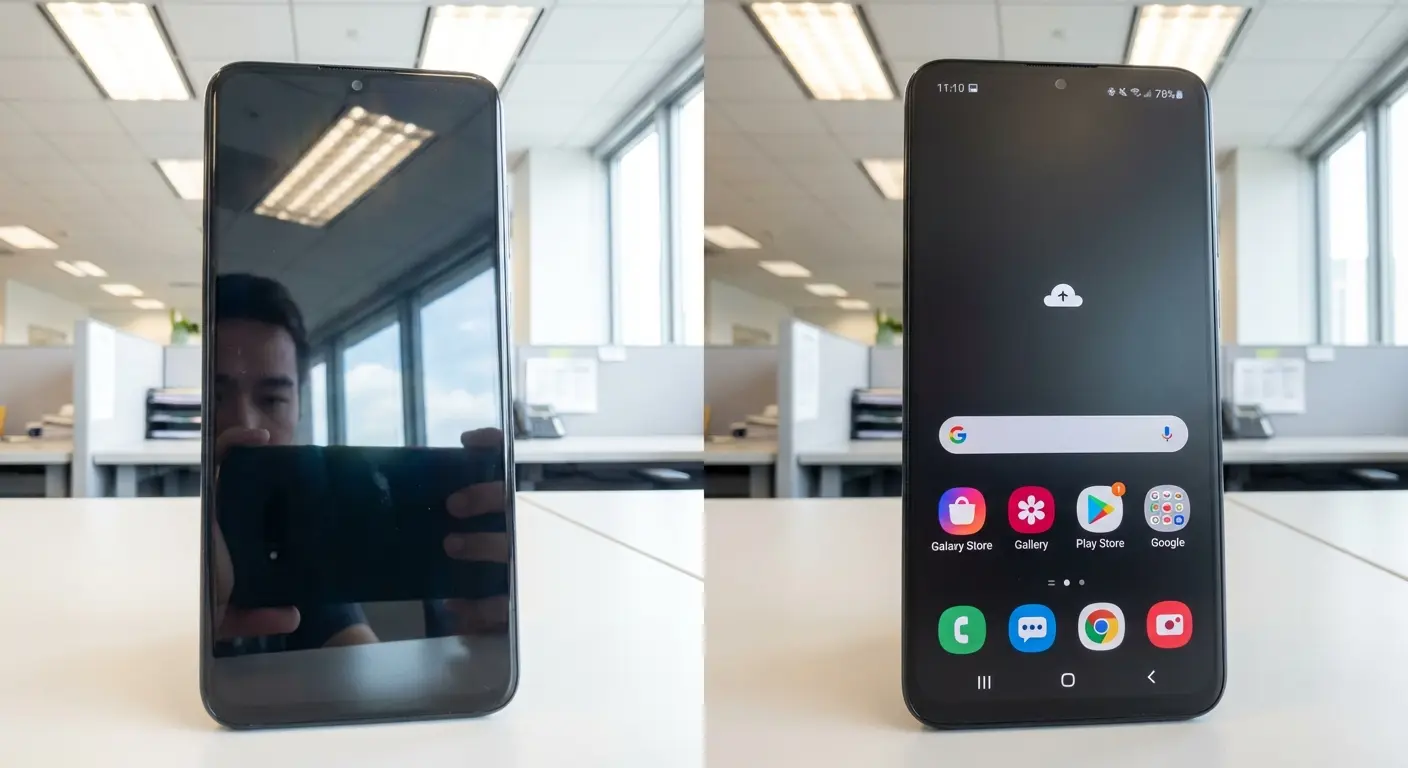
By the way, if you're looking at screen protectors anyway, professional-grade screen protectors that prioritize impact resistance and anti-glare properties actually do something useful. (Full disclosure: we sell these at Rokform, but they're genuinely useful regardless of where you buy them.)
Screen Protectors vs. Software Solutions: Which Makes Sense?
Okay, so you're still thinking about buying something. I get it.
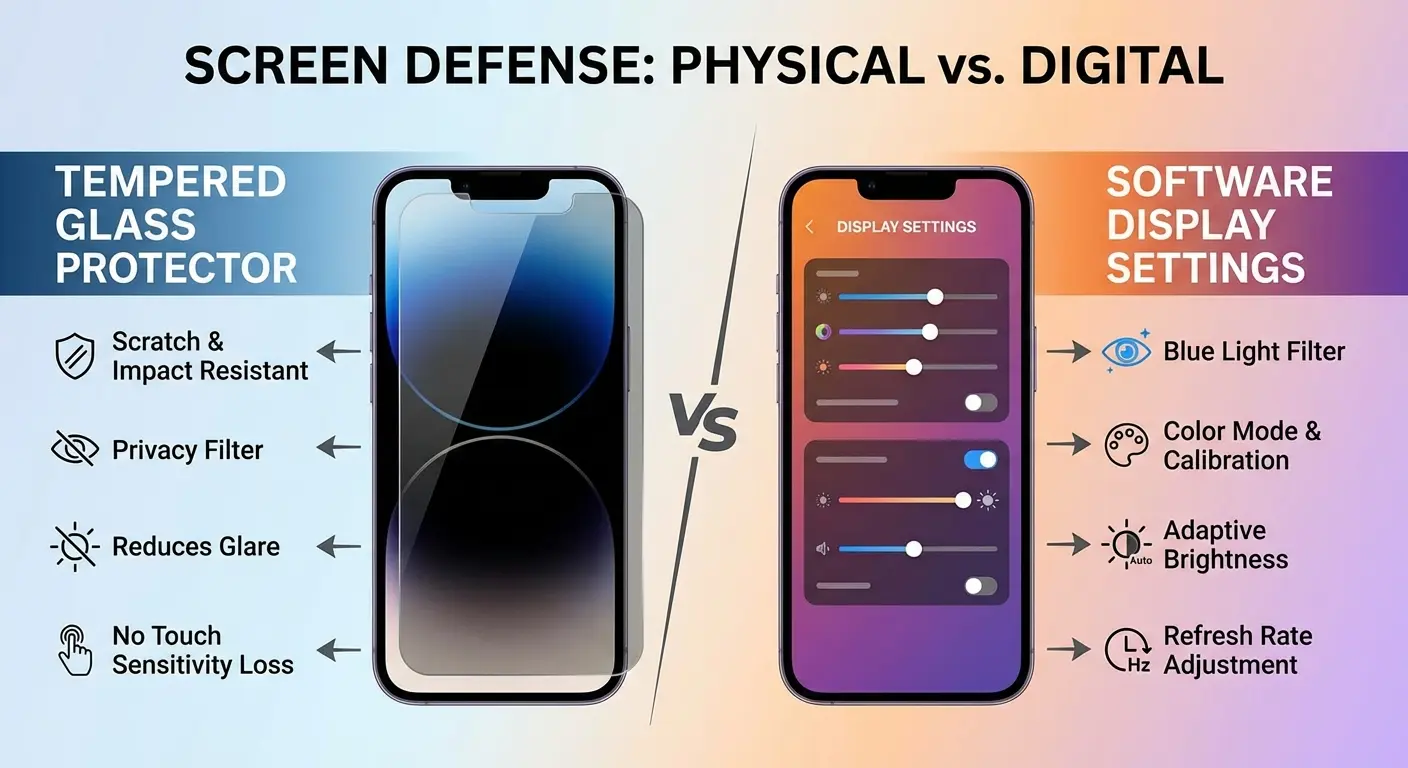
You have two main options for reducing blue light from your phone: a physical screen protector or software-based filtering. Both approaches reduce blue light exposure, but they're pretty different in cost, flexibility, and how they actually work.
Blue light screen protectors typically filter 30-60 % of blue wavelengths by adding a coating that absorbs or reflects specific frequencies. This creates a permanent yellow or amber tint on your display. You can't turn it off when you need accurate colors for photo editing or product shopping. You're stuck with that color shift for the life of the protector.
Software solutions (Night Shift on iOS, Night Mode on Android, or third-party apps like f.lux) offer similar blue light reduction without the permanent tint. You can adjust the intensity, schedule it to activate at specific times, and disable it completely when you need true color representation. The flexibility alone makes software filtering way more practical for most users.
When comparing protection methods, consider that tempered glass screen protectors offer proven physical benefits without the questionable blue light filtering claims.
Feature |
Blue Light Screen Protector |
Software Filter (Night Shift/f.lux) |
|---|---|---|
Cost |
$20-50 one-time purchase |
Free (built into most devices) |
Blue light reduction |
30-60% of blue wavelengths |
30-70% adjustable |
Color accuracy |
Permanent yellow/amber tint |
Toggleable, can disable for color work |
Installation |
Physical application required |
One-time software setting |
Flexibility |
Can't be turned off |
Adjustable intensity and schedule |
Additional benefits |
May offer scratch/impact protection |
No physical protection |
Longevity |
Degrades over time, needs replacement* |
Permanent software feature |
*Assuming you don't crack it first
The cost difference is huge. Most devices include blue light filtering software at no additional charge. You're already paying for this feature, you just need to enable it in your settings.
Before you drop $30-50 on one of these things, ask yourself:
Do I mainly need protection from physical damage (drops, scratches)?
Am I experiencing eye strain specifically in the evening hours?
Does my work require accurate color representation (photography, design, video editing)?
Have I tried software-based blue light filters and found them lacking?
Am I willing to accept permanent color temperature changes to my display?
Have I addressed other eye strain factors (blinking, breaks, ergonomics)?
These questions help clarify whether you're solving a real problem or just responding to marketing pressure.
The Color Accuracy Problem Nobody Mentions
Blue light blocking screen protectors mess with how you see color on your device. Every image, video, and interface element shifts toward warmer tones. For professionals who edit photos or review design work, this makes accurate color judgment impossible.
But this isn't just a concern for creative professionals. Think about shopping for clothing online. That navy blue shirt might look more purple through a blue light filter. Selecting paint colors for your home? The samples won't match what you see in person. Viewing photos from your last vacation? The colors won't look the way you remember them.
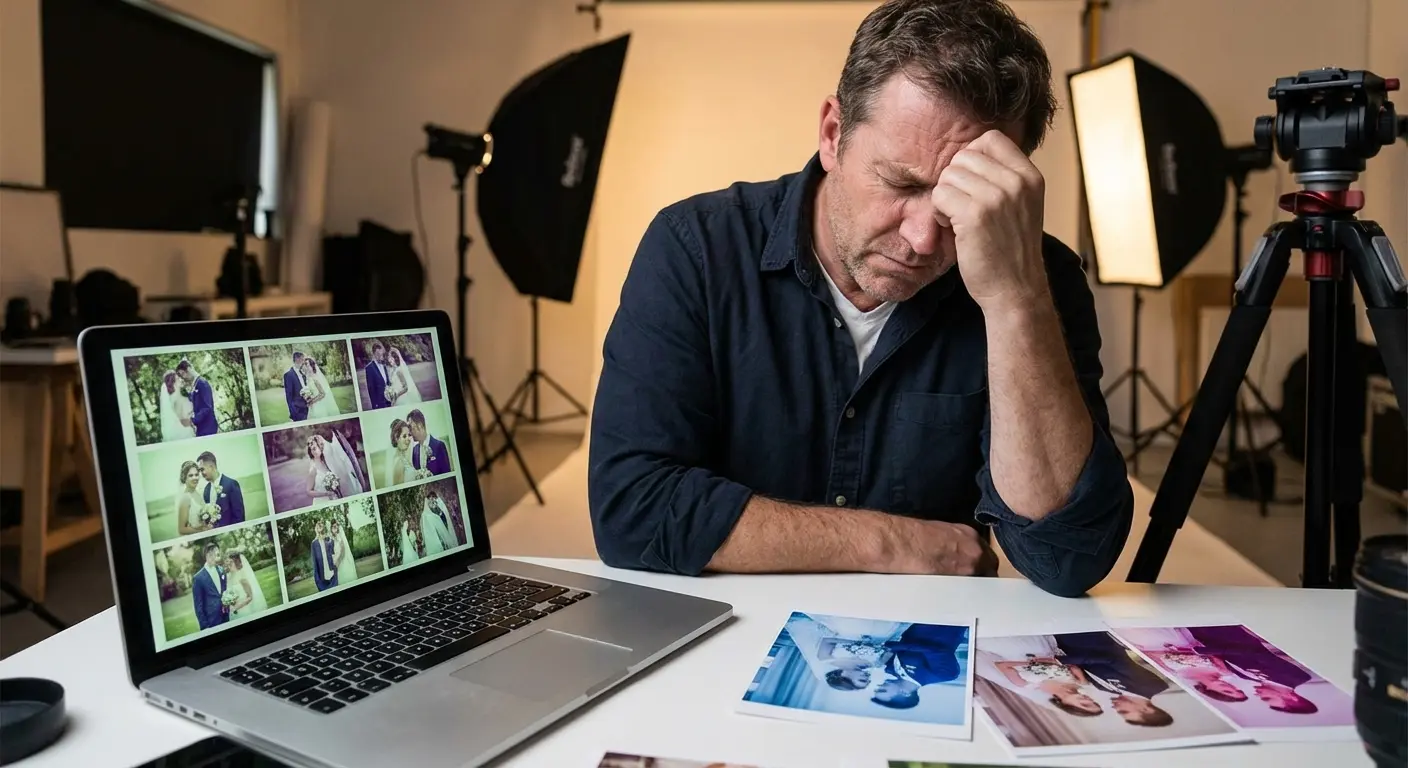
A wedding photographer I know discovered this problem the hard way. After installing a blue light screen protector on her laptop, she spent hours editing a client's photos to what looked like perfect color balance on her screen. When the client got the prints, the images had this distinct blue-green cast. The photographer had been overcompensating for the amber tint of her screen protector without realizing it. She had to re-edit the entire wedding gallery with the protector removed, costing her 15 hours of unbilled work and nearly losing a client referral.
This trade-off might be acceptable if blue light posed a genuine threat to your vision. But given the limited evidence of harm from screen-level blue light exposure, you're sacrificing functionality for minimal benefit. Software filters avoid this problem entirely by letting you toggle the color shift on and off based on what you're doing.
What Actually Protects Your Eyes During Screen Time
Alright, I've spent a lot of time explaining what doesn't work. What actually helps?
Proper screen ergonomics form the foundation. Position your monitor at arm's length, with the top of the screen at or slightly below eye level. This reduces the exposed surface area of your eyes and promotes a natural viewing angle. Your neck shouldn't crane forward, and your eyes shouldn't look upward to see the screen.
Good ambient lighting prevents extreme brightness contrasts. Working on a bright screen in a dark room forces your pupils to constantly adjust, causing fatigue. Add soft background lighting that reduces the contrast between your screen and surroundings.
Regular eye exams catch vision problems before they get worse. Tons of people experiencing digital eye strain have uncorrected refractive errors. They need glasses or an updated prescription. Sarah's story from earlier shows this perfectly. Her eye strain had nothing to do with blue light and everything to do with an outdated prescription.
Conscious blinking combats dryness. I covered the specific protocol earlier, but the core principle is worth saying again: you have to actively remind yourself to blink during screen time. Your natural blink rate won't recover on its own.
Screen breaks give your accommodation system time to recover. The 20-20-20 rule works because it's specific and memorable. Set a timer if you need to. Your eyes will thank you.
When should you see a professional? Persistent symptoms despite good habits may mean underlying vision problems that need correction. Sudden changes in vision, ongoing headaches, or eye pain warrant an immediate visit to an eye care professional.
When a Screen Protector Makes Sense (And When It's Just Extra Plastic)
Screen protectors serve real purposes. Physical protection from drops and scratches tops the list. Privacy filters prevent shoulder surfing in public spaces. Anti-glare coatings reduce reflections in bright environments.
But do blue light screen protectors work for the problems they claim to solve? Based on what I've read, they're a solution looking for a problem.
You're already carrying your phone everywhere, exposing it to keys, coins, drops, and daily wear. Rokform screen protectors focus on what actually threatens your device: physical damage. As the #1 universal phone case and universal phone mount brand, we've seen thousands of phones that needed protection from impacts, not blue wavelengths.
Our screen protectors prioritize 9H hardness ratings and shatter resistance because your screen is way more likely to crack from a drop than suffer damage from blue light. If you're going to add a layer to your screen, make it one that addresses real-world risks.
And yeah, pair it with rugged phone cases for complete device protection. (We make those too, but you probably guessed that.)
The Drop Test vs. The Light Test
Your phone will probably experience multiple drops, scrapes, and impacts during its lifespan. Statistics show that most smartphone users drop their phones at least once per year. Some of us (no judgment) drop them monthly.
Your phone will never experience blue light exposure at levels that cause documented damage.
It's not even close.
This is a risk assessment question: which scenario is more likely and costs you more? A cracked screen requires expensive repairs or replacement, often $200-400 depending on your device. Blue light exposure from normal use has no proven long-term consequences according to major ophthalmology organizations.
If you want both impact protection and blue light filtering, that's fine. But don't choose a weaker protector just because it has blue light filtering if that compromises its main protective function. The 9H hardness rating matters more than the blue light blocking percentage.
For devices that face extreme conditions, consider the most protective phone cases available to complement your screen protection strategy.
Final Thoughts
Look, I'm not telling you blue light screen protectors are evil. They're not going to hurt you. They're just not doing what you think they're doing.
Your eye strain probably comes from blinking less, staring at a fixed distance for too long, and terrible ergonomics. Your sleep disruption likely relates more to when you use your phone and what you're looking at than the wavelength of light it emits. Your eyes face way more blue light exposure from a brief walk outside than from hours of screen time.
I'm not saying you should fear your screens. I'm suggesting you use them thoughtfully. Take breaks. Blink on purpose. Position your monitor correctly. Use software-based blue light filters if they help you sleep better. They're free and you can turn them off.
If you're investing in a screen protector, prioritize features that address real risks. Impact resistance protects against drops. Scratch resistance extends your screen's lifespan. Anti-glare coatings reduce eye strain in bright environments. These benefits are measurable and actually meaningful.
Bottom line: your phone is way more likely to die from a three-foot drop than from emitting blue light. Protect accordingly.
Whether you choose a blue light filter or not, protect what matters most with phone cases designed for real-world durability and everyday protection needs.

