


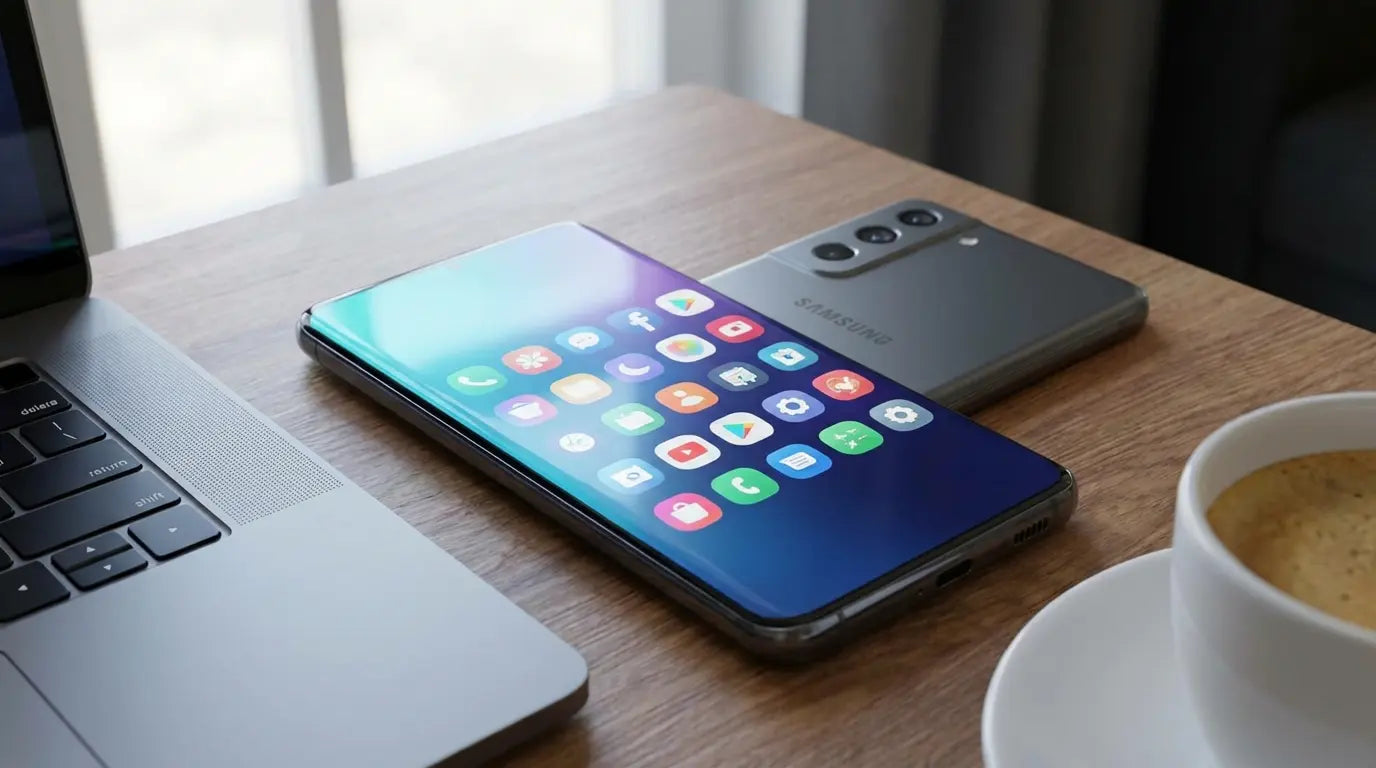
There’s a stat floating around that says the average smartphone user has 80+ apps installed but only actually uses about nine of them daily Source. I definitely felt that statistic when I bought my first Galaxy years ago. I remember staring at the app drawer, feeling totally overwhelmed by the sheer volume of pre-installed software. My gut reaction? Disable everything and run back to the standard Google apps I was used to.
That was a mistake. It took me a while to realize that by ignoring the native ecosystem, I was breaking the very features that make these phones cool. We’re going to look at the specific samsung apps and software tweaks that actually justify the hardware price tag.
When you actually dig into the settings of a native samsung app, you find features designed specifically for the chip inside your phone. It’s not about bloatware; it’s about getting the phone to do what you paid for.
Table of Contents
Why The Ecosystem Matters More Than The App Store
The Productivity Powerhouses
System Optimization Secrets (Good Lock)
Unleashing Creativity and Media
Health, Home, and Smart Living
The Utilities You Didn't Know You Needed
Bridging the Gap Between Software and Hardware
Final Thoughts
TL;DR
If you're just skimming, here is the gist. We’re focusing on how Galaxy AI makes life easier, why Knox security actually matters, and why the galaxy store is often better than the Play Store for updates that touch your hardware.
Ecosystem is Priority: The best samsung apps are the ones that hand off tasks instantly between your Watch, Tab, and Book.
AI is Native: New software uses on-device Galaxy AI to summarize, translate, and edit. No third-party subscriptions needed.
Knox Security: Use native apps for sensitive stuff like wallets and health metrics to get that hardware-level encryption.
Galaxy Store Exclusives: Always check the galaxy store first; versions here often have camera algorithms and modules you can't find on Google Play.
Physical Utility: High-end software needs hardware protection (mounts/cases) to be actually useful in real scenarios like golf or driving.
Why The Ecosystem Matters More Than The App Store
Before you go downloading a terabyte of random software, you have to understand the landscape of 2026. The gap between a generic Android app and a specialized samsung app is massive. I have a few rules before I install something: Does it talk to my other devices? Does it use One UI's "reachability" design so I don't pull a thumb muscle? And mostly, does it use Galaxy AI? If a samsung app doesn't support seamless handoff or on-device processing, I usually skip it.
When you look at the iPhone vs Samsung debate, the tight integration of native apps is usually the tipping point for Galaxy users. You get a level of polish that third-party developers just can't access. Checking the galaxy store for native solutions usually means better battery life and fewer crashes.
Feature Category |
Generic Android App |
Native Samsung App |
|---|---|---|
Hardware Access |
Generic APIs (often slower) |
Direct NPU/ISP access for speed |
Design Language |
Material Design (Google) |
One UI (Optimized for one-hand use) |
Security |
Standard Android Sandbox |
Hardware-backed Knox Vault |
Cross-Device |
Cloud-based sync (Internet required) |
Continuity Service (Local/Instant) |
AI Processing |
Cloud-based (Privacy risk) |
On-Device Galaxy AI (Private) |
The Productivity Powerhouses
This category covers the stuff that keeps your work life from falling apart. These aren't just digital typewriters; they are AI-integrated assistants that handle the heavy lifting. Finding the right samsung application in this list can honestly save you hours of busy work every week.
It's easy to overlook the default tools, assuming a third-party option is "pro." But a native samsung app in the productivity space usually offers way deeper integration with the S-Pen and split-screen multitasking than anything else.
1. Samsung Notes
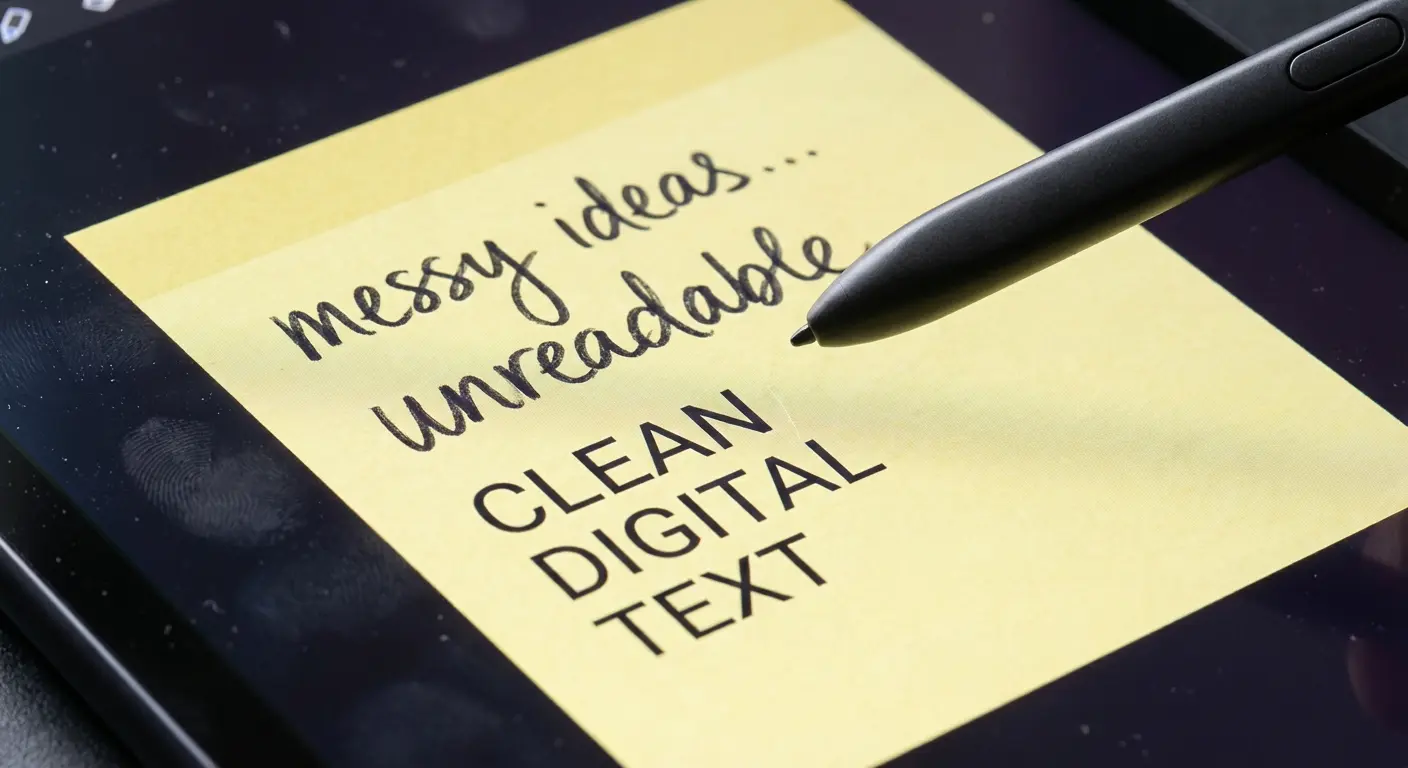
This is the gold standard. It isn't just for grocery lists anymore. With full Galaxy AI integration, it auto-summarizes messy meeting minutes and converts my terrible handwriting to text with scary accuracy. I use it constantly to annotate PDFs and sync everything instantly to my Tab for S-Pen refinement.
While there are a million options out there, Samsung Notes consistently ranks among the best apps for note taking because of how well it plays with the S-Pen. Being able to record audio while writing—and having the playback sync to your specific pen strokes—is a game-changer for lectures or board meetings.
2. Samsung Internet
I know, everyone uses Chrome. But Chrome feels sluggish compared to this. It has a customizable menu bar and a high-contrast mode that saves my eyes at night. The built-in video assistant is amazing for web playback, and the biometric-protected "Secret Mode" keeps private browsing actually private.
3. Samsung Wallet
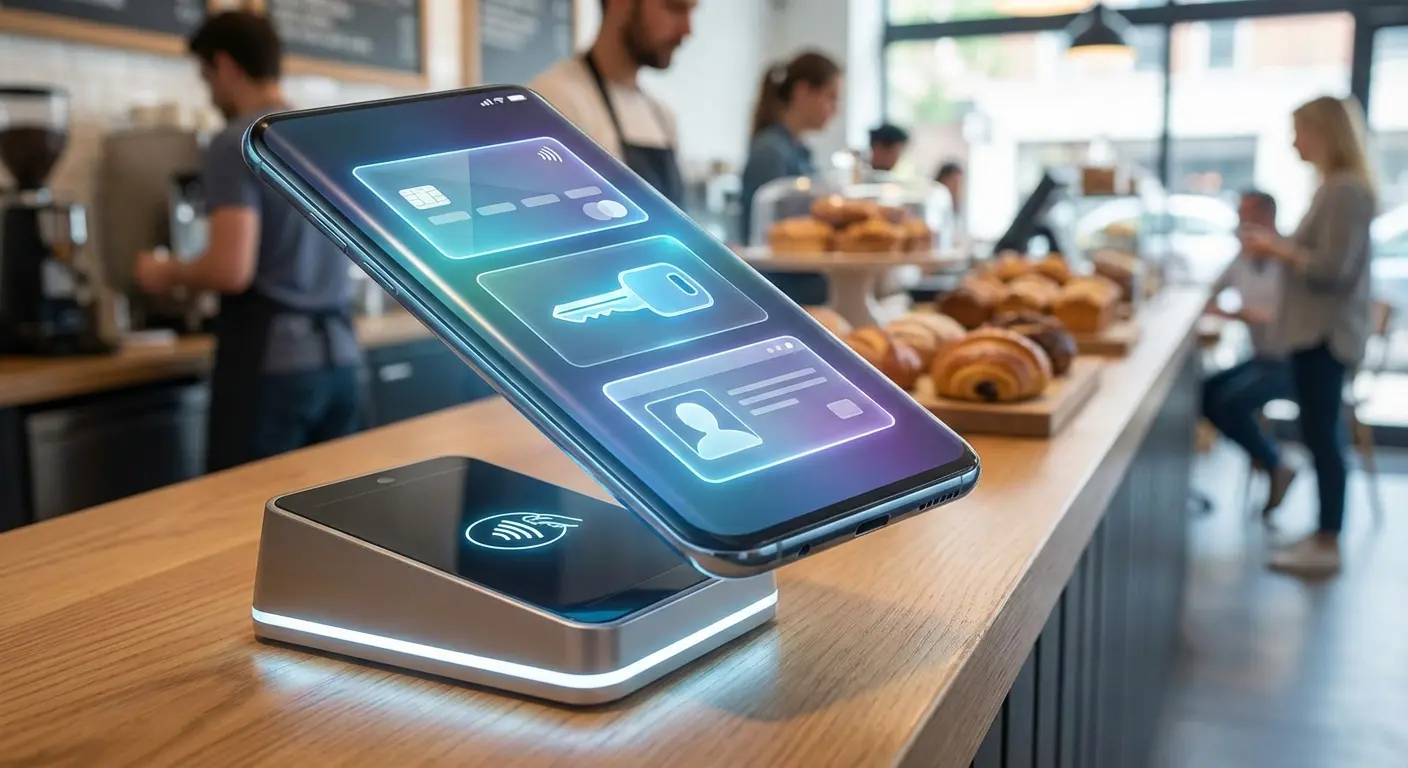
We’re way past simple tap-to-pay. This app merges Samsung Pay and Pass into a single vault. I keep everything here—cards, digital car keys, boarding passes, and IDs. It relies on Knox security, which makes me feel a lot better about going paperless.
4. Samsung Calendar
The selling point here is integration. It locks in perfectly with Samsung Reminders and Outlook. The "Write on Calendar" feature is my favorite thing to use with the S-Pen—circling dates or scribbling quick notes directly on the grid feels very analog in a good way.
5. Samsung Voice Recorder
This tool can distinguish up to 10 different speakers in a meeting. It uses "Speech-to-Text" to transcribe recordings in real-time. I rely on the Galaxy AI features to summarize hour-long lectures into bullet points so I don't have to re-listen to the whole thing.
The "Meeting-to-Action" Workflow:
Start a recording in Samsung Voice Recorder during a brainstorm. Once you're done, hit "Transcribe & Summarize." Tap "Add to Notes" to move that summary into Samsung Notes, then drag and drop the action items directly onto your Samsung Calendar in split-screen view. Done.
6. Samsung Keyboard
Typing has evolved. The "Chat Assist" feature adjusts the tone of my messages, shifting from casual to professional with a tap. It syncs my clipboard across all my Galaxy devices, making copy-pasting between phone and tablet effortless. You can also find tons of themes and plugins for it on the galaxy store.
System Optimization Secrets (Good Lock)
Good Lock is the secret weapon of power users, and you can only find it in the galaxy store. It lets you tweak the UI in ways standard Android simply can't, all without draining your battery. If you have never downloaded a galaxy store app before, make this your first one.
This suite of modules lets you change everything from the navigation bar icons to the way your notifications fly in. It is the ultimate playground if you want your phone to feel unique. Checking the galaxy store regularly for new modules is a habit worth forming.
Good Lock Module |
Primary Function |
Best Use Case |
|---|---|---|
Home Up |
Launcher Customization |
Changing folder grid size & share menu |
LockStar |
Lock Screen Tweaks |
Moving clock position & adding shortcuts |
SoundAssistant |
Audio Control |
Playing two audio sources simultaneously |
Keys Cafe |
Keyboard Effects |
Adding RGB lighting effects to typing |
NavStar |
Navigation Bar |
Changing back/home button icons or gestures |
7. Good Lock (Main Hub)
Think of this as the launchpad for customizing your phone's DNA. It houses all the modules we are about to discuss. If you want your phone to feel truly yours, this is the first install you make.
8. Home Up
I hate clutter. This module lets me change the "Share Manager" layout to remove apps I never use and increase the folder grid size on the home screen. It gives you total control over the launcher.
Combining Home Up with the best Android widgets for your Galaxy S22 Ultra creates a truly personalized home screen experience. You can resize widgets and icons to fit your exact aesthetic.
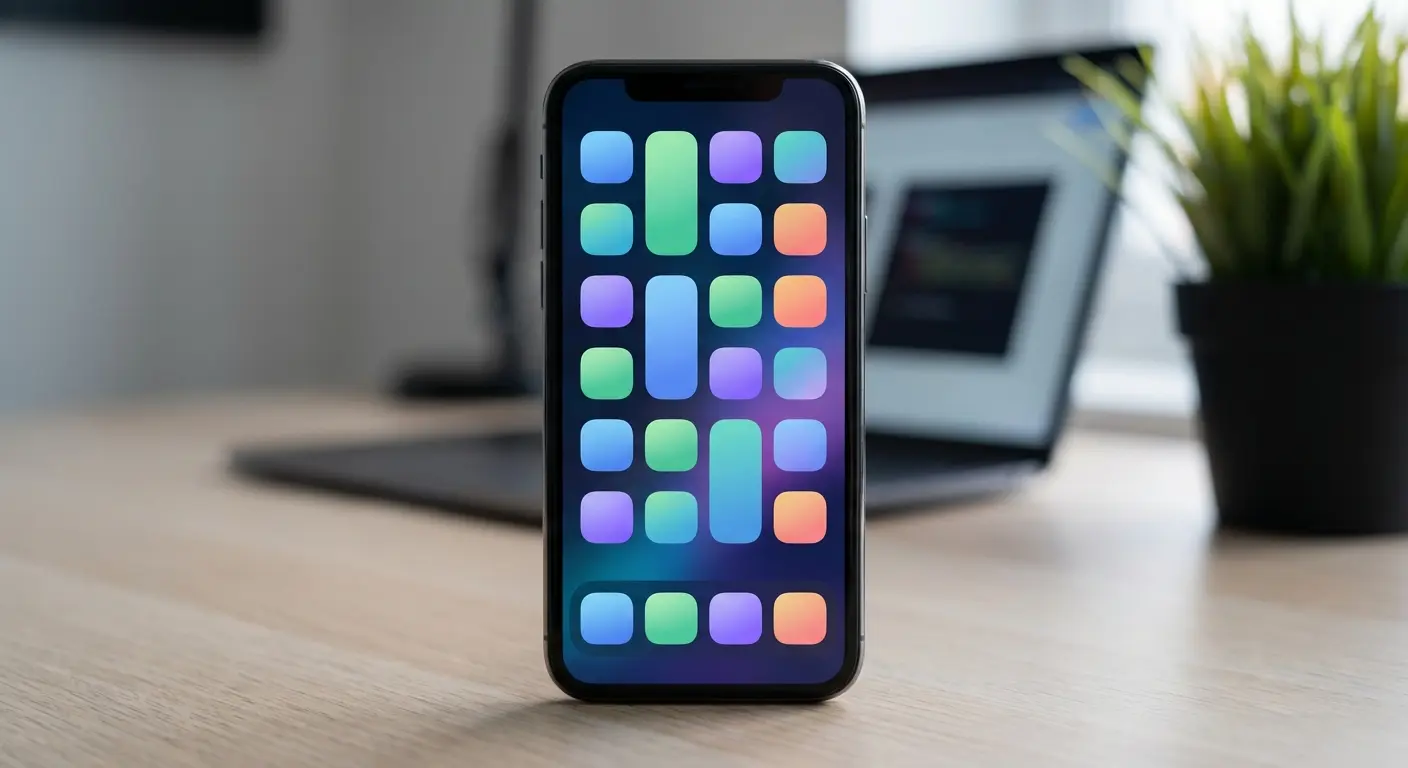
9. LockStar
Standard lock screens are boring. LockStar lets you move the clock, swap widget icons, and add custom shortcuts. It is essential for personalizing the Always On Display.
10. SoundAssistant
If you multitask, you need this. It allows for individual app volume control. I can blast Spotify at 100% while keeping a game at 20%. It even lets you play audio from two different apps at the same time.
11. One Hand Operation+
Phones like the S25 Ultra are huge. This module adds gesture handles to the screen edges. I map diagonal swipes to trigger screenshots or the flashlight, which solves the ergonomics issue of these massive displays.
The "Lazy Swipe" Setup:
Configure the One Hand Operation+ right handle so that a "Straight Left" swipe acts as the Back button, a "Diagonal Up" swipe takes a Screenshot, and a "Diagonal Down" swipe pulls down the Notification Panel. Now you can navigate the entire massive screen using just your right thumb.
12. Camera Assistant
This bridges the gap between auto and Pro mode. It unlocks hidden settings, like prioritizing shutter speed to reduce motion blur or disabling that annoying auto-lens switching.
13. Theme Park
For pure aesthetics, this is the deepest level of theming you can get without rooting your phone. You can create custom icon packs from your gallery photos or tweak the quick panel colors to match your phone case perfectly.
Unleashing Creativity and Media
Your Galaxy device is basically a content creation studio. These apps leverage the Neural Processing Unit (NPU) to edit, enhance, and create media that looks professionally produced. When you use a native samsung app for creativity, you are tapping directly into the hardware's power.
Many samsung apps for android are optimized specifically for the Snapdragon or Exynos chips inside these phones. This results in faster rendering times and smoother playback compared to generic editors.
14. Samsung Gallery
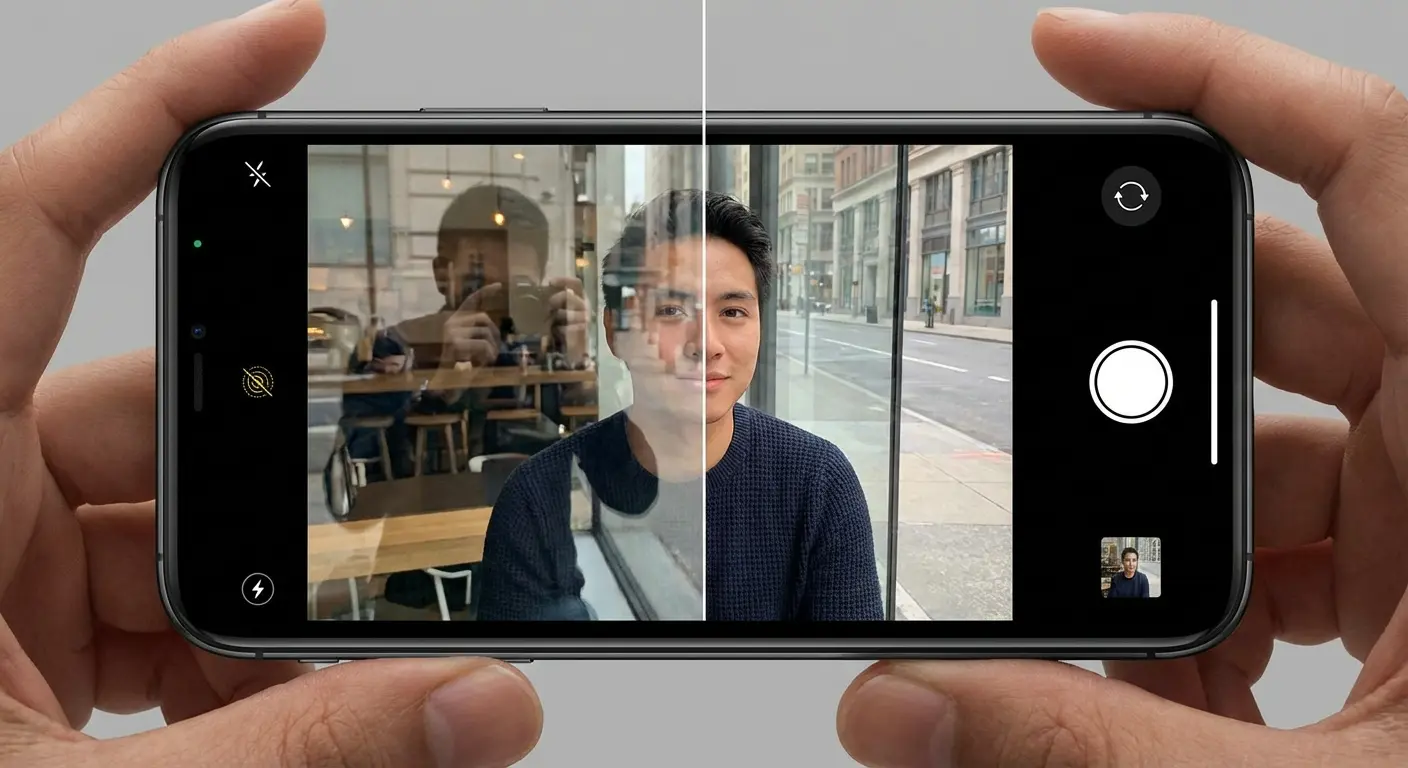
The default gallery is an AI powerhouse. I use "Object Eraser" and "Reflection Remover" constantly to save imperfect shots. The "Remaster Picture" feature automatically fixes low-res images, and everything syncs to OneDrive.
The Gallery's editing capabilities are heavily powered by Galaxy AI, allowing for complex edits with simple taps. You can move subjects around in the frame or expand the background seamlessly.
15. Expert RAW
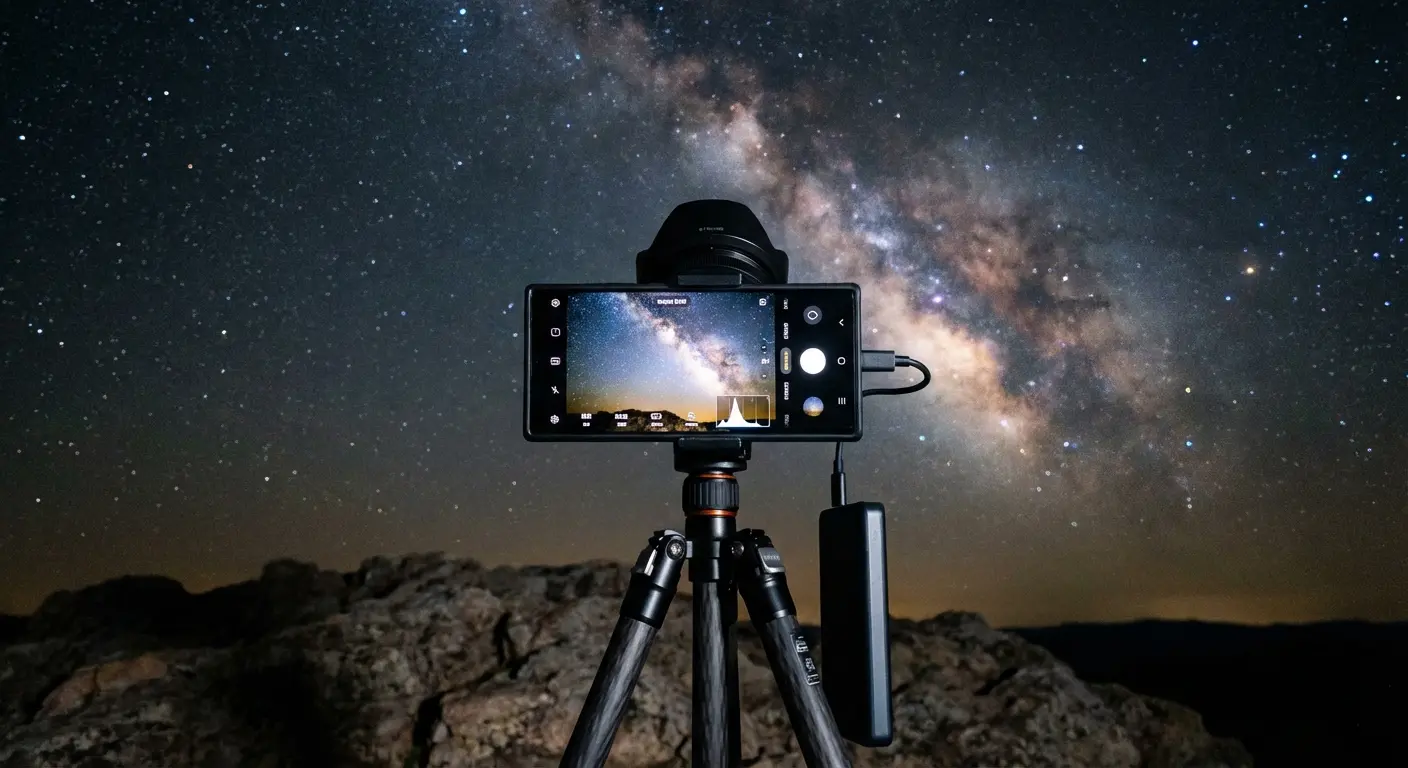
Photo enthusiasts need to download this immediately. It shoots in multi-frame RAW format, giving you DSLR-level dynamic range. I use it for Astrophotography and editing in Lightroom later.
16. Samsung Studio (Video Editor)
This layer-based editor handles multi-track editing and transitions with ease. Because it is optimized for the hardware, it renders video significantly faster than third-party alternatives.
17. PENUP
This is a social network for digital art. It offers "Live Drawing" tutorials that actually taught me how to sketch. It is the best way to justify having an S-Pen or a Z Fold.
18. AR Zone
This is the hub for Augmented Reality fun. I use "Quick Measure" to size up real-world objects with the camera, and the AR Emoji features are great for adding personality to social content.
Health, Home, and Smart Living
These apps manage your physical well-being and your environment. They aggregate data from wearables and IoT devices to give you a comprehensive view of your health and home. A well-integrated samsung app can act as the bridge between your body and your living space.
Checking the galaxy store for updates to these health modules ensures you have the latest algorithms for tracking. The synergy between samsung apps and Galaxy wearables creates a feedback loop that motivates better habits.
Plus, the galaxy store often provides region-specific health features that might be delayed on other platforms.
19. Samsung Health
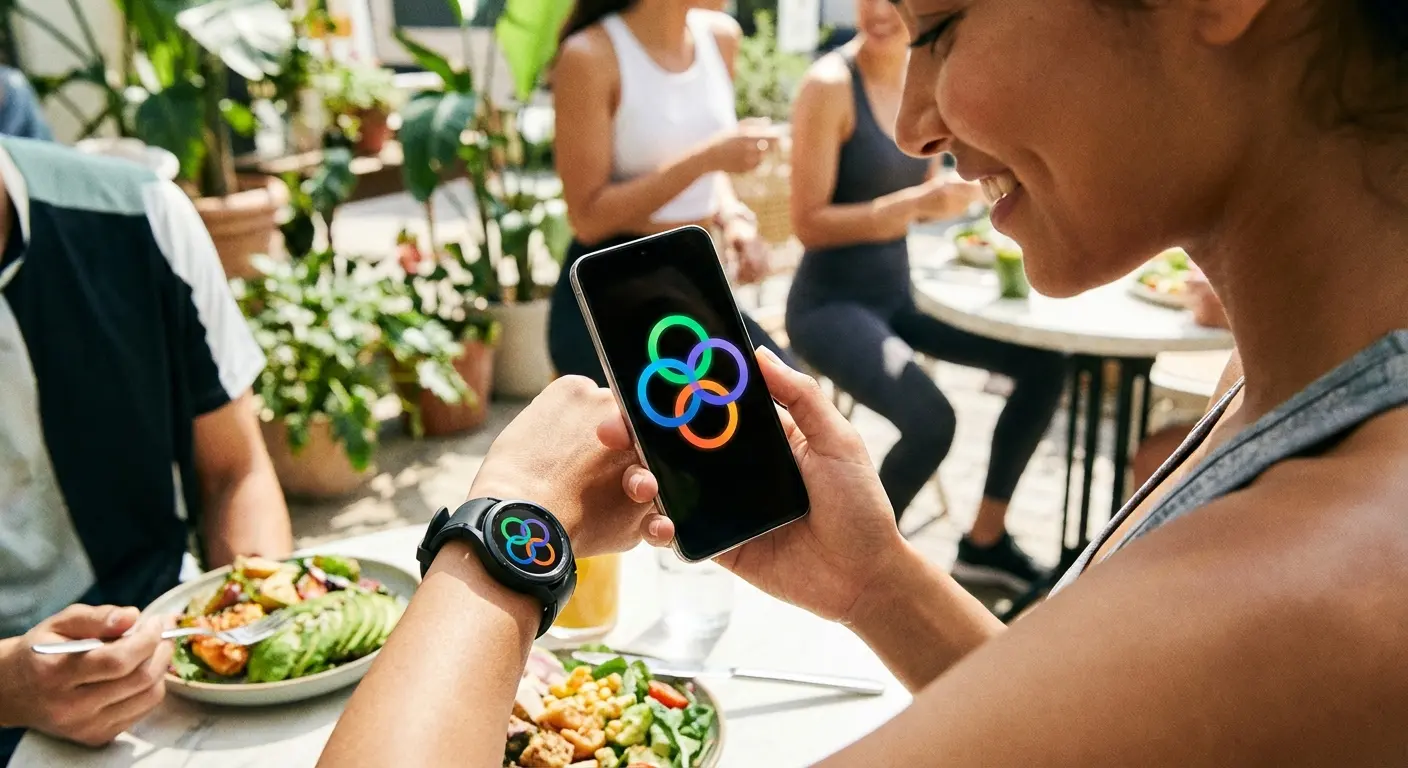
This is my central hub for fitness. It tracks sleep, body composition, and gives an "Energy Score" based on recovery. It pulls data from my Galaxy Watch and Ring, keeping everything encrypted via Knox.
20. Samsung Health Monitor
You need this specific app to unlock the medical-grade features of the Galaxy Watch. It handles the ECG and Blood Pressure monitoring, which are FDA-cleared and vital for tracking heart health.
21. SmartThings
This is the brain of the connected home. I control my TV, lights, and AC from here. It supports the Matter standard and includes "SmartThings Find" to locate lost Galaxy Buds.
Device Type |
SmartThings Capability |
Automation Example |
|---|---|---|
Galaxy Buds |
Location Tracking |
"Notify me when left behind" |
Samsung TV |
Remote Control |
Dim lights when "Movie Mode" starts |
Smart Tag 2 |
Item Finding |
Trigger "Welcome Home" scene upon arrival |
Robot Vacuum |
Cleaning Schedule |
Start cleaning when phone leaves geofence |
22. Samsung Find
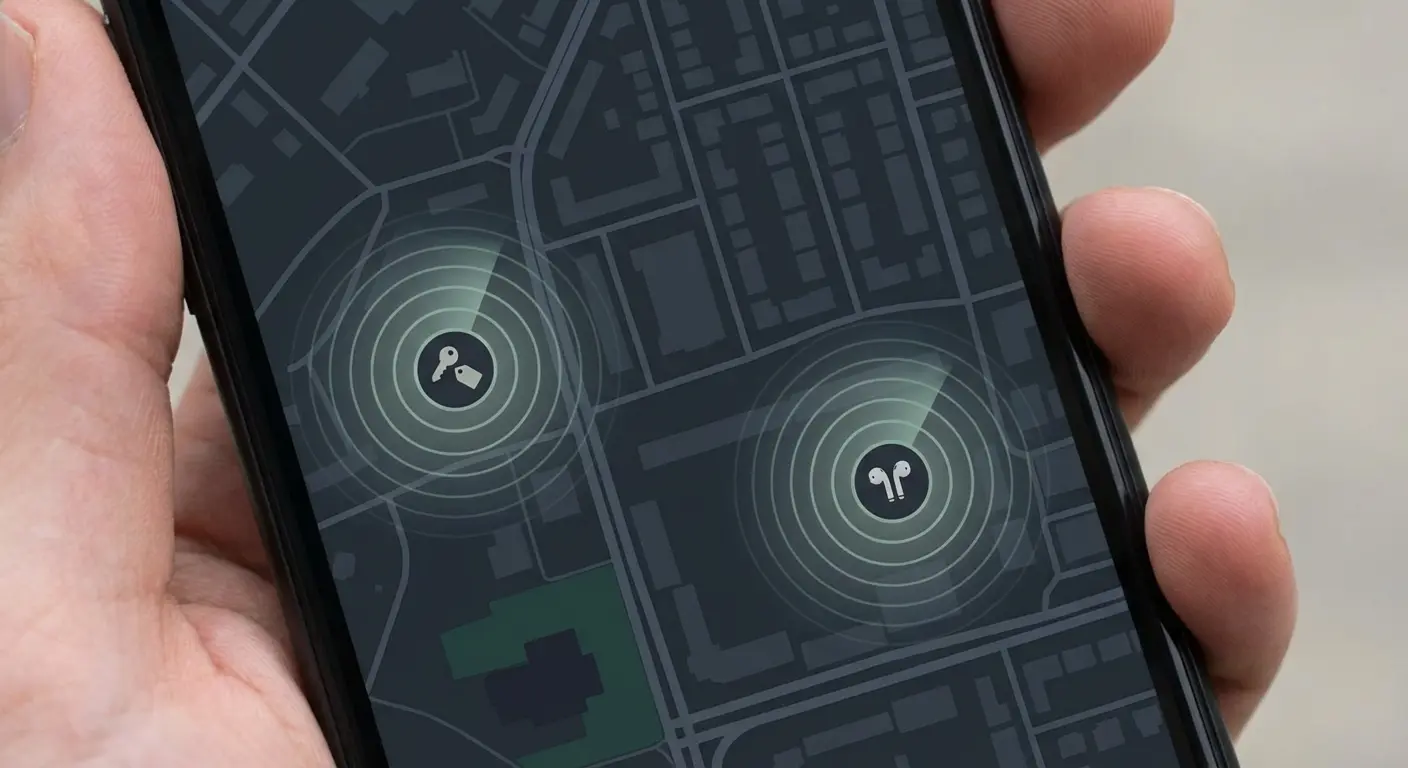
Separated from SmartThings for speed, this app locates people, devices, and items on a map. It is critical for family coordination and recovering lost items tagged with SmartTags.
The Utilities You Didn't Know You Needed
These are the unsung heroes of the ecosystem. They handle data migration, parental controls, and even charitable giving without interrupting your day. Sometimes the most useful samsung app is the one you don't even realize is running in the background.
I recommend exploring the "Utilities" section of the galaxy store occasionally. You might find a samsung app that solves a problem you didn't know you had, like automating routine tasks or organizing your digital life.
23. Smart Switch
This is the gold standard for moving data. It transfers photos, contacts, and even home screen layouts from an old iPhone or Android to a new Galaxy. It is the first app I touch when upgrading.
24. Samsung Global Goals
I like passive philanthropy. This app puts ads on the lock screen to earn money that I can donate to UN charities. It looks good and does good.
25. Samsung Kids
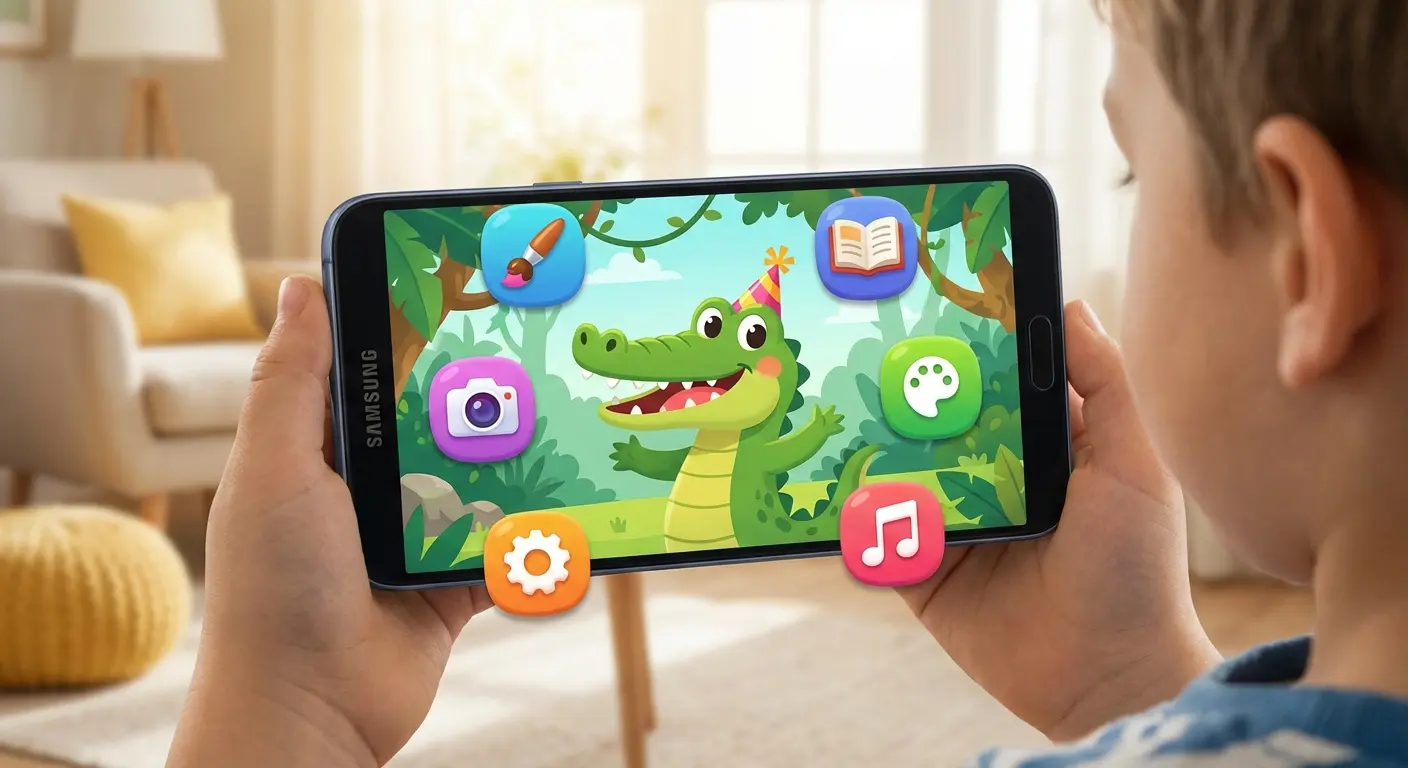
This creates a safe sandbox for children. I set daily playtime limits and restrict access to specific contacts. It keeps the little ones entertained with educational games without risking my data.
Bridging the Gap Between Software and Hardware
Software potential means nothing if the hardware can't survive the real world. We need to ensure our devices are accessible and protected. This is where Rokform comes in to enhance the utility of the samsung apps we just discussed.
To fully utilize these apps in active environments, you need high-quality Samsung phone accessories like rugged cases and magnetic mounts. A secure mount turns a navigation app into a dashboard essential, while a rugged case ensures your health tracking continues even after a drop.
When you pair the right samsung apps with the right gear, you unlock new use cases. Checking the galaxy store for fitness apps becomes more exciting when you know your phone can handle the gym environment. The galaxy store offers the software, and we provide the hardware assurance.
Enhancing the Experience with Rokform
Whether you are rocking the S25 Edge or the Ultra, you need adaptability. When I use Samsung Health on the golf course, I rely on the G-ROK PRO Bluetooth Speaker and a magnetic case to stick my phone directly to the cart for instant yardage checks. For navigation via Samsung Maps, the RokLock™ twist lock system keeps my device stable on my car dash or bike handlebars. Even for photography, the MAGMAX™ technology turns any magnetic surface into a tripod for steady Expert RAW shots. Plus, with military-grade protection, I know my investment is safe from drops.
The "Golf Course Command Center":
Before teeing off, launch Samsung Health and select "Golf Mode." Snap your Galaxy S25 into a Rokform Crystal Case and magnetically mount it to the golf cart frame using the integrated magnets. Pair it with the G-ROK Speaker for music. Now, you have a hands-free GPS yardage book and DJ station that won't slide off when you drive over a bump.

Final Thoughts
Your Galaxy device is capable of incredible things, but only if you lean into the software designed for it. By utilizing these 25 samsung apps for android and pairing them with the right accessories, you transform a simple smartphone into a central command center for your life. Don't just install apps; build an ecosystem that works for you.
Every samsung app we covered today adds a layer of functionality that generic software misses. Whether it is the deep integration of a samsung app like Notes or the customization power of Good Lock, these tools define the experience. Visit the galaxy store, update your samsung app list, and start using your phone to its full potential.

