Table of Contents
You're Making This Harder Than It Needs to Be
That Annoying Face ID Thing Is Actually Saving Your Ass
When Your Phone Dies at the Worst Possible Time
App vs. Wallet: Stop Overthinking This
The Five-Second Test (And Why You're Failing It)
Your Phone Case Is Sabotaging You
TL;DR
Quick version: Your phone case matters more than your app, authentication delays save your ass when your phone gets stolen, and you need to practice this at low-stakes places before you're holding up the Whole Foods line. Also your backup payment method probably doesn't work. Test it. Most failures happen before you even reach the terminal because you're fumbling with your phone instead of having it ready. The fastest checkout isn't about speed, it's about not having to decide shit in the moment. Some situations genuinely require you to skip phone payments entirely, and knowing when saves you from looking like an idiot.
You're Making This Harder Than It Needs to Be
Let me guess: you set up Apple Pay six months ago, used it successfully twice, and now you're back to using your credit card because something about the phone thing just feels... off. Like it should be easier than this.
It is easier than this. You're just doing it wrong.
Look, I'm gonna be straight with you about something weird: most people who use phone payments are making them significantly harder than they need to be, and it has nothing to do with the technology itself.
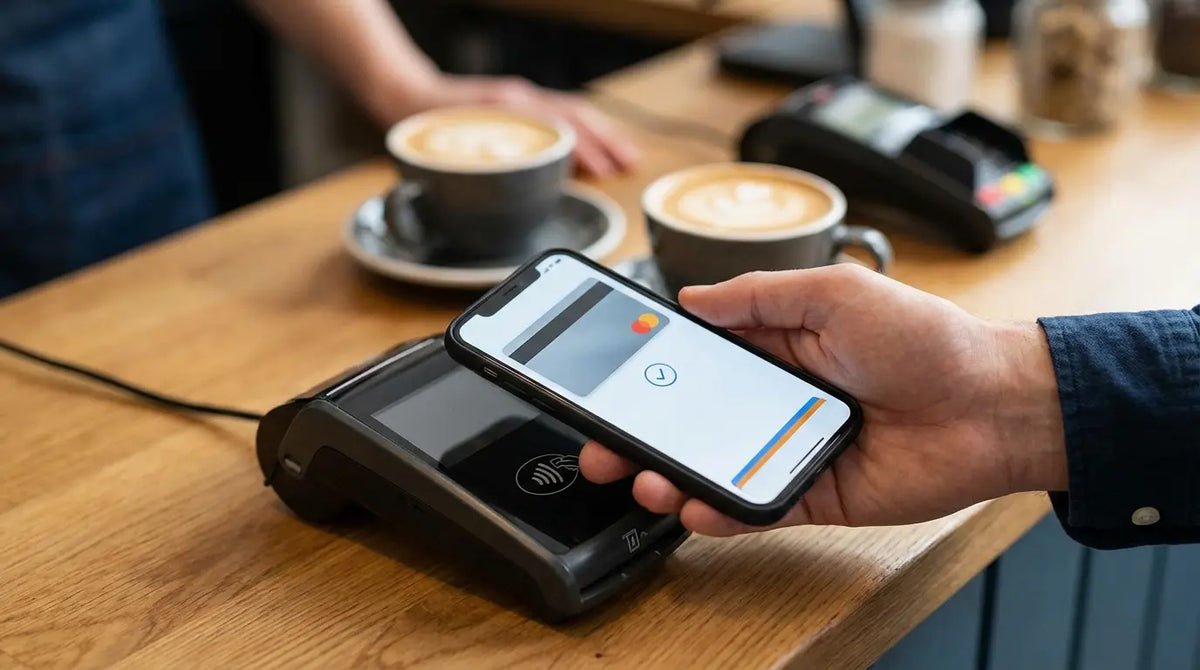
When you think about how to use your phone to pay, contactless payments now account for 20% of all in-person card payments in the U.S. According to Centier Bank, something like half of Americans use tap-to-pay now (I saw this in a banking study, the number's probably higher by the time you're reading this). Despite everyone having this set up, the gap between having the technology and actually using it smoothly remains huge.
The friction happens in the three seconds before you tap. You're trying to pull your phone out of one of those wallet cases while your credit cards are falling out and the person behind you is definitely judging you and the cashier is just staring and why is Face ID not working and oh god you're sweating now.
We obsess over which app to download or whether our bank is compatible, but we completely ignore the actual physical movements that determine whether you look smooth or flustered. Understanding how tap to pay works is only half the battle. The real challenge is executing it smoothly when there are people watching and you can feel your face getting hot.
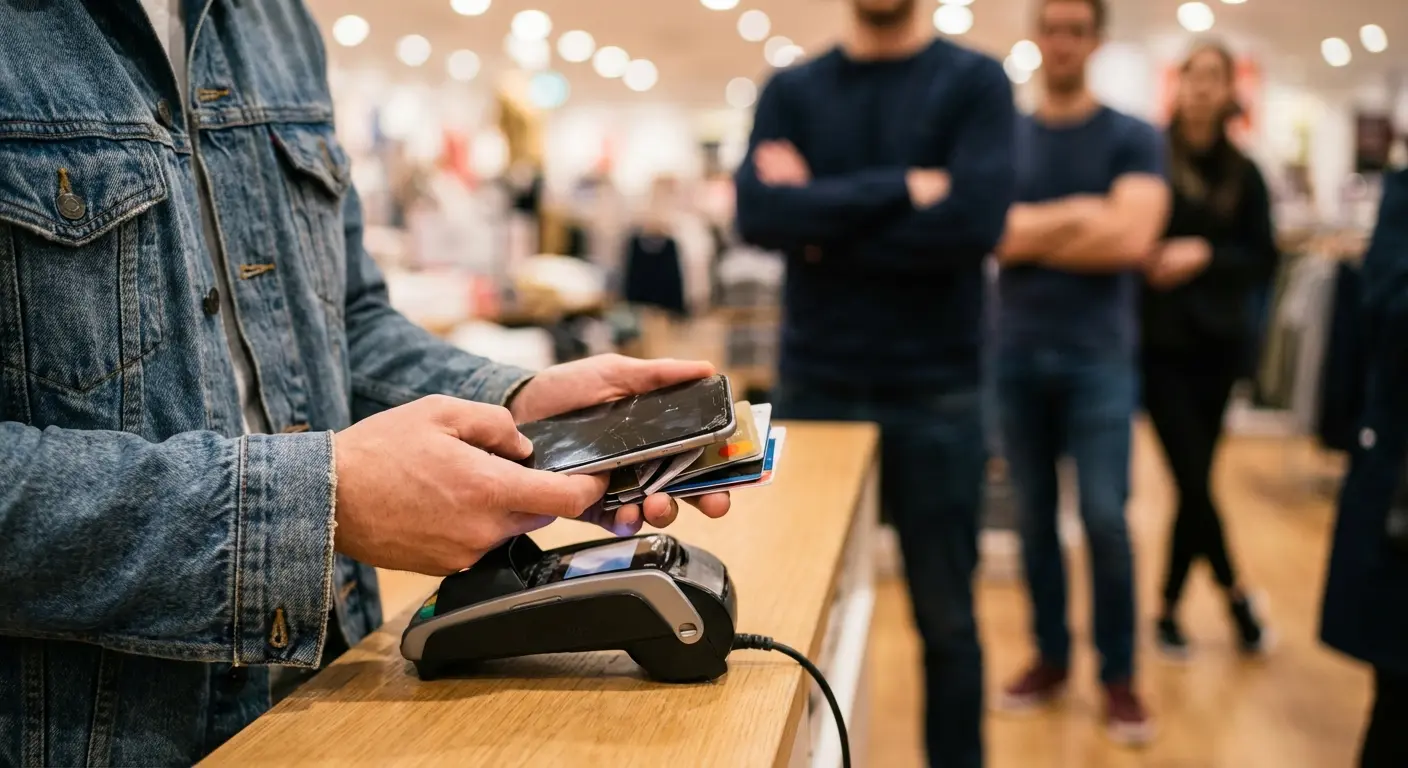
If you're constantly dealing with phone accessibility issues at checkout, I use Rokform cases and I'm linking to them because their magnetic setup actually solves the "where do I put my phone" problem. If you've got a better solution, tell me, but this is what works for me.
Payment Method Setup Stage |
What Most People Focus On |
What Actually Matters |
|---|---|---|
Initial Setup |
Which app to download |
Phone case compatibility with NFC |
Card Selection |
Adding all available cards |
Setting one reliable default |
Pre-Transaction |
Opening the right app |
Phone accessibility from pocket/bag |
At Terminal |
Tapping correctly |
Authentication speed and muscle memory |
Post-Transaction |
Checking confirmation |
Nothing (it's already done) |
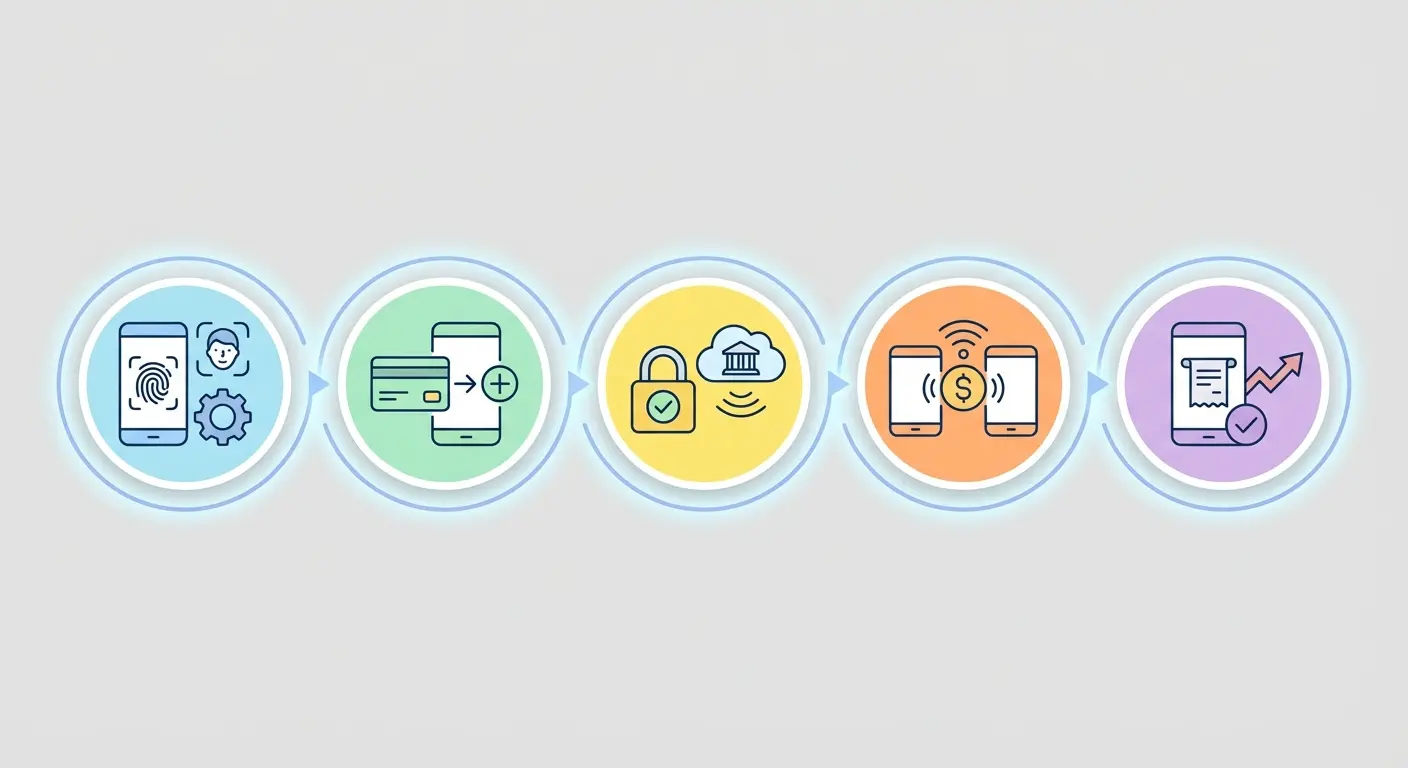
You're not dealing with a technical problem. You're dealing with a preparation problem. You're thinking through steps that should be automatic, making decisions that should already be made, and accessing a device that should already be in your hand.
Your hand will reach for your wallet automatically. You've done it thousands of times. Retraining this takes longer than you think. I still sometimes pull out my card by habit even though my phone's in my hand.
That Annoying Face ID Thing Is Actually Saving Your Ass
Your phone makes you authenticate before paying. Face ID, fingerprint, passcode, whatever. This is genuinely annoying when you're in a rush, and you've probably wondered if there's a way to disable it.
Don't.
That authentication requirement is the only thing standing between you and someone else draining your account if your phone gets stolen. So here's what happens in that scenario: a thief can't use your payment apps without getting past your biometric lock. They'd need your physical card instead. But if you've disabled authentication to make checkout faster? They've got instant access to every card you've loaded.
The security layer isn't about protecting individual transactions (your bank already does that). It's about protecting all your payment stuff when your phone leaves your possession.
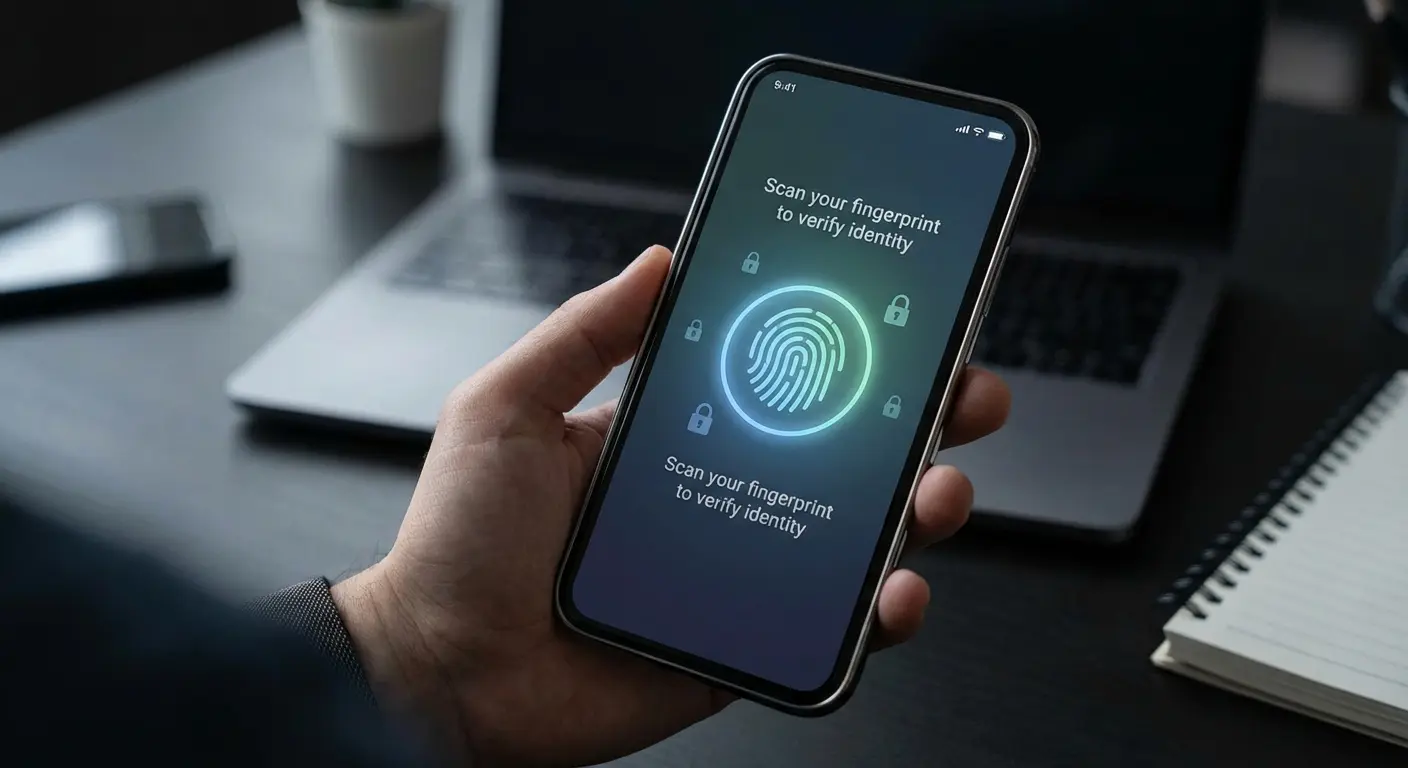
You're not trading convenience for security. You're trading five seconds at checkout for protection against a scenario that could cost you days of fraud resolution calls. We get impatient with the Face ID prompt at the grocery store. That impatience disappears completely the moment you realize your phone is missing. When you tap to pay, that extra authentication step isn't just bureaucracy. It's your last line of defense.
My friend Sarah (not her real name, she'd kill me) turned off Face ID because the barista at Blue Bottle knew her order and she felt stupid making him wait while her phone scanned her face. Her phone got lifted from her gym, one of those places with the cheap locks you can pop with a pen. She didn't even notice for like 45 minutes because she was in a spin class with terrible music and couldn't hear her bank's fraud alerts going off. The thief immediately used her phone to make six transactions totaling $847 at nearby stores before she could report it. Her bank eventually refunded the charges, but she spent four days on the phone with fraud departments, filing police reports, and dealing with temporary card replacements. The five-second authentication she eliminated to save time at checkout cost her roughly eight hours of fraud resolution work.
Your friend who says to disable all security is wrong. Don't listen to them.
When Your Phone Dies at the Worst Possible Time
So your phone died at Trader Joe's. Again.
Battery percentage is basically a countdown timer to "will this work or not." Once you drop below 20%, you're gambling on whether your phone will survive until you can pay. Below 10%? You're in genuine risk territory.
Most phones reserve enough battery for contactless payments even after they've shut down, but (and this is critical) only if you've set it up correctly beforehand. iPhones with Express Transit or Power Reserve mode enabled can process payments for several hours after the screen goes dark. Android devices vary wildly by manufacturer and model. I'm an iPhone person, so Android users, you'll need to Google your specific model because I honestly don't know the details for every Samsung variant out there.
Here's the part that trips people up: you can't enable this feature after your phone dies. You have to configure it while your battery is still alive. Check your wallet settings right now, not when you're standing at a register with a dead phone and a line forming behind you.
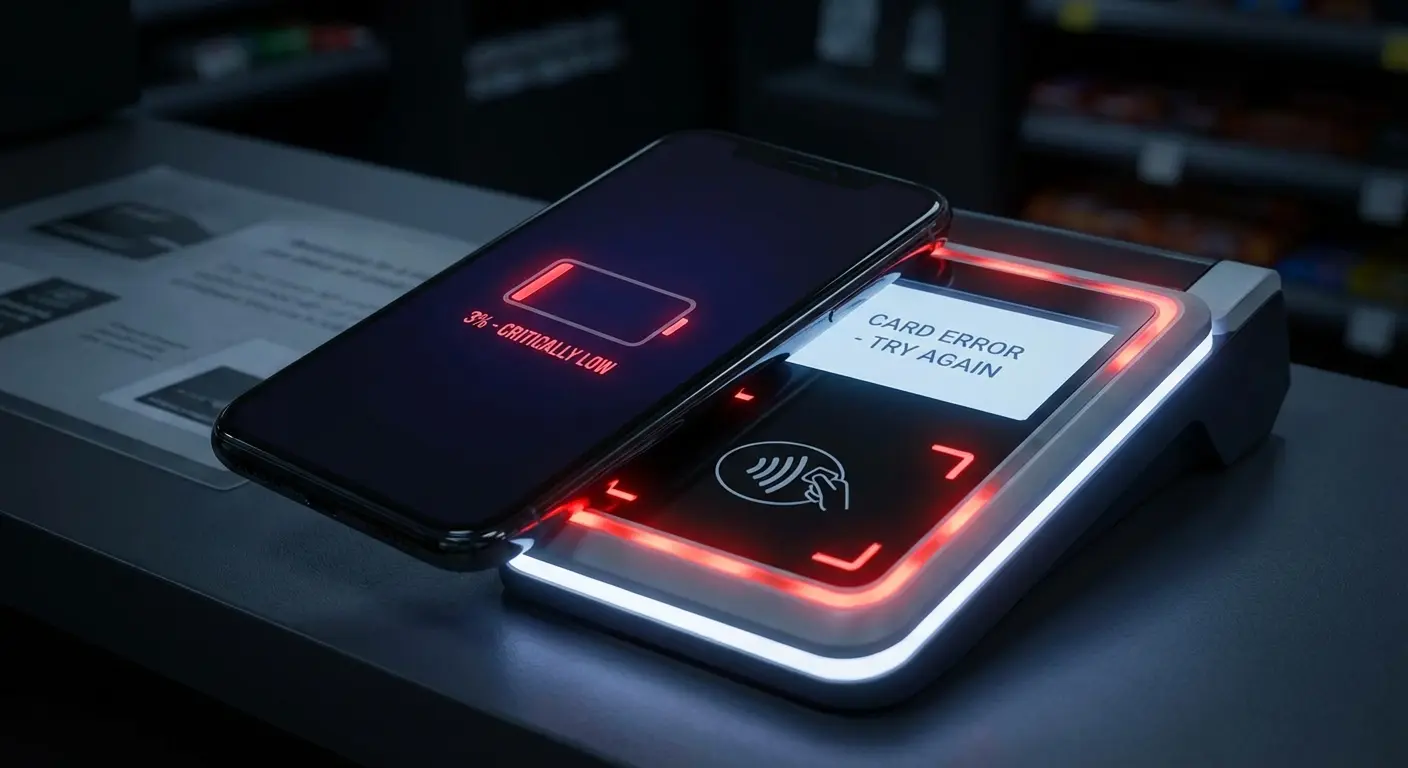
The question isn't whether your phone can pay when it's dead. It's whether you've tested this before you needed it.
Pull up your payment app settings. Look for "Express Mode" or "Power Reserve" options. Enable them for your primary card. Then, and this is the uncomfortable part, let your phone die completely and try to pay for something small. You need to know if this works in your specific configuration before you're relying on it for real.
Most people discover their phone can't do this when it matters most. You're finding out right now, when it doesn't. Even when your phone appears dead, tap to pay functionality might still work, but only if you've prepared for it.
Power Reserve Payment Checklist (Do This Now, Not Later)
Okay I'm gonna put this in a checklist because I'm tired of explaining it:
[ ] Open your phone's wallet app (it's the one you never actually open)
[ ] Navigate to settings or card management
[ ] Look for "Express Transit," "Express Mode," or "Power Reserve" options
[ ] Enable the feature for your most-used payment card
[ ] Note which card you've enabled (write it down somewhere, text yourself, whatever)
[ ] Test this by letting your phone die completely (yes, really, I know it's annoying)
[ ] Attempt a small purchase (under $5) with the dead phone
[ ] Document whether it worked or failed, write it in Notes or something
[ ] If it failed, Google whether your phone model/OS version even supports this
[ ] Set a calendar reminder to retest after any major OS update
If you skipped this exercise, you're gonna be the person fumbling at checkout with a dead phone. Don't be that person.
App vs. Wallet: Stop Overthinking This
You don't need seventeen payment apps. You need one that works everywhere you shop, and you need to know it cold.
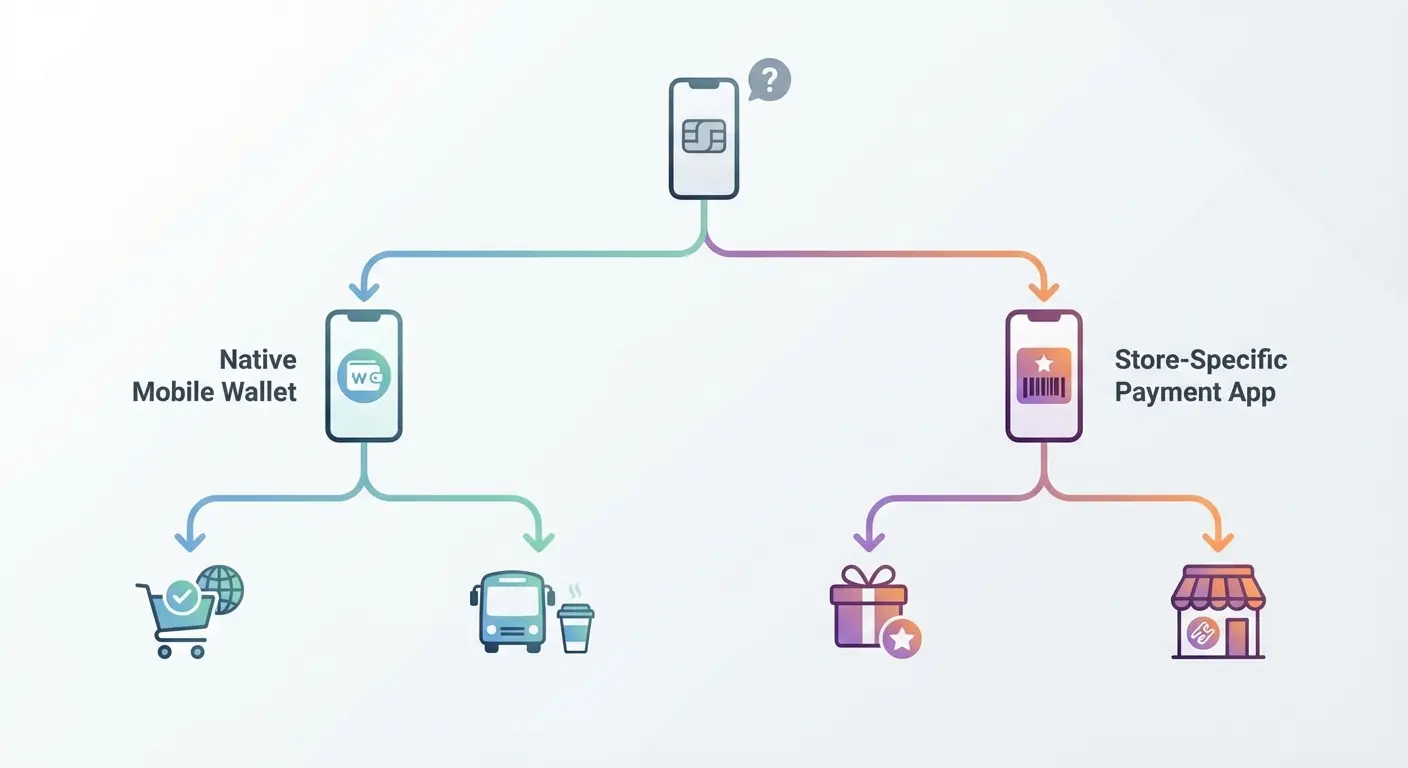
Apple Pay and Google Wallet aren't competing with store-specific apps (Starbucks, Target, Walmart). They're solving different problems. Your phone's native wallet handles contactless terminal payments. Store apps handle loyalty integration, deals, and (sometimes) their proprietary payment systems that won't accept contactless.
The mistake is trying to use both simultaneously. You end up standing at checkout trying to remember: does this store prefer their app or contactless? Did I load money into the Starbucks app or should I use Apple Pay? Should I open the Target app first or just tap?
Decision fatigue at the register makes you slow. Slow makes you anxious. Anxious makes you fumble.
Here's the thing: pick your default. Contactless wallet for everywhere that accepts it, store apps only for places that require them or offer meaningful rewards. Don't try to optimize every transaction. You're not saving enough money to justify the mental overhead of deciding which payment method to use every single time.
Your goal isn't having every option available. It's eliminating the moment of hesitation that makes phone payments feel complicated. Most terminals now support tap to pay universally, so defaulting to your native wallet simplifies the entire process.
Hot take: You should only have ONE payment method on your phone as your default, not five. Everyone says "options are good." They're wrong. Options create hesitation.
Payment Scenario |
Use Native Wallet (Apple Pay/Google Wallet) |
Use Store-Specific App |
Why |
|---|---|---|---|
Gas station with contactless |
✓ |
Fastest option, no app loading time |
|
Starbucks (if you go daily) |
✓ |
Loyalty points actually matter here |
|
Grocery store checkout |
✓ |
Universal acceptance, no store account needed |
|
Target or Walmart |
✓ |
Store apps often required for discounts |
|
Restaurant with contactless |
✓ |
No need for store-specific relationship |
|
Coffee shop (independent) |
✓ |
They probably don't even have an app |
|
Airport retailers |
✓ |
Speed matters more than rewards |
My buddy Marcus had like seven payment apps. Every checkout he'd freeze up trying to decide which one to use. I watched him stand there for what felt like forever at CVS once, just staring at his phone. He finally just deleted everything except Apple Pay and the Starbucks app (he's there every morning, it's honestly concerning). Now he's fast, but he also misses out on the Walgreens points or whatever. He doesn't care. The mental relief was worth more than the $3/month in rewards he was maybe getting.
The Five-Second Test (And Why You're Failing It)
Can you pay with your phone in under five seconds from the moment the cashier gives you the total?
Not "technically possible." You. With your current setup. In a real store. With people watching.
Most people can't. Not because the technology is slow, but because they haven't practiced the actual physical movements enough times to make it automatic. You're thinking through steps that should be muscle memory.
Look, when you've got it down, here's what the sequence looks like: phone comes out of pocket (already oriented correctly), thumb hits power button or face turns toward screen, authentication happens while you're moving phone toward terminal, tap registers before you've consciously thought about any individual step. I also explain how to use a QR code shown on your screen.
That's not happening if your phone is buried in a bag. It's definitely not happening if you have to remove it from a case to access your cards. And it's absolutely not happening if you're still deciding which app to open.
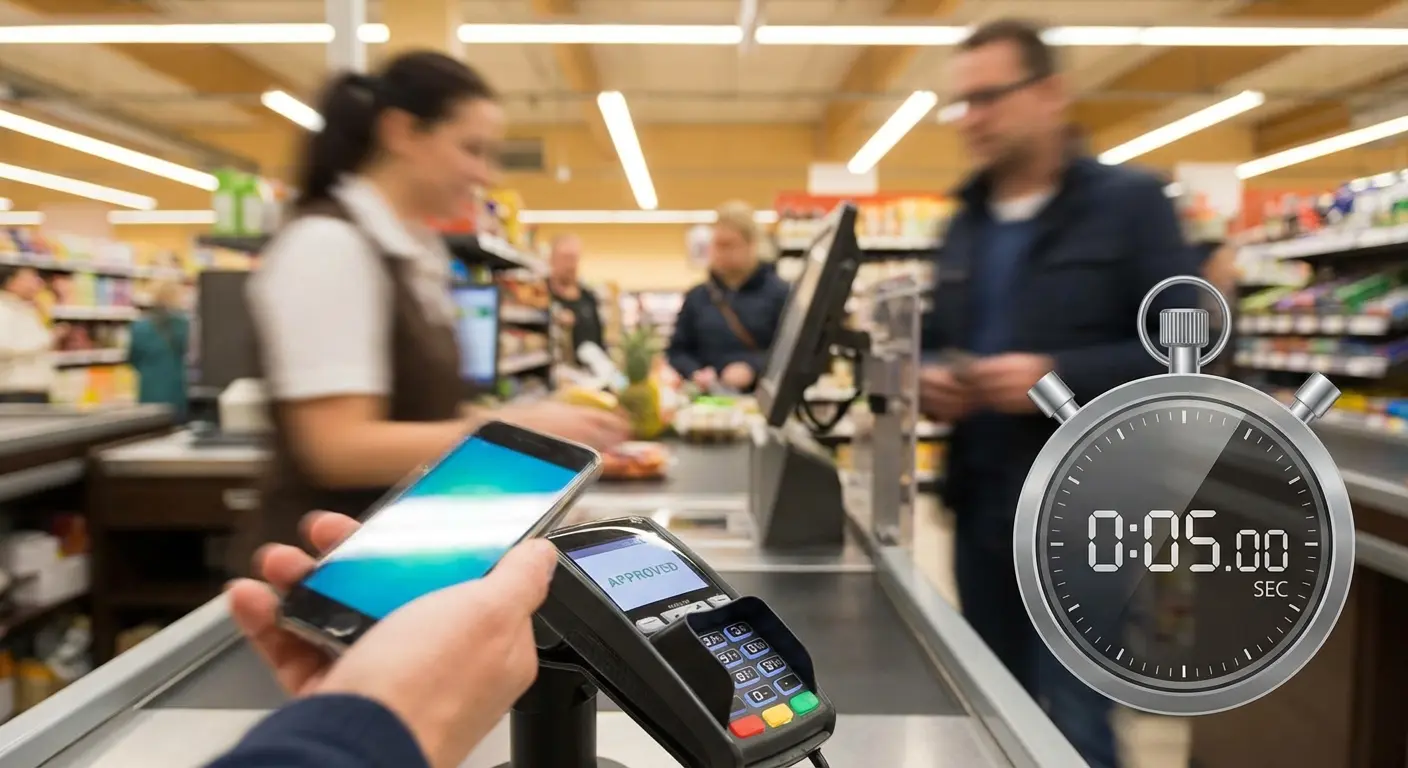
The test isn't whether you can eventually complete a phone payment. It's whether you can do it as fast as someone swiping a physical card. If you can't, you're going to default back to your wallet whenever you feel rushed or observed. Your phone payment setup becomes something you use only in ideal conditions, which means you're not really using it at all .
Time yourself. Get your phone out, authenticate, and hold it to an imaginary terminal. If that takes longer than pulling out a card, you've found your friction point. When you can tap to pay in under five seconds consistently, you've mastered it.
Your phone's physical accessibility matters more than the payment app you choose. Full disclosure: I use Rokform's magnetic car mounts that keep my device within easy reach during drive-through payments. Link's there if you want it.
The Five-Second Payment Audit
Okay, actually time yourself doing this. I'm serious. Get your phone out right now and see how long it takes.
Starting Position: Phone in pocket/bag, standing 2 feet from an imaginary terminal
Timer starts: When you begin reaching for your phone
Timer stops: When your phone would touch the terminal (authenticated and ready)
Write your times here or in Notes or whatever:
Test 1 Time: _____ seconds
Test 2 Time: _____ seconds
Test 3 Time: _____ seconds
Average: _____ seconds
If your average is:
Under 5 seconds: Your setup is optimized
5-8 seconds: Fix one thing that's slowing you down
8-12 seconds: Your physical setup needs major work
Over 12 seconds: Start over with phone placement and case selection
Common friction points if you're over 5 seconds:
Phone location (pocket vs. bag)
Case design interfering with grip or NFC
Authentication method (Face ID vs. fingerprint vs. passcode)
Screen wake settings
Muscle memory for phone orientation
If you're still fumbling after a month of regular use, your setup is wrong, not you.
Your Phone Case Is Sabotaging You
Your phone case matters more than your payment app. If you're using a wallet case that requires you to flip it open or remove cards to access the NFC sensor, you've added three seconds and two hand movements to every transaction.
The people who designed wallet cases with card slots should have to use them at a busy Starbucks during morning rush.
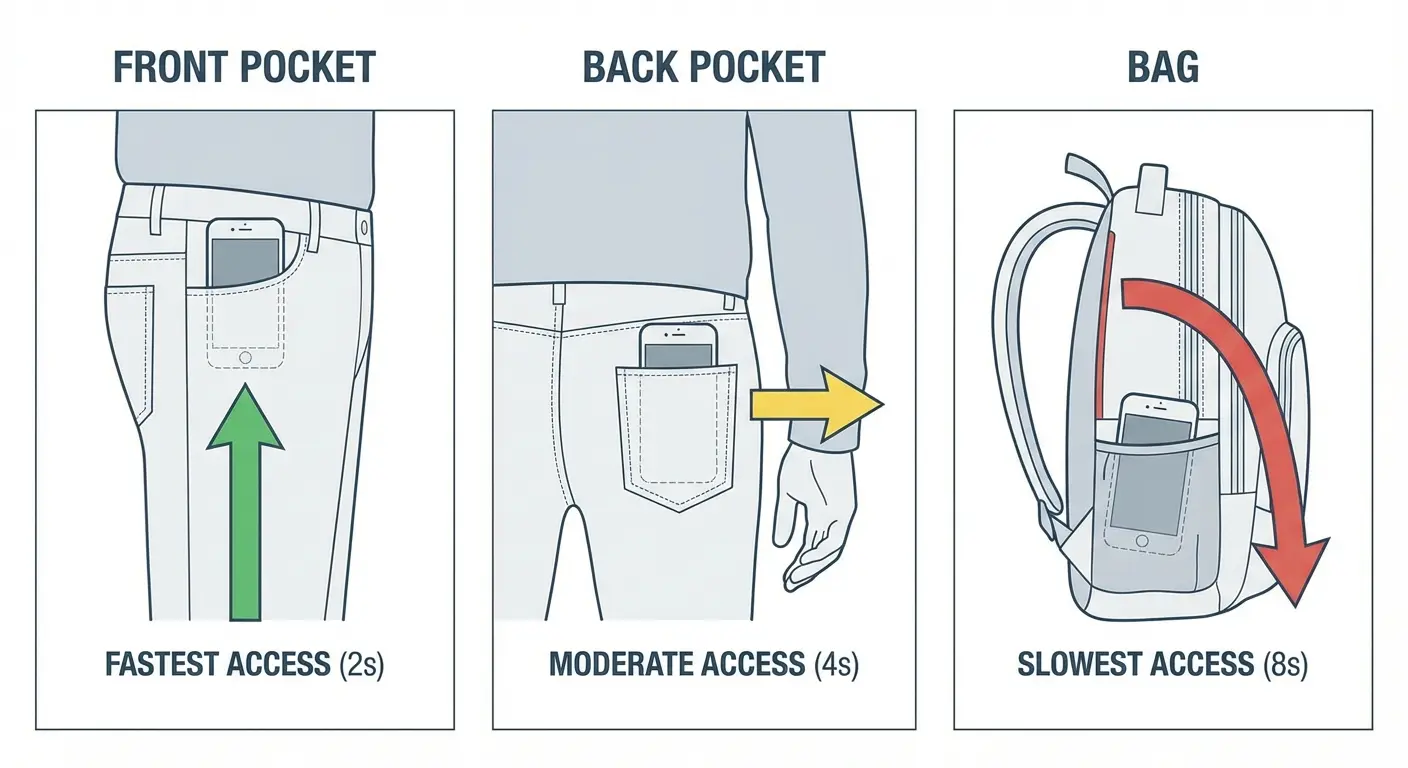
Phone placement matters too. Front pocket, back pocket, bag, jacket. Each location changes how quickly you can access your phone and how naturally you can position it for payment. Front pocket means one-handed retrieval and immediate positioning. Back pocket requires a two-handed pull and reorientation. Bag means you're digging while the transaction waits.
The NFC sensor location varies by phone model. iPhones have it near the top. Many Android phones place it in the middle or lower section. You need to know exactly where yours is because holding your phone wrong means the terminal won't read it. You'll do that awkward circular dance where you're moving your phone around the terminal trying to find the sweet spot while pretending you know what you're doing.