


Table of Contents
The Misunderstood Purpose of Privacy Filters
What Privacy Screens Actually Block (And What They Don't)
The Viewing Angle Paradox
When Privacy Protection Becomes a Usability Problem
Who Actually Benefits From Privacy Screen Protectors
Finding the Right Balance for Your Actual Threat Model
TL;DR
Privacy screens work, but most people don't face the threats they're designed to stop
You'll lose 30-50% of your screen brightness and hate using your phone outdoors
If you're not a healthcare worker, financial advisor, or handling actual sensitive data regularly, you probably don't need one
The Misunderstood Purpose of Privacy Filters
Privacy screen protectors are about to become a $3.3 billion industry by 2032, growing at 9.1% yearly according to Coherent Market Insights. Know why? Not because shoulder surfing is an epidemic. Because companies have convinced you it is.
I see this constantly. Someone buys a privacy screen after one paranoid moment on the subway, then spends the next six months squinting at a dim screen while the person next to them sleeps through their entire commute. That's the reality nobody talks about.
The privacy screen industry has done an incredible job making you think every glance at your phone in public is a security crisis. Your coffee shop becomes a spy zone. The person in 14B on your flight? Definitely trying to steal your identity. That commuter scrolling their own phone? Nope, they're memorizing your passwords.
Here's what actually happens: visual hacking that leads to real security breaches is incredibly rare for regular people. I'm not saying it never happens. But the threat has been blown so far out of proportion that people are solving problems they don't have while creating new ones they definitely do.
Think about last month. How many times did someone actually try to peek at your screen? Now think about how many times you tilted your phone weird, adjusted your grip awkwardly, or cranked the brightness all the way up just to see what you were doing. The ratio probably isn't great.
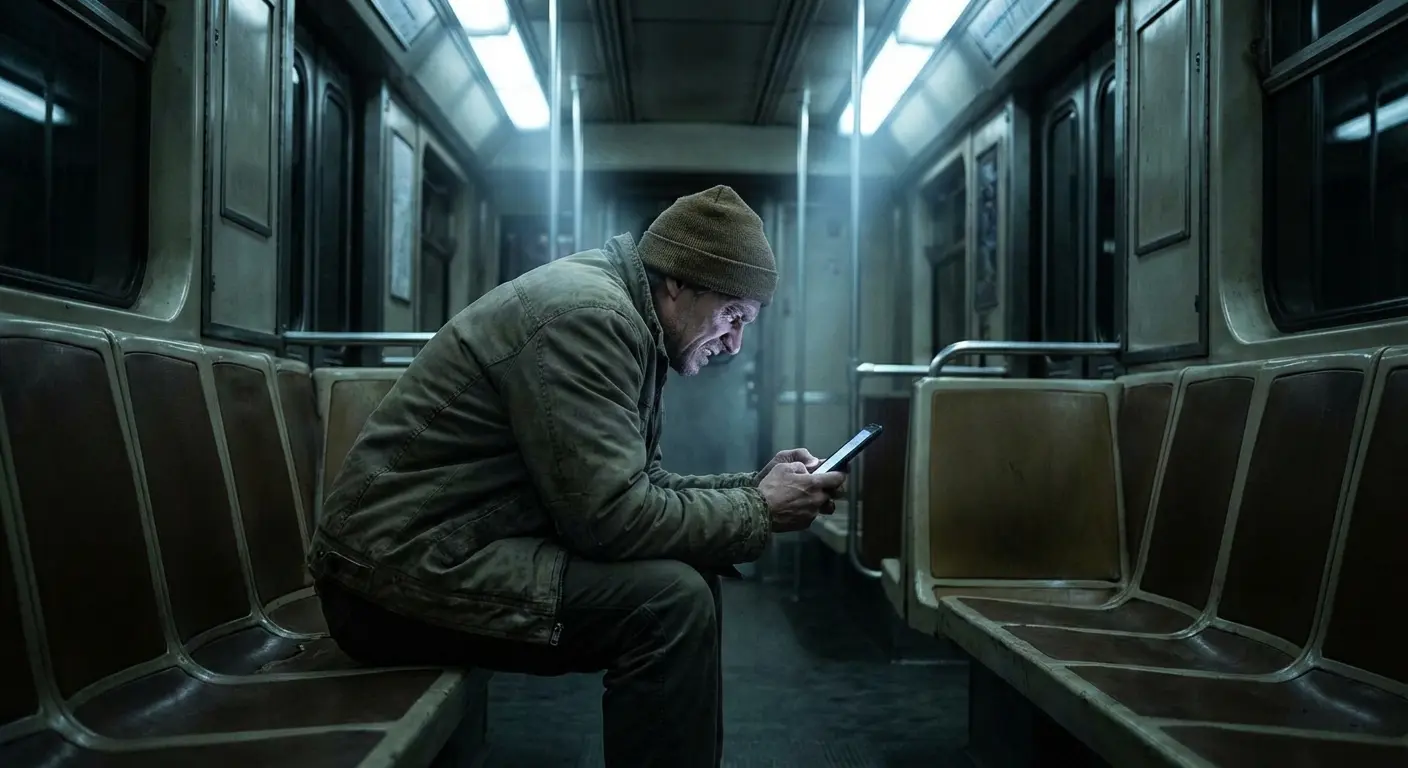
Privacy filters solve a real problem for specific people. The issue is they're marketed as something everyone needs, when they're actually specialized tools for high-risk situations.
What Privacy Screens Actually Block (And What They Don't)
The Physics of Privacy Filtering
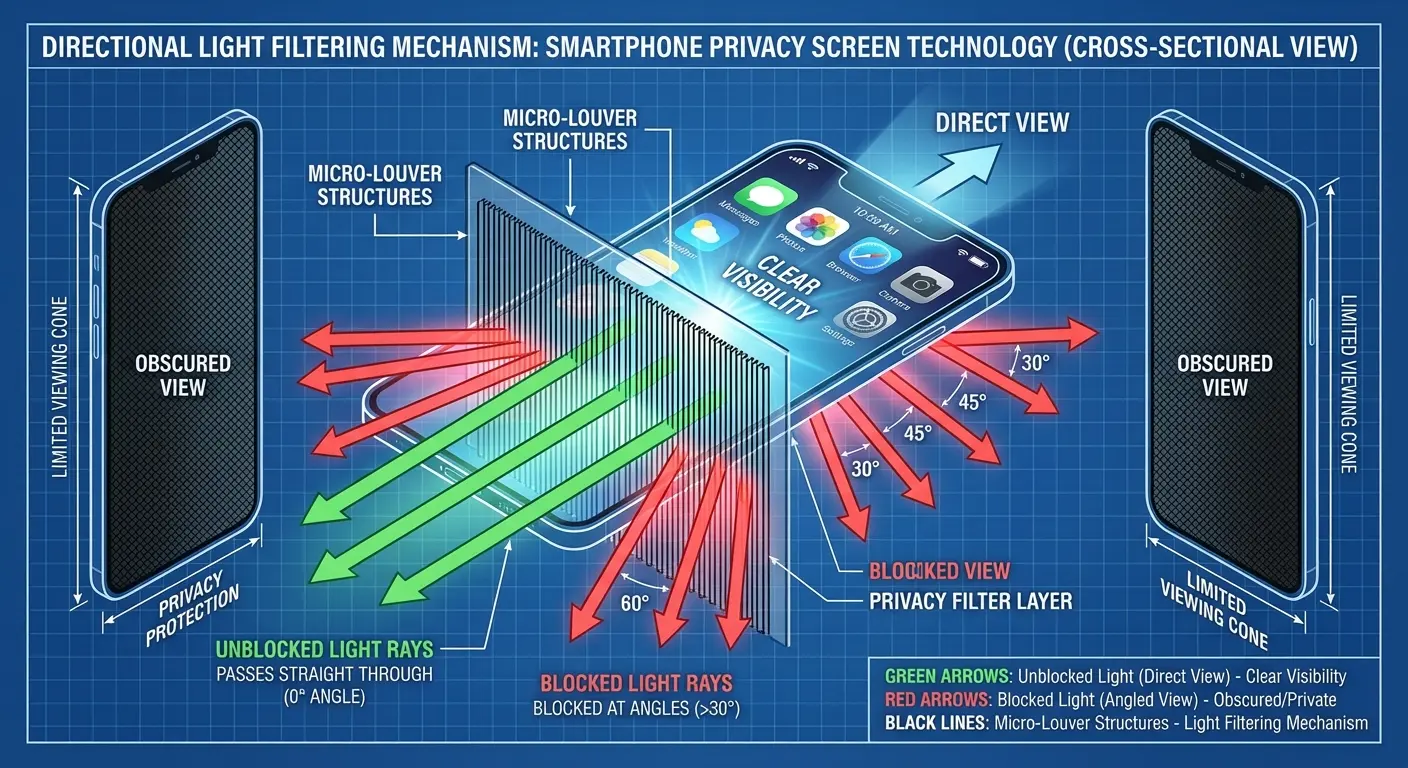
Privacy screens use tiny vertical louvers (think microscopic blinds) that let light through when you're looking straight on but block it past about 30-60 degrees to either side. That's it. That's the whole mechanism.
What this means in real life: the person sitting next to you on the train can't see your screen clearly. Someone standing directly behind you looking over your shoulder? They can see everything just fine. The protection is sideways only, not all directions.
Privacy Screen Type |
Viewing Angle Restriction |
Protection Orientation |
Typical Price Range |
Best Use Case |
|---|---|---|---|---|
Two-Way Filter |
30-45° left/right |
Portrait mode only |
$15-$30 |
Vertical phone use (texting, browsing) |
Four-Way Filter |
30-45° all sides |
Portrait and landscape |
$30-$50 |
Frequent orientation switching |
Premium Tempered Glass |
30-60° variable |
Customizable by model |
$35-$60 |
Professional/enterprise use |
Basic PET Film |
30° left/right |
Portrait mode only |
$10-$20 |
Budget-conscious occasional users |
My friend Rachel found this out the hard way. She's a financial advisor who bought a two-way privacy filter for reviewing client accounts on the subway. Worked perfectly when she held her phone upright. Then she rotated it sideways to check a spreadsheet and suddenly the guy next to her could see everything. She had to consciously remember to keep her phone vertical for sensitive stuff, which is exactly the kind of mental overhead that eventually made her upgrade to a four-way filter.
You're not getting invisibility. You're getting directional blocking in specific angles. Product photos love showing completely black screens from side views, but understanding these limitations helps set realistic expectations about what the best privacy screen protector can actually do.
The Digital Security Gaps Privacy Screens Don't Address
Your privacy screen does absolutely nothing against the threats most likely to compromise your data.
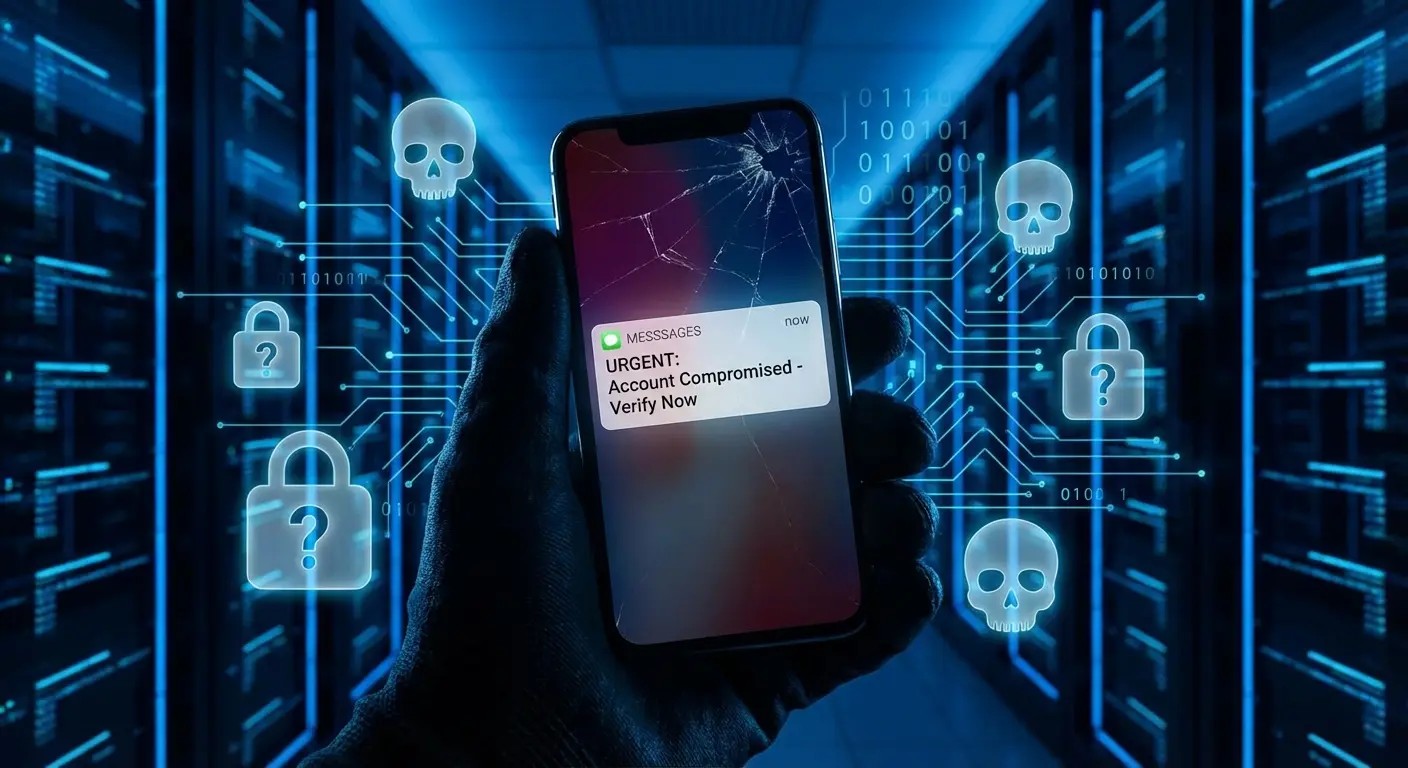
Zero protection from phishing. No defense against sketchy apps stealing your info. Completely useless when you're using "password123" or skipping two-factor authentication because it's annoying.
Look, I get it. Physical security feels tangible. You can see the screen go dark from the side and think "yeah, I'm protected." But visual hacking needs someone physically close to you, with direct line of sight, who can memorize or record what they see, and your content has to be valuable enough to risk getting caught staring at your screen. Digital attacks? They work from anywhere in the world and scale infinitely.
That famous 2016 Ponemon Institute study everyone cites? Yeah, 91% of visual hacking attempts worked. Sounds terrifying. But dig into the actual data and only 27% of what got "hacked" was actually sensitive. The rest was people glimpsing someone's email about lunch plans. And 50% of incidents happened within 15 minutes, which tells you the window for meaningful data theft is narrow and requires sustained proximity that basically never happens in normal life.
Privacy screens aren't useless. They're just wildly oversold as primary security measures when they're actually niche tools for specific scenarios.
The Viewing Angle Paradox
Privacy screens lock you into a rigid relationship with your phone. You can't casually tilt it to check a notification. Can't browse comfortably while lying on your side. Can't easily show someone a photo without both of you awkwardly crowding into the tiny viewing cone.
The restriction goes both ways. This is where buyer's remorse kicks in hard.
Kerry Wan at ZDNET documented his experience with an ESR privacy screen on the Galaxy S25 Ultra earlier this year. On the NYC subway answering work emails? Great. Watching Lakers highlights? The display suddenly dimmed so badly he could barely see it. The ultrasonic fingerprint sensor became unreliable enough that he had to rely on face unlock, which "isn't always efficient." He eventually ripped it off and went back to a regular protector, saying he'd "take the scratch-resistant, viewer-friendly experience over that privilege every day of the week."
Brightness loss makes everything worse. Privacy screens typically cut perceived brightness by 30-50% depending on the model and angle. You'll max out your brightness in situations where you used to run at 60-70%, which murders your battery and still doesn't fully compensate for the light-blocking properties.
Indoor lighting becomes challenging. Outdoor use in direct sunlight (already tough with glossy screens) becomes nearly impossible without finding shade.
You're trading one visibility problem (others seeing) for another (you seeing). And I'm not exaggerating. This is what people consistently report after living with these things for more than a week.
When Privacy Protection Becomes a Usability Problem
The Collaboration Conflict
Privacy screens assume you never want anyone seeing your screen. Which is great until you're trying to show your partner where you want to eat dinner and you're both craning your necks like idiots trying to see a menu.
Want to review a document with a coworker? Need to show your kid the photo you just took of them? Friend helping you troubleshoot an app? Every single one of these normal interactions becomes awkward.
The workaround is always the same: either hand over your phone completely (defeating the purpose of your secure case setup) or huddle together in an uncomfortable position trying to align with the narrow viewing cone. Neither feels natural.
A project manager I know had this problem during team meetings. When colleagues gathered to review mockups on her phone, the privacy screen forced everyone to crowd within inches of the device. Someone joked they looked like they were "trying to read a secret message." After three weeks she started leaving her phone face-down during meetings and pulling out her laptop instead, which completely defeated the point of having design files on her mobile device.
Some people develop a habit of tilting their phone toward others when sharing and away when they don't want to. That's learned behavior adding mental overhead to every interaction. Eventually most people just ditch the privacy screen.
The Content Consumption Experience
Watching video through a privacy screen feels like viewing through fog. Because that's basically what you're doing.
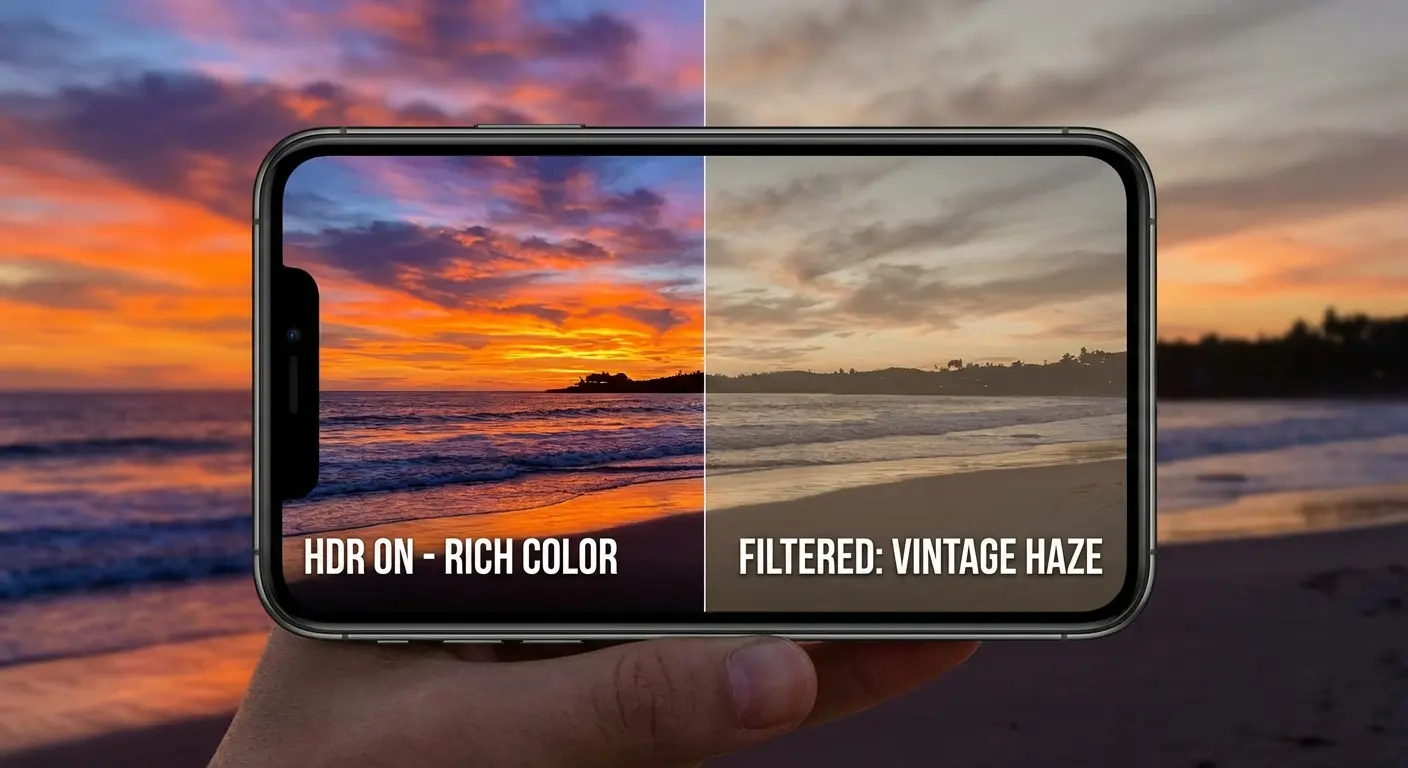
Colors lose punch. Contrast flattens. Dark scenes in movies or games become muddy and hard to parse. If you're into photography or content creation, the color accuracy you need for editing just isn't there. You're seeing an approximation of your content filtered through a layer that prioritizes security over everything else.
Gaming suffers too, especially titles relying on quick peripheral vision or subtle visual cues. The reduced brightness and restricted angles mean you need to hold your device in a more rigid position, which causes hand fatigue during longer sessions.
These aren't deal-breakers for everyone. If you mainly text, email, and review documents, the visual hit might be acceptable. But if you watch videos, create content, or game on your phone, you'll feel these limitations every single day.
Who Actually Benefits From Privacy Screen Protectors
High-Risk Occupations and Scenarios
Healthcare workers accessing electronic health records in hospitals or while traveling between facilities face genuine visual hacking risks. HIPAA violations from unauthorized viewing carry serious legal consequences. Privacy screens make sense here.
Financial advisors, accountants, and banking professionals frequently view sensitive client data in public settings. The regulatory requirements and liability concerns justify the usability trade-offs.
Government employees with security clearances, corporate executives handling merger discussions, and attorneys reviewing privileged communications all have legitimate reasons to prevent screen observation.
Journalists protecting sources, activists in hostile environments, and security researchers analyzing sensitive data represent another category where the threat actually includes visual surveillance.

Occupation/Scenario |
Privacy Risk Level |
Regulatory/Legal Obligation |
Recommended Privacy Screen Type |
Alternative Solutions |
|---|---|---|---|---|
Healthcare worker (mobile EHR access) |
High |
HIPAA compliance required |
Four-way tempered glass |
Private workspace, screen timeout <30s |
Financial advisor (client portfolios) |
High |
SEC/FINRA regulations |
Premium four-way filter |
Encrypted apps, VPN, private meetings |
Government employee (classified data) |
Critical |
Security clearance requirements |
Enterprise-grade four-way |
Secure facilities only, no mobile access |
Journalist (source protection) |
High |
Ethical obligation |
Four-way filter + encrypted messaging |
Secure communication apps, burner devices |
Business traveler (general work) |
Moderate |
Company IT policy |
Two-way filter for flights/transit |
Work offline, VPN, avoid sensitive tasks in public |
Daily commuter (personal use) |
Low |
None |
Not necessary |
Strong passcode, notification privacy settings |
Remote worker (home/coffee shop) |
Low to Moderate |
Depends on data handled |
Contextual use (magnetic attachment) |
Private seating, awareness of surroundings |
If you're reading this thinking "none of these describe me," you're probably not the ideal privacy screen user. You can still use one, but you should carefully weigh the usability costs against your actual risk level (not your imagined one).
Frequent Travelers and Public Transit Users
You take three flights per week and regularly work on sensitive documents during travel. You commute daily on packed subway cars and frequently check banking apps or respond to work emails. You're a digital nomad spending eight hours daily in different coffee shops. These patterns create repeated exposure to visual hacking opportunities.
The key word is "repeated." Checking email once on a vacation flight isn't high-risk. But if your lifestyle involves consistent, prolonged device use in crowded spaces while accessing sensitive information, the math changes.
A sales executive I know flies between San Francisco and New York twice weekly. Her privacy screen was invaluable during those specific hours on planes and in airport lounges reviewing confidential proposals. But she developed a routine: remove the screen Friday evenings before the weekend, reinstall it Monday mornings before her first flight. This let her enjoy full screen clarity for personal weekend use while maintaining security during high-exposure work travel.
Urban professionals in open offices where dozens of people walk past your desk daily might find value in privacy screens, especially if you handle confidential information or just prefer keeping personal messages private from colleagues.
Ask yourself: how many hours per week do I spend accessing sensitive information on my phone in environments where strangers have clear sight lines to my screen? If the answer is "less than two," you probably don't need this. If it's "ten or more," maybe you do.
The Outdoor Visibility Problem
Outdoor phone use with a privacy screen ranges from difficult to impossible depending on lighting. That 30-50% brightness reduction that's annoying indoors becomes crippling in direct sunlight.
You'll find yourself seeking shade, cupping your hand over the screen, or maxing out brightness and still squinting to see anything. The irony is thick: privacy screens are marketed for public use, but many public environments (parks, outdoor cafes, street corners) have lighting that makes them barely functional.
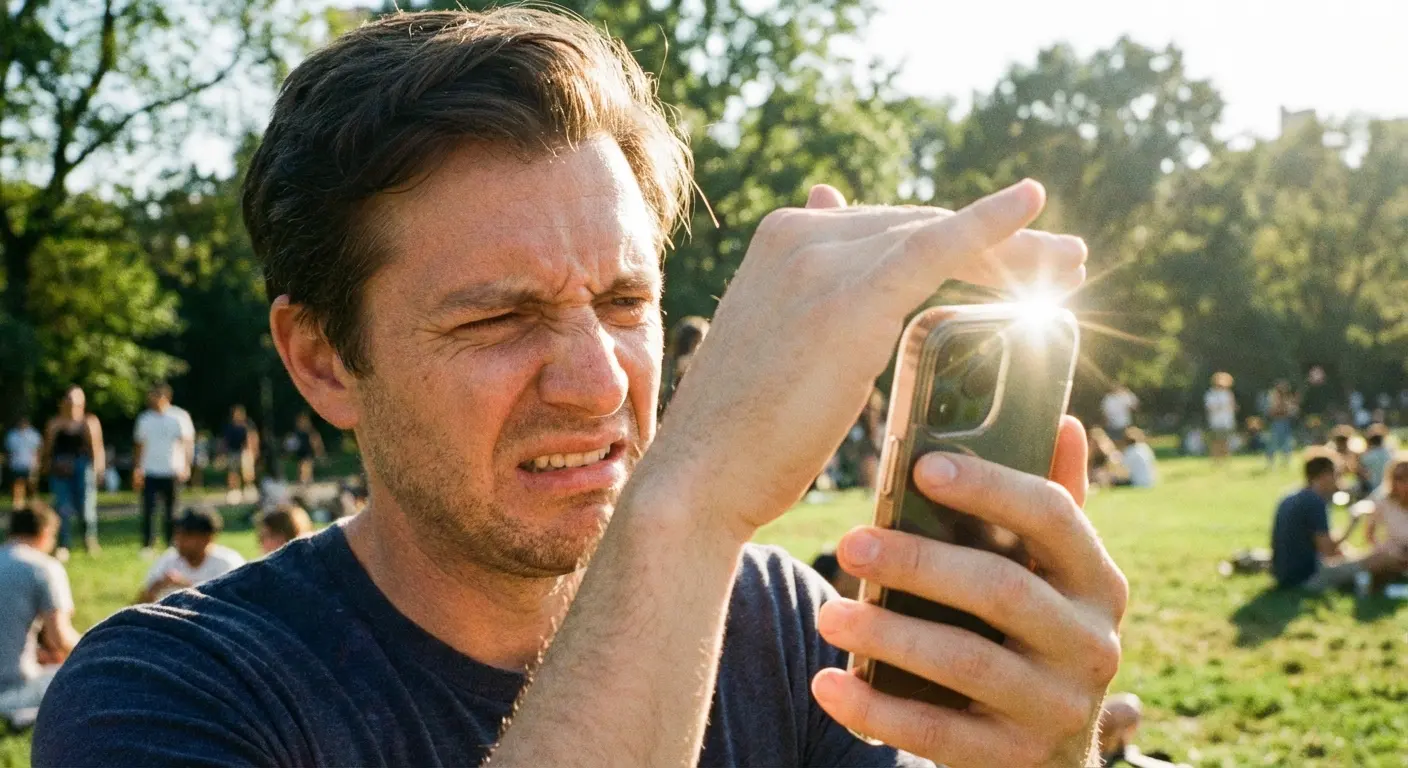
Some manufacturers add anti-glare coatings to help, but these can't overcome the fundamental brightness loss. You're still working with way less light reaching your eyes, and no coating can create photons the filter already blocked.
Battery drain accelerates because you're forced to use maximum brightness constantly. You might find yourself choosing between privacy and being able to use your device outdoors, which defeats the entire purpose.
This matters more in some climates than others. If you live somewhere sunny or frequently use your phone outdoors, this single factor might disqualify privacy screens regardless of your security needs.
Installation Quality Matters More Than You Think
Installation defects don't just look bad on privacy screens. They actively break the security function.

