


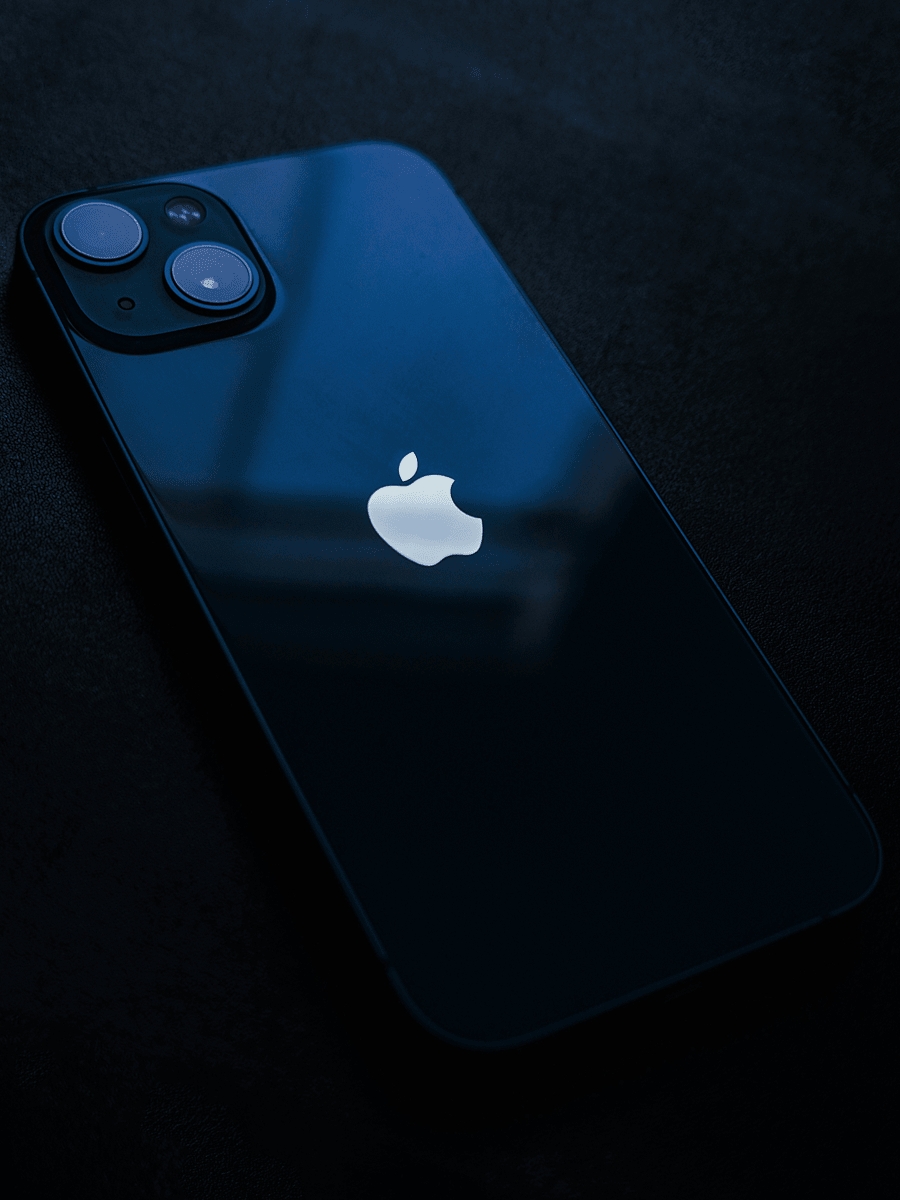
The question pops up in your head at 2 AM while you're scrolling through your phone: Should I switch from Android to iPhone?
There’s no doubt your Android has been solid, but all your friends are iPhone users and keep talking about features you don’t have. Not to mention, your work keeps pushing you toward the Apple side, and maybe your current phone has been running a bit slow.
Around here, we build some of the toughest phone cases and accessories for both iPhone and Android users. We also dig into the real differences between these platforms because we know the choice matters. Switching from Android to iPhone isn't a casual decision. You're not just swapping hardware - you're committing to a completely different way of doing things.
And hey, you’re definitely not alone in this. So many people have asked themselves the same question. Some switched and never looked back, while others tested it out and went back to Android. The outcome really hinges on what matters most to you in a phone, not which one is “better.”
In this guide, we’re going to take a good look at the true differences between iPhone and Android so you can figure out if the move makes sense for you. We’ll go over security, how your devices work together, customization, cost, and what comes next. By the end, you’ll know if you’re ready to take the leap. Let’s get started:
Quick Links
TL;DR
Here’s the straight facts to answer your question: “Should I switch from Android to iPhone?”:
Switching means committing to the Apple ecosystem, and that's worth understanding before you jump
Most people who switch do it because their Android started acting sketchy or they wanted better integration
The Move to iOS app transfers everything - photos, texts, call logs - without any drama
iPhone security features are built into everything from the ground up, not tacked on later
You lose the tinkering freedom, but you gain consistency and not having to think about your phone breaking
Your new iPhone gets software updates for years, way longer than most Android phones
If you've already got other Apple gear, switching makes way more sense
Let's Be Real About This
Here's the thing nobody wants to say out loud: switching phones is a bigger deal than people pretend it is.

Breaking Free from Platform Limitations
Switching from Android to iPhone means more than just picking a new phone. You're changing operating systems, which changes how everything works. Apps look different. Settings live in different places. Your home screen operates differently.
The real question isn't whether iPhone is objectively better. It's whether how you actually use a phone matches how Apple designed theirs.
For some people, the answer is absolutely yes. For others, it's no. Both are completely valid.
People switch for different reasons. Some do it because their Android phone started failing them. Others want tighter integration between their devices. Some switch because their friends are all on iMessage and FaceTime. Whatever the motivation, the move itself is straightforward once you decide to make it.
The Ecosystem Thing (It's Real)
Cross-Device Magic That Actually Works
Apple's devices work together because they're designed to speak the same language. Your iPhone, Mac, iPad, and Apple Watch all connect in ways that genuinely matter day-to-day.
Start typing an email on your iPhone while you're waiting somewhere. Head home, sit down at your Mac, and that email is still there mid-compose, ready for you to finish it. This feature is called Handoff. It sounds simple until you realize how much time friction it actually removes from your day.
AirDrop Potential
Apple Synchronicity
Your calendar syncs across every device. Your photos appear everywhere. Your notes are there when you need them. When you unlock your iPhone with your face, your Mac automatically unlocks too. It's not flashy, it's just consistent.
This matters way more if you're already living in Apple's world. If you've got a MacBook and an iPad, getting an iPhone isn't just adding a phone - it's completing a system. But even if you're starting fresh, know that the pull to buy more Apple stuff is definitely part of the design. They built it that way on purpose.
Security Isn't Boring - It's Crucial
Here's something that matters more now than it used to: security isn't optional.
Everything on your iPhone is encrypted automatically - not just some stuff, but everything. That's the foundation.

Face ID
When you use Face ID, your face data never gets sent to Apple's servers or stored anywhere they can access it. What gets encrypted and locked into the Secure Enclave - a physically separate chip inside your phone - is just a mathematical map of your face. Apple can't see it. Nobody can access it remotely. It's completely yours.
This matters because even if someone steals your phone and knows your password, they still can't get into your banking apps or payment systems. Biometric data creates a layer of protection between them and anything that actually matters.
Keep an Eye on Your Apps
The App Privacy Report shows you exactly what apps are accessing - your location, photos, microphone, all of it. You control every single permission instead of just accepting the defaults. Apple built this visibility in. Android is working toward it, but Apple's approach is thorough.
Messages through iMessage and FaceTime are encrypted end-to-end. Apple never sees them. There's no backdoor. Your private conversations stay private by default, not because you had to turn on some setting. It's just how the system works.
Privacy doesn't get flashy marketing because it's not exciting to watch happen. But it's foundational, and it's exactly why people who actually care about their data choose iPhones.
Moving Your Stuff Over Actually Works
This is the part that used to terrify people: moving all your data from Android to iPhone.
What if you lose your photos? Or, what if your messages disappear? And hey, what if it takes eight hours on the phone with support?
Apple figured this out. That’s why the Move to iOS app is genuinely solid. Download it on your Android phone, run it, and basically everything transfers over. Your contacts, your message history, your photos, your videos, your email accounts, your calendars, your bookmarks - all of it.
Recently, Apple updated it to also move your call history and voice recordings. Your Dual SIM labels transfer too. This way, nothing gets left behind.

How it Works
Here's how it actually works:
You'll see an option to move data from Android during your new iPhone's initial setup
Tap it
On your Android phone, download the Move to iOS app, launch it, and follow the prompts
The two phones connect over WiFi or cable, and everything transfers over in about 20 to 30 minutes depending on how much data you're moving.
While it's running, your iPhone walks you through iOS tips. When you're done, your phone looks like you've owned it for months - all your pictures, contacts, and texts right where they should be.
One thing to know: app-specific data like WhatsApp transfers, but some apps need to be re-downloaded from the App Store afterward. That's just how different platforms work. Your actual personal stuff - the photos and messages that matter - moves easily every time.
Performance Feels Different
Something happens when you switch to iPhone: the whole thing just feels snappier. iPhones feel fast partly because Apple controls both the hardware and the software, so everything is tuned to work together. Apps open quickly and scrolling through thousands of photos doesn’t hitch. Jumping between apps feels smooth, and even heavier games hold their own without melting down.
That efficiency shows up in battery life too. An iPhone usually makes it through the day without you babysitting the battery, even when you’re pushing it. The software isn’t burning power on stuff you don’t see.
When it comes to updates, Apple keeps things simple on the iPhone side. A new iOS version rolls out, and every compatible iPhone gets it at basically the same time. On Android, it depends more on who made your phone. Companies like Google and Samsung now promise up to seven years of OS and security updates on their latest flagships, while other Android brands land closer to three to five years of support. Either way, updates aren’t just about new features - they’re the security fixes that keep your phone protected against new threats.
Feel What You're Doing
Here's something Android users often don't experience: haptics on iPhone. Every action gives you physical feedback through precise vibrations:
Type on your keyboard and you feel it
Scroll through your feed and there's weight to it
Even Face ID unlocking your phone gives you a subtle tap to confirm it worked
These tiny vibrations make your phone feel more responsive. It's the kind of thing that sounds small until you live with it for a week, then you realize how much it matters.
You're Trading Customization for Sanity
Let's be honest: iPhones are way less customizable than Android phones.
Your home screen looks basically the same as everyone else's. Icons stay the same size, and the layout is consistent. You won't be able to install widgets wherever you want or sideload apps from outside the App Store. The operating system itself isn't open to tinkering. It's locked down by design.

Personalization Trade-Offs
Android lets you build your phone exactly how you want it. You can customize everything - home screens, widgets, how things function. If you love that level of control, Android delivers. The catch is that customization requires work. Samsung phones operate differently than Google Pixels, which work differently than OnePlus devices. You're learning a new interface every time you switch manufacturers. And once you've spent hours getting your phone just right, that investment disappears if you upgrade to a different brand.
iPhones work the same way across the board. Every iPhone has the same buttons in the same spots, the same settings organized the same way. Help your mom with her iPhone, and you already know exactly where everything is. Hand your phone to a friend, and they don't need a tutorial. That consistency matters if you use your phone for work or if you just want things to work without thinking about it.
Neither approach is wrong. People who love tinkering prefer Android. People who want their phone to just function prefer the iPhone. Both choices make sense for different people.
That said, one way to protect your investment regardless of customization is with impact protection ratings designed to handle real-world drops and damage.
The Money Conversation
Let's talk about cost straight up, because it matters.
iPhones cost more upfront. A new iPhone 17 runs $799 for the base model, while the Pro Max hits $1,199. Android gives you way more price options - you can grab a solid phone like the Samsung Galaxy A16 for $200, or go flagship with Samsung's S25 Ultra at around $1,099.
The thing is, iPhones hold their value. A two-year-old iPhone still sells for decent money. Android phones? They drop in value fast. Much faster. If you upgrade every couple years, that difference adds up quickly.
App pricing on iOS runs a bit higher than Android, but iOS users tend to spend more on apps overall because they're willing to pay for quality. That gap matters if you're heavy on app usage.
There's also the Apple products angle. If you want the full experience - Handoff, AirDrop, all that stuff - you need other Apple gear. A Mac. An iPad. Maybe an Apple Watch. It's just how they built it. You're committing to their whole setup, and that costs money.
So the real expense isn't just the phone. It's everything that comes with it. Whether that's worth it depends on what you already own or plan to own down the road.
What's Coming Next for iPhones
The future of iPhones is getting interesting. There are rumors about everything from the iPhone Ultra to the iPhone Flip.
There's serious talk about iPhone 18 rumors with battery tech that could genuinely change how long phones run between charges. We're talking about Silicon-carbon battery tech that might make multi-day battery life actually happen.
Then there's the hinge innovation. Liquid metal hinge tech is also being developed, which could make foldable iPhones more durable and elegant than what's possible right now.
The point is: iPhone's future looks genuinely interesting. If you've been waiting to see if Apple will make a flip phone or a bigger premium model, that might actually be coming.
And whatever iPhones come next, they're going to need protection. iPhone protection is an investment that lasts because Apple supports phones for years. Your new iPhone won't become a dinosaur in two years.
The Rokform Take
What We've Learned From Real People
One thing’s clear when people move from Android to iPhone: it’s a commitment. You’re signing up for the way Apple does things - Handoff, AirDrop, iMessage, and how all of that ties into your Mac or iPad. If you walk away later, you’re leaving that setup behind and relearning how everything works somewhere else.
If you’re already using Apple gear at home or at work, the jump to iPhone usually feels more natural. If privacy and steady updates matter more to you than changing every detail on your home screen, the choice gets easier. If you love tweaking every corner of your phone, you might feel more at home staying on Android. Both paths make sense.
Making the Switch Actually Happen
The move itself doesn’t have to be a headache. The Move to iOS app handles the heavy lifting so your contacts, messages, photos, and more can land on your new iPhone without drama. Your data comes over clean, and within a week of real use, you’ll know if switching was the right call for you.
Once you’re on an iPhone, that phone becomes part of your everyday life fast. That’s where protection comes in. Our Apple cases are some of the most protective phone cases around. They’re built for people who actually use their phones, not just set them on a desk. In our Survival Series, there’s a story about a phone that took a serious hit - dropped from the third deck at a Colorado Rockies game - and the Rokform case walked away ready for more. The phone didn’t get that lucky, but the case proved what real protection looks like.
We pair that kind of durability with everyday function. Our iPhone car phone mounts keep your phone locked in while you drive, and our accessories are designed to work with your setup instead of getting in the way. When you decide which platform fits your life, we’re here to make sure the phone you choose actually survives it.

So... Should You Do It?
Honestly, if you’re asking: “Should I switch from Android to iPhone?,” that answer depends on what matters to you day-to-day.
Here’s what you should be asking:
Do you want your devices talking to each other without friction?
Are you aiming for the freedom to play around with your phone and customize it?
Do long-term software support and privacy mean more than having complete control over your phone’s interface?
Indubitably, these aren’t trick questions; they’re just different priorities - and when it comes to making a switch like this, these are valid points to consider.
If you've already got a Mac or iPad, moving to iPhone makes way more sense. Everything clicks together better. But if you're happy with Android's customization options, stick with what works for you.
Most people find what works and stay there. Some switch around and figure out their preference. Either way is fine.
If you do decide to switch, it's simple. Grab the Move to iOS app, let it move your data over, and live with it for a week. You'll know whether it's the right call pretty fast.
Your phone holds everything that matters - your memories, your conversations, your whole digital life. Whatever you pick, protect it with mounts and accessories that actually work. Rokform makes protection for iPhones, Androids, and Pixels because we know your phone is more than just a device. It's where your life lives.
Choose what feels right. Keep it safe - armor up with Rokform.

