


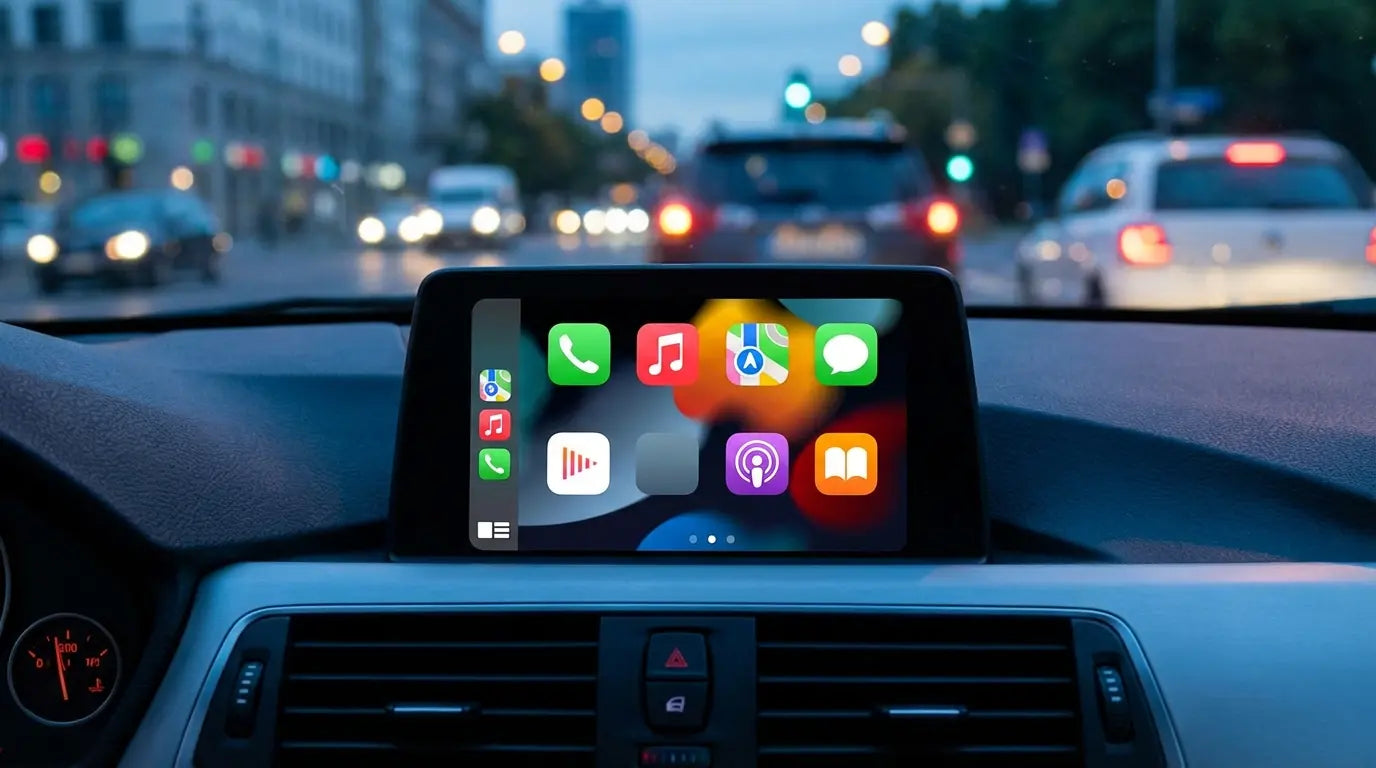
I was honestly shocked to find out that only about 18% of people with Android Auto are actually using it for streaming apps like Spotify. Most drivers are still just listening to standard AM/FM radio. I remember sitting in bumper-to-bumper traffic last Tuesday, cycling through static-filled stations, and thinking, "I have a supercomputer in my dashboard; why am I listening to bad commercials?"
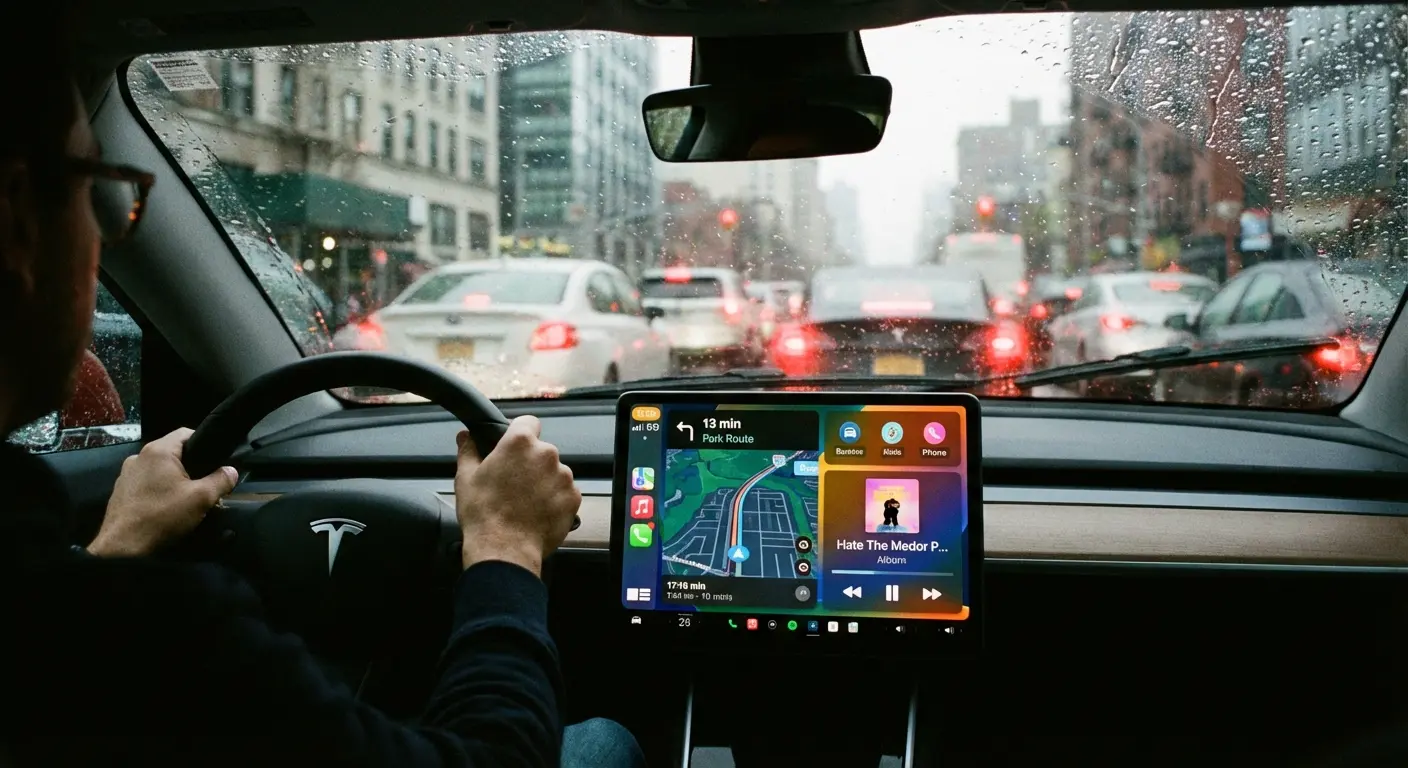
We all have this powerful tech right in front of us, but most of us barely scratch the surface of what it can do. If you’re still figuring out the basics, like how to connect Android Auto properly, that’s your first step. But once you're plugged in, the game really changes when you start using the right software.
I’ve put together a list of the apps that actually matter—the ones designed to make your drive safer, entertaining, and honestly, just a little less miserable.
Table of Contents
Before You Download: The Safety Check
Navigation: Getting There Without the Headache
Tunes & Streaming: Ditch the Static
Messaging: Staying in the Loop (Safely)
Brain Food: Audiobooks & Podcasts
Utilities: The Stuff You Didn't Know You Needed
Hardware: Keeping Your Phone Secure
TL;DR
In a rush? Here are the quick takeaways so you can get back to the road:
Safety first, always: If an app makes you read a paragraph of text, delete it. It doesn't belong in a car.
Voice is king: The best apps let you talk to Google Assistant so you never have to take your hands off the wheel.
Download for offline: Dead zones happen. Make sure your maps and music are saved locally.
Hardware counts: The best software doesn't matter if your phone slides under the brake pedal. Get a solid mount.
Do more than drive: You can now charge your EV, open your garage, and order coffee from the dash.
Before You Download: The Safety Check
Just because an app is available doesn't mean you should use it at 65 mph. When I'm testing apps for Android Auto, I run them through a mental checklist. To make this work, you also need to make sure your phone isn't sliding around, so pairing these apps with one of the best dash phone mounts for Android is a smart move.
Here is my "Red Flag" test before I keep an app:
The Squint Test: Can I understand the button in a split-second glance? If I have to read more than three words, it’s too dangerous.
The "Hey Google" Test: Can I control it with my voice? If I can't navigate the menu without touching the screen, it’s out.
The Tunnel Test: Does it work offline? If the app crashes the second I lose signal, it’s unreliable.
The Volume Test: Does it respect the GPS? If the music doesn't fade out when the navigation gives me directions, it's just adding to the noise.
Navigation: Getting There Without the Headache
Getting from A to B is the whole point. These are the navigation apps that balance smart features with a clean interface.
1. Google Maps
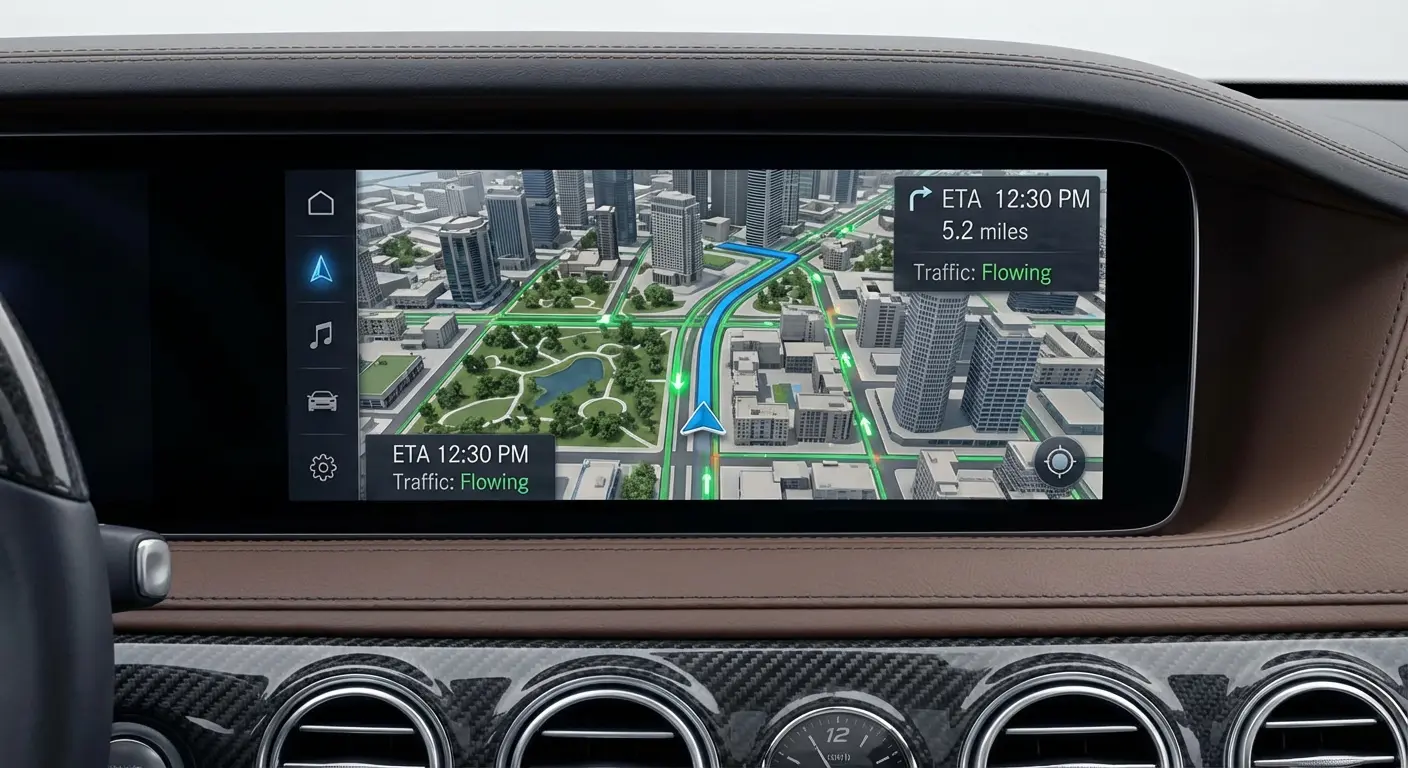
It’s the gold standard for a reason. The AI routing is getting scary good at predicting traffic, and the new Immersive View helps you understand complicated highway interchanges before you're in them. Plus, you can download massive areas for offline use, so you never get lost in a dead zone.
2. Waze
While Google Maps is great for directions, Waze is unbeatable for knowing what's actually happening on the road. The community alerts for police, potholes, and debris are lifesavers.
Real Talk: I was driving on the highway last week when Waze shouted, "Object on road ahead." Sure enough, a ladder was sitting in the middle of the left lane a mile later. Because I knew it was coming, I was already safely in the right lane.
3. Sygic GPS Navigation
If you drive in areas with spotty service, Sygic is fantastic. It has a cool Head-up Display (HUD) feature that projects directions onto your windshield at night, which looks futuristic and keeps your eyes up. Road conditions matter as much as the route, and I ranked the weather apps for Android drivers should keep handy.
4. TomTom AmiGO
If you hate the clutter of other apps, try this. It’s ad-free and focuses entirely on speed cameras and traffic jams. It’s a cleaner, quieter experience.
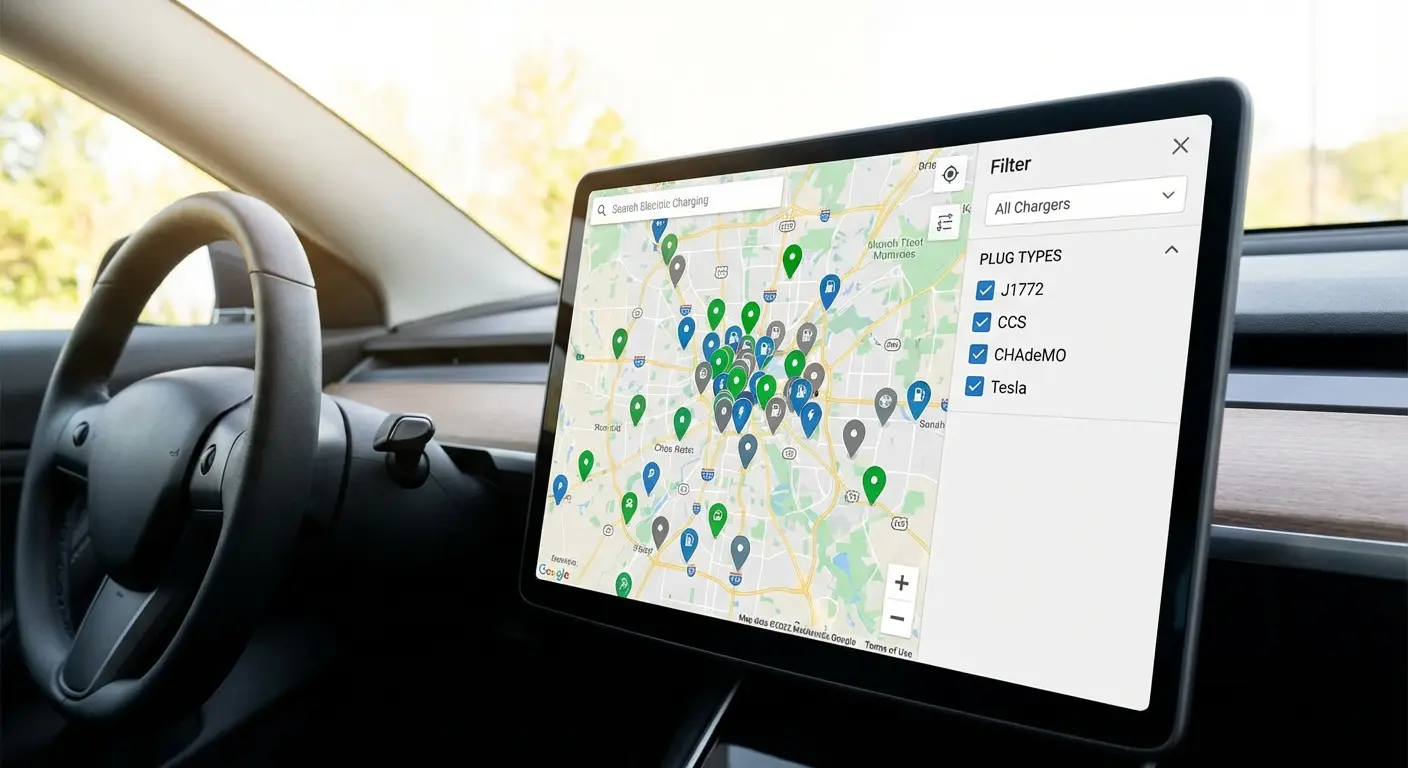
5. PlugShare
If you drive an EV, this is non-negotiable. It maps virtually every charging station and, crucially, tells you if they are actually working based on user reviews.
Tunes & Streaming: Ditch the Static
Music and driving go hand-in-hand. These apps give you the best audio without forcing you to fiddle with your screen.
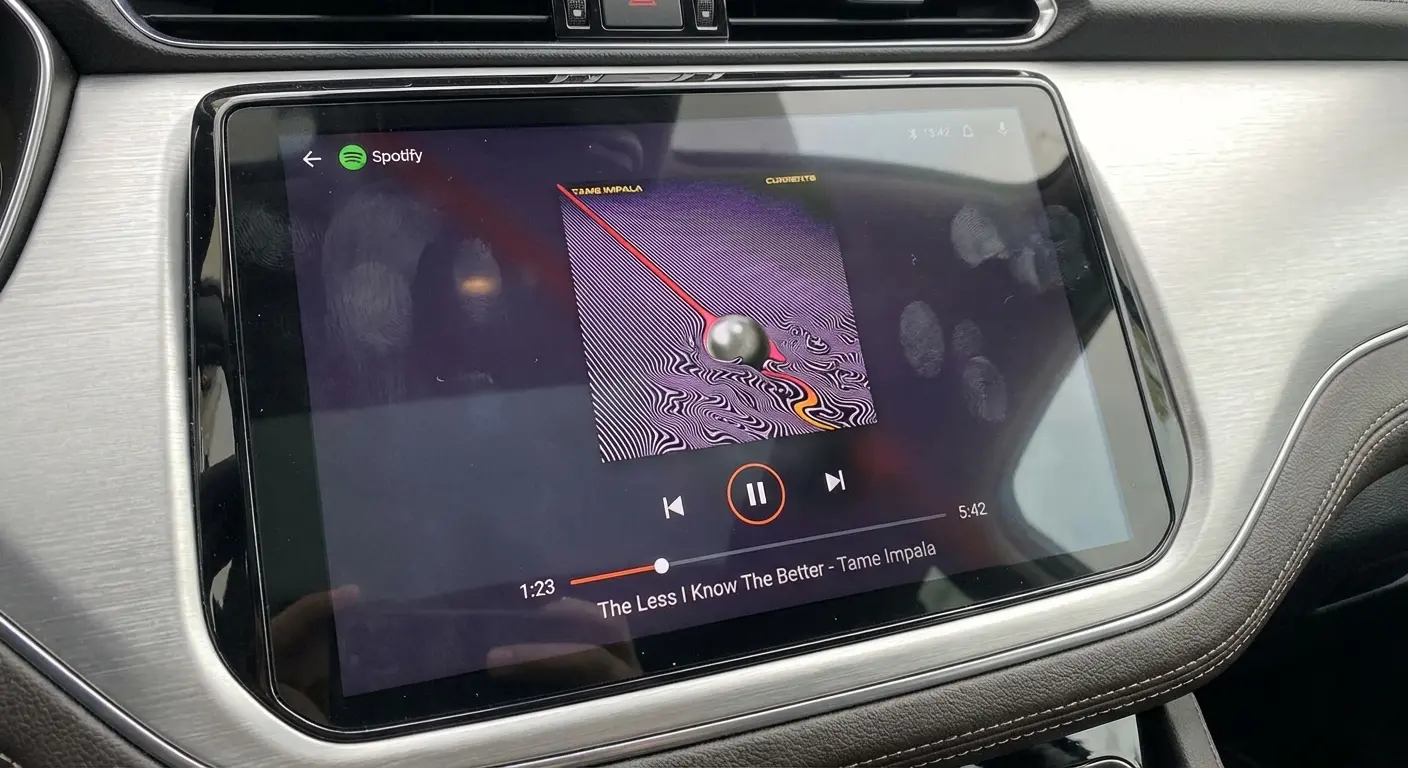
6. Spotify
The "Your Daily Drive" mix is brilliant—it combines news and music so you don't have to switch apps. The buttons are huge, the album art looks great, and the voice control works flawlessly.
7. YouTube Music
If you're deep in the Google ecosystem, this is the smoothest experience. It’s great at finding songs when you only know a few lyrics, and the "Smart Downloads" feature ensures you always have music cached, even if you forgot to download a playlist.
8. TIDAL
For the audio snobs (I say that with love), TIDAL offers Hi-Fi and Master Quality audio. If you have a premium sound system in your car, you will hear the difference.
9. Pandora
Sometimes you don't want to curate a playlist; you just want to hit a button and drive. Pandora is still the king of "set it and forget it" radio.
10. Amazon Music
If you're a Prime member, you already have this. It has a simplified "Car Mode" that puts your recently played music front and center so you aren't digging through menus.
Messaging: Staying in the Loop (Safely)
Texting and driving is a hard no. But these apps let you stay connected using just your voice. (Pro tip: check your Android settings for powerful customization options to limit which notifications actually buzz your wrist or car while driving).
11. WhatsApp
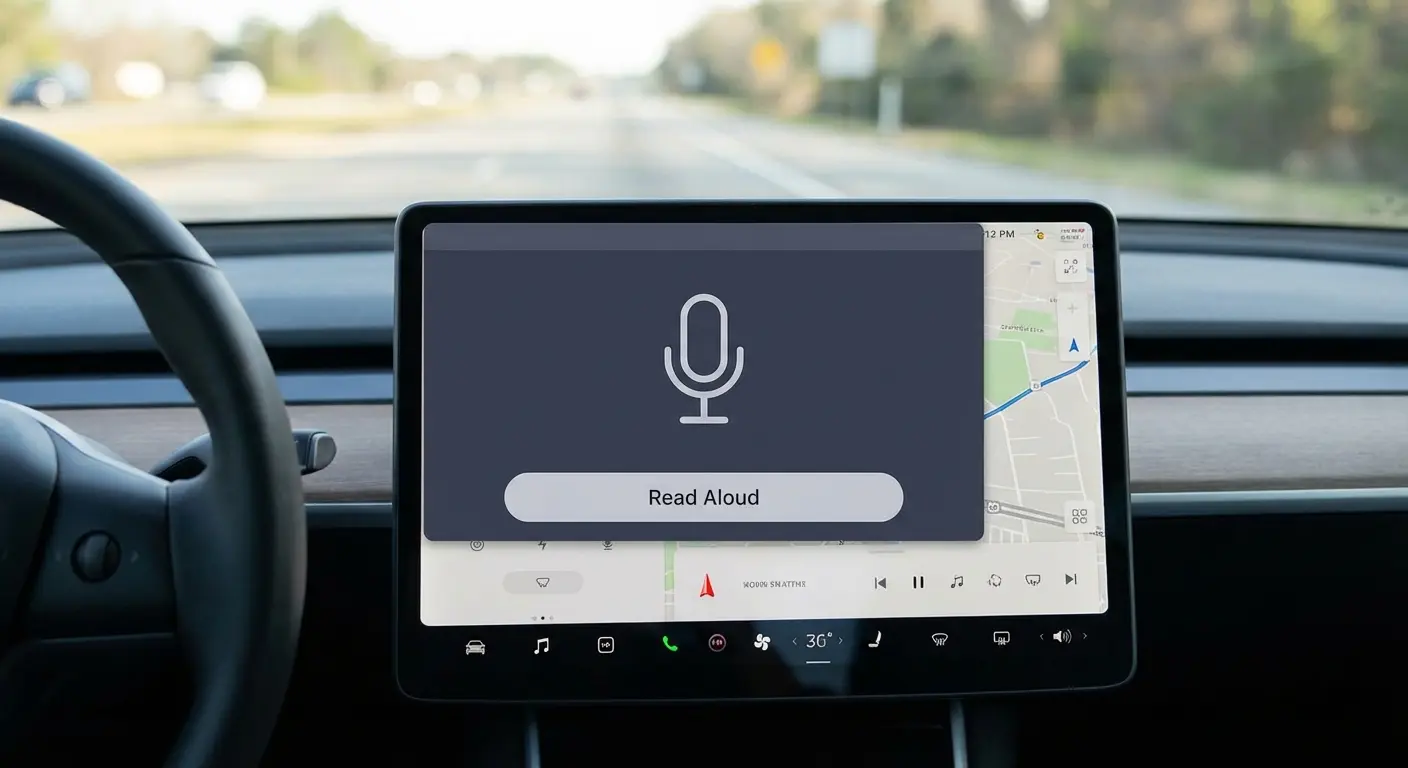
The interface is super clean—it doesn't show text on the screen (for privacy and safety), but it reads messages aloud perfectly and lets you dictate replies without missing a beat.
12. Telegram
Fast, secure, and great for group chats. The best part is how well it handles muting groups so your car isn't dinging every three seconds.
13. Signal
If privacy is your main concern, Signal is the way to go. Encrypted calls and texts, and the voice quality on calls is surprisingly crisp.
14. Facebook Messenger
The big "Thumbs Up" button is great for quickly acknowledging a message without dictating a full reply. It’s simple and effective.
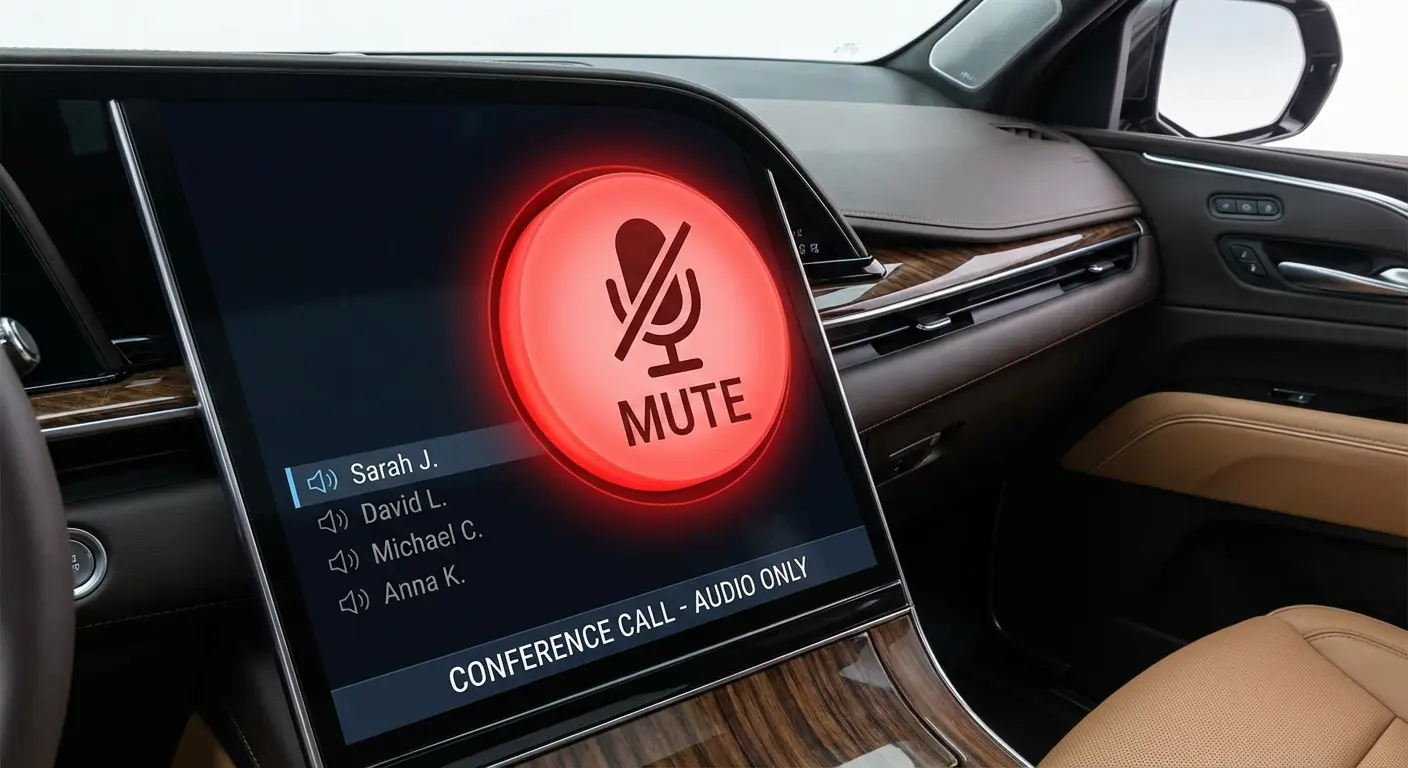
15. Zoom (Audio Only)
We've all had to join a meeting while on the road. Zoom for Android Auto is audio-only by default (thankfully). It gives you a massive "Mute/Unmute" button so you can chime in when needed and stay quiet when you're merging.
Brain Food: Audiobooks & Podcasts
Sometimes music doesn't cut it and you need a story to make the miles fly by. These are the best Android Auto apps for spoken audio.
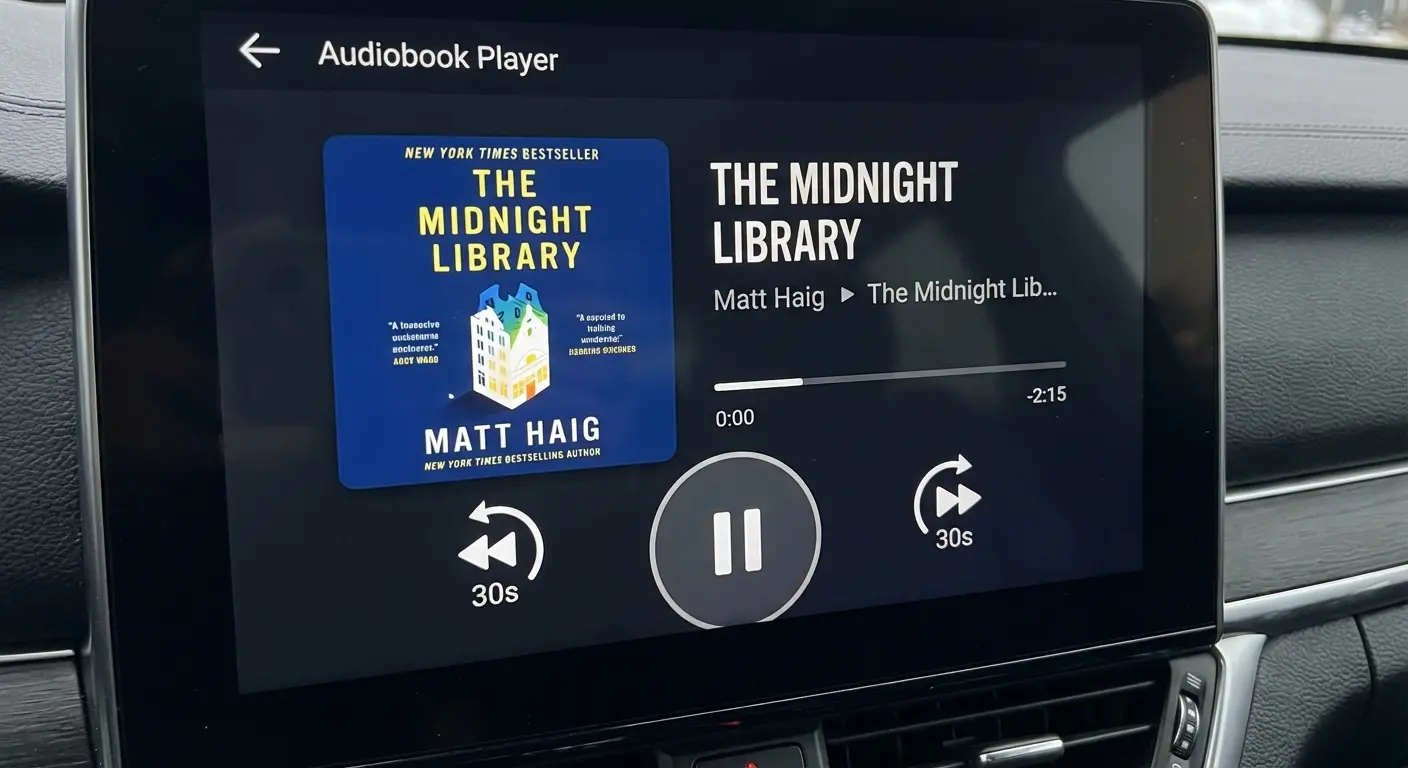
16. Audible
The sync feature is flawless—you can stop listening in the kitchen and pick up at the exact same second in the car. The 30-second rewind button is huge, which is helpful when you zone out for a second at a stoplight.
17. Pocket Casts
My personal favorite for podcasts. It has a "Trim Silence" feature that cuts out dead air, which actually saves you time on long commutes. Plus, it looks great.
18. NPR One
It’s like having a personal radio station that learns what you like. It serves up news and stories continuously, so you never have to search for something to listen to.
19. TuneIn Radio
Access to over 100,000 live radio stations. If you want to listen to a local sports game from three states away, this is how you do it.
20. Libby
Connect your library card and get audiobooks for free. It’s the best budget-friendly alternative to Audible, and the player is simple and distraction-free.
Utilities: The Stuff You Didn't Know You Needed
These are the apps that make you feel like you're living in the future.
21. SpotHero
There is nothing worse than circling the block looking for parking. SpotHero lets you book a garage spot before you even leave the house and navigates you right to the entrance.
22. ChargePoint
Another essential for EV drivers. It lets you start a charge from the dashboard and shows real-time availability so you don't pull up to a broken charger.
23. Dunkin’
Ordering coffee from your dashboard sounds gimmicky, but it’s actually safer than trying to use your phone in the drive-thru line. It only lets you re-order saved favorites with one tap.
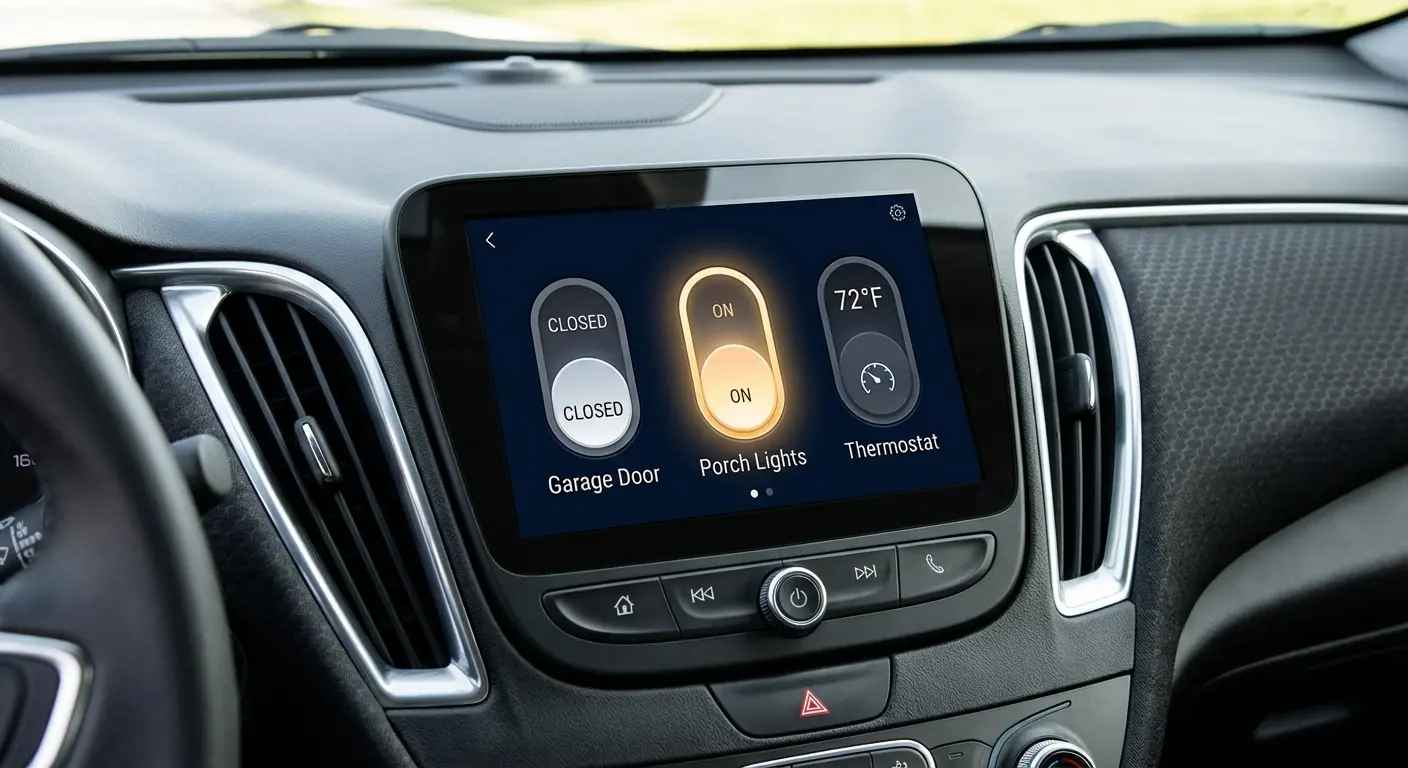
24. Samsung SmartThings / Google Home
Imagine pulling onto your street and tapping one button on your dash to open the garage and turn on the porch lights. That’s what this does. It’s a total game-changer for arriving home at night.
25. Scanner Radio
A bit niche, but if you want to know why traffic is stopped five miles ahead, listening to the local fire or police scanner can give you the answer long before the news does.
Hardware: Keeping Your Phone Secure
Software is great, but gravity is real. Even if you're using wireless Android Auto, you need a safe place to put your phone so it isn't sliding under the passenger seat when you hit the brakes.
This is where Rokform comes in. We build cases using rugged polycarbonate and industrial-grade magnets. We recommend pairing your device with one of the best magnetic cases for Android to keep it locked in place.
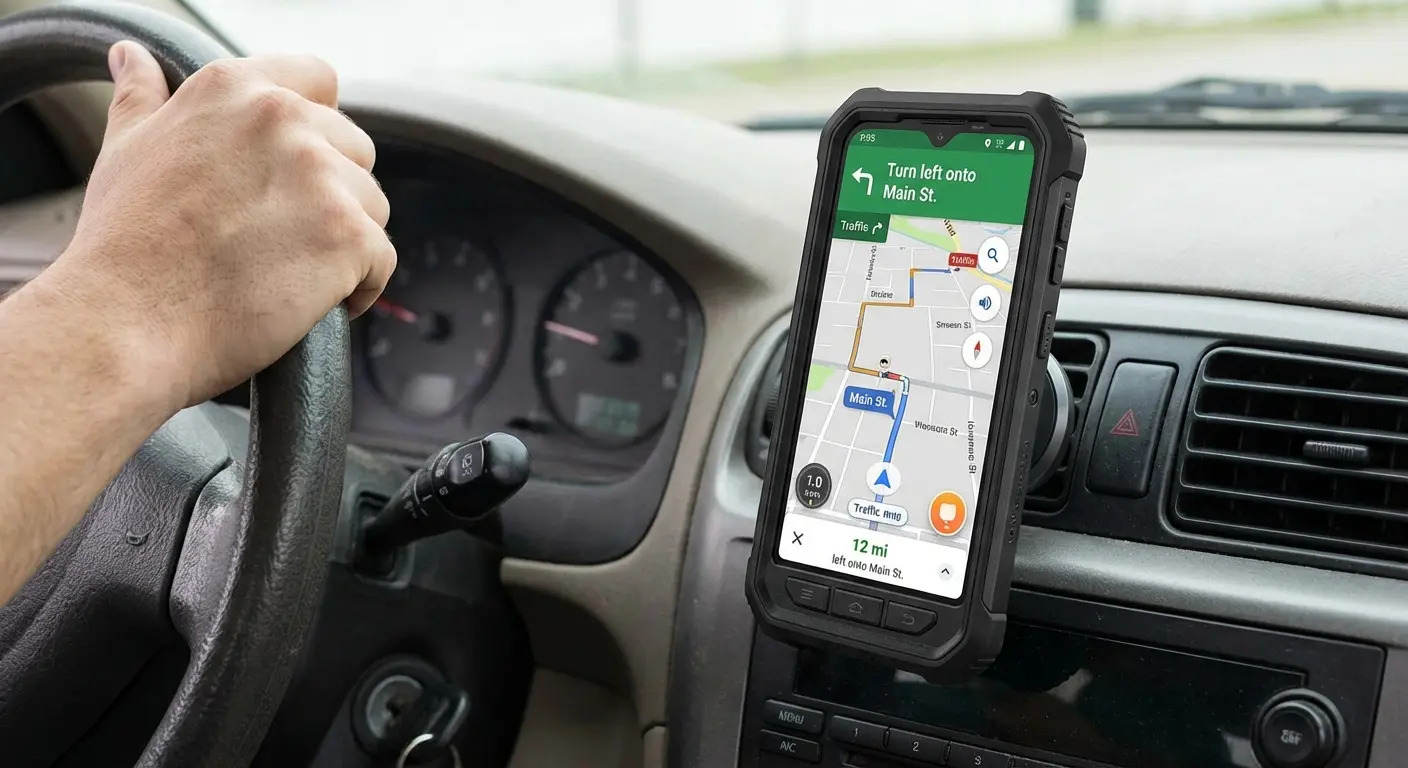
Our RokLock™ twist-lock system ensures your phone stays exactly where you put it, which is vital if you're glancing at Waze or Google Maps. Plus, with MagSafe® compatibility, you can keep the battery charged while you stream Spotify.
Final Thoughts
Your car is more than just a machine that gets you to work; it’s a mobile command center. Whether you’re rocking the latest flagship or one of the best Android phones from a few years ago, the right software turns a boring commute into a productive part of your day.
Don't settle for static radio. Download a few of these apps, get a solid mount, and see how much better your next drive can be.

