


Open the Play Store right now, and it’s honestly a mess. You’re bombarded with thousands of icons begging for space on your home screen. I used to be the person who downloaded anything that looked half-decent, only to delete it ten minutes later because it drained my battery or turned my notification shade into a spam folder.
It turns out I’m not the only one tired of the noise. Platforms like Appfigures are used by 250K+ companies just to fight for your attention. Sifting through that competition to find tools that actually respect your time and data is a full-time job. So, I did the heavy lifting for you.
We aren't looking for generic recommendations here. We’re looking for the best apps for Android that offer real utility. With millions of apps on Google Play, these are the ones that justify the install.
What Actually Matters Before You Hit Download
As we settle into 2026, the Android ecosystem feels different. It’s all about on-device AI, cross-device flow, and keeping your data locked down. When I look for new software now, I stop looking at the feature list and start looking at the lifestyle fit.
To really get the most out of these, you’ll want to dive into your phone settings on Android and make sure your device is actually optimized to handle them.
The "Commuter Test"
Here is my benchmark: Imagine drafting a proposal on your phone on the train. When you walk into the office and open your laptop, is your cursor blinking at the exact spot you left off? If I have to manually sync or refresh, it’s not good enough for 2026.
Here is my criteria for this list:
Smart Automation: Does the app do the grunt work for me? (e.g., drafting emails or fixing photos automatically).
The Ecosystem: If I start on my Pixel, I need to finish on my tablet. Zero friction.
Privacy: Data is currency. If an app doesn't have clear encryption or privacy policies, it’s out.
Battery Life: Powerful apps shouldn't require a midday charge. Efficiency is key.
Foldable Ready: With foldables being mainstream now, apps need to adapt to the big screen, not just stretch out.
Work Smarter: Productivity & AI
AI has officially transformed boring tools like calendars and notes into proactive assistants. These are the apps that help you reclaim your time.
1. ChatGPT (by OpenAI)
This is still the gold standard. In 2026, it’s not just a chatbot; it’s a universal translator, a coder, and a document drafter. The voice mode is seamless now, and the image analysis helps you troubleshoot real-world problems just by snapping a photo.
2. Notion
Notion is the "everything app" for your work life. Whether you need a complex project management database or a simple grocery list, it handles it. The sync between desktop and mobile is flawless, though be warned: it can be a bit heavy on resources.
3. Todoist
The magic here is natural language. You don't need to fiddle with date pickers. You just type "Buy milk every Monday at 5 PM," and Todoist sets the recurring reminder instantly. It’s minimalist, distraction-free, and battery-efficient.
4. Microsoft 365 (Office)
Love it or hate it, this is the unified hub for business. The standout feature recently is the scanning tool—you can snap a picture of a paper table, and it converts it into an editable Excel spreadsheet. It’s essential for cross-platform work.
5. Google Calendar
The default, but still the king. The integration with Gemini/Assistant means it now predicts schedule conflicts before you even book them. Plus, the Material You design looks great on any wallpaper.
Biohacking Your Routine: Health & Fitness
These apps balance heavy data tracking (GPS, heart rate) with battery efficiency to give you actionable insights, not just raw numbers.
6. Strava
If it’s not on Strava, did it even happen? It’s the social network for athletes. The analytics on pace and elevation are top-tier. If you’re serious about two-wheeled adventures, check out our guide on the best cycling apps to build a complete digital dashboard for your rides.
7. MyFitnessPal
Tracking food is tedious, but MyFitnessPal makes it bearable. The database is massive, and the newer image recognition lets you snap a photo of a meal to log it roughly. The premium tier is pricey, but for data nerds, it works.
8. Calm
We all need a breather. Calm offers guided sessions and "sleep stories" that actually help you drift off. It’s intuitive, it respects your privacy, and it doesn't bombard you with notifications.
9. Sleep Cycle
Waking up groggy ruins the day. Sleep Cycle uses sound and movement analysis to wake you up during your lightest sleep phase. It runs efficiently in the background, so you don't wake up to a dead battery.
10. YNAB (You Need A Budget)
This isn't just an expense tracker; it’s a philosophy. It forces you to give every dollar a job. The bank syncing is encrypted, and the ability to share budgets with a partner in real-time prevents a lot of arguments.
Lock Down Your Digital Life: Security & Privacy
Privacy isn't a setting; it's a practice. These are the best Android apps for keeping your private life actually private.
11. Bitwarden
Stop reusing passwords. Bitwarden is open-source, secure, and has the best free tier on the market. It stores unlimited logins and works on literally everything—Android, Chrome, Windows, and Linux.
12. ProtonVPN
Public Wi-Fi is a minefield. ProtonVPN encrypts your traffic with a strict no-logs policy. Physical security is just as vital, though—learning how to protect your phone from being hacked involves both smart software and being aware of your surroundings.
13. Signal
If you want to send a message that stays between you and the recipient, use Signal. It collects virtually no metadata. It looks and feels like a standard texting app, but the security under the hood is world-class.
14. DuckDuckGo Browser
A browser that blocks trackers by default. The "Fire" button is my favorite feature—one tap clears all your tabs and data instantly. It’s often faster than Chrome simply because it isn't loading all those ad trackers.
15. Authy
Two-factor authentication is mandatory these days. Authy generates your codes but, unlike Google Authenticator, backs them up securely. If you lose your phone, you don't lose access to all your accounts.
Studio Tools in Your Pocket: Creativity & Media
Phones are powerful enough now to handle real creative work. Here is what you need for studio-quality output.
16. Adobe Lightroom
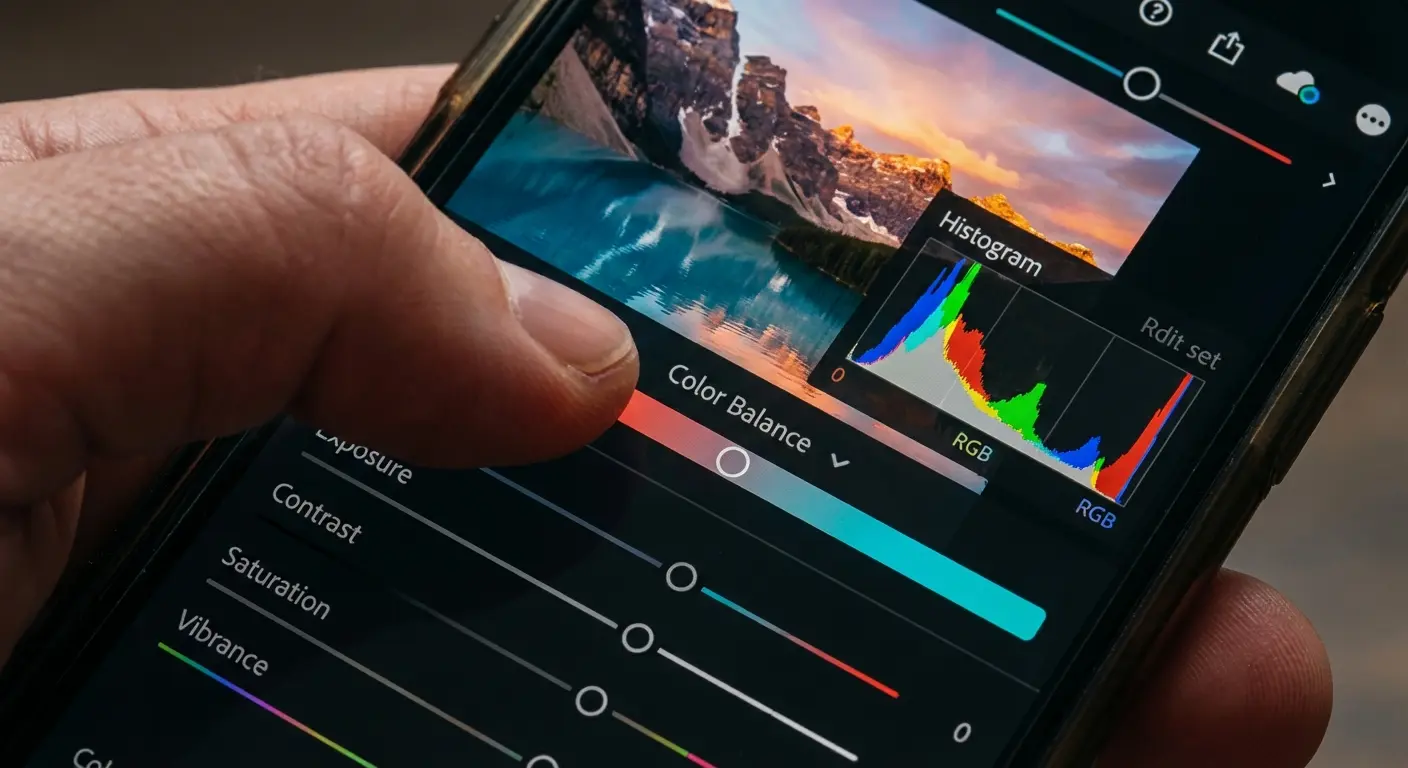
This is a pro tool. The cloud syncing lets you start an edit on your phone and finish on your desktop. The new "Generative Remove" feature is incredible for cleaning up unwanted objects in seconds.
17. Spotify
Still the king of discovery. The "DJ" mode is getting scarily good at curating radio stations, and "Spotify Connect" is the gold standard for controlling music across different speakers and devices.
18. CapCut
Yes, it's known for TikTok, but don't underestimate it. The auto-captions and background removal tools are better than some desktop software. It’s the fastest way to edit video on a phone, period.
19. Pocket Casts
If you listen to a lot of podcasts, you need this. It cuts out silences to shorten episodes and boosts volume for voices. The design is beautiful, and it syncs your progress across devices.
20. Canva
You don't need to be a graphic designer to make things look good. Canva’s templates and "Magic Studio" AI make creating social posts or flyers a drag-and-drop affair.
The Daily Drivers: Utilities & Navigation
These are the apps that form the backbone of the Android experience. You’ll probably use these every single day.
21. Google Maps
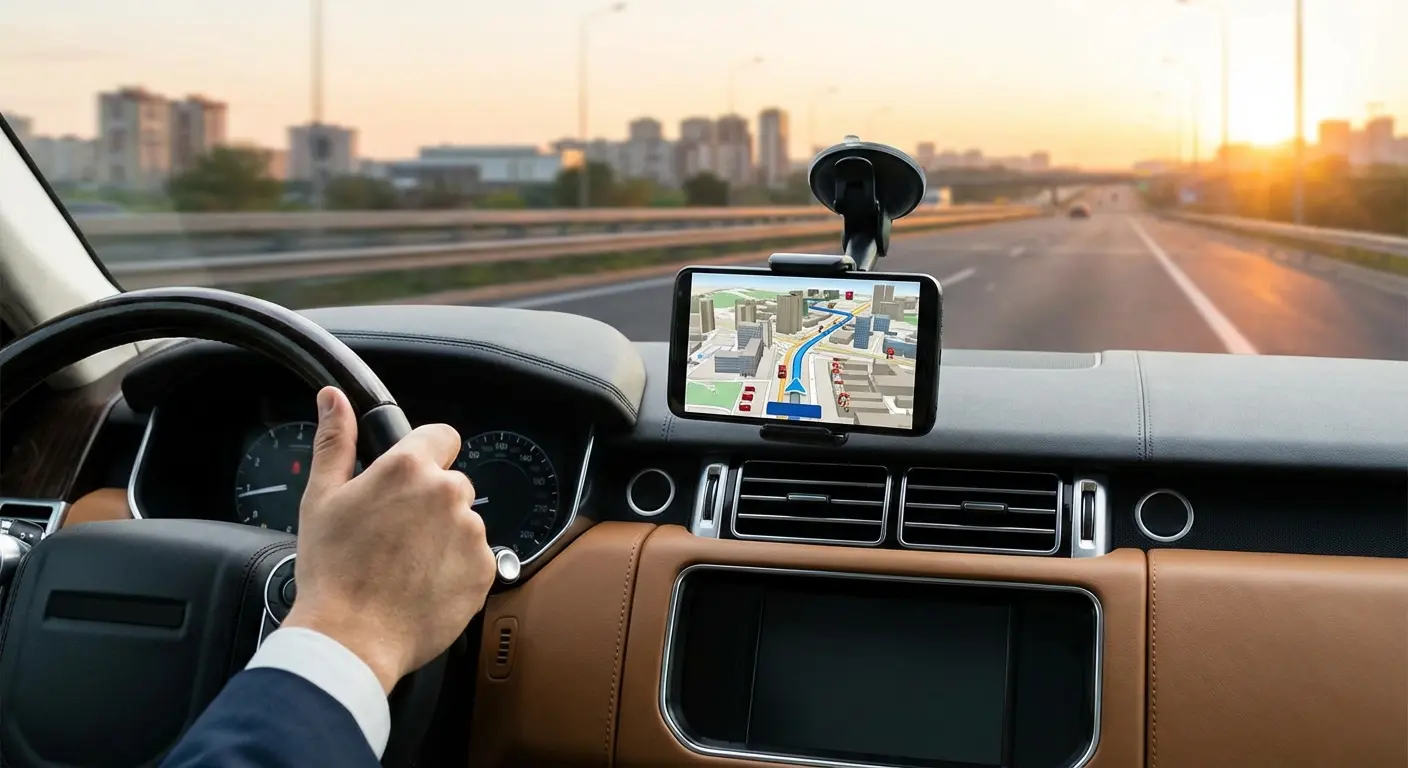
The definitive navigation tool. The immersive view and eco-friendly routing are great, but for drivers, the real key is knowing how to connect Android Auto correctly so you aren't fumbling with your phone while driving.
22. Solid Explorer
Android’s file management is powerful, and Solid Explorer unlocks it. The dual-pane view makes dragging and dropping files feel like a desktop experience. It’s worth the small one-time fee.
23. Nova Launcher
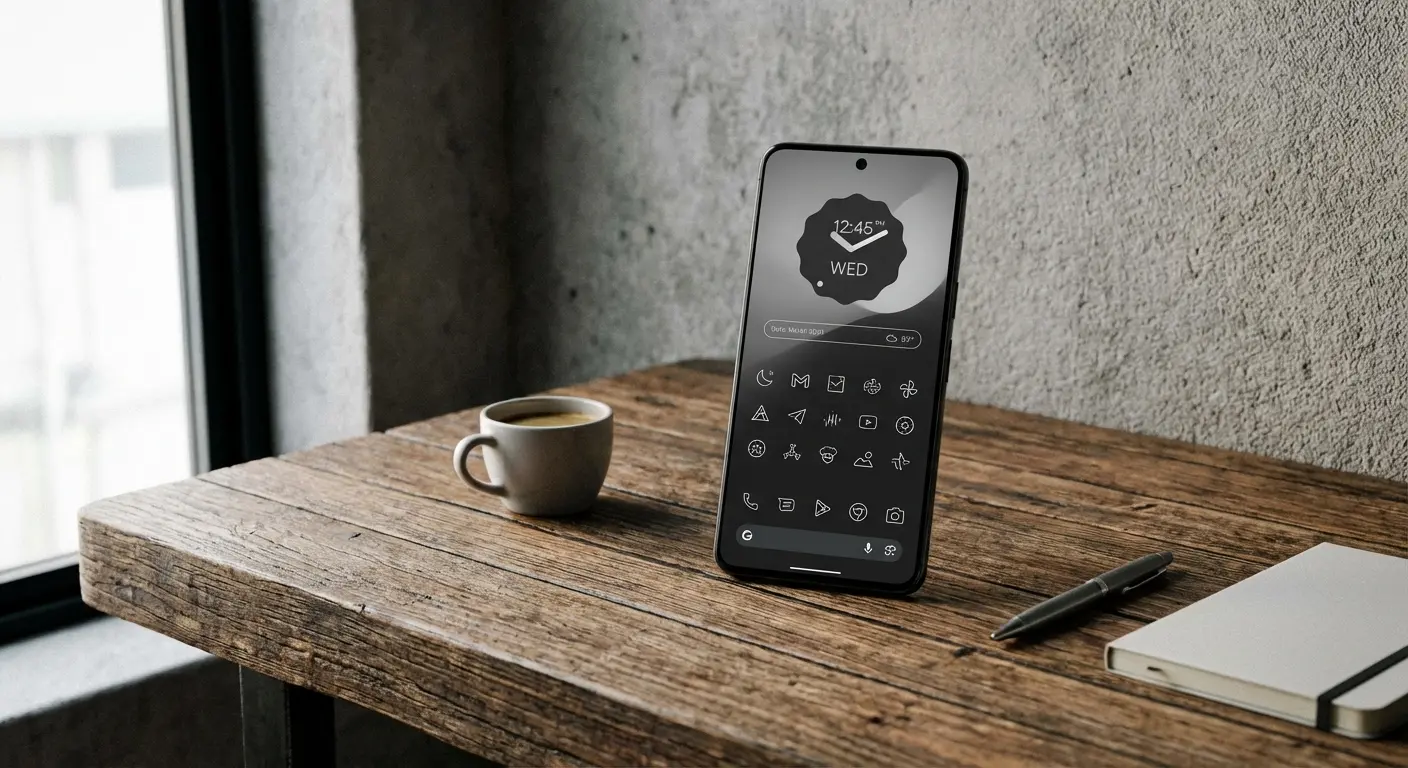
If you want to customize how your phone looks, start here. You can change icons, gestures, and layouts. Once you have Nova running, take it a step further by exploring the best Android widgets to put your most-used info right at your fingertips.
24. AccuWeather
The "MinuteCast" feature is a lifesaver. It tells you exactly when rain will start and stop at your specific street address. It’s information-dense, but when you need to know if you should bring an umbrella, it’s the best.
25. Google Wallet
I rarely carry a physical wallet anymore. Between tap-to-pay, digital boarding passes, and even digital IDs in some states, Google Wallet covers almost everything. It’s secure, biometric-locked, and incredibly convenient.
Don't Let Gravity Ruin Your Setup
Software is great, but gravity still exists. I can't utilize the navigation power of Google Maps or the tracking capabilities of Strava if my phone flies off the dashboard or handlebars. This is where Rokform bridges the gap.
Even the best Android apps are useless if your screen is shattered.
-
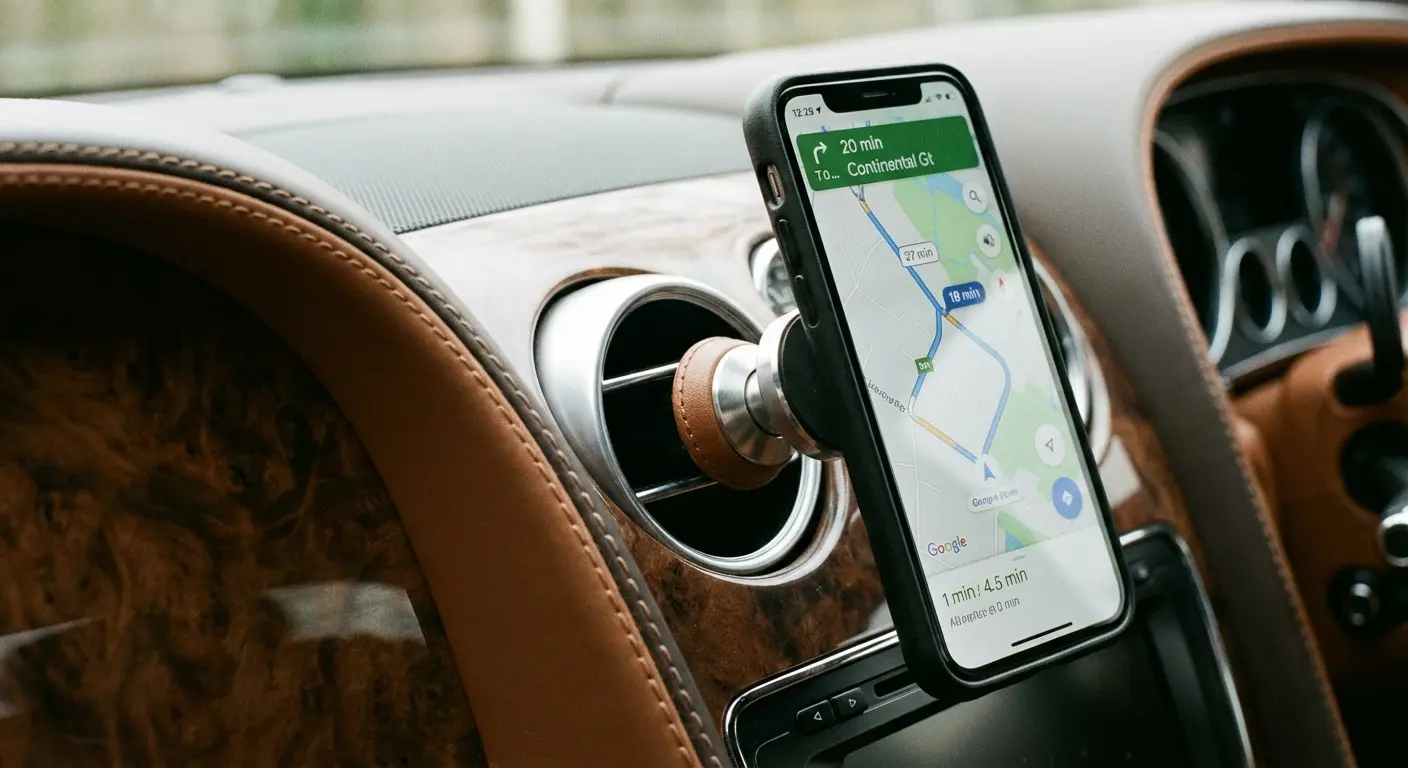
For the Navigator: GPS apps drain battery. Rokform’s cases use MAGMAX™ technology for a secure hold. Pair it with our Wireless Charging Stand or car mounts, and you can run high-drain apps while charging.
-
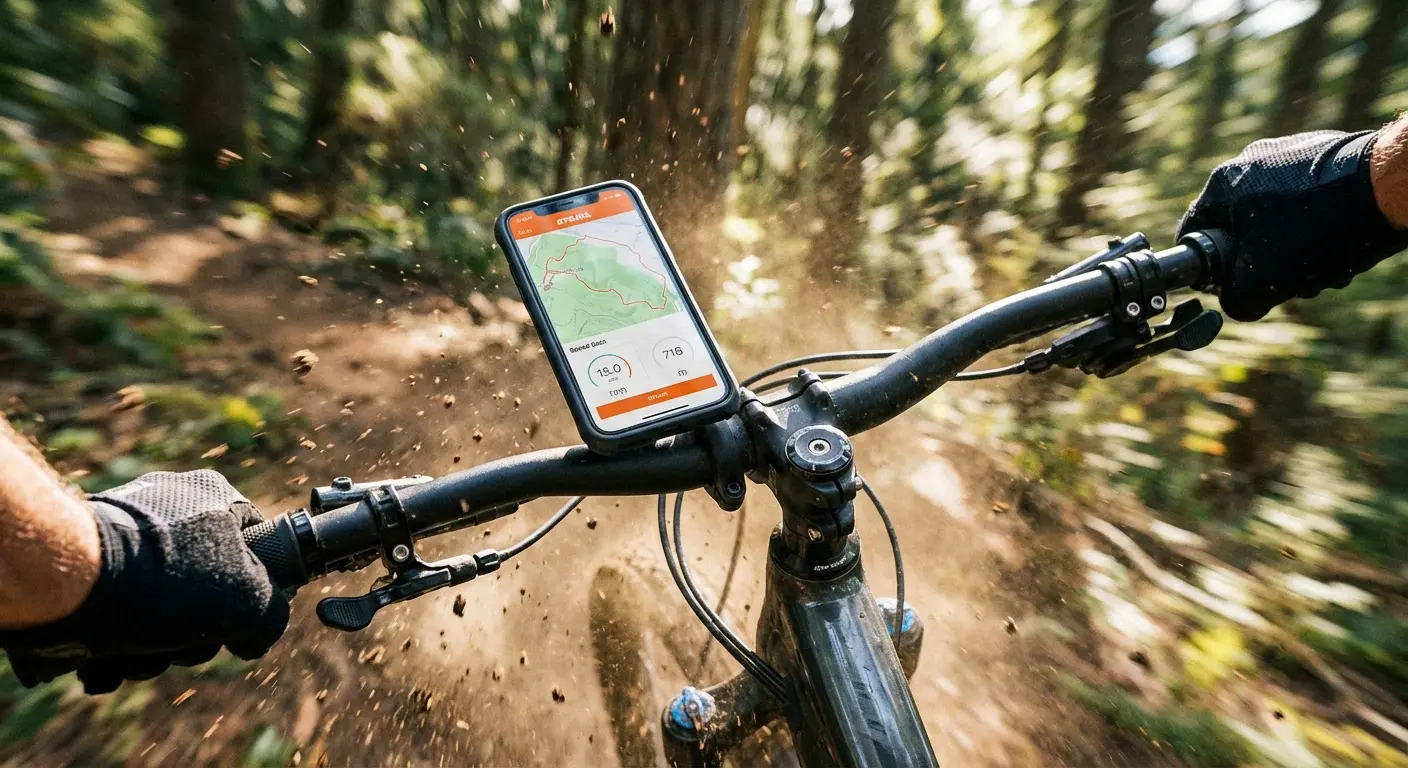
For the Athlete: If you use Strava, you need your phone secure. Our Rugged cases and the patented RokLock™ twist lock system secure your Android directly to your bike or golf cart. It turns your phone into a legitimate dashboard.
-
For the Creator: Editing on the go requires a firm grip. Our cases use military-grade materials to give you a tactile, non-slip grip that keeps those expensive camera lenses safe from drops.
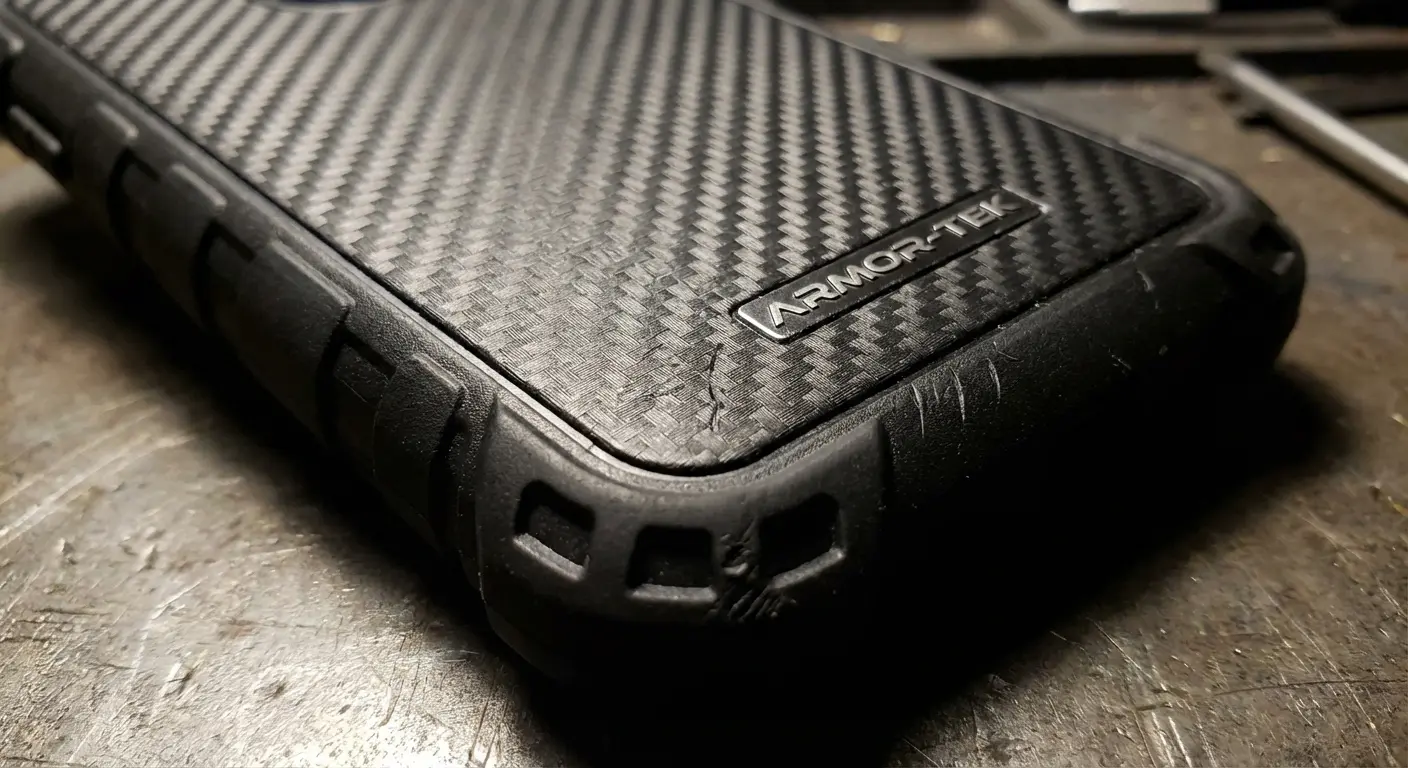
By protecting your device with Rokform’s military-grade accessories, you ensure that your digital tools are always ready for the real world.
The Bottom Line
The Android ecosystem is massive, but you don't need to drown in it. By focusing on the apps that actually leverage AI, respect your privacy, and sync across your devices, you turn your phone into a genuine asset rather than a distraction.
Just remember: powerful software needs reliable hardware. Whether you are tracking a century ride on Strava or editing 4K video in CapCut, make sure your device is mounted, charged, and protected. Go download a few of these and see if they don't make your day just a little bit easier.

