There’s a stat floating around from Superhuman’s blog claiming that teams using AI tools frequently get 14% more done every week. And honestly? When I first read that, I rolled my eyes. It sounded like just another tech buzzword promise.
But then I looked at my own schedule. I was drowning in admin work, emails, and scheduling conflicts. I realized I was working harder, not smarter. So, I finally audited my workflow and started testing tools to see what actually worked. This isn't a list of hype; it’s a guide to the tools that offer a real return on your time. If you’re looking for the best AI productivity apps to actually reclaim your schedule, you’re in the right place.

Table of Contents
Here is how we’re breaking this down. We'll look at how to pick software that isn't garbage, the top 25 apps worth your storage space, and the physical gear you need to keep your mobile office running.
How to Spot Tools That Are Actually Useful
-
The 25 Best AI Productivity Apps to Download Now
General Assistants & Research
Writing & Content Creation
Task & Project Management
Scheduling & Time Management
Meeting Intelligence
Creative Workflow
The Hardware Side: Don't Let Gravity Ruin Your Flow
The Bottom Line
TL;DR
In a rush? I get it. Here is the cheat sheet. If you don't have time to read the deep dive, here are the absolute winners in each category.
Integration Matters: If an app doesn't talk to your current stack (Google, Slack, Microsoft), it’s just creating more chores for you.
Must Work on Mobile: If you can't use it effectively on your phone, it’s not a productivity tool; it’s a desk anchor.
Best General Assistant: ChatGPT is still the king of versatility.
Best for Meetings: Otter.ai and Fireflies.ai mean you never have to scramble to take notes again.
Best for Scheduling: Motion and Reclaim.ai are like having a digital executive assistant.
Protect Your Gear: You can't be productive with a smashed screen. Use reliable gear like Rokform cases and mounts to keep your tech safe.
How to Spot Tools That Are Actually Useful
The app store is flooded with "AI" software right now. A lot of it is just a wrapper around ChatGPT with a price tag. When I evaluate new artificial intelligence tools, I use a specific framework to make sure I'm not wasting my time (or money).
Evaluation Criteria |
Why It Matters |
Red Flag to Watch For |
|---|---|---|
Integration Depth |
You shouldn't have to copy-paste between five apps. |
"Connects via Zapier only" (Native integration is always smoother). |
Mobile Parity |
You need to work from the car or the couch, not just the office. |
"View only" mode on mobile apps. |
Data Privacy |
You don't want your company secrets training a public bot. |
Terms that allow model training on your private data. |
Time-to-Value |
How fast does it actually help you? |
Apps that require weeks of data entry before they work. |
The 25 Best AI Productivity Apps to Download Now
I’ve split this list into six categories so you can skip to what you actually need. These are the best AI productivity apps that I believe offer the clearest ROI for 2026.
General Assistants & Research
Think of these as your "Swiss Army Knives." They replace Google searches, draft basic emails, and solve coding problems. While these handle the heavy lifting, you can also use specialized best apps for budgeting to keep your finances in check alongside your work stack.
1. ChatGPT (by OpenAI)
The standard-bearer. Whether you need to code a website, plan a travel itinerary, or brainstorm ideas, ChatGPT handles it. Just remember to double-check its facts.
2. Claude (by Anthropic)
Claude feels more "human" and is much better at reading. I recommend this if you need to upload a massive PDF or legal contract and ask, "What are the red flags here?" It handles large documents better than the rest.
3. Perplexity AI
Perplexity is what Google should be. Instead of giving you a list of links, it gives you a cited answer. It cuts research time in half and the mobile app is fantastic for on-the-go fact-checking.
AI Model |
Best Use Case |
The "Killer App" Feature |
|---|---|---|
ChatGPT |
General reasoning & coding. |
Deep ecosystem integration (DALL-E images, Web Browsing). |
Claude |
Writing & reading long docs. |
Massive context window (it can read a whole book). |
Perplexity |
Real-time research. |
Provides direct citations so you know it's not lying. |
Gemini |
Google Workspace users. |
Reads your Emails and Drive files directly. |
4. Gemini (by Google)
If your life lives in Google Workspace, Gemini is your best bet. It can pull data straight from your emails and Drive to answer questions like "When is my flight?" or "Summarize that project doc."
5. Microsoft Copilot
The corporate standard. If you live in Excel, Word, and PowerPoint, Copilot is built right in. It’s great for turning a Word doc into a PowerPoint deck instantly.
Writing & Content Creation
This category is about curing "blank page syndrome." These apps help you get words on the page and polish them up so you sound professional.
Real Life Scenario: The Tone Shift
- The Problem: You're frustrated with a client and you're about to send an angry email.
- Your Draft: "You missed the deadline again. This is unacceptable and I can't work like this."
- The AI Fix: You run it through Grammarly or Jasper with a "Diplomatic" filter.
- The Result: "I noticed we missed the deadline. Can we discuss how to adjust the timeline to ensure we stay on track moving forward?"
- The Win: You just saved a client relationship.
6. Jasper
Jasper is great for marketers because it understands "brand voice." It’s a bit pricey for individuals, but for agencies, it's a powerhouse.
7. Grammarly
Grammarly has evolved way beyond a spellchecker. It’s now a tone and clarity coach. It runs quietly in the background and nudges you when you’re being too passive or too aggressive.

8. Copy.ai
Perfect for sales teams and cold emails. It can generate bulk social media captions or product descriptions in seconds, saving you hours of typing.
9. Shortwave
Shortwave completely overhauls Gmail. It organizes threads and uses AI to summarize them, meaning you can actually clear your inbox from your phone while waiting for coffee.
10. TextBlaze
TextBlaze allows you to use smart snippets to expand short codes into full paragraphs. It’s a lifesaver for customer support agents who type the same thing 50 times a day.
Task & Project Management
These platforms use AI to keep you organized. They automate the boring stuff like creating subtasks and status updates.
11. Notion
Notion is the "all-in-one" workspace. The AI features can summarize your messy notes and turn them into clear action items. It has a learning curve, but once you get it, it's powerful.
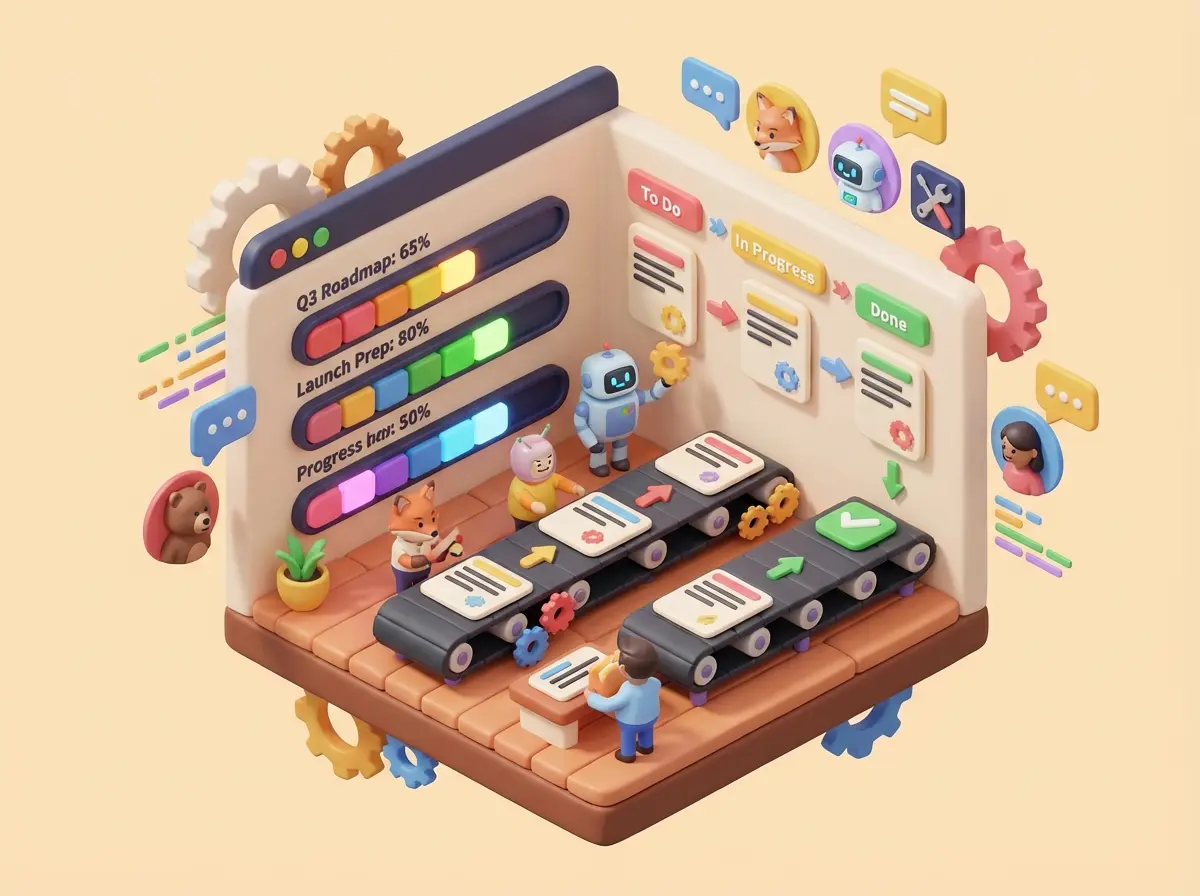
12. ClickUp
ClickUp tries to do everything, and it usually succeeds. The AI can write project briefs and updates automatically, keeping everyone on the same page.
13. Todoist
Simple, clean, and effective. Todoist uses Natural Language Processing so you can just type (or say) "Buy milk every Tuesday at 5pm" and it sets the recurring task instantly.
14. Asana
Great for bigger teams. Its "Smart Status" feature looks at all the activity in a project and tells you if it's at risk of missing a deadline, which is great for managers.
Scheduling & Time Management
These are the apps that protect your sanity. They defend your calendar against endless meetings.
15. Motion
Motion is aggressive about your time. It auto-schedules your day based on your to-do list. If a meeting runs late, it automatically reshuffles your tasks. It's expensive, but it's cheaper than hiring an assistant.
Real Life Scenario: The Crisis Reshuffle
- The Problem: An urgent meeting pops up at 2:00 PM, right when you planned to do deep work.
- Without AI: You spend 15 minutes stressing and moving calendar blocks around.
- With Motion: You accept the meeting. Motion sees the conflict, realizes your deep work is high priority, and instantly moves it to 10:00 AM tomorrow. Problem solved.
16. Reclaim.ai
Reclaim is great for work-life balance. It blocks time for lunch (seriously) and seamlessly blends your personal calendar with your work one so you don't double-book yourself.
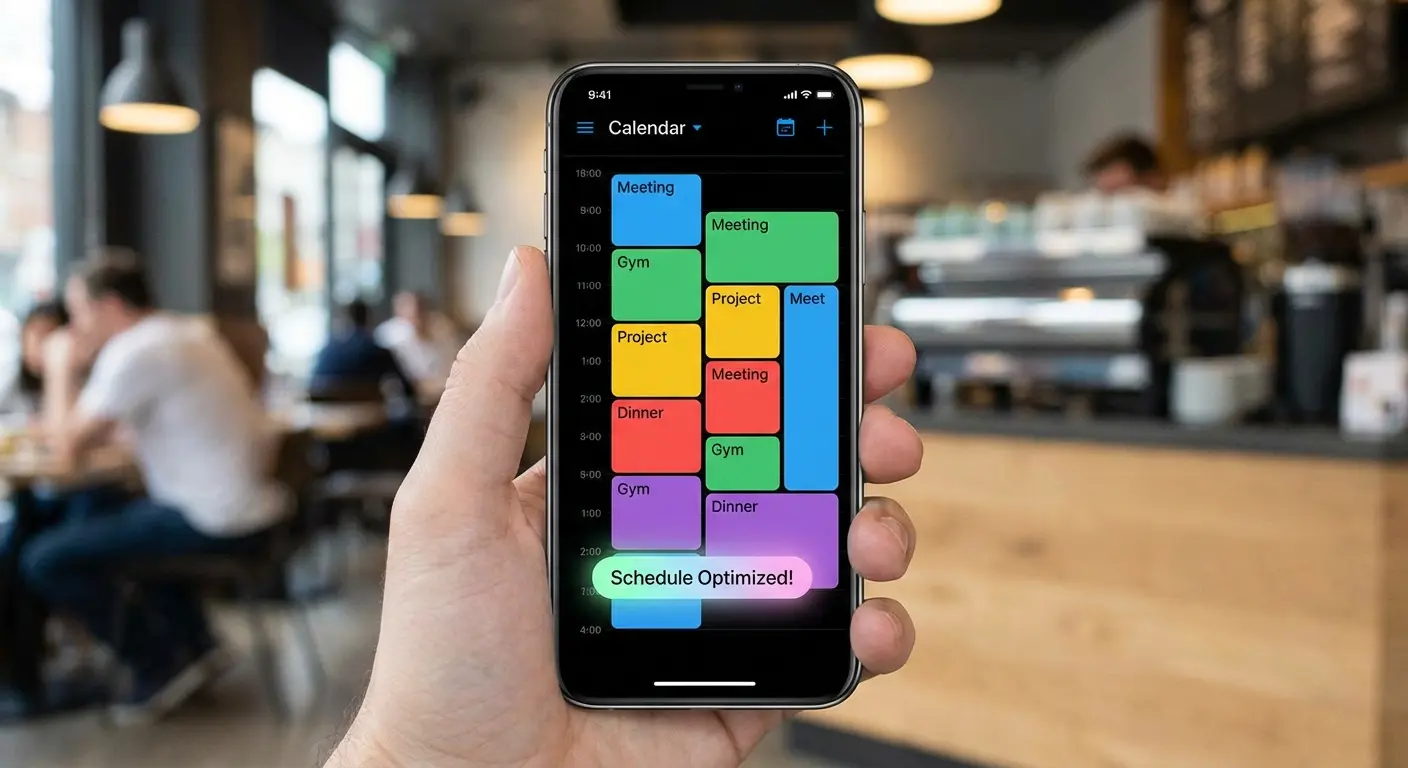
17. Clockwise
Clockwise is for teams. It tries to group everyone's meetings together to create shared blocks of "Focus Time" where no one is allowed to bother anyone.
18. Zapier
Zapier is the glue of the internet. It connects apps that don't usually talk to each other. You can now use plain English to describe an automation, and Zapier builds it.
Meeting Intelligence
Stop taking notes. Seriously. These tools record, transcribe, and summarize meetings so you can actually pay attention.
19. Otter.ai
Otter is fantastic for recording audio. It identifies who is speaking and gives you a transcript. I use this on mobile constantly to record ideas while I'm driving or walking.
Feature |
Otter.ai |
Fireflies.ai |
Supernormal |
|---|---|---|---|
Primary Focus |
Live transcription & audio. |
Post-meeting analysis. |
Instant bullet-point notes. |
Best For |
Interviews and voice notes. |
Sales teams analyzing calls. |
Google Meet users. |
Video Integration |
Audio focused. |
Joins as a participant. |
Chrome extension overlay. |
20. Fireflies.ai
Fireflies joins your video calls as a participant. It takes notes, analyzes sentiment, and lets you search your past meetings like a database. "What did Dave say about the budget last month?" Fireflies knows.
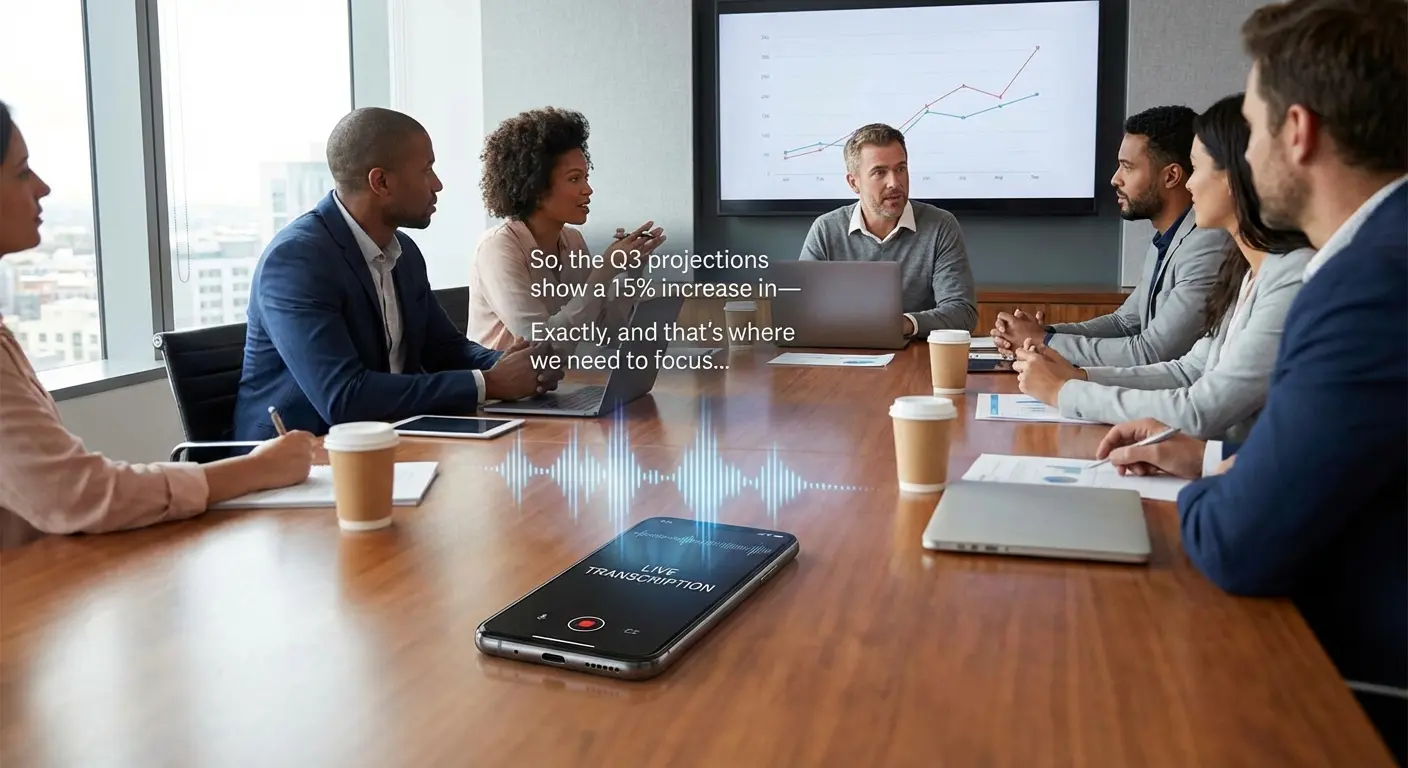
21. Supernormal
Supernormal is fast. It turns meeting transcripts into perfectly formatted bullet points the second the call ends. It eliminates that 15 minutes of post-meeting admin work.
Creative Workflow
These tools lower the barrier to entry for design. If you are focused on visuals, you can pair these with the best apps for creative typography to make your assets look professional.
22. Midjourney
Midjourney creates mind-blowing images from text. It runs through Discord and takes a minute to learn, but the results are often indistinguishable from real photos.
23. Canva
Canva is design for the rest of us. With their "Magic Studio," you can resize images, remove backgrounds, or generate new elements with a single click.
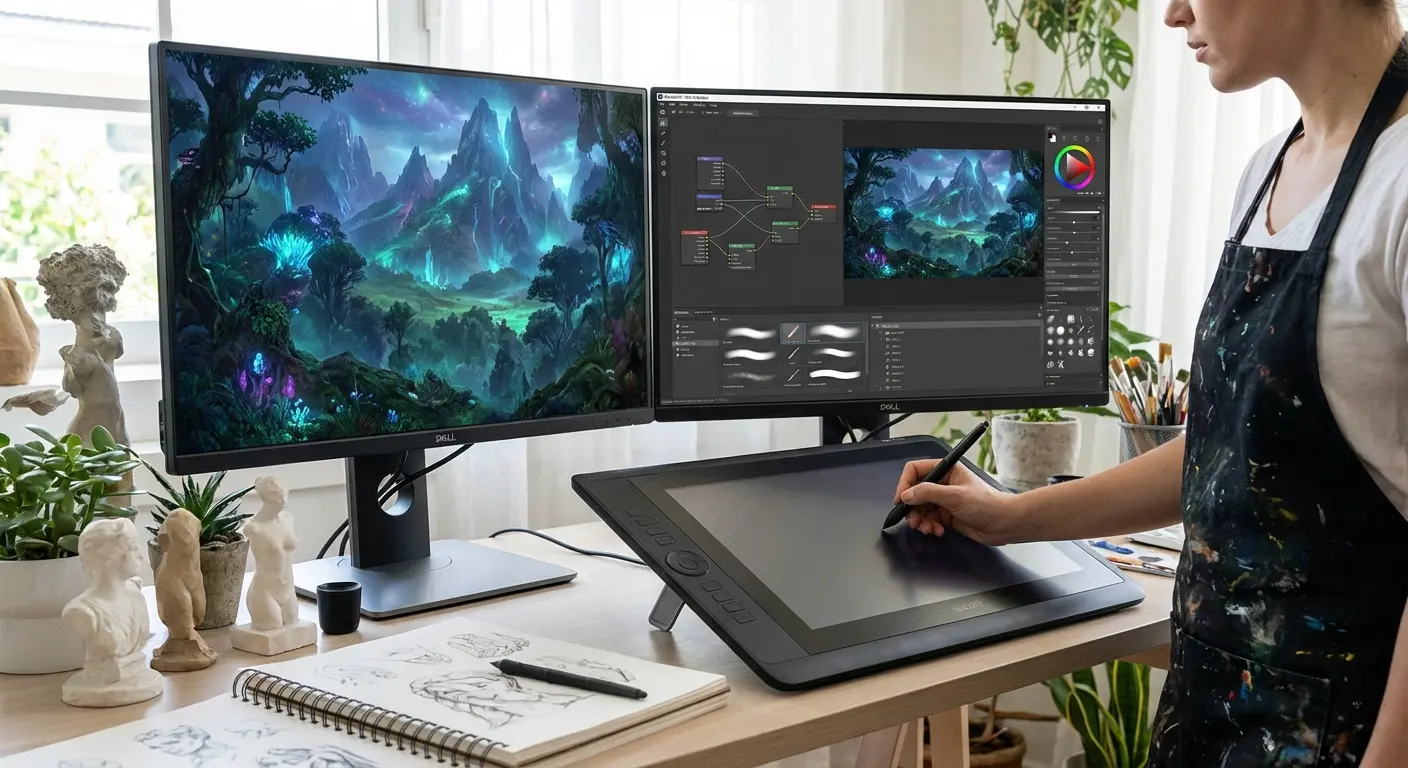
24. Descript
Descript changes how you edit video. You edit the text transcript, and it cuts the video to match. It even has voice cloning to fix audio mistakes without re-recording.
25. Runway
Runway is for high-end video generation. It’s a professional tool that can remove objects from video or generate entirely new clips from text prompts.
The Hardware Side: Don't Let Gravity Ruin Your Flow
Here is the thing about software: it lives on fragile glass rectangles. You’re likely checking Motion for your next meeting while driving, or using Otter.ai on a job site. This is where the physical world meets the digital one. If your phone slides off the dash or runs out of battery, your productivity hits zero. To make sure you stay powered up, consider grabbing one of the top 7 MagSafe battery packs for those long days.

The Rokform Advantage:
You need a system that keeps your phone secure and accessible. Rokform bridges the gap between digital productivity and physical reliability.
Productivity on the Road: You can't be fumbling with your phone when you're trying to use voice AI while driving. Rokform’s magnetic mounts use MAGMAX™ technology to snap your phone securely to your dashboard. This gives you a heads-up, hands-free setup. For the best setup, check out our guide to the best magnetic car phone mounts.
-
Protect Your "Second Brain": Your phone houses your personal assistant and your work. Rokform’s Rugged and Crystal cases offer military-grade protection. If you drop it, you bounce back, you don't break. If you’re on iPhone, investing in one of the best magnetic cases for iPhone is a no-brainer.
Real Life Scenario: The Field Agent
-
The Scenario: A project manager is on a construction site. They see a safety issue and need to document it.
-
The Risk: Holding the phone loosely while climbing a ladder or resting it on a vibrating surface where it could fall.
-
The Rokform Fix: They magnetically mount their phone to a steel beam using the Rokform case. It sticks there, eye-level. They use Otter.ai to dictate the report hands-free while snapping photos. Safe, secure, productive.
- Versatility Anywhere: The RokLock™ twist lock system ensures your device stays put, whether you are mounting your phone to a toolbox to watch a tutorial or using a GPS app on the golf course.

The Bottom Line
We are past the point of AI being a novelty toy. These 25 apps represent the best options to reclaim your time and mental energy in 2026. Take a look at your current workflow, pick the tools that solve your specific bottlenecks, and ensure your hardware is tough enough to keep up with your new pace.