


We’ve all been there. You're staring at a screen, drowning in notifications, looking at a to-do list that somehow got longer while you were at lunch. It’s exhausting to flip between tabs, hoping one of them holds the secret to finally getting your life together. I saw a post recently where someone tried 57 productivity tools in a single year just to find what stuck. That sounds like a nightmare, not a solution.
You don't need 57 apps; you just need a few that actually work. We cut through the hype to curate a list of the best productivity apps that will actually help you clear the deck.
Table of Contents
We’ve broken this down into the categories that actually matter: managing tasks, taking notes, talking to your team, staying focused, using AI, and designing stuff. Plus, we’ll talk about the one thing most people forget: the hardware that keeps these apps running.
Read This Before You Download
Task & Project Management
Knowledge & Note-Taking
Communication & Collaboration
Focus & Time Management
AI & Automation Utilities
Visual & Creative
Don't Let Broken Hardware Ruin Your Workflow
TL;DR
In a rush? Here is the gist of what we found. Even the best productivity tool is useless if it makes your life more complicated or if your phone battery dies halfway through a project.
Integration is everything: If it doesn't sync between your laptop and phone, skip it.
Embrace AI: The best tools now draft your emails and summarize your meetings for you. Use them.
Know your style: Do you want a simple checklist (low friction) or a massive database (high power)? Don't buy a Ferrari if you just need a bicycle.
Protect the gear: Your software is useless if your phone screen shatters on a job site. Good protection is an investment in uptime.
5 Things to Consider Before You Subscribe
Before you hand over your credit card info, ask yourself if this tool actually fits your life. An app that works wonders for a software engineer might be absolute torture for a graphic designer.
You need to know: Does it play nice with the gear you already own? Does it automate the boring stuff? Finding the best apps for productivity isn't about features; it's about flow.
Category A: Task & Project Management
This is about getting the chaos out of your head and into a system you trust. Whether you need a personal grocery list or a way to manage a 50-person team, these are the heavy hitters.
Tool |
Best For... |
Learning Curve |
The "Killer" Feature |
|---|---|---|---|
Todoist |
Solo Task Lists |
Easy |
"Natural Language" typing |
ClickUp |
Doing Everything |
Steep |
Insane Customization |
Asana |
Team Tracking |
Moderate |
Timelines & Dependencies |
Monday.com |
Visual Workflows |
Moderate |
Visual Automation |
Trello |
Simple Processes |
Very Easy |
Kanban Boards |
1. Todoist
Todoist is still the king of personal tasks for one reason: natural language input. You just type "Submit report every Friday at 4pm," and it sets the recurring deadline instantly. No clicking through calendars or dropdown menus. It’s fast, clean, and stays out of your way.
2. ClickUp
ClickUp tries to replace all your other apps—docs, tasks, chat, goals—and put them in one bucket. It is incredibly powerful, but be warned: it takes some time to set up. If you're a team that wants to stop paying for five different subscriptions, this is the move.
3. Asana
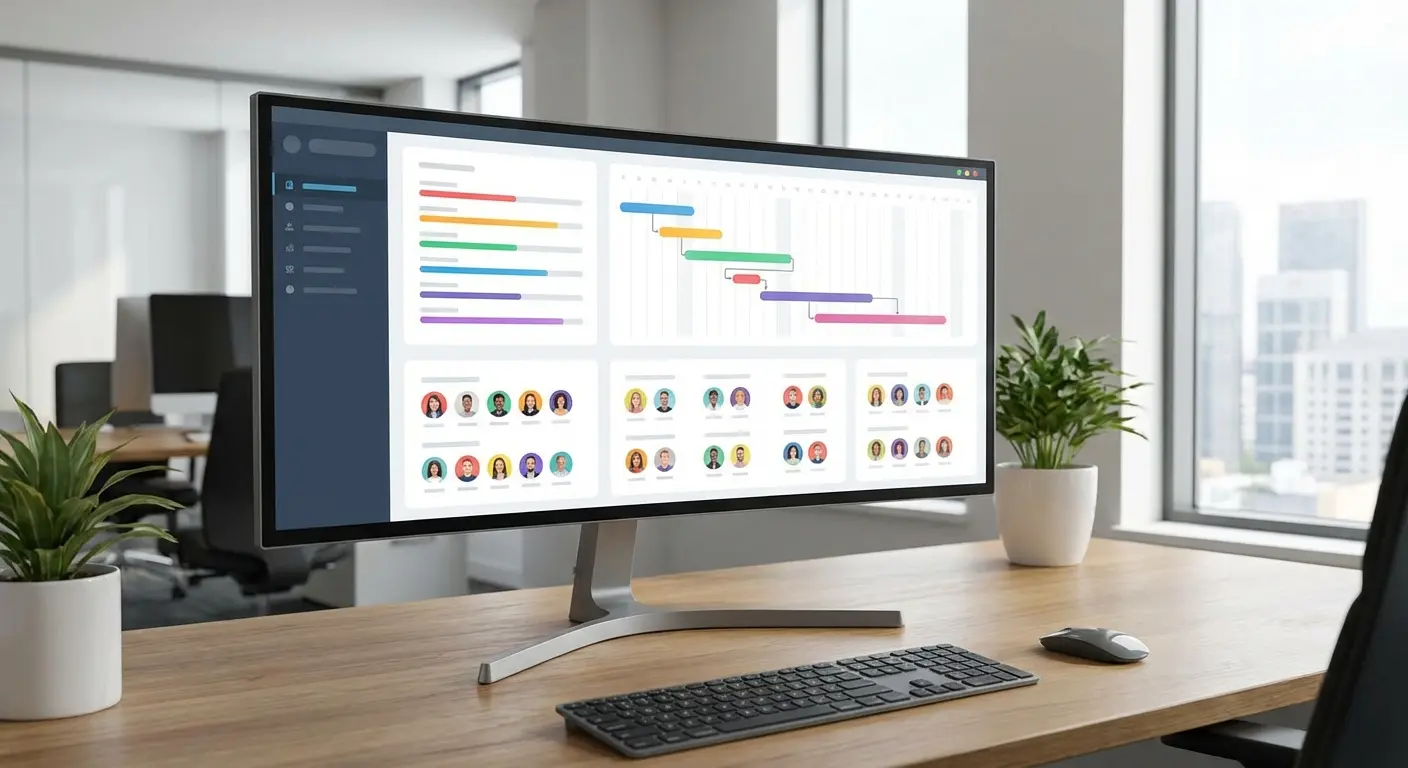
Asana is great for seeing the "big picture." It’s visually driven and great at showing how a delay in Task A is going to screw up Task B. It integrates really well with the usual suspects like Slack and Google Drive, making it a solid choice for collaborative teams.
4. Monday.com
Monday.com is essentially a spreadsheet that went to the gym. It uses color-coded visuals to handle workflows. It’s fantastic for people who are "visual thinkers" and need to manage complex projects but hate looking at boring data rows.
5. Trello
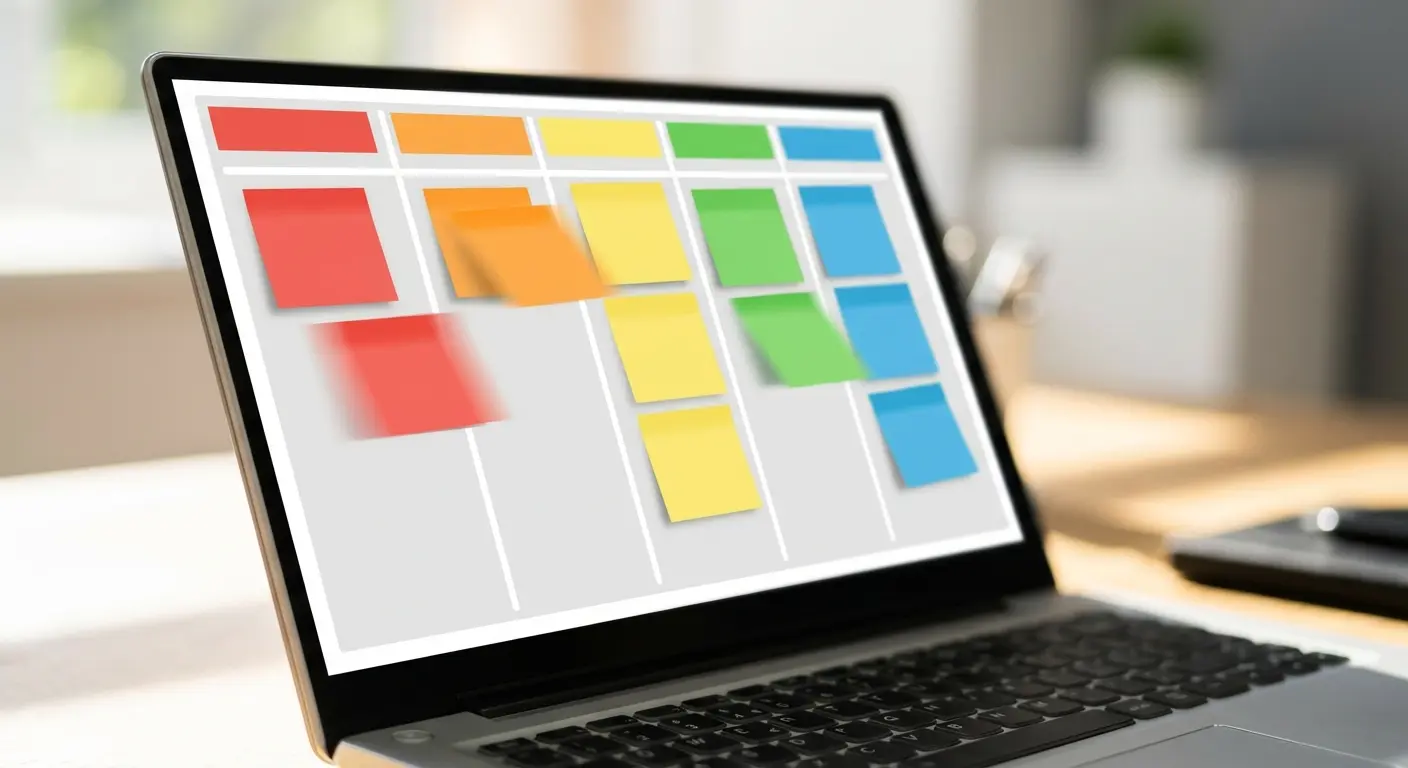
Trello is the digital version of sticky notes on a whiteboard. It uses the Kanban system (To Do -> Doing -> Done). It has the lowest learning curve on this list. If you have a linear workflow, Trello is arguably the best productivity tool to just get started immediately.
Category B: Knowledge & Note-Taking
You can't remember everything. These apps help you build a "Second Brain" so you can stop worrying about forgetting details.
The "Second Brain" Workflow:
Imagine you're researching a new project.
You clip an article using Evernote.
You have a brilliant idea on the train and thumb it into Bear.
Later, you drag all that into Notion and link it to your project plan. Now, nothing gets lost.
6. Notion
Notion is a workspace that blurs the line between a document and a website. You can build wikis, databases, and project trackers all on one page. Their new AI features can even summarize your messy notes into clean action items.
7. Microsoft OneNote
If you live in the Microsoft ecosystem, use OneNote. It feels like a physical notebook—you can type anywhere on the page, draw with a stylus, or clip web pages. Plus, if you have a Microsoft account, you're likely already paying for it.
8. Obsidian
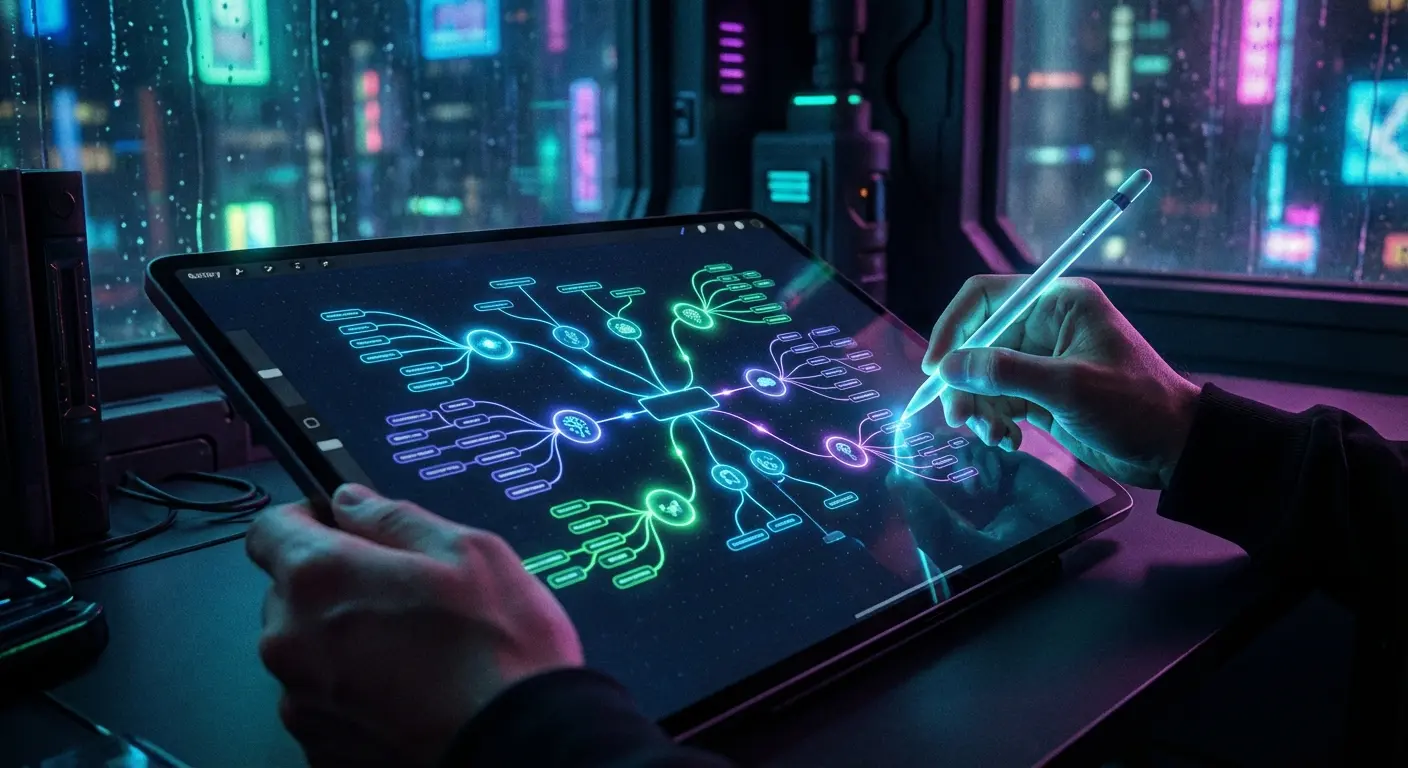
Obsidian is for the data nerds (we say that with love). It links your notes together to form a "web" of thoughts, similar to how your brain actually works. The data lives on your device, not in the cloud, which is a huge plus for privacy buffs.
9. Evernote
The old guard. Evernote is still the best digital filing cabinet out there. Its superpower is the ability to search text inside images and PDFs. If you take a picture of a handwritten receipt, Evernote can read it.
10. Bear
Bear is a beautiful, simple writing app for Apple users. It uses hashtags to organize notes and looks stunning. If you want a distraction-free place to write on your iPhone or Mac, this is it.
Category C: Communication & Collaboration
Bad communication kills productivity faster than anything else. These tools cut down the noise.
11. Slack
The digital office. Slack is where work happens for most modern teams. Its real strength is that it connects to almost every other app on this list, acting as a central command center for your notifications.
12. Microsoft Teams
If you are in a corporate environment, you're probably using Teams. It combines video, chat, and file storage. It shines when you need to keep conversations specifically attached to certain documents or projects.
13. Zoom
It became a verb for a reason. Zoom is still the standard for video calls because it usually works even when your internet connection is struggling. The new AI features, like automated meeting summaries, are actually pretty useful time-savers.

14. Loom
Stop typing long emails explaining how to do something. Loom lets you record your screen and voice simultaneously. Send a 2-minute video instead of a 5-paragraph email. Your team will thank you.
Type |
Tool |
When to use it |
|---|---|---|
Chat |
Slack |
Quick questions & GIFs |
Video Calls |
Zoom |
Client meetings |
Screen Recording |
Loom |
Explaining bugs or feedback |
Email Upgrade |
Spike |
Making email feel like chat |
15. Spike
Spike turns your email inbox into something that looks like iMessage or WhatsApp. It strips away the headers and signatures so you can just have a conversation. It makes email significantly less painful.
Category D: Focus & Time Management
Attention is your most valuable resource. These apps help you guard it.
16. Forest
Forest gamifies your discipline. You plant a virtual tree, and it grows as long as you don't touch your phone. If you exit the app to check Instagram, your tree dies. It sounds silly, but it works.
17. Toggl Track
Do you actually know where your day went? Toggl is a one-click timer that tracks your work. Just like using the best mileage tracker apps for travel, Toggl gives you brutal honesty about how long that "quick task" actually took.
18. RescueTime
RescueTime runs in the background and spies on you (for your own good). It tells you exactly what percentage of your day was spent on "Productive" apps vs. "Distracting" ones, without you having to enter any data manually.
19. Freedom
Freedom is the nuclear option. It blocks apps and websites across all your devices at once. If you have zero willpower, set a timer on Freedom, and it will literally prevent you from opening Twitter until the time is up.
The "Deep Work" Morning:
8:00 AM: Turn on Freedom to block social media.
Start a timer on Toggl Track.
Open Forest and plant a tree.
Get to work.
Category E: AI & Automation Utilities
Let the robots do the boring stuff. Automation is the secret weapon of high performers.

20. Zapier
Zapier is digital duct tape. It connects apps that don't normally talk to each other. You can set it up so that when you get a new lead in Gmail, it automatically adds it to Trello and messages you on Slack. It works while you sleep.
21. ChatGPT
Your on-demand intern. Use ChatGPT to draft emails, outline blog posts, or troubleshoot code. It’s perfect for getting over the "blank page" syndrome.
22. Otter.ai
Otter records your meetings and transcribes them in real-time. It even picks out key takeaways. This means you can actually listen to the conversation instead of frantically scribbling notes.
23. Grammarly
Grammarly saves you from looking unprofessional. It checks your tone and grammar everywhere, from Google Docs to Slack. It’s a safety net for your communication.
Category F: Visual & Creative
Sometimes you need to show, not tell.
24. Canva
Canva is graphic design for the rest of us. You don't need to know Photoshop to make a great presentation or social post. Whether you're looking for the best apps for creative typography or just a quick flyer, Canva is fast and intuitive.

25. Miro
Miro is an infinite online whiteboard. It is amazing for remote teams who need to brainstorm. You can stick sticky notes, draw charts, and map out ideas just like you were in a conference room together.
Don't Let Broken Hardware Ruin Your Workflow
You can have the best software stack in the world, but if your phone shatters on the pavement, your productivity hits zero. Todoist can't help you if your screen doesn't work.
That’s why at Rokform, we treat hardware as a productivity tool. We build cases and mounts that ensure your mobile control center is secure, visible, and actually usable in the real world.
Protection for the Real World
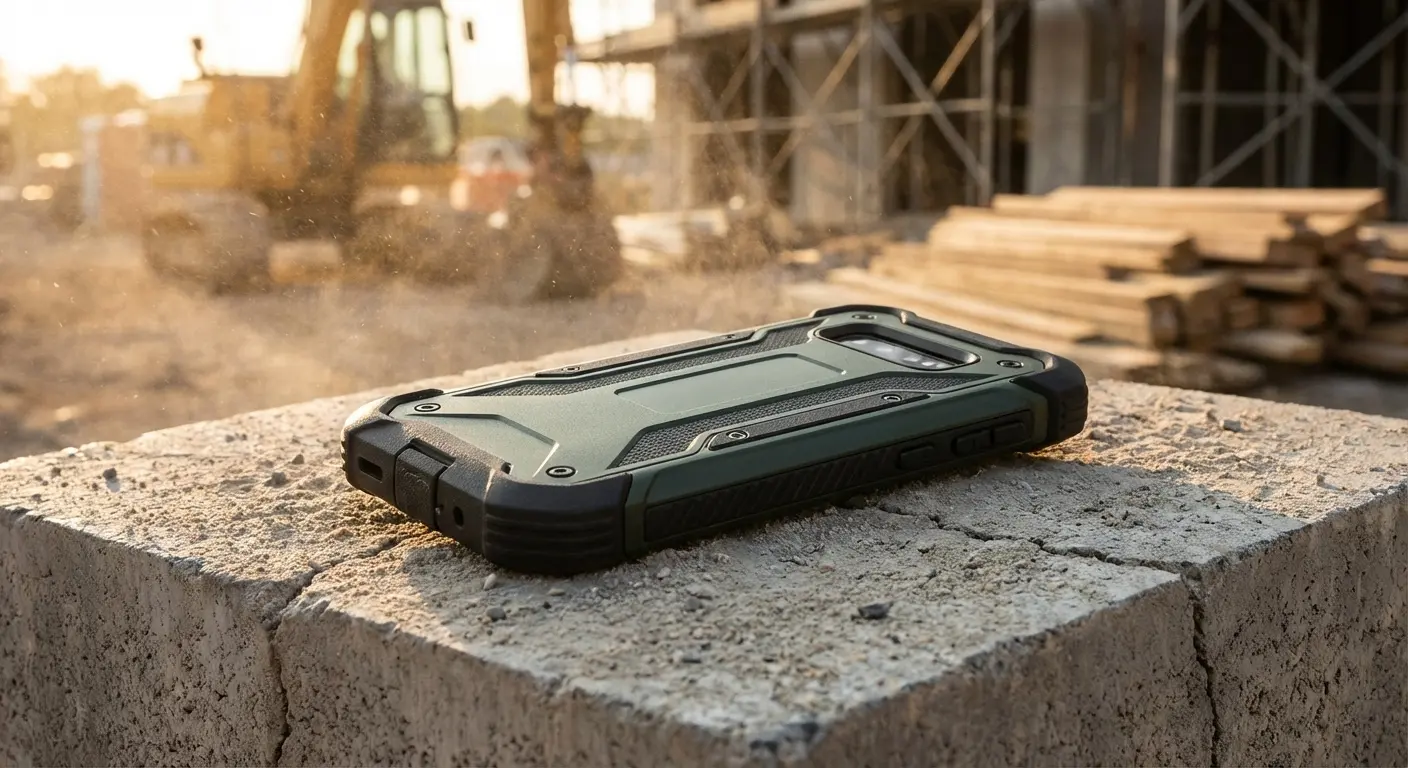
Productivity doesn't just happen at a desk. It happens on job sites, in the gym, and on the road. Our Rugged and Crystal Series cases offer military-grade protection. We drop-test them so you don't have to panic when your phone slips out of your hand.
Feature |
Standard Case |
Rokform Rugged Case |
Why it matters |
|---|---|---|---|
Drop Protection |
3-4 ft |
6 ft (Military Grade) |
No downtime from broken screens |
Mounting |
None |
Integrated Magnet |
Stick it to a toolbox, fridge, or rack |
Lock System |
None |
RokLock™ Twist Lock |
Securely bike or ride with your phone |
Mounting for Efficiency
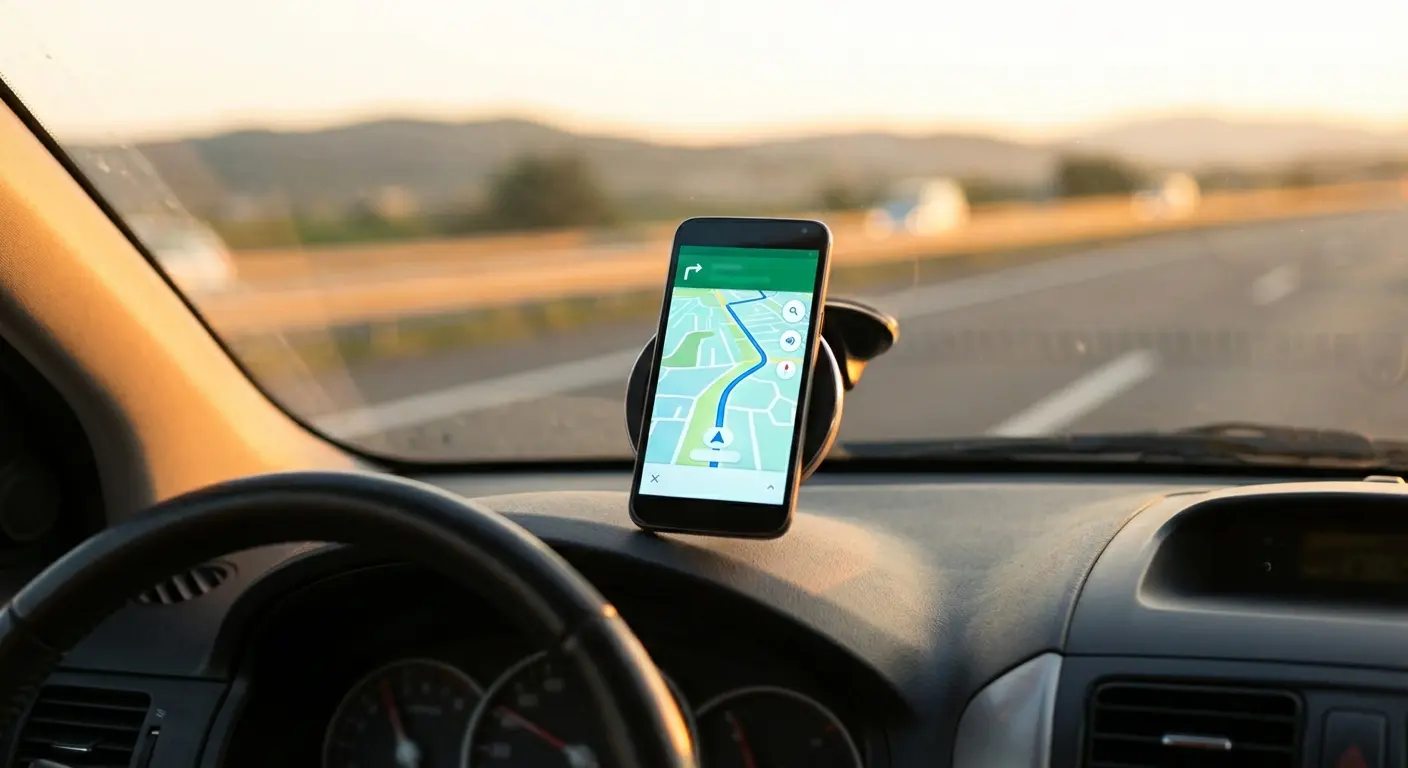
We put magnets in our cases for a reason—utility. Our MAGMAX™ technology lets you stick your phone to any magnetic surface. Need to see your workout plan in the gym? Stick it to the rack. Need to follow GPS on a motorcycle? Twist it into our mount.
Whether you're using the best cycling apps on a weekend ride or using voice-to-text in your truck with our magnetic car mounts, we keep your hands free and your phone safe.
Final Thoughts
Finding the right tools takes some trial and error, but this list is a solid place to start. Whether you're managing a project or looking for the best apps for jobs, the goal isn't to use more apps—it's to use the ones that actually make your life easier.
Equip your phone with the apps that streamline your mind, and the hardware that protects your device, so you can get back to work.

