


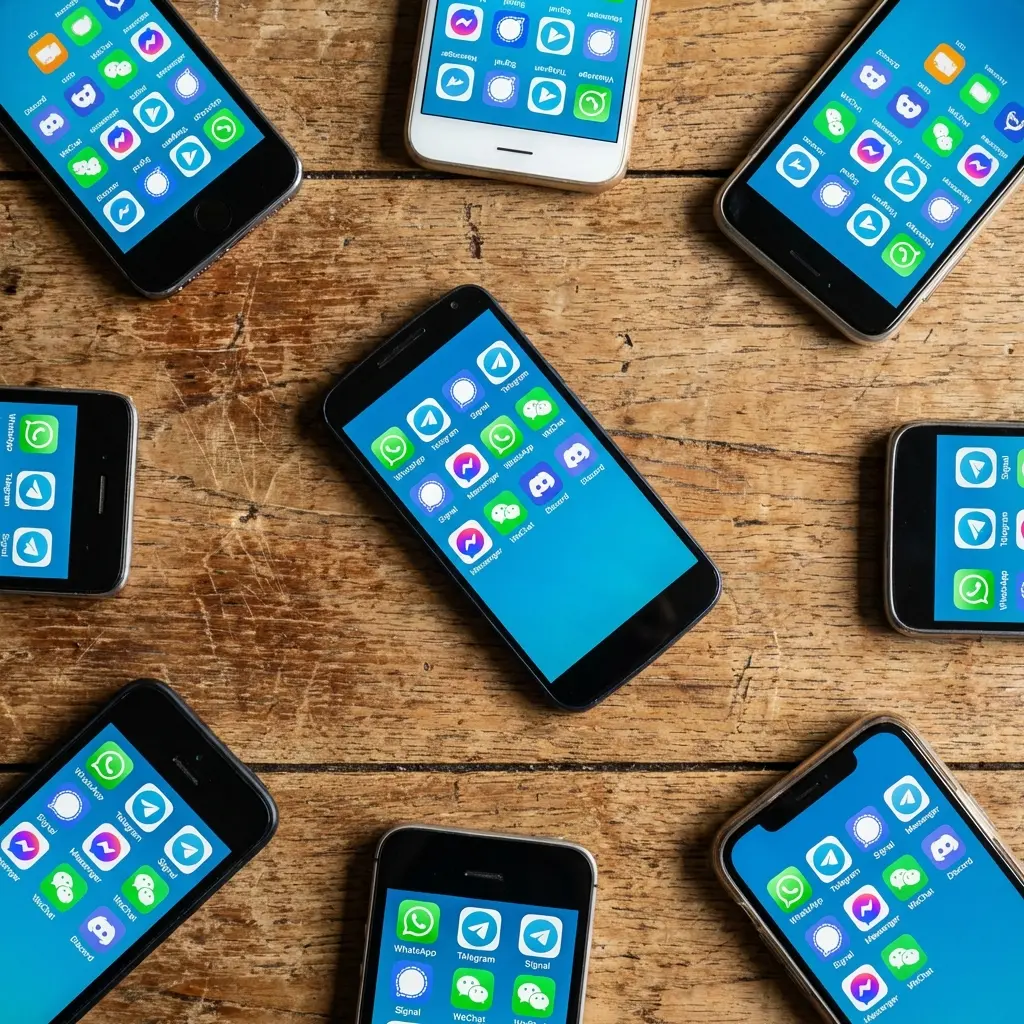
WhatsApp is currently sitting at over 3 billion monthly users. That is a massive amount of people constantly talking, sharing memes, and organizing plans. I actually felt the weight of that number recently when I completely missed a family announcement just because I wasn't checking the specific group chat where it happened. It was a frustrating reminder that the app you choose really dictates who you can talk to and how well you can do it.
You don't want to be the person breaking the group chat or missing out because you aren't on the right platform. We pulled together a list of the top apps available right now to make sure you're always in the loop.
What We're Covering
We’re going to walk through what actually matters when picking a messenger, and then break down the top 25 apps worth your time. We’ve split them up by what they do best—from standard SMS replacements to privacy tools and workplace hubs. Finally, we’ll touch on how to keep the phone you're using safe and accessible.
-
What to Look For
RCS vs. SMS (The tech stuff)
Security & Privacy
Using it on your laptop
Where your friends are
Features & Customization
The Default & SMS Replacement Apps
Global Chat Apps
Privacy-First Tools
Work & Community
Visual & Niche Apps
Keeping Your Phone Secure with Rokform
The Bottom Line
TL;DR
In a rush? Here is the cheat sheet for the Android landscape in 2026. If you don't want to read the technical deep dive, here is what you need to know.
The Ecosystem is Everything: Your choice usually comes down to whether you need standard texting, RCS (the modern standard), or data-based apps like WhatsApp.
Lock it Down: If you want to make sure only you and the person you're texting can read the message, look for End-to-End Encryption (E2E).
Location, Location, Location: WhatsApp is king internationally, but standard texting is still the default in the US.
Work vs. Play: Keep business on Slack or Teams, and keep your gaming communities on Discord.
Protect the Gear: The best app in the world doesn't matter if you drop your phone on concrete. A good case and mount are essential.
Here is a quick snapshot of the winners in each category:
Category |
Top Pick |
The Vibe |
|---|---|---|
Default / SMS |
Google Messages |
The modern standard. Works great with other Androids and iPhones. |
Global Chat |
Essential for travel and talking to family overseas. |
|
Privacy |
Signal |
For when you need serious security. |
Workplace |
Slack |
Where work happens (unfortunately). |
Visual |
Snapchat |
Casual pics and videos that disappear. |
Things to Consider Before Downloading
Picking a messaging app isn't just about the icon color. You're basically choosing the ecosystem where you'll live your digital life. We need to look at a few factors to make sure the app actually fits your habits.
Are you looking for military-grade security, fun stickers, or just trying to reach your grandma who refuses to download anything new? Here is how to filter through the noise on the Play Store.
How it Works (RCS vs. SMS vs. IM)
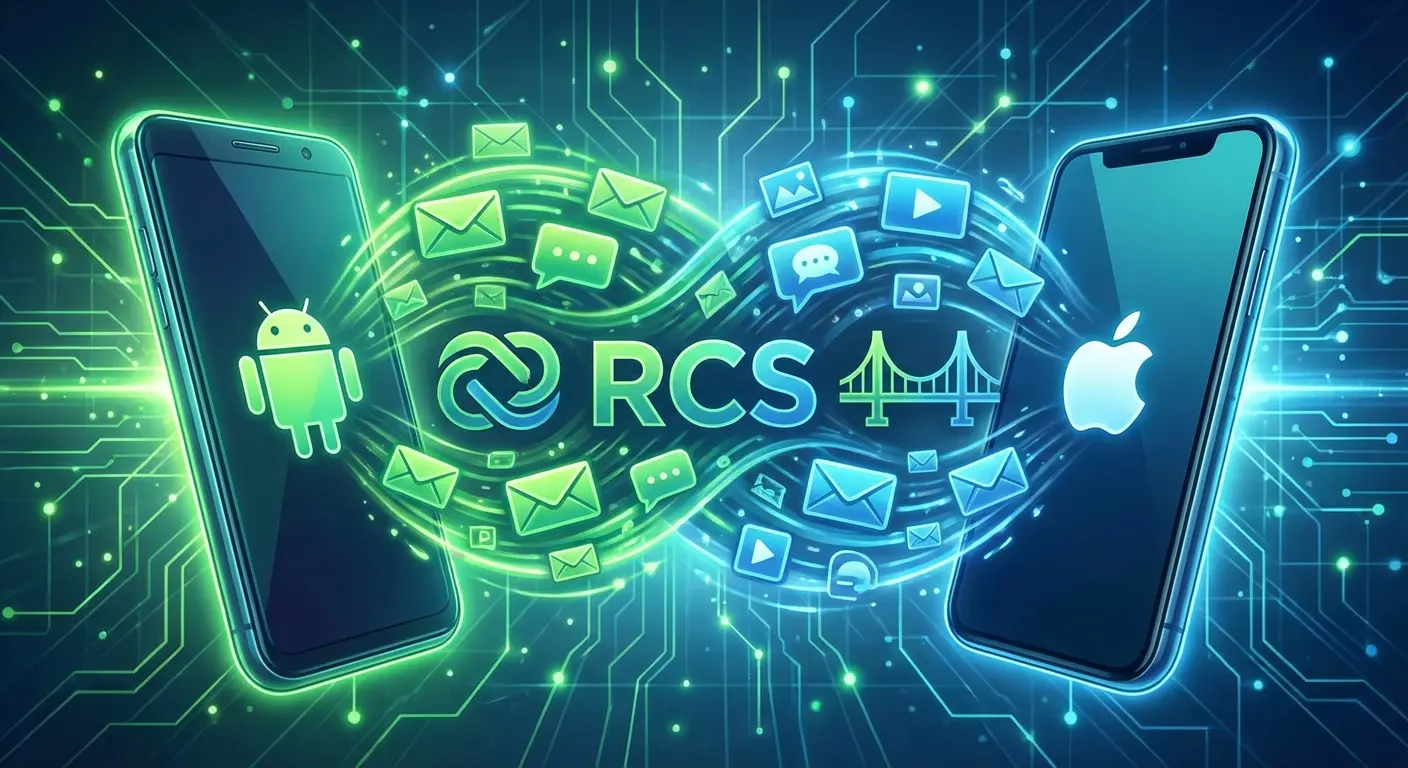
The first step is understanding how the app sends messages. Is it using old-school SMS (cellular), the modern RCS standard (what Google Messages uses), or is it purely internet-based? In 2026, cross-platform compatibility via RCS is a huge deal—it's what bridges the gap between Android and iPhone.
Speaking of that gap, if RCS isn't behaving, it's worth knowing the easiest ways to transfer photos from iPhone to Android. Nobody wants to be the reason a video looks blurry in the group chat.
Security and Privacy
For a lot of us, End-to-End Encryption (E2E) is non-negotiable. This just means that the message is scrambled until it hits the recipient's phone, so not even the app company can read it. You should always double-check if an app encrypts everything by default (like Signal) or if you have to turn on a "secret" mode manually.
Also, check your general phone settings. Using a secure app on an unlocked, insecure phone is like putting a steel door on a tent.
The "Coffee Shop" Scenario: Picture this: You're on public Wi-Fi at a cafe and need to text a credit card photo to your spouse for an emergency. If you use standard SMS, a hacker on that network could theoretically grab that image. If you use an E2E app like Signal or WhatsApp, that image is totally unreadable to anyone but your spouse, even on sketchy Wi-Fi.
Using it Everywhere
Being able to text from a laptop or tablet is a massive productivity boost. Look for apps that have "Messages for Web" or desktop versions so you don't have to constantly pick up your phone while you're working.
Where are your friends?
An app is useless if you're the only one on it. In the US, standard texting is still dominant. But if you have friends in Europe or Latin America, you almost certainly need WhatsApp. Go where your people are.
Features & Customization
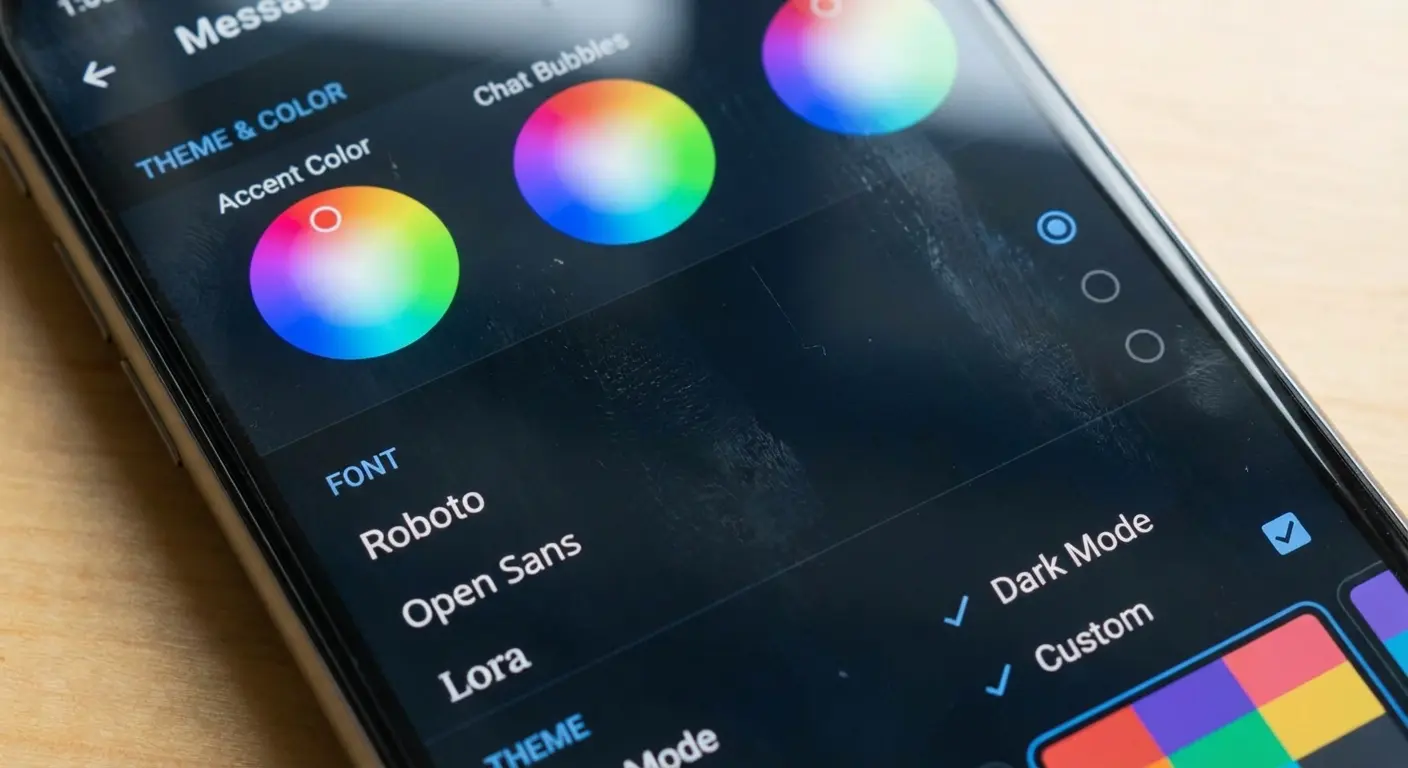
Basic text is boring. Look for high-quality video calling, the ability to send large files, and decent sticker packs. Also, us Android users love to tweak things. Apps that let you change themes, notification sounds, and bubble styles just feel more personal.
If you really want to dial in your setup, match your chat colors with the best Android widgets for a home screen that looks cohesive.
Default & SMS Replacement Apps
These are the workhorses. They handle your standard carrier texts and the new, fancy RCS chats. They keep you connected even when you don't have a data plan.
1. Google Messages
This is pretty much the gold standard for Android right now. It uses RCS, which gives you typing indicators, read receipts, and high-res photos with other Androids (and finally iPhones). It has great spam protection and a web version for texting from your PC. If you want something that just works, this is it.
2. Samsung Messages
If you've been using Galaxy phones for a while, you know this app. It has a great design that puts buttons at the bottom of the screen so you can use it one-handed. It's solid, though Samsung is slowly nudging people toward Google Messages these days.
3. Textra SMS
Textra is for the people who love to customize. You can change bubble colors, icons, and notification styles for specific contacts. It’s fast, lightweight, and perfect if the stock app feels a little too boring for you.
4. Chomp SMS
Chomp has been around for a long time, and for good reason. It has cool features like a passcode lock for the app and the ability to schedule texts. If you're the type to write a "Happy Birthday" text at 2 AM to send automatically at 9 AM, this is for you.
5. Pulse SMS
Pulse is all about syncing. It creates an account that syncs your texts across your phone, tablet, web, and even smartwatch. If you bounce between devices all day, this is a lifesaver.
App Name |
RCS Support |
Syncing |
Why get it? |
|---|---|---|---|
Google Messages |
Yes (Native) |
Web Pairing |
The default standard. |
Textra |
Limited |
No |
Visual customization. |
Pulse SMS |
No |
Yes (Cloud Account) |
Texting from anywhere. |
Samsung Messages |
Yes |
Galaxy Ecosystem |
Great one-handed design. |
Global Communication Apps
These apps use data instead of cell service, making them essential for talking to people internationally without racking up huge fees.
6. WhatsApp
The heavyweight champion. It supports voice, video, status updates, and massive communities. If you are traveling outside the US, this isn't optional—it's mandatory.

7. Facebook Messenger
Since everyone has a Facebook account, everyone has Messenger. It's great for chat heads (those bubbles that float over other apps) and is often the best way to contact businesses or people on Marketplace.
8. Telegram
Telegram is fast, cloud-based, and beloved by power users. It has amazing bots and lets you send files up to 2GB in size. It's almost more of a file-transfer tool than just a chat app.
The "Big File" Hack: Say you're a designer and need to send a massive 1.5GB video to a client, but email has a tiny limit and Drive is syncing slowly. You can literally drag that file into Telegram, and the client gets it instantly without compression. It's a huge productivity hack.
9. Viber
Viber is huge in Eastern Europe and parts of Asia. It has a cool feature called "Viber Out" that lets you call regular landlines for a small fee. It also has built-in AR lenses if you like to have fun with your video calls.
10. LINE
If you have friends in Japan or Taiwan, you need LINE. It's a super-app that combines messaging with a social timeline, news, and a massive sticker store.
Privacy-First Apps
If you care more about security than animated stickers, these are for you. They keep your data safe and your conversations private.
11. Signal
Signal is the benchmark. It's open-source, encrypted, and owned by a non-profit. There are no ads and no trackers. If you want to have a private conversation, this is the safest bet.

12. Threema
Threema is a paid app, but for a good reason. You don't even need a phone number or email to sign up. It offers true anonymity.
13. Session
Session takes it a step further by using an onion routing network (like Tor) to send messages. It ensures that there is no central server storing your metadata.
14. Wire
Wire is great for secure business collaboration. It has screen sharing and group calls, all protected by strict European privacy laws.
15. Wickr Me
Wickr is famous for ephemeral messaging. You can set a "burn-on-read" timer, so the message deletes itself the second it's read. Great for when you want zero paper trail.
App |
Encryption |
Phone Number Needed? |
Best Feature |
|---|---|---|---|
Signal |
E2E (Signal Protocol) |
Yes |
The gold standard. |
Threema |
E2E |
No |
Total anonymity. |
Session |
Onion Routing |
No |
No metadata stored. |
Wickr Me |
E2E |
No |
Auto-delete timers. |
Workplace & Community Apps
These are designed to keep large groups organized. They use channels and threads to keep the chaos manageable.
16. Discord
It started for gamers, but now everyone uses it. Discord is organized into servers with voice and text channels. It’s hands down the best place for hobbyist communities.
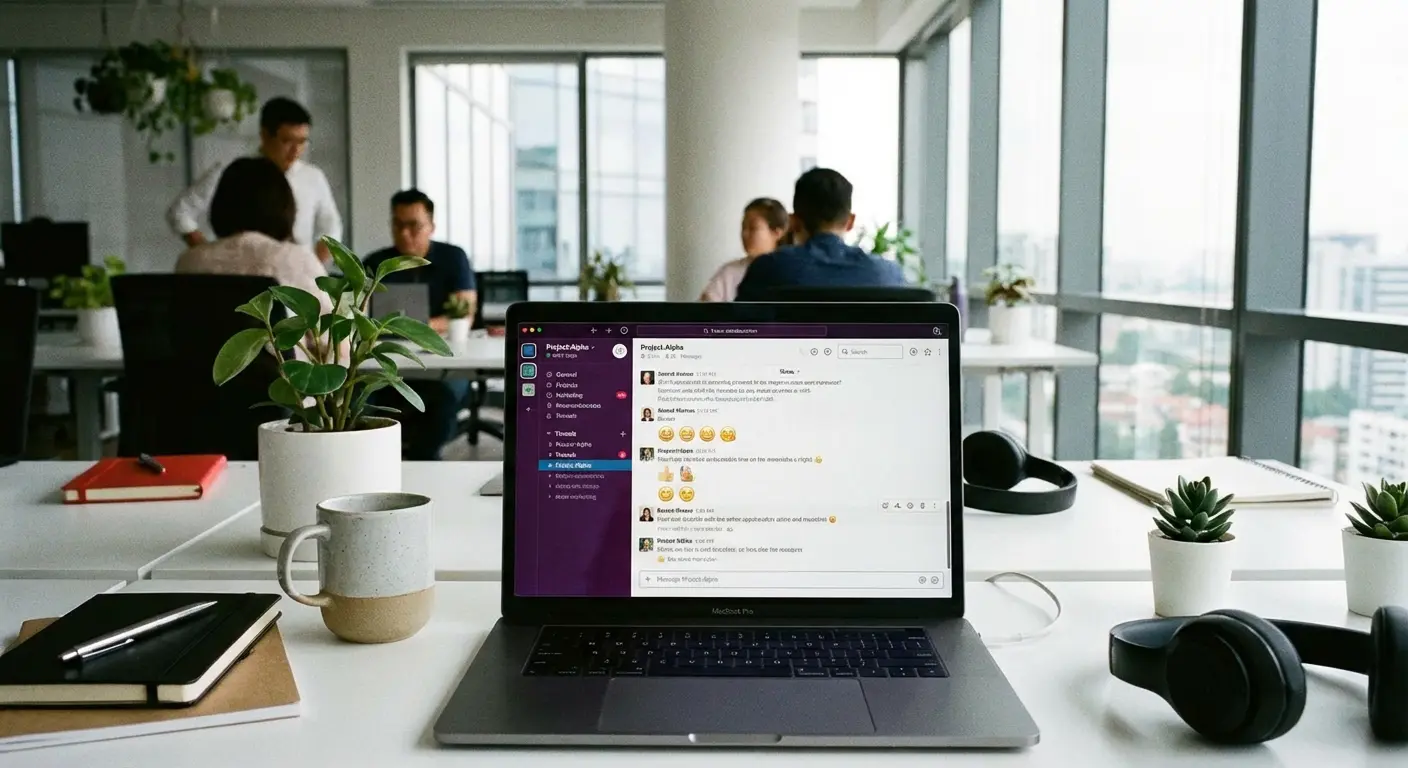
17. Slack
The corporate standard. It connects with Google Drive, Trello, and everything else. If you work in an office, you probably live in Slack from 9 to 5.
18. Microsoft Teams
If your company uses Office 365, you're using Teams. It combines video conferencing with chat threads. It's less of a chat app and more of a workspace.
19. Google Chat
This lives right inside your Gmail tab. It's super convenient because you don't have to switch apps to ask a colleague a quick question.
20. Mattermost
An open-source alternative to Slack. It's great for tech teams who want to host their own chat server and have full control over their data.
Niche & Visual Apps
Sometimes text just doesn't cut it. These apps prioritize video, audio, and visuals.
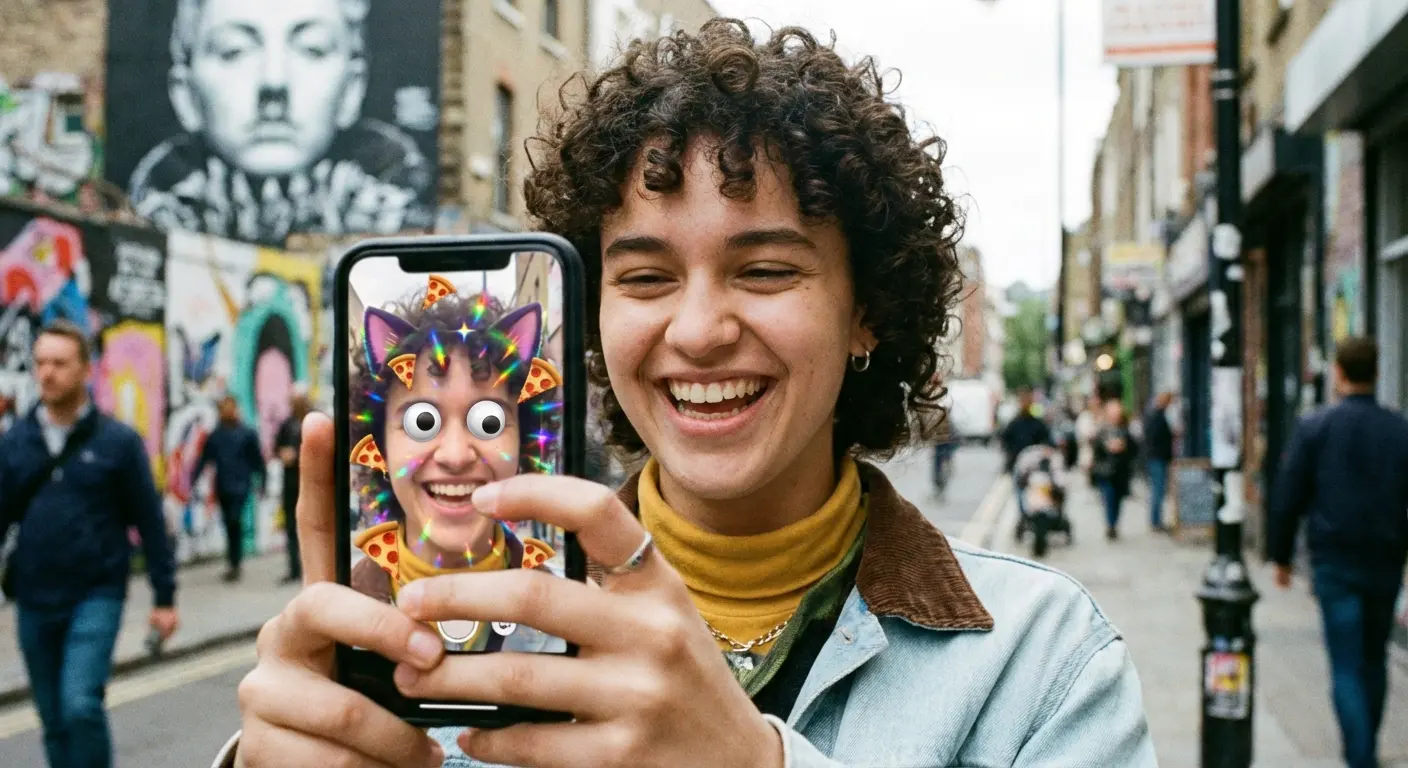
21. Snapchat
Snapchat is camera-first. Messages disappear, and it's famous for Stories and filters. It’s less about archiving a conversation and more about sharing a moment.
22. Voxer
Think of this as a Walkie-Talkie for your phone. It sends live voice audio that is also recorded. It's awesome for field teams or driving when you can't look at a screen.
23. Marco Polo
A "Video Walkie-Talkie." You send video messages that the other person watches whenever they have time. It keeps the intimacy of seeing a face without the hassle of scheduling a live call.
24. Bridgefy
This one is cool—it works offline using Bluetooth mesh networking. It lets you message people nearby without cell service. It's a must-have for festivals, hiking, or natural disasters.
The "Off-Grid" Scenario: You're hiking in a National Park with friends and get separated. Zero bars of service. If you all have Bridgefy, your phones create a local network, letting you text "I'm at the waterfall" by hopping the signal from phone to phone.
25. Kik
Kik lets you chat with just a username. It's still popular for meeting new people anonymously since you don't have to give out your digits.
Staying Connected in the Real World with Rokform
In 2026, we rely on these apps for everything. Whether you're coordinating a meetup on WhatsApp or checking Slack for work, your phone is your lifeline. But here's the reality: the best app in the world is useless if your battery is dead or your screen is smashed. That's where we come in.
Secure Your Communication
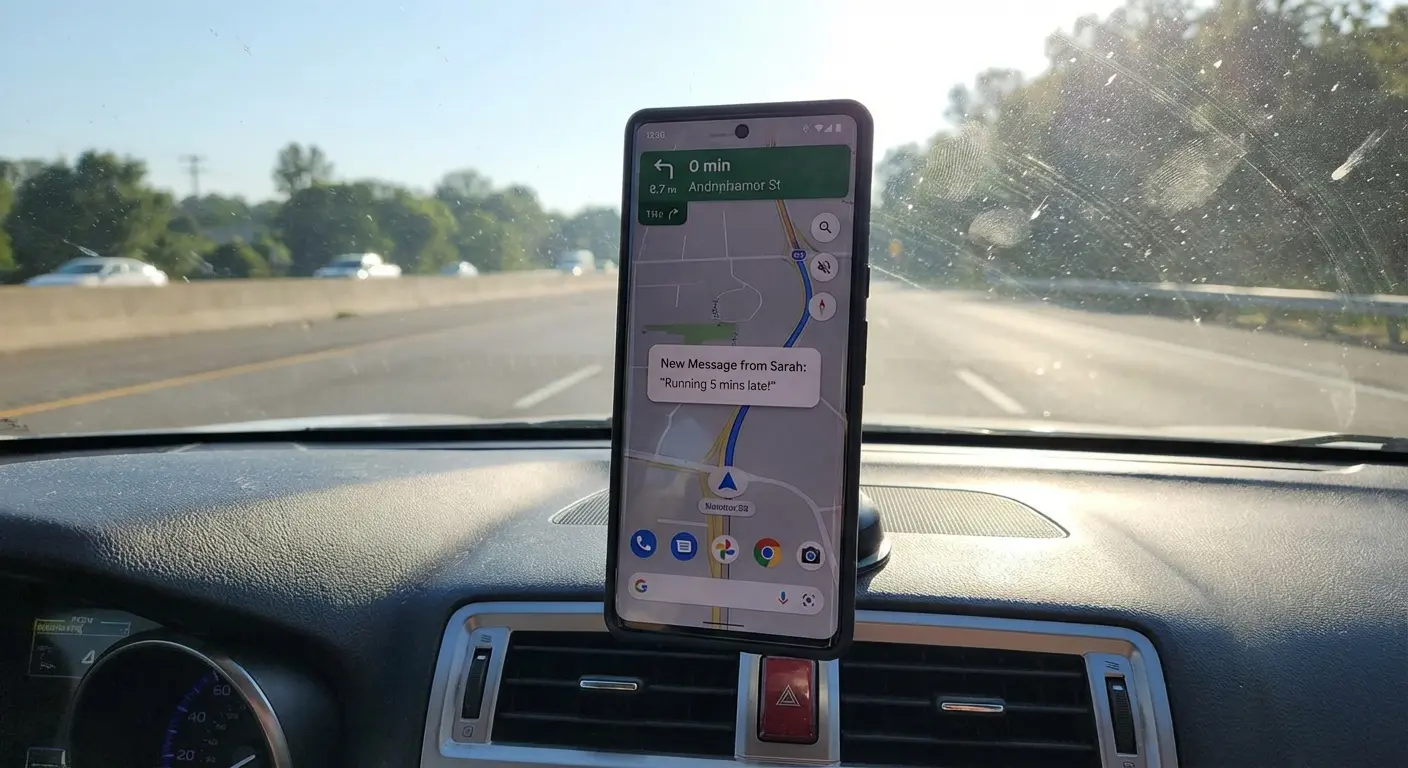
Trying to check a text while driving is dangerous and stupid. Our Rugged and Crystal cases use our twist-lock system and strong MAGMAX™ magnets to mount your phone instantly—whether that's on a car dash, a motorcycle, or a golf cart. It lets you glance at a notification or map without fumbling around.
For the commuters out there, using a proper dash mount keeps your hands on the wheel and your eyes on the road.
Power Through the Conversation
Video apps like Marco Polo drain your battery fast. Our Magnetic Wireless Charging Stand makes sure you don't miss a notification. And if you're out on the golf course, our G-ROK PRO speaker has a massive battery built-in to keep your phone charged while you play.
If you feel like your battery is always dying, check out our tips on how to make your phone charge faster.

Protection for Every Lifestyle
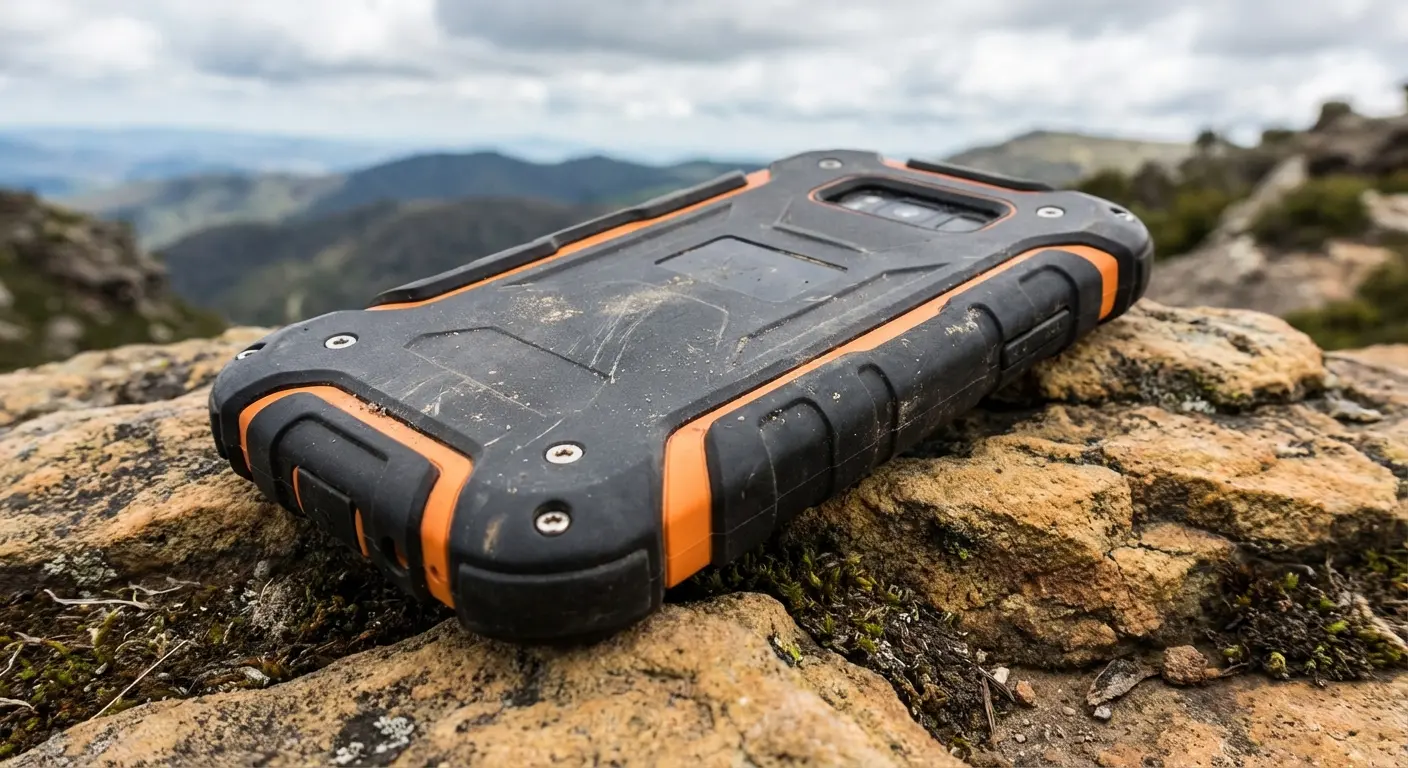
Whether you're a first responder or just clumsy, our cases are built to take a beating. We protect the expensive hardware that runs your apps, so you're always ready to hit "send."
Final Thoughts
Choosing the right app defines your digital experience, but protecting the phone ensures that experience doesn't end with a cracked screen. Stay connected, pick the app that your friends are actually using, and keep your gear protected.

