


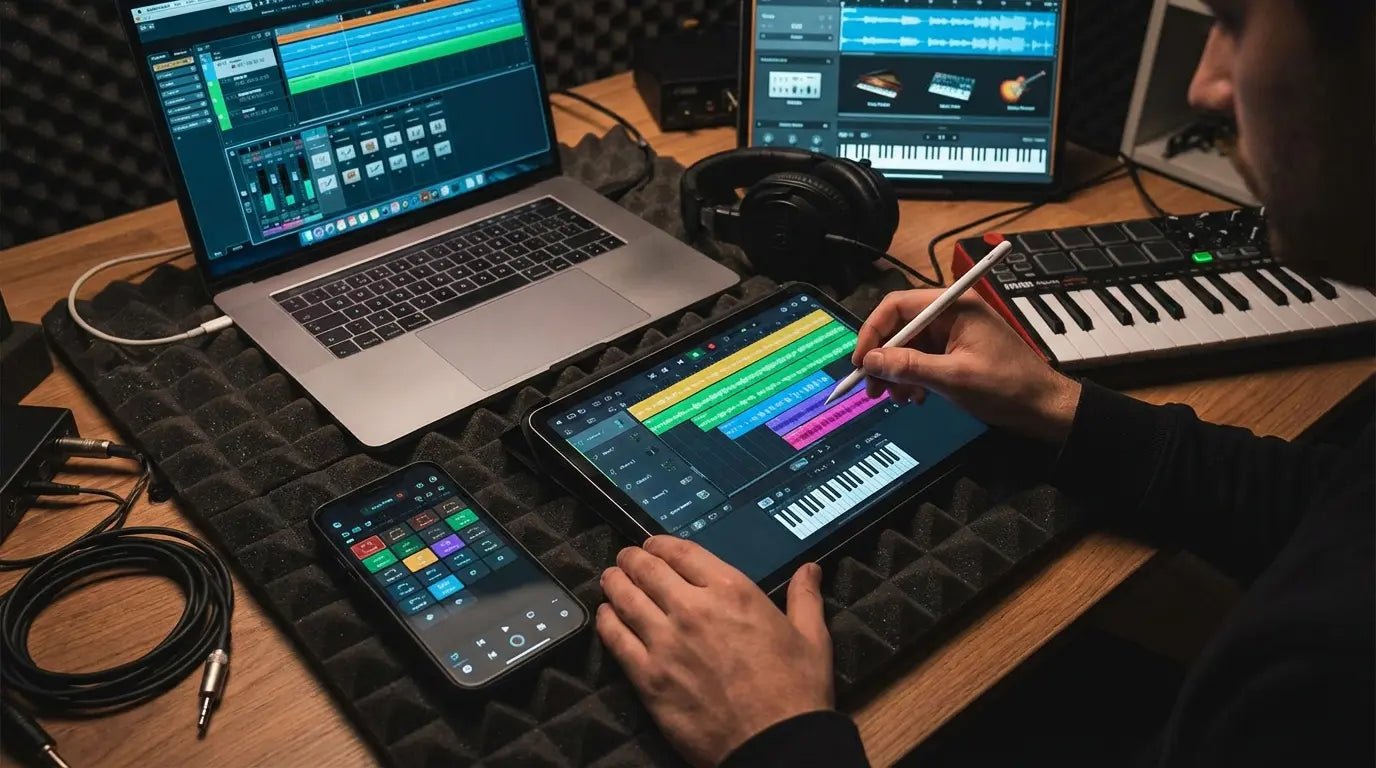
There’s a stat floating around that says the average user spends about 22 hours a week on music apps. Honestly, that sounds about right. We’ve all been there—headphones on, world tuned out, tweaking a snare drum sound until it’s perfect. I actually missed my train stop last month because I was too deep into a synth patch on my phone.
It’s easy to get lost in the process when the phone in your pocket is arguably more powerful than the studios used to record classic rock albums. We’re going to look at the best music making apps that make that kind of immersion possible. Business of Apps backs up just how much time we spend here, so you might as well make sure you're using tools that actually work.
Table of Contents
Here is the roadmap. We’ll break down what to look for before you buy, and then dive into the top 25 apps split into five categories: DAWs, Beat Making, Synths, Social, and Sketchpads. We’ll wrap up with some practical advice on how to keep your gear safe (because dropping an iPad face-down on a concrete floor is a musician's worst nightmare).
TL;DR
In a rush? Here is the quick version. We cover the essentials of making music on mobile, from the ecosystem wars to keeping your battery alive.
The OS War: iOS is still the king of low latency and app variety, but Android is finally catching up.
Workflow: Don't fight the app. If you like linear recording, get a DAW. If you like loops, get a groovebox.
Connectivity: The best apps in 2026 play nice with others via AUv3 or Ableton Link. No app should be an island.
Protect the Gear: Professional software drains battery and heats up your phone. You need mounting and rugged cases if you're serious about this.
The Heavy Hitters: Logic Pro for iPad, FL Studio Mobile, and Koala Sampler are the ones to beat right now.
Also, mobile production eats battery life for breakfast. Keep your device juiced up with best wireless phone chargers so you don't lose a session right before the chorus drops.
What To Look For Before You Hit Download
Mobile hardware in 2026 is a beast. It handles tasks that used to melt laptops a few years ago. But raw power doesn't matter if the software is annoying to use. Before you drop any cash, figure out if you are a songwriter who needs a timeline, or a beatmaker who needs pads.
Here is the breakdown of what separates a toy app from a tool designed to make music professionally.
iOS vs. Android Ecosystems
This is usually where the fight starts. Generally, iOS offers better audio latency (less delay between tapping a key and hearing a sound) and has a bigger library of pro synths. Android is flexible and getting better every year, but for pure audio performance and third-party plugins, Apple’s ecosystem is still the standard.
Feature |
iOS Ecosystem |
Android Ecosystem |
|---|---|---|
Audio Latency |
Extremely Low (Hardware optimized) |
Variable (Depends on the phone) |
Plugin Format |
AUv3 (Industry Standard) |
VST/Proprietary (App specific) |
App Variety |
High (Exclusive pro synths) |
Medium (Growing fast) |
File Management |
Files App (Can be annoying) |
Open File System (Super flexible) |
Hardware cost |
Premium |
Wide Range (Budget to Flagship) |
Workflow and Connectivity
You want apps that talk to each other. Look for "AUv3" support (which lets you load one app inside another) and "Ableton Link" (which keeps everything in time).
Think about the "Hybrid Commuter" workflow. You start a drum loop on your phone using Koala Sampler on the bus. Because it has Ableton Link, when you get home, your phone syncs up with your computer instantly. You drag the file over, and you keep working. No creative momentum lost.
Audio Quality and Cost
If you want pro results, make sure the app handles high-res audio (24-bit/48kHz). Also, keep an eye on the price tag. Some apps are a one-time buy (classic), while others, especially the big DAWs, are moving toward subscriptions (annoying, but sometimes worth it).
Category A: Full-Featured DAWs
These are the big guns. If you need to record vocals, mix 50 tracks, and automate reverb tails, these Digital Audio Workstations are full studios. Any serious music maker eventually ends up here to finish their tracks.
1. Logic Pro for iPad
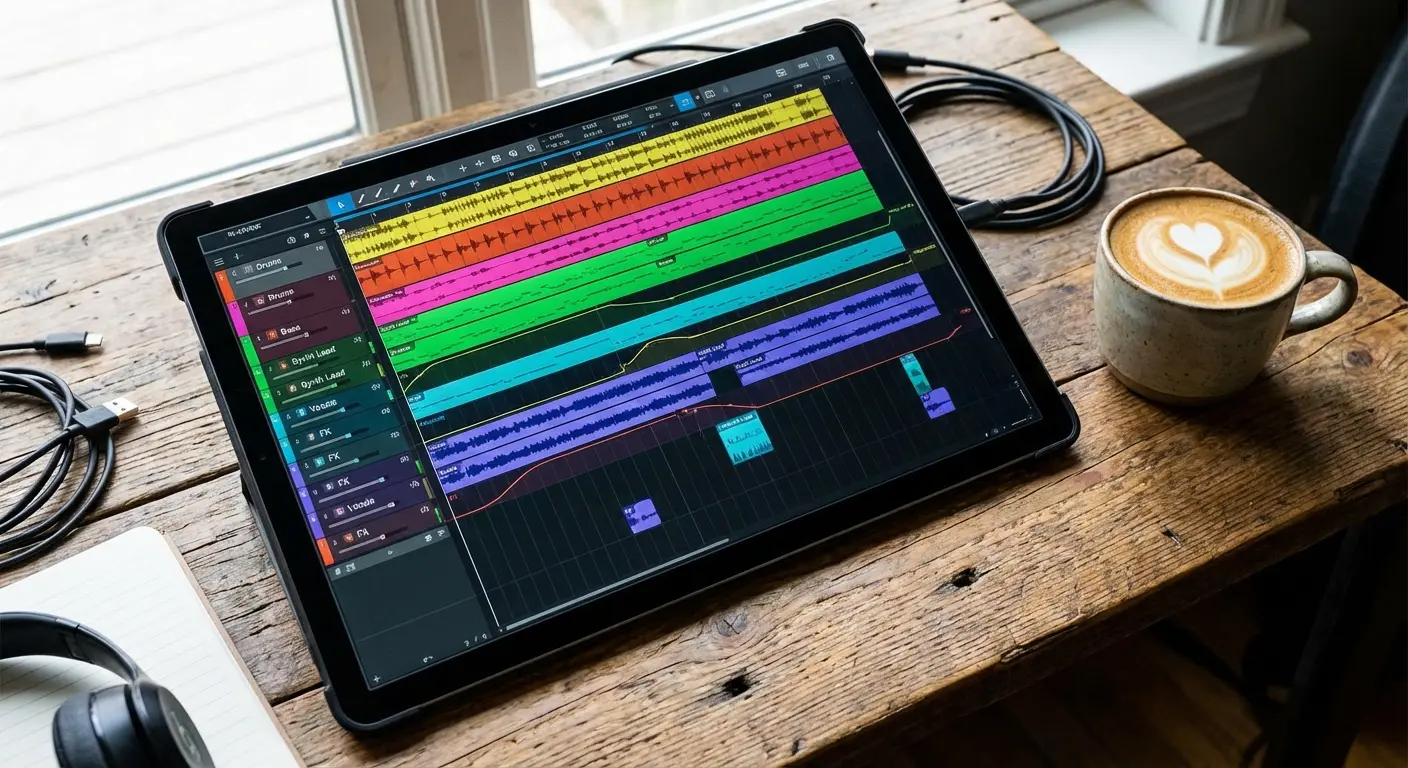
If you're in the Apple ecosystem, this is the gold standard. It mirrors the Mac experience almost perfectly. It’s got the pro mixer, the Step Sequencer, and the plugins you know. Yes, it’s a subscription, which stings a bit, but for a pro desktop experience on a tablet, nothing beats it.
When you're handling an iPad this much, you really should look into the rugged iPad case vs other cases debate. You do not want to crack that screen mid-session.
2. Cubasis 3
Steinberg’s mobile app is a powerhouse for people who want a traditional timeline without paying a monthly fee. It handles unlimited tracks and works on both iOS and Android. It feels like "old school" recording in the best way possible.
3. FL Studio Mobile
The electronic producer's favorite. If you love the Piano Roll and sequencer workflow, this is it. It runs on everything—iOS, Android, Windows—so you can move your projects around easily. Essential for trap, EDM, and hip-hop.
4. GarageBand
Don't look down on GarageBand just because it's free. It’s the ultimate "gateway drug" to production. The "Smart Instruments" let anyone play chords that sound good, and the multi-track recorder is surprisingly deep. It’s the best place to start.
5. Roland Zenbeats
Roland built a cool cross-platform tool here. It’s centered around their ZC1 synth sounds. It shines with its loop-building workflow and is great if you switch between your phone and laptop constantly.
6. n-Track Studio Pro
This one is for the recording engineers. It supports USB audio interfaces with multiple inputs really well. If you are trying to record a full band rehearsal on your phone rather than just making beats, get this.
App Name |
Best For |
Platform |
Pricing Model |
|---|---|---|---|
Logic Pro |
Pro Mixing & Mastering |
iOS Only |
Subscription |
Cubasis 3 |
Traditional Recording |
iOS & Android |
One-time Purchase |
FL Studio |
Electronic/Beatmaking |
iOS, Android, Win |
One-time Purchase |
GarageBand |
Beginners/Songwriting |
iOS Only |
Free |
n-Track |
Live Band Recording |
iOS & Android |
Sub/One-time |
Category B: Beat Making & Sampling
Rhythm is everything. These tools focus on chopping samples, building grooves, and making beats that knock. It’s less about a timeline and more about the "feel."
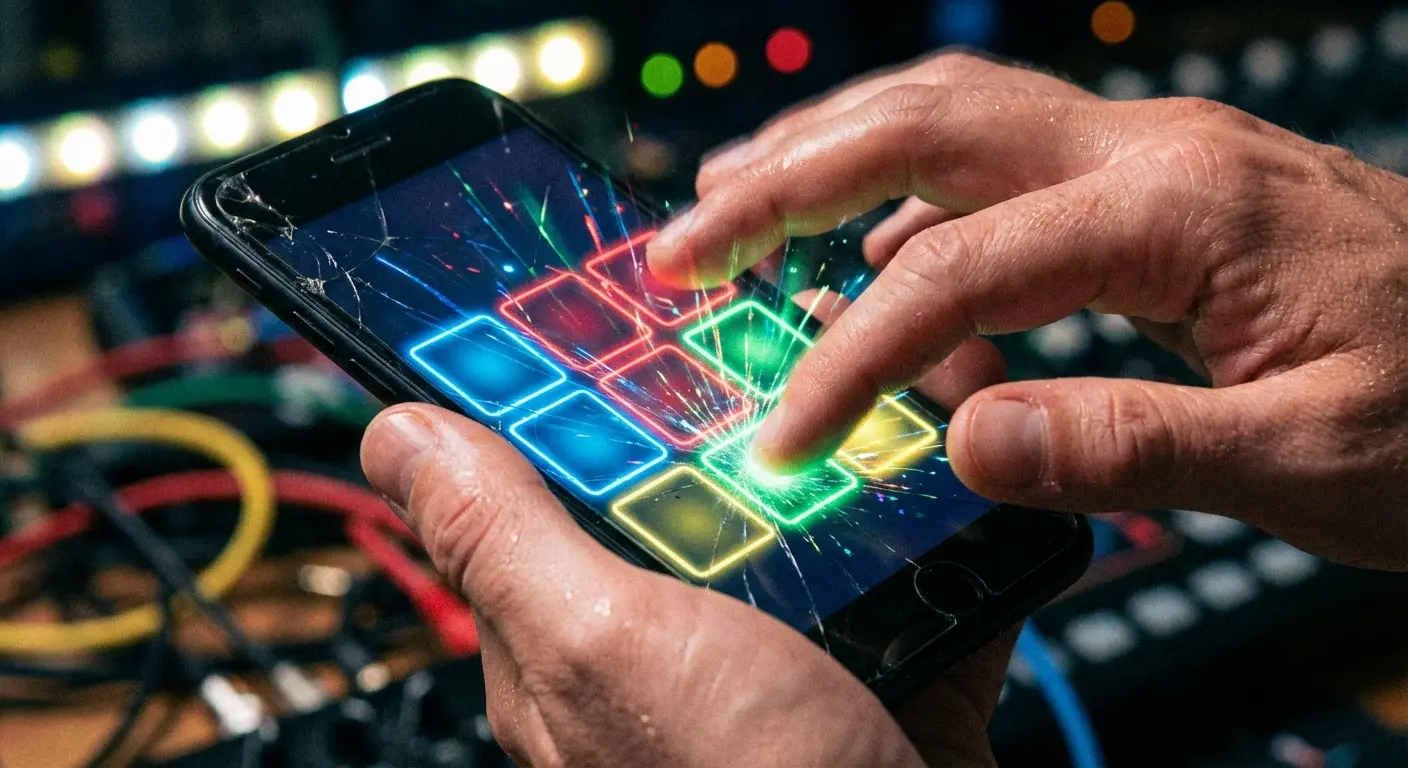
7. Koala Sampler
If you buy one app on this list, make it this one. It’s an instant pocket sampler. Record a sound, chop it, and turn it into a beat in seconds. Hip-hop and lo-fi producers swear by this thing for a reason.
8. BeatMaker 3
This app is basically an MPC on steroids. It has a massive sampler and 64-pad banks. The learning curve is a bit steep, but if you want deep modulation routing on iOS, this is a beast.
Since you'll be tapping the screen aggressively with this one, checking out the best iPhone glass screen protectors is a smart move. Keep that screen responsive and scratch-free.
9. Drambo
Drambo is for the modular nerds (and I say that with love). You build your own synthesizer and effect chains using modules and then sequence them. It’s a sound designer's dream.
10. Patterning 2
This app changes how you visualize drums. Instead of a grid, it uses a circle. It allows you to spin crazy polyrhythms into existence. It’s an iPad exclusive, but it’s fantastic for experimental stuff.
11. Flip Sampler
Designed by Andrew Huang, this is all about speed. It focuses on sampling your environment and arranging it quickly. If complex samplers scare you, Flip is a great, user-friendly alternative.
Category C: Synthesizers & Sound Design
Sometimes you just want to make music with pure sound waves. These apps are dedicated sound generators, ranging from vintage recreations to futuristic noise machines.
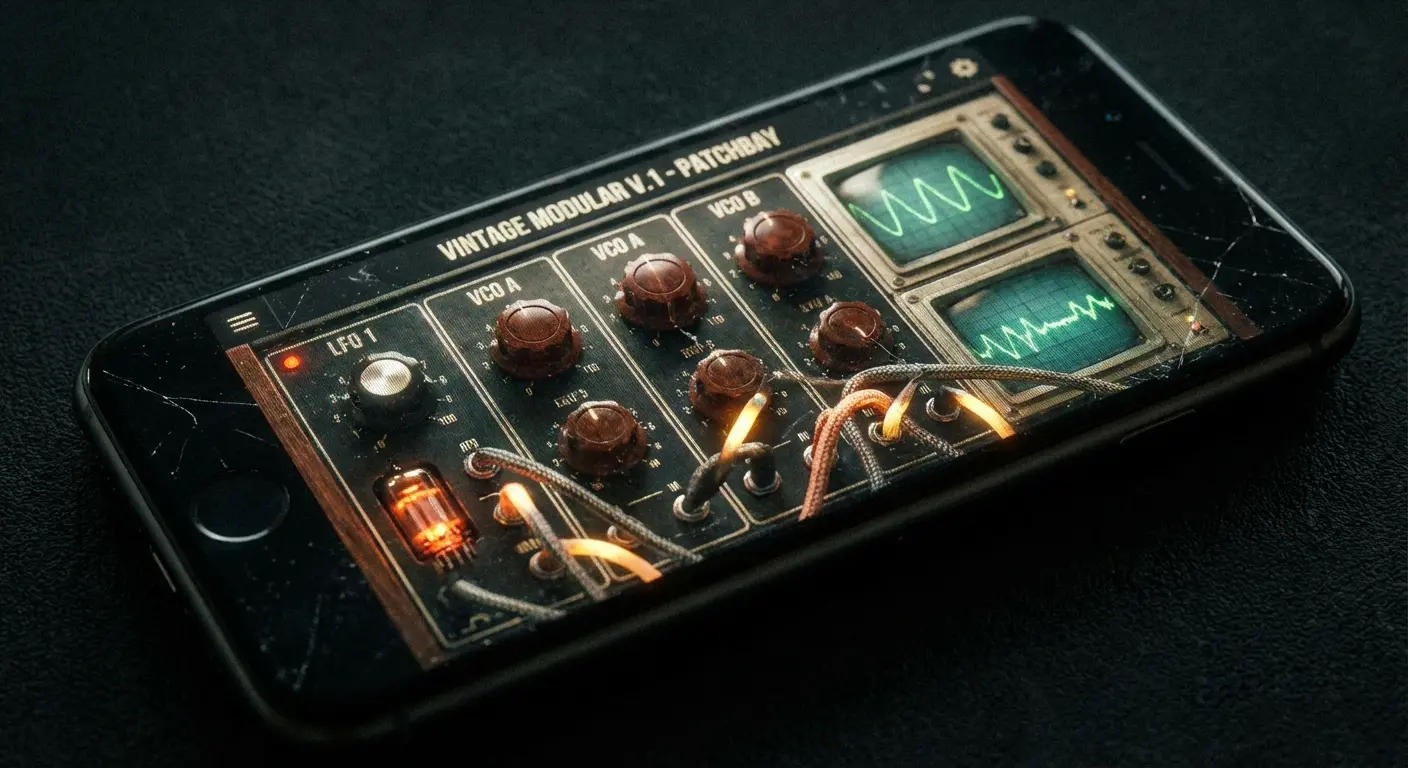
12. Moog Mariana
Moog brings that signature thick, analog bass sound to the iPad. It’s a dual-layer synthesizer and it sounds huge. Essential for producers who need that low-end weight.
13. Korg Gadget 3
This is a self-contained studio with over 40 different "gadgets" (mini-synths). It’s pricey, but the vertical interface is super intuitive, and the variety of sounds covers everything from chiptune to techno.
14. AudioKit Synth One
The best free synth, hands down. It’s open-source, hybrid analog/FM, and sounds incredible. If you want to learn synthesis without spending money, start here.
15. FabFilter Twin 3
FabFilter is famous for their visual interfaces, and this synth is no different. It’s a virtual analog synth with professional-grade sound. Great for when you need precise control over your filters.
16. DRC - Polyphonic Synthesizer
Want that classic Roland Juno sound on your phone? Grab this. It’s a solid, cross-platform option for lush, vintage analog tones.
Category D: Social & Cloud Creation
Music is better when you share it. These apps blur the line between a DAW and a social network. They act as a virtual music lab where you can collaborate with anyone, anywhere.

17. BandLab
Think of this as Google Docs for music. You start a project on your phone, and your friend adds guitar from their laptop. It’s free, cloud-based, and probably the best way to collaborate remotely right now.
18. Soundtrap
Owned by Spotify, this integrates tightly with the streaming world. It’s subscription-based and works great for students or podcasters who need a shared workspace online.
Imagine this: A guitarist in London records a riff into BandLab. Seconds later, a producer in New York gets a ping, opens it on their tablet, and lays down drums. No emailing huge files back and forth. It just works.
A lot of creators film this process for TikTok or Instagram. If that's you, investing in tripod phone mounts for content creators is a game changer for getting those hands-free shots.
19. Endlesss
This is for live jamming. You build loops in real-time with others over the internet. It’s less about editing and more about the "flow state."
20. Voisey
The TikTok of songwriting. Producers upload beats, and vocalists record hooks over them. It’s a super fast way to find collaborators and sketch out ideas.
Category E: Quick Sketchpads
Inspiration is rude; it usually hits when you're in line at the grocery store. These apps are designed to capture ideas fast before they disappear. They are the instant song maker for your pocket.

21. Ableton Note
If you use Ableton Live, you need this. It uses the same Session View concept to sketch tracks on your phone. When you get home, the project transfers seamlessly to your desktop.
22. Auxy Pro
Auxy strips away the fake cables and knobs. It’s a minimalist sequencer that focuses purely on melody and rhythm. It’s the cleanest interface for drafting electronic music.
23. Figure
The ultimate time-killer. You drag your finger across a pad to create instant drums and bass in key. It’s simple, but the audio quality is surprisingly usable.
24. Suggester
This is a utility, not an instrument. It helps you find chord progressions that sound good together. If you have writer's block, this tool is a life saver.
25. Topline
Created by Abbey Road Studios, this is basically a fancy voice memo app for songwriters. It helps you capture vocal melodies and lyrics over imported instrumental tracks.
If you need to jot down lyrics alongside your melody, check out the best apps for note-taking to keep your verses organized.
Sketchpad App |
Best For |
Export Options |
Complexity |
|---|---|---|---|
Ableton Note |
Live Users |
Ableton Set / Audio |
Medium |
Auxy Pro |
Minimalist EDM |
MIDI / Stems |
Low |
Figure |
Instant Jamming |
Audio Only |
Very Low |
Suggester |
Chord Theory |
MIDI |
Low |
Topline |
Vocal Melodies |
Audio |
Low |
Securing Your Workflow With Rokform
When you're deep in the zone, things get chaotic. I have seen phones slide off music stands and tablets tumble from mixing desks more times than I can count. Your device is your instrument—you need to protect it.
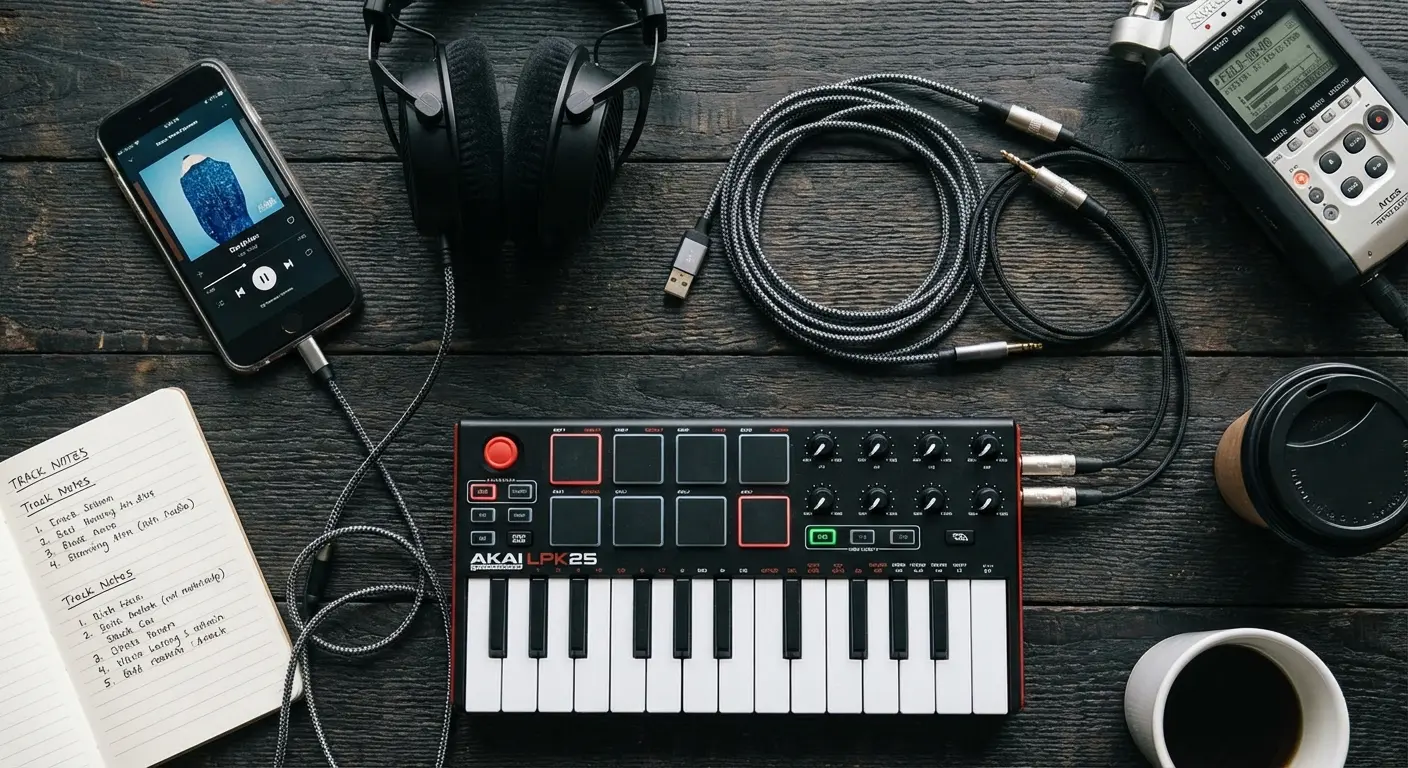
Magnetic Mounting in the Studio
Studio space is always tight. Rokform’s MAGMAX™ magnets let you stick your phone directly to a metal music stand, a rack gear rail, or even the side of a piano. It keeps your hands free to play instruments while viewing lyrics or chord charts.
Plus, with MagSafe compatibility, you can keep power-hungry apps like Cubasis running without draining your battery, keeping your phone mounted and charging at the same time.
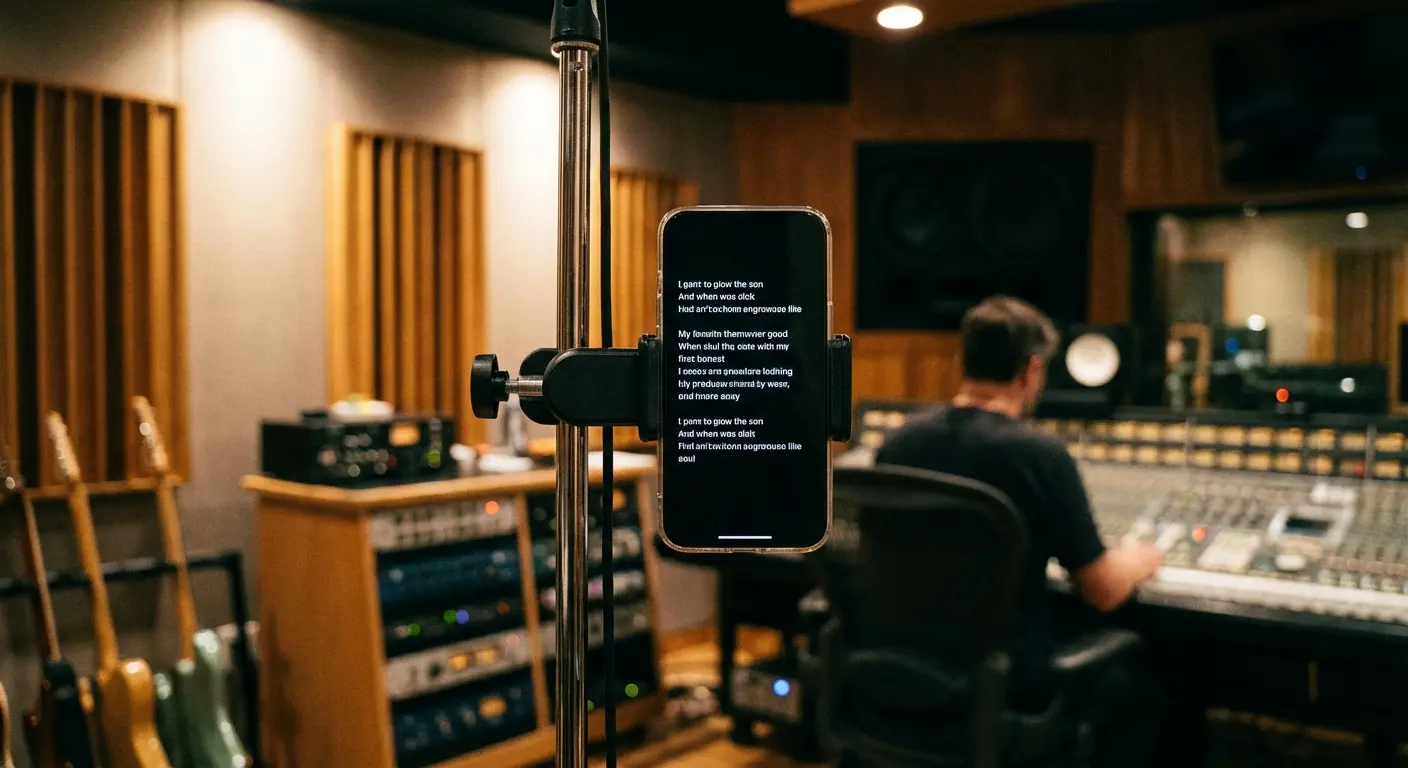
Rugged Protection for Field Recording
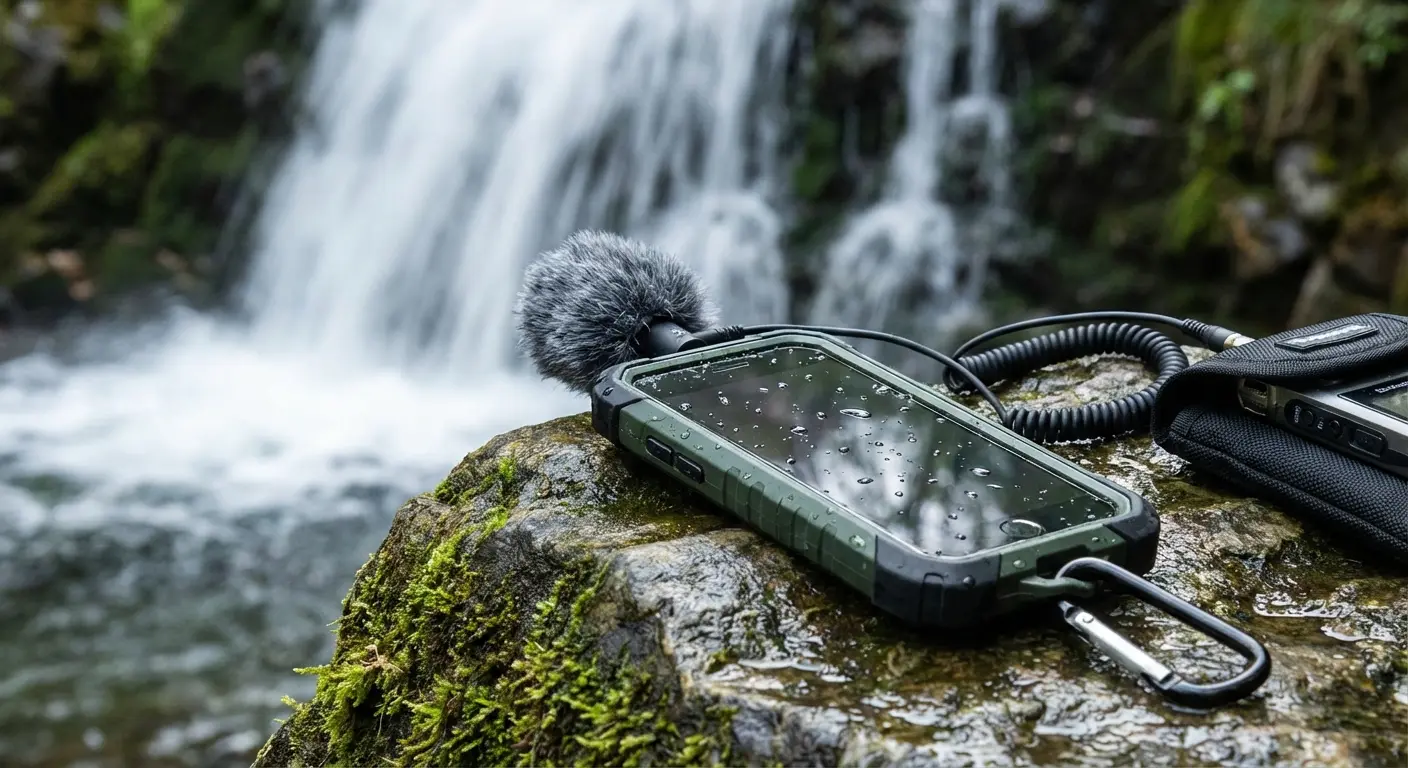
If you're out capturing field recordings in the city or nature, a slip can be a disaster. Our Rugged and Crystal Series cases use military-grade materials to keep your phone safe. Whether you're biking to a session or sampling sounds on a hike, we make sure your mobile studio survives the trip.
Picture this: You're hiking to a waterfall to sample some ambient water sounds. You reach for your phone, and it slips. Thanks to the Rokform Rugged Case, the screen stays intact, and the internal sensors—vital for some synth apps—are perfectly safe. You pick it up, dust it off, and get the recording.
Final Thoughts
The barrier to entry for music production is basically gone. You have a studio in your pocket right now. Whether you choose a complex music maker like Logic Pro or a fun sketchpad like Figure, the most important step is to just start creating.
Grab the best music making apps, put a good case on your gear, and let the music maker in you make some noise.

