


Right now, Notion is pretty much the holy grail of student productivity apps. It’s not just hype; people are literally making rent money selling Notion templates to organized-challenged classmates. I get the desperation, honestly. A few years back, I flunked a calculus course. It wasn't because the math was too hard—it was because I was a mess. I didn't have a system, so assignments just vanished into the void, and my study sessions were total chaos.
That failure taught me a harsh lesson: being smart doesn't matter if your workflow is broken. To survive the semester these days, you need a digital ecosystem that actually works. While this guide is all about hacking your academic life, you can't ignore your wallet, either. Definitely check out our list of the best apps for budgeting to keep your student loans and weekend spending in check. But right now, let's look at the best productivity apps for students to make sure you never miss a deadline again.

Table of Contents
We’ve got a roadmap to get your digital life sorted. First, we’ll talk strategy so you don't fill your phone with junk you won't use. Then, we’ll dive into the 25 tools you actually need, broken down by what they do: Task Management, Note-Taking, Focus Tools, Scheduling, Writing/Research, and Utilities. Finally, we’ll touch on how to keep the hardware running all these apps safe.
TL;DR
Got a paper due in an hour and no time to read? Here is the cheat sheet. The best productivity apps for students need to work on all your devices and, crucially, they need to work offline. You cannot trust campus Wi-Fi with your life.
Free versions are usually fine for school, but sometimes a premium upgrade is worth the cash. Also, software is only half the battle. Protecting your phone is just as important as the to-do list installed on it.
Sync is King: If it doesn't sync instantly between your phone and laptop, delete it.
Freemium is Fine: Don't pay for pro features unless you absolutely have to.
Offline Mode: Make sure your tools work when the library internet crashes.
Connect Everything: Your calendar and to-do list should talk to each other.
Protect Your Gear: You can't submit an assignment from a broken phone.
Strategize Before You Download: How to Choose Your Toolkit
Don't just download whatever is trending on TikTok. You’ll end up with five different calendars and zero actual organization. You need to weigh Cost vs. Value to avoid the "freemium" trap. A lot of apps lock the good stuff behind a paywall. When you're looking at subscriptions, use the best apps for tracking expenses to make sure you aren't bleeding cash on software you never open.
Cross-Platform Sync is non-negotiable. You’re going to switch from your phone to your laptop to a tablet all day. Your data has to move with you. Also, think about Complexity vs. Speed. If an app has a steep learning curve, you'll just procrastinate learning it. If it takes longer to input a task than to actually do it, get rid of it. Finally, look for Offline Capability. The best free productivity apps for students are the ones that still work in a lecture hall with zero signal.

Keeping Your Head Above Water: Task Management & To-Do Lists
These are the apps that stop things from slipping through the cracks. We’re looking at tools that handle everything from simple grocery lists to massive term projects. The goal is to find software that gets out of your way and lets you work.
If you don't have a reliable to-do app, you are basically just guessing what you should be doing. A solid to do list anchors your whole life.
Feature Category |
Todoist |
TickTick |
Things 3 |
|---|---|---|---|
Best For |
Quick capture & NLP |
Habit tracking & Pomodoro |
Apple Ecosystem purists |
Platform |
iOS, Android, Web, Mac, PC |
iOS, Android, Web, Mac, PC |
Apple Devices Only |
Student Cost |
Solid Free Tier |
Free Tier available |
One-time purchase (Pricey) |
Key Strength |
Natural Language Input |
All-in-one Toolkit |
Beautiful UI/UX |
1. Todoist
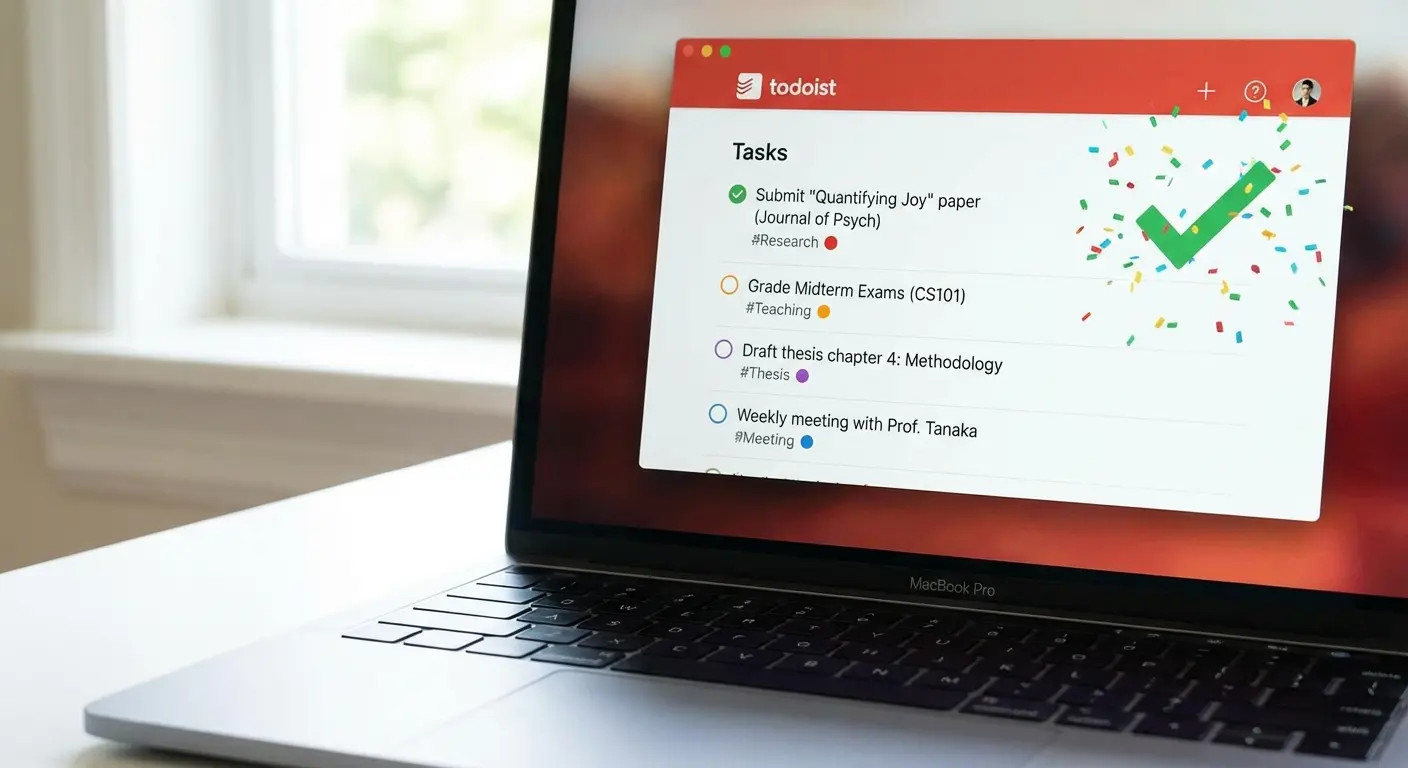
Todoist is the industry leader for a reason. Its "natural language processing" basically means you can type like a human. You type "Submit paper every Friday at 4pm" and the app just gets it. It sets the recurring task without you having to fiddle with calendar dials. It syncs everywhere and is super fast, making it one of the best free options for students. A good to-do system needs to be fast, and Todoist is the fastest.
The "Syllabus Week" Strategy: Don't click through dates on a calendar manually. Open Todoist at the start of the semester with your syllabus in hand. Just type: "Read Chapter 4 every Tuesday at 7pm #History101" and "Midterm Exam Oct 14 at 9am !!p1". Todoist automatically sets the dates, the project folder (#), and the priority level (!!). You can map out your whole semester in like 20 minutes.
2. TickTick
TickTick is a beast because it combines a to-do list, a Pomodoro timer, and a habit tracker into one app. This is huge because it stops you from app-switching. You can plan your essay, time your writing sprints, and track your daily reading habit without ever leaving the window.
3. Microsoft To Do
Microsoft To Do is clean, simple, and plays nice with the whole Office ecosystem. If your school uses Microsoft accounts, this is a strong contender. It’s totally free, which is great. The "My Day" feature is a lifesaver—it wipes your daily list clean every morning so you can intentionally pick what to focus on, rather than staring at a mountain of overdue tasks.
4. Things 3
Things 3 is an Apple-exclusive app known for being gorgeous and having great "someday" lists for future planning. It’s expensive and doesn't work on Windows or Android. But if you're deep in the Apple ecosystem, the user experience is unmatched. It feels native to the OS and handles complex projects with a super minimalist vibe.
5. Google Tasks
Google Tasks is a minimalist tool that lives right inside Gmail and Google Calendar. If you live in the Google ecosystem, this is perfect. It removes the friction of leaving your email to create a task. You can drag an email directly onto the tasks sidebar to turn it into a to-do item instantly.
Building Your Second Brain: Note-Taking & Knowledge Management
You need a place to dump information that isn't a crumpled piece of paper at the bottom of your bag. We’re looking at tools ranging from flexible workspaces to handwriting apps. For a deeper dive, check out our guide to the best apps for note-taking.
App Name |
Note-Taking Style |
Best Used For |
Learning Curve |
|---|---|---|---|
Notion |
Block-based / Database |
Project management & Wikis |
High |
Obsidian |
Networked / Markdown |
Linking complex ideas |
High |
OneNote |
Infinite Canvas |
Mixed media (typing + drawing) |
Low |
GoodNotes 6 |
Digital Handwriting |
Annotating PDFs & Math |
Low |
6. Notion
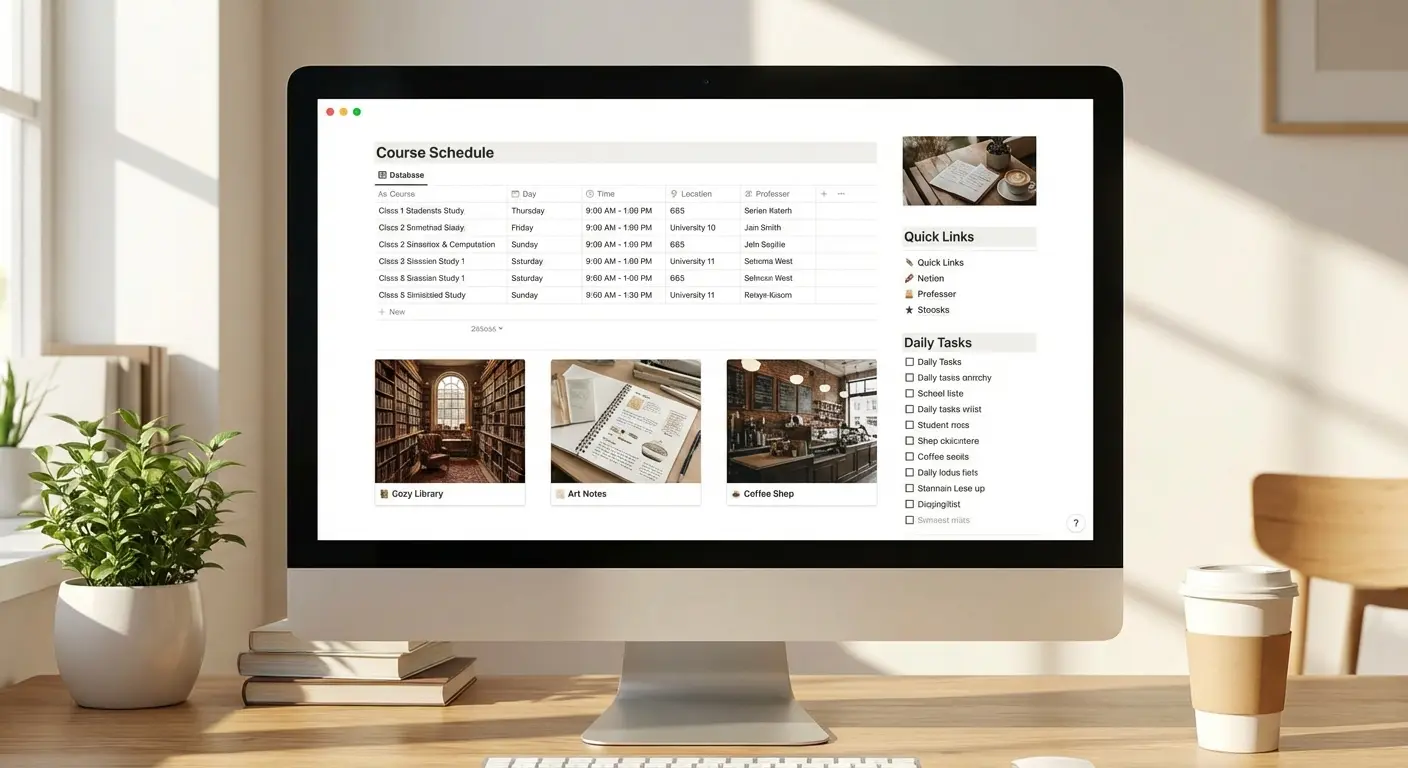
Notion is an all-in-one workspace. You can build wikis, databases, class schedules—pretty much anything. It has a learning curve, but the flexibility is insane. You can build a grade calculator, a reading list, and a project board all on one page. Plus, the free plan for students with .edu emails makes it a no-brainer.
7. Obsidian
Obsidian is for long-term research. It links notes together to form a "web" of knowledge. It works offline and stores notes as local text files on your computer, so you own your data. This is ideal for thesis students who need to connect ideas from fifty different sources over the course of a year.
8. OneNote
OneNote is Microsoft’s digital notebook. It has an "infinite canvas," meaning you can type, draw, and clip web pages anywhere on the page. It integrates perfectly with Windows and Office. You can type a lecture summary and draw a diagram right next to it without fighting with formatting.
9. GoodNotes 6
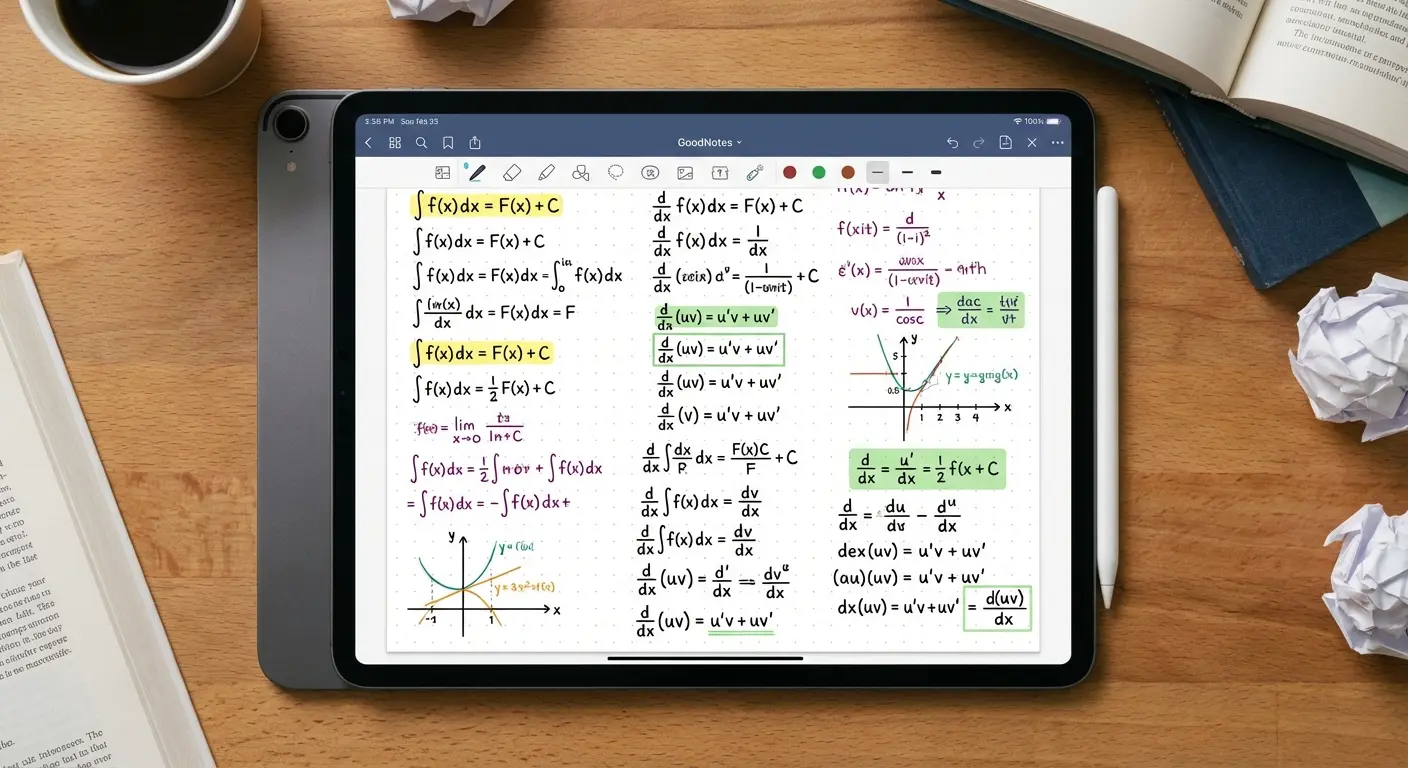
GoodNotes 6 is the gold standard for iPad users who want to handwrite notes. It is essential for STEM students—typing equations is a nightmare, writing them is easy. You can import a professor's slide deck and scribble your notes directly on top of the slides. It feels just like paper, but smarter.
10. Evernote
Evernote is the veteran here. It's famous for its web clipper and document scanning. It’s gotten pricier, but its search capability—specifically finding text inside images and PDFs—is still the best. If you take photos of whiteboards, Evernote will make the text in those photos searchable later.
Kill the Distractions: Focus & Time Management
Paying attention is the hardest part of college. These apps use gamification, strict blocking, and data to help you conquer procrastination and figure out where your time is actually going.
11. Forest
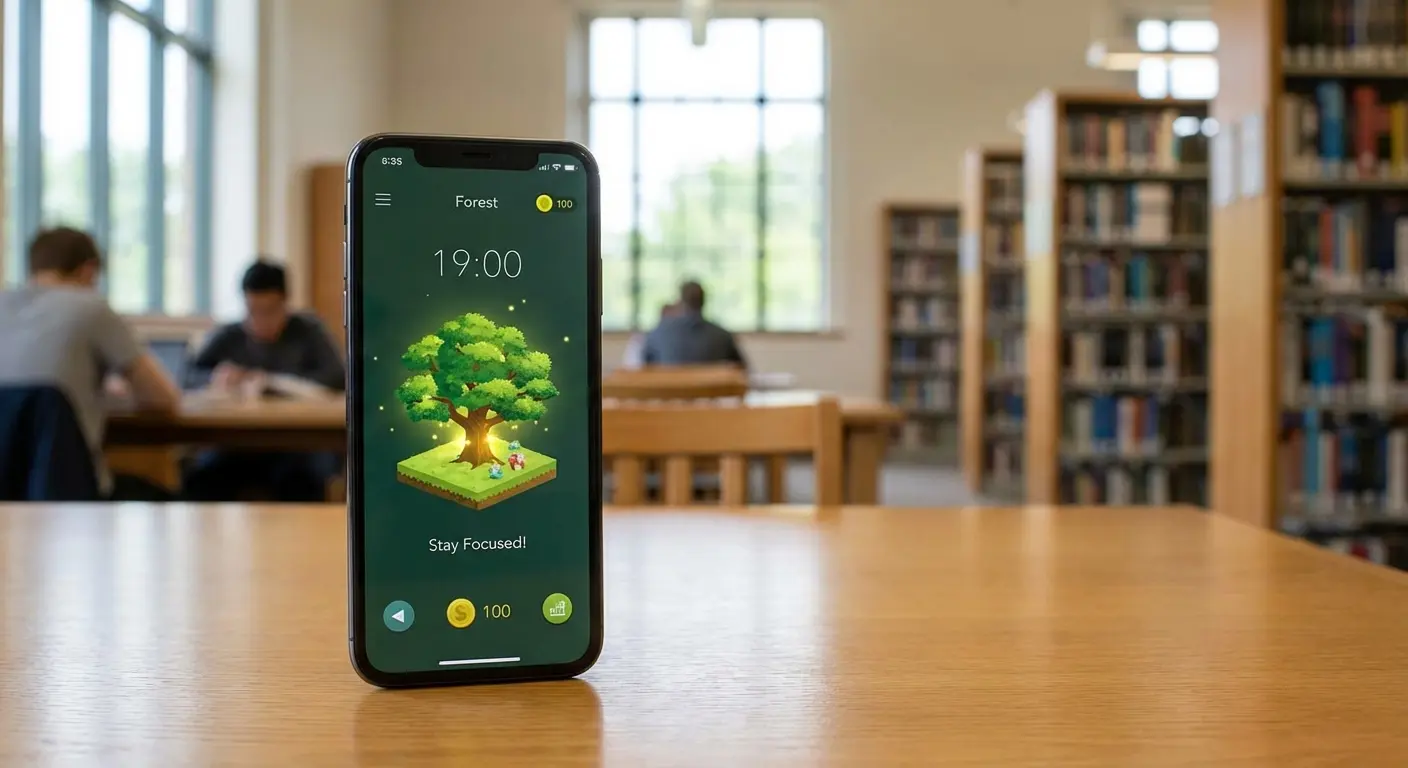
Forest gamifies the struggle of putting your phone down. You plant a virtual tree, and if you leave the app to check Instagram, the tree dies. It’s a cheap app that actually works. The guilt of killing your virtual forest gives you just enough dopamine to keep studying.
12. Freedom
Freedom is a heavy-duty blocker. It can cut off the internet or specific apps across all your devices at once. It’s for when your willpower is at zero. You can schedule blocks in advance, so your social media apps simply won't open during class time.
13. Cold Turkey
Cold Turkey is a desktop blocker that can lock you out of your computer entirely until a timer finishes. I recommend this for students with severe procrastination issues. You have to be willing to lose control of your laptop for a bit.
The "Nuclear Option" Protocol: It's finals week, and social media is killing you. Use Cold Turkey to set a "Frozen" block from 9 AM to 1 PM. Whitelist only your university portal and Wikipedia. Even if you restart your computer or try to hack the software, the block stays active. You have no choice but to write the essay.
14. RescueTime
RescueTime runs in the background and tracks exactly where you spend your digital life. You can't fix your habits if you don't know what they are. It gives you a brutally honest report of how much time you actually spent studying versus how much time you spent on Reddit.
15. Flora
Flora is like Forest, but multiplayer. It uses peer pressure. If one person in the group checks their phone, the virtual tree dies for everyone. It keeps your whole study group honest (and stops you from being the one who ruined it).
Owning Your Schedule: Calendar Apps
If it's not on the calendar, it's not happening. These tools integrate with your other apps and use some smart features to speed up scheduling.
16. Google Calendar
Google Calendar is the standard. It has color-coding, group meeting tools, and it integrates with basically everything. It’s the baseline. Start here.
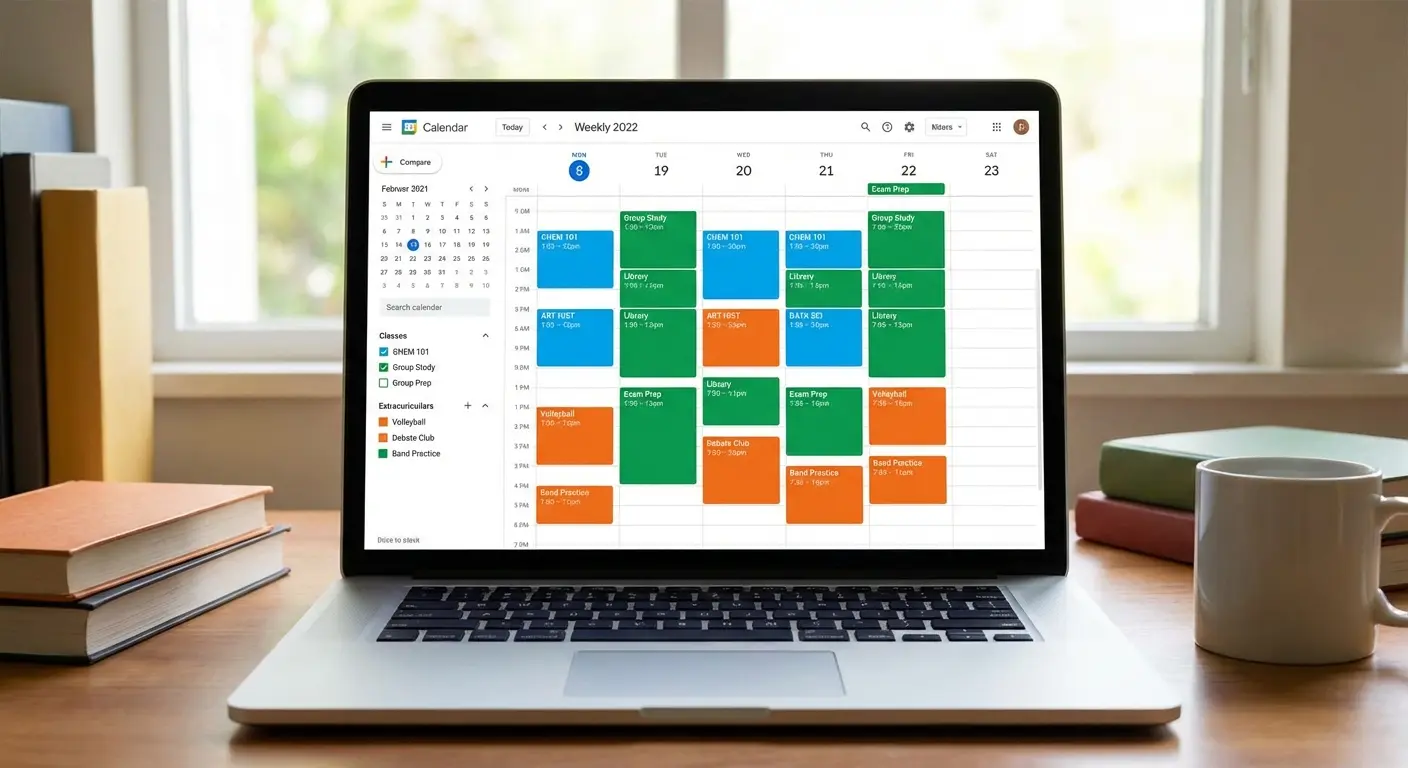
17. Fantastical
Fantastical is a smart calendar for Apple users. You can type "Lunch with Professor X at 12pm" and it just creates the event. It saves a ton of clicking and tapping. It’s a subscription, but the interface is way cleaner than the default Apple calendar.
18. Cron (Notion Calendar)
Cron, which is now Notion Calendar, is beautiful and syncs tasks directly onto your timeline. I recommend this specifically for Notion users because it bridges the gap between your project list and your schedule. You can see your Notion to-do items right alongside your meetings.
Acing the Paper: Writing & Research
This section is about the actual work. These tools help with citations, grammar, and clarity. And hey, finding sources is easier when you use apps to read books for free to locate classic lit and textbooks without dropping hundreds of dollars.
19. Zotero
Zotero is an open-source citation manager that saves research papers and generates bibliographies. It is essential for maintaining academic integrity and saving you from the hell of manual citations. One click captures the citation info from your browser and formats it perfectly.
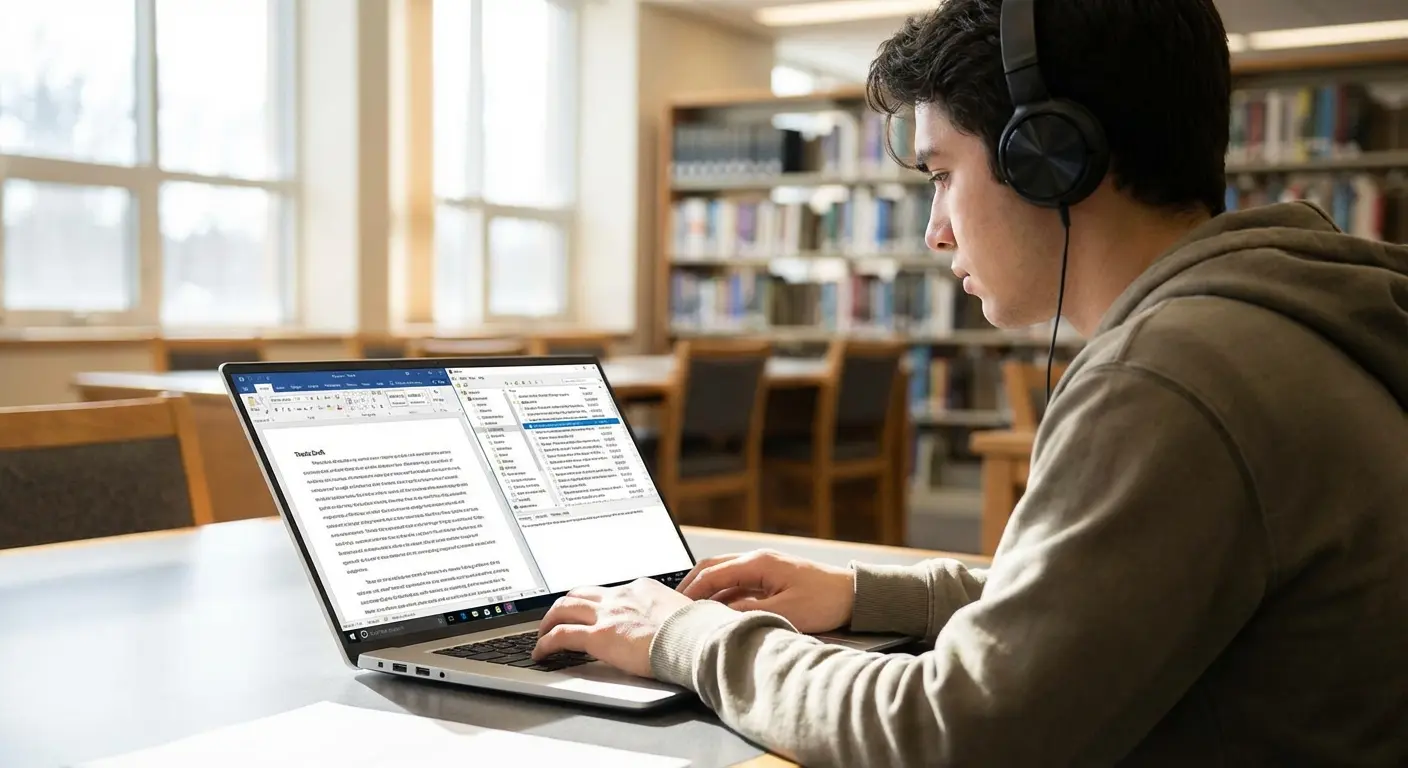
20. Grammarly
Grammarly is your AI editor. It checks grammar, tone, and clarity. Even the free version is crucial for proofreading essays before you hit submit. It catches the small typos that your tired eyes miss after an all-nighter.
21. Hemingway Editor
Hemingway Editor highlights complex sentences and passive voice. It forces you to be clear. If your sentences are turning into paragraphs, this tool will cut them down to size and make your argument stronger.
22. Google Docs
Google Docs is the standard for writing and collaboration. It is the safest place to write because it saves every keystroke to the cloud instantly. You will never lose a paper because your laptop crashed again.
Study Smarter, Not Harder: Flashcards & Utilities
Finally, here are the tools that help you actually remember stuff. These apps use spaced repetition and AI to make studying way more efficient. These are some of the best productivity apps for students for retaining info long-term.
Tool |
Primary Method |
Best For Subject |
|---|---|---|
Anki |
Spaced Repetition (SRS) |
Med School, Languages, Law |
Quizlet |
Gamified Flashcards |
General Ed, Vocabulary, History |
Otter.ai |
Audio Transcription |
Journalism, Lectures, Interviews |
23. Anki
Anki is a flashcard app that uses Spaced Repetition (SRS) to show you cards right before you forget them. It’s the most efficient way to memorize huge amounts of data. It’s free on desktop and Android. The interface looks like it's from 1995, but the algorithm is powerful enough to help you memorize thousands of medical terms or legal precedents.

24. Quizlet
Quizlet is a gamified flashcard platform with a massive library. The best part is finding decks other students have already made for your specific textbook. You can start studying immediately without typing out hundreds of cards yourself.
25. Otter.ai
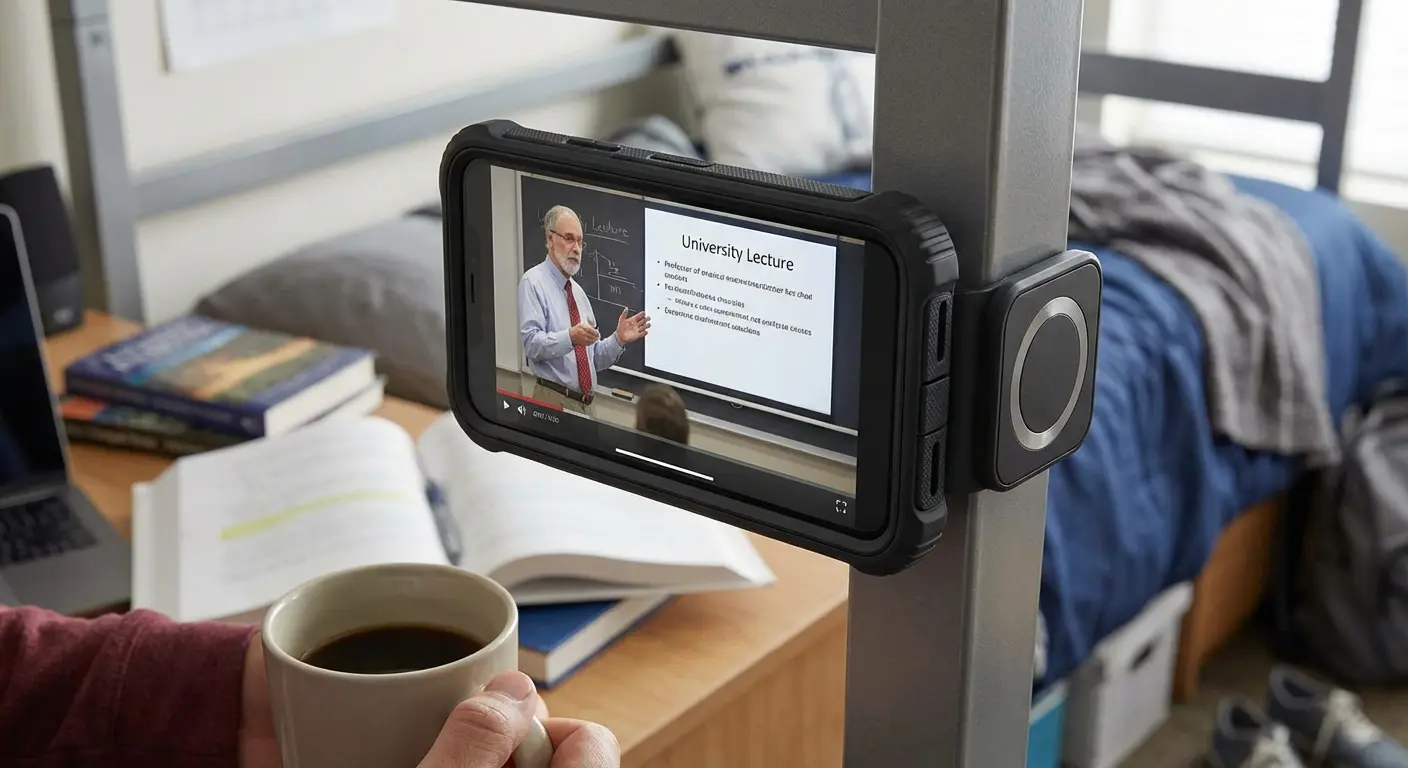
Otter.ai is an AI tool that records and transcribes lectures in real-time. It lets you actually listen to the lecture instead of frantically scribbling notes. You get a searchable text version of everything the professor said.
The "Lecture Recall" Workflow: In a fast-paced class, put your phone at the front of the room running Otter.ai. Don't write every word down—just jot down key themes and timestamps. Later, search Otter for keywords (like "thermodynamics") to instantly find and listen to the exact moment the professor explained that concept. Your notes will be bulletproof.
Protecting Your Productivity Hub with Rokform
The best software in the world is useless if your device is smashed on the sidewalk. Your phone is your calendar, your to-do list, and your research assistant. Rokform bridges the gap between software productivity and hardware reality. We make rugged cases that keep phones safe when you drop them running to class.
But it's not just about protection. Our cases use MAGMAX™ technology. That means you can magnetically mount your phone in a lecture hall to record with Otter.ai, or stick it to your dorm whiteboard to reference notes hands-free. You’re investing time into finding the best productivity apps for students; invest in the gear that keeps them running.
Final Thoughts
Don't overcomplicate this. The goal is to build a system that works for you. Test a few of these apps, find the combo that fits your flow, and make sure your hardware is protected so the system keeps running. Once you've mastered your academic workflow, you'll want to pivot toward your career; be sure to review our list of the 25 best apps for jobs to get a head start on the post-grad job hunt.

