


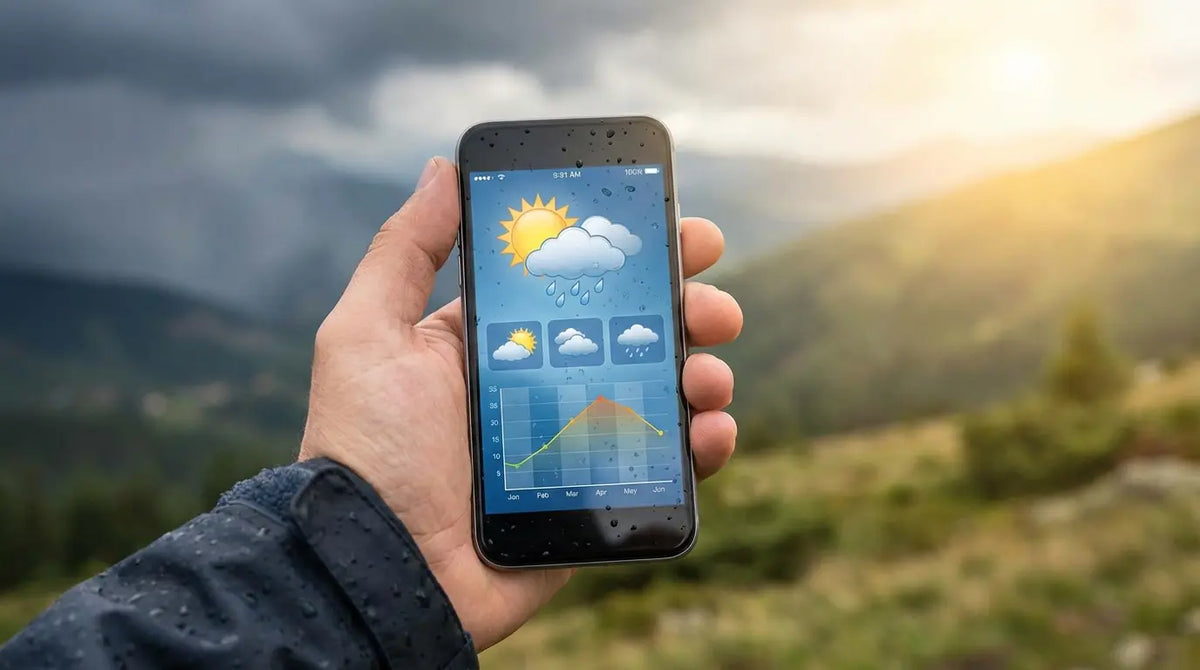
Let’s be honest: accurate forecasting isn't just a convenience; it’s a necessity. We rely on these digital predictions for everything from figuring out if we need a jacket to deciding if the roads are safe for the morning commute. In fact, half of all smartphone users in the U.S. check the weather daily. That is a massive number of people trusting a piece of software to keep them out of the rain.
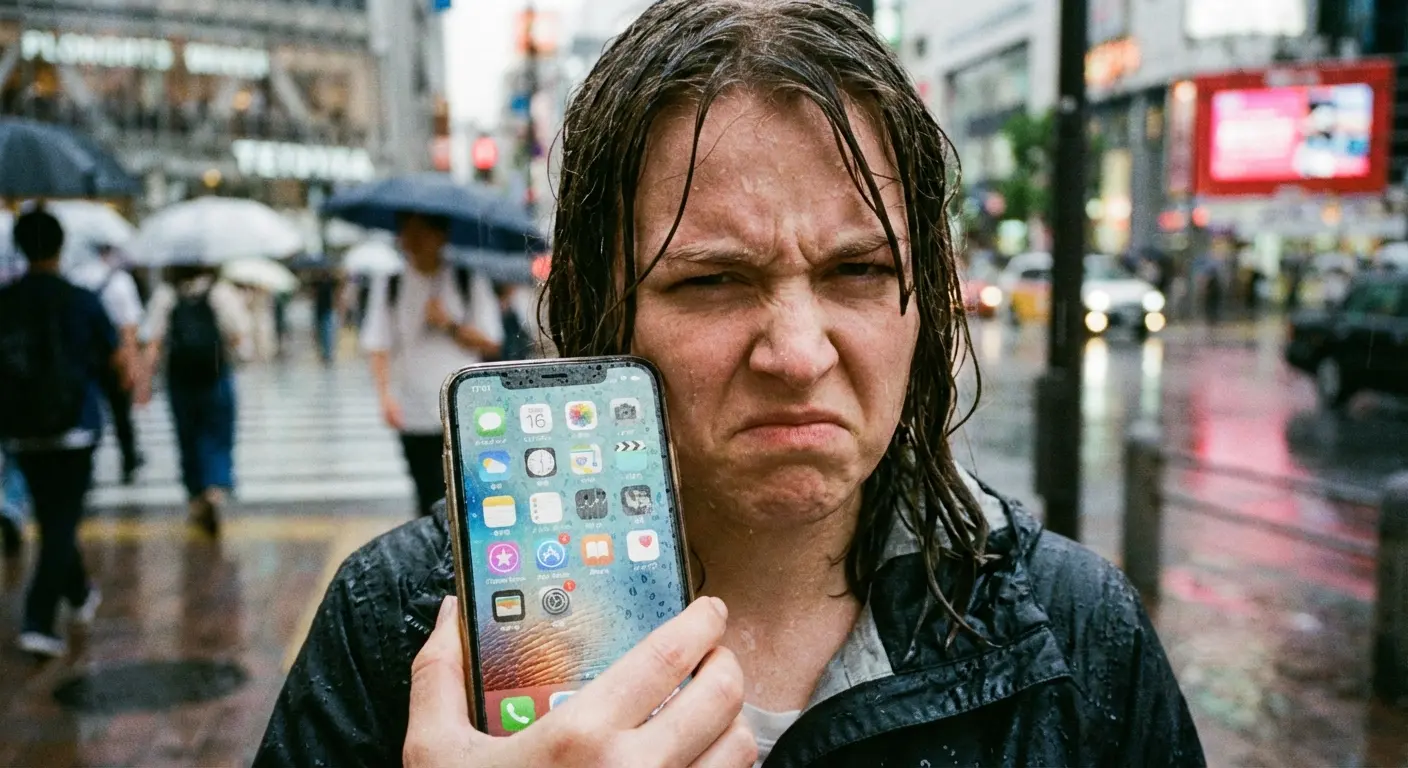
I learned this lesson the hard way a few years ago. I trusted a basic, stock weather widget that showed a cheerful yellow sun icon while I was planning an afternoon hike. Two miles into the trail, the sky absolutely opened up. I spent the next hour sliding down a muddy incline in a torrential downpour because the data on my screen didn't match the reality in the atmosphere. That frustration made me realize that upgrading to specialized weather apps for Android is worth the effort.
What We're Covering
We’ve put together a roadmap to help you find the right tool for your specific needs. We’ll break down five distinct categories: Generalists, Visualizers, Minimalists, Activity Specific, and Stock Options. We’ll also touch on how the Rokform lifestyle fits into your outdoor planning.
TL;DR
If you don't have time for the deep dive, here is the short version. The most critical factor is the data source—pretty graphics don't mean much if the underlying model is wrong for your location. Privacy is also huge; "free" usually means you're paying with your location history.
Also, keep in mind that protecting your hardware is just as important as predicting the weather. Knowing a storm is coming helps, but having gear that survives the rain is better. Here is a quick summary of what to look for:
Accuracy is local: It depends heavily on the source (NOAA, ECMWF, IBM). What works in New York might fail in the Rockies.
Hyperlocal is king: You want to know if it's raining at your house, not just at the airport 20 miles away.
Watch your data: Free apps often monetize your location. If you value privacy, a subscription is usually worth it.
Visuals matter: If you're a visual learner, prioritize high-res radar and wind maps.
Who Are You? |
Check This Category |
Key Feature |
|---|---|---|
Daily Commuter |
The Generalists |
"Minute-by-minute" alerts |
Outdoor Hobbyist |
Activity Specific |
Swell height, powder reports, or tides |
Data Geek |
The Visualizers |
High-res radar & multiple models |
Aesthetics Fan |
Minimalist & Design |
Clean, themable widgets |
Privacy Advocate |
Paid Subscriptions |
No data selling & no ads |
What to Look for Before You Download
Before you clog up your app drawer, let's look at a few things. Not all apps use the same meteorological models. Some pull directly from The Weather Channel, while others use government sources or proprietary AI. The "best" app depends entirely on whether you care more about data privacy, widget customization, or raw radar data.
Data Source & Accuracy
The underlying model dictates the reliability. US-based NOAA data, the European ECMWF model, and systems like IBM’s Watson all interpret the sky differently. Accuracy is often location-dependent; one model might excel in the Pacific Northwest but struggle in the humid South.
The "Backyard" Test: Imagine you and a friend are planning a hike. You use an app pulling NOAA data, which says clear skies because the nearest airport sensor is sunny. Your friend uses an app with hyperlocal modeling that accounts for the mountain ridge you're climbing. The result? You pack shorts, they pack a rain shell. When that afternoon shower hits, you'll wish you had their app.
Hyperlocal Capabilities
"Nowcasting" is just a fancy word for immediate, short-term forecasting. General city forecasts often miss neighborhood-specific events. The best apps use your GPS to predict precipitation minute-by-minute. This is crucial for deciding if you should walk the dog now or wait twenty minutes.
Interface & Widgets
Be honest about your tech literacy. Some people love isobars and wind vectors; others just want a big text that says "Rain." Also, widgets are a staple of Android. If you have to open the app just to check the temperature, the widget has failed. You want something that looks good next to your other best Android widgets.
Privacy & Cost
There is a distinct trade-off between free apps and privacy. Many free options sell location data to advertisers to keep the lights on. If you want to be the customer rather than the product, a few dollars a year is usually a good investment.
Category A: The "Gold Standard" Generalists
This is the best starting point for 90% of people. These are the household names that balance accuracy, features, and usability for everyday life.
1. The Weather Channel
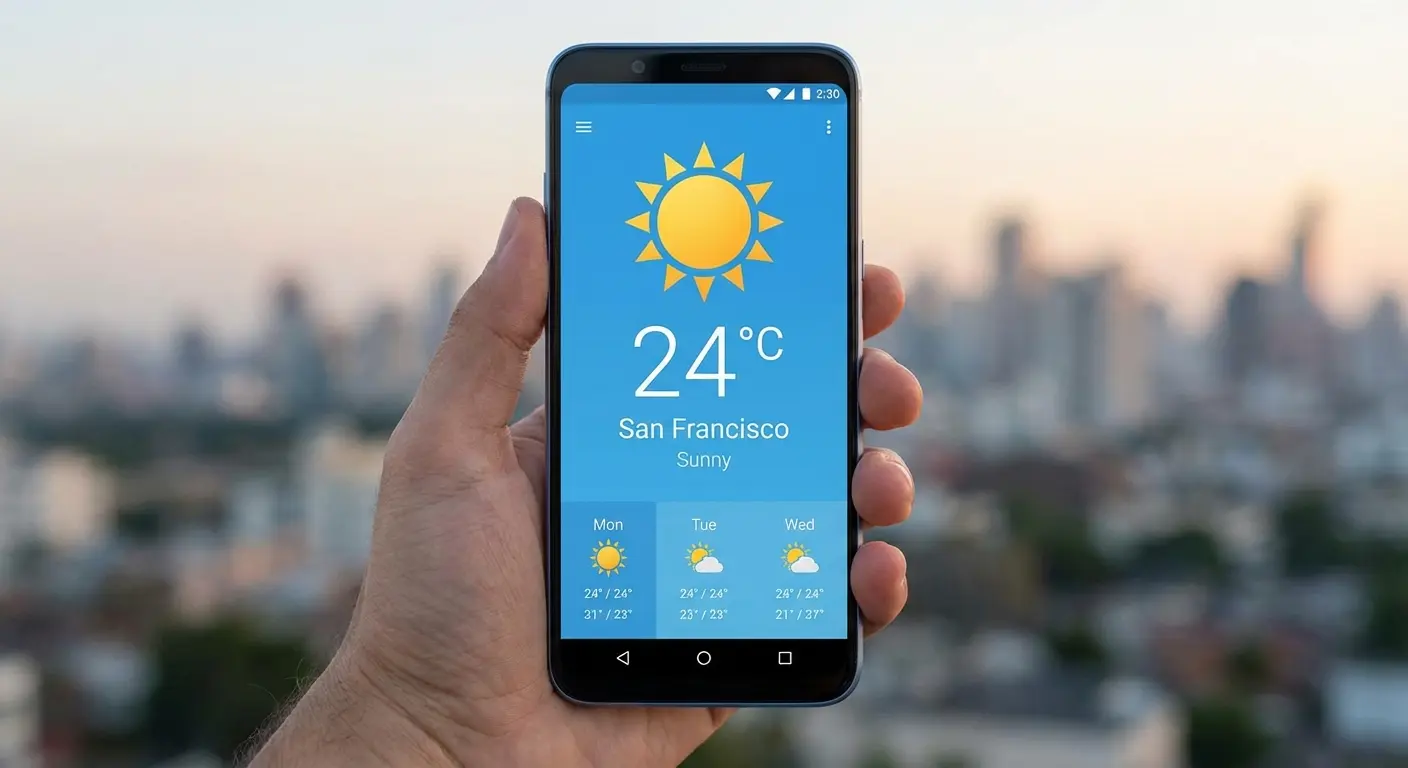
The Weather Channel uses massive computing power to provide hourly forecasts and severe alerts. It is often rated as the most accurate forecaster globally due to its proprietary engine. Features like the "Feels Like" index and allergy trackers add huge value, though you should be aware that the free version is a bit heavy on ads.
2. AccuWeather
AccuWeather is fantastic for knowing exactly when rain will start and stop via its "MinuteCast" feature and RealFeel® technology. This precision makes it perfect for commuters who have their device secured in one of the best car phone mounts for hands-free updates.
3. Weather Underground
The cool thing about Weather Underground is that it uses crowdsourced data from over 250,000 personal weather stations. This gives you temperature readings for specific neighborhoods rather than just the nearest airport. The "Smart Forecast" feature is particularly great for hobbies like hiking.
4. 1Weather
1Weather is a long-standing Android favorite. It blends weather tracking with editorial video content and covers sun and moon phases alongside standard radar. The clean interface and highly customizable widgets are the big draw here if you like theming your home screen.
5. WeatherBug
The "Spark" lightning detector is the standout feature here. It uses GPS to locate the nearest lightning strike, which is a critical safety tool for anyone coaching sports or hiking during storm season. It focuses heavily on safety alerts.
Category B: The Data Visualizers
This category is for the people who want to see the storm coming rather than just reading about it. These are tools for enthusiasts and pros.
6. Windy.com
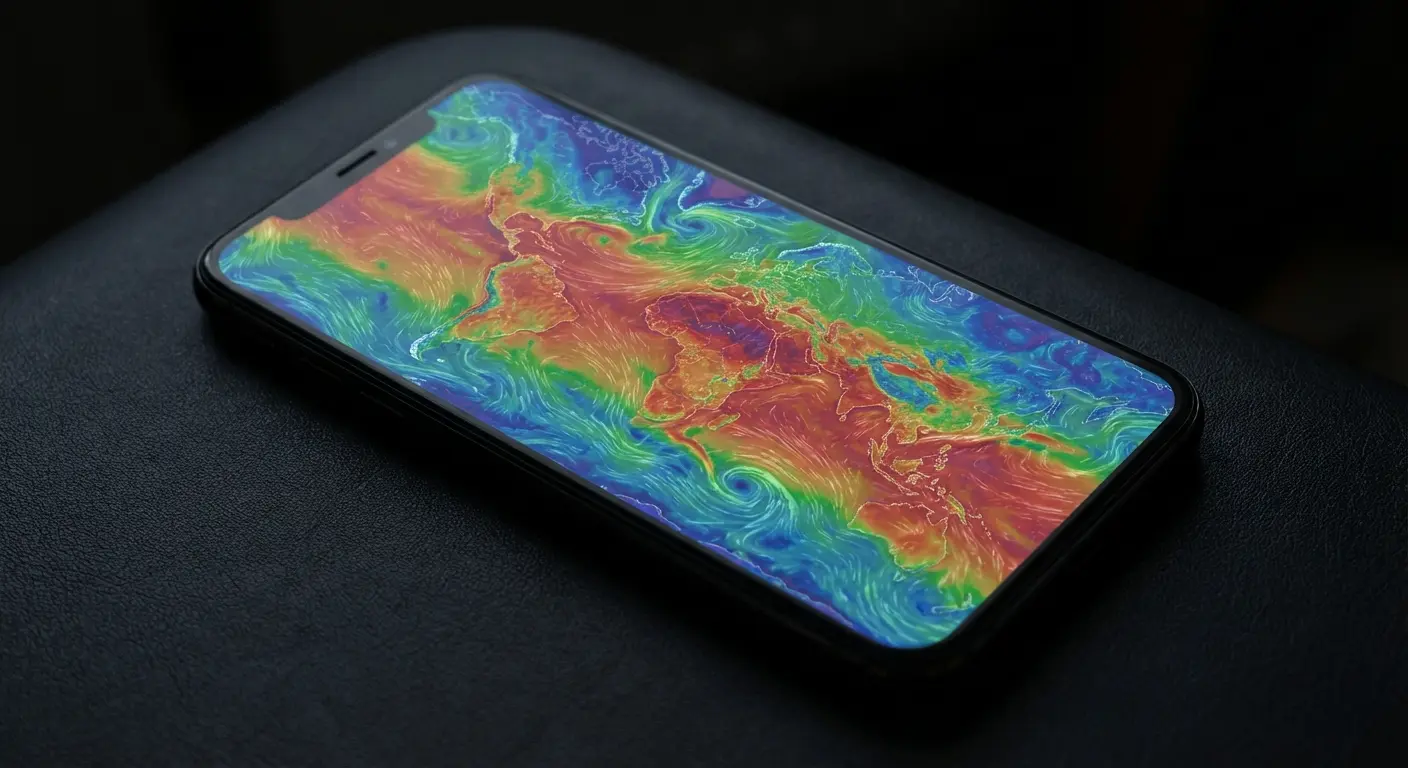
Windy.com is a professional-grade tool used by pilots and sailors. Its interactive global map allows you to toggle between weather models (ECMWF, GFS, ICON). It is hands down the best option for visual data accuracy.
The Landscape Photographer: A photographer wants to capture a sunset storm. A standard app says "Cloudy." Using Windy.com, they can check the "Low Clouds" layers to see exactly where the breaks in the clouds will happen at 6:00 PM to set up the perfect shot.
7. RadarScope
RadarScope is for the hardcore weather nerds. It shows NEXRAD Level 3 radar data, including tornado debris signatures and velocity. Be warned: it has a steep learning curve and a higher price point, but it's the real deal for storm tracking.
8. MyRadar
MyRadar is fast. It’s designed for checking animated radar quickly without navigating complex menus. It includes aviation charts and hurricane tracking without the clutter. Great for a quick "is it hitting my house?" check.
9. Flowx
Flowx uses a unique "swipe" mechanic. You swipe across the screen to advance the forecast map into the future, visualizing the flow of systems over time. It’s excellent for seeing trends over a week.
10. Ventusky
Ventusky is a nice middle ground between Windy and standard apps, featuring a beautiful 3D interface. The precipitation accumulation layers are super useful for understanding how bad a storm will actually be.
Category C: Minimalist & Design-Focused
For users who want their phone to look good, these apps prioritize aesthetics without sacrificing too much data.
11. Overdrop
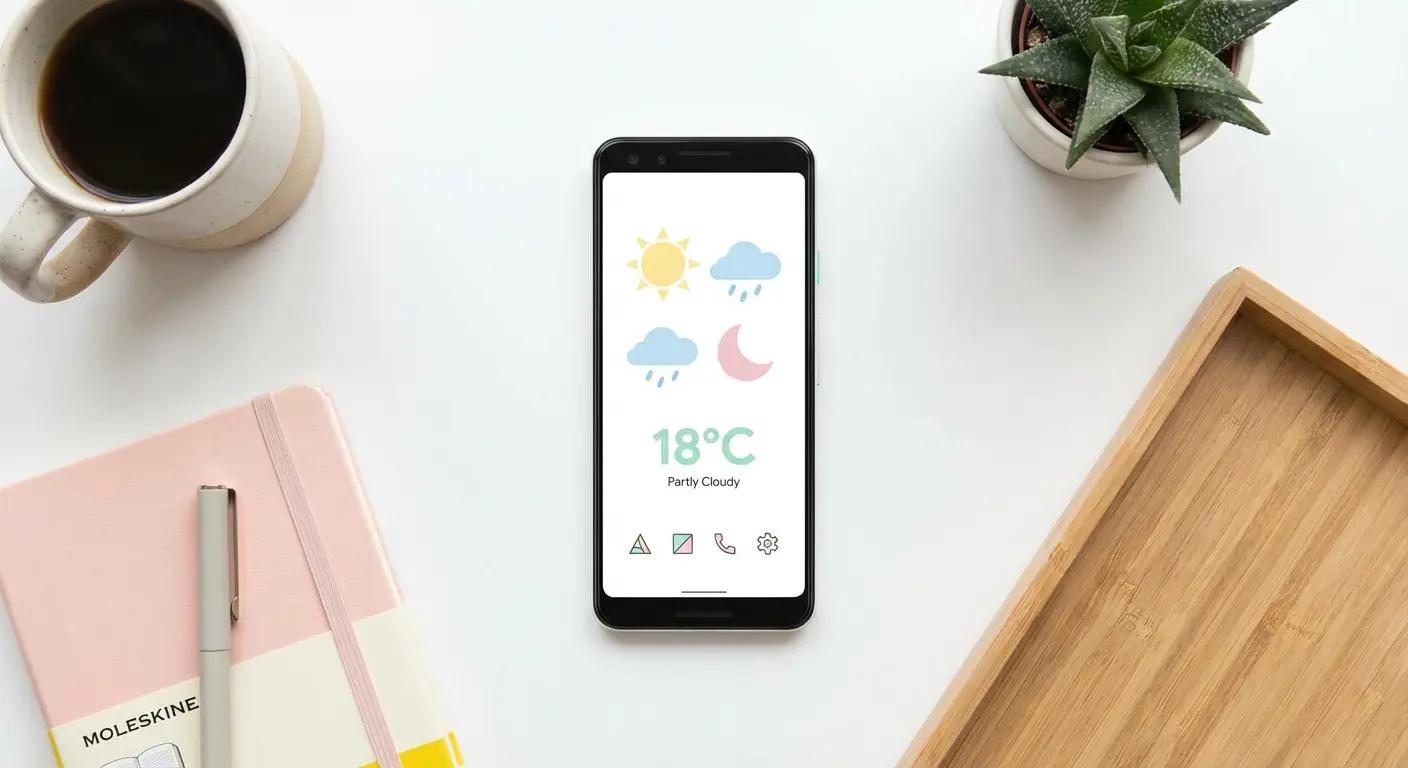
Overdrop is all about the widgets. It has dozens of them to fit various themes, pulling data from reliable providers like WeatherBit and AccuWeather. If you love theming your home screen, start here.
12. Appy Weather
Appy Weather is privacy-centric and features a unique "Timeline" view. It translates weather data into plain English, making it easy to digest. It was designed to replace the old Dark Sky app on Android.
13. Weawow
Weawow is a rarity: completely free and ad-free, supported by donations. It features beautiful photography matches the current conditions, and you can switch data providers to get the best accuracy for your area.
14. Geometric Weather
Geometric Weather is open-source and lightweight, built with Material Design. It includes a live wallpaper feature that changes with the weather. It’s a solid choice for older phones or battery-conscious users.
15. Hello Weather
Hello Weather is the "no-nonsense" option. No news, no ads, just the forecast in a simple card-based interface. The premium version lets you switch data sources if you aren't happy with the default.
Category D: Activity & Lifestyle Specific
If you have specific outdoor hobbies, general apps usually won't cut it. You need niche data to accompany your GPS golf apps or fishing logs.
Activity |
Essential Data |
Recommended App |
|---|---|---|
Surfing |
Swell height, wind direction, tide |
Surfline |
Skiing |
Snow accumulation, freezing level |
OpenSnow |
Fishing |
Solunar phases, pressure |
Fishing Points |
Hiking |
Elevation-based forecasts |
Yr.no |
16. Surfline
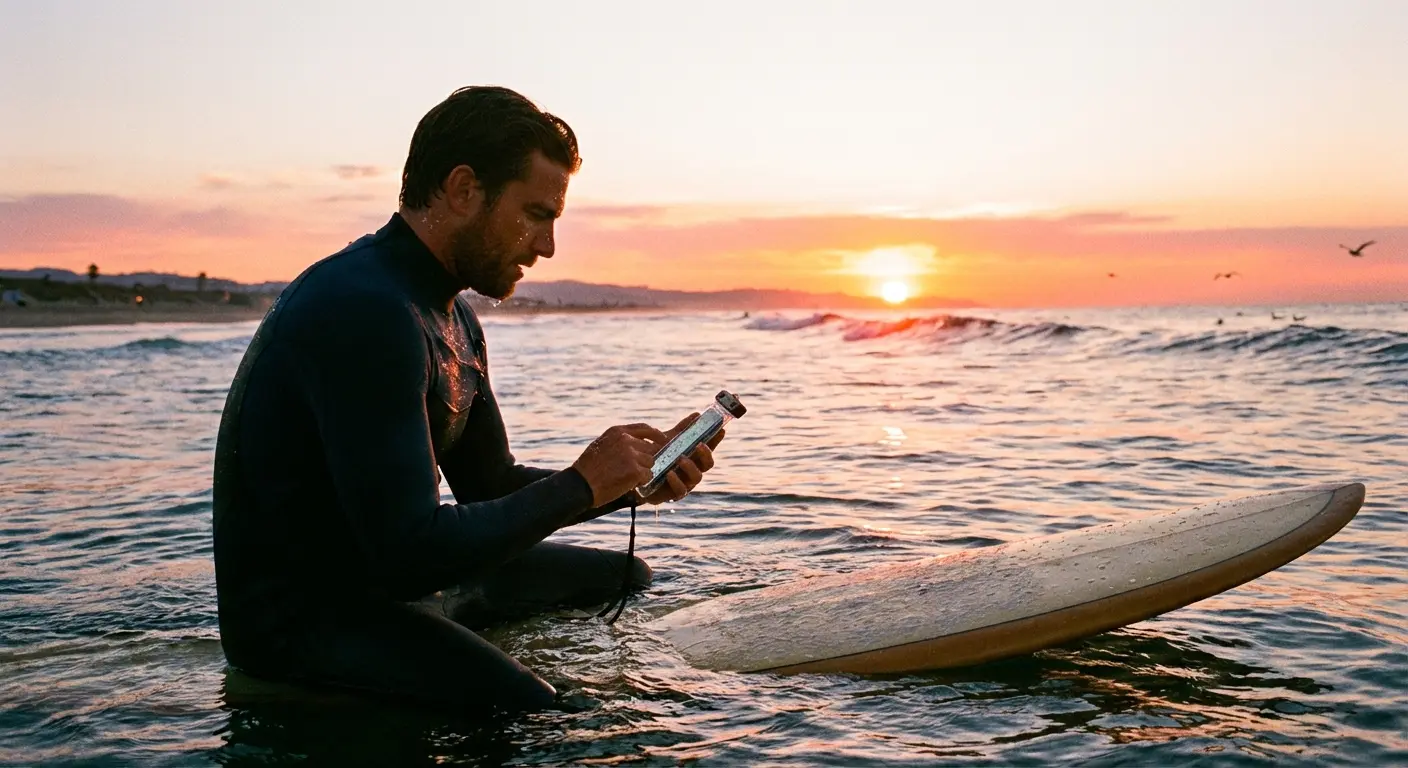
The bible for surfers. It lists swell height, tide charts, and has live HD beach cameras. Essential for anyone on the coast who cares about ocean safety and fun.
17. OpenSnow
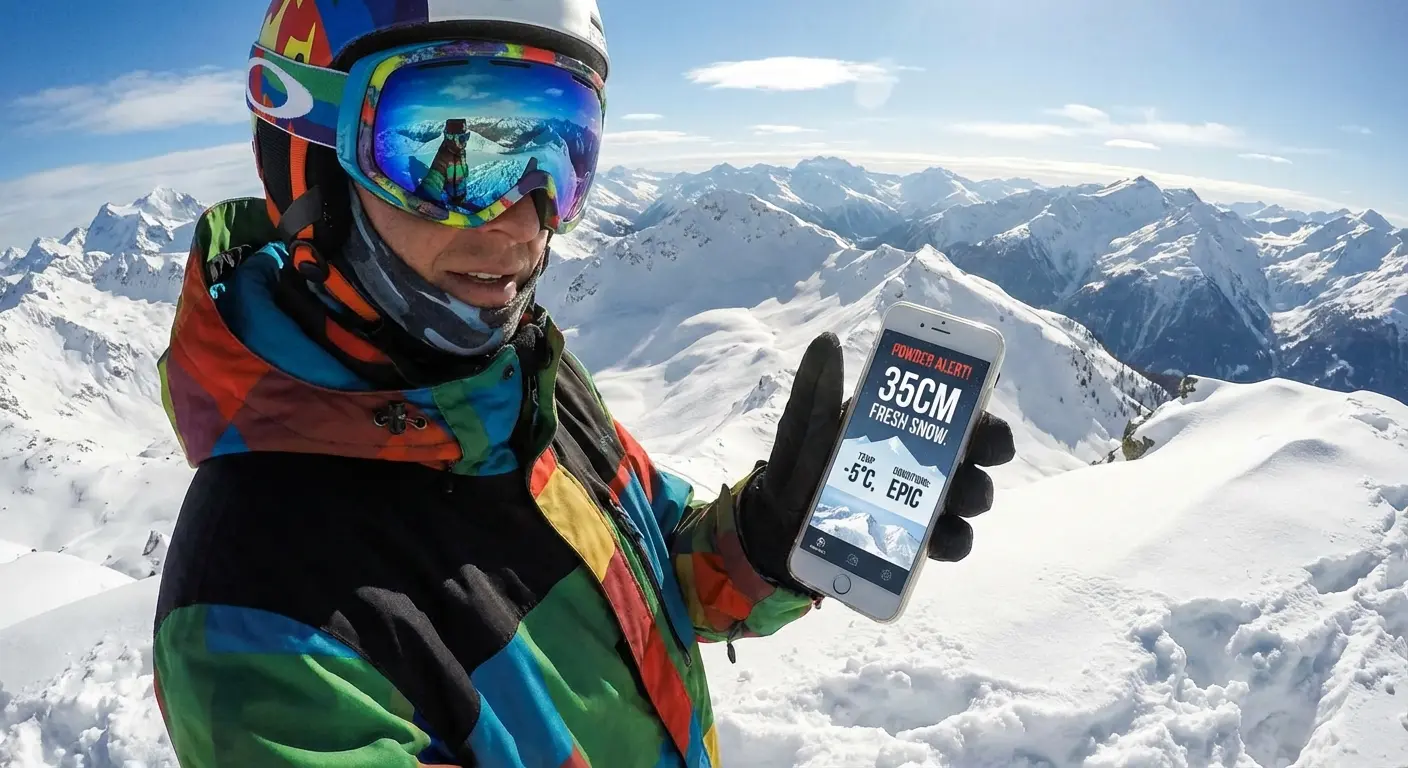
Designed specifically for powder chasers. It provides mountain-specific data that is surprisingly accurate for high altitudes, helping you find the best skiing conditions.
18. Yr.no
From the Norwegian Meteorological Institute. It is famous for its accuracy in hiking and difficult terrain globally. Plus, it’s free and ad-free.
19. Shadow Weather
A "smart" app that integrates with your calendar. It warns you if it’s going to rain during your scheduled outdoor meeting, functioning as a genuine productivity tool.
20. Fishing Points
Combines forecasts with solunar activity and tide logs. Vital for anglers trying to predict fish activity based on pressure changes.
Category E: The "Stock" & Integrated Options
Sometimes the best app is the one you don't have to install.
21. Google Weather
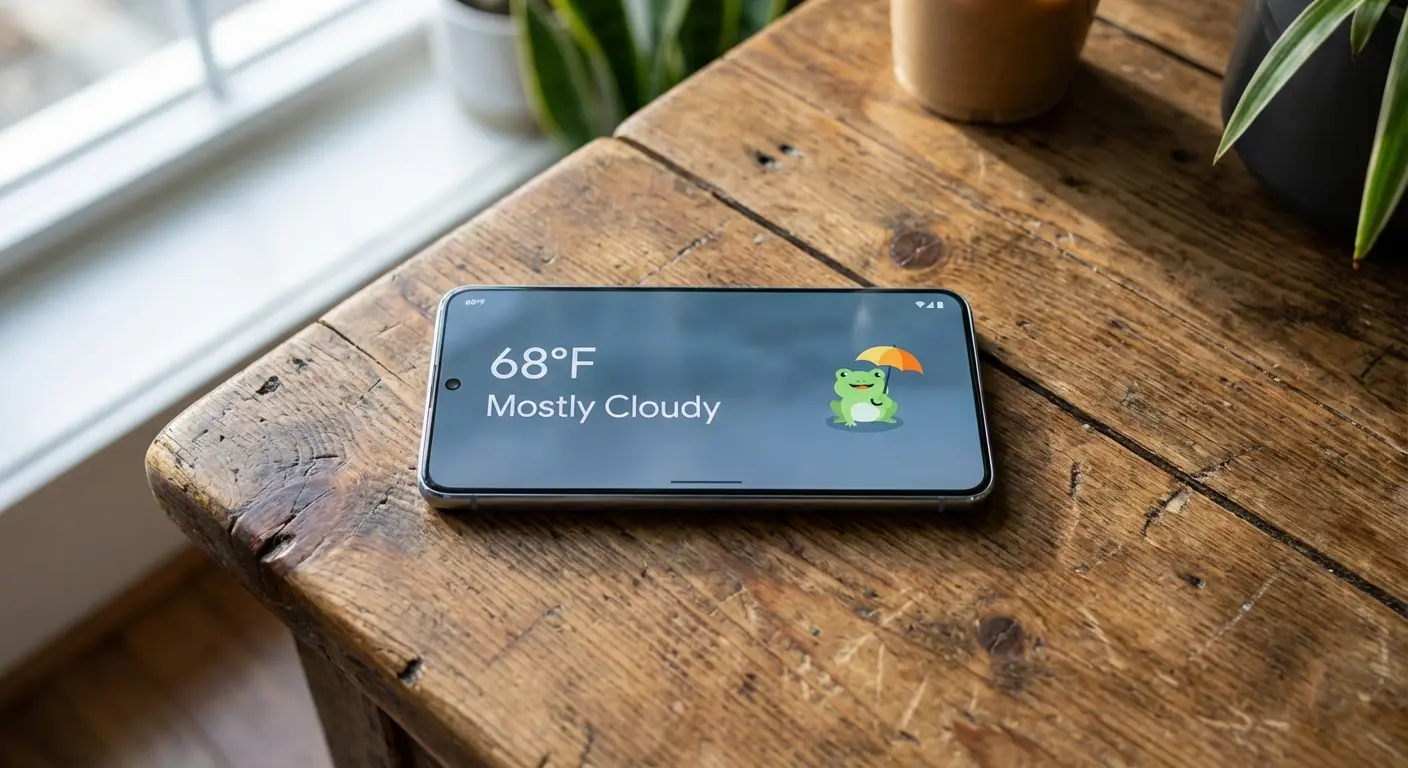
The built-in applet on Pixel and Android devices. It’s fast, surprisingly accurate, and features that lovable weather frog mascot. No install required.
22. Samsung Weather
The default for Galaxy users. It pulls data directly from The Weather Channel, so you get high-quality forecasting integrated right into One UI with nice lock screen animations.
23. Today Weather
An aggregator that lets you choose from over 10 data sources. If one source is wrong for your area, just switch to another. The UI is clean and user-friendly.
24. Yahoo Weather
Remember Yahoo? Their weather app is actually beautiful, using Flickr integration to match photos to your location. It focuses on the "feeling" of the weather.
25. CARROT Weather
The app with a "personality." The AI can be friendly, sarcastic, or downright mean depending on your settings. It makes checking the forecast actually entertaining.
Rokform: Weatherproofing Your Lifestyle
Here’s the thing: the best weather apps for Android help you plan, but they can't protect your phone from water or impact when you get caught in the elements. Rokform bridges that gap between digital planning and physical protection.
Rugged Protection
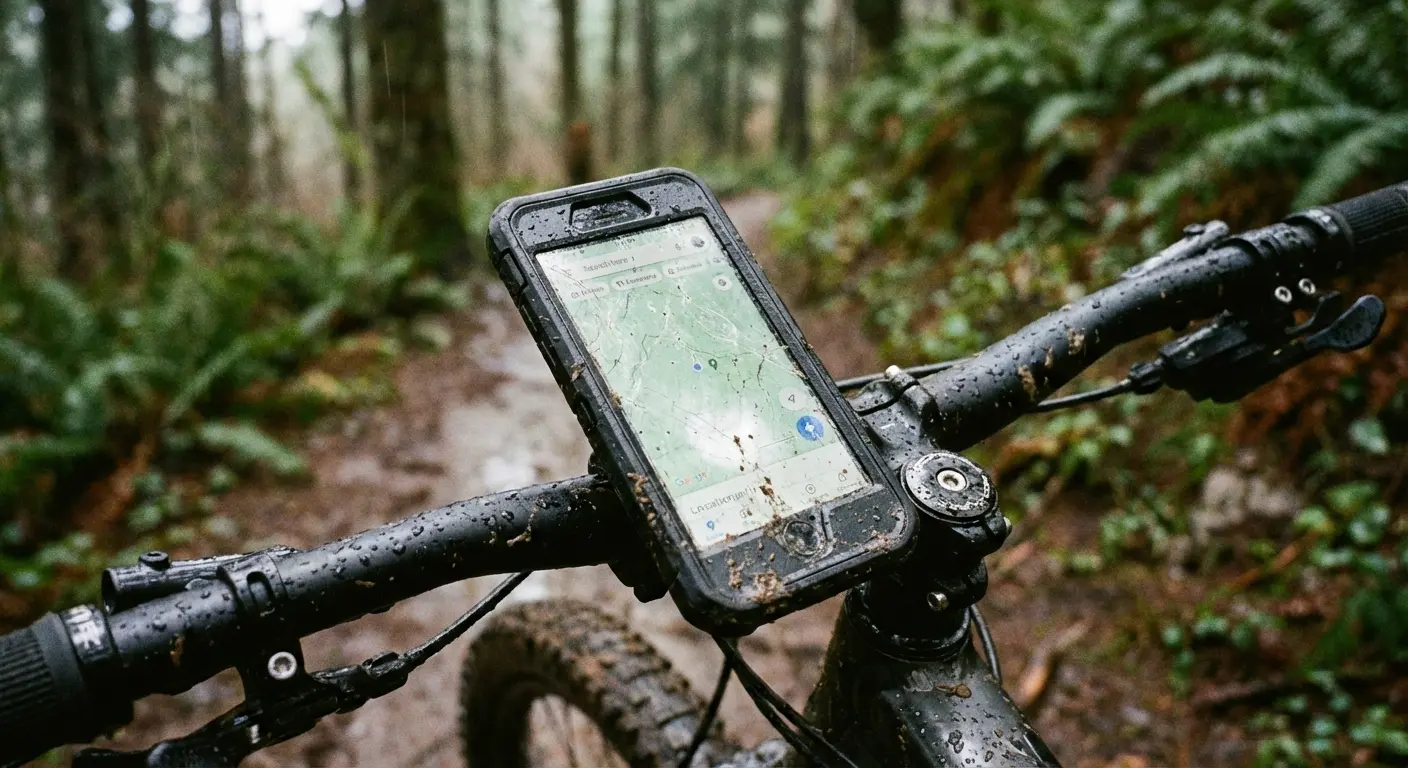
Rokform cases are built with military-grade aluminum and polycarbonate. This protection ensures your screen and camera survive slips on wet terrain. If you're checking your radar in a drizzle and the phone slips, you want a case that absorbs the impact so you can just wipe it off and keep moving.
Magnetic Utility
Our MAGMAX™ magnets are incredibly useful. You can mount the phone to a golf cart frame or toolbox instantly when the weather turns and you need hands-free capability.
Outdoor Ready
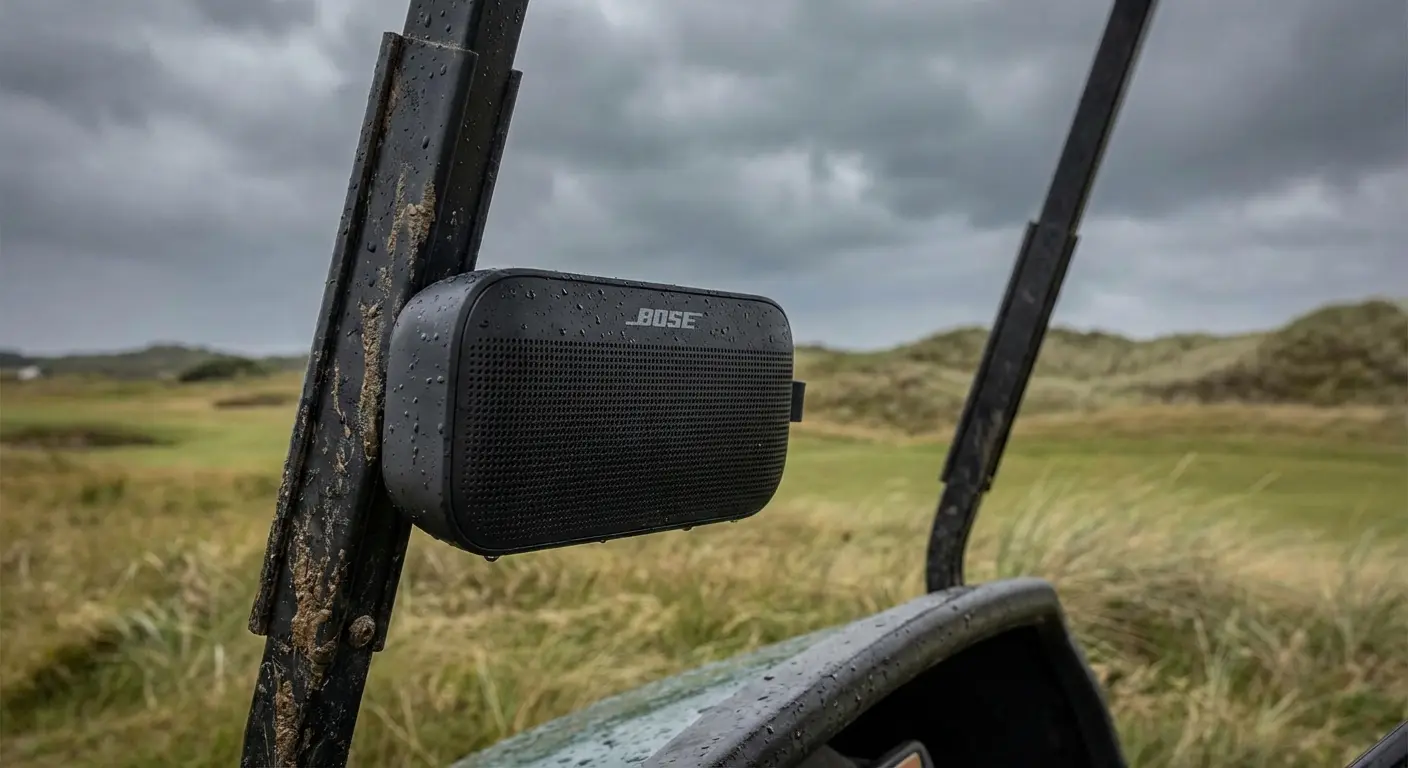
The G-ROK PRO Bluetooth Speaker is the perfect companion for the outdoors. It’s weatherproof, magnetic, and rugged, ensuring the music plays even when the forecast gets rough.
Final Thoughts
The "best" app is subjective—it depends on if you need raw data, a pretty interface, or just to know if the surf is up. I’d recommend downloading a few from this list to see which one clicks with you. And no matter which app you choose, keeping your device safe with one of the best Android phone cases from Rokform ensures you’re ready for whatever the sky throws at you.

