


Here's something the antivirus industry doesn't want you to know: your phone probably doesn't need their software.
At all.
I know that sounds crazy. You've got 7 billion smartphone users out there, and everyone's freaking out about mobile security. The antivirus companies are certainly freaking out, mostly about how to convince you to install their apps.
But here's the thing: most free antivirus apps are garbage. Safety Detectives tested them, and the results were embarrassing. Ineffective against actual malware, stuffed with ads, constant annoying notifications, and they killed your battery. You're installing the problem while trying to solve it.
The real question isn't whether you need another app cluttering your phone. It's whether you're protecting what actually matters.
Table of Contents
Why Most Free Antivirus Apps Are Solving the Wrong Problem
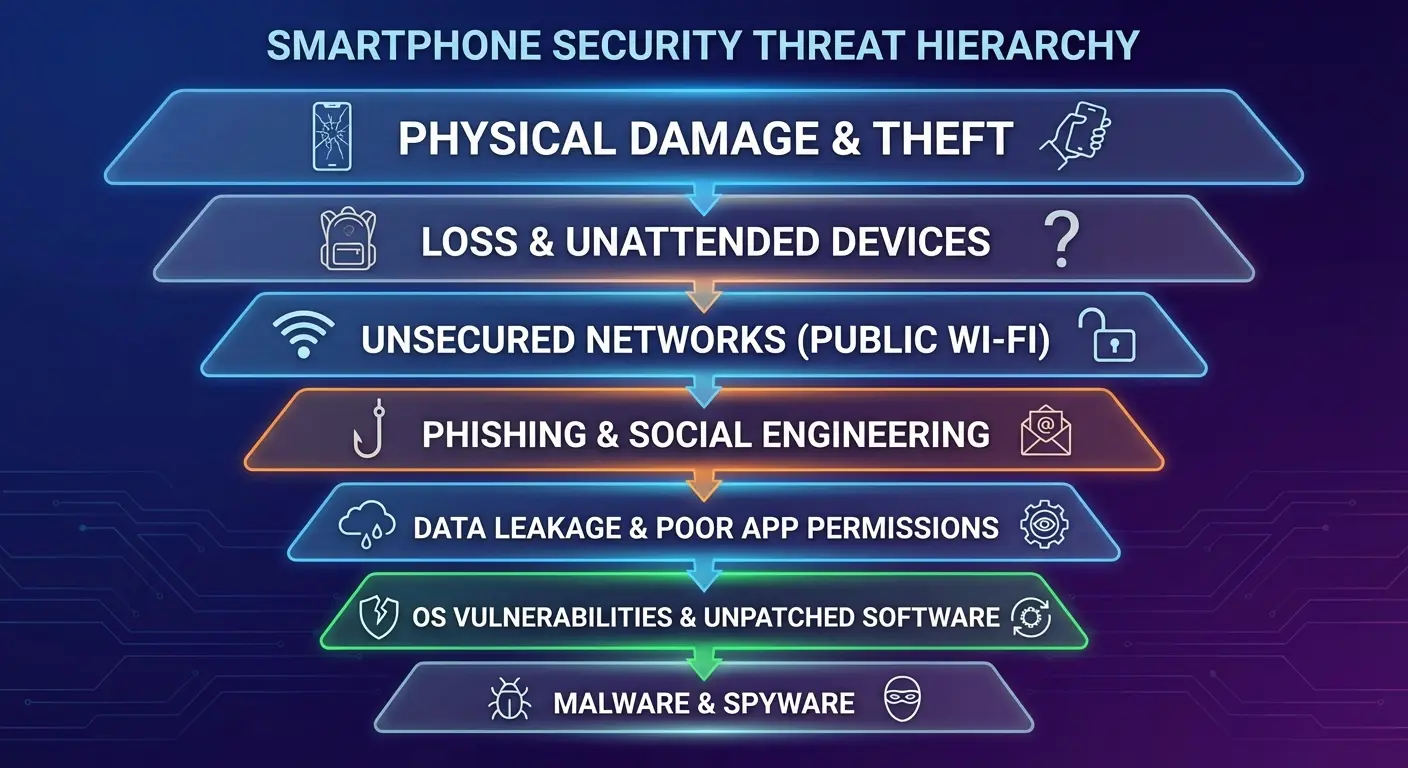
The Real Threats Your Phone Faces Daily
What Free Actually Costs You
Permission Creep and the Apps You Trust
Built-In Security Features You're Probably Ignoring
Physical Protection vs. Digital Protection
When Free Antivirus Makes Sense (and When It Doesn't)
A Different Kind of Protection
Final Thoughts
TL;DR
Free antivirus apps often create more vulnerabilities than they solve by requesting excessive permissions
Modern smartphones from Apple, Samsung, Google Pixel, and Huawei ship with robust built-in security that handles most threats
Physical damage causes more data loss and security breaches than malware for average users
Permission management matters more than virus scanning for everyday phone security
The biggest security risk isn't what's on your phone but what happens when it breaks or gets stolen
Why Most Free Antivirus Apps Are Solving the Wrong Problem
AVG's independent lab testing shows their antivirus detected 100% of all viruses it had prior knowledge of, and 99% of all viruses it had no prior knowledge of. These numbers sound impressive until you realize something more important.
The threats your phone actually faces? Traditional antivirus software doesn't catch them.
This is the dirty secret antivirus companies hope you never figure out. Because once you understand how mobile operating systems actually work, their entire pitch falls apart. iOS, Android, Google Pixel, and Huawei devices don't work like desktop computers. Not even close. And that distinction matters more than any marketing department wants you to know.
The Desktop Mentality Doesn't Transfer
You've been trained to think phones work like computers.
They don't.
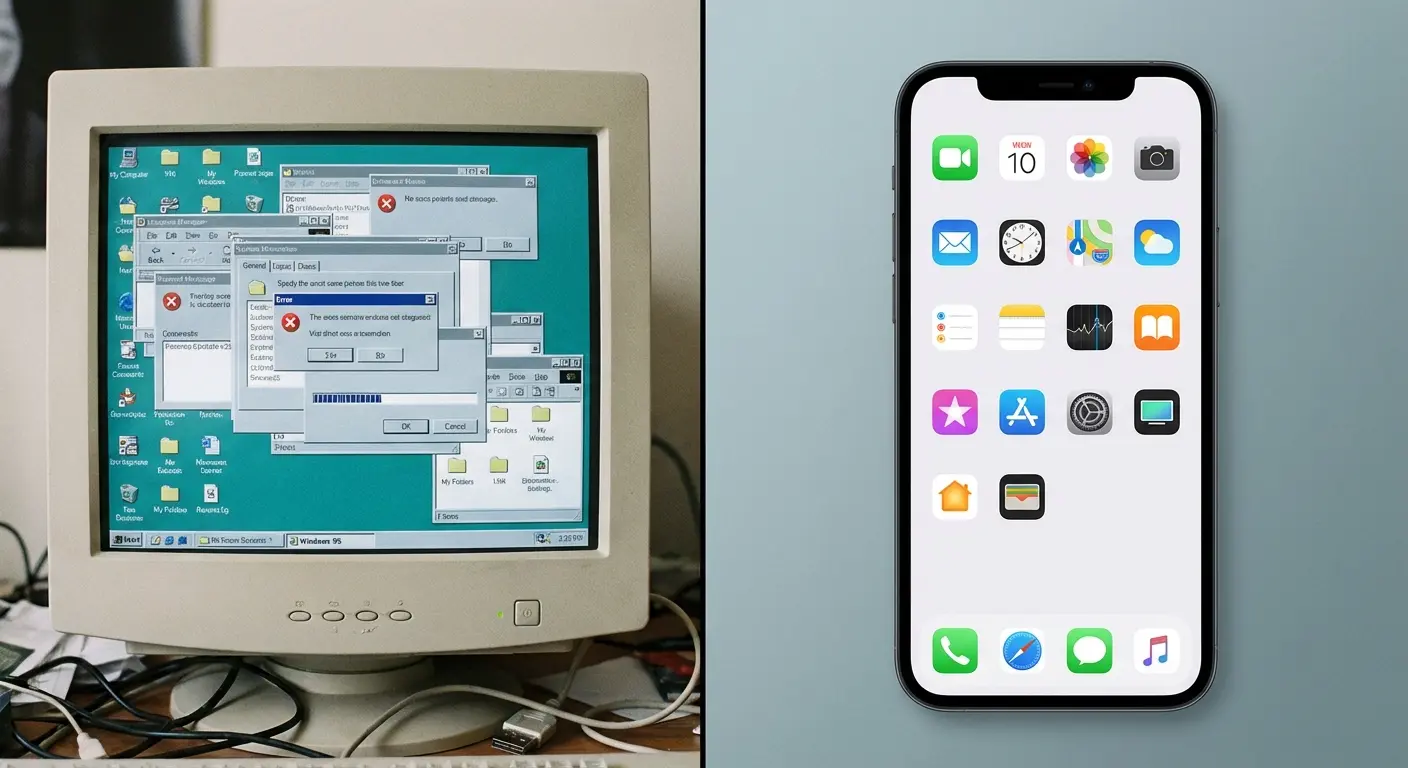
Desktop operating systems run programs with broad system access. Your phone, whether it's an iPhone 17, Samsung Galaxy, Google Pixel, or Huawei device, sandboxes applications. Each app lives in its own isolated environment, unable to access other apps' data or modify system files without explicit permission.
Free antivirus apps exploit outdated fears. They're selling solutions to problems that existed on Windows XP, not on the phone currently in your pocket. People search for a free antivirus for phone without realizing their device already includes comprehensive protection.
What Actually Threatens Your Phone
Yeah, malware exists for mobile devices. But it's not spreading through the wild the way antivirus companies suggest. Here's what you're genuinely up against.
Phishing attacks arrive through text messages, emails, and social media. No antivirus app can protect you from clicking a convincing link and entering your password on a fake website. That requires awareness, not software.
My coworker Sarah, who's normally paranoid about this stuff, got a text that looked like it came from her bank at 11 PM on a Wednesday. Warning of suspicious activity on her account. The message included a link to "verify" her identity. She clicked it (she was half-asleep, okay?), entered her credentials on what looked exactly like her bank's login page, and within hours, unauthorized charges started appearing.
No antivirus software would have stopped this. The site wasn't technically "malicious" in a way scanners detect. It was a perfectly crafted phishing page hosted on a compromised but otherwise legitimate domain.
Malicious apps occasionally slip through app store vetting processes. Apple's App Store and Google Play Store both scan submissions for known threats and suspicious behavior. When something dangerous gets through, both companies can remotely yank it off your device.
Network vulnerabilities happen when you connect to compromised WiFi networks. A VPN addresses this way better than any antivirus scanner.
Physical access represents the most significant security threat you'll face. Someone with your unlocked phone has access to everything, regardless of what security software you've installed.
Once you understand these real threats, you'll see why protecting your phone from theft matters more than installing another security app.
The Statistics Nobody Talks About
Android dominates the smartphone scene with roughly 71% of the global market share, while iOS holds about 28%. You'd expect Android's larger footprint to create a malware epidemic, right?
It hasn't.
Most Android malware exists in regions where users sideload apps from unofficial sources. If you're downloading apps exclusively from Google Play Store, your risk drops dramatically. Google Play Protect scans over 100 billion apps daily, and it's already running on your Android device whether you've installed additional antivirus for android software or not. One of the bigger free names gets a closer look in my Avast free antivirus for Android review.
Apple's closed ecosystem makes iOS even more resistant to traditional malware. The company's review process isn't perfect, but it's effective enough that you're statistically more likely to drop your iPhone and shatter the screen than you are to encounter malware.
The Real Threats Your Phone Faces Daily
Let's redirect attention to the risks that actually affect phone users every day. Industry data shows that hardware failure and physical damage cause more security breaches and data loss than malware. Protection means something different than most people assume.
Screen Cracks and Data Loss
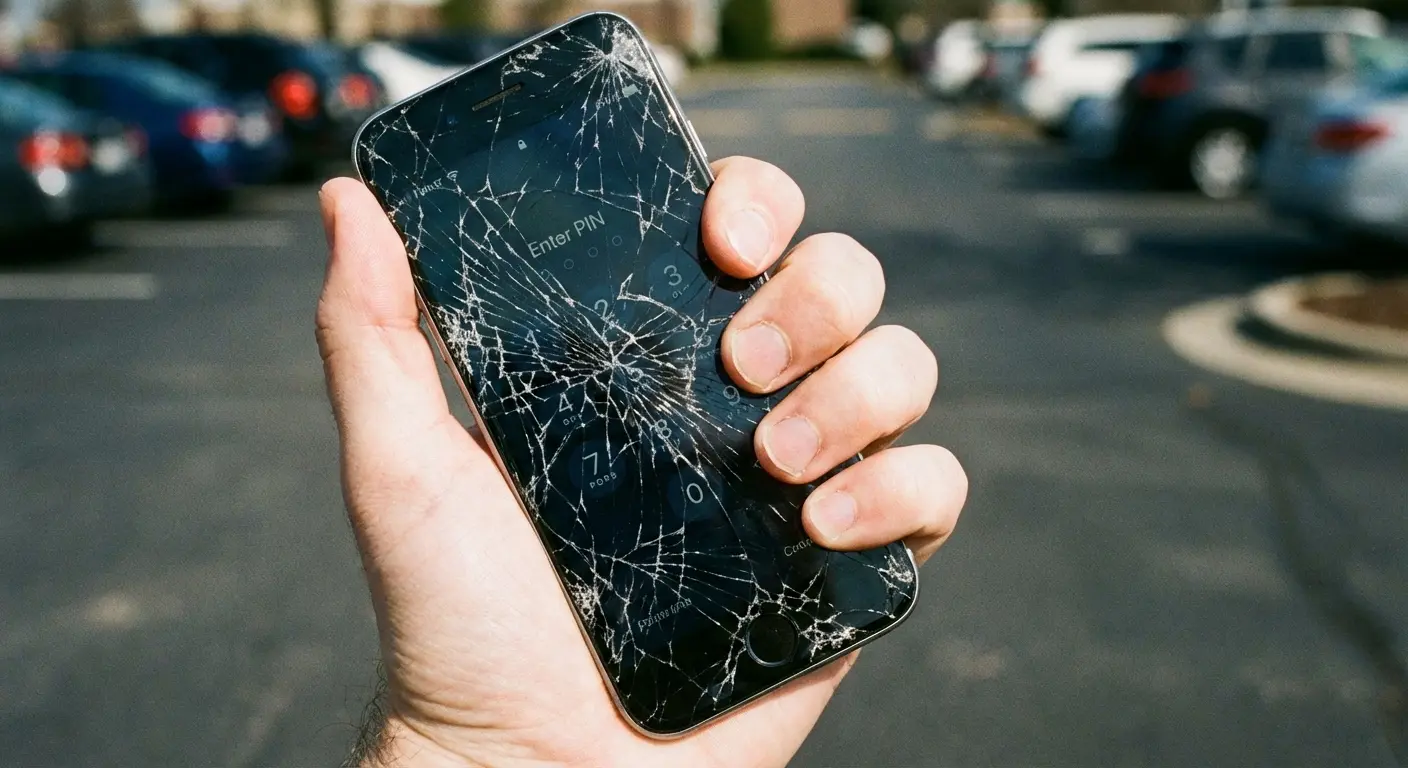
Cracked screens lead to more data breaches than viruses ever will.
Here's how it plays out:
Your screen cracks. You keep using the phone because replacement costs money and time. The crack spreads. Touch responsiveness degrades. Eventually, you can't unlock your phone reliably, can't access two-factor authentication codes, can't approve password resets.
You're locked out of your digital life, not because of malware, but because of a $15 screen protector you didn't buy and a case you thought looked too bulky.
My buddy Mike (the guy who swore he'd never use a case because they're "too bulky") shattered his Galaxy S23 in the Target parking lot back in January. It was raining, he was juggling grocery bags and trying to answer a call from his wife, and the phone just slipped. The screen cracked, not shattered, just a single crack running diagonally across, so he figured he'd deal with it later. You know how it goes. Repair costs $200, you're busy, the phone still works.
Three weeks later, the touchscreen became so unresponsive he couldn't enter his PIN reliably. He missed an important work call because he couldn't answer his phone. He couldn't access his authenticator app to log into his work email. He couldn't approve a time-sensitive bank transfer.
His phone had become a paperweight. Not from a virus, but from a preventable accident that a quality case would have absorbed.
Theft and Unauthorized Access
Stolen phones represent a complete security failure. Every password saved in your browser, every logged-in app, every photo and message becomes accessible to whoever has your device.
Find My iPhone and Android's Find My Device help, but only if you've set them up beforehand and only if the thief doesn't immediately power down your phone. Biometric locks (fingerprint and face recognition) provide decent protection, but they're worthless if your phone's too damaged to function properly.
Physical security creates digital security. You can't separate the two.
The Drop Test Reality
Phone manufacturers test drop resistance in controlled environments. You use your phone in parking lots, on hiking trails, at construction sites, and while juggling grocery bags.
Samsung's latest devices combine power and efficiency in ways that keep you connected longer, but that engineering excellence means nothing if your phone doesn't survive the first week. The same applies to Google Pixel's computational photography capabilities and Huawei's innovative features. Brilliant technology requires protection from mundane accidents.
Threat Type |
Likelihood for Average User |
Impact on Data/Security |
Protection Method |
|---|---|---|---|
Screen damage from drops |
Very High |
High (device unusable, 2FA inaccessible) |
Quality protective case |
Device theft |
Moderate |
Critical (total data access) |
Physical security + Find My Device |
Malware from Play Store |
Very Low |
Low to Moderate |
Built-in Play Protect |
Phishing via text/email |
Moderate |
High (credential theft) |
User awareness + training |
Public WiFi attacks |
Low |
Moderate |
VPN usage |
Malware from sideloading |
Low (if avoided) |
High |
Avoid unofficial app sources |
The reality is that the most protective phone cases address these daily threats far better than any free security app.
What Free Costs You
In February 2025, the U.S. Federal Trade Commission announced a refund process for Avast Antivirus customers concerning an alleged deceptive marketing practice surrounding the sale of user data. As part of the settlement, Avast was required to pay $16.5 million, which will be used to fund compensation claims.
This shows you exactly what "free" avast free antivirus can cost users who thought they were getting protection.
Free antivirus apps need to make money somehow. And since you're not paying them, guess what you're paying with?
Your data. Your battery life. Your privacy. Your phone's performance.
You're the product. You've heard this before about Facebook and Google, but somehow people forget it applies to that free android antivirus app from a company you've never heard of.
Battery Drain and Performance Impact
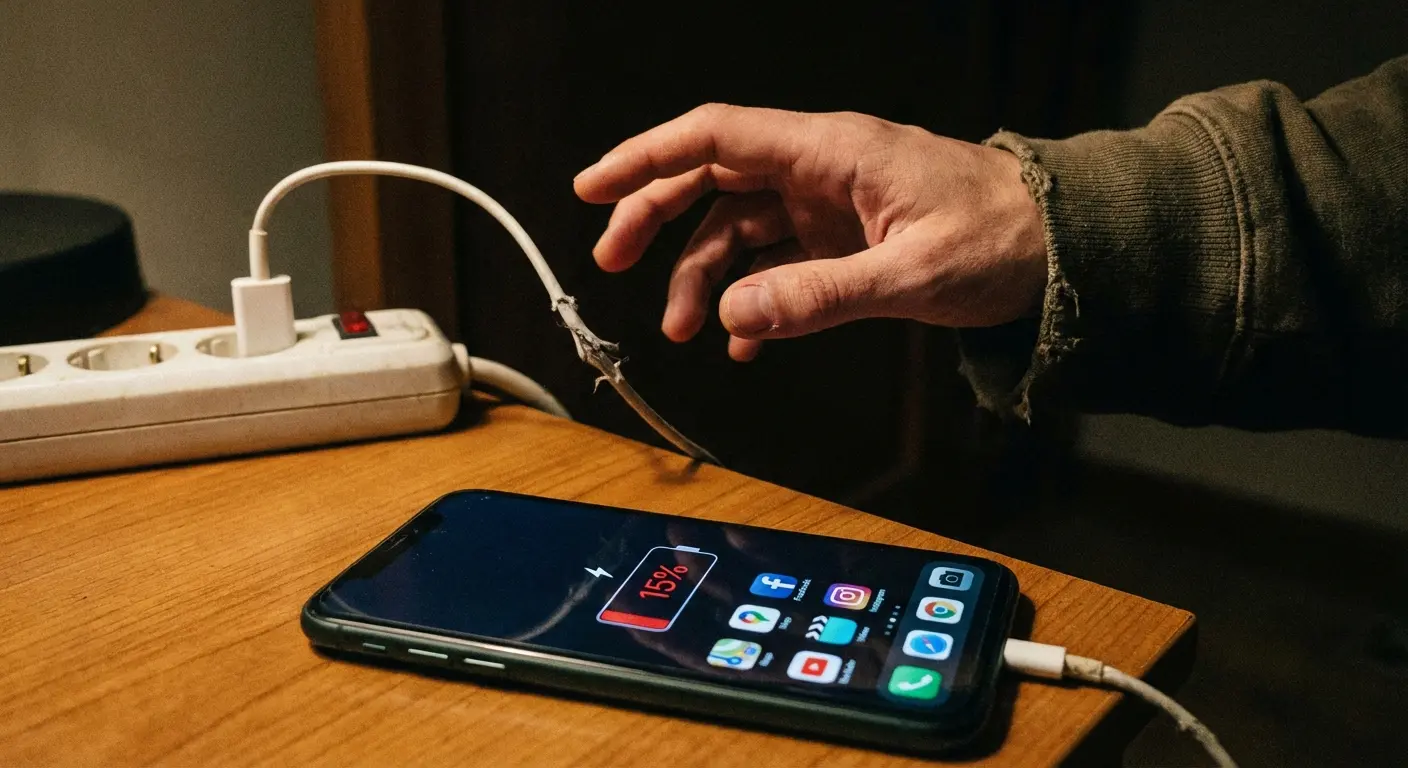
Free antivirus apps run constantly in the background, scanning files and monitoring activity. That continuous operation drains your battery faster than almost any other app category.
You're trading battery life for free antivirus protection you probably don't need. Your phone dies at 3 PM instead of lasting until evening. You miss important calls, can't access maps when you're lost, can't pay for parking because your digital wallet's inaccessible.
The irony? You've decreased your phone's reliability in the name of security.
Your Data as Payment
When you're not paying with money, you're paying with data.
Free antivirus providers are collecting your browsing history, every app you use, where you go, who you know, your device's unique identifiers. Basically everything except your blood type. And they'd probably take that too if phones had the sensor.
They aggregate this information, anonymize it (supposedly), and sell it to data brokers and advertisers. You've installed a surveillance tool while trying to install a security tool.
The Permission Problem
Check the permissions your free antivirus app requests. You'll probably see demands for full network access, ability to read and modify storage, access to phone calls and contacts, location services, camera and microphone access, ability to run at startup, and permission to override other apps.
Every permission you grant is a door someone can walk through.
You've granted a free app (created by a company you probably know nothing about) more access to your device than your banking app has.
Does that sound like improved security?
Before you install that sketchy antivirus app, ask yourself:
Does this app need camera/microphone access? For what, exactly?
Does the privacy policy mention data sharing with "partners" or "third parties"?
Does it require constant notification permissions?
Are reviews mentioning excessive battery drain or performance issues?
Can you even verify who makes this app?
Is it asking to install other apps or modify system settings?
Is the free version ad-supported? (Those ads can be malicious)
When was this thing last updated?
Why does it need access to contacts, call logs, or SMS?
Is it asking you to disable built-in security features to function?
If you're checking off three or more of these, maybe don't install it.
Permission Creep and the Apps You Trust
Apps gradually request additional permissions over time, and you habitually approve them without thinking. Security comes from conscious permission management, not from installing additional security software.
How Apps Train You to Say Yes
Apps don't request all their permissions upfront anymore. They've learned that overwhelming you with permission requests during installation leads to uninstalls.
Instead, they wait.
You use the app for a week, get comfortable, maybe even start to rely on it. Then comes a request for camera access, framed as enabling a "helpful new feature." You click yes without thinking because you're already invested in the app.
That's permission creep, and it's more dangerous than most mal ware you'll encounter.
And you're doing it right now.
Auditing What You've Already Approved
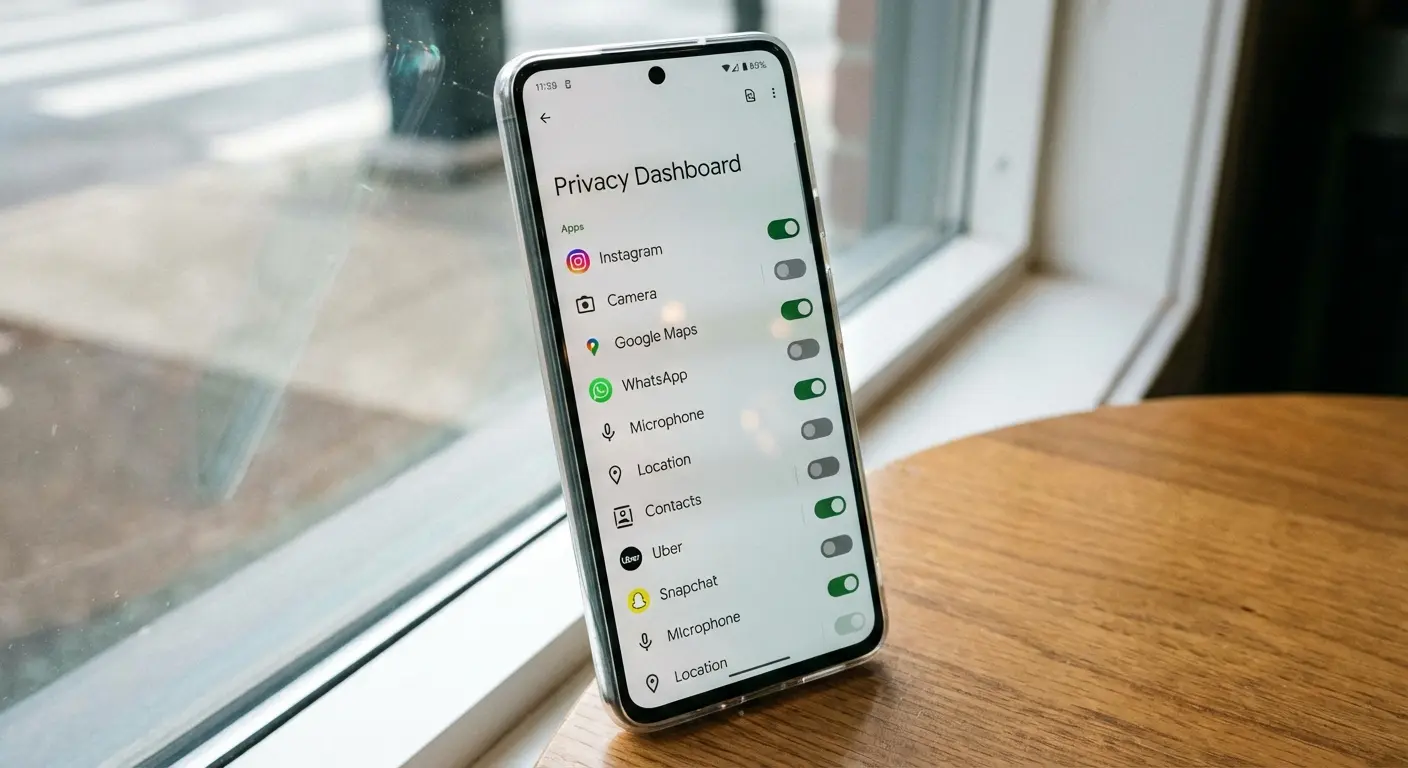
When did you last review your app permissions? Most people never do.
For iPhone users: Settings > Privacy & Security > Choose each category to see which apps have access
For Android users: Settings > Privacy > Permission manager > Review each permission type
You'll probably discover apps with access they don't need. Your flashlight app (yes, your flashlight app) doesn't need your location. Your wallpaper app doesn't need your contacts. Your free antivirus for android doesn't need access to your microphone.
I recently audited the permissions on my Android device and discovered a weather app I'd been using for two years had access to my contacts, call logs, and camera. A weather app. When I revoked these permissions, the app continued functioning perfectly. It never needed that access in the first place. The app had requested these permissions months after installation, one at a time, each framed as enabling some minor feature I'd never use. I'd approved them without thinking because I trusted the app by that point.
The Principle of Least Privilege
Grant apps the minimum permissions they need to function. Nothing more.
This works better than any scanner ever will. You're reducing your attack surface by limiting what each app can access if it's compromised or malicious.
Calculator apps don't need internet access. Weather apps don't need your photo library. Games don't need your call logs.
Built-In Security Features You're Probably Ignoring
Modern smartphones from Apple, Samsung, Google Pixel, and Huawei ship with solid security features that most users never activate or configure properly. Manufacturers have already solved most security concerns if you'd simply use the tools provided.
iOS Security You're Not Using
Apple builds security into iOS at the system level. You don't need to install anything to access these protections.
App Tracking Transparency forces apps to ask before tracking you across other companies' apps and websites. Most users approve these requests without reading them. Stop doing that.
Hide My Email generates random email addresses for app signups, protecting your real address from data breaches and spam. It's built into iOS but rarely used.
Safari Privacy Report shows you which trackers Safari has blocked. Check it sometime. You'll be surprised how much surveillance happens during ordinary browsing.
Lockdown Mode provides extreme protection if you're genuinely at risk of targeted attacks. Most people don't need this, but it exists for journalists, activists, and others facing sophisticated threats.
Android's Hidden Protections
Google Play Protect automatically scans apps before you download them and checks your device regularly for potentially harmful apps. It's already running. You didn't need to install it.
Permission Auto-Reset automatically revokes permissions for apps you haven't used in months. Enable this in Settings > Privacy > Permission manager > Auto-revoke permissions.
Private DNS encrypts your DNS queries, preventing ISPs and network operators from seeing which websites you visit. Settings > Network & internet > Private DNS.
App Pinning locks your phone to a single app, perfect for when you hand your phone to someone. They can't exit that app without your PIN.
Samsung's Knox Security
Samsung devices include Knox, a defense-grade security platform built into the hardware. It creates a secure, isolated environment for sensitive data and monitors the device for tampering.
Knox runs automatically. You don't install it. It's already protecting your Samsung device at the hardware level, doing the job that free antivirus apps claim they need to do.
Google Pixel's Titan M2 Chip
Google Pixel phones include a dedicated security chip that protects your PIN, passwords, and encryption keys. It makes your device significantly harder to compromise, even with physical access.
This hardware-level security beats any software solution. It's already there, already working, already protecting you.
Physical Protection vs. Digital Protection
The security conversation focuses almost entirely on digital threats while ignoring the physical vulnerabilities that cause real problems for real users every single day.
The Case Against Going Caseless
People resist phone cases for aesthetic reasons. They spent good money on a beautifully designed device, and they want to appreciate that design.
I get it.
But that beautiful design won't matter when you drop your phone and can't access your banking app, your work email, your two-factor authentication, or your digital wallet. The most secure phone in the world becomes completely insecure when it's too broken to function.
A quality protective case isn't about paranoia. It's about maintaining the security and functionality you already have. Your phone's built-in security features only work if your phone works.
The Hidden Cost of Repairs
Screen repairs cost between $150-400 depending on your device. That's money, sure, but the real cost is time and access.
You're without your phone for hours or days. You can't receive verification codes. You can't approve login attempts. You can't access apps that require biometric authentication. You're locked out of your digital life because you didn't want a case.
Meanwhile, that free antivirus app you installed? It's not protecting you from any of this.
Theft Prevention Through Physical Security
The best anti-theft protection isn't an app that might help you find your phone after it's stolen. It's preventing the theft in the first place.
Secure mounting systems for your car prevent grab-and-run thefts. Quality cases with grip-enhancing textures make your phone harder to drop and harder to snatch. Attachment points for wrist straps or lanyards keep your phone physically connected to you.
Physical security creates digital security. You can't hack your way into a phone that's not there.
When Free Antivirus Makes Sense (and When It Doesn't)
Free antivirus apps aren't universally terrible. There are specific situations where they provide genuine value. Most users aren't in those situations.
The Rare Cases Where You Might Need It
You're sideloading apps from unofficial sources regularly. You're in a region where malicious apps commonly spread outside official app stores. You're using an older Android device that no longer receives security updates. You're downloading files from sketchy websites on your phone.
If you're doing these things, you have bigger security problems than any free app will solve. But yes, in these scenarios, a reputable antivirus app might catch something.
What "Reputable" Actually Means
Not all free antivirus apps are created equal. If you're going to install one, stick with established companies that have actual security research teams and transparent privacy policies.
Bitdefender, Kaspersky, AVG, and Avast (despite their FTC settlement) have legitimate security operations. They're not perfect, but they're not complete scams either.
That random antivirus app with 5,000 downloads from a developer you've never heard of? That's probably malware pretending to be antivirus software.
The Better Alternative for Most Users
Skip the antivirus app entirely. Instead:
Only download apps from official app stores. Keep your operating system updated. Review and limit app permissions regularly. Use strong, unique passwords with a password manager. Enable two-factor authentication everywhere possible. Don't click suspicious links in texts or emails. Use a VPN on public WiFi. Back up your data regularly.
And protect your phone physically so it can actually function when you need it.
This approach provides better security than any free antivirus app, without the privacy invasion, battery drain, or performance impact.
A Different Kind of Protection
Security isn't just about preventing digital intrusions. It's about ensuring your phone remains functional, accessible, and reliable when you need it most.
The Real Security Investment
A quality protective case costs $30-80. That's less than most antivirus subscriptions, less than a single screen repair, and significantly less than replacing a destroyed phone.
You're not just protecting against drops. You're protecting your ability to receive two-factor authentication codes, access your banking apps, call for help in emergencies, navigate when you're lost, and maintain connection to everything that matters.
What Actually Protective Means
Protective cases aren't all equal. The cheapest option from a gas station won't help you. You need impact absorption, raised edges to protect the screen and camera, secure grip, quality materials that don't degrade, and ideally, additional features like mounting systems or attachment points.
Companies like Rokform build cases with military-grade protection standards, integrated mounting systems for cars and bikes, and magnetic technology that doesn't interfere with your phone's functionality. That's protection that actually protects.
The Mounting System Advantage
Secure mounting systems prevent the drops that cause damage in the first place. Your phone stays visible and accessible while driving, biking, or working, but it's physically secured rather than sitting loose on a seat or in a cup holder.
You're not fumbling with your phone while driving. You're not dropping it while trying to check navigation. You're not leaving it somewhere it can be easily stolen.
Physical security enables digital security. When your phone is secure, everything on it is secure.
Final Thoughts
The antivirus industry wants you scared of invisible threats while ignoring the visible ones that actually affect your daily life.
Your phone probably doesn't need antivirus software. It needs you to understand how modern smartphones actually work, use the security features already built in, manage app permissions consciously, and protect the physical device that makes all your digital security possible.
A cracked screen has compromised more phones than malware ever will. A stolen phone represents a complete security failure that no app can fix. A dead battery leaves you unable to access the security features you do have.
Real security isn't about installing more software. It's about protecting what you already have so it works when you need it.
That's why your case matters more than your antivirus software.
Invest in physical protection. Use built-in security features. Manage permissions carefully. Keep your phone functional, accessible, and secure.
Everything else is just marketing.

