


TL;DR
iOS doesn't get viruses the way Windows does. Apple's architecture prevents it.
Your actual risks: phishing, bad passwords, public WiFi, and dropping your phone.
You need settings, skepticism, and a good case. Not antivirus.
The Security Theater We've Been Sold
I'm going to save you $40 and some anxiety: you don't need antivirus software for your iPhone.
Full stop.
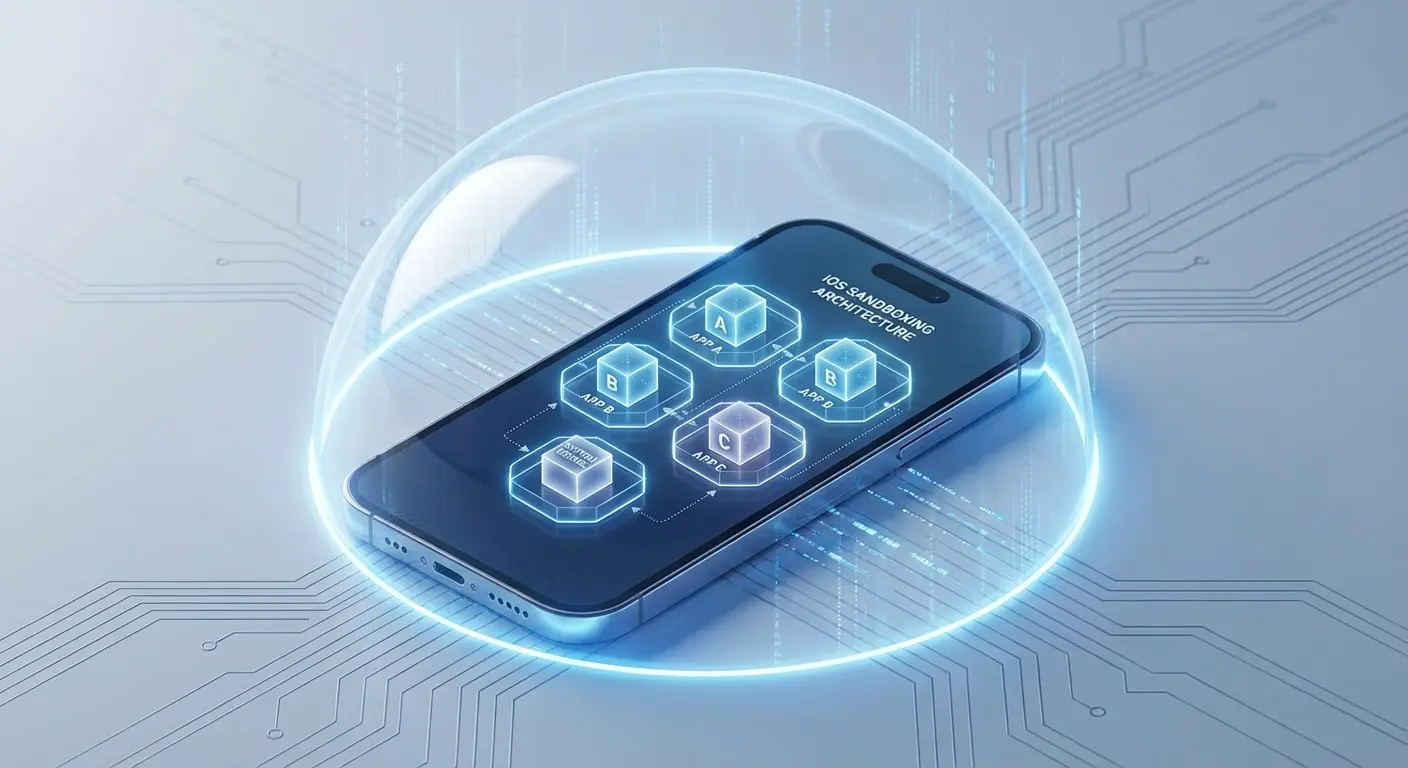
Look, I'm going to be blunt here: traditional antivirus software for iOS is security theater. The architecture of iOS simply doesn't allow apps to scan other apps or access system files the way antivirus programs do on Windows or even Android. Apple built iOS with sandboxing at its core, meaning each app lives in its own isolated environment. An antivirus app can't peek into Safari's data, can't scan your Messages, can't monitor system processes.
Your iPhone's sandbox setup stops this stuff cold. Yet the broader security landscape still matters. According to the AV-TEST Institute, security researchers register over 450,000 new malicious programs and potentially unwanted applications every single day across all platforms. That's a staggering number. Except... almost none of them work on iOS. So we're solving for the wrong threat.
The App Store's Walled Garden (And Why It Works)
Apple reviews every single app before it hits the App Store. The process works. Not perfectly, but well enough that you're not getting ransomware from the official store. You won't find apps that encrypt your files for ransom or secretly mine cryptocurrency in the background.
The apps marketed as "antivirus for iphone" are doing other things: VPN services, password managers, phishing website blockers, device cleaners. Some of these features are actually useful. Calling them antivirus, though? That's marketing, not accuracy.
The security software industry has tried to shoehorn desktop-era thinking into mobile. It doesn't fit. Your iPhone doesn't get viruses the way your old Windows laptop did, and pretending otherwise just creates confusion about what protection you actually need.
What iOS Protection Actually Means in 2025
Protection isn't a single product you install. It's a system of practices, settings, and yes, physical safeguards that work together.
Think about how you use your phone. You're pulling it out dozens of times per day, often in situations where you're distracted, moving, or multitasking. You're connecting to networks you don't control. You're clicking links from people you sort of know. You're granting permissions to apps without reading what they're requesting.
Notice what's missing from all these scenarios? Actual malware. These are human behavior problems intersecting with technology in ways that create vulnerabilities. A security app for iphone might offer some features like VPN protection or password management, but it can't fix the fundamental security challenges created by how we use our devices.
Threat Type |
Traditional Antivirus Protection |
What Actually Protects You |
|---|---|---|
Phishing attacks |
None (can't scan other apps) |
Safari fraud warnings, skepticism, password managers |
Privacy leaks |
None (can't access system settings) |
Manual privacy configuration, app permission review |
Public WiFi interception |
None (can't monitor network traffic) |
VPN services, avoiding sensitive transactions on public networks |
Physical damage/theft |
None |
Quality protective cases, Find My iPhone, device passcode |
Malicious websites |
Limited (browser extensions only) |
Built-in Safari protections, web filtering services |
Password breaches |
None |
Password managers, two-factor authentication, breach monitoring |
The Permissions Trap You're Already Caught In
Every app wants access to something. Your photos. Your location. Your contacts. Your camera and microphone. You've probably tapped "Allow" more times than you can count, usually because you just want to use the app and the permission request is blocking you.
You know what nobody wants to admit? You've likely given invasive permissions to apps that absolutely don't need them. That flashlight app doesn't need your location. That game doesn't need access to your contacts. That photo editor doesn't need to track you across other apps.
Go to Settings > Privacy & Security when you're done reading this. You'll probably find apps with access to data they have no business touching. This isn't a virus problem. It's a "we don't treat our privacy settings seriously enough" problem, and no antivirus app for iphone can fix it for you.
Consider a popular photo editing app you downloaded to add filters to your vacation photos. During installation, it requested access to your location, contacts, and permission to track your activity across other apps. You tapped "Allow" without thinking because you just wanted to edit that sunset picture. Now, months later, that app is collecting data about where you go, who you know, and what other apps you use. None of which has anything to do with adding filters to photos. This is the permissions trap in action, and it's entirely preventable through careful review of what you're authorizing.
The Real Vulnerabilities Living in Your Pocket
Let's talk about what actually threatens your iPhone's security and your data's integrity.
It's not a virus.
Physical Damage: The Overlooked Security Risk
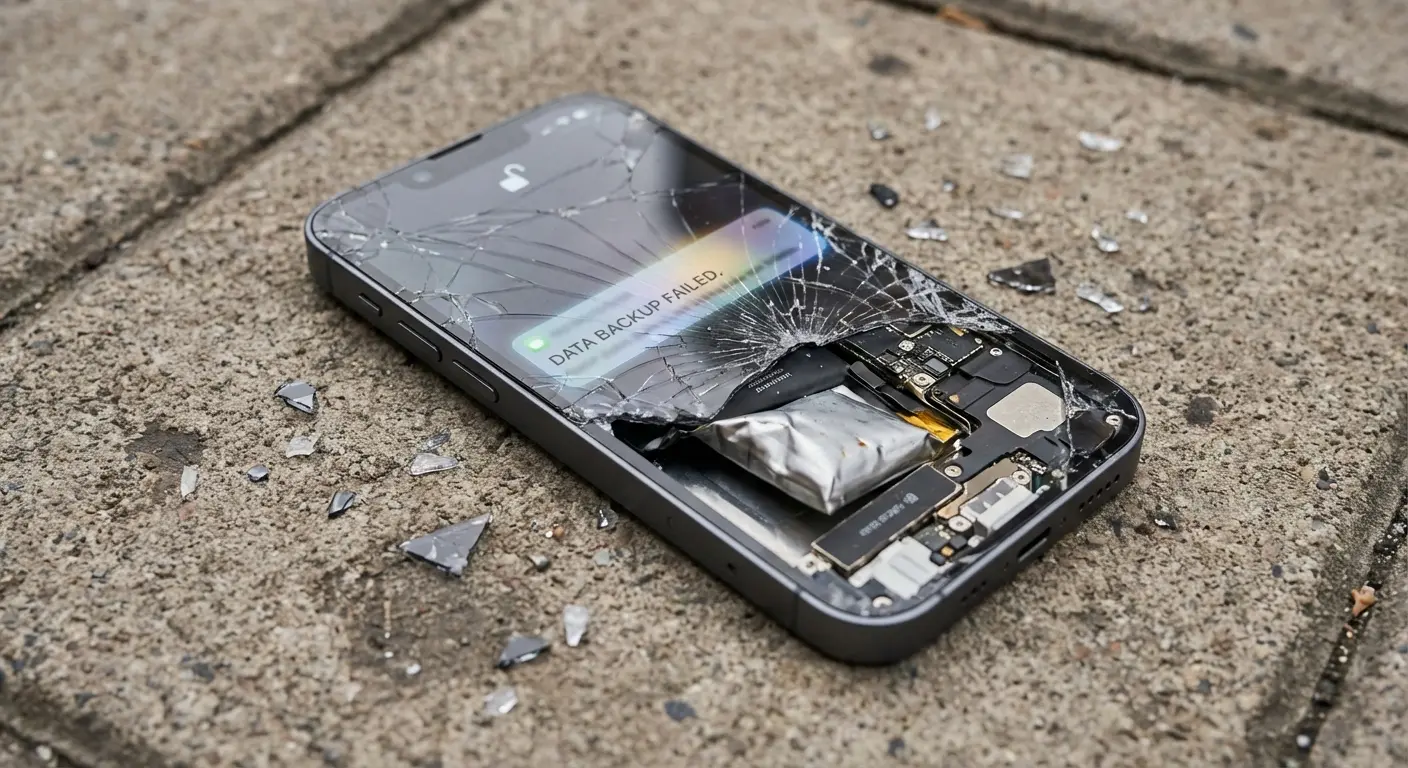
Drop your iPhone hard enough, and you're not just looking at a cracked screen. You're potentially looking at data loss, hardware failure that makes the device unusable, or damage that forces you into an emergency backup-and-restore situation where mistakes happen.
Physical damage is the most common reason people lose access to their devices and data. You can have every security setting configured perfectly, but if your phone takes a six-foot drop onto concrete and won't turn on anymore, your security posture is suddenly irrelevant.
We rarely think about physical protection as part of security strategy, but it absolutely is. A phone that's physically compromised is a security vulnerability. You might be forced to use it in a damaged state while waiting for a repair, potentially exposing the screen or internal components to further issues. You might need to hand it off to a repair service you don't entirely trust.
You might lose access to two-factor authentication, password managers, or encrypted communication apps.
The Data Integrity Angle Nobody Discusses
Your iPhone stores encrypted data. That encryption depends on hardware functioning correctly. Physical damage to storage components can corrupt data in ways that make recovery impossible, even if you have backups (and you might not have recent ones).
Protecting your device physically isn't just about aesthetics or resale value. It's about maintaining the integrity of the hardware that keeps your data secure and accessible. This is where quality protective cases become part of your security strategy, not just an accessory purchase.
Look, we make phone cases. That's why we're writing about this. But here's the thing: physical protection actually matters for security, not just for keeping your phone pretty. Rokform's protective cases handle serious drops because we know your phone is also your 2FA device, your password vault, your entire digital life. If it breaks, your security breaks with it. Check out our lineup of protective cases built to keep your device (and the data it protects) intact through actual use.
Privacy Leaks Hiding in Plain Sight
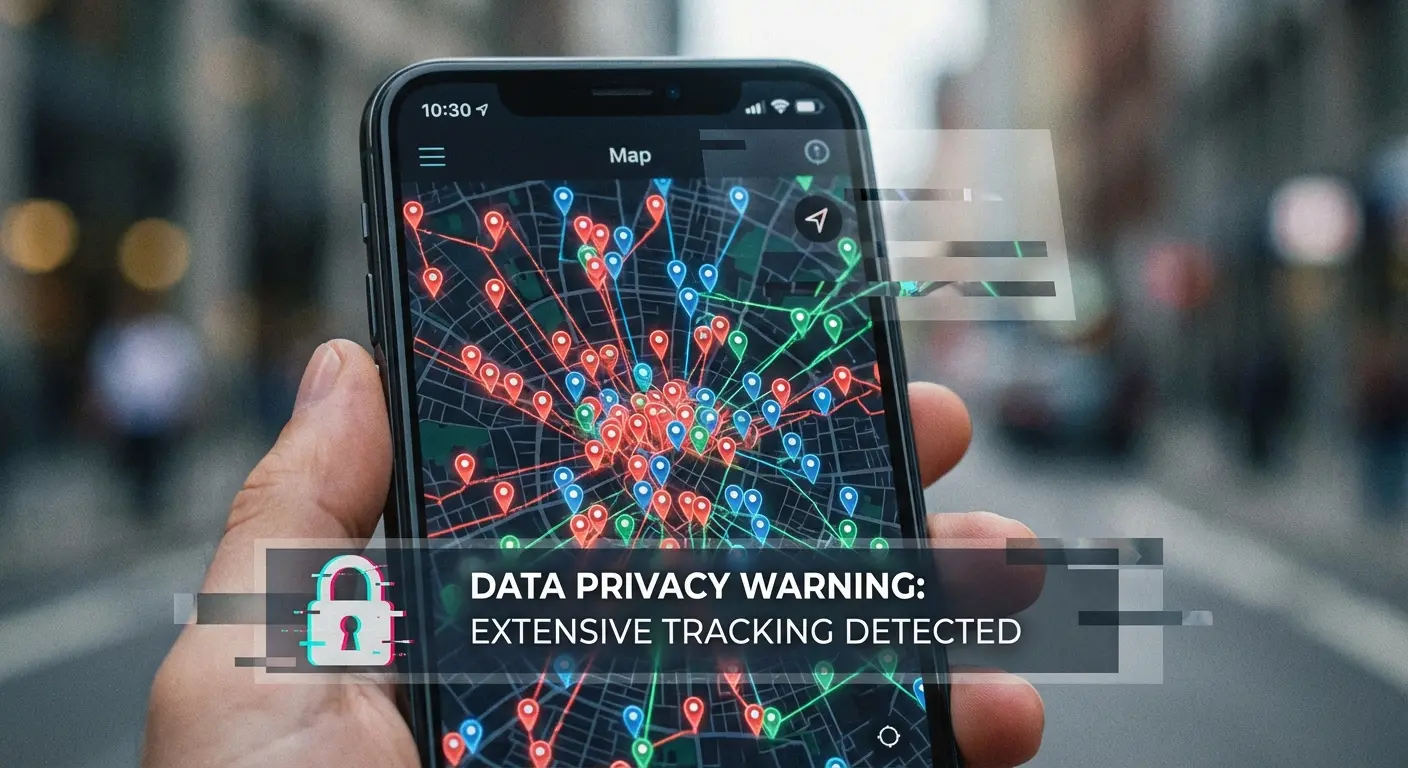
Your iPhone isn't leaking data because of malware. It's leaking data because of features you haven't turned off and services you haven't questioned. People search for free antivirus for iphone thinking that's the solution, but the real privacy threats come from settings you control but rarely review.
Location Tracking You've Authorized Without Realizing It
Significant Locations is a feature most people don't know exists. iOS tracks places you visit frequently and stores this information (encrypted, on-device) to provide better suggestions and functionality. You should probably know about this.
Settings > Privacy & Security > Location Services > System Services > Significant Locations. That's where you'll find a detailed history of where you've been, how often, and when. This is encrypted and not leaving your device under normal circumstances, but it exists. If someone gains physical access to your unlocked phone, they gain access to this history.
I'm not fear-mongering here. Privacy leaks on iOS are almost always features working as designed, not malware working as intended. The fix isn't antivirus software. The fix is knowing what your device is doing and configuring it accordingly.
Privacy Settings Audit Checklist
Things to check right now (and then quarterly):
Review all apps with location access (Settings > Privacy & Security > Location Services)
Check which apps can track you across other apps (Settings > Privacy & Security > Tracking)
Audit photo access permissions (Settings > Privacy & Security > Photos)
Review microphone access (Settings > Privacy & Security > Microphone)
Check camera permissions (Settings > Privacy & Security > Camera)
Verify contacts access (Settings > Privacy & Security > Contacts)
Review Significant Locations history and disable if desired
Check which apps have access to your health data
Audit calendar and reminder access permissions
Review Bluetooth permissions for unnecessary apps
App Tracking Transparency (And Why Apps Hate It)
iOS 14.5 introduced App Tracking Transparency, requiring apps to ask permission before tracking you across other apps and websites. This was a massive privacy win, and predictably, many apps responded by showing you guilt-trippy messages about how their tracking "supports free content" or "personalizes your experience."
You can say no. You should probably say no to most of them. The tracking isn't making your life better. It's making advertisers' targeting more effective.
Check Settings > Privacy & Security > Tracking to see which apps you've allowed to track you. You might be surprised. You can revoke permission anytime, and the app will continue working (they just won't be able to follow you around the internet quite as effectively).
Take a popular social media app that asked for tracking permission when you first opened it after updating to iOS 14.5. The permission dialog claimed tracking would help "provide you with better ads and support small businesses." You tapped "Allow" because it sounded reasonable. What happened? That app now follows your browsing across news sites, shopping apps, and other social platforms, building a comprehensive profile of your interests, purchases, and behaviors. This profile is then sold to advertisers and data brokers. The app would have worked exactly the same if you'd tapped "Ask App Not to Track." You'd just see less eerily-targeted advertising.
Network-Level Attacks You're Probably Ignoring
Viruses aren't sneaking onto your iPhone through the App Store. But attacks absolutely happen at the network level, and most people are completely unprotected against them. This is where understanding the difference between what antivirus for iphone does versus what you actually need becomes critical.
Public WiFi: Still Terrible, Still Everywhere
You connect to coffee shop WiFi without thinking twice. So does everyone else. Public networks are trivially easy to monitor if someone wants to put in minimal effort. Your traffic might be encrypted (many sites use HTTPS), but not all of it is, and even encrypted traffic reveals metadata about what you're doing.
A VPN solves this specific problem by encrypting all your traffic before it leaves your device. This is one area where those "antivirus" apps for iOS provide value, though they're really just VPN services with extra features. Many free antivirus for iphone apps include VPN functionality, though the free versions often have data limits or slower speeds.
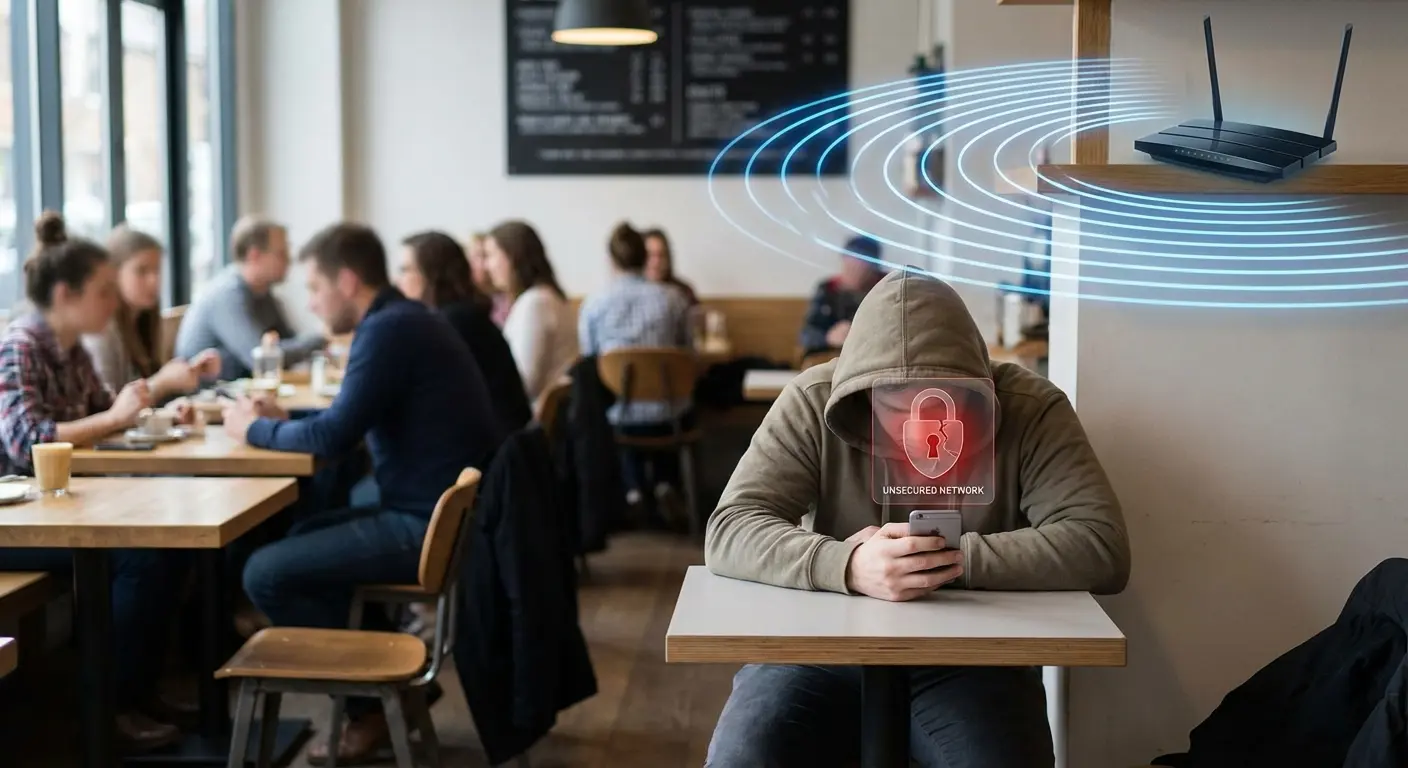
You need a VPN for public WiFi. I don't care if you think you're not doing anything sensitive. You need one. Apple offers iCloud Private Relay for iCloud+ subscribers, which provides similar protection for Safari browsing (though not for all apps).
According to ZDNET's 2026 antivirus analysis, modern security threats have evolved far beyond traditional malware, with phishing attacks, ransomware, and network-level interception representing the primary risks to users across all platforms. The publication notes that even the most secure operating systems require layered protection strategies.
DNS Hijacking and Profile-Based Attacks
This gets more technical, but stay with me. DNS (Domain Name System) translates website names into IP addresses. If someone can manipulate this process, they can redirect you to malicious sites that look legitimate.
Profile-based attacks involve tricking you into installing a configuration profile that changes your iPhone's settings, potentially redirecting your DNS or installing certificates that allow traffic interception. These attacks require social engineering (tricking you into installing something), but they're effective when targeted.
The defense is simple: never install configuration profiles unless you absolutely know what they are and why you need them. If an app or website asks you to install a profile, stop and research why. Legitimate use cases exist (enterprise mobile device management, certain VPN configurations), but random apps and websites shouldn't be asking for this level of access.
When "Secure by Design" Meets Real-World Use
Apple's security model is genuinely strong. iOS is objectively more locked down than competing platforms. But security models don't account for human behavior, and human behavior is where most breaches happen.
Phishing: The Attack Vector That Always Works
You can't patch human psychology. Phishing attacks work because they exploit trust, urgency, and distraction. That text message claiming to be from your bank. That email that looks like it's from Apple. That DM from a "friend" whose account was compromised.
These attacks don't require breaking iOS security. They require breaking your attention and judgment, which is much easier. You click a link, enter your credentials on a fake site, and now someone has access to your account. No malware needed. No iOS vulnerability exploited. This is why searching for antivirus for iphone misses the point. The vulnerability isn't in your phone's software, it's in the human element. A security app for iphone can provide phishing website warnings, but your skepticism is the first line of defense.
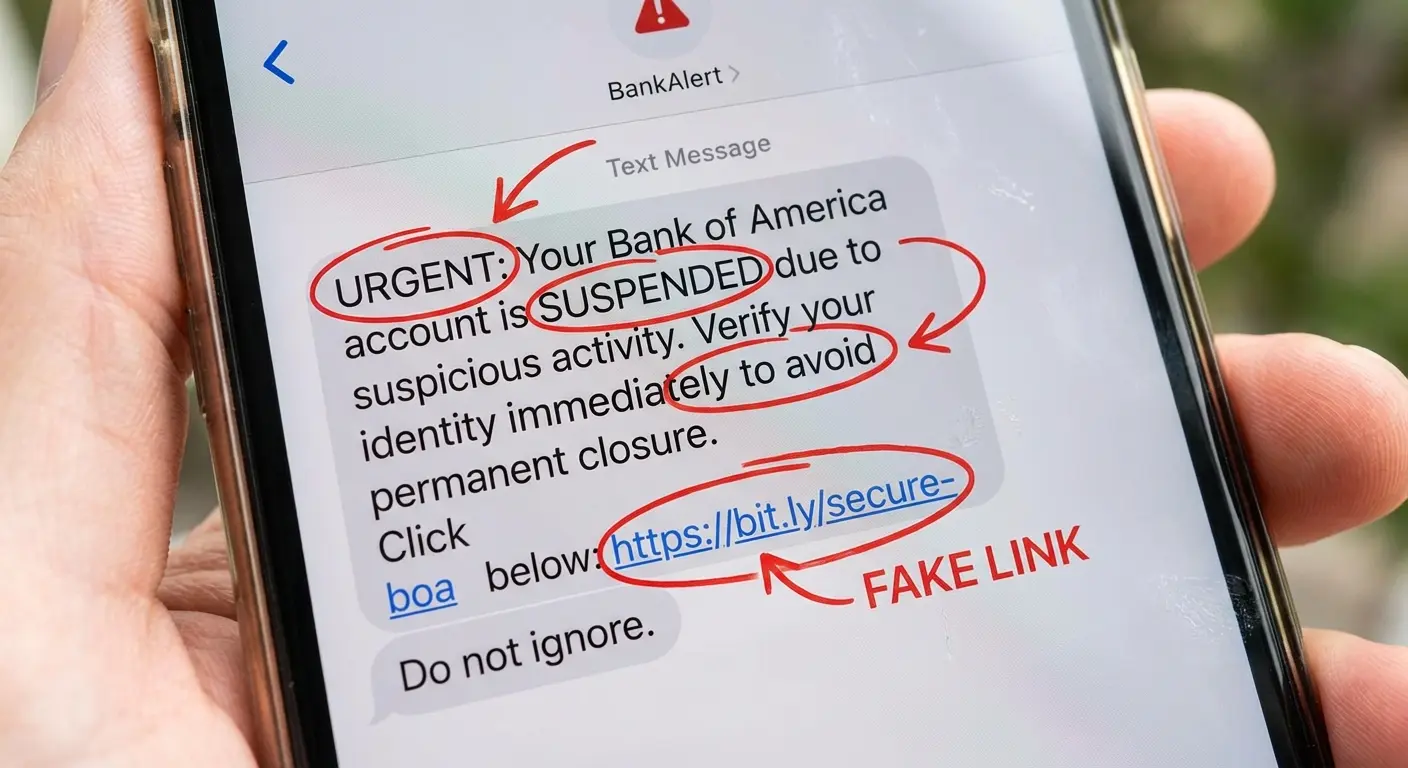
The defense is awareness and skepticism. Check sender addresses carefully. Don't click links in unsolicited messages. Go directly to apps or websites rather than clicking through
The defense is awareness and skepticism. Check sender addresses carefully. Don't click links in unsolicited messages. Go directly to apps or websites rather than clicking through from messages. Use two-factor authentication everywhere possible (preferably with an authentication app or hardware key, not SMS).
According to Comparitech's iOS malware research, 71% of organizations experienced successful phishing attacks in 2023, as reported in Proofpoint's State of the Phish report. These attacks work just as well on iPhones as any other device because they exploit human psychology, not technical vulnerabilities.
Common Phishing Scenario |
Red Flags to Watch For |
Safe Response |
|---|---|---|
"Your account has been compromised" email |
Generic greeting, urgent language, spelling errors |
Go directly to the service's app or website, don't click email links |
Text claiming to be from your bank |
Shortened URLs, requests for immediate action |
Call your bank using the number on your card, not the number in the message |
Package delivery notification |
Sender address doesn't match the carrier, unexpected delivery |
Check the carrier's official app or website directly |
Apple ID security alert |
Asks you to verify payment info via link |
Apple never asks for credentials via email; go to appleid.apple.com directly |
Social media message from a friend |
Out-of-character language, suspicious link |
Contact your friend through a different method to verify they sent it |
Password Reuse: Your Self-Inflicted Vulnerability
You probably use the same password across multiple sites. Most people do. This means that when one site gets breached (and sites get breached constantly), attackers can try your credentials on other services. They don't need to hack your iPhone. They just need to hack one poorly-secured website where you reused your password.
iCloud Keychain and third-party password managers solve this by generating and storing unique passwords for every site. You should be using one. Not eventually. Now. This is one of the highest-impact security improvements you can make, and it requires no technical expertise.
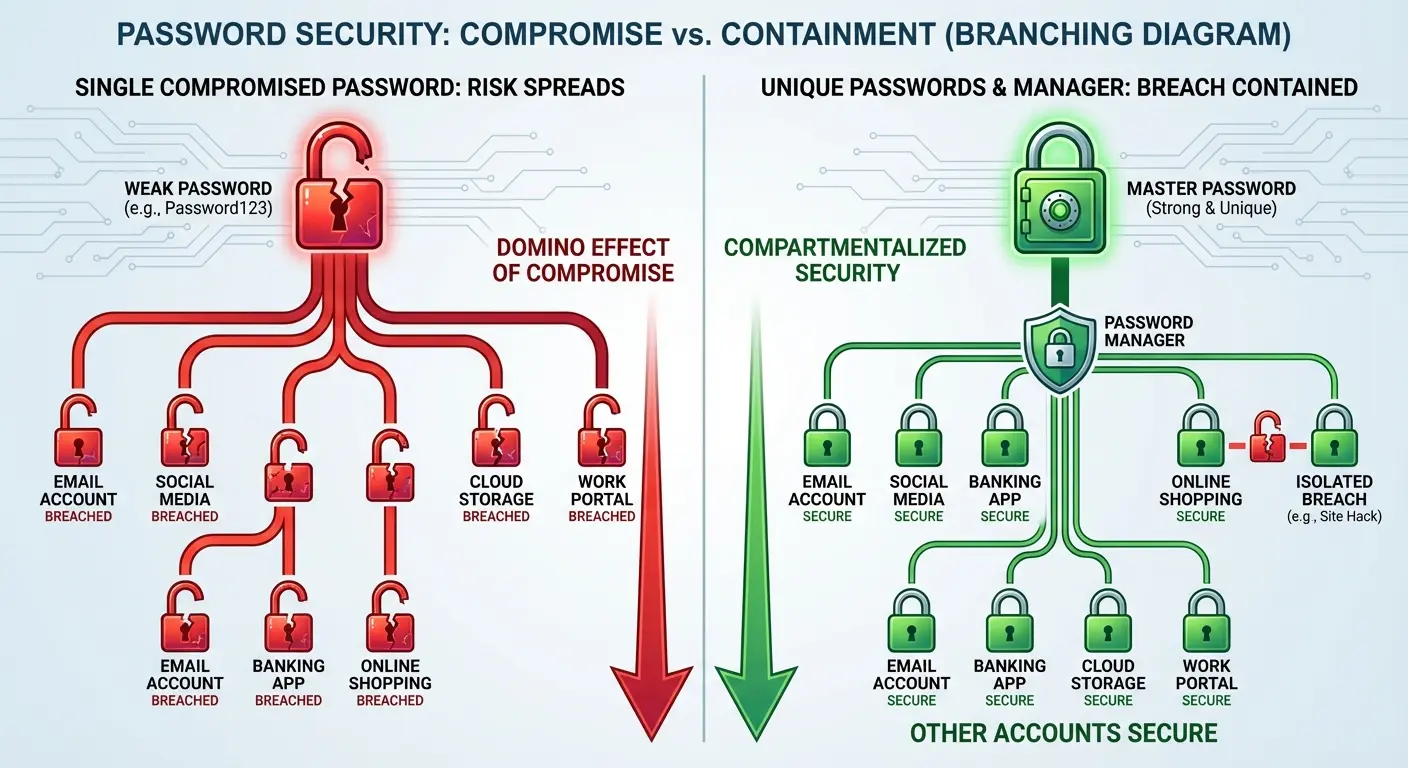
Settings > Passwords > Password Options > AutoFill Passwords. Make sure iCloud Keychain is enabled, or set up a third-party password manager you trust. Then start letting it generate passwords when you create new accounts. Your security posture will improve dramatically.
According to the FBI's Internet Crime Complaint Center report, financial losses from cybercrime in 2024 reached $12.5 billion, highlighting the very real financial consequences of compromised credentials and poor security practices.
Imagine you created an account on a small online retailer in 2019 using your go-to password. The same one you use for your email, banking app, and social media. That retailer gets breached in 2024, and your email and password are now in a database being sold on the dark web. Attackers use automated tools to try that email-password combination on hundreds of popular services. Within hours, they've accessed your email account, used it to reset your banking password, and initiated fraudulent transactions. Your iPhone's security was never compromised. Your password reuse was the vulnerability.
The Protection Stack Nobody Talks About
Real iPhone protection isn't one thing. It's a stack of practices and safeguards that work together.
You need iOS kept up to date (Apple releases security patches regularly, and you should install them). You need sensible privacy settings (we've covered several). You need strong, unique passwords managed by a password manager. You need two-factor authentication on important accounts. You need skepticism about unsolicited messages and requests.
And you need physical protection for the device itself, because all the digital security in the world doesn't matter if your phone is shattered on the sidewalk or damaged beyond reliable function. People download a free antivirus for iphone thinking it will provide complete protection, but they're missing the physical security component entirely. The best antivirus for iphone can't prevent a six-foot drop onto concrete, and that physical vulnerability creates security risks that software simply cannot address. This is why free antivirus for iphone apps, despite their marketing claims, represent only a small piece of the protection puzzle.
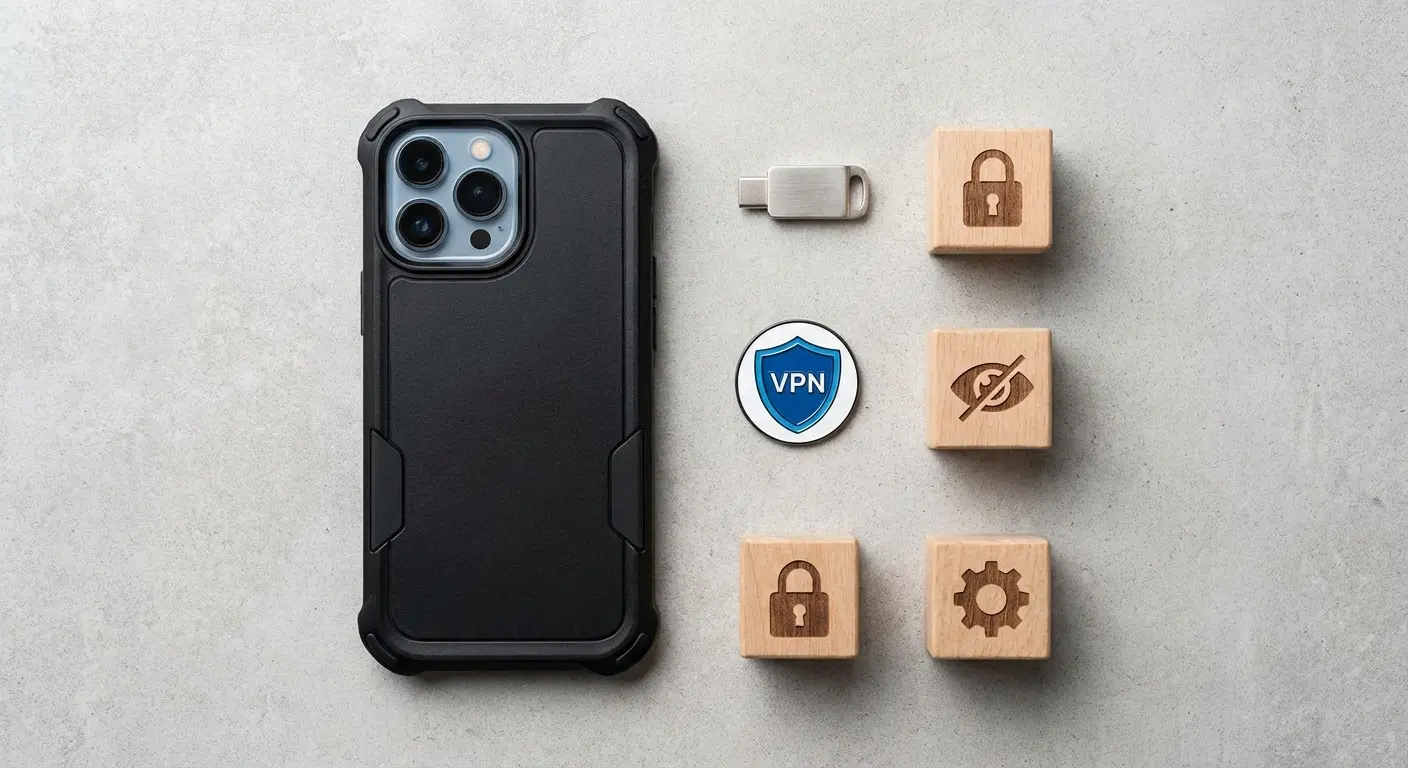
New iPhone Security Setup Template
Follow this sequence when setting up a new iPhone or performing a security refresh:
Initial Setup
Enable a strong alphanumeric passcode (Settings > Face ID & Passcode)
Configure Face ID or Touch ID
Enable Find My iPhone (Settings > [Your Name] > Find My)
Privacy Configuration
Disable ad personalization (Settings > Privacy & Security > Apple Advertising)
Turn off Significant Locations or review the setting (Settings > Privacy & Security > Location Services > System Services)
Set default to "Ask App Not to Track" for new apps
Authentication & Passwords
Enable iCloud Keychain or install preferred password manager
Configure two-factor authentication for Apple ID
Review and enable 2FA for critical accounts (email, banking, social media)
Network Security
Install a trusted VPN app for public WiFi use
Disable auto-join for public WiFi networks (Settings > WiFi > Auto-Join Hotspot > Never)
App Management
Review and remove unused apps
Audit app permissions for remaining apps
Enable automatic updates (Settings > App Store > App Updates)
Physical Protection
Install a quality protective case
Apply a screen protector
Set up emergency contacts in Medical ID
The Update Paradox
iOS updates often introduce new features you might not care about, but they also patch security vulnerabilities you definitely should care about. The paradox is that updates can occasionally introduce bugs or issues, making people hesitant to install them immediately.
Install security updates. The risk of running outdated software with known vulnerabilities outweighs the risk of minor bugs in new releases. You can wait a few days if you want to let others discover any major issues, but don't wait weeks or months. Unpatched vulnerabilities are documented and exploitable. That's a concrete risk, not a theoretical one.
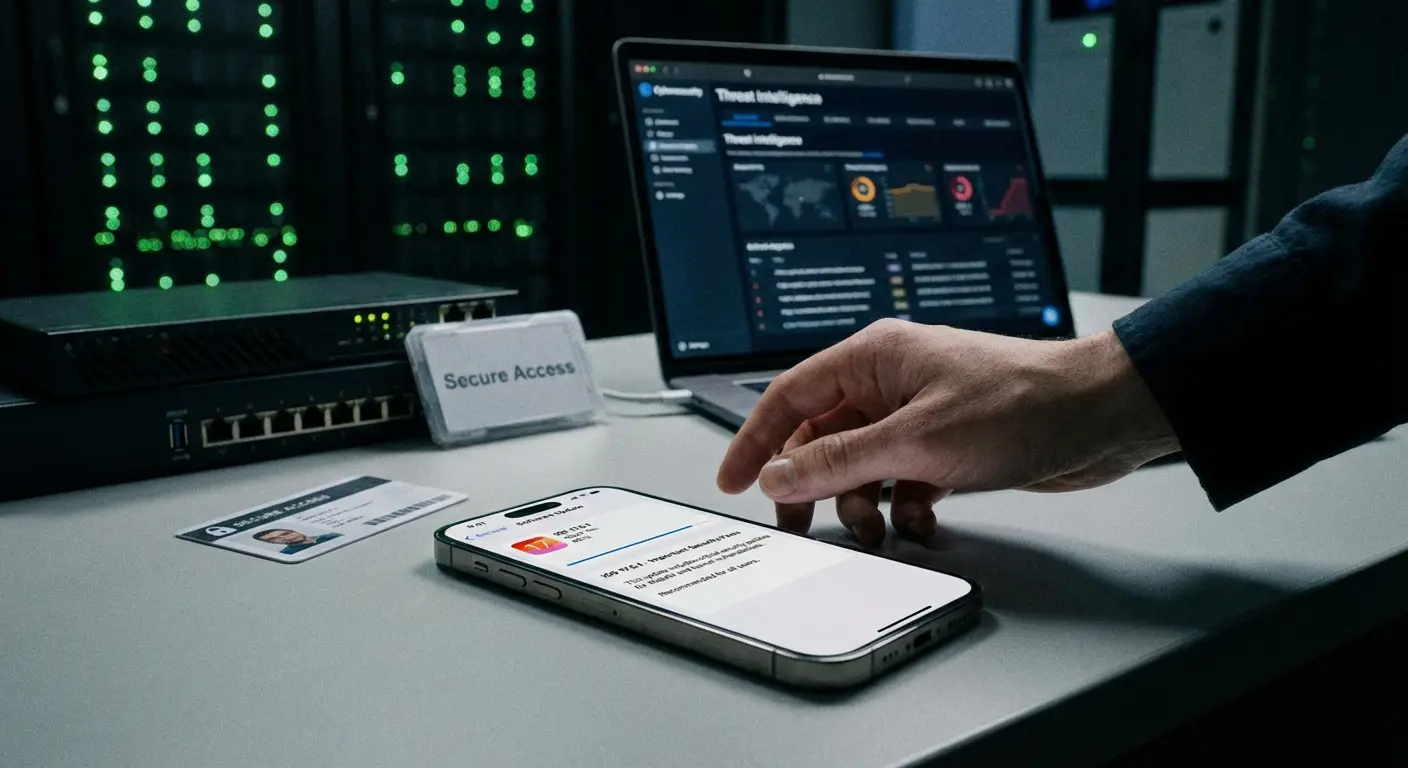
Macworld's 2026 security analysis notes that Apple has been forced to issue multiple emergency updates in recent years to patch zero-day vulnerabilities, including those exploited by sophisticated spyware such as Pegasus. The publication emphasizes that even Apple's robust security architecture requires regular patching, and delayed updates leave devices vulnerable to documented exploits that attackers actively target.
Final Thoughts
iOS antivirus is a solution to a problem that doesn't exist in the form people imagine. Your iPhone isn't vulnerable to viruses the way desktop computers were in the 2000s. Apple's architecture prevents that specific threat vector pretty effectively. Searching for free antivirus for iphone or any antivirus for iphone based on traditional desktop security thinking misses the actual threats you face daily.
What your iPhone is vulnerable to is everything else: your own privacy settings, your password practices, your behavior on public networks, social engineering attacks, and physical damage that compromises both the device and the data it protects. A security app for iphone might offer useful features like VPN protection or password breach monitoring, but these tools address entirely different concerns than traditional antivirus software. The free antivirus for iphone apps flooding the App Store often provide minimal value beyond what iOS already includes natively.
Protection means understanding what threats exist and addressing them appropriately. It means configuring privacy settings intentionally. It means using strong authentication. It means being skeptical of unsolicited messages. And yes, it means protecting the physical device that houses all your digital security infrastructure.
You don't need ios antivirus software. You need a more complete understanding of what security requires in 2025, and you need to act on that understanding. The good news? Most of it is straightforward once you know what matters.
So no, you don't need iOS antivirus. But if you walked away from this thinking you don't need to worry about security, I failed. You need to worry about it more. Just about the right things.

