


Table of Contents
Why Physical Vulnerability Trumps Digital Paranoia
The Real Cost of Mobile Security Theater
What Norton Actually Does (And Doesn't Do) on Android
The Permission Paradox Nobody Talks About
Battery Drain vs. Peace of Mind: The Math Changes Everything
When Antivirus Software Becomes the Liability
Google Play Protect: The Built-In Solution You're Ignoring
The Physical Security Gap in Your Digital Defense Strategy
Smart Layering: Combining Digital and Physical Protection
TL;DR
Your Android already has solid built-in security (Google Play Protect). Norton adds battery drain and permission headaches while protecting you from threats you'll probably never encounter. The real danger? Dropping your phone in a parking lot. That'll screw you up way faster than malware.
Most Android malware comes from apps you sideload from sketchy websites. If you're only downloading from the Play Store, you're already avoiding 95% of threats. Norton's value proposition falls apart when you realize Android isn't Windows, and physical damage causes more data loss than viruses ever will.
Why Physical Vulnerability Trumps Digital Paranoia
You know what's funny? We obsess over Android viruses but carry our phones without cases like we're invincible. Last week I watched someone spend 20 minutes installing Norton, then immediately drop their naked $1000 phone on concrete. Priorities, right?
Insurance companies have the actual data on this, and it's not even close. About 70% of phone insurance claims? Physical damage. Cracked screens, water damage, the usual carnage. Another 15-20% is theft. Malware doesn't even make the top five.
Look, we've all been trained since the Windows 95 days to think antivirus = essential. That made sense when we were downloading screensavers from random websites. But Android's built differently, and weirdly, Norton isn't exactly putting this in their ads.

The average person is way more likely to lose their data from a cracked screen or stolen device than from any virus Norton could detect. Yet we drop $30-50 yearly on antivirus while our $1000 phones live in those slim decorative cases that do basically nothing.
Your phone hits concrete at full speed, and suddenly every password, every two-factor authentication app, every stored credential becomes inaccessible. Or worse, accessible to whoever picks it up. That's an actual security breach with real consequences happening right now.
A theoretical malware infection? You might never even know it happened.
Real example: Guy in my office parking lot last Tuesday, juggling coffee, his laptop bag, phone wedged between his shoulder and ear. You know what happened next. Phone hits asphalt, screen shatters, and suddenly his $40/year Norton subscription is the least of his problems. He's facing a $200+ repair bill or living with a compromised device where password entry is difficult and anyone nearby can see his screen. Meanwhile, Norton's still scanning away in the background. For what? He's never encountered malware in five years of Android use.
According to recent industry analysis from ZDNET, independent testing by AV-TEST Institute consistently shows Google Play Protect detecting 90-95% of malware in real-time testing, while Norton scores only slightly higher at 95-99%. That's a marginal difference that gets even smaller when you consider that Play Protect scans apps before they reach your device while Norton scans after installation.
We're obsessed with digital threats while ignoring the statistically more dangerous physical vulnerabilities. And honestly? Understanding this gap completely changes how you should spend your protection budget.
The Real Cost of Mobile Security Theater
Let's talk about what Norton actually costs you, and I don't mean the subscription price.
RAM usage? 150-200MB while it's running. On a mid-range Android with 4-6GB of RAM, that's a real chunk of your phone's brain power going to... what, exactly?
Battery impact is even more annoying.
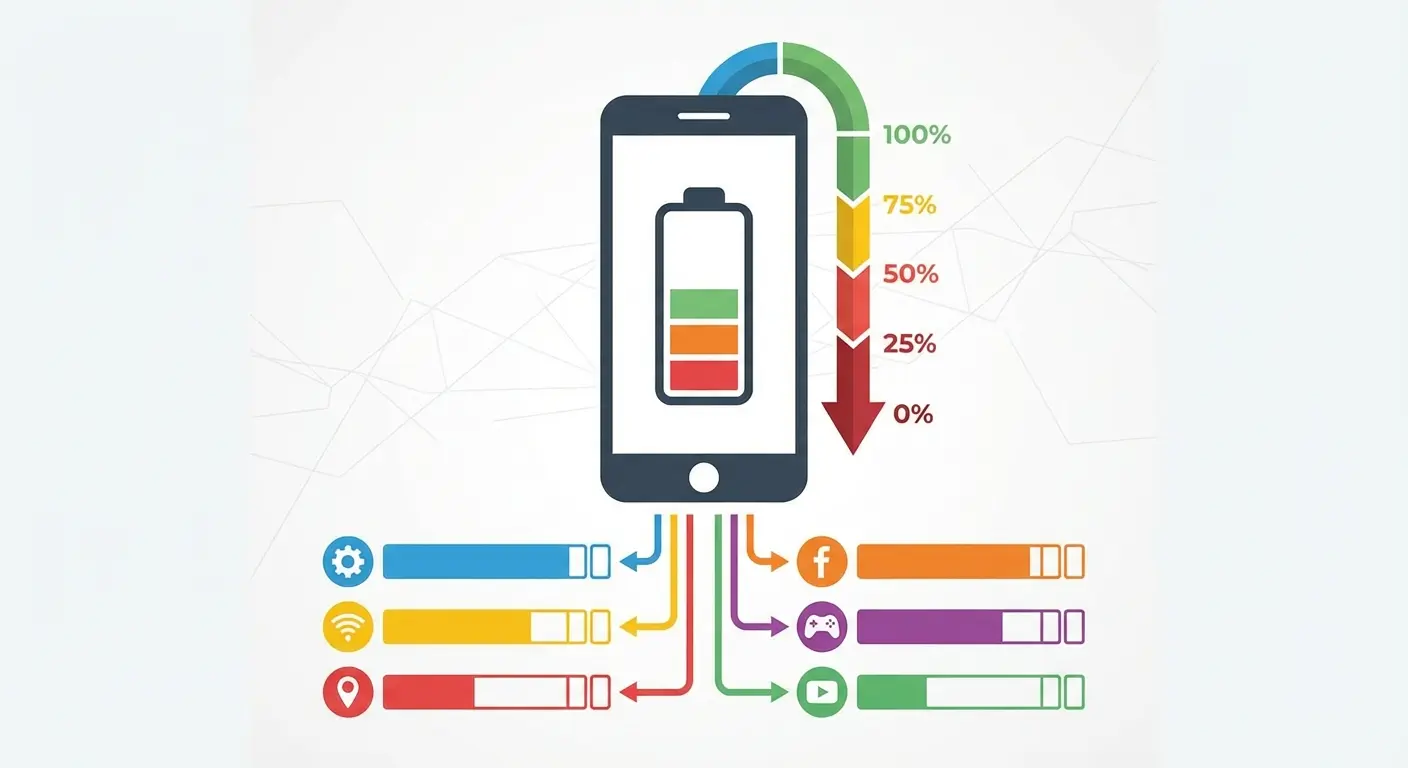
Real-time scanning, scheduled scans, constant background monitoring. All of it drains roughly 3-5% of your battery daily. You're charging your phone more often to power software that's protecting you from threats you'll statistically never encounter.
Performance benchmarks show actual slowdowns during app installations when antivirus is actively scanning. We're talking 15-30 second delays that add up throughout your day. You've probably normalized this as "just how phones work," but it's how phones work when you've installed security software designed for a completely different threat model.
Resource Impact |
Norton Antivirus |
Google Play Protect |
Performance Cost |
|---|---|---|---|
RAM Usage |
150-200MB |
Integrated (minimal) |
3-5% of total system memory |
Daily Battery Drain |
3-5% |
<1% |
11-18 hours annually |
App Install Delays |
15-30 seconds |
None |
Compounds across updates |
Storage Space |
100-150MB |
Built-in |
Additional app footprint |
Background Processes |
Continuous |
On-demand |
Persistent CPU cycles |
The psychological part is worth looking at too. That little shield icon in your notification tray feels reassuring. It signals you're protected, that you've been responsible. But comfort and security aren't the same thing, and the security industry has made a fortune from people not realizing that.
You're paying a subscription fee, accepting reduced battery life, tolerating slower performance, and granting invasive permissions to an app that might scan 10,000 files to catch zero threats.
That's not security. That's theater. And you're paying for tickets.
What Norton Actually Does (And Doesn't Do) on Android
Norton scans your files and apps for known malware. That's basically it. And yeah, it does this fine, but here's the catch: Android's locked-down design means Norton can't actually dig as deep as you think it can.
Android's sandboxed architecture prevents apps (including Norton) from accessing other apps' data without explicit permission. This is a fundamental design choice that means Norton can't perform the deep system scans that antivirus software runs on Windows. It's scanning what Android allows it to scan, which is way less than Norton's marketing suggests.

The app monitors new installations, comparing them against a database of known malicious apps. Useful, except Google Play Protect does this automatically for every Android device. You're getting redundant protection, not additional layers.
Norton's Wi-Fi security scanning checks for network vulnerabilities and warns you about unsecured connections. This has legitimate value if you're constantly on public Wi-Fi, though honestly, a VPN (which Norton also tries to sell you) provides better protection.
The anti-theft features let you remotely locate, lock, or wipe your device. Android's built-in Find My Device offers identical functionality at zero cost. You're literally paying for a feature you already own.
App Advisor scans installed apps for privacy risks and excessive permissions. This is actually useful, but you could achieve the same result by spending 10 minutes manually reviewing app permissions in your Android settings. The question becomes whether automated convenience justifies the subscription cost and system resource drain.
Web protection blocks malicious websites through browser integration. Chrome's Safe Browsing does this natively, and it's arguably more effective because it's baked into the browser rather than layered on top.
Small business owner I know downloaded Norton Mobile Security, believing it would protect sensitive client data in her business apps. She granted Norton extensive permissions and paid $39.99 annually for "comprehensive protection." Three months later, she left her phone in an Uber. Despite Norton's anti-theft features, she'd never enabled Find My Device (Android's free built-in solution) and the phone was never recovered. All her client contacts, financial records, and two-factor authentication apps? Gone. Norton's malware scanner ran perfectly for three months and never detected a single threat because she only downloaded apps from the Play Store. The real security failure was physical, and her paid antivirus subscription was completely irrelevant.
The Permission Paradox Nobody Talks About
Here's the uncomfortable part nobody mentions: To protect your phone, Norton needs scary levels of access.
Accessibility permissions mean it can see basically everything you do. Storage permissions mean it can read all your files. Network permissions mean it's phoning home constantly. Admin privileges enable anti-theft features but also make the app difficult to remove.
Each permission you grant creates a potential vulnerability.
You're trusting that Norton's security is perfect, that their servers won't get breached, that their privacy policies won't change after an acquisition or leadership shift.
Permission Type |
What Norton Requests |
Why It's Needed |
Potential Risk |
|---|---|---|---|
Accessibility Services |
Full device interaction monitoring |
Real-time threat detection |
Complete visibility into all user actions |
Storage Access |
Read/write all files |
Malware scanning |
Access to personal documents, photos, downloads |
Network Access |
Internet connectivity |
Threat database updates |
Data transmission to third-party servers |
Device Admin |
System-level privileges |
Anti-theft features |
Difficult to uninstall, deep system access |
Usage Access |
App activity tracking |
Behavior analysis |
Detailed profile of usage patterns |
Location Services |
GPS data |
Device tracking |
Continuous location monitoring |
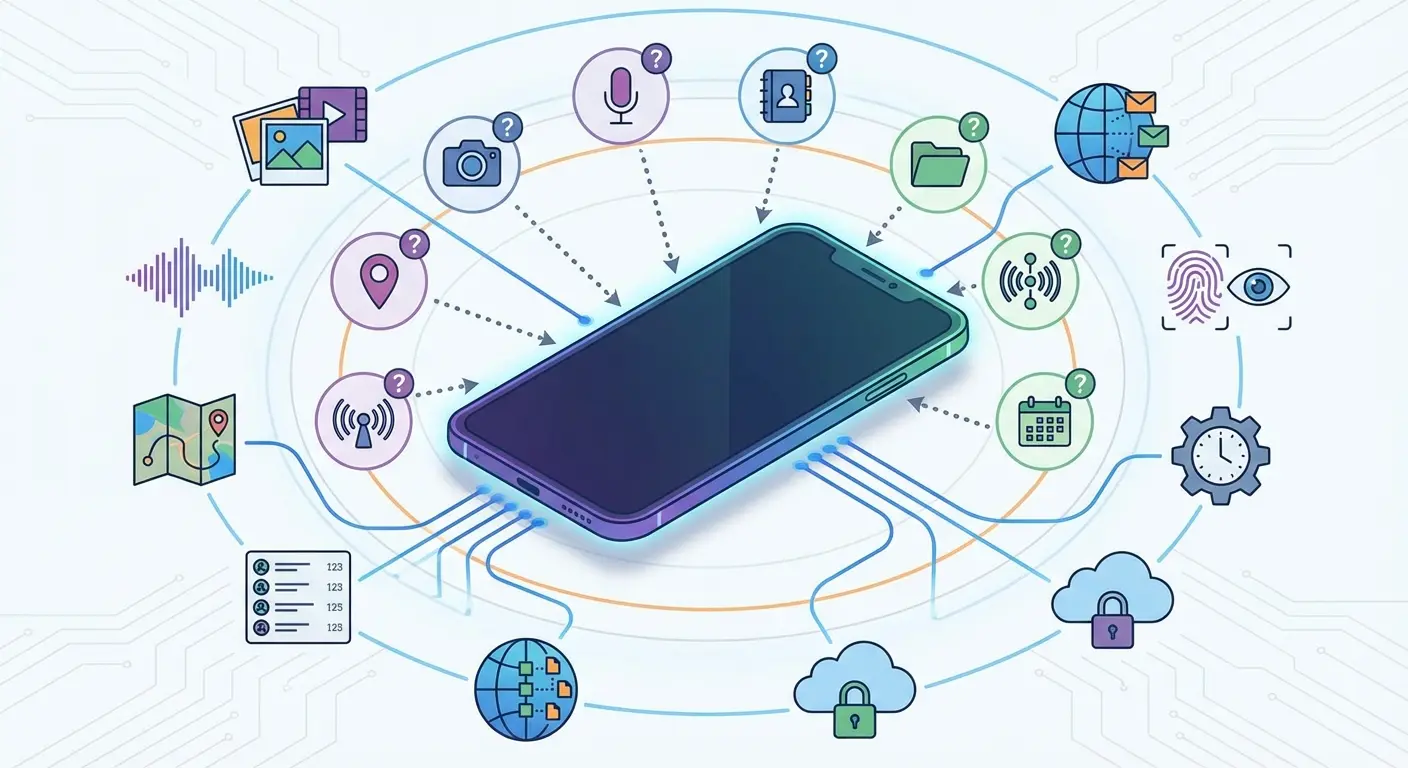
The accessibility permission is particularly concerning. It allows Norton to observe and interact with virtually everything you do on your device. That's necessary for comprehensive protection, sure, but it's also an enormous amount of trust to place in a third-party app.
Think about the irony here. You're granting invasive permissions to protect against threats that require those same invasive permissions to cause harm. You're opening doors to lock windows.
Google's permission model for Android has gotten increasingly restrictive precisely because broad permissions create security risks. The platform's evolution toward more granular, context-specific permissions reflects a philosophy that apps should only access what they absolutely need, when they need it. Antivirus software fundamentally conflicts with this philosophy because comprehensive scanning requires comprehensive access.
You might argue that Norton is a trusted company with solid security practices. Fair enough. But every major security company has experienced breaches, and the permissions you grant today stay granted regardless of what happens to the company tomorrow.
This paradox has become even more relevant as Microsoft researchers recently sounded the alarm on multiple new phishing campaigns by an unknown actor utilizing fake meeting invitations, invoices, and counterfeit PDF attachments to deliver malware. These attacks exploit user trust rather than technical vulnerabilities. The same trust you're extending to antivirus software through extensive permissions. The irony is that granting Norton accessibility permissions to protect against such threats creates the same level of system access that these attacks are trying to obtain.
Battery Drain vs. Peace of Mind: The Math Changes Everything
Your battery's already struggling to make it through the day, right?
Norton's constantly scanning in the background, burning 3-5% of your battery daily. That's 11-18 hours per year. For context, that's enough power to fully charge your phone 2-3 additional times.
What are you getting for that power expenditure? Protection against malware you'll statistically never encounter if you're only downloading apps from the Play Store and exercising basic common sense.
The math shifts dramatically if you regularly sideload apps from sketchy forums, visit questionable websites, or click on suspicious links. For those users, antivirus software provides measurably more value. But that's not most Android users.
Most of us are paying the battery tax, accepting the performance overhead, and granting invasive permissions to protect against our own hypothetical bad decisions rather than actual present threats.
Understanding whether wireless chargers are bad for your phone becomes way more critical when antivirus software already drains battery faster than necessary.
Real talk, do your own math:
Annual Costs:
Subscription fee: $______
Battery life lost: ______ hours (calculate: daily % × 365)
Equivalent full charges sacrificed: ______ (divide hours by your phone's battery life)
Performance delays: ______ minutes annually (15-30 sec per app install × number of installs)
Annual Benefits:
Malware threats actually detected: ______
Phishing attempts blocked (beyond Chrome's built-in protection): ______
Security incidents prevented: ______
Risk Assessment:
Apps downloaded from outside Google Play Store: Yes / No
Frequency of public Wi-Fi usage: Daily / Weekly / Monthly / Rarely
History of clicking suspicious links: Yes / No
Previous malware infections on this device: ______
Be honest with yourself. If your benefits column is mostly zeros and you answered "No" to the sketchy app question, you're paying for peace of mind that doesn't match reality.
When Antivirus Software Becomes the Liability
Plot twist: Sometimes antivirus software is the security hole.
Yeah. In 2019, researchers found that several antivirus apps (designed to protect your network traffic) were actually making it less secure due to improper SSL/TLS implementation. The thing you installed for safety was the vulnerability.
Norton has generally maintained solid security practices, but the industry's track record isn't spotless. Security researchers have found vulnerabilities in antivirus software itself. Apps designed to protect your device have occasionally shipped with exploitable flaws that created new attack vectors.
There's also a behavioral thing that security professionals call "risk compensation." When you believe you're protected, you take greater risks. Users with antivirus software are statistically more likely to click suspicious links, download questionable apps, and ignore warning signs because they trust their security software to catch problems.
That false confidence is dangerous.
Norton can't protect you from social engineering. It can't stop you from entering your banking credentials into a convincing phishing site. It can't prevent you from granting permissions to a malicious app that hasn't been added to malware databases yet.
The best security is behavioral. Don't download apps from outside the Play Store. Don't click links in unsolicited messages. Don't grant permissions that seem excessive for an app's stated purpose. Review your installed apps periodically and remove ones you don't use.
These practices cost nothing, consume no battery life, require no permissions, and provide better protection against the social engineering attacks that bypass antivirus software entirely.
According to cybersecurity and compliance company VikingCloud, cybercrime could cost businesses as much as $15.63 trillion by 2029. Not billions. Trillions. Making it an existential threat. Yet some of this risk stems from security tools themselves when they contain vulnerabilities or create false confidence.
The threat landscape keeps evolving in ways that antivirus software struggles to address. Cybersecurity company SentinelOne published a new report highlighting 10 security trends for 2026, noting that criminals are using machine learning to develop malicious code. This AI-generated malware can evade signature-based detection that traditional antivirus relies on, rendering the resource-intensive scanning largely ineffective against cutting-edge threats.
Google Play Protect: The Built-In Solution You're Ignoring
Your Android already has antivirus protection. It's called Google Play Protect, and you've been ignoring it because it doesn't have a logo in your notification bar reminding you it exists.
Play Protect scans 100 billion apps daily. Not million. Billion. It catches 90-95% of malware before it reaches your phone. Norton scores slightly higher at 95-99%, but here's the thing: Play Protect scans before installation. Norton scans after. You're paying for 4% better detection after the threat's already on your device.
Google Play Protect's scale is unmatched in the industry. The system scans over 100 billion apps daily across the Android ecosystem, leveraging Google's machine learning capabilities and threat intelligence gathered from billions of devices. That's a scale and data advantage that no third-party antivirus company can match.
Play Protect integrates at the system level, which means it operates way more efficiently than apps working within Android's permission constraints. It has access to system-level information that third-party apps don't, and it can take remediation actions that require elevated privileges.
The system also includes Find My Device for tracking and remote wiping, Safe Browsing for web protection, and automatic security updates that patch vulnerabilities at the OS level. You're already paying for this protection through the data you share with Google. Adding Norton on top creates redundancy, not enhanced security.
Here's the uncomfortable truth: if malware makes it through Google Play Protect and into the Play Store, Norton will probably miss it too. Both systems rely on signature-based detection and behavioral analysis. They're scanning for the same threats using similar methodologies.
Make sure Play Protect is actually working:
Settings > Security > Google Play Protect (turn it on)
Enable "Scan apps with Play Protect"
Turn on "Improve harmful app detection" for enhanced scanning
Activate Find My Device (Settings > Security > Find My Device)
Enable automatic system updates (Settings > System > System update)
Confirm Safe Browsing is active in Chrome (Settings > Privacy and security > Safe Browsing)
Set Safe Browsing to "Enhanced protection" for maximum coverage
Only download apps from Google Play Store
Review app permissions before installation
Check Play Protect's security report monthly (Google Play Store > Menu > Play Protect)
Remove unused apps quarterly
Keep all apps updated automatically
Enable 2-factor authentication on your Google account
Use strong, unique passwords (consider a password manager)
Cost: $0 | Battery Impact: Minimal | Permissions Required: Already granted to system services
That's it. You're covered.
The Physical Security Gap in Your Digital Defense Strategy
Crack your screen and suddenly you're making the worst security decision of your life: "I'll just live with it for a few months." Now you've got a compromised device that's hard to use, easy for others to peek at, and you're still paying Norton $3.99/month to scan for threats that don't exist while ignoring the actual security hole you're staring through.
Drop your phone in water and it's game over immediately. All your 2FA apps? Gone. Password manager? Gone. You're locked out of everything until you can restore from backup, and be honest, when's the last time you checked if your backup actually worked?
Theft is even worse. Someone now has physical access to your device, and while screen locks provide some protection, they're not impenetrable. Sophisticated thieves can bypass lockscreens, access data, and exploit stored credentials before you've even reported the device stolen.
These physical vulnerabilities create security breaches that Norton can't prevent, detect, or fix. You can have the most sophisticated antivirus protection available, but it's worthless if your phone is at the bottom of a lake or in a thief's pocket.
The security industry has convinced us that digital threats are the primary concern, but the data tells a completely different story. Physical incidents cause more data loss, more security breaches, and more financial damage than malware infections.
You're spending $40 annually on Norton while protecting your $1000 device with a $15 case or no case at all. That's backwards prioritization driven by fear of invisible digital threats rather than rational assessment of actual risk.
Consider how to protect your phone from theft as a critical security measure that addresses way more common threats than malware scanning.
Photographer I know kept Norton running on her phone. Paid the subscription, felt responsible about security. At a wedding shoot, she set her phone down to adjust her camera, and it slid off a wall onto brick. Screen destroyed, phone dead, three months of client files gone because her last backup was ancient. Norton ran perfectly the whole time, never found a single threat. Didn't matter. The real threat was gravity. The $600 repair cost fifteen times her annual Norton subscription, and the lost client files were irreplaceable.
Smart Layering: Combining Digital and Physical Protection
Here's the actual security strategy that makes sense: Protect your phone from the stuff that'll actually hurt it. Not the theoretical malware Norton's scanning for, but the concrete, the puddles, the thieves.
A real case (not the slim decorative thing you bought because it looks nice) prevents more security disasters than antivirus software ever will. We're talking about actual protection from drops and impacts, the stuff that actually happens to phones.
Look, this is where I mention Rokform cases because they're actually relevant to the point. If you're going to spend money on phone security, spend it on something that protects against threats you'll actually encounter, like the pavement. Their rugged cases feature military-grade drop protection, raised bezels to protect your screen, and integrated mounting systems that keep your phone secure whether you're driving, biking, or working. The Rugged case line combines impact protection with magnetic mounting technology, which means your phone stays protected and accessible without the fumbling that leads to drops.
(Yeah, this is the sponsored part of the post. But at least it's solving a real problem, unlike Norton.)
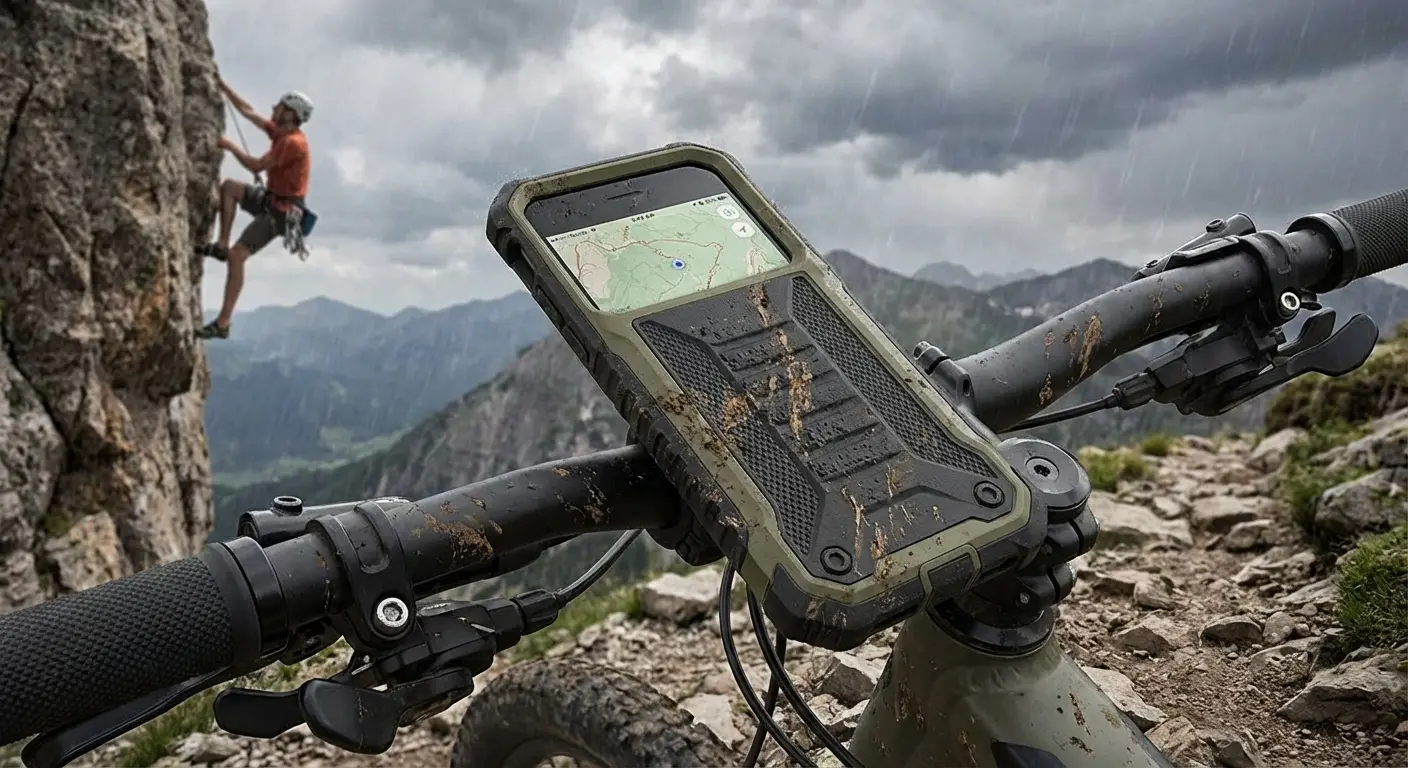
You're securing your device against the threats it actually faces: drops, impacts, theft through loss. That's practical security with immediate, tangible benefits. Your phone survives the fall from your car's roof (we've all done it), your screen stays intact when it slides off the table, and the secure mounting system means your device isn't flying around your vehicle during sudden stops.
Pair quality physical protection with basic digital hygiene: only download apps from Google Play Store, review app permissions before granting them, keep your OS updated, enable Find My Device, and use strong screen lock security. You've now addressed 95% of the threats your phone will encounter.
That remaining 5%? Google Play Protect handles most of it without requiring a subscription, battery sacrifice, or invasive permissions.
Explore Rokform's Samsung Galaxy cases designed to provide the physical protection your device needs.
Check out Rokform's protective case lineup designed specifically for Android devices. Your phone's biggest security threat isn't malware. It's the next time you pull it out of your pocket while walking to your car.
Final Thoughts
Norton's not broken. It works. But most of you don't need it, and the security industry has been real quiet about that fact because subscriptions are profitable.
You're not a high-value target downloading apps from sketchy Russian forums. You're a normal person who uses Instagram and pays bills on your phone. Google Play Protect handles that threat level just fine.
We've been conditioned by 20 years of Windows viruses to think antivirus = essential. That made sense in 2005. It doesn't make sense on Android in 2024, but nobody's rushing to tell you that because there's money in your fear.
Your $40 annual Norton subscription could buy a quality protective case that prevents the cracked screen that leads to continued use of a compromised device. It could fund a secure backup solution that protects your data when physical damage occurs. It could simply stay in your pocket while you rely on the comprehensive security features already built into your device.
Security isn't about protecting yourself from every theoretical threat. It's about protecting yourself from the stuff that'll actually happen. For your phone, that's physical damage and theft. Not malware.
The threats you can drop, dunk, or lose are way more dangerous than anything hiding in code. So maybe skip the Norton subscription and buy a case that'll actually save your ass when you inevitably drop your phone in a parking lot.
Because you will. We all do.

