


Table of Contents
Why Pixel Repairs Cost Way More Than Google Claims
The Real Reason Google Pushes Authorized Repair Centers (It's Not Quality Control)
What Actually Happens to Your Data During Repair
Parts Availability: The Timeline They Don't Mention Until You're Already Waiting
DIY Pixel Repairs: How I've Watched Customers Make Everything Worse
The Cost of Being Without Your Phone (This One Surprised Me)
Why Your Case Choice Matters More Than You Think
What Military-Grade Protection Actually Means
Before You Book That Repair
TL;DR
Pixel repairs take 2-3 weeks minimum, not the 5-7 days they advertise
Insurance deductible plus premiums you've already paid = almost as much as a new phone
DIY repairs void your warranty and usually cause more damage than they fix
A good protective case costs less than one screen replacement and actually prevents the problem
Why Pixel Repairs Cost Way More Than Google Claims
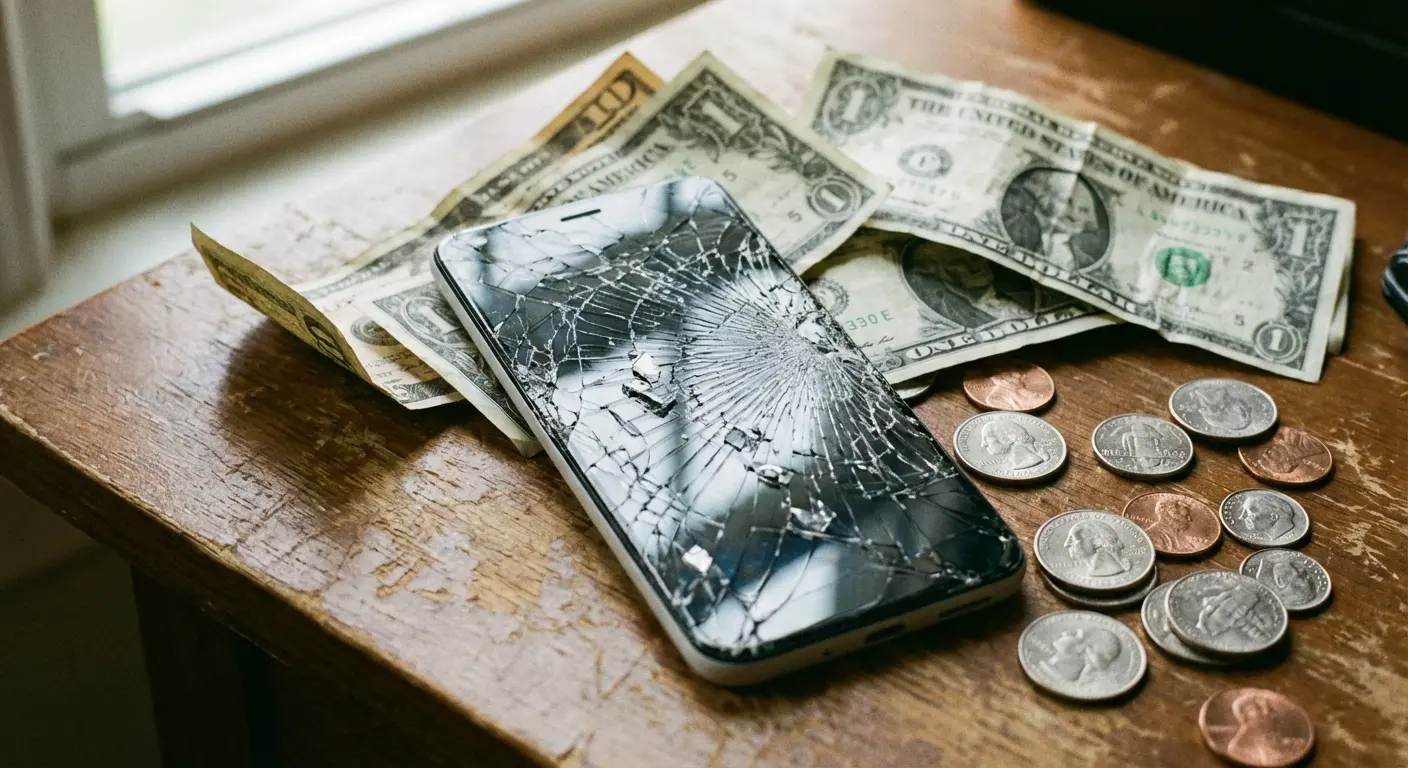
Google says screen replacements cost $129. That's bullshit, or at least such a carefully worded half-truth that it might as well be.
I found this out last year when I cracked my Pixel 7 Pro screen. That $129 price? It's just the starting point. It doesn't include the diagnostic fee. It doesn't include shipping if you're doing mail-in repair. It sure as hell doesn't include your insurance deductible or the premiums you've been paying every month.
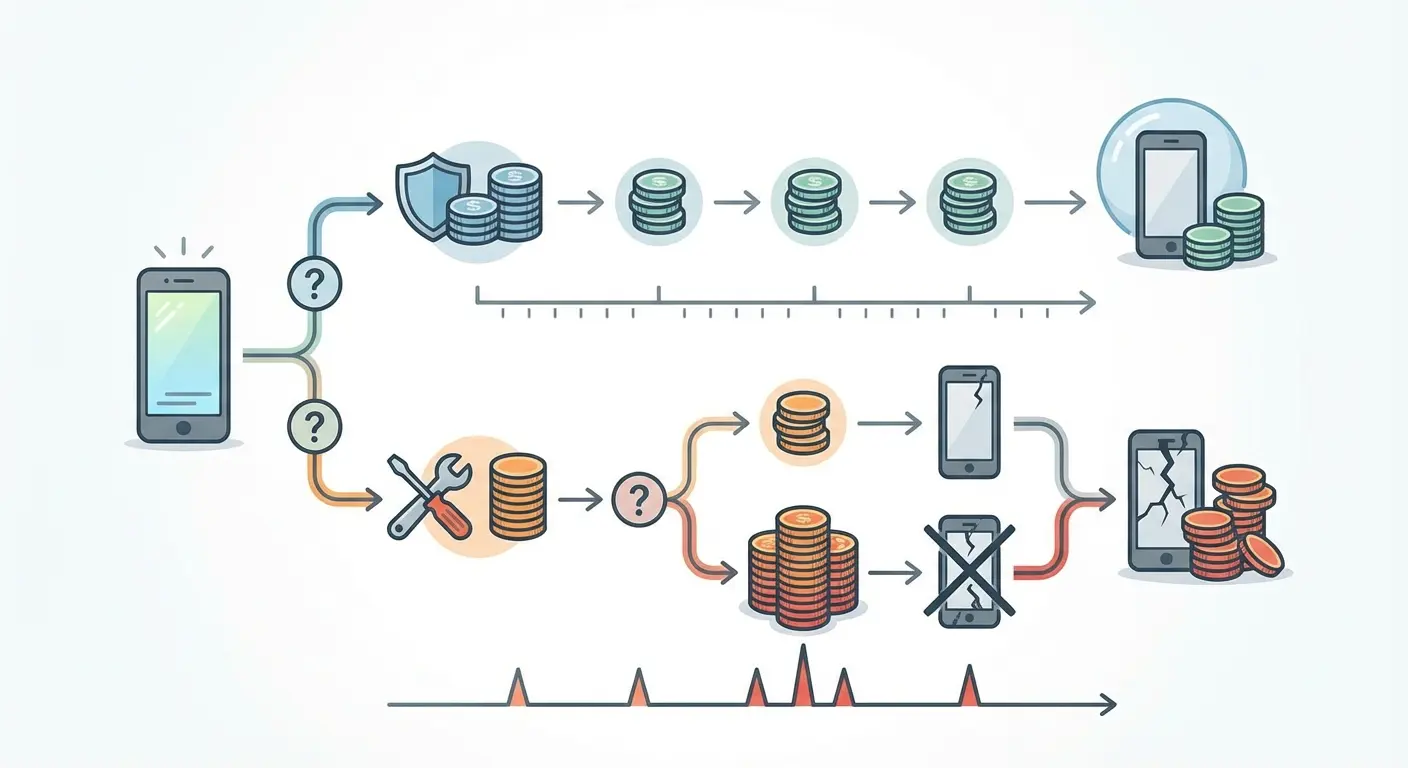
Let's talk about what you actually pay for google pixel repair. If you've got Preferred Care, your deductible starts at $99 for screen damage and jumps to $149 for other damage. You've also been paying $7-9 monthly for that insurance. Do the math on a year of premiums and suddenly your "affordable" screen repair has cost you $200+ before you even get your phone back.
Third-party shops quote lower prices, and I get the appeal. But here's what they won't tell you until it's too late: non-genuine parts on a Pixel trigger software warnings. They can disable features. They void whatever warranty coverage you have left. The Tensor chip is picky about what components you attach to it. According to iFixit's analysis of Google Pixel screen repair costs, the average cost of Google Pixel screen fix kits is around $130, while the average savings of iFixit's Screen Fix Kits compared to Asurion for the Pixel 4 line and older is close to $100. That tells you authorized service providers are charging way more than parts and labor should cost.
Repair Type |
DIY Cost (iFixit Kit) |
Authorized Service Cost |
Insurance Deductible + Premium (12 months) |
Total Out-of-Pocket (Insurance Route) |
|---|---|---|---|---|
Screen Replacement (Pixel 7/8) |
$130 |
$200-$300 |
$99 + $84-$108 |
$183-$207 |
Battery Replacement |
$60-$90 |
$100-$150 |
$99 + $84-$108 |
$183-$207 |
Charging Port |
$70-$100 |
$120-$180 |
$99 + $84-$108 |
$183-$207 |
Back Glass |
$50-$100 |
$150-$250 |
$99 + $84-$108 |
$183-$207 |
The Hidden Fees That Show Up During Repair
Diagnostic fees run $40-80 and only get waived if you proceed with the repair. Mail-in repairs add $15-30 in shipping costs each way unless you live near an authorized service center.
Some repairs require multiple parts, and you won't know this until they open your device. A customer came in last month with a cracked Pixel 8 Pro back glass. Initial quote was $99. When the tech opened it up, the wireless charging coil had separated from the glass during impact. There was also a hairline crack in the camera lens she hadn't noticed. Final bill came to $340 for back glass, charging coil, and camera lens replacement, plus a $60 diagnostic fee because she initially declined the camera repair and had to bring it back a week later when the crack got worse.
She was pissed. I don't blame her.
What Insurance Actually Covers (Spoiler: Less Than You Think)
Most carrier insurance and Google's Preferred Care cover accidental damage, but they define "accidental" pretty narrowly.
Gradual damage from repeated drops? They'll dispute that claim. Water damage in conditions that exceed IP68 ratings? Good luck. Cosmetic damage that doesn't affect functionality? Almost never covered. Your deductible applies per incident, so if you crack your screen in January and damage your camera in March, you're paying twice.
Before you file that claim, document everything. Take photos of all damage from multiple angles. Write down exactly what happened, where you were, what time it was. Insurance companies look for any excuse to deny claims, and you need documentation they can't dispute. Check your device's IP rating and compare it against the conditions when damage occurred. Calculate your total cost: deductible plus all the months of premiums you've already paid plus any previous claims you've made. Sometimes paying out of pocket for authorized repair costs less than going through insurance.
The Real Reason Google Pushes Authorized Repair Centers (It's Not Quality Control)
Google wants you using authorized repair centers, and they say it's about quality control. That's part of it, but not the main reason.
It's about data security, liability, and maintaining control over their hardware-software ecosystem. Pixels run on custom silicon now. The Tensor G3 and G4 chips create dependencies between hardware and software that didn't exist in earlier Android devices. When an authorized center handles google pixel repair, they're not just swapping glass and digitizers. They're recalibrating touch sensitivity algorithms, re-pairing biometric sensors, and updating firmware signatures that verify component authenticity.
Skip this process with an unauthorized repair and you might fix the crack but lose fingerprint functionality. Face unlock stops working reliably. Camera performance degrades. I've seen Pixel 7 devices that got third-party screen replacements and then had persistent issues with adaptive brightness and color accuracy because the replacement panels lacked proper calibration data.
Google recently showed their commitment to authorized repair by offering 50% off out-of-warranty Pixel repairs at U.S. Google Stores for International Repair Day. The first 10 customers at each location got discounted screen or battery repairs on October 18, 2025. Which highlights both their repair capabilities and how expensive these services normally are when the discount isn't available.
The Software Lock Problem Nobody Mentions
Pixels use hardware attestation checks that verify component authenticity at the system level. Replace certain parts with non-genuine alternatives and you'll trigger persistent warnings in your settings.
Some banking apps and payment systems won't function properly on devices that fail hardware attestation. This isn't Google being difficult, though it feels that way. It's a security measure designed to prevent attacks where compromised hardware could intercept sensitive data. Authorized repair centers have access to Google's proprietary calibration tools and can re-establish hardware attestation. Your local repair shop doesn't, no matter how skilled their technicians are.
A guy brought his Pixel 8 to a local shop for google pixel screen repair after dropping it on concrete. The repair cost $140, way less than the $280 quote from an authorized center. The screen looked fine at first, but within two weeks he started having problems. His banking app displayed a security warning and refused to open. Google Pay stopped working entirely. His settings menu showed a persistent notification: "Unable to verify device integrity." When he tried to trade in the device six months later for a Pixel 9, the trade-in value dropped from $320 to $150 because the device failed authentication checks.
Liability Transfers You Don't Realize You're Making
The moment you hand your Pixel to an unauthorized repair service, Google's warranty obligations end. Any future issues become your problem, even ones completely unrelated to the repair.
Authorized centers maintain a repair record in Google's system that preserves your warranty status for non-repaired components. That distinction matters six months later when your charging port fails and you need warranty service for google pixel repair.
What Actually Happens to Your Data During Repair
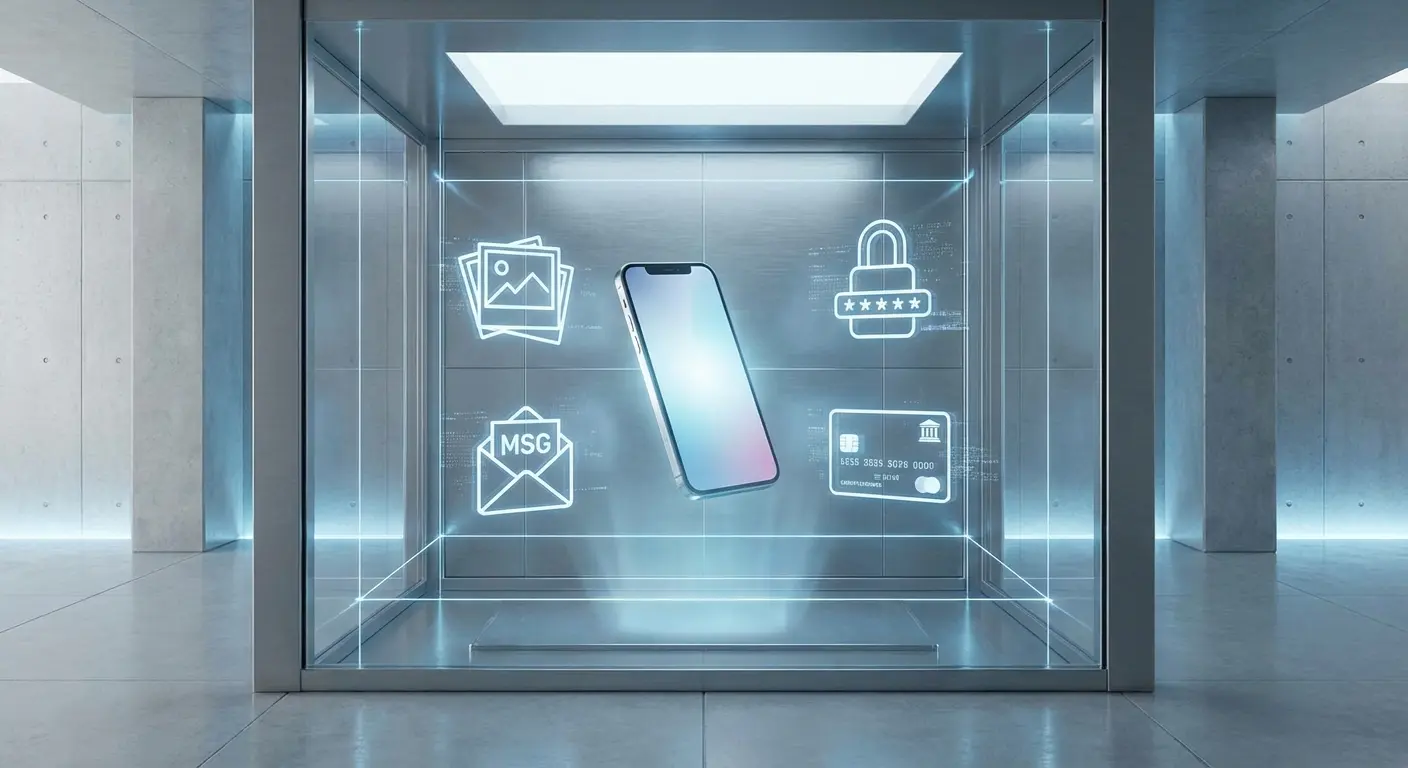
Nobody wants to think about this, but when you hand your phone to a repair tech, you're giving a complete stranger access to everything. Your photos. Your texts. Your banking apps. All of it.
Google's terms of service for google pixel repair basically say "not our problem." They strongly recommend backing up and factory resetting your device before service. Most people don't do this, which I understand because you need a functioning phone to back up properly if your screen is shattered.
Repair technicians technically shouldn't access your data, but "shouldn't" and "can't" are different things. Your device enters their facility unlocked or with a passcode you've provided. Everything sits accessible during the repair window. Authorized centers have protocols and auditing, but you're trusting humans with access to your digital life. Third-party shops might have even fewer safeguards. I'm not saying widespread data theft is happening, but the vulnerability exists and that should concern you.
Before you send your phone for repair, back up what you can to Google Photos and Google Drive. Export your contacts. Screenshot critical information like confirmation numbers or QR codes. Log out of banking and financial apps. Log out of email accounts. Remove saved payment methods from Google Pay. Clear your browser history and saved passwords. Create a temporary unlock PIN that's not your regular one. Disable biometric unlock. Write down the temporary PIN for the repair technician and make it clear that data access is not authorized beyond testing functionality.
When you get your phone back, change that temporary PIN immediately. Re-enable biometric security. Review app permissions for any changes. Check for unfamiliar files or photos. Review recent account activity on sensitive apps.
Why Factory Reset Before Repair Isn't Always Practical
You can't back up a phone with a dead screen easily. Google Photos might have your images, but what about locally stored files? App data that doesn't sync to the cloud? Text messages if you haven't enabled backup? Voice memos, downloads, app-specific documents?
The advice to "just factory reset" assumes your phone is functional enough to complete the process, which often isn't the case when you need pixel phone repair most urgently.
The Data Recovery Upsell
Some repair centers offer data recovery services for devices that won't power on or have severely damaged components. These services cost $100-500 depending on complexity. You're paying extra to retrieve data that wouldn't be at risk if the damage hadn't occurred in the first place.
Parts Availability: The Timeline They Don't Mention Until You're Already Waiting
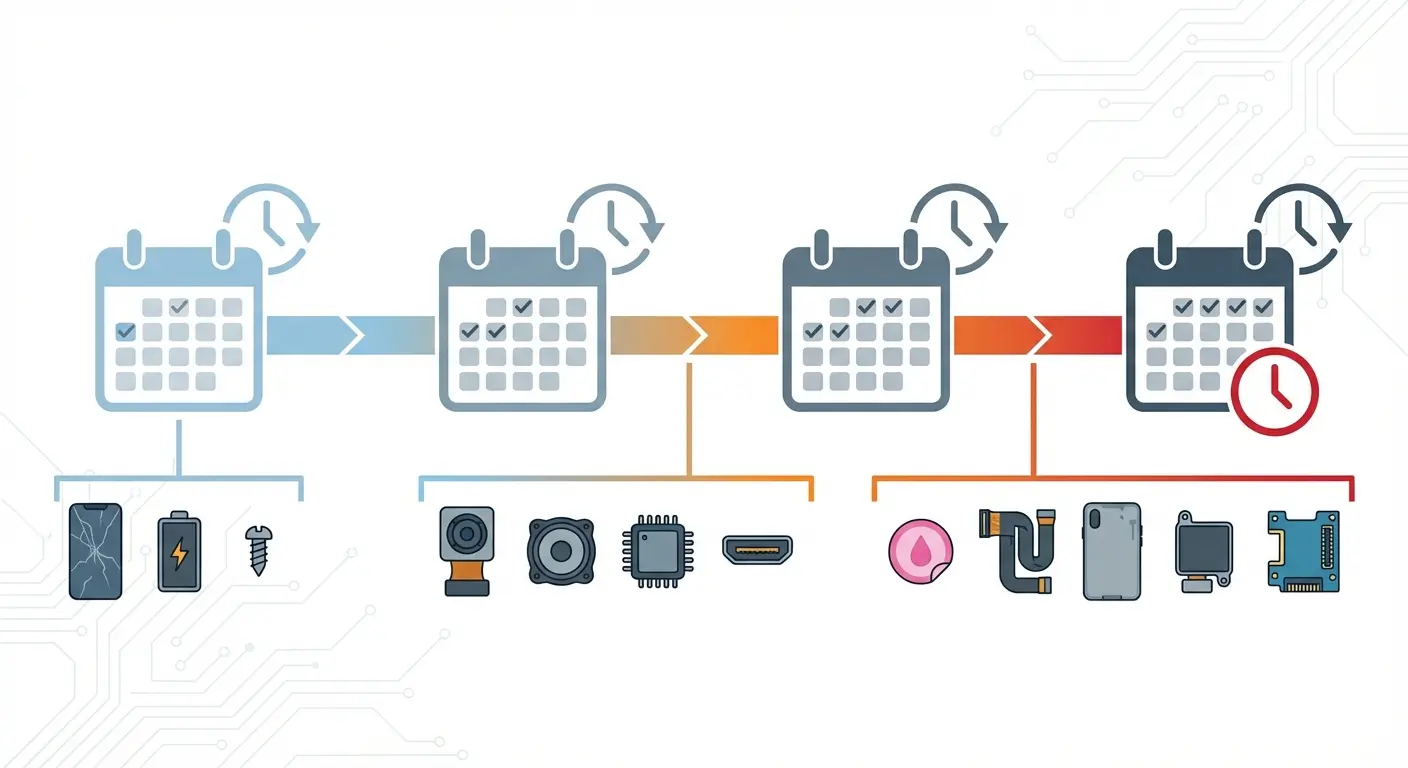
Google's official repair timeline estimates are optimistic at best. They assume parts are in stock, technicians are available, and no complications arise during service.
That's not what actually happens. Genuine Pixel parts face supply constraints, especially for newer models and less common components. Screen assemblies for current-generation Pixels usually stay in stock at authorized centers, but camera modules, charging ports, and back glass assemblies frequently backorder.
You'll send your phone in expecting a 5-7 day turnaround and get an email a week later explaining that parts are delayed another 10-14 days. Meanwhile you're without your primary device, juggling a backup phone if you have one, missing two-factor authentication codes, and losing access to apps tied to your phone number.
Component |
Typical Availability (Current Gen) |
Typical Availability (1-2 Gens Old) |
Average Backorder Delay |
Alternative Options |
|---|---|---|---|---|
Screen Assembly |
Usually in stock |
Usually in stock |
3-5 days if backordered |
Aftermarket (not recommended) |
Battery |
Usually in stock |
Usually in stock |
5-7 days if backordered |
Aftermarket available |
Camera Module |
Frequently backordered |
Often backordered |
10-14 days |
None (model-specific) |
Charging Port |
Intermittently available |
Intermittently available |
7-10 days |
Generic USB-C (risky) |
Back Glass |
Frequently backordered |
Often discontinued |
14-21 days |
Aftermarket (quality varies) |
Motherboard |
Rarely stocked |
Often discontinued |
21-30+ days |
Refurbished only |
Why Third-Party Shops Can't Solve This Problem
Independent repair shops sometimes claim faster service because they stock aftermarket parts. This creates a false choice: wait weeks for genuine parts or accept inferior replacements immediately.
Aftermarket Pixel screens often have lower brightness, worse color accuracy, and reduced touch sensitivity compared to OEM panels. They might look fine in the repair shop's lighting, but you'll notice the difference the first time you use your phone outdoors.
Battery replacements present similar issues. Aftermarket batteries rarely match the capacity and longevity of genuine Google cells, and some trigger battery health warnings in Android settings. According to iFixit's repair guide data, display repairs for the Pixel 3, 3 XL, 4, and 4 XL are more difficult compared to other models since they require complete disassembly to access the screen. This extends repair timelines and increases the likelihood of parts damage during the process, which contributes to longer wait times when parts need to be reordered after unsuccessful repair attempts.
Seasonal Delays Nobody Warns You About
Parts availability gets worse during peak damage seasons like summer travel and winter holidays, and immediately after new Pixel launches when repair inventory gets allocated to newer models. Break your Pixel 7 screen in December and you might wait three weeks for parts because Google prioritized Pixel 8 google pixel repair stock.
Looking ahead, the Google Pixel 11 Pro Fold renders leak suggests minor changes to camera thickness, which may impact future repair part availability and compatibility as Google continues evolving their hardware designs.
DIY Pixel Repairs: How I've Watched Customers Make Everything Worse
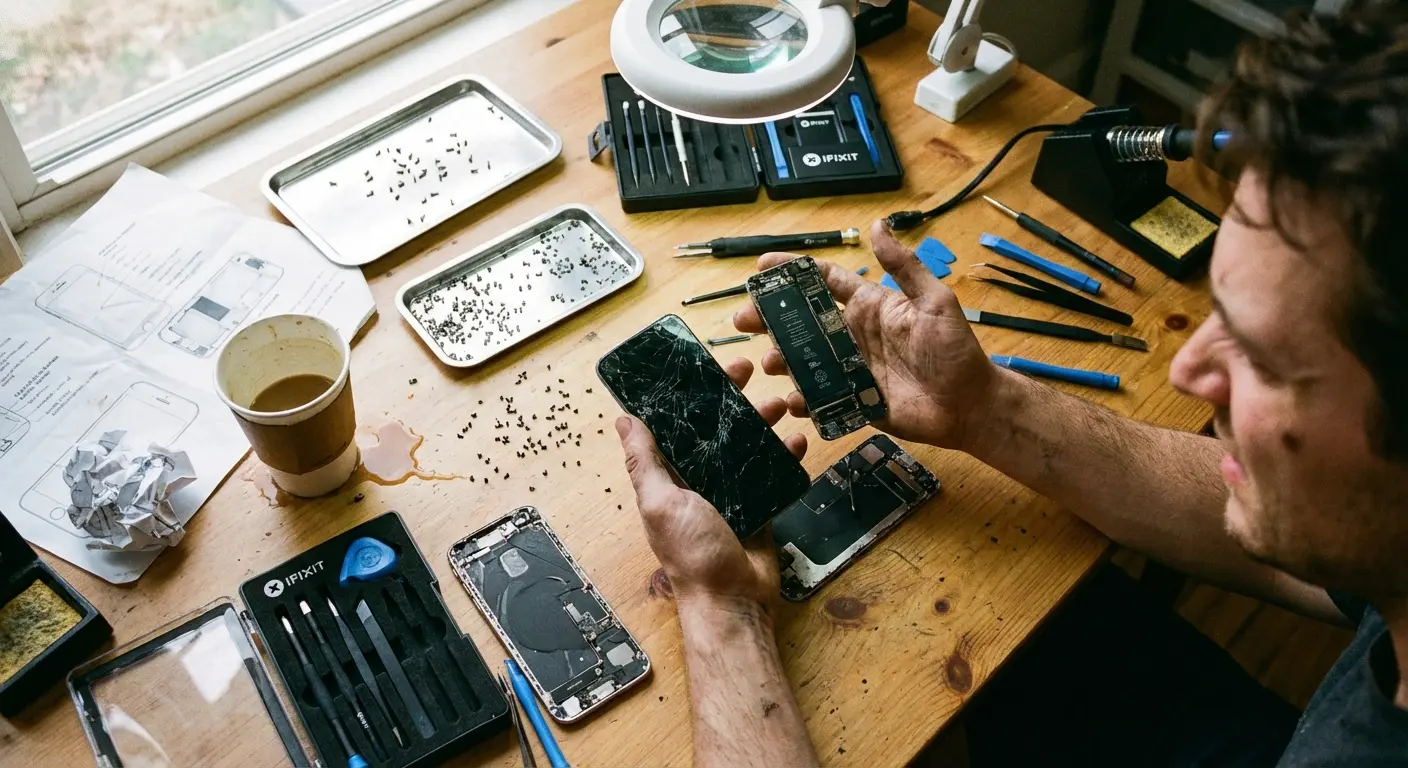
YouTube makes pixel phone repair look straightforward. Watch a 15-minute video, order a $40 screen assembly from Amazon, grab a heat gun and some prying tools, and you're good to go.
I've watched people walk into repair shops with phones in worse condition than when they started. YouTube doesn't show you the three hours of frustration when the adhesive won't separate, or the moment you hear that tiny crack and realize you just severed the display cable. Now your $40 DIY repair is a $400 motherboard replacement.
I respect the right-to-repair movement. I appreciate Google's efforts to provide official repair guides. But there's a massive gap between watching someone perform a google pixel repair and successfully doing it yourself. Pixels use strong adhesives that require precise heat application. Too little heat and you can't separate components. Too much and you damage internal parts.
The display cables are fragile and positioned exactly where you need to pry. One wrong move and you've severed a connector, turning a screen repair into a motherboard replacement.
The Tools You Don't Know You Need
Those $20 repair kits on Amazon include basic tools, but they're missing the specialized equipment that makes google pixel repair feasible. Proper screen separation requires a temperature-controlled heat plate, not a hair dryer. Reconnecting display cables needs an anti-static workspace and proper grounding.
Calibrating touch sensitivity after screen replacement requires software tools you don't have access to. Professional repair techs make it look easy because they've done it hundreds of times with proper equipment. Your first attempt in your kitchen? The odds aren't in your favor. Anyone attempting it at home should start with a proper phone screen repair kit.
Someone came in last month who'd watched three YouTube tutorials and felt confident replacing her Pixel 6 Pro screen. She ordered a $45 screen assembly and a $22 tool kit from Amazon. During disassembly, she applied too much heat with her hair dryer and warped the plastic frame around the battery. While prying up the screen, she punctured the battery with a metal spudger. The battery swelled and started smoking. She immediately stopped and brought the device to an authorized center. The final bill was $420: new screen, new battery, new frame assembly, plus labor for reassembly and safety inspection. The DIY attempt cost her an additional $287 beyond what the original screen replacement would have cost.
When DIY Costs More Than Professional Repair
You'll buy the replacement part, the tools, probably damage something during your first attempt, then need to buy another replacement part, possibly damage something else, and eventually pay a professional to fix both the original problem and the damage you caused trying to repair it.
I've seen this pattern repeatedly. The final bill exceeds what authorized google pixel repair would have cost initially, plus you've wasted hours and added stress to an already frustrating situation.
The Cost of Being Without Your Phone (This One Surprised Me)
Repair costs get quoted in dollars, but downtime costs show up differently.
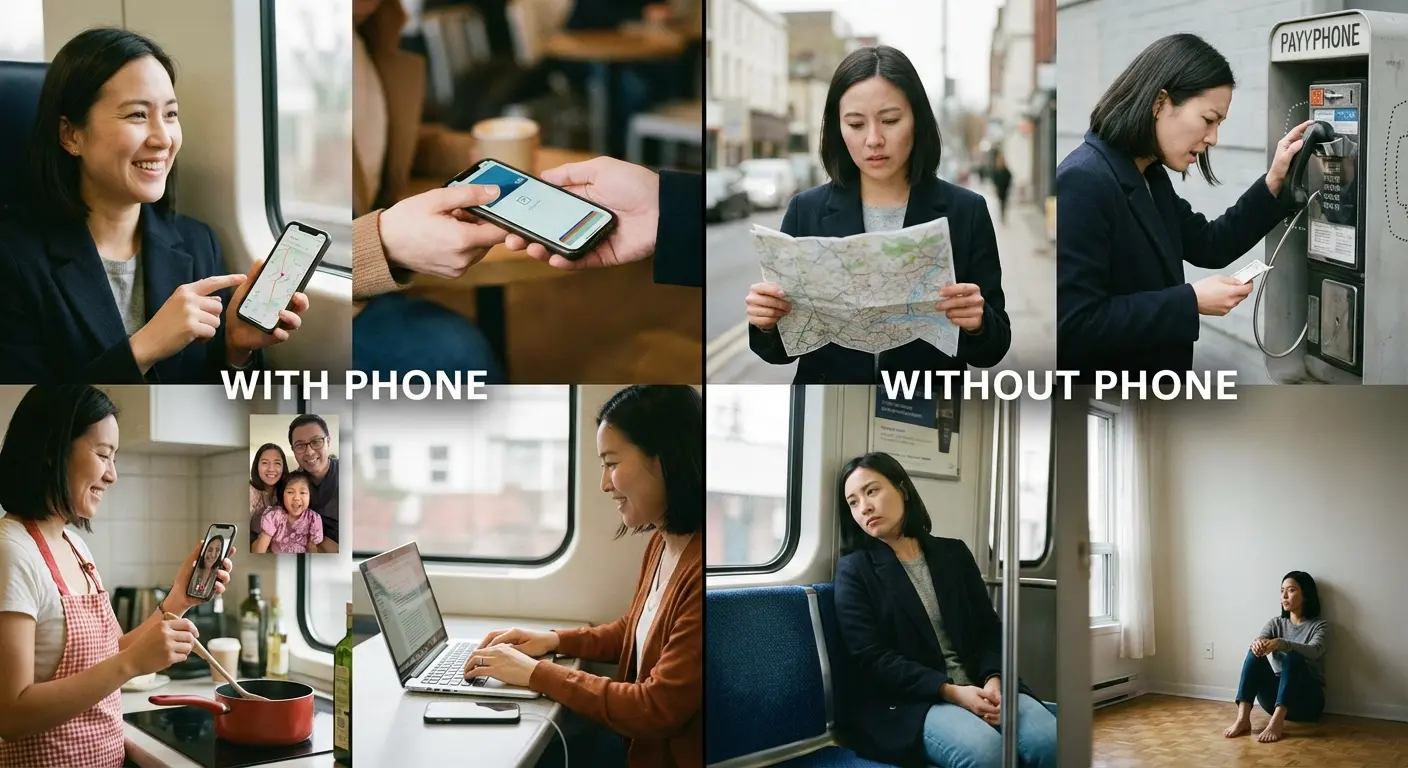
You lose access to your primary communication device, your camera for capturing moments that won't repeat, your payment method if you rely on Google Wallet, your authentication method for work systems, your navigation tool, your music library, your fitness tracking, your smart home controls. Smartphones aren't just phones anymore. They're the central hub for how we interact with digital services, and removing that hub for 7-14 days during google pixel repair creates cascading inconveniences that are hard to quantify financially but very real in impact.
Can you even remember your passwords without your password manager? Do you have backup codes for two-factor authentication stored somewhere accessible?
The Backup Phone Problem
Maybe you have an old phone in a drawer somewhere. It's probably several years old, running outdated software, with a battery that barely lasts four hours.
You'll spend half a day setting it up, downloading essential apps, trying to restore some functionality, knowing you'll abandon it the moment your repaired phone returns. Or maybe you don't have a backup phone at all and you're considering buying a cheap temporary device just to stay connected. That's another $100-200 you're spending because your primary phone is in repair.
Professional Impact of Device Downtime
If you use your Pixel for work, downtime affects your productivity and potentially your income. Missed calls from clients, delayed responses to time-sensitive emails, inability to access work apps that require device-specific authentication.
Your employer might provide a backup device if you're lucky, but most people are expected to maintain their own mobile reliability. Freelancers and small business owners feel this impact more acutely. Every day without your phone is a day of reduced operational capacity.
Why Your Case Choice Matters More Than You Think
You've probably heard the prevention speech before, but most case marketing is complete nonsense.
Brands slap "military-grade" on packaging without explaining what that means (spoiler: usually nothing). They show slow-motion drop tests from waist height onto gym mats and call it extreme protection. The phone case industry is full of exaggerated claims and zero accountability.
When your phone breaks inside that "ultra-protective" case, the manufacturer isn't covering your repair pixel phone costs. They might refund your $30 case purchase if you're persistent, but your $300 google pixel screen repair? That's on you.
Real protection requires understanding impact physics and material science, not believing marketing copy. Corners and edges absorb the most impact energy during drops. Screens crack when the frame flexes enough to stress the glass beyond its breaking point. Effective cases need to control frame flex, distribute impact energy, and maintain shock absorption without adding excessive bulk.
What Military-Grade Actually Means (When It Means Anything)
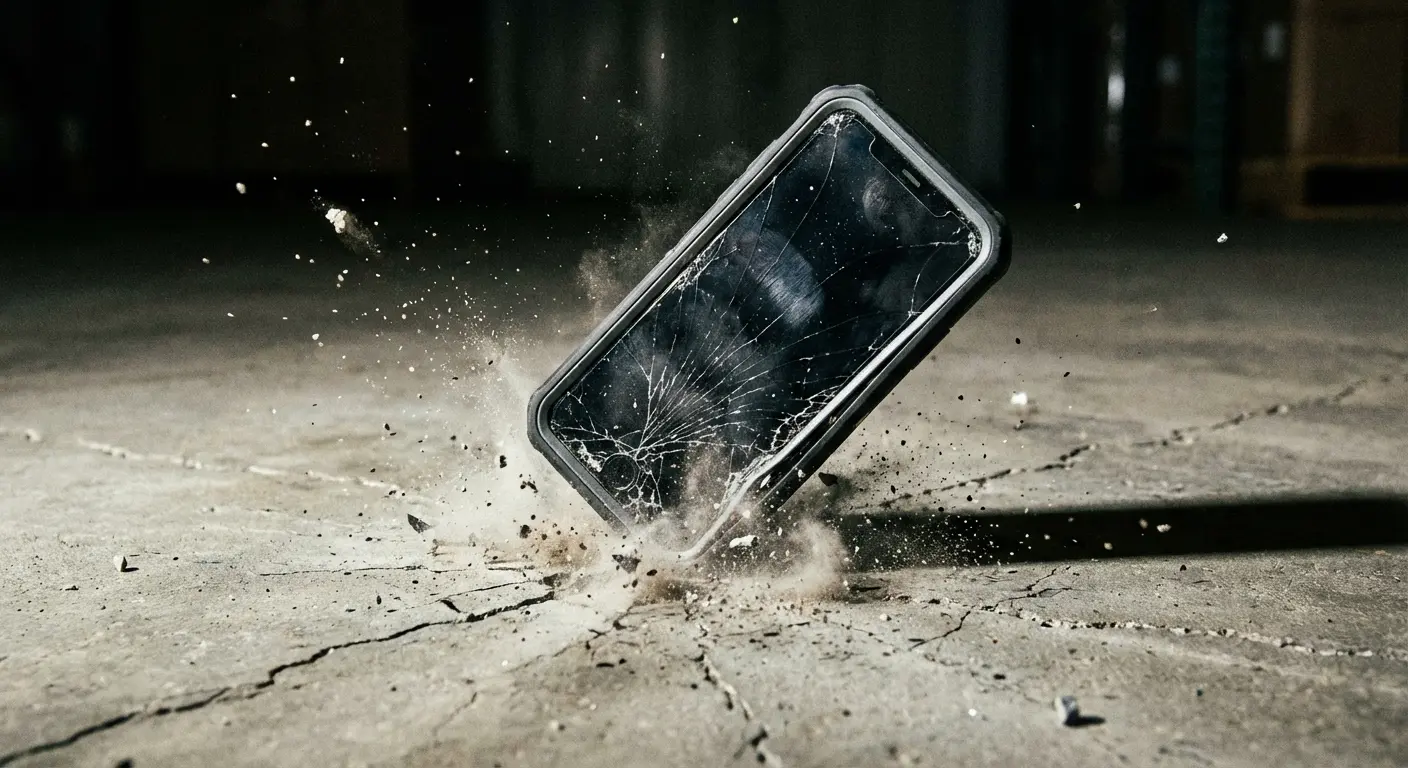
MIL-STD-810G is the military testing standard most case manufacturers reference. It specifies drop tests from 4 feet (48 inches) onto concrete in multiple orientations.
Sounds impressive until you realize many cases claiming this certification were never actually tested to the standard. They used similar test methods internally (maybe) and borrowed the terminology for marketing. Legitimate MIL-STD-810G testing requires independent lab verification and documentation. Few case manufacturers can provide this documentation when pressed. The ones that can? They're usually priced higher because testing costs money.
The Protection Features That Actually Matter
Impact absorption happens through material selection and geometric design. Cases need a rigid outer shell to distribute force and a shock-absorbing inner layer to dissipate energy.
Raised bezels around the screen and camera prevent direct contact with surfaces during face-down drops. Reinforced corners add protection at the highest-stress points.
Precise fit matters too. Cases that shift or flex independently of the phone don't protect effectively because they allow the device to move inside the case during impact. You want the case and phone to move as a single unit, with the case absorbing and distributing the force before it reaches the device.
What Military-Grade Protection Actually Works
Okay, full disclosure: I'm recommending Rokform cases at the end of this post and I need to be upfront about that. I've been using their cases for two years and they're the only ones that have actually prevented damage when I've dropped my phone. If you think this whole post is just a setup to sell you a case... yeah, kind of. But everything I've said about repair costs is true whether you buy a Rokform case or not.
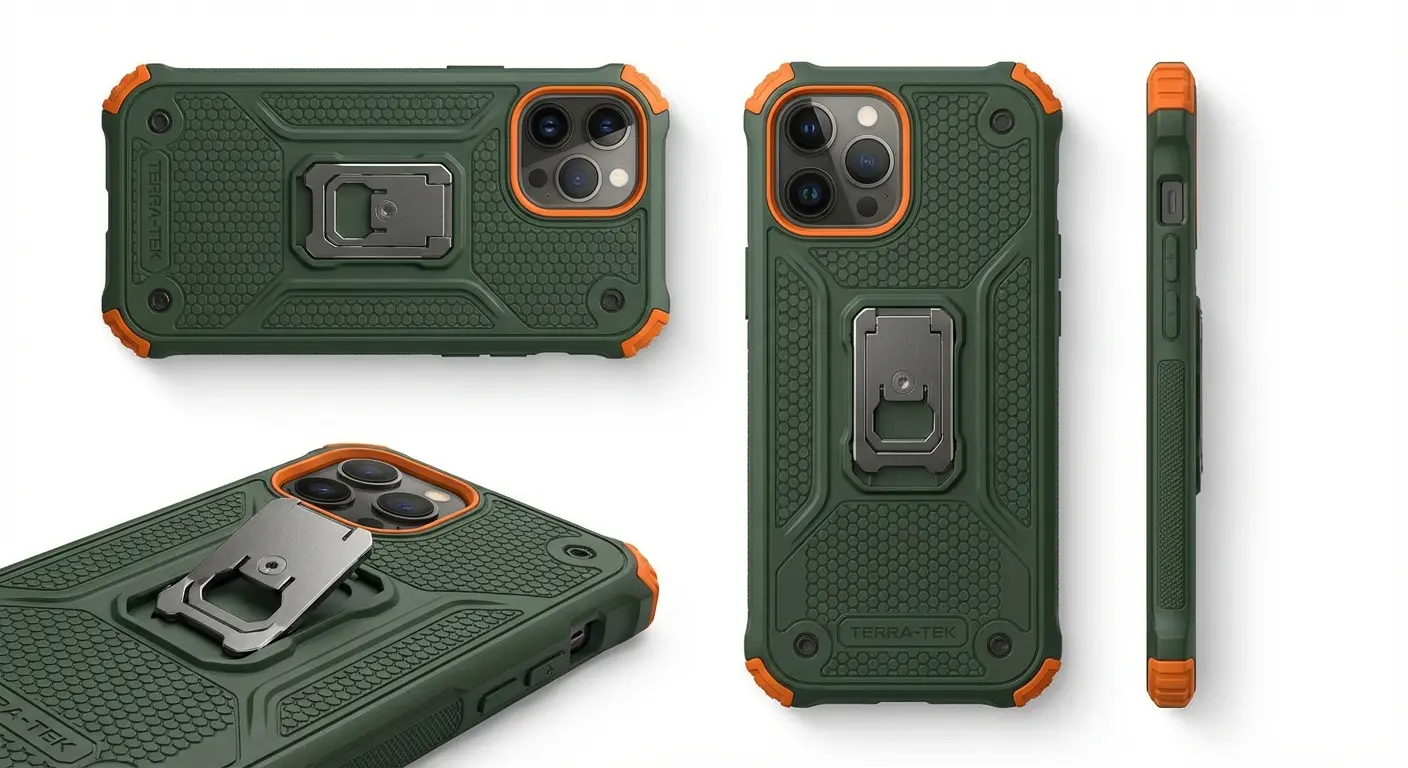
Rokform built their reputation in extreme environments before they ever sold a consumer phone case. Their mounting systems needed to keep devices secure on motorcycles at highway speeds, on boats in rough water, on construction sites with constant vibration and impact. Consumer cases were an afterthought until they realized the same engineering principles that protected phones in industrial applications could eliminate the google pixel repair cycle for everyday users.
Their cases use a six-sided impact geometry design that's been drop-tested beyond standard requirements. I'm talking 10+ feet repeatedly onto concrete, not the 4-foot minimum of MIL-STD-810G. The RokLock mounting system integrates into the case structure without compromising protection, which matters because many rugged cases become less protective once you add mounting accessories.
Why Material Selection Changes Everything
Polycarbonate shells provide rigidity without excessive weight. TPU (thermoplastic polyurethane) liners absorb impact energy through controlled deformation.
The combination creates a two-stage protection system where the outer shell distributes force across the case surface and the inner liner converts impact energy into heat through material compression. This happens in milliseconds during a drop, but it's the difference between a cracked screen and a phone that survives intact.
Cheap cases use inferior materials that either crack themselves during impact (failing to protect the phone) or don't absorb enough energy (transferring too much force to the device).
The Mounting Integration Advantage
Most rugged cases treat mounting as an afterthought. You buy the case, then buy separate mounting accessories that attach via adhesive or clip mechanisms that add bulk and create new failure points.
Rokform's RokLock system builds the mounting interface into the case structure. Twist-lock attachment provides security that magnetic or clip systems can't match. Your phone stays protected whether it's in your hand, mounted in your car, or attached to your bike. You're not choosing between protection and functionality. You get both simultaneously.
Real-World Testing vs. Marketing Claims
Rokform cases go through verification that most brands skip. Independent lab testing confirms MIL-STD-810G compliance. Continuous real-world testing in motorcycling, construction, and outdoor recreation environments provides feedback that controlled lab tests miss.
When a case fails in use, they redesign it. This iterative improvement process costs more than stamping out millions of identical cheap cases, but it produces protection that prevents google pixel repair instead of just claiming to.
Before You Book That Repair
You've got a damaged Pixel and you're weighing your options. Repair costs, downtime, data concerns - all of it feels overwhelming when you just want your phone working again.
Before you commit to a google pixel screen repair appointment, consider whether you're treating the symptom or addressing the problem. Repairing your phone returns it to functional status, but it doesn't change the vulnerability that caused the damage initially.
You'll get your device back, use it the same way, and statistically you're likely to damage it again within 18 months. The cycle continues. Insurance premiums keep coming out of your account monthly. You've normalized the expectation that smartphones are fragile and google pixel repair is inevitable.
They don't have to be.

Questions to Ask Before Authorizing Repair
How much will this actually cost after all fees and deductibles? What's the realistic timeline including potential parts delays?
What happens to my data during the service period? Does this repair affect my warranty status? Am I using the same inadequate protection that failed to prevent this damage? What's my total cost of ownership including insurance premiums, previous repairs, and this current incident? At what point does prevention become more economical than repeated repairs?
The Economics of Protection vs. Repair
A quality protective case costs $60-100. A single google pixel screen repair through authorized channels costs $200-300 after deductibles and fees. Two years of Preferred Care premiums cost $168-216.
You're spending $368-516 on insurance and repairs (assuming only one incident) when you could have invested $100 in legitimate protection and eliminated the entire google pixel repair cycle. The math gets worse if you damage your phone multiple times or need repairs beyond simple screen replacements.
Your phone maintains better resale value when it's never been damaged or repaired. Buyers pay premium prices for devices in pristine condition with no repair history. That difference can be $100-200 when you're ready to upgrade.
Making the Prevention Investment
If your Pixel is currently damaged, yes, you need to fix google pixel. But use this as the moment you break the cycle.
Get the repair done through authorized channels to maintain warranty coverage and ensure proper parts and calibration. While you're waiting for your phone to return, invest in protection. Not another $25 case from Amazon with fake reviews and exaggerated claims. Protection that's been tested, verified, and proven in conditions that exceed what you'll put your phone through daily.
Rokform cases provide that level of protection with the added benefit of integrated mounting that makes your phone more functional, not just more protected. Whether you're mounting in your car for navigation, on your bike for fitness tracking, or using magnetic mounting around your home and office, the RokLock system keeps your device secure and accessible.
Protection shouldn't mean compromising on how you use your phone. It should enhance both durability and utility simultaneously. For Pixel users specifically, explore Rokform's Google Pixel rugged cases designed with the same military-grade protection that prevents the need for costly repairs.
Final Thoughts
Pixel repairs are expensive, time-consuming, and more complicated than Google's marketing suggests.
The costs extend beyond the repair bill into downtime, data vulnerability, and the recurring cycle of damage and repair that most users accept as normal. It doesn't have to be this way. Understanding what happens during repairs, why authorized service matters, and what genuine protection looks like changes the equation entirely.
You can keep paying insurance premiums and repair deductibles while hoping your phone survives, or you can invest once in protection that works and eliminate most repair scenarios before they happen. The choice seems obvious when you look at the total cost over your device's lifespan.
Prevention isn't just cheaper than repair. It's more convenient, less stressful, and maintains your phone's value for when you're ready to upgrade. Your Pixel is a significant investment. Protect it accordingly.

