


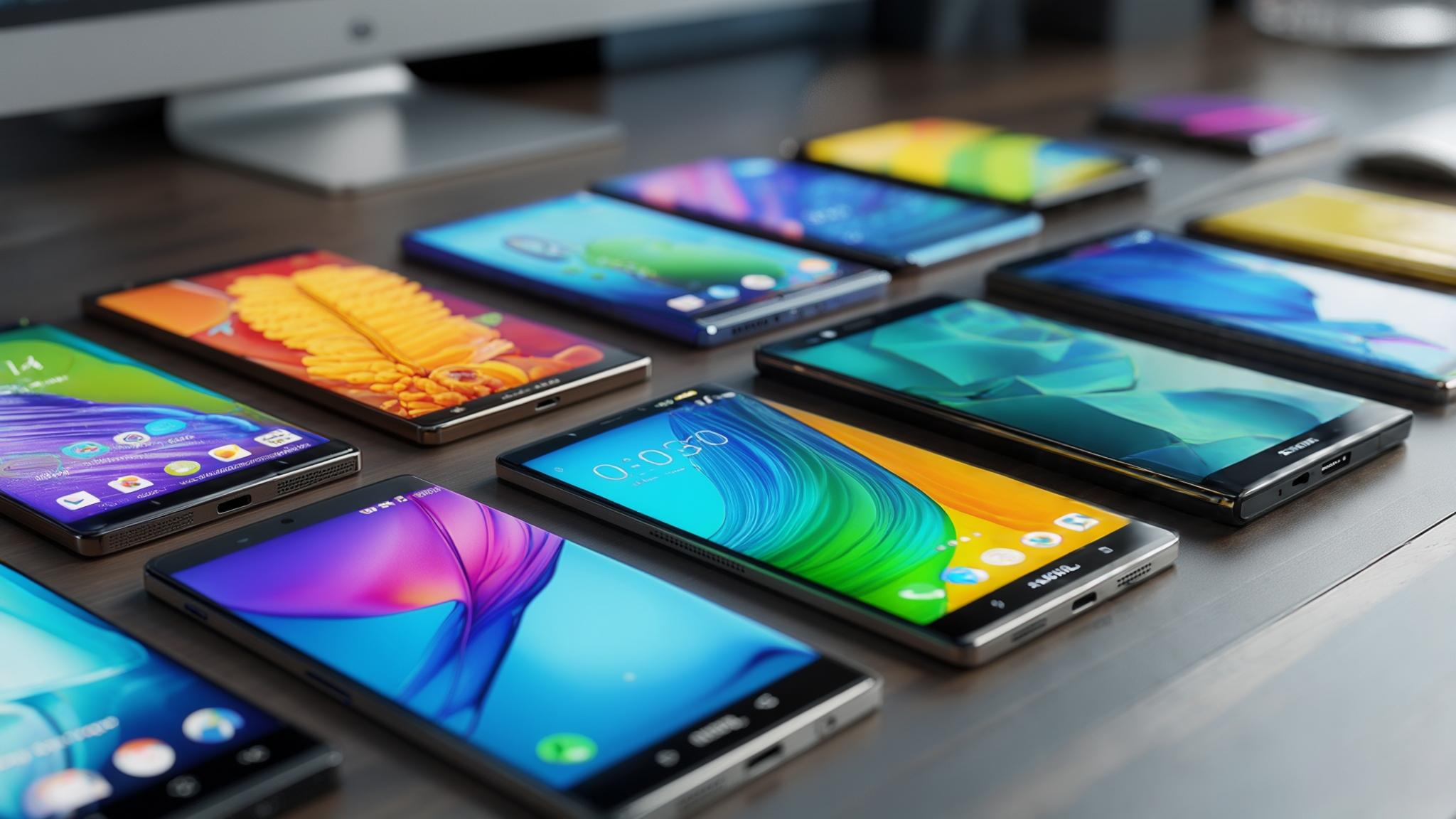
I'll be honest – I used to just grab whatever wallpaper looked cool and call it a day. But then I noticed my phone was dying way faster with this bright, colorful background I'd picked. Turns out, your wallpaper choice actually matters for more than just looks. Google's experimental "Meter" live wallpaper reveals that most device wallpapers function as aesthetics for the most part, but there's actually a lot more going on behind the scenes. Your wallpaper affects battery life, how easy it is to find your apps, and honestly, your daily mood. I've spent way too much time testing different options (don't judge me), so here are 25 that actually work great on phones.
Table of Contents
What Actually Matters When Picking a Wallpaper
-
25 Wallpapers That Don't Suck (Organized by Style)
Clean & Simple Designs
Nature Photos That Look Good
Tech & Future Stuff
Artsy Options
Dark Themes (Your Battery Will Love These)
Wallpapers That Change With Time
Which Ones Actually Work Best
Don't Forget to Protect Your Screen
Bottom Line
TL;DR
Match your screen resolution or things get blurry – most Android phones work fine with 1080p, but go higher if you've got a fancy phone
Dark wallpapers can seriously extend battery life on newer phones with OLED screens
Make sure you can actually see your app icons against your wallpaper
Live wallpapers look cool but eat battery like crazy
I found 25 solid options across different styles so you don't have to scroll through thousands
Pure black backgrounds with tiny color accents give you the best battery life
Some wallpapers automatically change with weather or time of day
A good case protects both your phone and your perfect wallpaper choice
What Actually Matters When Picking a Wallpaper
Here's the thing – most people just pick whatever looks pretty and wonder why their phone feels sluggish or their battery dies early. There are actually a few things worth thinking about before you commit to staring at the same image hundreds of times a day.
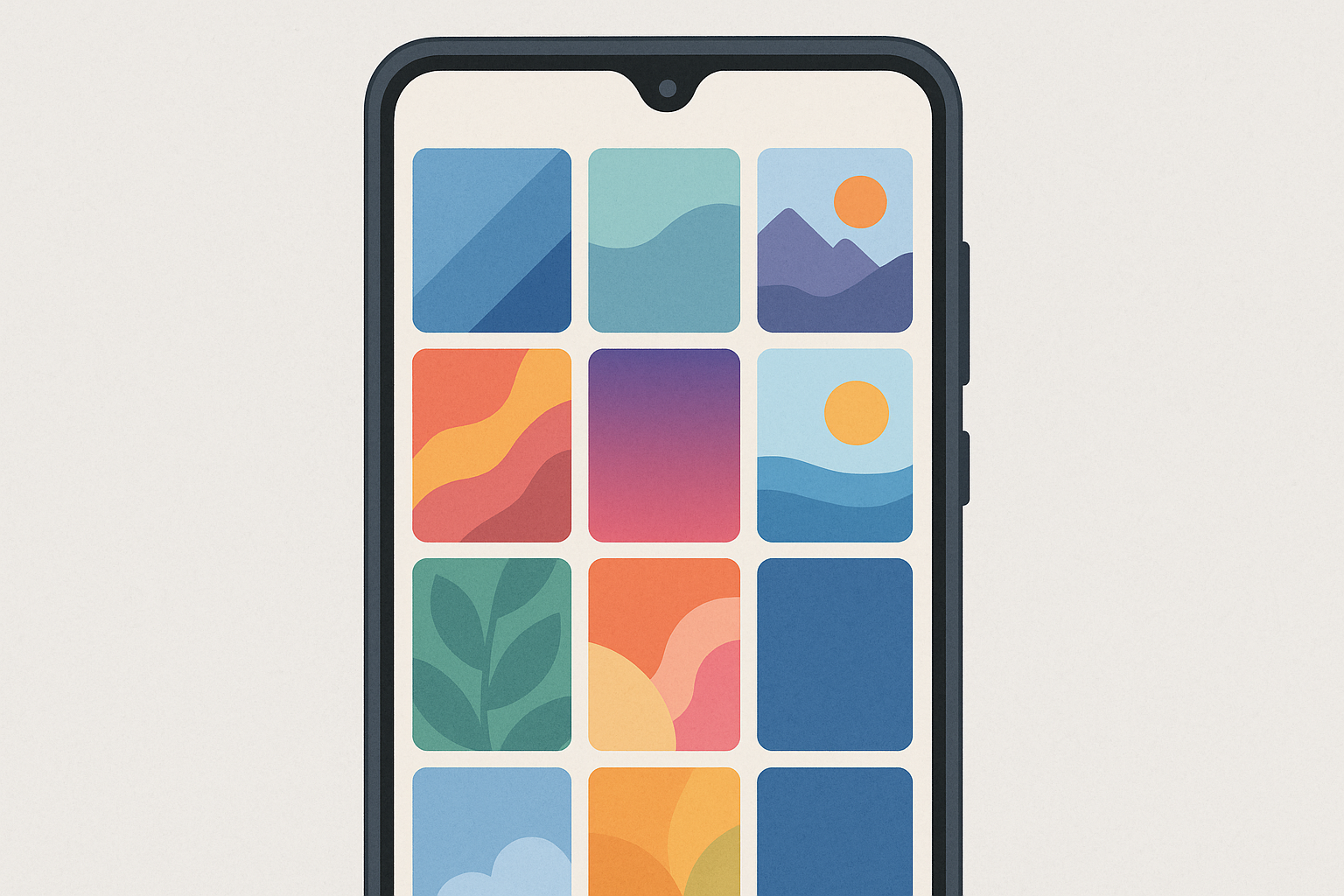
First up: resolution. If your wallpaper for android phone is too small for your screen, it's going to look blurry and pixelated. Most newer Android phones work fine with 1080p wallpapers, but if you've got a flagship phone with a super high-res display, you'll want something that matches. Here's a rough guide:
Phone Type |
What Usually Works |
What's Even Better |
Battery Impact |
|---|---|---|---|
Budget phones |
1080x2340 |
1080x2340 |
Not too bad |
Mid-range phones |
1080x2400 |
1440x3200 |
Noticeable |
Flagship phones |
1440x3200 |
2160x4800 |
Pretty big deal |
Foldable phones |
Whatever the native resolution is |
Native + a bit extra |
Huge difference |
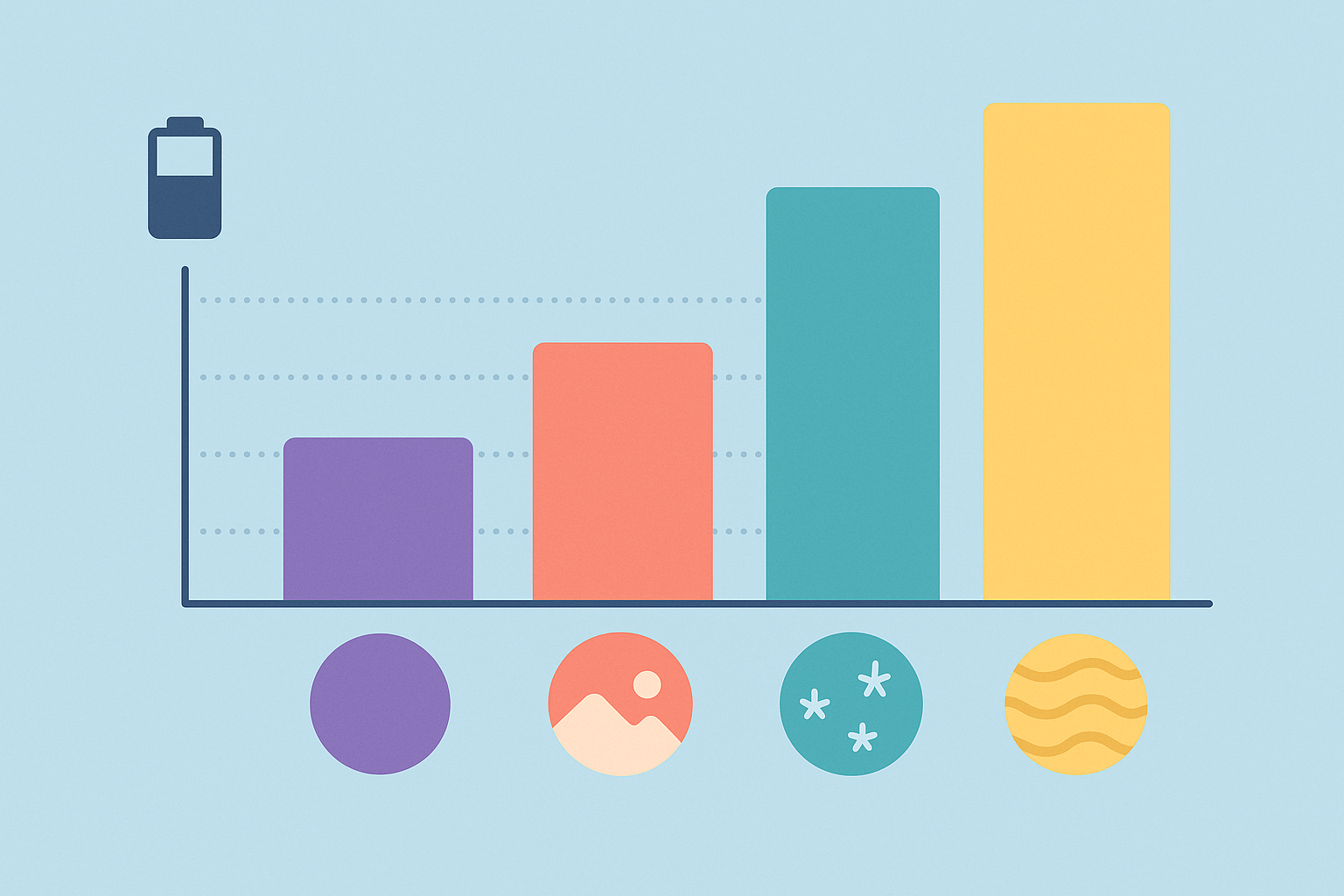
Battery life is where things get interesting. If you've got an OLED or AMOLED screen (most Samsung Galaxy, Google Pixel, and other flagship phones), dark wallpapers can seriously extend your battery life. Black pixels literally turn off, so a mostly black phone background uses way less power than something bright and colorful.
I switched from a bright tropical beach scene to a mostly black background with some blue accents, and my phone lasted about 2.5 hours longer each day. That's the difference between making it through the day and scrambling for a charger at 3 PM.
You also need to actually see your apps. I know this sounds obvious, but I've seen people with gorgeous wallpapers who can't find anything on their home screen because there's no contrast. Your phone background needs to work with your app icons, not fight them.
Personal style matters too. Your phone is something you look at dozens of times a day, so pick something that makes you happy or at least doesn't annoy you after a week.
Live wallpapers and animated backgrounds are cool, but they're basically running a tiny video on your screen all the time. That eats battery and processing power, especially on older phones.
And if you're someone who gets bored easily, seasonal wallpapers that change automatically can keep your phone feeling fresh without you having to remember to update things.
25 Wallpapers That Don't Suck (Organized by Style)
I've gone through way too many wallpaper apps and websites, so here are 25 options that actually work well on phones, not just in screenshots. I've organized them by style so you can jump to what you're into.
Clean & Simple Designs
Sometimes simple is better. These won't compete with your apps for attention.
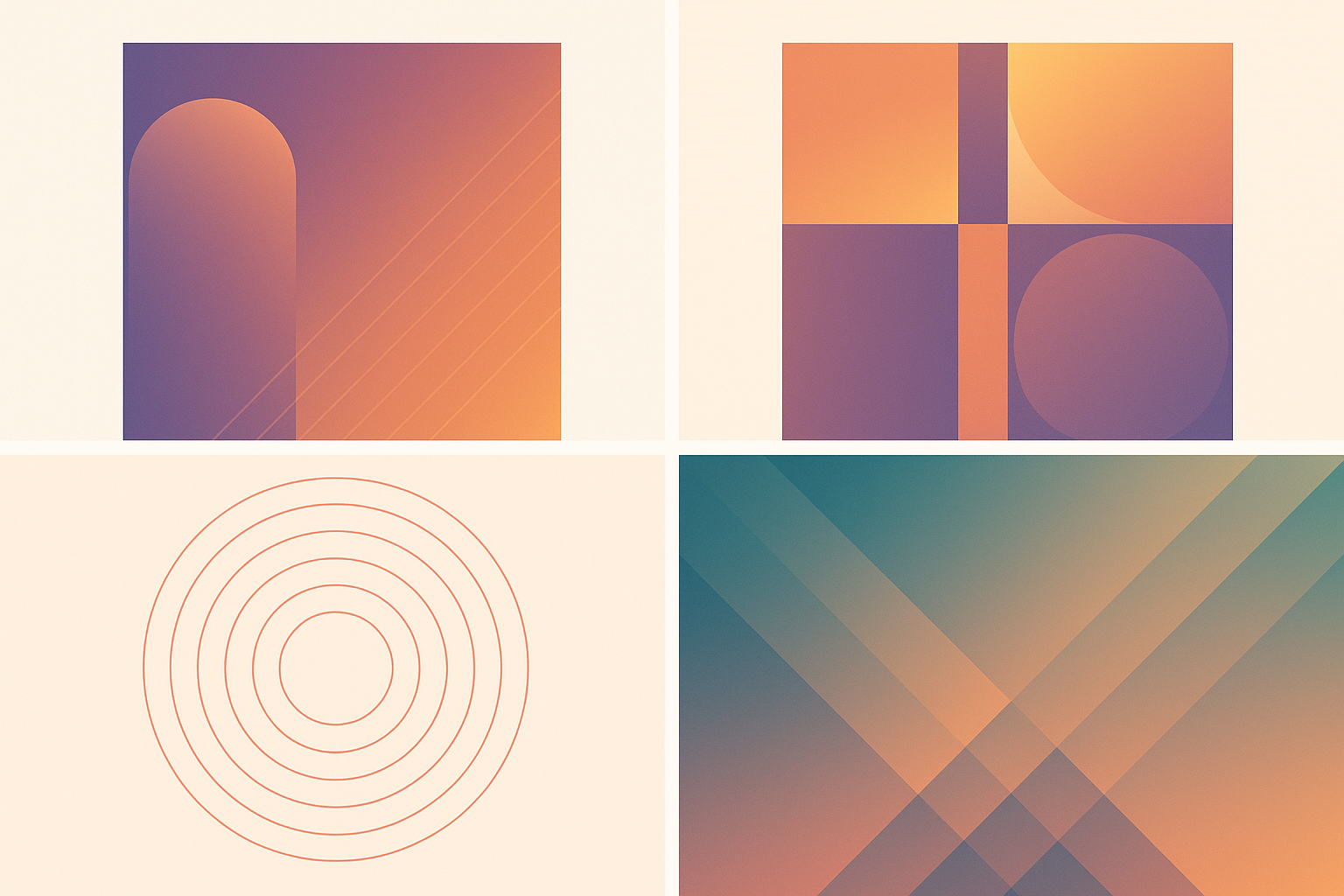
1. Gradient Waves
You know those smooth color blends that look like someone mixed paint in the sky? These work great because they give you something pretty to look at without being distracting. Blues and purples are solid choices because they don't clash with most app icons. These phone wallpapers hit that sweet spot between boring and overwhelming.
2. Geometric Lines
Think clean, straight lines in grays and whites. Super professional looking – great if you use your phone for work stuff and don't want anything too flashy. These phone wallpapers won't get you weird looks in meetings.
3. Single Color Fade
Basically one color that slowly transitions to black or white. Sounds boring, but it actually looks really nice and your apps pop against it. Plus, if you go with darker base colors, your battery will thank you.
4. Abstract Dots Pattern
Little dots arranged in cool patterns. More interesting than solid colors but won't make your home screen look like a mess. These work with pretty much any icon pack you've got installed.
5. Clean Architecture
Black and white photos of buildings, bridges, or cool structural stuff. Very Instagram-worthy if you're into that modern, artsy vibe. These wallpaper for phone options work especially well on larger screens.
Nature Photos That Look Good
For when you want to pretend you go outside more than you actually do.
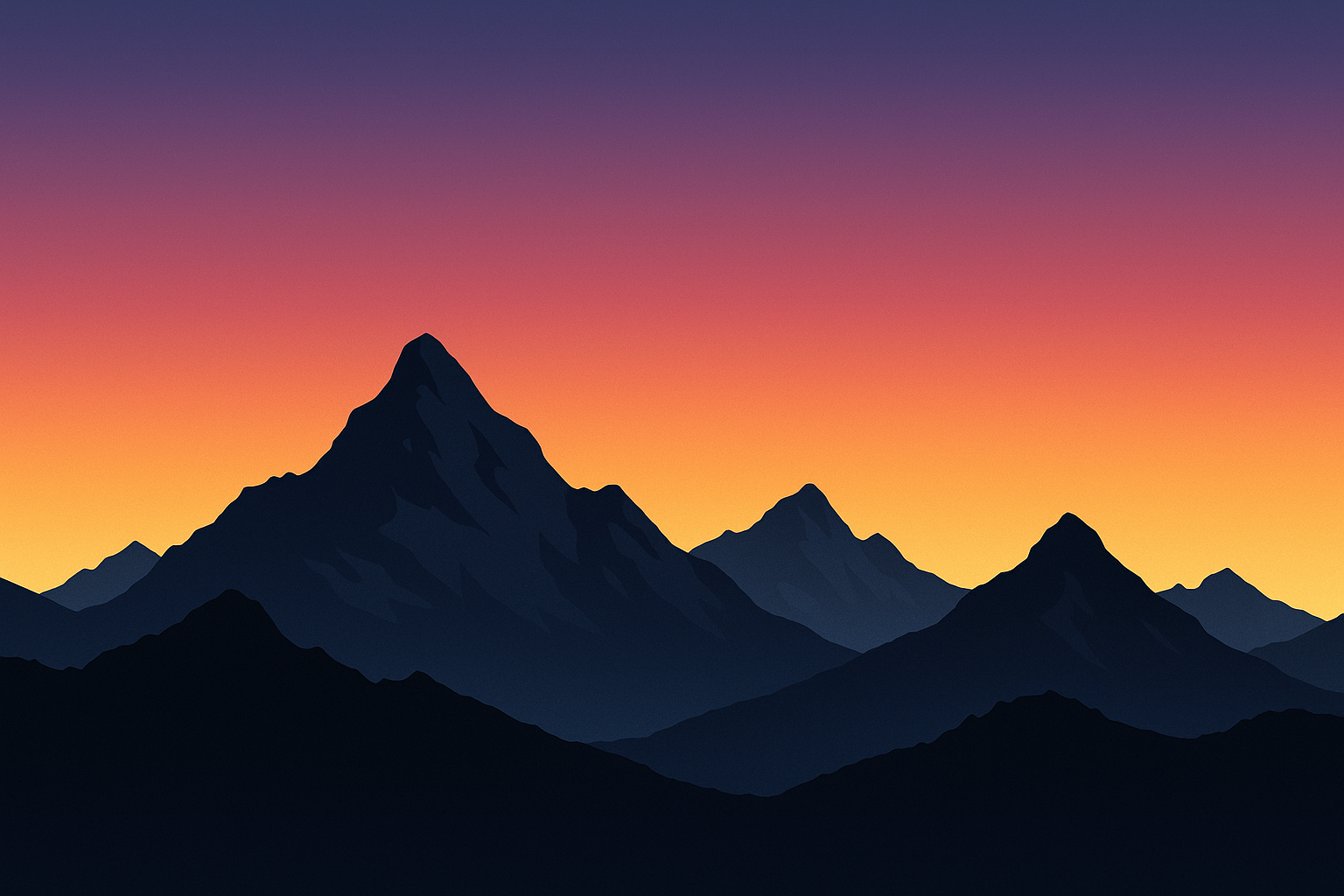
6. Mountain Silhouettes
Dark mountains against colorful skies during sunrise or sunset. These look amazing and your app icons show up perfectly against the sky part. I've been using one for months and still love it.
My friend Jake, who works in finance, picked a mountain silhouette for his Google Pixel. The dark mountains at the bottom are perfect for his banking apps, while the sky gradient gives him something peaceful to look at during stressful workdays. It's functional and actually improves his mood.
7. Ocean Waves
Beach vibes without the sand in your phone case. Blue tones work with pretty much any icon pack you've got, and there's something calming about looking at water when you're stuck indoors.
8. Forest Canopy
Photos looking up through trees with light filtering through the leaves. Very peaceful and green is easy on the eyes, especially if you're a heavy phone user. Great for people who love the outdoors.
9. Desert Landscapes
Wide open spaces with warm colors and clean horizons. The simplicity means your widgets won't get lost in busy backgrounds, and the warm tones create a welcoming feel.
10. Starry Night Skies
Space photos are always cool, plus the dark background saves battery if you've got an OLED screen. Win-win. Looking at stars can be surprisingly relaxing too.
Tech & Future Stuff
For the tech nerds (said with love).
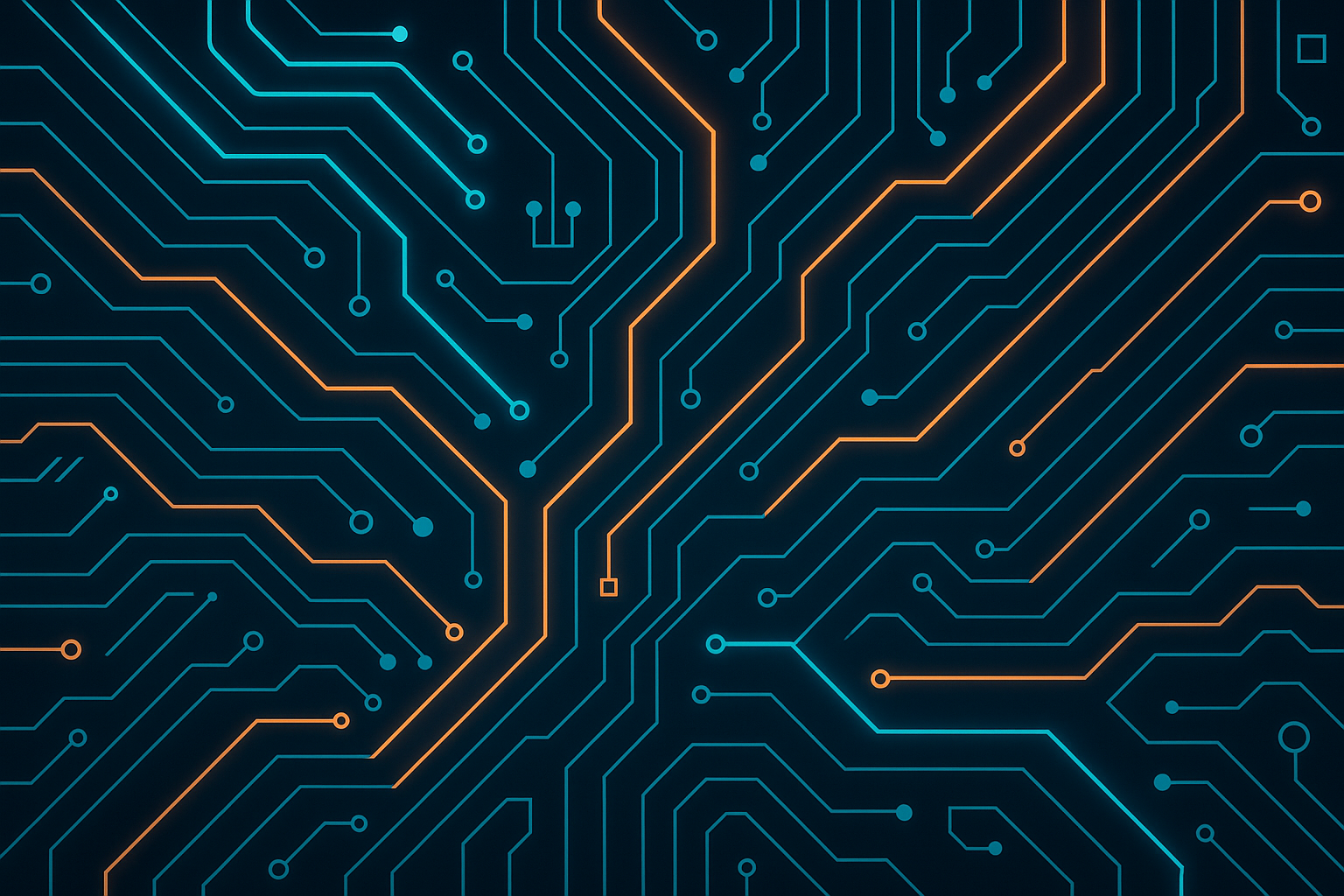
11. Circuit Board Patterns
Glowing circuit designs on dark backgrounds. Perfect if you work in tech or just want people to think you do. These phone wallpapers look professional while showing off your tech interests.
12. Digital Grid Systems
Think Tron vibes – geometric grids with neon highlights. Very sci-fi without being over the top. These phone wallpapers work great with modern, geometric icon packs.
13. Holographic Effects
These change colors when you tilt your phone, mimicking those shimmery holographic materials. Pretty cool, but can sometimes make it hard to read app names depending on the intensity.
14. Cyberpunk Cityscapes
Neon cities that look like they're from a video game. Bright and energetic, perfect for gamers, but they'll drain your battery faster than darker options.
Artsy Options
When you want your phone to look like it belongs in an art gallery.
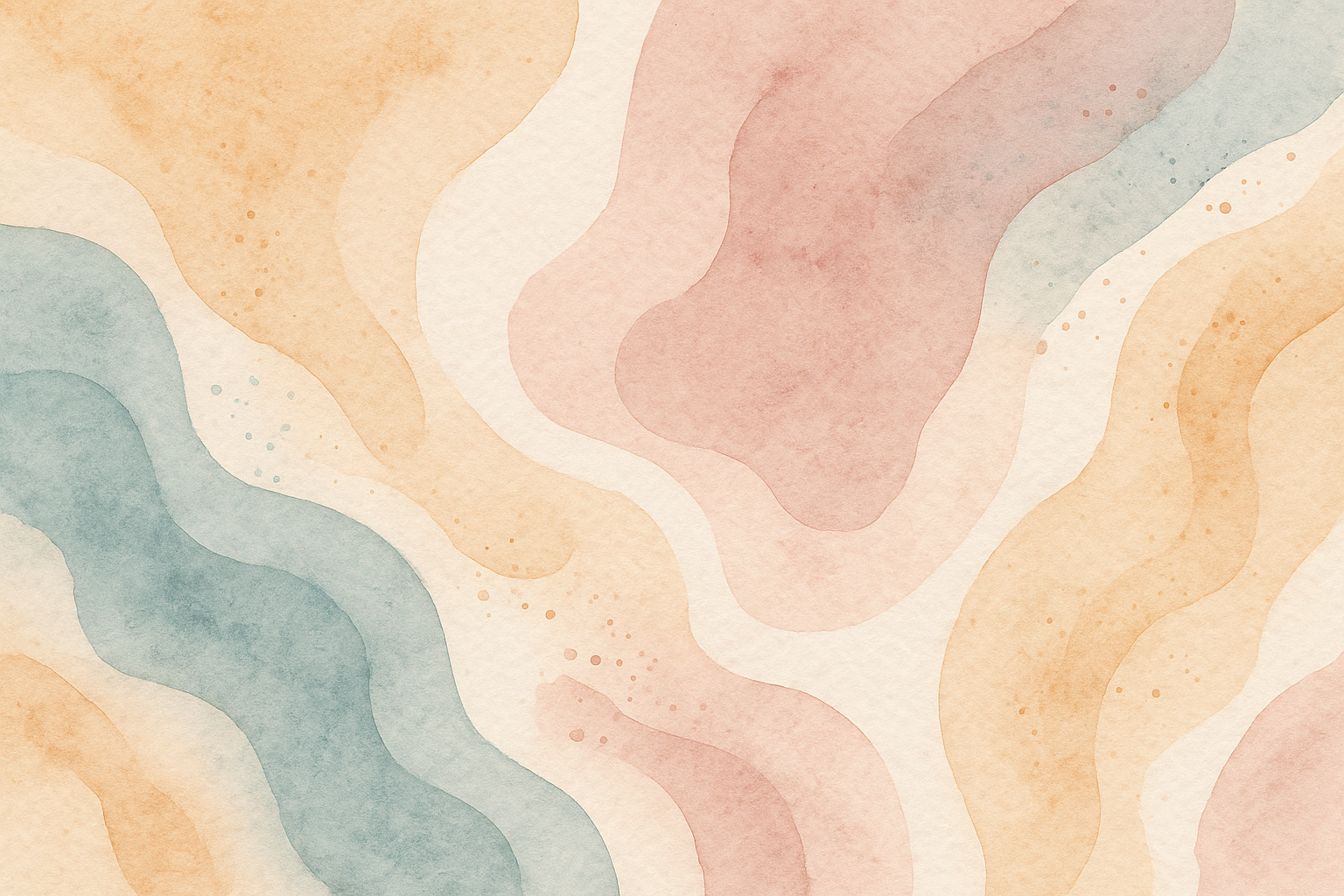
15. Watercolor Abstracts
Digital paintings with flowing, organic shapes and soft color transitions. Really pretty and calming, but make sure the colors don't clash with your icons. These phone wallpapers are perfect for creative types.
16. Ink Splash Designs
Bold paint splatters on clean backgrounds. Artsy without being too chaotic, and the high contrast means your apps stay visible. These phone wallpapers make a statement without being impractical.
17. Mandala Patterns
Intricate, symmetrical designs that are kind of meditative to look at. They work well with organized home screen layouts and can have a surprisingly calming effect.
18. Digital Art Portraits
Stylized character art or artistic portraits. Cool if you're into digital art, just make sure there's enough contrast for your apps to show up clearly.
Dark Themes (Your Battery Will Love These)
The battery-saver category. Your phone will thank you.
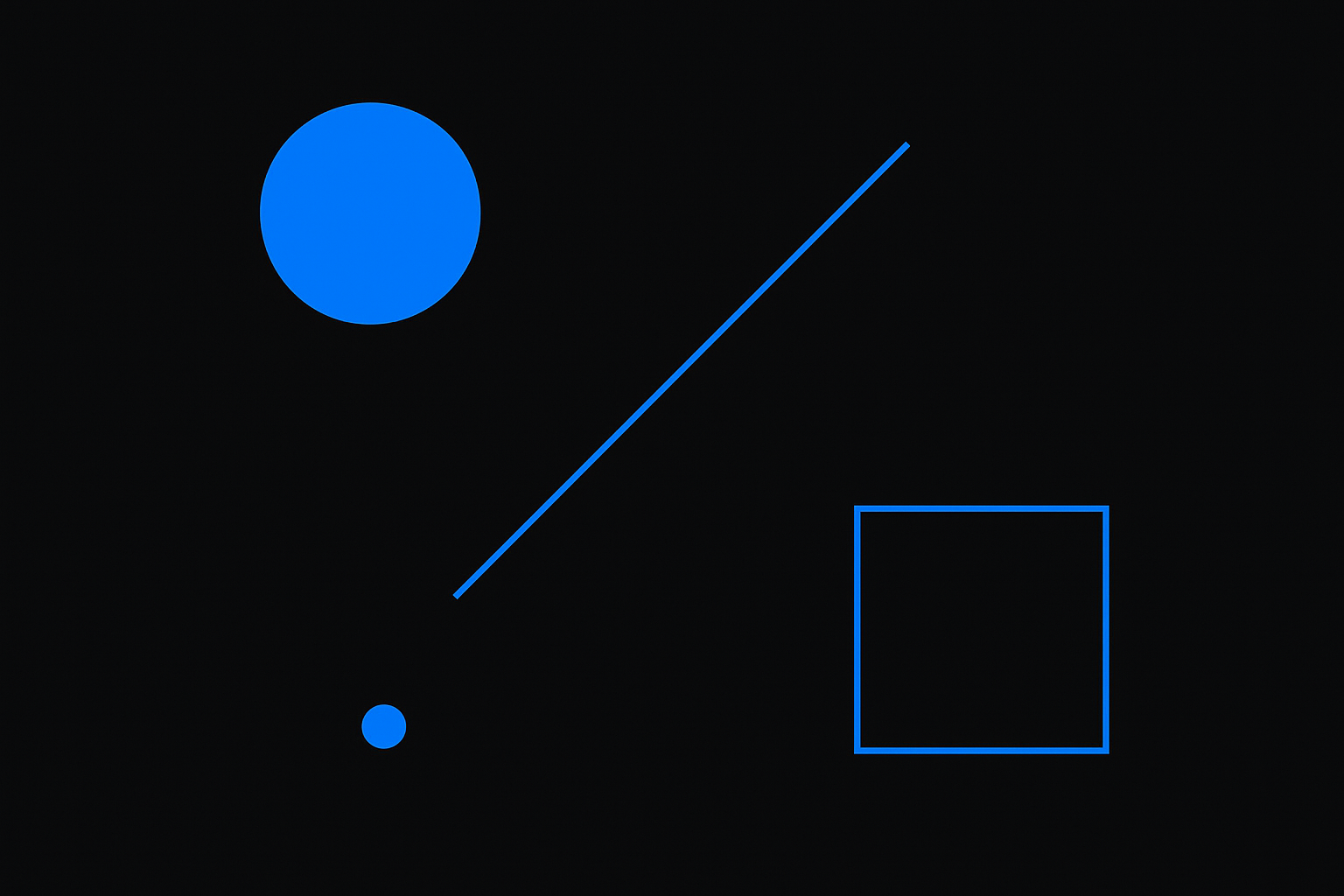
19. Pure Black with Accent Colors
Mostly black with tiny pops of color. Boring? Maybe. But your battery life will be amazing, and it looks surprisingly sleek. This is the ultimate wallpaper for android phone optimization.
20. Dark Space Themes
Deep space photos with black backgrounds and just a few stars or distant galaxies. Beautiful, battery-friendly, and you get to stare at the cosmos. This wallpaper for android phone category delivers maximum efficiency.
21. Shadow Play
High-contrast photography focused on shadows and darkness with minimal bright elements. Very dramatic, easy on the battery, and perfect for photography enthusiasts.
22. Dark Material Design
Wallpapers designed to match Google's official dark theme style. Everything just flows together seamlessly when you're using Android's dark mode.
Wallpapers That Change With Time
For people who like their phone to stay current without doing any work.
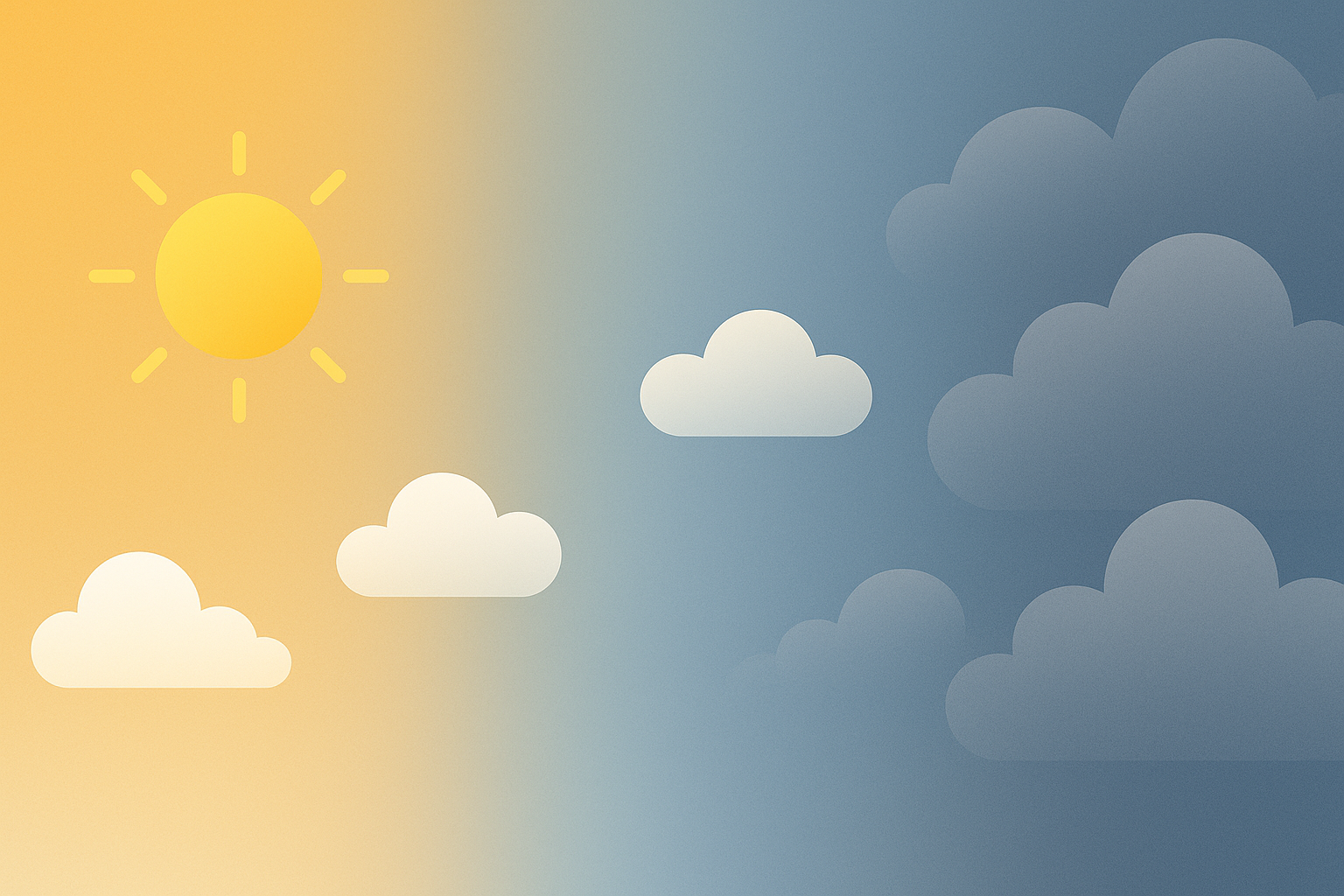
23. Seasonal Transitions
Wallpapers that automatically change throughout the year. Spring flowers turn into summer beaches, then fall leaves, then winter snow. Set it and forget it. These phone wallpapers keep your device feeling fresh year-round.
My friend Sarah, who's a teacher, set up seasonal wallpapers that automatically shift from autumn leaves in October to snow-covered scenes in December. It matches her school year calendar perfectly and requires zero maintenance – perfect for her busy schedule.
24. Weather-Responsive Backgrounds
Your wallpaper matches the weather outside. Sunny day? Bright, clear wallpaper. Rainy? Gray and moody. Pretty neat trick, especially if you're outside a lot. These phone wallpapers give you environmental awareness at a glance.
25. Time-Based Gradients
Colors shift throughout the day – warm oranges and yellows in the morning, bright blues at noon, cool purples at night. Supposedly helps with sleep patterns by matching natural light, but honestly, it just looks cool.
Which Ones Actually Work Best
Okay, real talk time. Not all wallpapers are created equal, and I've tested enough to know what actually works in daily use.
Style Battery Life Can You See Your Apps? Professional Look Fun Factor Pure Black + Accents Amazing Perfect High Okay Mountain Silhouettes Really Good Perfect High Great Circuit Board Good Good Moderate High Watercolor Abstract Meh Depends Low Amazing Cyberpunk Cityscape Pretty Bad Decent Low Off the Charts Weather-Responsive Varies a Lot Usually Good Moderate High
Battery Life Champions: Anything with lots of black wins here. Pure black designs, dark space themes, shadow photography – if you've got an OLED screen, these can add hours to your day. Owners of that stripped-back handset should see my Nothing Phone wallpapers set.
Best for Actually Using Your Phone: Mountain silhouettes, single color fades, and clean architecture. Your app icons will always be visible, no matter what lighting you're in or how bright your screen is.
Professional Settings: Geometric lines, clean architecture, and dark material design. Won't get you weird looks in meetings or make your phone seem unprofessional.
Just for Fun: Cyberpunk cityscapes, holographic effects, and ink splashes. They look awesome but might not be practical if you actually need to use your phone efficiently.
The dynamic and weather-responsive ones are cool in theory, but they can be hit or miss depending on your phone model and how well the app works. Some work great, others are buggy messes.
Quality varies a lot too. Gradient waves, mountain photos, ocean scenes, and pure black designs usually look crisp on any phone. Holographic effects and complex digital art can look amazing or terrible depending on where you got them and how they were compressed.
Don't Forget to Protect Your Screen
Here's something nobody talks about – what's the point of finding the perfect wallpaper if you crack your screen a week later?
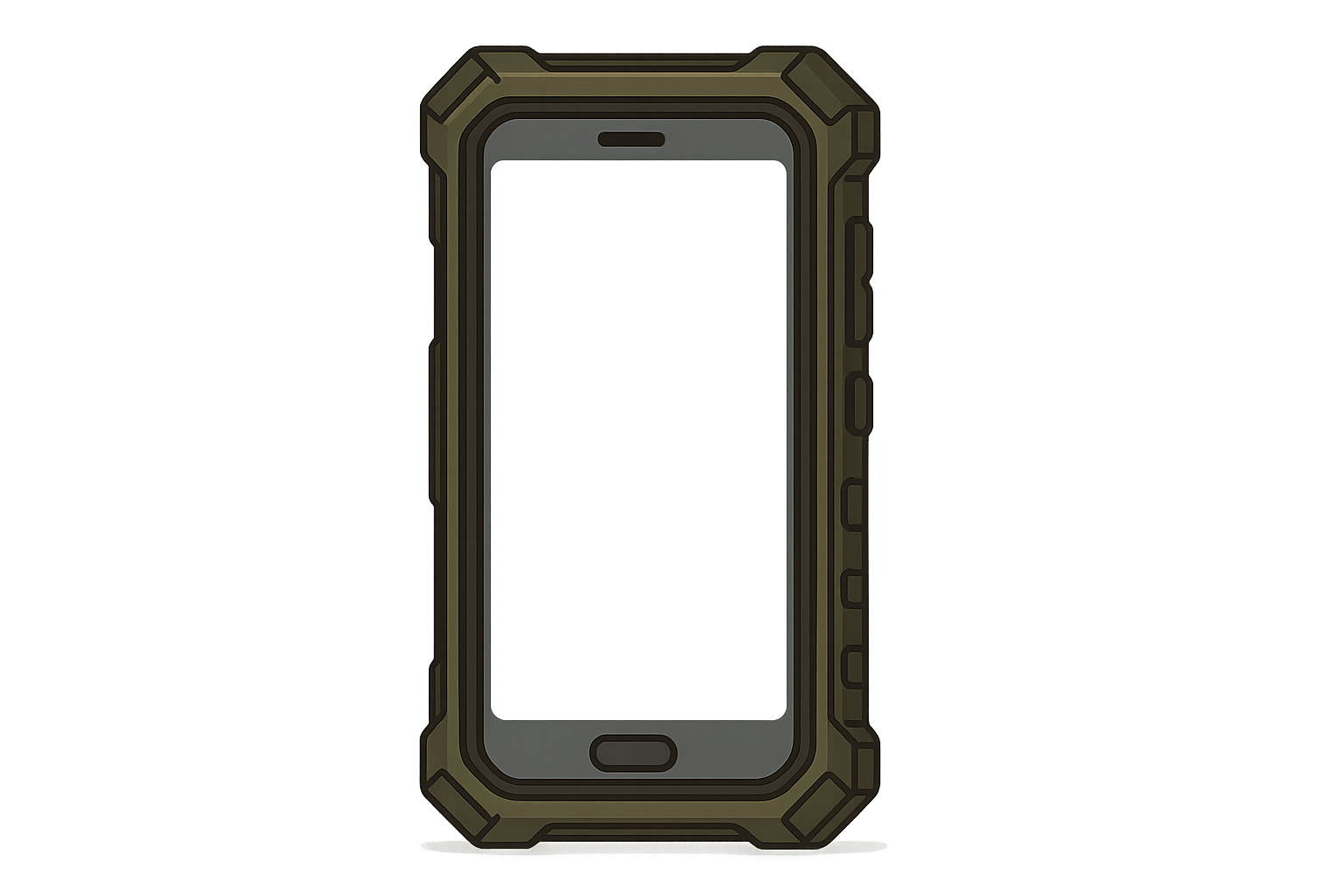
I've dropped my phone more times than I care to admit, and a good case has saved my butt (and my screen) countless times. You don't need to go crazy, but get something that actually protects your phone. Understanding how phone cases protect your phone becomes pretty important when you've spent time getting your wallpaper just right.
If you're into outdoor stuff or just generally clumsy, look for cases with serious drop protection. Rokform makes some solid military-grade cases that can handle 6-foot drops without turning your screen into a spider web. Unlike cheap cases that make your screen look weird or block wireless charging, good cases keep your display looking perfect while actually protecting it.
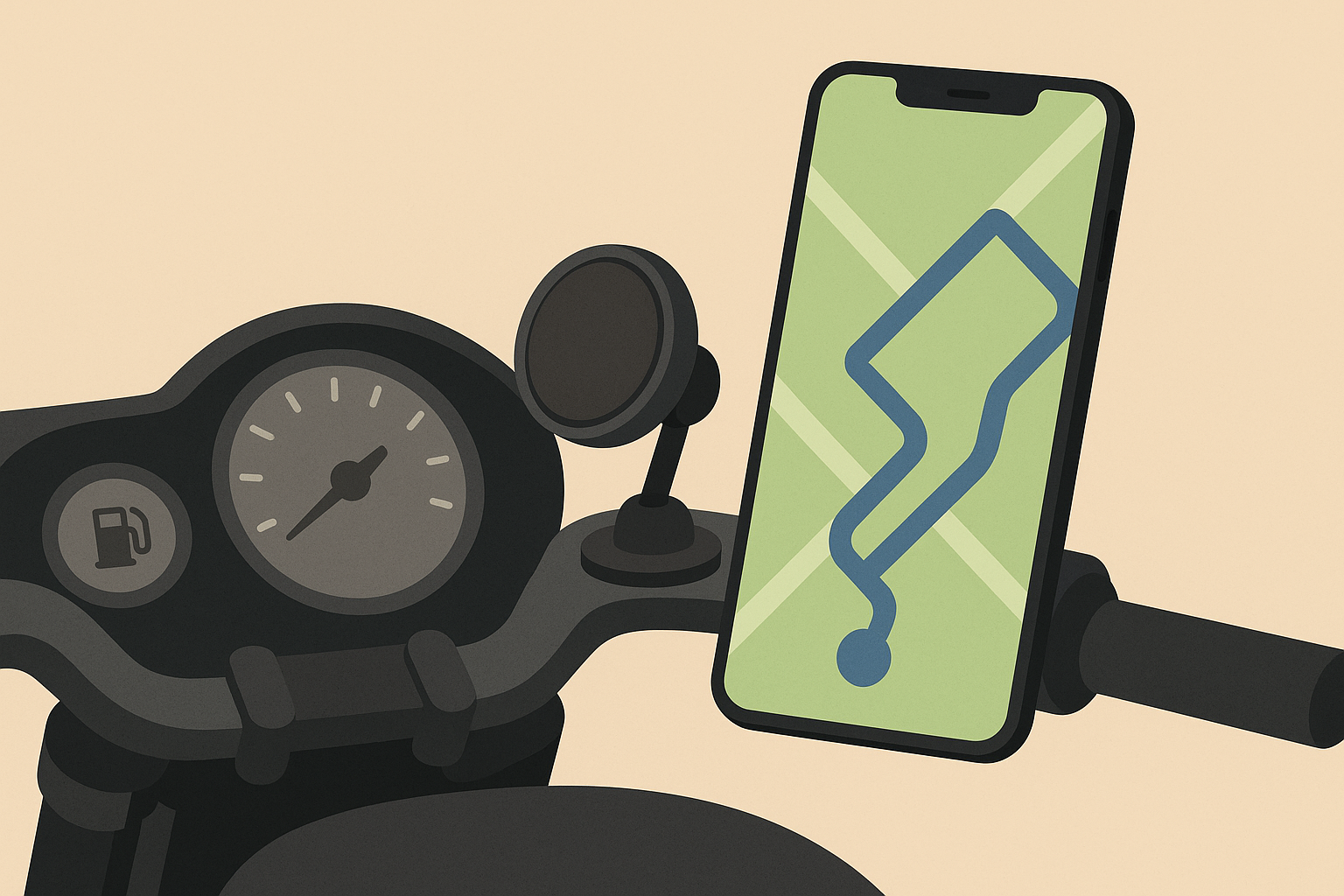
Some cases even have magnetic mounting systems if you want to stick your phone to your car dashboard or bike handlebars without covering up your awesome wallpaper. Pretty handy for navigation or if you're taking photos outdoors.
For extra security, check out tips on how to protect your phone from theft while keeping your wallpaper accessible.
Look, if you're going to spend time finding the perfect wallpaper, protect the screen you're going to see it on. A cracked display makes even the most beautiful background look terrible.
Bottom Line
Picking a wall paper isn't rocket science, but it's one of those little things that can make your phone feel more like your phone. Whether you go for something that saves battery, looks professional, or just makes you smile when you unlock your screen, the best wallpaper is the one you actually like looking at every day.
Don't overthink it too much. Try a few different styles, see what works with your apps and your lifestyle, and switch it up when you get bored. Your phone's supposed to work for you, not the other way around.
The 25 options I've shared here cover pretty much every style and need I could think of. Dark themes will genuinely help your battery last longer if you've got a newer phone. Nature photos are timeless and work for almost everyone. Tech themes are great if you want to show off your interests. Artistic options let you express your creative side. And the dynamic wallpapers that change automatically are just plain cool, even if they use a bit more battery.
Whether you prefer minimalist phone wallpaper designs or something more complex, the key is finding something that works with your daily routine and doesn't drive you crazy after a few weeks.
Your wallpaper choice says something about you and affects how you feel every time you use your phone. It impacts your battery life, how easily you can navigate your apps, and honestly, your mood throughout the day. These aren't just pretty pictures – they're part of how you interact with one of your most-used devices.
And seriously, get a decent case. Future you will thank present you when you inevitably drop your phone at the worst possible moment. Your perfect wallpaper deserves a screen that's not cracked into a million pieces.
The bottom line? Pick something you love, make sure it works with your phone and usage habits, and don't be afraid to change it up when you want something fresh. Your phone should make you happy, and the right wallpaper is a simple way to make that happen every single day.

