


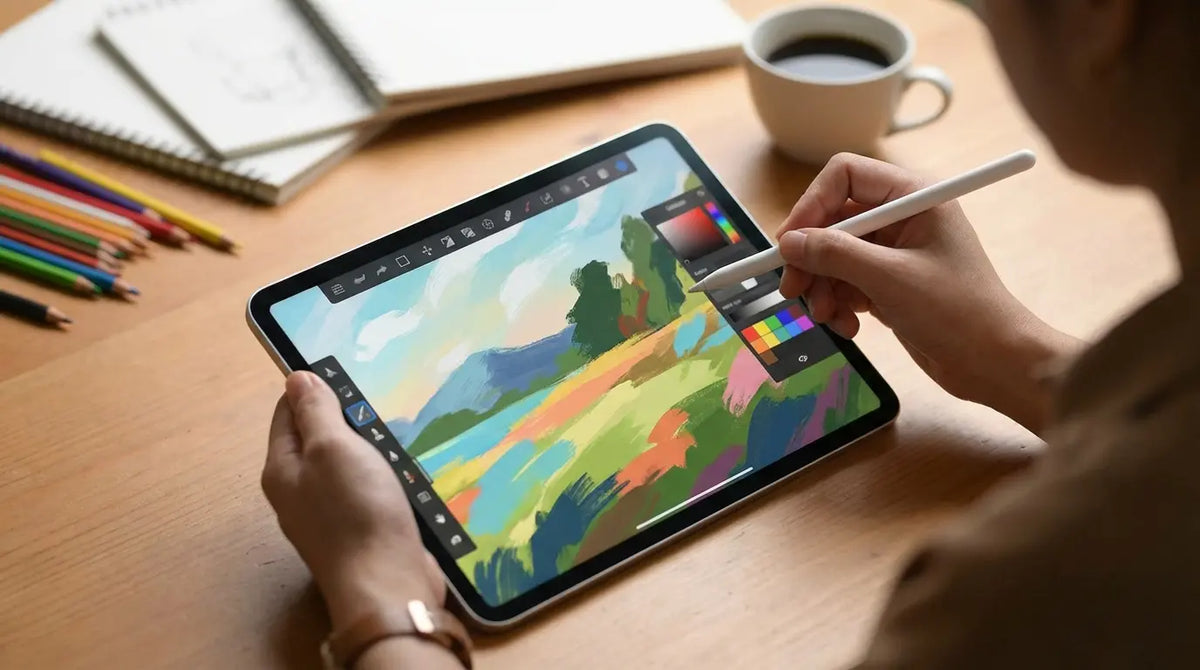
ibisPaint boasts over 47,000 brushes. That is an insane number. I remember staring at a digital library half that size a few years ago, completely paralyzed by the sheer volume of options before I even touched my stylus to the glass. It’s a pretty common feeling—you want to create, but the tech stack feels more like a wall than a doorway.
We put this guide together to cut through that noise. You need to find the tool that actually fits your hand and your style, not just the one with the flashiest marketing. We’re going to dig into what are the best apps for digital painting? and break them down by how they actually work in the real world.
Table of Contents
We’ll start with the stuff that actually matters when picking software—like brush engines and whether you have to pay a monthly fee. Then, we’ll dive into the top 25 apps broken down by category: the desktop heavyweights, the tablet leaders, quick sketching tools, niche workflows, and the open-source heroes. Finally, we’ll talk about saving your neck and back by optimizing your physical workspace with Rokform.
Defining Quality: What Actually Matters?
The Heavy Hitters: Desktop Standards
Mobile Mastery: Tablet & Phone Apps
Quick Capture: Sketching & Ideation
Specialized Tools: Pixel, Vector & Animation
Free & Collaborative: Open Source Options
Optimizing Your Physical Setup
TL;DR
In a rush? Here is the cheat sheet. We looked at the current landscape to figure out what are the best apps for digital painting? based on performance, ecosystem, and bang for your buck.
Ecosystem is Key: Pick apps that play nice with your gear (don't buy a Windows-only app if you live on an iPad).
Rent vs. Own: Decide if you’re okay with a monthly bill (Adobe) or if you want to pay once and be done (Procreate, Affinity).
The "Feel": Look for apps that support tilt recognition and hover—it makes a huge difference in line quality.
Top Picks: Photoshop is still the industry standard, Procreate rules the iPad, and Krita is the best free tool, hands down.
Physical Setup: Don't ignore ergonomics; stabilizing your device is just as important as the software you run on it.
Feature Category |
Subscription Model (e.g., Adobe) |
Perpetual License (e.g., Procreate/Affinity) |
Free / Open Source (e.g., Krita) |
|---|---|---|---|
Upfront Cost |
Low ($10-$20/mo) |
Moderate ($10-$70 one-time) |
$0 |
Long-term Cost |
High (it never ends) |
Low (pay once) |
$0 |
Cloud Storage |
Usually Included |
Separate (iCloud/Dropbox) |
None / Manual |
Updates |
Automatic & Frequent |
Major versions might cost extra |
Frequent & Community Driven |
Best For |
Pros needing industry standards |
Hobbyists & Freelancers avoiding bills |
Students & Budget-conscious artists |
Defining Quality in Digital Art Software
Before you hit download, figure out what your non-negotiables are. The line between mobile and desktop power is pretty blurry these days, so you have to weigh portability against raw horsepower. Also, think about the brush engine's "feel"—do you need it to simulate wet oil paint mixing, or do you need crisp, stabilized ink lines for comics?
Screen real estate is another big one; mobile users need menus that get out of the way, while desktop users usually want all their panels open at once. Finally, decide on your budget. The industry is split between SaaS subscriptions and one-time purchases, and your wallet will definitely notice the difference.
Real World Example: The "Feel" Factor
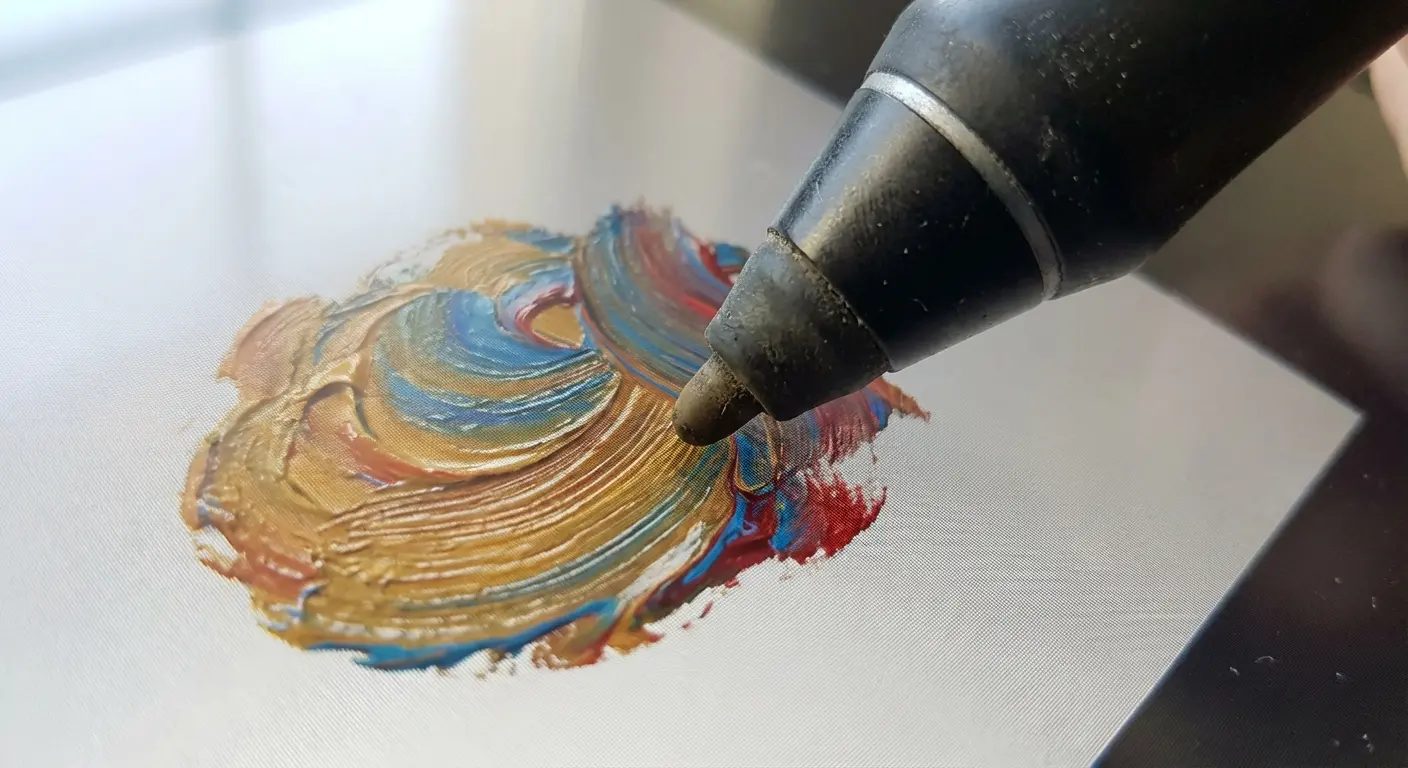
Let's say you're a comic book inker. You don't care about realistic color mixing; you need Line Stabilization. If you grab Corel Painter, which is amazing at blending oils, you’re going to be frustrated because the line art tools might lack that magnetic "snap" you need. On the flip side, Clip Studio Paint’s "G-Pen" has correction built-in that smooths out a shaky hand automatically. It’s the better choice for line work, even if its watercolors aren't as hyper-realistic.
The Ultimate List of Digital Painting Apps
We’ve curated the top 25 contenders for 2026. We broke these down into five categories so you can find the right match, whether you’re a concept artist, a casual sketcher, or an animator.
Category A: The Heavy Hitters (Desktop Powerhouses)
These are the apps used by professional studios for high-end illustration and concept art. They usually need a beefier computer, but in exchange, you get the deepest feature sets available.
1. Adobe Photoshop 2026
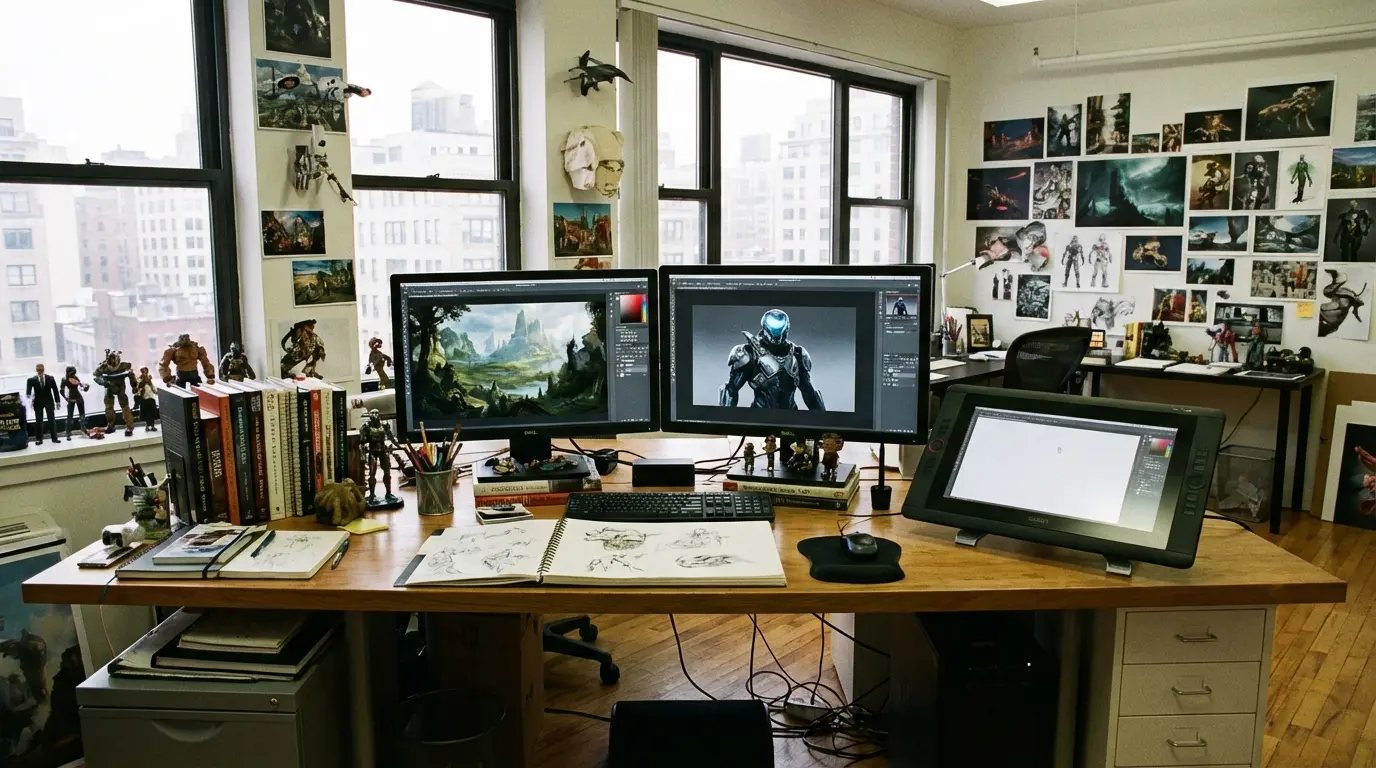
Photoshop is still the undisputed king. Between world-class photo manipulation, 3D texturing, and the new AI generative fill stuff, it’s a beast. It scores highest on employability (studios expect you to know it), but you have to make peace with the monthly subscription and a steep learning curve.
2. Corel Painter 2026
If you miss the smell of turpentine, this is your software. It’s famous for "Natural-Media" emulation. It simulates thick oil paint, dripping watercolors, and paper textures with incredible fidelity. It’s the best choice if you want a traditional painting feel, though it demands a powerful computer to run without lagging.
3. Clip Studio Paint EX
Clip Studio Paint is the global standard for manga, comics, and webtoons. It has specialized tools for panel layouts, speech bubbles, and even 3D character models you can pose to trace over. It excels at line art stabilization and offers a flexible payment model depending on your device. I also cover apps for interior design if you are planning a room instead.
4. Krita
Krita is free, open-source, and honestly, it rivals the paid stuff. It includes animation tools, brush stabilizers, and a great pop-up palette for quick color selection. It is the best option for zero budget, though the UI can feel a little more "cluttered" than the polished paid alternatives.
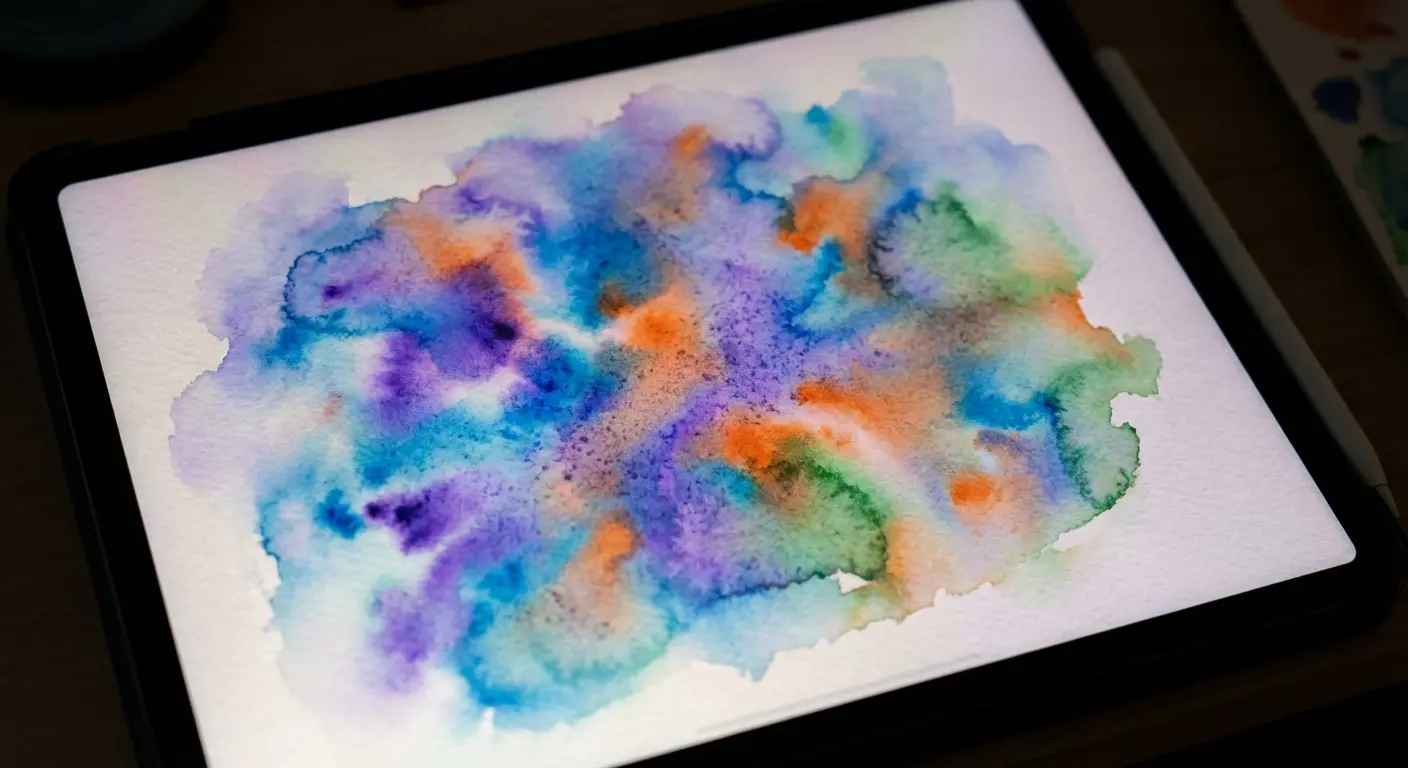
5. Rebelle 7
Rebelle is obsessed with physics. Watercolors flow based on how "wet" the paper is, and oils have actual height and depth. It’s a niche tool, but a powerful one. If your goal is to make digital art look exactly like traditional media, this is the one.
Category B: Tablet & Mobile Leaders
These apps are built for touch screens, specifically iPads and Android tablets. They prioritize gestures and portability without sacrificing professional output. Just make sure your hardware is ready; check out our guide on new iPad case and accessories to keep your investment safe.
App Name |
Best Platform |
Key Strength |
Price Model |
|---|---|---|---|
Procreate |
iPad Only |
Gesture controls & Engine speed |
One-time ($12.99) |
ibisPaint X |
iOS / Android |
Social recording & Manga tools |
Freemium (Ads) |
Infinite Painter |
Android / iOS |
Advanced brush engine for Android |
One-time / Free Trial |
Adobe Fresco |
iPad / Windows |
Live Brushes (Oil/Watercolor) |
Subscription (or Free tier) |
ArtSet 4 |
iPad Only |
Realistic thick paint texture |
Freemium |
6. Procreate
Procreate is the app that sold a million iPads. It features the Valkyrie engine for 120fps painting, intuitive gestures, and those handy QuickShape tools. It’s iOS exclusive and offers the best balance of power and price with a very low learning curve. For the best experience, getting your stylus setup right is key, so learning how to connect Apple Pencil to iPad properly is step one.
7. ibisPaint X
A massive hit in the social art community, ibisPaint X lets you record your drawing process as a video and works surprisingly well on smartphones. It’s the king of "phone art," offering a functional UI for small screens. It's free with ads, or you can pay to remove them.
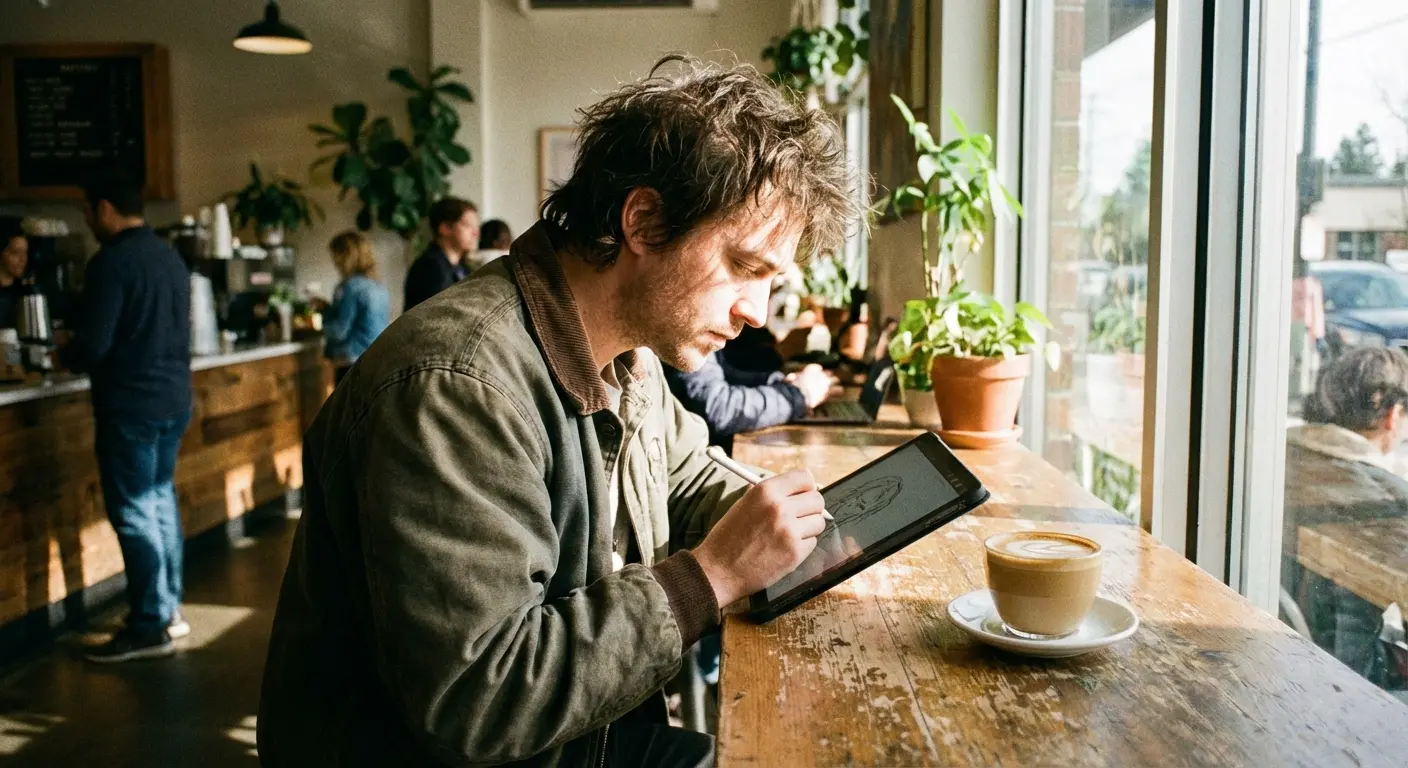
8. Infinite Painter
Often called the "Procreate for Android," Infinite Painter features a clean interface, advanced perspective guides, and a robust brush engine. It serves as the best alternative for Android tablet users who want a pro-level interface without a subscription.
9. Adobe Fresco
Fresco is Adobe’s answer to Procreate, featuring "Live Brushes" that stay wet and seamless vector/raster switching. Included with Creative Cloud, it is excellent for artists who need to move files between an iPad and Photoshop on a desktop.
10. ArtSet 4
ArtSet 4 offers a minimalist interface that puts the canvas first. It mimics physical tools like oil pastels and crayons with high fidelity. While less feature-dense than Procreate, it offers a more relaxing, realistic painting experience.
Category C: Sketching & Ideation
These lightweight apps are designed for capturing ideas fast. They aren't about finished, polished illustrations—they're about speed, flow, and getting the idea out of your head.
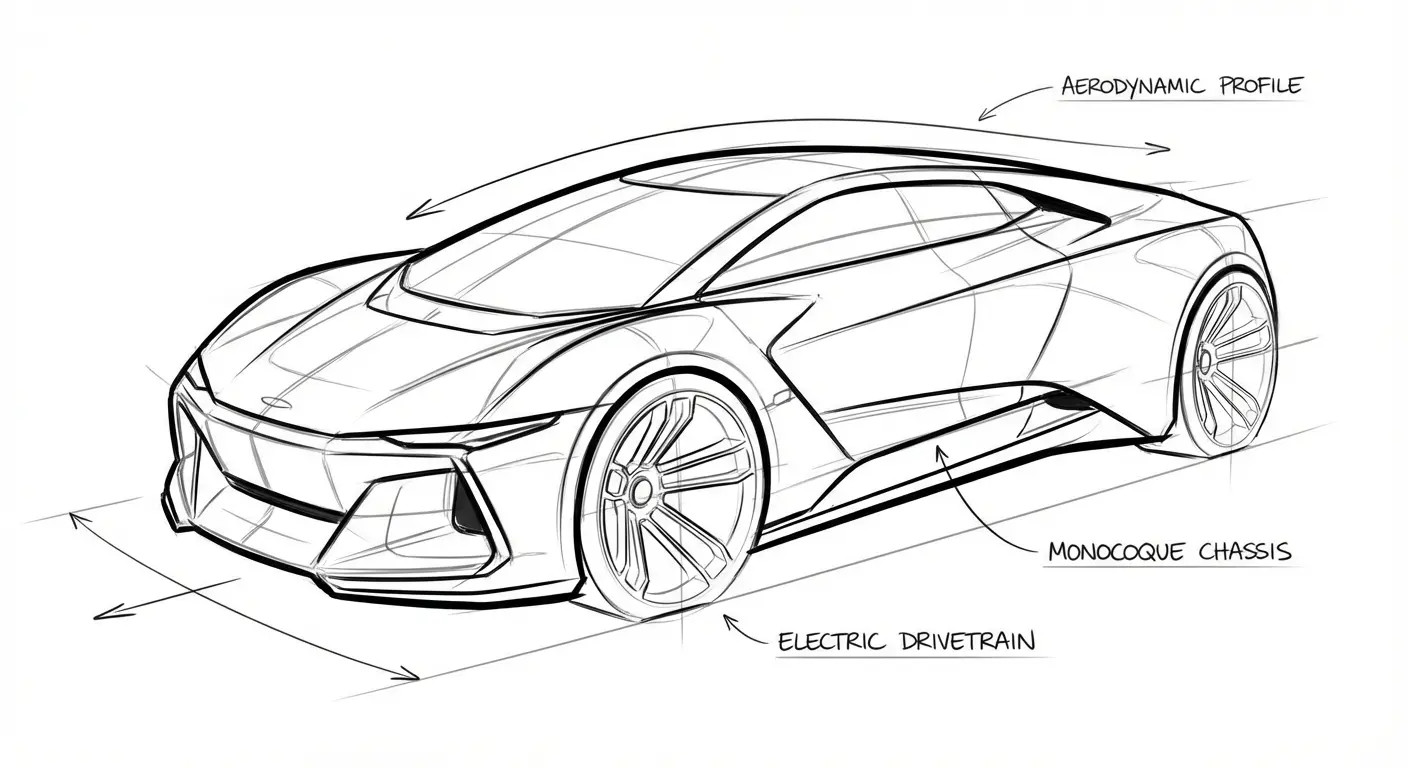
11. Sketchbook
Used by industrial designers for car sketches, Sketchbook features a "predictive stroke" that cleans up wavy lines. The interface is legendary for being unobtrusive, making it good for rapid visualization rather than complex illustrations.
12. Concepts
Concepts acts as an infinite canvas whiteboard using vector-based strokes. You can resize your sketch later without losing quality. It utilizes a "freemium" model where you buy specific tools, making it ideal for note-taking and architectural sketching.
Practical Example: The Iterative Workflow
An industrial designer might start in Concepts on an iPad to sketch 50 different variations of a chair using the infinite canvas. Because Concepts uses vectors, they can resize the best sketch without pixelation. They then export that SVG file into Photoshop or Blender to apply realistic textures and lighting for the final client presentation.
13. Tayasui Sketches
Tayasui Sketches offers a very simple toolset focusing on a Zen-like experience. It is not for complex layering but is best for quick doodles and travel journaling on a phone or tablet.
14. Paper by WeTransfer
Paper uses "journals" to organize sketches with no layers or complex settings. It prioritizes beauty and simplicity over technical depth, making it great for non-artists or casual doodlers on iOS.
15. HeavyPaint
A cult favorite for "plein air" digital painting, HeavyPaint focuses on shapes and color blocking rather than line art. It has a high learning curve due to a unique UI but is excellent for training color theory and composition.
Category D: Specialized & Niche Workflows
These apps are dedicated to specific styles like pixel art, vector graphics, or animation. They offer tools that general painting apps often lack.
Workflow Type |
Recommended App |
Why it wins |
|---|---|---|
Pixel Art / Retro Games |
Aseprite |
Dedicated timeline for sprites, onion skinning, and tile-mapping tools. |
Vector / Graphic Design |
Affinity Designer 2 |
Allows switching between vector curves and pixel textures instantly. |
Hand-Drawn Animation |
Procreate Dreams |
"Performing" feature allows real-time recording of object movement. |
Matte Painting |
Affinity Photo 2 |
Strong focus on photo manipulation and compositing large files. |
16. Affinity Designer 2
Affinity Designer 2 is a vector graphic design tool that includes a "Pixel Persona" for texturing. It is a strong Adobe Illustrator competitor with a one-time purchase model, great for clean, graphic illustrations.
17. Affinity Photo 2
While primarily a photo editor, Affinity Photo 2 has a brush engine robust enough for digital painting. It is excellent for matte painting and photobashing, though it lacks some of the "natural media" feel of Corel Painter.
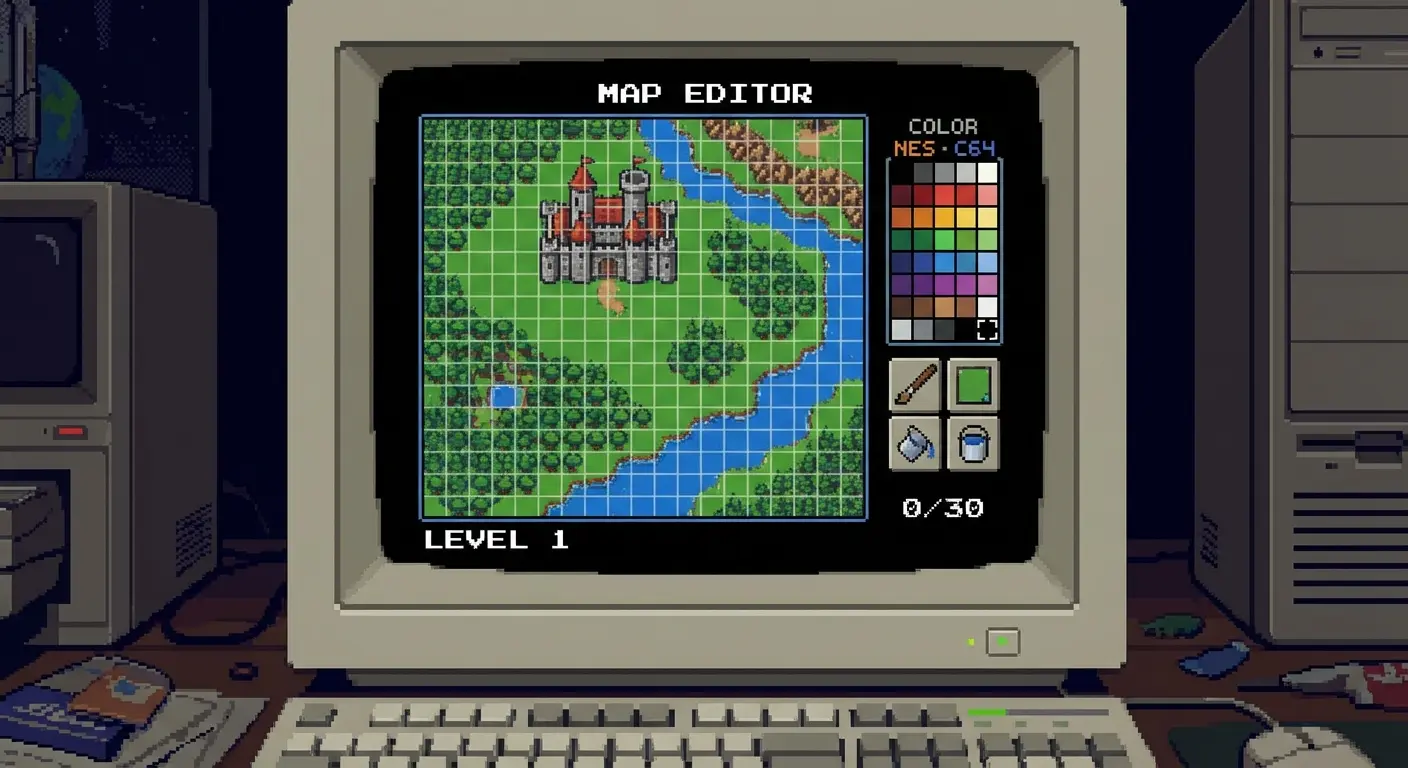
18. Aseprite
Aseprite is the gold standard for pixel art animation, offering specialized tools for tile sets and sprite sheets. It is a desktop-only application essential for game developers and retro-style artists.
19. Pixel Studio
Pixel Studio is a mobile-friendly pixel art editor that supports layers and basic animation frames. It is great for creating game assets on a phone or tablet and offers cross-platform support.
20. Procreate Dreams
Procreate Dreams is a standalone animation app that features "Performing," where you animate by moving objects with your finger in real-time. It is revolutionary for hand-drawn 2D animation on the iPad.
Category E: Open Source & Collaborative
This category covers free tools and browser-based options that lower the barrier to entry or allow for unique collaborative experiences.
21. GIMP
The "GNU Image Manipulation Program" is a powerful, free photo editor that supports painting. The UI is dated (it feels a bit 1998) and less intuitive for drawing compared to Krita, but it is highly customizable for tech-savvy users.
22. Magma
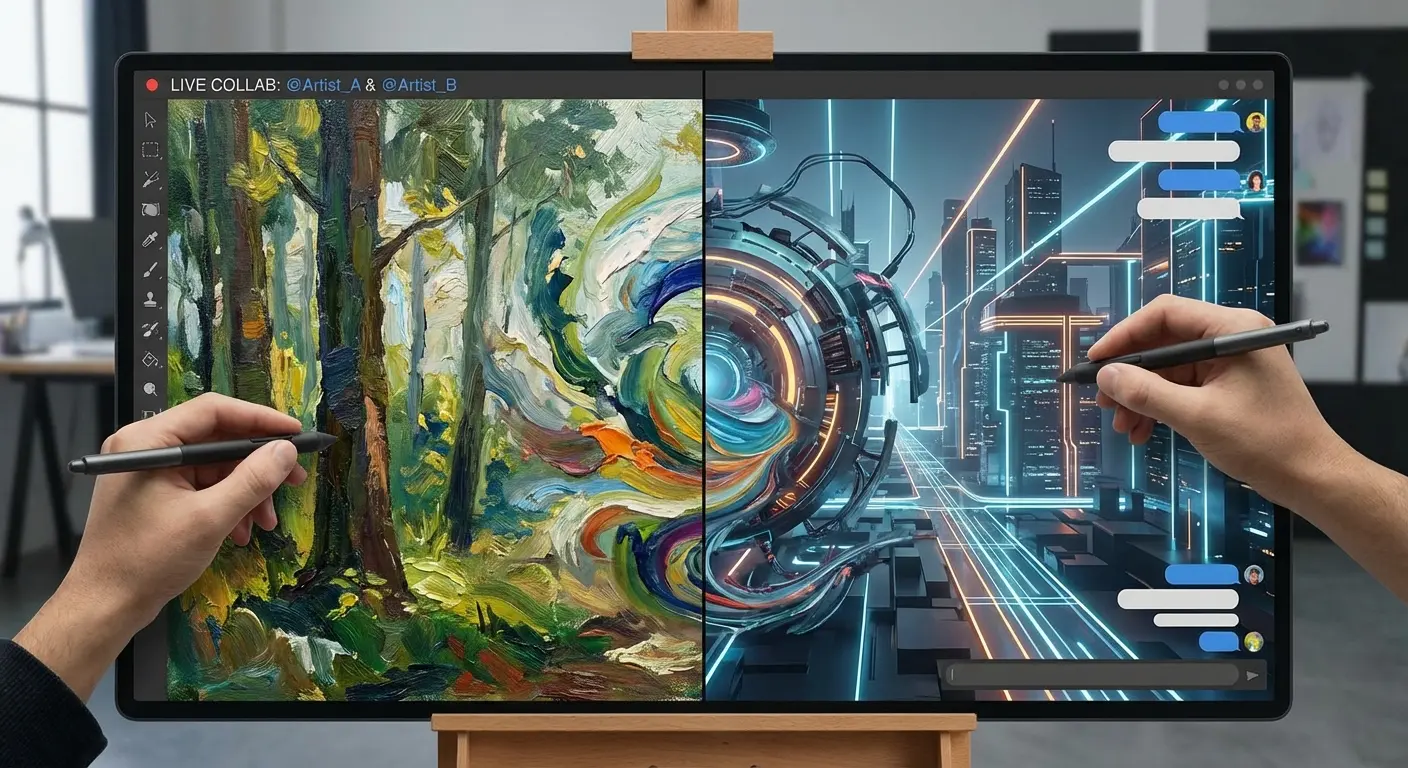
Magma is a browser-based painting app that allows multiple artists to draw on the same canvas simultaneously. It requires no installation and is the best app for remote collaboration and art jams.
23. Paint Tool SAI (Ver. 2)
Paint Tool SAI is an older, lightweight Windows program beloved for its line art capabilities. While it feels outdated in features, it remains a favorite for anime-style artists due to its buttery smooth stroke stabilization.
24. MediBang Paint
MediBang Paint focuses on comic creation with cloud saves to move between mobile and desktop. It is free, lightweight, and a strong competitor to ibisPaint X for manga creation on lower-end devices.
25. Mental Canvas
Mental Canvas bridges the gap between 2D drawing and 3D space. You draw on flat planes that can be arranged in a 3D environment, making it perfect for storyboarding and architectural visualization where depth is required.
Practical Example: The Zero-Budget Studio
You don't need $500 to start. A student can download Krita for painting, use GIMP for final color correction, and use Magma to get feedback from friends in real-time. All of these tools are free, meaning the only investment is a basic drawing tablet (like a Huion or Wacom Intuos), creating a professional-grade studio for under $50.
Enhancing Your Workflow with Rokform
Choosing the right software is only half the battle; your physical environment dictates how long you can actually work before your body quits on you. Digital painting often forces you into awkward hand positions, which is where Rokform’s magnetic gear becomes a bit of a game-changer.
Stable Creation Anywhere
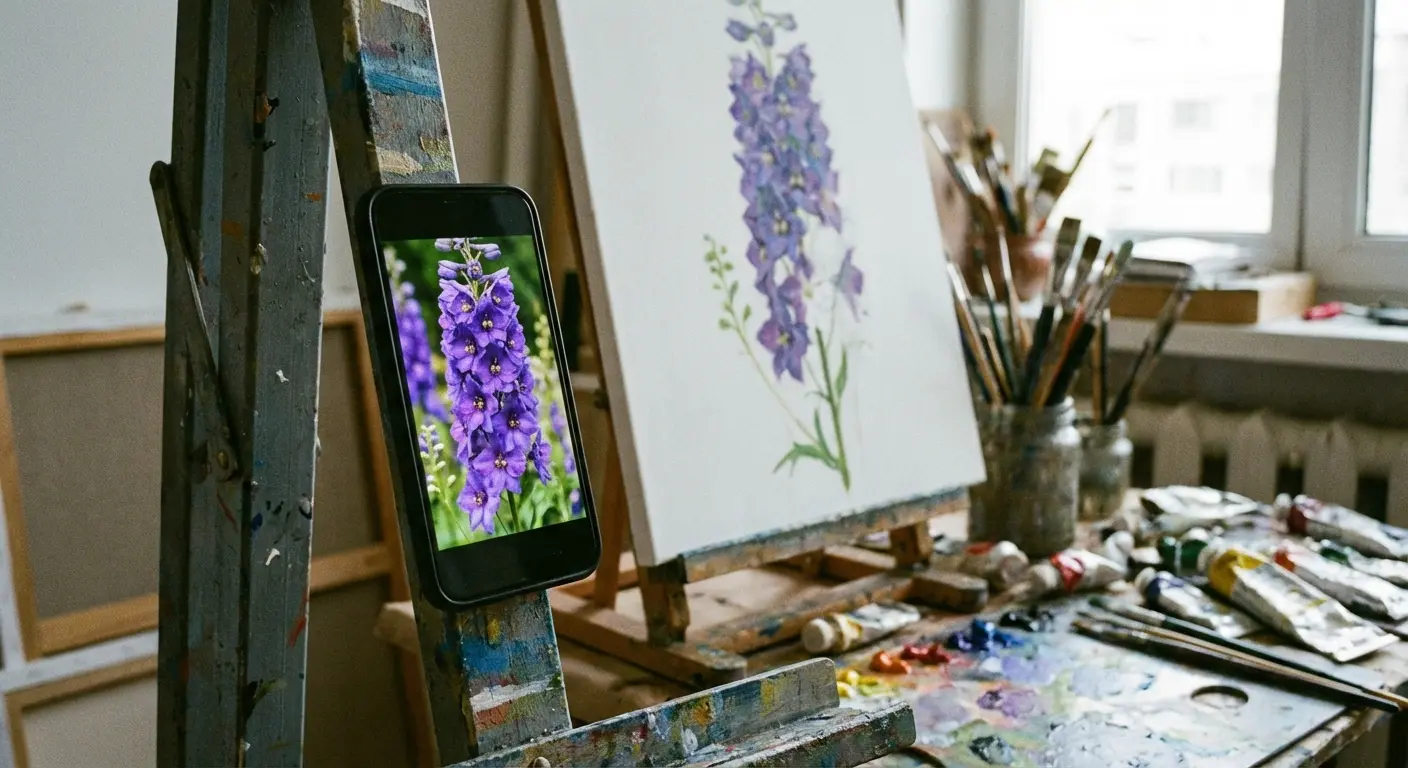
You need stability to draw precise lines. Rokform’s MAGMAX™ magnetic technology allows you to mount your phone or tablet to a variety of surfaces. You can magnetically secure your phone to a metal drafting table or an easel to serve as a steady reference monitor while you paint. This keeps your hands free and your reference material right where you need it.
Protecting Your Canvas
Your devices are expensive digital canvases. Whether you use an iPhone 16 or a Samsung S25, you cannot afford a cracked screen. Rokform’s Rugged and Crystal Series cases offer military-grade protection, dropping 4x better than competitors. Additionally, applying high-quality screen protectors is essential to prevent scratches from styluses and accidental drops. If you are a plein air artist sketching outdoors, this impact resistance is vital for peace of mind.
Powering Long Sessions
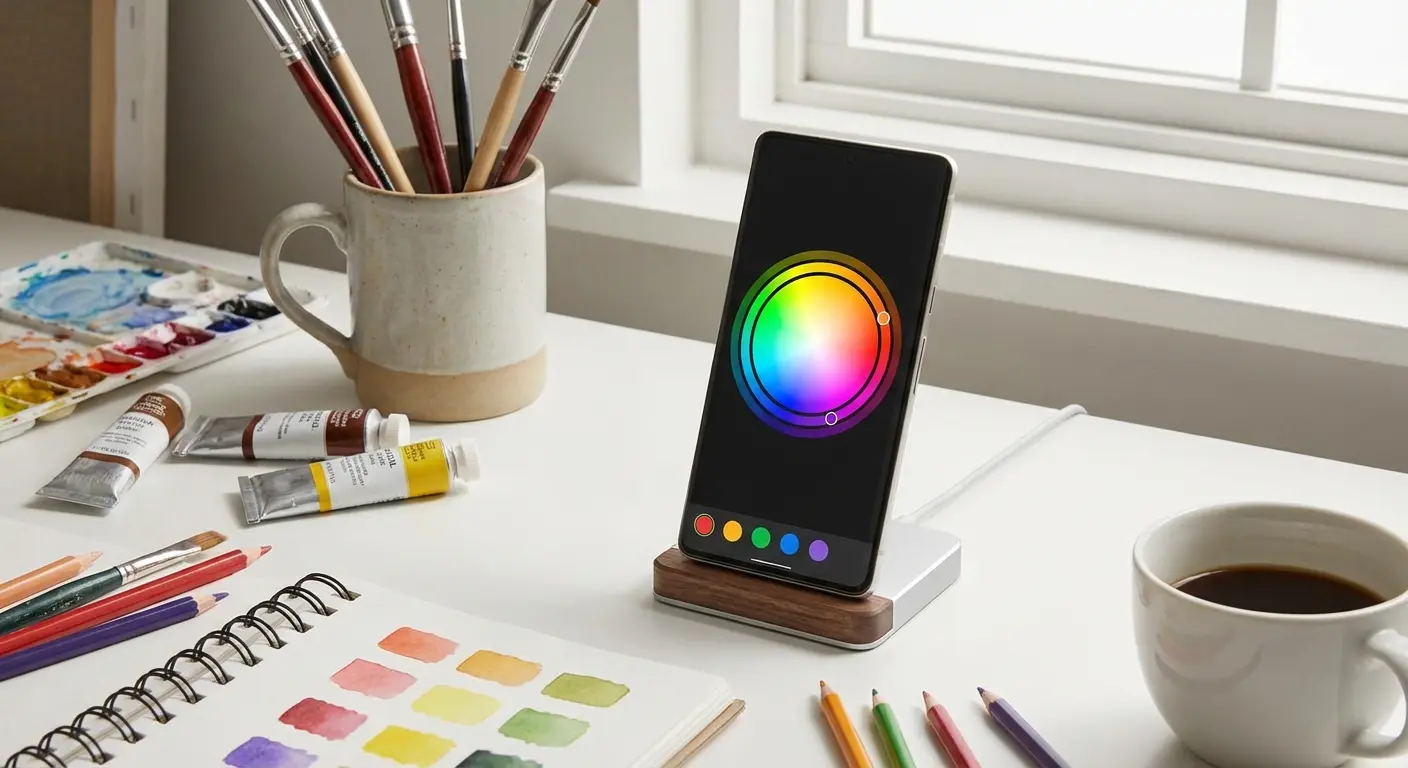
High-brightness screens and rendering drain batteries fast. The Rokform Magnetic Wireless Charging Stand is an essential desk accessory. It holds your device at the perfect viewing angle for reference images while keeping it fully charged. For those setting up a professional desk, learning everything you need to know about the magnetic wireless charging stand can help you maintain a clutter-free, powered-up workspace. You never want your flow state interrupted by a low-battery warning.
Final Thoughts
Selecting the right app really comes down to understanding your own creative habits. You might think you need the robust animation tools of Procreate Dreams, but realize you're happier with the simple, distraction-free canvas of Paper. Don't be afraid to experiment with the free trials—test drive them before you commit.
Once you have the software dialed in, make sure your hardware is protected and mounted correctly so you can focus entirely on creating. To keep your creative sessions going without interruption, consider investing in the best wireless phone chargers to ensure your reference devices never die mid-stroke.

