


Look, we’ve all done it. You stare at your bookshelf, feeling that little twinge of guilt over the stack of unread paperbacks you bought with the best intentions. I used to be the exact same way until I realized my phone wasn't just a distraction—it was actually the solution. Instead of doom-scrolling through social media for the hundredth time, I started using the device already in my hand to crack open thousands of books.
Switching to digital reading isn't just convenient; it’s a massive relief for your wallet. Bookly points out that getting a personalized report on your reading stats helps you see how you’re improving in real-time, which is key for actually hitting those reading goals. Personally, tracking my progress turned a total reading slump into a daily habit. Below, we’re going to walk through the best free reading apps for adults that make this possible, helping you build a massive library without spending a dime.

Table of Contents
The "Free" Trap: What to Look For
The Library Card Powerhouses
Oldies but Goldies: Public Domain Hits
Big Stores with Hidden Freebies
Fresh Voices: Indie and Serialized Fiction
Short & Sweet: News and Curation
The Heavy Lifters: Document Readers
Stop Dropping Your Phone on Your Face
Your Next Chapter Awaits
TL;DR
If you're in a rush and just want to start downloading, here is the quick-and-dirty breakdown of what actually matters when building a digital library.
Library apps are king: Apps like Libby and Hoopla are the best way to legally get bestsellers for free.
Watch out for "Freemium": Some apps hook you with chapter one and paywall chapter two. Know the difference before you commit.
Save your eyes: Look for apps with dark mode and font resizing. Your eyes will thank you after an hour of reading.
Go offline: Make sure your app lets you download books so you aren't stuck without a story when the subway loses signal.
Protect your device: Reading on the go means your phone is out in the open more often. If you're clumsy like me, check out our guide on the most protective phone cases to keep your digital library safe from accidental drops.
Before You Download: What Makes a "Free" App Worth Your Time?
Here's the thing: not all free reading apps for adults are created equal. Some are sketchy gateways to piracy that put your data at risk, while others are just barely functional ad-farms. The apps on this list made the cut because they have legitimate content, they're easy to use, and they actually work.
Content Source & Legality
Sticking to legitimate apps that partner with publishers or libraries is huge. Shady sites might offer a free PDF of a new release, but they often come bundled with malware or weird security compromises. The apps listed below operate above board, ensuring authors get paid (usually via library licensing) or the content is truly in the public domain.
The "Freemium" vs. Truly Free Model
Understanding how these apps make money will save you a headache later. Truly free apps usually rely on public funding (like libraries) or volunteers. Freemium apps often hook you with the first few chapters and then ask for a credit card to finish the story. It helps to know which is which so you aren't blindsided by a subscription prompt right at the cliffhanger.
Feature |
Truly Free (Library/Public Domain) |
Freemium Models |
|---|---|---|
Cost |
$0.00 (Funded by taxes/donations) |
Free to start, pay to finish |
Ads |
Rare (Project Gutenberg/Libby) |
Frequent (Banners or Video) |
Selection |
Classics or Library Catalog |
Indie, Serialized, or Samples |
Waitlists |
Common for bestsellers |
None (Pay-to-unlock) |
User Experience (UX) & Customization
If you're going to read for long stretches, you need tools that don't fry your retinas. A solid reading app needs to let you switch to "Sepia" or "Dark Mode" and bump up the font size.
The Eye Strain Scenario: We've all tried to wind down for bed, only to have the bright white background of a generic PDF viewer blast blue light into our eyes, keeping us awake. A decent app lets you switch to "Sepia" or "Dark Mode" to mimic the softer look of paper, signaling to your brain that it is time to sleep.
Offline Capabilities & Format Support
Commuters know the pain of losing a signal in a tunnel or on a flight. Downloading books for offline access is a necessity, not a luxury. You also want an app that handles multiple formats (EPUB, PDF) so you aren't locked into one ecosystem. Also, keep in mind that reading for hours while traveling can drain your battery, so you might want to learn how to make your phone charge faster before you head out to read books for free.
The 25 Best Free Reading Apps for Adults to Build Your Digital Library
We broke these down into categories so you can find exactly what you're looking for, whether that is the latest bestseller, a niche indie title, or a tool to handle your work docs.
The Library Card Powerhouses
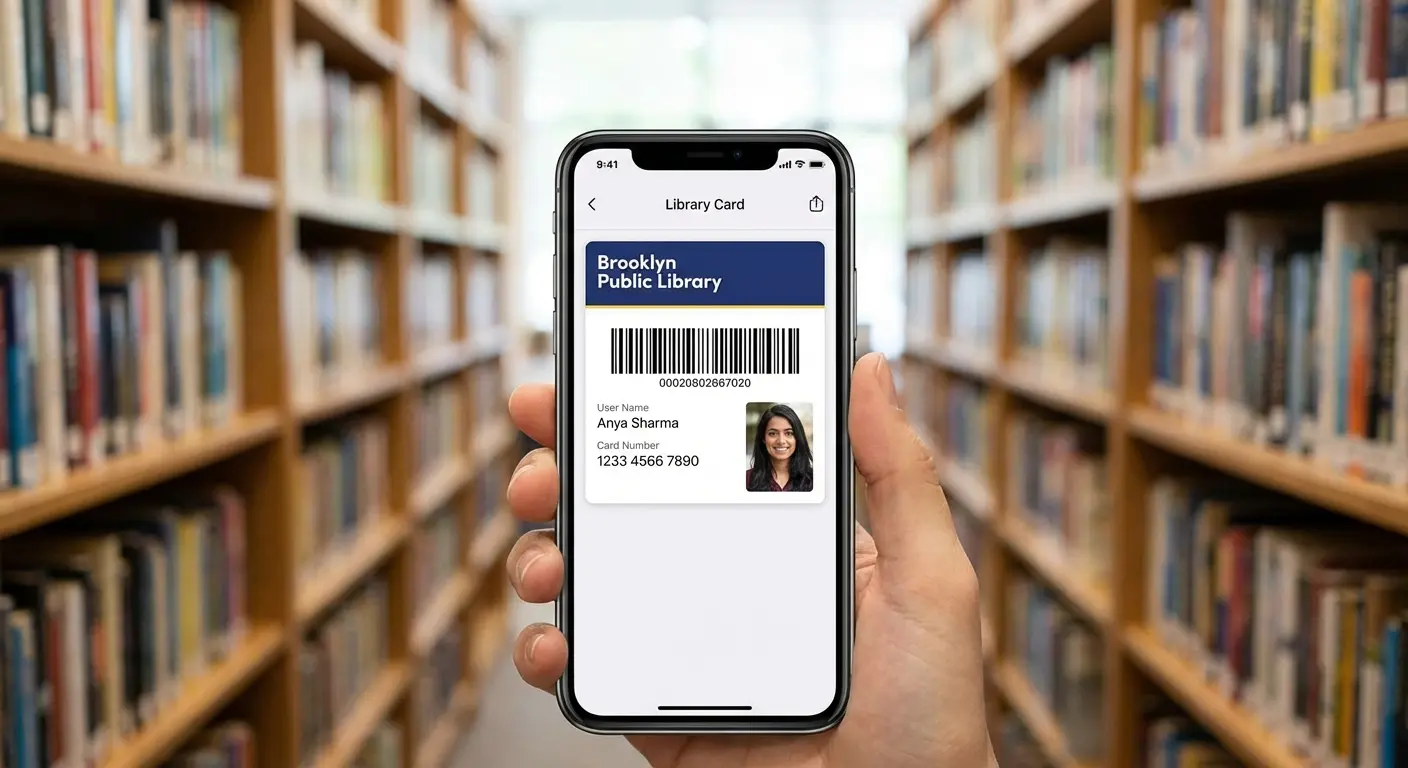
These apps connect directly to your local library. They offer legal access to copyrighted bestsellers, audiobooks, and magazines using nothing but that library card number you probably have sitting in a drawer somewhere.
1. Libby (by OverDrive)
Libby is the gold standard for public libraries. The interface is slick, there are zero ads, and offline reading just works. You can send books to your Kindle or read them right in the libby app. The only downside? Because it mirrors a physical library, you might have to join a waitlist for the super popular stuff.
2. Hoopla Digital
Hoopla is different—it runs on a "no waitlist" model. If the library has it, you can borrow it right now. It's instant gratification for ebooks and media. However, libraries usually set a monthly borrow cap (often between 5 and 10 titles), so if you're a fast reader, choose wisely.
Feature |
Libby (OverDrive) |
Hoopla Digital |
|---|---|---|
Waitlists |
Yes (Can be weeks for hits) |
No (Instant access) |
Borrow Limits |
High (Often 10-20 at a time) |
Strict (Usually 5-10 per month) |
Content Type |
Books, Audio, Magazines |
Books, Audio, Movies, Music |
Best For |
Planning ahead / Bestsellers |
Immediate reading / Media |
3. The Palace Project
This is an open-source app that pulls content from various distributors into one non-profit, privacy-focused interface. It simplifies things by putting everything your library offers onto a single virtual shelf.
4. Boundless
Formerly known as Axis 360, Boundless is a solid pick for educational and non-fiction content. It is frequently used by schools and public libraries to distribute learning materials and research texts.
Oldies but Goldies: Public Domain Hits
Copyright eventually expires. When it does, books enter the public domain, meaning they are free forever. These platforms are dedicated to preserving and sharing that literature.
5. Project Gutenberg
Project Gutenberg has a massive catalog of over 70,000 titles. You can access these via mobile web or third-party readers. The formatting is basic—sometimes a little ugly—but the breadth of content, from Shakespeare to Sherlock Holmes, is unmatched.
6. Oodles
Oodles is a dedicated app for English classics. It wraps a huge library in a user-friendly interface. The trade-off for this free access is an ad-supported model, but for many, the convenience is worth the occasional banner.
7. LibriVox Audio Books
Volunteers record chapters of books in the public domain and upload them here. It is the only way to listen to classics for free without a library card. Audio quality varies since the narrators are everyday people, but many recordings are surprisingly professional.
8. Loyal Books
This is a great option for hybrid readers. Loyal Books allows you to switch between text and audio versions of public domain works, giving you flexibility depending on whether you are sitting down or moving around.
Big Stores with Hidden Freebies
Major retailers are obviously trying to sell you stuff, but they all offer substantial free tiers within their apps just to get you into their ecosystem.
9. Amazon Kindle
You don't actually need a Kindle device to use the app. Download it to your phone to access a vast section of free classics and promotional indie titles. It syncs your furthest page read across all devices instantly.
10. Apple Books
Pre-installed on iOS devices, Apple Books features a polished interface and a dedicated "Free Books" section. It's often the easiest route for iPhone users who want to start reading without downloading new software.
11. Kobo Books
Kobo is known for being open to different file formats. The app includes a specific filter for free eBooks, making it easy to find cost-free content without digging through sales pages.
12. Google Play Books
This is the Android native equivalent. It excels at handling your own uploaded PDF and EPUB files alongside store content, keeping your personal documents and purchased books in one place.
13. Barnes & Noble Nook
For those avoiding the Amazon ecosystem, Nook is a solid alternative. They feature "Free Fridays" and maintain a permanent free library of classics and romance samples.
Fresh Voices: Indie and Serialized Fiction
If you are looking for romance, sci-fi, or fan-created content, these platforms offer unique delivery models that are totally different from traditional publishing.
14. Wattpad
Wattpad is a massive social platform where amateur authors and future bestsellers mingle. You can comment on specific paragraphs and interact with writers. It has freemium elements and ads, but the sheer volume of content is staggering.
15. Inkitt
Inkitt positions itself as a cleaner alternative to Wattpad. It focuses on breaking new authors and remains completely free to read. The app uses reader data to identify potential bestsellers for their publishing arm.
16. WebNovel
This platform is huge for translated fiction and LitRPG. It is highly gamified, often requiring you to log in daily or watch ads to earn points for unlocking chapters. It requires patience to read for free, but the content is addictive.
17. Royal Road
Royal Road is the go-to community for high-fantasy and progression fantasy. It is supported by author donations rather than mandatory fees, making it a favorite for serious genre fans.
The Niche Reader: Let's say Sarah loves specific sub-genres like "Progression Fantasy" or "LitRPG," which are rarely found on the shelves of physical bookstores. By using Royal Road, she can follow ongoing serials chapter-by-chapter, interacting with the author in the comments, completely bypassing traditional publishing gatekeepers.
Short & Sweet: News and Curation
Sometimes you don't have the mental bandwidth for a full novel. These apps curate articles, blogs, and short-form non-fiction.

18. Flipboard
Flipboard aggregates articles based on your interests and presents them in a visually stunning magazine-style layout. It makes catching up on news feel less like work and more like browsing a glossy periodical.
19. Feedly
Feedly functions as an RSS reader. It allows you to follow specific blogs, YouTube channels, and news sites without distractions. You get the content you want, organized exactly how you want it.
20. Pocket
Pocket is an essential tool for commuters. It allows you to save articles from your browser to read later in a stripped-down, ad-free mode. It downloads the text so you can read offline on the subway.
21. Medium (Free Tier)
Medium is a source for thought leadership and personal essays. While it has a paywall for unlimited access, the free tier still offers access to a limited number of high-quality articles per month.
The Heavy Lifters: Document Readers
These apps are designed for managing your own files, work documents, and study materials. If you are using these tools for study or research, you might also find our list of the best apps for note-taking helpful for organizing your thoughts alongside your reading materials.
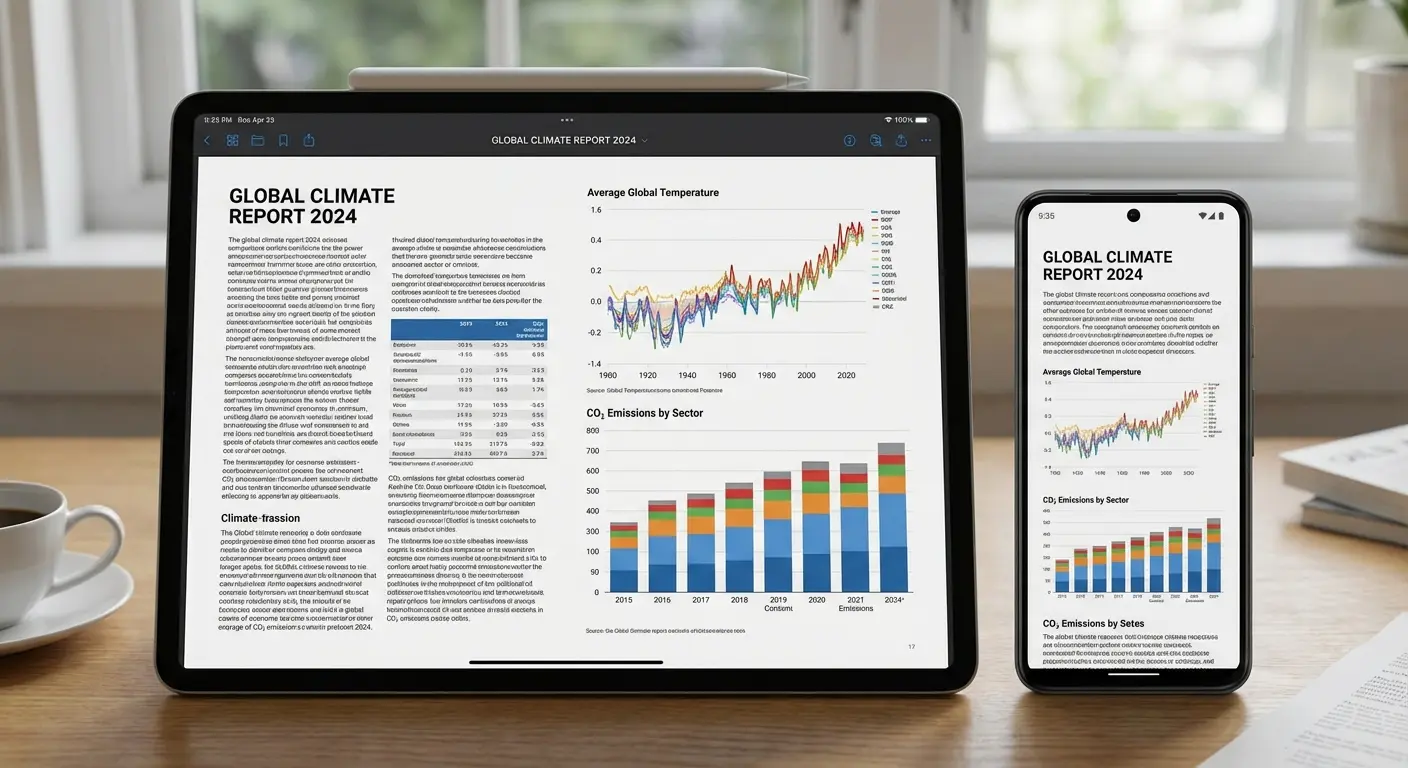
22. Moon+ Reader
Moon+ Reader is the ultimate customizable tool for Android. It offers incredible control over visual settings, from line spacing to gesture controls. The free version has ads, but the functionality is robust.
23. Adobe Acrobat Reader
Adobe remains the standard for PDFs. The mobile app features "Liquid Mode," which is a game-changer for reflowing text on small screens.
The Student's Dilemma: Imagine Mark has downloaded five different textbooks and three research papers in PDF format for his thesis. Trying to read standard A4 PDFs on a 6-inch phone screen usually requires constant pinching and zooming. By using Adobe Acrobat’s Liquid Mode, the text instantly reflows to fit his screen, turning a frustrating document into a readable mobile page.
24. ReadEra
ReadEra is fantastic for its ad-free experience. It organizes existing files on your device without trying to sell you anything. It simply detects your books and presents them in a clean library.
25. Worldreader
Worldreader is a non-profit app that provides a curated library of culturally diverse books to readers globally. It focuses on accessibility and bringing literature to underserved regions.
App Name |
Supported Formats |
Best Use Case |
|---|---|---|
Moon+ Reader |
EPUB, PDF, MOBI, CHM, CBR |
Power users who want total visual control |
Adobe Acrobat |
PDF (Specialized) |
Business documents and complex manuals |
ReadEra |
EPUB, PDF, WORD, KINDLE |
Simple, ad-free offline organization |
Web Articles (HTML) |
Saving news/blogs for commutes |
Stop Dropping Your Phone on Your Face
Reading on a phone has one major physical drawback: gravity. We have all experienced the jolt of a phone slipping from our hands and landing smack on our face while reading in bed. Beyond the embarrassment, holding a device for hours causes hand fatigue and that dreaded "tech neck."
Hands-Free Reading with MAGMAX™
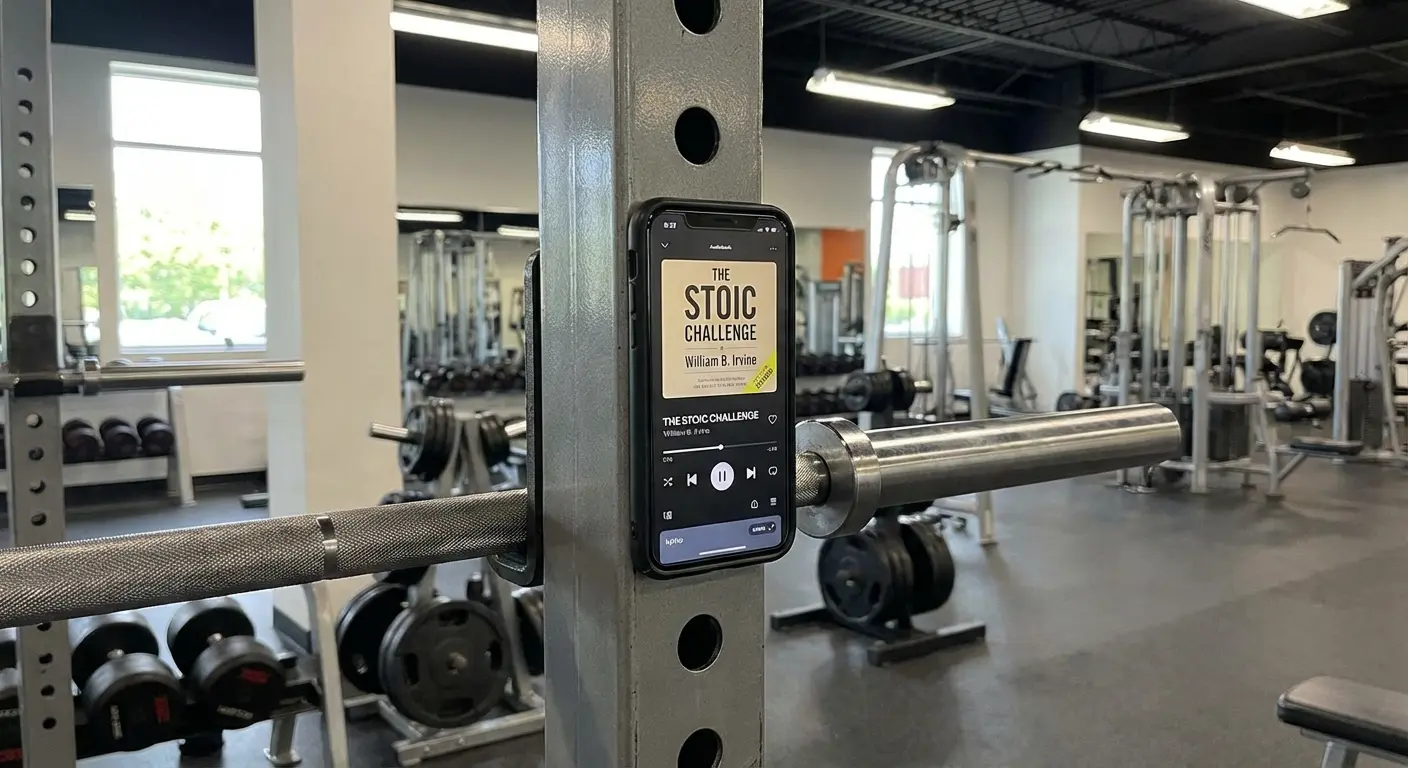
Rokform’s magnetic technology changes how you interact with your device. You can stick your phone to surfaces like gym equipment, a toolbox, or even the fridge. This lets you read or listen to audiobooks while keeping your hands free for other stuff. For more creative ideas on how to use this, check out these 5 unique ways to use your iPhone with a magnetic phone case to upgrade your daily routine.
The Perfect Stand for Long Sessions
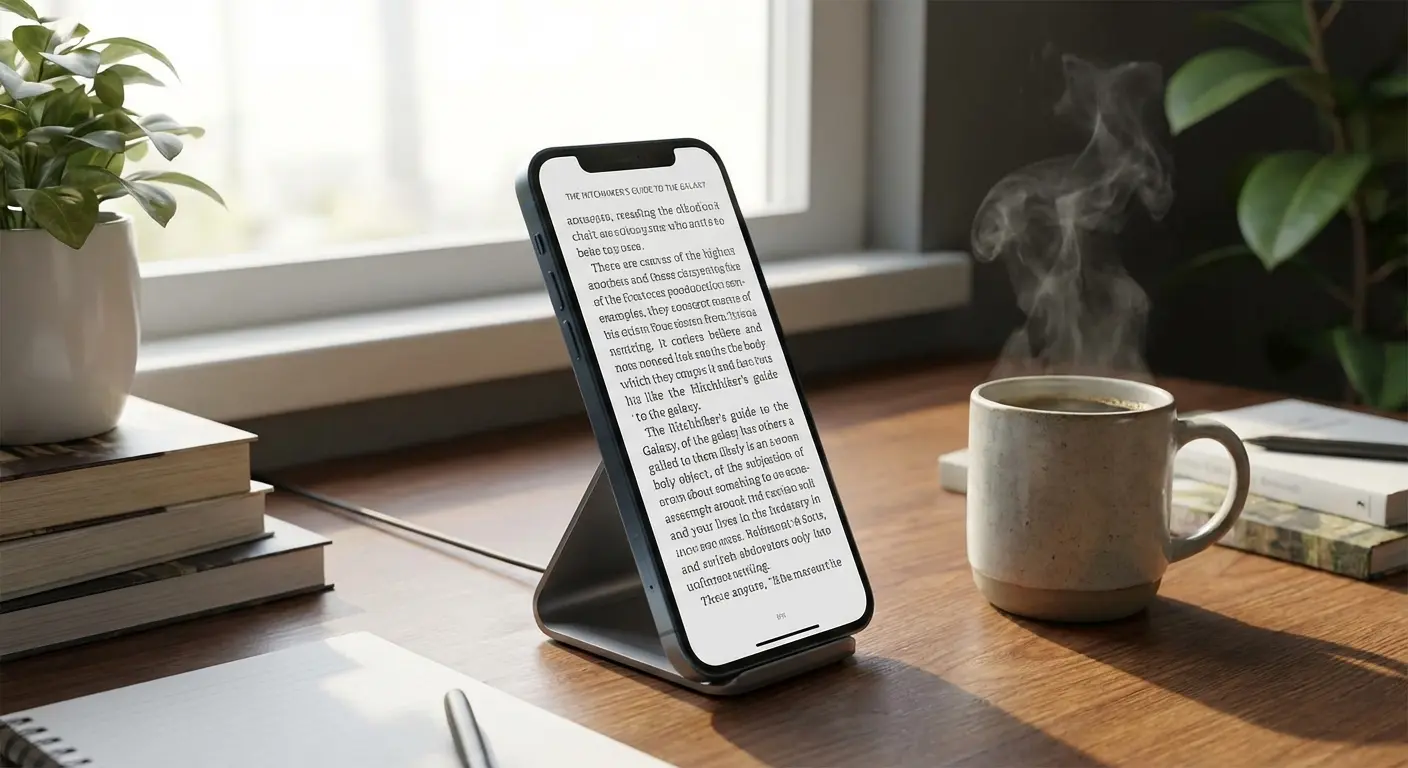
Using a magnetic wireless charging stand or a case with an integrated stand helps get that perfect viewing angle. This saves your wrists when you're reading at a desk or in bed, allowing you to focus on the story rather than your tired forearm.
Protection for the Commuter
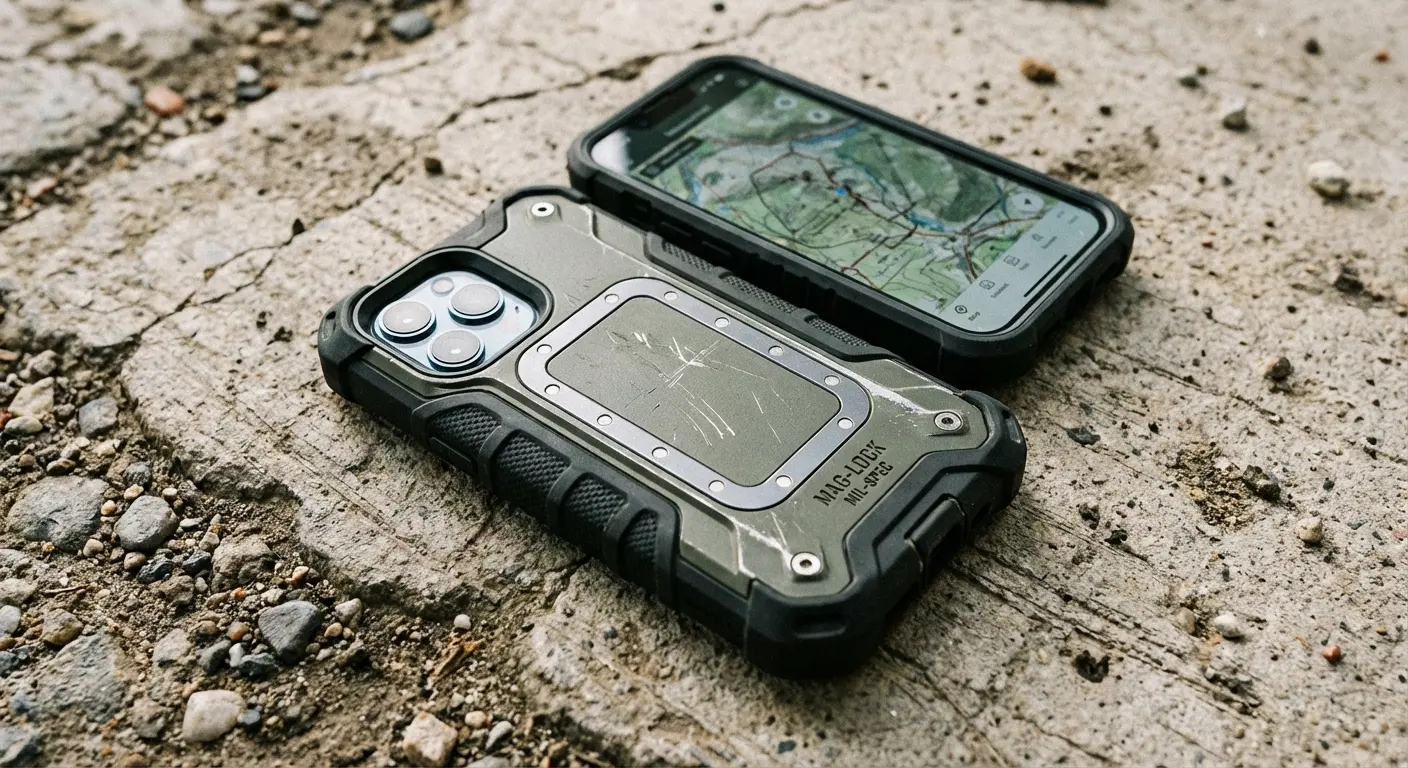
Reading on the go increases the risk of dropping your phone—it's just a fact. A sudden stop on the bus or a bump from a passerby can send your device flying. Rokform’s military-grade protection ensures a slip of the hand doesn't ruin your device or your digital library.
Your Next Chapter Awaits
You have the device, and now you have the list. There is no reason to wait for a paycheck to clear before diving into a new story or learning a new skill. Whether you choose the library route with Libby or dive into indie fiction on Royal Road, the access is right there.
Building a library doesn't require money, just the right tools and a little curiosity. If you plan to read while on vacation, don't forget to pack the best travel accessories to keep your device charged and accessible wherever your story takes you. Grab a rugged case to keep your library safe, pick an app, and start reading today.

