



We’re all trying to squeeze twenty-five hours into a twenty-four-hour day. Whether you're a student, a commuter, or just someone whose eyes are tired of staring at screens, the ability to turn text into audio is a game changer. I recently saw a stat from Speechify claiming you can absorb content up to 4.5x faster by listening rather than reading. Honestly, even if it's only 2x faster, that’s a win.
I’ve been there—sitting in the parking lot five minutes before a meeting, frantically scrolling through a ten-page PDF on a tiny phone screen and retaining absolutely nothing. If I’d just plugged into the audio version during the drive, I would’ve walked in cool, collected, and actually prepared. That’s why you need the right tools. Here is a breakdown of the best free apps that will read to you so you can reclaim your time.

Table of Contents
Jump straight to the section that fits your life, whether you need a browser extension for work or a way to listen to articles while you hike.
Real Talk: What to Look for Before Downloading
The Heavy Hitters (AI & TTS Powerhouses)
Tools You Already Have (Browser & System)
For the Bookworms (E-Books)
The "Save for Later" Stack (Productivity)
The Office Heroes (Docs & PDFs)
Keeping it Hands-Free with Rokform
Wrap Up
TL;DR
In a rush? Here is the cheat sheet. If you need an app to read aloud, keep these three things in mind:
The Voice is Everything: If the free tier sounds like a robot from a 90s sci-fi movie, you’re going to hate it. Look for "Neural" or "Natural" tags.
Watch Your Formats: Don't grab a browser extension if you mostly need to listen to PDFs or Word docs.
Go Offline: If you’re commuting underground or hiking off-grid, make sure the app doesn't need a constant signal to work.
Quick Picks: Speechify and NaturalReader are great all-rounders. Siri and Google Assistant are underrated for quick tasks.
Secure It: Listening hands-free only works if your phone isn't sliding under the car seat. You need a solid mount.
Category |
Top Pick |
Why We Like It |
Best For |
|---|---|---|---|
All-Rounder |
Speechify |
Voices sound genuinely human |
Students & Pros |
Browser Tool |
Microsoft Edge |
Surprisingly good free voices |
Desktop Browsing |
Productivity |
Turning articles into a playlist |
Commuters |
|
Work Docs |
Adobe Acrobat |
Doesn't choke on PDF layouts |
Office Workers |
Real Talk: What to Look for Before Downloading
Before we dump a list of 25 apps on you, let’s set some ground rules. There is nothing worse than downloading an AI reader that promises the world but delivers a headache. Here is what actually matters.

Voice Quality (Can you stand listening to it?)
This is the dealbreaker. A jarring, mechanical voice causes "listener fatigue" fast. You want smooth, AI-driven options that mimic human cadence. Always check if the "good voices" are locked behind a paywall.
Does it play nice with your files?
Some apps are great at reading websites but fail miserably when you upload a PDF or an ePub. If you deal with scanned documents, you also need OCR (Optical Character Recognition)—otherwise, the app just sees a picture, not text.
Syncing Across Devices
It’s super helpful to start an article on your laptop and finish listening to it on your phone during the drive home. Look for apps with a cloud library that keeps your place. iPhone owners get a dedicated list in my audiobook apps for iPhone roundup.
The "Free" vs. "Freemium" Trap
Be careful here. Many apps offer a "free trial" of the premium voices, then switch you back to the robotic system voices after three days. Check for daily character limits or annoying ads that interrupt mid-sentence.
Offline Mode
If you travel, offline access is non-negotiable. You don't want your book to cut out just because the plane took off. If you're heading out, pair an offline reader with the best travel accessories to keep the entertainment going regardless of signal strength.
The Heavy Hitters (AI & TTS Powerhouses)
These are the apps that can basically handle anything you throw at them. If you are a student with a mountain of reading or a professional doing research, start here.
The Scenario: The Cram Session
You have a 40-page history chapter due tomorrow and a two-hour drive ahead of you. Instead of panicking, you use an app like Speechify to scan the pages. By the time you park, you’ve "read" the whole thing at 1.5x speed. That’s efficiency.
1. Speechify (Free Tier)
Speechify is the big name right now for a reason. It handles PDFs, emails, and images seamlessly. While the famous celebrity voices cost money, the free version is still a solid, reliable tool for getting through heavy course loads.

2. NaturalReader
NaturalReader is fantastic for its versatility. The web-based free voices are surprisingly high quality, and it doesn't choke on document formatting. It’s a very safe bet for general users.
3. Capti Voice
Capti is built with education in mind. It pulls content directly from your Google Drive or Dropbox and creates a "playlist" of your reading materials. It’s great for staying organized.
4. @Voice Aloud Reader (Android)
If you’re on Android, get this. It reads almost any file type, gives you total control over pitch and speed, and works like a charm. It has ads, but the functionality rivals paid apps.
5. Speech Central
Speech Central is great for daily news. The interface is clean, and the "freemium" model is generous, letting you listen to web articles without too much hassle.
6. T2S: Text to Voice
T2S has a cool trick: it lets you export the audio file. You can basically turn a long article into a podcast mp3 to listen to later in your favorite music player.
7. Voice Aloud Reader
A solid choice for offline reading. It handles HTML and PDF formats well, so if you’re out of data, this app keeps your reading list alive.
Tools You Already Have (Browser & System)
You might not need to download anything. The tools built right into your phone or laptop are often ignored, but they are getting really good.
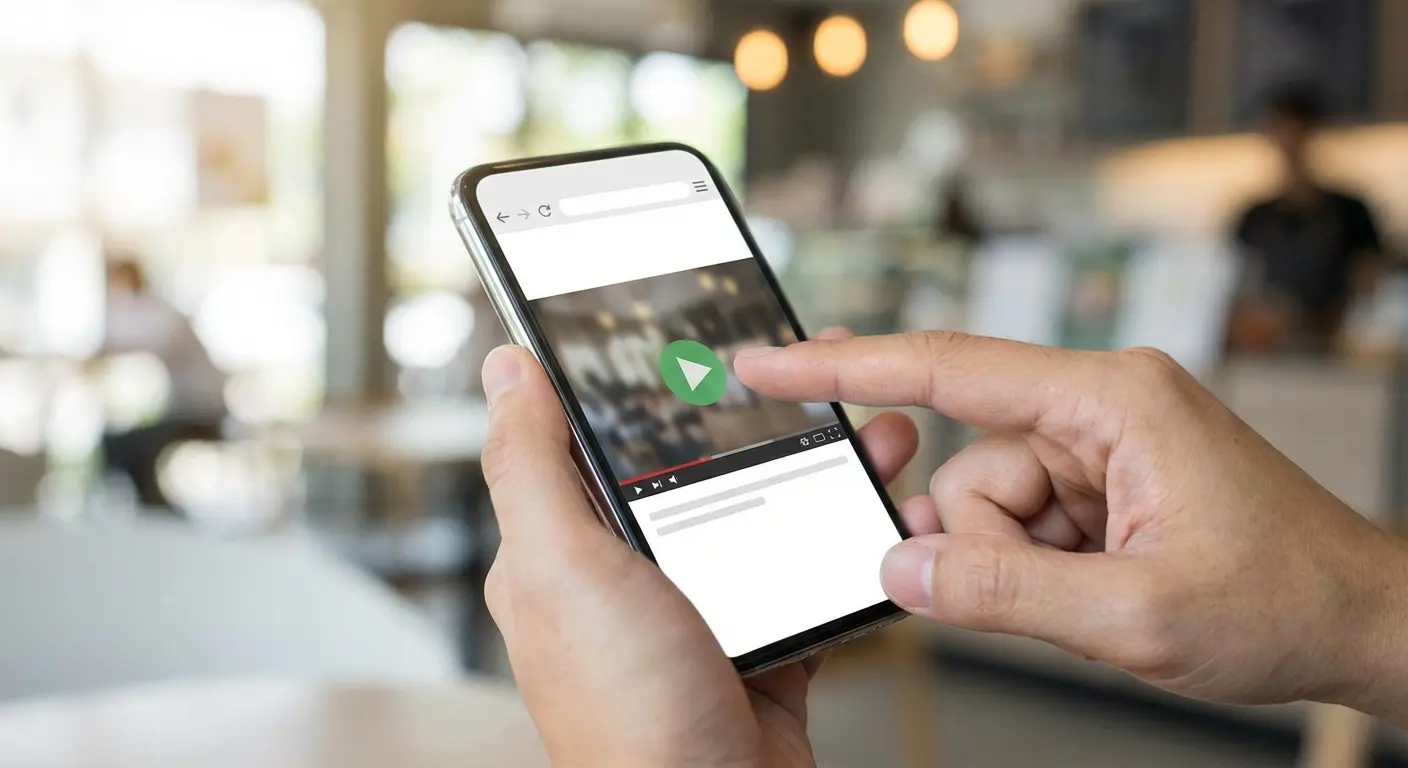
8. Microsoft Edge (Read Aloud)
Seriously, give Edge a chance. Its built-in "Read Aloud" tool is arguably the best free option on this entire list because it gives you premium Neural voices for free, right in the browser.
9. Safari "Listen to Page"
If you have an iPhone, just tap the "aA" icon in the address bar. The "Listen to Page" feature uses Siri’s voice to read articles smoothly. No extra apps needed.
10. Google Reading Mode (Android)
This is a hidden gem on Android. It strips away all the ads and pop-ups from a webpage and just reads the text to you in a clean, distraction-free player.
Tool |
Platform |
Why it rocks |
Offline? |
|---|---|---|---|
Edge Read Aloud |
PC/Mobile |
Best free voices available |
Sort of (Limited) |
Safari Spoken Content |
iOS/Mac |
Already on your phone |
Yes |
Google Reading Mode |
Android |
Removes visual clutter |
Yes |
Chrome Read Aloud |
Extension |
Great for multitasking |
No |
11. Read Aloud (Chrome Extension)
If you live in Chrome, grab this extension. It overlays a widget to read pages to you, which is perfect for multitasking when you need to get through a long article but also need to answer emails.
12. Google Assistant / Siri
The ultimate hands-free option. "Hey Siri, read this screen." It’s perfect for short emails or articles when you’re driving and can’t touch your phone.
For the Bookworms (E-Books)
Sometimes you just want to get through a good book while you do the dishes. These apps specialize in long-form content.
If you're a cyclist, combining an audiobook reader with the best apps for cyclists is a great way to crush miles and chapters at the same time.

13. Amazon Kindle (Assistive Reader)
You don't always need Audible. The Kindle app has an assistive reader that can read your books to you. It’s a bit robotic, but it works if you don't want to buy the audiobook version.
14. Google Play Books
Google’s "Read Aloud" feature has a nice flow to it. It highlights the text as it speaks, which is great if you are trying to learn a language or just follow along closely.
15. Apple Books
If you are deep in the Apple ecosystem, this is your best bet. It uses VoiceOver tech to seamless read your library across your iPad and iPhone.
16. LibriVox
This one is special—it relies on human volunteers. These are audiobooks of public domain classics read by real people. It’s a great, free alternative to Audible for classic literature.
17. Dolphin EasyReader
Designed for accessibility, this connects to libraries like Bookshare. It’s fantastic for readers with dyslexia or low vision, ensuring everyone has access to their favorite titles.
The "Save for Later" Stack (Productivity)
We all have that bad habit of opening 50 tabs and swearing we'll read them "later." These apps actually help you do it by turning those tabs into a podcast.
The Scenario: The News Junkie
You find five interesting articles during breakfast but have to rush to work. Instead of losing them, save them to Pocket. Later, while you're cooking dinner, just hit "Listen." Boom—you're caught up on the news while chopping veggies.
18. Pocket
Pocket is a legend for a reason. The "Listen" feature strips out the ads and just reads the article. It’s the perfect commuting companion.

19. Instapaper
A minimalist alternative to Pocket. It turns your saved blogs into a personalized radio station. Simple, clean, effective.
20. Narrator's Voice
This is more of a creative tool. It converts text to audio with funny effects. Great for short bursts or if you want to add a specific voice to a video project.
The Office Heroes (Docs & PDFs)
This is strictly business. When you need to proofread a contract or get through a technical manual without your eyes glazing over, you need a specialist.
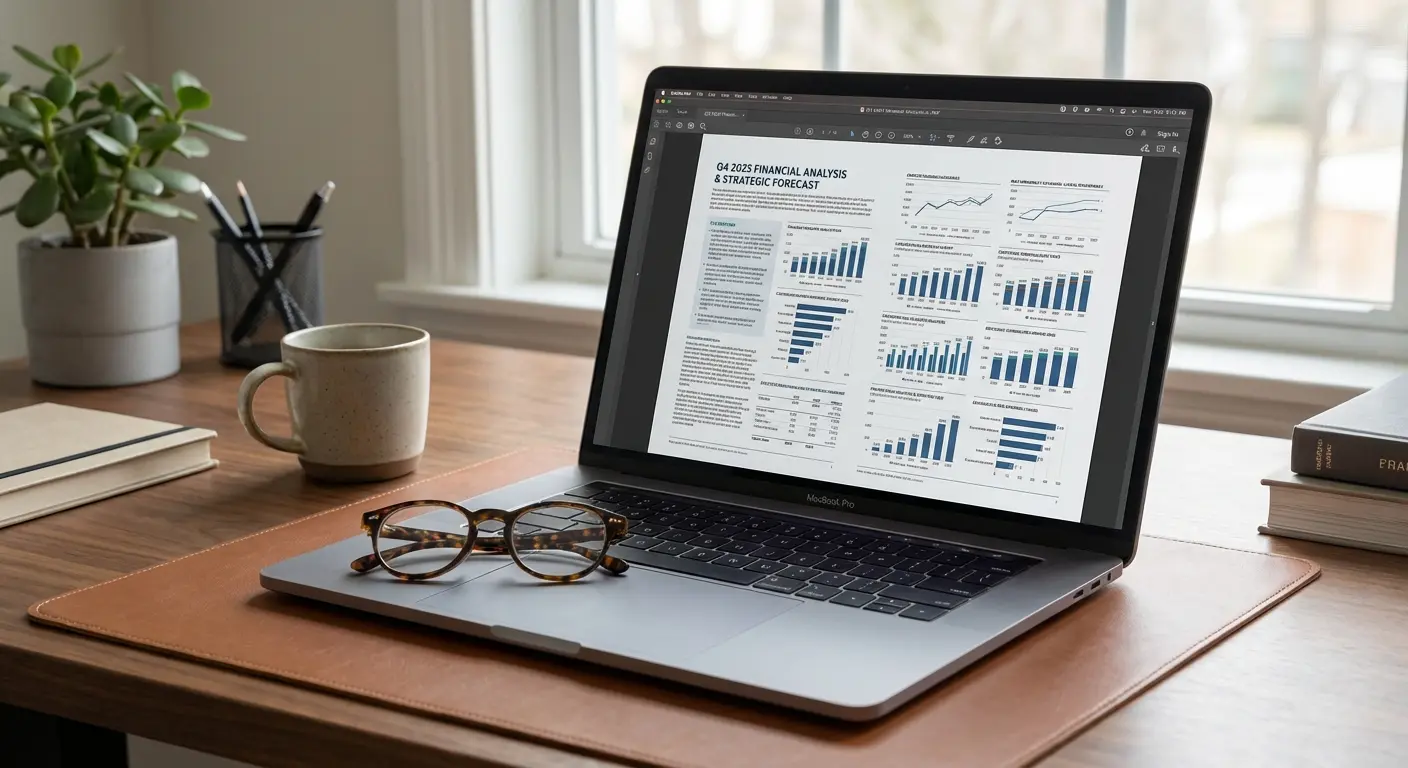
21. Adobe Acrobat Reader
The industry standard. Its "Read Out Loud" feature is smart enough to understand complex PDF columns, which is essential for professional docs.
22. Foxit PDF Editor
A lighter, faster alternative to Adobe. It’s great for older computers and handles text-to-speech reliably for manuals and reports.
23. Balabolka
A powerful, free tool for Windows users. You can save text as MP3s and use system voices to work completely offline. It looks a bit old school, but it’s very powerful.
Software |
OS |
Best For |
Cost |
|---|---|---|---|
Adobe Acrobat |
All |
Complex Layouts |
Free (Basic) |
Balabolka |
Windows |
Converting Text to MP3 |
Free |
NVDA |
Windows |
Proofreading |
Open Source (Free) |
Panopreter |
Windows |
Simple Docs |
Free Basic Ver. |
24. NVDA (NonVisual Desktop Access)
This is an open-source screen reader. Pro tip: Use it to proofread your own writing. Hearing your words read back to you catches typos your eyes will miss every time.
25. Panopreter Basic
A no-frills option. It reads text files and Word docs without subscriptions or complications. It just works.
Keeping it Hands-Free with Rokform
Here is the thing about hands-free apps: they are useless if your phone is sliding around the passenger seat or vibrating off the table. The software might be great, but you need the hardware to match. Whether you're using Google Assistant for directions or listening to Pocket on the golf course, you need your phone visible and secure.
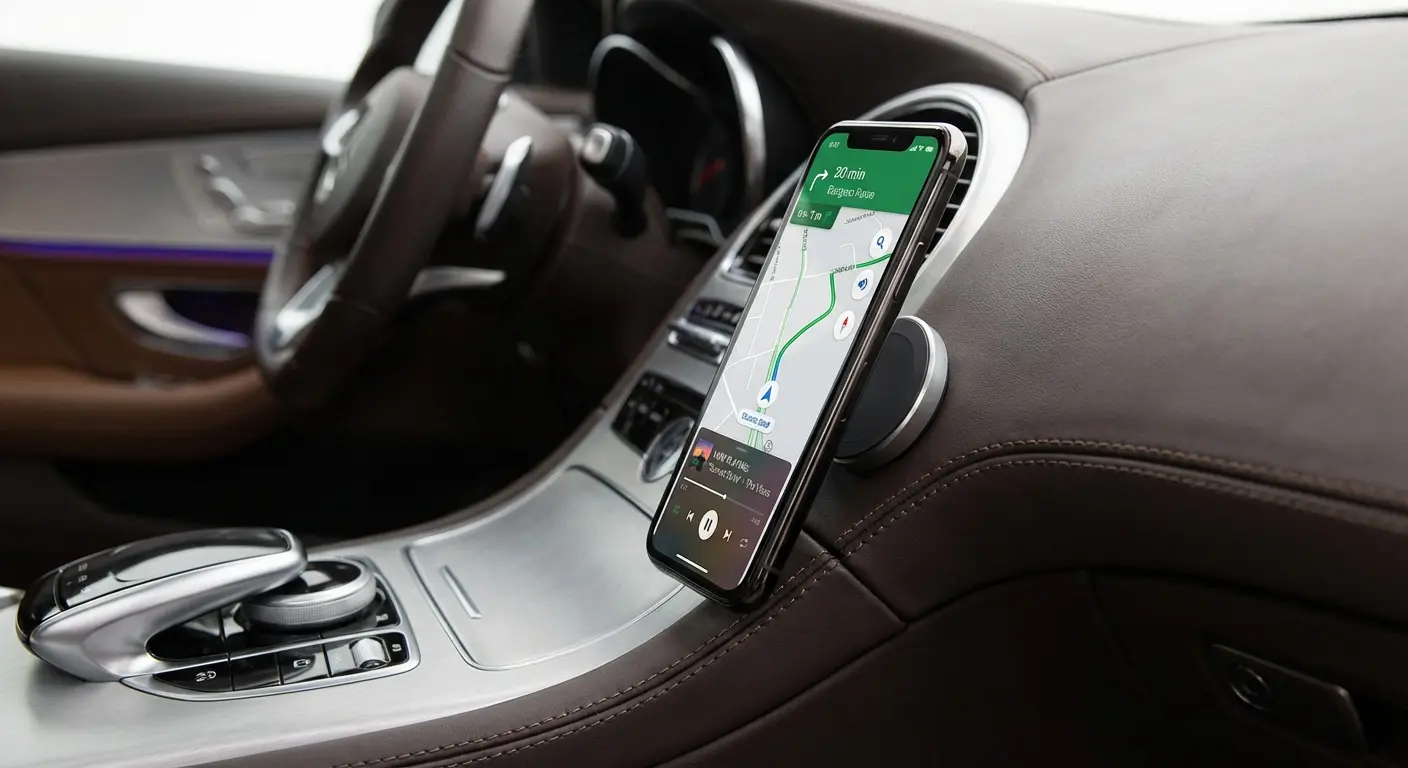
That’s where Rokform comes in. If you're using Waze or Edge Read Aloud in the car, our magnetic mounting system (MAGMAX™) keeps your phone locked to the dash. No fumbling, no distractions. Just glance at the screen safely. If you’re not sure where to stick it, check out our guide on the top 4 best places to mount a car phone holder.
On the golf course, you can mount your phone directly to the cart frame with our magnetic cases. Pair it with the G-ROK PRO Bluetooth speaker, and you can listen to market reports (or just music) between holes without missing a beat. For more gear tips, check out the best golf accessories every golfer needs.

And for the active crowd—hikers, cyclists, first responders—our military-grade protection means that if you drop your phone while it’s reading a trail guide, the screen survives. Read more about keeping your device secure in our article on the benefits of bringing your phone on your bicycle rides.
The Multi-Tasking Golfer
You're on the course, but you need to hear a report before the markets close. You slap your phone onto the golf cart pillar with a Rokform case. It stays rock solid. You drive to the next hole, listening to the report loud and clear, without slowing down your game.

Wrap Up
Finding the right app is just about figuring out where you have "dead time" in your day. We all have moments where our eyes are busy but our minds are free. Experiment with a few of these tools—maybe Edge for your desktop and Speechify for the car—and see what sticks.
Pair the right software with the physical security of a Rokform case, and you’re set. Give one of these a shot this week. Let the app do the reading while you focus on everything else. You might be surprised at how much extra time you actually have.

