


Look, I'm going to save you some time here: Avast is fine at what it does. The problem is what it does barely matters compared to the actual ways you're going to lose your data.
You downloaded Avast. You saw the green checkmark. You felt productive.
You shouldn't.
Less than 1% of Android users ever encounter malware in a year, and that's only if you're downloading apps from sketchy sources outside the Play Store. Meanwhile, 70 million phones get lost or stolen every year in the US alone. Not hacked. Not infected with some sophisticated trojan. Just... gone.

Avast prevents more than 66 million threats every day using real-time intelligence from hundreds of millions of users. That's genuinely impressive. But it won't do a damn thing when you leave your phone face-up on the coffee shop table while you grab a napkin.
Your data isn't most vulnerable to some sophisticated virus hiding in a sketchy app. It's vulnerable the moment you set your phone down at the gym, toss it on your car dashboard, or let it slip from your pocket during your morning run.
I'm not saying virus protection is useless. Avast does certain things well. What I'm saying is the entire conversation around Android security has been hijacked by companies selling a solution to a problem you'll probably never face while ignoring the ones that'll actually bite you.
The False Sense of Safety Most Android Users Live With
Installing Avast feels productive. You've taken action. You're protected now, right?
Wrong.
This is exactly what security researchers call "risk compensation." You've got antivirus running, so now you feel safer downloading apps from unfamiliar developers. You're less cautious about the links you click. You don't think twice about leaving your phone unattended because, well, it's protected.
The app gives you a green checkmark and tells you everything's fine. Your phone gets scanned regularly. Threats are being monitored. But what happens when you leave that phone on the gym bench while you hit the weights? What protection does Avast offer when your device slides out of your pocket in an Uber?
None. Zero. The antivirus can't help you there.
I know someone who installed Avast last month and immediately started leaving her phone face-up on her desk during lunch breaks. She worked in a shared office space with contractors coming through daily. One afternoon, someone picked up her unlocked phone, accessed her email app (which stayed logged in), and requested password resets for her banking and social media accounts. The verification codes came right to that same device. The entire breach took less than three minutes. Her antivirus software had given her a perfect security score that morning.
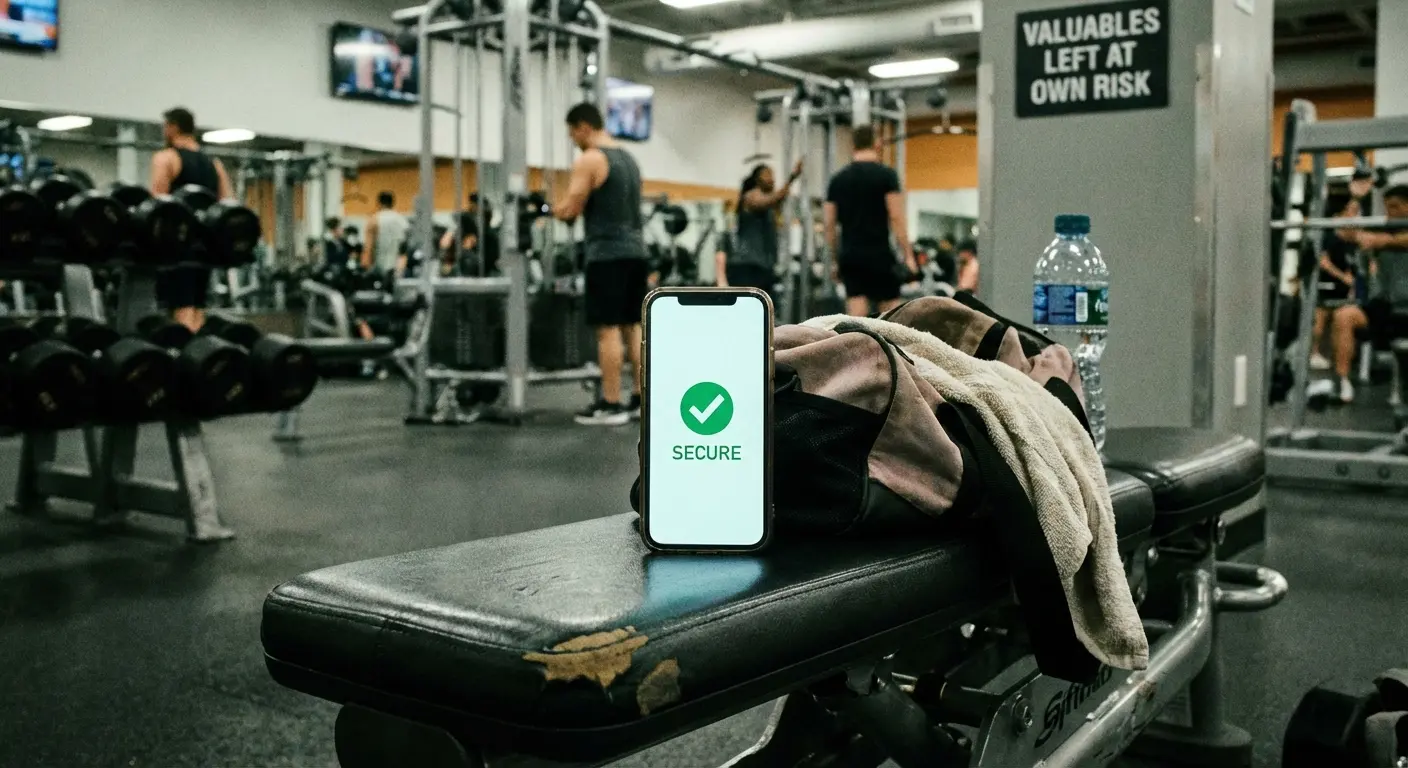
Truth is, most people lose access to their data not because of malicious code, but because of physical carelessness enabled by a false sense of digital security. Your banking apps, your photos, your email, your social media accounts are all sitting behind a lock screen that takes the average person about 30 seconds to bypass if they have physical access to your device.
We've created this weird hierarchy in our minds where digital threats feel sophisticated and worth defending against, while physical threats feel too mundane to worry about. You're more likely to spend hours researching antivirus options than you are to consider how you're actually carrying your phone.
What Avast Free Antivirus Actually Does (And Doesn't Do)
Avast scans apps for known malware signatures. It does this fairly well, using a database that updates regularly with new threat definitions. When you install an app, Avast checks it against millions of known malicious programs.
The free version includes web protection that attempts to block dangerous websites and phishing attempts. You'll get warnings before clicking through to sites known for distributing malware or stealing credentials. This feature provides decent value if you frequently browse on your phone.
Avast Free Mobile Security achieved 100% detection rates in AV Comparatives testing. Only two free apps got perfect scores. So yeah, it's legitimately good at what it does.
There's also a WiFi security scanner that alerts you when you're connected to unsecured networks. Useful? Sure. But your Android system already warns you about this in most cases.
What Avast doesn't do is protect you from zero-day exploits (new vulnerabilities that haven't been discovered yet). It can't defend against sophisticated targeted attacks. It won't stop you from voluntarily giving permissions to a sketchy app that technically isn't malware but absolutely harvests your data.
Feature |
Included in Free Version |
Actually Protects Against |
|---|---|---|
Malware scanning |
Yes |
Known viruses, trojans, and malicious apps |
Web protection |
Yes |
Phishing sites and dangerous URLs |
WiFi security scanner |
Yes |
Unsecured network connections |
Physical theft protection |
No |
Device loss or unauthorized access |
Zero-day exploit defense |
No |
Unknown or newly discovered threats |
Screen lock bypass protection |
No |
Physical access to unlocked device |
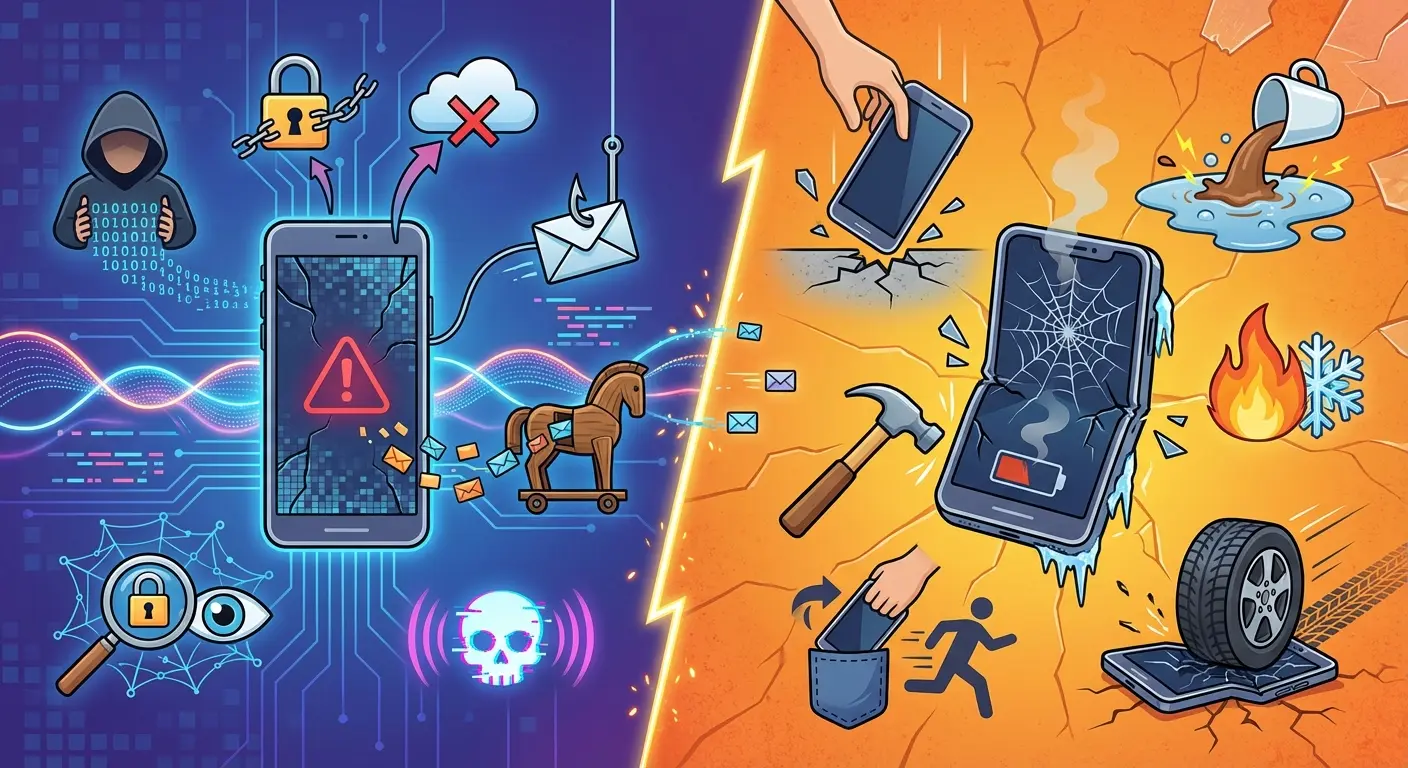
The app can't protect your device from physical tampering. It can't prevent theft. It can't stop someone from accessing your unlocked phone. It can't save your device from water damage, screen cracks, or the concrete floor that's rushing up to meet it after you fumbled the hand-off at checkout.
Understanding how phone cases protect your phone matters because a broken phone is a useless phone, regardless of how clean your malware scan comes back.
You're getting malware scanning and some web filtering. That's valuable for what it is, but it's a narrow slice of what comprehensive device security actually requires.
Should you use it? If you regularly sideload apps from outside the Play Store or browse sketchy websites on your phone, probably yes. If you're a typical user who downloads apps from official sources and practices basic digital hygiene, the built-in Google Play Protect might already cover you.
The Android threat landscape is evolving, though. ZDNET reports that Malwarebytes has documented a 151% jump in mobile-related malware targeting Android smartphones since the start of 2025. This surge makes antivirus software more relevant than in previous years, but it still addresses only one dimension of mobile security.
The Real Vulnerabilities Hiding in Your Daily Routine
Yesterday you probably set your phone down somewhere public. On a wobbly restaurant table. On your gym bench. On your car's dashboard.
You pulled it out while walking and nearly dropped it. You handed it to someone to show them a photo. You stuck it in a pocket that's too shallow and hoped for the best.
Your phone comes with you everywhere, which means it's constantly at risk in ways that have nothing to do with malware. You pull it out dozens of times per day, and each interaction is an opportunity for something to go wrong.
You're checking directions while biking, and your phone mount isn't quite secure enough. You're at a restaurant, and you place your phone face-down on the table where anyone walking by could grab it in two seconds. You're showing someone a photo, and your grip isn't quite firm enough when you hand it over.
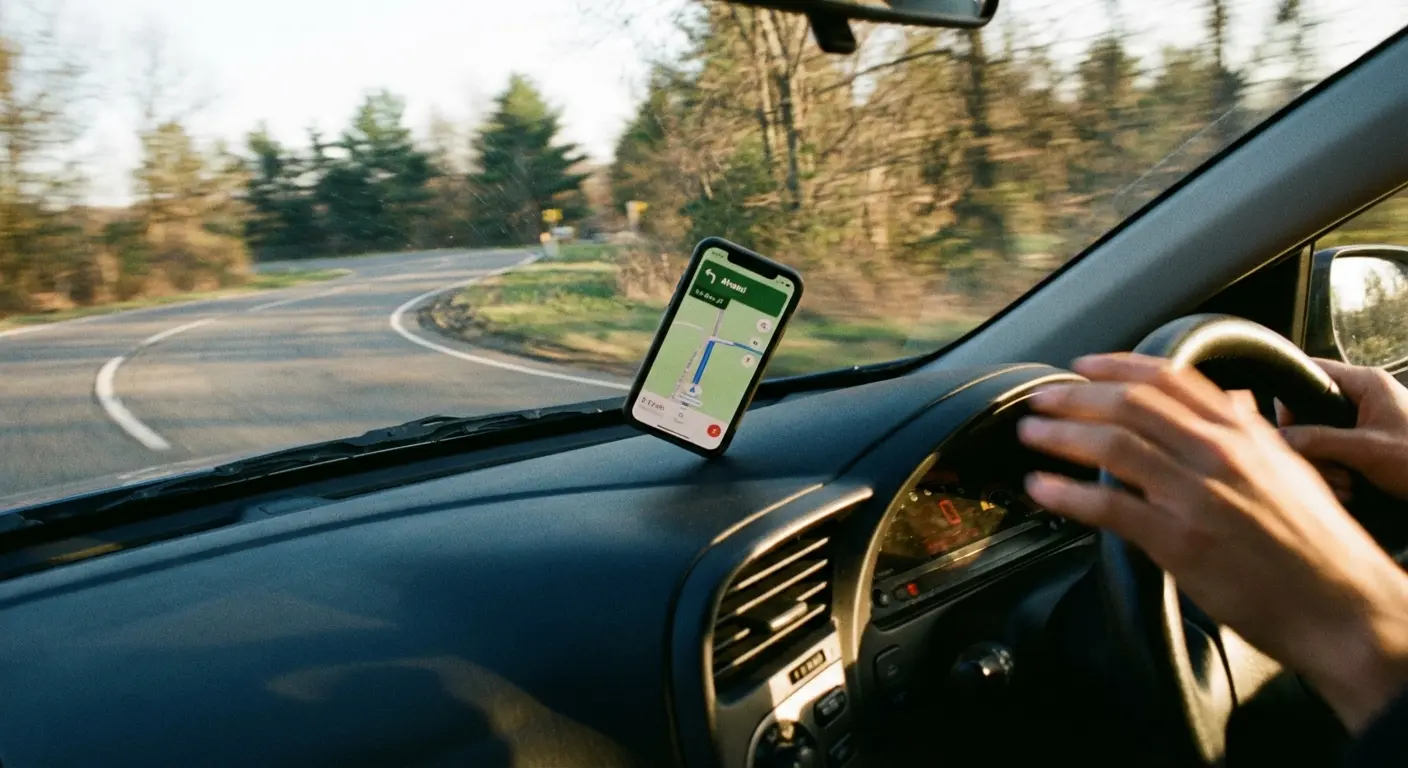
None of this feels dangerous because there's no warning message. But these are the moments you lose your device.
You're at risk if you:
Leave your phone places (gym, coffee shop, your own desk)
Use it one-handed while doing other stuff
Trust shallow pockets
Set it on car dashboards or table edges
Hand it to people without watching them
Generally treat it like it's not a $1000 glass rectangle with your entire life on it
Carry it loose in a bag where it can slip out
Use it near water, concrete, or other damage-causing environments
Get distracted and forget where you put it
If you did three or more of these yesterday, you need to rethink your approach. Antivirus software provides zero protection for any of this.
I watched this happen to someone at my gym. Guy runs five miles every morning with his Android phone tucked into his running shorts pocket. Over three months, he had two close calls: once when his phone bounced out onto the trail (cracked screen, but he found it), and once when it slipped out in a busy park and he didn't notice until he'd run another mile back. Both times he had Avast actively scanning his device. The antivirus couldn't alert him to the insecure carry method, couldn't prevent the falls, and couldn't help locate the device when it went missing.
Looking into the best phone mount for bikes matters if you cycle. Virus protection doesn't do much when your phone is bouncing down the pavement.
The vulnerability isn't in your software. It's in the gap between how you use your phone and how you protect it during that use.
Physical Security Gaps That No App Can Fix
Someone who has your phone in their hands for five minutes has more access to your life than any remote hacker could dream of.
They can reset passwords using SMS verification. The codes come right to them. They can access any app you've left logged in, which is probably all of them. They can view your photos, read your messages, check your email, and see every website you've visited. If you use biometric security, they might even be able to use your face or fingerprint while you're unaware or incapacitated.
Physical access bypasses almost every digital security measure you've implemented. Your strong passwords don't matter if someone can request a reset link. Your two-factor authentication doesn't help if they have the device receiving your verification codes.
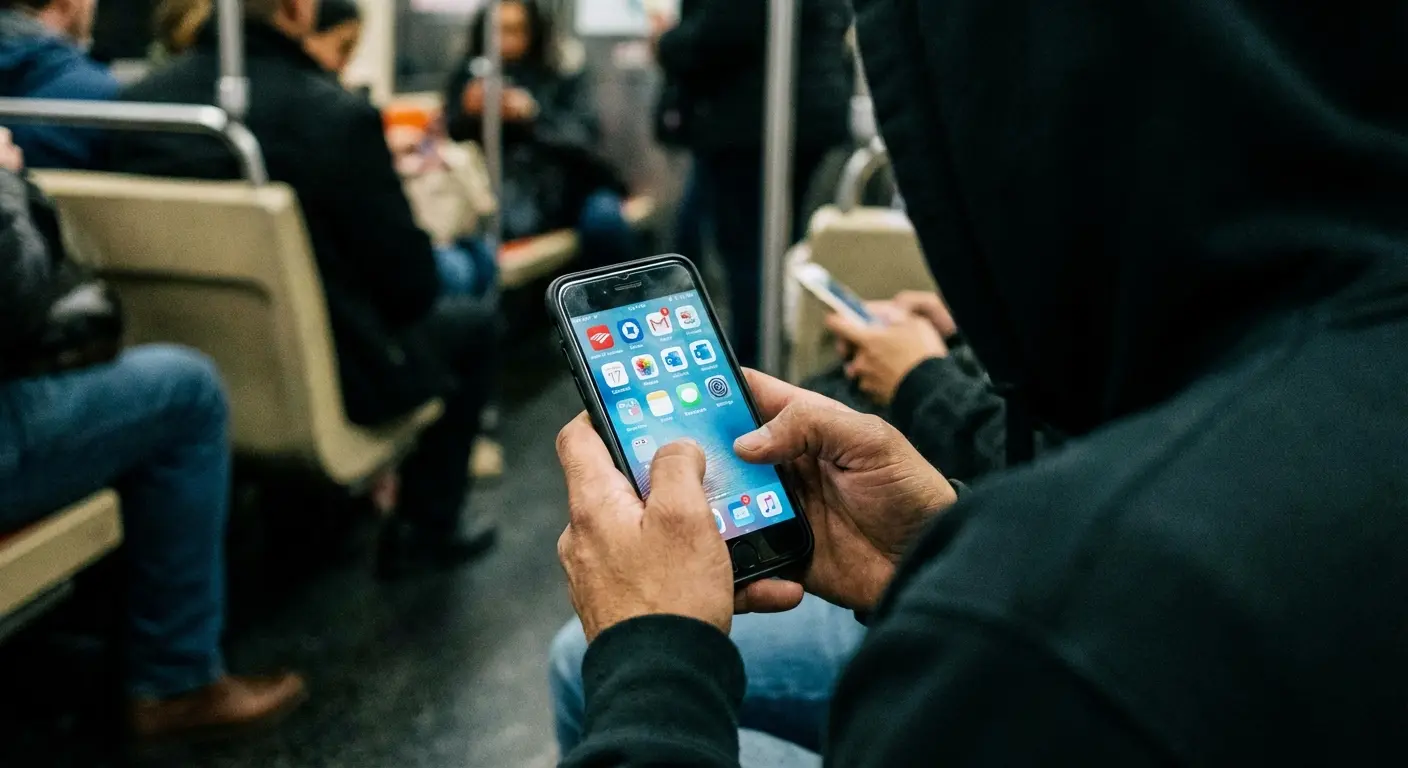
This is exactly why phone theft remains such a lucrative crime. Your device is worth far more than its resale value to someone who knows how to extract and monetize your data. Banking apps, cryptocurrency wallets, stored payment methods, access to your email (which can reset virtually everything else) are all sitting there waiting.
Avast Free Antivirus for Android can't prevent any of this. Once someone has physical access, the game is over.
You need to prevent that access in the first place. You need to make your phone harder to drop, harder to lose, and harder to steal. You need physical security measures that work in the real world, not just in the digital realm.
If you drive, checking out the best car phone mounts provides physical security that no antivirus app can match. Keeping your Android device secured while driving prevents both drops and the temptation to handle it unsafely.
Your phone needs to stay in your hand when you're using it. It needs to stay secured to your body or your vehicle when you're active. It needs to survive the inevitable impacts and accidents that come with carrying a fragile glass rectangle everywhere you go.
How to Build a Layered Defense Strategy
Okay, so what do you actually need to do?
Start with the basics. Enable Google's Find My Device feature (not the same as antivirus, but infinitely more useful if your phone goes missing). Set up a strong lock screen with biometric backup. Enable automatic backups to the cloud so your data survives even if your device doesn't.
Review your app permissions regularly. Most apps request way more access than they need, and granting those permissions creates vulnerabilities that no antivirus can protect against. An app with legitimate credentials that you've voluntarily given access to your contacts, location, and files isn't malware, so Avast won't flag it even if it's harvesting your data.
Use a password manager instead of saving credentials in browsers or apps. This creates a single point of security that's easier to manage and harder to compromise. If someone gets your phone, they still can't access your accounts without your master password.
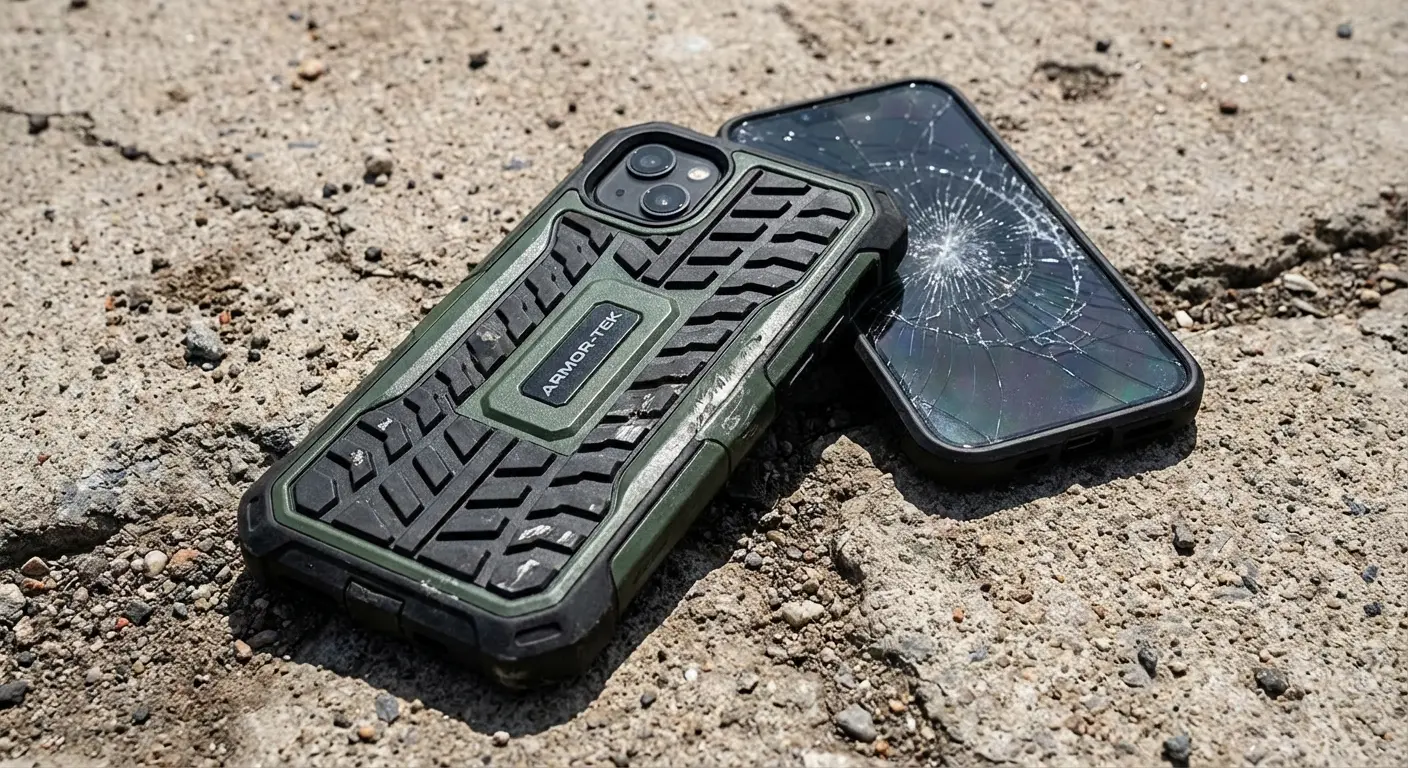
Now address the physical stuff. How are you carrying your phone? Is it secure, or is it just sitting loose in a pocket or bag where it can slip out? When you're using it, do you have a secure grip, or are you holding it casually with one hand while distracted?
Think about how you use your phone during activities. Running, cycling, hiking, working out, traveling. These are high-risk situations for drops, loss, and theft. You need mounting solutions that keep your device secure and accessible without requiring you to hold it constantly.
Motorcyclists face unique challenges here. Wind, vibration, and sudden movements make handheld phone use impossible and dangerous. Finding the best motorcycle phone mount keeps devices accessible yet protected during rides.
There's this real estate agent I know who spends hours daily driving between property showings while using her Android phone for GPS navigation, client calls, and MLS searches. She initially kept her phone in a cup holder, but it slid out three times during sharp turns, once cracking the screen. After the third incident, she installed a magnetic dashboard mount that holds her phone securely at eye level. Now her device stays exactly where she places it during aggressive lane changes, sudden stops, and bumpy roads. The mount cost $30, way less than her previous screen repair. More importantly, she's no longer fumbling for a sliding phone while driving, which eliminated both a safety hazard and a security vulnerability. Her antivirus app never addressed this problem, but her mounting solution did.
Your phone case matters more than you think. I'm not talking about aesthetics. I'm talking about impact protection, grip enhancement, and mounting capability. A case that can attach securely to your car, your bike, your arm, or your gym equipment keeps your phone where it belongs instead of on the ground or in someone else's hands.
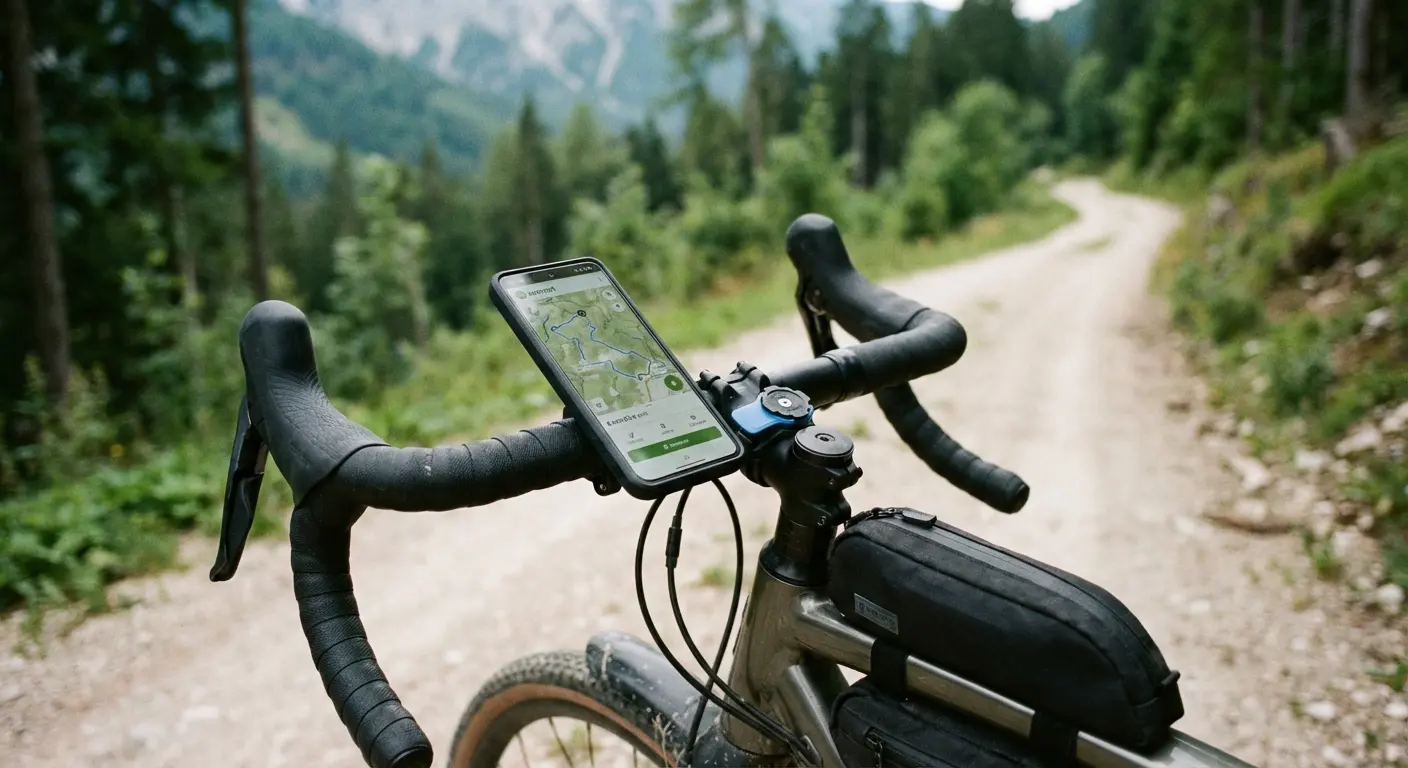
Rokform actually figured this out. Their cases aren't just protective shells (though they handle drops impressively well). They're designed around the reality that phones need to be both accessible and secured during active use. The magnetic mounting system means your Android device stays put whether you're navigating on your motorcycle or following a recipe while cooking. You're not juggling your phone and hoping you don't drop it. It's secured, but you can still use it.
Rokform's protective phone cases combine military-grade drop protection with versatile mounting options. The RokLock twist-lock system and magnetic mounts work across their entire lineup, from rugged cases built for construction sites to slim profiles for everyday carry. When your phone is mounted securely during the activities where it's most vulnerable, you've eliminated a massive security gap that antivirus software never touches.
Download Avast if it makes sense for your usage pattern. But don't stop there. The antivirus addresses one narrow category of threat while ignoring the ones you're statistically far more likely to encounter.
The broader security landscape reinforces this multi-layered approach. ZDNET reports that Google is currently taking legal action against the BadBox 2.0 botnet, which targets various IoT devices including those running on the Android platform. While antivirus software plays a role in this defense, the most effective protection involves multiple security layers: software detection, network monitoring, physical device security, and user awareness. No single tool provides complete protection.
Stop Obsessing Over Malware
Avast Free Antivirus for Android does what it claims to do within its limited scope. Malware scanning, web protection, and WiFi security alerts have value for certain users in certain situations.
But we need to stop pretending that antivirus apps provide comprehensive security. They don't. They can't. The threats your phone faces extend far beyond the digital realm into the physical world where you actually use your device.
Your security strategy needs to account for the fact that you're human. You get distracted. You're sometimes careless. You use your phone in situations where drops and loss are likely. You set it down in public places. You hand it to other people.

Build your defenses around these realities instead of around theoretical malware threats that you'll probably never encounter. Protect your device physically and digitally. Make it harder to lose, harder to steal, and harder to break.
Learning how to protect your phone from theft addresses the most statistically likely threat your device faces. Virus protection matters, but physical security matters more for most Android users.
That green checkmark from Avast might make you feel secure, but feelings aren't facts. Real security comes from addressing real vulnerabilities, and most of those vulnerabilities have nothing to do with viruses. Whether you choose a free virus scanner for Android or invest in premium protection, remember that comprehensive security requires both digital and physical defenses working together.
The virus scan is the easy part. The rest is on you.

