


Table of Contents
Why We're Not Talking About Virus Scans First
The Real Security Gaps on Your Android Device
What Actually Happens When Your Phone Gets Compromised
Rethinking Android Protection Beyond Software
Best Antivirus Options for Android (And What They Actually Do)
Physical Security: The Overlooked Half of Phone Protection
How to Build a Complete Protection Strategy
TL;DR
Here's what you actually need to know:
Your phone isn't getting viruses. It's getting phished, stolen, or compromised because you left it unlocked on a table.
Antivirus apps help with specific threats (ransomware, sketchy apps), but they can't fix user behavior or prevent theft.
Google already scans your phone. If you're paying for antivirus, make sure you're getting more than basic scanning.
The #1 way people lose their data? Losing their actual phone. Get a case. Use a mount. Stop leaving it places.
Best protection = decent antivirus + physical security + not clicking stupid links.
Why We're Not Talking About Virus Scans First
Every Android security article starts the same way: "Download this antivirus app, scan for threats, you're safe now." That's not how this works. That's not how any of this works.
Android phones in 2025 face completely different threats than Windows laptops did in 2005. Different architecture. Different attacks. And here's the kicker: you use your phone constantly, everywhere, with access to everything that matters in your life. That creates vulnerabilities no scanning app can fix.
What actually puts your phone at risk? You clicking a phishing link. Connecting to sketchy WiFi. Leaving your phone on a restaurant table while you hit the bathroom. Lending it to someone who installs garbage while you're not looking.
None of those are viruses.
According to Security.org's comprehensive Android antivirus testing, over 70 percent of mobile devices around the world run on Android, making Android users a valuable target for cyberthreats like phishing, malicious links, and malware-infected apps or content. The massive market share makes Android attractive to attackers, but the threats they deploy have evolved way beyond what traditional antivirus software was designed to combat.

Look, antivirus apps aren't useless. We'll get to the genuinely good options shortly. But if you're only thinking about malware protection, you're securing maybe 30% of your actual threat surface. The other 70% requires a completely different mindset.
The Real Security Gaps on Your Android Device
The Human Factor Beats Antivirus Every Time
Your biggest vulnerability isn't hiding in the Google Play Store. It's staring back at you in the mirror.
Social engineering attacks work because they exploit trust and urgency, not software vulnerabilities. That text claiming your package is undeliverable? The email saying your bank account needs verification? These threats bypass every antivirus for android program ever created because they're targeting you, not your operating system.
Android's permission system helps (apps can't access your contacts without asking), but it assumes you'll make smart choices when those permission requests pop up. Most people don't. They tap "Allow" reflexively because they want the app to work.
Let me tell you about someone I know. Marketing manager, smart person, got a text message claiming to be from her bank's fraud department. The message warned of suspicious activity on her account and included a link to "verify her identity immediately." The website looked identical to her bank's login page. Same logo, same colors, same layout. She entered her credentials, and within minutes, attackers had drained her checking account. No antivirus software flagged the text or the website because technically, nothing was "infected." The attack exploited her trust and sense of urgency, not a software vulnerability.
According to a 2025 study reported by Surfshark, over 200 malicious apps were hosted on Google Play, resulting in more than 40 million malware downloads. Many of these apps asked for unnecessary permissions or served as data-harvesting tools. Even official app stores aren't completely safe. The apps themselves often passed basic security checks because they functioned as advertised. They just happened to harvest your data in the process.
Network Vulnerabilities You're Probably Ignoring
Public WiFi remains one of the easiest ways for attackers to intercept your data. Your antivirus app? It's not monitoring network traffic in real-time, and even if it were, encrypted connections (HTTPS) make that monitoring largely ineffective.
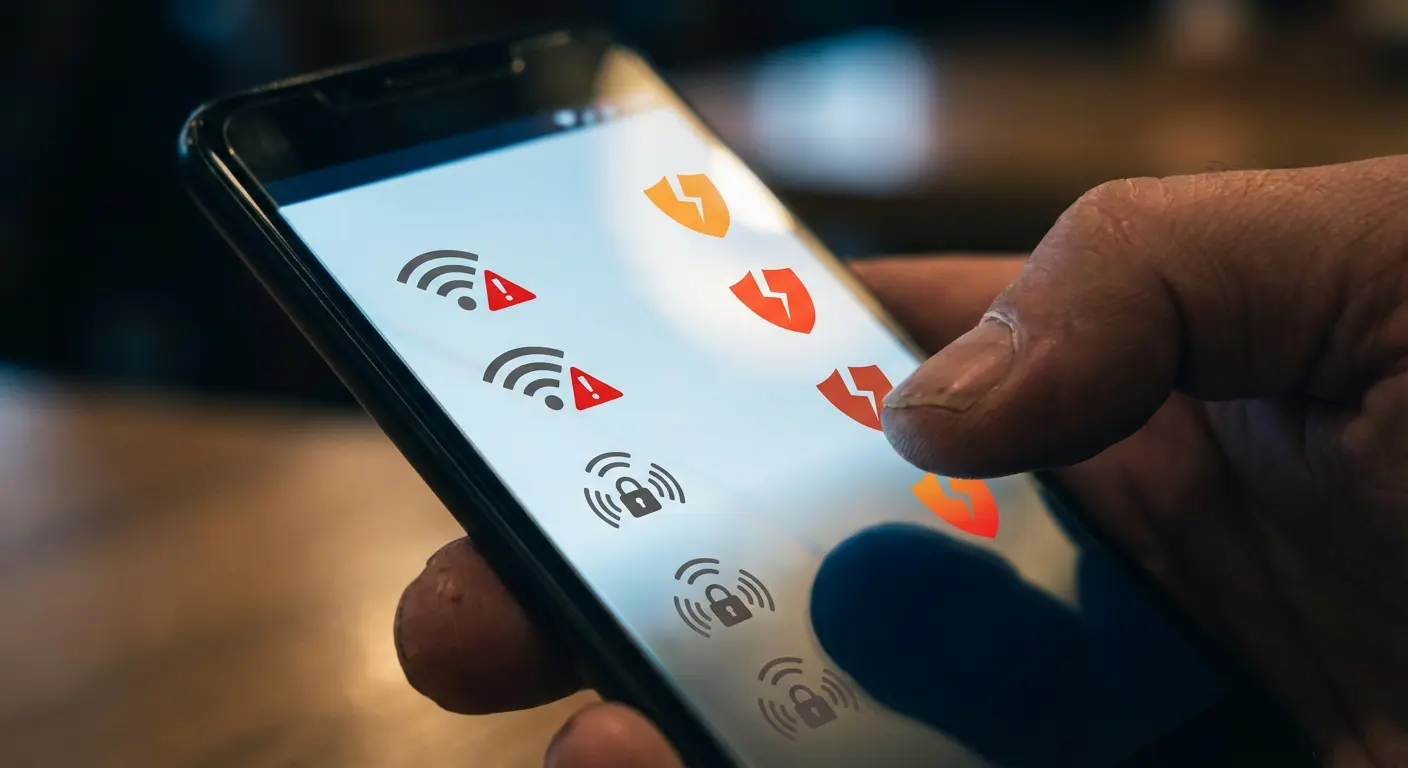
VPN services offer better protection here than antivirus software, yet they're rarely mentioned in Android security discussions. That's a problem because you're probably connecting to unsecured networks multiple times per week without thinking about it. Coffee shops, airports, hotels, conference centers. These networks are convenient and dangerous in equal measure.
Physical Access Trumps Digital Security
Nobody wants to admit this, but if someone grabs your unlocked phone, your antivirus software is completely irrelevant. That's why understanding how to protect your phone from theft matters just as much as digital security.
They can install anything. Read everything. Transfer funds. Reset passwords. Send messages as you. The average person unlocks their phone 96 times per day, and most of us don't immediately lock it when we set it down. That creates dozens of daily opportunities for unauthorized access.
Lost and stolen phones represent a massive security breach that antivirus companies conveniently ignore because they can't solve it. Yet this scenario is exponentially more likely than catching sophisticated malware. When was the last time you heard someone say their phone got infected with a virus? Now when was the last time you heard someone say they lost their phone or had it stolen?
What Actually Happens When Your Phone Gets Compromised
Understanding theoretical threats is one thing. Knowing what goes wrong helps you prioritize your defenses.
Ransomware represents one of the few threats where traditional antivirus for android provides genuine value. Your files get encrypted, you see a demand for payment, and suddenly everything on your device is inaccessible. Quality antivirus software can catch these apps before they execute, particularly if they're known variants. That's a legitimate win.
Spyware and stalkerware operate differently. These apps often get installed by someone with physical access to your device (a suspicious partner, an overbearing parent, a controlling ex). They hide in your app drawer, track your location, read your messages, and record your calls. Some antivirus programs detect these, but many don't because the apps technically function as advertised, just with malicious intent.
Cryptojacking apps mine cryptocurrency using your phone's processor, draining your battery and potentially damaging your hardware. You'll notice your phone running hot and dying quickly, but you might not connect it to that sketchy app you installed last week. Antivirus software catches some of these, though Google Play Protect has gotten better at blocking them before installation.
Banking trojans overlay fake login screens on top of legitimate banking apps, capturing your credentials when you type them in. This is where antivirus software really earns its keep, as behavioral analysis can detect these overlay attacks even when the malicious app itself appears clean.
But here's what your antivirus won't help with: you leaving your phone in an Uber with your banking app still logged in. Someone shoulder-surfing your PIN at the grocery store, then swiping your phone off the counter. Your device falling out of your pocket during a hike, exposing every photo, email, and saved password to whoever finds it.
A freelance photographer I know left his Android phone on a café table while ordering at the counter. He was gone for less than two minutes. When he returned, someone had picked up his unlocked device, opened his photo gallery app (which didn't require authentication), and sent dozens of client photos to their own device. These were pre-release images from a major brand campaign. The theft cost him his biggest client and damaged his professional reputation. His phone had premium antivirus software installed. It didn't matter.
These scenarios happen constantly. They're not theoretical. And they require physical security measures, not software solutions.
Rethinking Android Protection Beyond Software
Effective android antivirus protection requires thinking in layers, not single solutions.
Your first layer is Google Play Protect, which is already running on your device whether you realize it or not. It scans apps before you install them and periodically checks installed apps for known malware. It's not perfect, but it catches the obvious stuff without you doing anything.
Your second layer involves your own behavior. You can install the best antivirus suite available and still compromise your device by clicking phishing links, using weak passwords, or granting unnecessary permissions. Security awareness isn't sexy, but it prevents more breaches than any app.
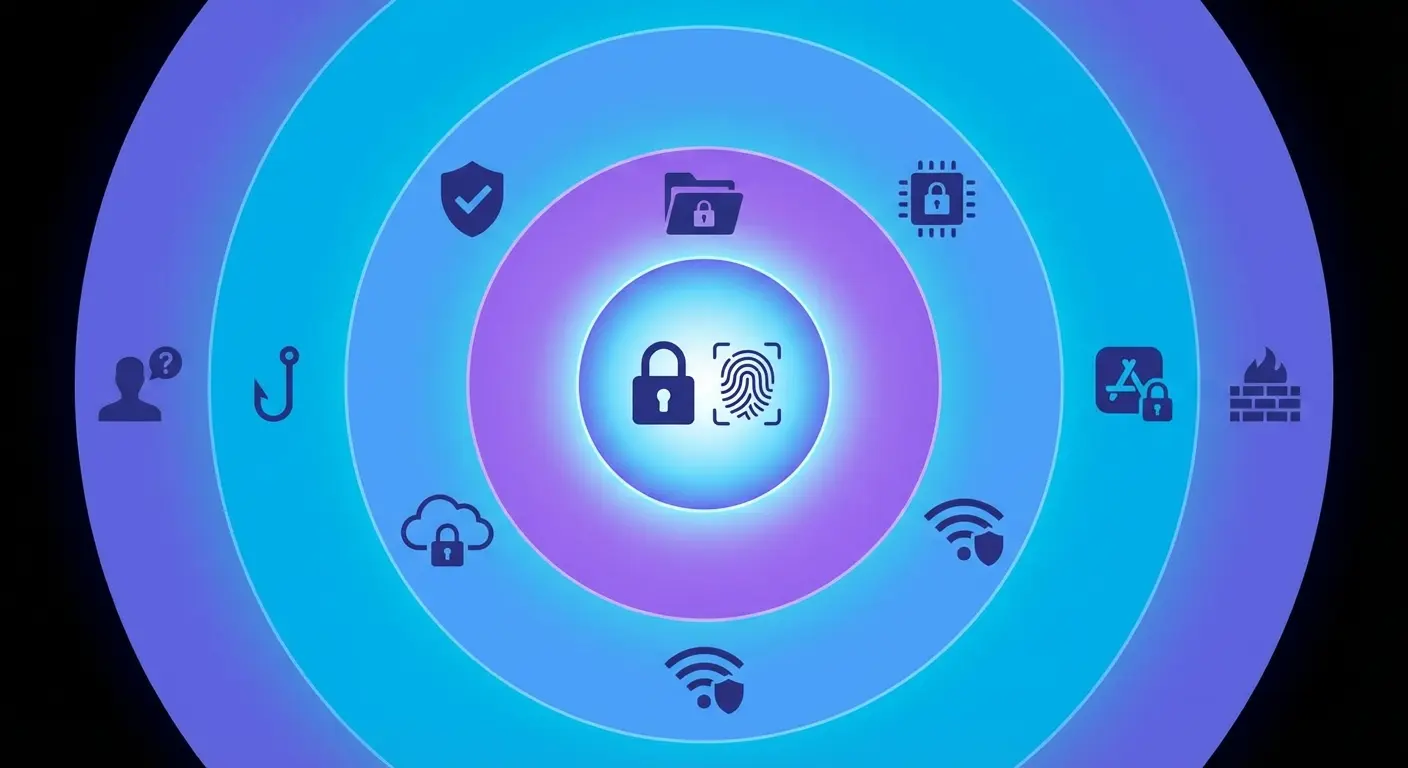
Your third layer is where dedicated antivirus software fits. It provides additional scanning, anti-theft features, VPN capabilities, and protection against threats that Google Play Protect might miss. This layer adds value, but only if the first two layers are solid.
Your fourth layer (and this is where most security advice completely drops the ball) is physical protection. Keeping your device in your possession, preventing damage that could expose your data, and ensuring you can remotely wipe it if it does go missing.
Most people obsess over layer three while ignoring layers two and four entirely. That's backwards. The threats you face daily don't respect the artificial boundaries we've created between "digital" and "physical" security.
Security Layer |
Protection Type |
Effectiveness Against |
Limitations |
|---|---|---|---|
Google Play Protect |
Automated malware scanning |
Known malware, malicious apps |
Limited real-time protection, doesn't catch zero-day threats |
User Behavior |
Awareness and caution |
Phishing, social engineering, unsafe permissions |
Requires constant vigilance, human error inevitable |
Dedicated Antivirus |
Enhanced scanning and features |
Advanced malware, ransomware, banking trojans |
Can't prevent user mistakes, resource intensive |
Physical Security |
Cases, mounting, tracking |
Lost/stolen devices, physical damage, unauthorized access |
Doesn't address digital threats, requires upfront investment |
Best Antivirus Options for Android (And What They Actually Do)
You came here for antivirus software for android recommendations, so here they are. But pay attention to what each one does well, because no single app solves every problem we've discussed.
According to Security.org's testing with over 2,900 malware samples, Norton achieved a 100% Android malware detection rate during independent testing. Detection rates matter, but they're not the only consideration when choosing protection.
Bitdefender Mobile Security
This is the one I'd install on my mom's phone. Bitdefender consistently ranks at the top for malware detection rates, catching 99.9% of threats in independent testing. The scanning engine is genuinely excellent, and the app doesn't destroy your battery life in the process (a common problem with security software).
What we like: The anti-theft features actually work when you need them. You can remotely locate, lock, or wipe your device. The web protection blocks malicious links before you click them, addressing one of those human factor vulnerabilities we mentioned earlier. The VPN is included, though limited to 200MB per day on the free tier.
What's missing: The app lock feature feels tacked on rather than thoughtfully integrated. Privacy features exist but aren't as thorough as dedicated privacy apps. You're still relying on yourself not to lose your phone in the first place.
Best for: Users who want top-tier malware protection with useful extras, and who don't mind paying $15/year for the full feature set.
Norton Mobile Security
Norton brings decades of security expertise to Android, and it shows in the polish. The interface makes sense, the features work reliably, and the company responds when you need support.
What we like: The WiFi security scanner alerts you when you're on sketchy networks. The SMS security filters out phishing texts before you see them. Call blocking works. The app advisor warns you about privacy-invasive apps before you install them, which addresses the permission problem we discussed.
What's missing: It's heavier on system resources than Bitdefender. The free version is essentially a trial that nags you constantly. Some features duplicate what Android already does natively.
Best for: Users who want an all-in-one security suite and value brand recognition and customer support.
Malwarebytes Mobile Security
Malwarebytes takes a different approach, focusing on privacy auditing alongside malware protection. The app shows you exactly what permissions each installed app has and flags concerning behavior.
What we like: The privacy audit is genuinely useful. You'll discover which apps are tracking your location 24/7 or accessing your contacts for no good reason. The malware scanner is fast and accurate. The interface is clean and doesn't overwhelm you with features you'll never use.
What's missing: No VPN. Anti-theft features are basic compared to competitors. You're paying $12/year primarily for malware scanning and privacy auditing, which might not justify the cost for everyone.
Best for: Privacy-conscious users who want visibility into what their apps are doing.
Kaspersky Mobile Antivirus
Kaspersky's detection rates match Bitdefender's, and the free version is surprisingly capable. You get real-time protection, manual scanning, and basic anti-theft features without paying anything.
What we like: The free tier is functional, not just a demo. Background checking doesn't noticeably impact performance. The anti-phishing protection works across browsers and apps. App lock is included even in the free version.
What's missing: The company's Russian origins create geopolitical concerns for some users (the US government banned it from federal devices). The premium version adds features most people don't need. Customer support is hit or miss.
Best for: Users who want solid protection without spending money, and who aren't concerned about the company's jurisdiction.
Avast Mobile Security
Avast packs an almost absurd number of features into its antivirus app for android. You get antivirus, VPN, photo vault, app lock, WiFi scanner, junk cleaner, RAM booster, and more. Whether you want all this is another question.
What we like: The feature set is extensive. The free version is genuinely useful (unlike Norton's). The WiFi security scanner provides detailed information about network vulnerabilities. The interface, while busy, is well-organized.
What's missing: The app constantly tries to upsell you to premium features. Some features feel like bloat rather than genuine security improvements. Past privacy controversies (Avast was caught selling user data) raise trust questions.
Best for: Users who want maximum features and don't mind a more aggressive monetization approach.
AVG Antivirus
AVG antivirus offers solid protection with a straightforward approach that appeals to users who want reliable security without complexity. The avg antivirus free version provides essential malware scanning and anti-theft features, making it accessible for budget-conscious users.
What we like: The detection rates are consistently high, and the interface is intuitive even for non-technical users. Real-time protection runs efficiently in the background without significant battery drain. The avg antivirus platform includes app locking and photo vault features that add practical value beyond basic scanning. For users exploring free antivirus for android options, avg antivirus delivers dependable performance without requiring an immediate financial commitment.
What's missing: The free version includes ads and occasional prompts to upgrade. Some advanced features like VPN and premium support require the paid tier. Performance optimization tools feel redundant on modern Android versions.
Best for: Users seeking dependable avg antivirus protection with a balance between free features and optional premium upgrades. The avg antivirus free tier makes it an excellent starting point for anyone new to mobile security or testing different solutions before committing to a paid service.
Antivirus App |
Annual Cost |
Malware Detection |
Key Strengths |
Best Use Case |
|---|---|---|---|---|
Bitdefender Mobile Security |
$15 |
99.9% |
Lightweight, excellent detection, web protection |
Users wanting top-tier protection with minimal battery impact |
Norton Mobile Security |
Varies by plan |
100% |
WiFi scanning, SMS filtering, comprehensive features |
Users who value brand recognition and all-in-one solutions |
Malwarebytes Mobile Security |
$12 |
High |
Privacy auditing, clean interface, permission monitoring |
Privacy-focused users who want app behavior visibility |
Kaspersky Mobile Antivirus |
Free (premium available) |
99.9% |
Strong free tier, app lock, minimal performance impact |
Budget-conscious users comfortable with the company's jurisdiction |
Avast Mobile Security |
Free (premium $70/year) |
100% |
Comprehensive features, WiFi scanner, photo vault |
Users wanting maximum features regardless of upselling |
AVG Antivirus |
Free (premium available) |
High |
User-friendly, reliable detection, balanced features |
Users seeking straightforward protection with upgrade options |
Physical Security: The Overlooked Half of Phone Protection
Software can't protect a phone that's not in your possession.
This obvious fact gets ignored in virtually every Android security discussion, yet it's the most actionable insight we can offer.
Why Your Case Choice Matters for Security
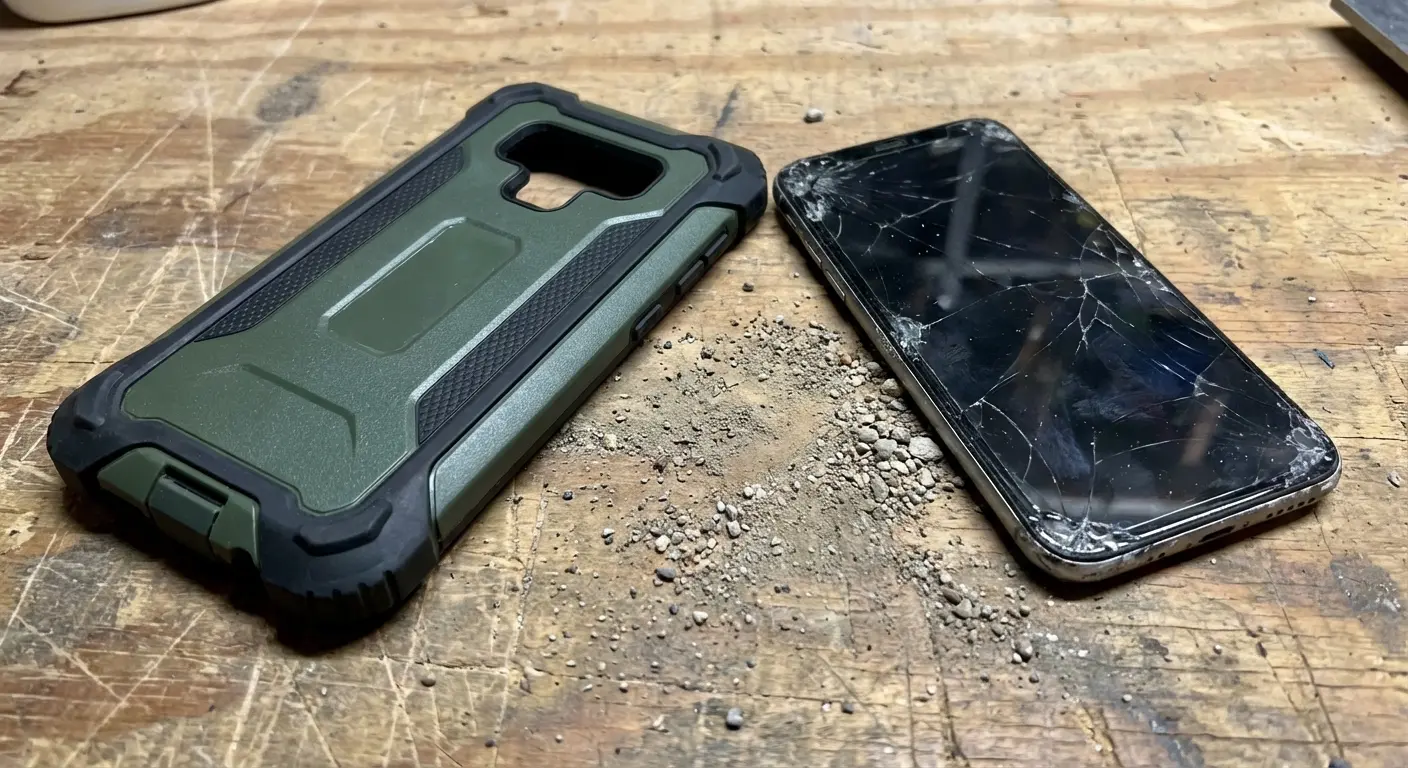
You probably think of phone cases as drop protection. That's true, but incomplete. A quality protective case serves multiple security functions that directly address the vulnerabilities we've discussed.
Durability prevents the screen damage that forces you to leave your device unlocked because the fingerprint sensor stopped working. It prevents the battery swelling that makes you desperate enough to use sketchy repair shops that might install compromised components. It prevents the catastrophic failure that forces you to replace your device urgently, potentially before you've properly wiped the old one.
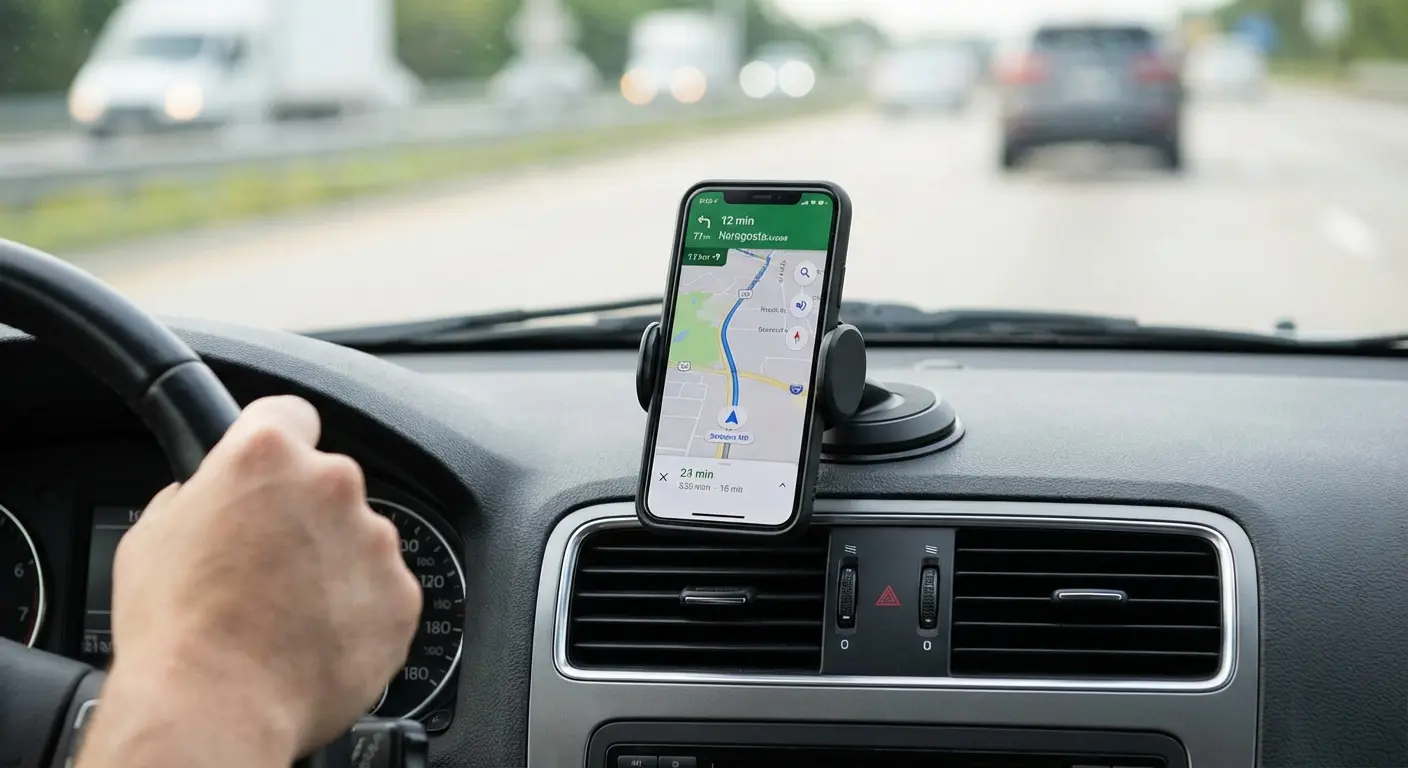
Secure mounting systems keep your phone physically attached to you or your vehicle, dramatically reducing loss and theft opportunities. You can't leave your phone on a table if it's magnetically locked to your bike mount. You can't drop it out of your pocket during a run if it's secured to an armband.
This isn't theoretical. The most common way people lose access to their data is by losing access to their device. Physical security prevents that primary attack vector.
A delivery driver I know used to keep his Android phone in his cup holder while making stops. Over six months, he left it behind at customer locations three times (once requiring a two-hour drive back to retrieve it). After switching to a magnetic mount system that securely held his phone to his dashboard, he hasn't lost his device once in two years. The mount cost $40. The peace of mind (and the sensitive customer data that stayed protected) was priceless.
Building a Complete Protection System
Full disclosure: I'm writing this for Rokform, and we make rugged cases and magnetic mounts. But I believed this stuff before writing this article, which is why I'm telling you about it. Physical security matters whether you buy from us or someone else.
We've spent years developing phone protection systems that address real-world use cases where devices get lost, stolen, or damaged. Our magnetic mounting ecosystem keeps your Android device secure whether you're driving, cycling, working out, or just moving through your day.
Rugged cases with military-grade drop protection mean your device survives the impacts that would otherwise crack screens and compromise biometric security. Integrated mounting systems mean your phone stays with you instead of getting left behind or pickpocketed. These aren't just convenience features. They're security measures that complement the best antivirus for android solutions you might install.
You've probably invested in antivirus software but never thought about how a quality case and mounting system prevents the most common security breach: a lost or stolen device. Check out our Android protection lineup to see how physical security complements your digital defenses.
How to Build a Complete Protection Strategy
Here's what actually works when you combine digital awareness with physical security.
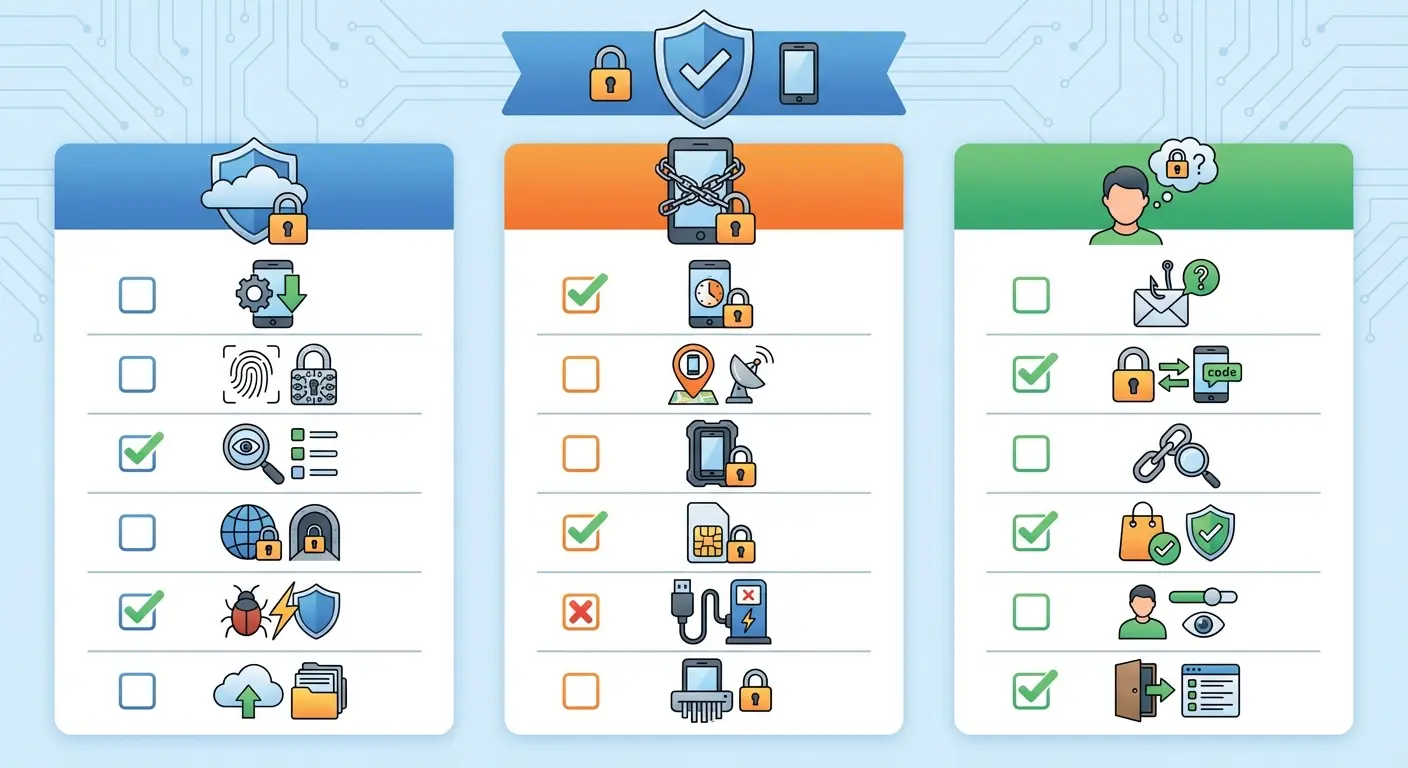
Digital Security:
Keep Google Play Protect enabled (it's on by default)
Install a quality antivirus for android that matches your specific needs
Use unique passwords for important accounts (password manager recommended)
Enable two-factor authentication on critical services
Review app permissions quarterly and revoke unnecessary access
Keep your OS and apps updated
Use a VPN on public networks
Consider avg antivirus free as a starting point if budget is a concern
Physical Security:
Invest in a rugged protective case that survives real-world impacts
Use secure mounting systems for vehicles, bikes, and activities
Enable Find My Device and test it before you need it
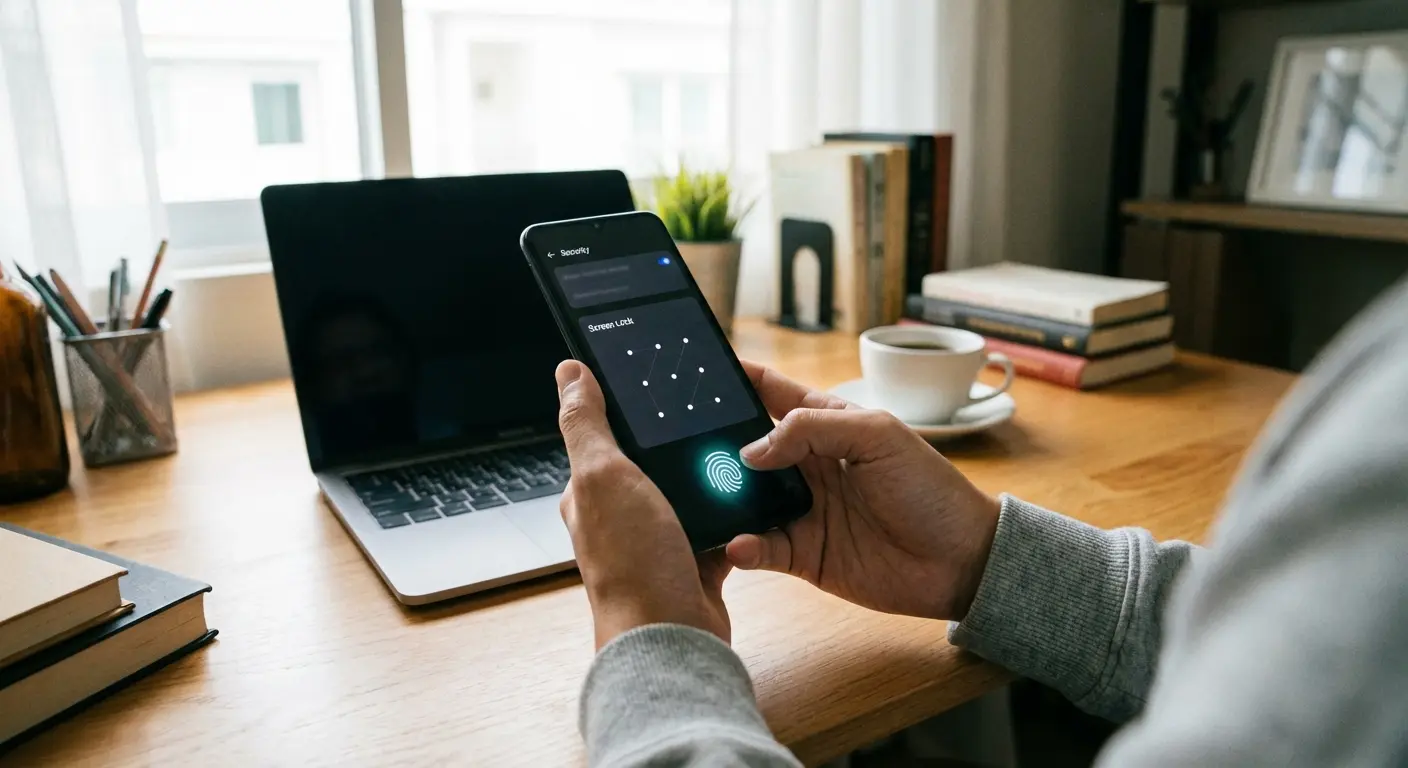
Set up automatic lock with a short timeout (30 seconds max)
Use biometric locks (fingerprint or face) with a strong backup PIN
Never leave your device unattended in public spaces
Consider a phone tether or lanyard for high-risk situations
Behavioral Security:
Verify sender identity before clicking links in messages
Check app developer information before installing anything
Be skeptical of urgent requests for personal information
Don't grant permissions unless you understand why they're needed
Regularly back up important data to encrypted cloud storage
Wipe devices properly before selling or recycling them
The weakest link in this chain becomes your vulnerability. Most people have strong digital security but terrible physical security, or vice versa. Both matter equally.
Quick Security Assessment: Do You Need Enhanced Protection?
Answer YES or NO to each question:
Do you frequently connect to public WiFi networks?
Do you use your phone for mobile banking or financial transactions?
Have you ever lost or misplaced your phone (even temporarily)?
Do you install apps from sources other than Google Play?
Do you share your device with family members or children?
Does your phone contain work emails or sensitive business data?
Do you use your phone in high-risk environments (crowded places, outdoor activities)?
Have you experienced unusual battery drain or performance issues?
Do you click links from text messages or emails without verifying the source?
Is your phone more than two years old without recent security updates?
Scoring:
0-2 YES answers: Basic protection (Google Play Protect + good habits) is likely sufficient, though avg antivirus free can add an extra layer
3-5 YES answers: Consider adding dedicated antivirus software for android
6-8 YES answers: You need both antivirus software and enhanced physical security
9-10 YES answers: Implement complete protection immediately (antivirus, VPN, physical security, and behavioral training)
Final Thoughts
Look, here's what I actually want you to do after reading this:
Install Bitdefender or Malwarebytes (or even AVG's free version if you're broke). Get some basic malware protection running beyond what Google provides.
Set your auto-lock to 30 seconds. I know it's annoying. Do it anyway. This one change prevents more breaches than any antivirus app.
Get a case that can actually survive a drop. Your phone costs $800. Spend $50 protecting it. Cracked screens lead to disabled biometric locks, which leads to leaving your phone unlocked, which leads to disaster.
Stop clicking links in texts. Just stop. If your bank needs you, they'll call. If Amazon has a problem, open the app yourself. Don't click the link.
That's it. Four things. You don't need to become a security expert. You just need to stop making it easy for bad guys.
The antivirus industry has done an excellent job convincing everyone that software is the answer to security questions. Sometimes it is. Often it's only part of the answer.
Your Android device faces real threats. Malware exists. Phishing attacks are getting more sophisticated. Ransomware can genuinely ruin your day. Quality antivirus software addresses these threats and deserves a place in your security strategy.
But that same device is exponentially more likely to be lost, stolen, dropped, or accessed by someone you know than it is to be infected by sophisticated malware. These threats require different solutions: awareness, strong authentication, encrypted backups, and physical protection systems that keep your device in your possession and functional.
As ZDNET reported in their 2026 antivirus roundup, cybersecurity company SentinelOne published findings highlighting that criminals are now using machine learning to develop malicious code, making the threat landscape more sophisticated than ever. This evolution means your security strategy must be equally sophisticated, combining software protection with physical safeguards and smart behavior.
I'm not suggesting you skip antivirus software. I'm suggesting you stop treating it as the only security measure that matters. Install Bitdefender or Norton or avg antivirus or whichever option fits your needs and budget. Then spend an equal amount of energy addressing the vulnerabilities that software can't fix, including understanding comprehensive device protection strategies that apply to Android users as well.
Think about where and how you use your phone. Do you mountain bike with it in a loose pocket? Leave it on your desk in shared workspaces? Hand it to your kids without restrictions? Each of these scenarios creates specific risks that require specific solutions.
The best security strategy is the one you'll actually maintain. If reviewing app permissions quarterly sounds tedious, set a calendar reminder and do it anyway. If you keep forgetting to lock your phone, adjust the auto-lock timeout to 15 seconds instead of relying on memory. If you've cracked three screens in two years, admit that you need serious physical protection and invest accordingly.
Your Android device contains your entire digital life. Your photos, messages, financial apps, work emails, and authentication codes all live in that rectangle of glass and metal. Protecting it requires more than a $15 annual antivirus subscription. It requires thinking about security as a system rather than a single app, which is why we developed our rugged case lineup to complement your digital security efforts.
And for the love of God, stop leaving your phone on tables in public places. That's how people lose their biggest clients, their personal photos, and their peace of mind. Your antivirus subscription won't help when your phone's in someone else's pocket.

