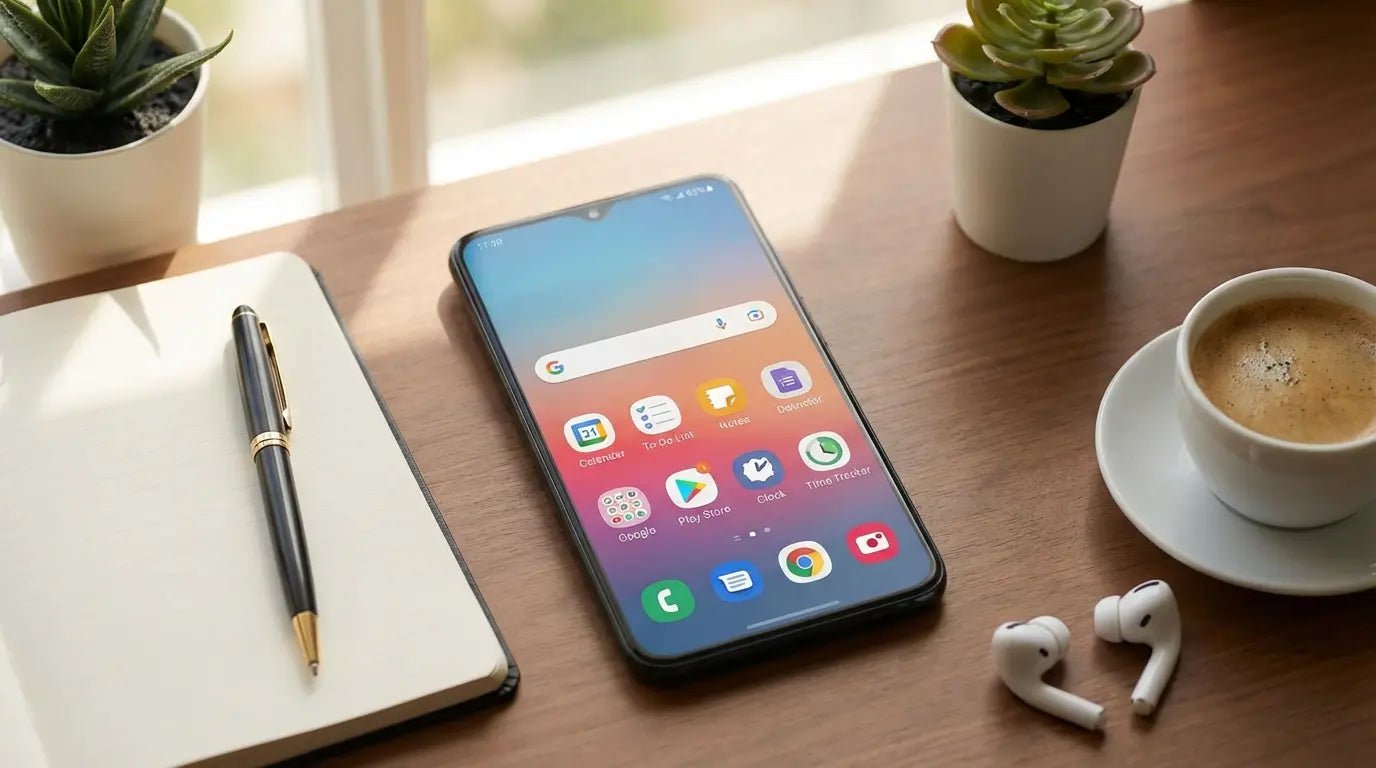
There's a quote from Karandeep Singh at Android Authority that always sticks with me: "Productivity apps are the bane of the app world." It hits a little too close to home. We’ve all been there—spending more time color-coding a to-do list than actually doing the work. I used to stare at three different calendars and a monitor covered in sticky notes, realizing my "system" was just a stress-inducing mess.
The truth is, you don't need more apps. You just need a few good ones that actually talk to each other. This isn't just a random scrape of the Play Store; it’s a look at the tools—including heavy hitters like TickTick—that I’ve actually kept installed because they work. Here are the best productivity apps android users can grab right now to finally get organized.

Table of Contents
Here is the roadmap. We’ll start with what actually makes an app worth downloading, then break down the top 25 tools by what they do: managing tasks, taking notes, staying focused, talking to your team, and the background utilities that glue it all together. Finally, we’ll touch on the hardware that keeps this whole system running.
TL;DR
In a rush? Here is the cheat sheet for optimizing your Android setup in 2026.
Integration is Everything: If it doesn't sync instantly between your phone, Windows PC, and tablet, skip it.
AI is a Must: You want apps that use Natural Language Processing (NLP). You shouldn't have to manually dial in dates; the app should understand "tomorrow at 5."
Friction Kills Flow: I use the "Time-to-Capture" rule. If it takes more than two taps to save an idea, you won't use it.
TickTick is the MVP: For pure task management, TickTick currently strikes the best balance between power and ease of use.
Obsidian for Notes: If you want to own your data forever, Obsidian beats the cloud-based giants.
Hardware Counts: Software is useless if your phone breaks. Protect your gear to keep the workflow moving.
Category |
Top Pick |
Best For |
Key Feature |
|---|---|---|---|
Task Management |
TickTick |
Power Users |
Voice Input & NLP |
Note-Taking |
Obsidian |
Researchers |
Local "Graph" Linking |
Focus |
Forest |
Procrastinators |
Gamified Timers |
Communication |
Slack |
Remote Teams |
App Integrations |
Utilities |
IFTTT |
Automators |
Cross-App Triggers |
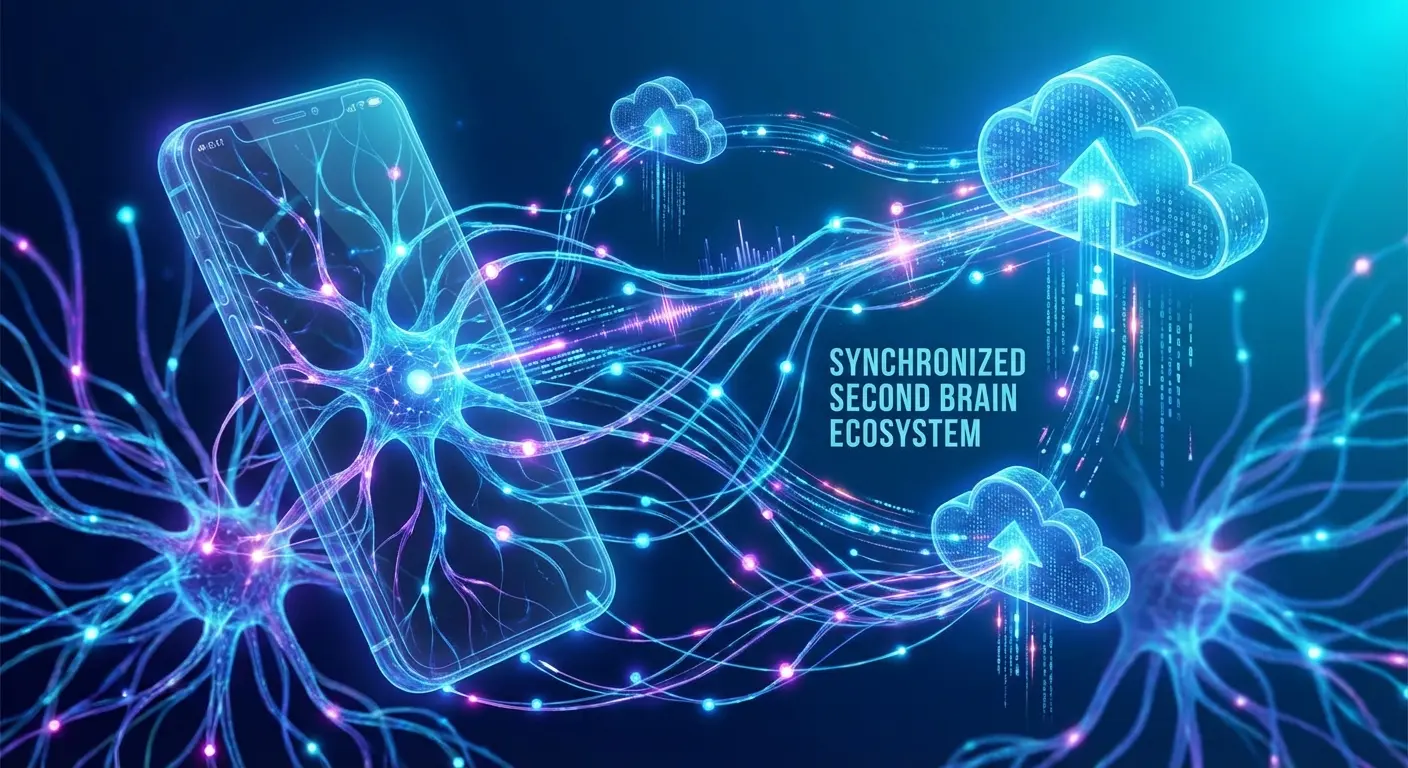
The "Second Brain" Ecosystem: Read This Before Installing
Stop downloading everything you see on the "Top Charts." You need a strategy before you clutter up your app drawer. In 2026, the best productivity apps android has to offer are defined by how they fit into your life, not just their feature list. I look for four specific things. First, cross-platform sync is non-negotiable; if I type a note on my phone, it needs to be on my desktop before I sit down.
Second is AI; standard typing is too slow. I need predictive text and automated sorting found in apps like TickTick. Third is friction; high-friction apps get abandoned after a week. Finally, does it play nice with others? It needs to talk to my calendar and email natively.
The "Capture-to-Calendar" Workflow:
Picture this: You're walking to your car and remember you need to email a client.
The Old Way: Unlock phone -> Open Notes -> Type "Email John" -> Close app -> Completely forget to check the app later.
The "Second Brain" Way: Tap a widget -> Say "Email John tomorrow at 9 AM" -> The app recognizes the time, adds it to your Calendar, and sets a reminder. You don't have to "remember" anything.
To make this work, you need quick access right from your home screen. Customizing your interface is huge, so check out our guide on the best Android widgets for your Galaxy S22 Ultra to speed up your capture process.
Taming the Chaos: Task Management & To-Do Lists
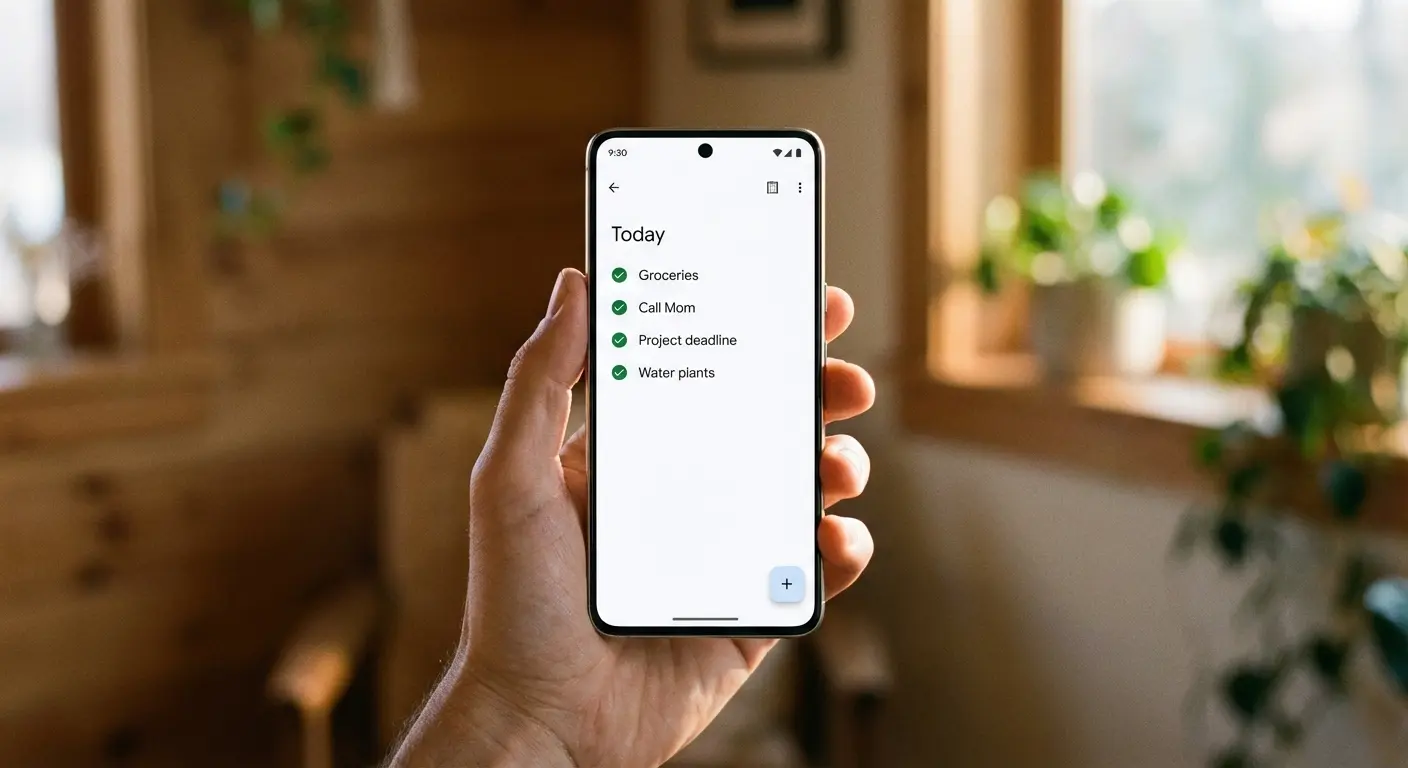
This is the "what" of your day. These apps are designed to get ideas out of your head and into a system that nags you when it's time to work. Whether you go with TickTick or something simpler, the goal is getting things done, not just listing them.
If you want to see what else the Play Store has beyond just task managers, read our comprehensive list of the 25 best apps for Android to beef up your phone's utility.
1. TickTick
TickTick is the one I keep coming back to. It combines a to-do list, calendar, habit tracker, and Pomodoro timer into one screen. It scores a perfect 10/10 on friction because the voice input is genuinely smart. You just say "Meeting every Friday at 4 PM," and TickTick sets the recurring task automatically. It’s the gold standard for sync right now.
2. Todoist
Todoist keeps things clean. While it lacks the built-in timer features of TickTick, it excels in speed and third-party integrations. If you want a dedicated list app without the extra visual noise, this is the one. It relies heavily on natural language input to keep you moving fast.
3. Microsoft To Do
This is the spiritual successor to Wunderlist. If you live your work life in Outlook and Windows, this beats TickTick simply because of the native Office 365 syncing. It’s not quite as feature-rich for power users, but for the corporate 9-to-5, it fits perfectly.
Feature |
TickTick |
Todoist |
Microsoft To Do |
|---|---|---|---|
Natural Language Input |
Excellent |
Excellent |
Basic |
Built-in Pomodoro |
Yes |
No |
No |
Calendar View |
Monthly/Weekly |
Weekly (Pro) |
Basic List |
Team Collaboration |
Good |
Excellent |
Corporate Focused |
Pricing Model |
Freemium |
Freemium |
Free (w/ 365) |
4. Google Tasks
Google Tasks offers the lowest friction for Gmail users. It’s a simple drag-and-drop list right inside your inbox. It won't manage a massive project, but for quick reminders like "buy milk" or "call mom," it’s unbeatable.
5. Any.do
Any.do is a visual planner that focuses heavily on "My Day." It has a "Moment" feature that forces you to review your schedule every morning, which is a great habit builder. It looks stunning, though I find it slightly less customizable than TickTick.
6. 2Do
2Do is an offline-first manager for power users who want total control. Unlike the cloud-first nature of other apps, this is great for privacy. The learning curve is steep, and setting up sync takes a minute, but the level of detail is unmatched.
Building Your Wiki: Note-Taking & Knowledge Management
You need a place for the long-term stuff—research, random thoughts, and reference material. These apps are your digital file cabinet. Unlike a task list in TickTick that you check off and delete, these tools are for permanence.
7. Obsidian
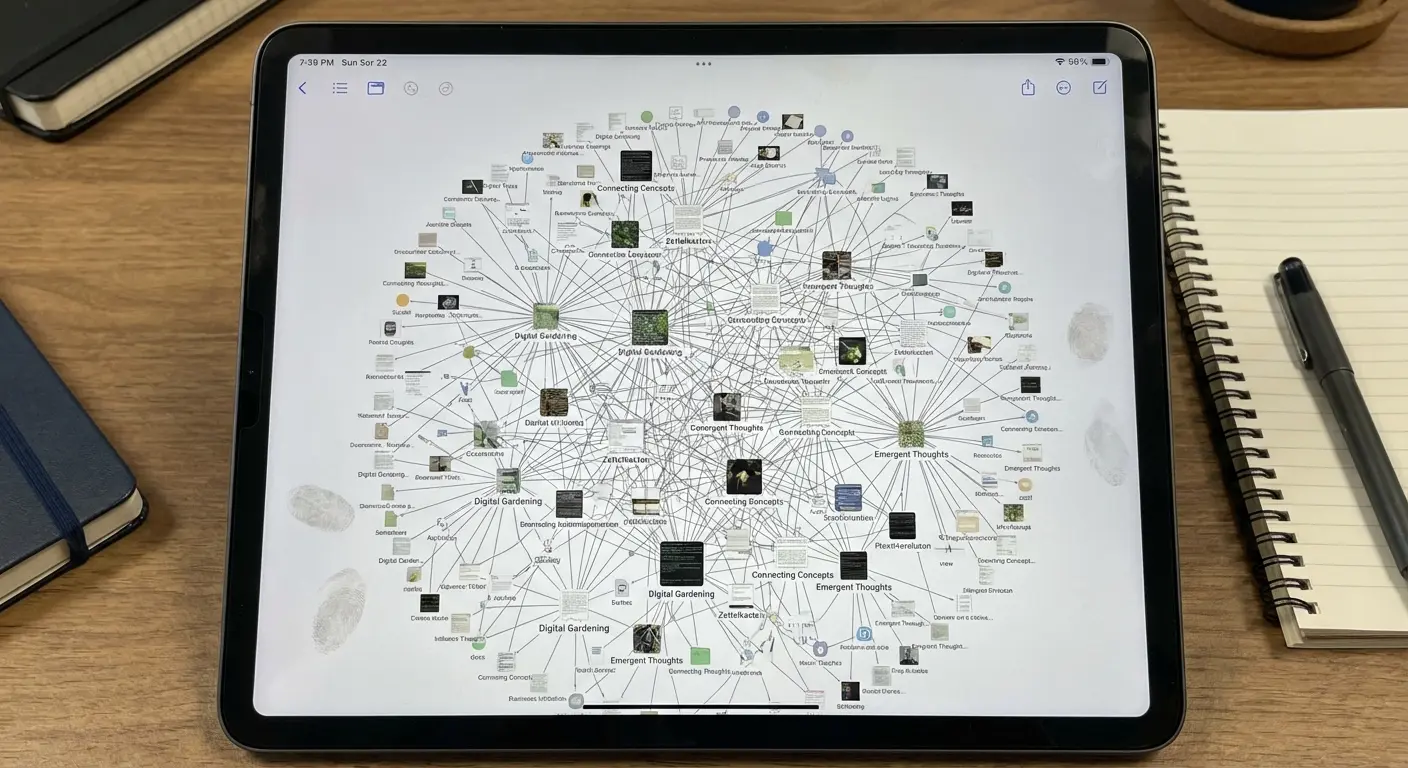
Obsidian is a markdown-based app that links notes together like a personal Wikipedia. It’s excellent for long-term knowledge management. It doesn't have the task features of TickTick, but for writing and research, its "local file" approach means you own your data forever.
8. Notion
Notion is an all-in-one workspace for databases and project boards. It is a powerhouse, though it can feel a bit heavy on Android compared to native apps. It scores high on flexibility, basically allowing you to build your own productivity OS from scratch.
9. Google Keep
Google Keep is my digital sticky note. It’s fast, simple, and perfect for capturing images, voice memos, and checklists on the fly. I use it to catch fleeting thoughts before moving them to a "real" system later.
Keep is an excellent zero-cost option, but if you want to explore more free tools that actually work, take a look at our roundup of the best free apps for productivity.
10. Evernote
Evernote is the veteran here. It still excels at OCR, meaning it can search for text inside images and PDFs you scan. It’s heavier and pricier than it used to be, but for storing web clips and handwritten notes, it’s still a contender.
11. UpNote
UpNote is a lightweight alternative to Evernote. It offers beautiful formatting and "always on top" windows on desktop. It feels much smoother on Android than Notion and focuses purely on the writing experience.
Reclaiming Your Attention: Focus, Time Tracking & Habits
Planning is useless if you don't actually execute. These tools help you stay on task, track where your hours actually go, and build better habits.
The "Deep Work" Strategy:
Here is how to force a productivity block:
Trigger: Set a "Deep Work" tag in Toggl Track to start the clock.
Block: Open Forest and plant a 45-minute tree. This physically prevents you from doom-scrolling Instagram.
Execute: Work on the single most important item in TickTick until that tree is grown.
12. Forest
Forest turns staying off your phone into a game. Staying focused grows virtual trees; leaving the app kills them. It sounds silly, but if you struggle with phone addiction, this visual guilt trip works better than a standard timer.

This type of gamification is huge for students. If you're trying to balance coursework and life, check out our article on the best productivity apps for students to help get through finals week.
13. RescueTime
RescueTime runs in the background and reports where your time goes. There is zero friction; you install it and forget it. Then, it gives you the cold, hard data on whether you were actually productive or just busy.
14. Toggl Track
Toggl Track is a manual time tracker that is ideal for freelancers. While other apps allow for estimated durations, Toggl provides the precise reporting you need if you're billing clients by the hour.
15. Focus To-Do
Focus To-Do combines Pomodoro with a task list. It’s a direct competitor to the Pomo-functionality in TickTick, but it offers more detailed stats on exactly how much time you spend on specific project categories.
Team Sync: Communication & Project Management
When you work with others, your personal system needs to plug into the team's system. These apps handle the collaboration side of things.

16. Slack
Slack is the standard for business chat. It integrates with TickTick and Todoist, allowing you to turn a chat message into a task instantly. It’s essential for keeping your email inbox clear of quick questions.
17. Trello
Trello uses Kanban-style boards to move tasks from "To Do" to "Done." Visual thinkers usually prefer this over list-based apps. It’s great for collaborative projects where you need to see exactly where everything stands.
18. Asana
Asana is a robust tool for larger teams. If TickTick is for you, Asana is for the company. It handles task dependencies much better, ensuring you don't start a task before the prerequisite is finished.
19. Spark Mail
Spark Mail is an intelligent email client that sorts mail into categories like "Personal" and "Newsletters." Its "Smart Inbox" cuts down the noise, letting you focus on actual work rather than deleting spam.
The Backbone: Utilities & Automation
These are the tools that run in the background. They handle files, security, and automation to glue your ecosystem together.

20. Google Drive
Google Drive is the backbone of Android productivity. Its collaboration features are unmatched, and it serves as the storage backend for half the apps on this list.
21. Solid Explorer
Solid Explorer is a dual-pane file manager that supports cloud storage. Android’s native manager is too basic; this lets you move documents between Dropbox and your phone with actual control.
22. IFTTT (If This Then That)
IFTTT is the glue. It connects different apps, allowing you to do things like automatically adding starred emails to your to-do list. It bridges the gap between apps that don't natively talk to each other.
Utility Type |
Recommended App |
Primary Function |
|---|---|---|
Cloud Storage |
Google Drive |
File Sync & Collaboration |
File Management |
Solid Explorer |
Dual-Pane File Organization |
Automation |
IFTTT |
Cross-App Triggers |
Security |
Bitwarden |
Password Management |
Web Reading |
Offline Article Saving |
23. Pocket
Pocket is a "read later" service that strips ads from articles. It keeps your browser clean by letting you save interesting reads for later, rather than keeping 20 tabs open "just in case."
24. Bitwarden
Bitwarden is a secure, open-source password manager. Nothing kills productivity faster than having to reset a forgotten password. This removes that headache entirely across all your devices.
25. Business Calendar 2
Business Calendar 2 is a highly customizable calendar app. It offers better widgets and natural language input than the standard Google Calendar app, giving you more control over your view.
Protecting the Workflow: Where Software Meets Hardware
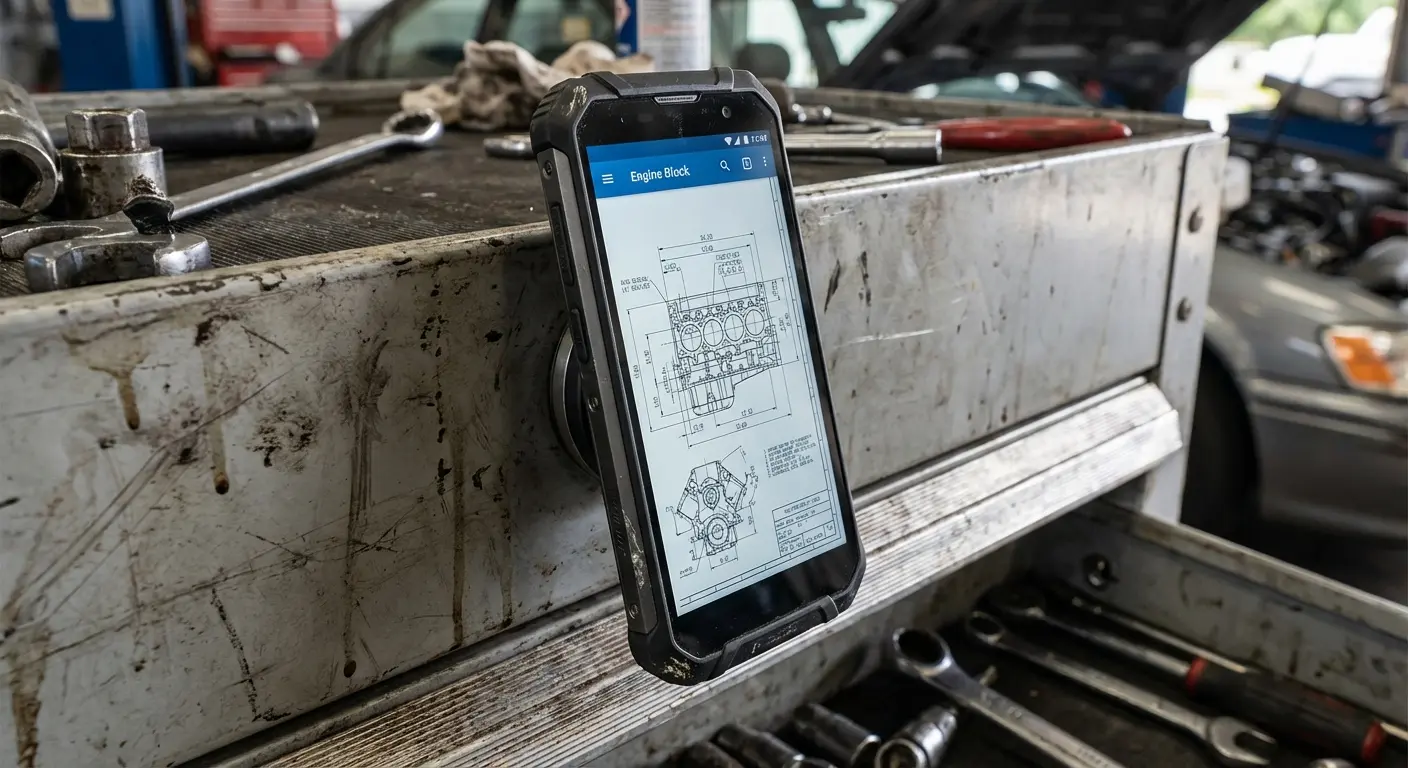
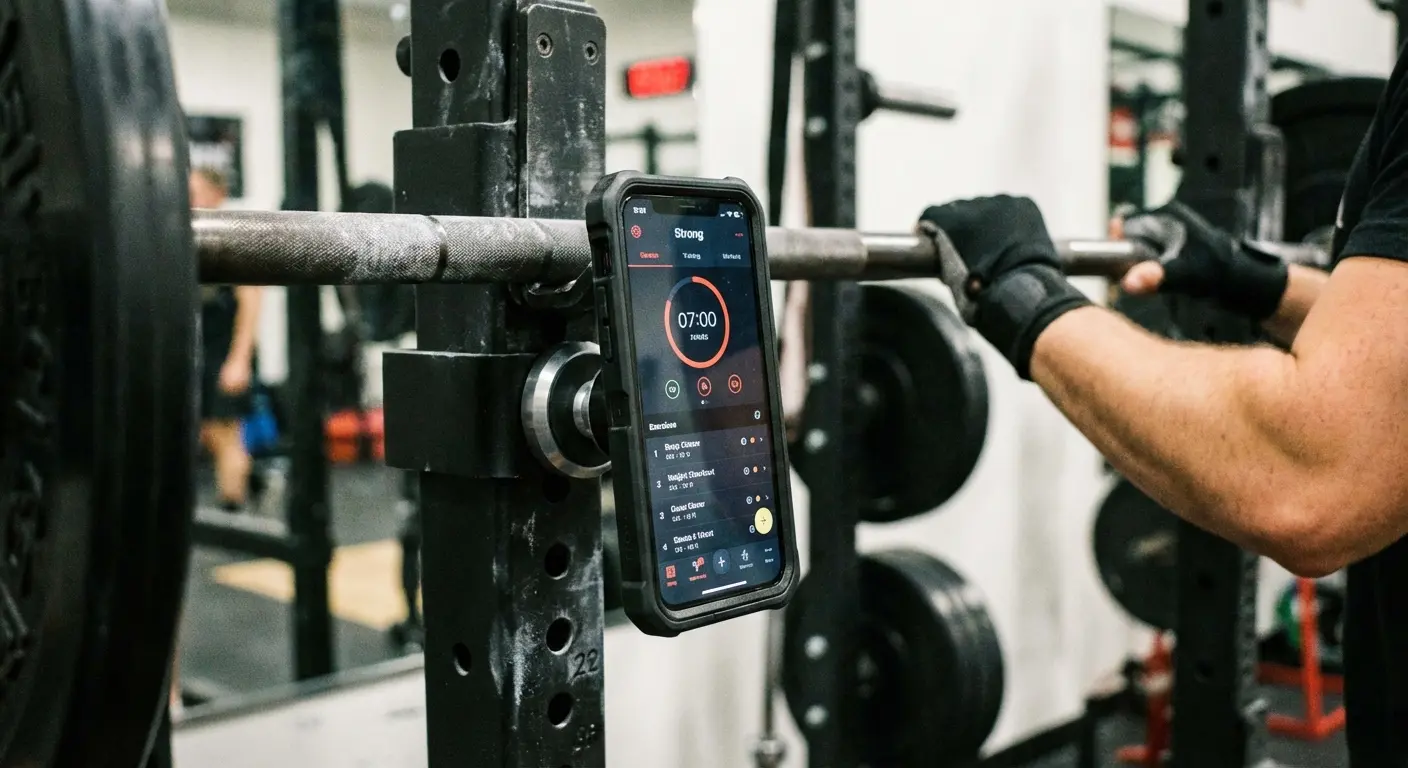
Here’s the thing about productivity—it doesn't matter how organized your TickTick list is if your phone battery dies or you drop your device on concrete. Real work happens in the real world, and that's where Rokform comes in. Our MAGMAX™ magnetic mounting lets you stick your Android phone to a toolbox, fridge, or gym rack for a completely hands-free workflow.
Plus, with our rugged cases, you don't have to panic if your phone takes a tumble on the job site. If you want to keep your "second brain" running, you have to protect the hardware.
To ensure your device survives a productive day, browse our selection of the best android phone cases that offer superior protection and magnetic utility.
The Hands-Free "Blue Collar" Workflow:
For those who don't work at a desk, holding a phone kills efficiency.
The Scenario: You're fixing a car engine and need to watch a YouTube tutorial or check a schematic.
The Solution: Use a Rokform magnetic case to snap the phone directly onto the raised hood of the car. Now you can follow the video step-by-step with both hands on your tools, rather than balancing the phone on the engine block.
Check out the Rokform Rugged Series to secure your productivity setup.
The Bottom Line
Building a productivity system isn't about hoarding apps; it's about finding the few that actually make your life easier. Whether you choose TickTick for tasks or Obsidian for notes, the goal is to spend less time managing the software and more time doing the work. Start with one category, get your system running, and make sure your tech is protected so it's ready when you are.