


Table of Contents
Why Android's Security Model Doesn't Work Like You Think
The Real Threats Your Phone Faces (And What They're Actually After)
What Google Play Protect Does Behind the Scenes
When Third-Party Antivirus Apps Make Sense
The Hidden Cost of Running Security Software on Your Phone
How Your Behavior Matters More Than Your Apps
What to Do If You've Already Installed Antivirus Software
Protecting Your Device Without Slowing It Down
TL;DR
The short version: Your Android phone already has security built in. It's called Google Play Protect, and it's probably good enough unless you do sketchy stuff like sideloading apps from random websites. The biggest threats to your phone aren't viruses anyway... they're you clicking dumb links and granting permissions without reading them. Most antivirus apps will murder your battery while catching basically nothing Play Protect wouldn't catch anyway.
Why Android's Security Model Doesn't Work Like You Think
I ran Norton on my Galaxy S10 for eight months. My battery life was garbage, I got notifications constantly, and you know how many actual threats it caught? Zero. I finally deleted it last March and nothing bad happened. That experience made me dig into whether these apps are even worth it.
Everyone says Android needs antivirus because it's more "open" than iOS. And look, they're not completely wrong, but they're missing the bigger picture about how Android actually works.
The Sandbox Architecture That Changes Everything
Here's the thing: every app on your phone runs in its own little bubble. It can't see what other apps are doing. Can't touch their data. Can't mess with system files. Not unless you specifically give it permission to.
This isn't a feature you turn on. It's built right into how Android works.
Traditional viruses spread by modifying system files or injecting code into other programs. Android's architecture makes this incredibly difficult. An app can't reach into another app's data or modify system-level files without root access, which modern Android devices don't grant by default.

The threat landscape has changed a lot in recent years. AV-TEST Institute tracks this stuff, and they're seeing 450,000 new malware and potentially unwanted applications (PUAs) emerge every single day across all platforms. That number seems almost impossibly high, but that's what the security companies are reporting (and yes, they have an incentive to make the threat seem massive, but the number still checks out). Understanding your device's built-in protections matters more than ever in this environment.
Permission Systems Do Most of the Heavy Lifting
When you install an app, it has to ask for specific permissions before accessing your camera, contacts, location, or files. This wasn't always true. Older Android versions granted permissions at install time. But modern Android forces apps to request access when they need it.
This system stops most malicious behavior before it starts. A sketchy app can't silently access your photos or track your location without you seeing a permission prompt first.
The weak point?
You.
We've all tapped "Allow" without reading what we're allowing. That's where the real vulnerability exists, and no antivirus app can protect you from permissions you consciously grant. The permission system works brilliantly when users pay attention to what they're approving, but it falls apart the moment someone mindlessly accepts every request that pops up.
The Real Threats Your Phone Faces (And What They're Actually After)
Social Engineering Beats Technical Exploits Every Time
Hackers aren't writing sophisticated code to break into your phone. Why would they? That's expensive and hard.
Instead, they just... ask.
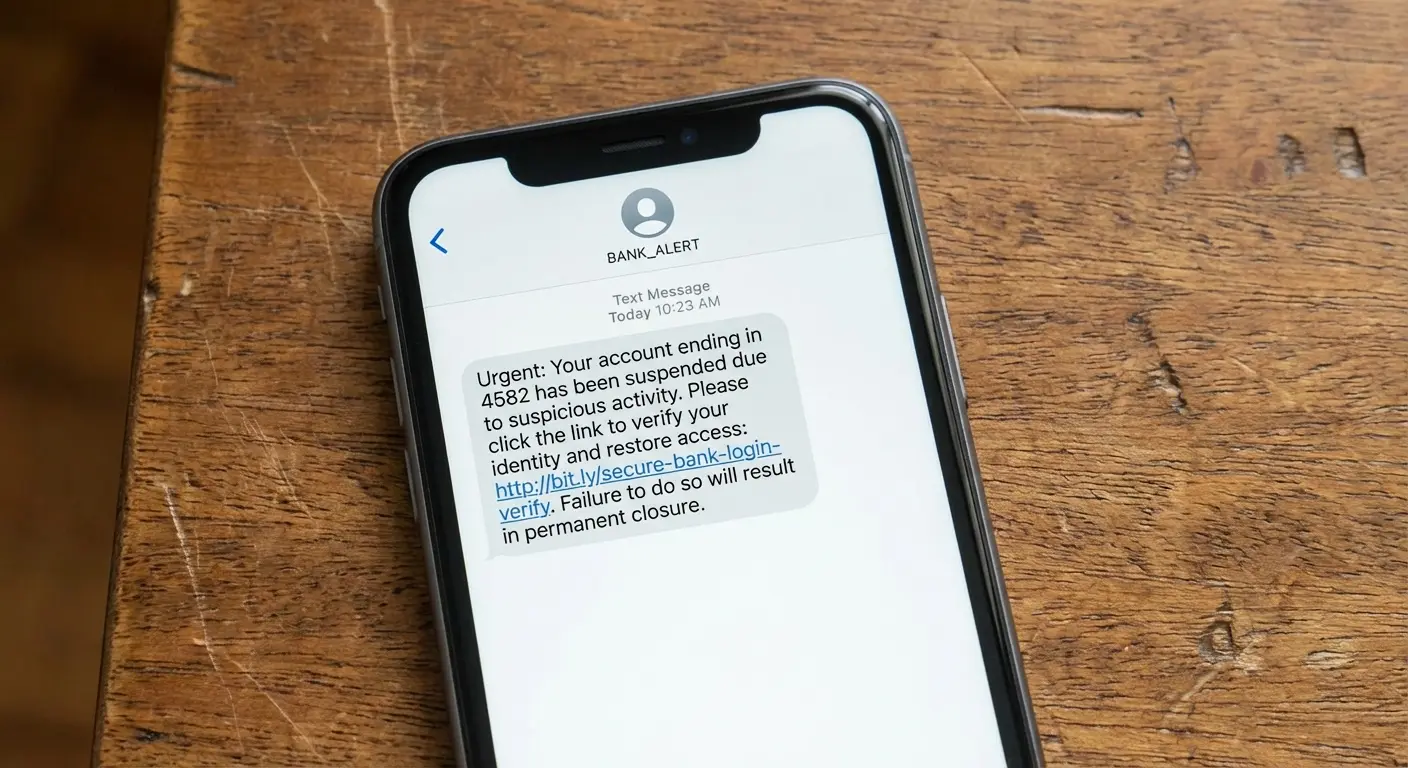
Phishing works because it exploits trust. You get a text from "your bank." You click. You enter your info on a fake site. Done. Your antivirus app sat there doing nothing the entire time because no malware was ever involved.
The sophistication of these attacks keeps getting worse. In 2025, cybersecurity researchers identified the Datzbro banking Android Trojan, which specifically targeted seniors by creating Facebook groups promising fun community activities. Victims were prompted to download what appeared to be a legitimate community chat app, which then disabled Android's security controls and provided remote access to cybercriminals. This shows you how these scams actually work by combining social engineering with technical exploitation in ways traditional antivirus software struggles to detect.
Fake apps represent another major threat vector. Someone creates an app that looks like a popular game or utility, loads it with aggressive adware or data collection tools, and publishes it to third-party app stores. Users download it thinking they're getting the real thing. The app doesn't contain a "virus" in the traditional sense. It does exactly what its creator designed it to do, which happens to be invasive and unwanted.
Get this: over 200 malicious apps were hosted on Google Play in 2025, resulting in more than 40 million malware downloads. Many of these apps requested unnecessary permissions or served as data-harvesting tools, operating within the bounds of what the operating system allows while still causing significant harm.
I watched my neighbor do this exact thing. She's in her 60s, wanted a magnifying glass app, found one with good reviews. Two weeks later, everyone in her contact list (including me) got spam texts from her number. The app wasn't even malware technically. It did what it said it would do, plus harvested and sold everyone's contact info. That's the stuff antivirus doesn't catch.
The Apps You Already Have Pose More Risk Than the Ones You Don't
Your flashlight app probably doesn't need access to your contacts, but it asked and you said yes. That's not a virus. That's a privacy violation hiding behind legitimate app store presence and user consent.
Data breaches at legitimate companies expose more personal information than malware typically steals. When a social media app or retail chain gets hacked, millions of user records leak. Your antivirus app can't prevent that because the vulnerability exists on someone else's server, not your device.
We focus so much on preventing malicious apps from getting installed that we ignore the problematic behavior of apps we intentionally use every day. These apps collect location data, track browsing habits, monitor app usage patterns, and sell this information to data brokers. All perfectly legal, all completely undetectable by antivirus software, and all potentially more invasive than most malware.
Side note: I find it hilarious that we worry about malware while willingly giving Facebook access to literally everything, but that's a rant for another day.
What Google Play Protect Does Behind the Scenes
The Protection You Didn't Know You Had
Google Play Protect runs on every Android device with Google Play Services, which is nearly all of them. It scans apps before you download them from the Play Store, scans apps already on your device daily, and can remotely remove apps that are discovered to be harmful after installation.
The system checks over 125 billion apps every day across all Android devices globally (which is a truly bonkers number when you think about it). When it identifies a malicious app, it can warn you, disable it, or remove it entirely depending on the threat level.
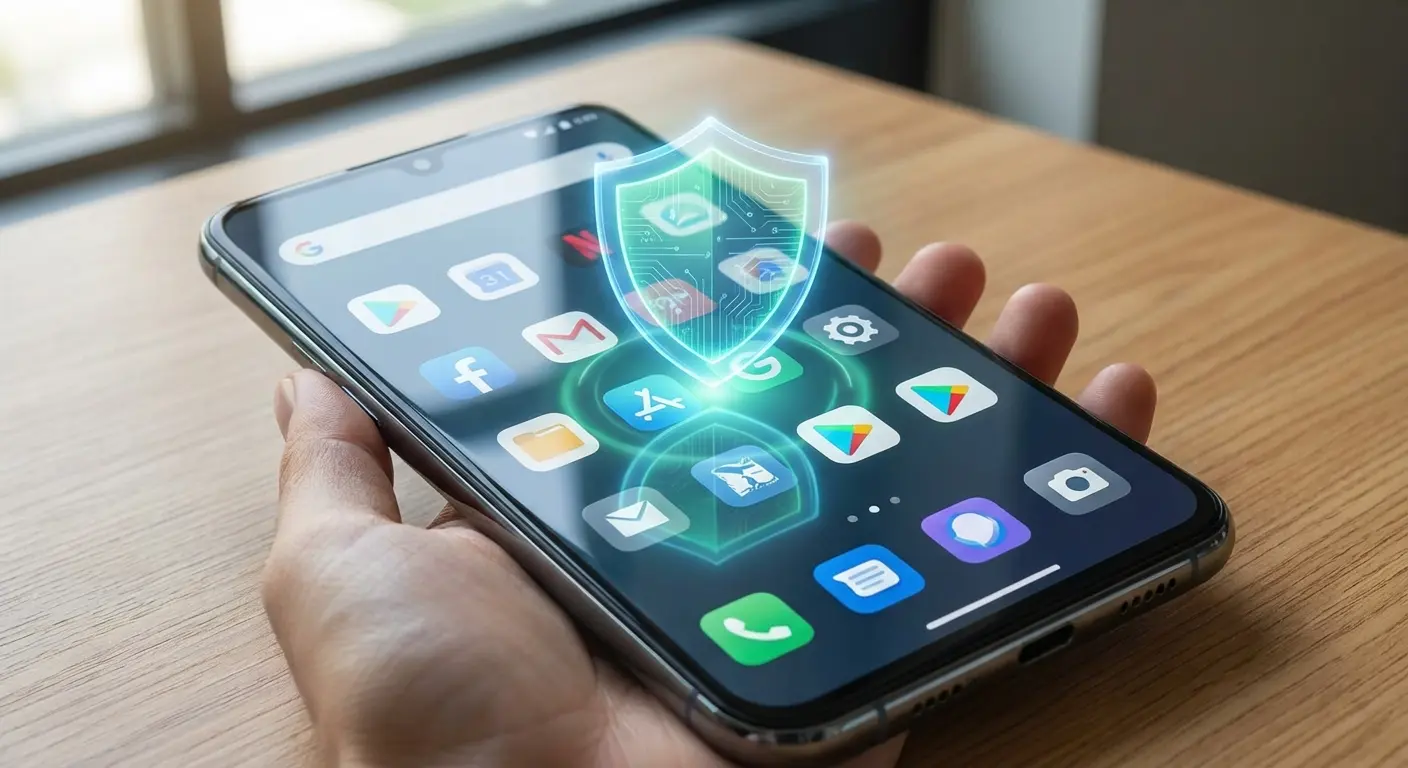
Is it perfect? No. Malicious apps occasionally slip through, especially in the brief window between when they're uploaded and when they're identified as harmful. But it catches the vast majority of clearly malicious software without you installing a separate app that drains your battery.
The July 2025 AV Test results show Play Protect scoring 5.5 out of 6, while paid apps get the full 6. So there IS a gap, just not a huge one. This tells us that while Play Protect provides solid baseline protection, there's measurable room for improvement when compared to dedicated security solutions.
Where Google's Protection Falls Short
Play Protect works best for apps downloaded from the Google Play Store. When you sideload apps from third-party sources, the protection becomes less effective.
New malware variants can evade detection until Google's systems learn to recognize them. There's always a window where zero-day threats exist before security systems catch up.
Play Protect also doesn't protect you from yourself. If you grant an app invasive permissions, Play Protect won't intervene unless the app does something explicitly malicious with that access. This creates a gray area where apps can behave badly without technically breaking rules.
My cousin pulled this exact stunt last year. He wanted to install a modified version of a popular streaming app that removed ads. He downloaded the APK from a forum and sideloaded it onto his phone. Play Protect warned him about installing from unknown sources, but he dismissed the warning. The modified app worked perfectly for streaming, but it also included code that monitored his banking app usage and captured screenshots when he entered passwords. Because the app came from outside the Play Store and he'd explicitly overridden the security warning, Play Protect's ability to protect him was severely limited.
When Third-Party Antivirus Apps Make Sense
The Narrow Use Cases Where They Add Value
You regularly download APK files from sources outside the Play Store. That's a legitimate reason to consider additional scanning tools, though the better solution is probably to stop doing that.
Some antivirus apps offer anti-theft features including remote lock, wipe, and location tracking. If your device manufacturer doesn't provide these features, these tools can be useful, though Google's Find My Device service handles this for most users.
Web protection features that warn you about phishing sites or malicious links can add value, especially if you're prone to clicking links in emails or messages without verifying the sender. These tools create an extra layer between you and potential threats when your judgment might fail.
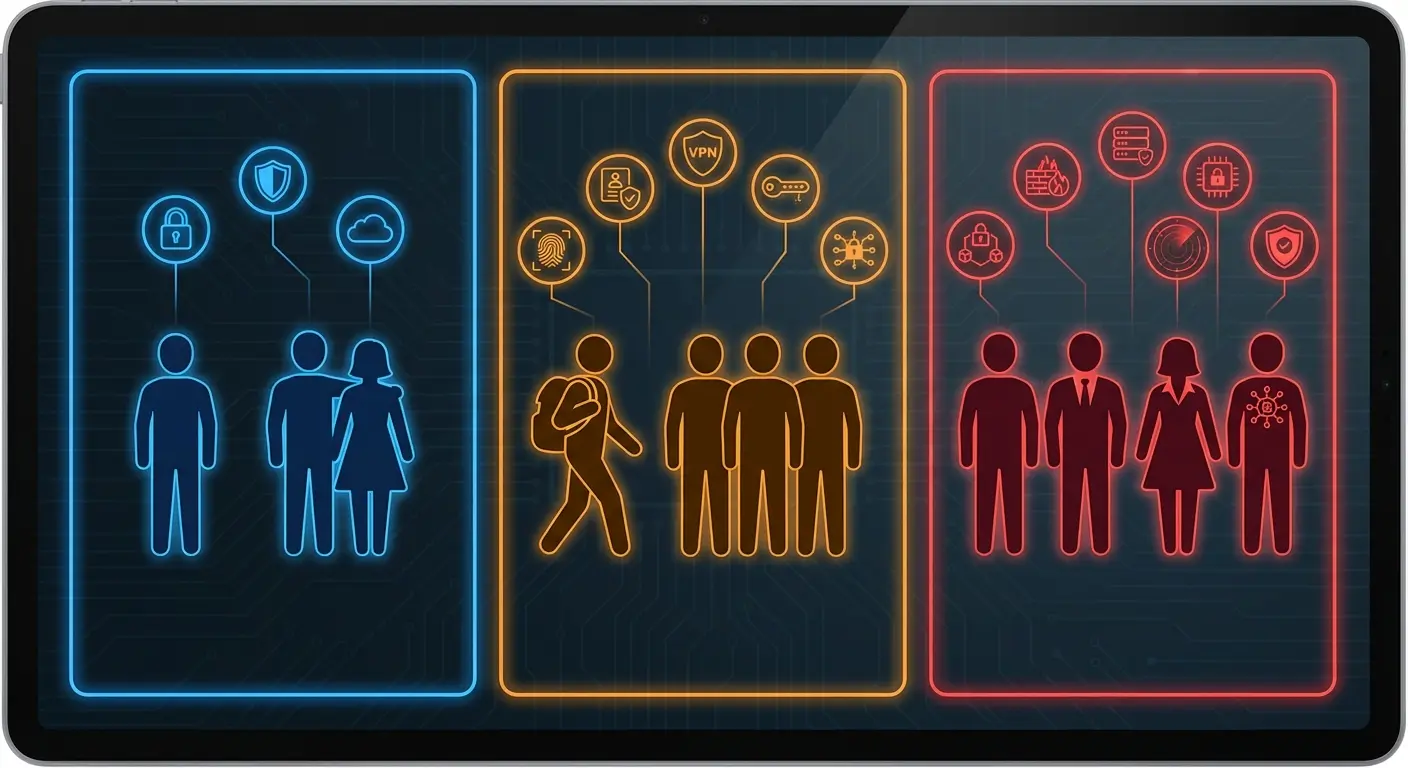
Do I need antivirus for Android? Here's how to evaluate based on your actual usage patterns:
User Profile |
Built-in Protection Sufficient? |
Third-Party Antivirus Recommended? |
Real Talk |
|---|---|---|---|
Downloads only from Play Store, updates regularly, cautious with links |
Yes |
No |
You're fine, don't overthink it |
Frequently uses public Wi-Fi, handles sensitive data, mobile banking |
Maybe |
Yes |
If it makes you feel better |
Sideloads apps from third-party stores, shares device with children |
No |
Yes |
Yeah, probably get something |
Elderly or less tech-savvy user prone to clicking unknown links |
No |
Yes (with monitoring) |
Honestly, you need a family member managing this |
Rooted device or custom ROM user |
No |
Yes |
You're on your own here, friend |
What You're Actually Paying For
Free antivirus apps need to make money somehow. That usually means aggressive upselling to premium versions, collecting and monetizing your usage data, or both.
The free version gives you basic scanning (which Play Protect already does) while locking useful features behind a paywall. You'll get constant notifications about "threats detected" that turn out to be cookies or tracking files, designed to scare you into upgrading.
Spoiler alert: the "threat" is a cookie. It's always a cookie.
Premium versions typically cost between $15 and $40 annually. You're paying for VPN access, password managers, and other bundled features that you can often get better versions of from dedicated apps. The antivirus component itself rarely justifies the cost when you examine what additional protection it provides beyond what's already built into Android.
Congratulations, you just paid $29.99/year for features you already had for free.
The Hidden Cost of Running Security Software on Your Phone
Battery Drain Nobody Talks About
Antivirus apps run constantly in the background, scanning files, monitoring app behavior, and checking network traffic. This isn't free from a resource perspective.
Real-time protection means your phone is always dedicating processing power and battery life to scanning operations. Users typically see 10-15% additional battery drain with aggressive antivirus apps running, though this varies by app and device.
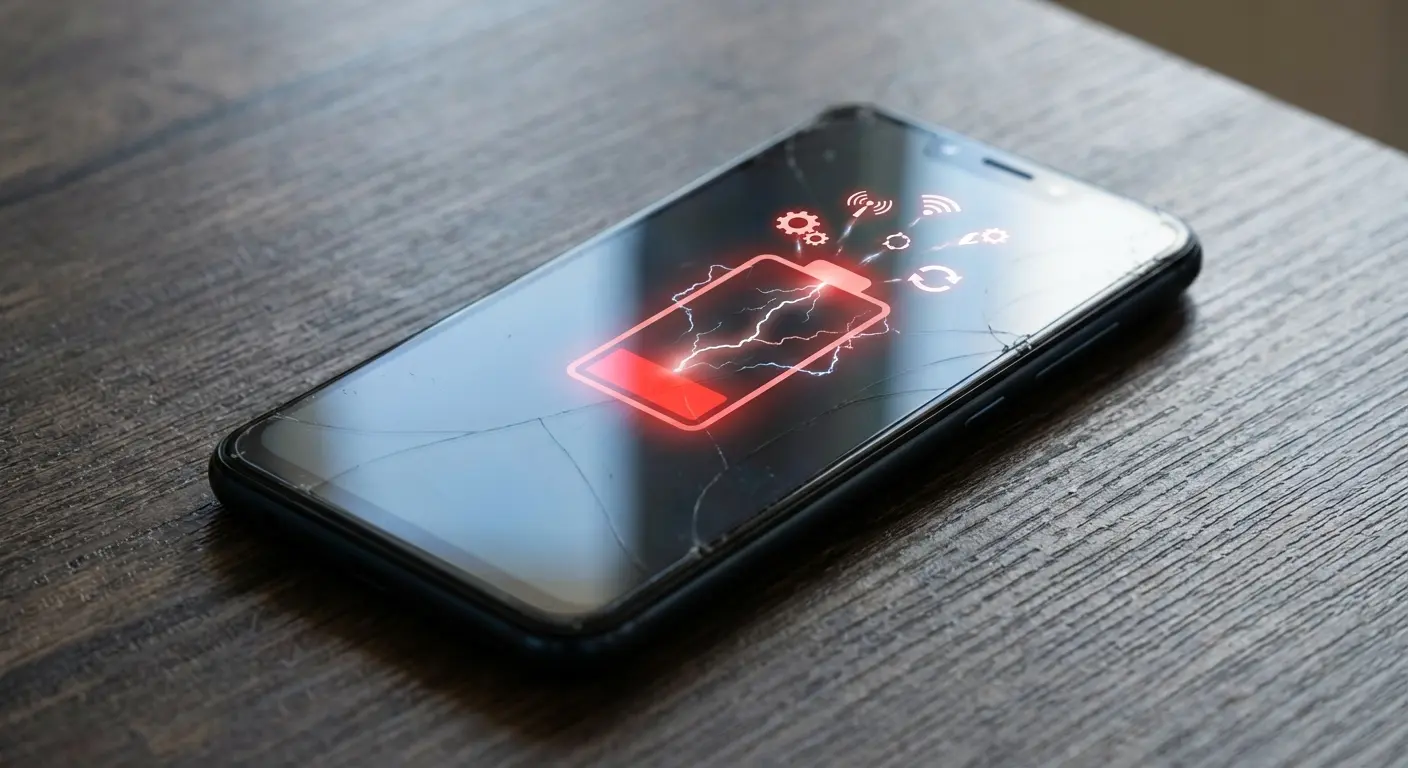
You might not notice the impact on a flagship phone with a large battery, but mid-range devices or older phones feel the slowdown more acutely. Your phone gets warmer during routine tasks. Apps take slightly longer to open. The overall experience degrades in small ways that accumulate throughout the day.
And this drives me absolutely crazy: according to a 2025 Gen Threat Report, malicious push notifications jumped by more than 300% from April through June compared to the previous three months. These notifications link to malware-filled websites, representing an attack vector that constantly-running antivirus software attempts to monitor, but at the cost of continuous background processing and battery consumption.
The Notification Fatigue Problem
Security apps love sending notifications. Scan complete. Threat detected (it's a cookie). Your VPN is off. Time to upgrade. Rate us five stars.
Nothing says security like getting 47 notifications a day telling you you're secure.
This constant stream of alerts trains you to ignore notifications from the app, which defeats the purpose when an actual threat appears. You've already learned that 95% of the app's warnings are false positives or marketing messages.
The notification spam alone is enough to make you want to throw your phone. Your phone should reduce stress, not create it through constant fake security alerts. When every minor system event triggers an alert, you stop paying attention to all of them, including the rare instances when something genuinely requires your attention.
How Your Behavior Matters More Than Your Apps
Download Discipline Beats Detection Rates
Stick to the Google Play Store for app downloads. Yes, malicious apps occasionally appear there, but the screening process eliminates the vast majority of threats. Third-party app stores have far lower standards.
Before installing any app, check the developer name, read recent reviews (not the top ones, which can be fake), and look at the permission requests. Does a wallpaper app need access to your contacts?
Nope.
Apps with millions of downloads and thousands of recent reviews are generally safer bets than apps with 500 downloads and reviews from three years ago.
Before you install anything, do this: Check if the developer name looks legit, scroll through recent reviews (seriously, not the top ones because those are often fake), and ask yourself if the permissions make any damn sense. Wallpaper app wants your contacts? Hard pass.
Update Discipline Protects You More Than Scans
Security vulnerabilities get discovered in Android and popular apps regularly. Developers release patches. Your security depends on installing those patches.
Running outdated software is like leaving your front door unlocked because you installed a security camera. The camera might catch someone walking in, but prevention beats detection.
Enable automatic updates for both your system and apps. This removes the human element from security maintenance, which is exactly what you want since humans are the weakest link. You won't forget to update. You won't postpone updates because you're busy. The system handles it automatically.
The Link-Clicking Problem Nobody Solves
You get a text saying your package couldn't be delivered, click here to reschedule. You click. You enter your information. You just got phished, and your antivirus app was completely irrelevant to this entire scenario.
Developing skepticism about unexpected messages is more valuable than any security app. Your bank won't text you asking to verify your account. Amazon won't email you about suspicious activity with a link to "confirm your identity."
When in doubt, don't click links in messages. Open your browser, go to the official website directly, and log in there. It takes 30 extra seconds and eliminates the majority of phishing risk.
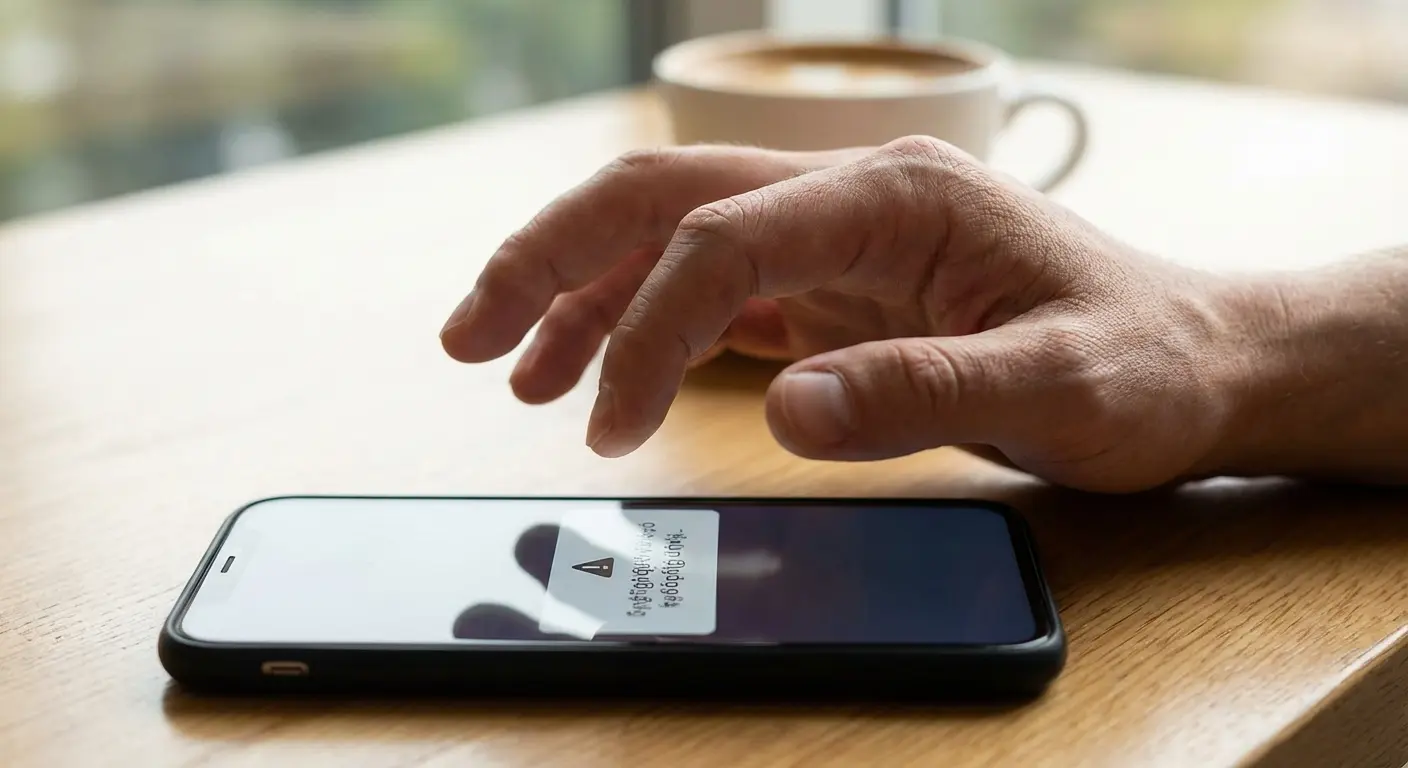
So this happened to someone in my apartment building last month. She got a text claiming to be from her shipping company saying her package was held at customs and required immediate payment of $3.47 to release it. The message included a link to "pay now." Instead of clicking, she opened her shipping company's official app and saw no such notification. She then searched for the tracking number from the text and found it didn't exist in the system. By taking 60 seconds to verify through official channels rather than clicking the link, she avoided a phishing site that would have captured her credit card information. No antivirus app would have prevented this threat. Only her behavioral discipline did.
Quick protocol for any suspicious link:
Pause before clicking. Take 10 seconds to evaluate any unexpected link. Check the sender. Verify the phone number or email address matches official records. Look for urgency tactics like "Act now," "immediate action required," and "account suspended" because those are red flags. When uncertain, delete. It's safer to miss a legitimate message than fall for a scam.
What to Do If You've Already Installed Antivirus Software
Evaluating Whether to Keep It
Check your battery usage statistics. How much power is your antivirus app consuming? If it's in your top five battery drains, you're paying a significant performance cost.
Review what features you actually use. If you installed it for the VPN but never turn it on, or for the app lock feature but don't lock anything, you're carrying dead weight.
Try disabling it for a week and see if you notice any difference in your phone's performance or your security posture. Chances are your phone runs better and nothing bad happens. This experiment costs you nothing and provides real data about whether the app adds value to your specific situation.
How to Uninstall Without Leaving Traces
Some antivirus apps request device administrator privileges, which prevents normal uninstallation. You'll need to go into Settings > Security > Device administrators and revoke those privileges first.
After uninstalling, check your running services and background processes to ensure nothing remains. Some apps leave components behind that continue consuming resources.
Restart your phone after uninstalling to clear any cached processes. This ensures a clean removal and gives you a fresh baseline for evaluating your phone's performance without the security app running.
Protecting Your Device Without Slowing It Down
The Security Measures That Actually Matter
While digital security gets most of the attention, understanding how to protect your phone from theft addresses one of the most common ways people lose access to their data and personal information.
Set a strong screen lock using a PIN, pattern, or biometric. This prevents unauthorized physical access, which is a way more common threat than remote malware.
Enable Google's Find My Device. It's built into Android, requires no additional app, and lets you locate, lock, or wipe your device remotely if it's lost or stolen.
Review your installed apps monthly. Uninstall anything you haven't used in the last 30 days. Fewer apps mean fewer potential vulnerabilities and better performance.
Check app permissions periodically. Go to Settings > Apps > Permissions and review what apps have access to sensitive data. Revoke anything that seems unnecessary.
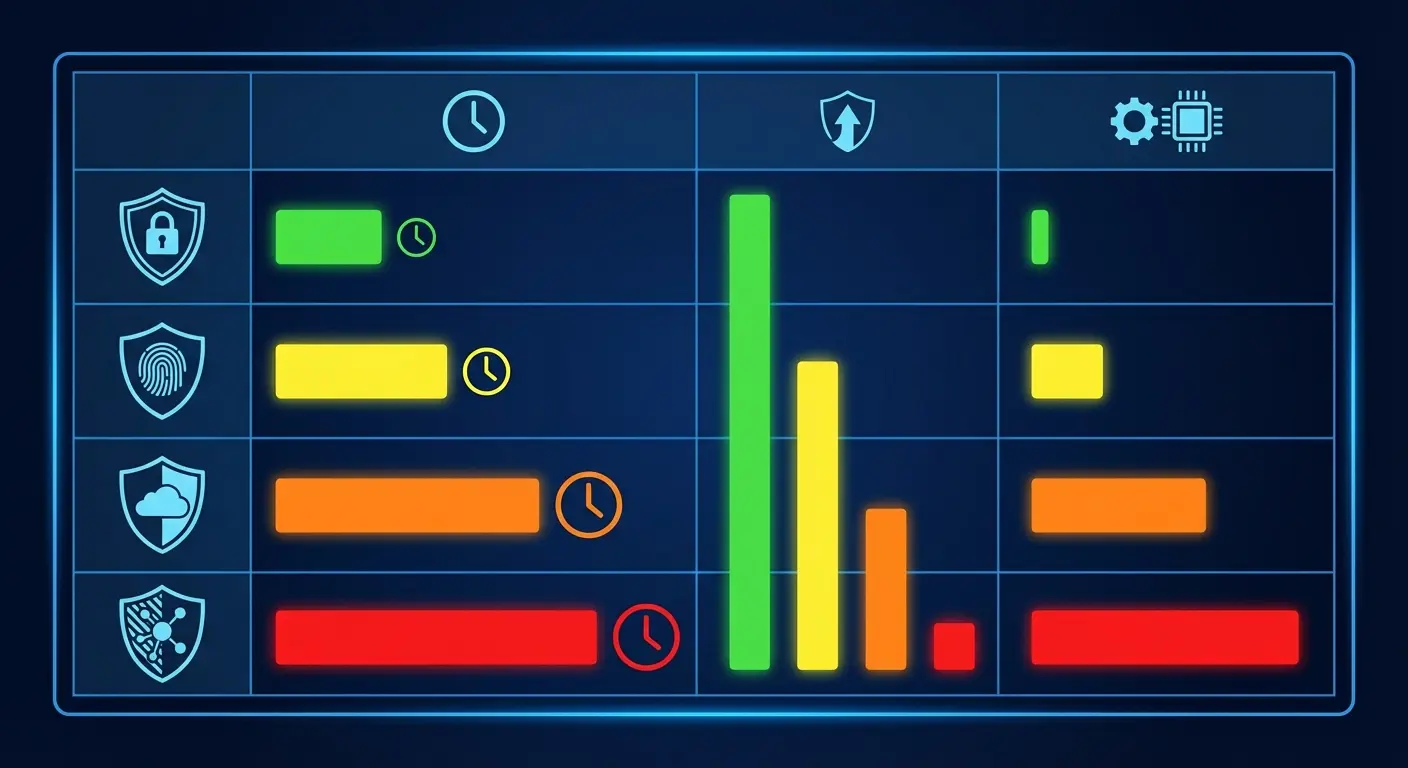
Security Measure |
Time Investment |
Effectiveness Against Real Threats |
Performance Impact |
|---|---|---|---|
Strong screen lock (PIN/biometric) |
2 minutes setup |
High - prevents physical access |
None |
Enable automatic OS updates |
5 minutes setup |
High - patches vulnerabilities |
None |
Monthly app permission review |
10 minutes/month |
Medium - limits data exposure |
None |
Download only from Play Store |
Ongoing habit |
High - avoids most malware |
None |
Link verification before clicking |
30 seconds/link |
Very High - stops phishing |
None |
Third-party antivirus app |
Ongoing management |
Low to Medium - marginal benefit |
Moderate to High |
When Physical Protection Beats Digital Protection
Okay, I'm going to pivot to something that seems off-topic but actually isn't: physical security. And yeah, I'm linking to Rokform products here because they sponsor content like this, but also because the point stands regardless of brand.
Here's what I mean: I've seen way more people lose their data because they dropped their phone in a parking lot and shattered the screen than from malware. You can't remotely wipe a phone that won't turn on. You can't use Find My Device if the screen is destroyed. A $40 case prevents more data breaches than a $40/year antivirus subscription.
The reality is that protective phone cases prevent more data loss incidents than antivirus software by keeping your device functional when it matters most.
Your biggest security risk isn't malware. It's dropping your phone and shattering it in a parking lot, leaving your data exposed on a device you can't lock or wipe because the screen doesn't respond.
Physical device security prevents more data loss than antivirus software. A quality protective case keeps your phone functional so you can maintain control over your data. Secure mounting solutions keep your device physically secure in your car, on your bike, or during activities where loss or theft risk increases.

Whether you're commuting or on an adventure, choosing the best motorcycle phone mount ensures your device stays secure and accessible without compromising safety.
You can't remotely wipe a phone that's been destroyed in a fall. You can't use Find My Device if your phone is broken beyond function. Physical protection is security infrastructure that enables all your other security measures to work when you need them most.
For daily driving, selecting the best car phone mount keeps your device secure and prevents the kind of physical damage that makes digital security features irrelevant.
Check your mounting setup in your vehicle. Is your phone secure or is it sitting loose where it can slide under the seat or fly off the dash during sudden stops? Secure mounting prevents loss and theft while keeping your device accessible for navigation and calls.
A cracked screen or water-damaged phone creates security vulnerabilities that no app can fix. You lose the ability to control your device, access your security features, or protect your data. Prevention through quality protection addresses the threats you face daily.
Final Thoughts
Look, I know I just spent 3,000 words on this, but the actual answer is pretty simple: you probably don't need antivirus software on your Android phone.
Play Protect catches the obvious stuff. Android's built-in security handles the rest. And your biggest vulnerabilities (clicking sketchy links, granting stupid permissions, downloading apps from weird sources) can't be fixed by any app anyway.
The exceptions are narrow: you frequently sideload apps from unknown sources, you need specific features like advanced anti-theft tools that your device doesn't provide, or you're managing devices for users who can't be trusted to make safe download decisions.
For everyone else, the performance cost outweighs the marginal security benefit. Your battery life, system resources, and mental bandwidth are better spent elsewhere.
Focus on behavior instead. Download only from the Play Store. Read permissions before granting them. Keep your software updated. Don't click suspicious links. Use a strong screen lock. These practices provide more protection than any scanning app while making your phone faster rather than slower.
If you already have antivirus installed and it makes you feel better, fine. Keep it. But if your battery is dying by 3pm and you're getting constant notifications about "threats detected" that turn out to be nothing, just delete it. I did. My phone runs better and nothing bad happened.
Your behavior matters more than your apps. That's the whole point.

