


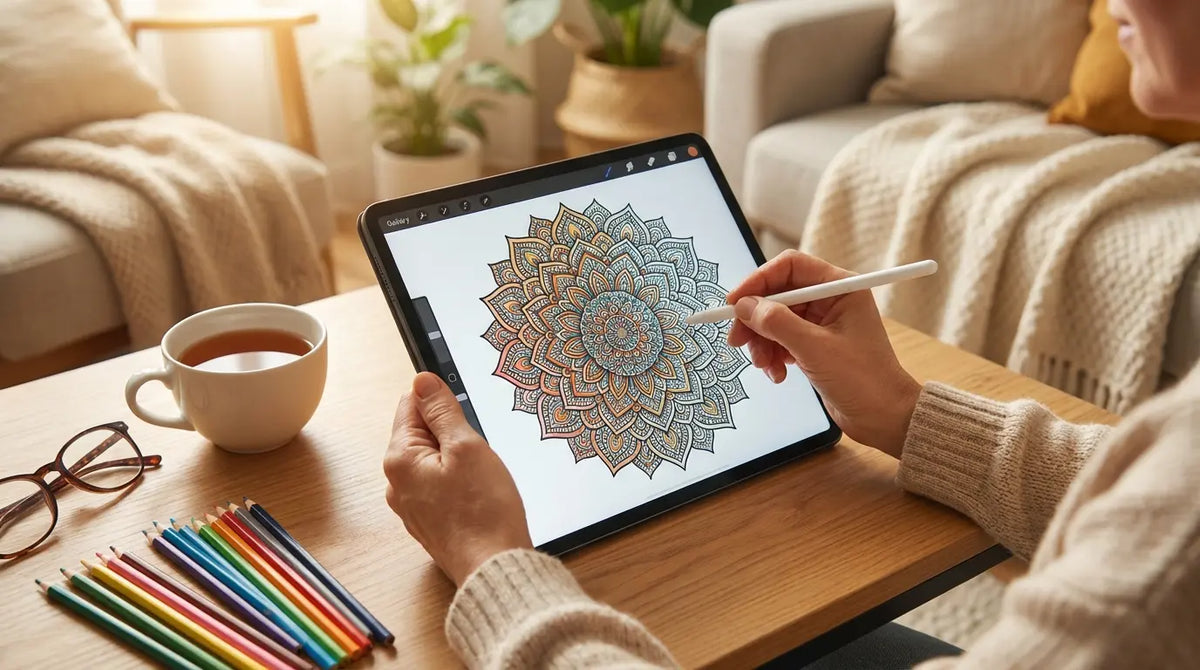
I saw a stat the other day that basically confirmed everything I hate about the App Store right now. Digital artist Sarah Renae Clark tested out 100 adult coloring apps and found that 90 of them tried to force a paid subscription or micro-transaction immediately.

We have all been there. You download an app to decompress after a rough meeting, just wanting to zone out for ten minutes. Instead, you get slapped with a "Start Your Free Trial" pop-up before you even see a single color palette. It basically doubles the anxiety you were trying to get rid of.
So, I did the dirty work for you. I dug through the clutter to find the apps that are actually worth your storage space. Whether you want a mindless coloring game or a legitimate art tool, here is the definitive list of free coloring apps for adults that won't stress you out.
Table of Contents
TL;DR: The Quick Version
What to Look Out For (Don't Get Tricked)
-
Top 25 Free Coloring Apps for Adults
Color by Number (The Classics)
Artistic & Realistic Tools
Pixel Art (Retro Vibes)
Mandala & Zen (For Anxiety)
Gamified & Story-Based
How to Color Without Hurting Your Neck (Rokform Tips)
Final Thoughts
TL;DR
If you don't have time to read the whole breakdown, here is the cheat sheet for picking the right app:
Watch out for "Freemium": Almost every app is free to download, but they love to lock the good pictures. We picked apps that actually give you a decent amount of free stuff.
Pick Your Style: "Tap-to-Fill" is for when you're tired and just want to tap a screen. "Stroke/Slide" is for when you actually want to feel like you're drawing.
Know the Genre: We split these up by style—from pixel art to oil painting looks.
Check Connectivity: If you color on the subway or planes, look for the apps we marked as offline-friendly.
Save Your Hands: Holding a phone for an hour hurts. Using a stand or a solid case makes a massive difference (more on that later).
What to Consider When Choosing Free Coloring Apps for Adults
The digital art world is huge, but "free" usually comes with a catch. You need to know what you're looking for so you don't end up frustrated.
The "Freemium" Trap
Most apps use a "Freemium" model. They let you in the door for free, but the moment you see a picture you like, it's locked behind a paywall. You also need to watch out for ads. I always check when the ads pop up—if it's between images? Fine. If it interrupts me while I'm coloring? Immediate delete.
Feature |
The "Good" Kind of Free |
The "Annoying" Kind of Free |
|---|---|---|
Ad Frequency |
Only when you finish a picture |
Every few taps (unusable) |
Content Access |
Half the library is open |
You get 1 or 2 boring pics for free |
Daily Bonuses |
You get a premium pic daily |
"Free trials" that try to charge you |
Watermarks |
Tiny or removable |
Huge logo over your art |
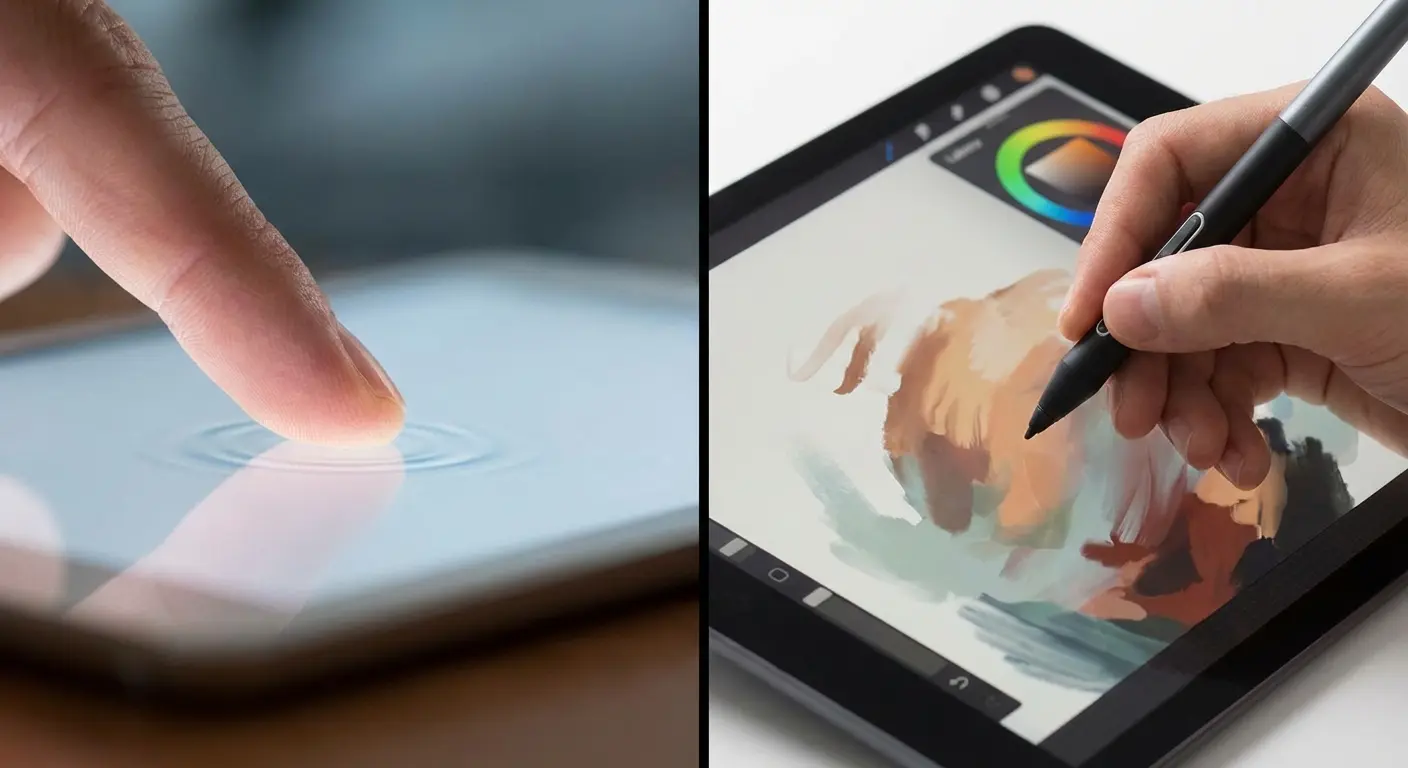
How You Color (Tap vs. Stroke)
The way you touch the screen changes the whole vibe.
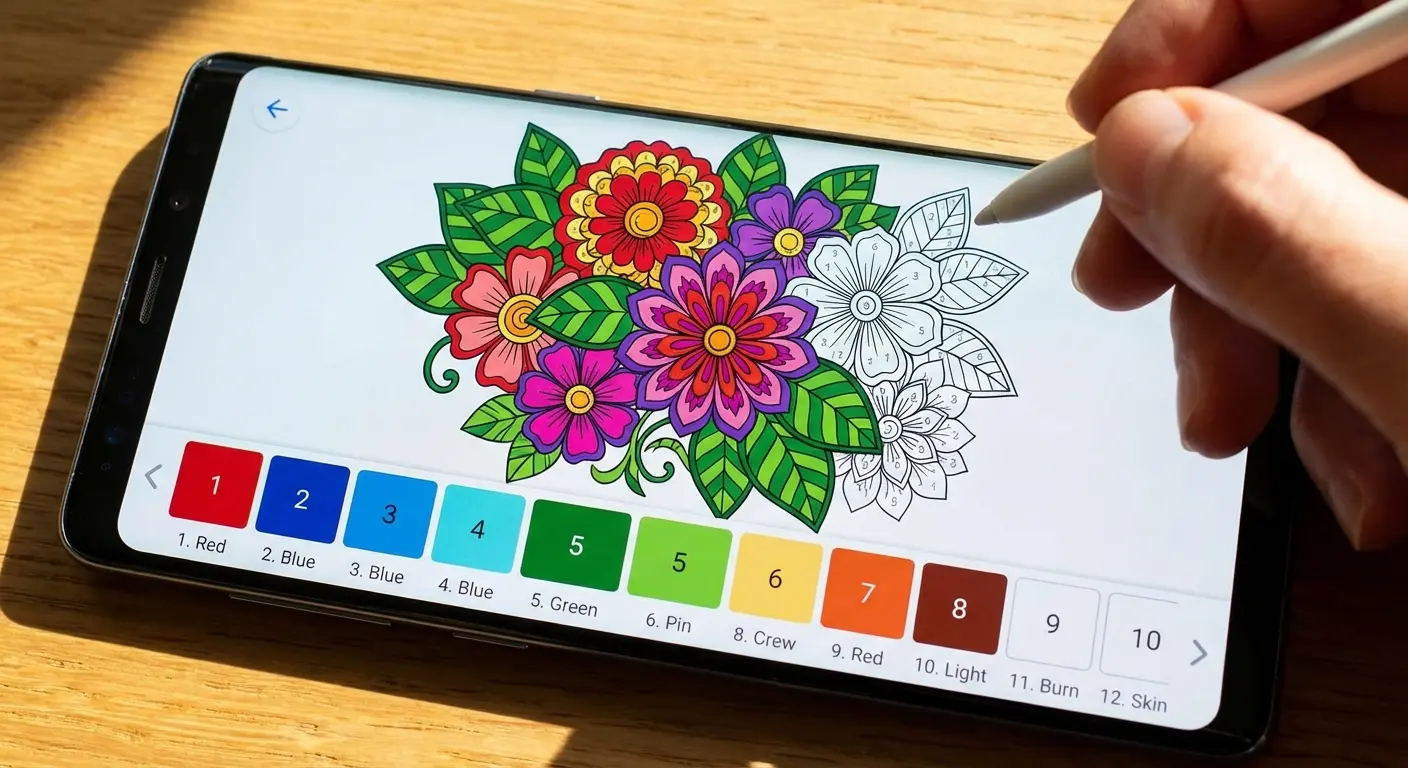
Tap-to-Fill: This is standard "color by number." It’s low stress. You don't need skill; you just need to find the number and tap it.
Stroke/Slide: This feels like real coloring. You have to stay inside the lines (or not, if you're feeling rebellious). This is usually better on tablets or with a stylus.
Which one are you?The "Brain Fried" User: You just worked a 10-hour shift. You don't want to think. Go with Tap-to-Fill (like Happy Color). It requires zero brain power.
The "Creative" User: You have some energy and want to make something pretty. Go with Stroke/Slide (like Pigment) so you can blend colors and actually create art.
Tools & Offline Mode
If you want to be creative, look for apps with gradient fills or texture brushes (like oil paint). Also, are you coloring on a commute? Make sure the app works offline. Nothing kills the mood faster than a loading wheel when your train goes underground.
Top 25 Free Coloring Apps for Adults
We broke these down into 5 categories so you can find exactly what fits your mood.
Color by Number Leaders
These are the heavy hitters. You match the number to the color. Simple.
1. Happy Color
This is basically the heavyweight champion of coloring apps. Happy Color has partnerships with Disney, Marvel, and charities, so the images are legit. The lines are crisp, and while there are ads, they aren't unbearable.
It’s strictly tap-to-fill, making it perfect for when you want a guaranteed good result without trying too hard. If you want consistency and a massive library, Happy Color is the one to beat.
2. Color Planet
Color Planet is great because it offers variety—they have oil painting effects and even jigsaw-style puzzles. I really like their hint system; sometimes finding that last tiny number is a nightmare, and their hints actually help.
3. Paint by Number: Coloring Game
This follows the classic formula but the images are super detailed. They look like actual paintings when you're done. Just a heads up—the complexity is high, so the numbers can be tiny.
If you find yourself squinting at your phone, you might need a bigger screen. Check out our breakdown of the iPhone 16 Pro vs Pro Max to see if upgrading your display size is worth it for your digital art habit.
4. Tap Color Pro
Tap Color Pro stands out because it has animated pictures and a ton of nature categories. The zoom works really well, which sounds boring, but is crucial when you're trying to tap a pixel-sized area.
5. Oil Painting Color by Number
As the name suggests, this one focuses on that textured, canvas look. The finished product looks a bit more "artsy" and less like a cartoon than the others.
Artistic & Realistic Tools
These apps try to mimic real life—think shading, blending, and freehand strokes.
6. Pigment
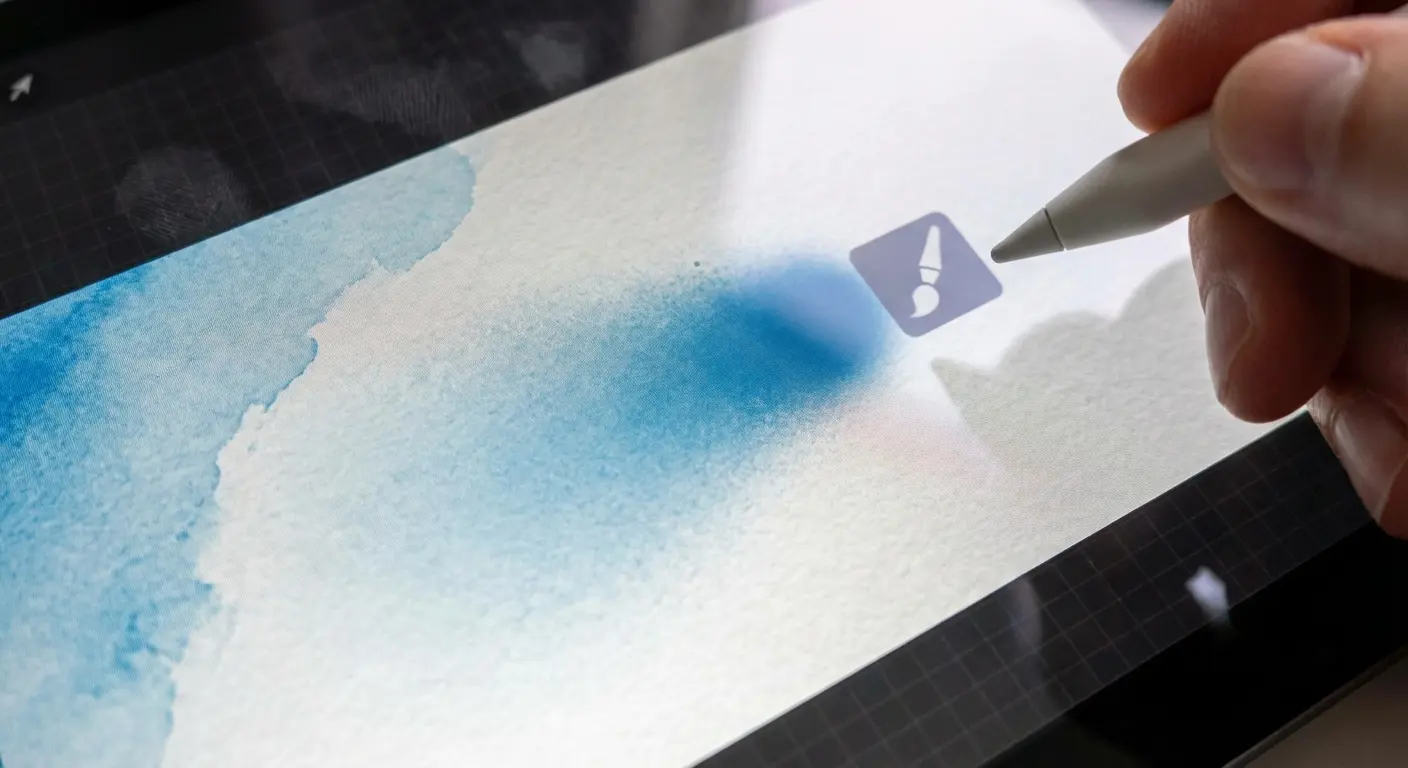
Pigment is the gold standard if you want realism. It feels like a real coloring book. You can use markers, pencils, and airbrushes. You can choose to "tap-to-fill" or go freehand. The subscription is pricey, but the free daily stuff is high quality.
7. Colorfy
One of the OGs. Colorfy is cool because you can snap a photo of your own sketch and color it in the app. It also has a social media vibe where you can look at other people's art for inspiration.
8. Recolor
Recolor does something cool: 3D objects. You can color a vase or a car and rotate it around. It’s a nice break from flat 2D images.
9. Lake: Coloring Books
Lake features art from Instagram artists, so it has a very indie, soothing aesthetic. It feels less "corporate" than the others. Plus, a cut of the subscription money goes to the artists, which is nice.
Apps like Lake and Pigment are honestly better on a tablet where you have room to move your arm. If you use an iPad, make sure to read our guide on the best Rugged iPad cases so you don't break your expensive canvas.
10. Tayasui Sketches
This is technically a drawing app, but the coloring tools are so good that people use it just for coloring pages. It has a higher learning curve, but it gives you total control.
Pixel Art (Retro Vibes)
Grid-based coloring is incredibly satisfying in a different way. It’s like digital bubble wrap.
Feature |
Vector Art (Standard) |
Pixel Art (Retro) |
|---|---|---|
The Look |
Smooth lines, cartoons |
Blocky, 8-bit, grid-based |
The Action |
Tapping shapes |
Filling square grids |
Why it feels good |
Seeing the picture appear |
The rhythm of tapping |
11. Pixel Art: Color by Number
Huge library of 8-bit images. The best feature is "long press to slide," which lets you paint a whole row of pixels in one swipe. It is weirdly satisfying.
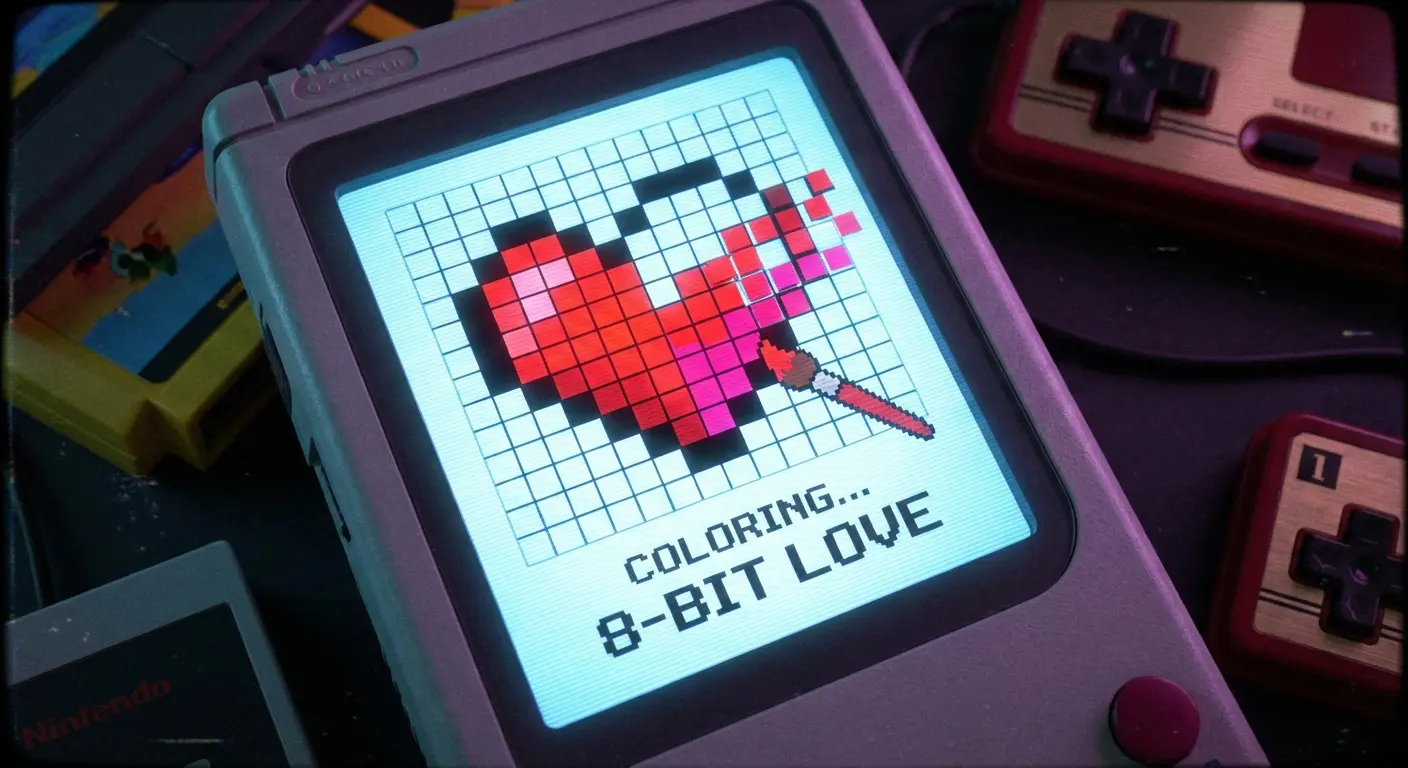
12. Sandbox - Pixel Art Coloring
Super simple interface. Kids love it, adults love it. It’s lightweight, so it won’t kill your battery as fast as the 3D apps.
13. No.Pix
The best offline option. If you are about to get on a plane, download this one.
Travel Tip: A lot of apps need Wi-Fi to load the next picture. No.Pix stores stuff locally, so you won't get stuck staring at a blank screen at 30,000 feet.
14. Unicorn
Very neon, very cute. If you like bright colors and a casual vibe, this is a fun one.
15. Pixel Paint
Leans heavily into the retro gaming aesthetic. Great for 90s kids.
Mandala & Zen (For Anxiety)
These are designed for repetitive, soothing motion. No characters, just patterns.
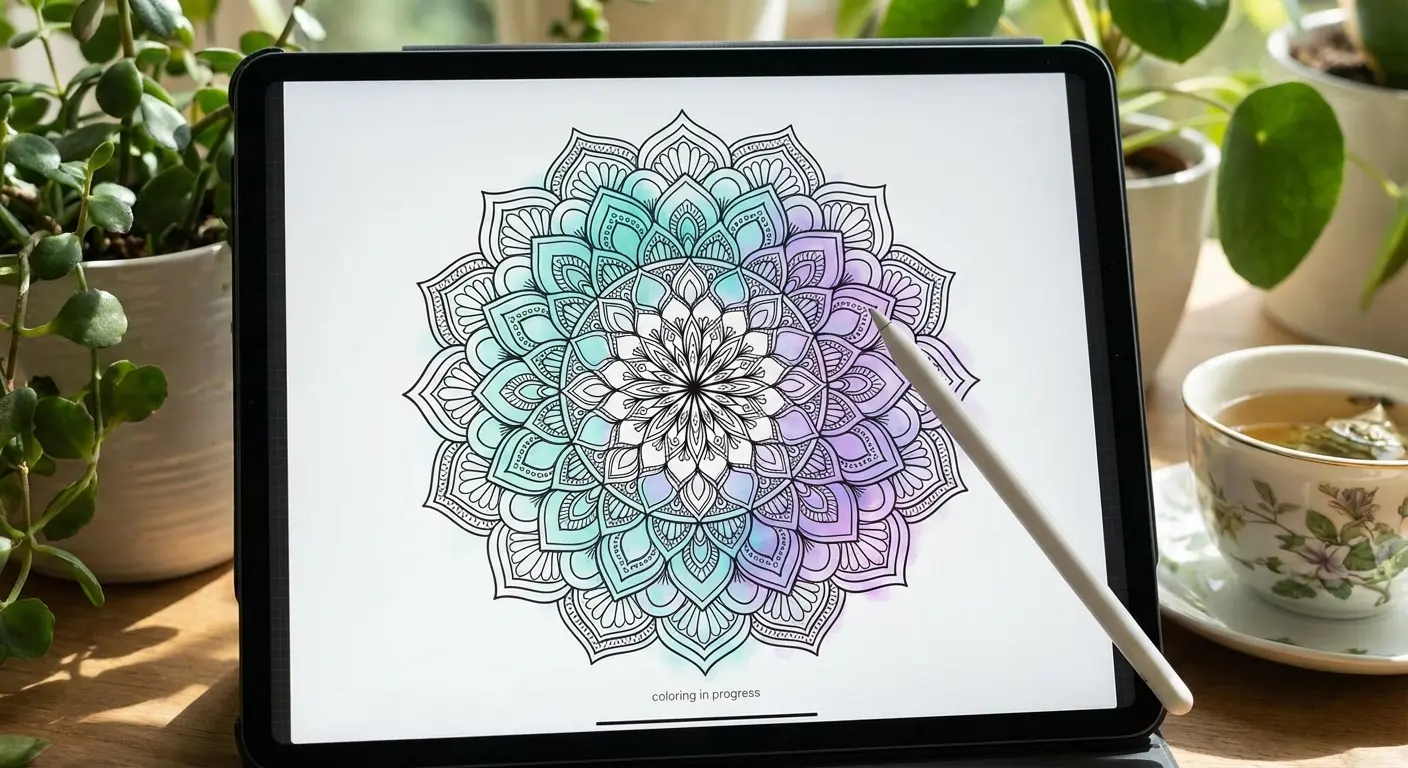
16. Mandala Coloring Pages
Does exactly what it says on the tin. If you hate coloring landscapes and just want circles and patterns, get this.
17. Zen Coloring Book
This one uses ambient music and sounds while you color. It really helps set the mood if you're trying to block out the world.
18. Color Therapy for Adults
They claim to use specific color palettes to help with de-stressing. Whether that's science or placebo, it’s a relaxing app.
19. Colorscape
Turn any photo on your camera roll into a coloring page. It’s super fun to color in a picture of your dog or your house.
20. Adult Coloring Book Premium
Don't let the "premium" name scare you; the free version is solid. Big buttons, simple interface—great if you don't want to squint.
Gamified & Story-Based
For the people who need a "reason" to color.
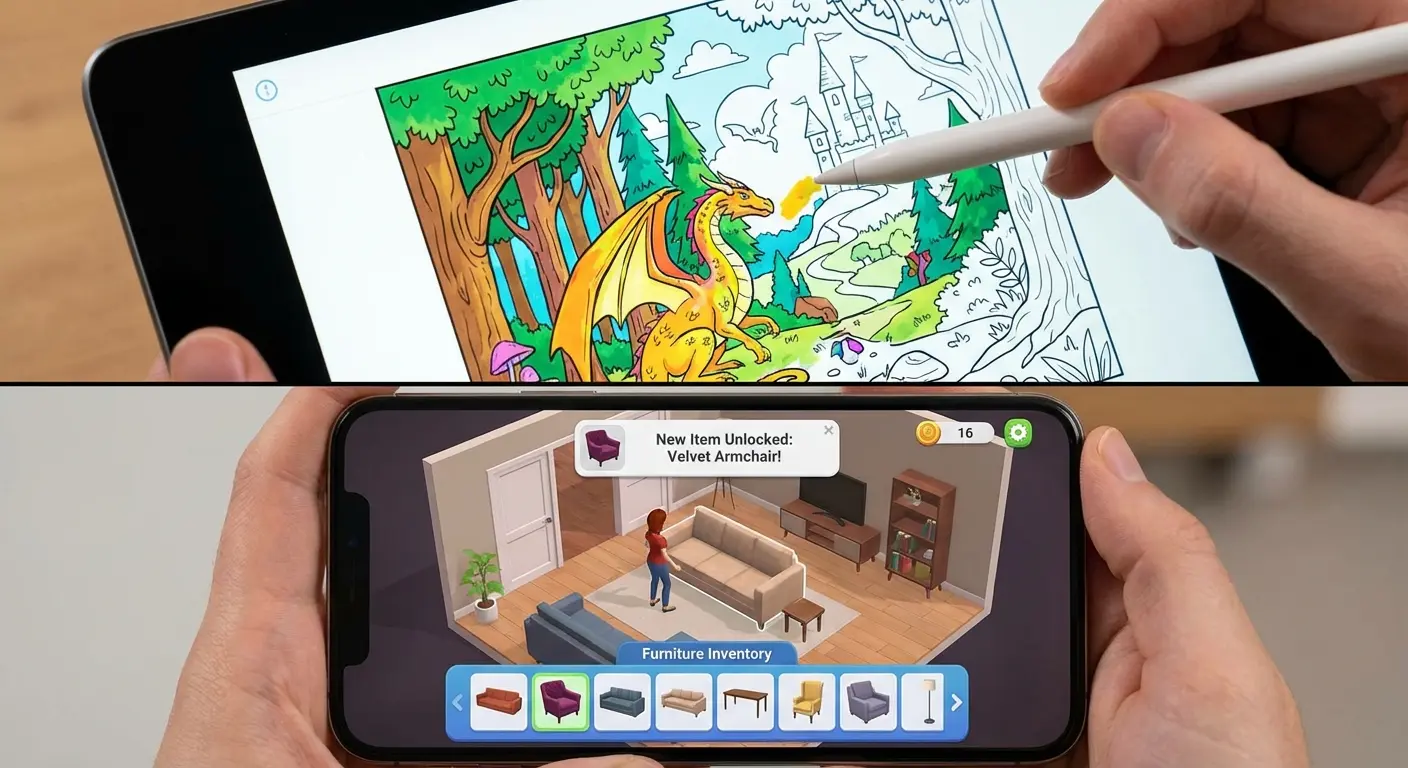
For the Goal-Oriented: If you feel like coloring is a waste of time without a reward, try Gallery. You aren't just coloring a flower; you're coloring it to earn stars to buy a virtual sofa. It tricks your brain into thinking you're being productive.
21. Gallery: Coloring Book & Decor
You color pictures to renovate a house and art gallery. It adds a storyline to the mix, which keeps you coming back.
22. Chamy
Made by the people who do logic puzzles. The colors are often very similar shades, so it actually requires focus. It’s more of a brain workout than Happy Color.
23. April Coloring
A paint-by-number mechanic with a beautiful oil-paint style. Honestly, one of the best-looking apps on the list.
24. Cross-Stitch World
It simulates cross-stitching on a fabric grid. It’s basically pixel art, but with a cozy texture.
25. Poly Art
Instead of coloring, you drag and drop polygon shapes to fill an image. It’s like a jigsaw puzzle meets a coloring book.
Enhancing Your Experience (And Saving Your Neck)
Finding the app is step one. But actually using it for an hour? That’s where the physical problems start. Digital coloring leads to hand cramping, "tech neck," and that terrifying moment when you doze off and drop your phone on your face.
This is where Rokform gear actually comes in handy.
The Pain Point |
The Fix |
|---|---|
"Tech Neck" (Looking down too long) |
Magnetic Charging Stand (Eye level is better) |
Hand Cramps (The "Claw" grip) |
MAGMAX™ Case (Better grip, magnetic mounting) |
Dead Battery (Screen always on) |
Wireless Charging Stand (Power while you play) |
The Drop (Slippery phones) |
Rugged Case (Don't break your screen) |
Get a Better Angle
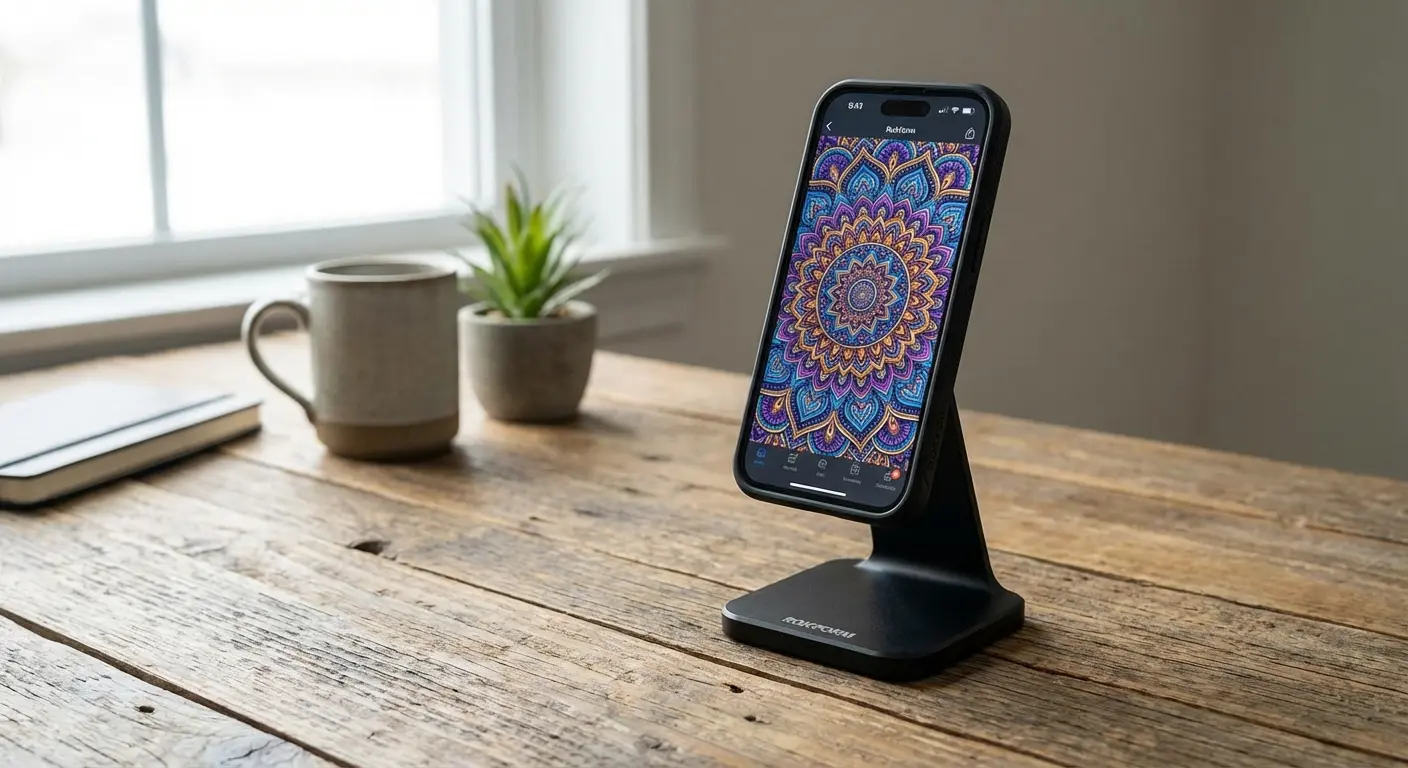
Coloring flat on a table or in your lap is a recipe for neck pain. The Rokform Magnetic Wireless Charging Stand lets you stick your phone up at eye level. Whether you're following a tutorial or just tapping away at a mandala, the stand holds the phone for you. Your hands are free to focus on precision, not gripping the device.
Also, keeping your screen bright for an hour drains the battery fast. Check out our guide on the best wireless chargers to keep the juice flowing while you relax.
Grip and Protection
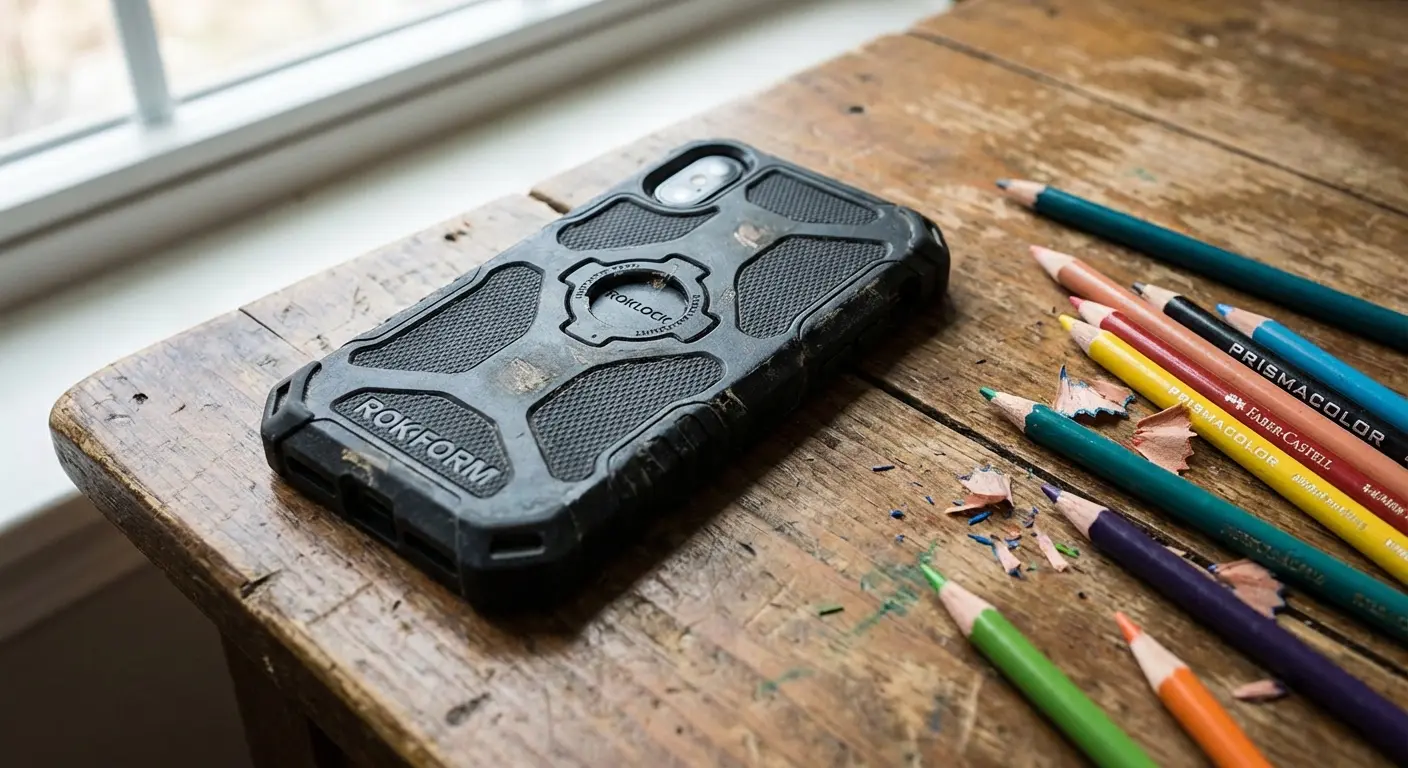
If you prefer holding your phone, a Rokform Rugged Case is essential. They have a texture that actually gives you grip, and if you *do* drop it, the military-grade protection saves the day.
Accidents happen, especially when you're sleepy. If you're worried about damage, read our tips on how to protect your phone screen from cracking so you can color with peace of mind.
Stick It Anywhere
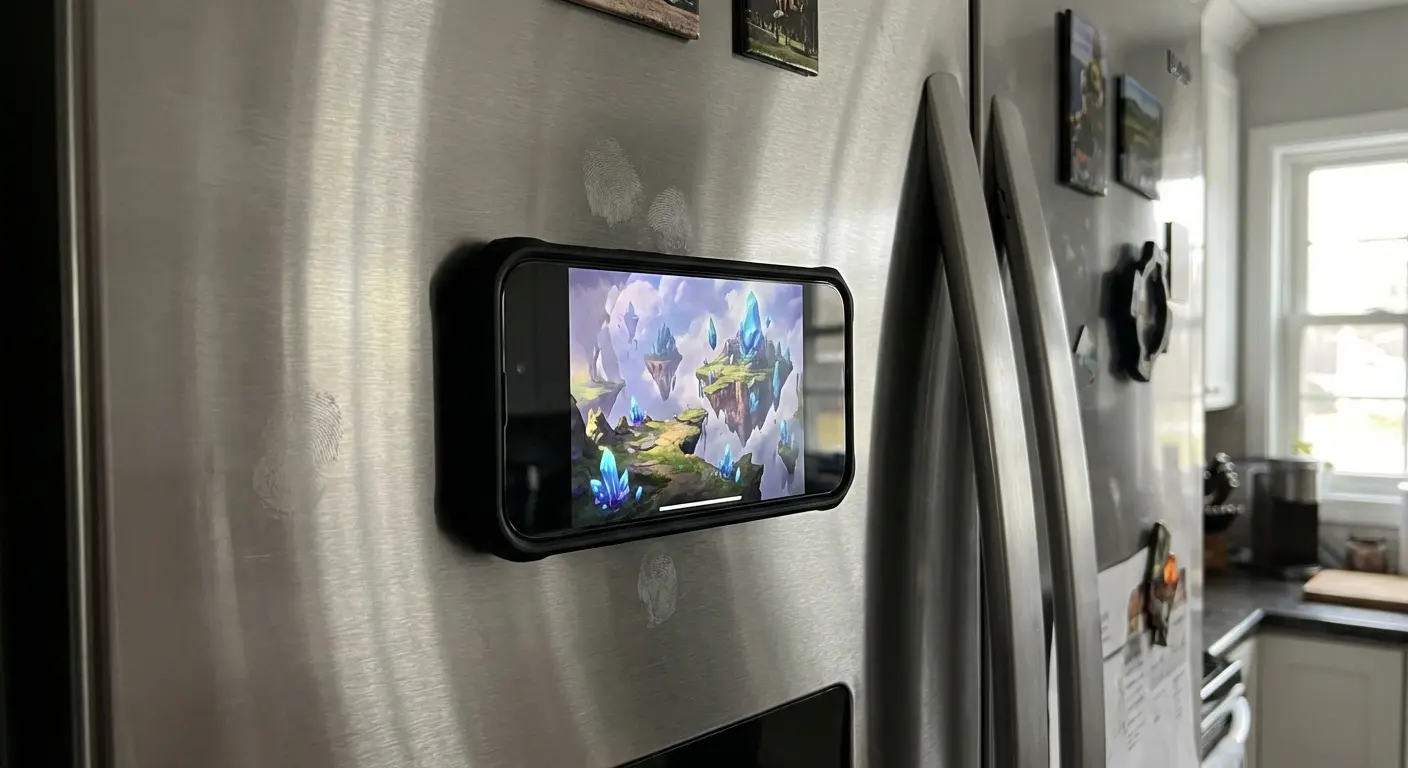
The coolest part about Rokform is the MAGMAX™ magnetic technology. You can stick your phone to the fridge, a toolbox, or any magnetic surface. It sounds random, but it's great for referencing art or just keeping the phone off the counter while you multitask.
Explore our list of the best phone cases to find the one that fits your lifestyle.
Final Thoughts
The best coloring app is the one you actually use. My advice? Download one "Tap-to-Fill" app (for lazy days) and one "Artistic" app (for creative days). Don't get hung up on making a masterpiece. The goal is to relax, not to get into the Louvre. Whether you choose Happy Color or a retro pixel game, just have fun with it.
Finding the right free coloring apps for adults takes a little trial and error, but once you find your rhythm, it’s a game changer for your mental health.

